Screenshots to wireframes
Every time that I’ve worked on a project where there’s an existing design, one of the first tedious steps that I have to go through is taking a screenshot of each screen and then tracing it to make wireframes.
This process ensured that the wireframes captured the exact elements so that when new designs were created, they were taking real UI elements into consideration while making it easier for stakeholders to envision the changes proposed for existing experiences.
The more detailed a screen, the longer it took to create the wireframe. Of course as elements were created, they could be reused in future wireframes where the same UI existed.
Setting up the Experiment
1 ︲ the control group
I picked a few screenshots and wireframes that I had traced to use as a baseline that I could compare outputs to. I deliberately selected busier screens to represent less-than-ideal situations I might encounter. I also wanted to pull from things I had already done because they represent real scenarios where AI could have potentially made the process easier.
2 ︲ test group
I already know I should look at Figma, but wanted to see what else was out there.
- Figma AI / Figma Agent — Converts screenshots into editable Figma design layers, including text, shapes, frames, spacing and hierarchy. Source ↗
- Visily — Converts screenshots into editable wireframes that can be moved, edited, deleted or refined. Source ↗
- Uizard — Uses Screenshot Scanner to convert website or app screenshots into editable UI designs and mockups. Source ↗
- UXPilot — Uses screenshots as references to generate structured, editable designs that can be refined and moved into Figma. Source ↗
- Google Stitch — Accepts screenshots, sketches and rough wireframes as image inputs and generates a corresponding digital UI. Source ↗
- UXMagic — Claims it can convert an existing screenshot into an editable wireframe or editable UI that can be exported to Figma. Source ↗
3︲ Test questions
Can the output be used commercially?
Are there restrictions by plan tier on commercial use?
Will it accept the screenshot as an input?
Does it produce an editable wireframe?
Can I bring this wireframe into figma?
Will this wireframe import into Illustrator?
How accurate is it?
Does the wireframe need to be cleaned up?
If so, how much clean up is necessary for it to be usable?
Is the quality consistent?
4︲ eligibility screening
Before testing the tools themselves, I first checked whether each option met the basic requirements to be considered:
- Can the output be used commercially?
- Are there plan-tier restrictions on commercial use?
Still in Test Group
-
Figma AI / Figma Agent — YES
Figma states that input and output are Customer Content and that the customer retains their rights to both. I did not find a separate commercial-use restriction based on plan tier, although availability of specific AI features does vary by plan. Source ↗ -
Uizard — YES
Uizard's terms specifically discuss using the service for commercial purposes and state that users obtain rights in generated design output to the extent those rights exist. No commercial-use restriction by plan tier was identified in the terms I reviewed. Source ↗ -
UXPilot — YES, PAID PLANS ONLY
Standard and Pro subscribers are granted commercial usage rights for generated designs. The Free plan is limited to personal, non-commercial use. Source ↗ -
UXMagic — YES
UXMagic states that generated UI designs, wireframes, code and assets can be used for commercial projects, client work and products without licensing restrictions. Its current product page does not identify a separate commercial-use restriction for the Free plan. Source ↗
Excluded from Test
-
Visily — TOO AMBIGUOUS
Visily states that users own their input and output, but its Service Terms license use of the service for internal business or non-commercial purposes. That wording is too restrictive or ambiguous for my intended commercial workflow, so I excluded it. Source ↗ -
Google Stitch — TOO AMBIGUOUS
Google's FAQ states that Google does not claim ownership over original generated content, but directs users to the broader Terms of Service when asked about commercial use. Because I could not find a clear Stitch-specific commercial-use grant or plan-tier answer, I excluded it from this test. Source ↗
The Prompt
I worked with ChatGPT to put together a prompt to use for this research. I will use the same AI prompt for every bot.
The prompt was generated by giving ChatGPT the four wireframes that I had completed and asking it to write instructions for generating wireframes from screenshots at the same level of detail as my examples.
❝ Using the provided screenshot as the source, recreate the screen as a detailed, editable wireframe. Preserve the structure of the original interface as closely as possible, including layout, hierarchy, spacing, alignment, proportions, navigation, panels, controls, lists, buttons, tabs, progress indicators, labels, visible text, selection states, and other meaningful UI elements.
Replace decorative imagery or finished visual assets with clearly labeled placeholders where necessary, but do not remove the UI structure surrounding them.
Do not redesign, simplify, improve, reorganize, or reinterpret the interface. The goal is not to create a generic approximation of the screen. The wireframe should be a faithful structural recreation of the existing product.
Use editable text, shapes, containers, icons, and interface elements rather than a flattened image wherever possible.
The final wireframe should contain enough detail that it could be used as a working baseline for designing changes to the existing screen without repeatedly referring back to the original screenshot. ❞
FIGMA
Works directly inside Figma Design and can generate or edit actual design layers on the canvas. Figma specifically describes it as being able to convert screenshots into editable design layers.
Source ↗Focuses on generating functional prototypes, interactive UI and web apps. It can use images as references, and its preview can later be copied into Figma Design as editable design layers.
Source ↗ Copy-to-design source ↗The result
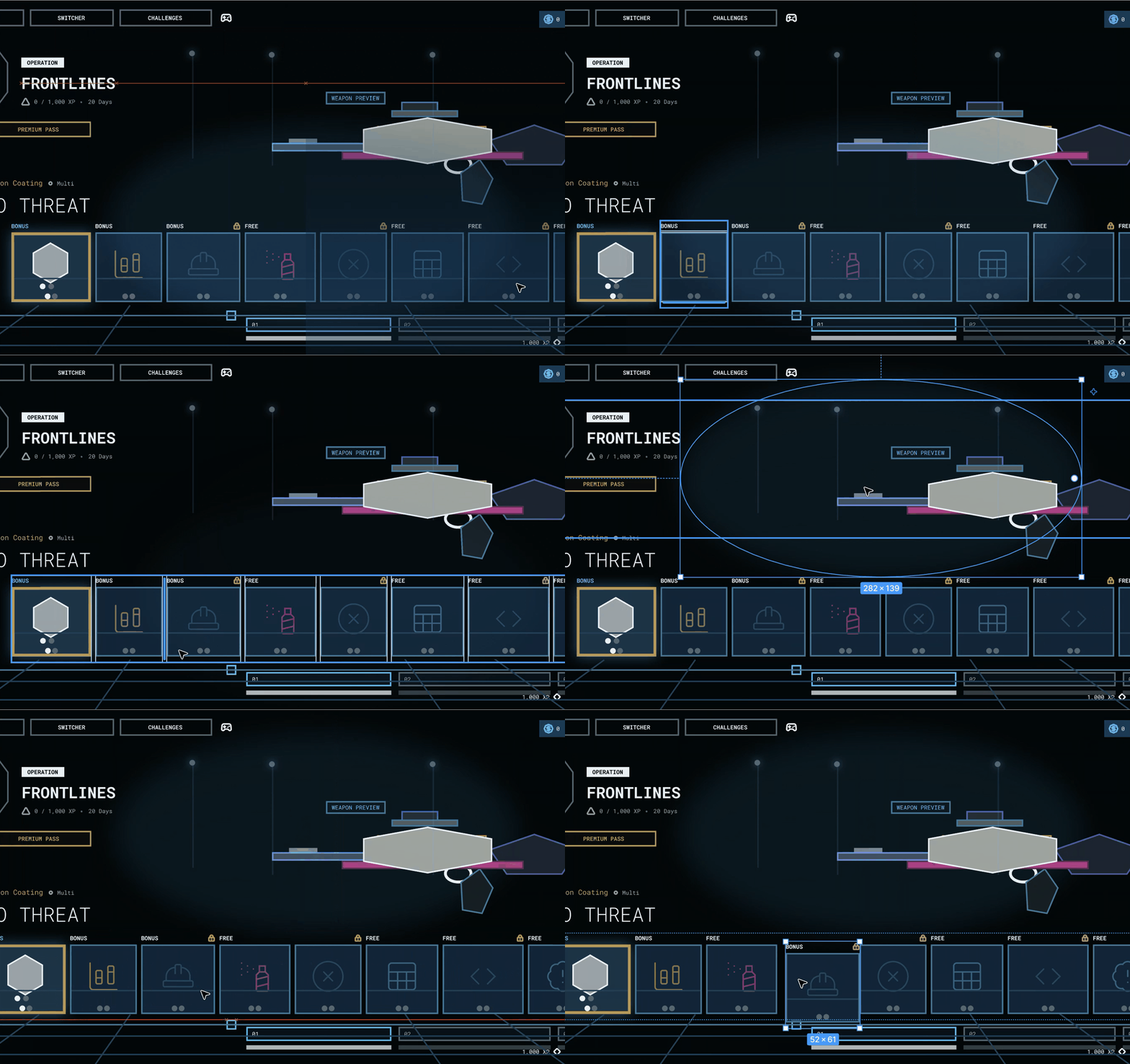
Using the prompt, the Figma agent did manage to generate a layered comp that had elements that I could pull and use to build a wireframe but the accuracy was low and I could see immediately that it would benefit from more clarity in the prompt surrounding not capturing the colors of the screenshot.
(This is the point at which I've made a mental note to do a follow-up project to refine the prompt and process and see if I can generate better results)
TEST PLAN ADJUSTMENT
Seeing the first result made me realize that the prompt would need more tweaking. Instead of stopping here to refine the prompt I decided to go ahead and run the first image through the test group of AI tools and compare the results side by side.
This would at least give me an idea of how each of the tools performed and narrow down which ones I revisit when I do my follow-up research project.
UIZARD
The Result
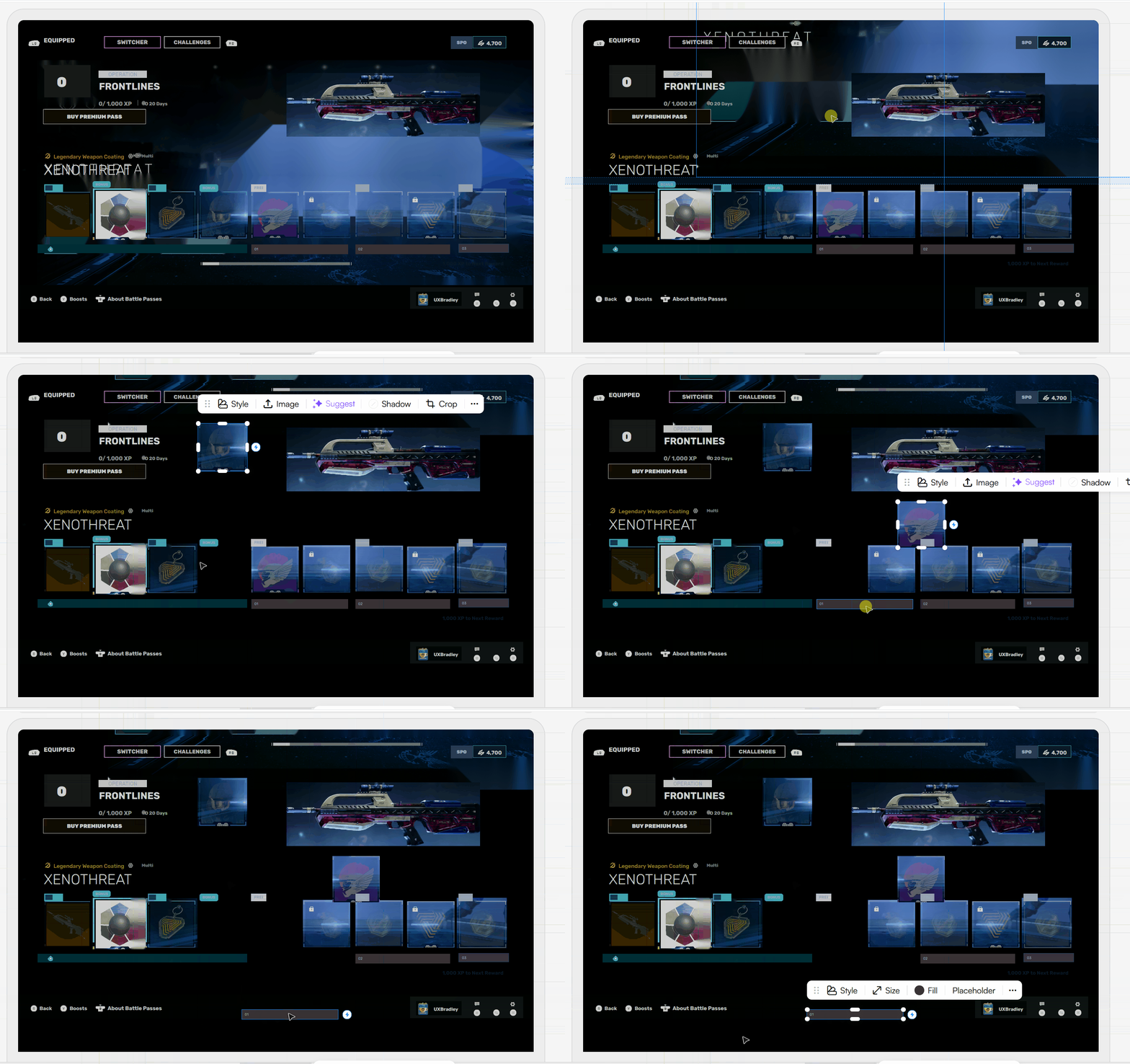
Uizard generated results that were somewhat similar to what Figma created, however, there were more bitmap elements which immediately made it a less desirable outcome. It was also less accurate overall.
UXPilot
THE RESULT
UXPilot generated something that was a lot closer to the wireframe that I wanted, but it wasn't as accurate in the sizes and proportions of the UI elements on the page.
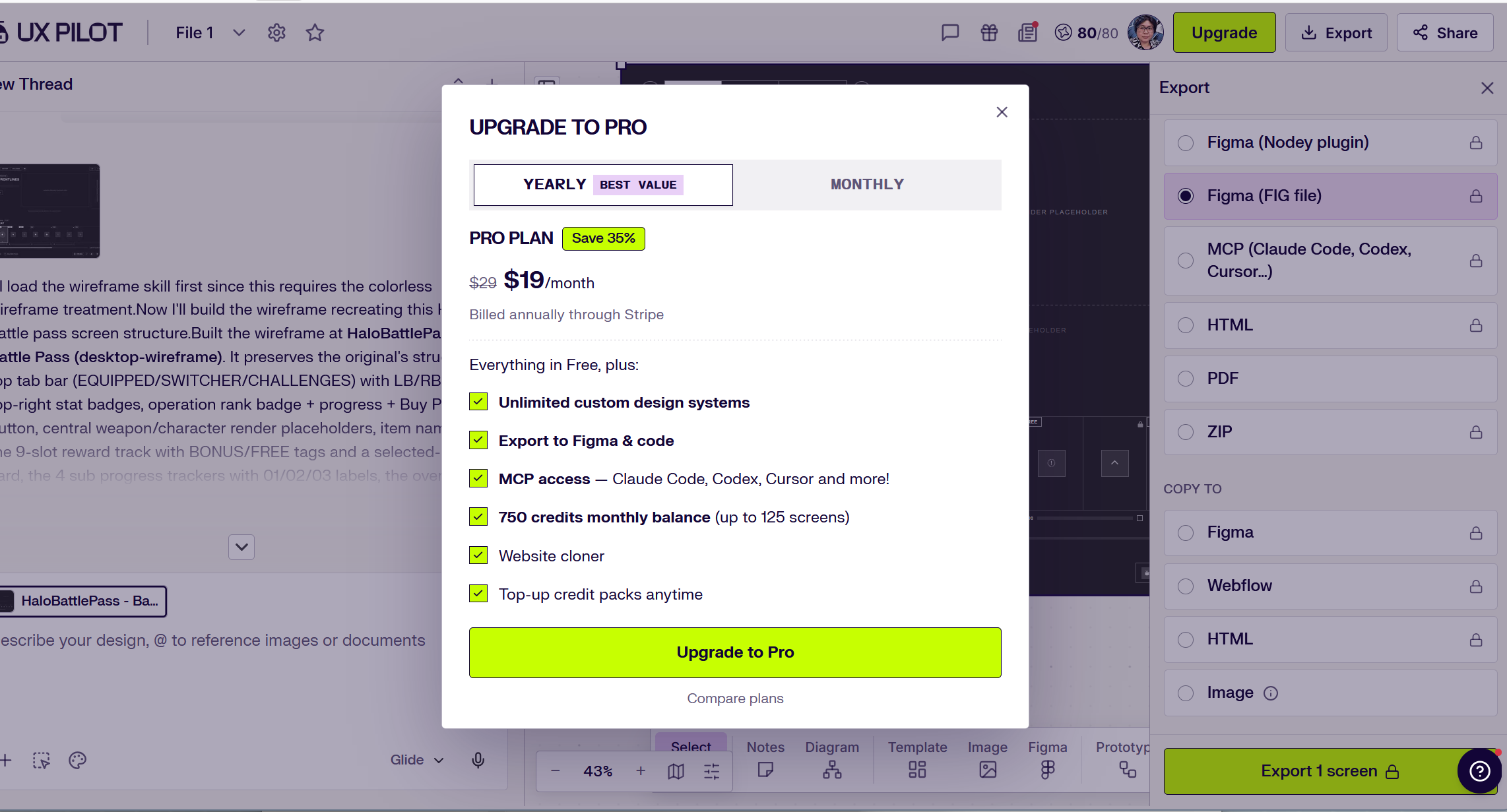
One of the options enables the file to be exported to Figma, however it requires the user to have a paid subscription in order to do so.
UXMAGIC
THE RESULT
UXMagic generated better results overall and even closer to the wireframe that I wanted, however it was still not pixel-perfect in terms of the exact sizes and proportions of the UI elements which is very important to the screenshot to wireframe process of my workflow.
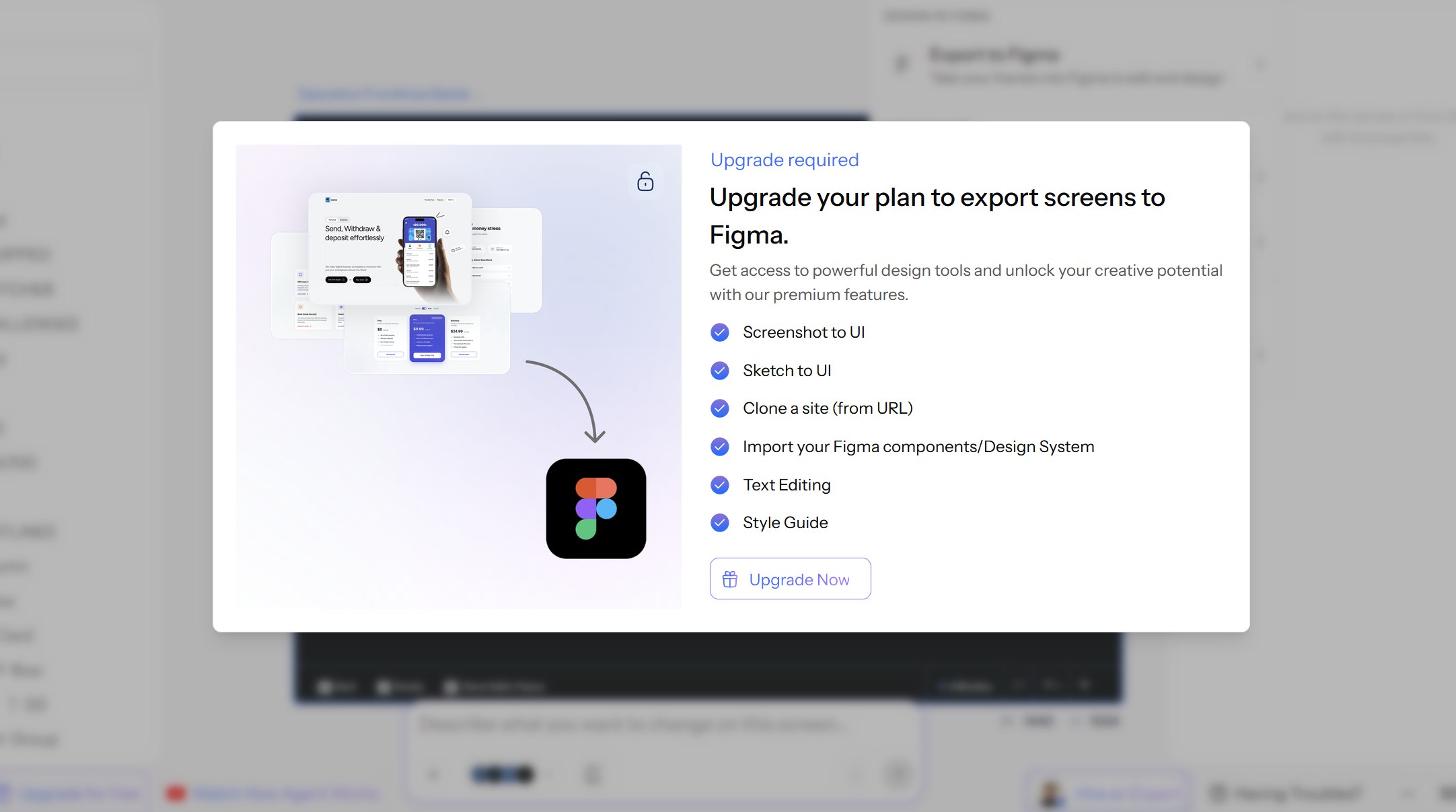
Same as UXPilot, one of the options allows us to export to Figma but to use that feature requires the user to upgrade to a paid plan.
Takeaways
Based on the results my assumption would be that it would take fewer adjustments to the prompt for UXPilot or UXMagic to get to a point that would generate the exact wireframe that I want. However, it would be an additional cost on top of the subscription for Figma which most design teams are already paying for which is less favorable.
The conclusion would be to work with the Figma Agent to see if I can get it closer to the results that I want to reduce the overall cost of improving this workflow.
Next steps
Do a follow-up experiment to see if we can get the Figma Agent to generate something closer to the desired wireframe.