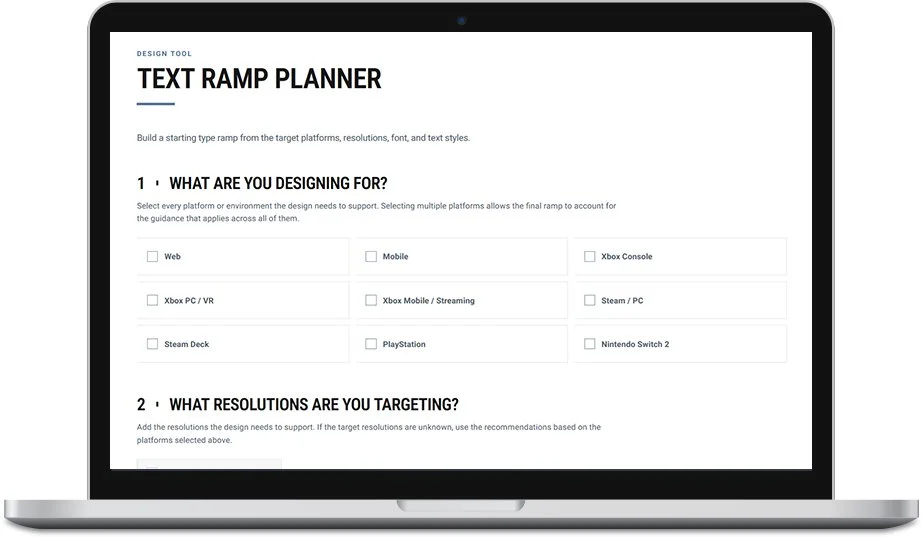
Text Ramp Tool
GATHERING THE REQUIREMENTS
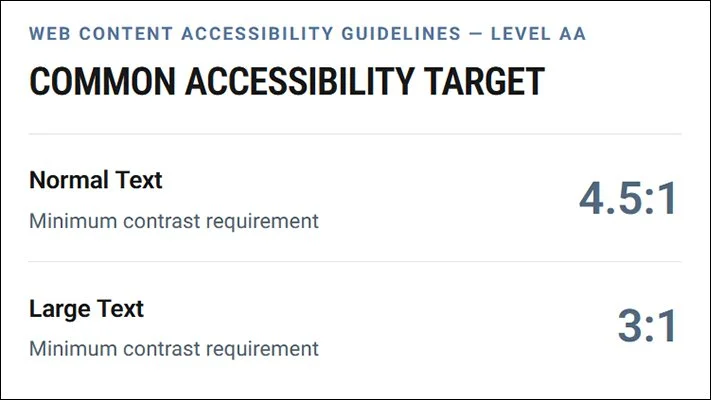
I had a pretty good idea of what the requirements were surrounding text-related accessibility, but wanted to make sure that I captured the information accurately, so we started with research.
With the assistance of AI, we gathered all of the publicly available information on text accessibility requirements.
The next step was to parse which ones were actually legally required and which ones were guidelines or best practices. This helped us put together a research article that documents all of that information.
View the ResearchMAKING THE TYPE RAMP TOOL
- What are you designing for?
- What resolutions are you targeting?
- What font are you using?
- What text styles do you need?
- The Type Ramp
- What should the preview say?
- Preview the Type Ramp
- Download HTML or a file for the accompanying Figma plugin
I wanted to build this tool to solve for challenges my team and I encountered while we were at Halo Studios.
Two things we frequently spent time trying to work through:
- Trying to figure out if we had picked the right font sizes for the right resolutions.
- We wanted to create comps for the font sizes — at the very least, default and largest — so that we could see if there were issues.
I wanted to make sure that this tool took all of our obstacles into consideration so that it could be deliberately designed to remove as many of those challenges as possible. I used those learnings to decide which questions and steps needed to exist in the tool to produce the best results.
Then, I tested each iteration and refined the UX with the bot until I was happy. Each section is meant to reduce the amount of thinking and energy a designer needs to spend figuring out the type ramp for their project.
Try the Type Ramp ToolTHE ACCOMPANYING FIGMA PLUGIN
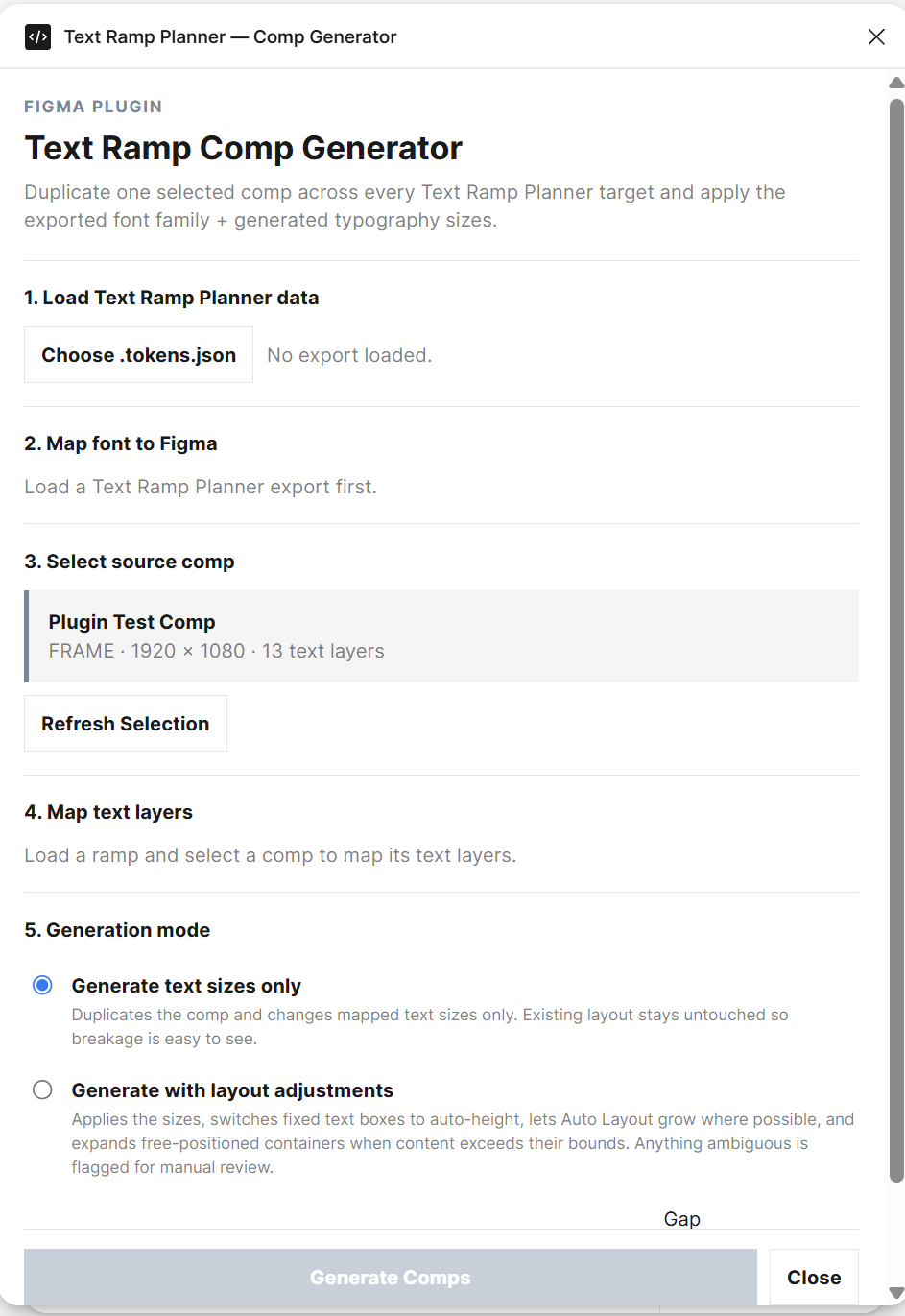
The next step was to try and solve for the second challenge: creating the different wireframe sizes needed to demonstrate the Type Ramp in action.
With the assistance of the AI Bot, it became possible to attempt building the plugin. I wanted to focus on three specific things that the plugin had to be able to deliver:
- Generate different comp sizes based on the exact resolutions and custom ramp steps selected in the Type Ramp Tool.
- Use the font selected in the Type Ramp Tool.
- Give the user the ability to choose between duplicating the existing comp with the different type sizes to see where the layout might break, or generating comps with layout adjustments for the different sizes.
The overall tool works, but it would need a lot more refinement before I would consider it truly finished.
IF I REVISIT THIS
I think this experiment ended well. If I revisited it, I would want to improve on what already exists by:
- Adding support for multiple fonts in the Type Ramp Tool, since most design systems use more than one font on a screen.
- Updating the Figma plugin to support multiple fonts as well.
- Improving how the plugin generates and adjusts the screens so the resulting comps require less cleanup.
- Adding more detailed layer mapping so less renaming and file preparation is needed before running the plugin.