[UX | Research | Cross-Platform] Sign In + Account Linking
Portfolio reconstruction for Squarespace. External references remain clickable; the table of contents uses local page anchors, while studio-only Confluence links are redacted.
| Research Status | COMPLETED |
|---|
Overview
To support Cross-Platform efforts, I am taking a look at how the cross-platform player experience works in other titles and how "seamless" the experience feels.
Related Research
- [UX | Research | Cross-Platform] Social Features
- [UX | Research | Cross-Platform] Sharing Across Platforms
Sign In + Account Linking
- How do you link accounts across platforms?
- Where are there variations in the userflow for singing in and linking accounts?
Common Trends
These are common trends seen across the different titles investigated.
- Positive Trends:
- Account Linking messages appear at the start of the first user experience flow
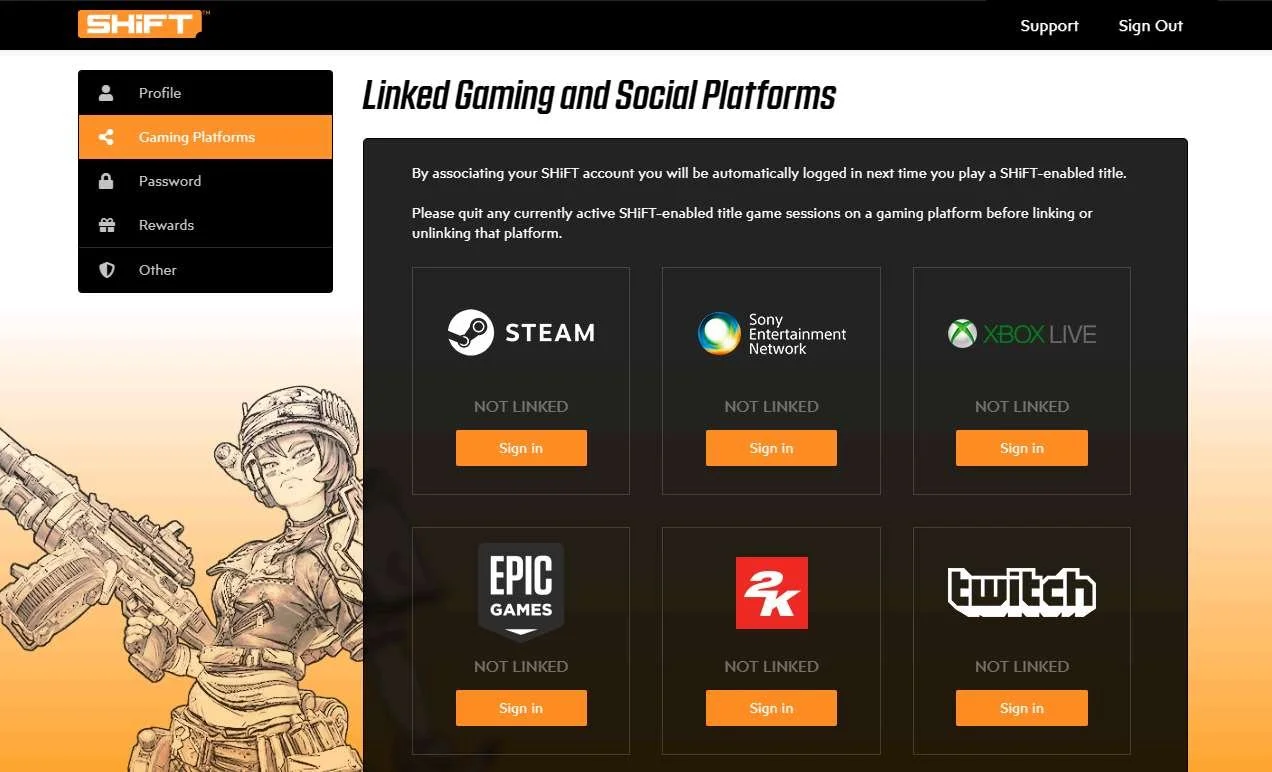
- There is a website or central location where the player can see all of their linked accounts
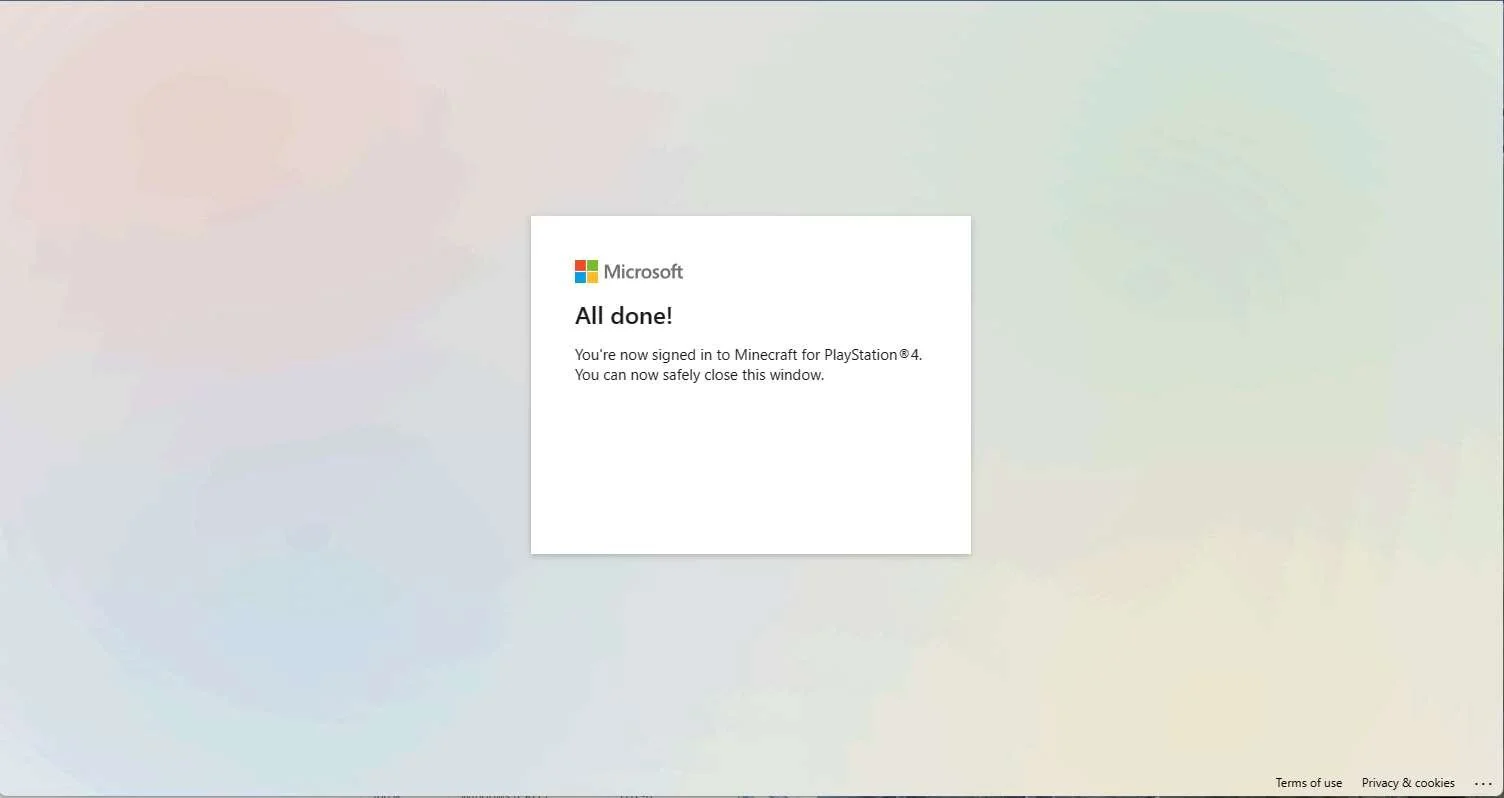
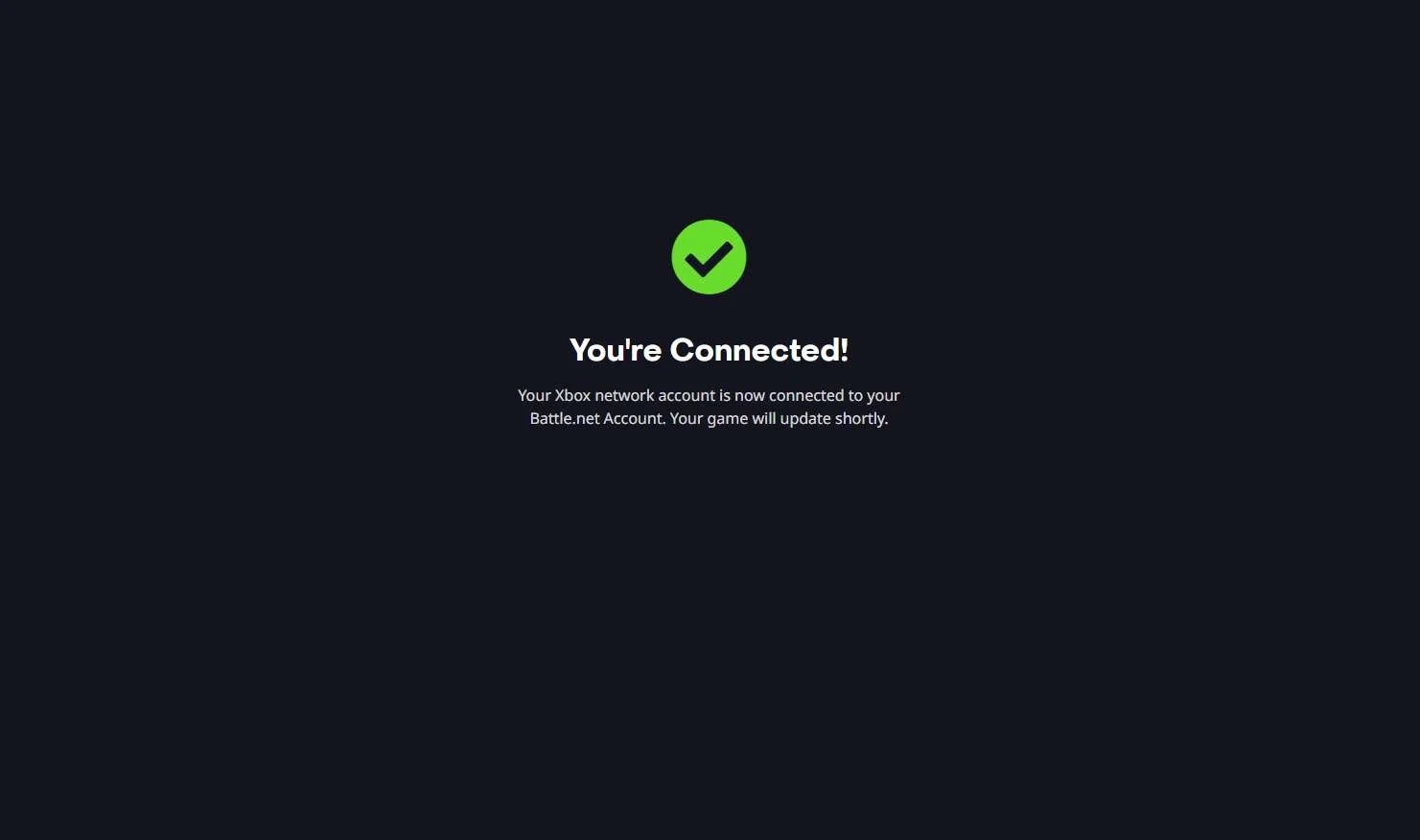
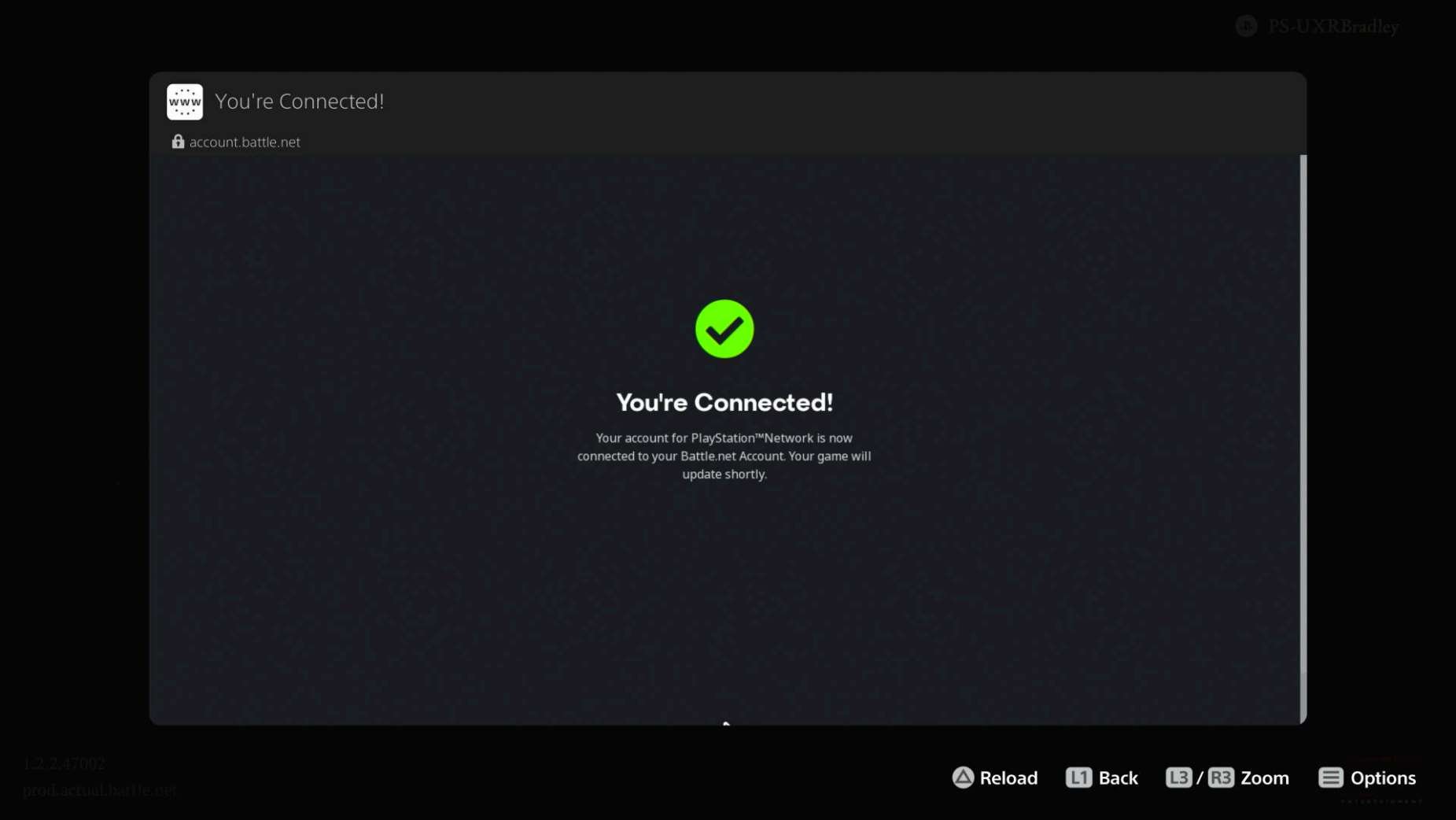
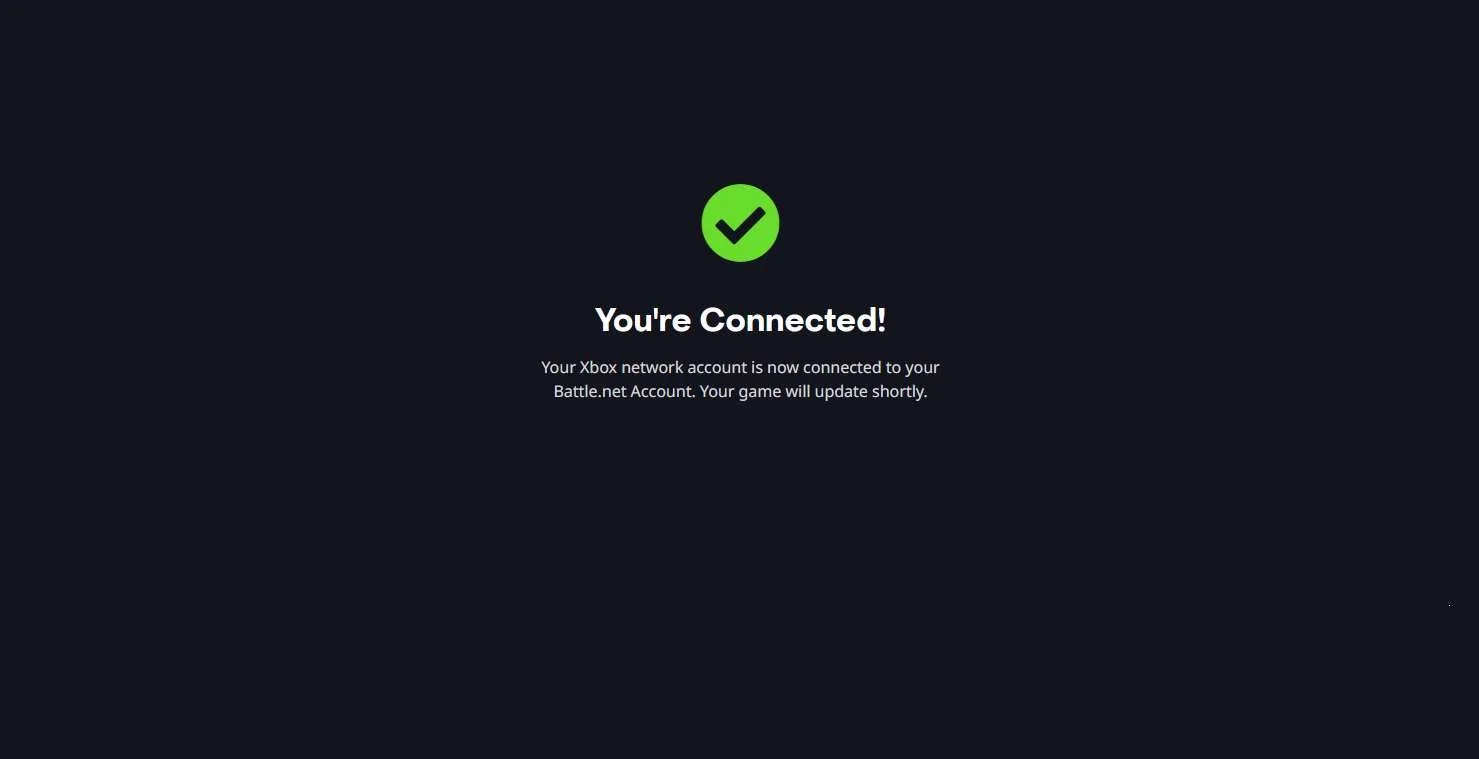
- After completing the linking accounts flow in a web browser, most games update and refresh the screen on their own
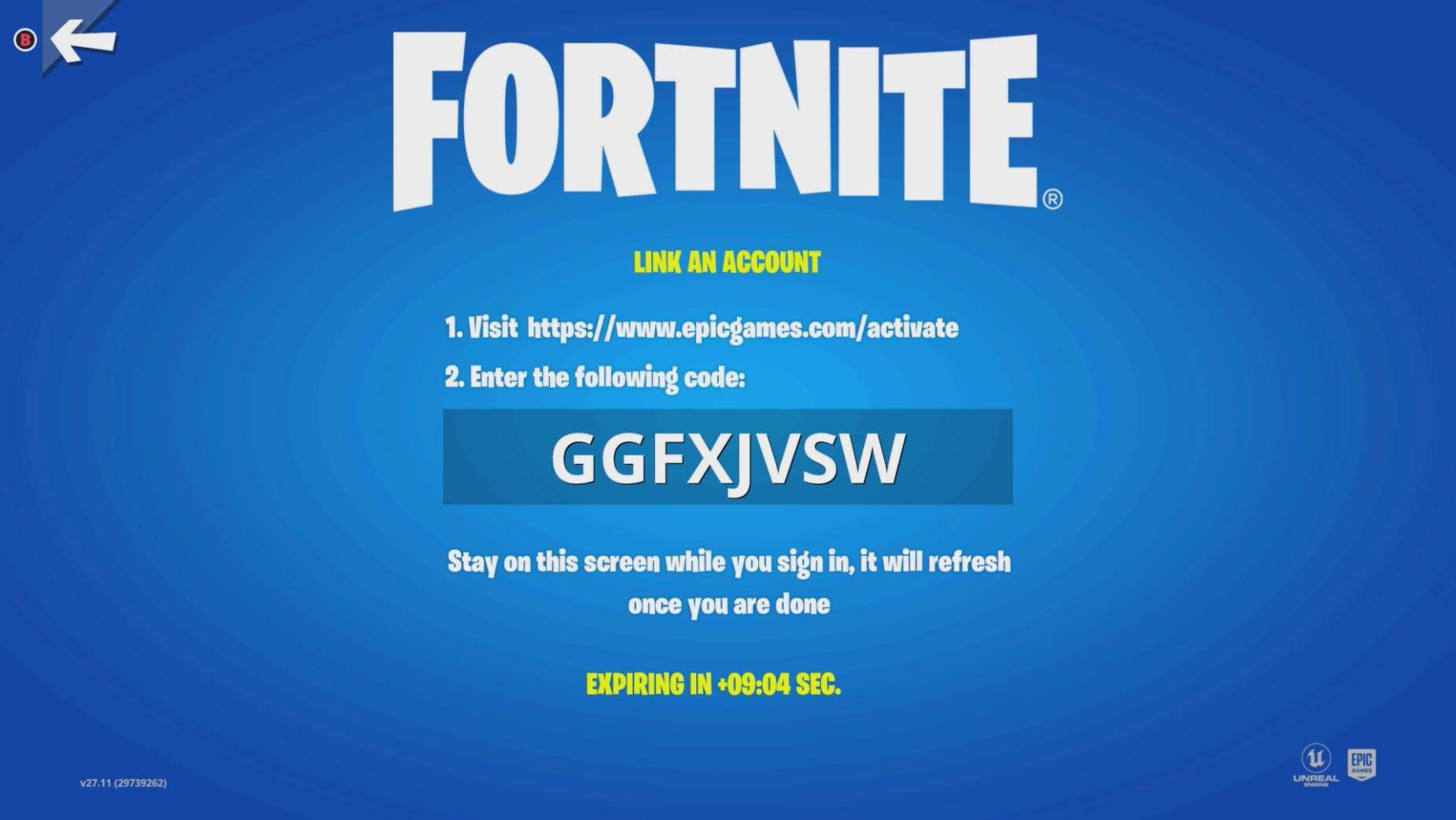
- Some of the games show the player a countdown so they know how long they have before their pin code / verification code expires
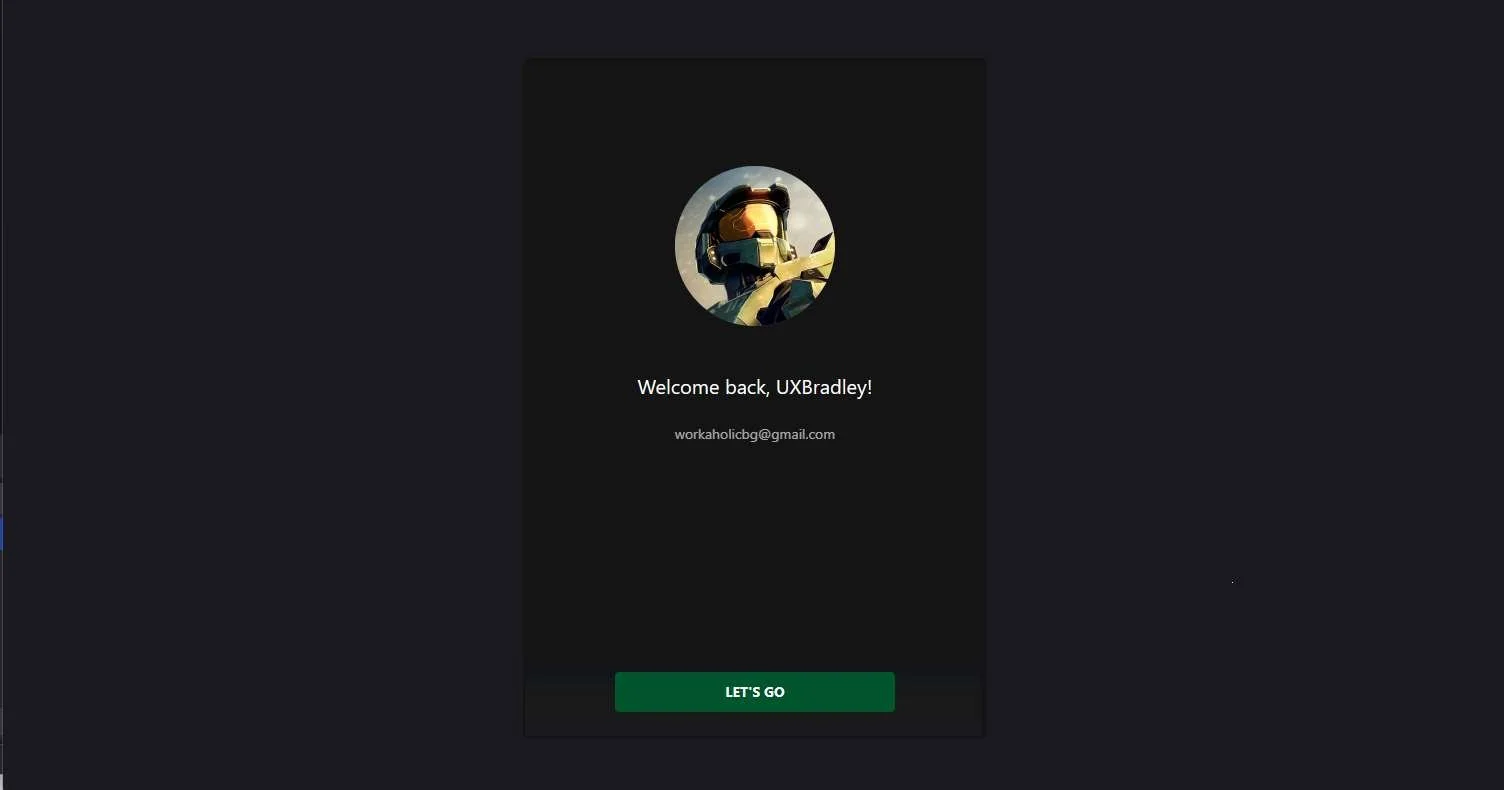
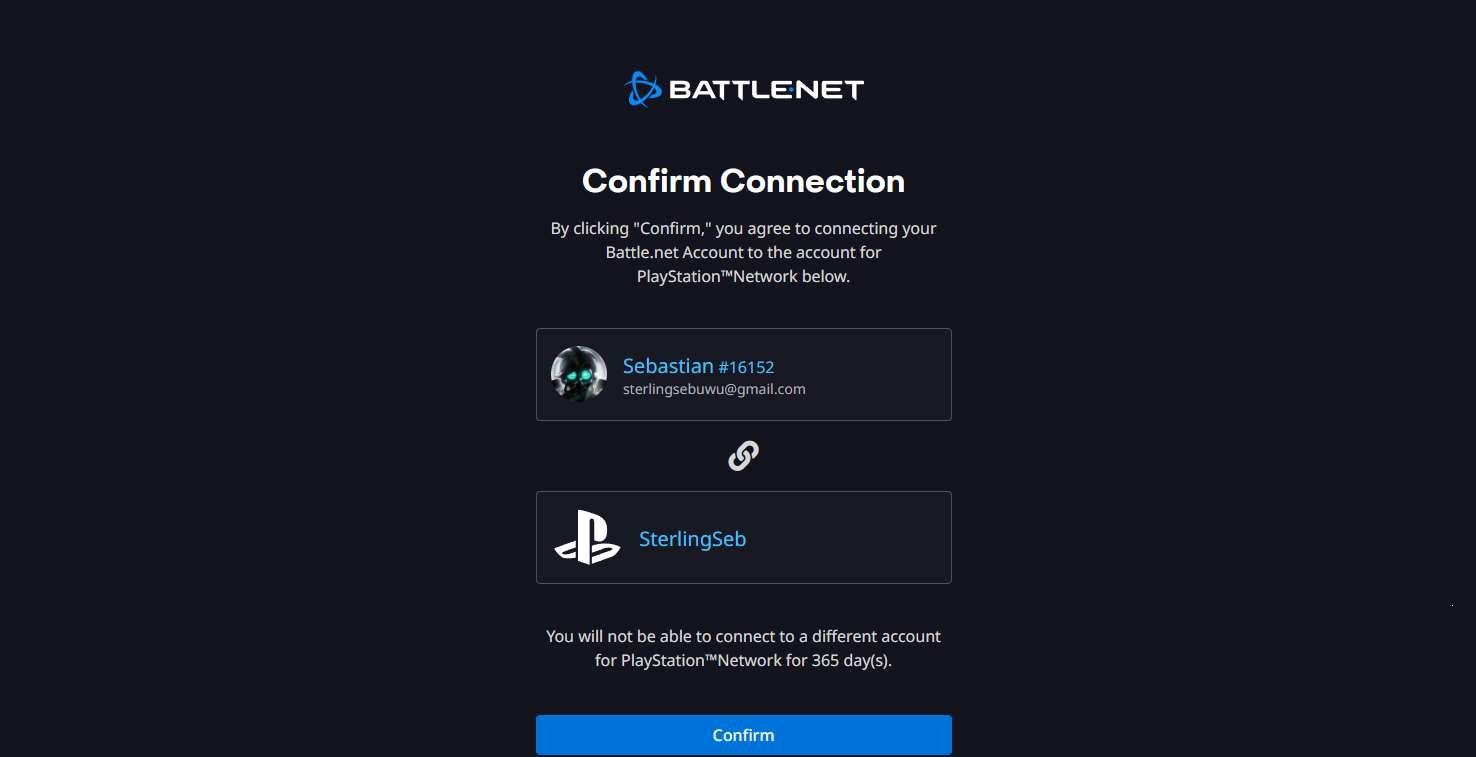
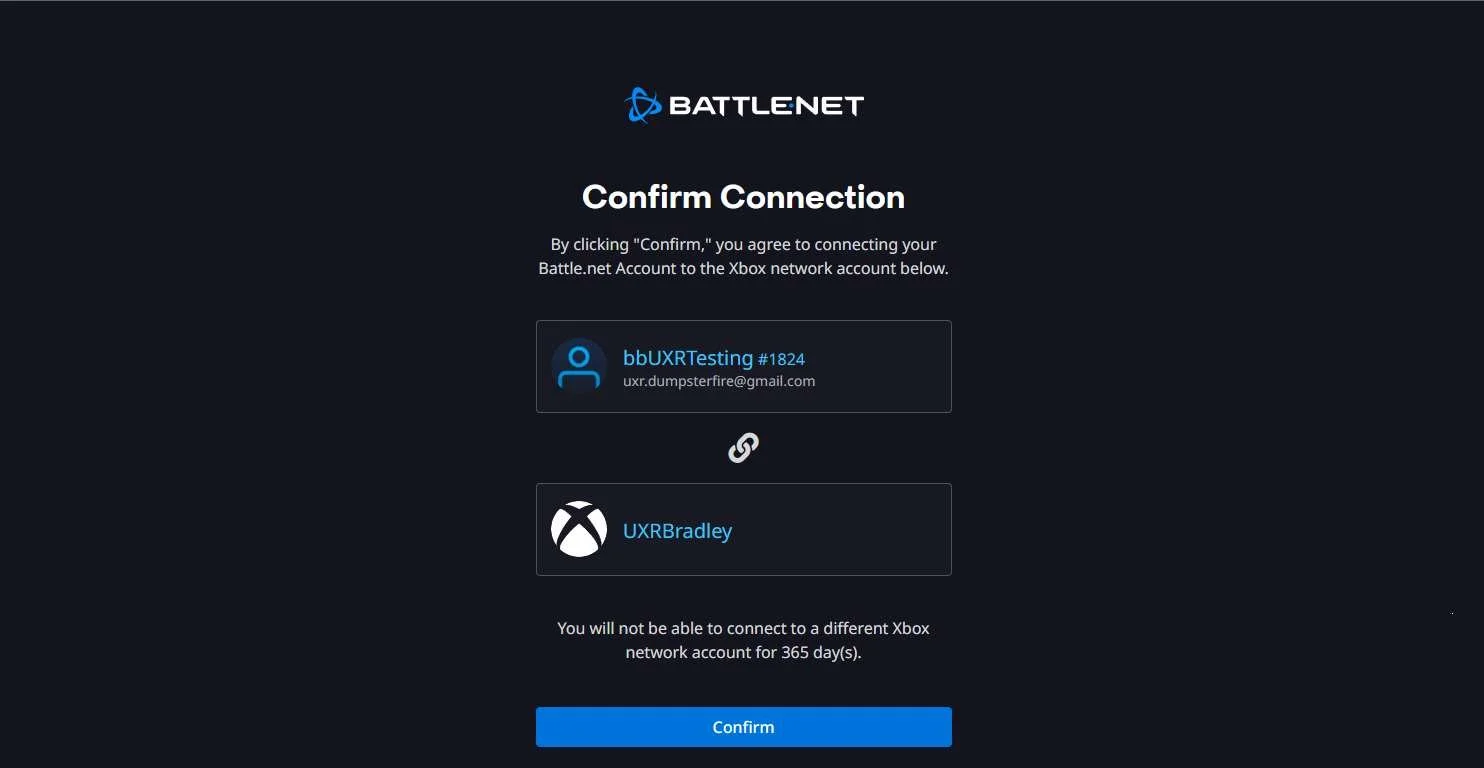
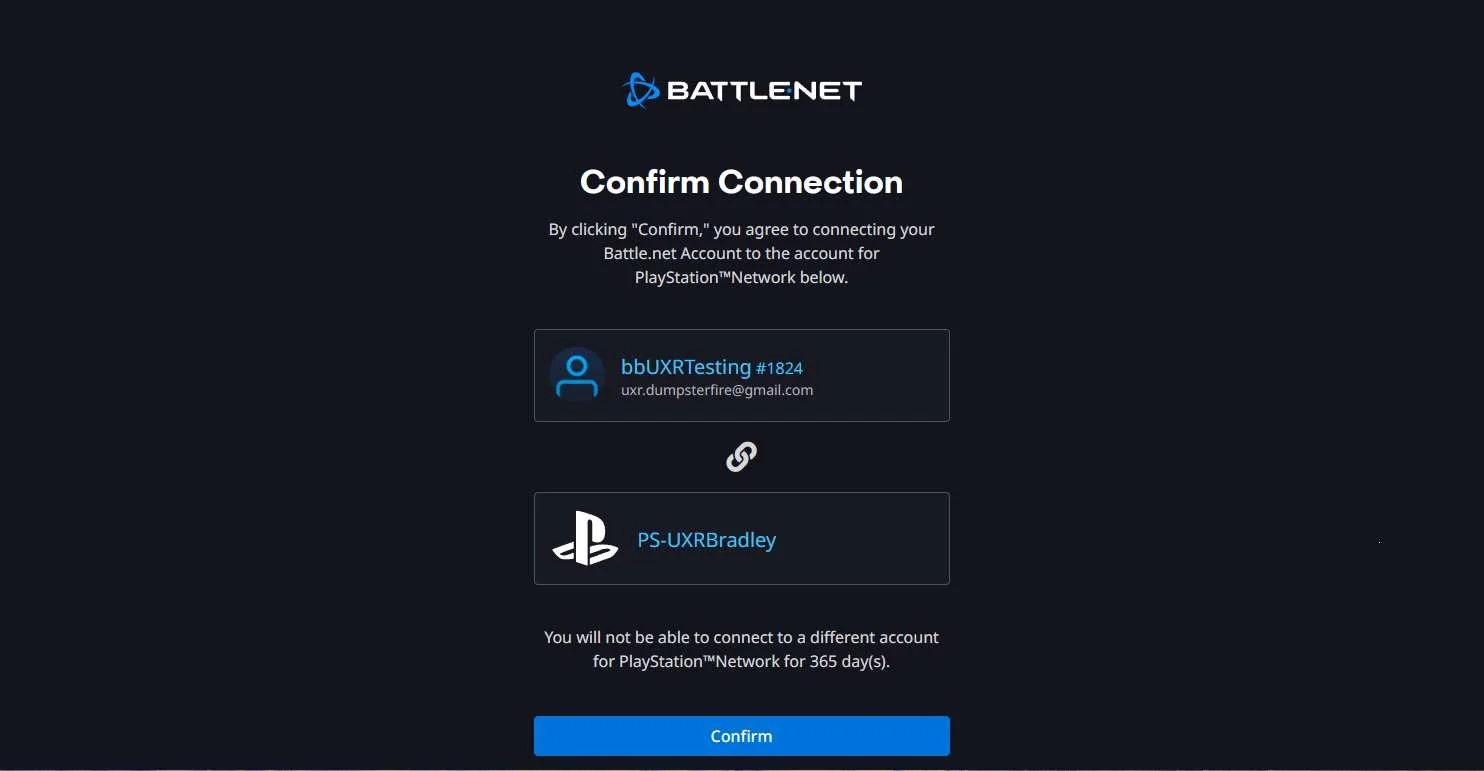
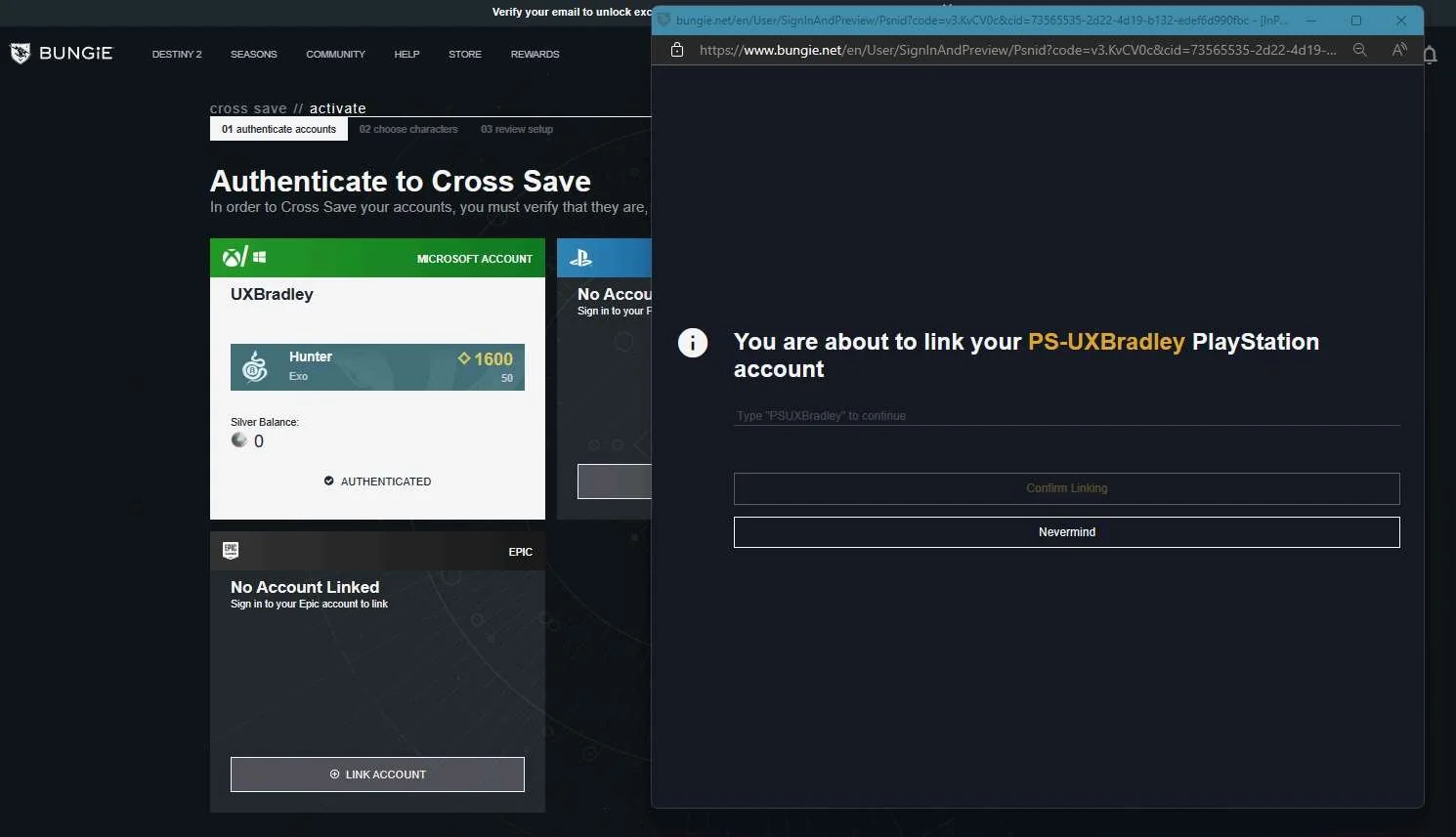
- Some games show the platform account names for the accounts that are going to be linked as part of the account linking flow
- Bonus: Some games also show the player's platform avatar/icon associated to the account name
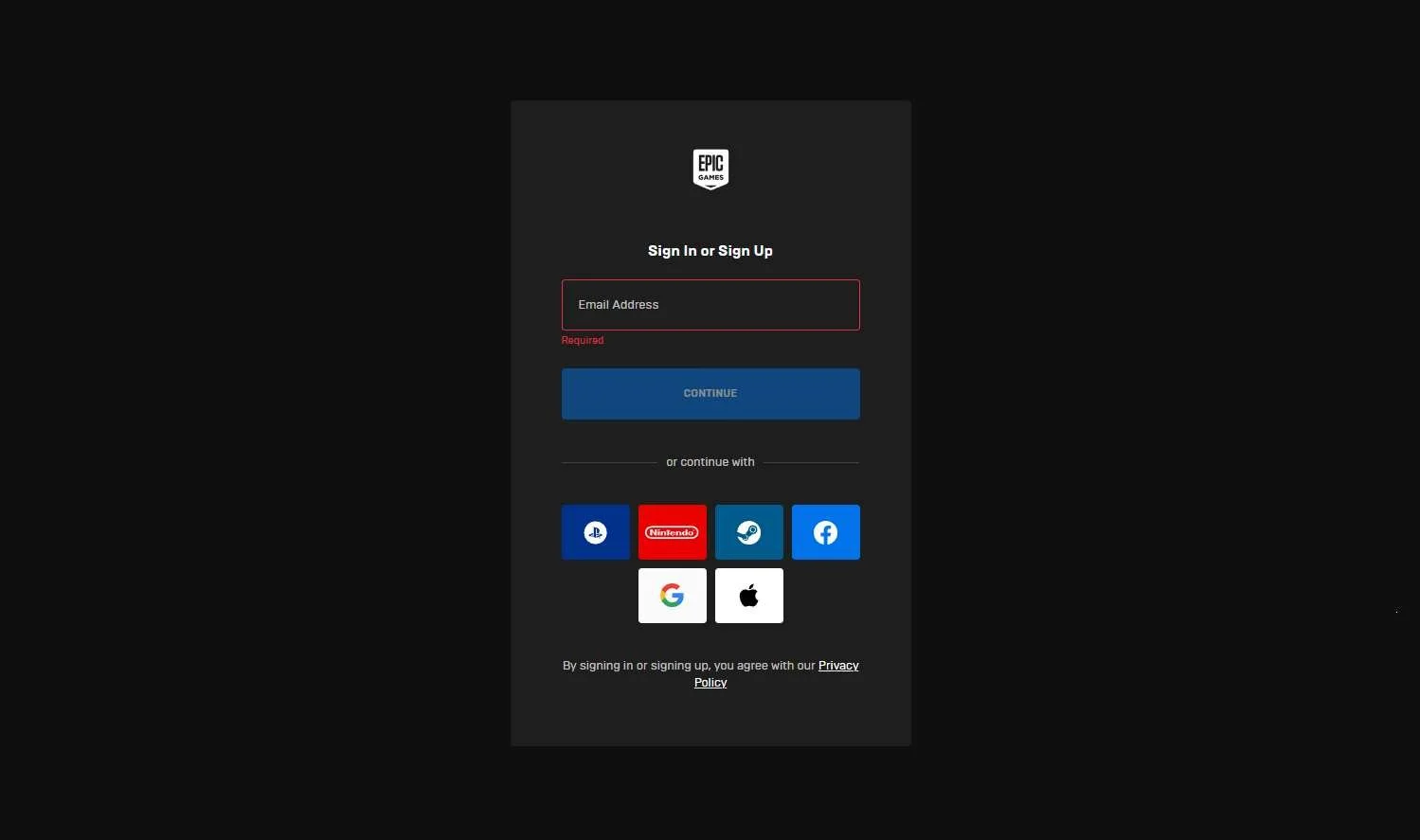
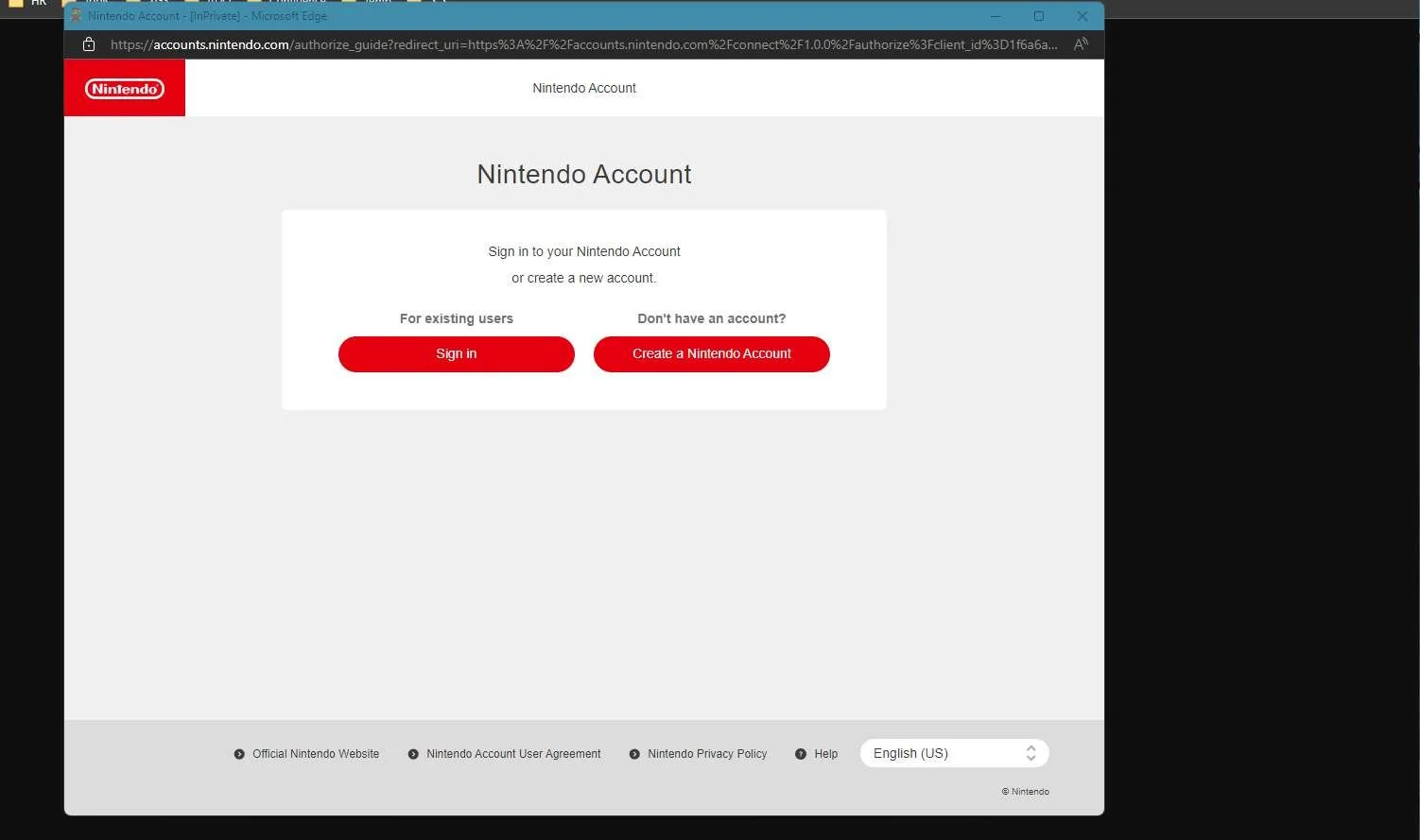
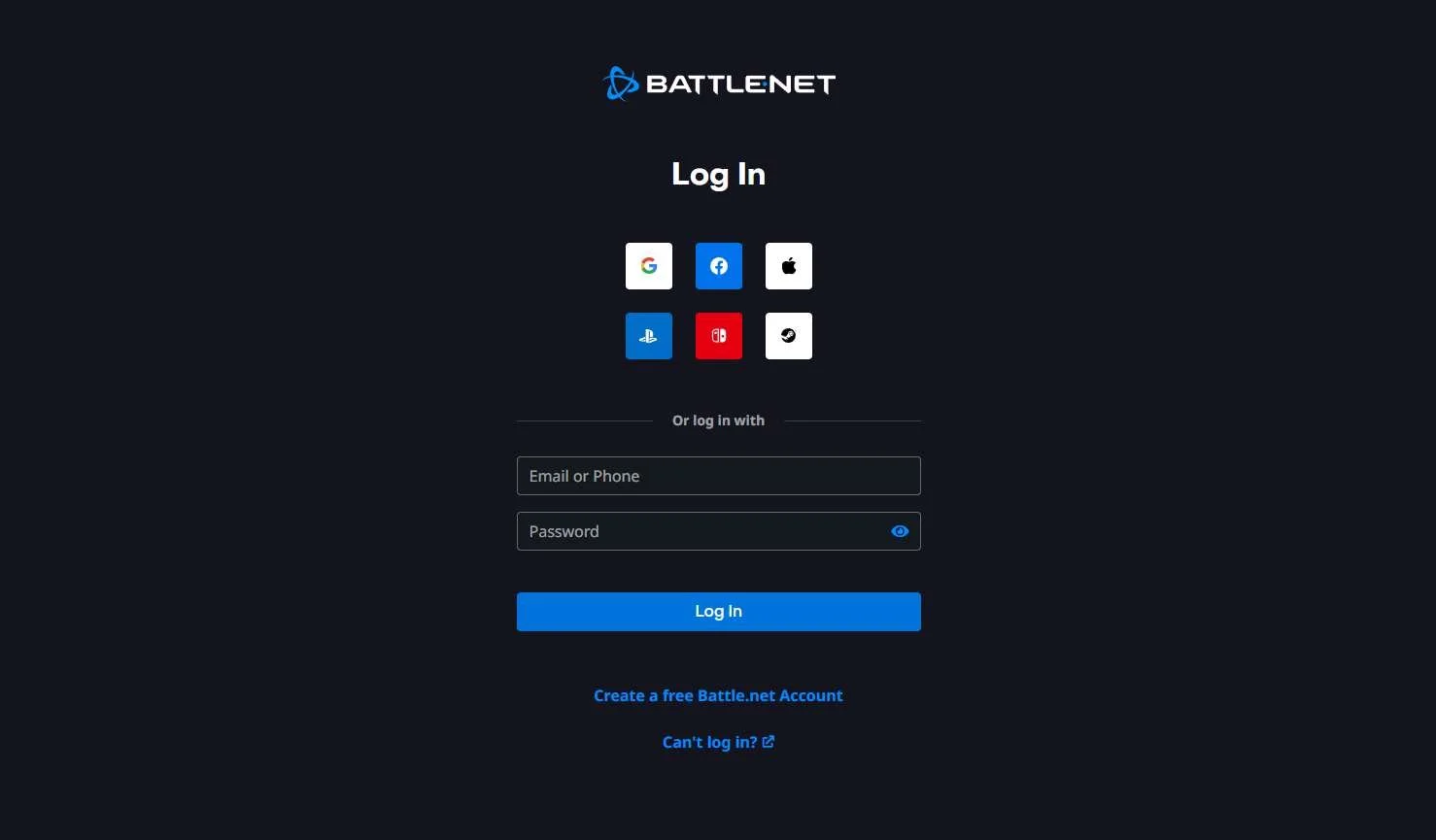
- Some games allow for players to sign in using other platform accounts or social accounts
- Some games allow for the players to link their platform accounts even before they ever download or launch the game (This can be done through a lot of the websites such as Epic Games, Battle.Net, SHiFT, bungie.net)
- Neutral Trends:
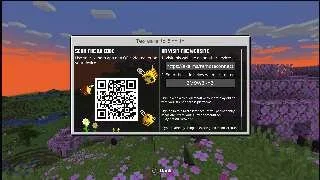
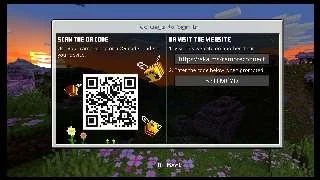
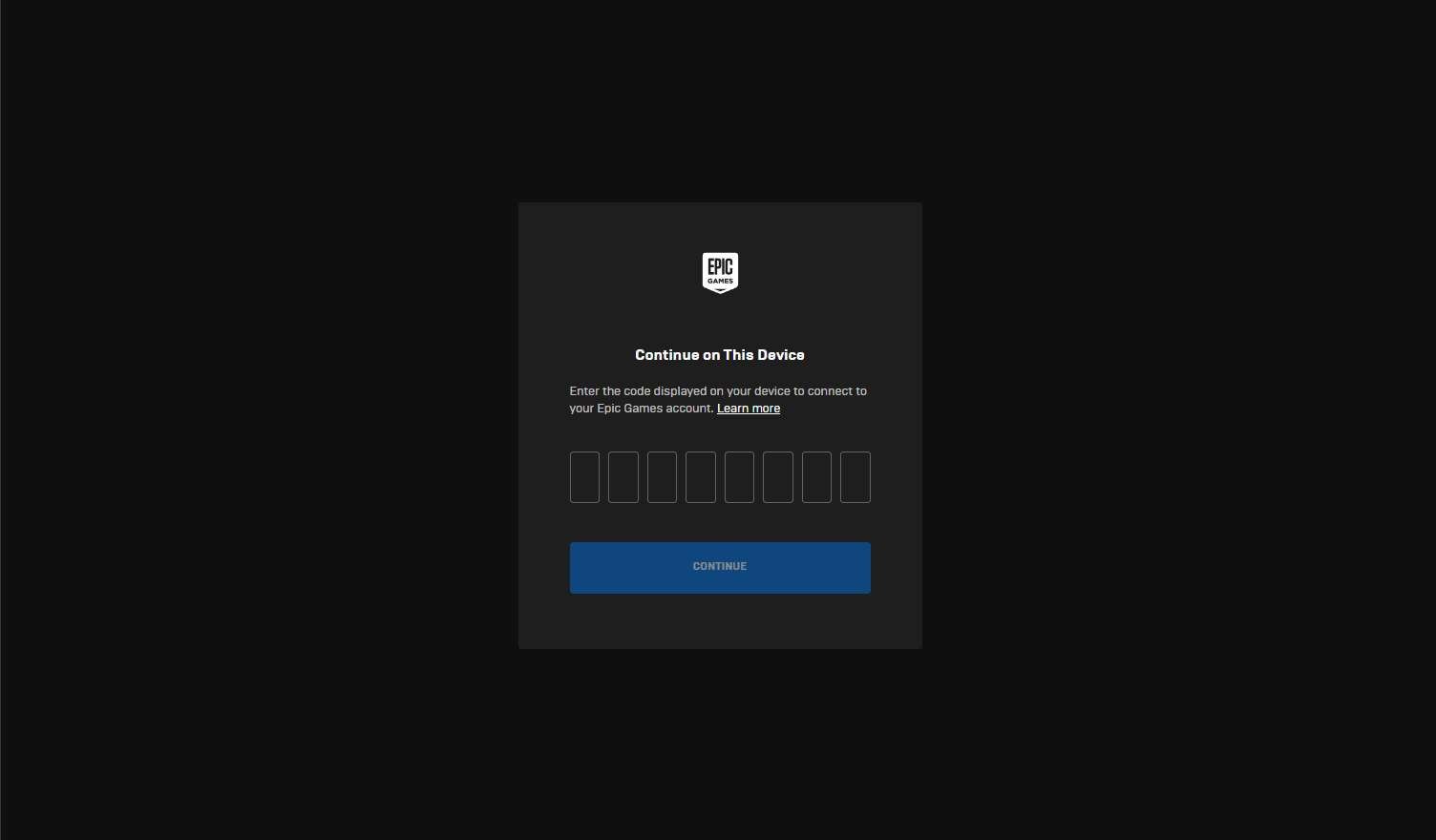
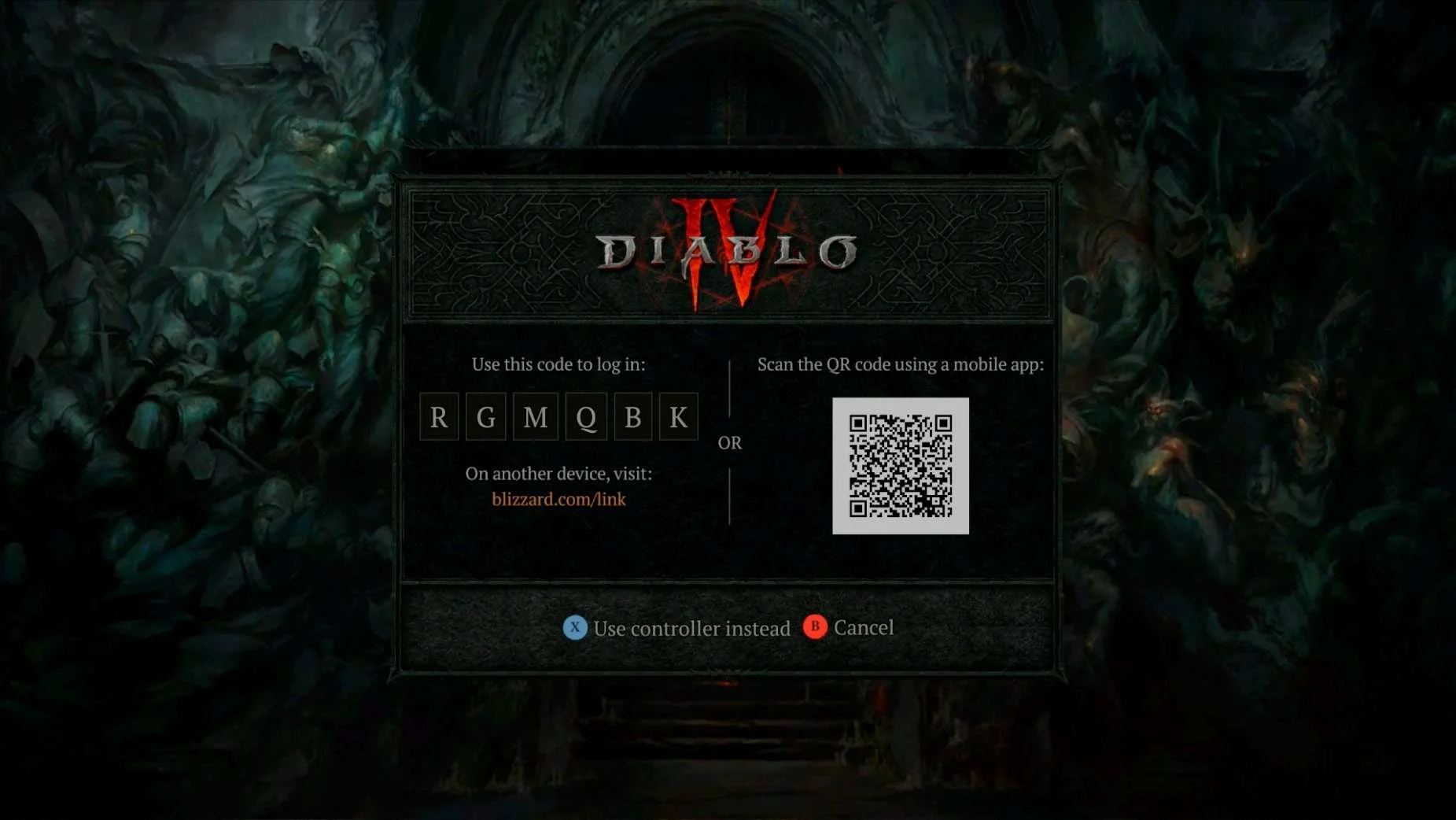
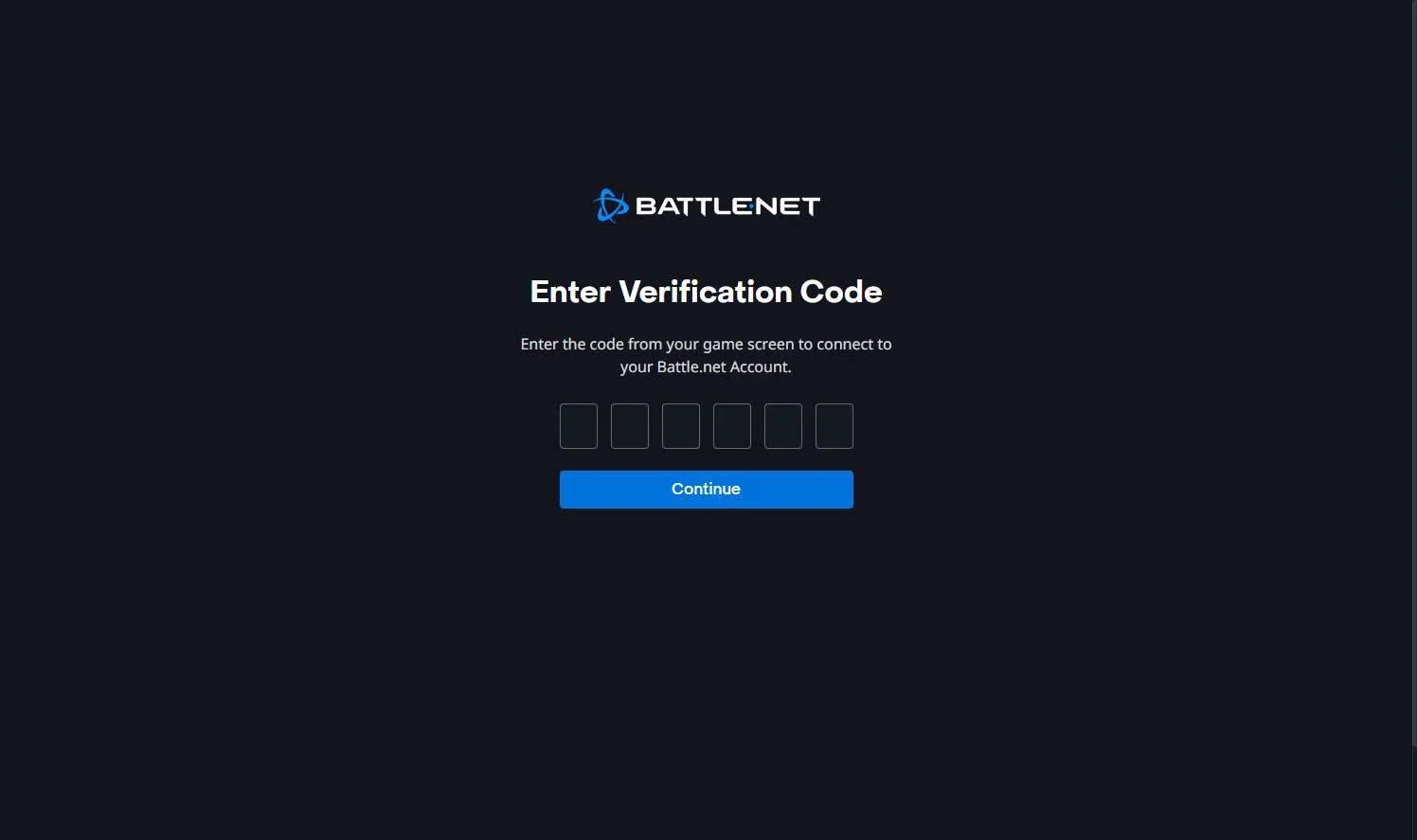
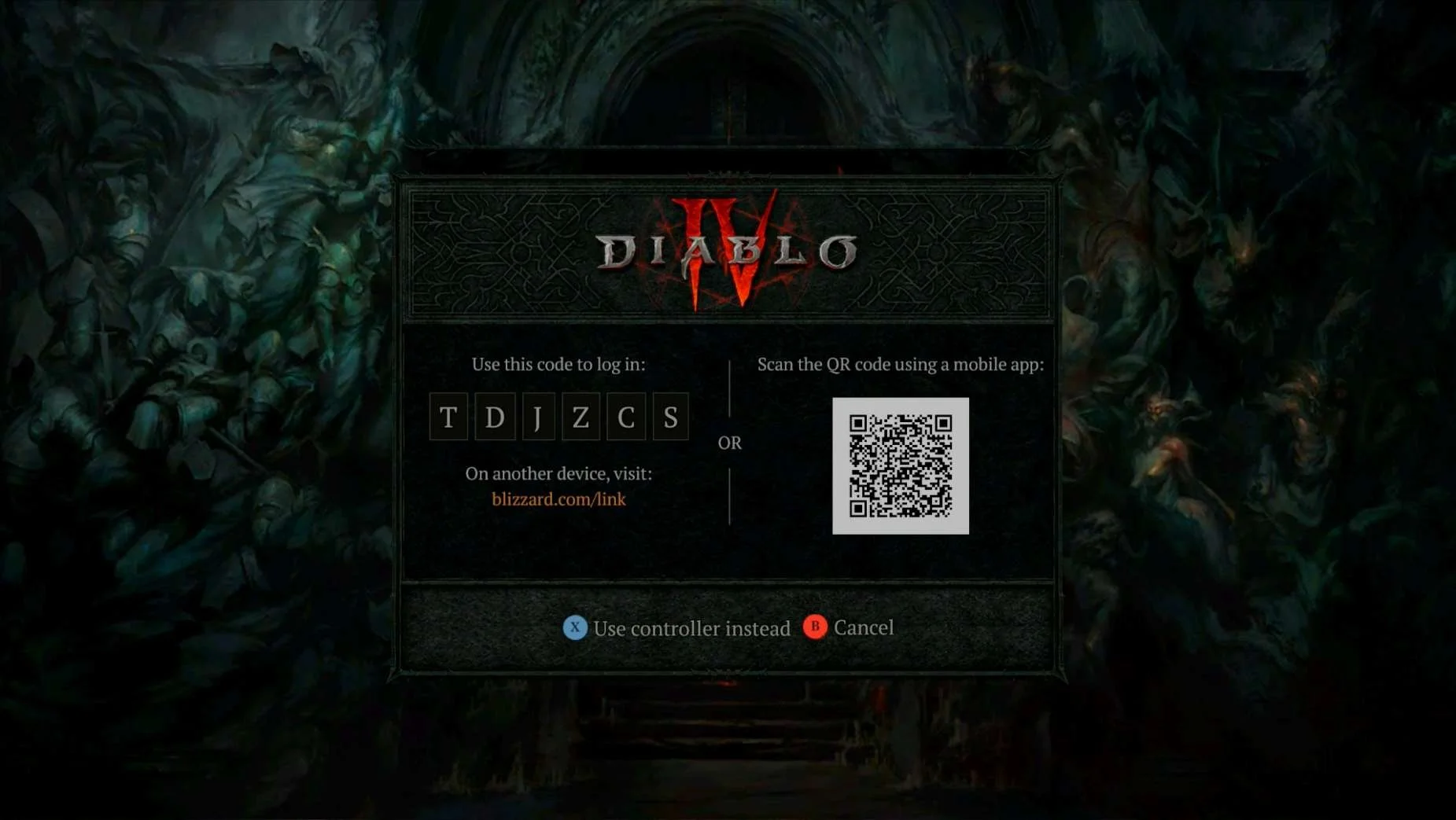
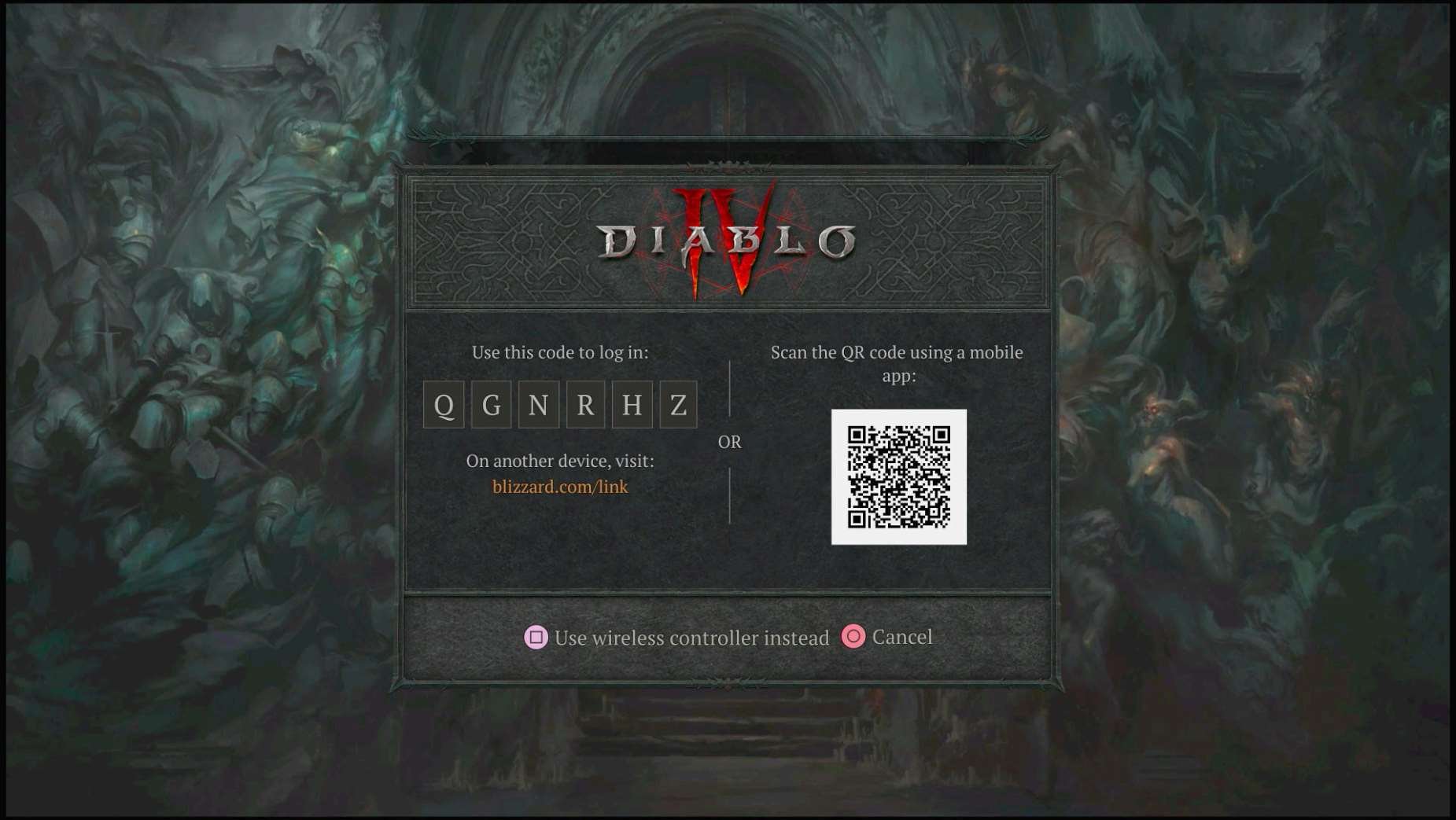
- Account Linking from within the game makes use of QR codes and short link addresses to direct players to finish account linking in a web browser
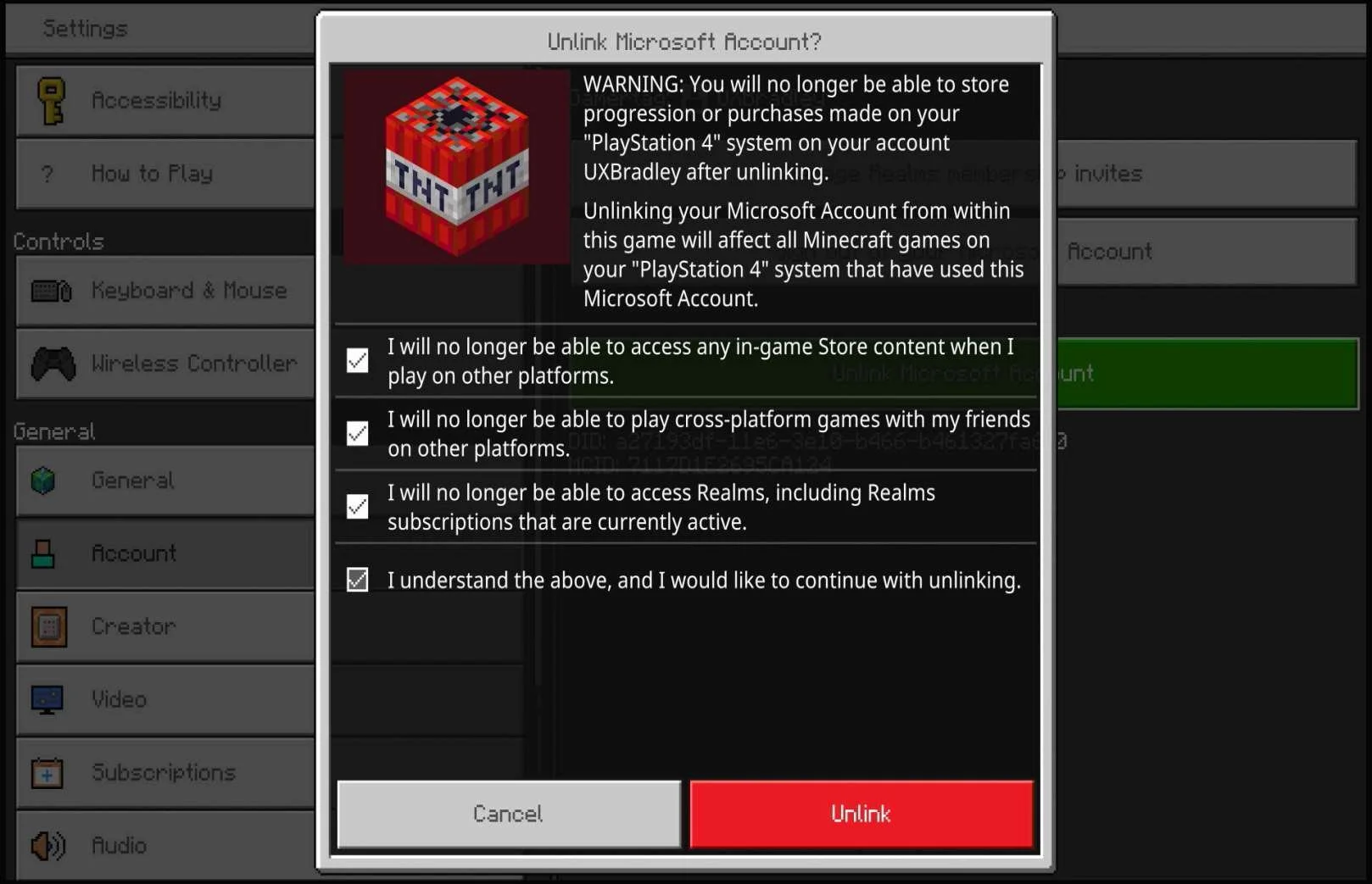
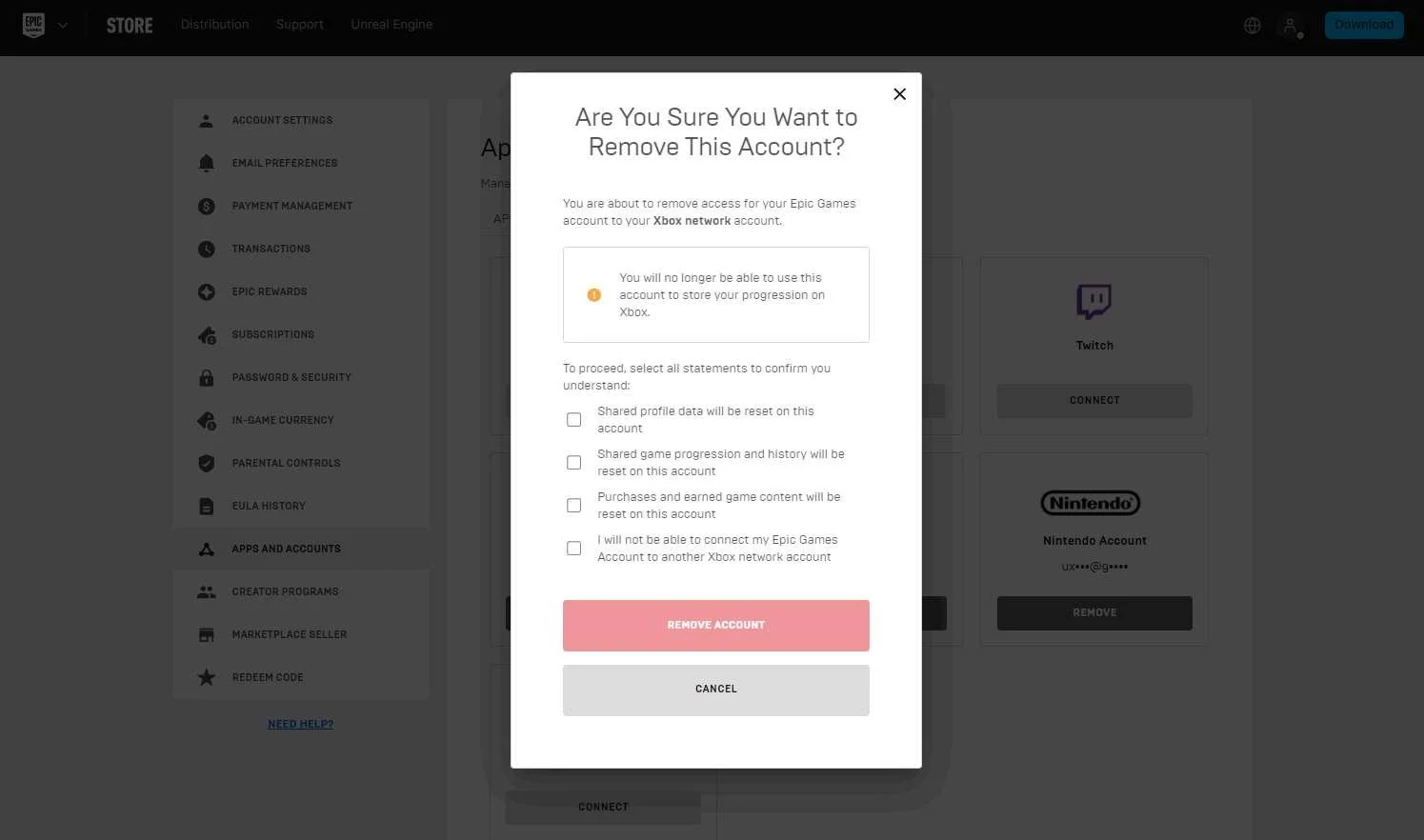
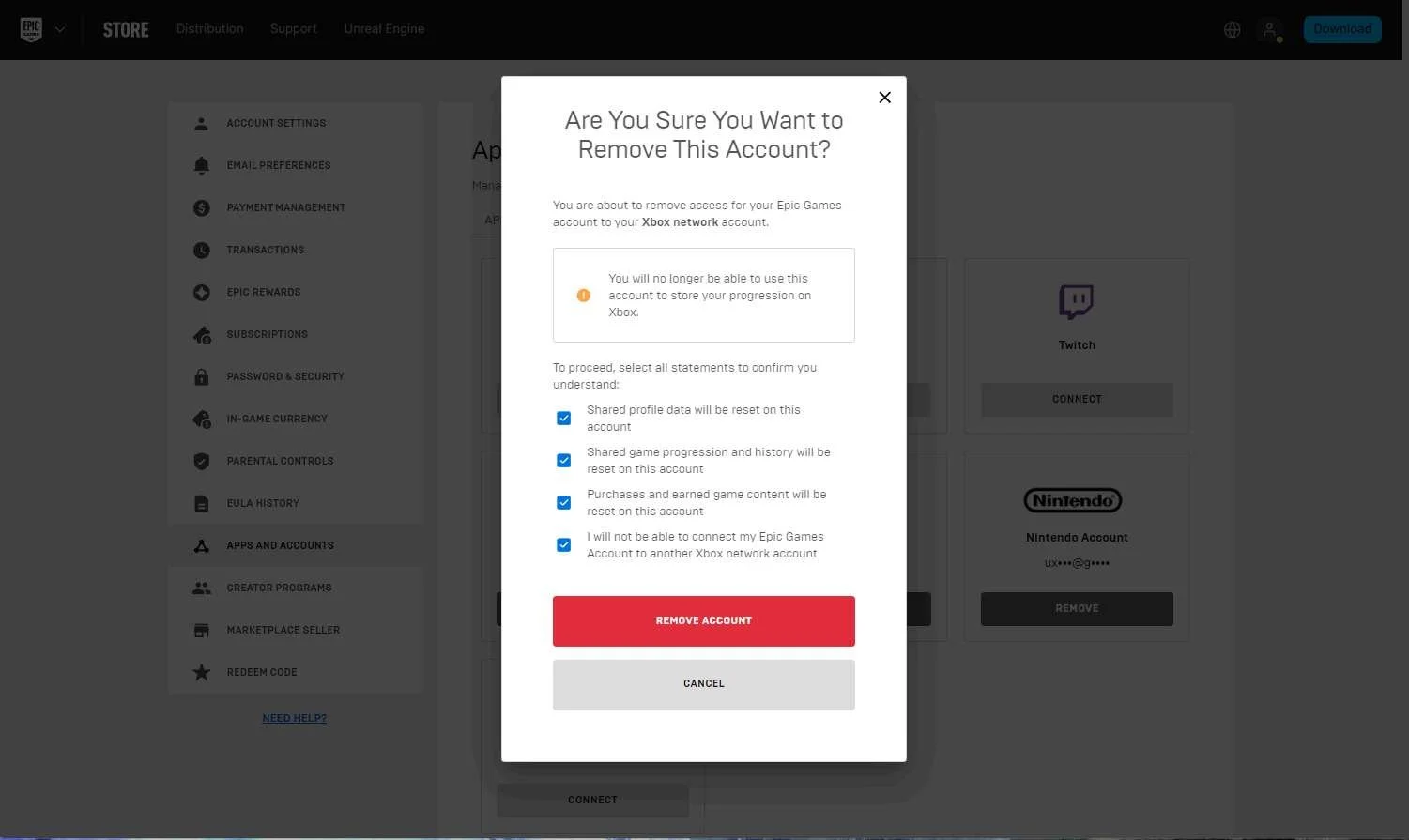
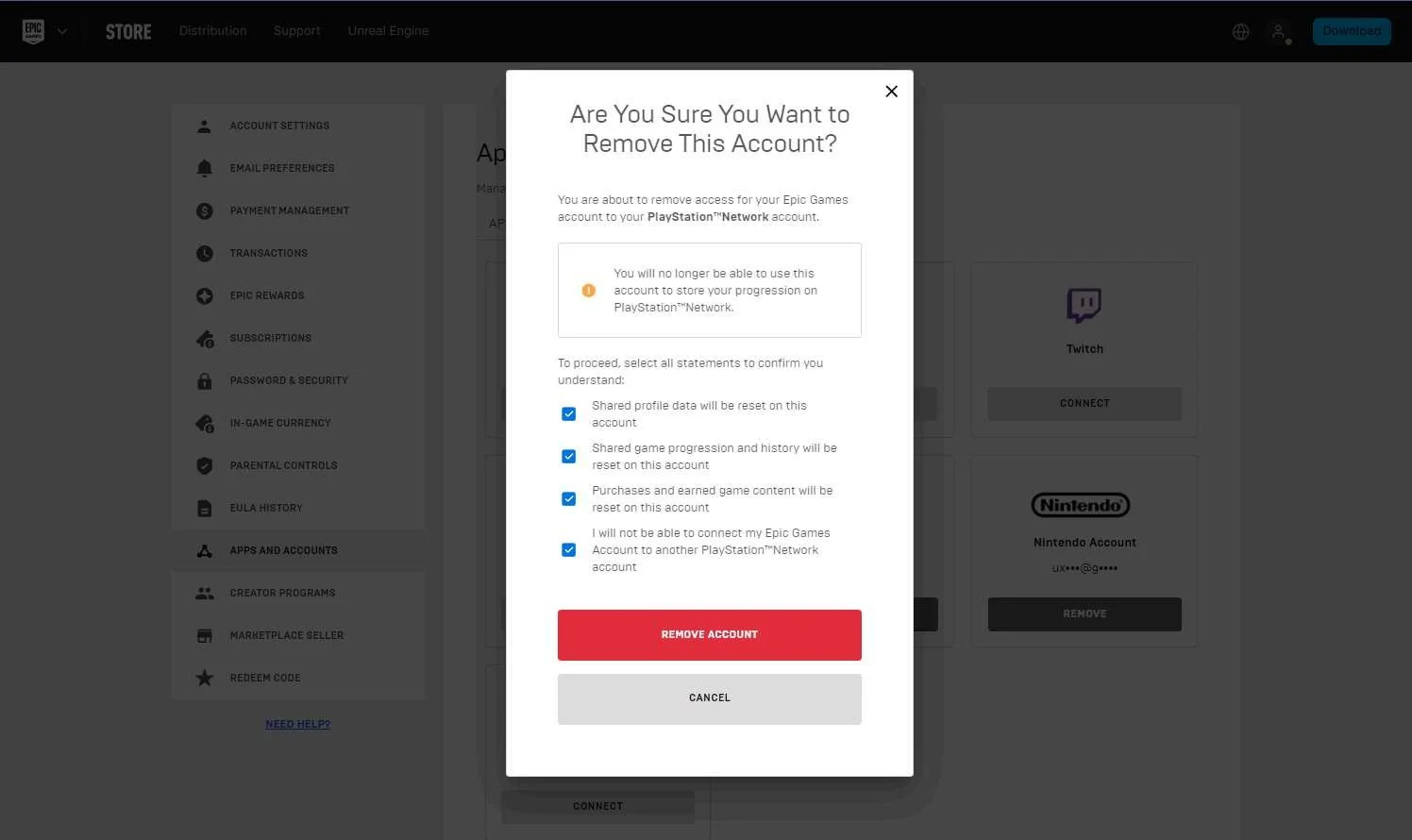
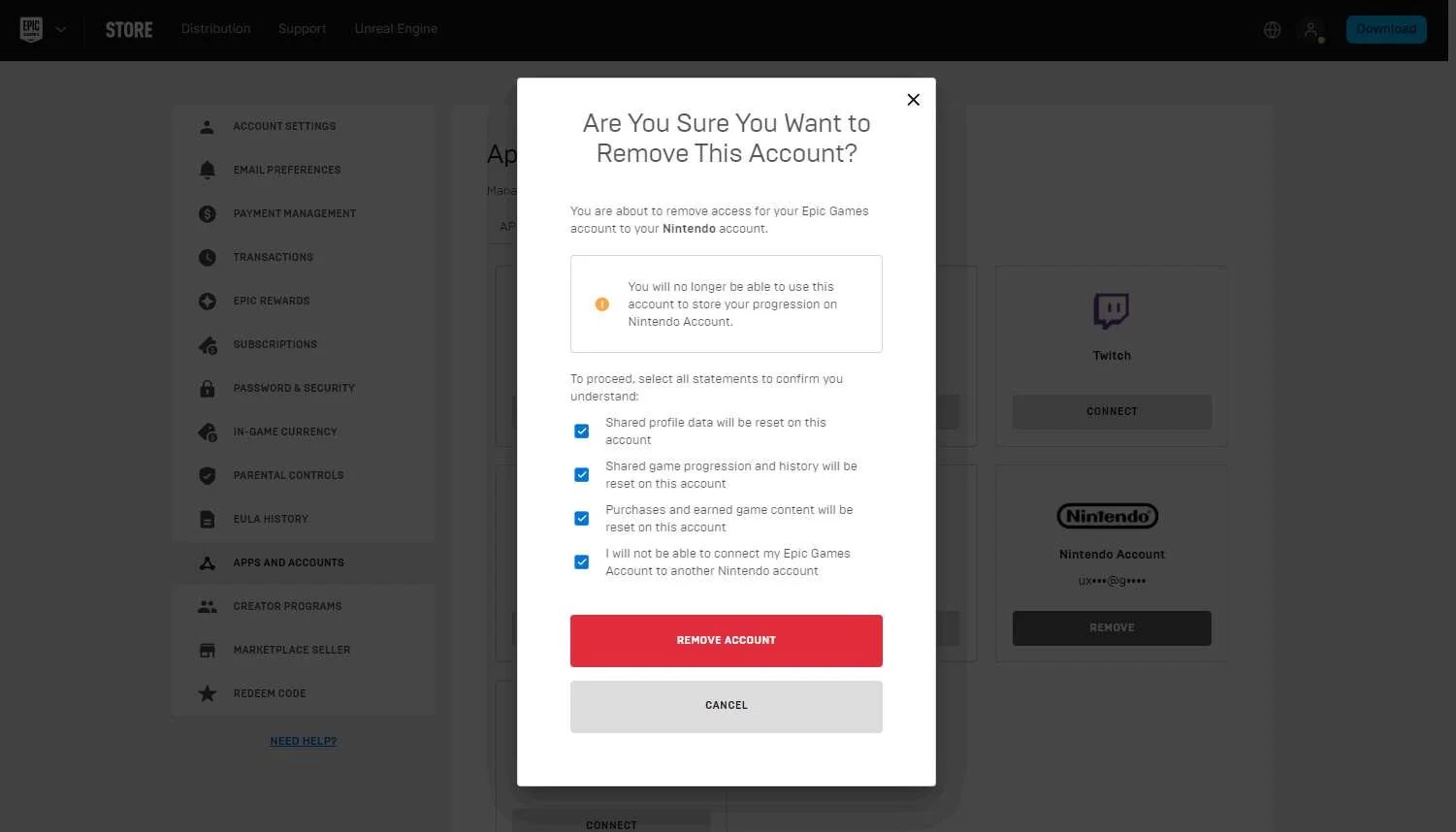
- Some games require the player to manually check each checkbox of the warning / confirmation screen before they are able to unlink an account
- Negative Trends:
- There are restrictions around players being able to unlink platform accounts and link a different account in its place
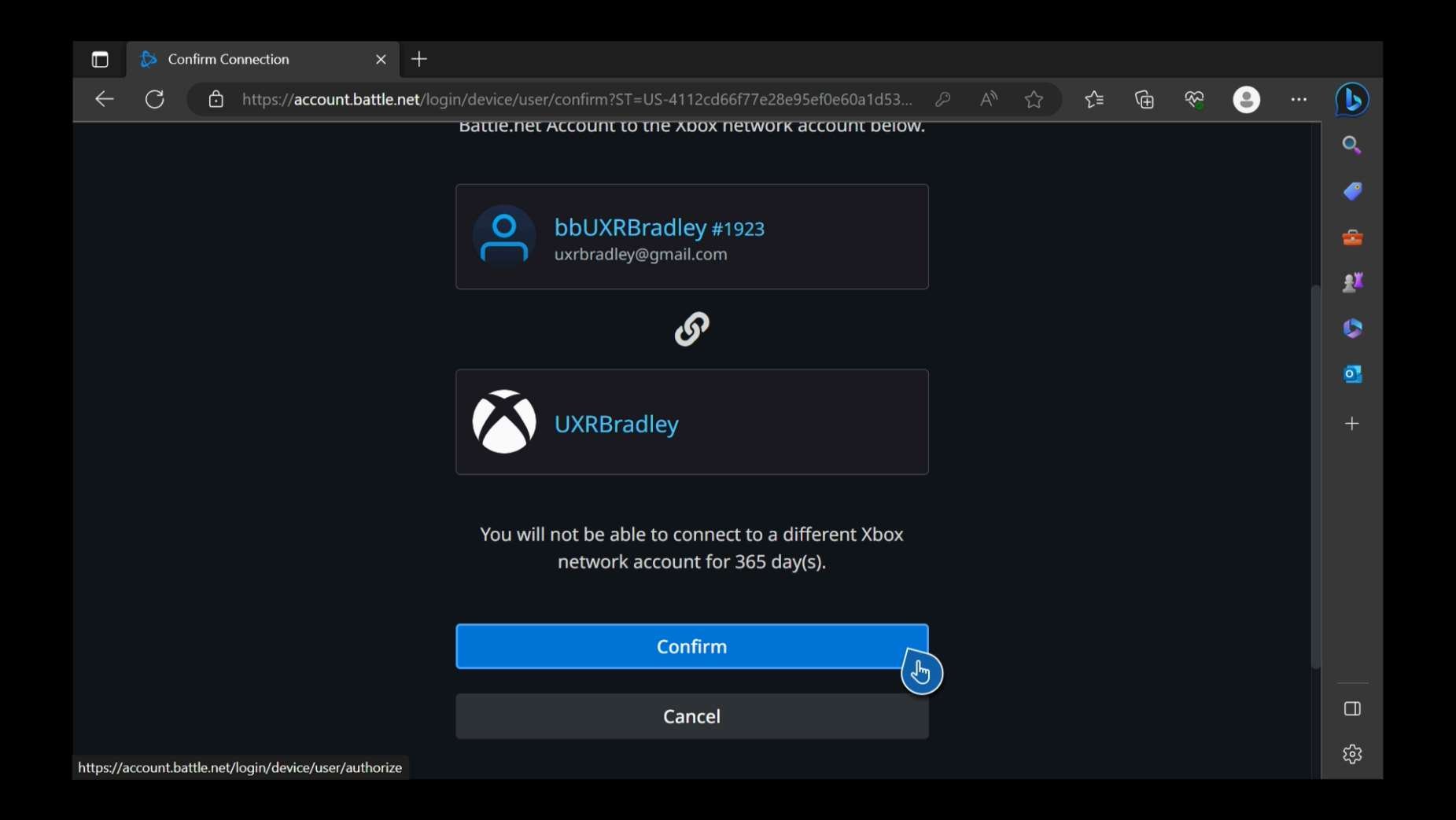
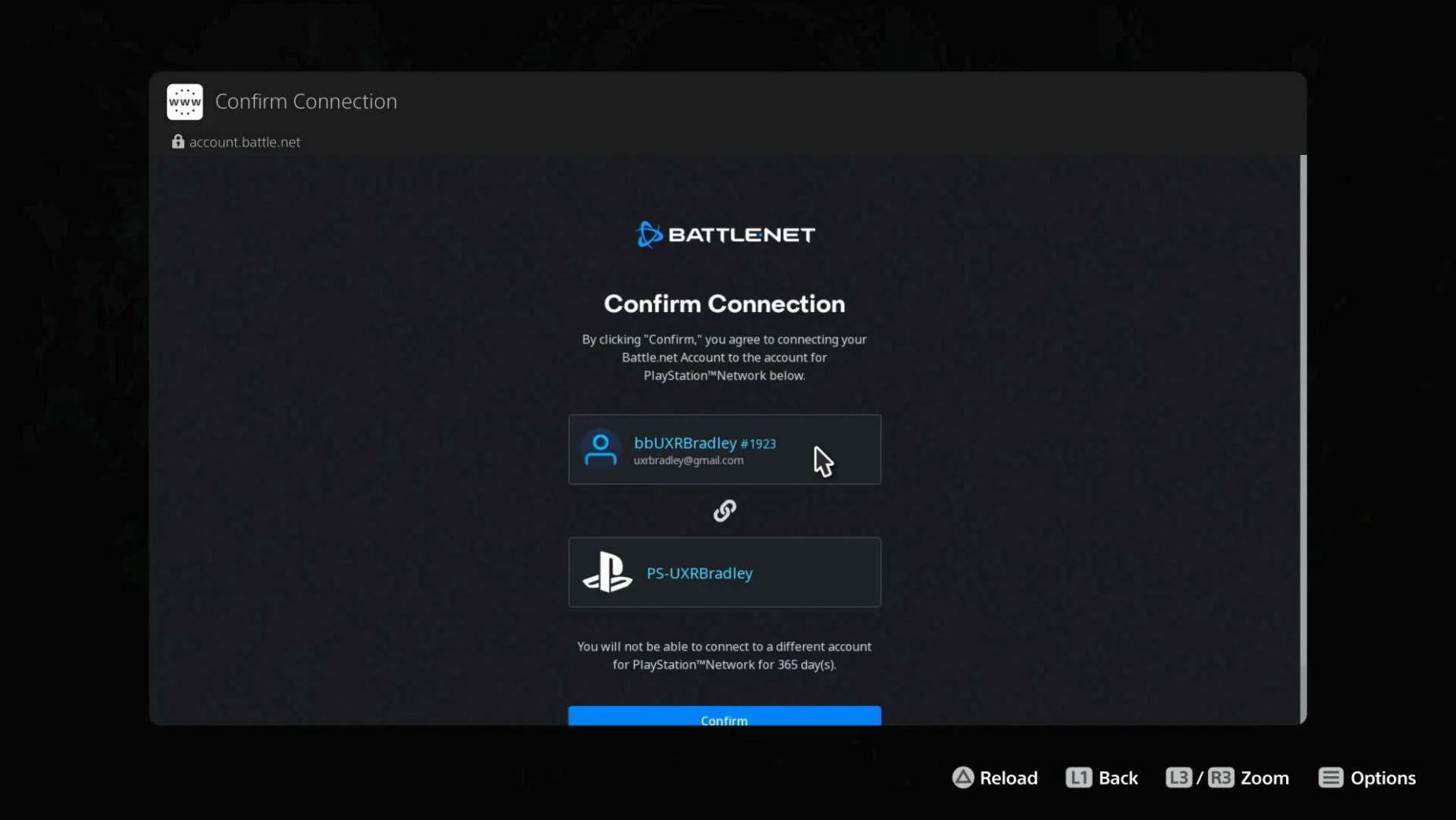
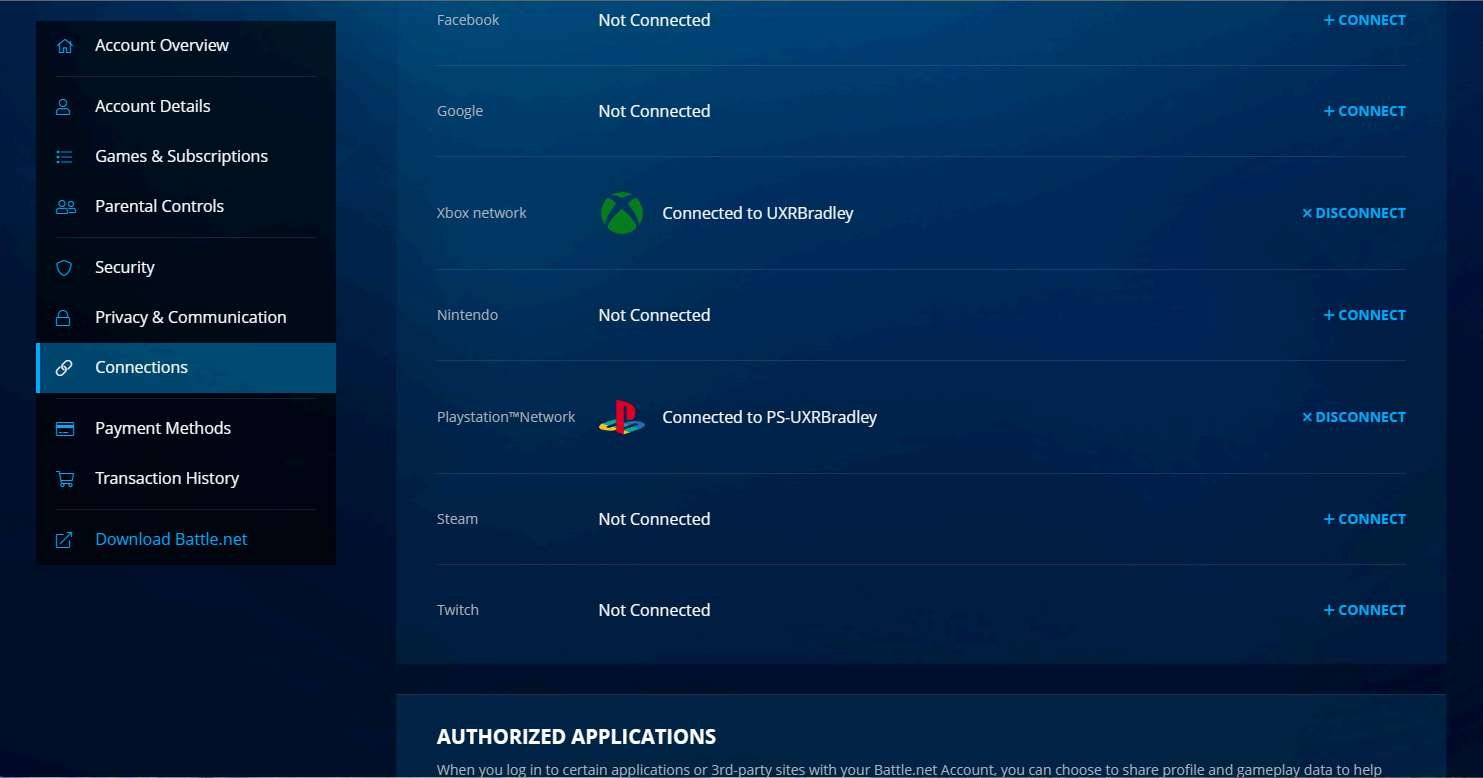
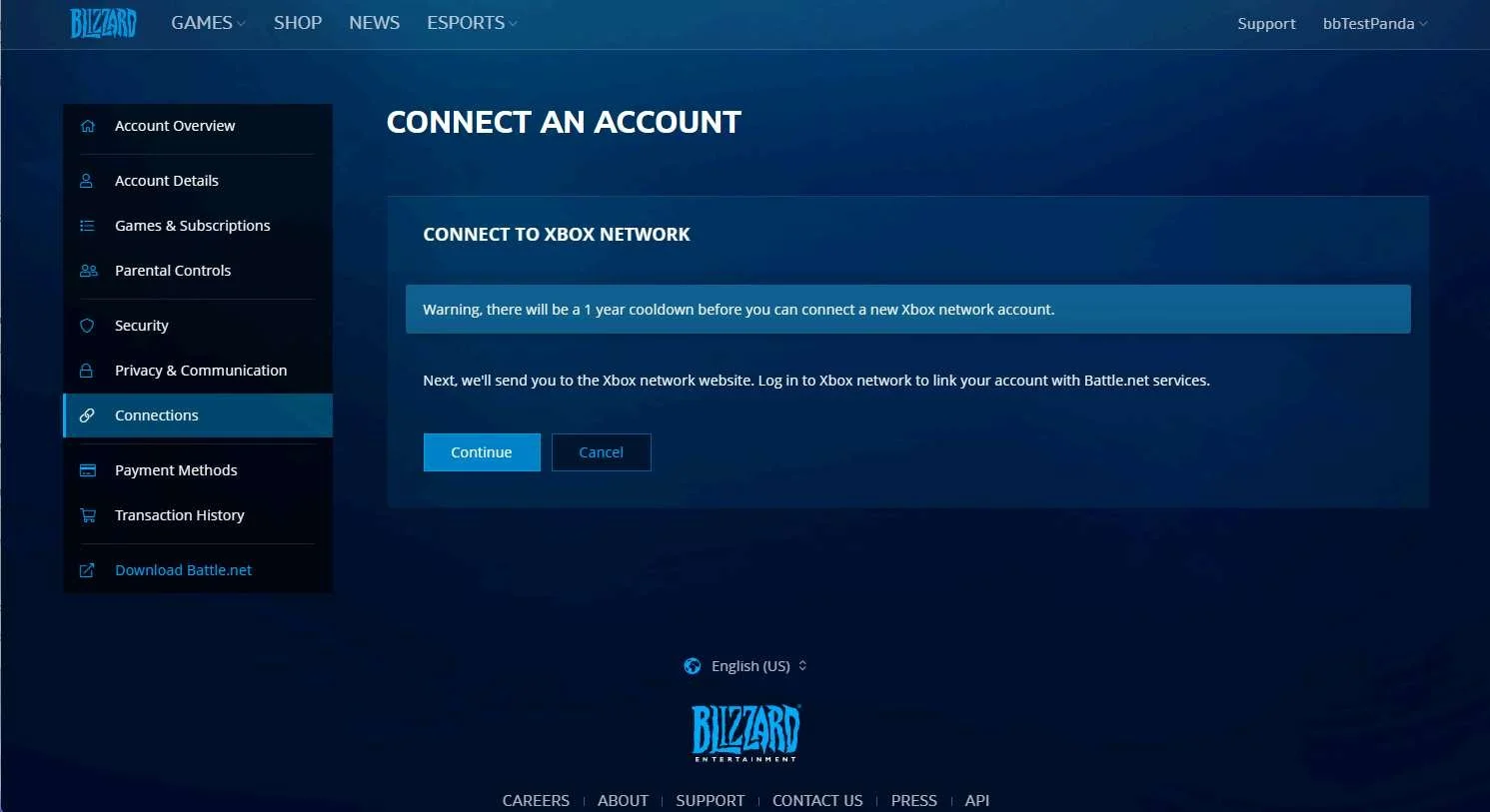
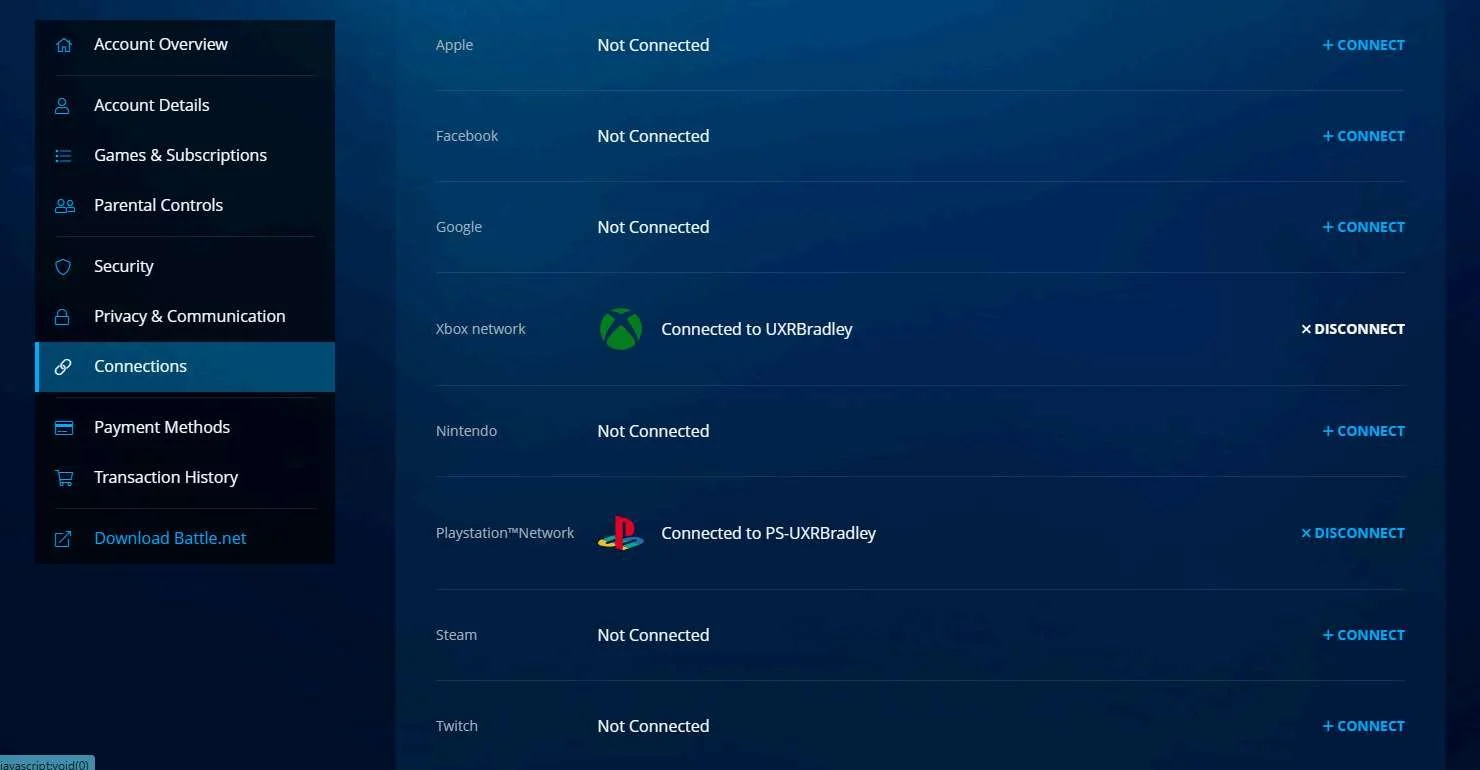
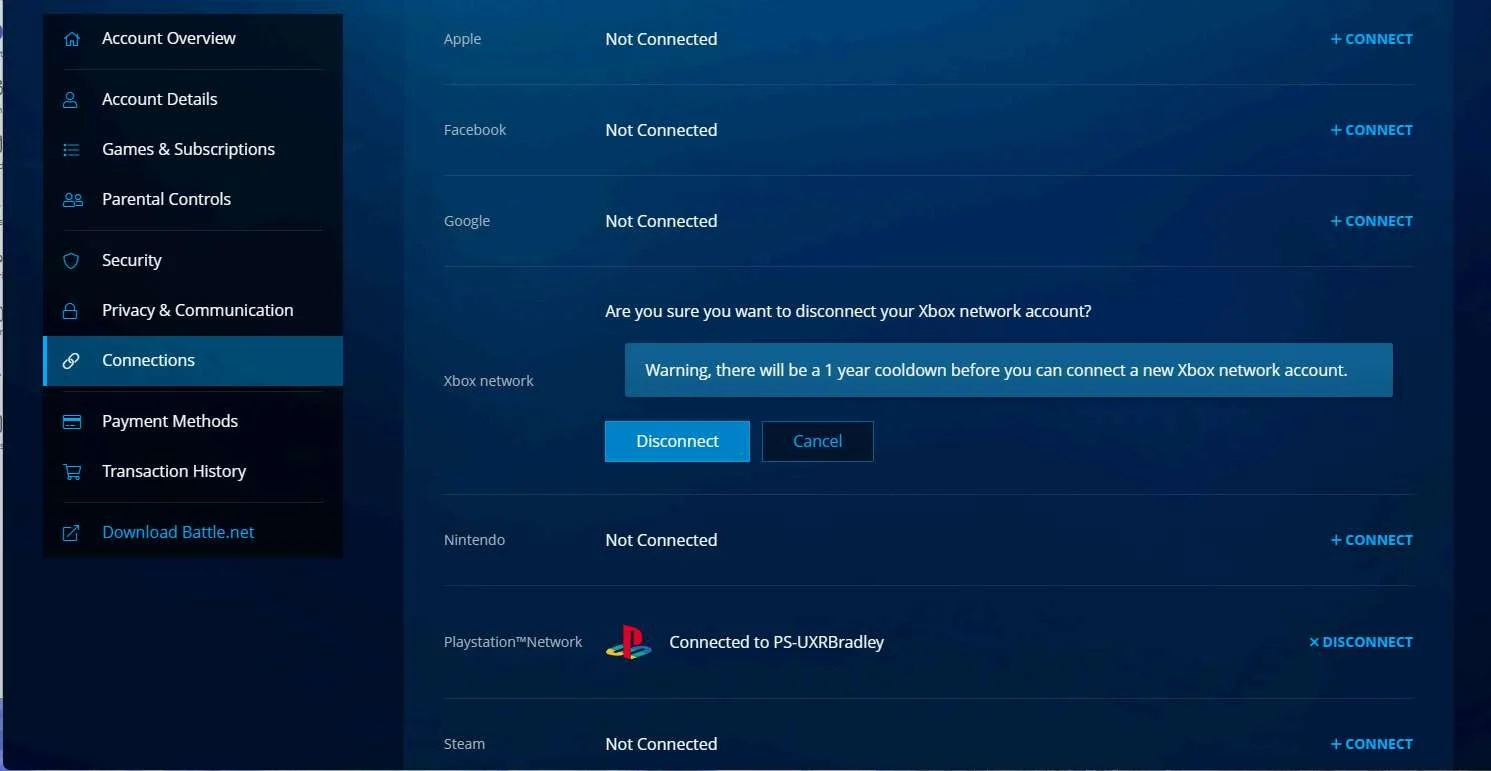
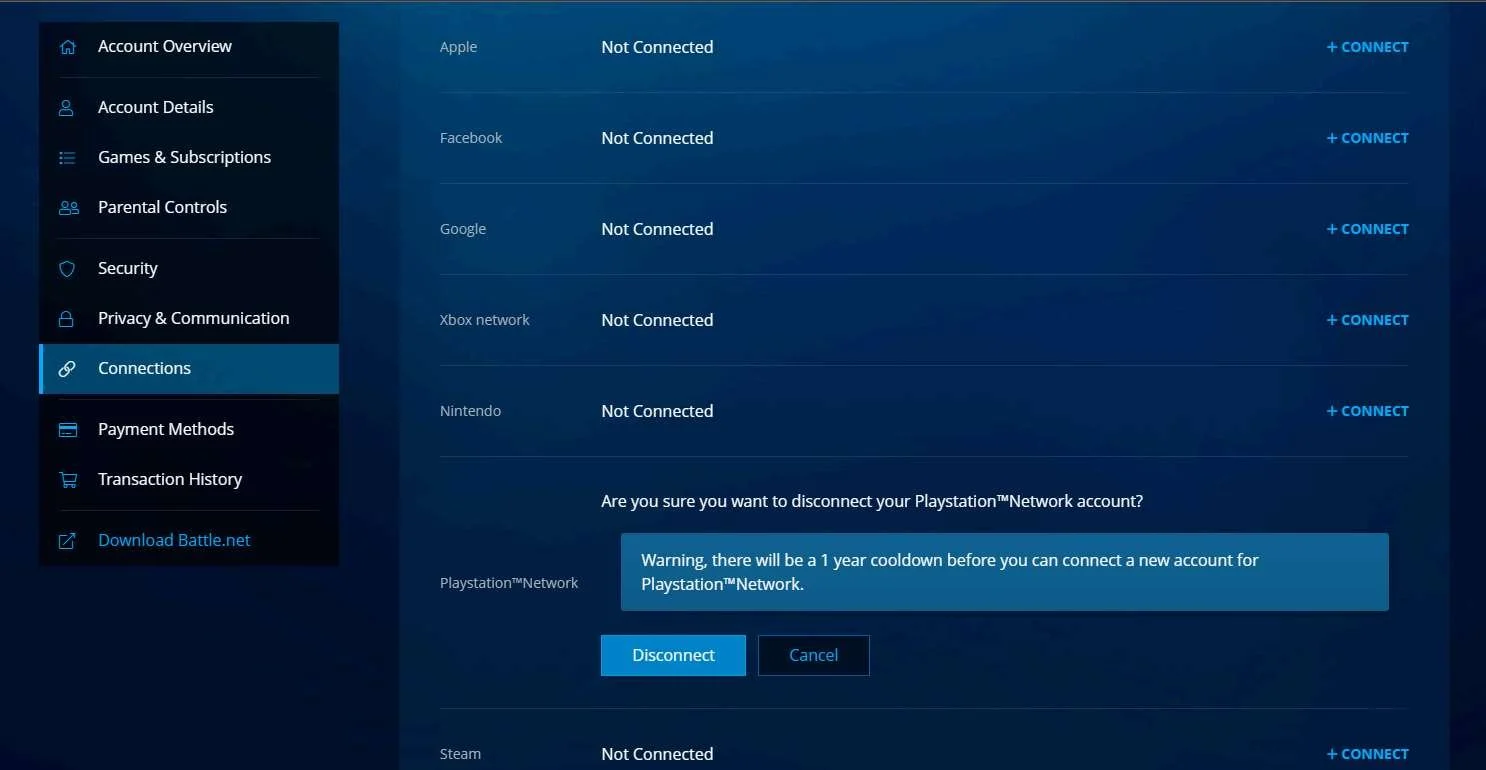
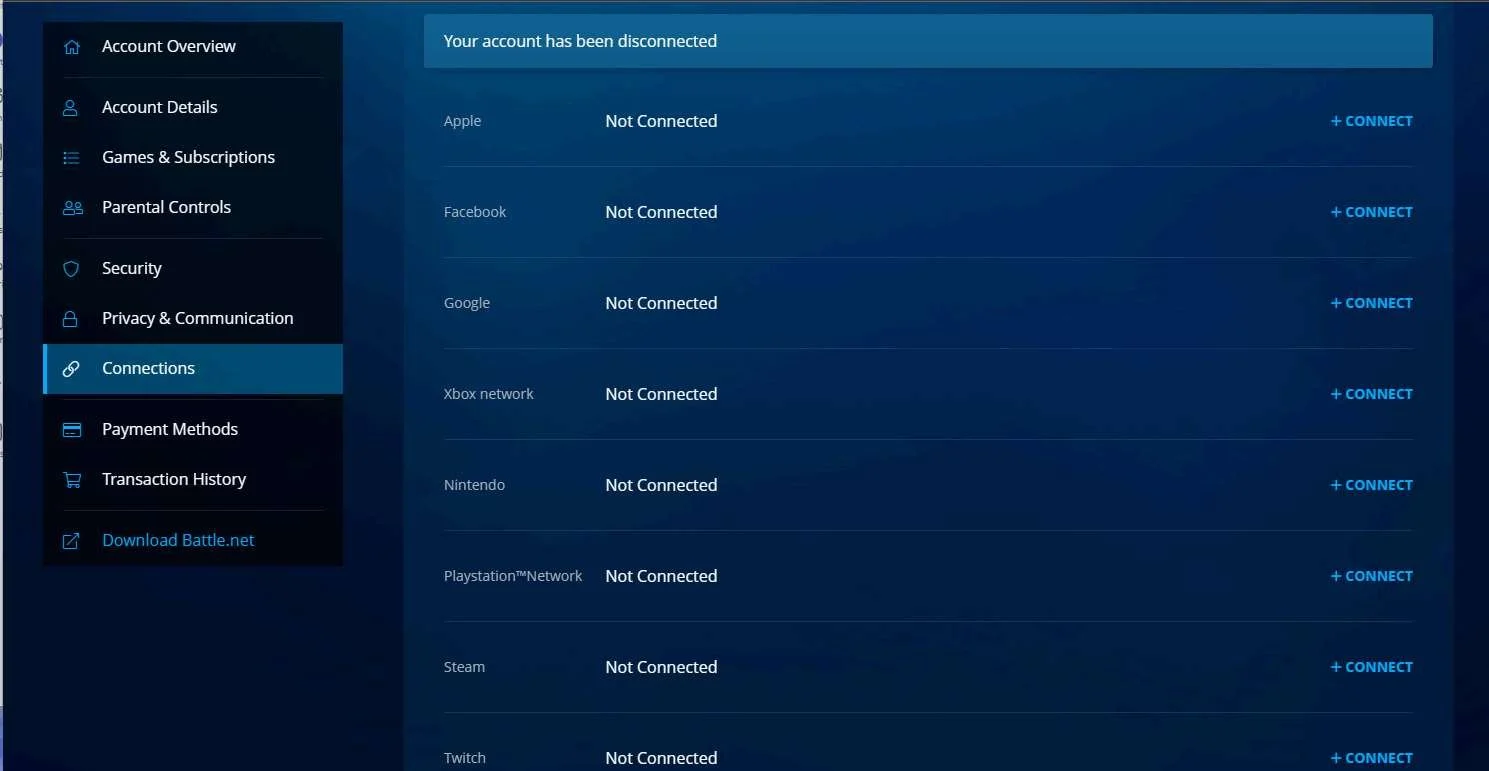
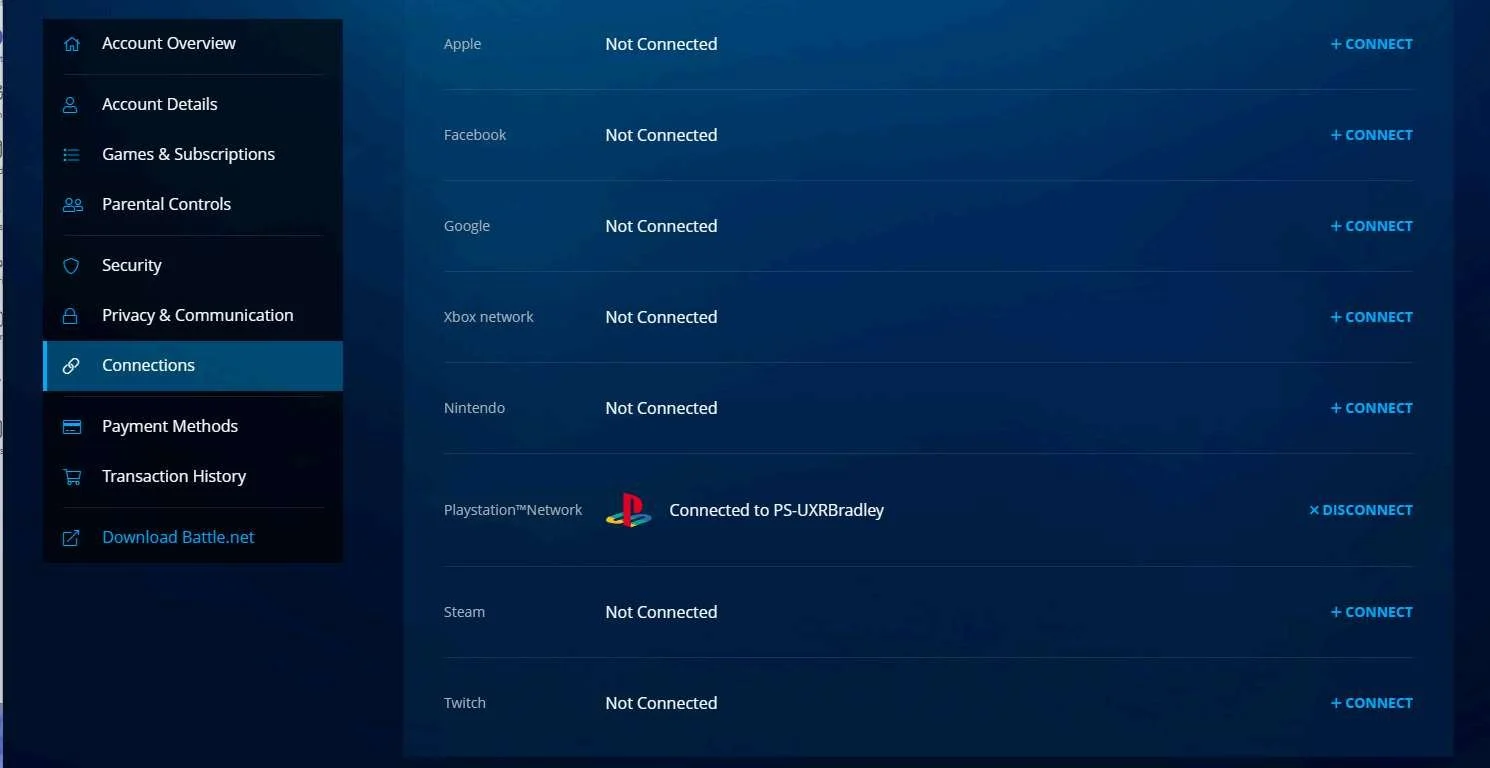
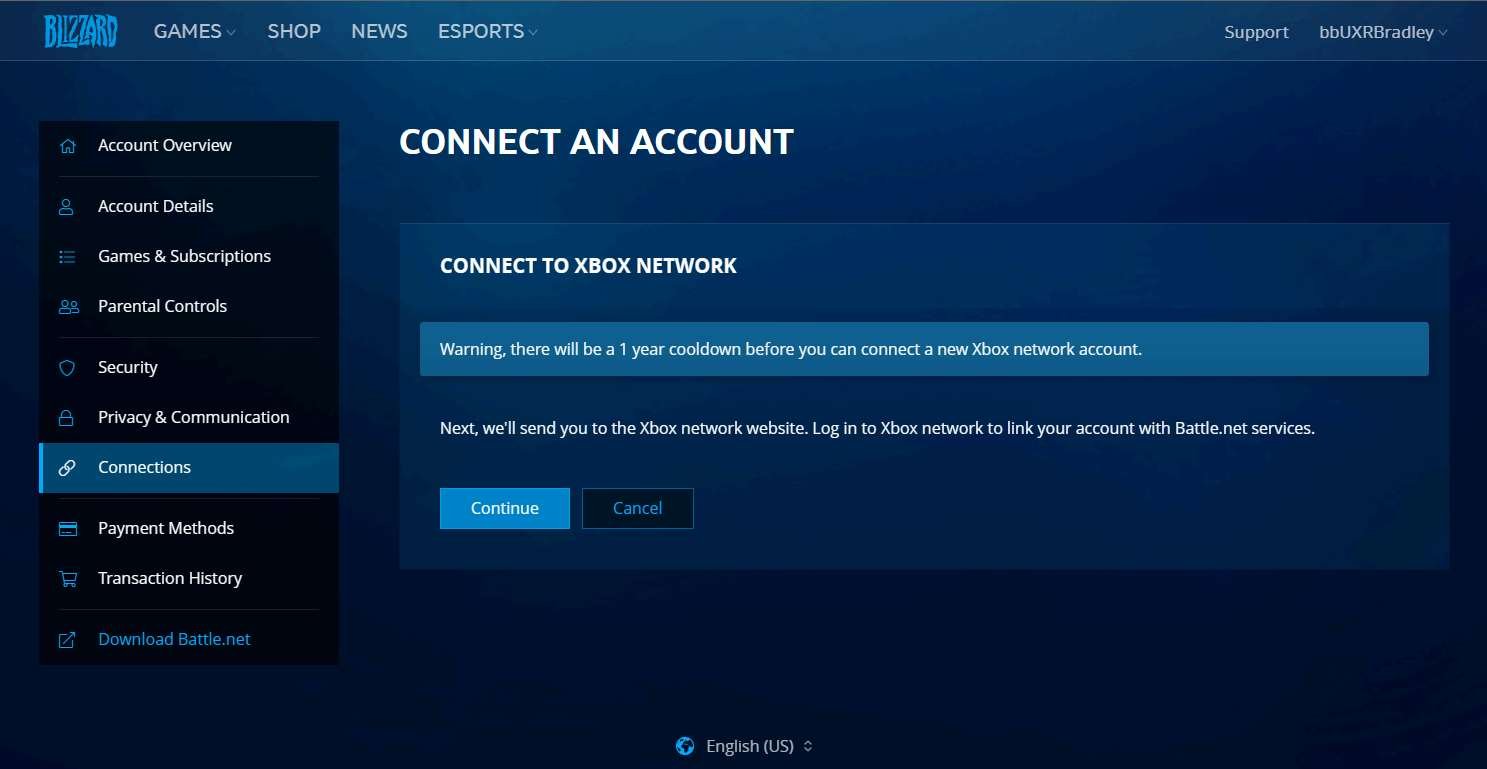
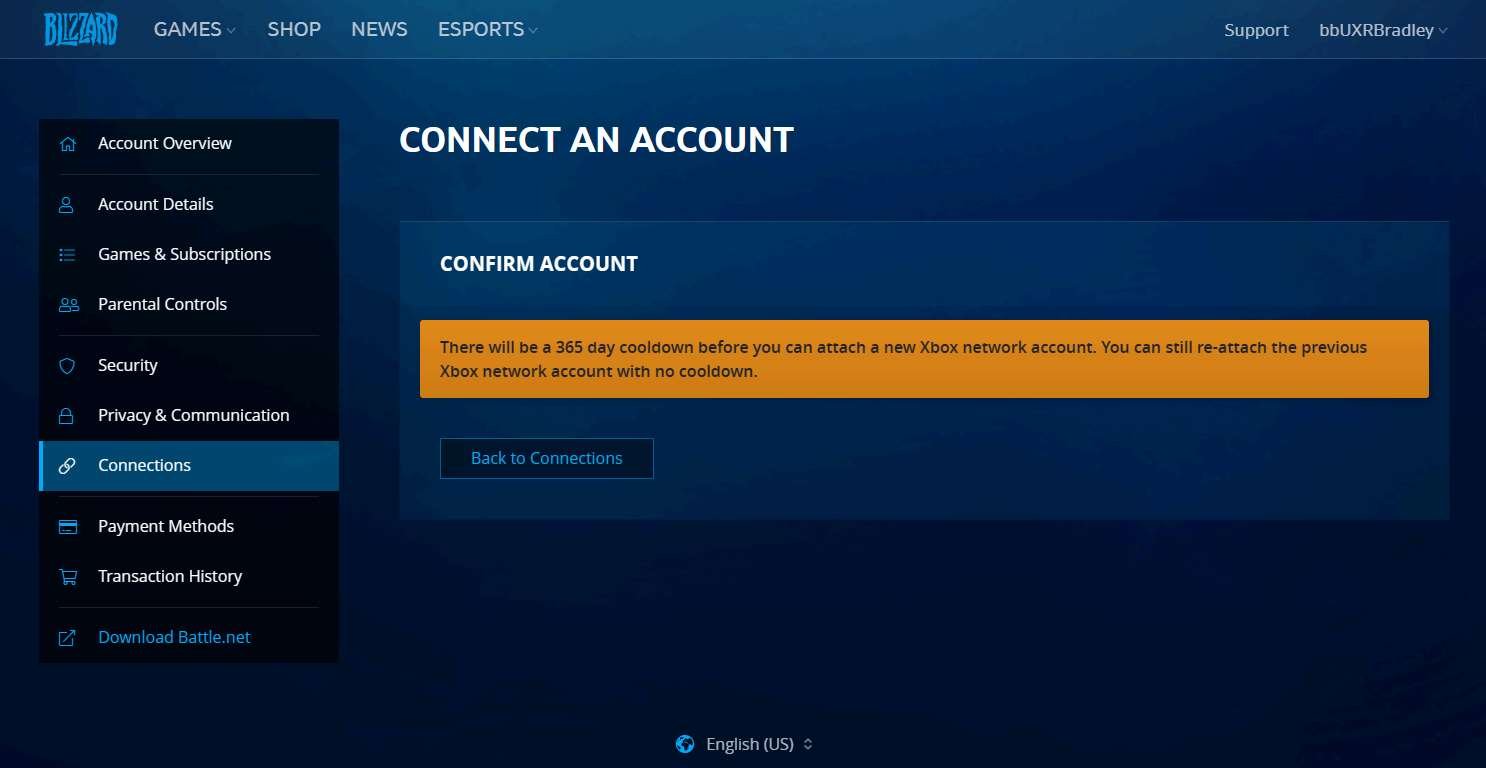
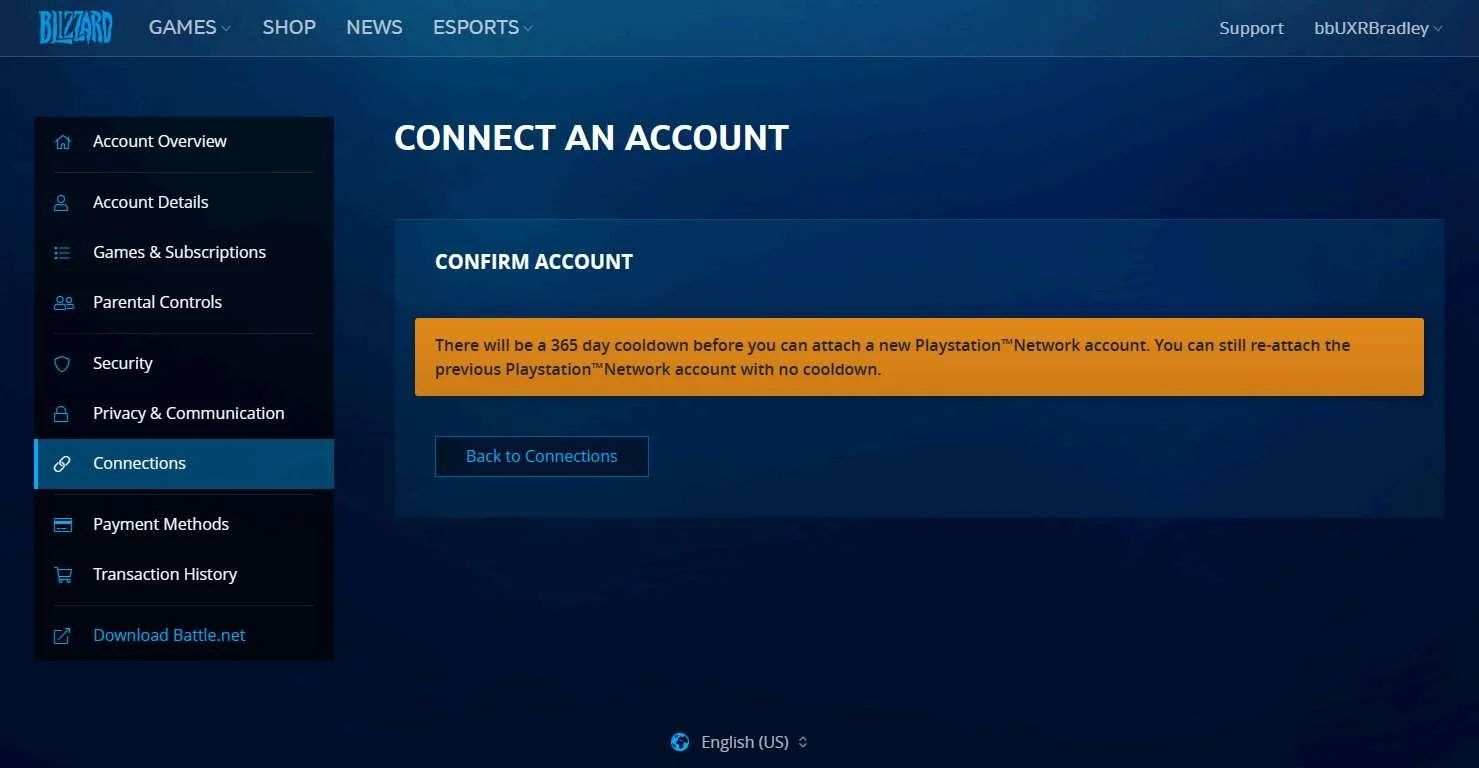
- Battle.Net requires players to wait 365 days before they can link a new account
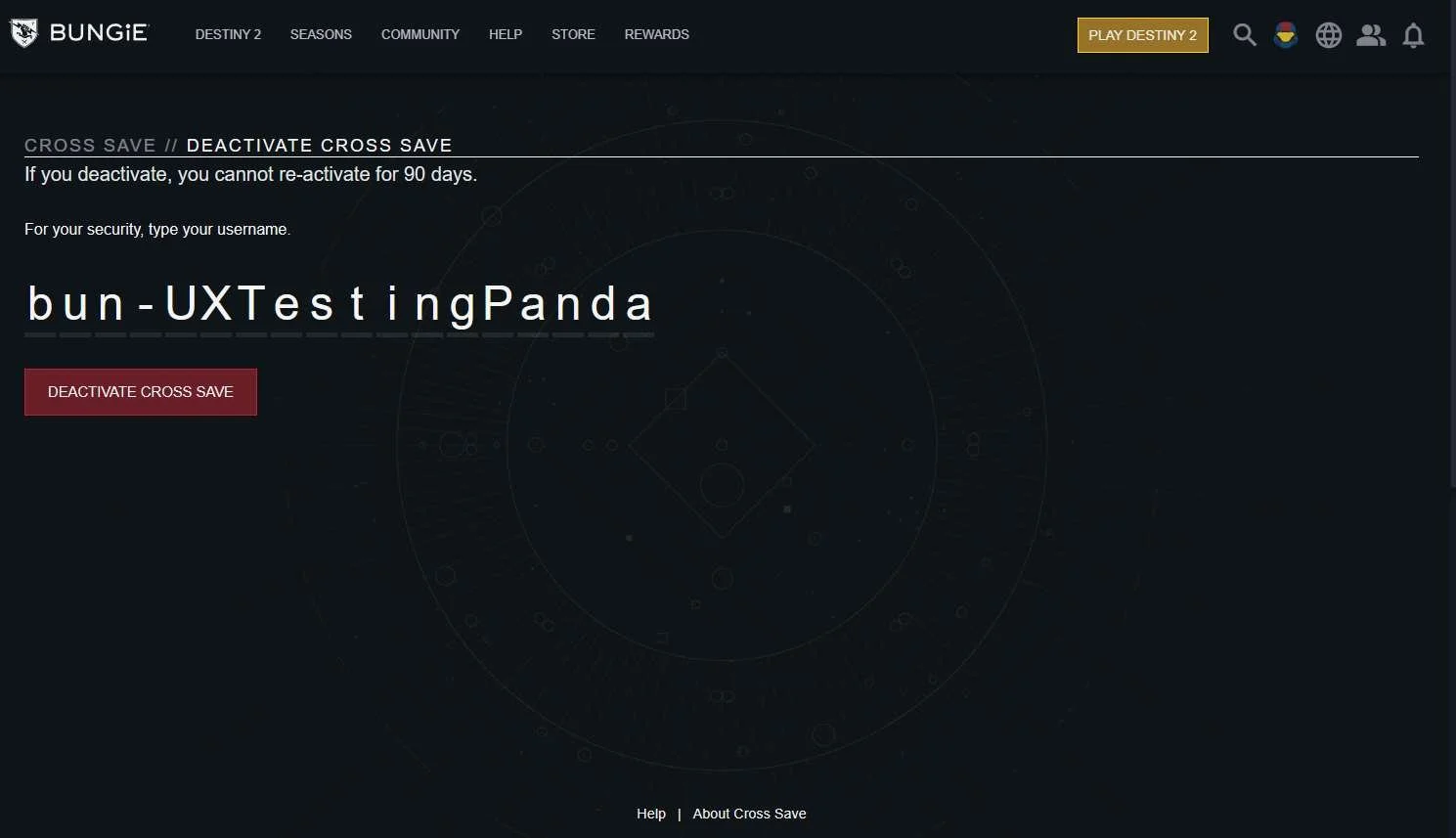
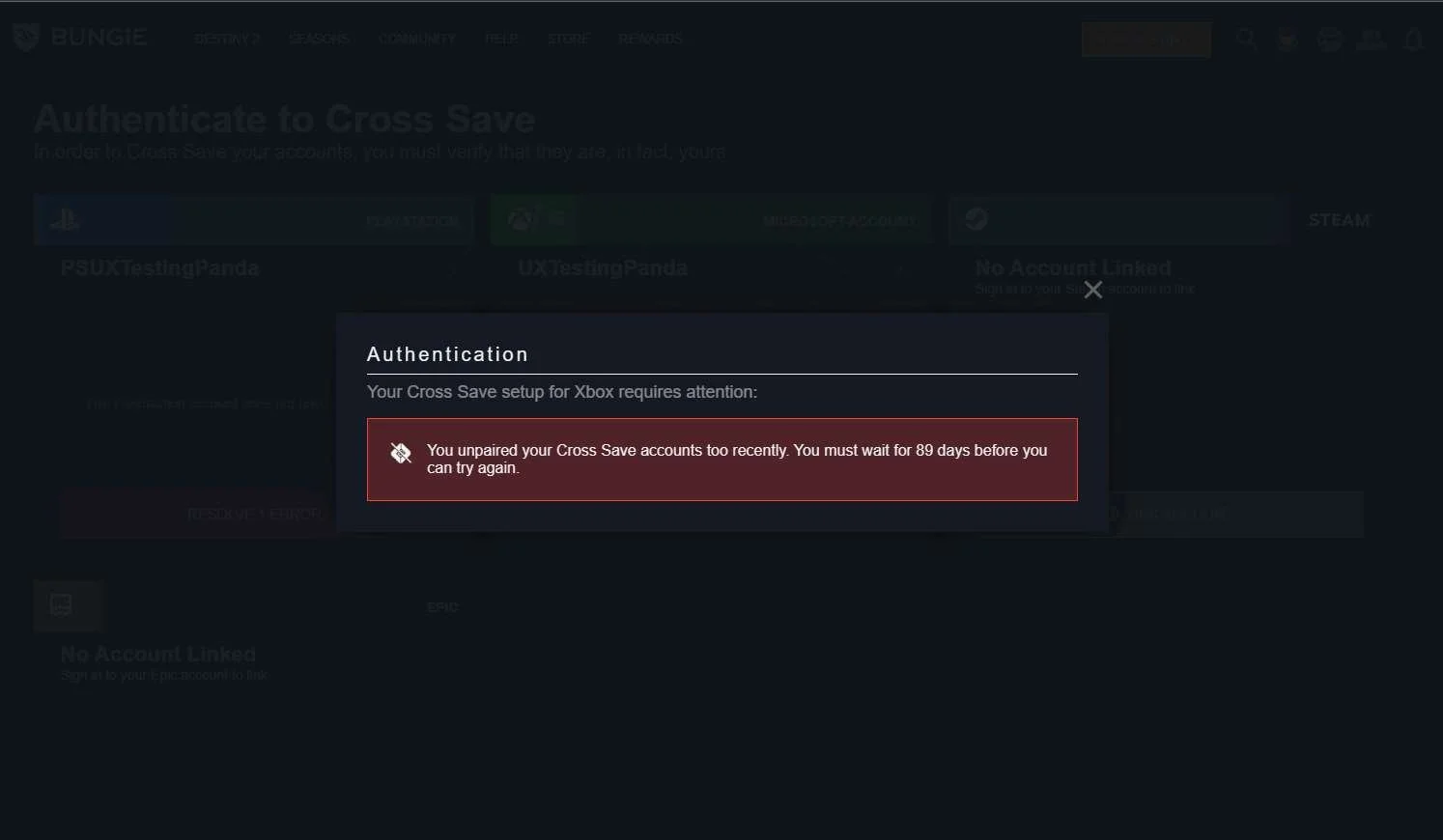
- bungie.net requires players to wait 90 days before they can link a new account
- Once accounts are linked, players are unable to unlink the accounts from within the game
- Players are unable to see all of their linked accounts from within the game
- What account name is displayed after players link their platform accounts is inconsistent
- Sometimes it displays the platform account name, sometimes it displays the Sign In account name (Sign In account being the account that's being used to link the platform accounts. For example, the XBOX Profile for Minecraft as the Sign In account is the Microsoft account)
- Errors, Warnings and call to actions are sometimes very unclear and do not give the player a proper understanding of what went wrong, what they're supposed to do or how they can fix it – if they can fix it at all.
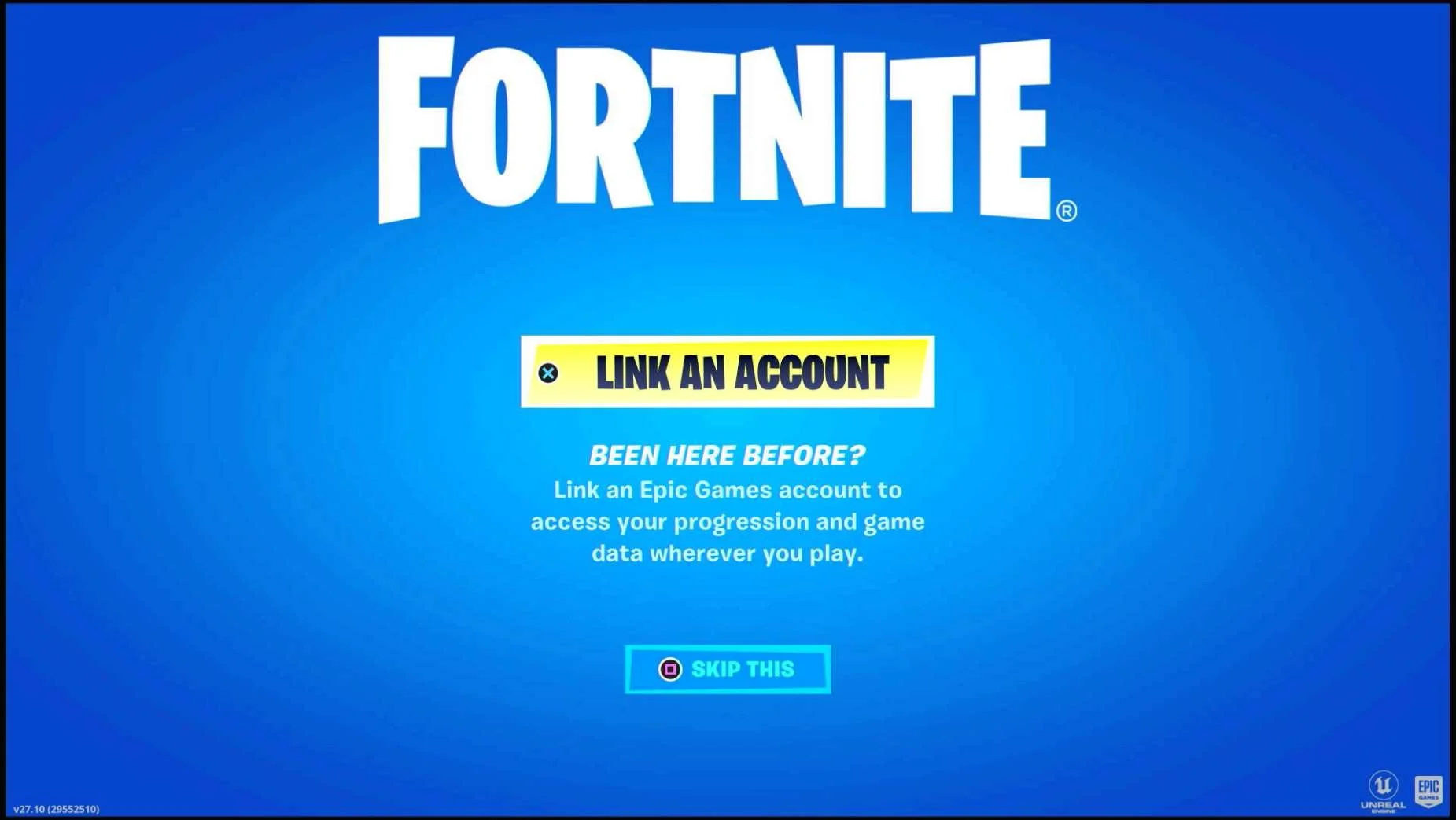
- Most games do not explain what the benefits to account linking are
- There are restrictions around players being able to unlink platform accounts and link a different account in its place
Highlights
These are some of the highlights from across the different titles investigated. (Some of these are also mentioned in the individual game sections below, but I wanted to group them up here as well)
- Minecraft allows for the player to link and unlink platform accounts from within the game
- Minecraft makes it really clear what the benefits to linking platform accounts are
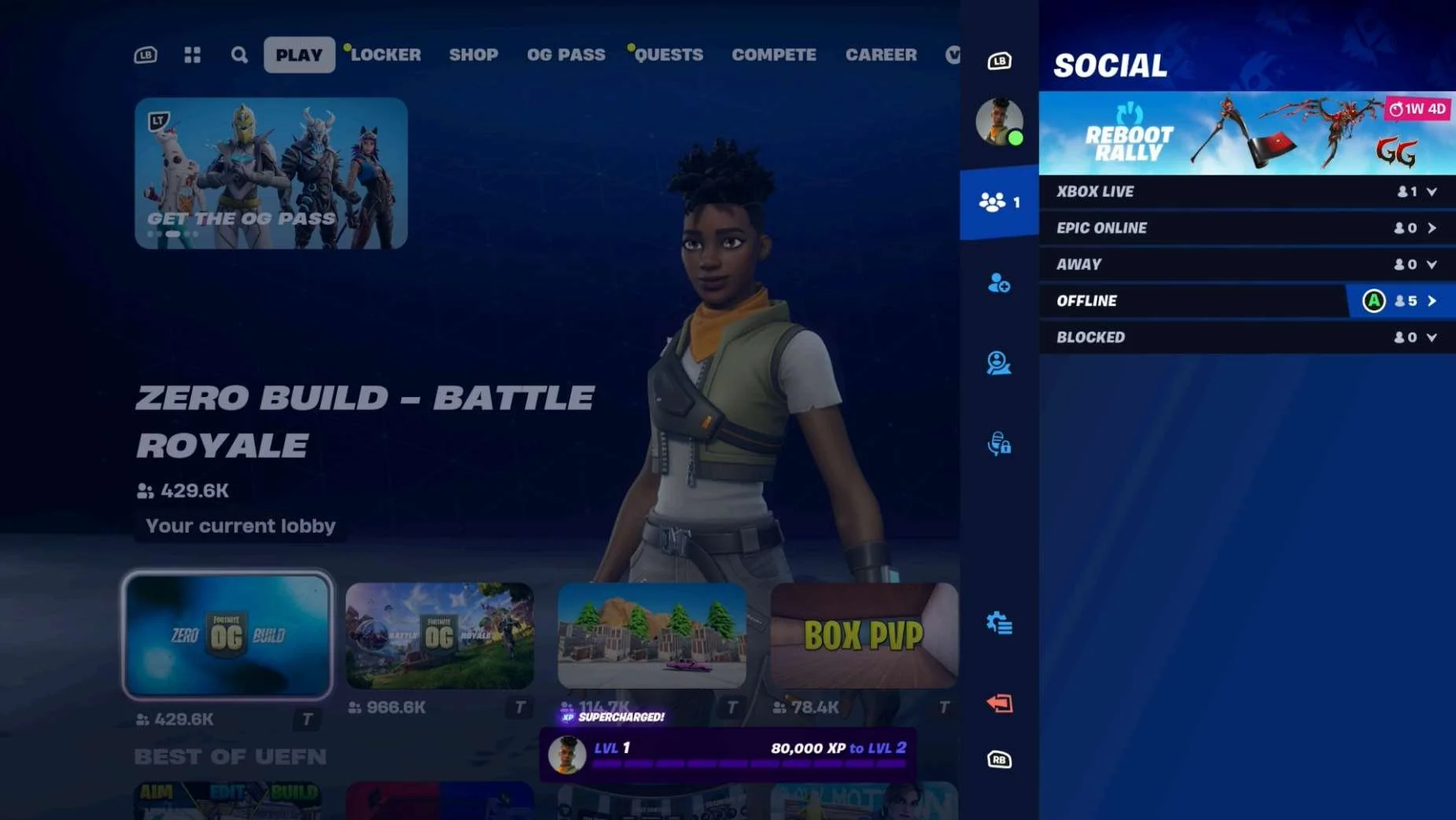
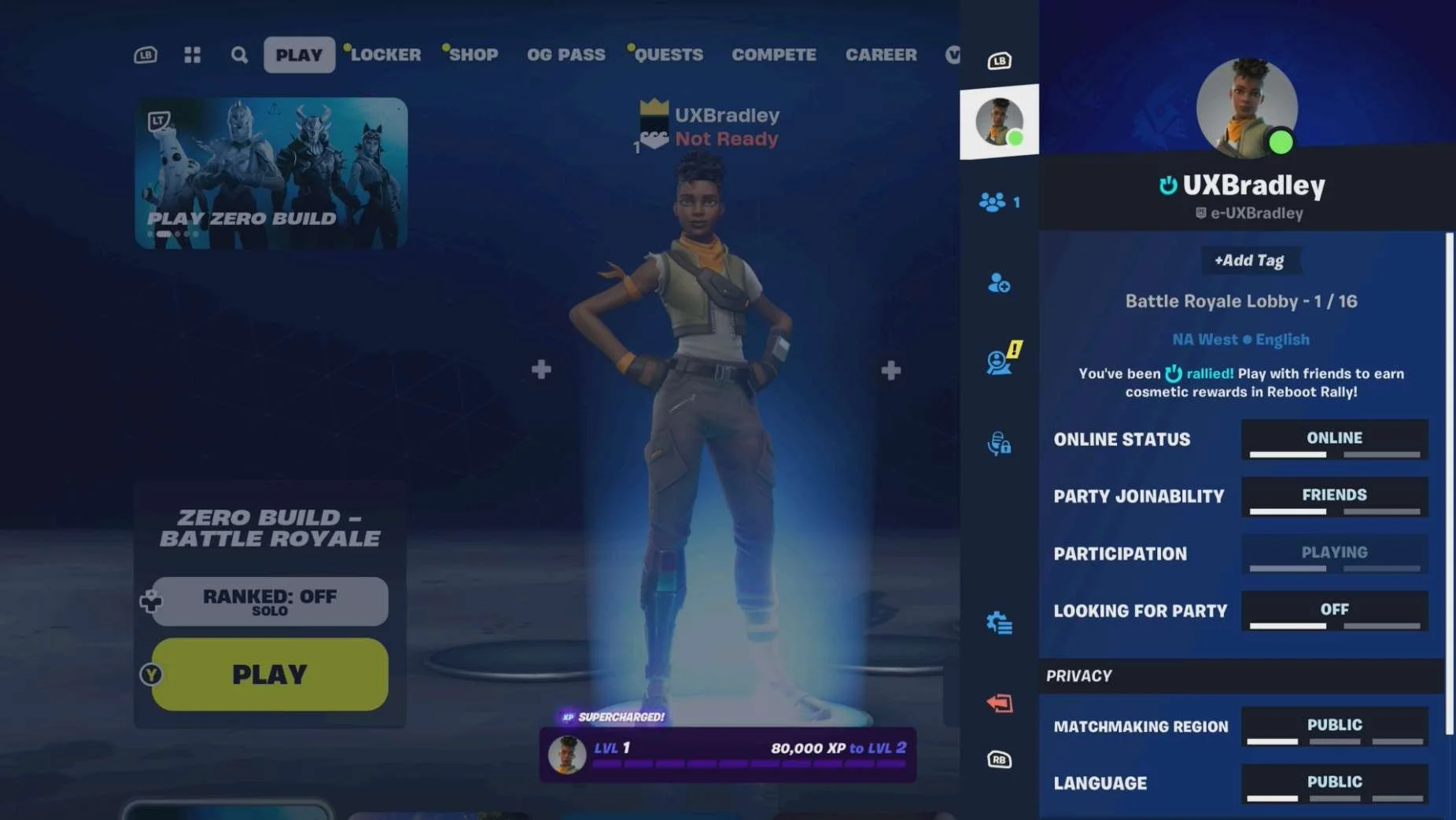
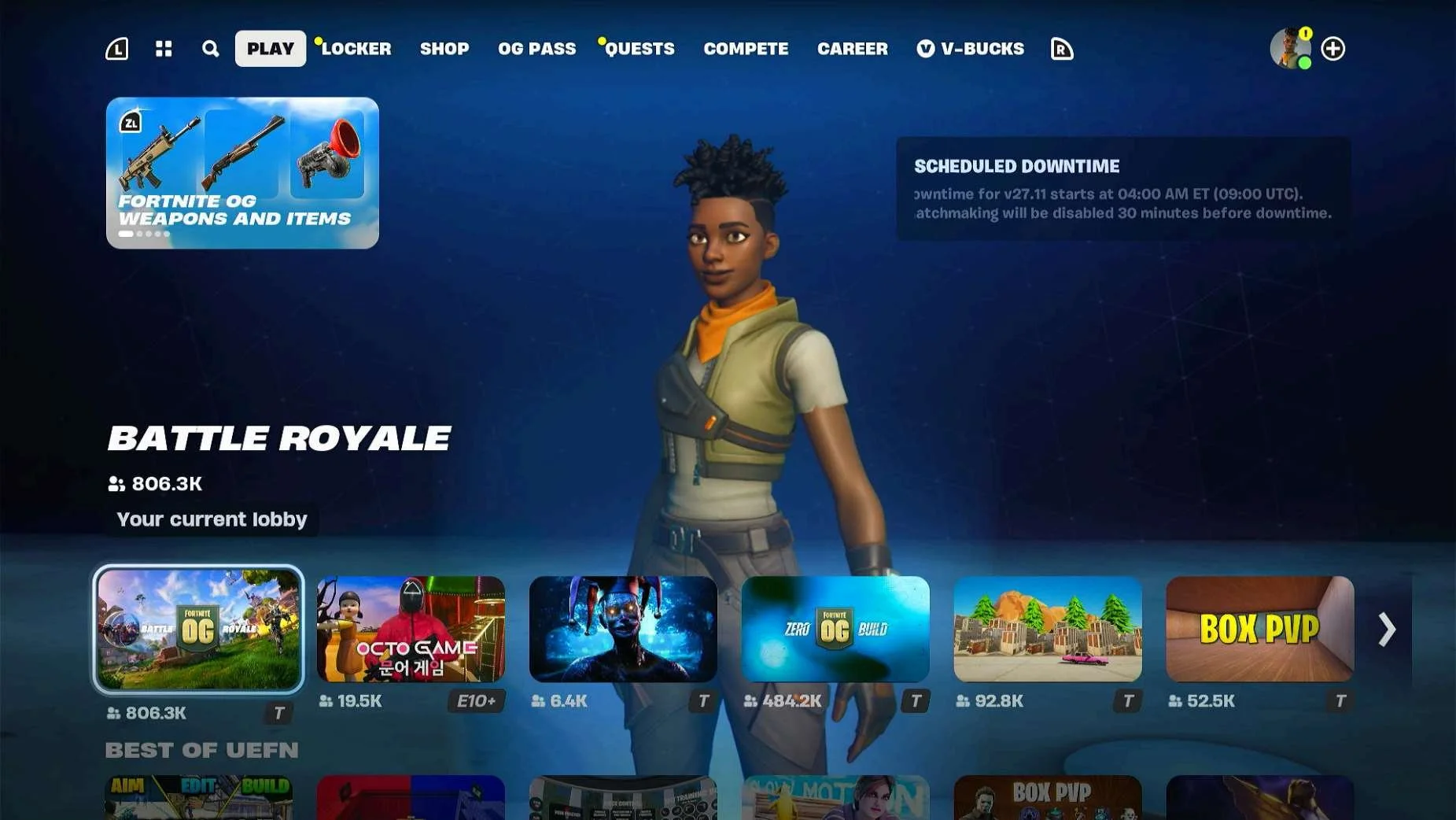
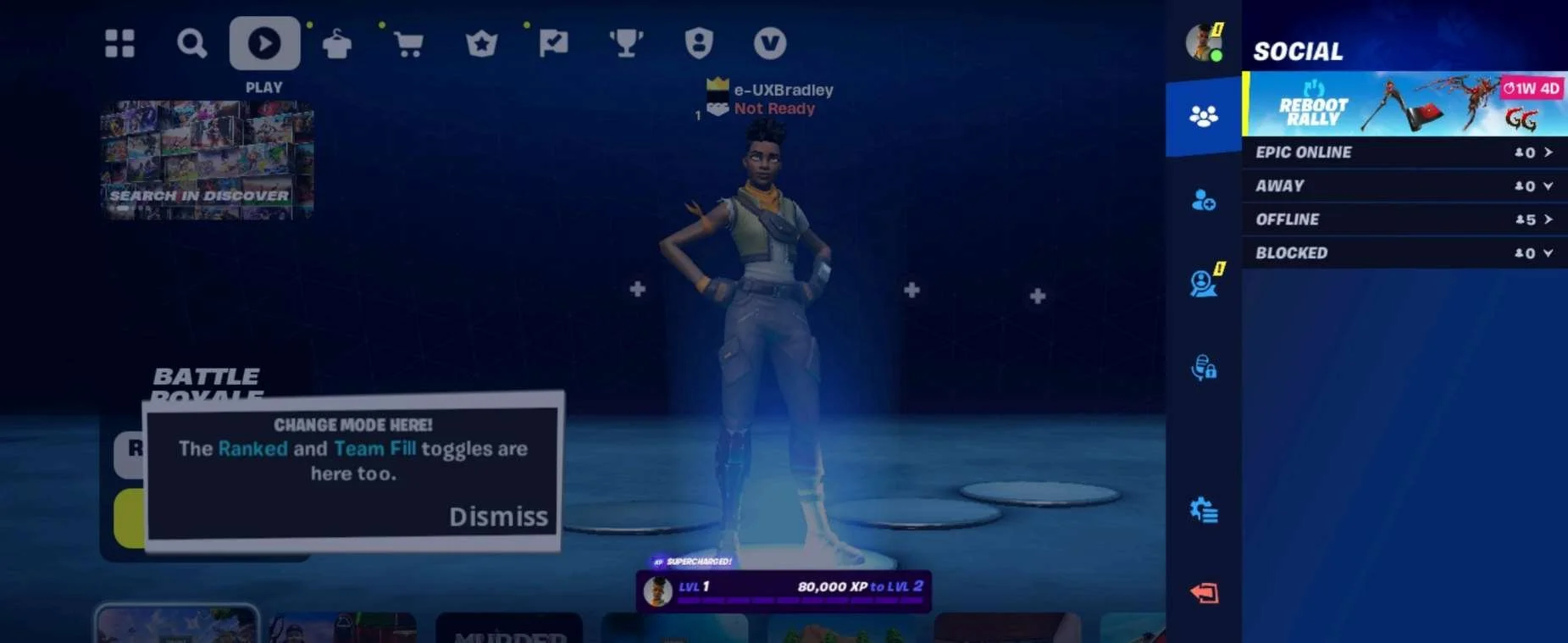
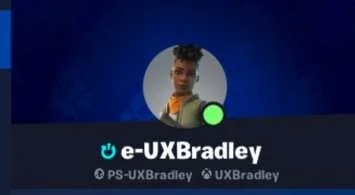
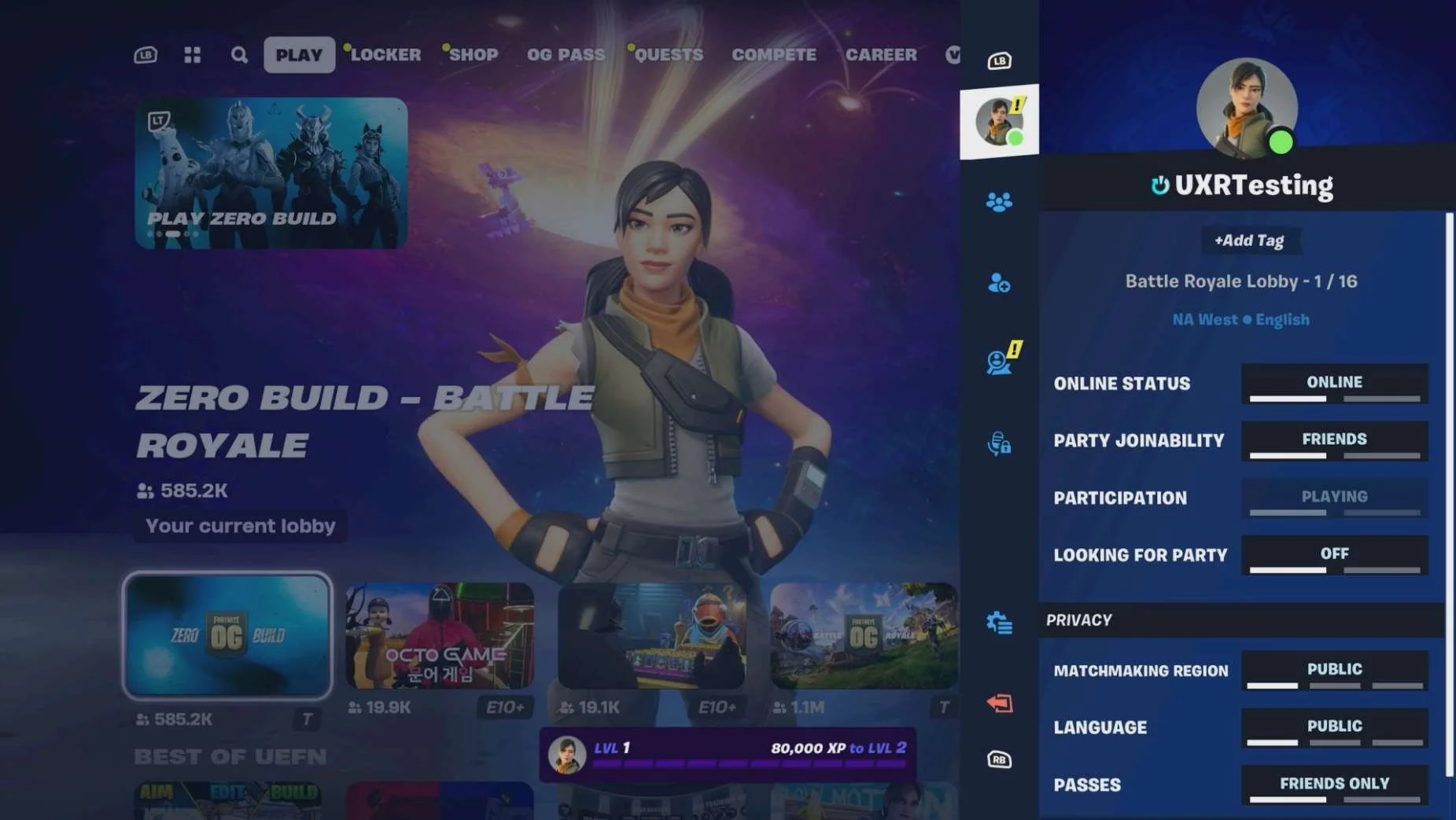
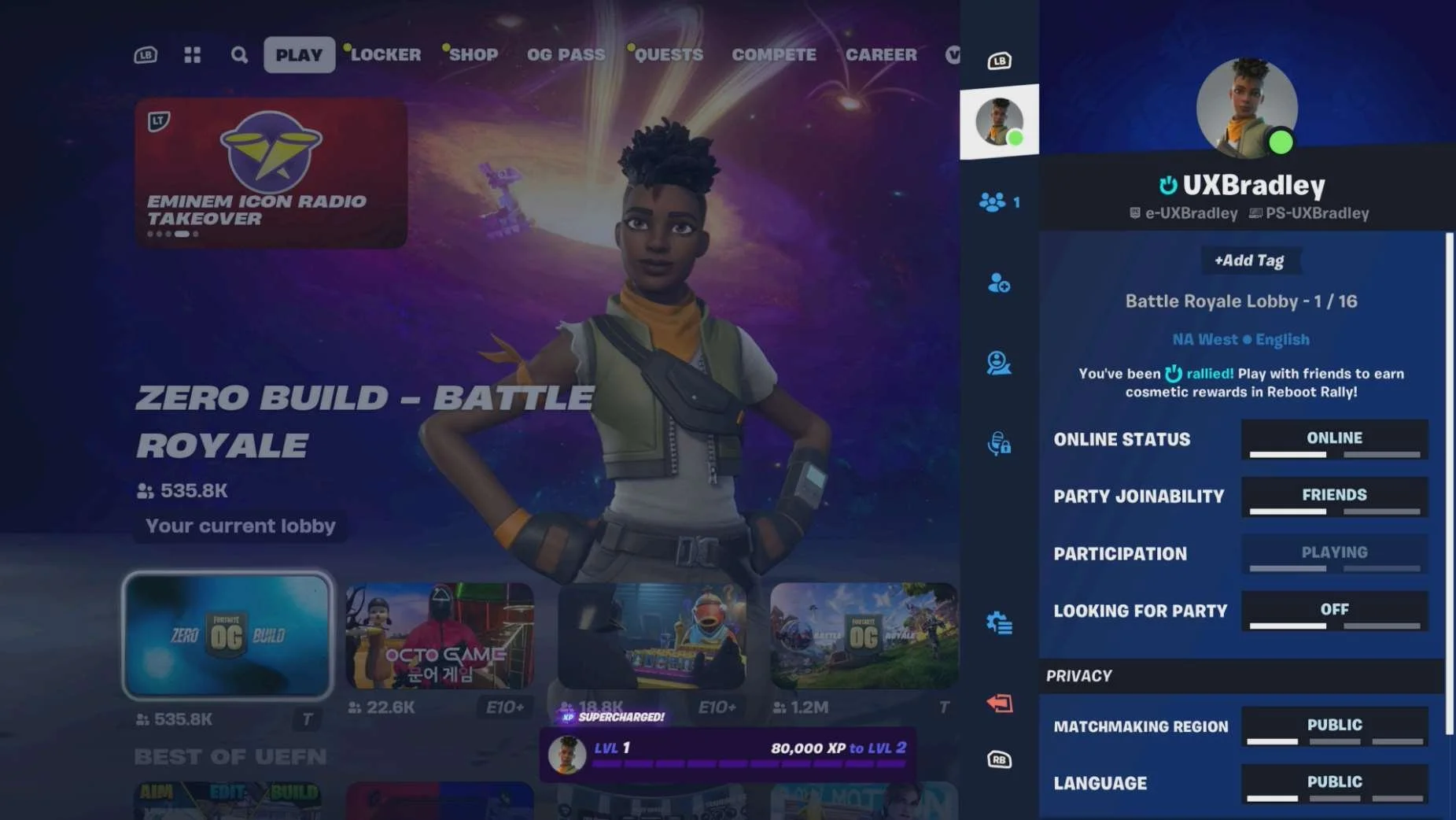
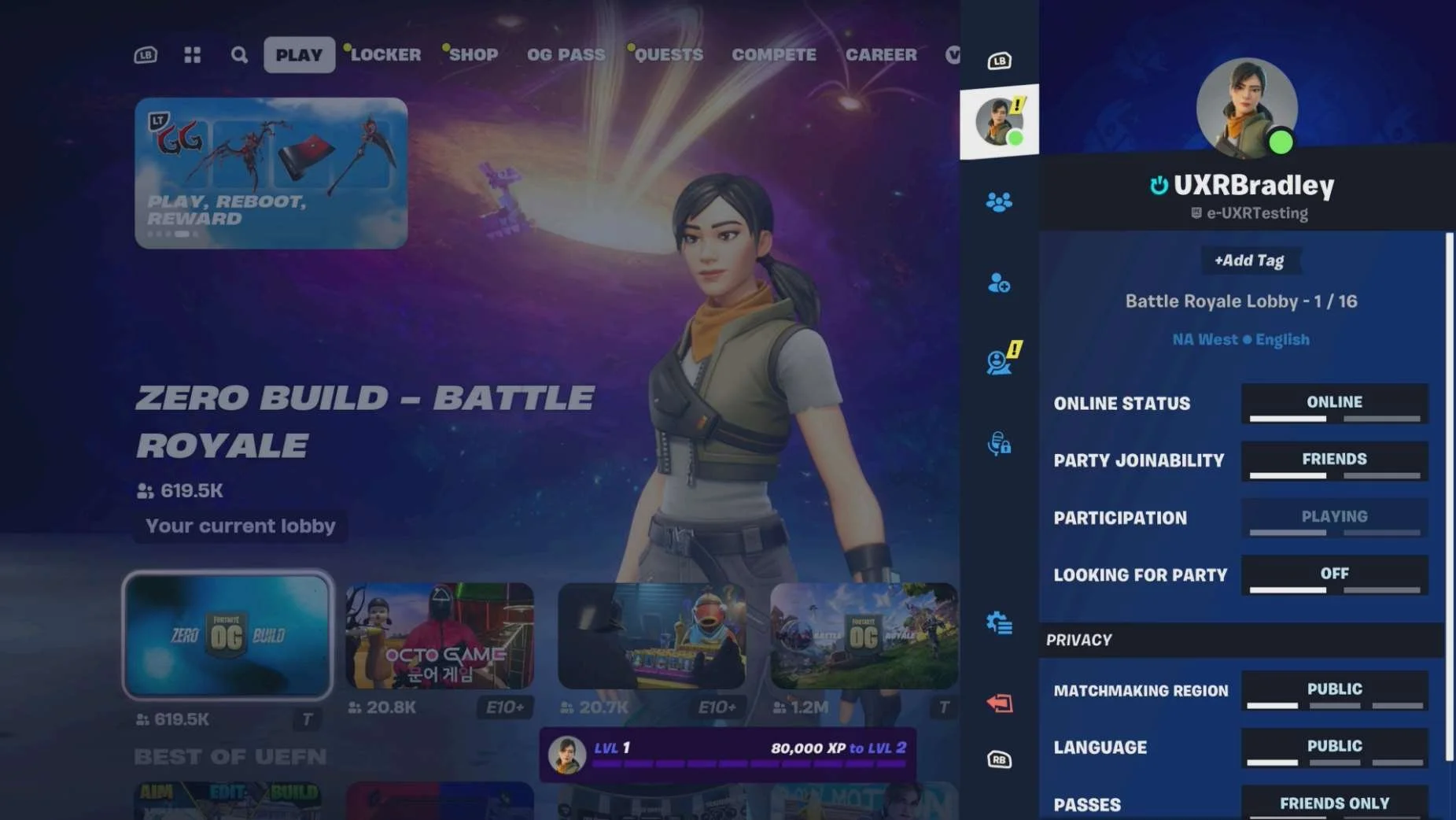
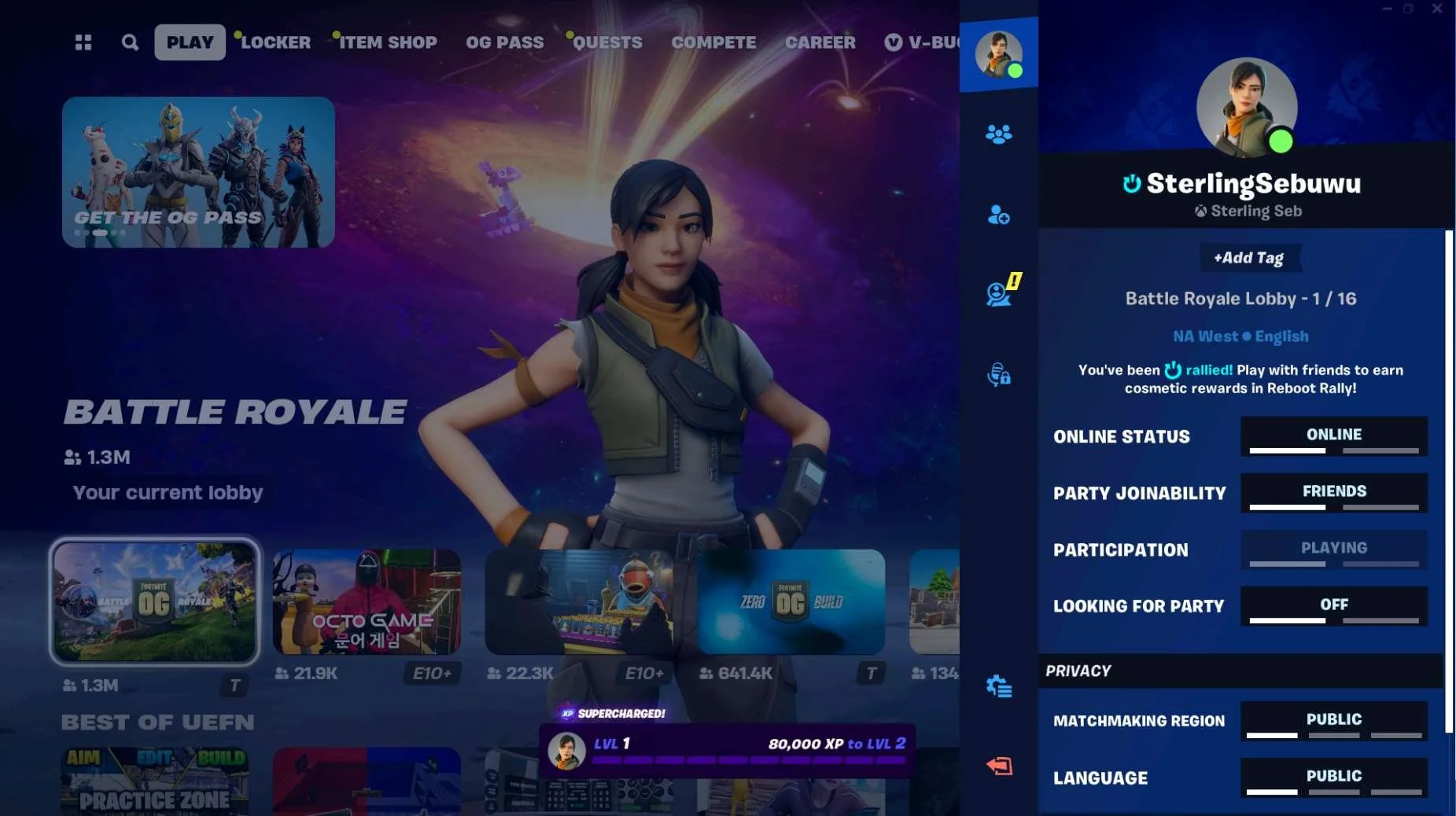
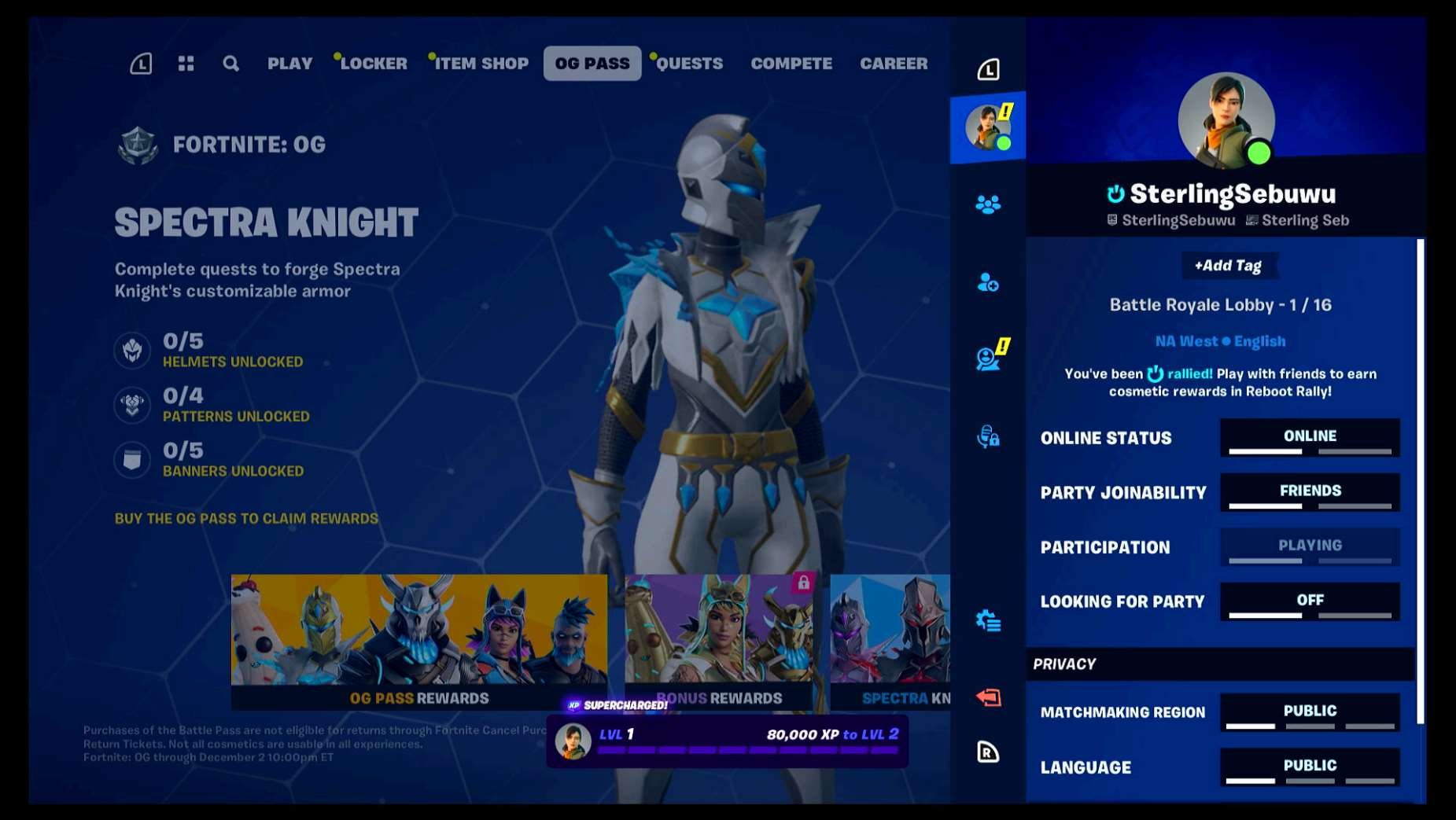
- Fortnite displays most of the player's linked accounts from within the game
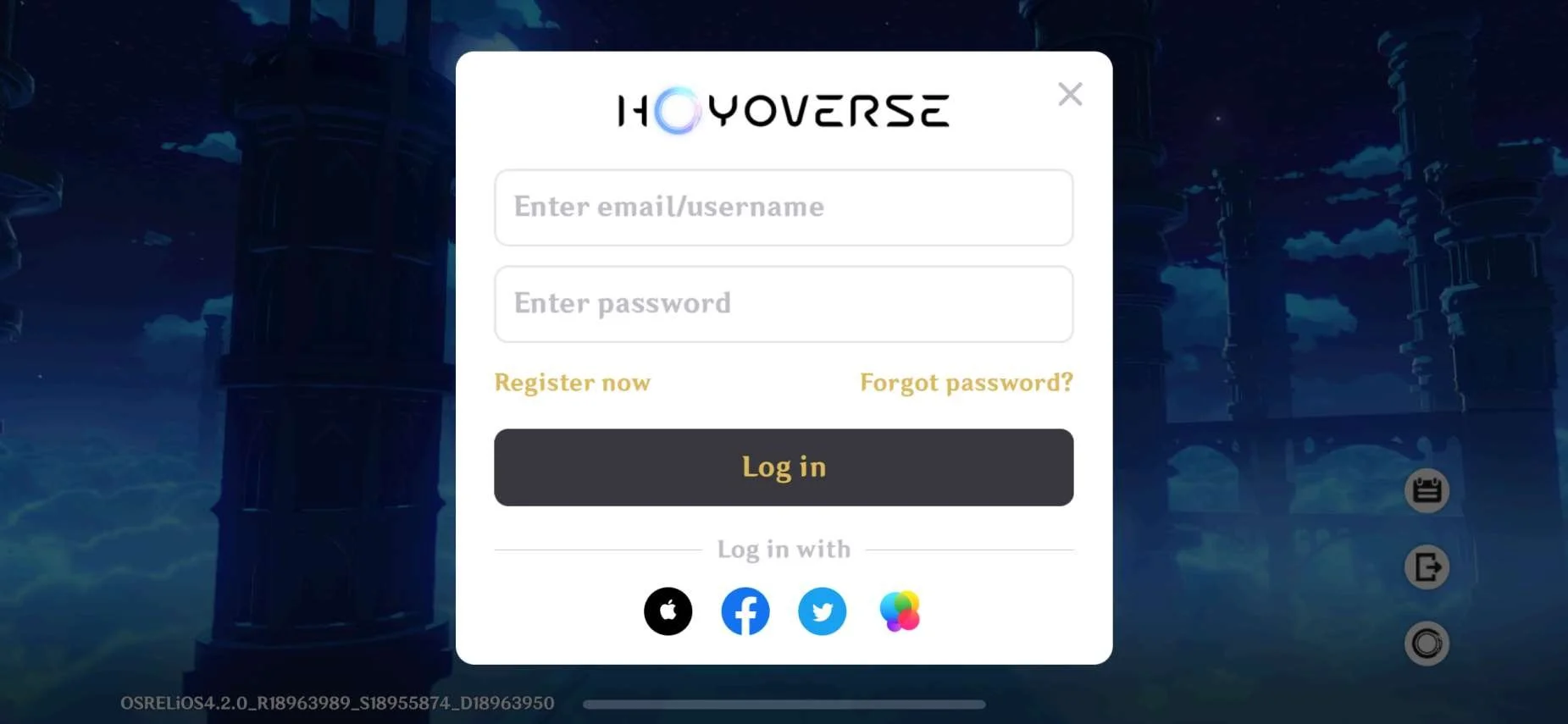
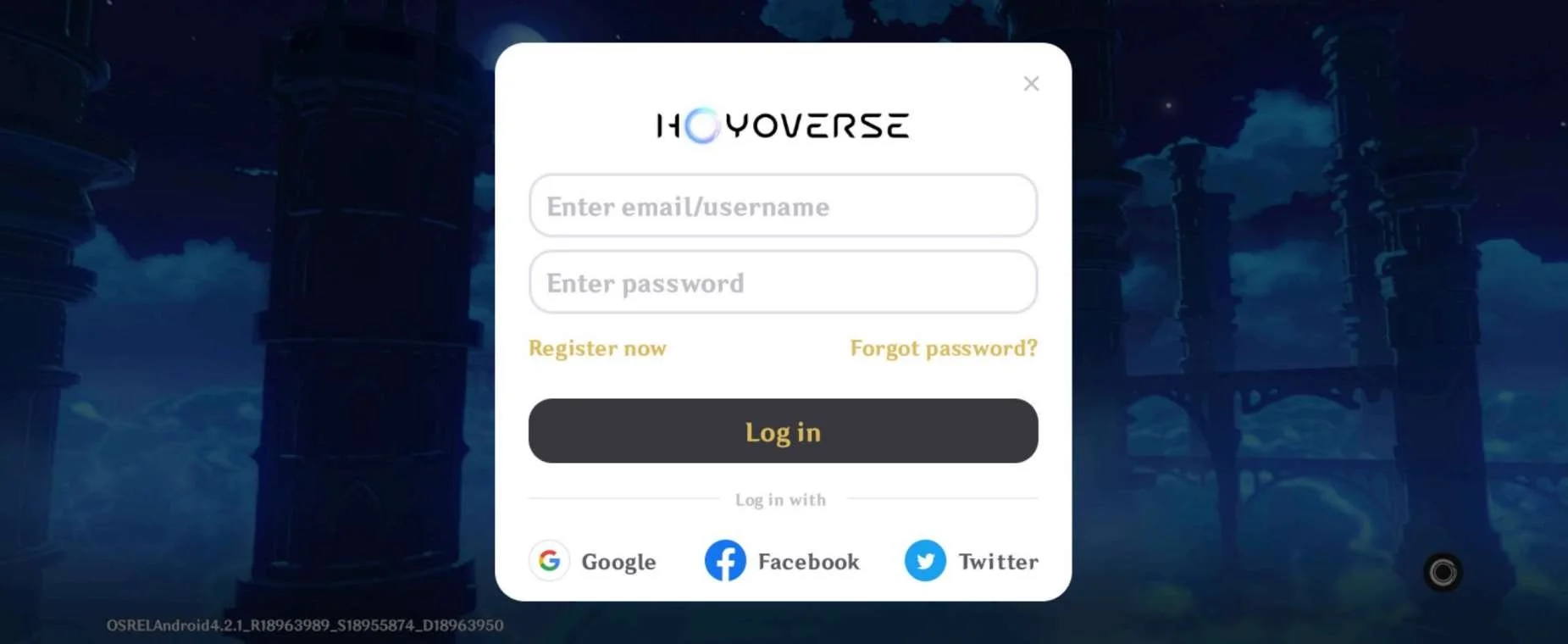
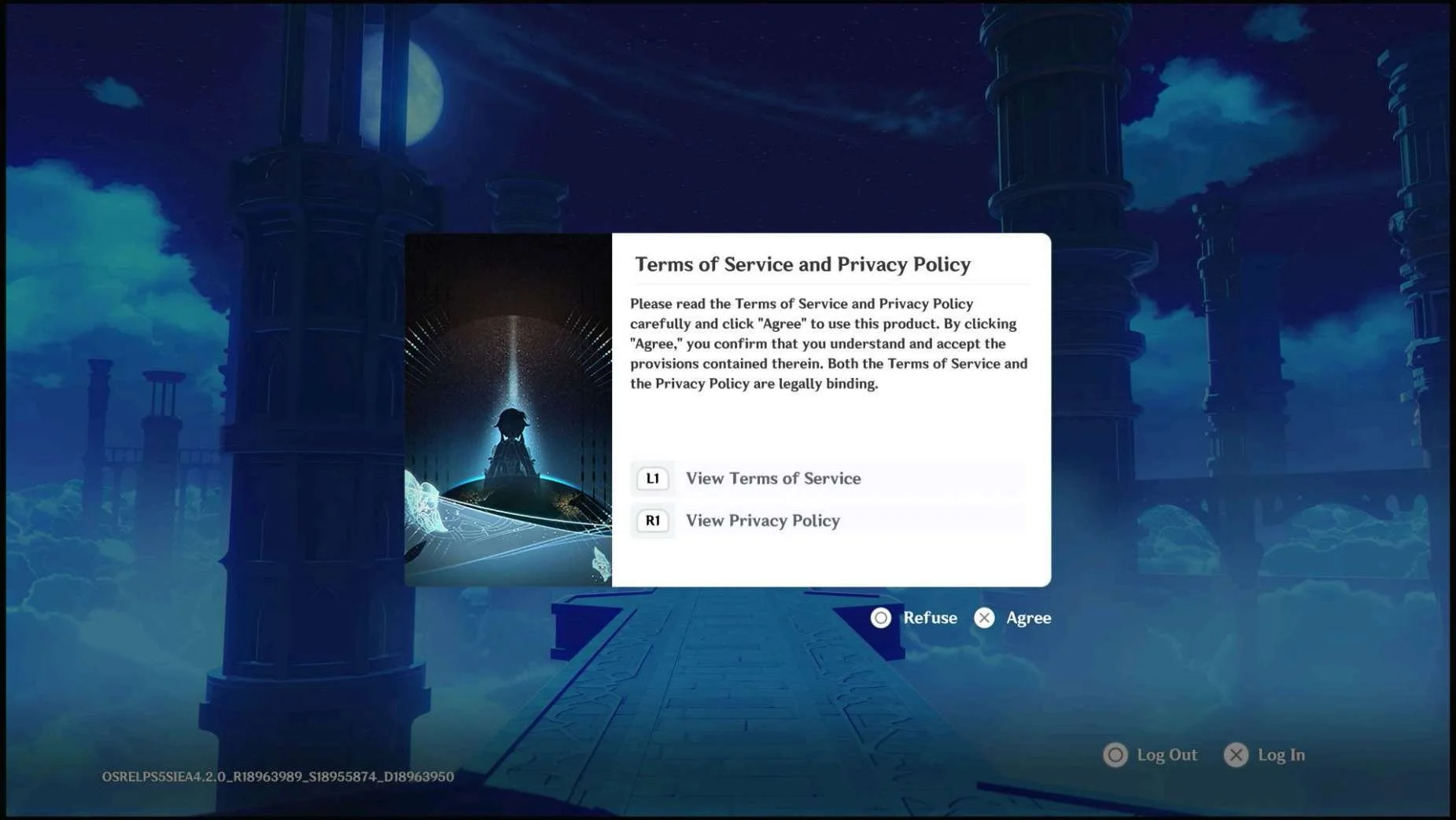
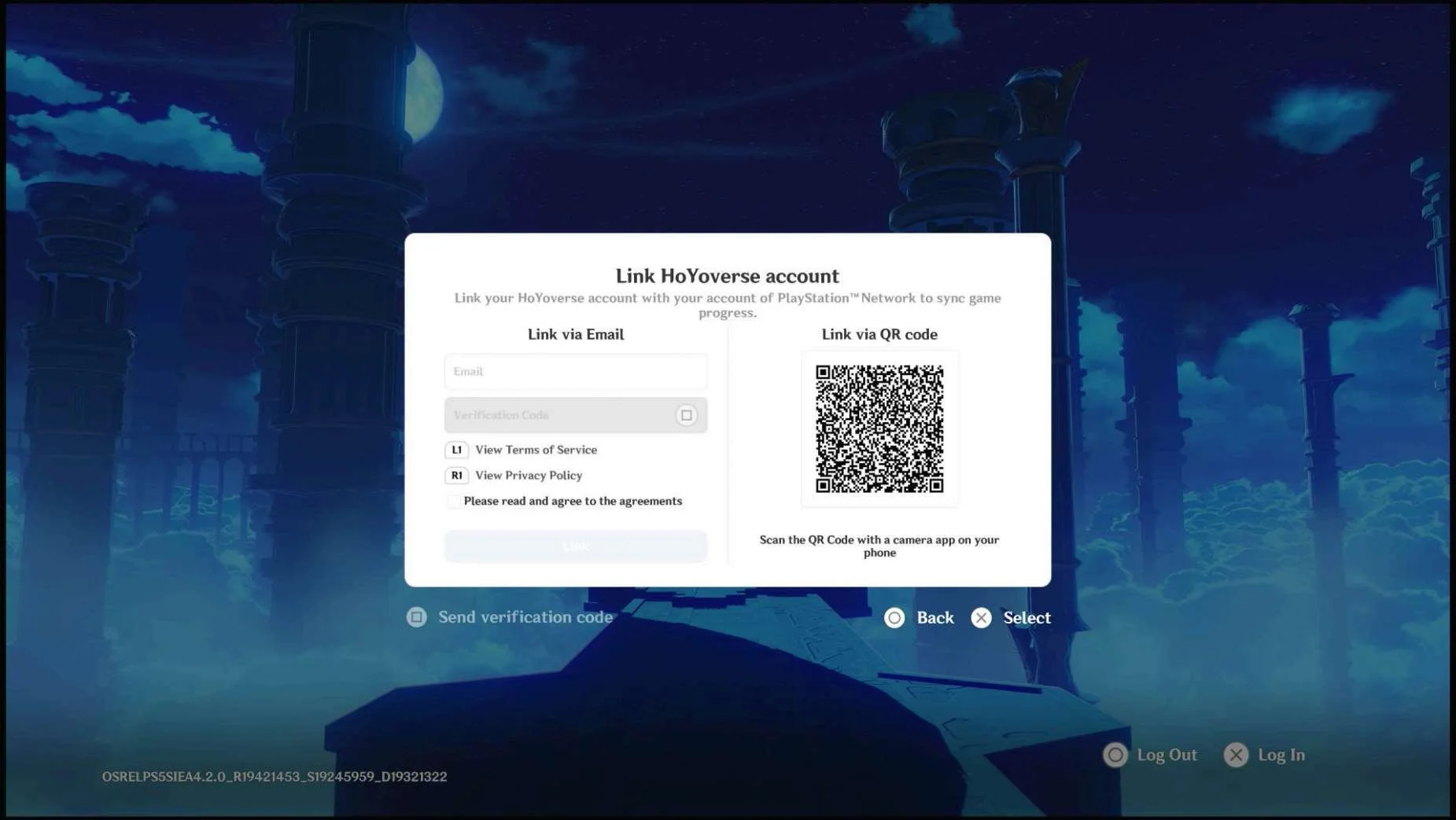
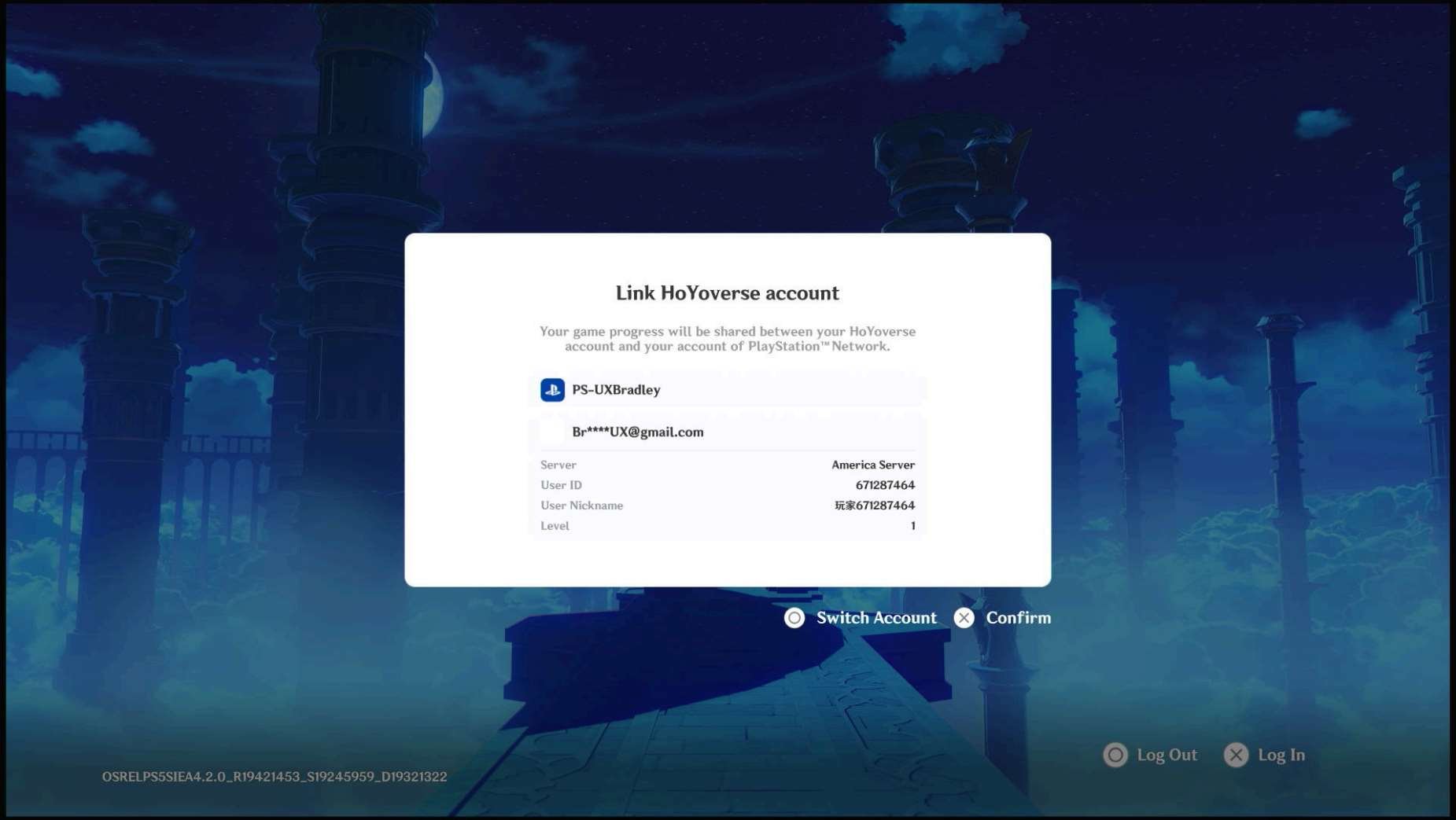
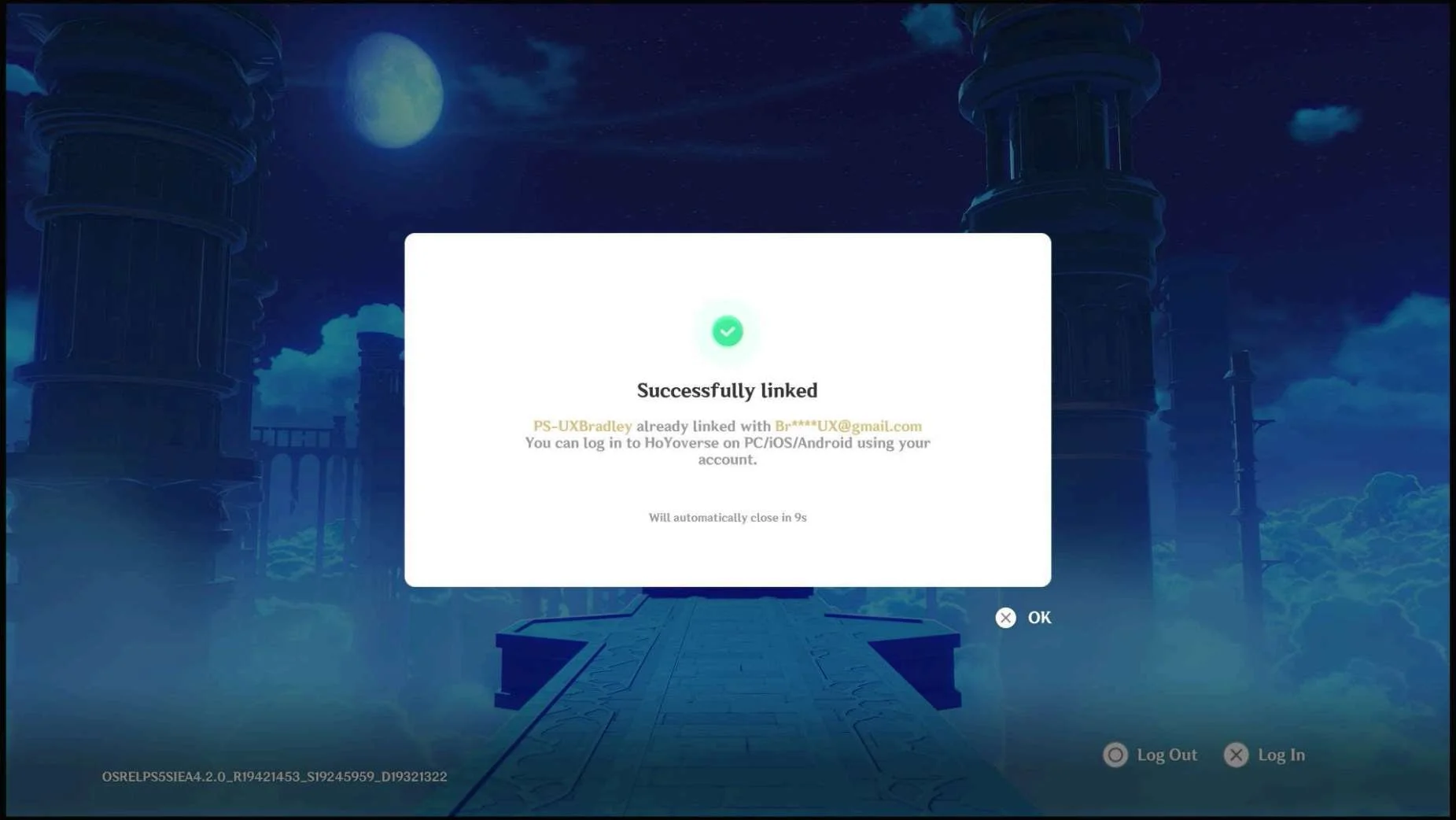
- Hoyoverse essentially uses a single sign on experience across all platforms but Playstation
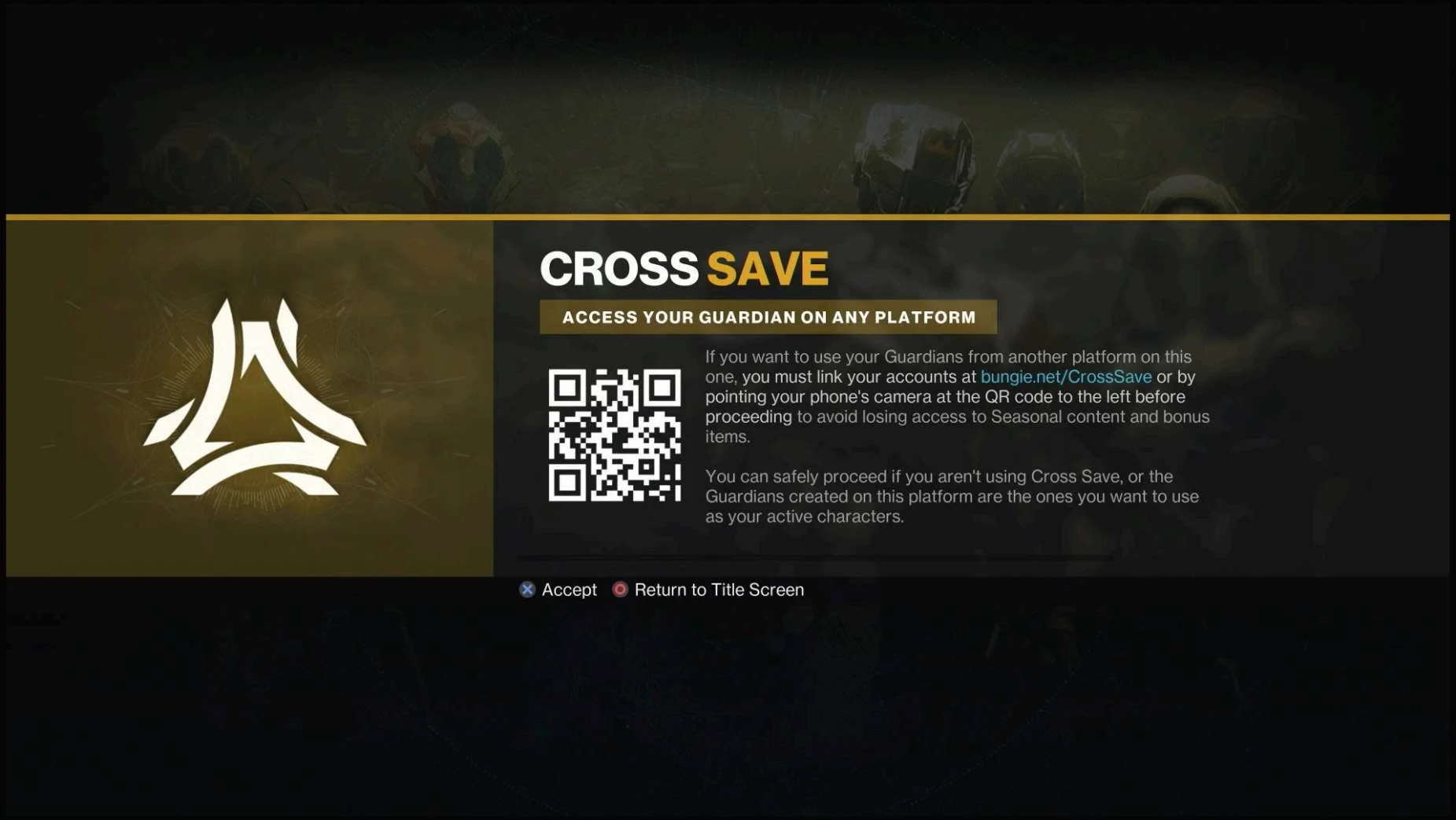
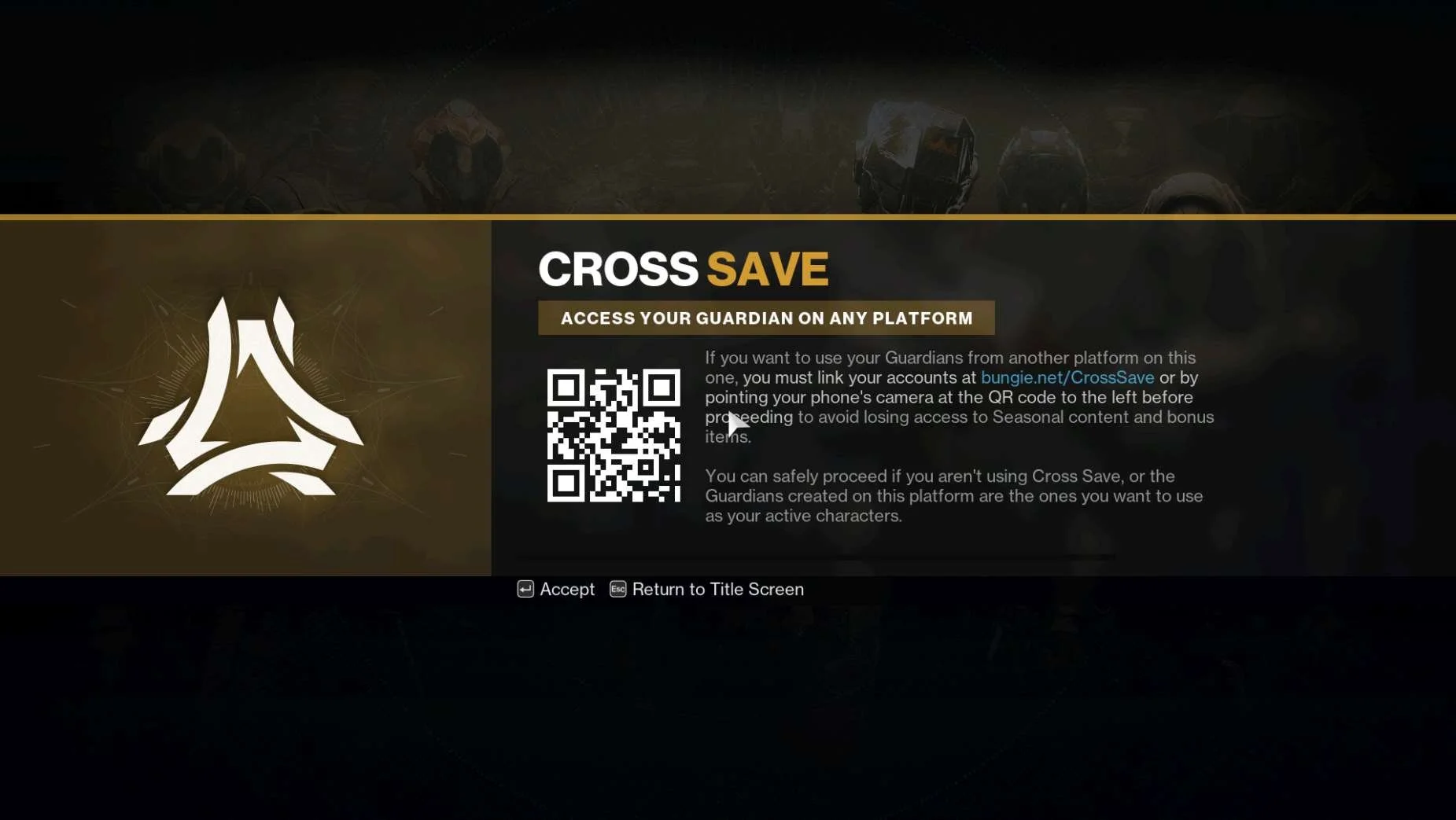
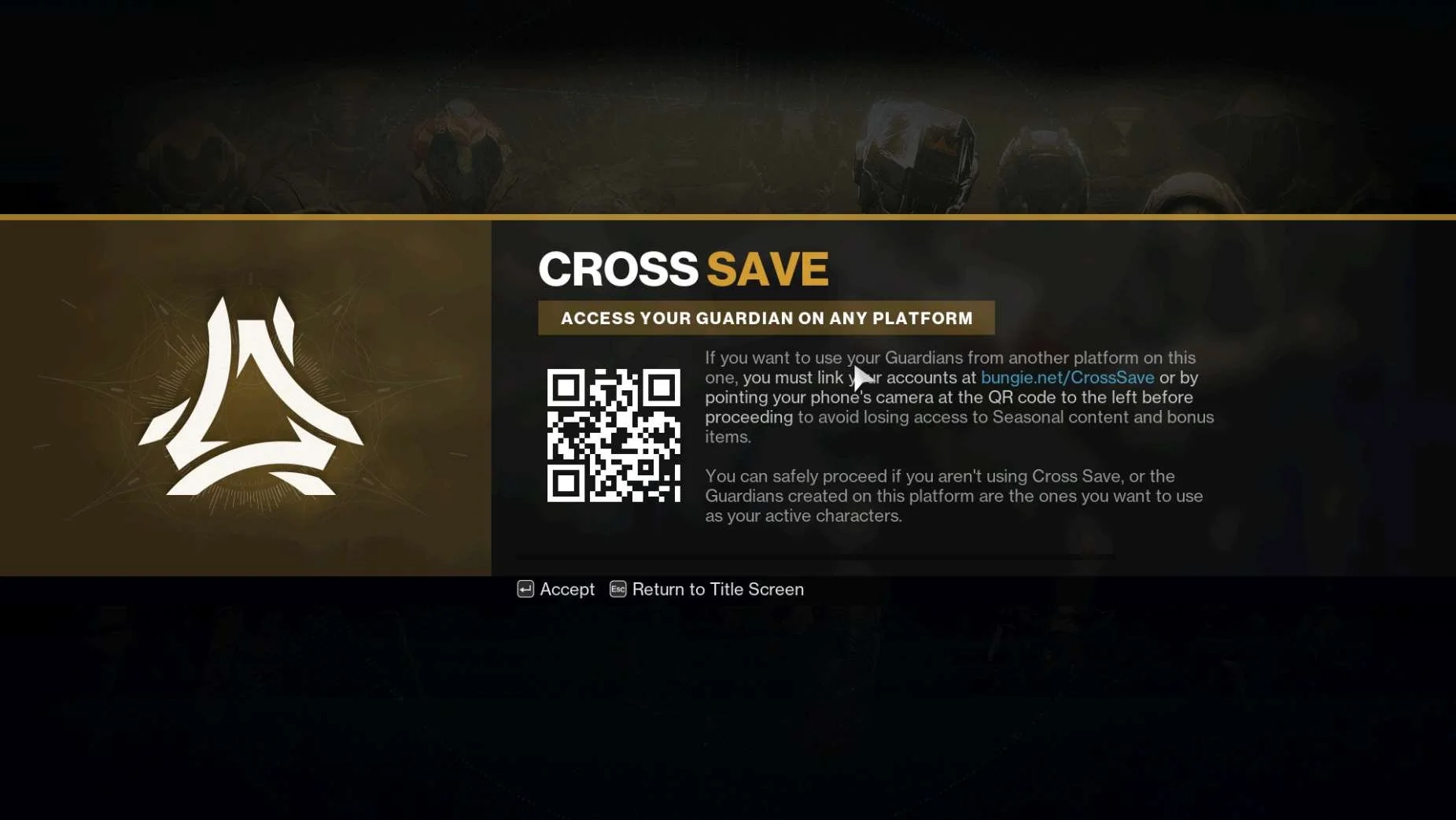
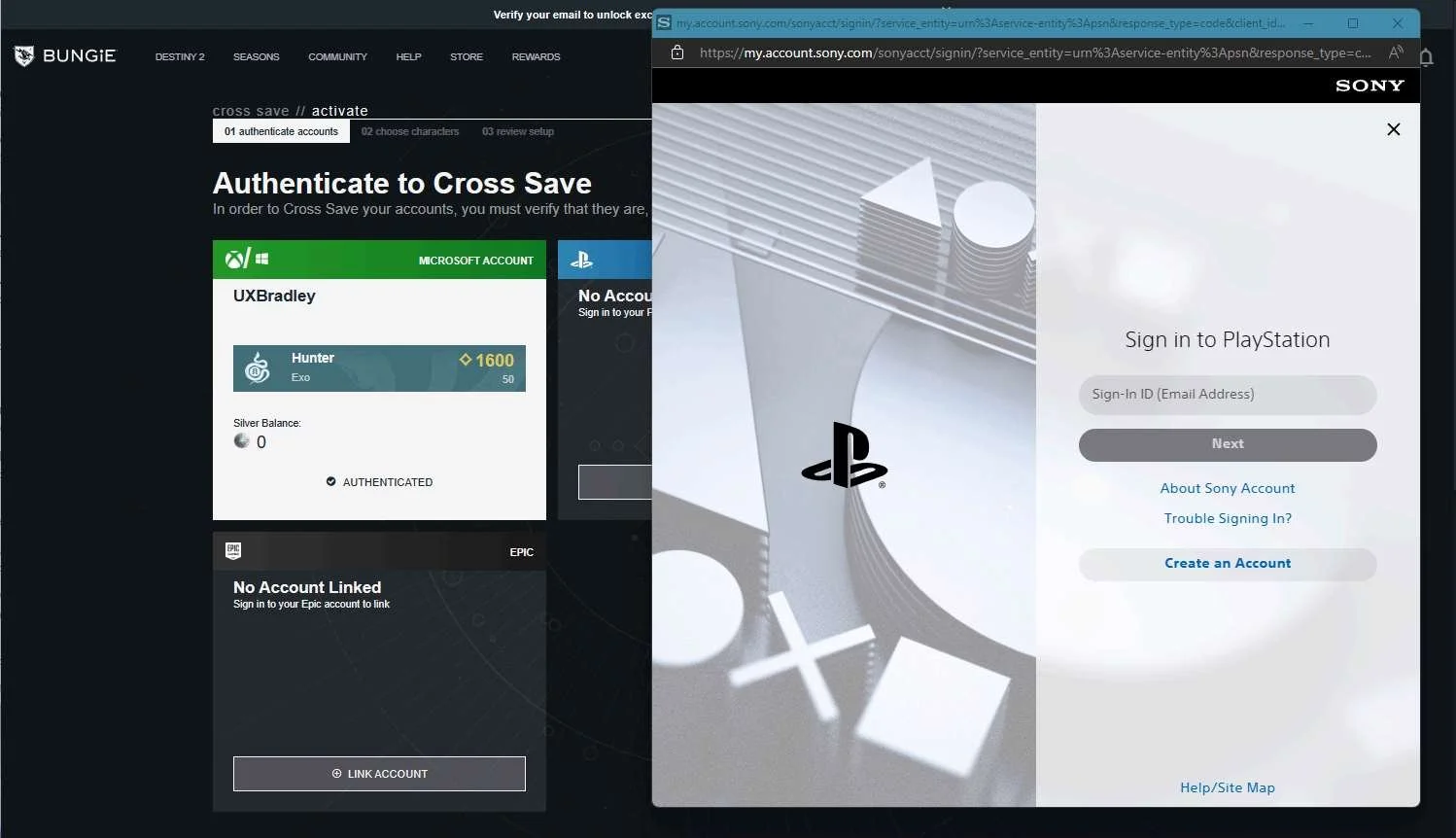
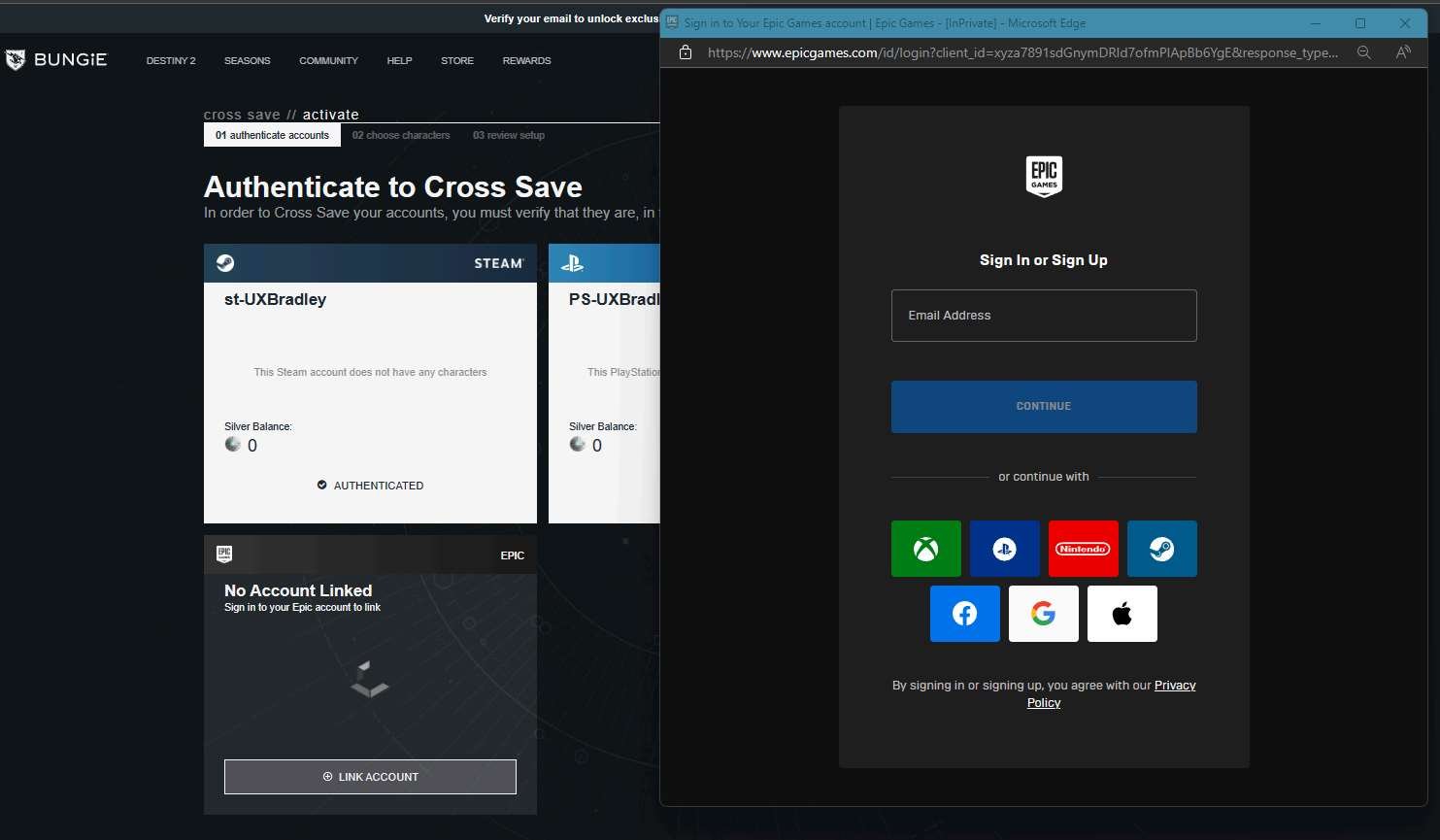
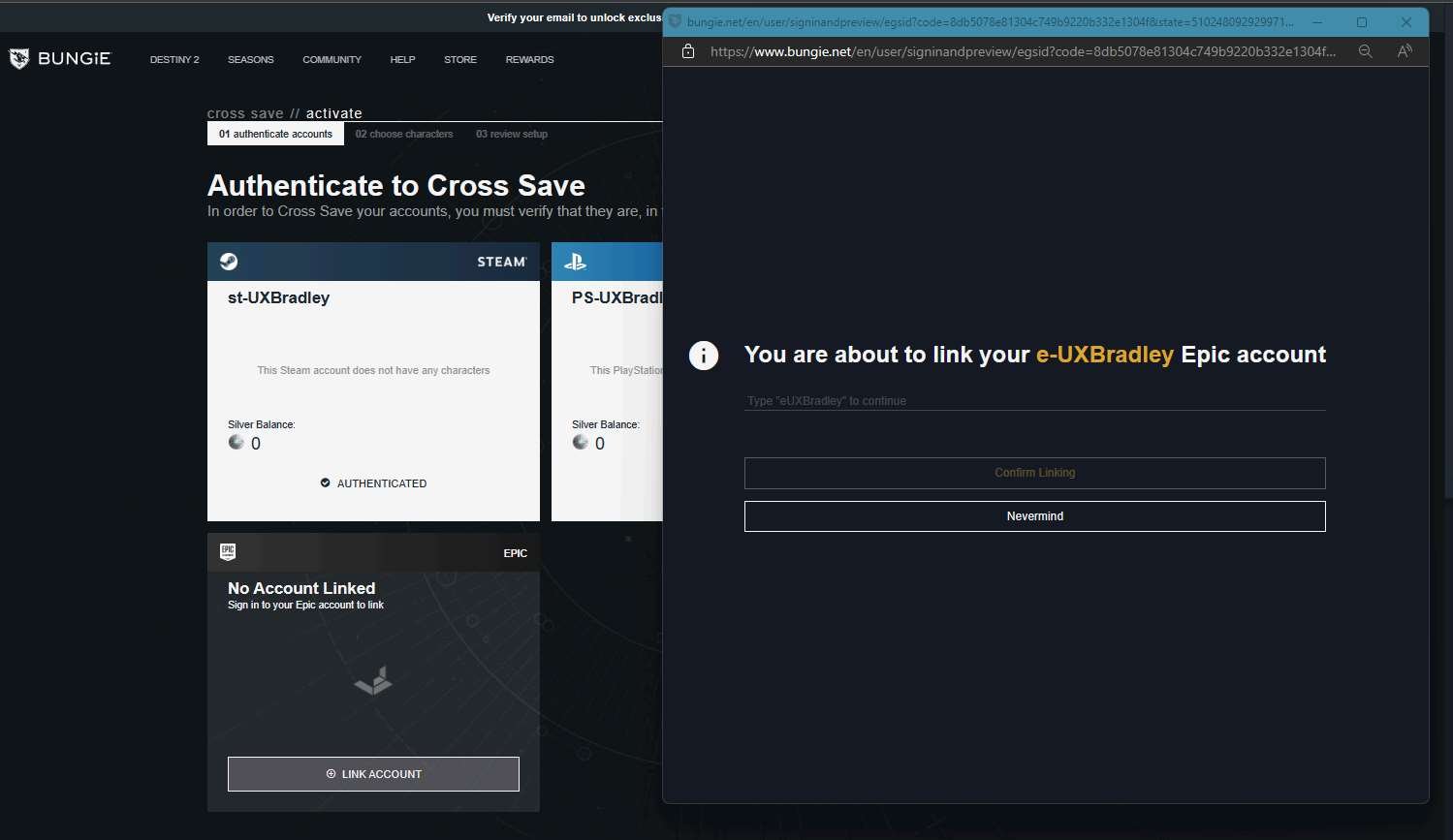
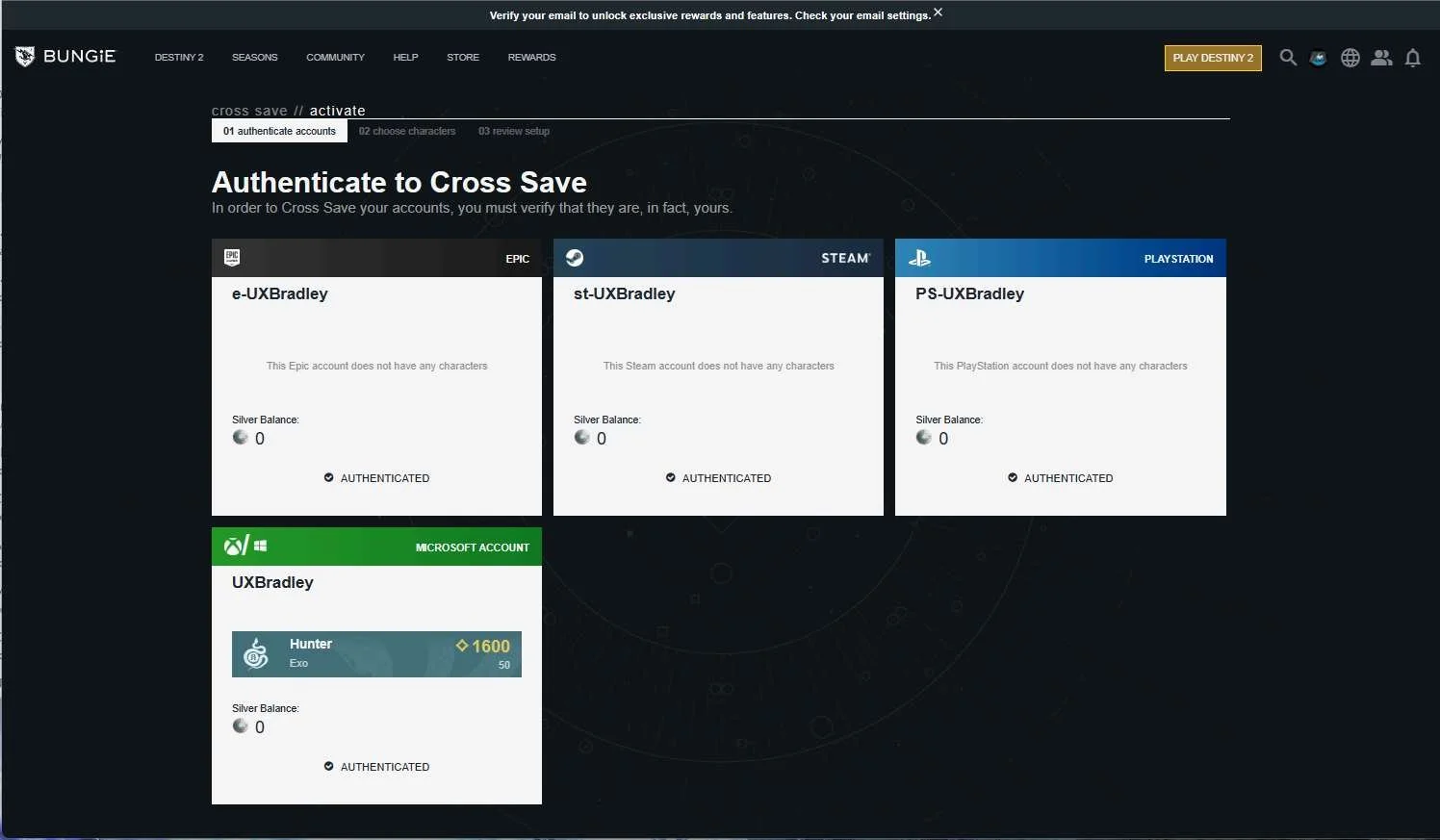
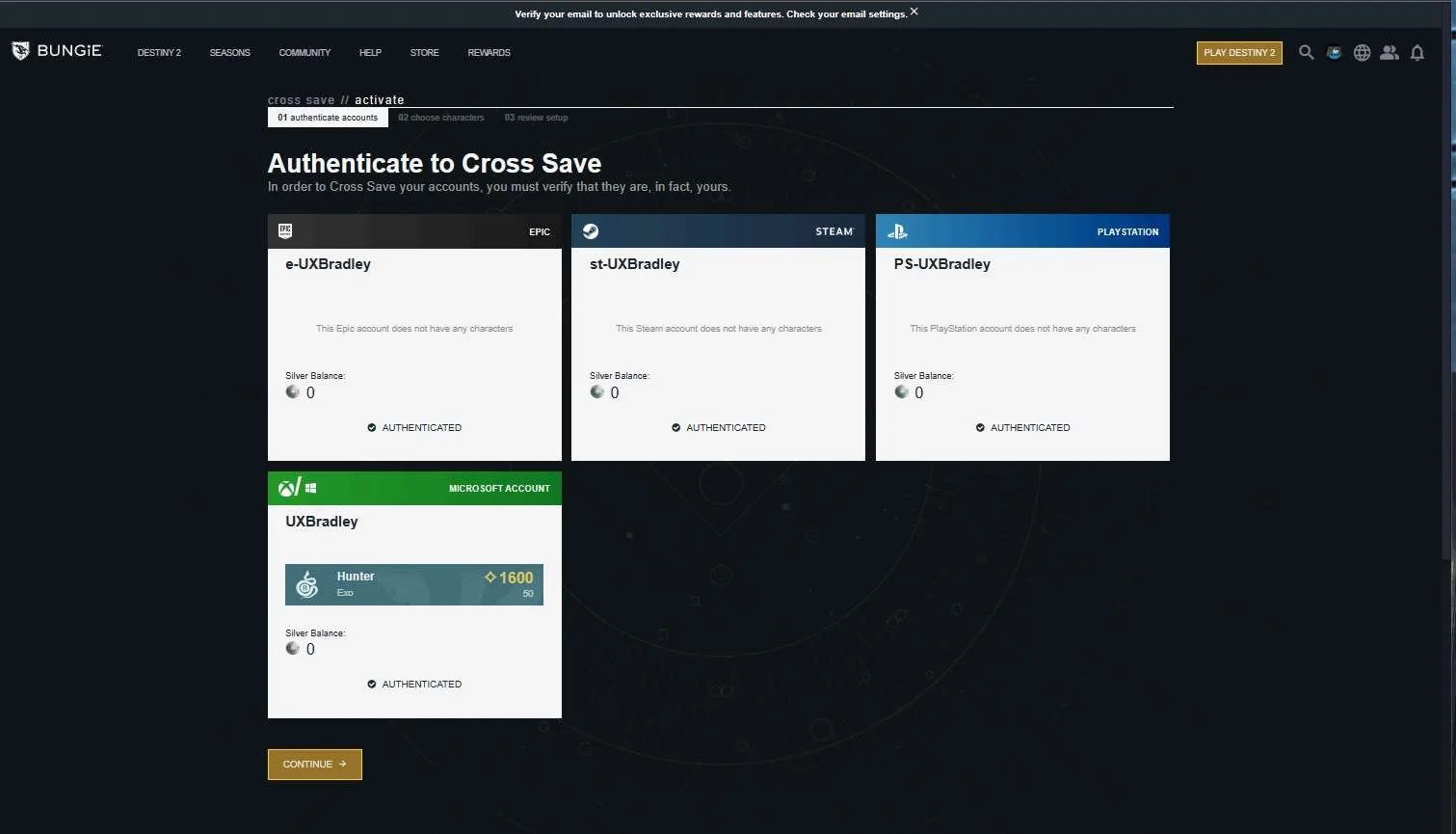
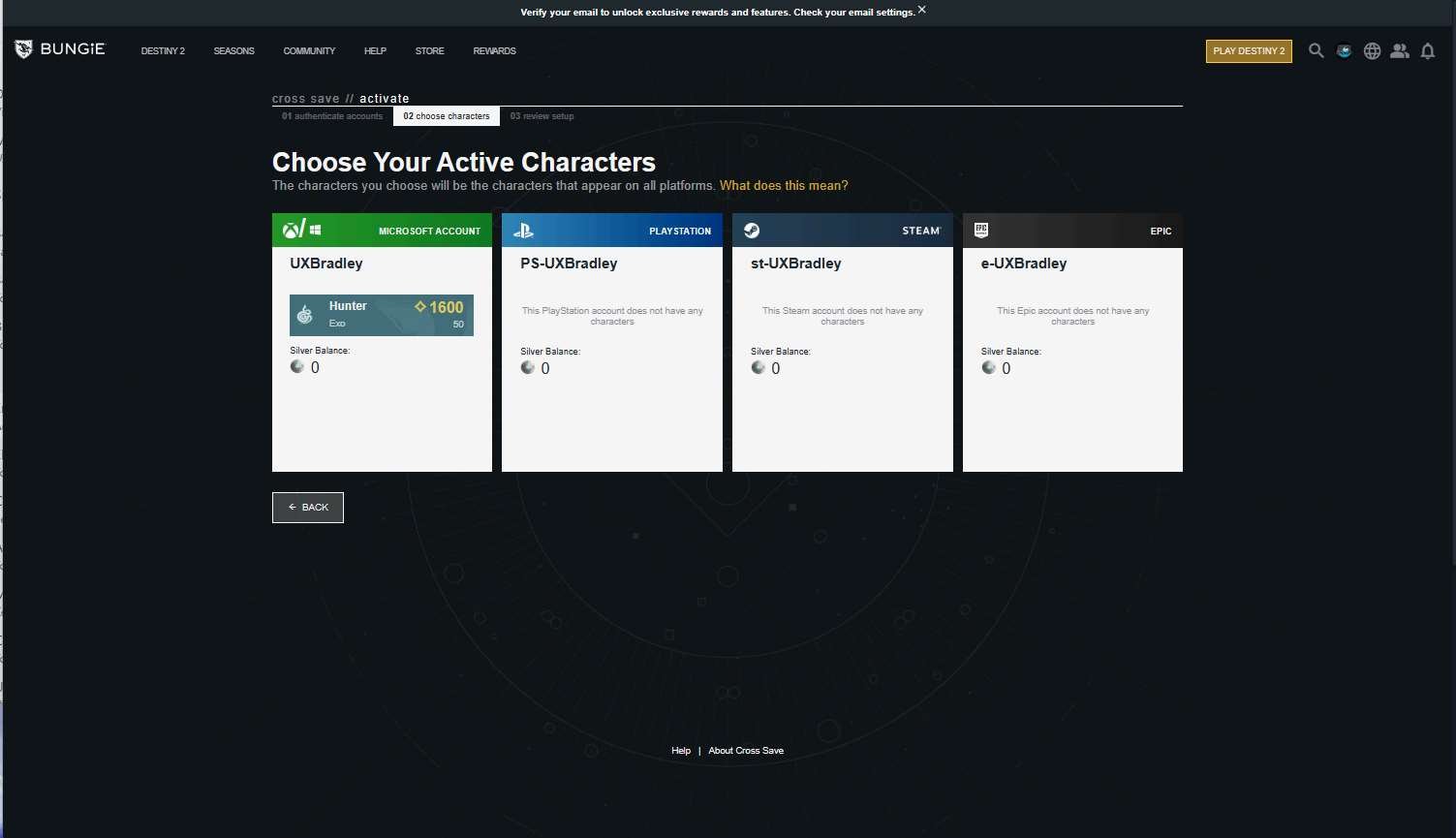
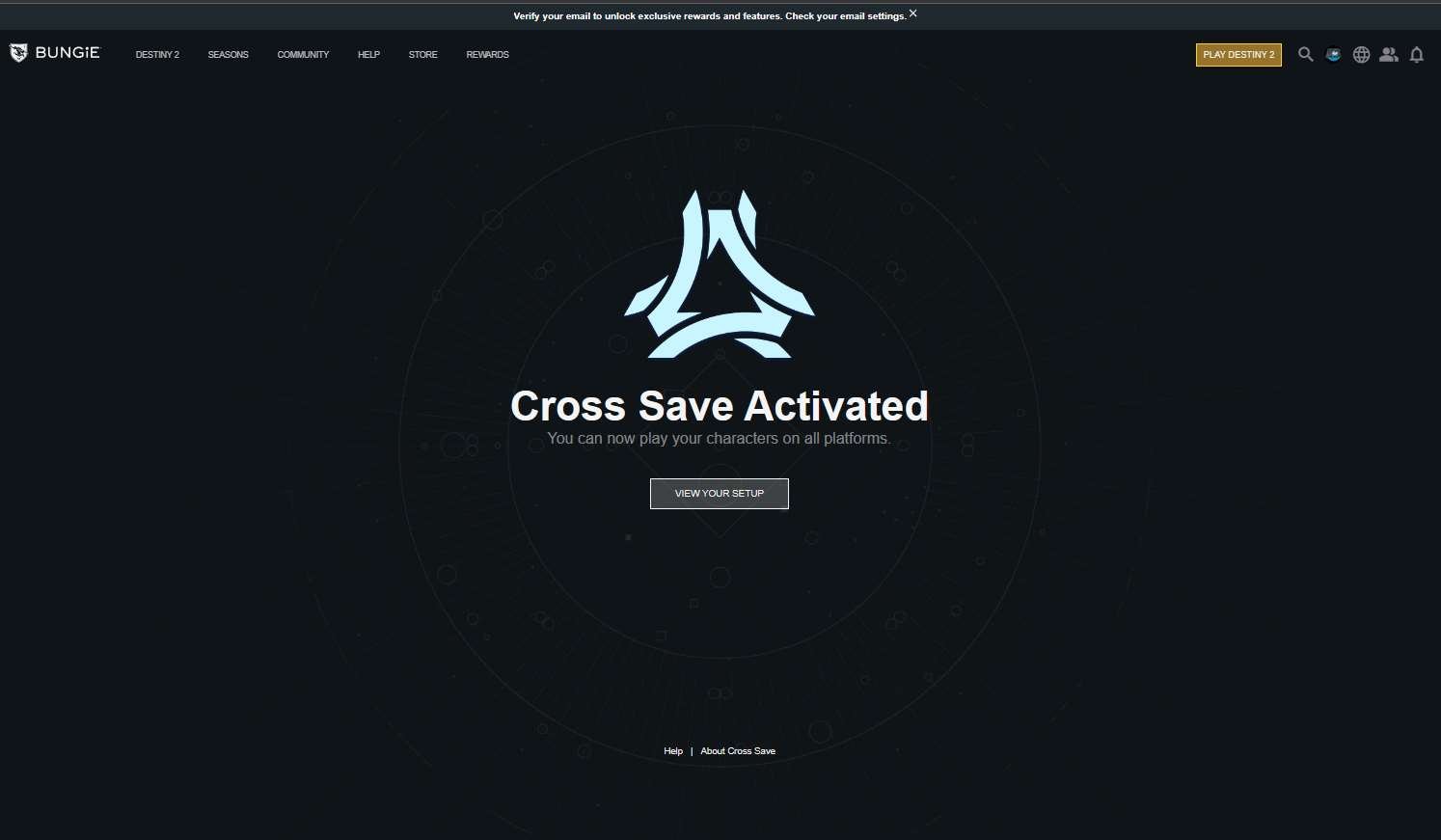
- Destiny 2 directs players to go to their website to link accounts in a message that is consistent across all platforms
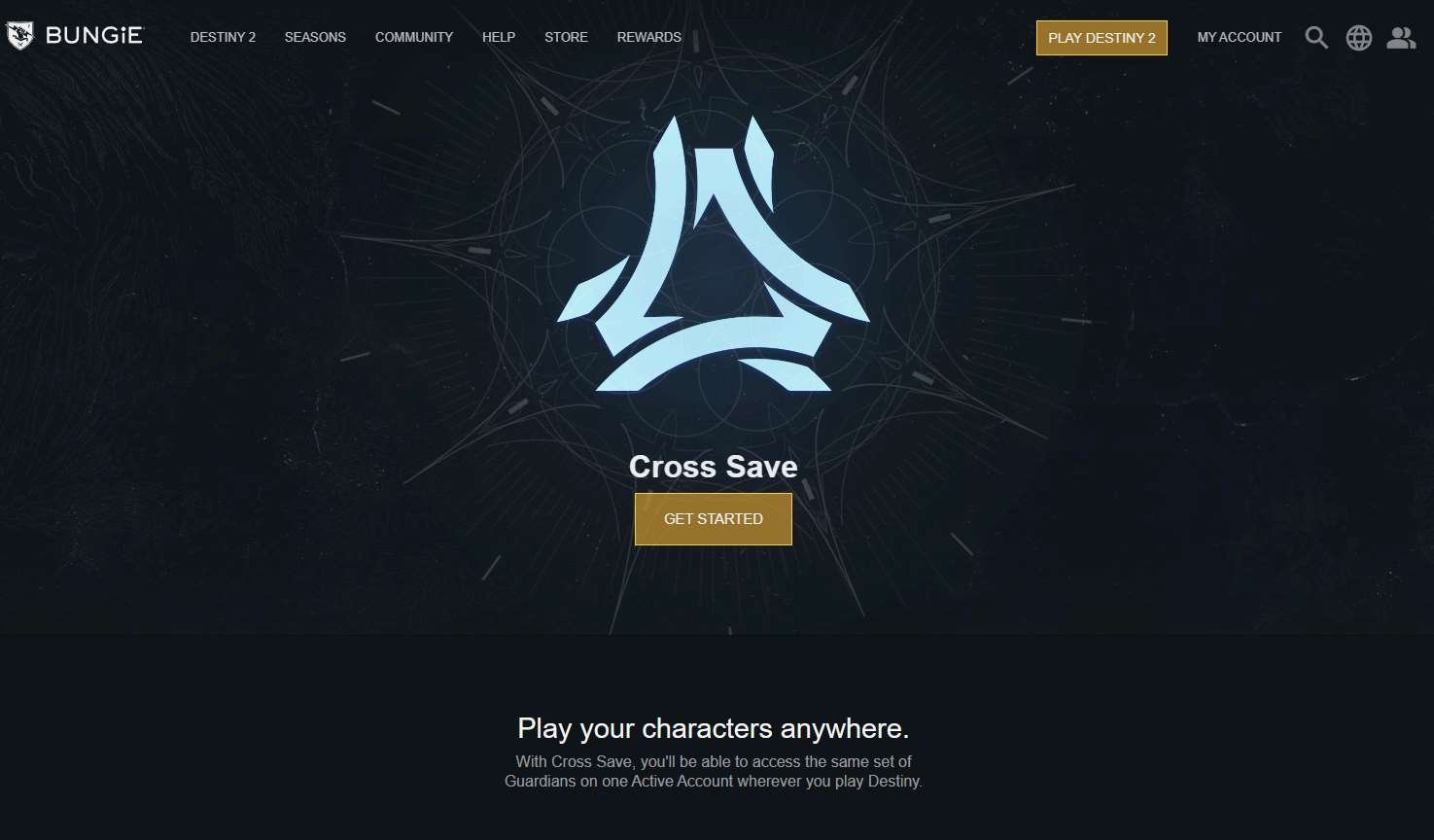
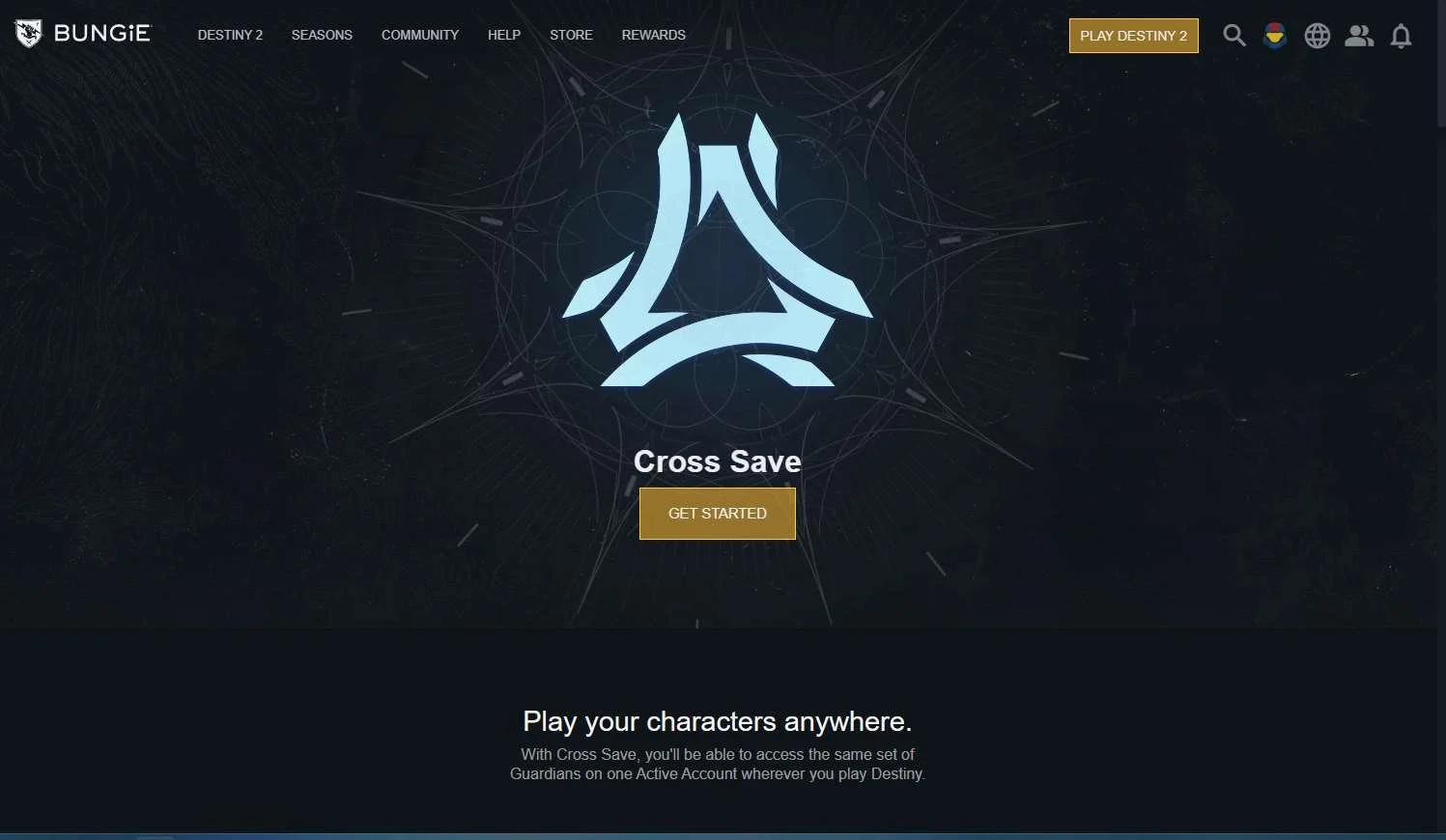
- Destiny 2 has an entire page in their website dedicated to explaining what the benefits of linking accounts are
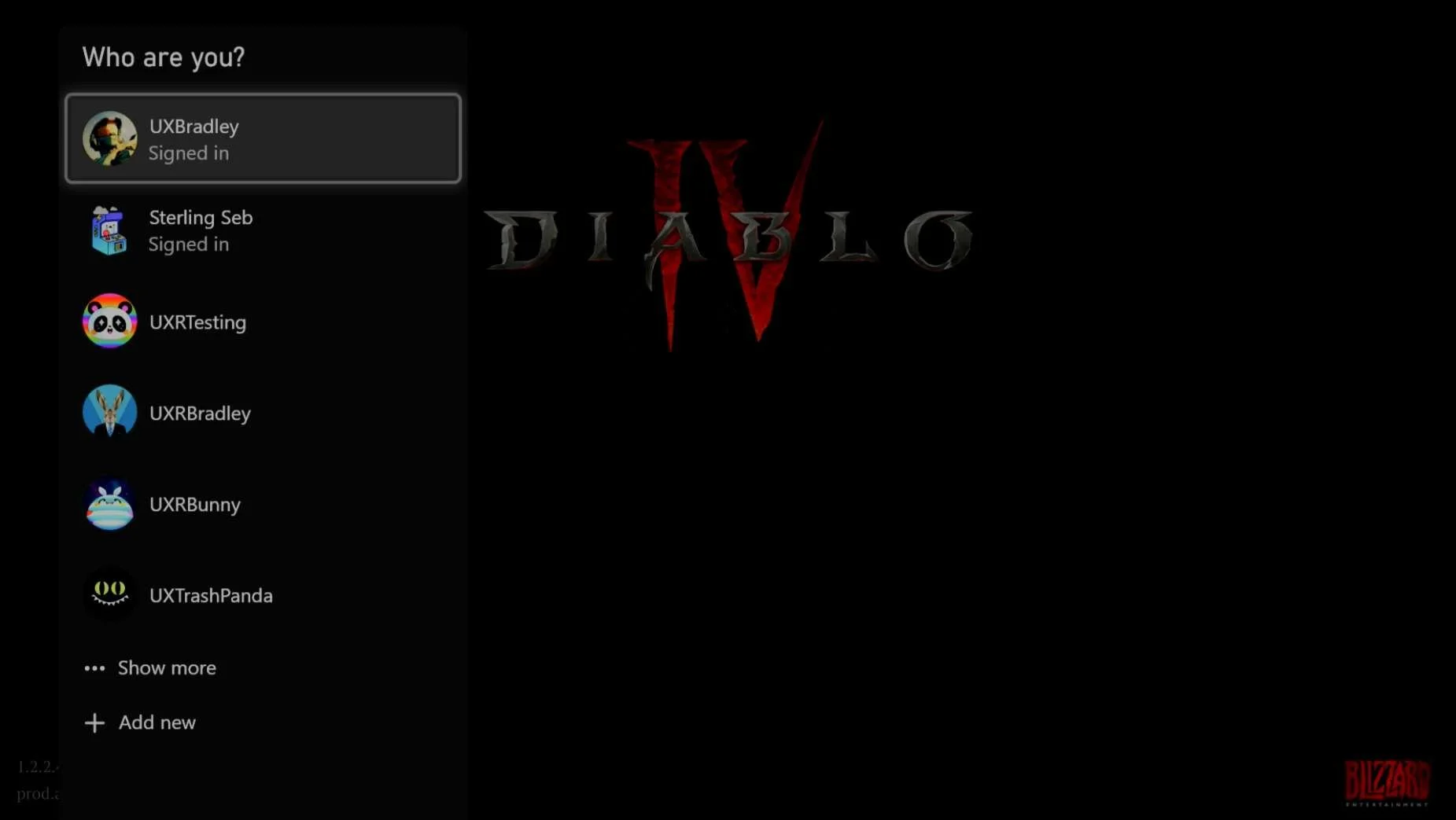
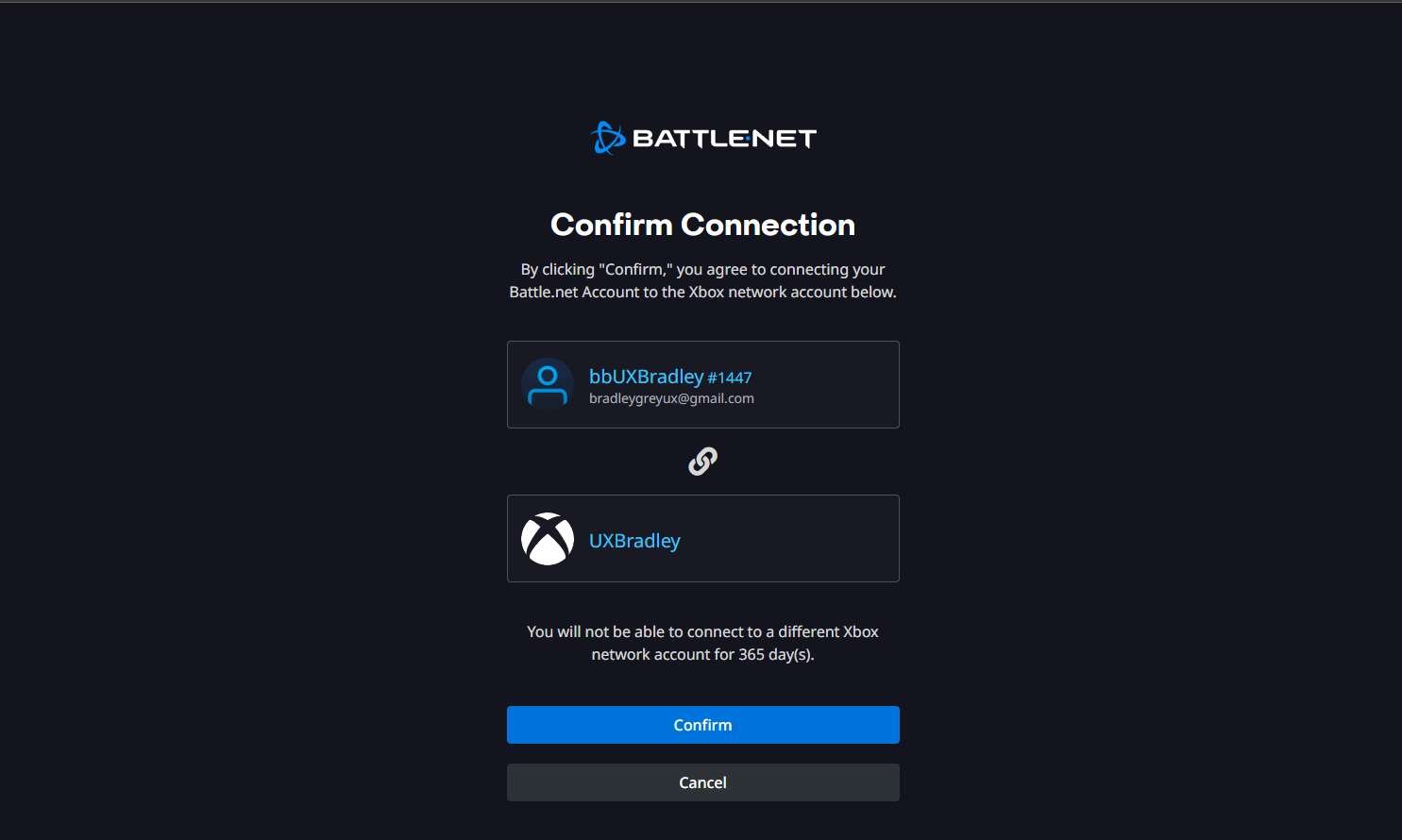
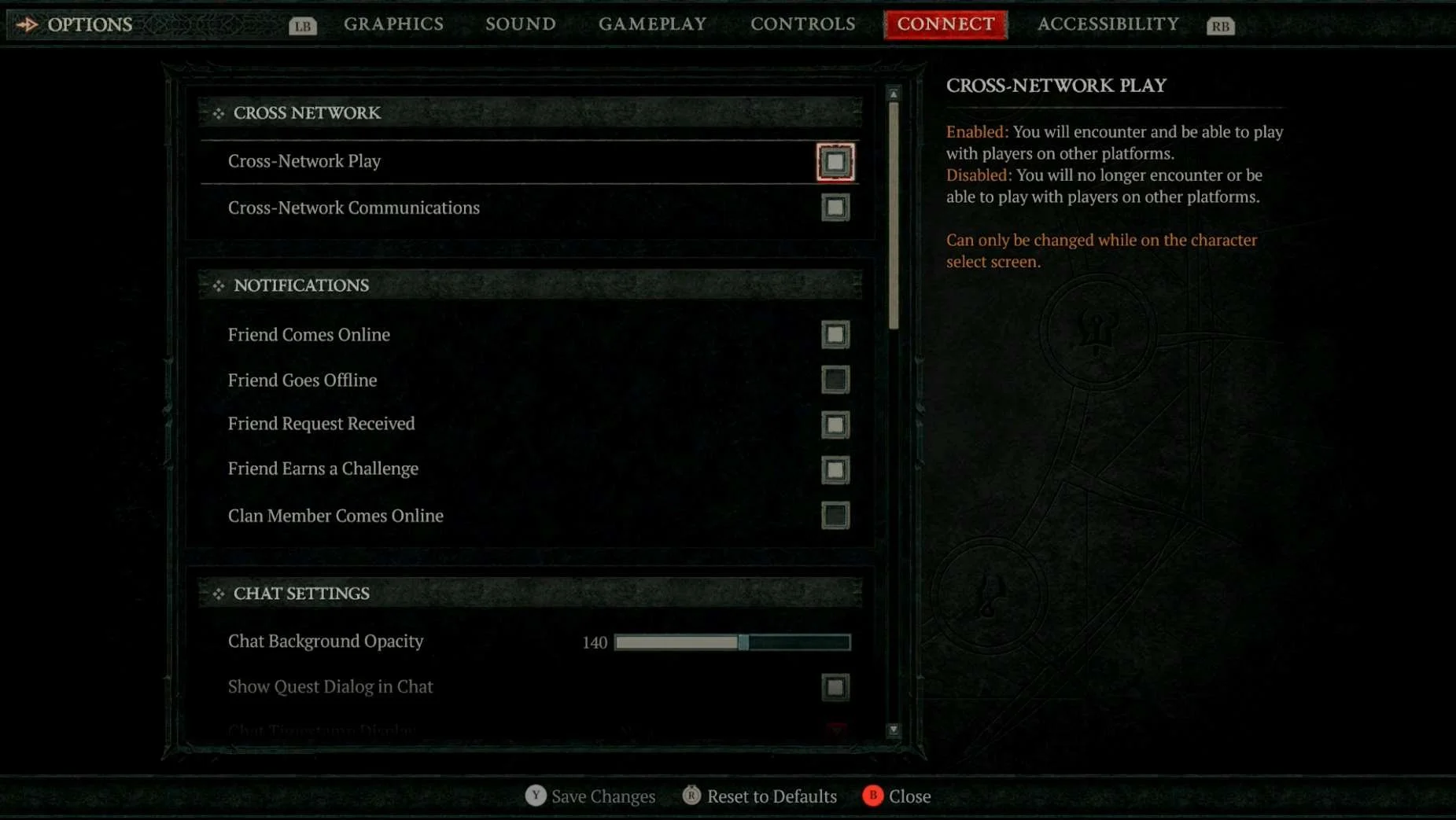
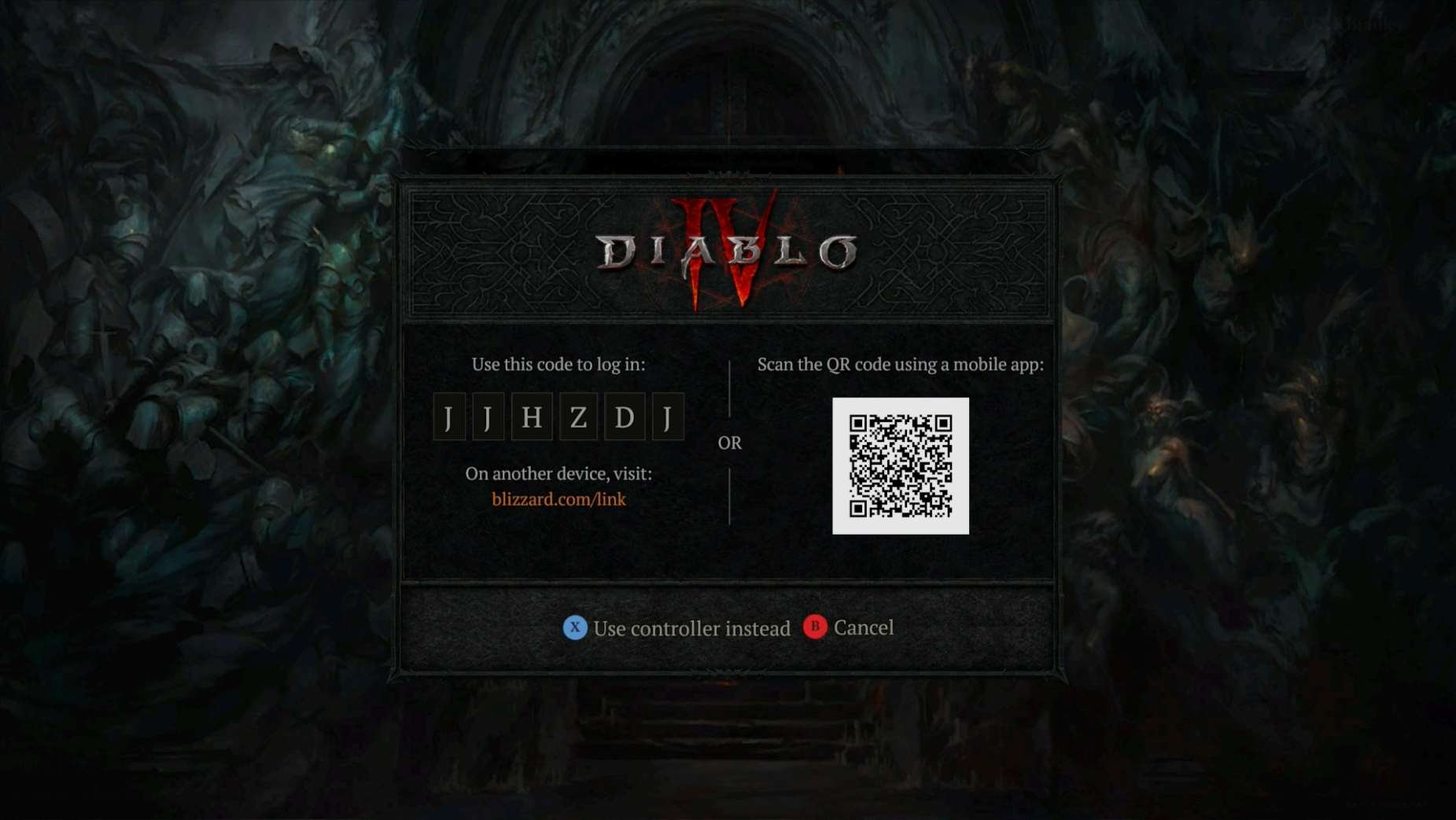
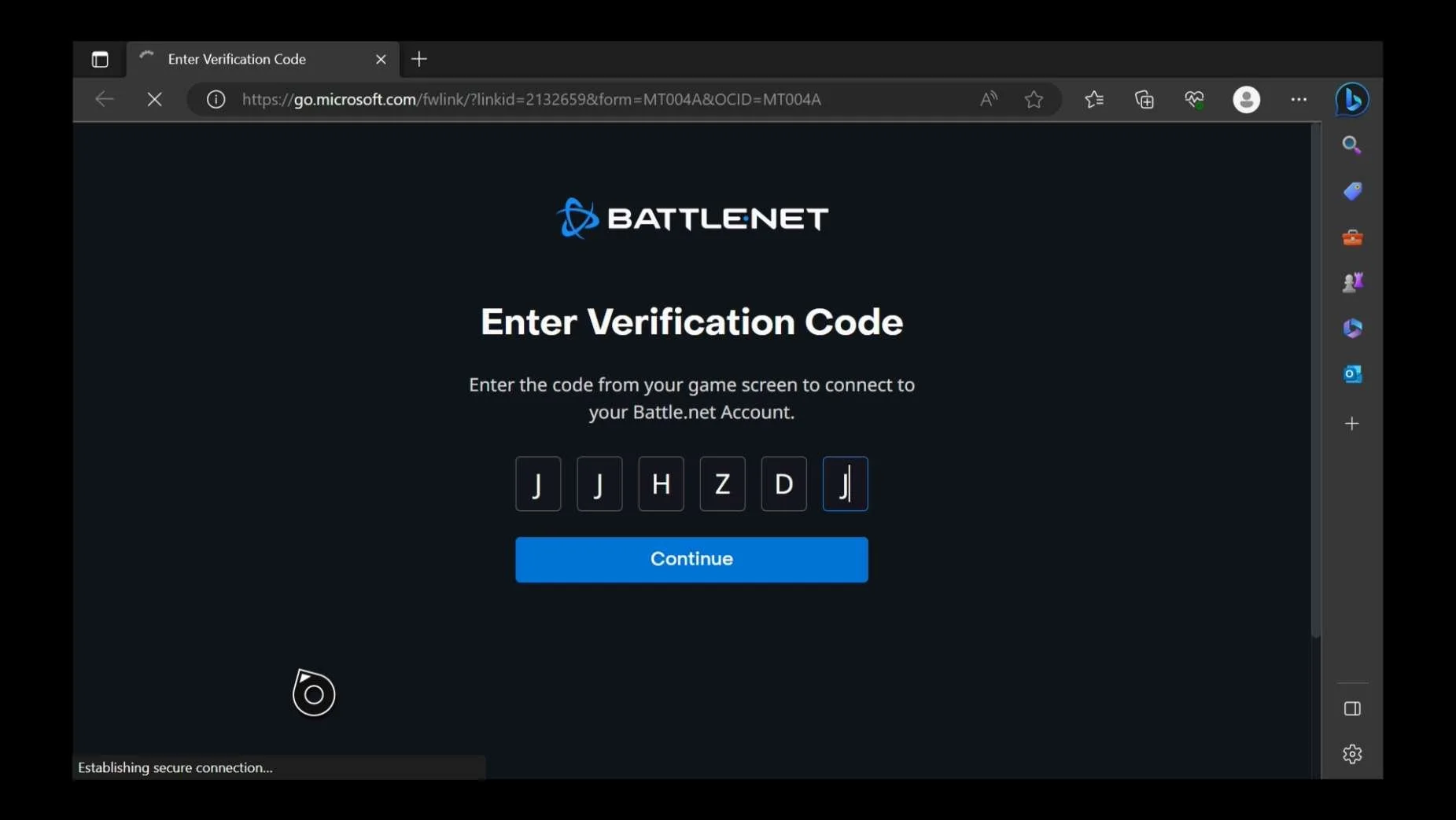
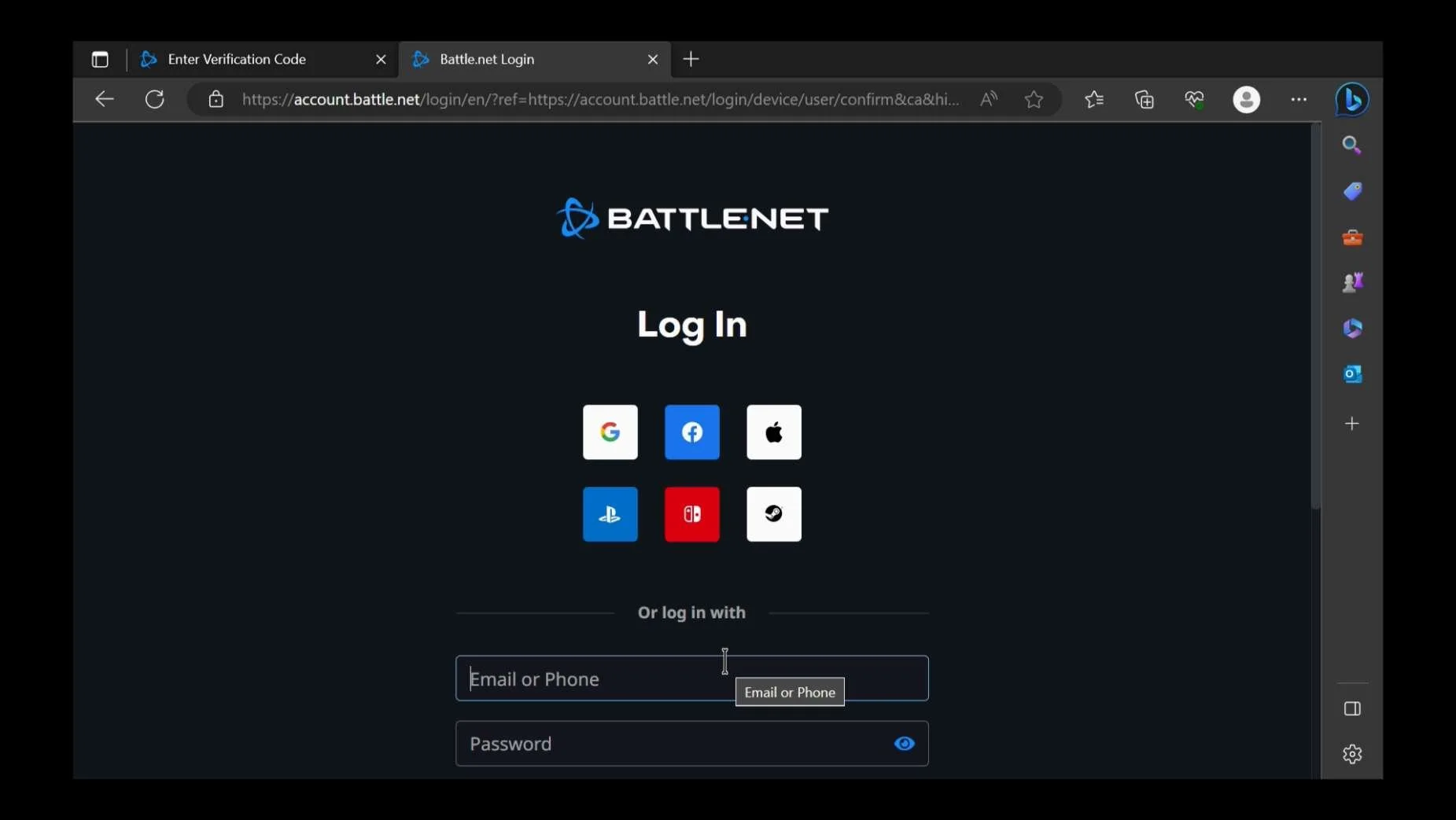
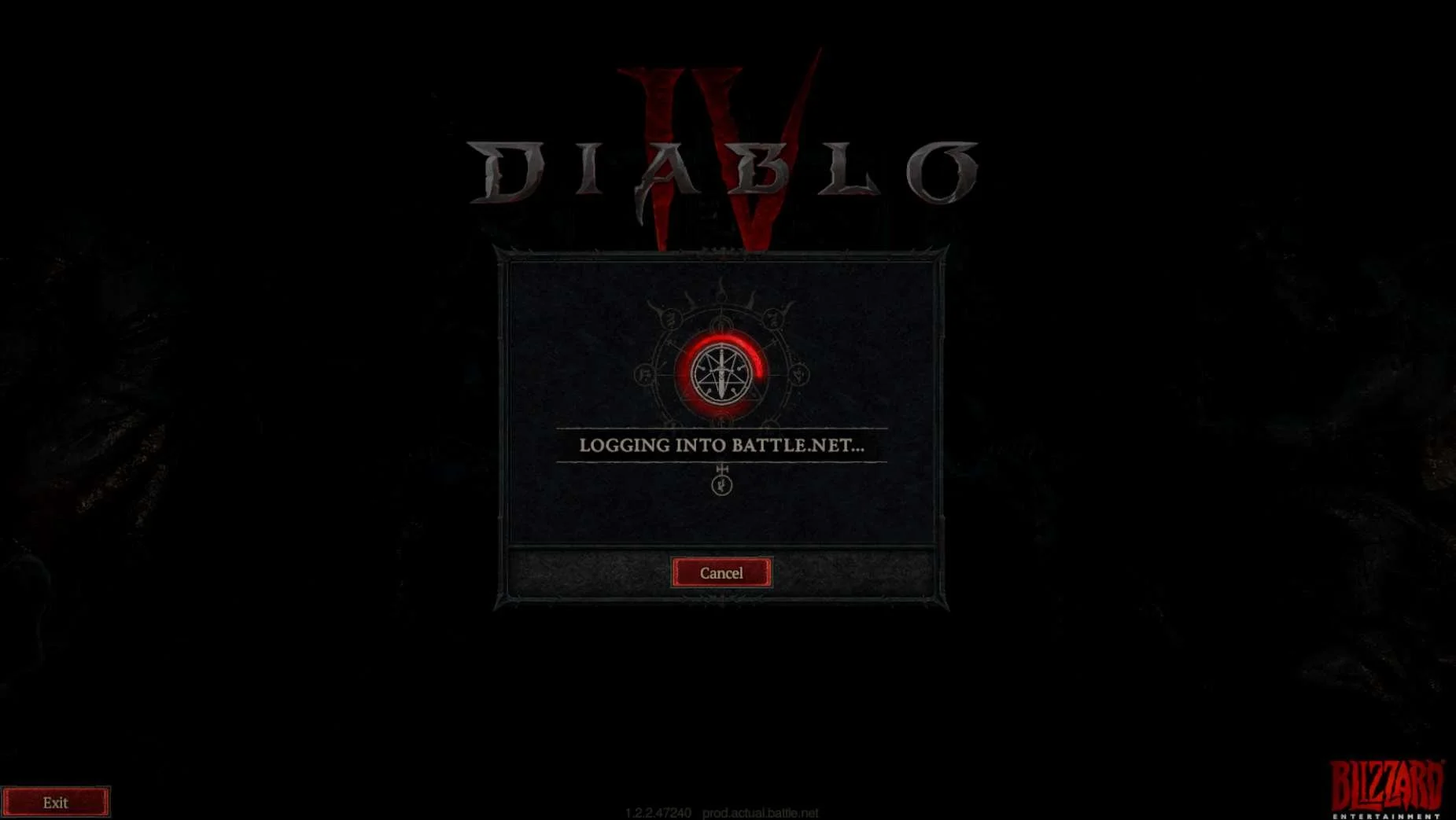
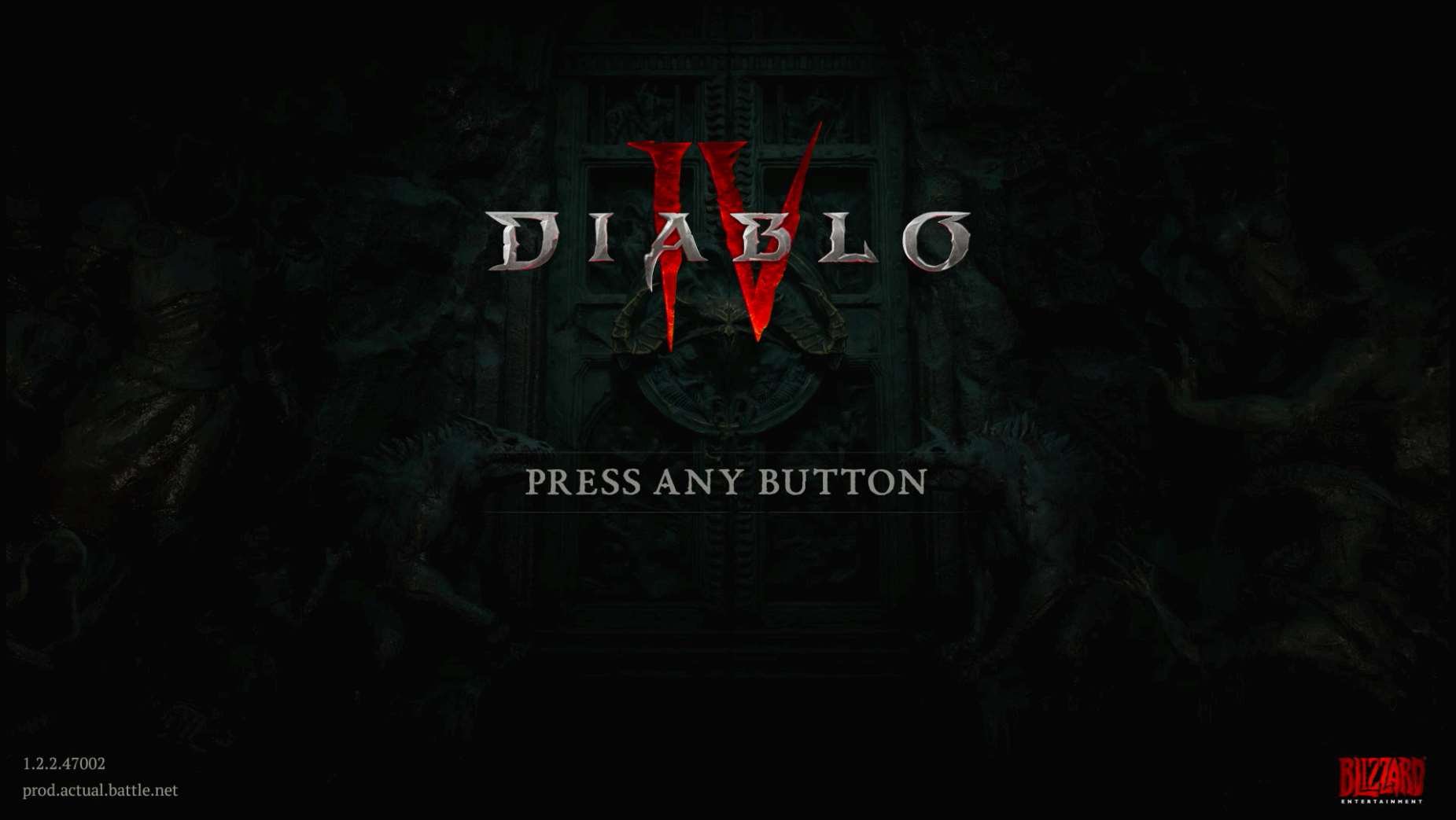
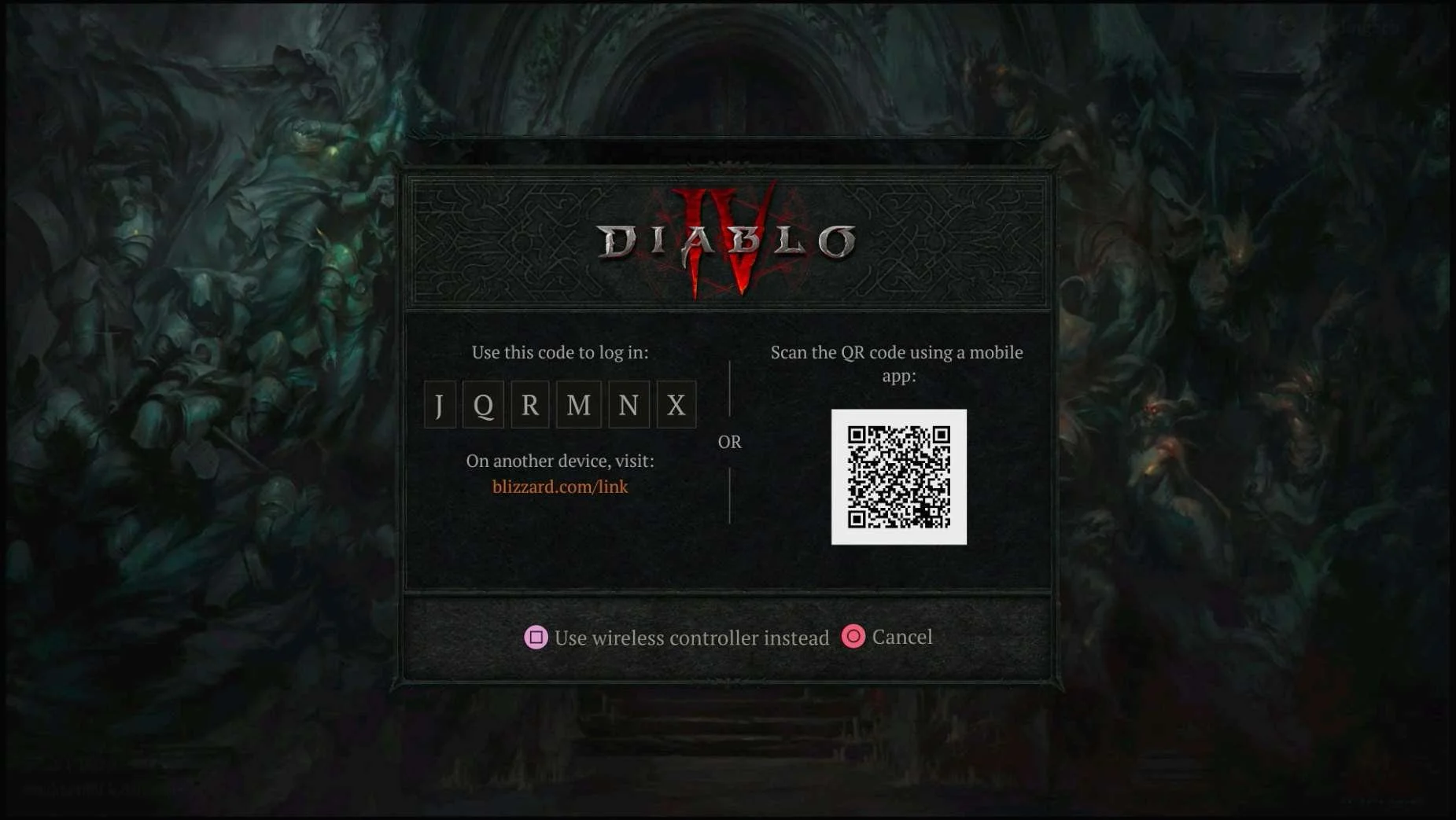
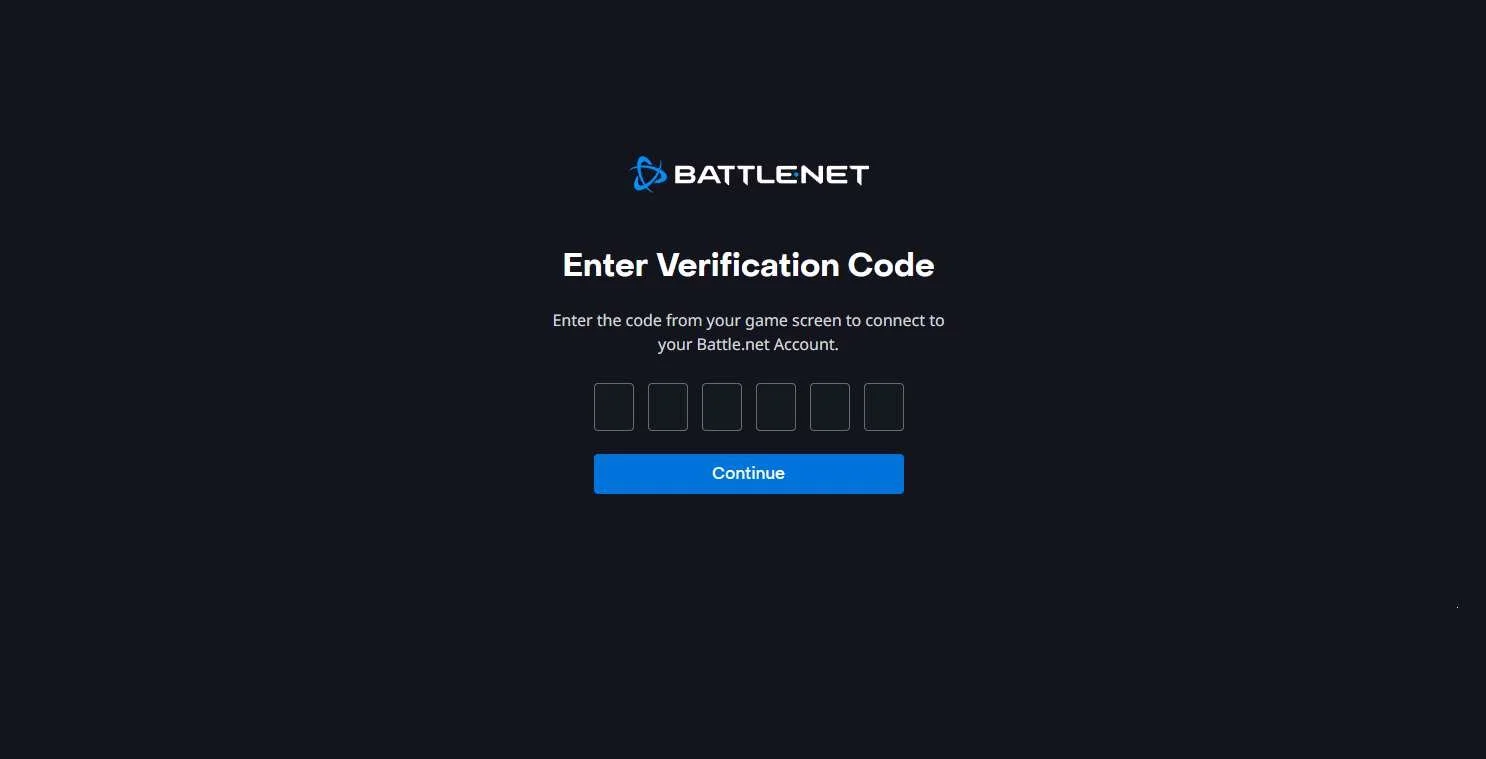
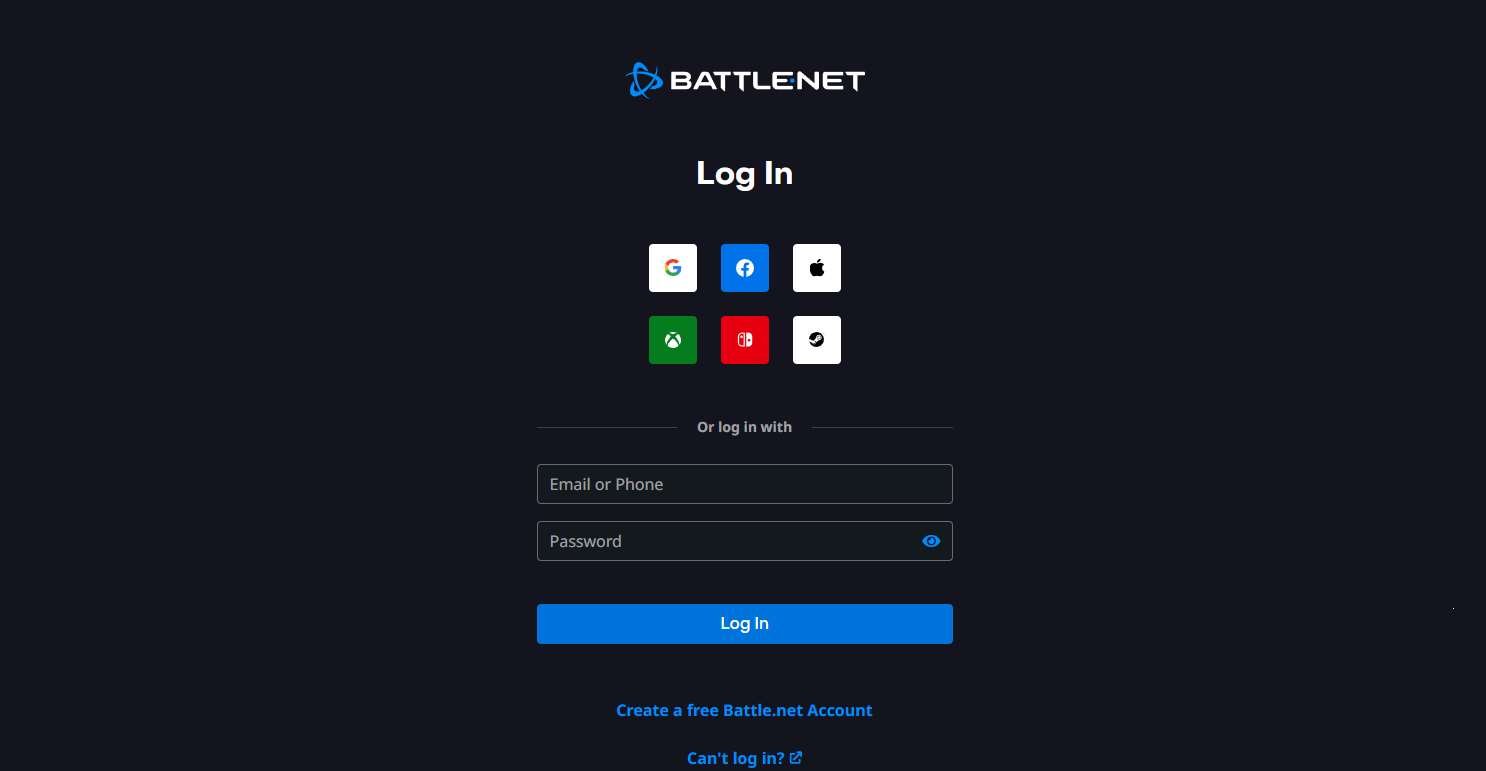
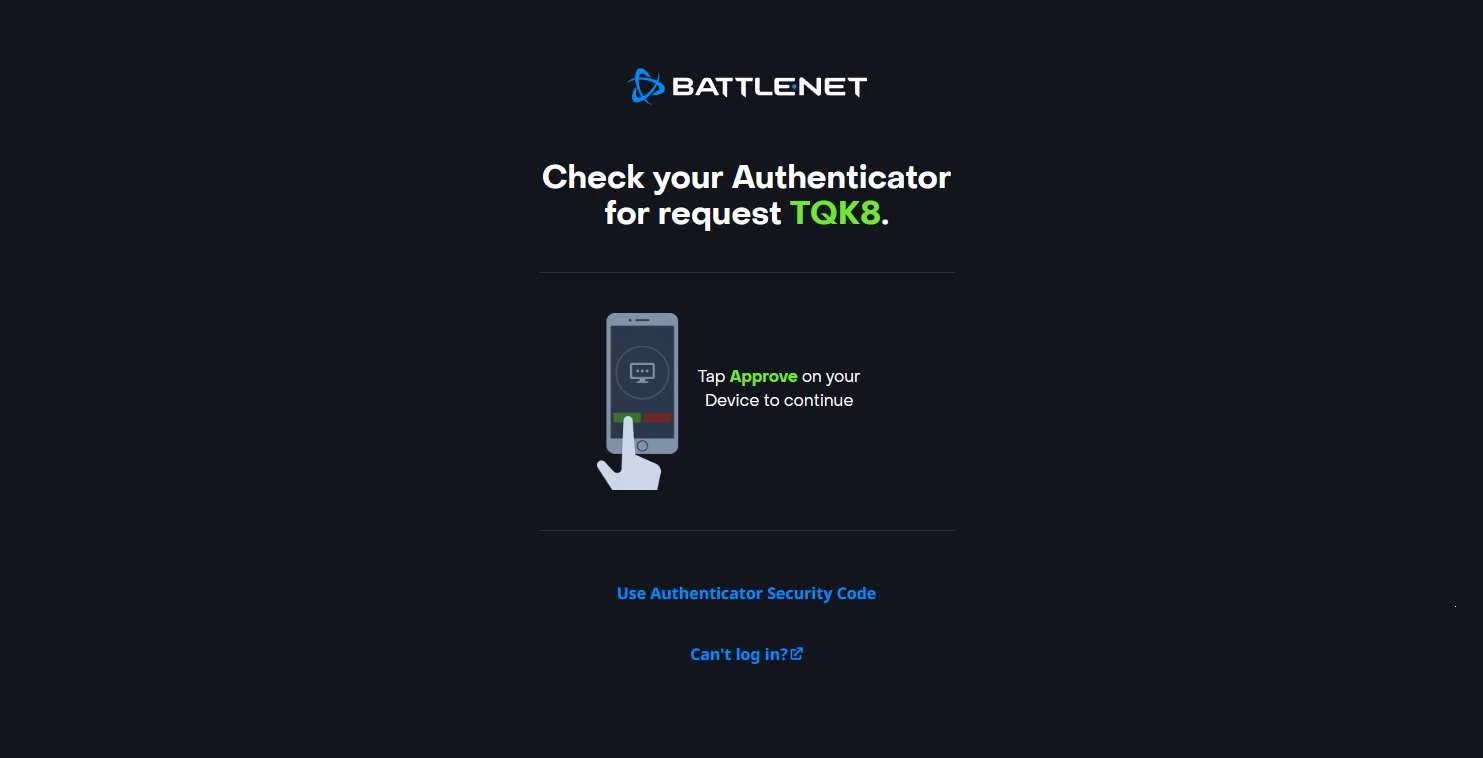
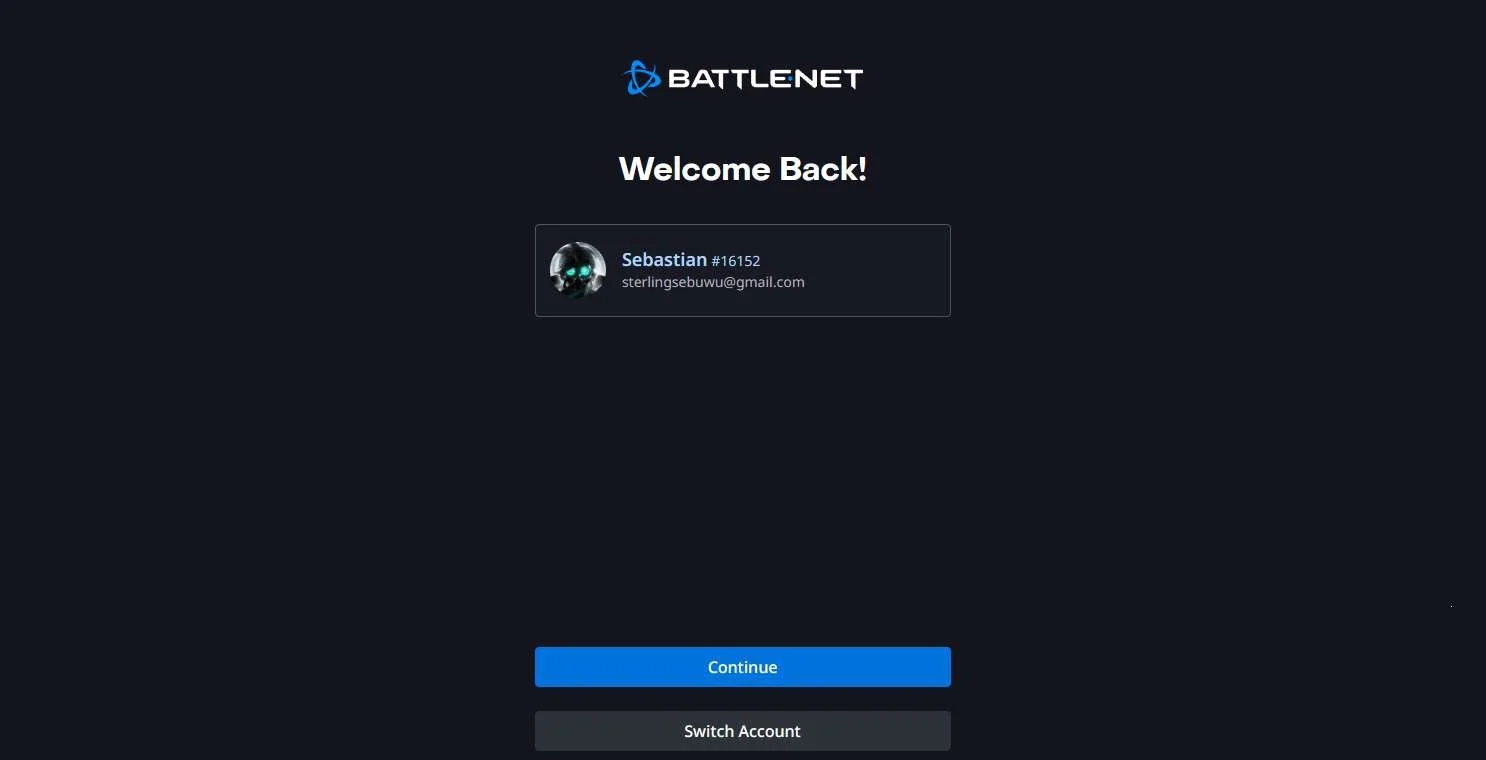
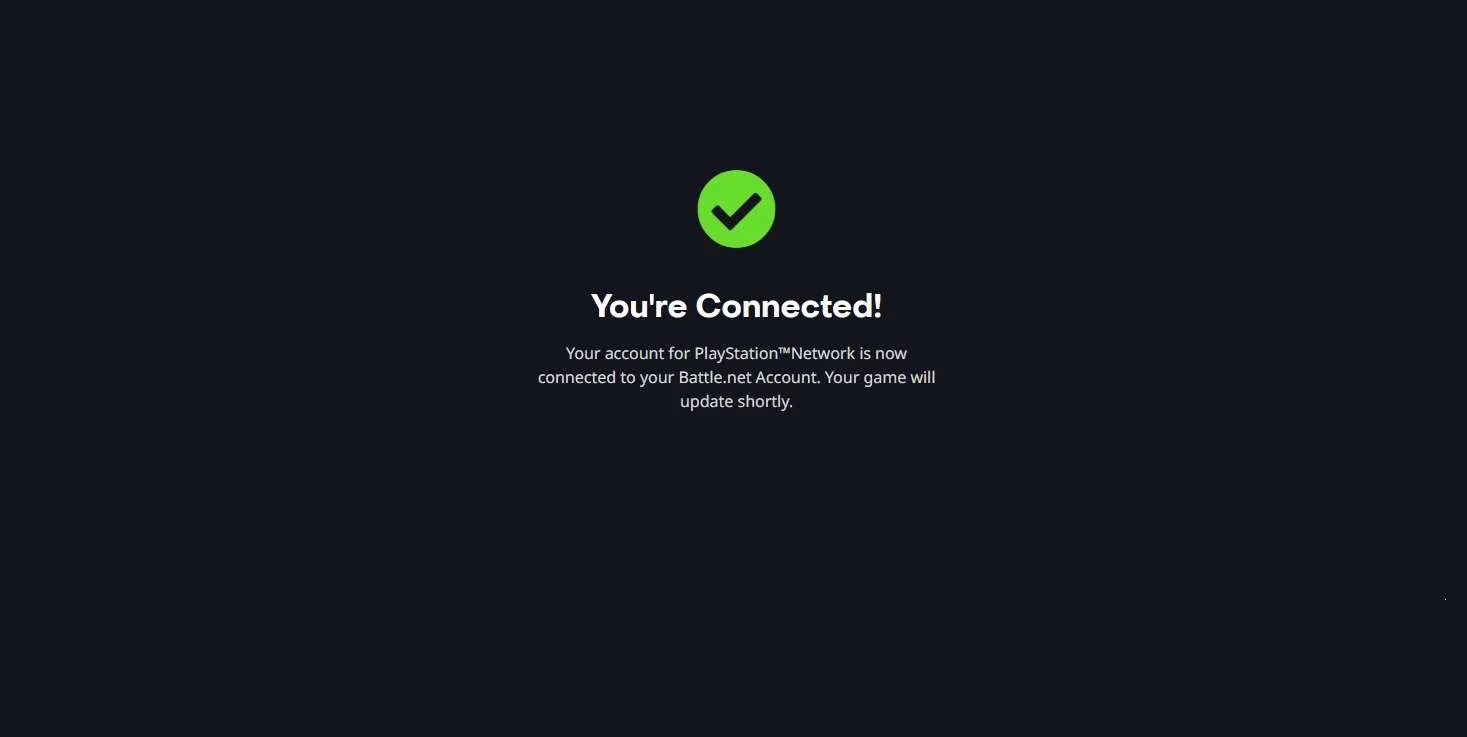
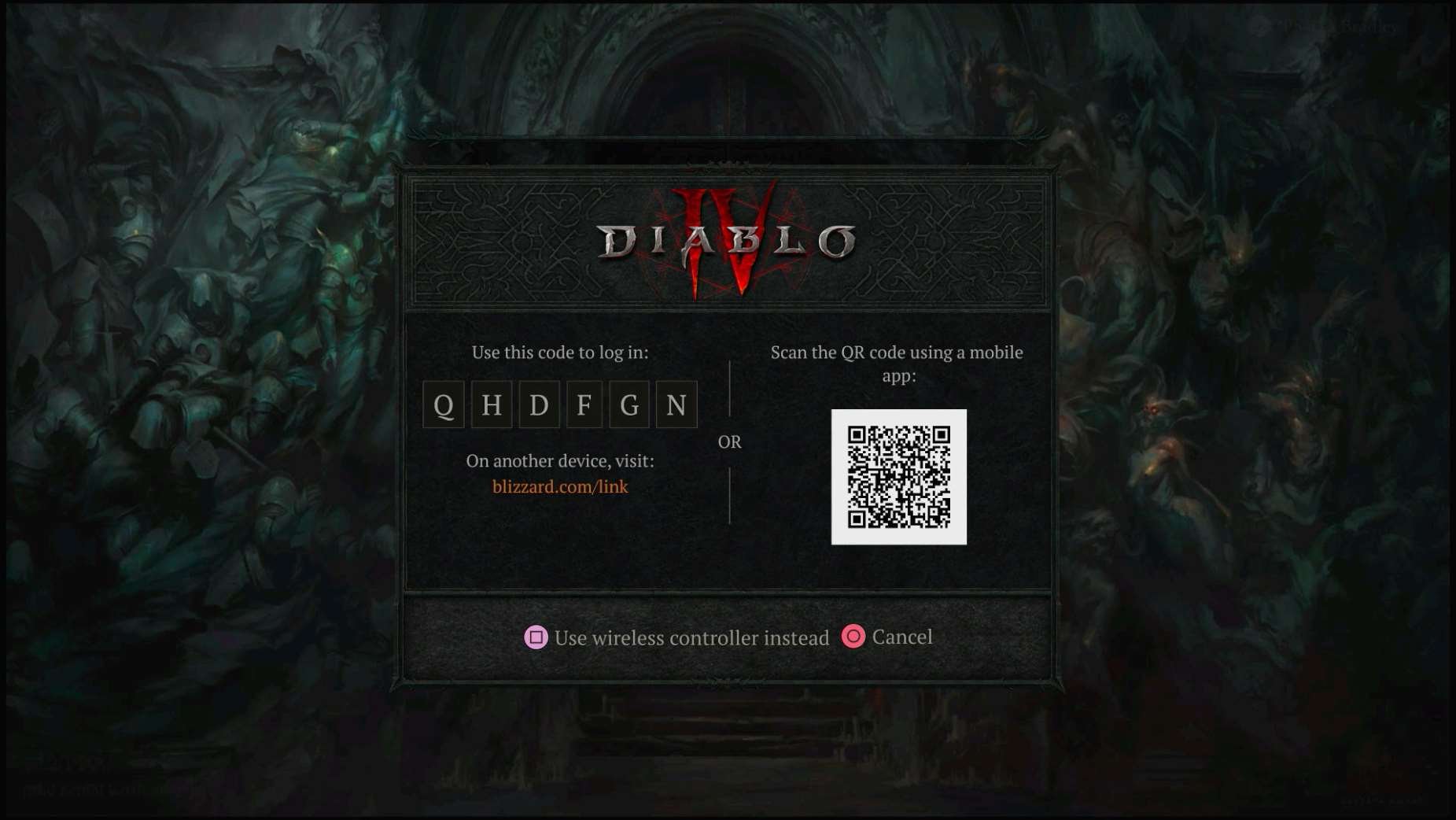
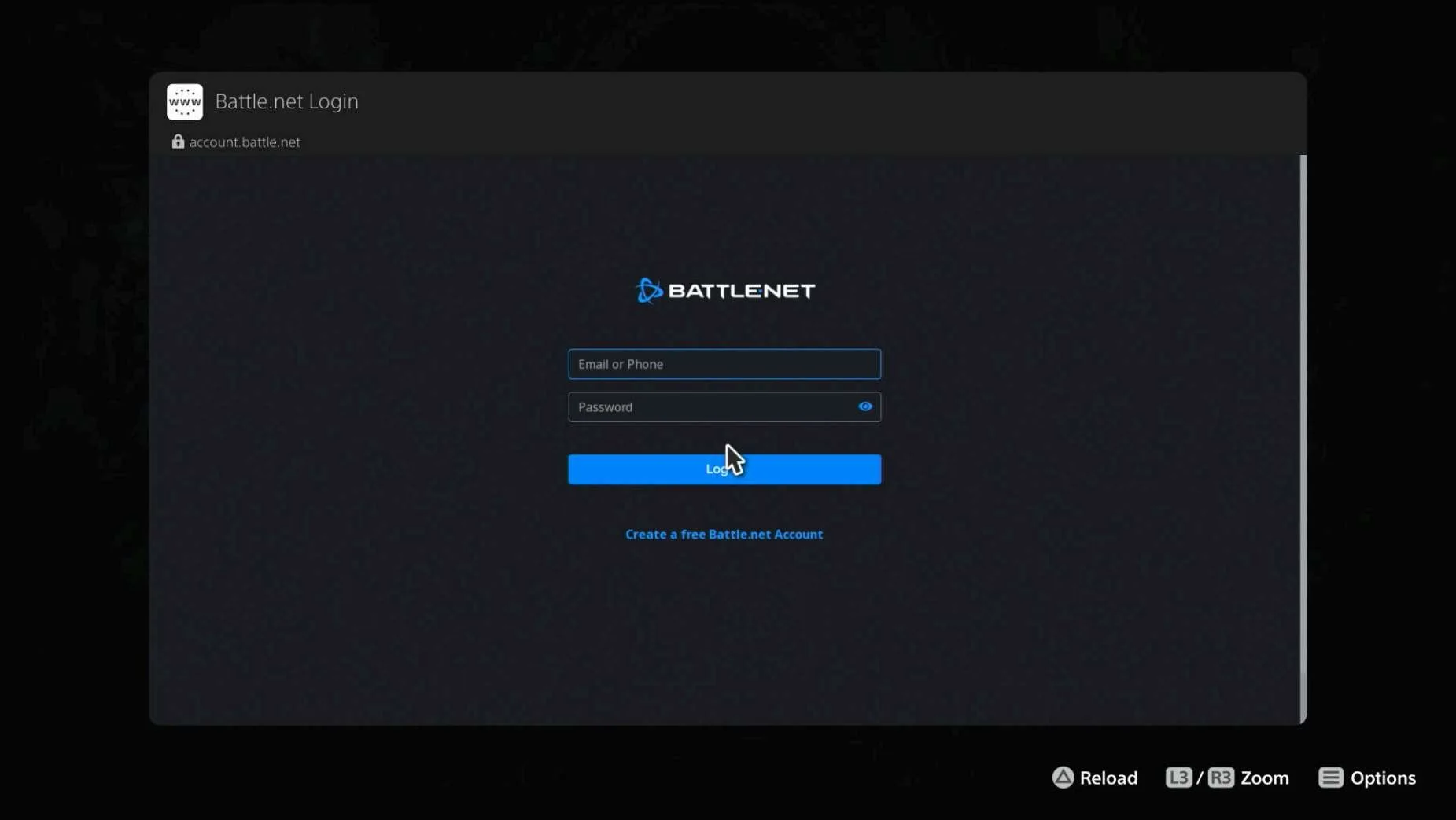
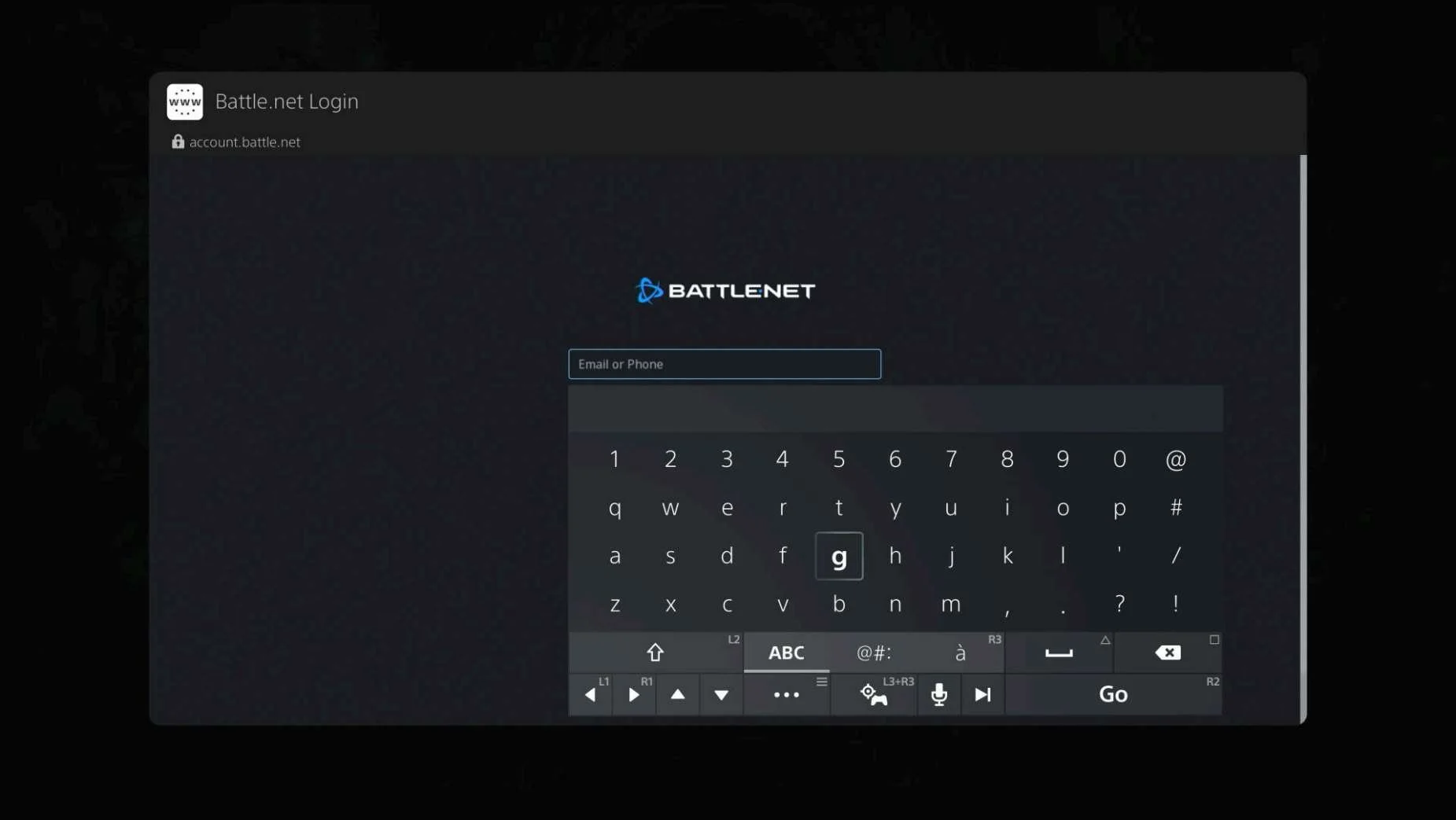
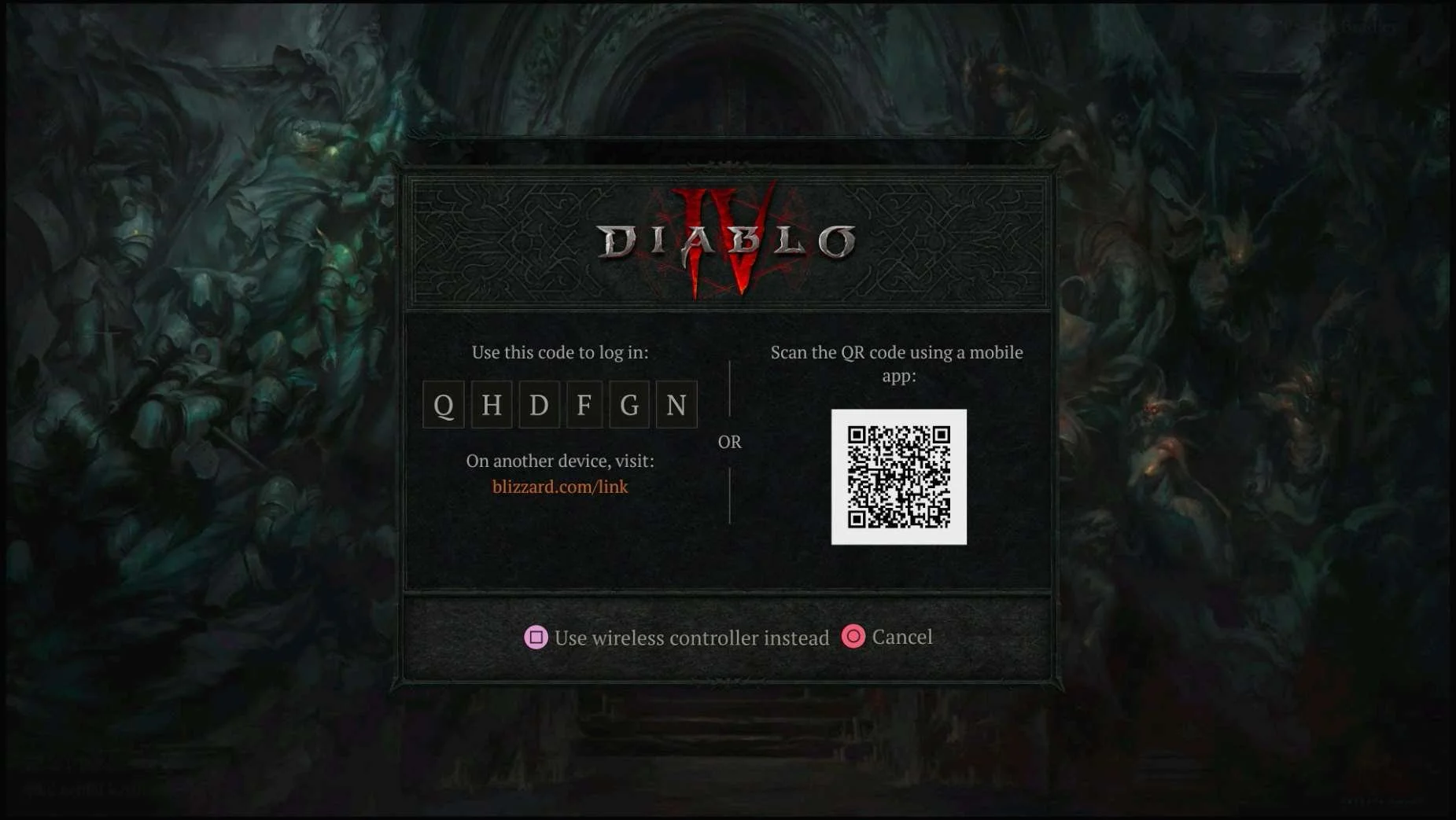
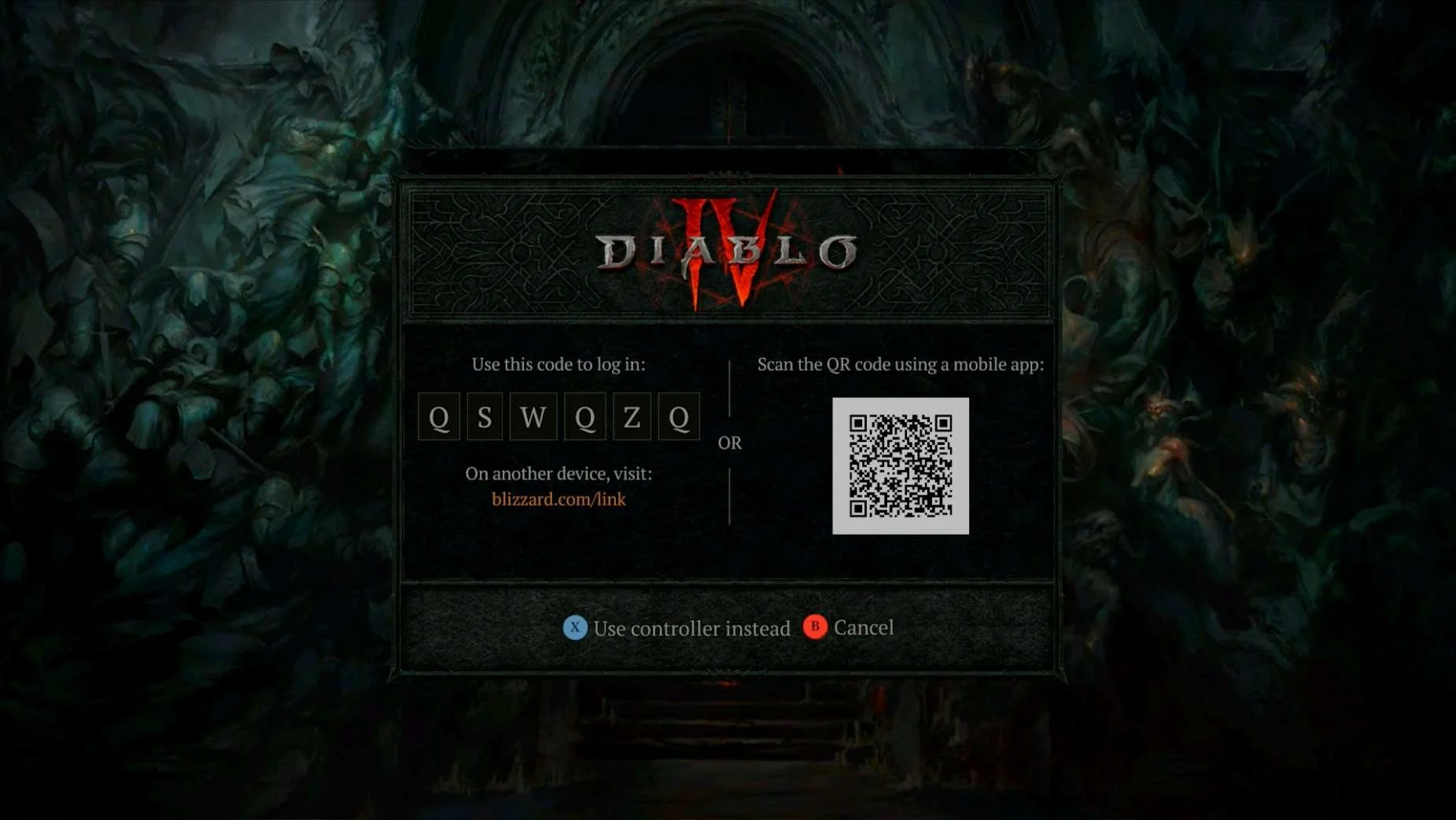
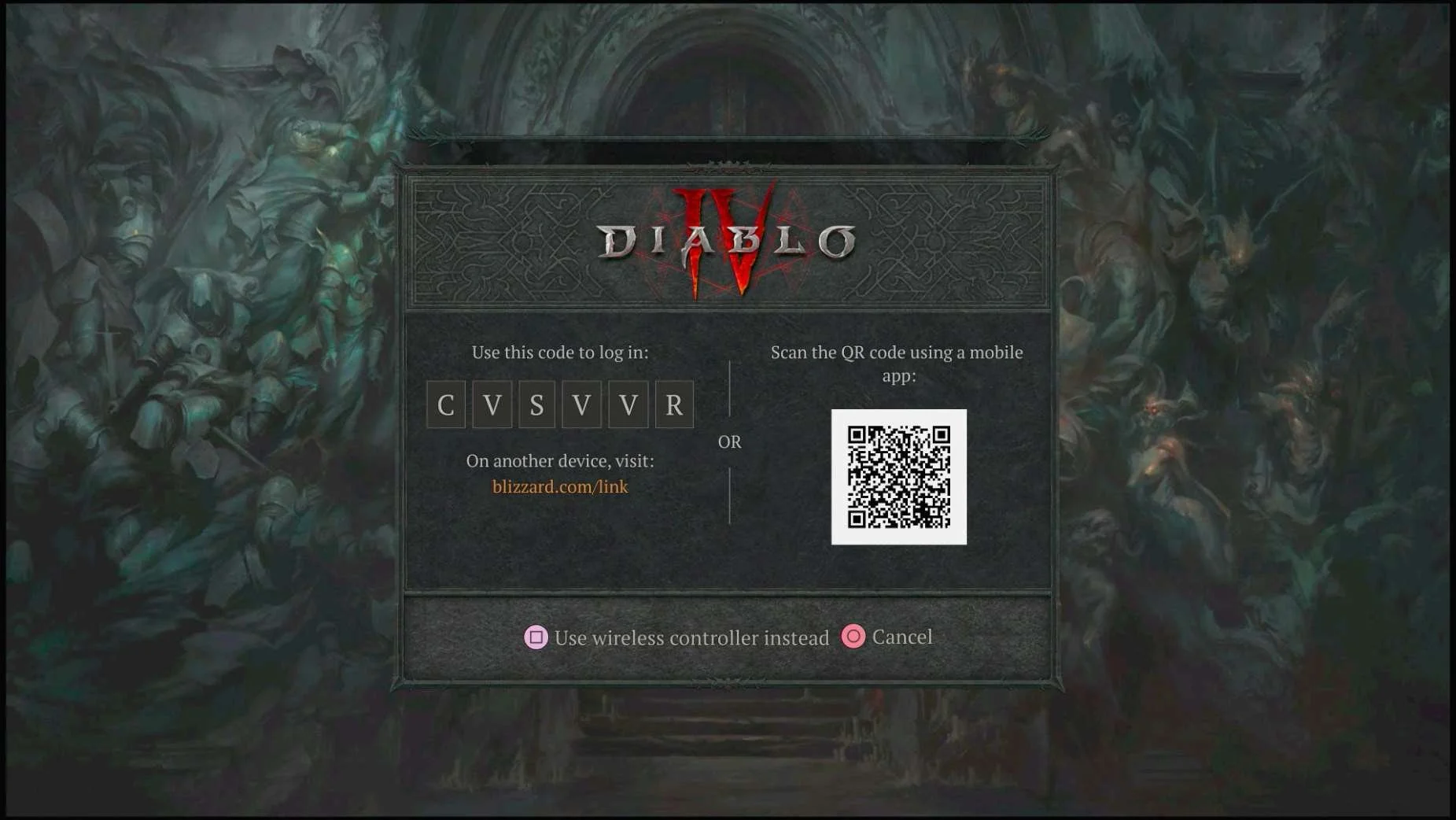
- Diablo IV has the option for players to continue their account linking in a web browser within the game (opened by pushing a button on the controller during the Account Linking step where they are on the QR / URL screen)
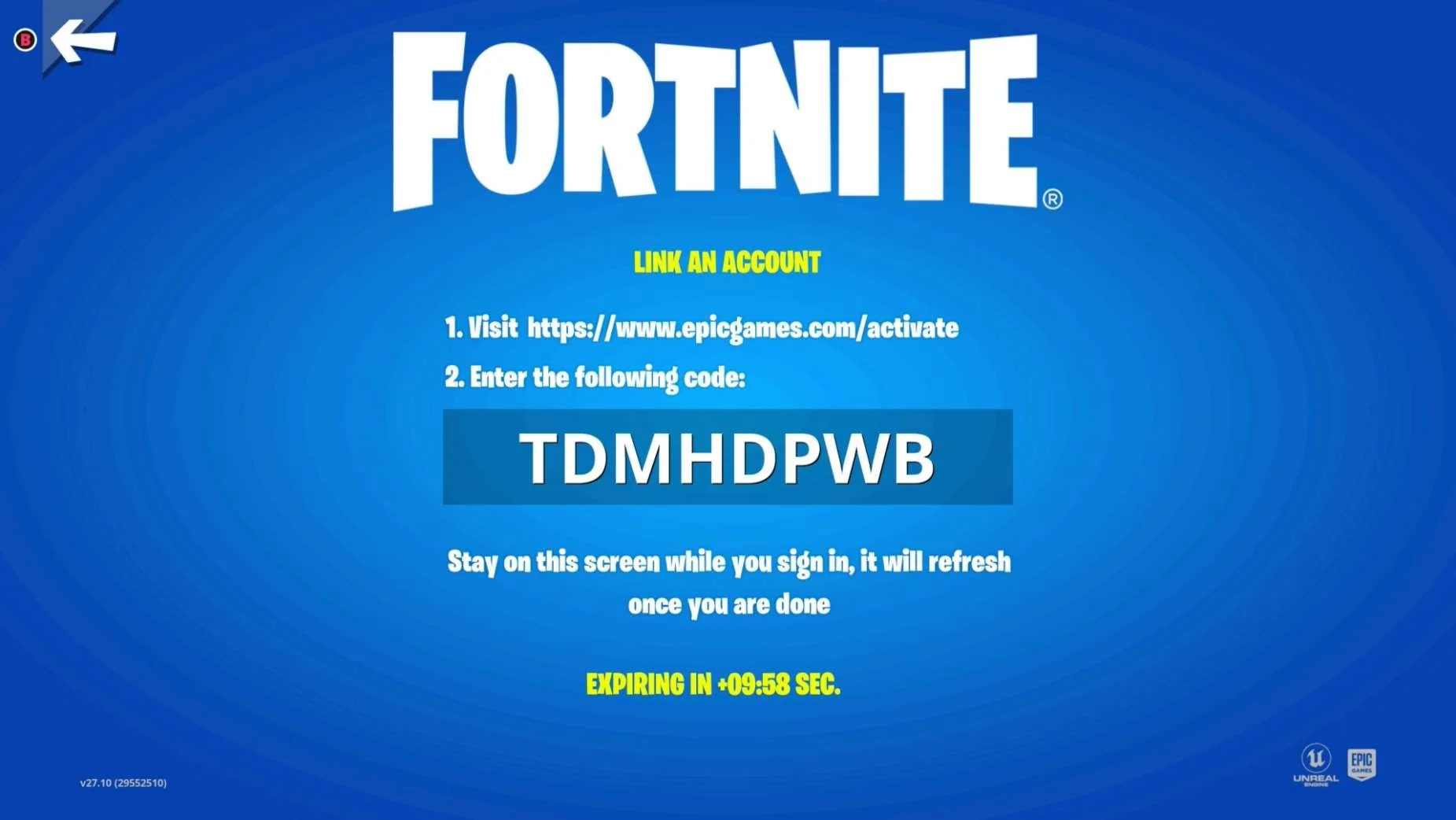
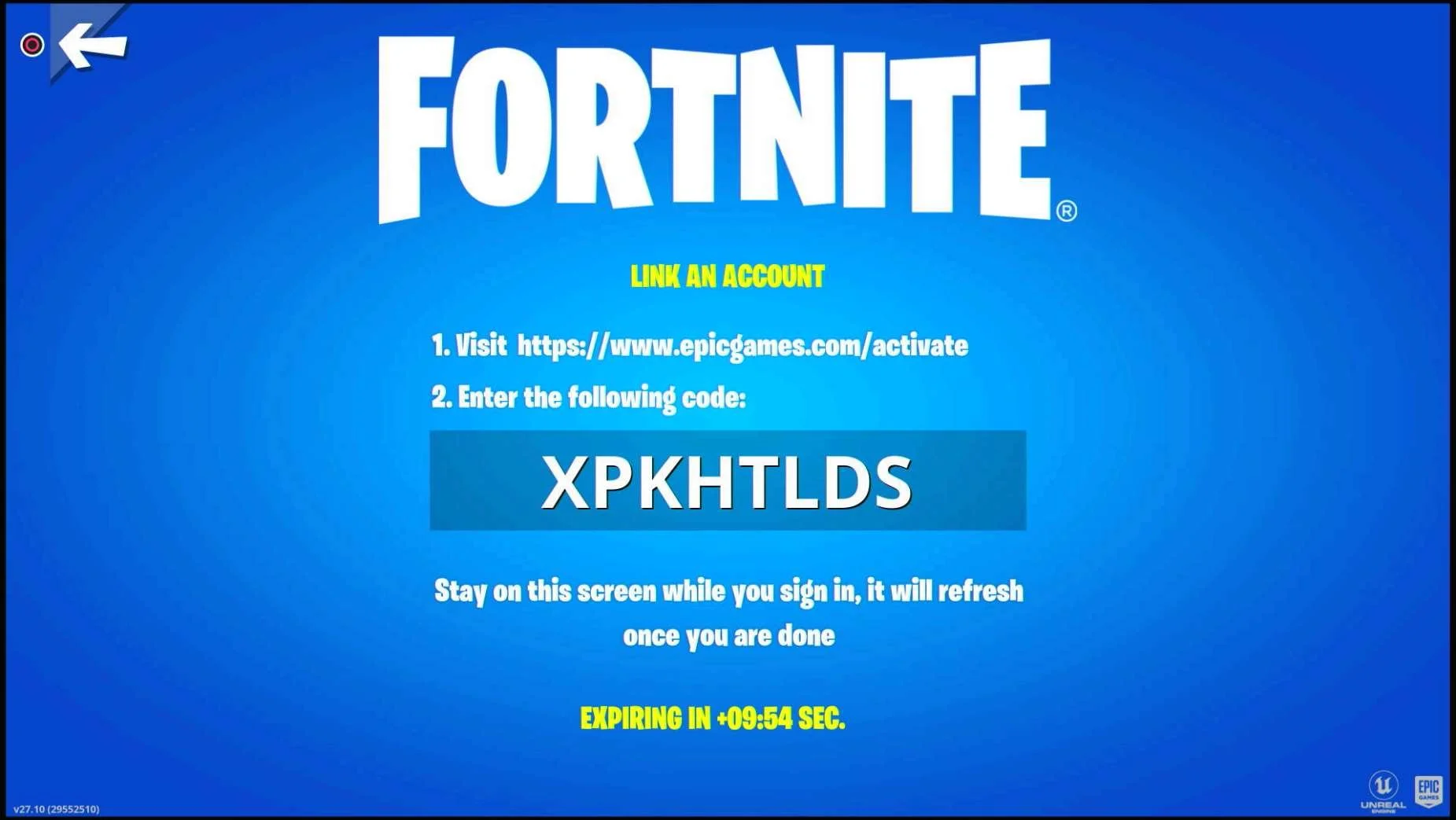
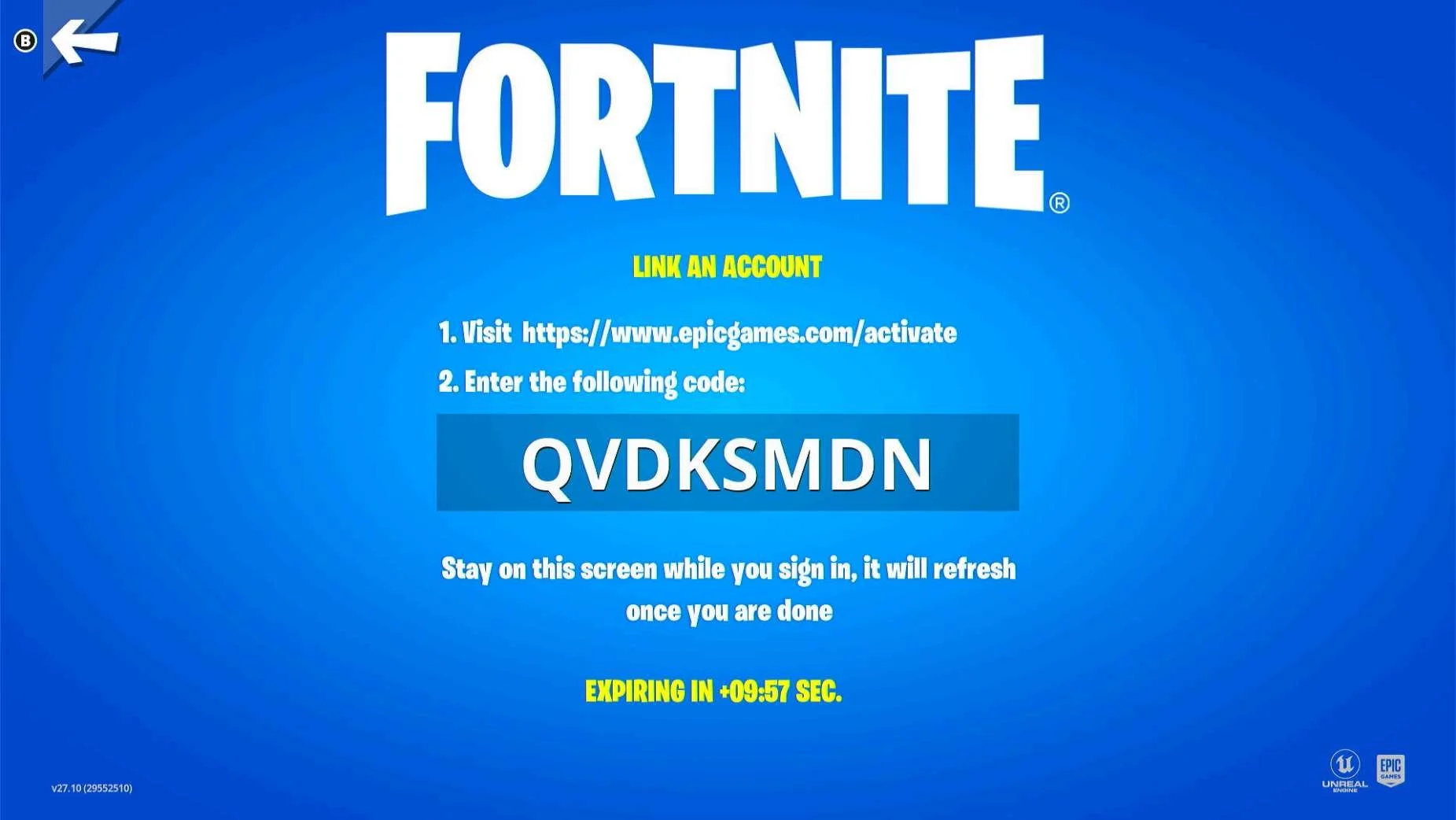
- Fortnite's pin code numbers are large and easy to read
Lowlights
These are some of the lowlights from across the different titles investigated. (Some of these are also mentioned in the individual game sections below, but I wanted to group them up here as well)
- Minecraft allows for players to link and unlink accounts as much as they like across almost all platforms except for Playstation
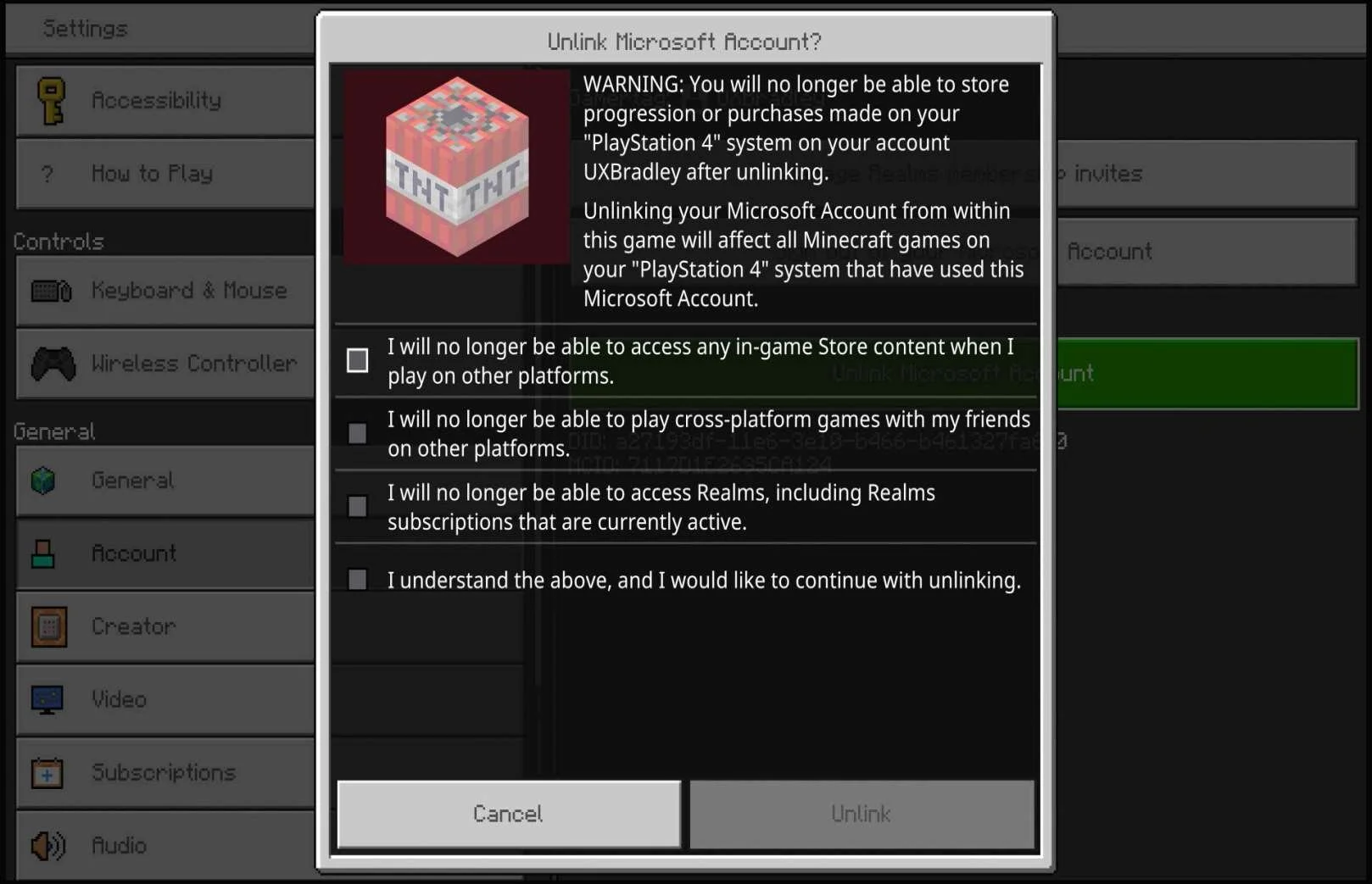
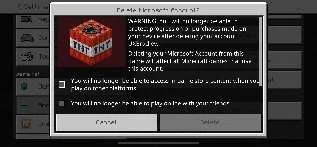
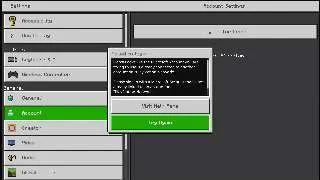
- The warning for Playstation accounts and Microsoft Accounts not being able to be unlinked is not obvious and many people have missed it (as seen by the number of posts across the internet about this very issue)
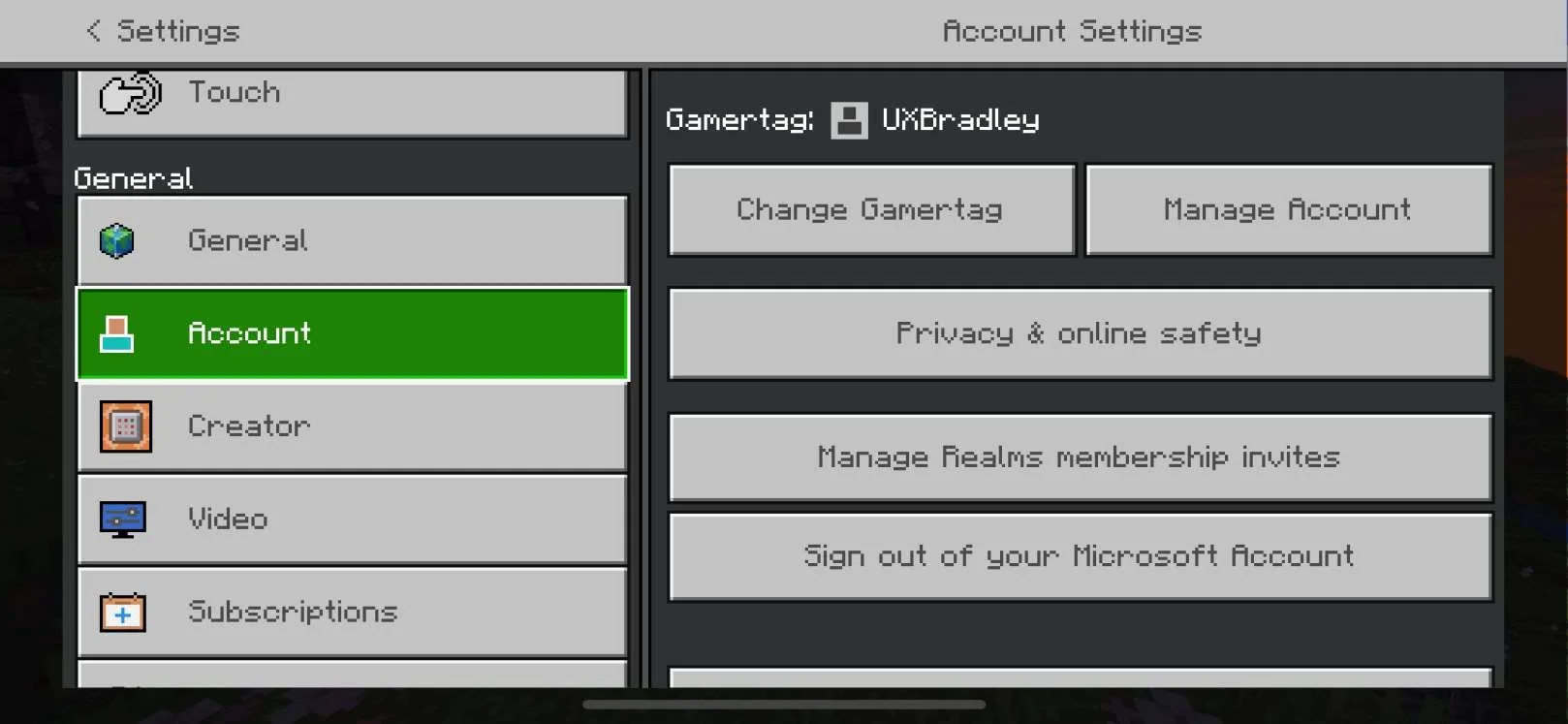
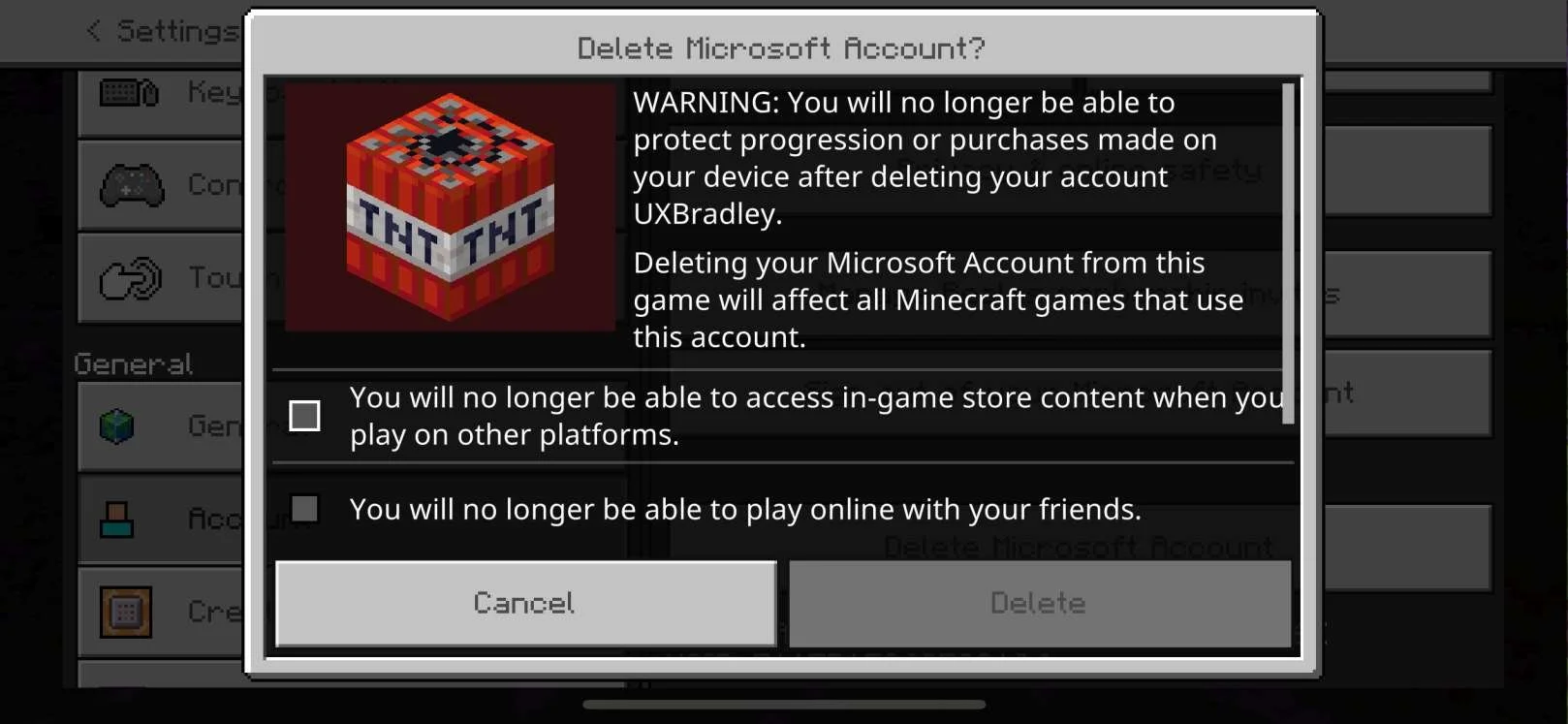
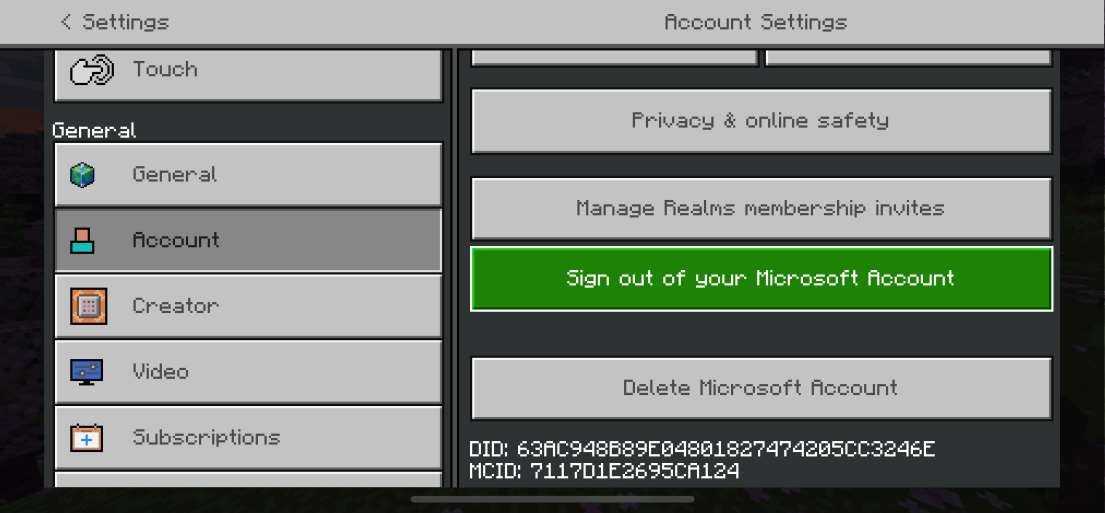
- Minecraft's unlinking options and flow are not consistent across platforms (Example: iOS (Apple) has a "Delete" button that seems like it doesn't really have a purpose)
- Minecraft does not have a central location for players to be able to see all of their linked accounts.
- On several platforms, Minecraft got stuck after the Account Linking was completed and the game had to be closed and reopened to resolve the issue
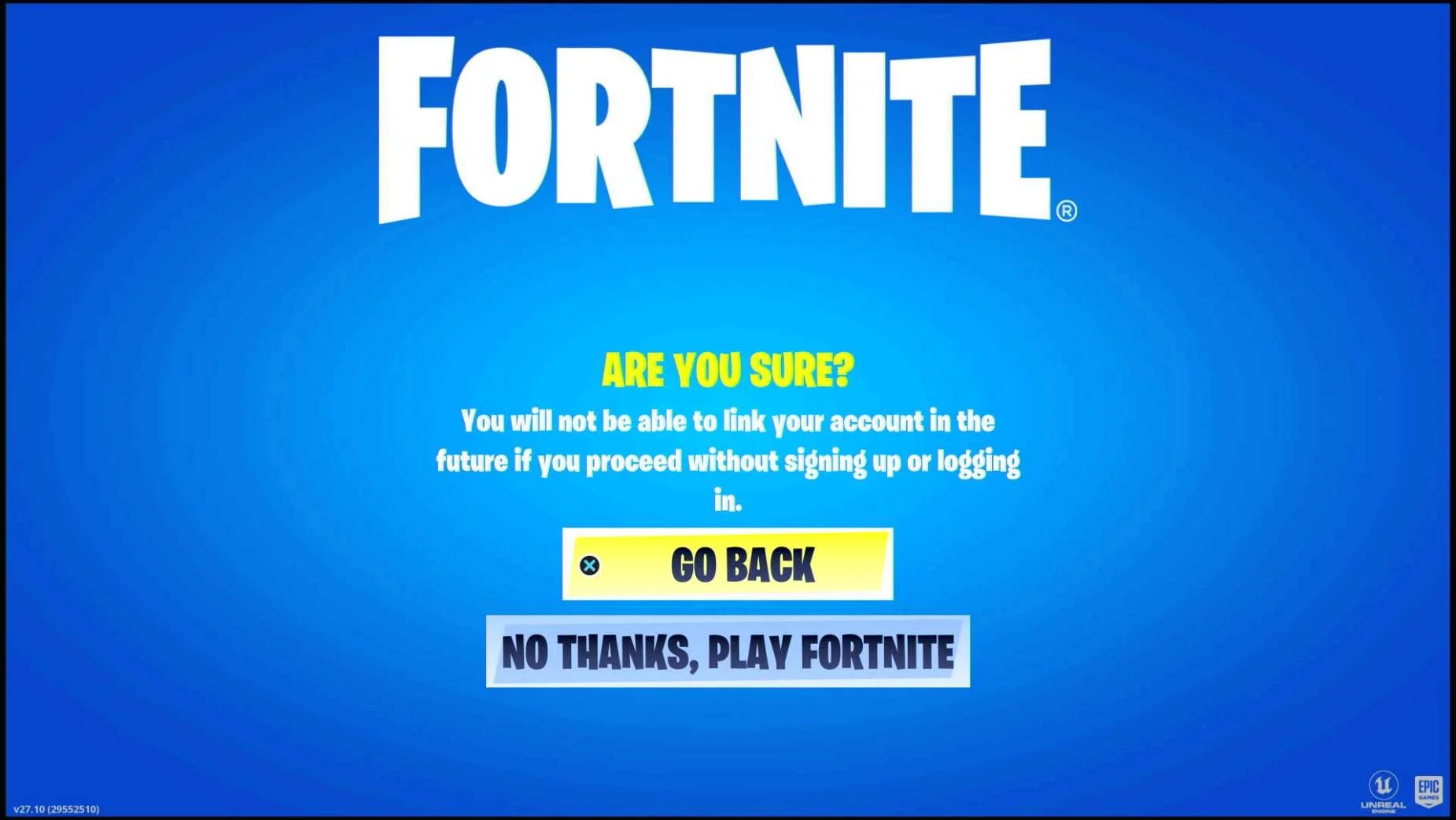
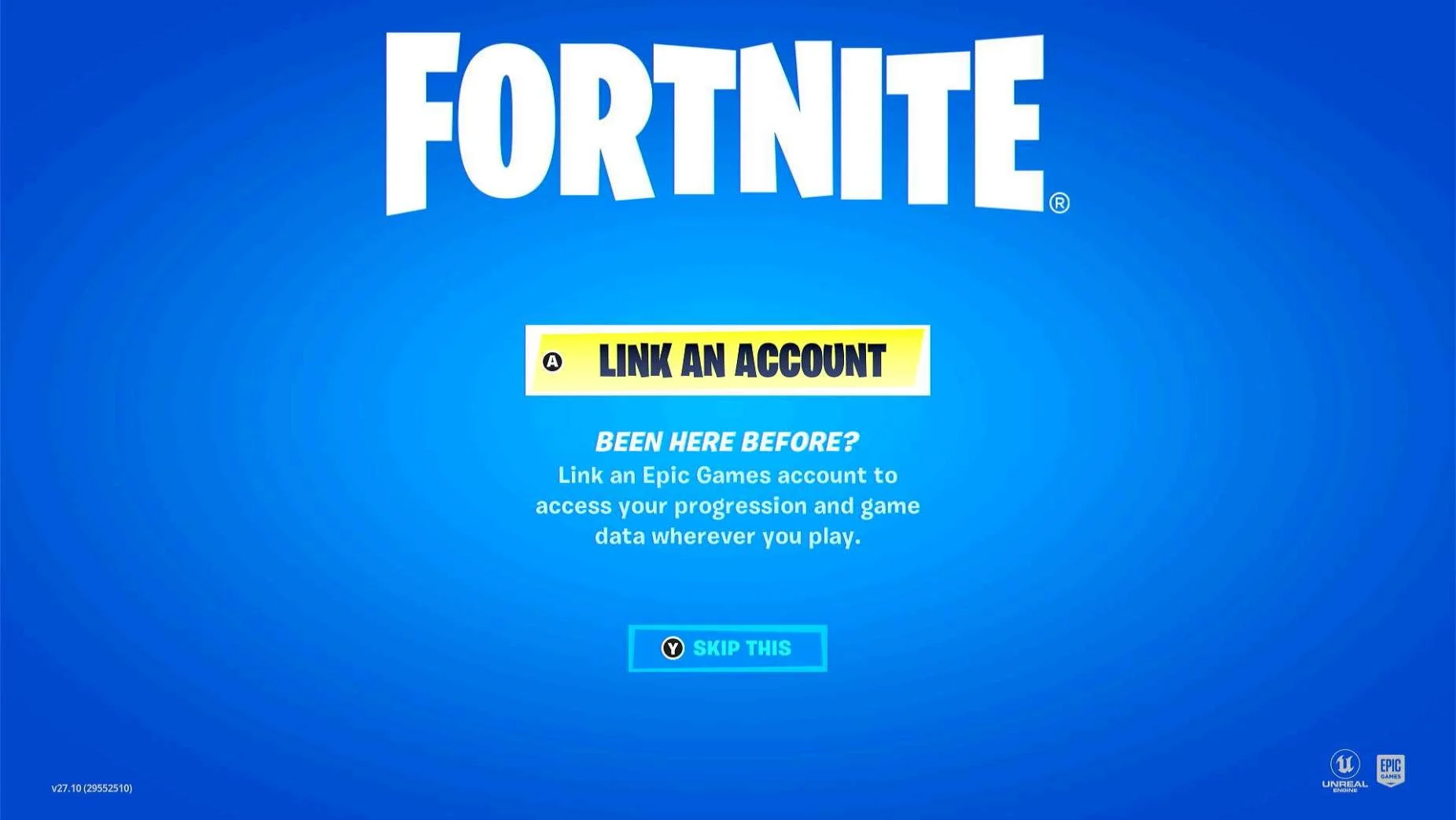
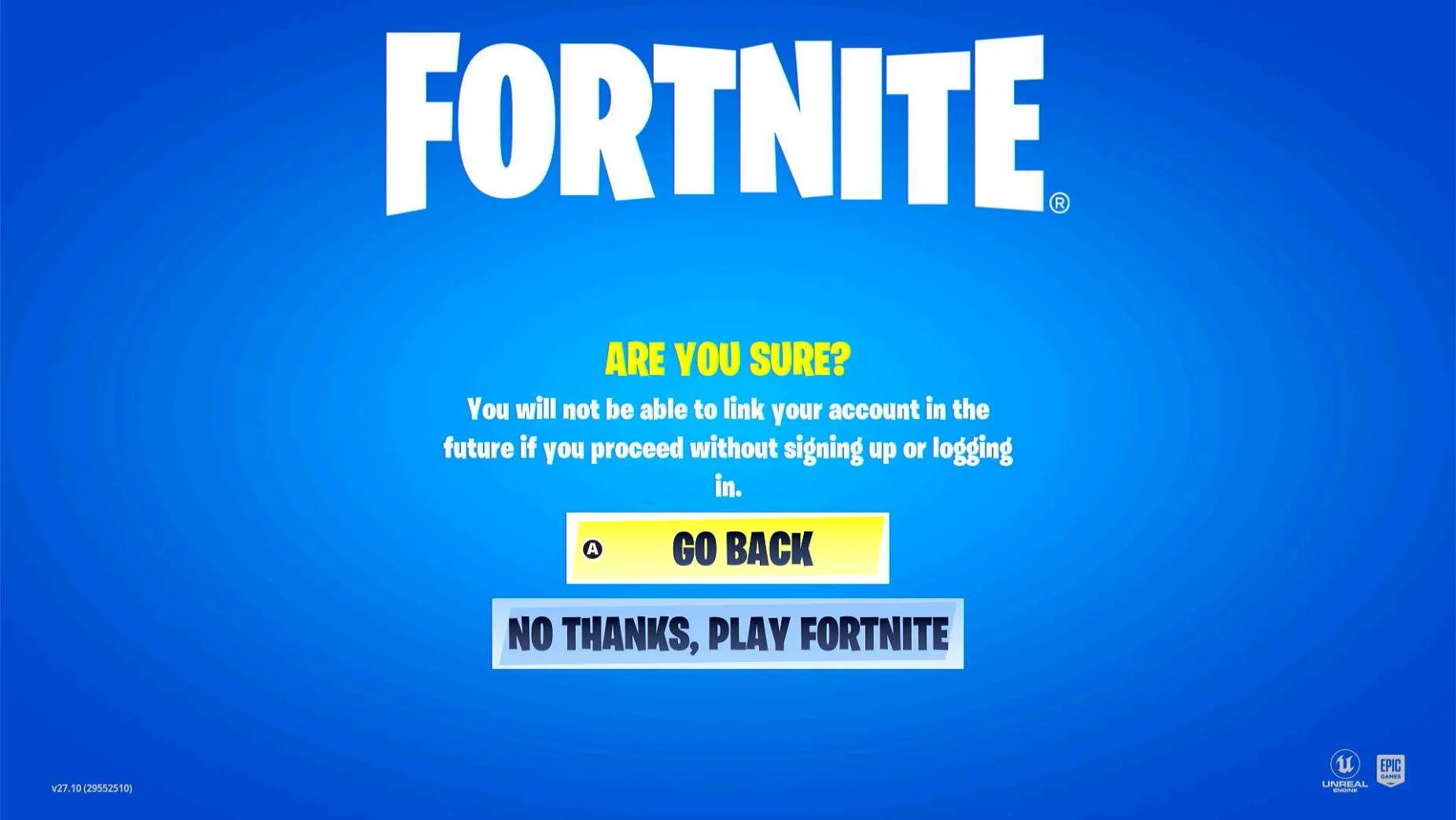
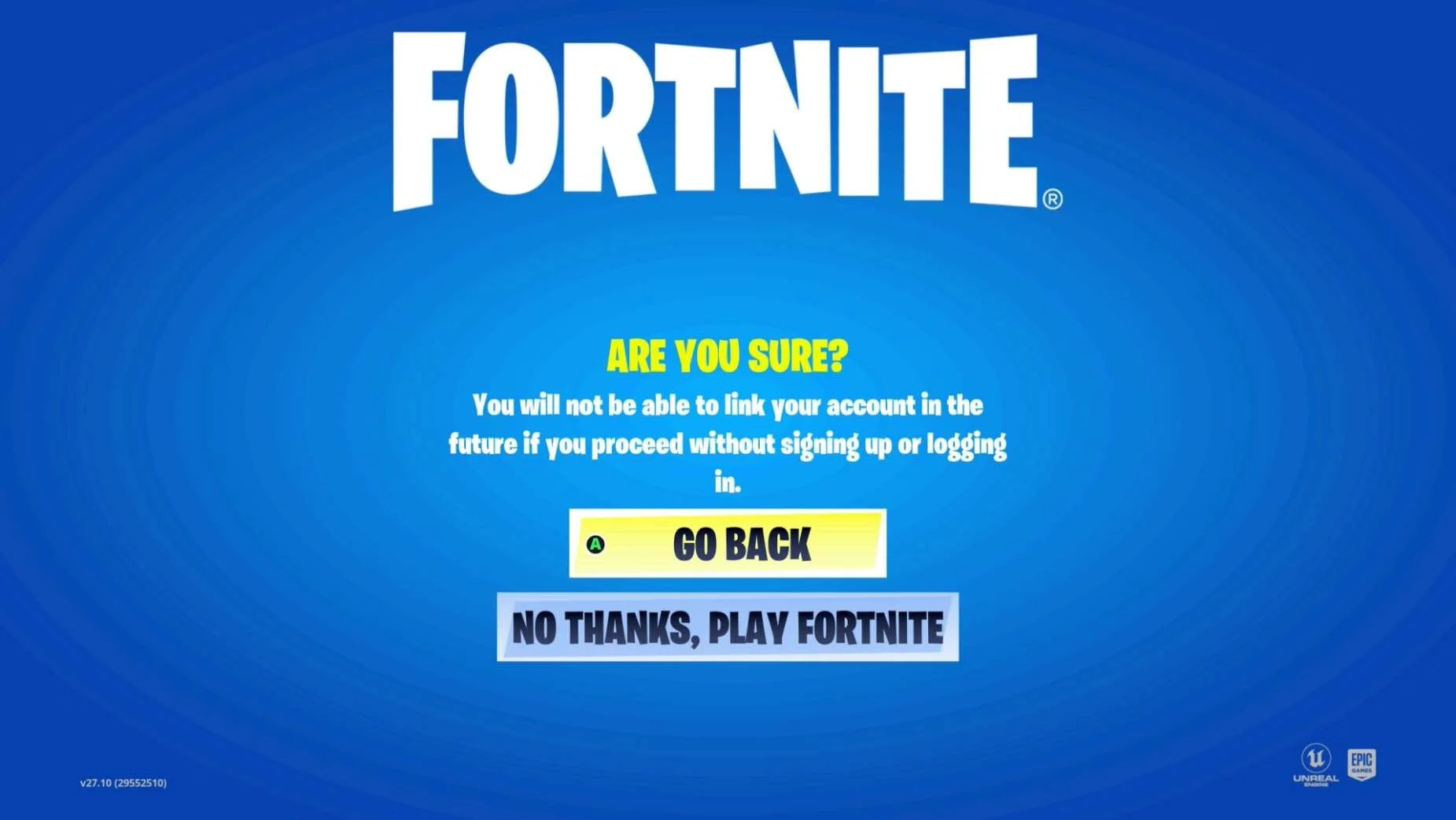
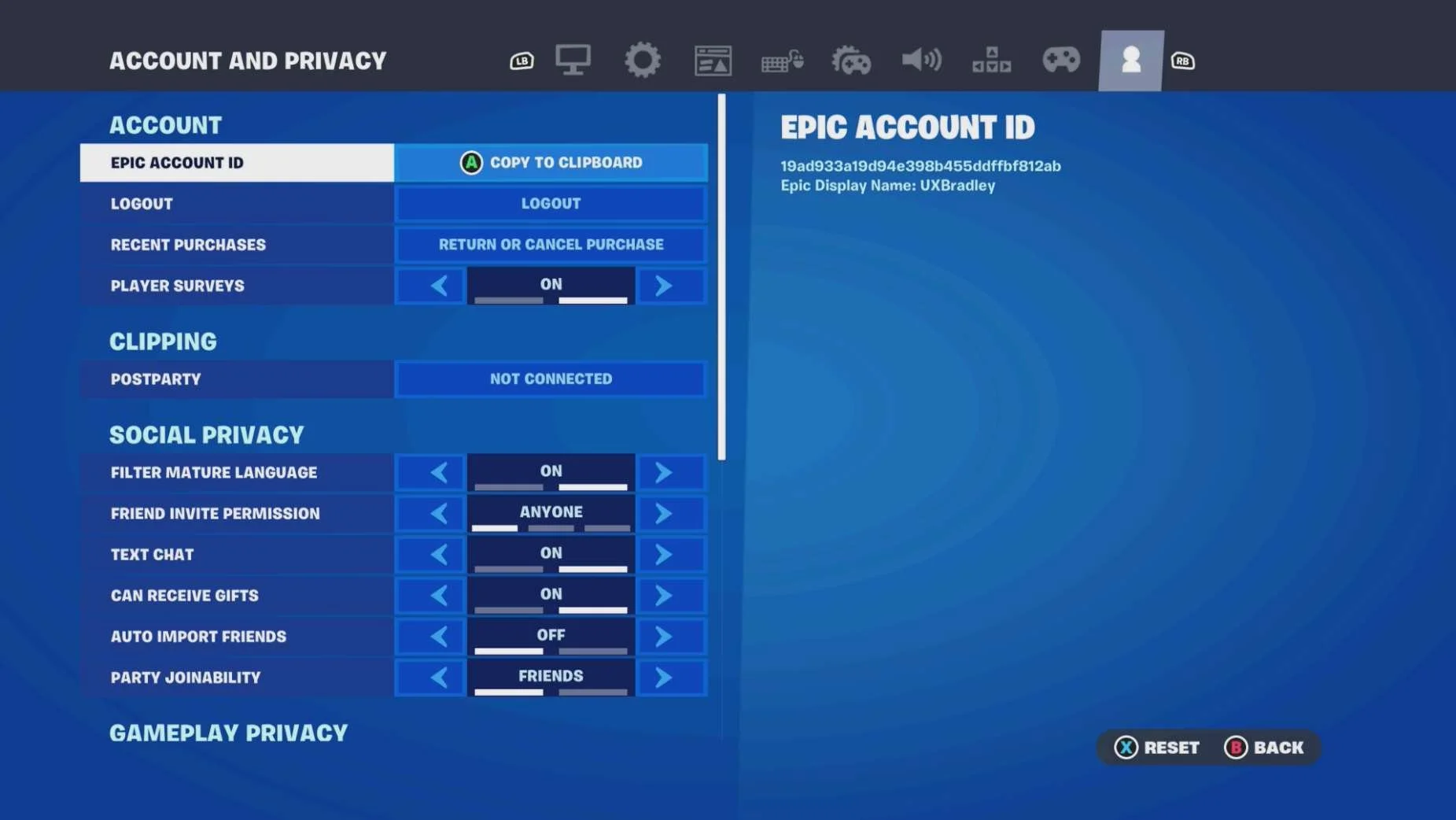
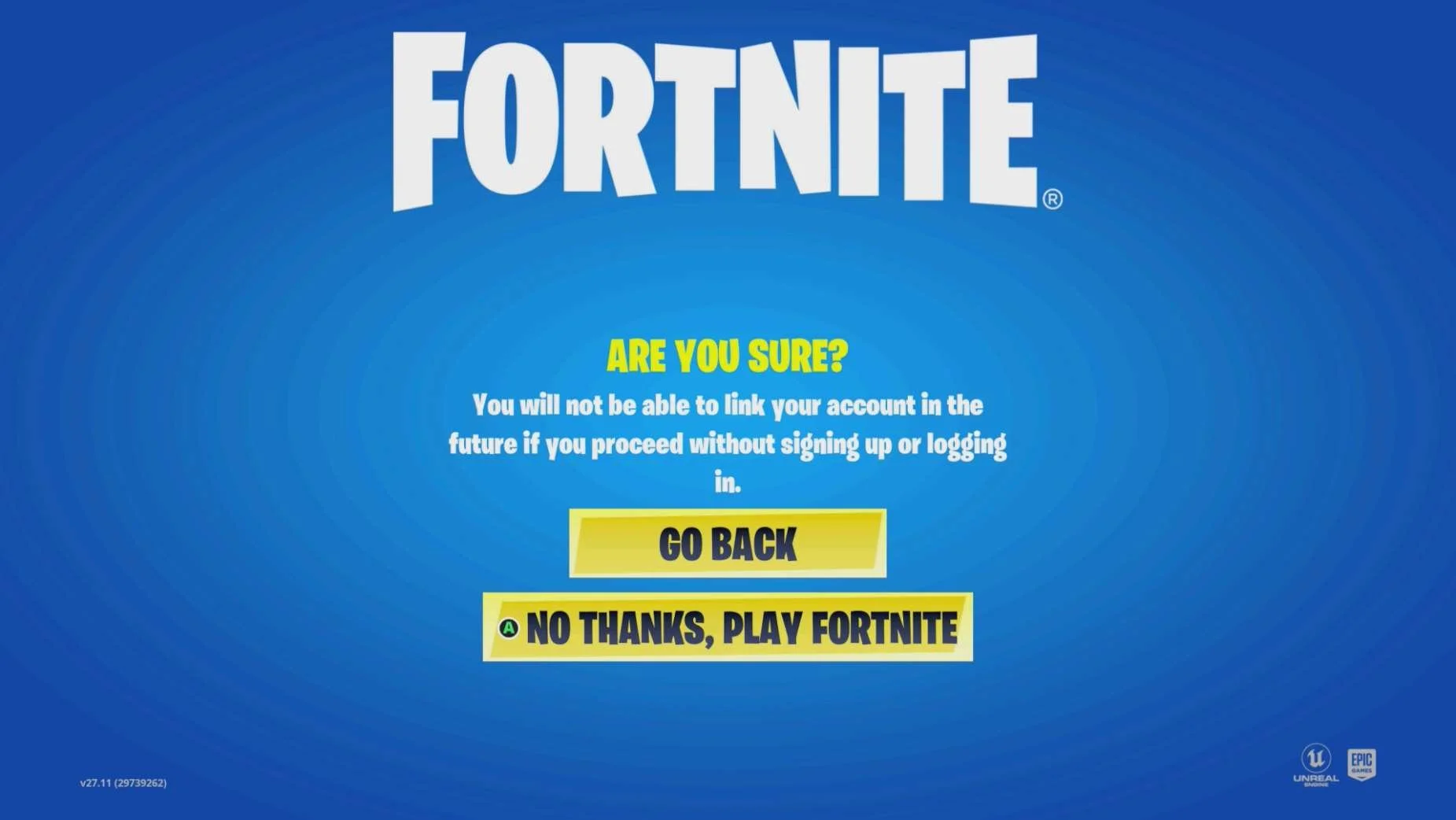
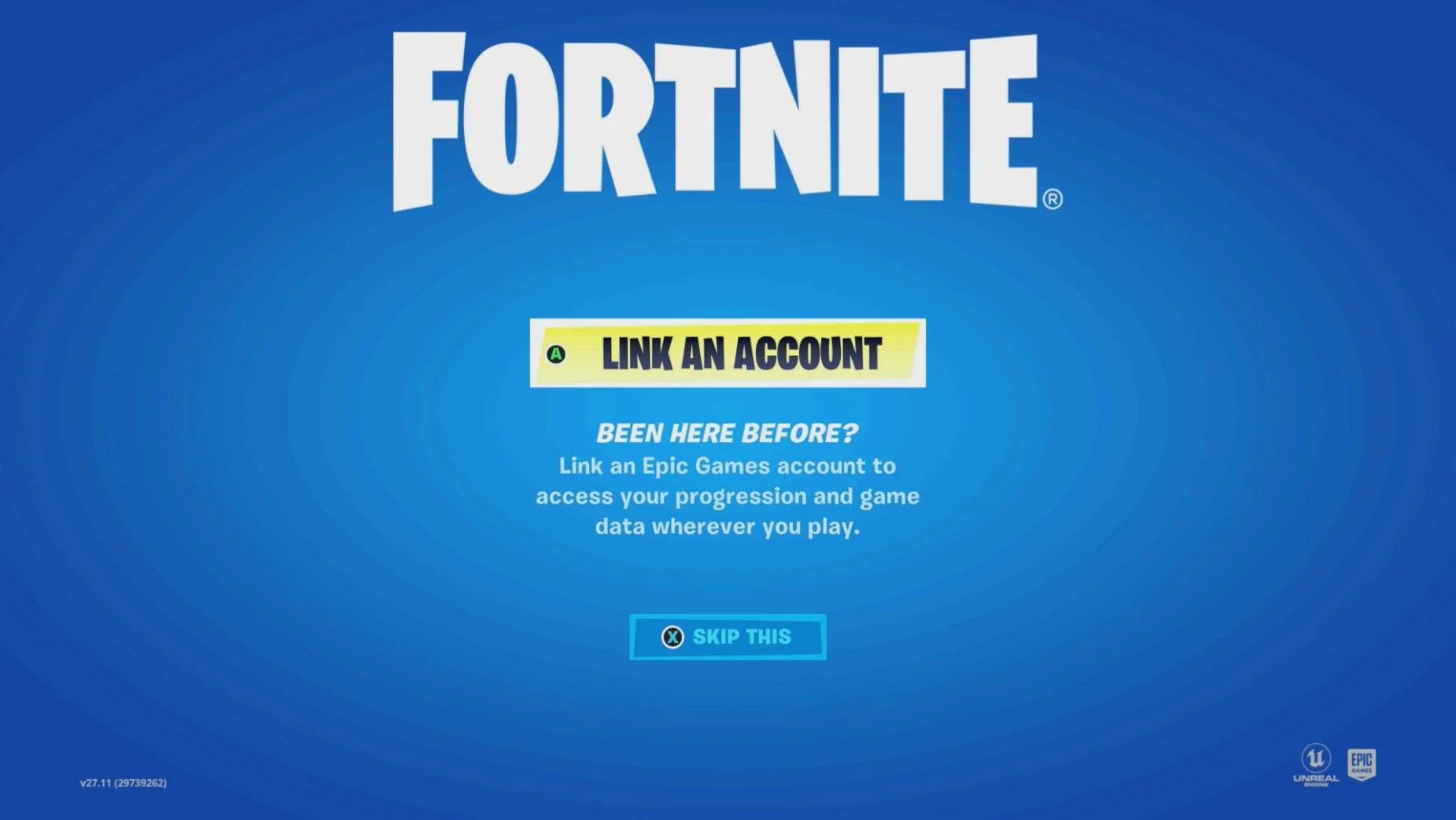
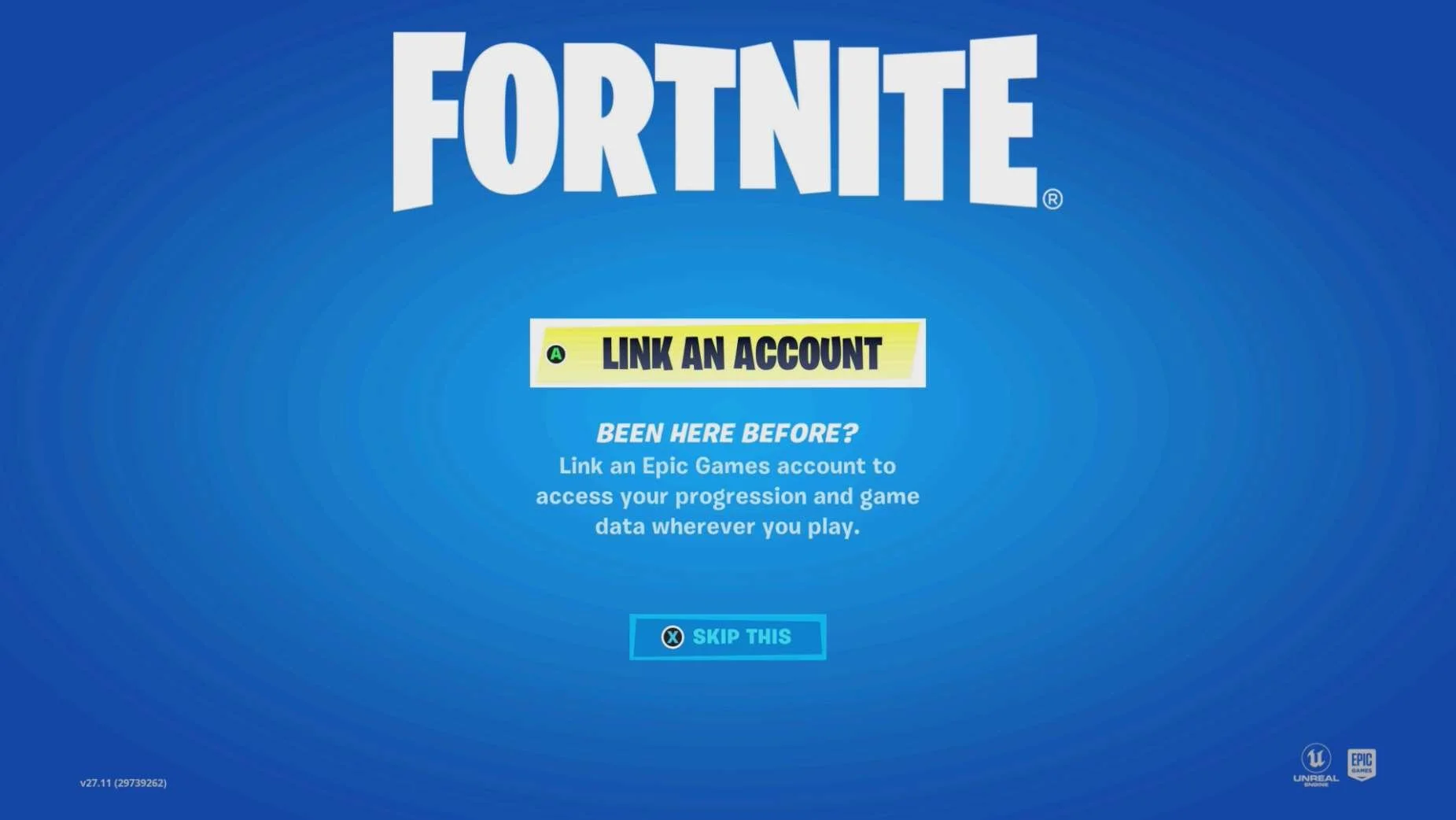
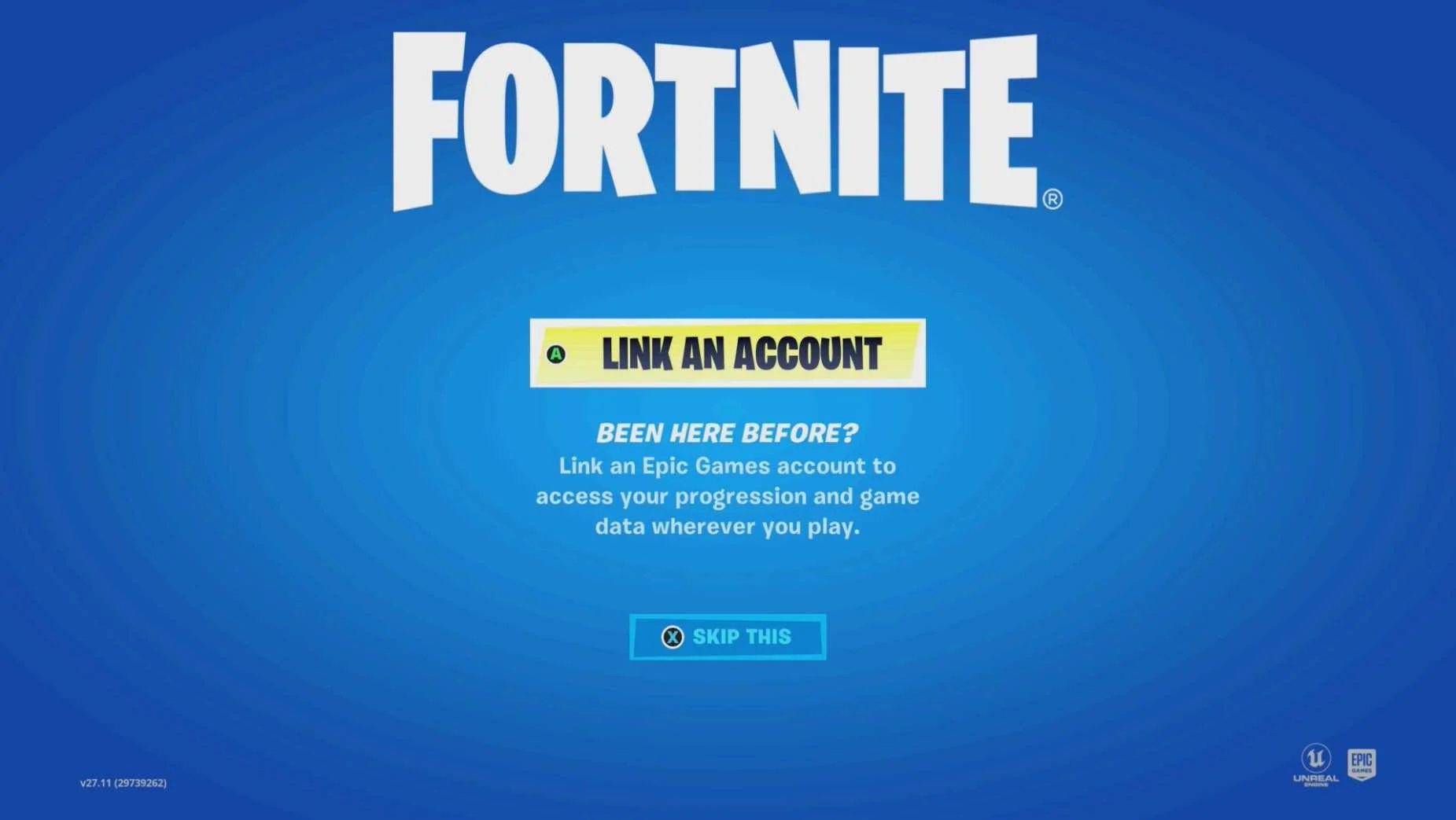
- Fortnite lets players skip account linking but:
- Players can not choose to link accounts at a later time from within the game
- Even if the player chooses to go to the Epic Games website to link the accounts for the platform they skipped account linking in, they may not be able to as skipping the initial account linking causes issues
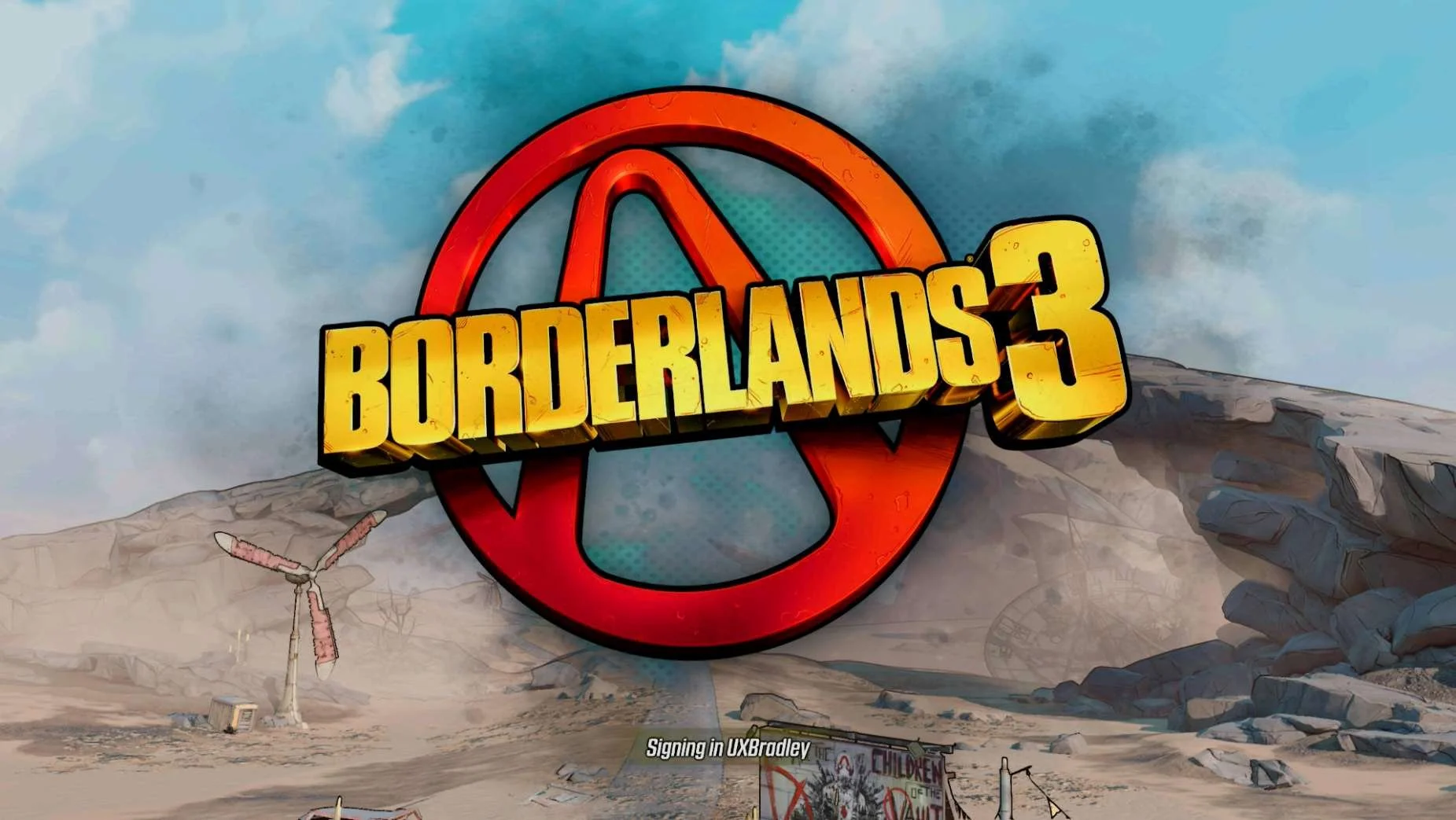
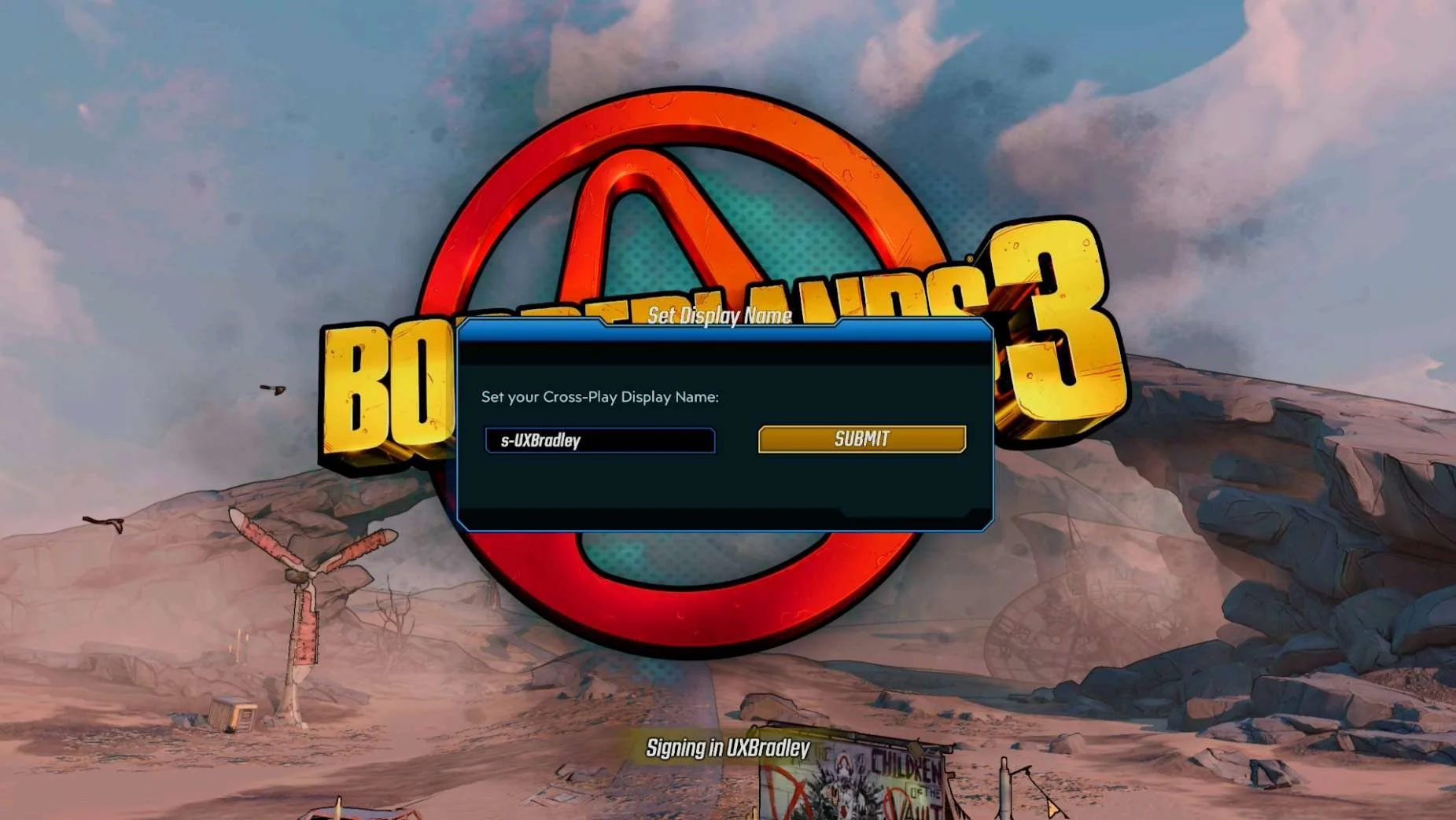
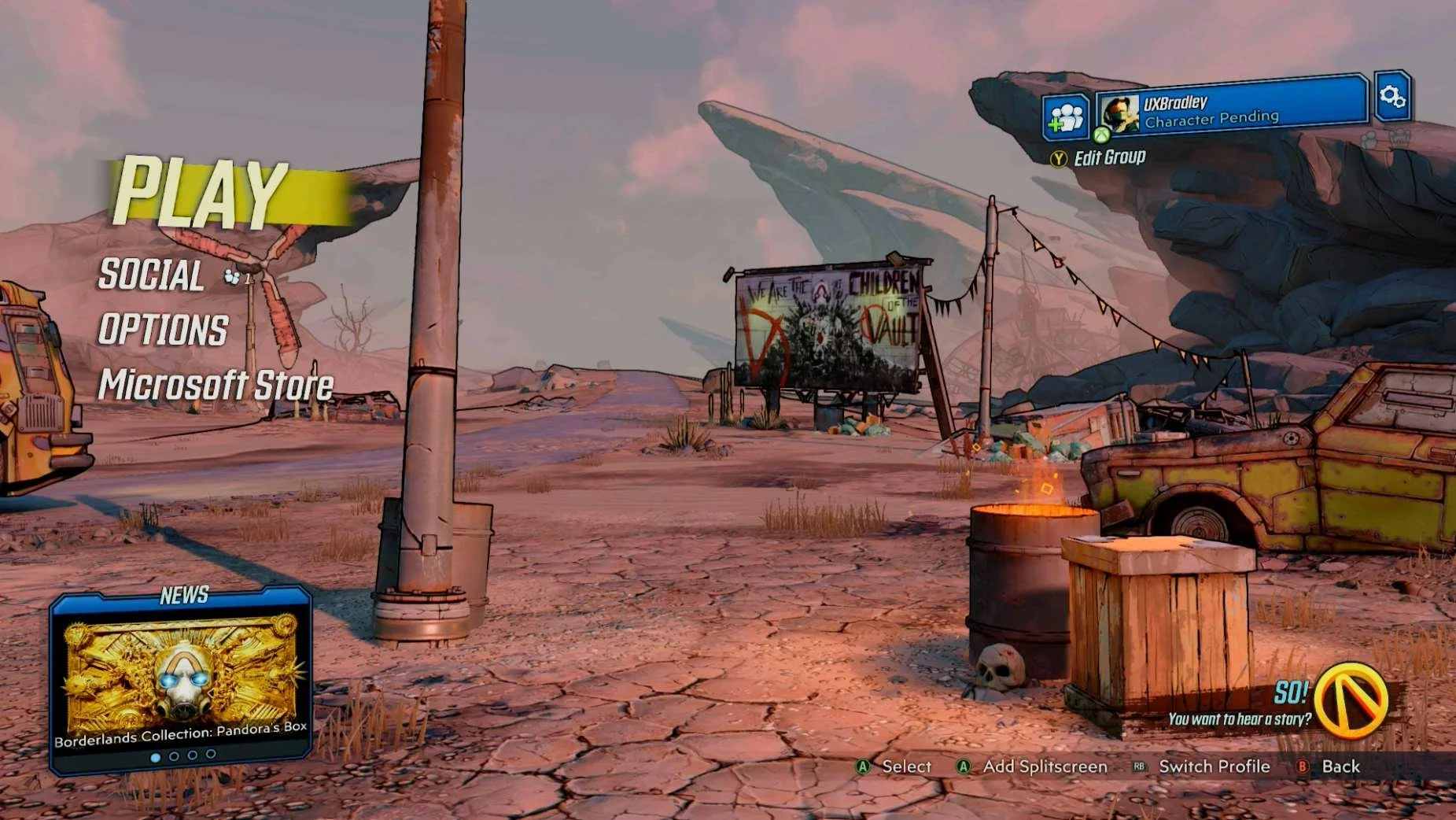
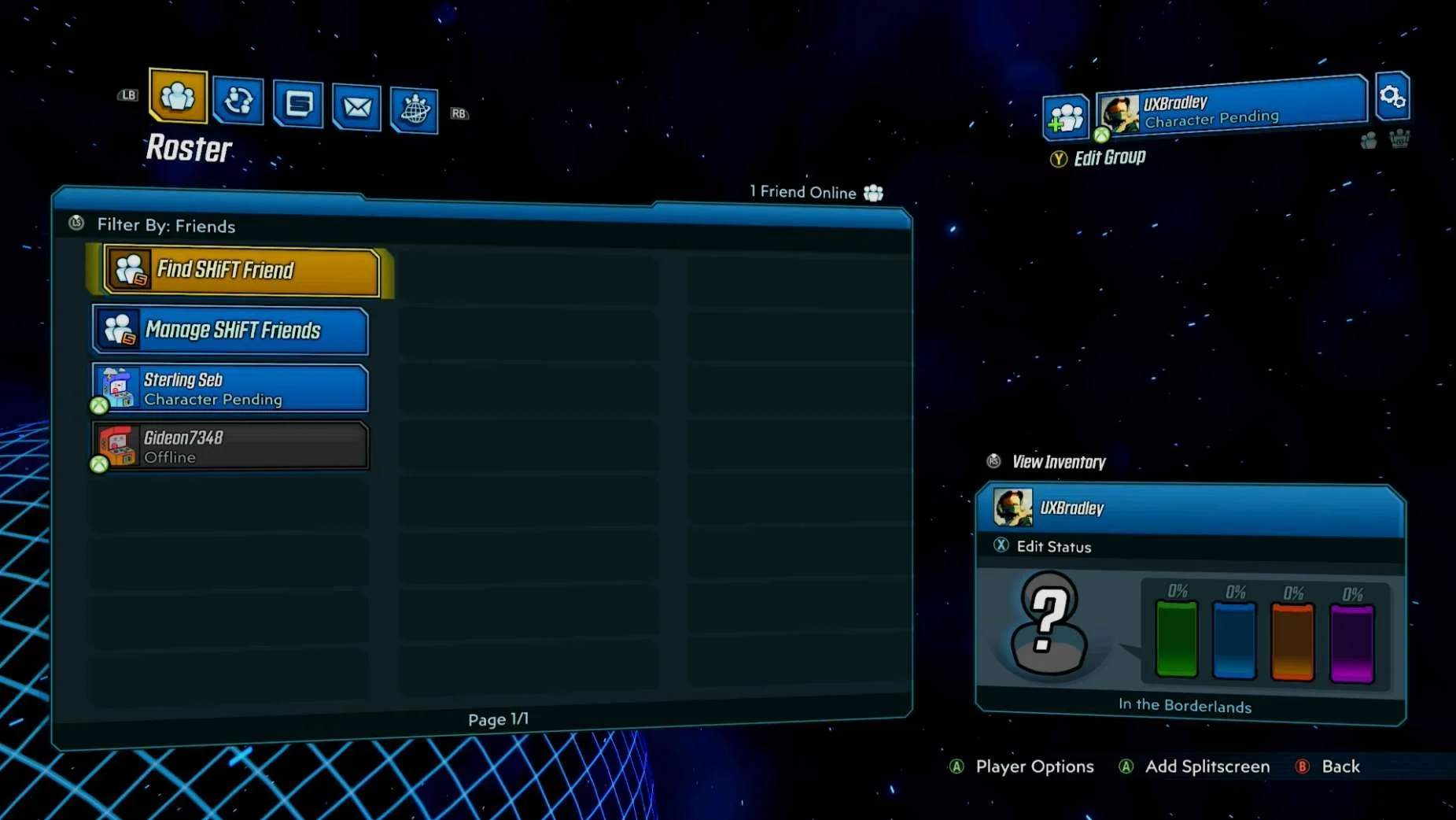
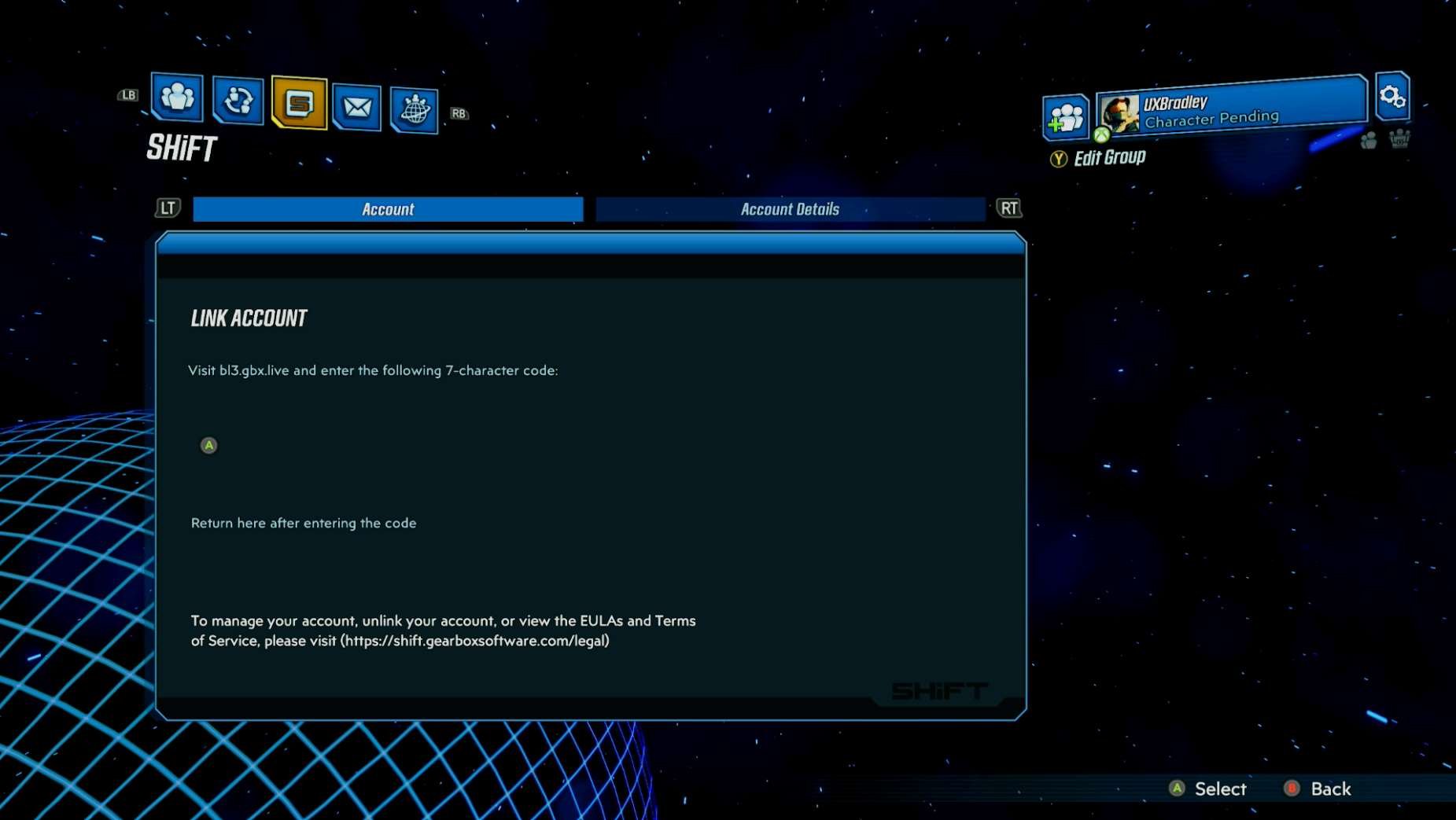
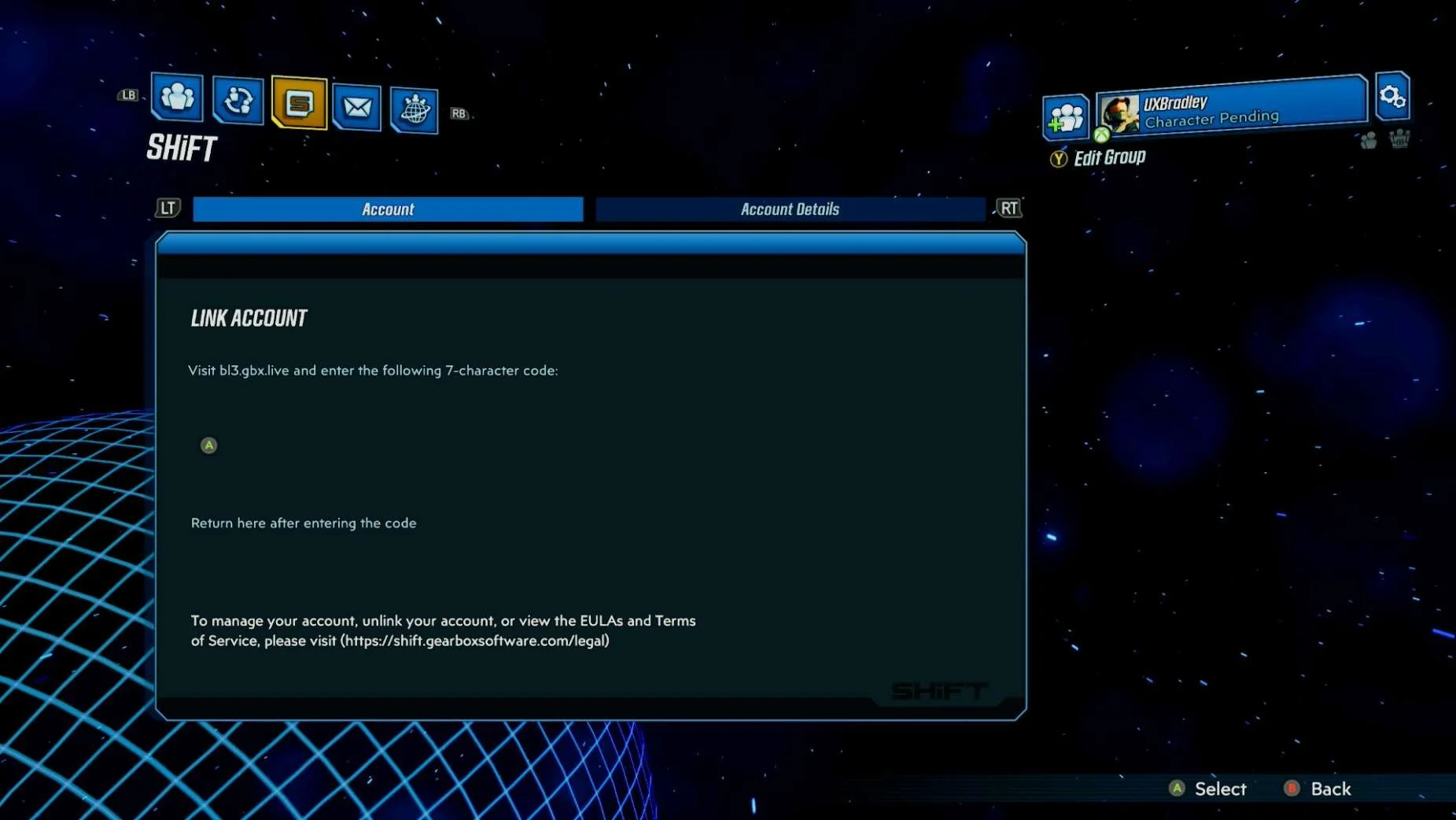
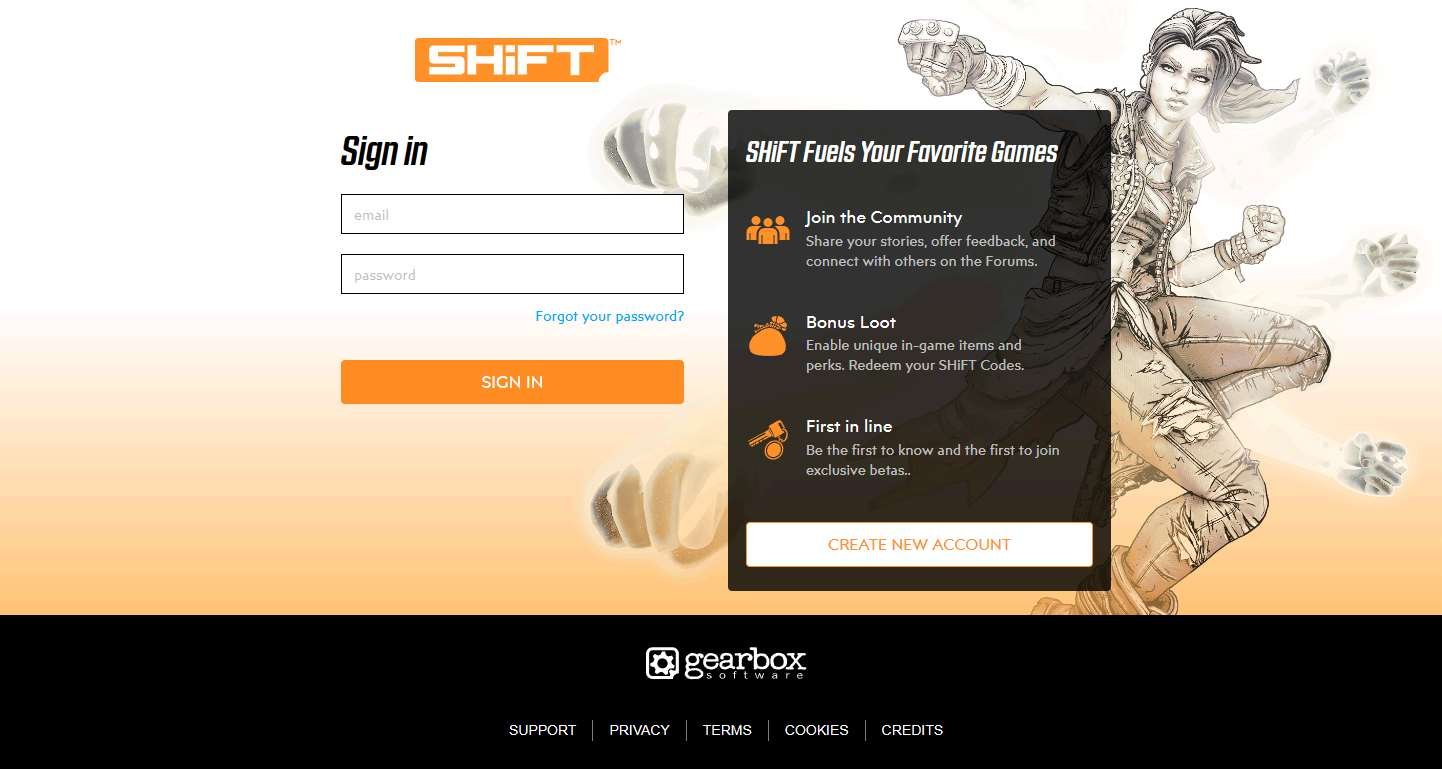
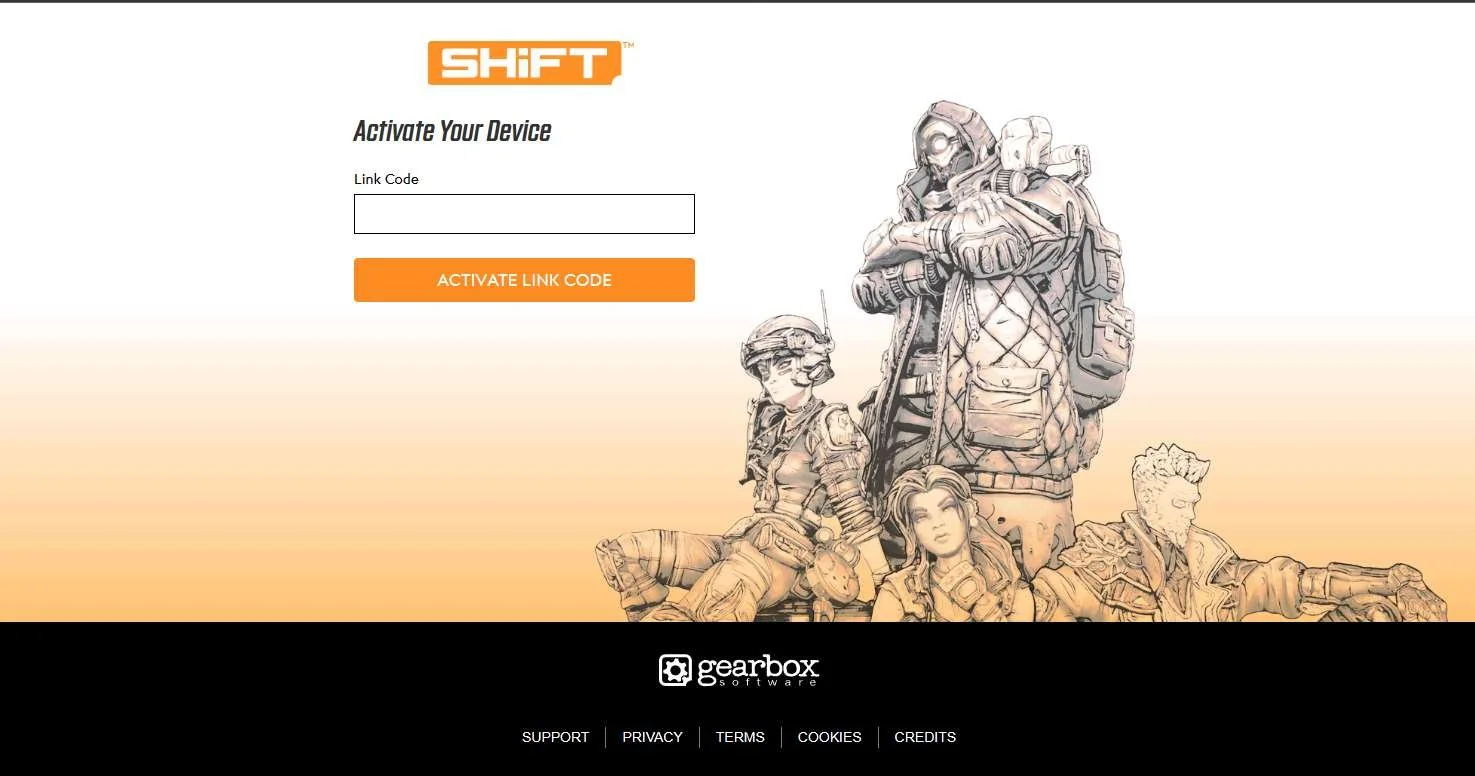
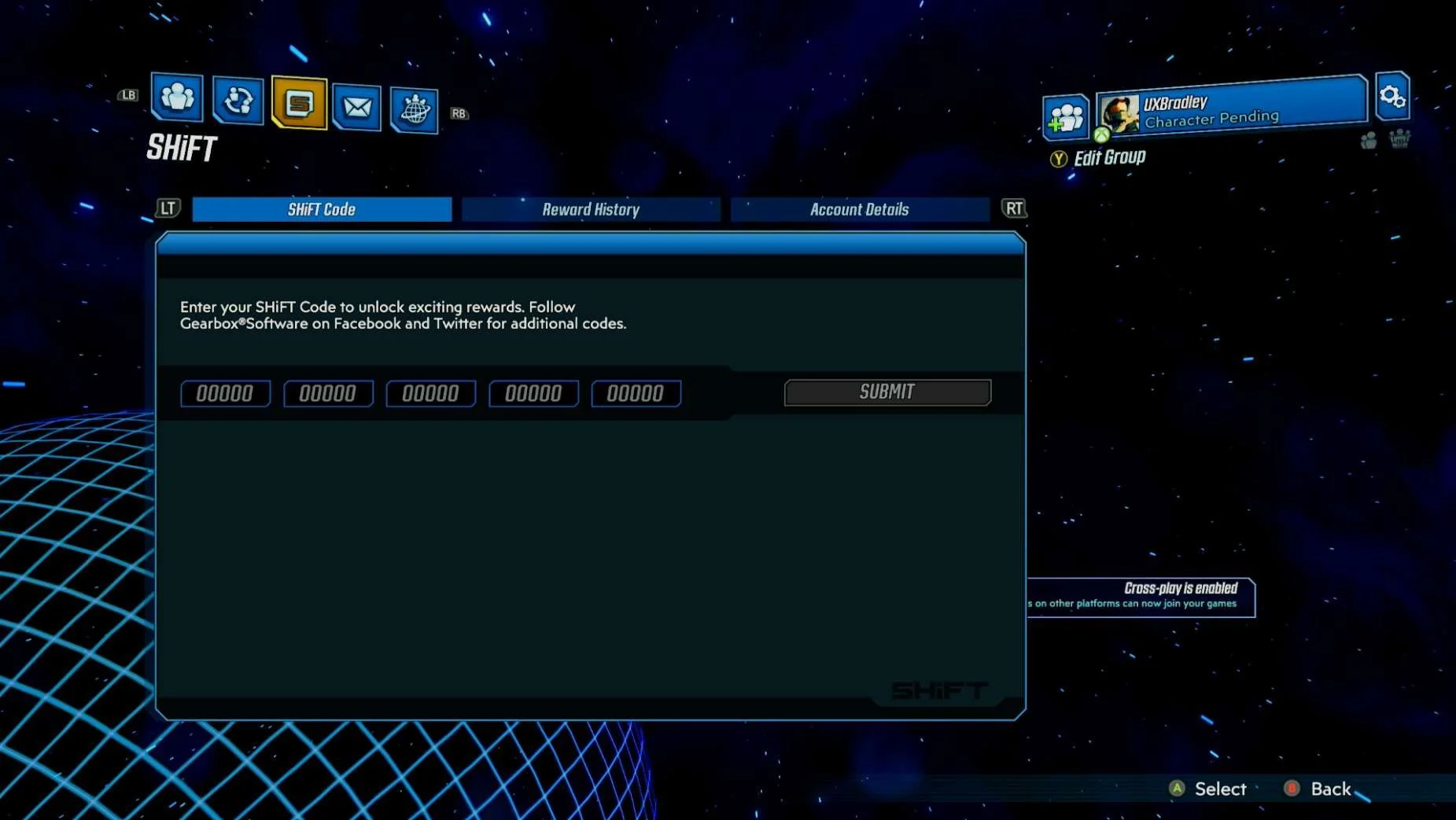
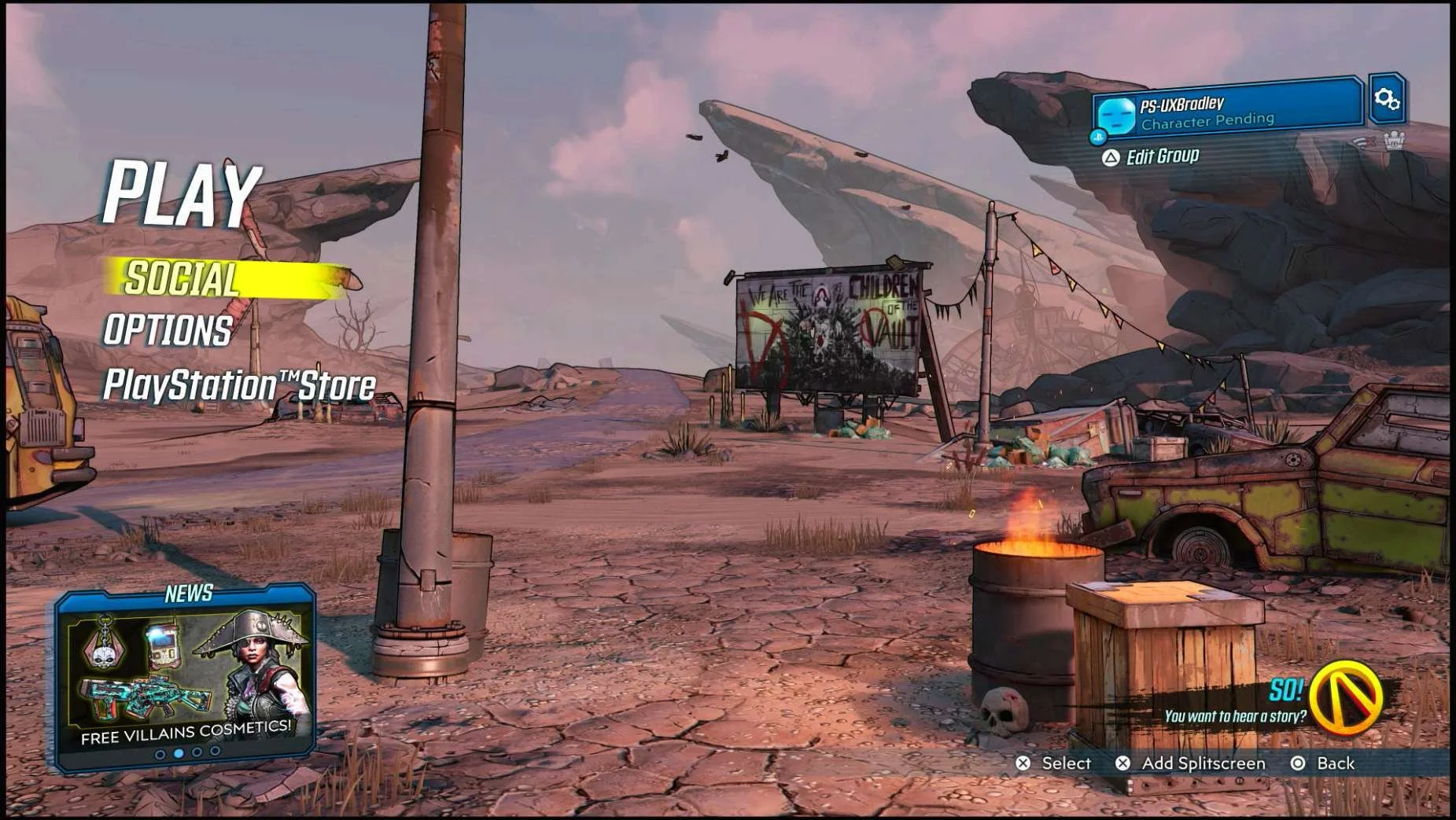
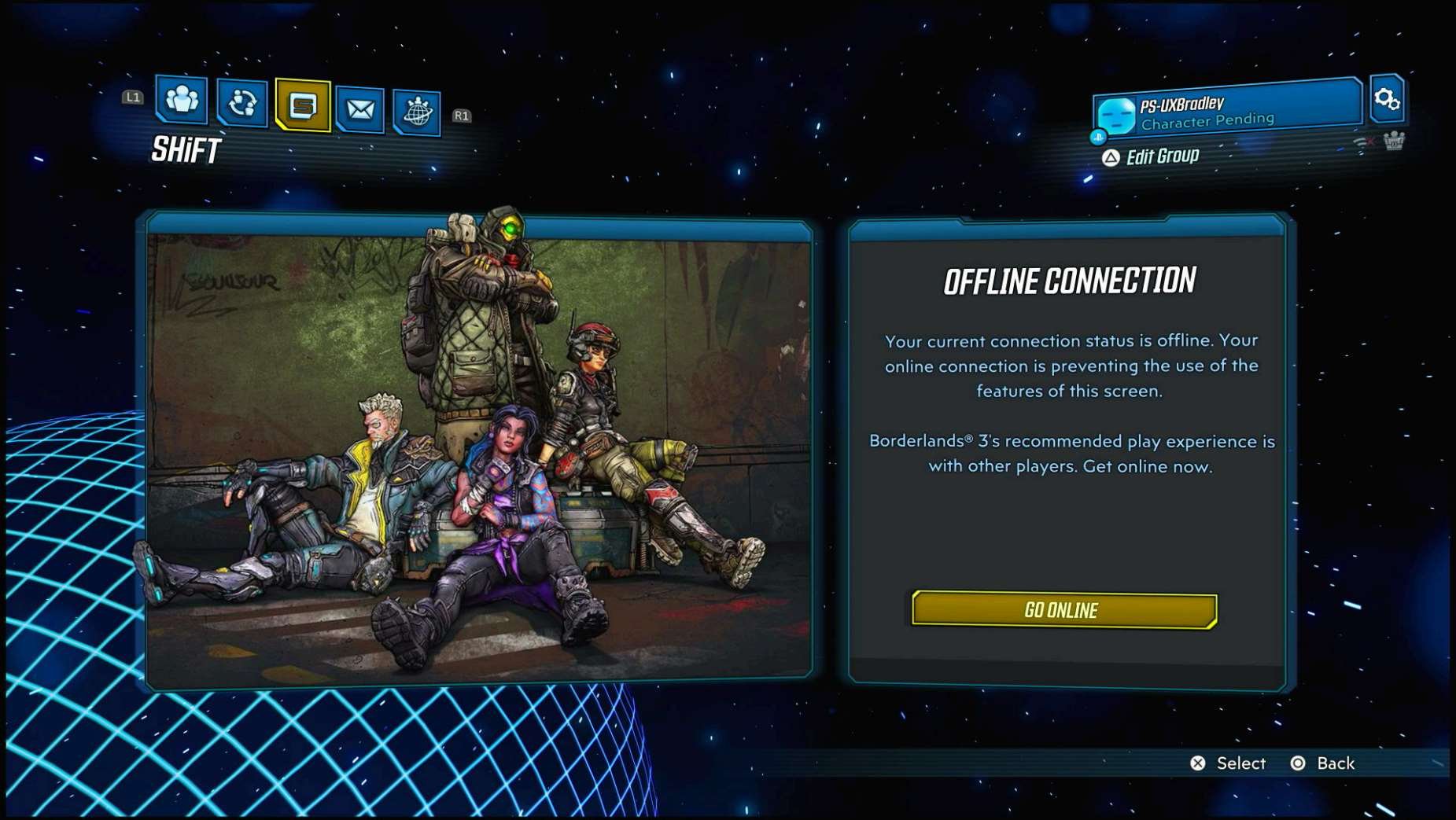
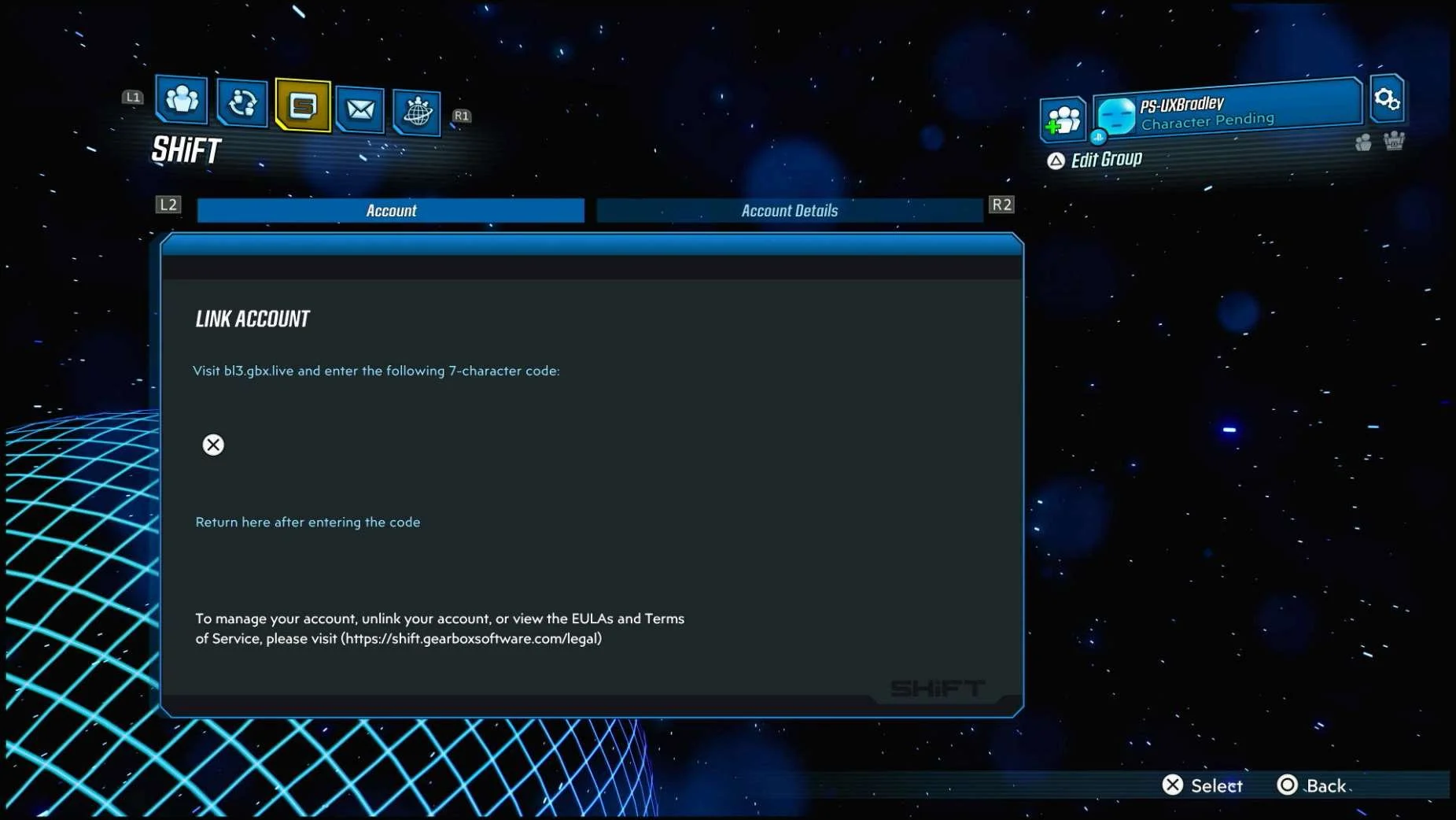
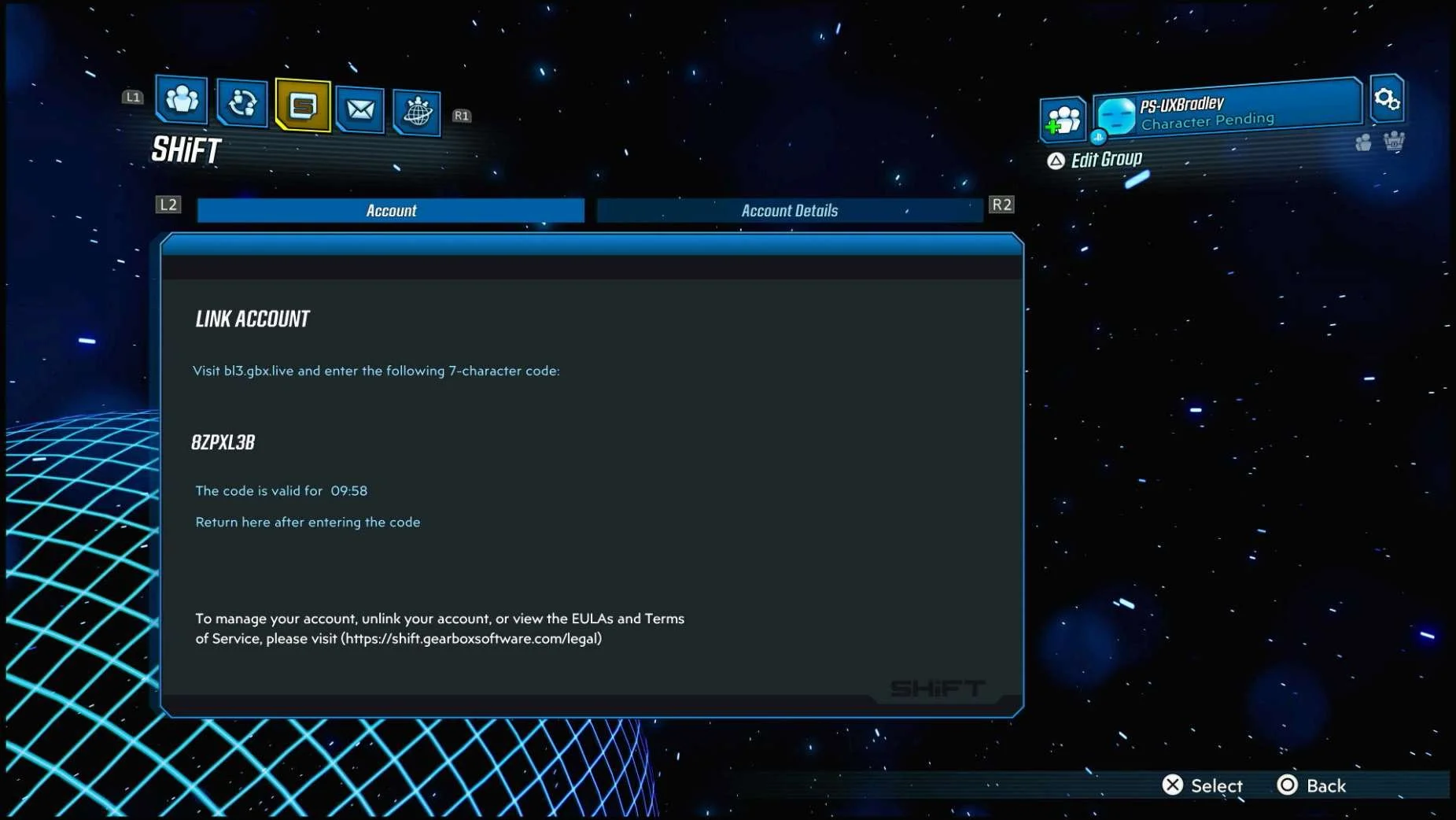
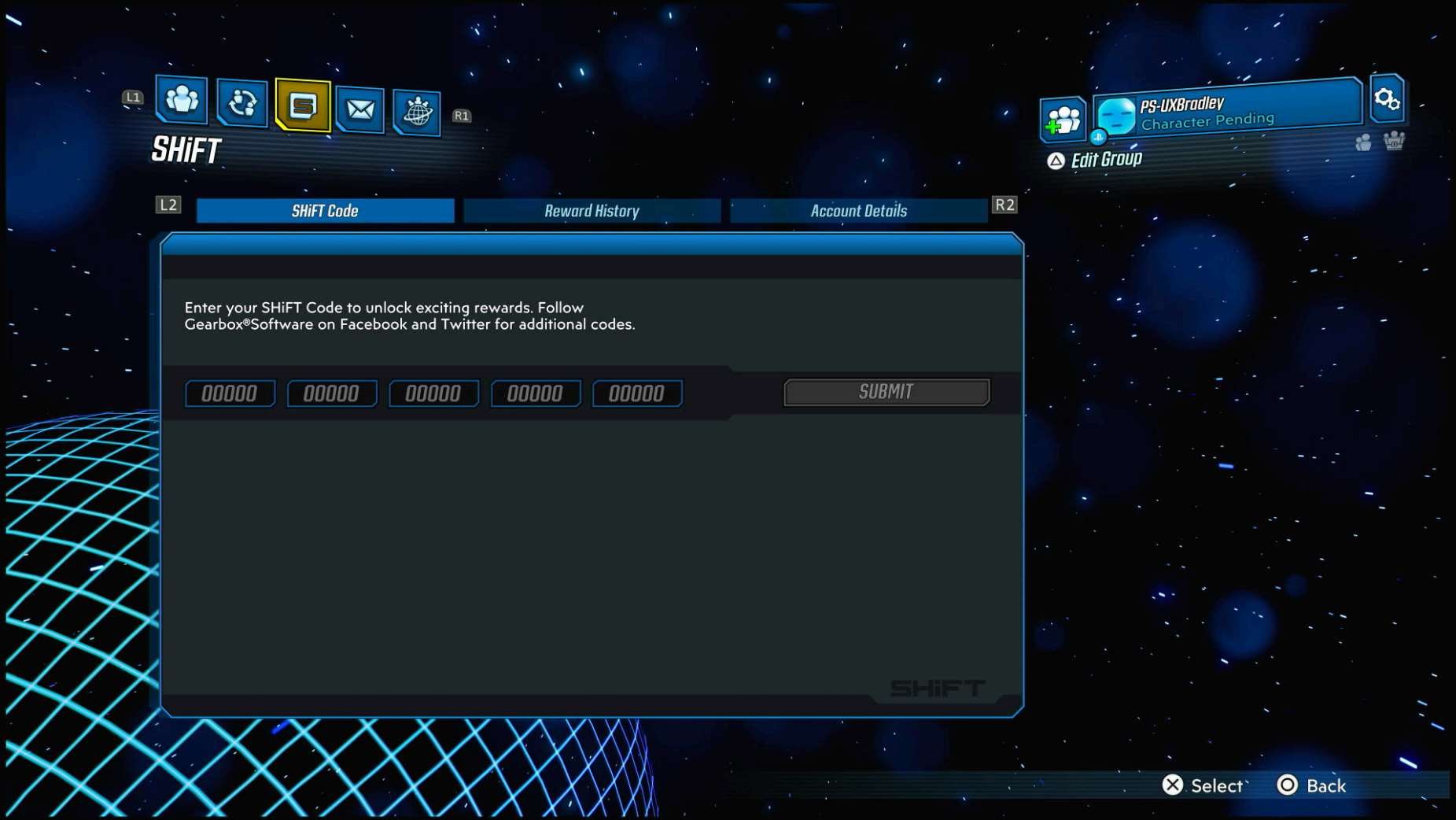
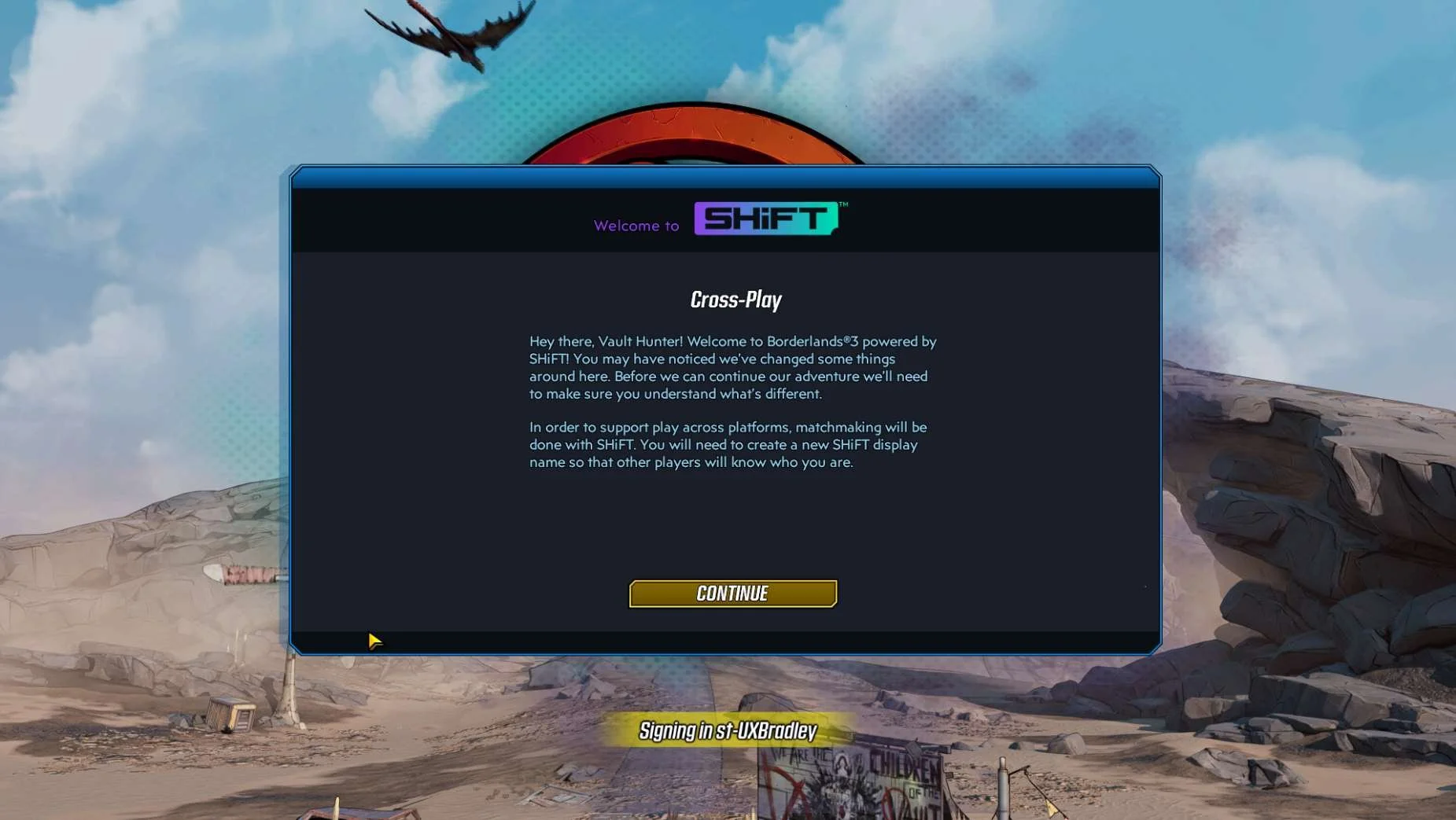
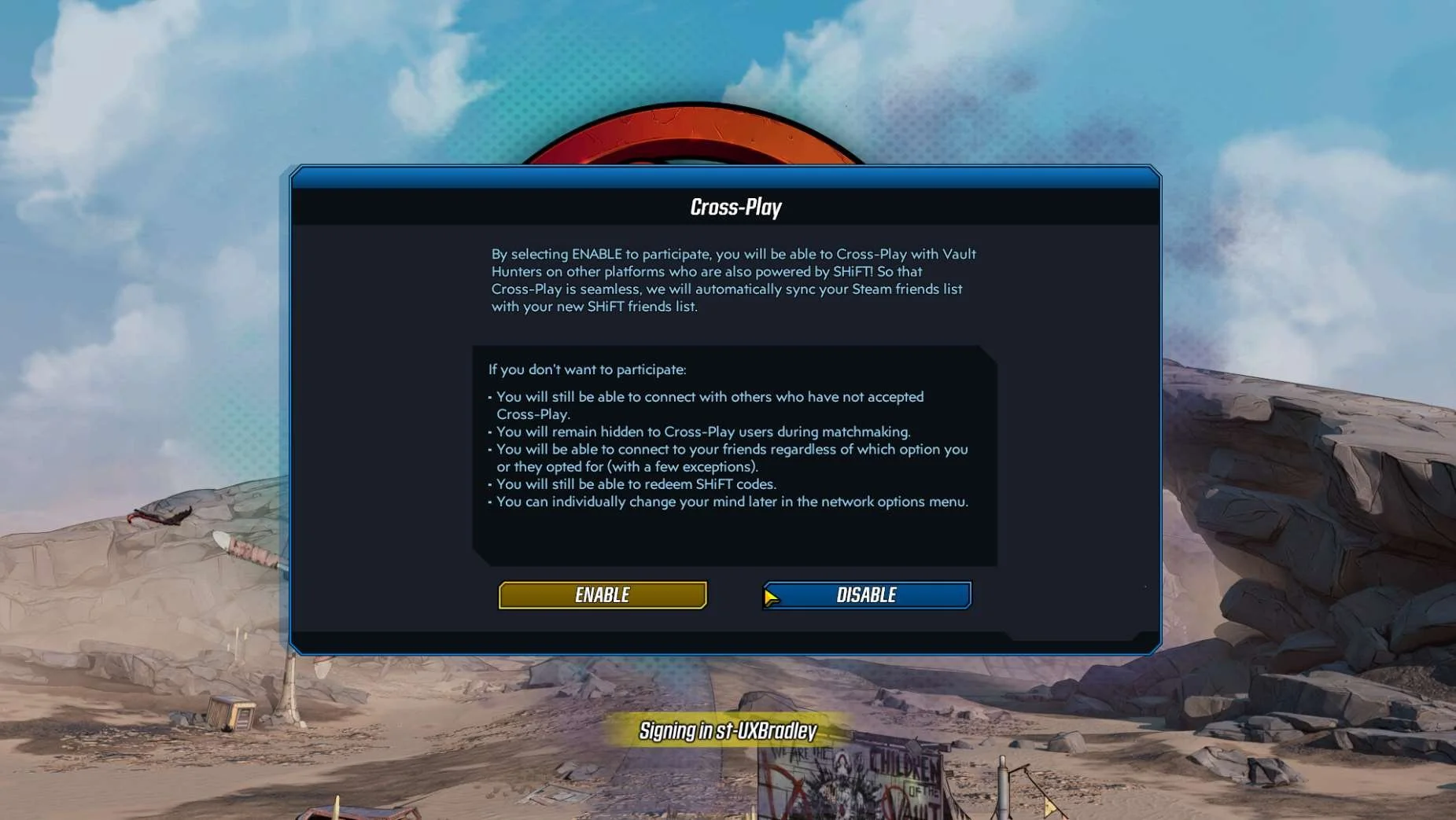
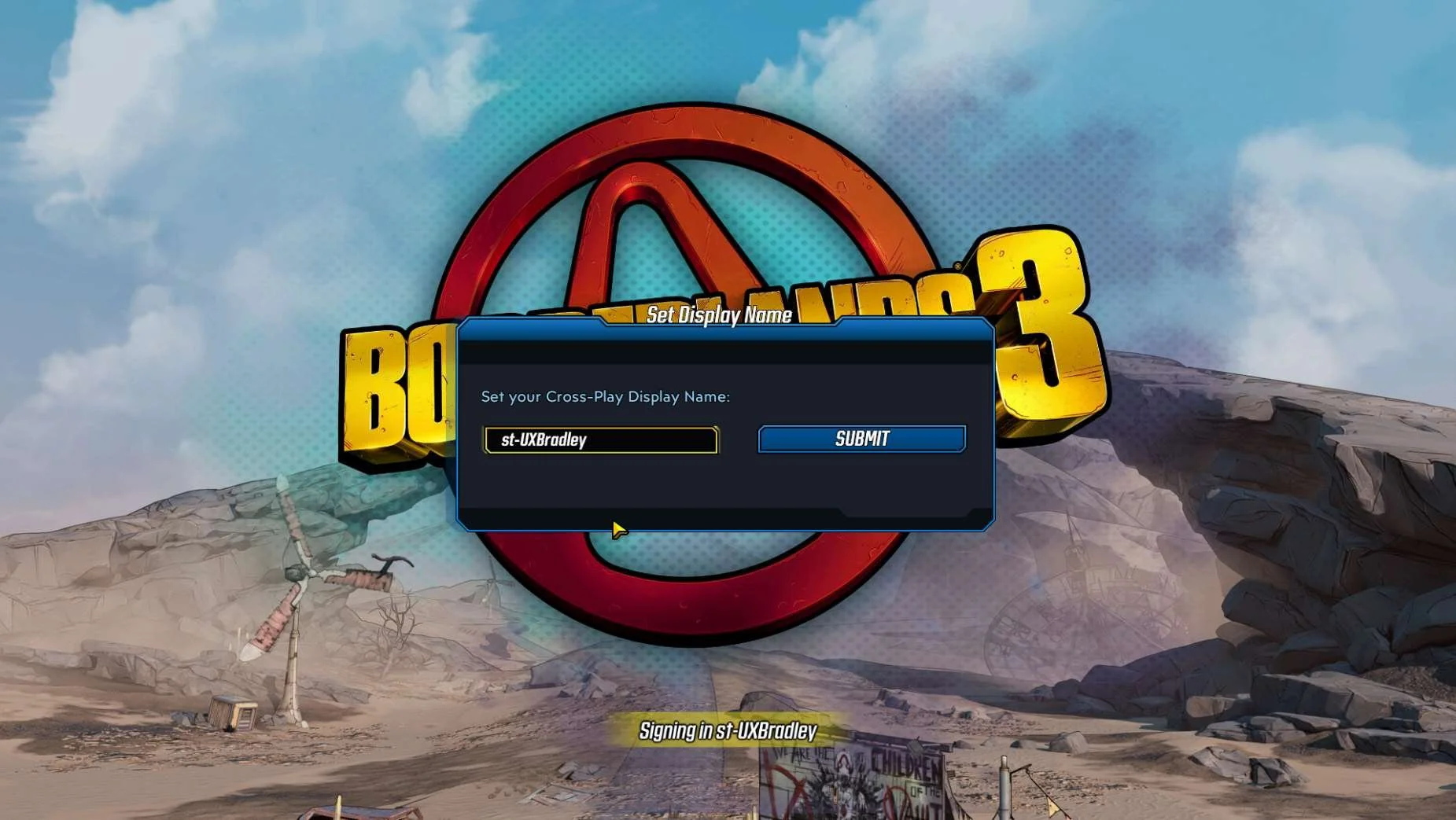
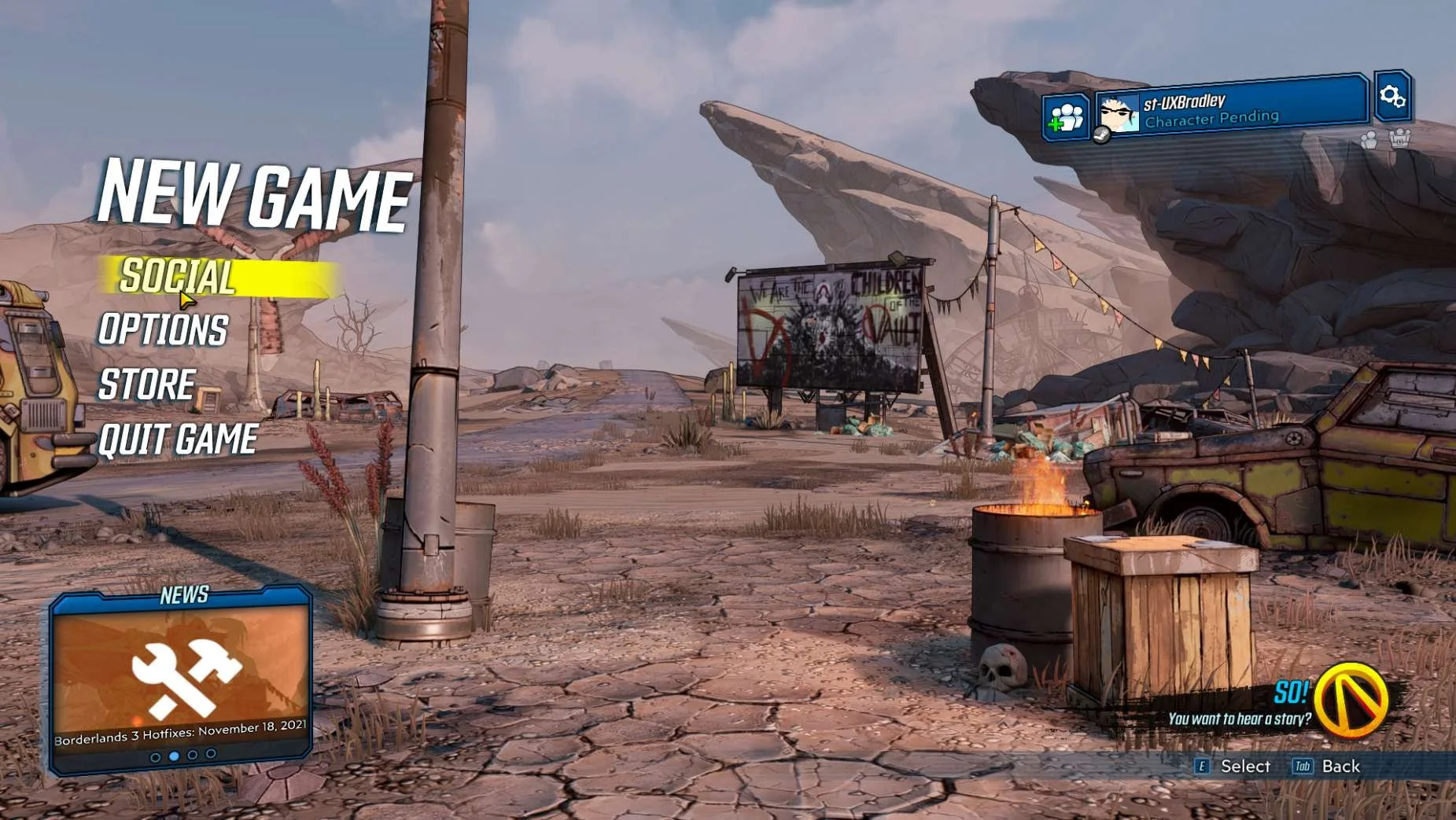
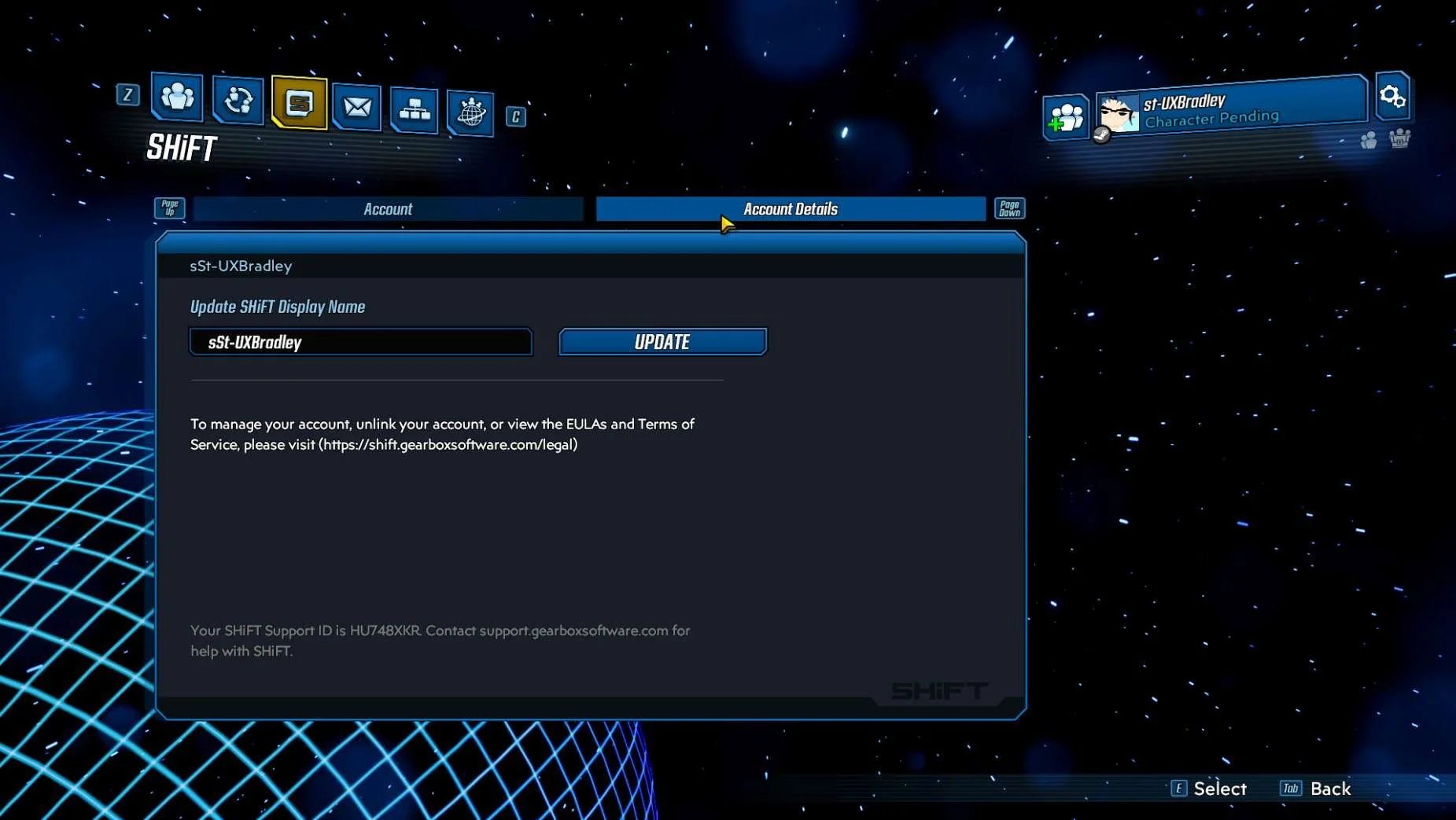
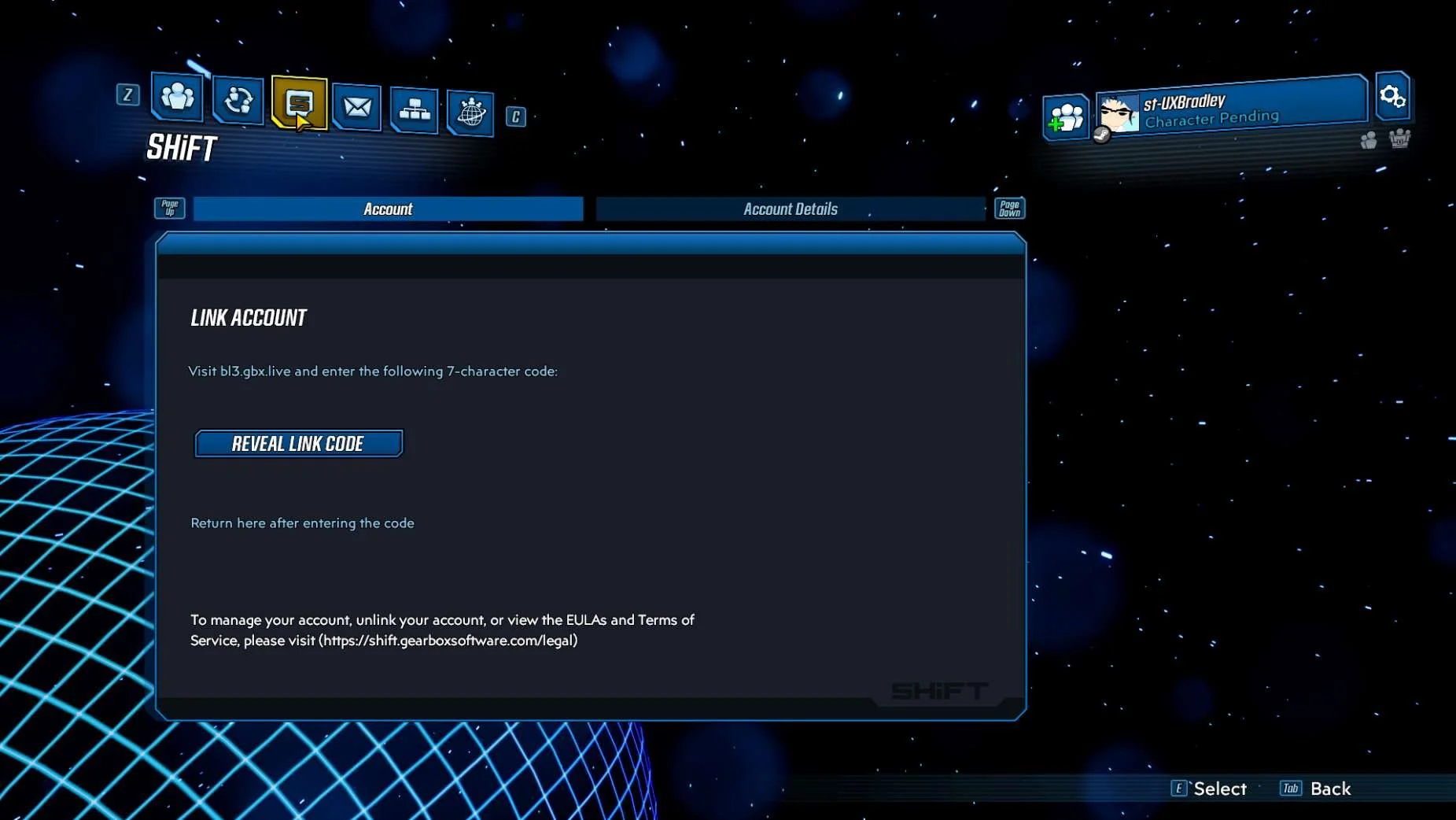
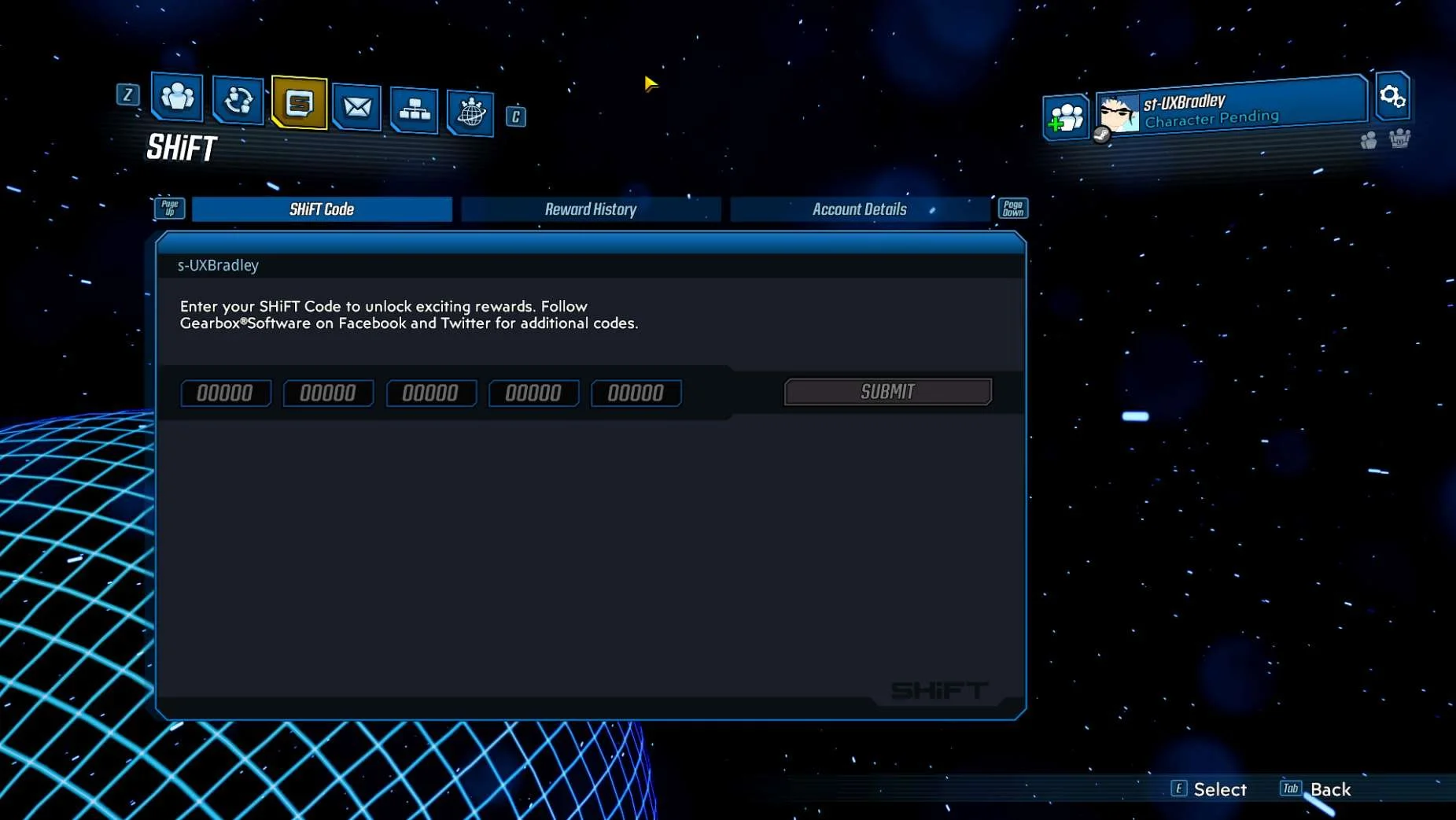
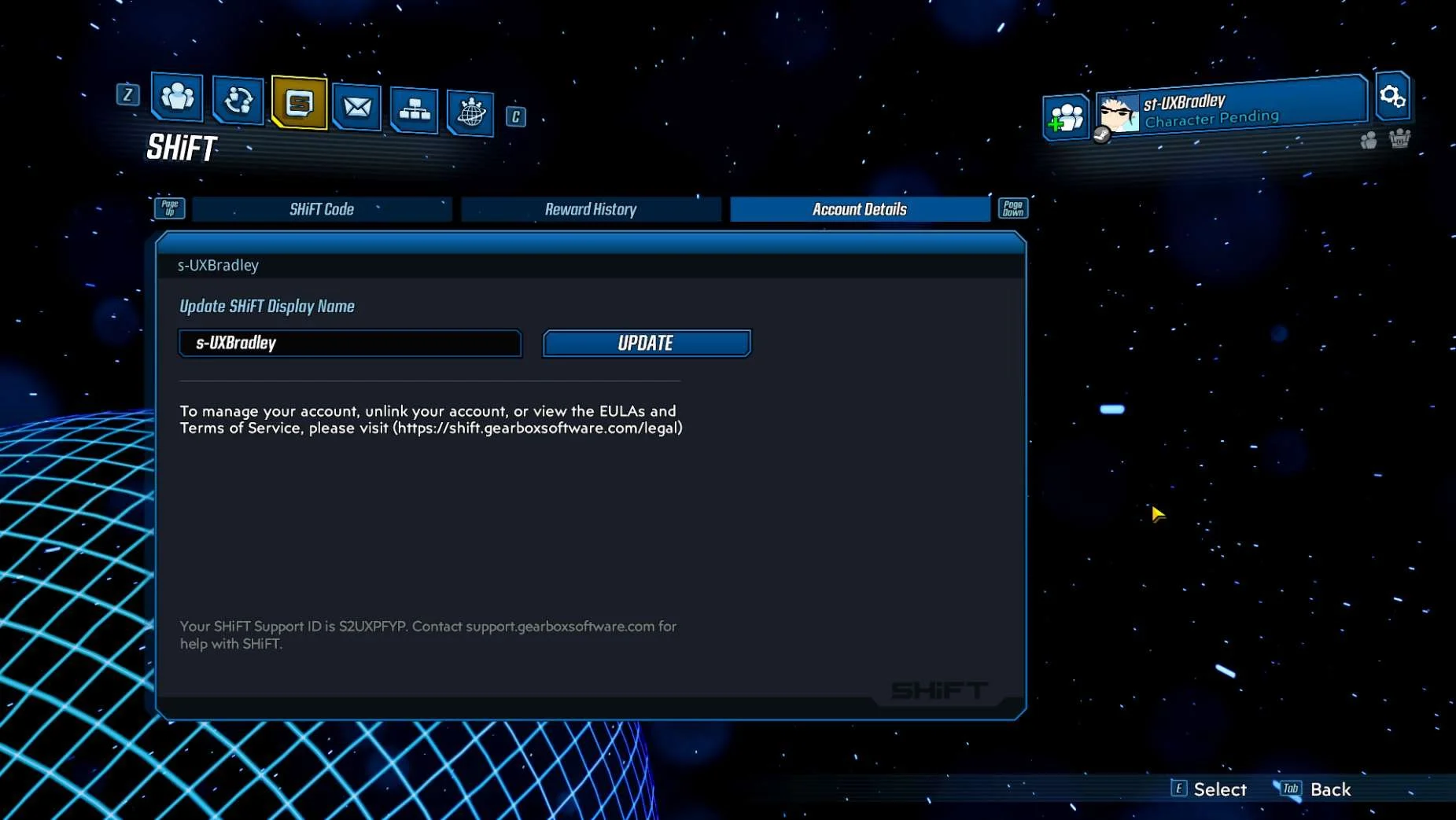
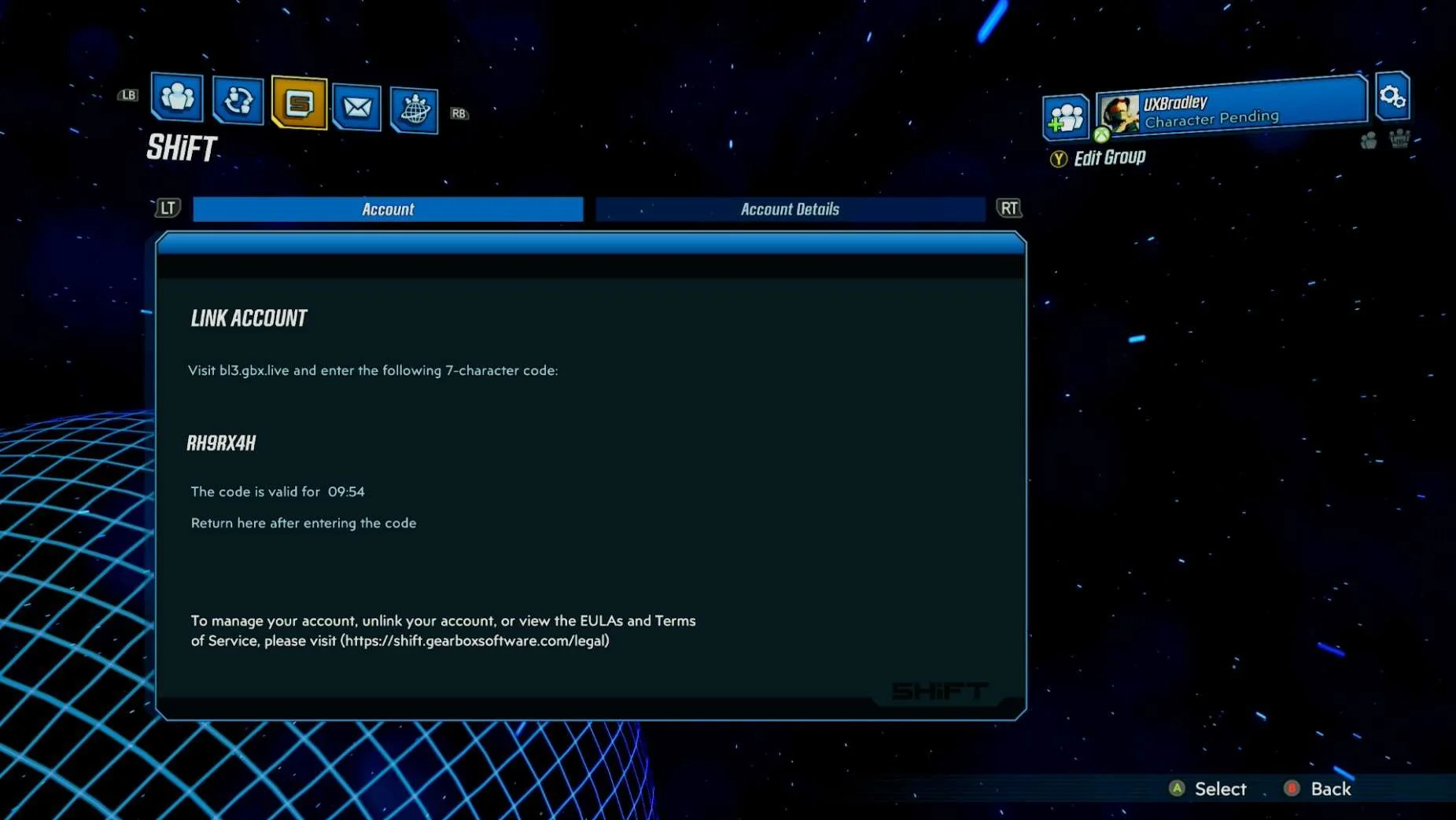
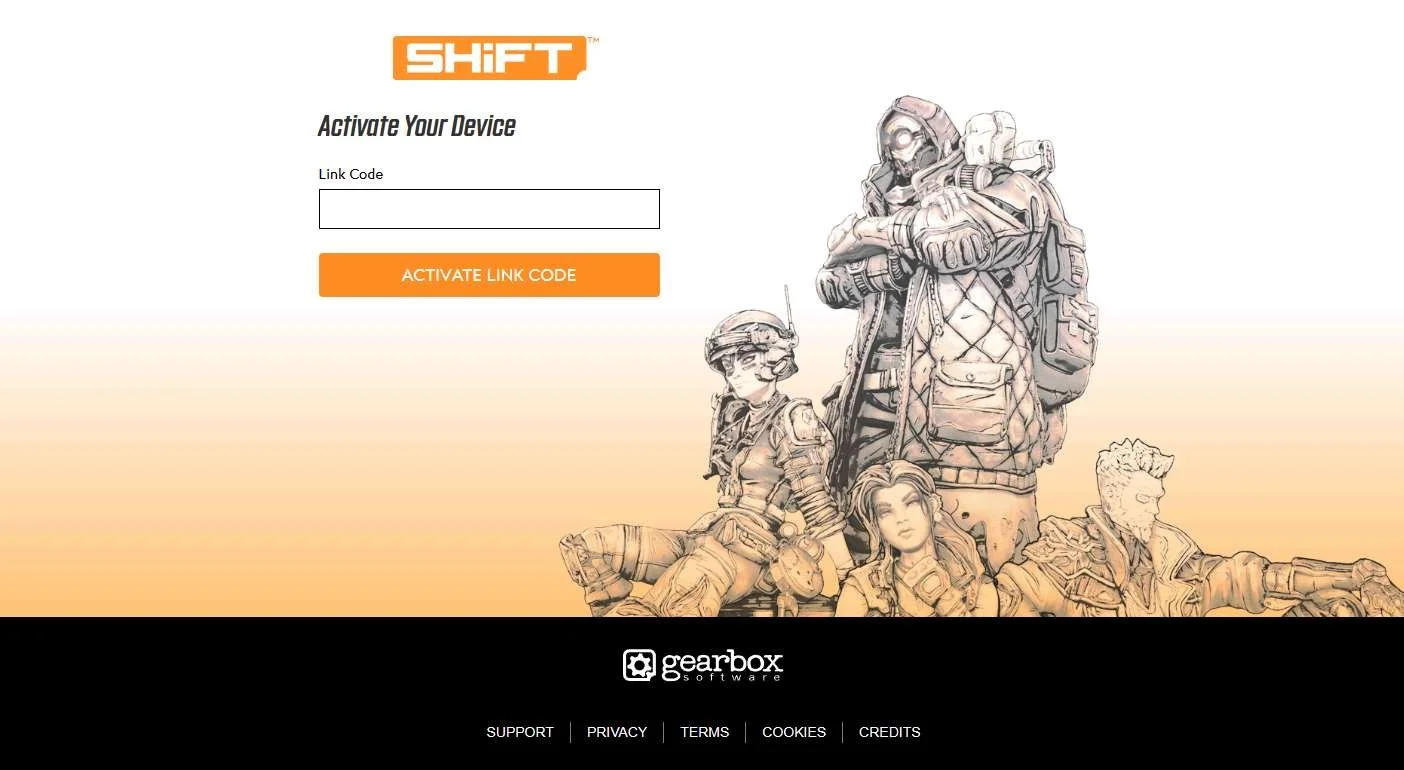
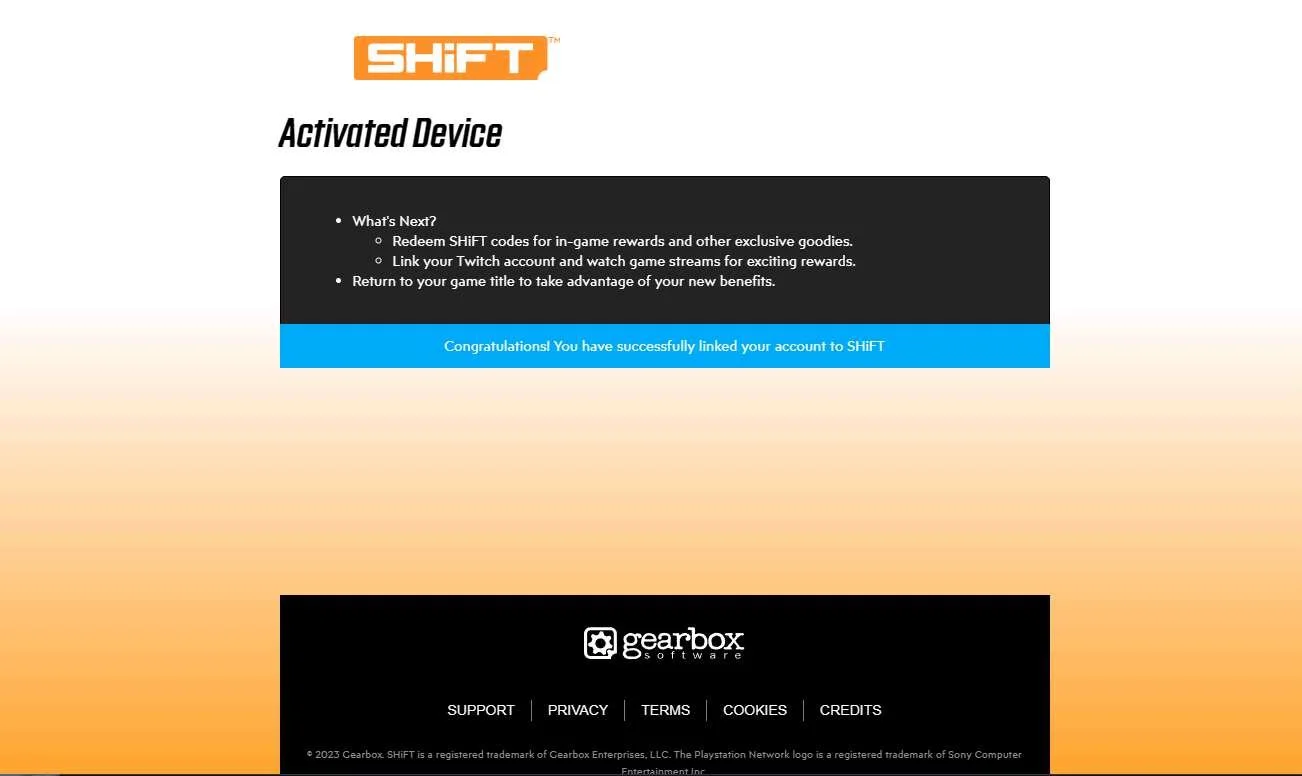
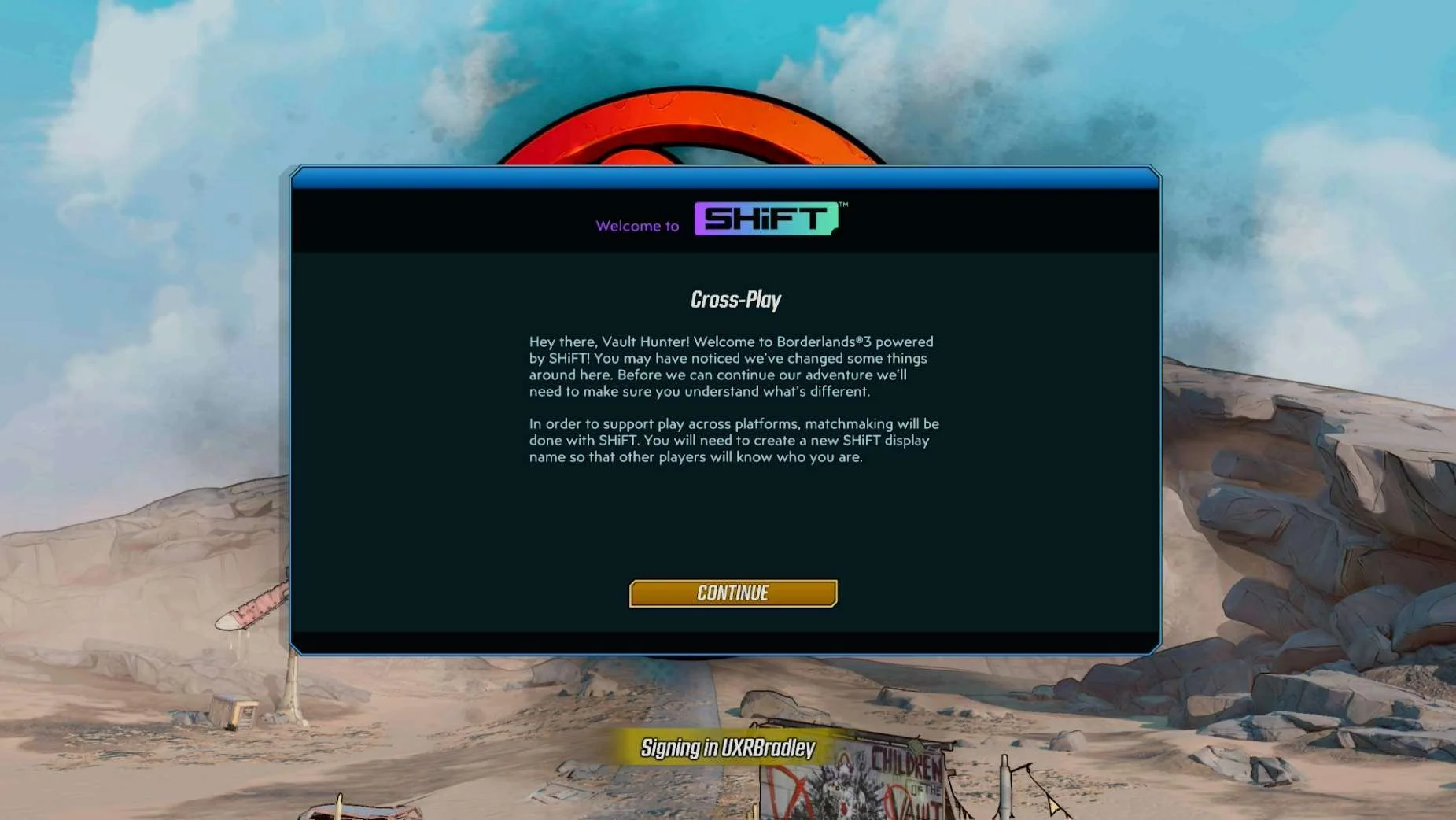
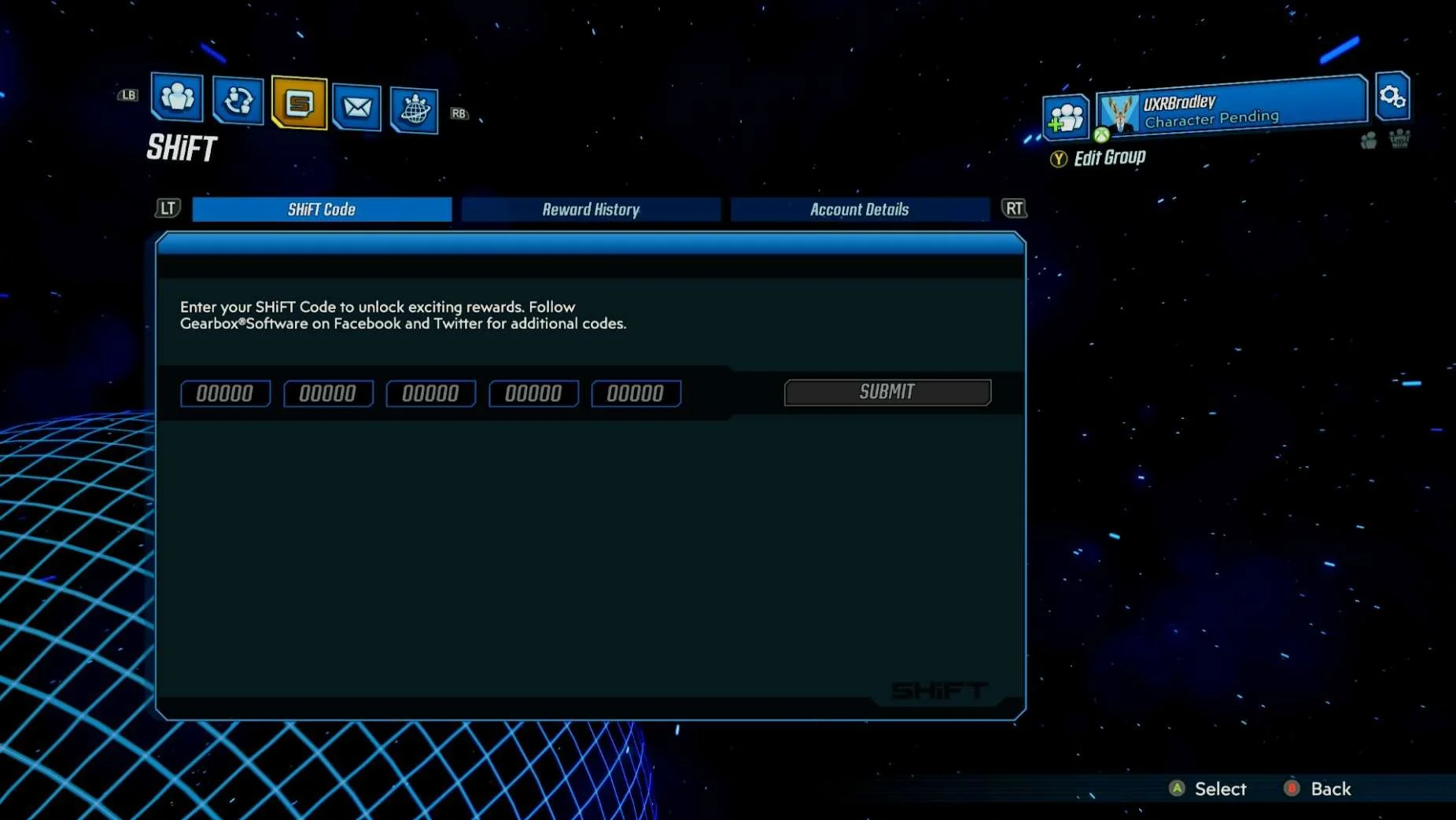
- Borderland 3's account linking is kind of hidden (You have to look inside Main Menu → Social → SHiFT to find it)
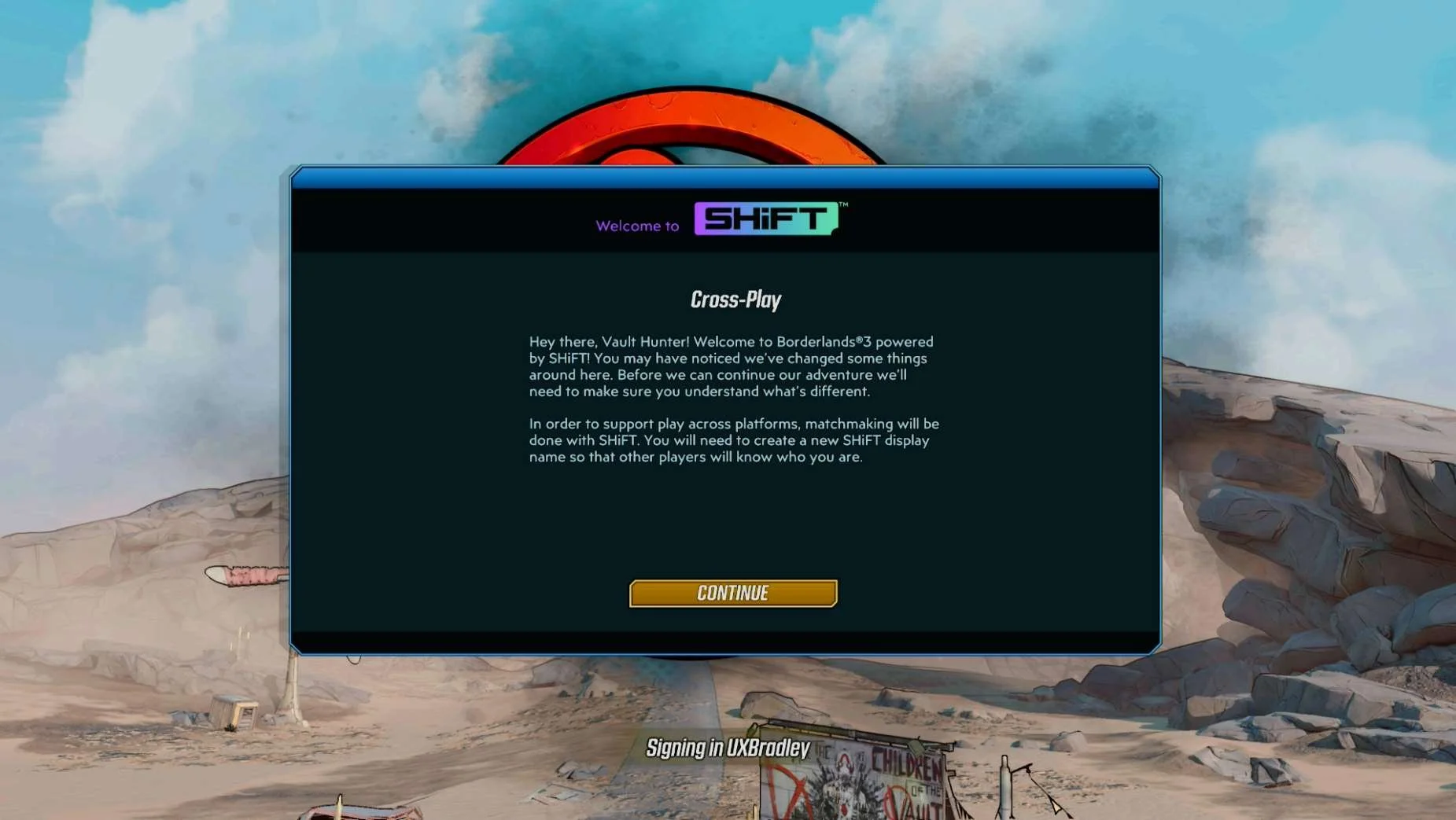
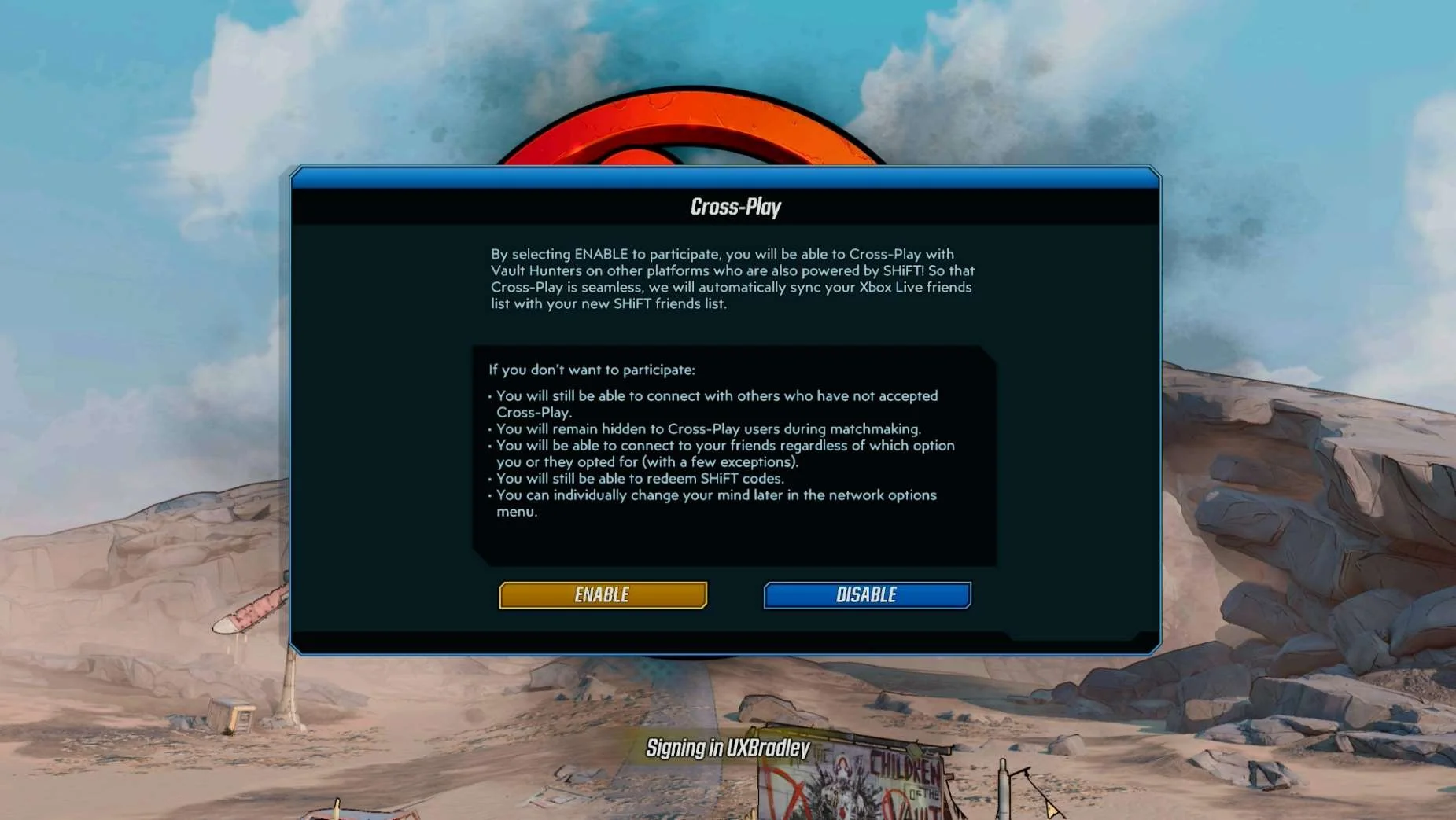
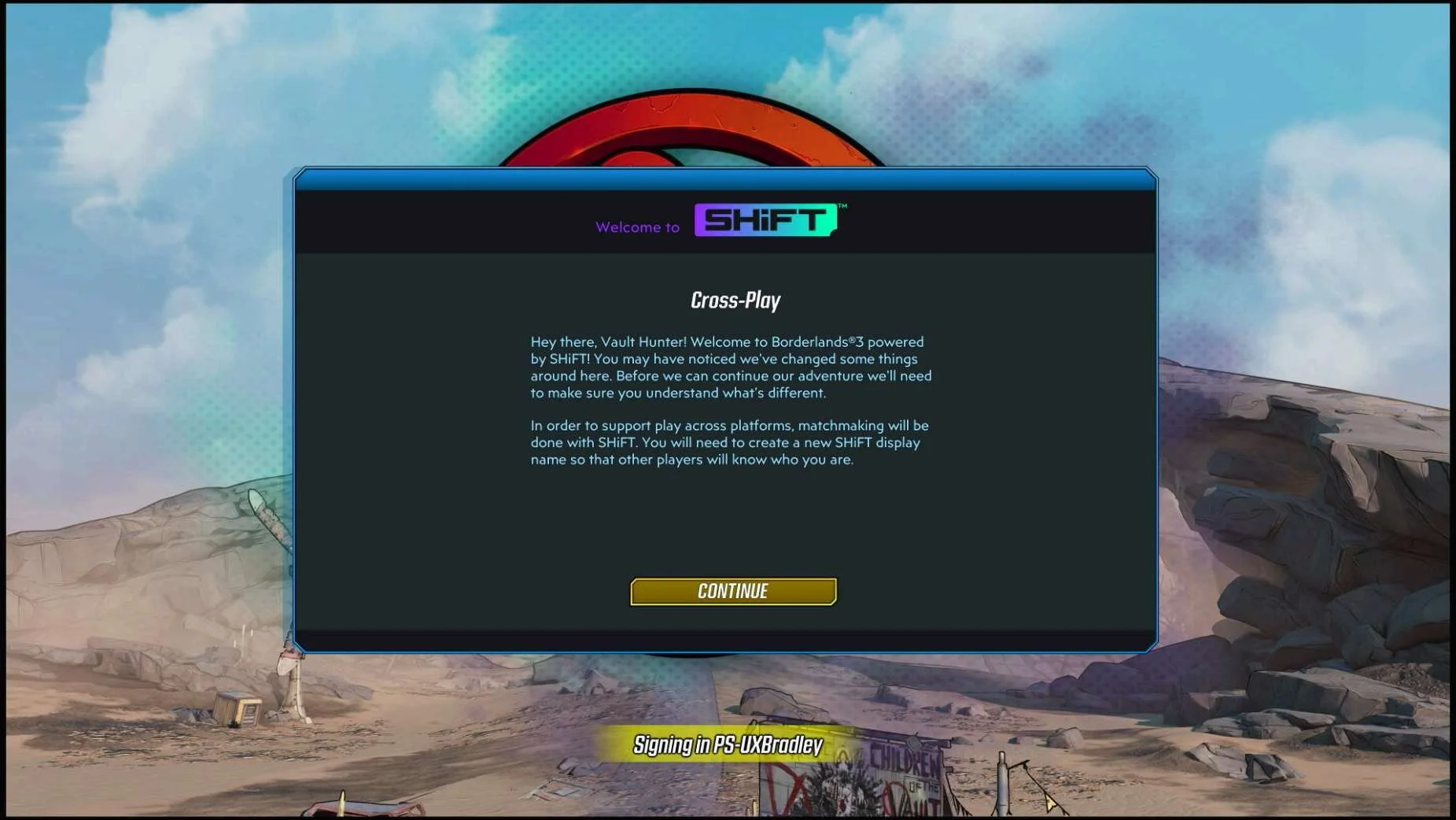
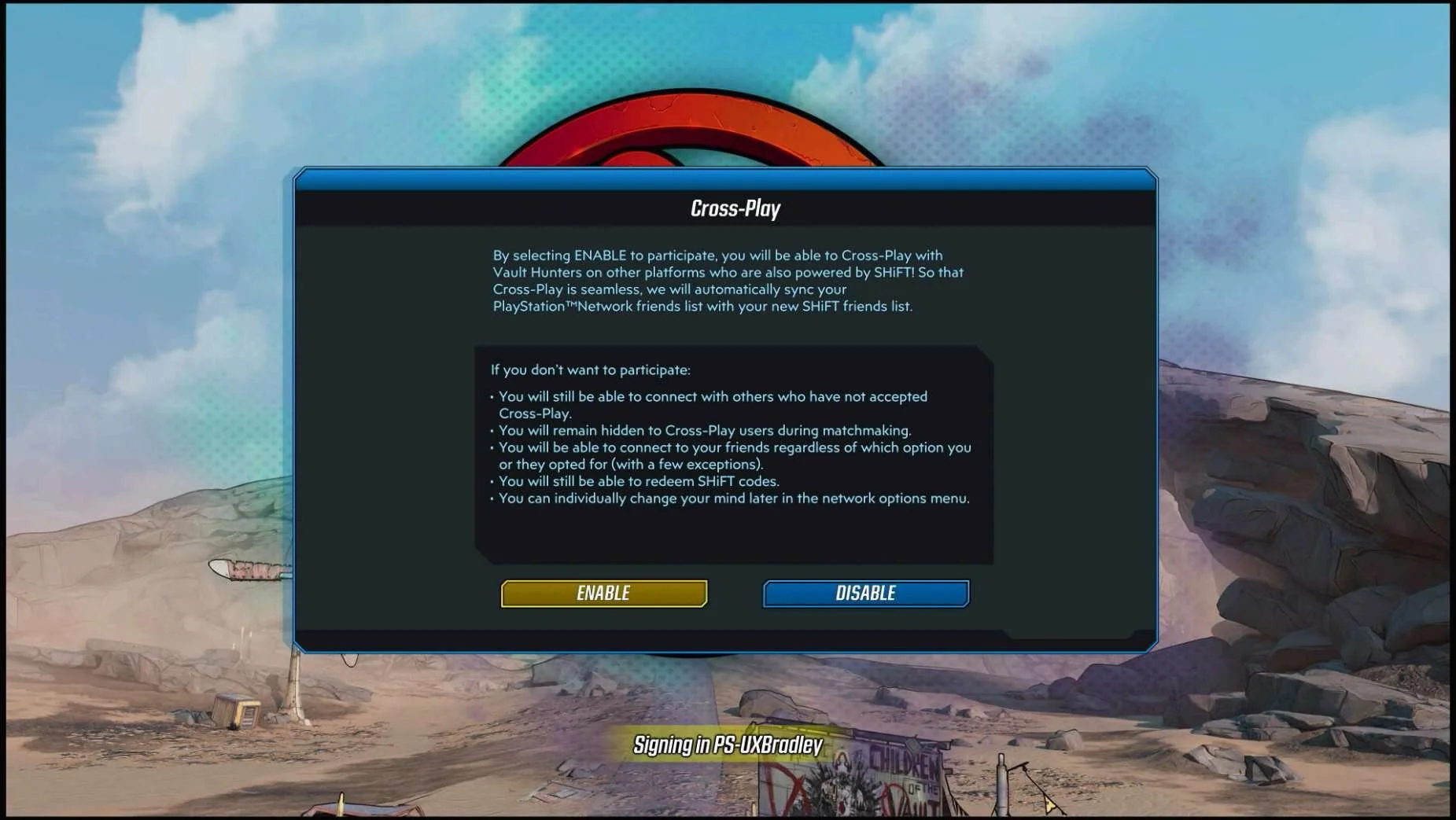
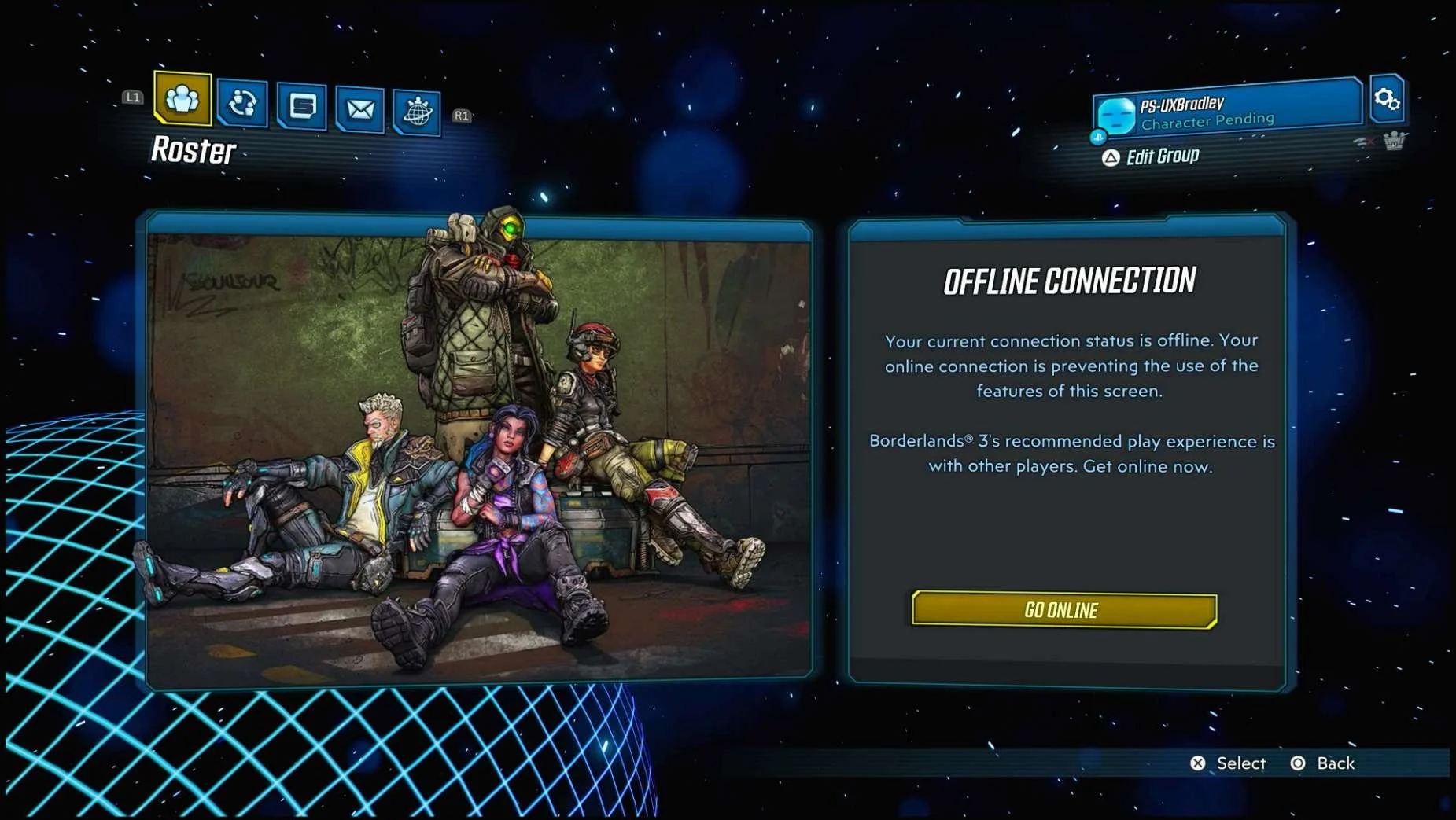
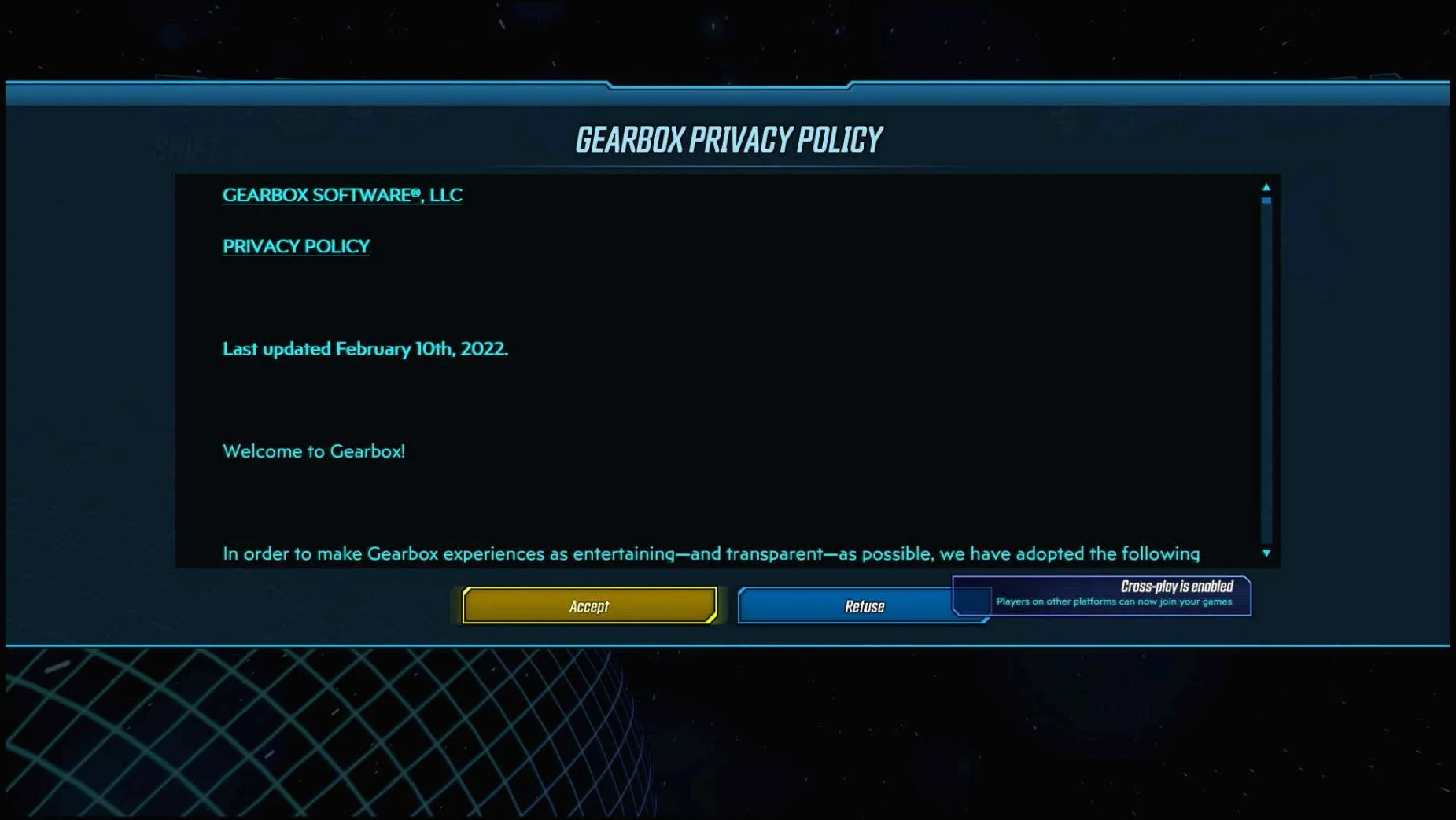
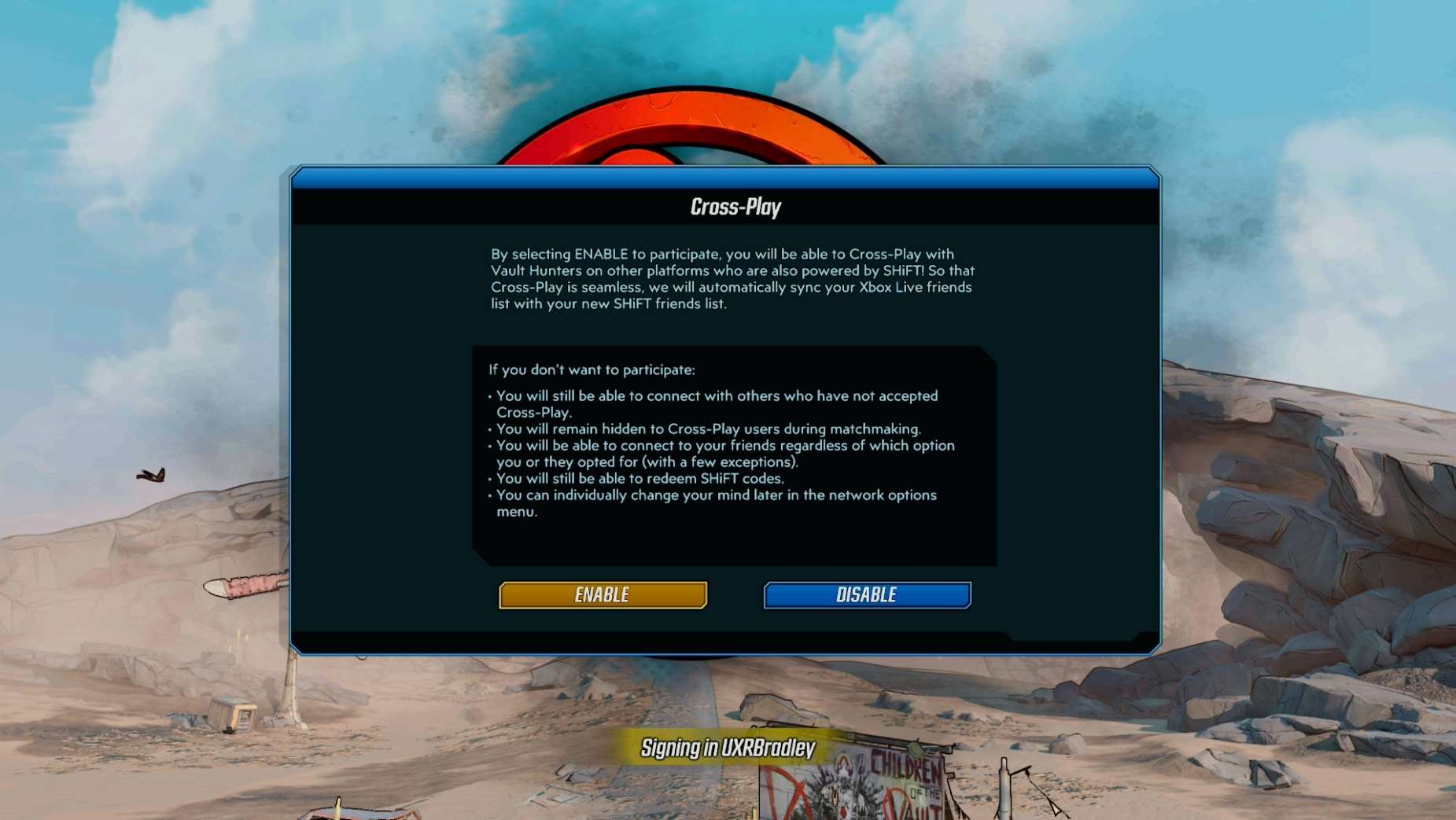
- Borderlands 3 does not explain what the difference is between matchmaking cross platform through SHiFT and account linking through SHiFT
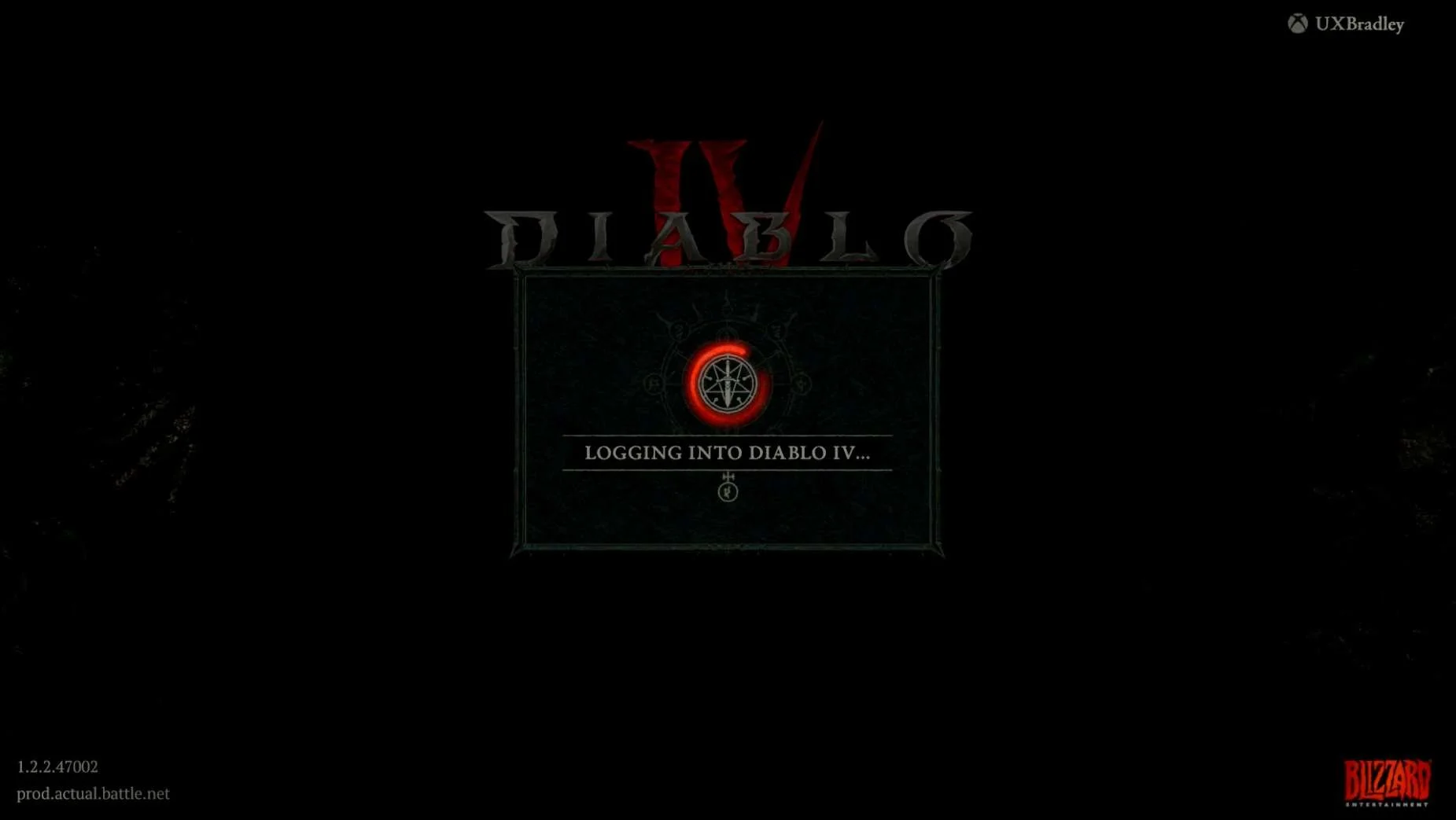
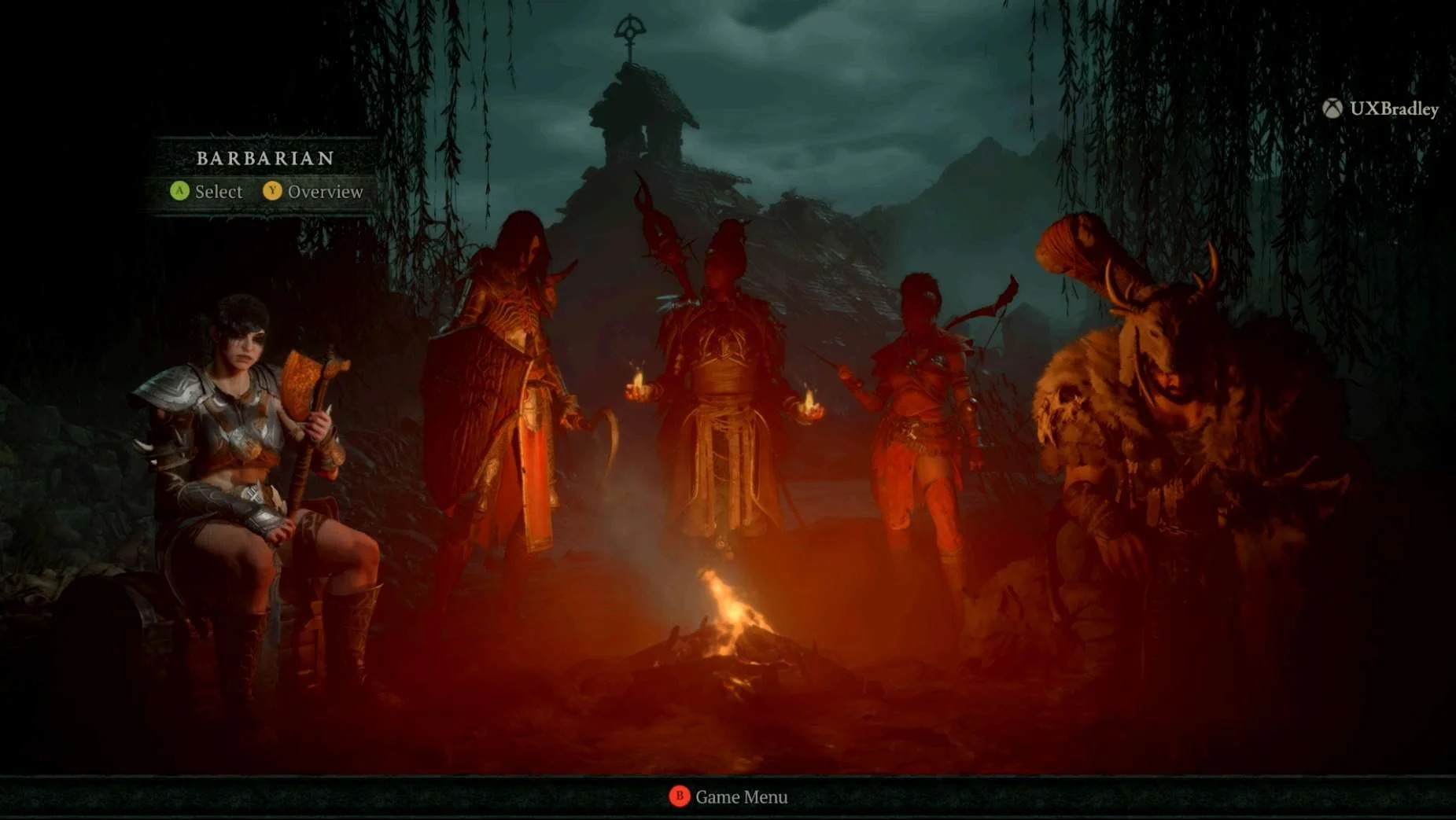
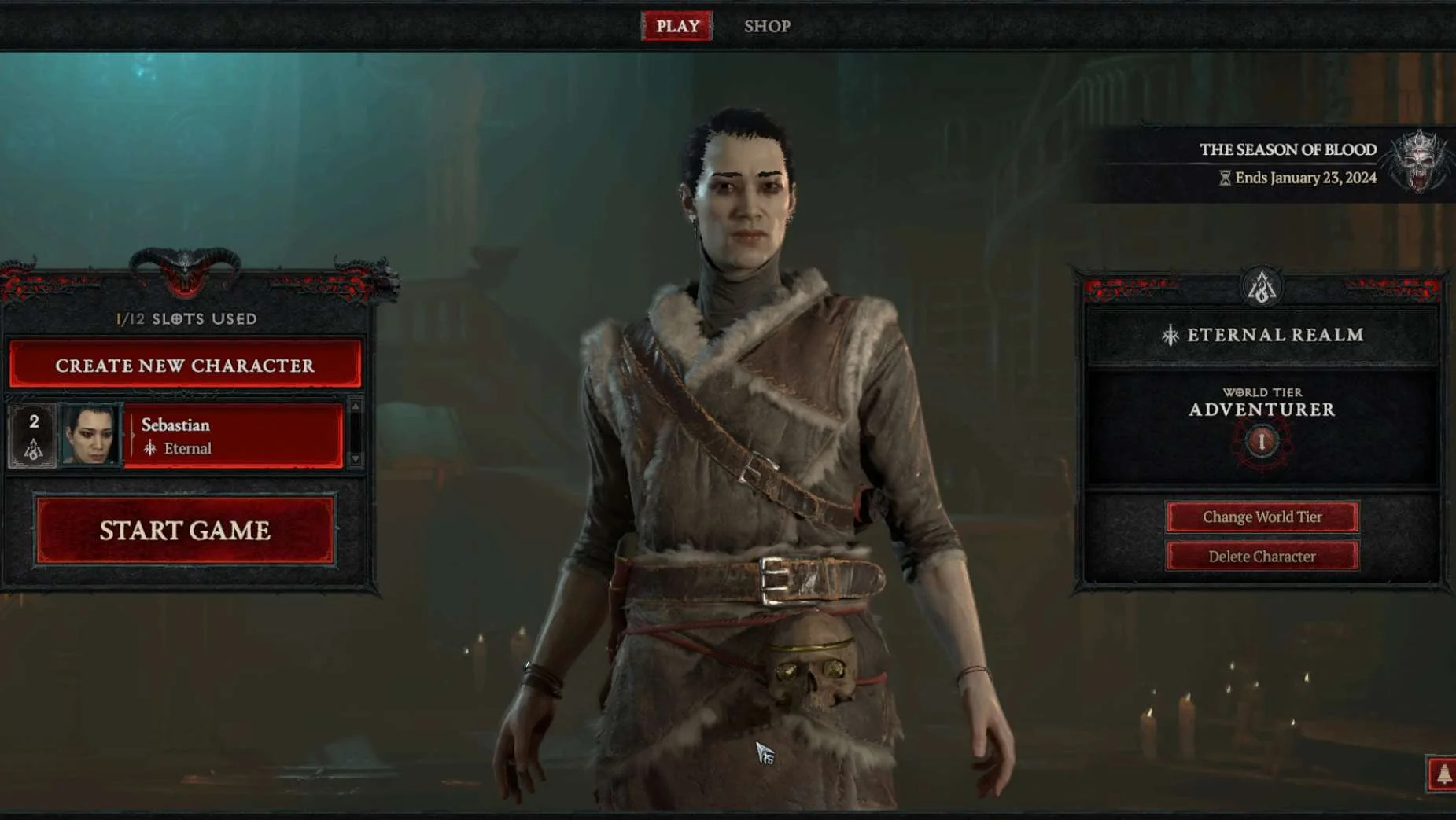
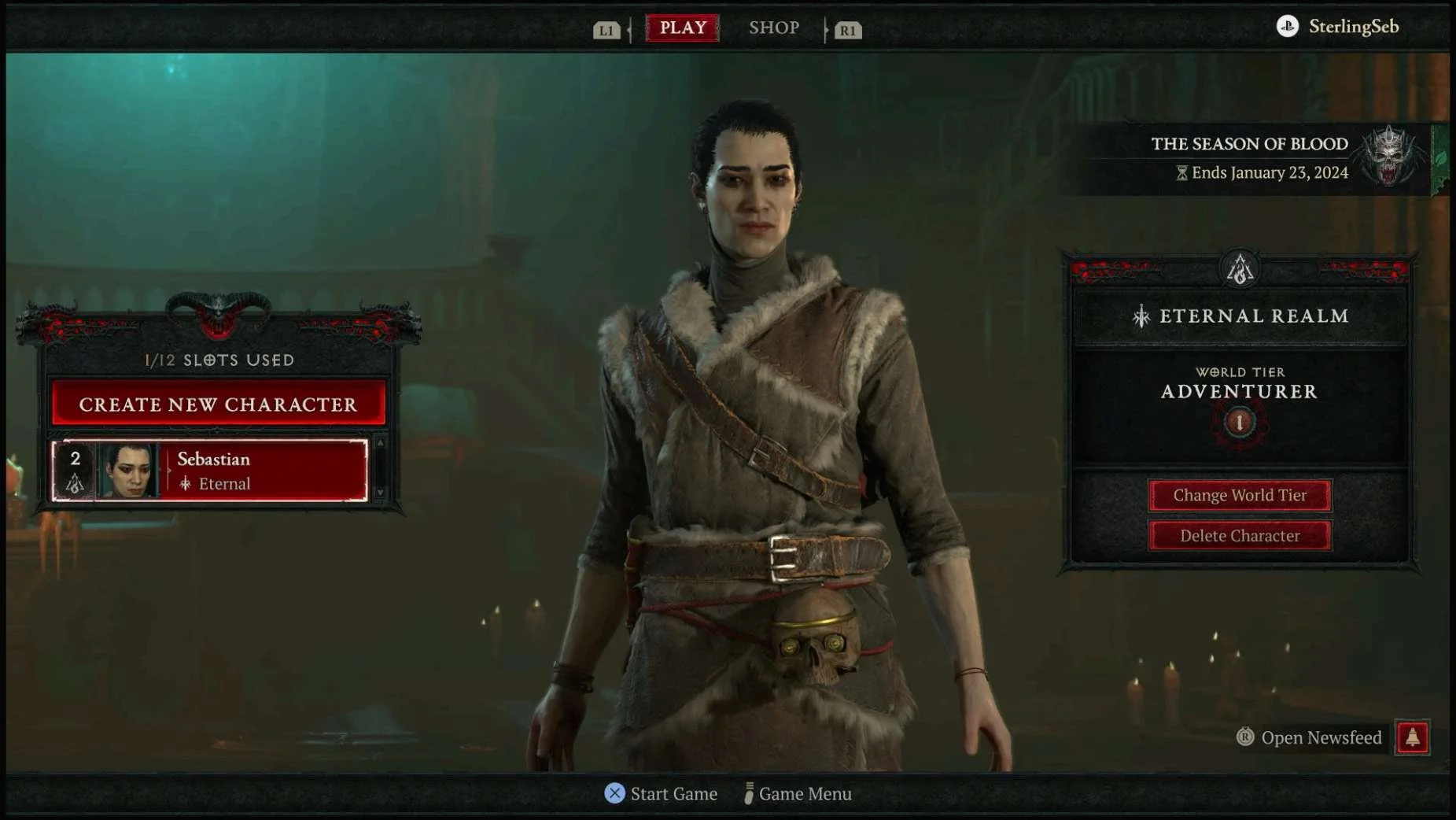
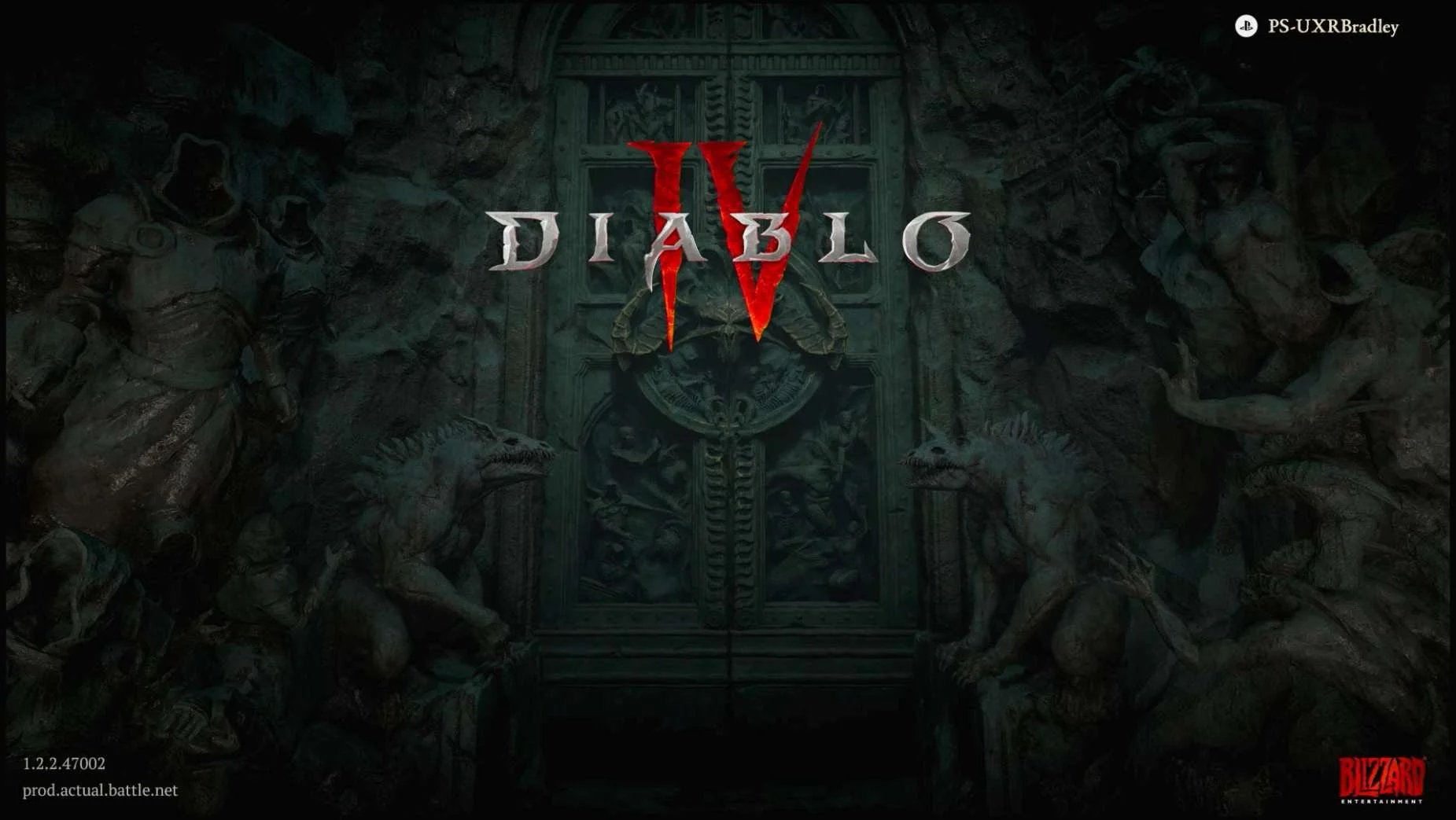
- It's hard to tell if your accounts are linked on Diablo IV if you haven't already made a character because it only displays the account name for the platform that you're on (if you're on Playstation or XBOX)
- Diablo IV does not allow for players to continue into the game without linking their platform account to their Battle.Net account
- Once you have already linked your platform accounts to your Epic Games account, all Epic Games that you download onto those platforms will automatically be linked already
- Borderland 3's pin code numbers are small and hard to read
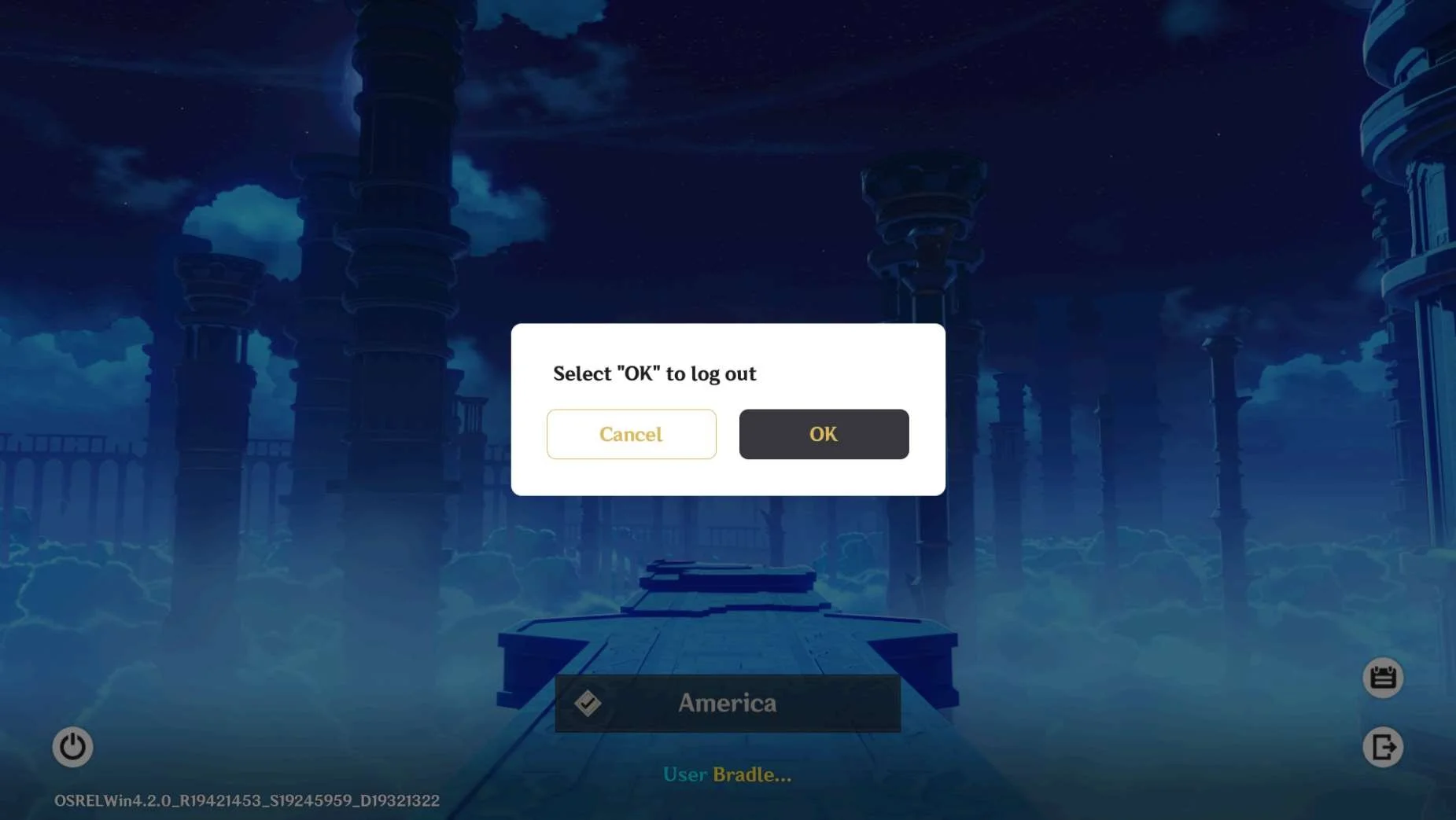
- You can not unlink your Hoyoverse account from your Playstation account once they are linked. Currently, players have to manually send an email to Hoyoverse and request the accounts be unlinked
Minecraft
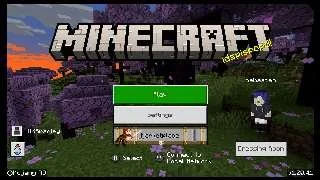
Screenshot from 15 Nov 2023 from Minecraft: Java & Bedrock Edition for PC Deluxe Edition
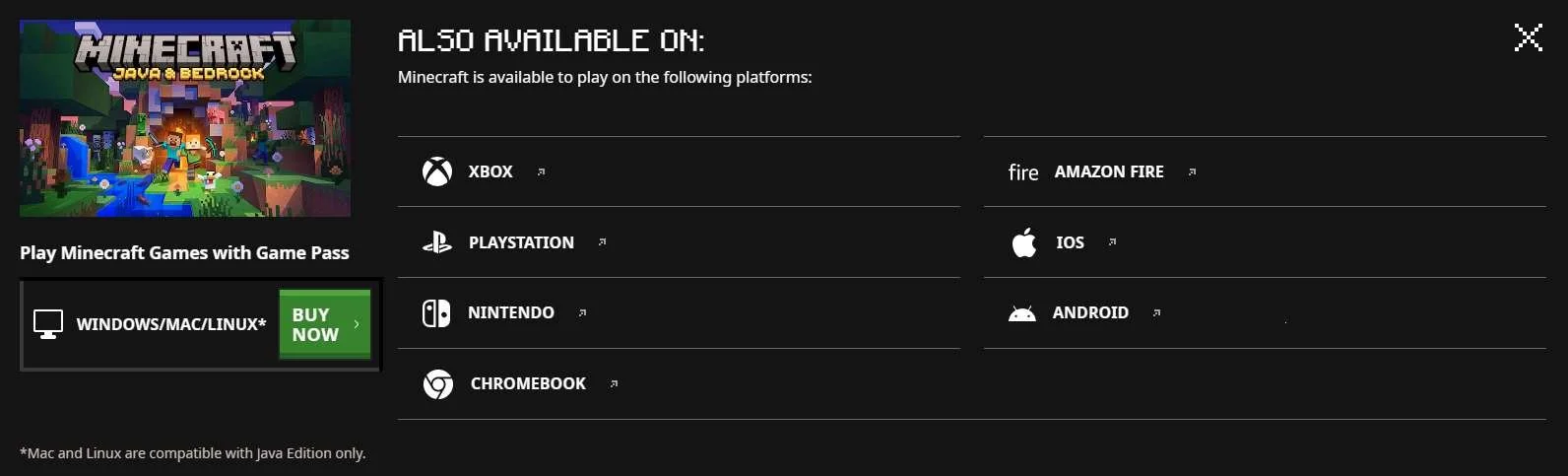
As of 15 Nov 2023 Minecraft is available on the following platforms purchased individually (prices shown are the base game and are rounded up to the nearest whole dollar):
- INCLUDED IN RESEARCH (Series S) | XBOX (One & Series X|S): Buy Minecraft | Xbox (Included with Game Pass | ~ $16 to own with Game Pass | ~ $20 otherwise)
- INCLUDED IN RESEARCH (Windows) | Windows, Mac (Java only), Linux (Java only): Minecraft: Java & Bedrock Edition for PC Deluxe Edition (~$30)
- INCLUDED IN RESEARCH (PS5) | Playstation 4 & 5: Minecraft - PS4 Games | PlayStation (US) (~ $20)
- INCLUDED IN RESEARCH | Nintendo Switch: Minecraft for Nintendo Switch - Nintendo Official Site (~ $30)
- INCLUDED IN RESEARCH | Chromebook: Minecraft - Apps on Google Play (~ $20 On the webpage it says ~$7, but on Chromebook it says ~$20 | It is $13 you already have the mobile version apparently)
- AMAZON FIRE: https://www.amazon.comMojang-Minecraft-Pocket-Edition/dp/B00992CF6W (~ $7) | NOT INCLUDED IN RESEARCH – No compatible device (seems limited to Amazon fire tablets)
- INCLUDED IN RESEARCH | iOS (Apple): Minecraft on the App Store (apple.com) (~ $7)
- INCLUDED IN RESEARCH | Android: Minecraft - Apps on Google Play (~ $7)
Highlights
- The Sign In / Account linking step is obvious and very clear
- If the player skips account linking, they are able to do it at a later time and it is easy for them to find.
- There is clear messaging about the benefits of linking accounts
- Accounts can be linked / unlinked from within the game platform
Lowlights
- Whether the player can unlink and link a different platform account is inconsistent across platforms (You can not do this on the Playstation platform)
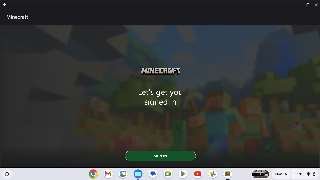
- Even though all platforms use the Microsoft Sign In to link the accounts, there are multiple steps to take to accomplish this and it is not as simple as just signing in
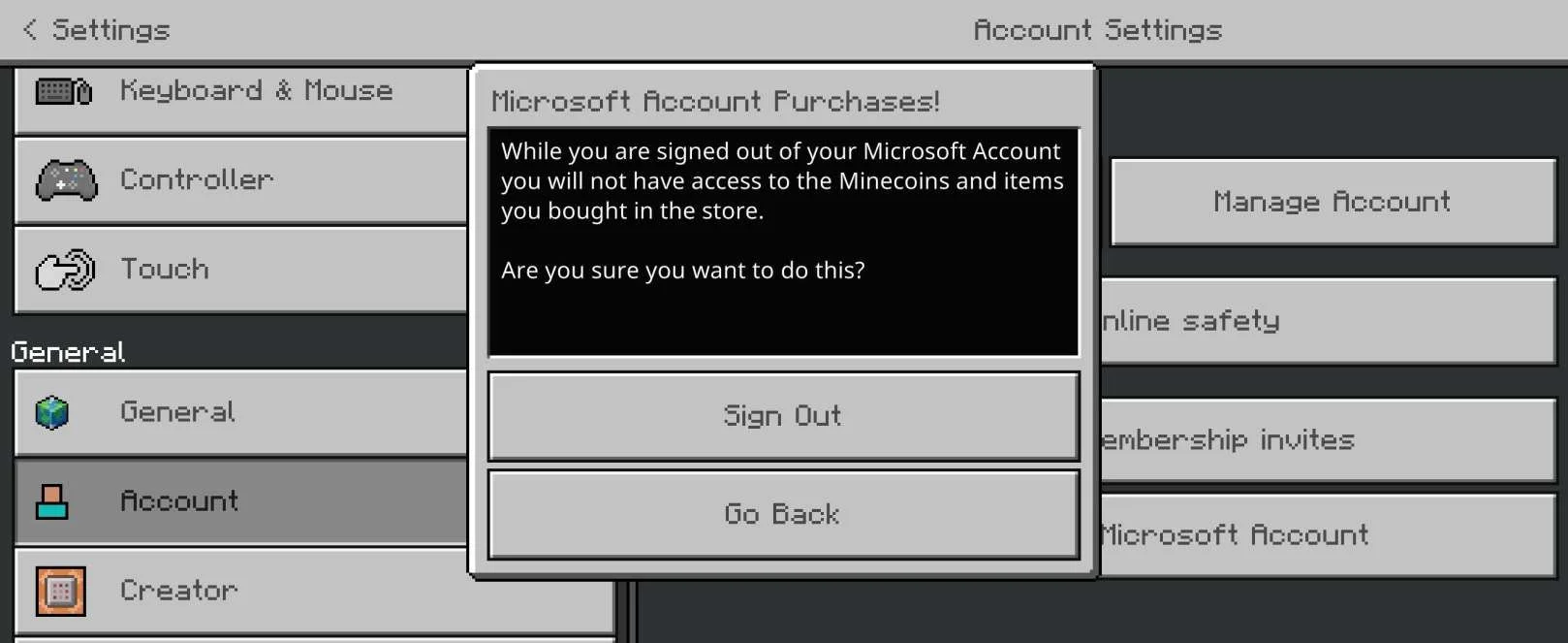
- Some of the player choices when managing the account linking was unclear and the purpose of the buttons were confusing (such as "Delete Account" in the iOS flow
- There is no place to see all of the linked accounts together
- There is no central location for linking / unlinking accounts
- Backing out of the account linking screen at the wrong time can cancel out the account linking at the very end of the flow even if the Microsoft Sign in was already successful
- What platform account name is displayed is inconsistent after accounts are linked (some show the XBOX profile name, some show the platform account name)
- Some platforms seem like they have a really hard time syncing during the account linking and causes the player to have to close out the game to resolve issues
XBOX
Media | Notes |
|---|---|
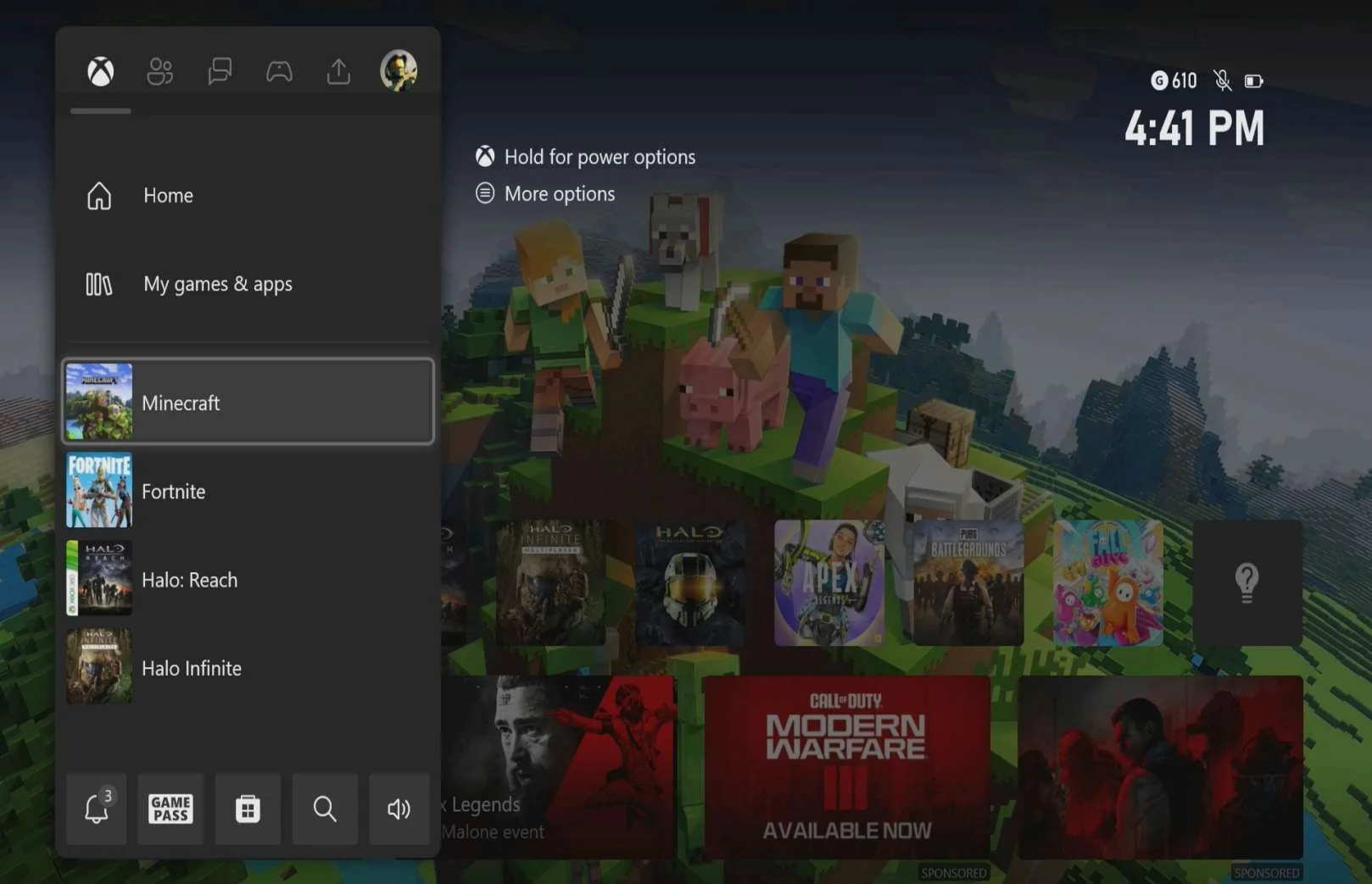
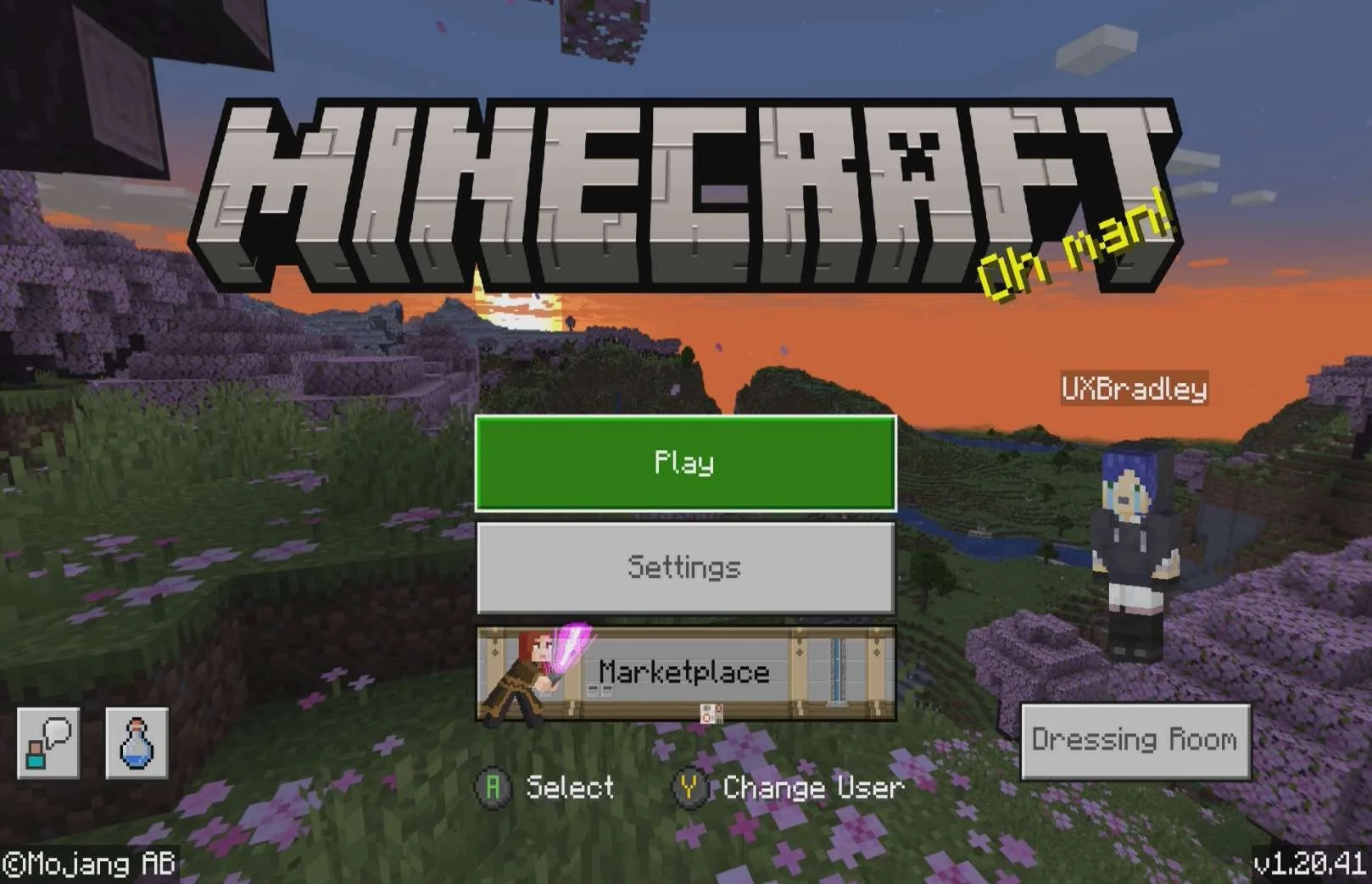
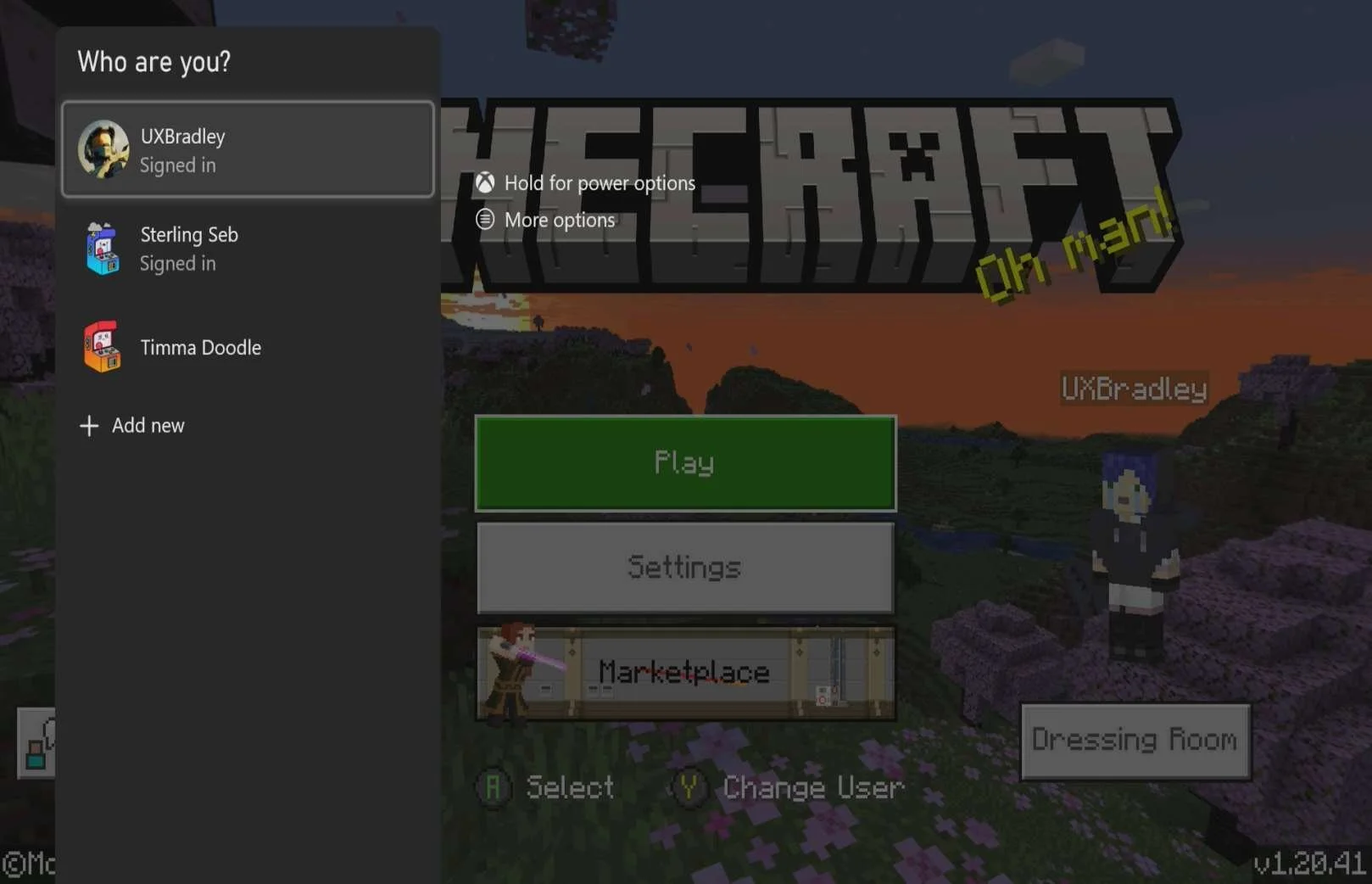
Screenshots from XBOX Series S on 10 Nov 2023
Pressed Y:
New profile is signing in:
| Starting with XBOX Series S as the 1st platform.
At this point in the research:
Minecraft on XBOX Series X:
NOTE You can not initiate account linking from inside the game on this platform. |
NINTENDO SWITCH
Media | Notes |
|---|---|
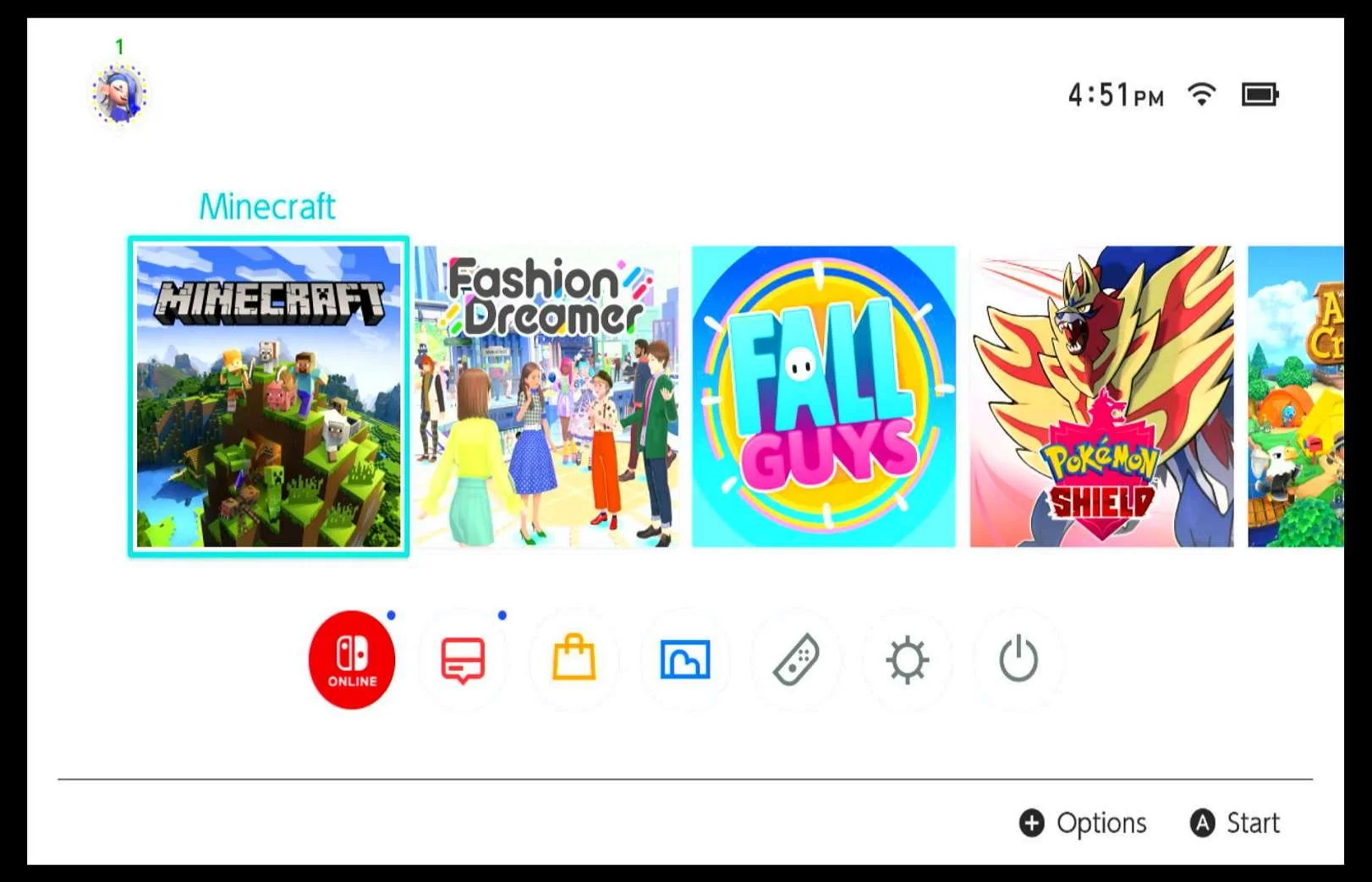
Screenshots from Nintendo Switch on 10 Nov 2023
| Nintendo Switch as the 2nd platform.At this point in the research:
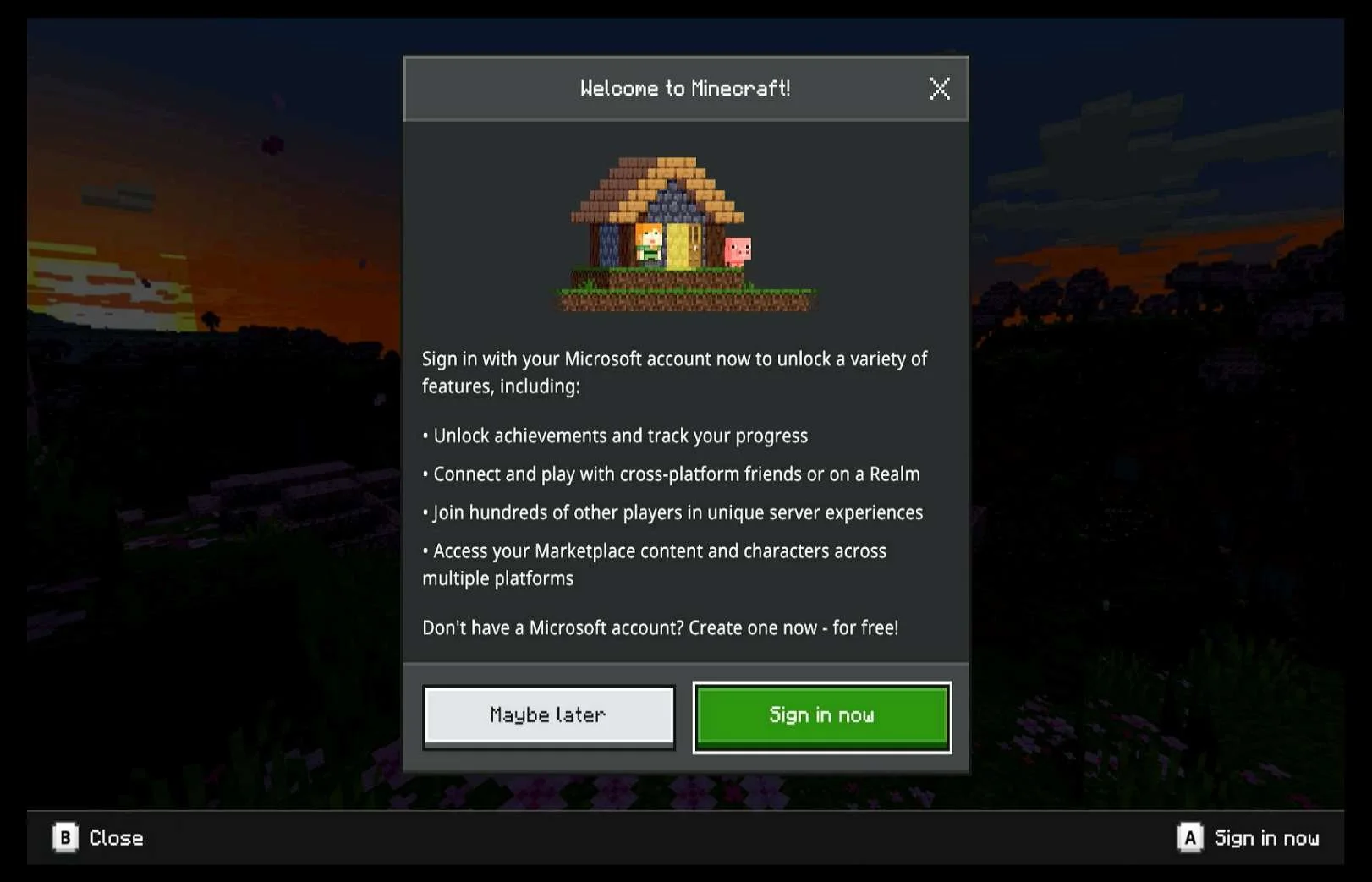
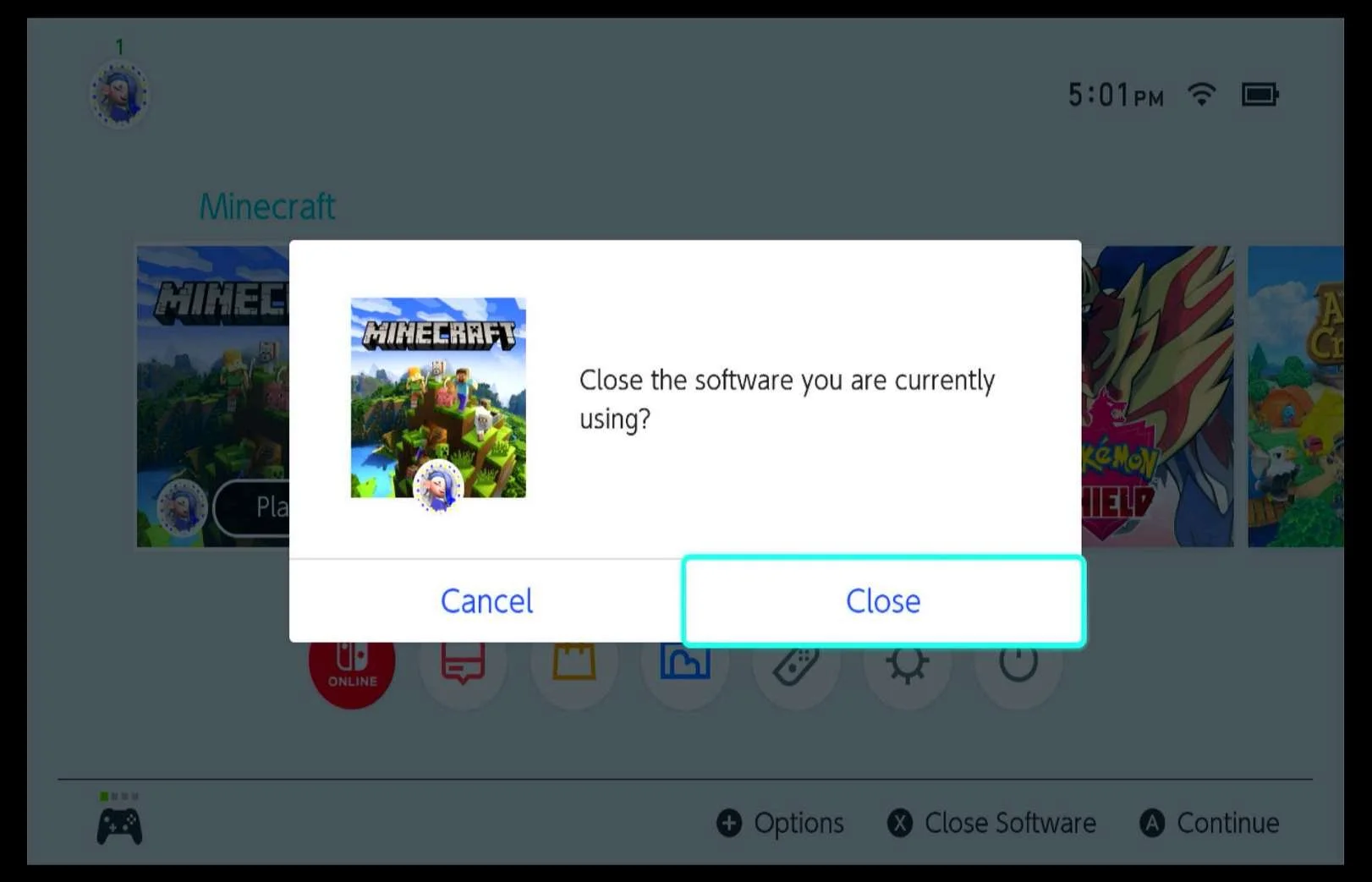
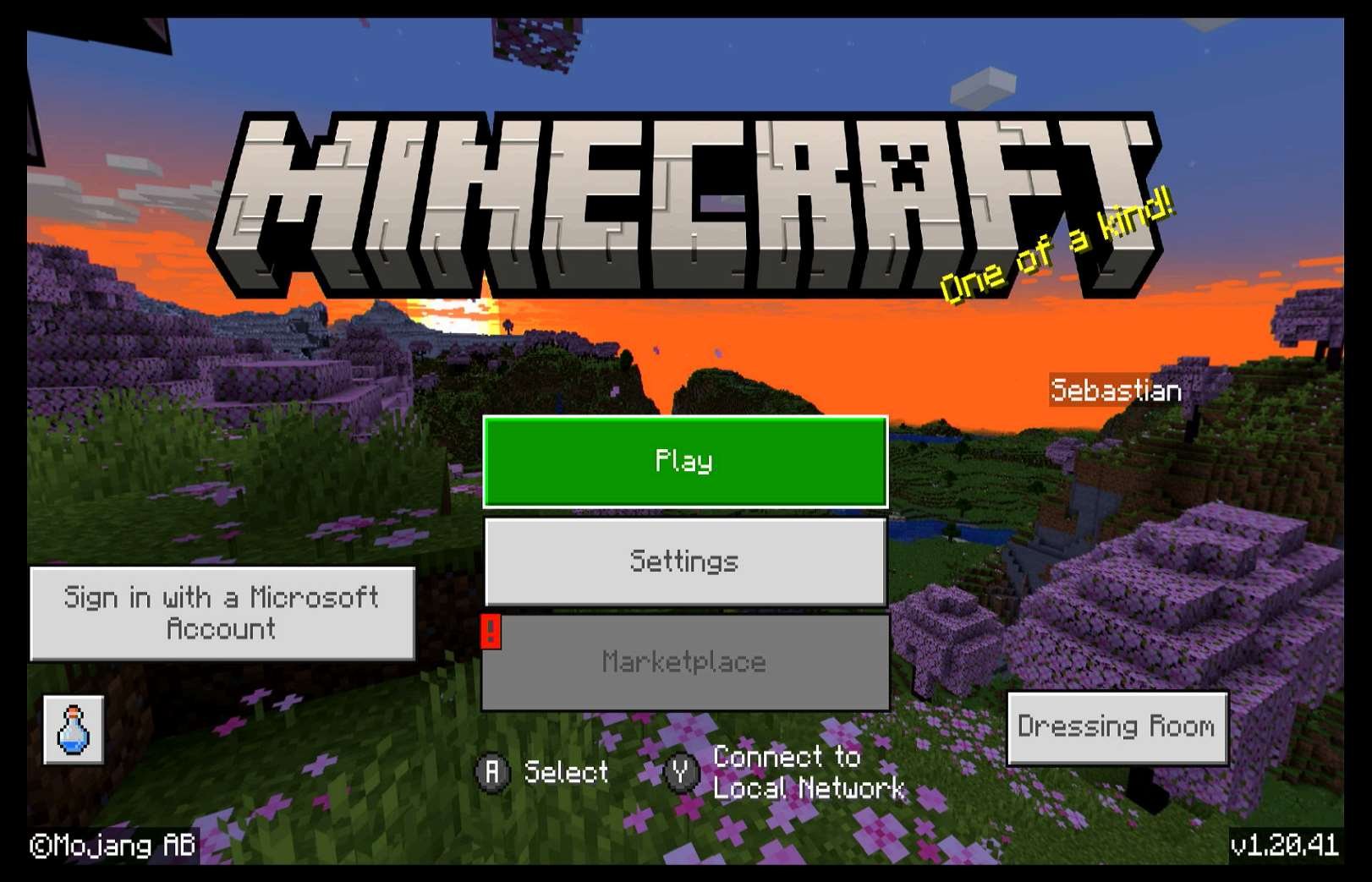
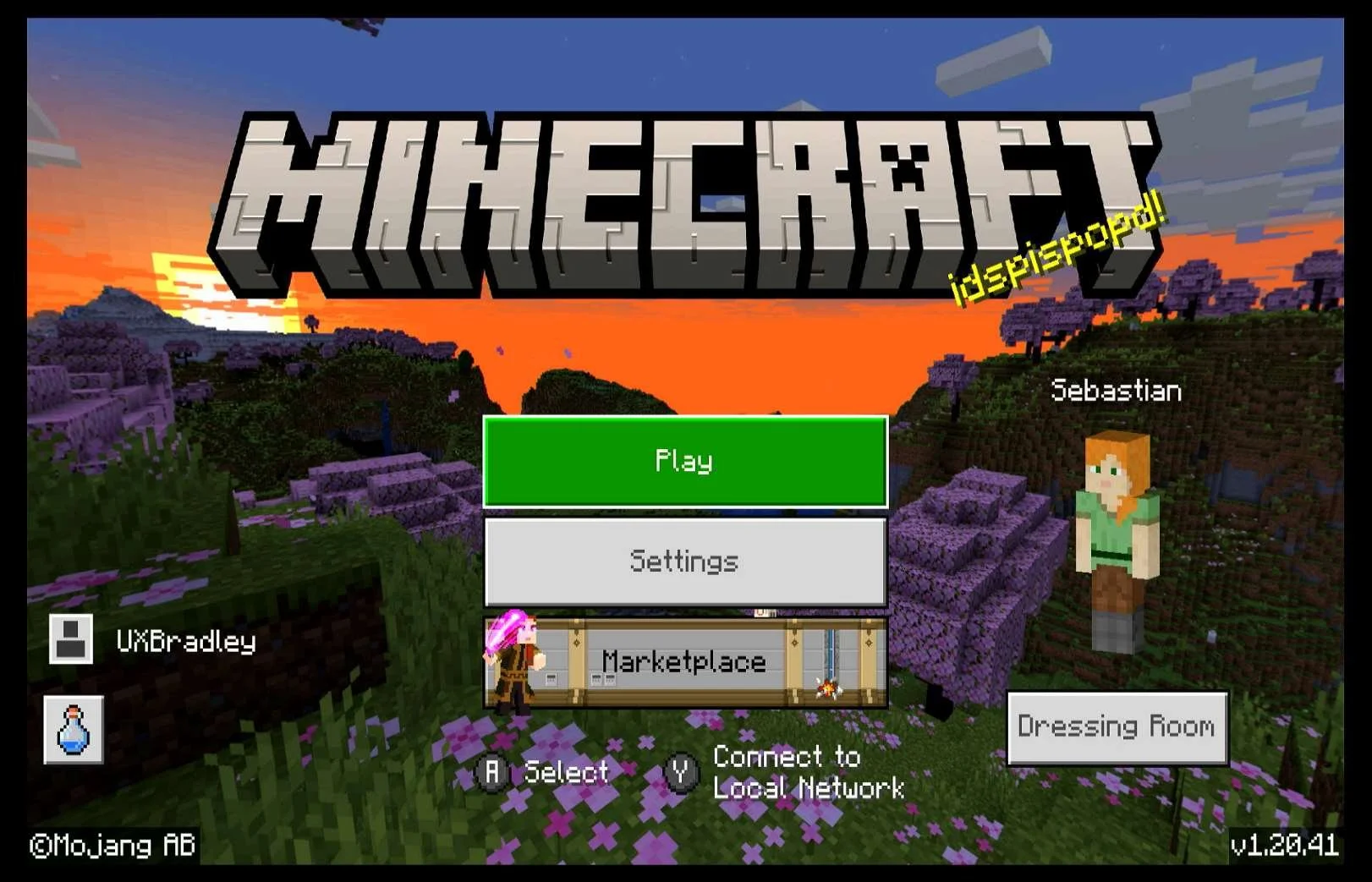
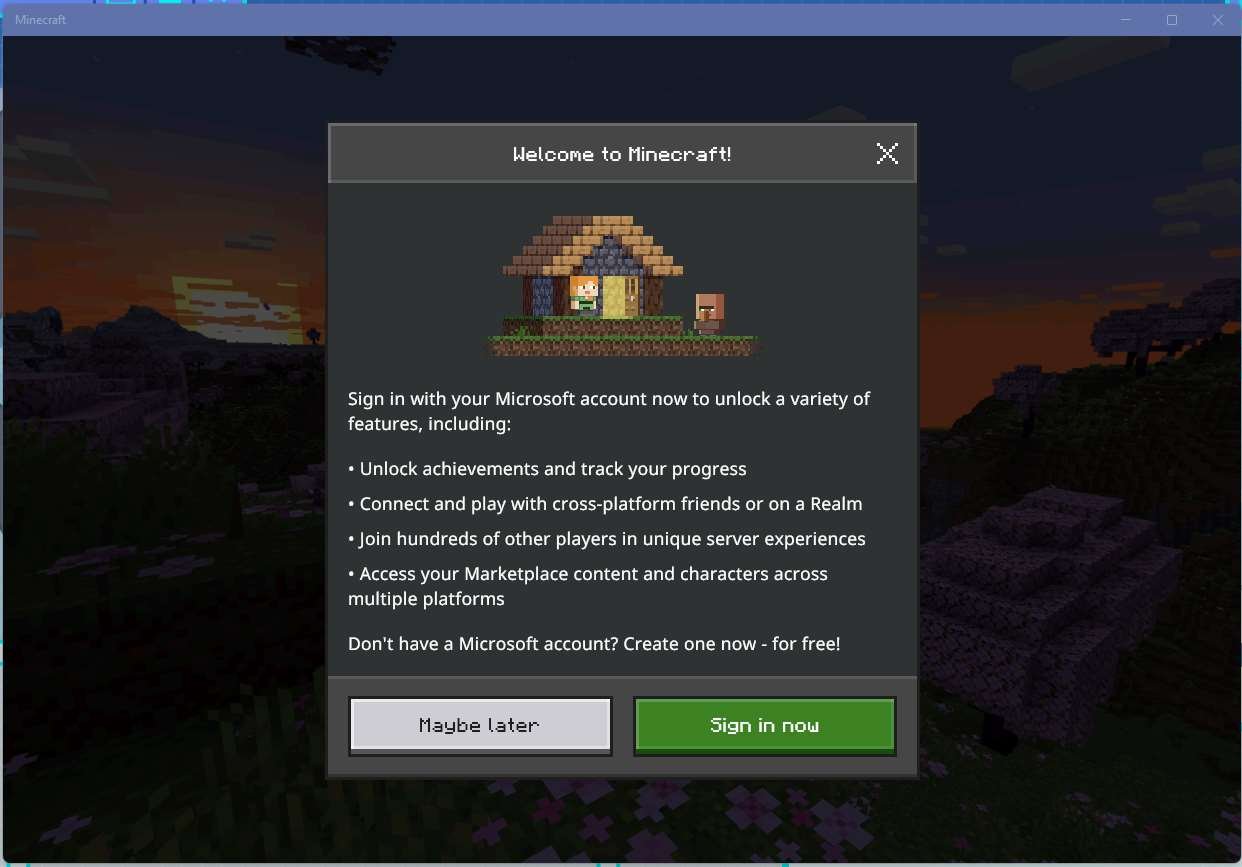
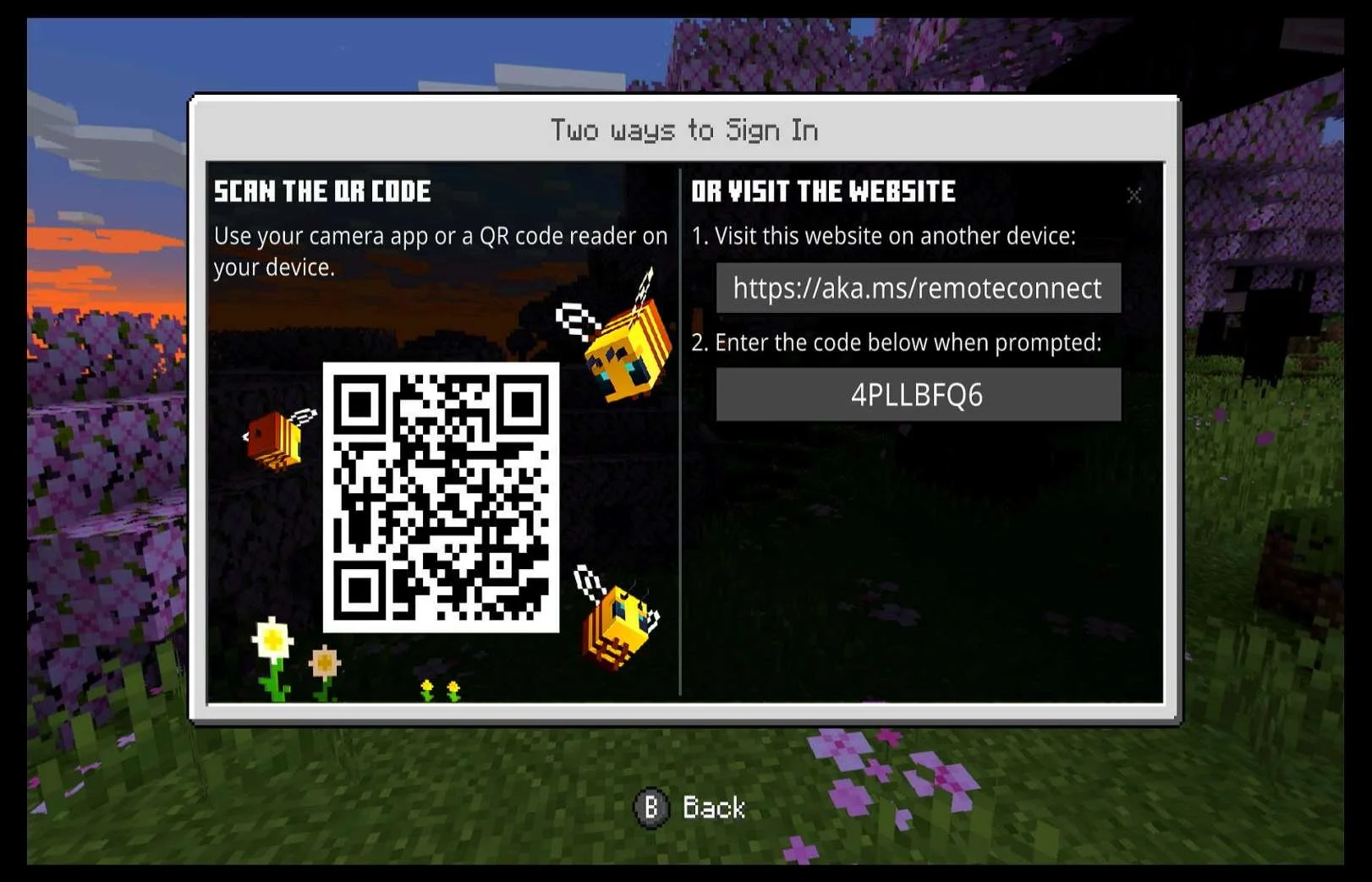
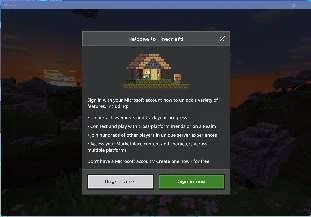
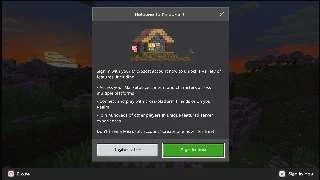
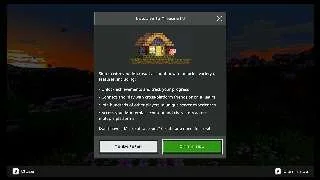
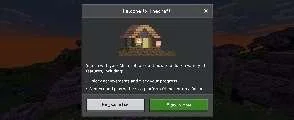
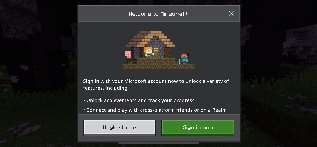
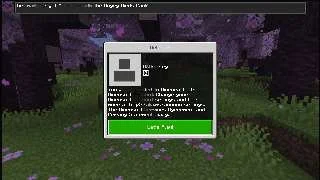
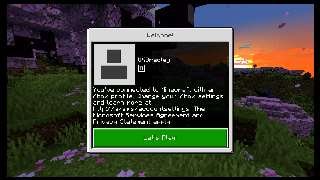
When launching Minecraft on Nintendo Switch for the first time, it asks the player to sign in to their Microsoft account in order to unlock a "variety of features". The features are:
|
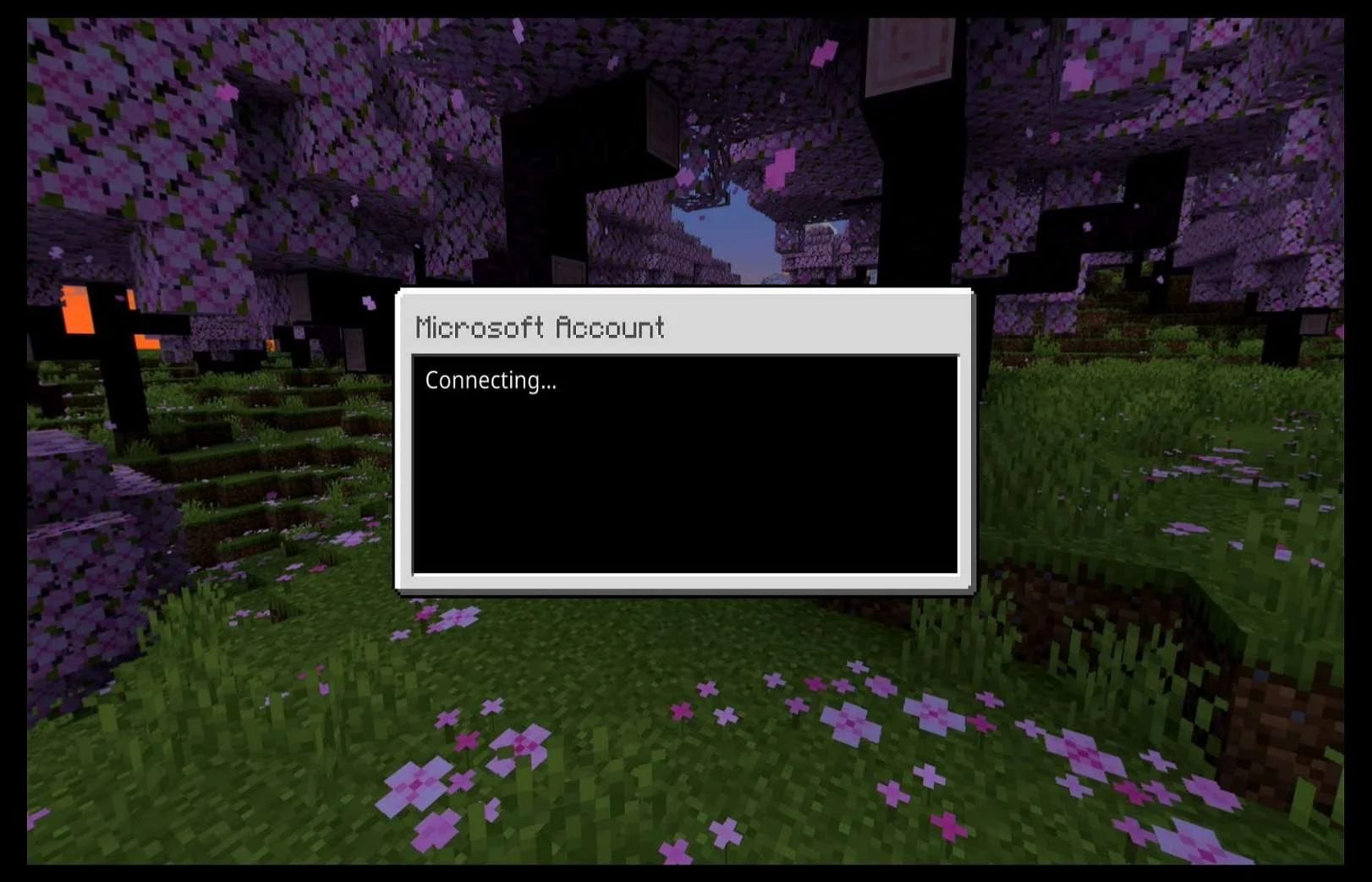
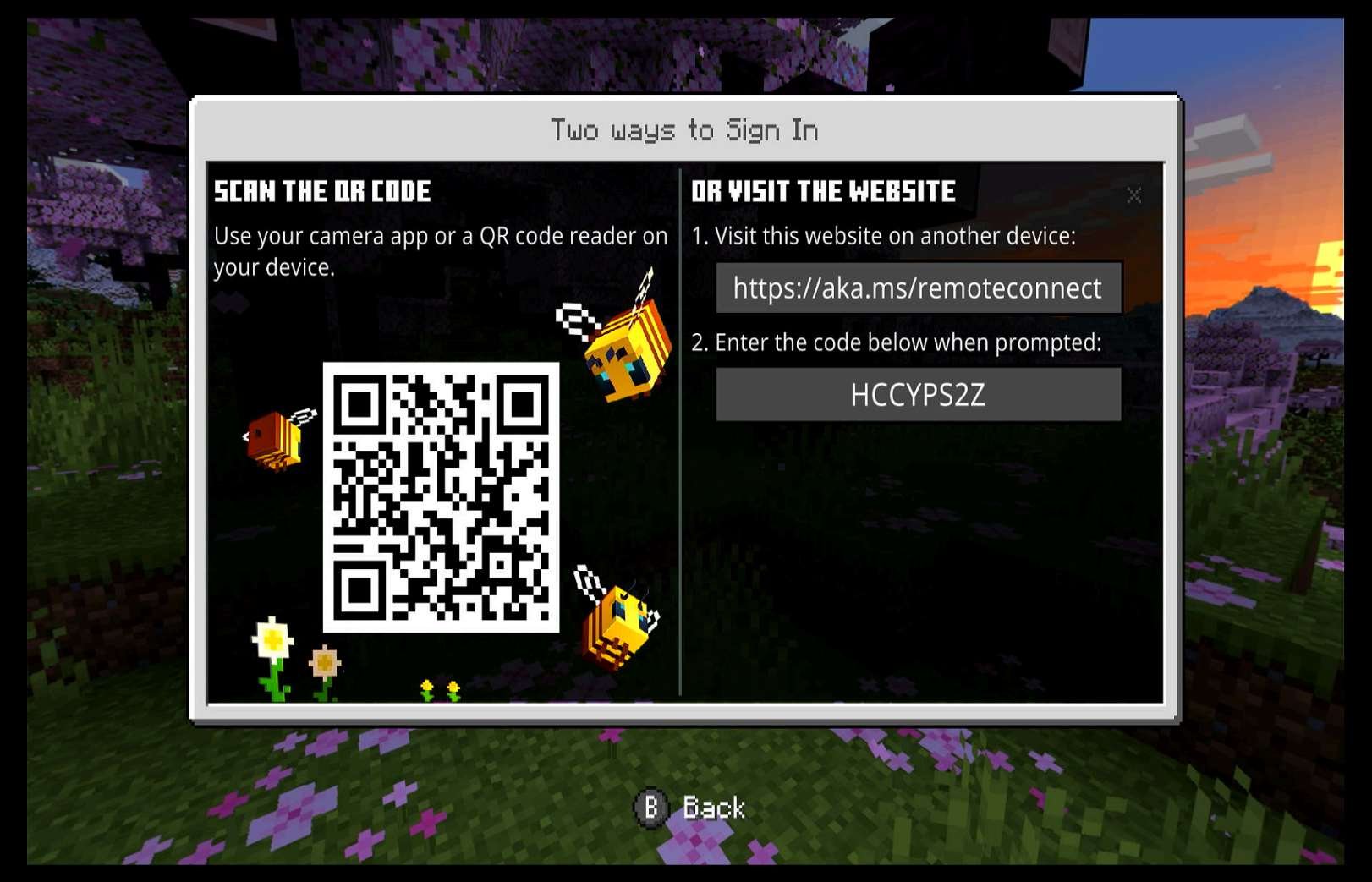
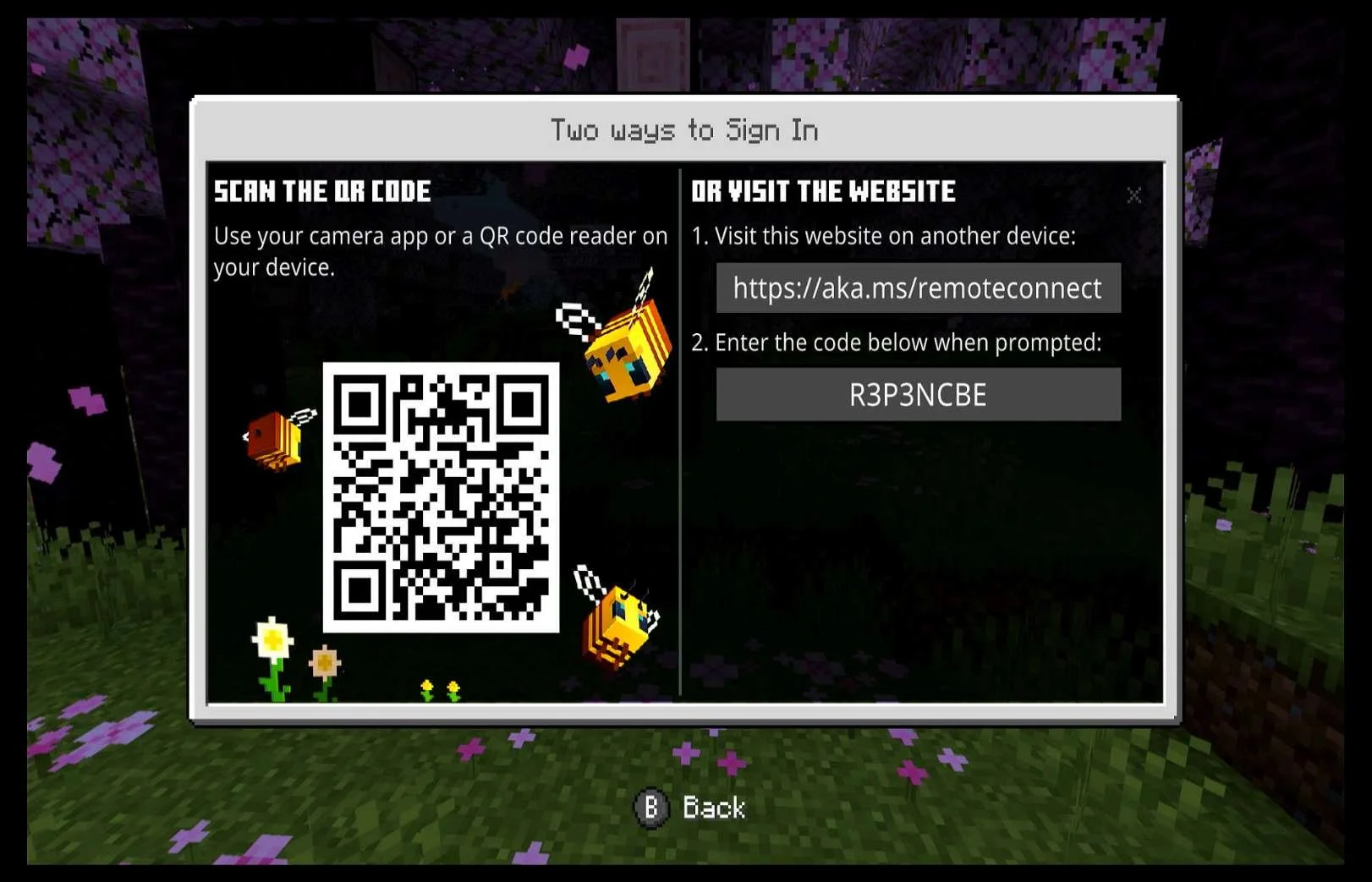
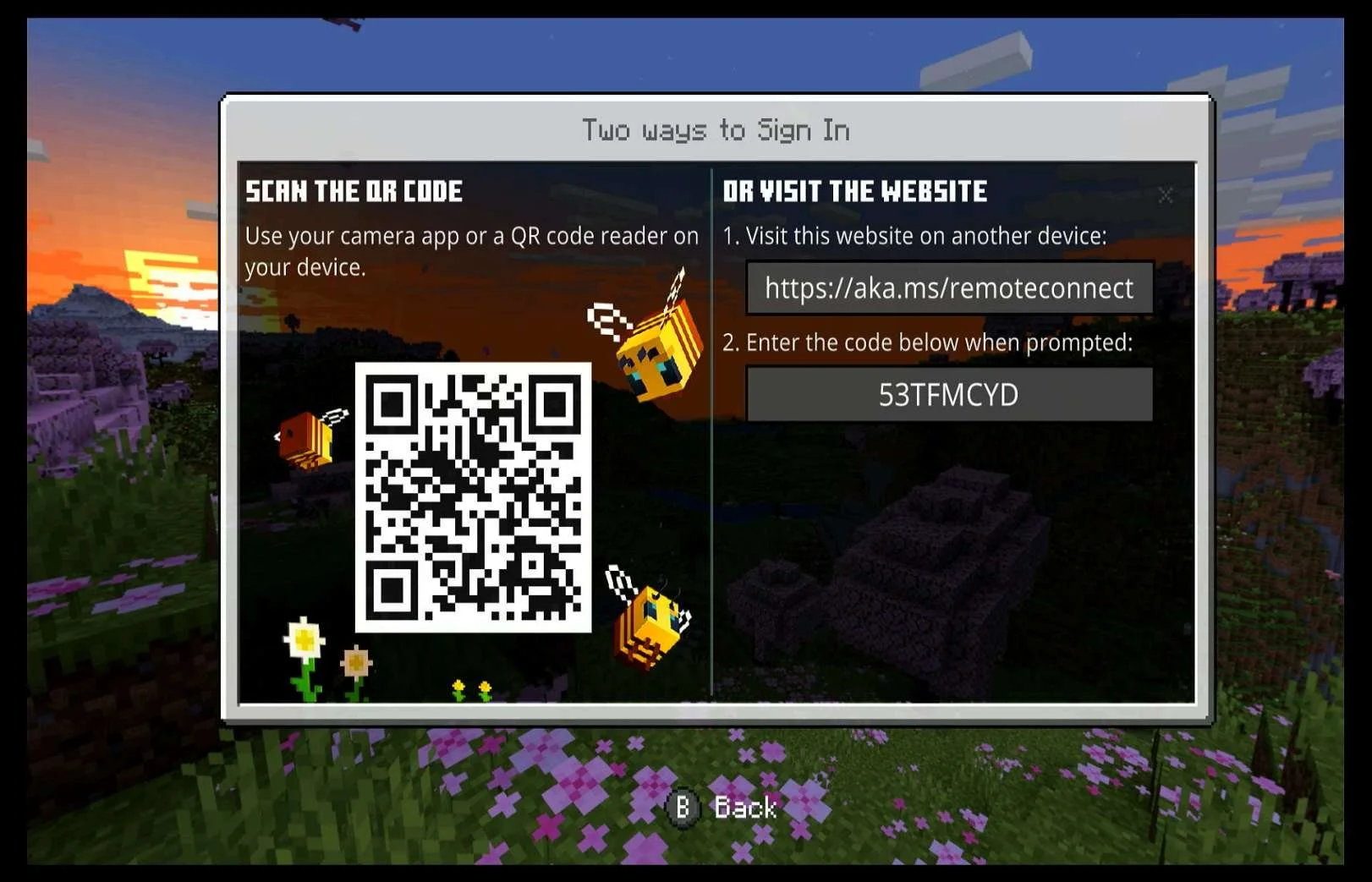
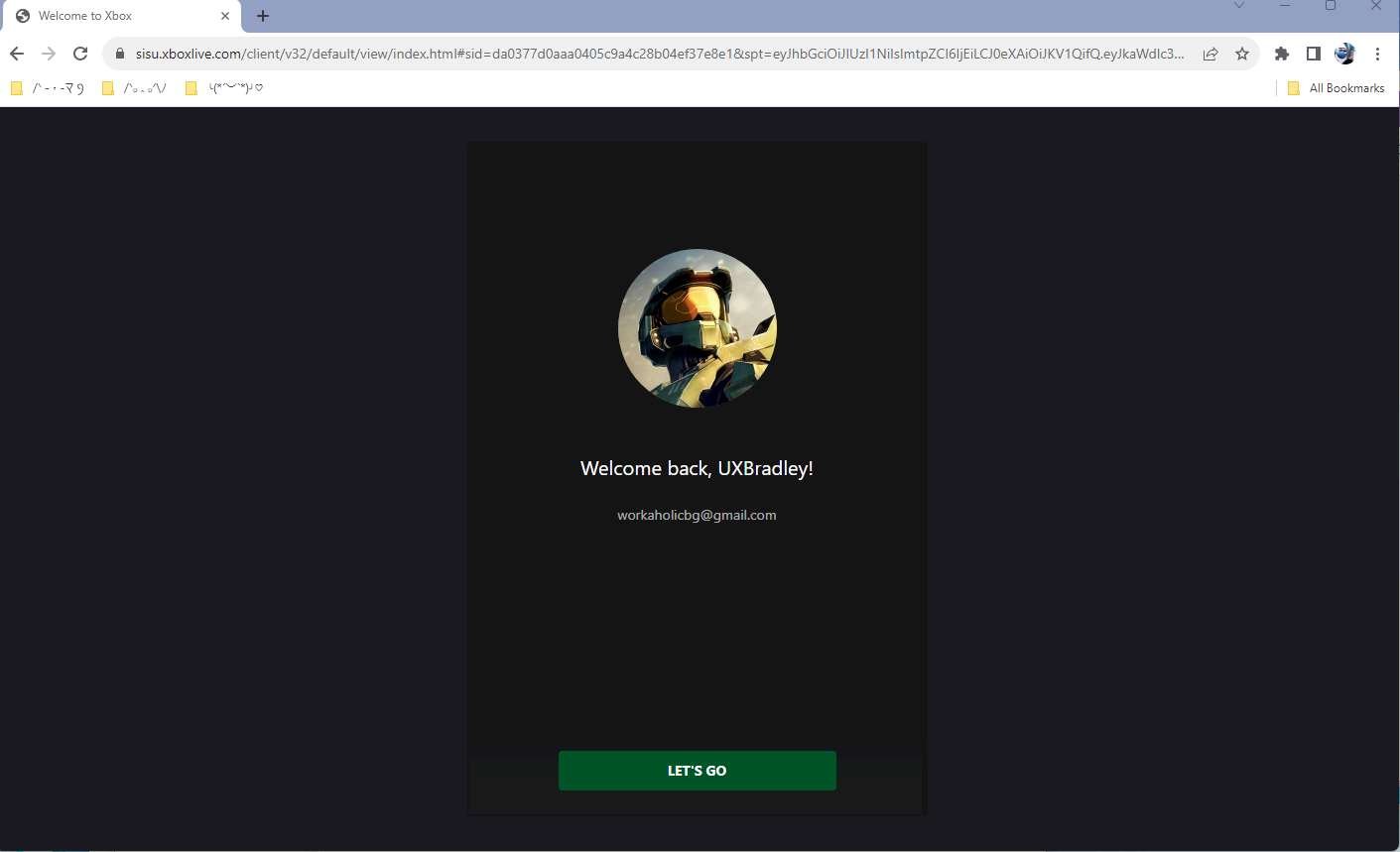
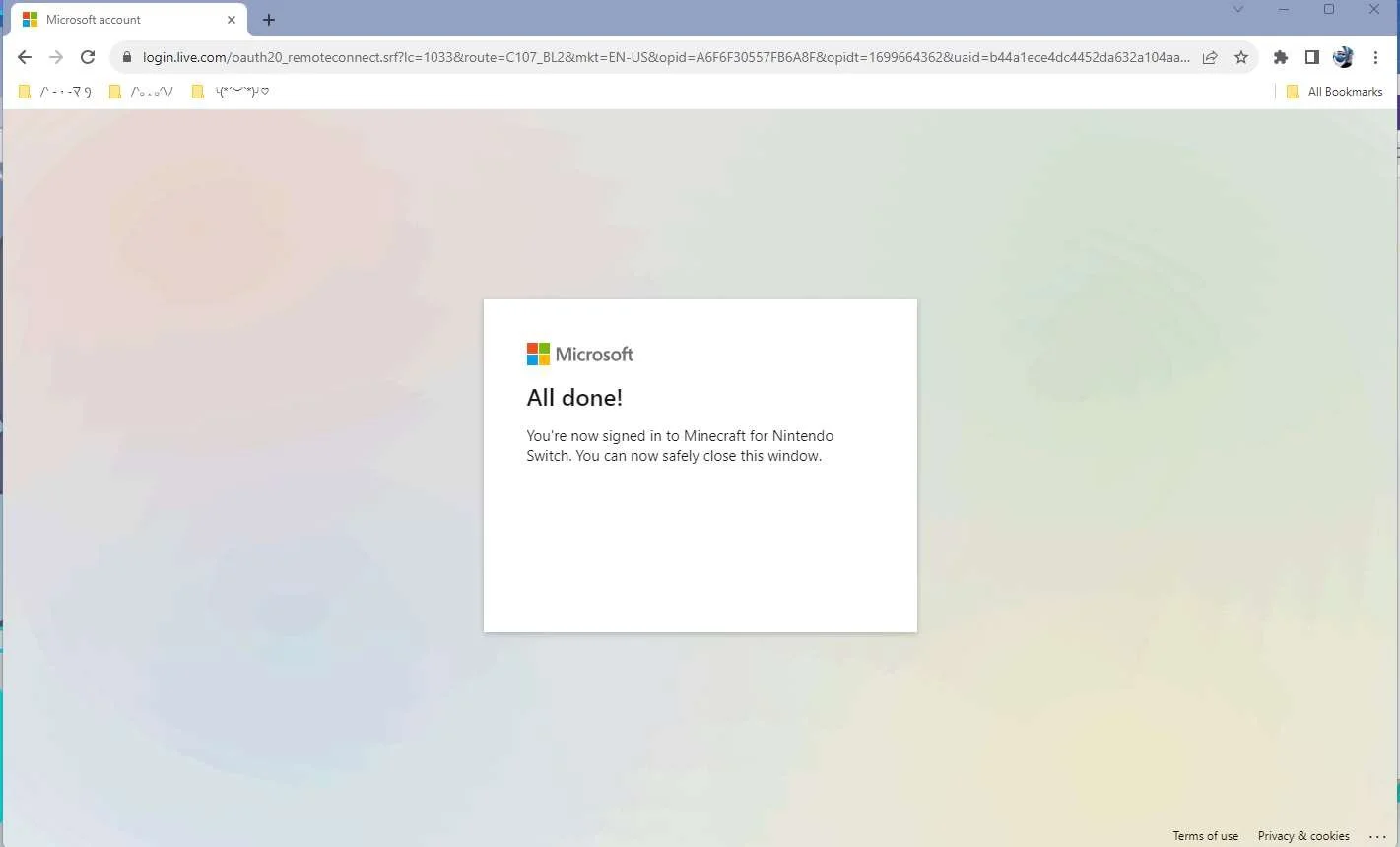
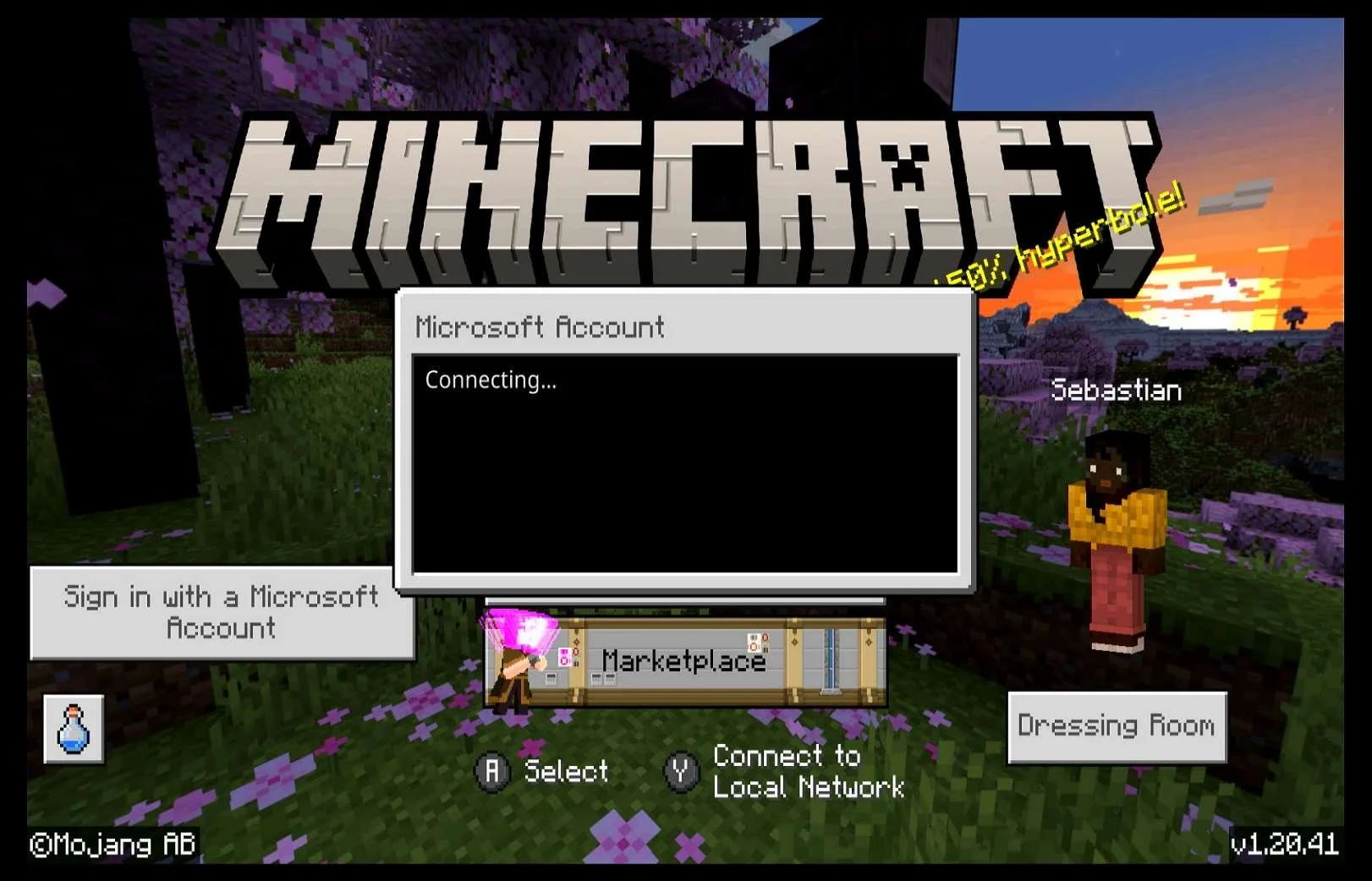
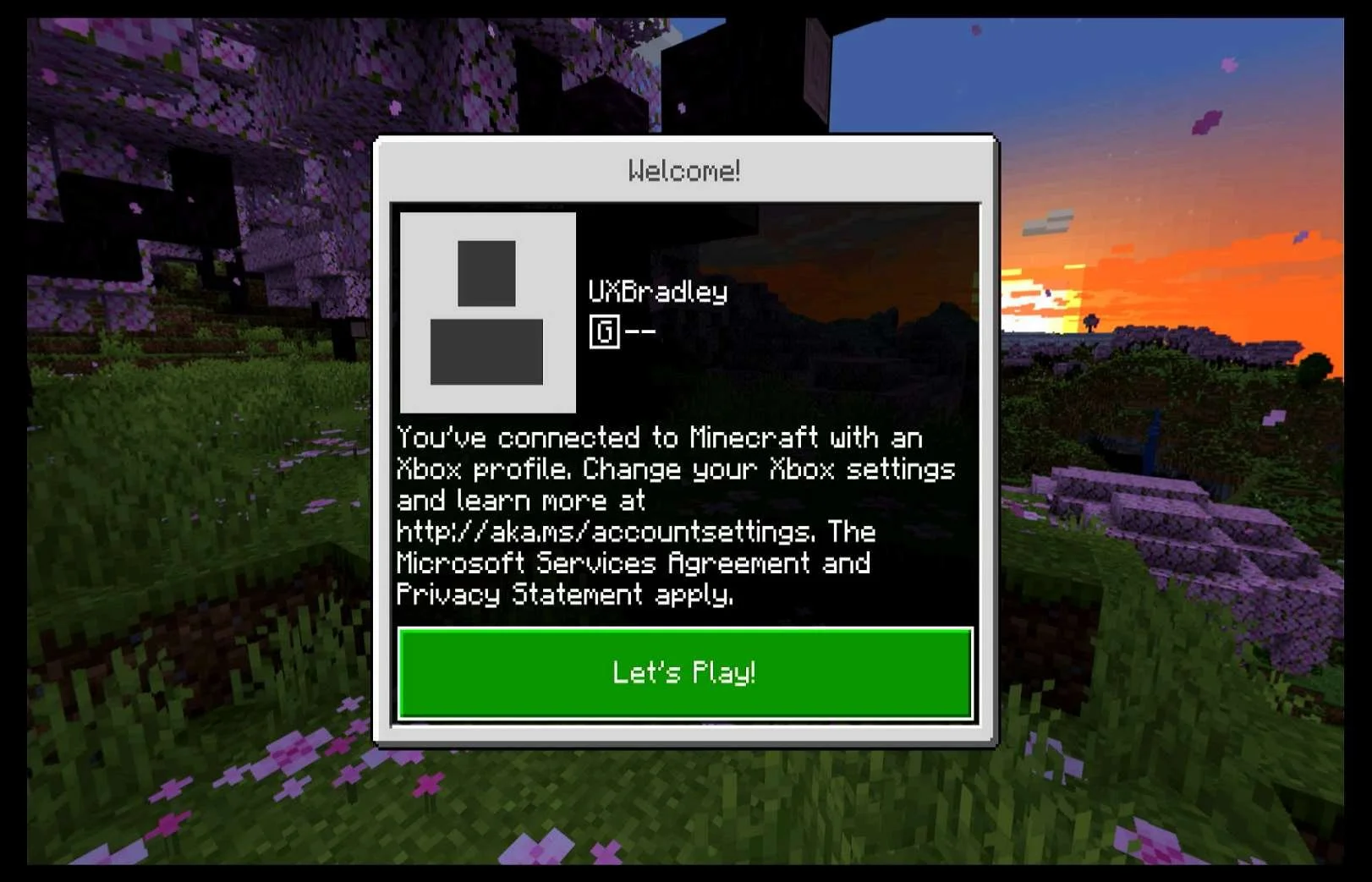
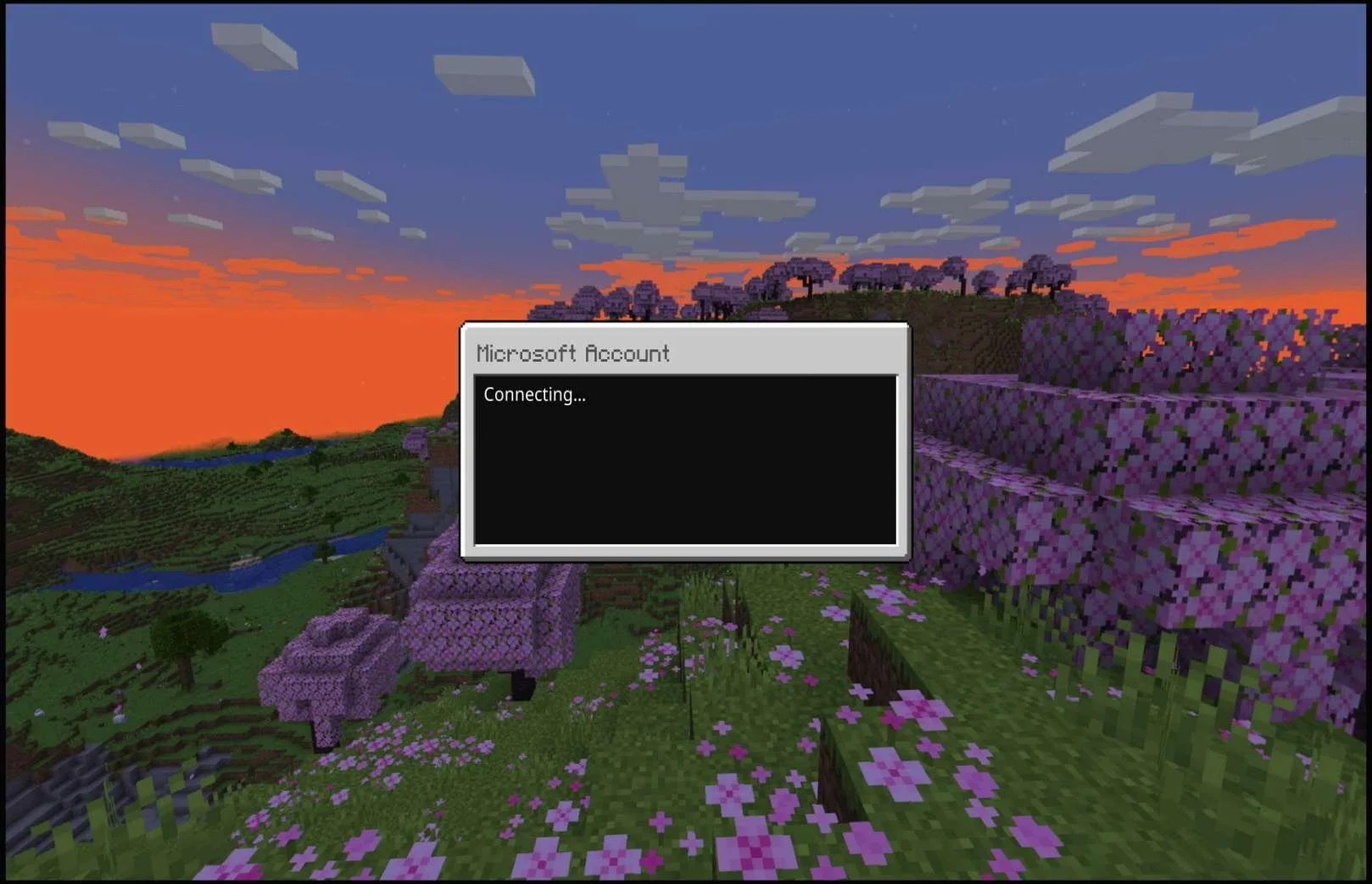
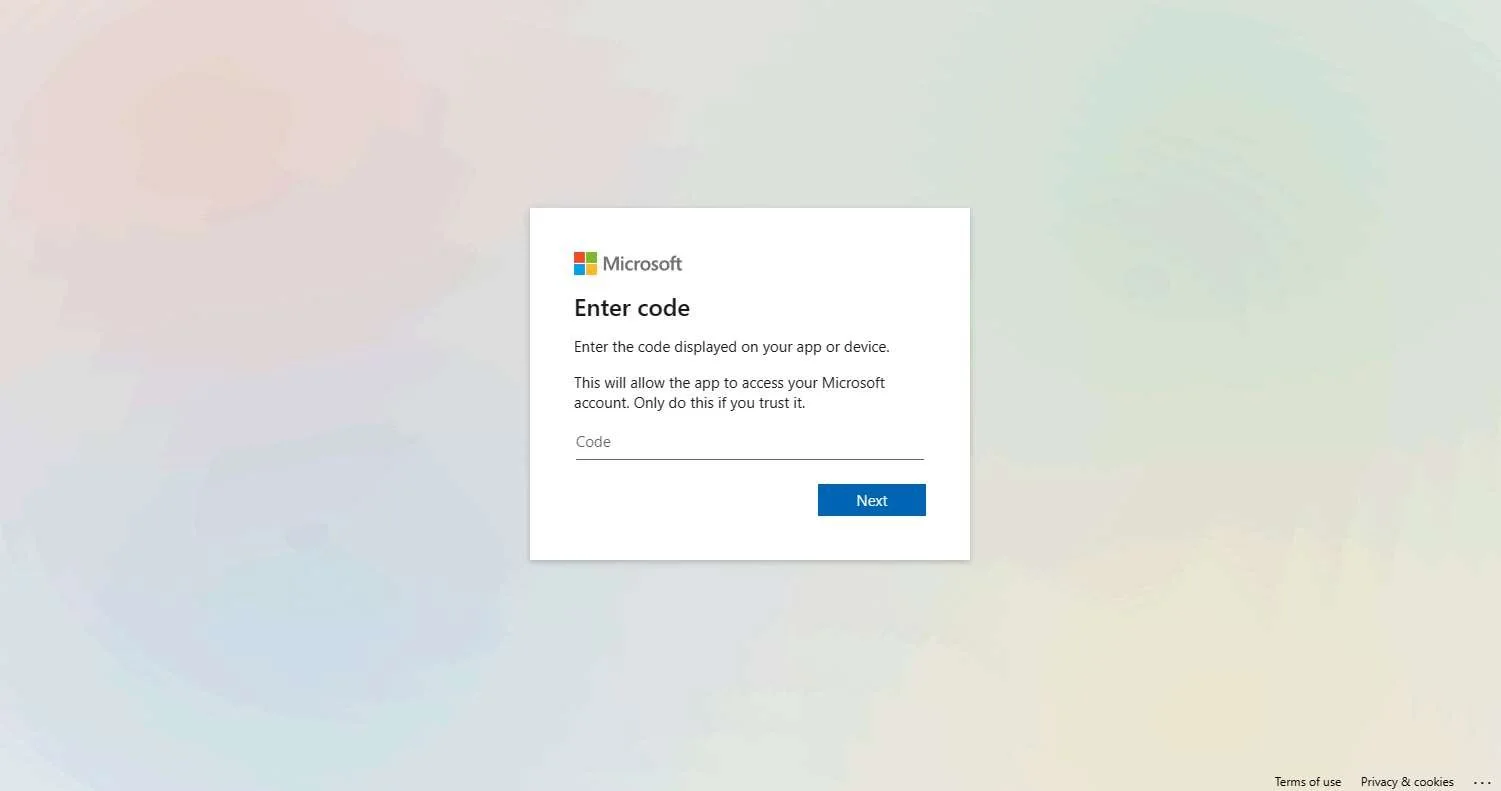
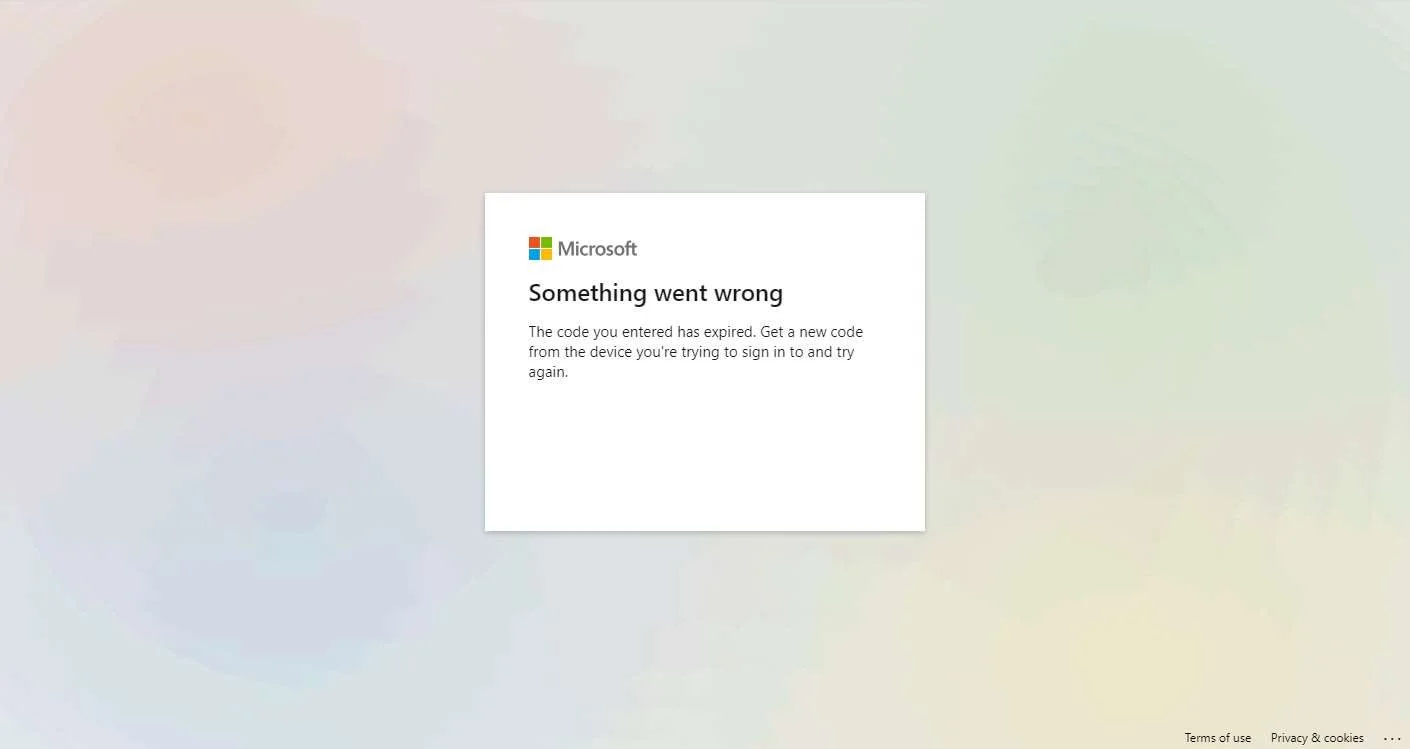
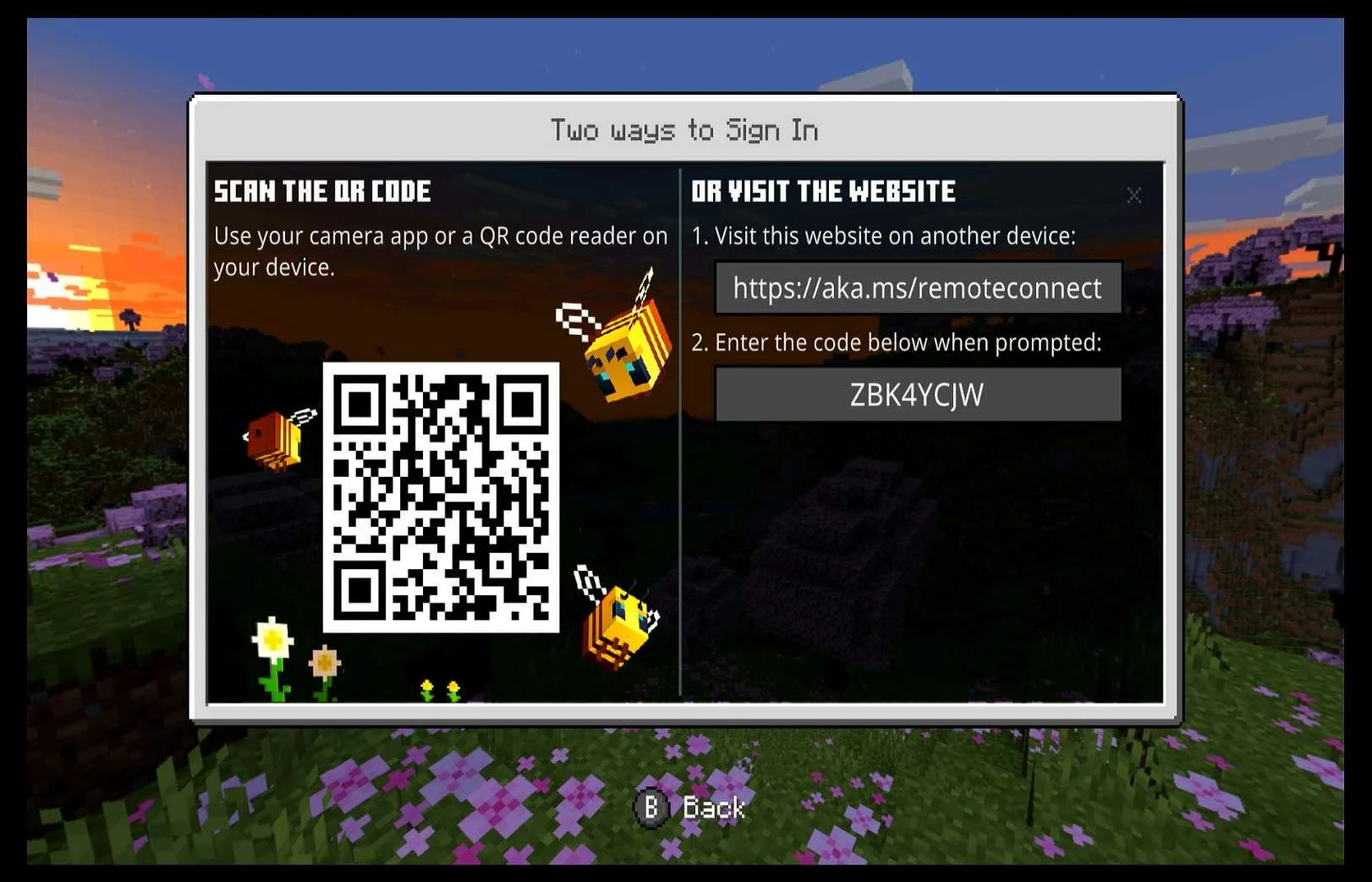
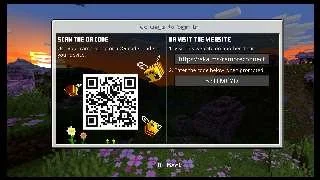
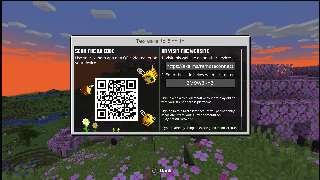
| If the player chooses to proceed with "Sign in now", it says the " Microsoft Account is Connecting..." but then doesn't actually connect. It instead takes the player to a screen that displays a QR code, a URL and a code so that the player can connect their account through a web browser. |
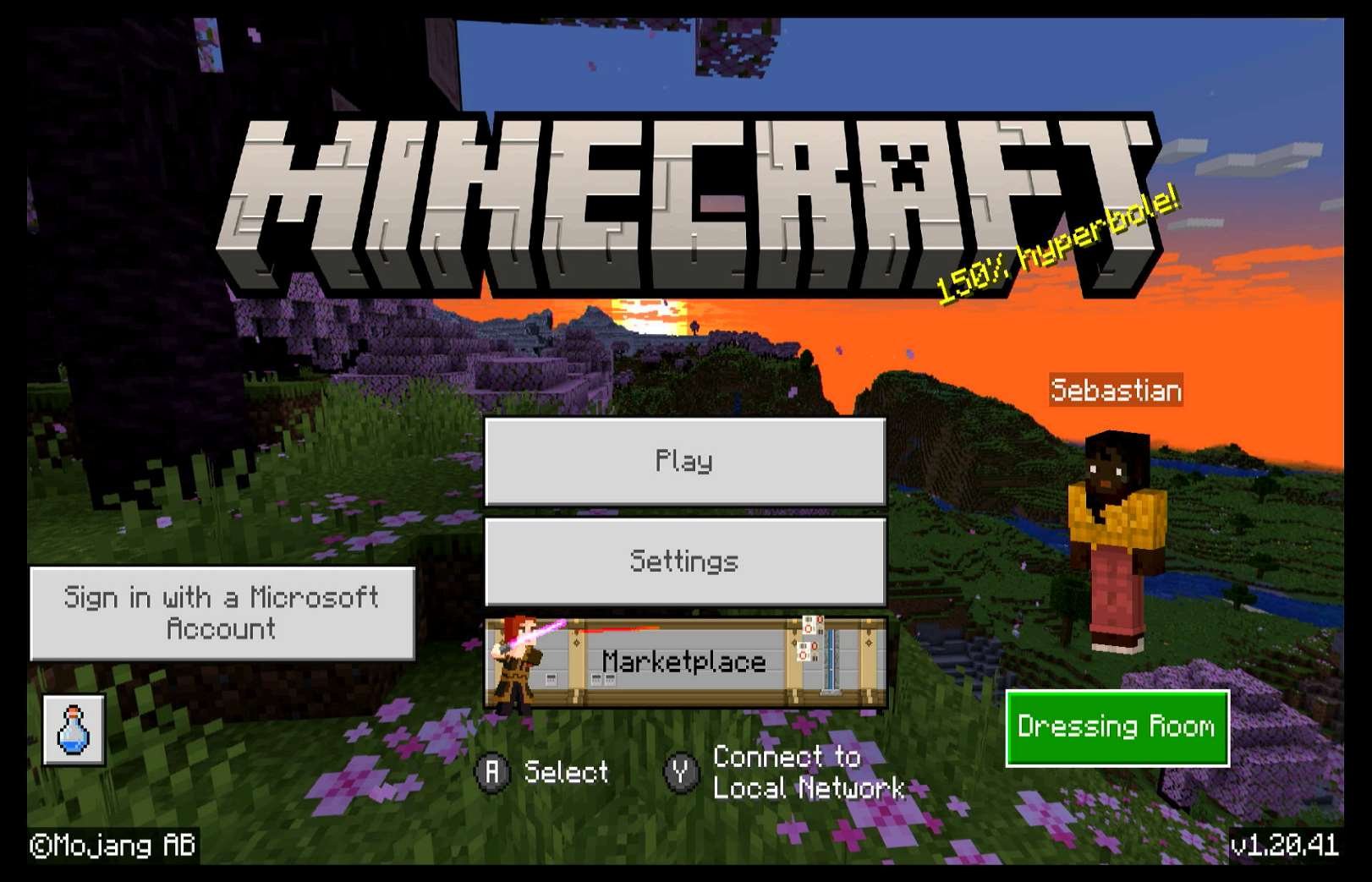
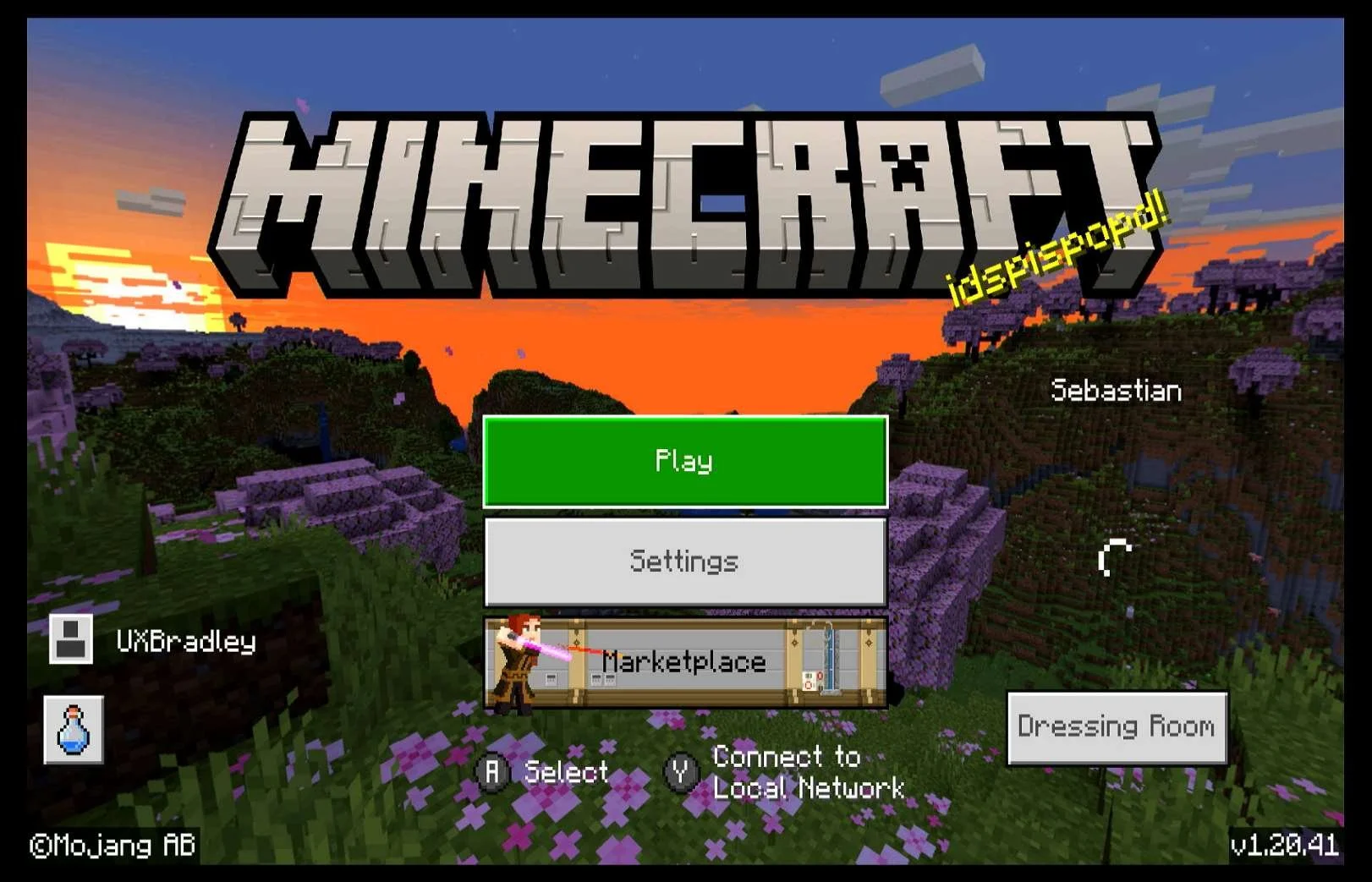
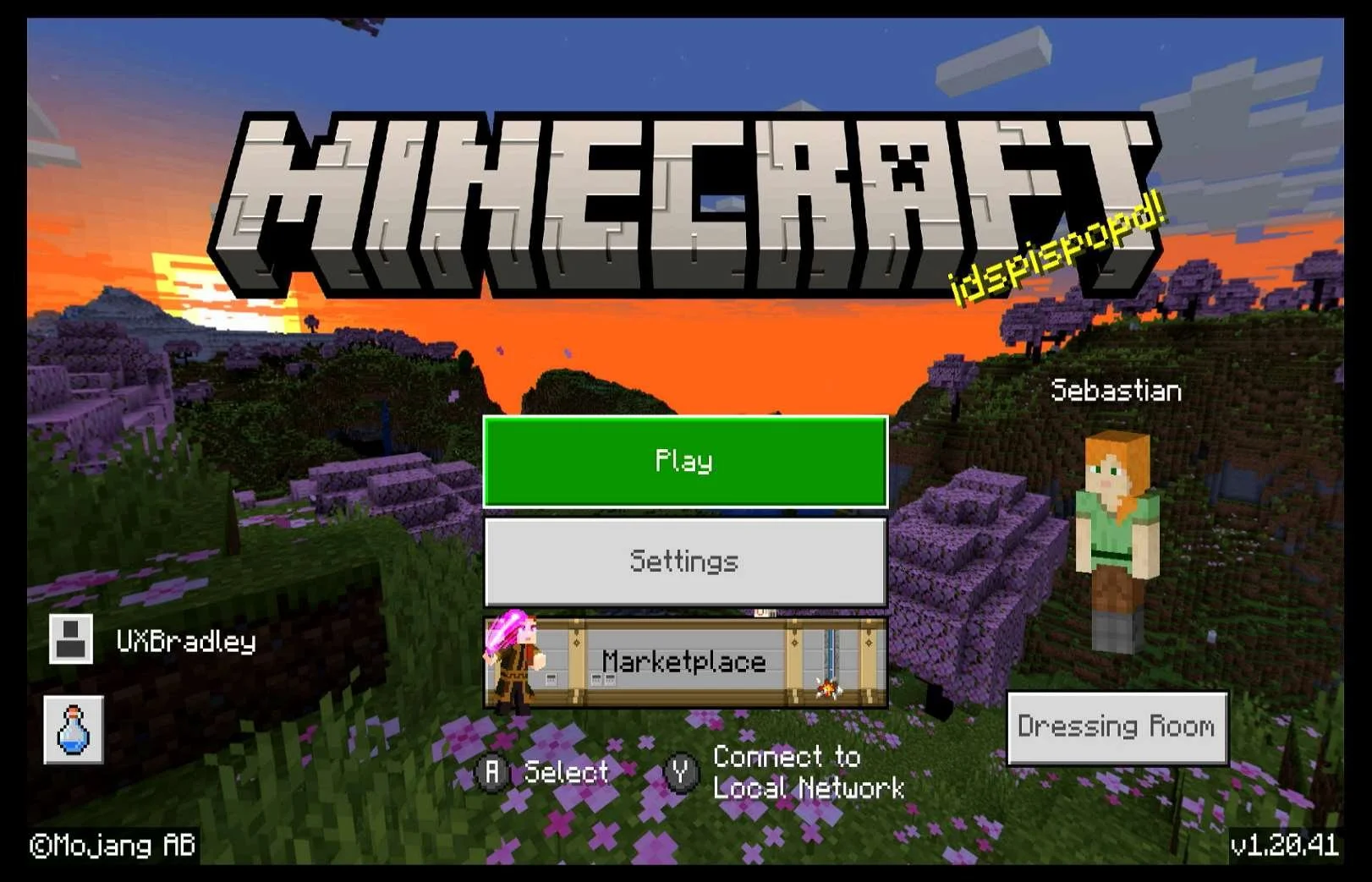
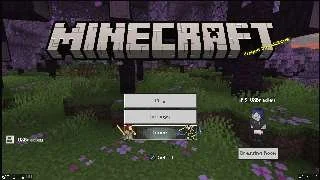
| If the player chooses not to proceed and chooses "Maybe later" instead, they are taken to the Main Menu. On the left side of the Main Menu there is a button for "Sign in with a Microsoft Account" Minecraft randomly generates a character for the player if they have not already created one. Clicking on the "Sign in with a Microsoft Account" button brings the QR / URL screen back up. The code changes each time the player closes and then subsequently returns to the QR/URL screen again. |
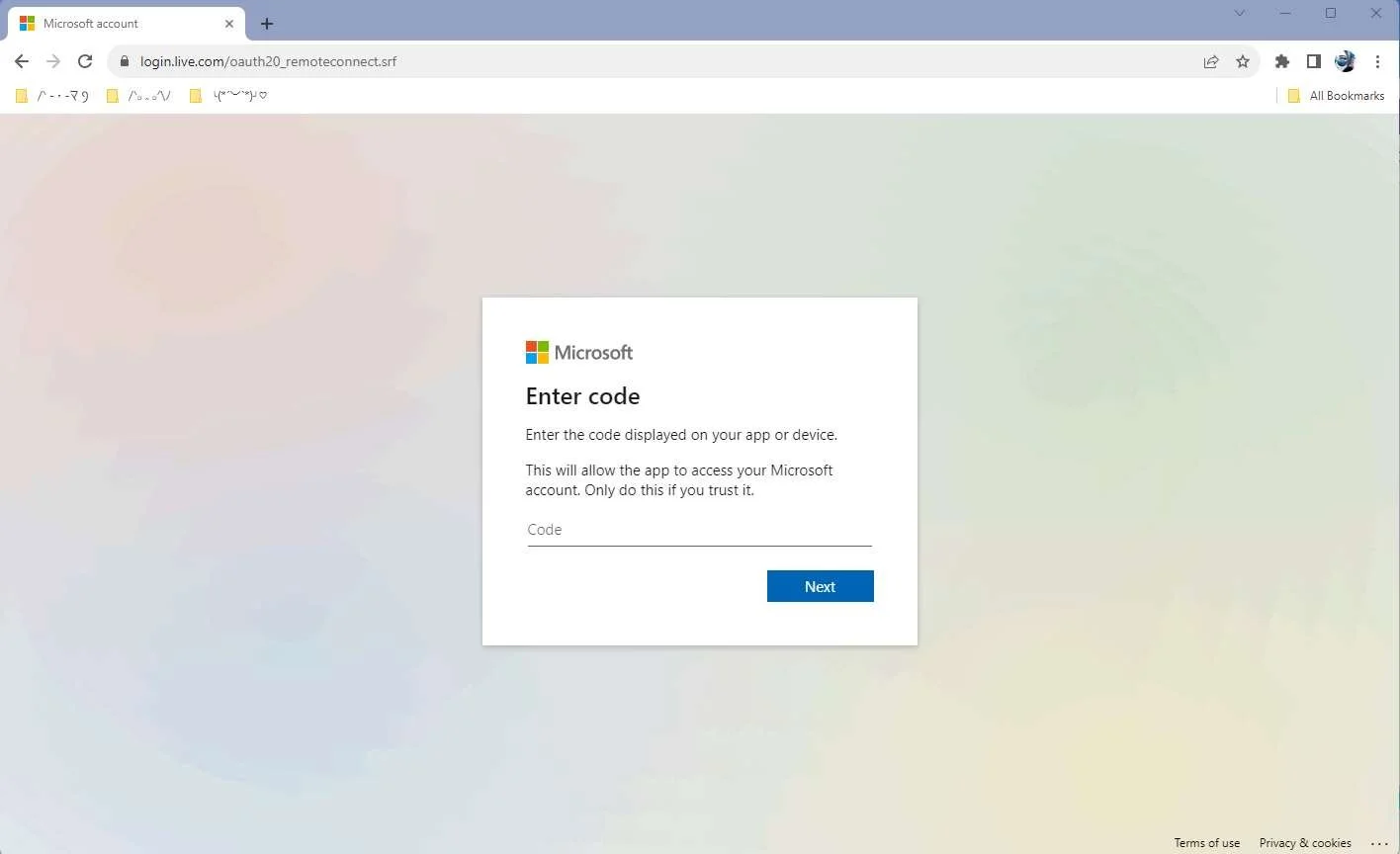
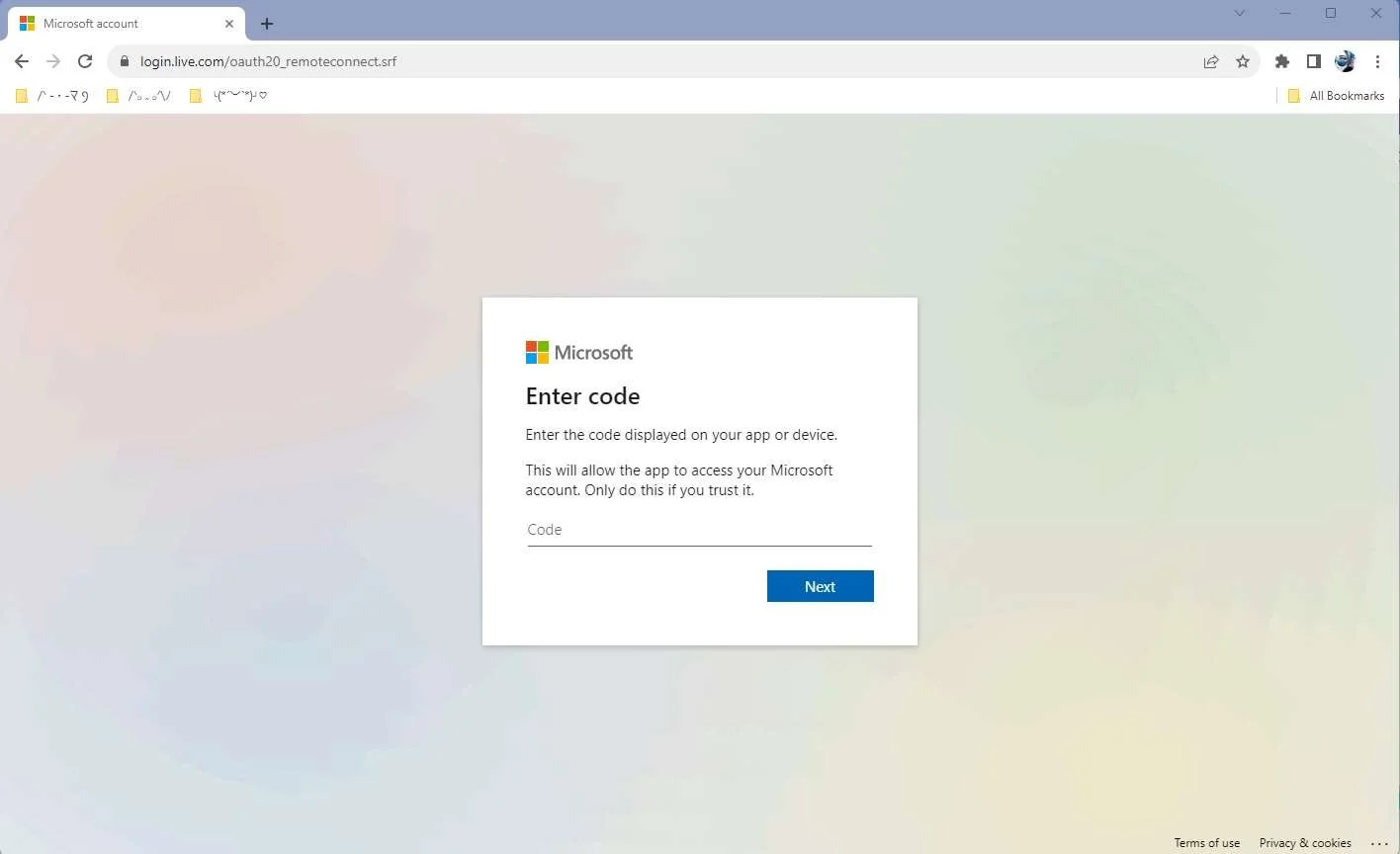
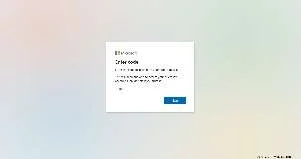
| Going to https://aka.ms/remoteconnect takes the player to the "Enter Code" page, whether they follow the QR code or type the address into a browser. |
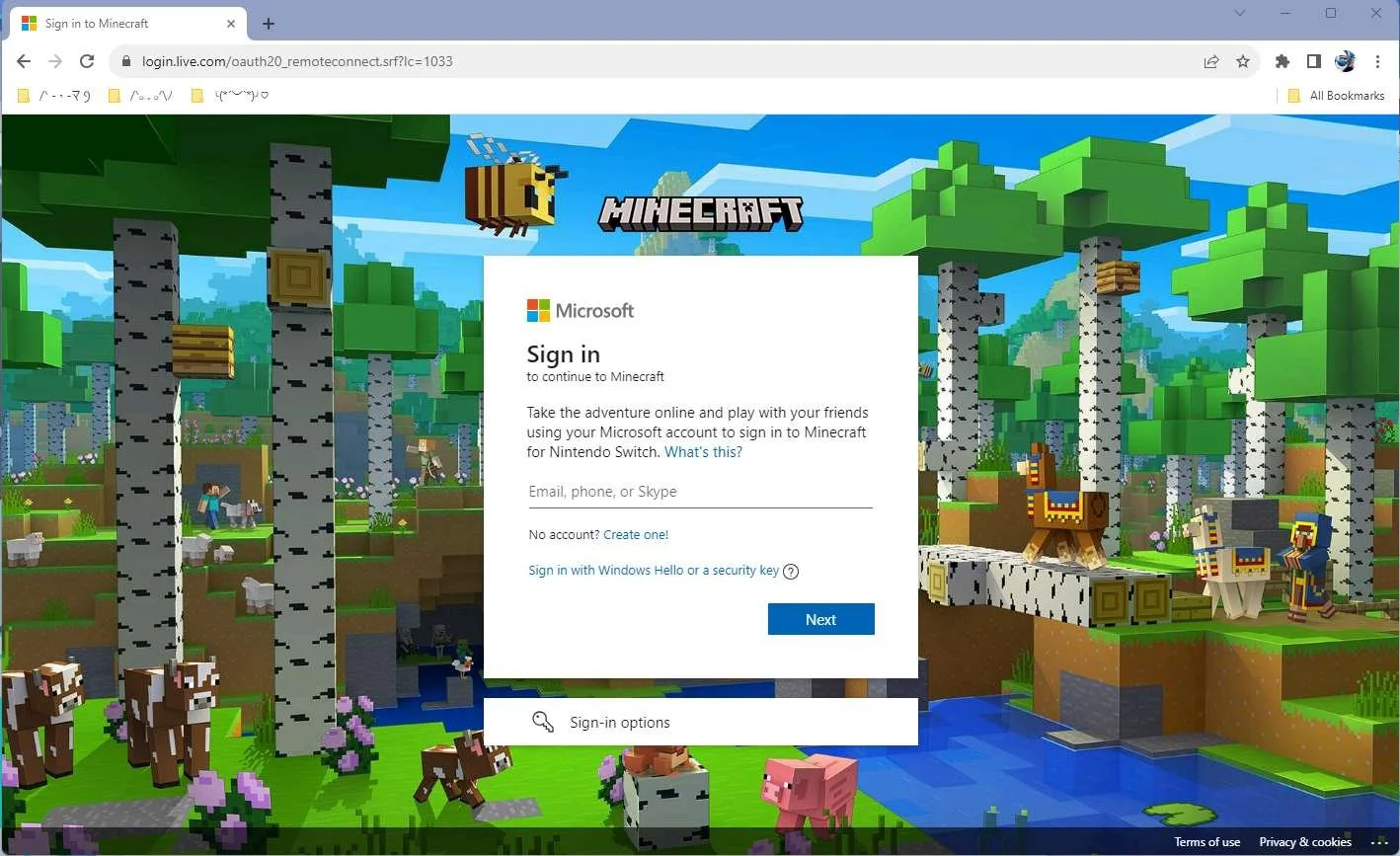
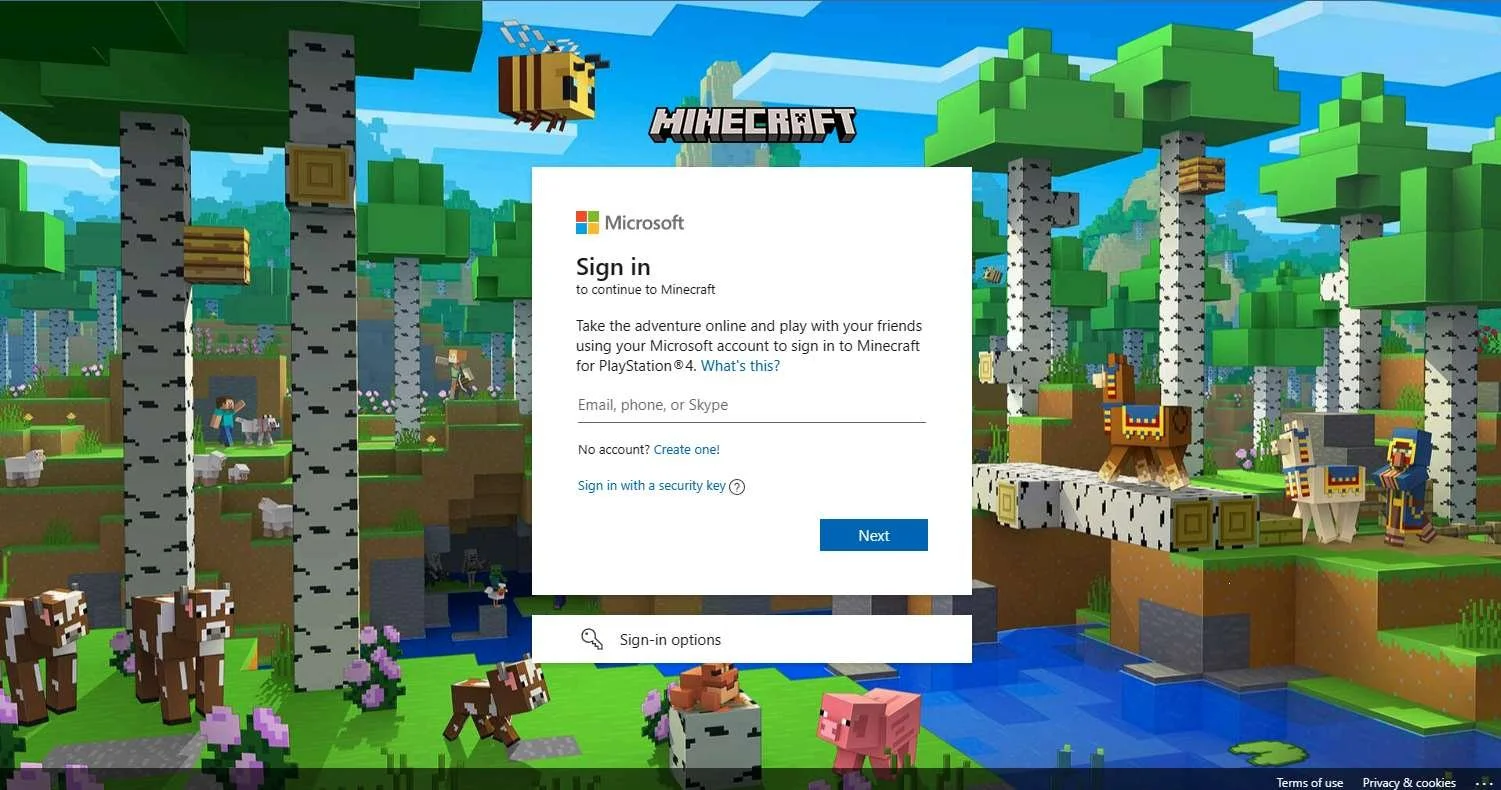
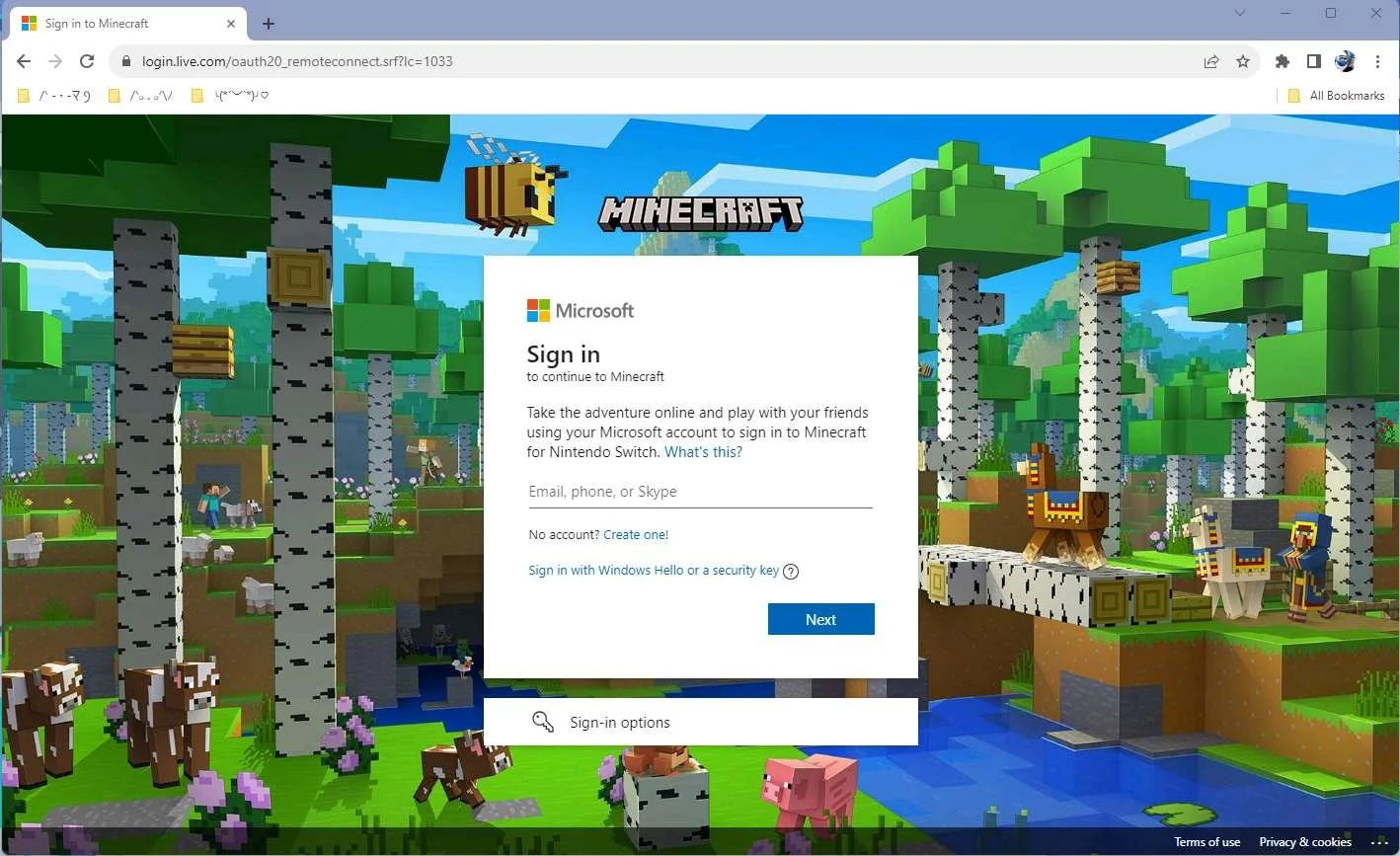
| After entering the code providing from the in-game QR code screen, the player is redirected to a Microsoft Account Sign In page in the browser. |
|
|
|
|
| If the player visits http://aka.ms/accountsettings in the web browser, it takes them to a page with multiple support topics centering around what Microsoft Accounts can do. |
|
|
|
|
|
|
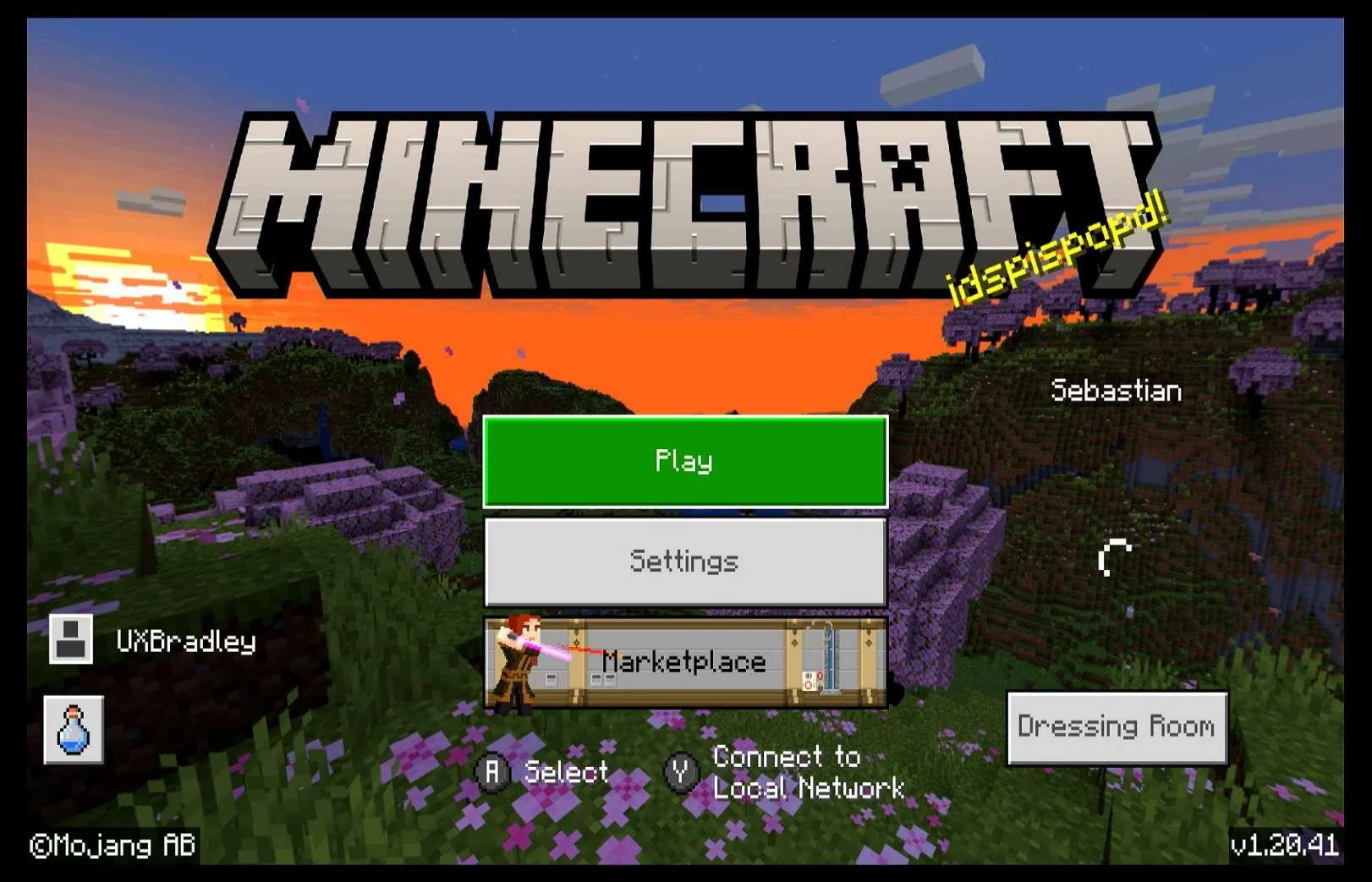
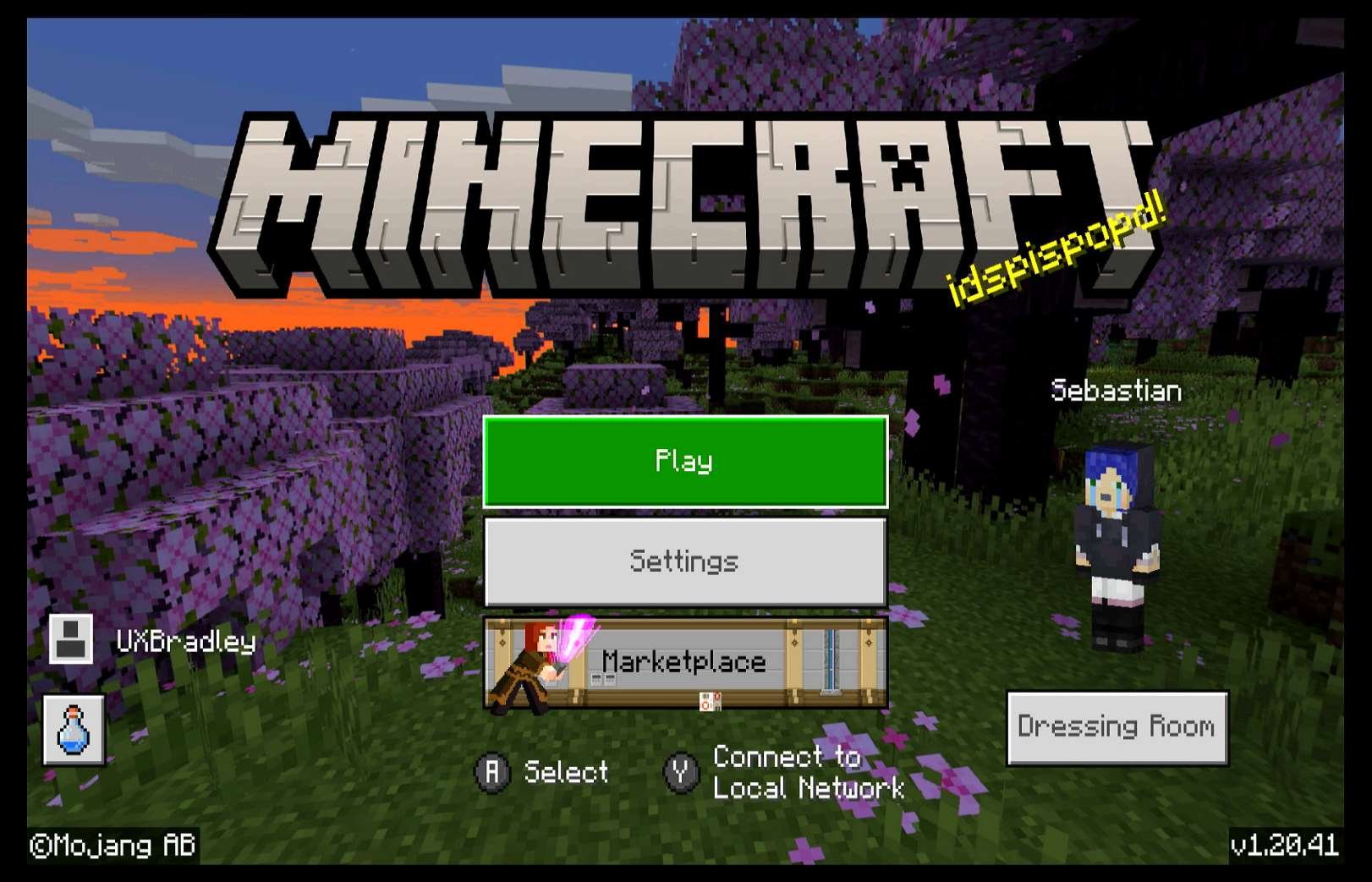
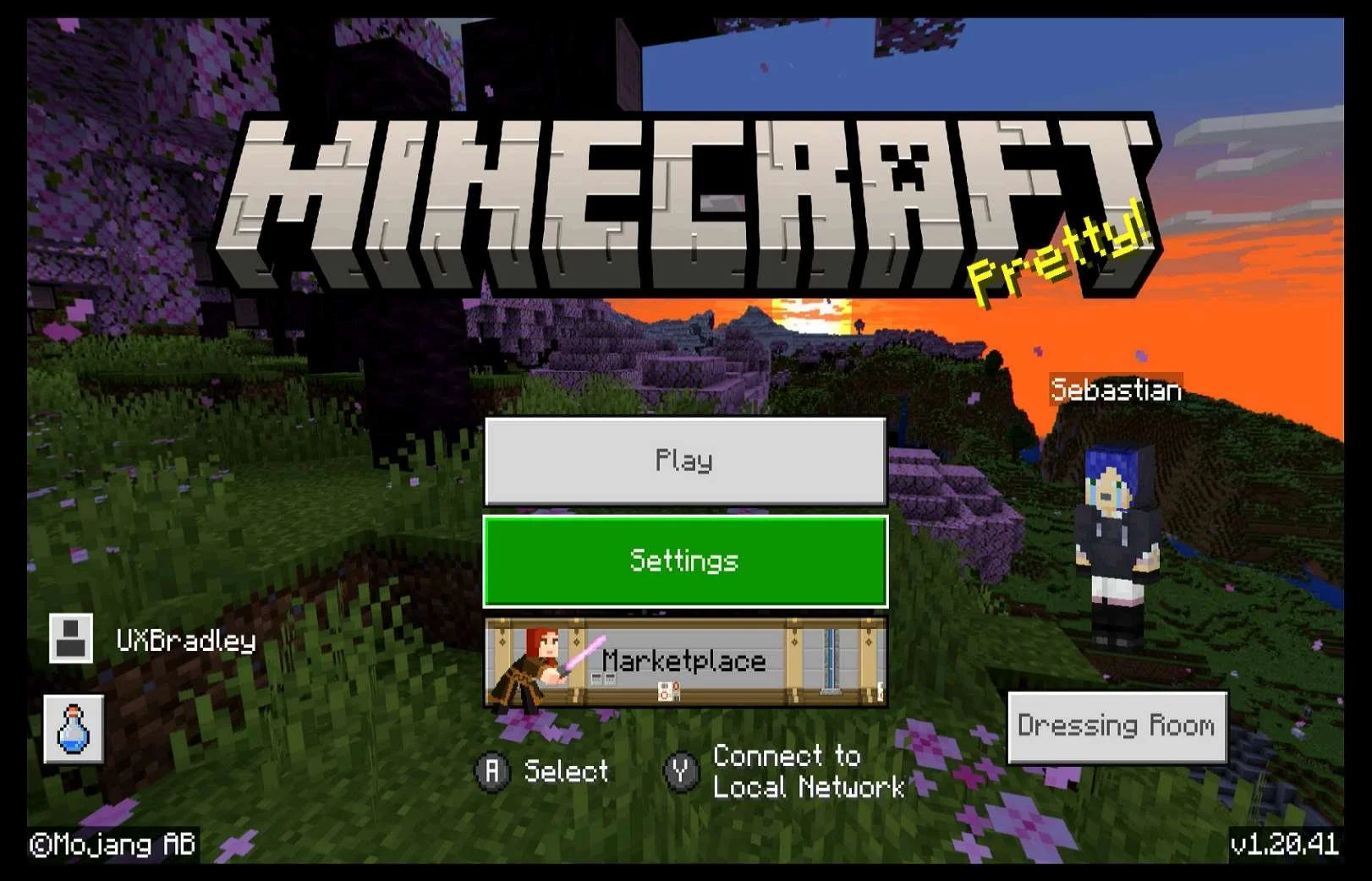
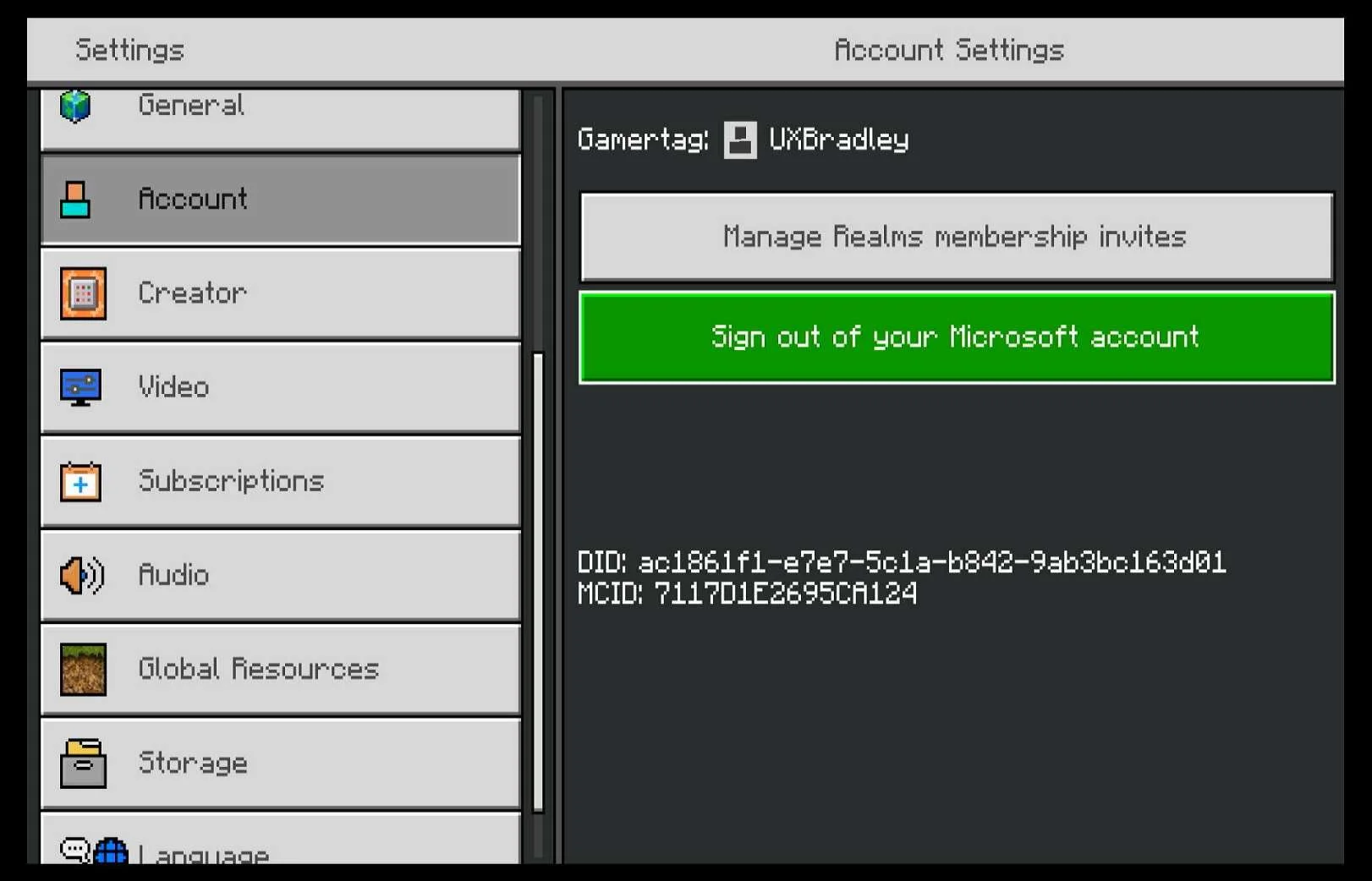
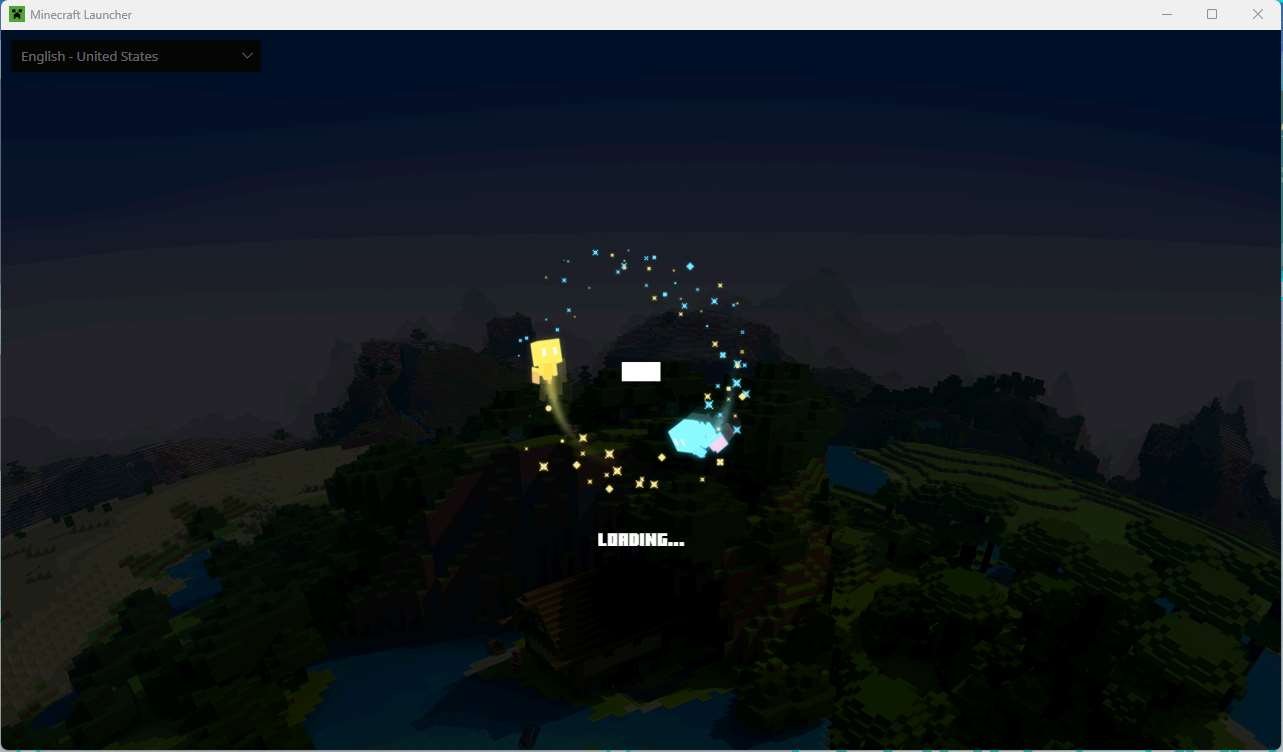
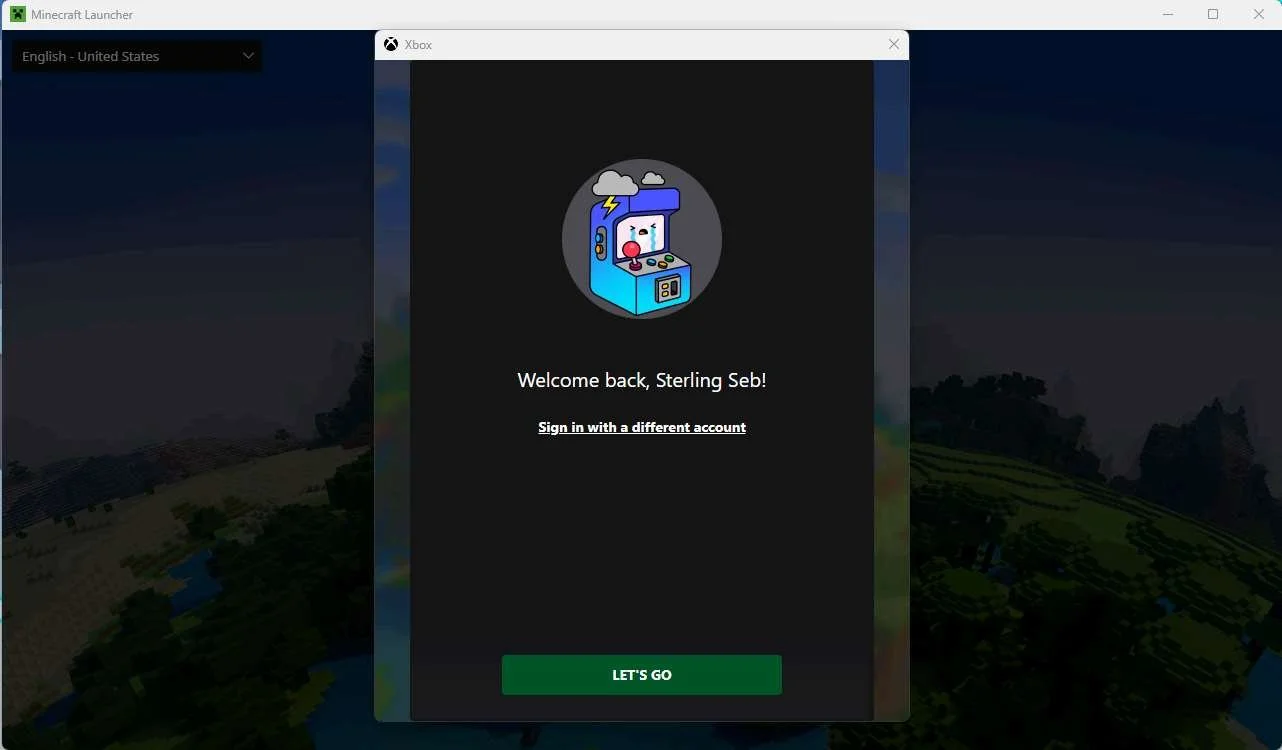
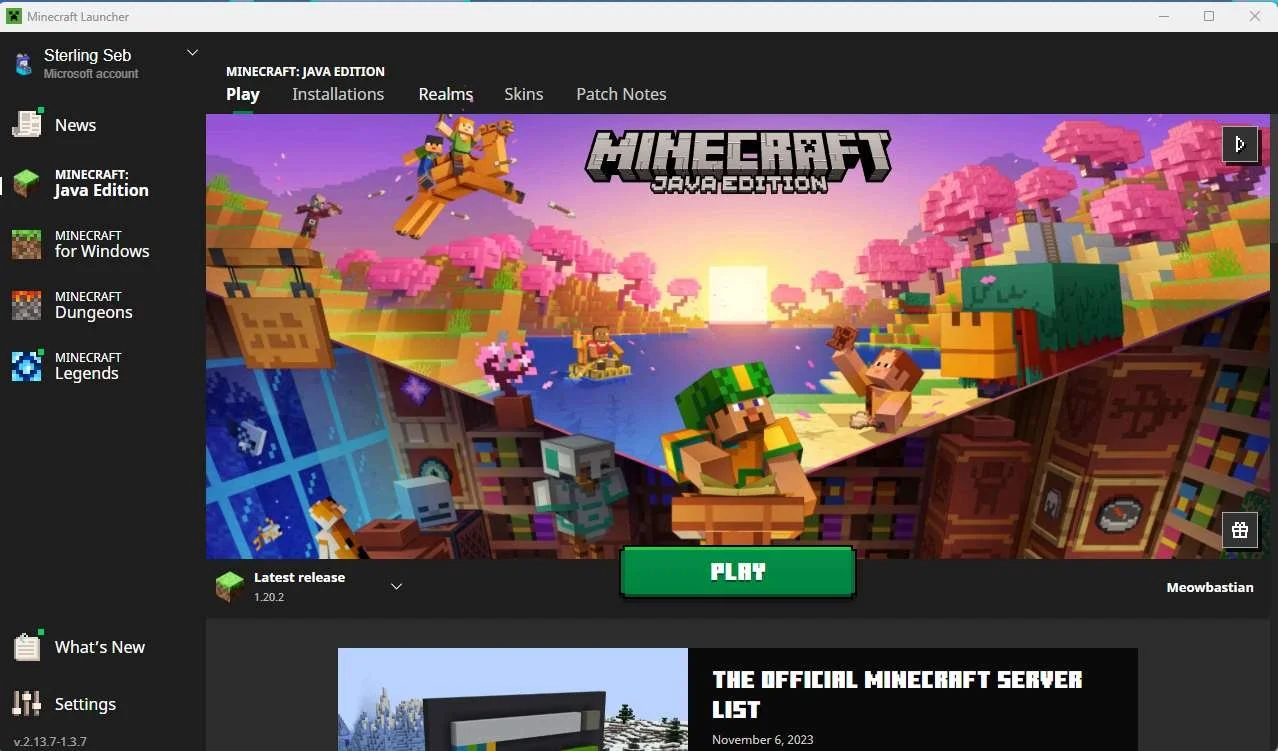
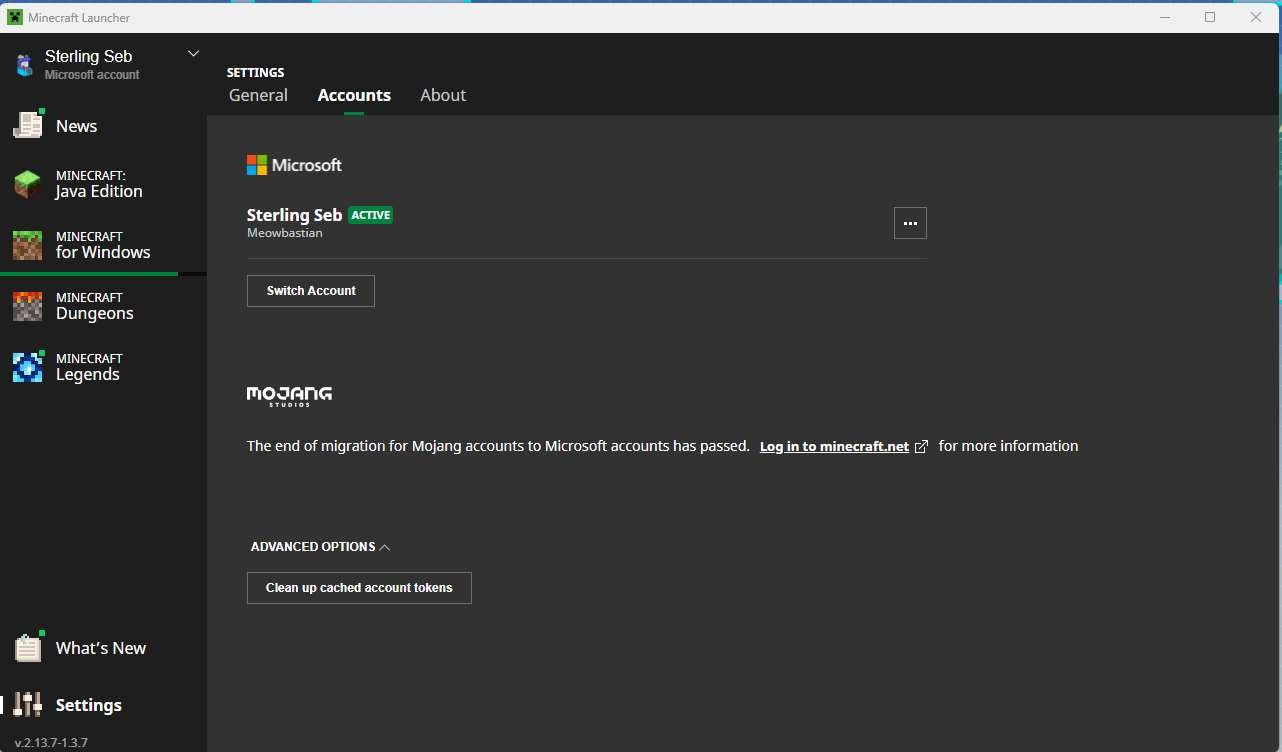
PC | MINECRAFT FOR WINDOWS
Media | Notes |
|---|---|
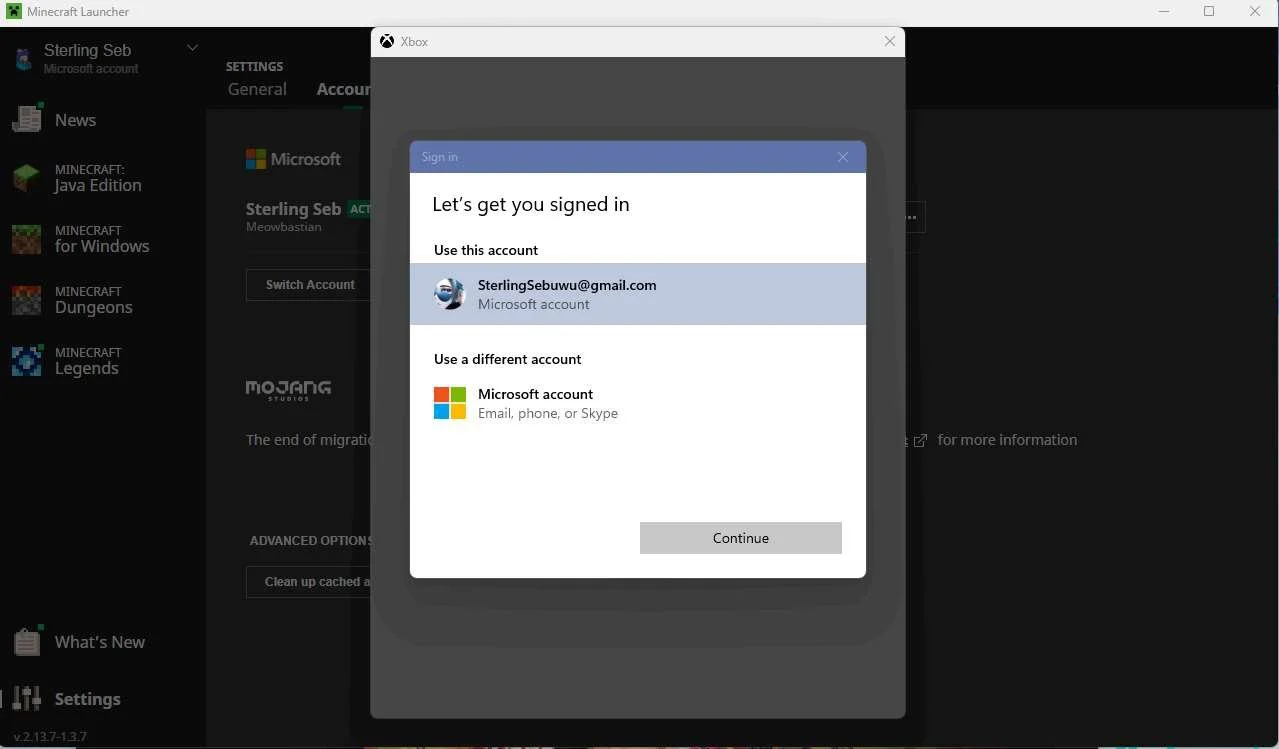
Screenshots from 14 Nov 2023 on Minecraft for Windows:
| PC as the 3rd platformAt this point in the research:
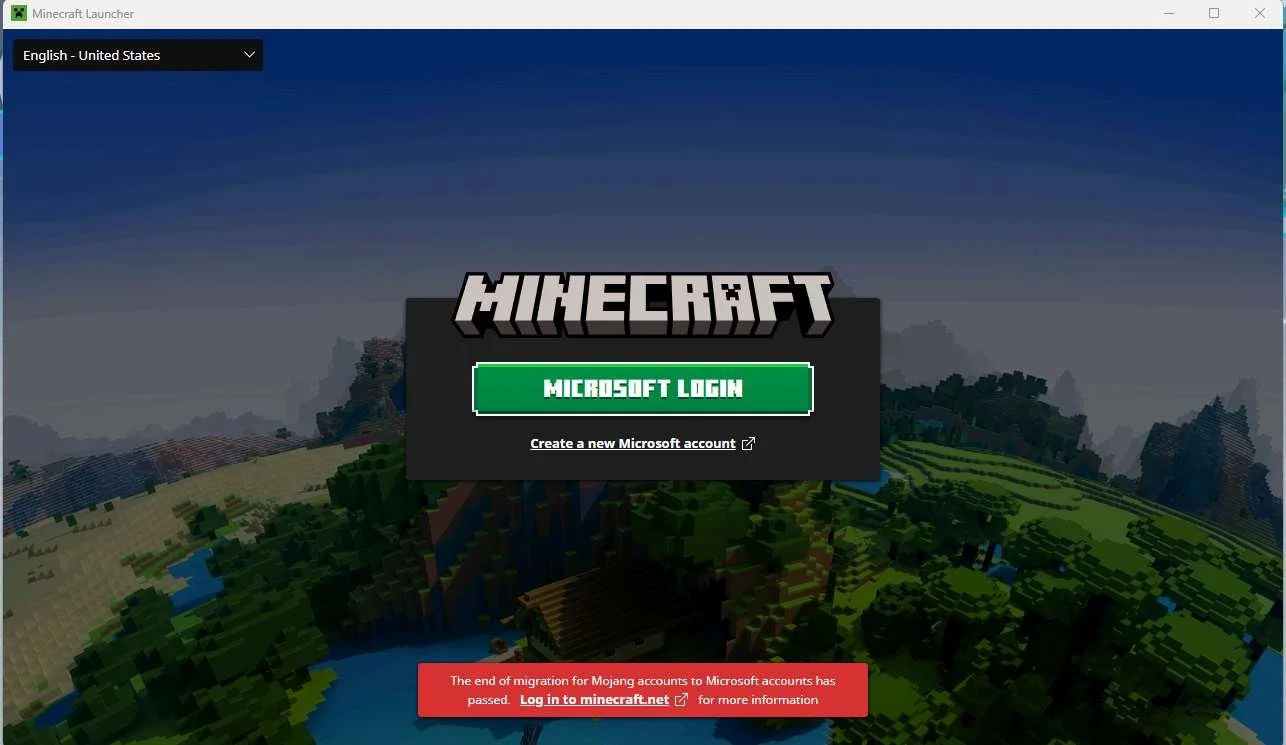
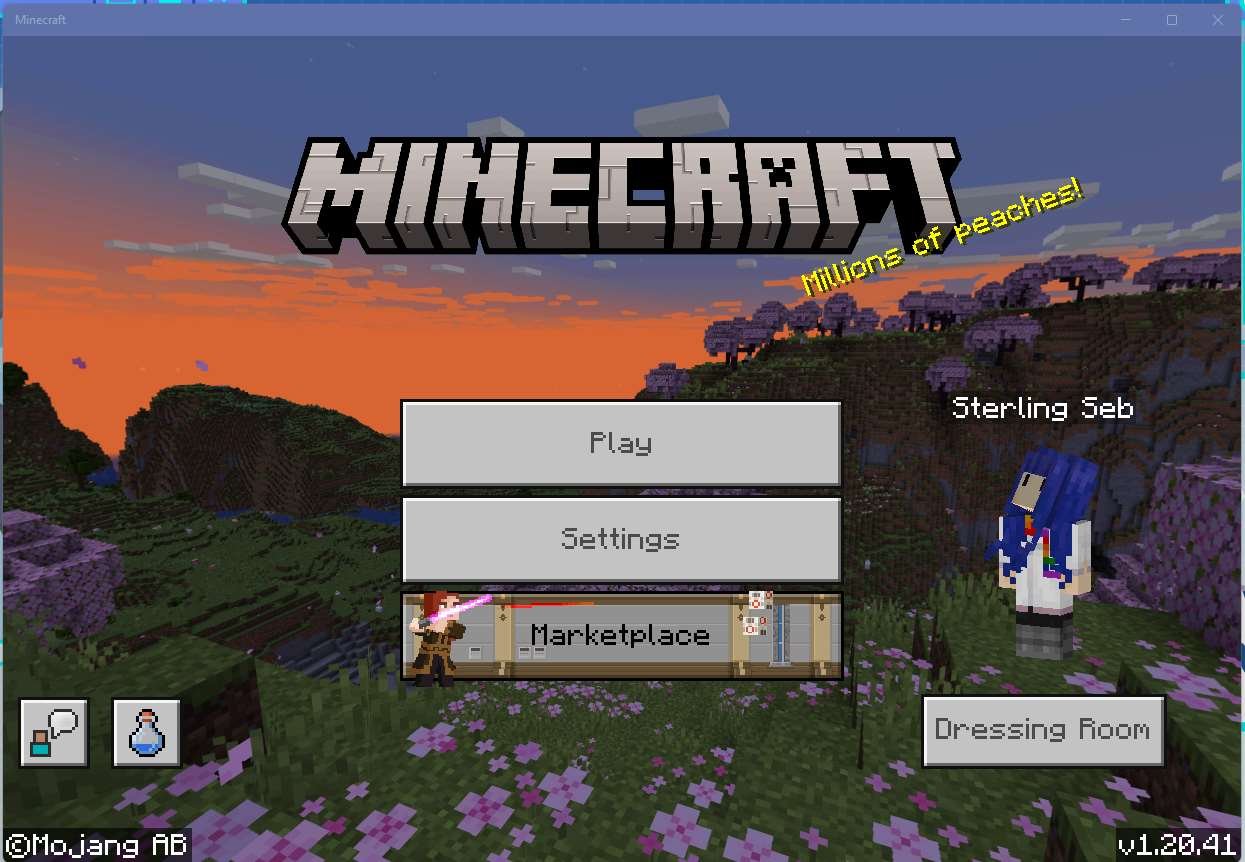
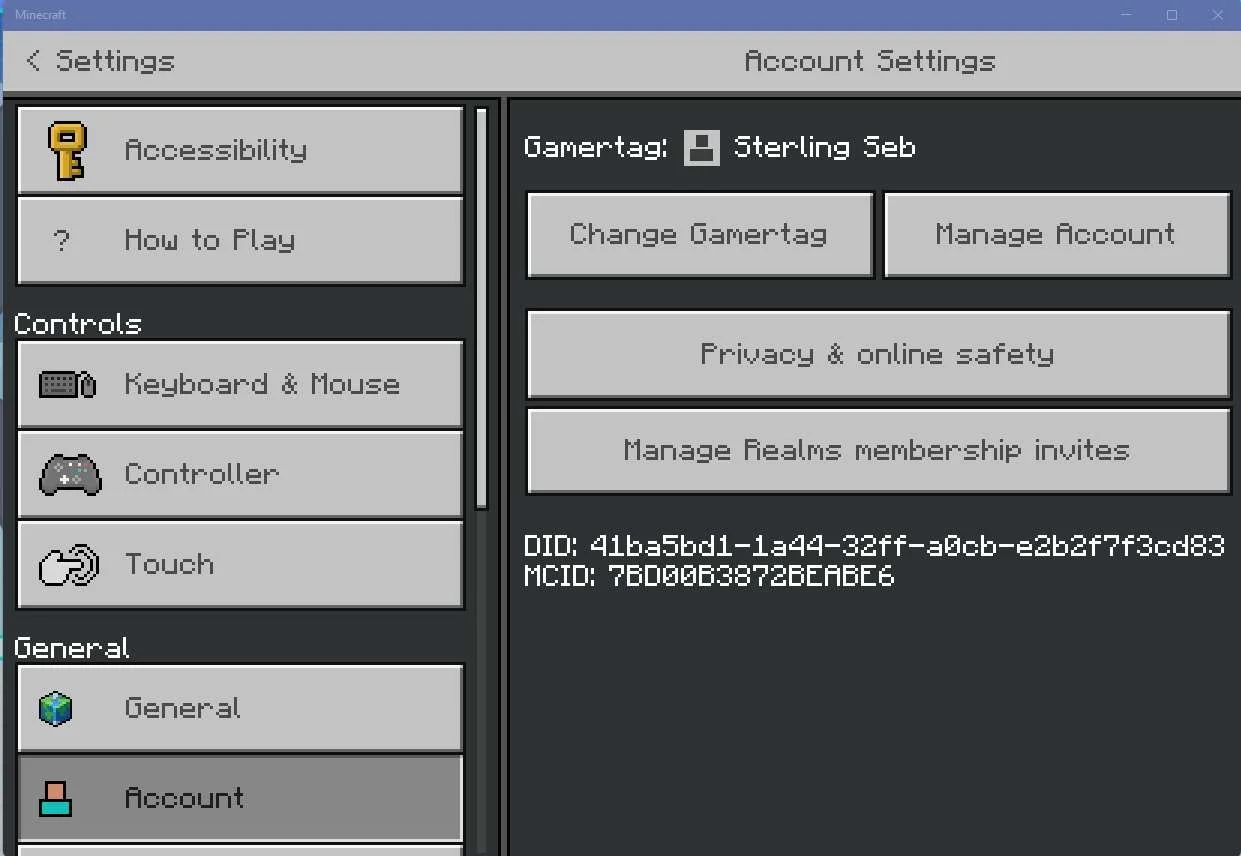
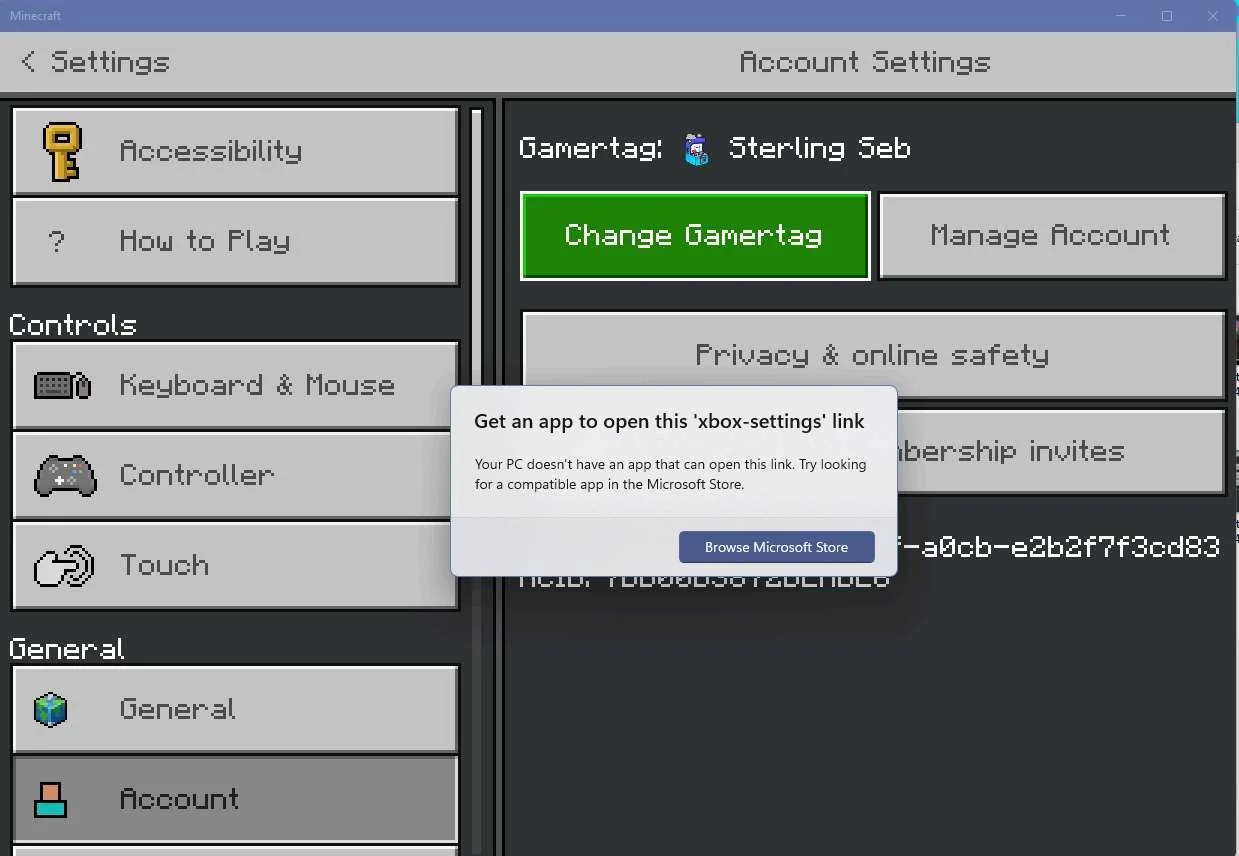
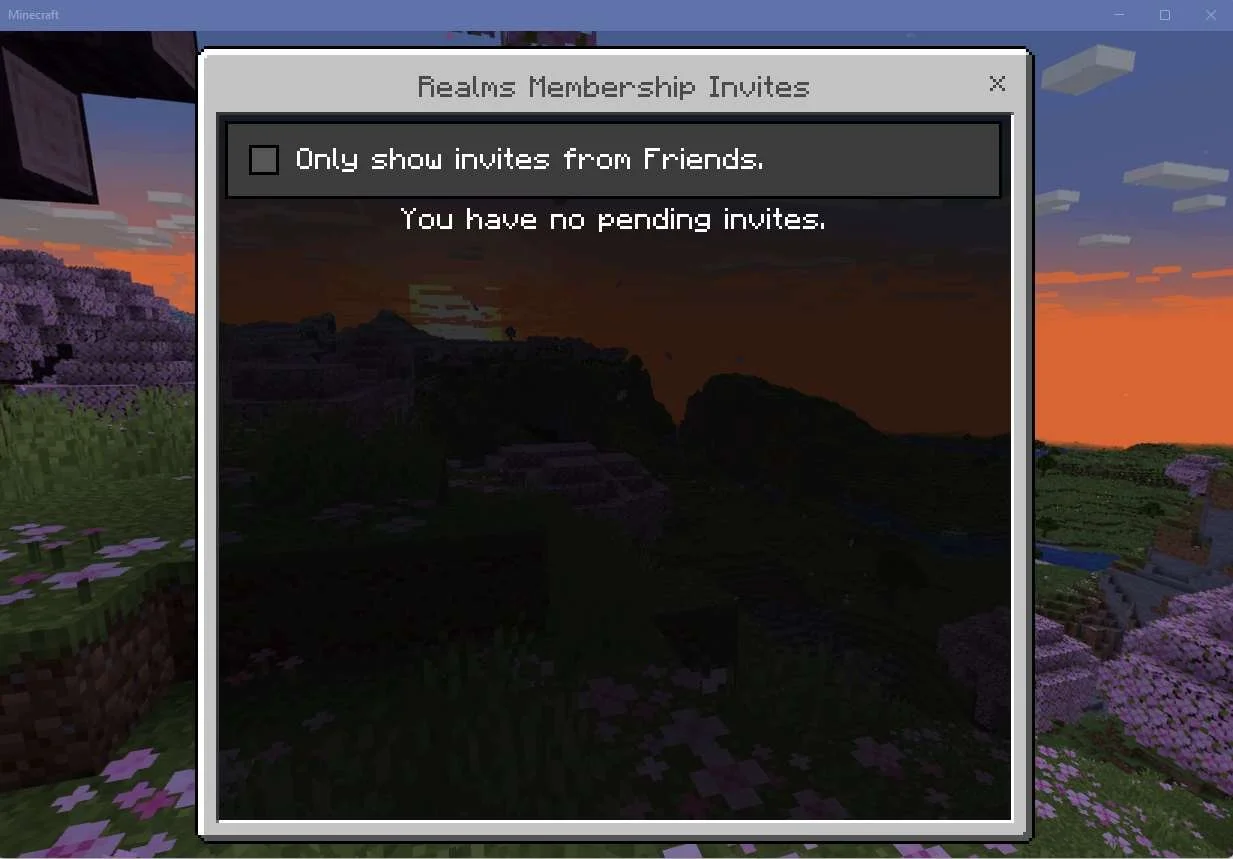
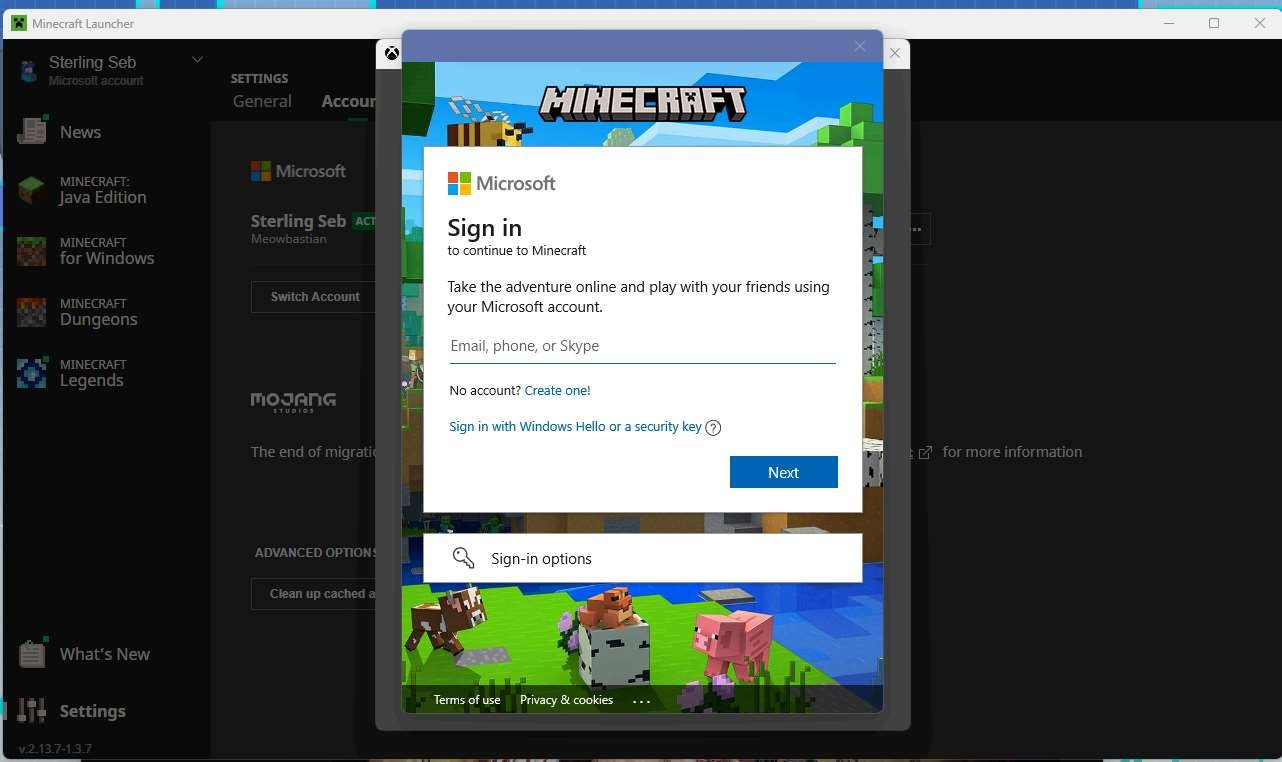
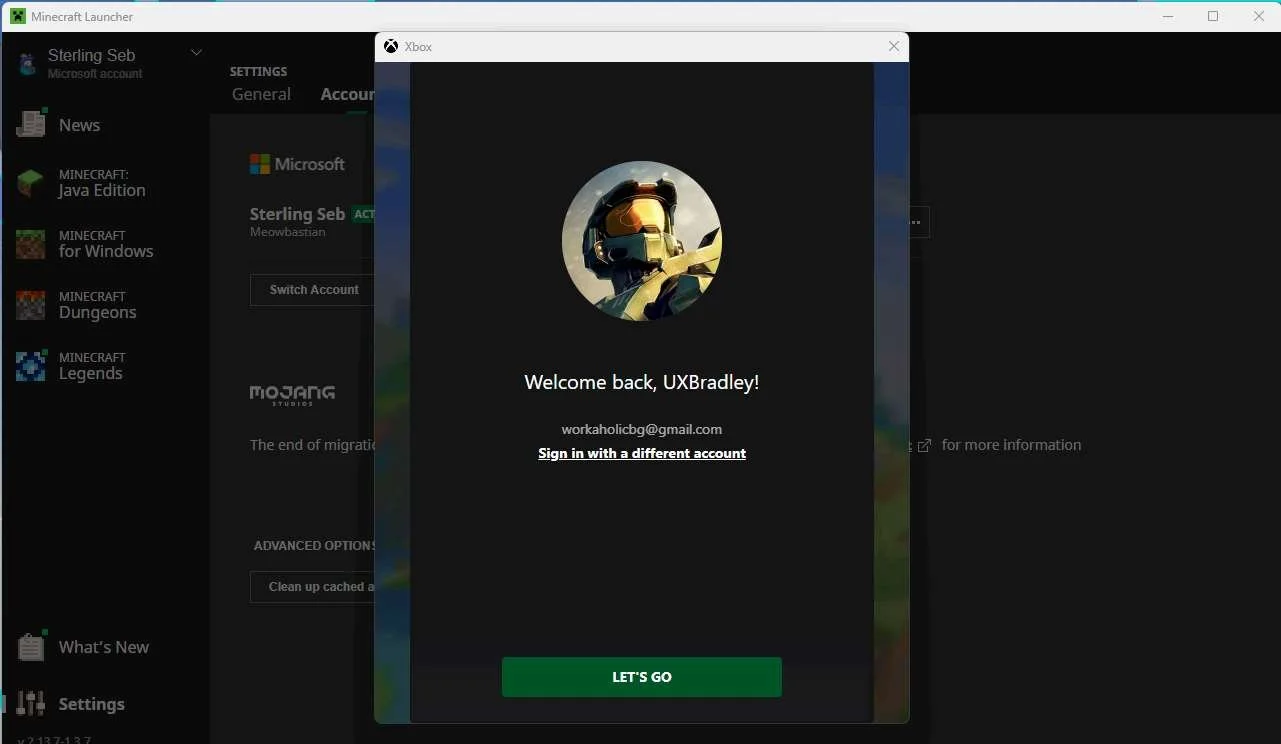
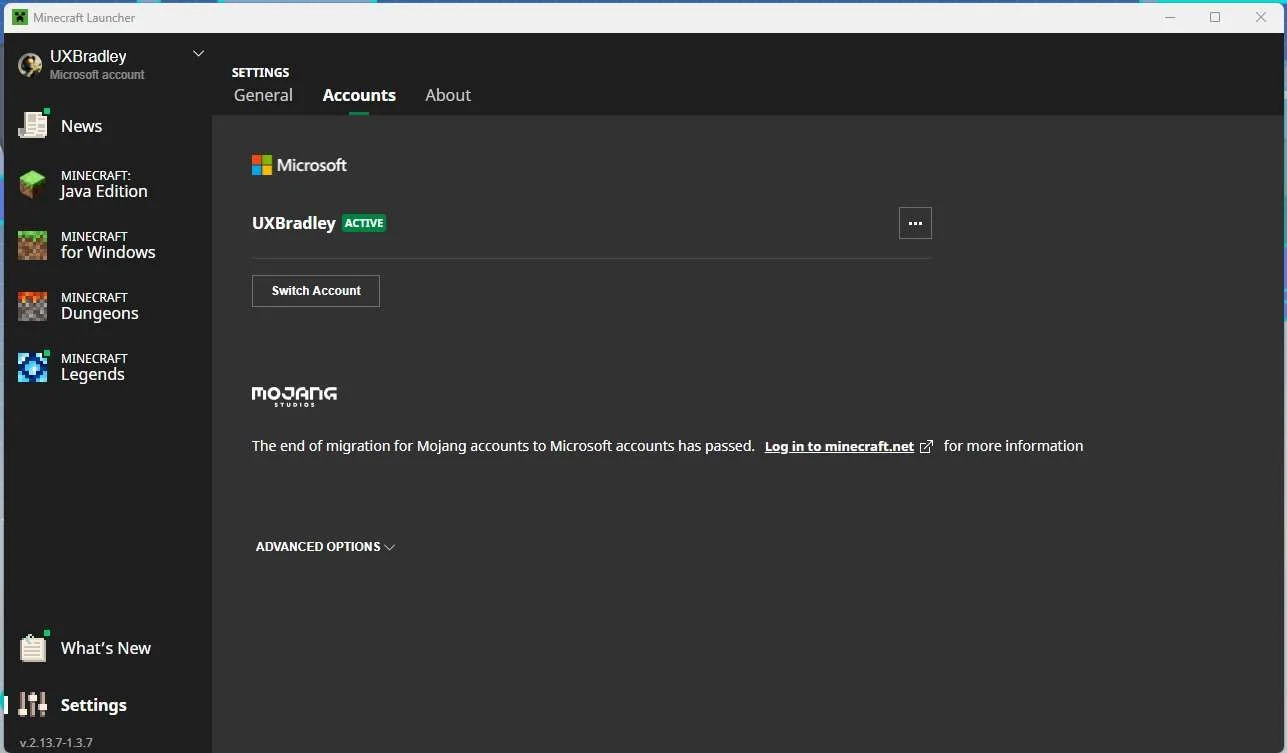
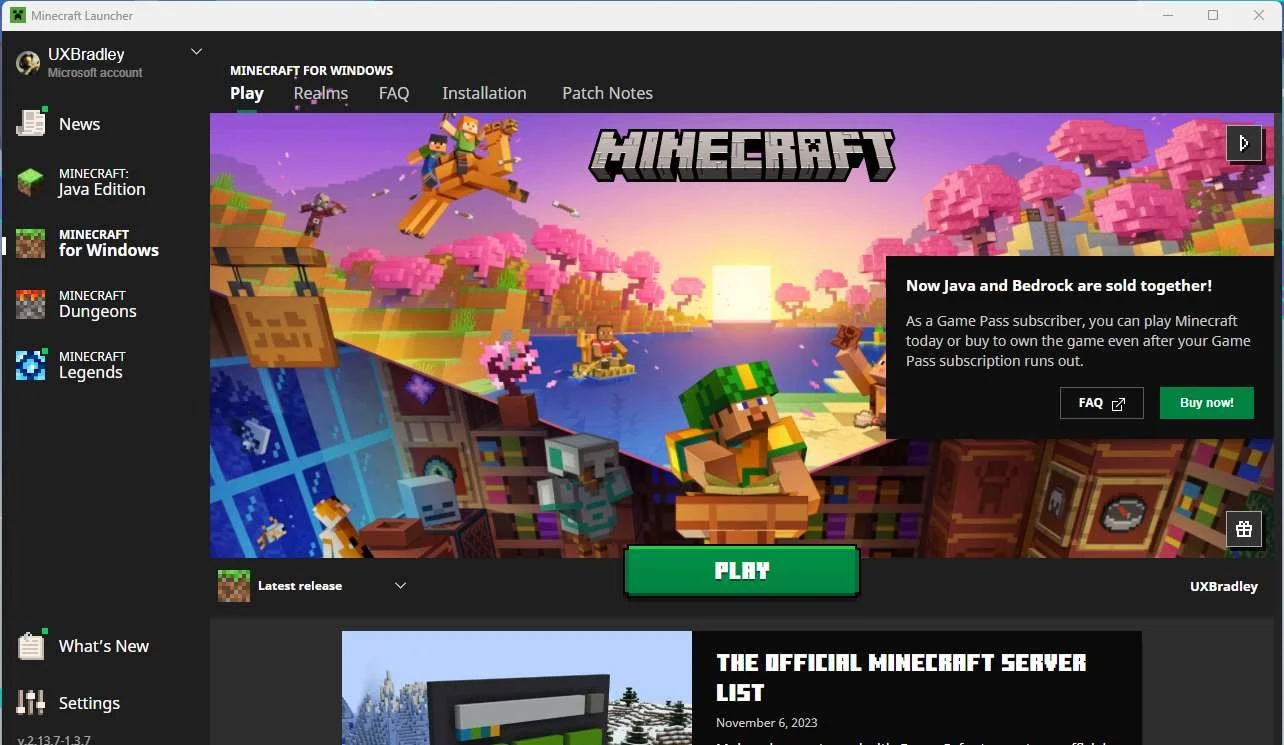
Minecraft for Windows through Minecraft Launcher:
|
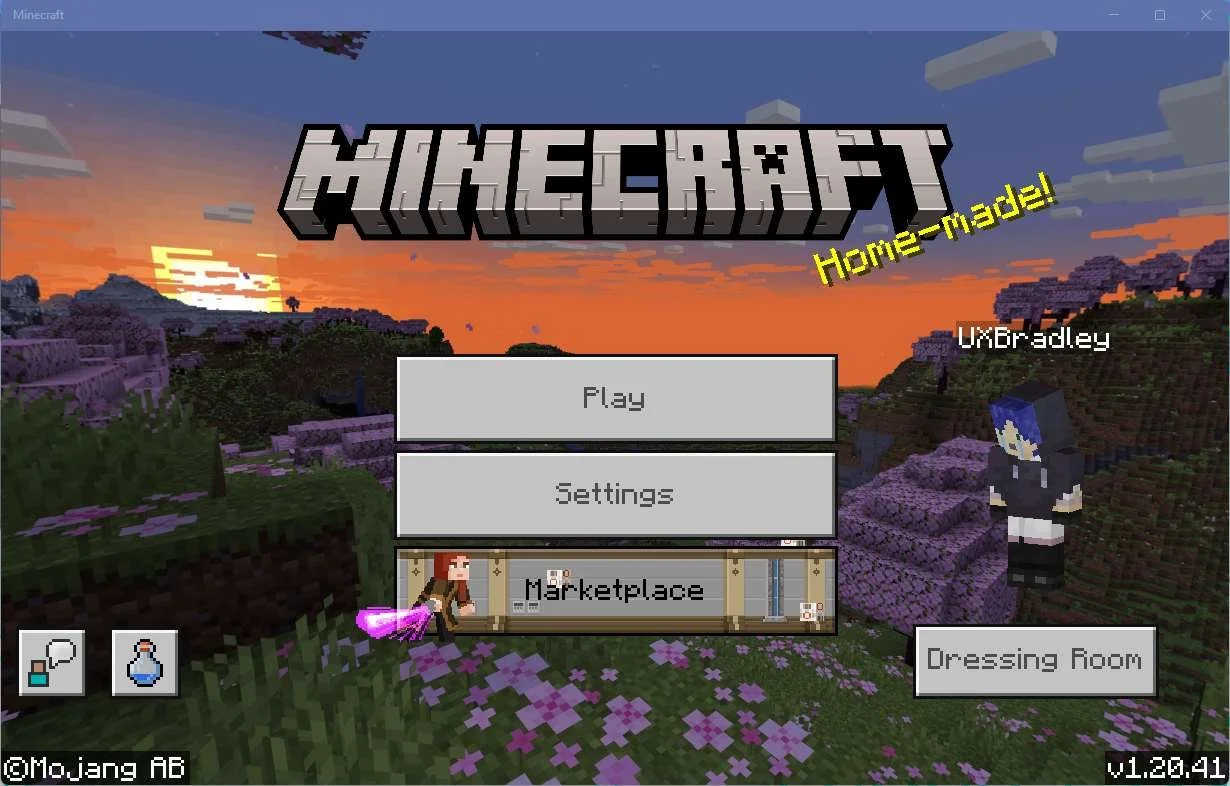
Screenshots from 14 Nov 2023 on Minecraft for Windows:
|
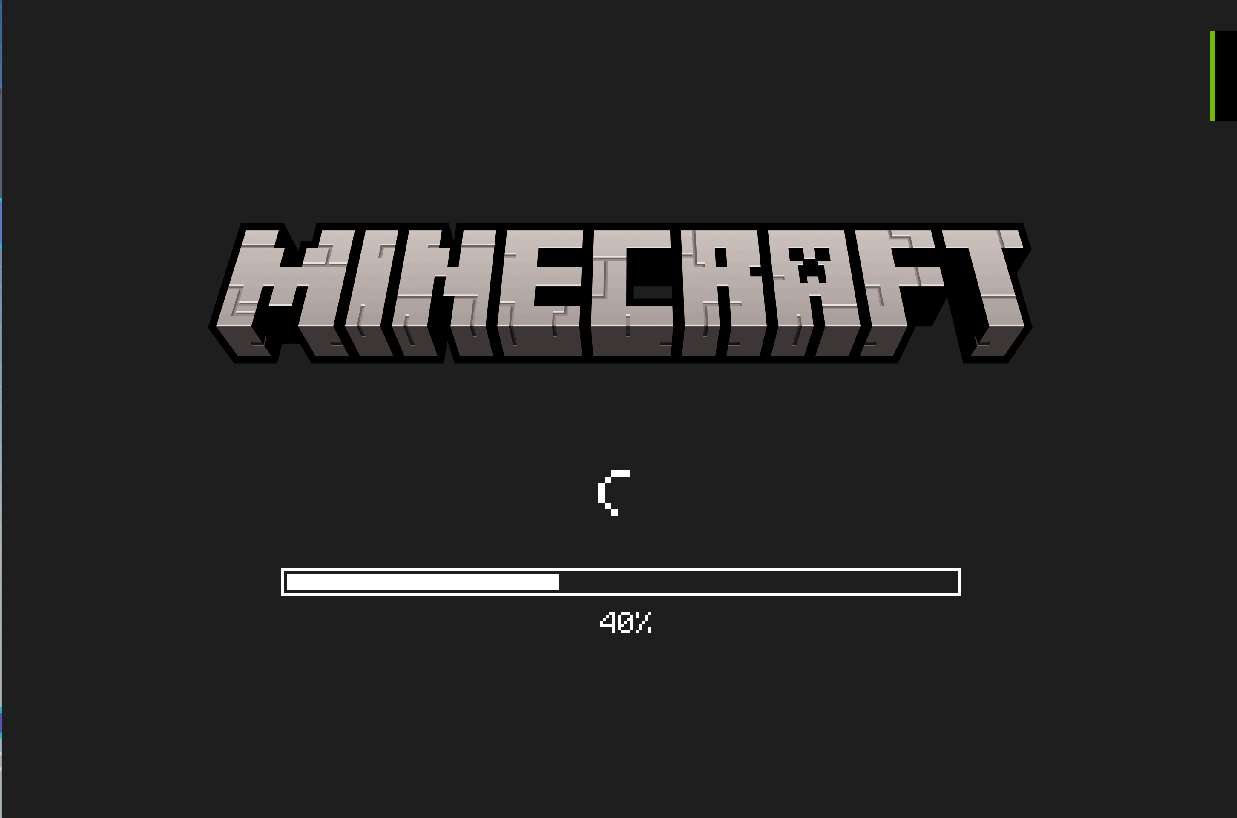
I did an additional investigation on the PC Minecraft Java Edition, and there does not seem to be any option to link accounts from this version of the game. |
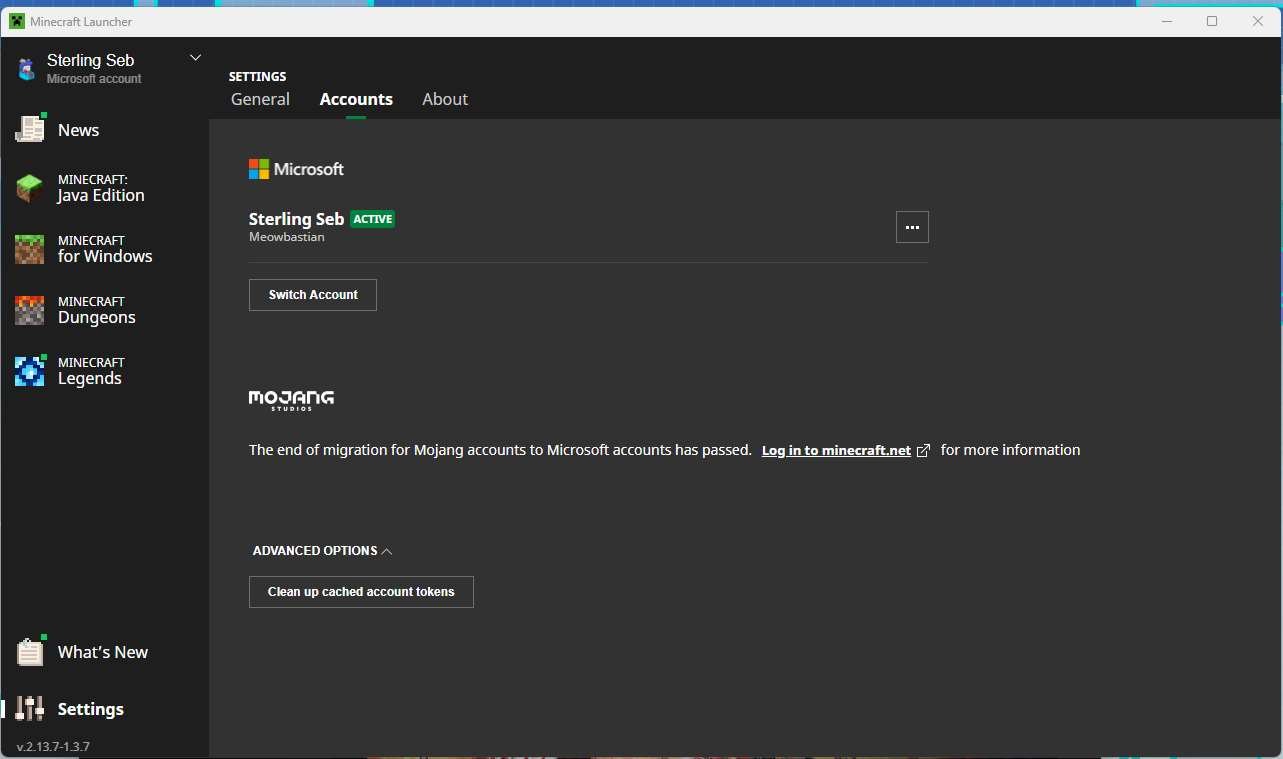
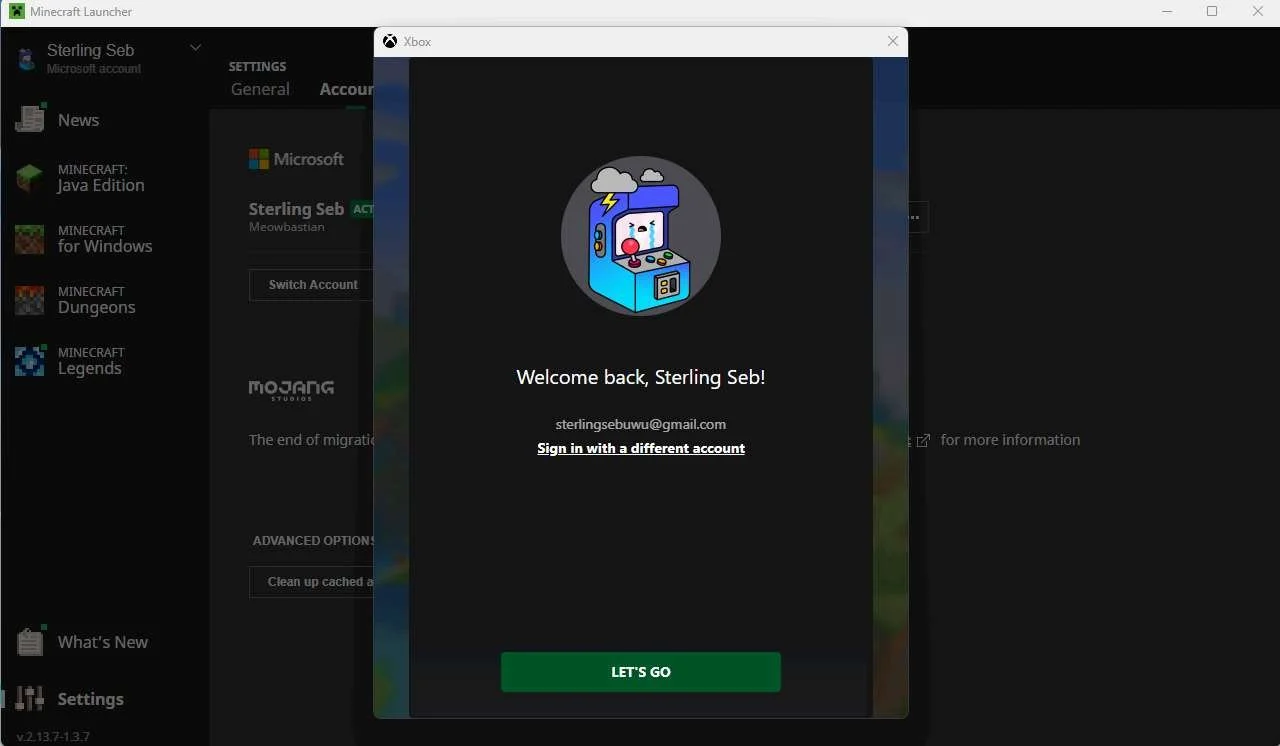
Screenshots from 16 Nov 2023 on Minecraft Launcher + PC Minecraft for Windows:
| Updated: I managed to add my UXBradley XBOX Profile to the Minecraft Launcher
|
 )
) 

PLAYSTATION 5
Media | Notes |
|---|---|
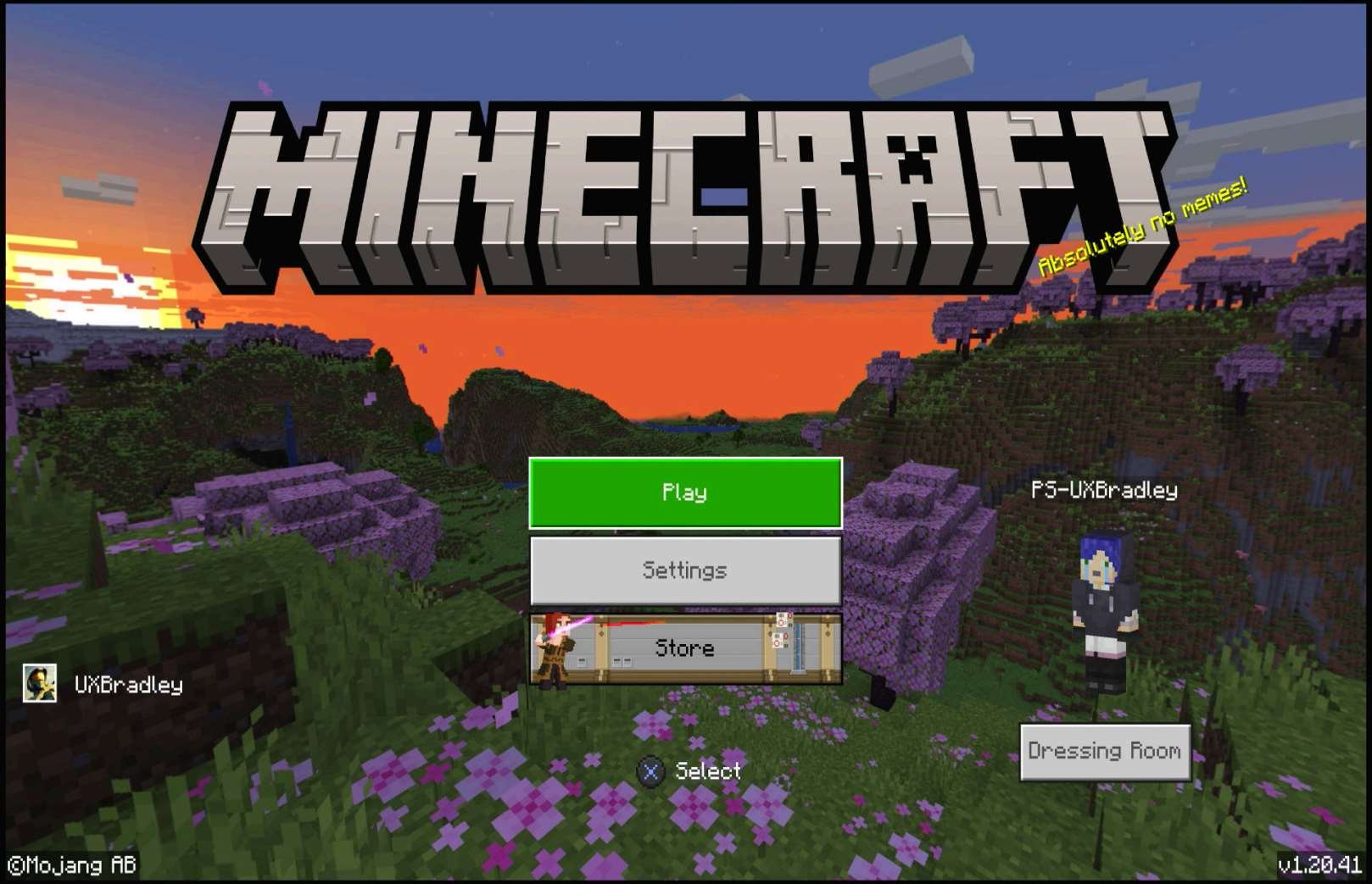
Screenshots from Playstation 5 on 15 Nov 2023
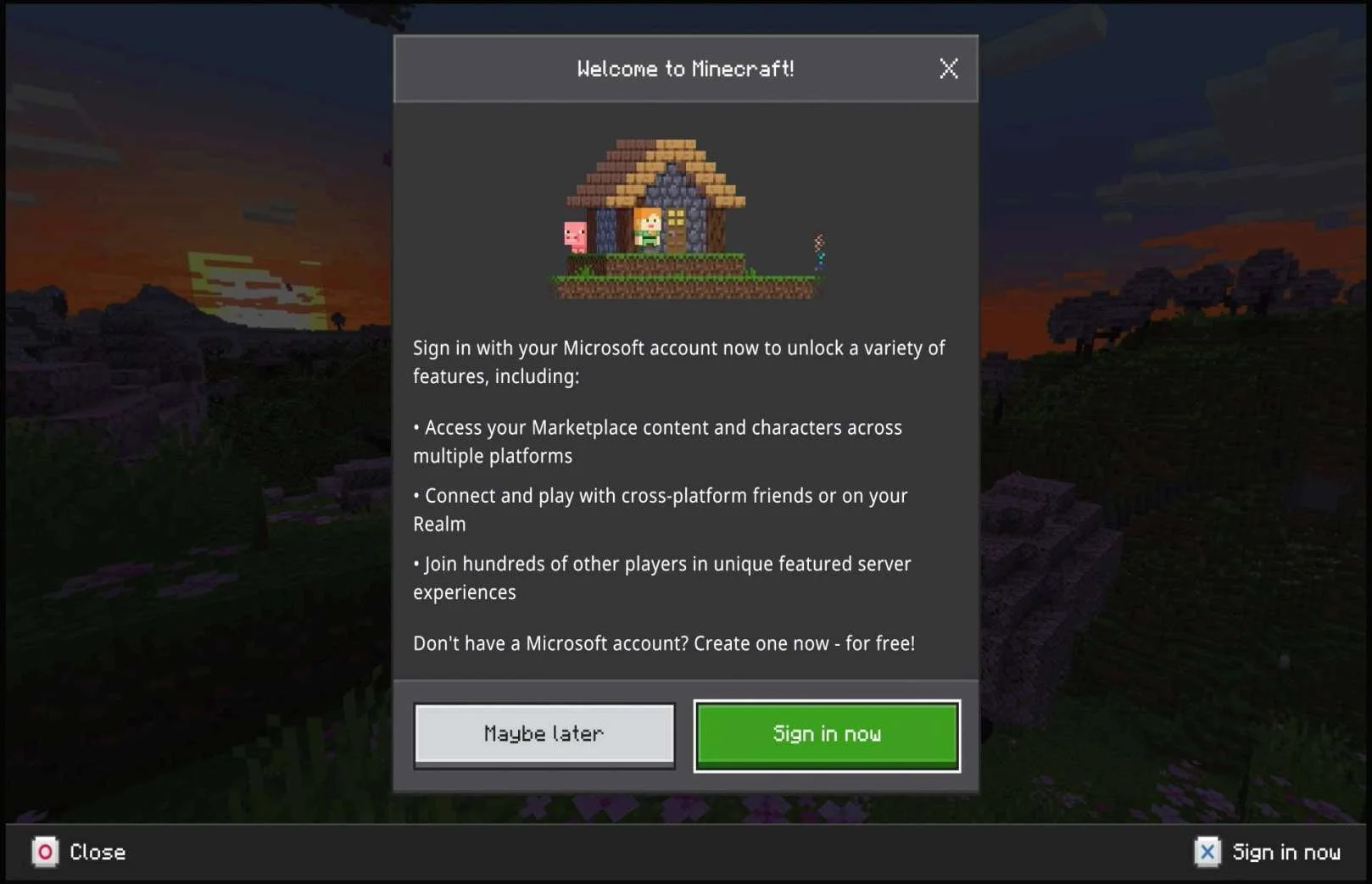
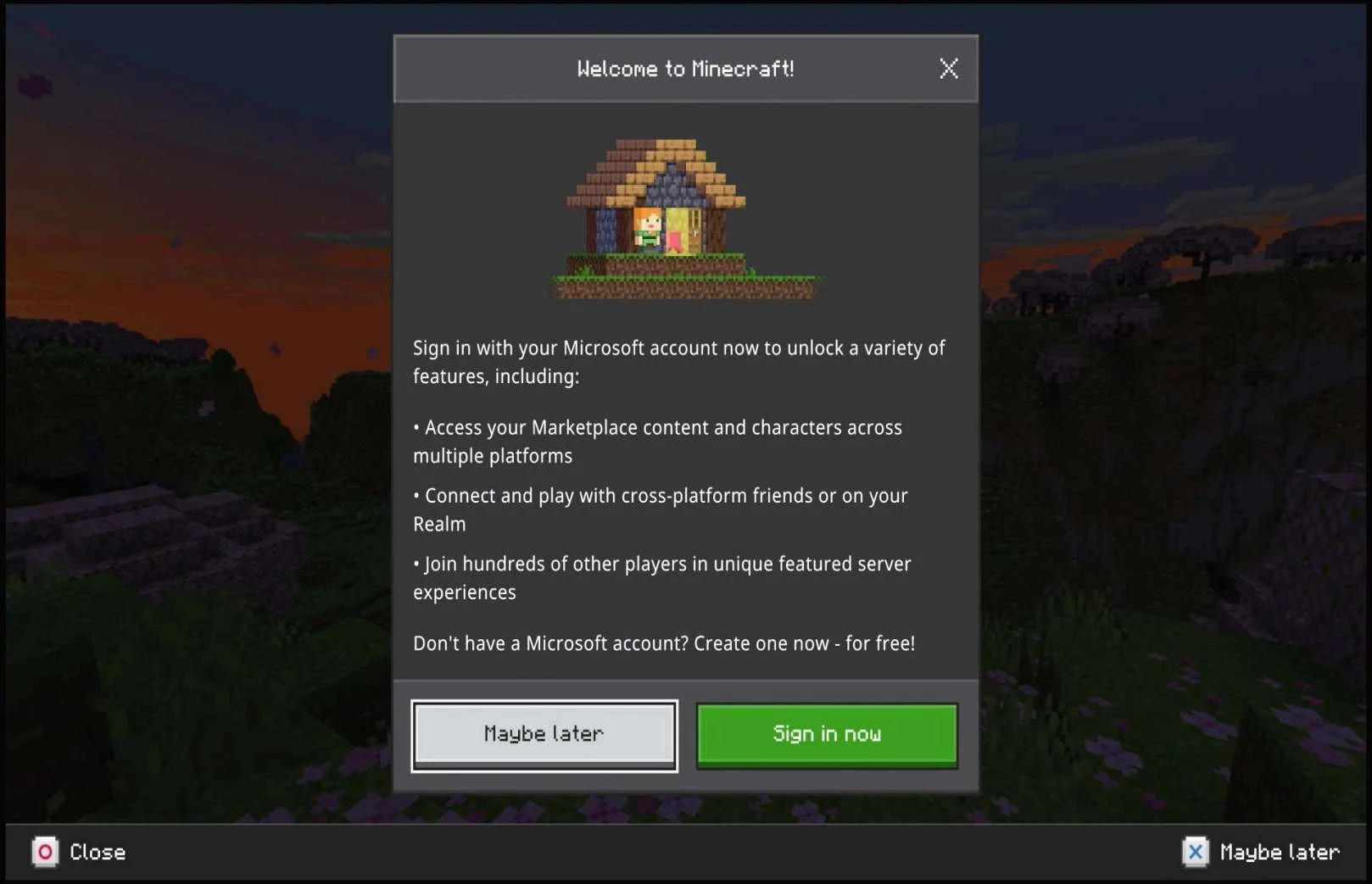
Showing button bar hints:
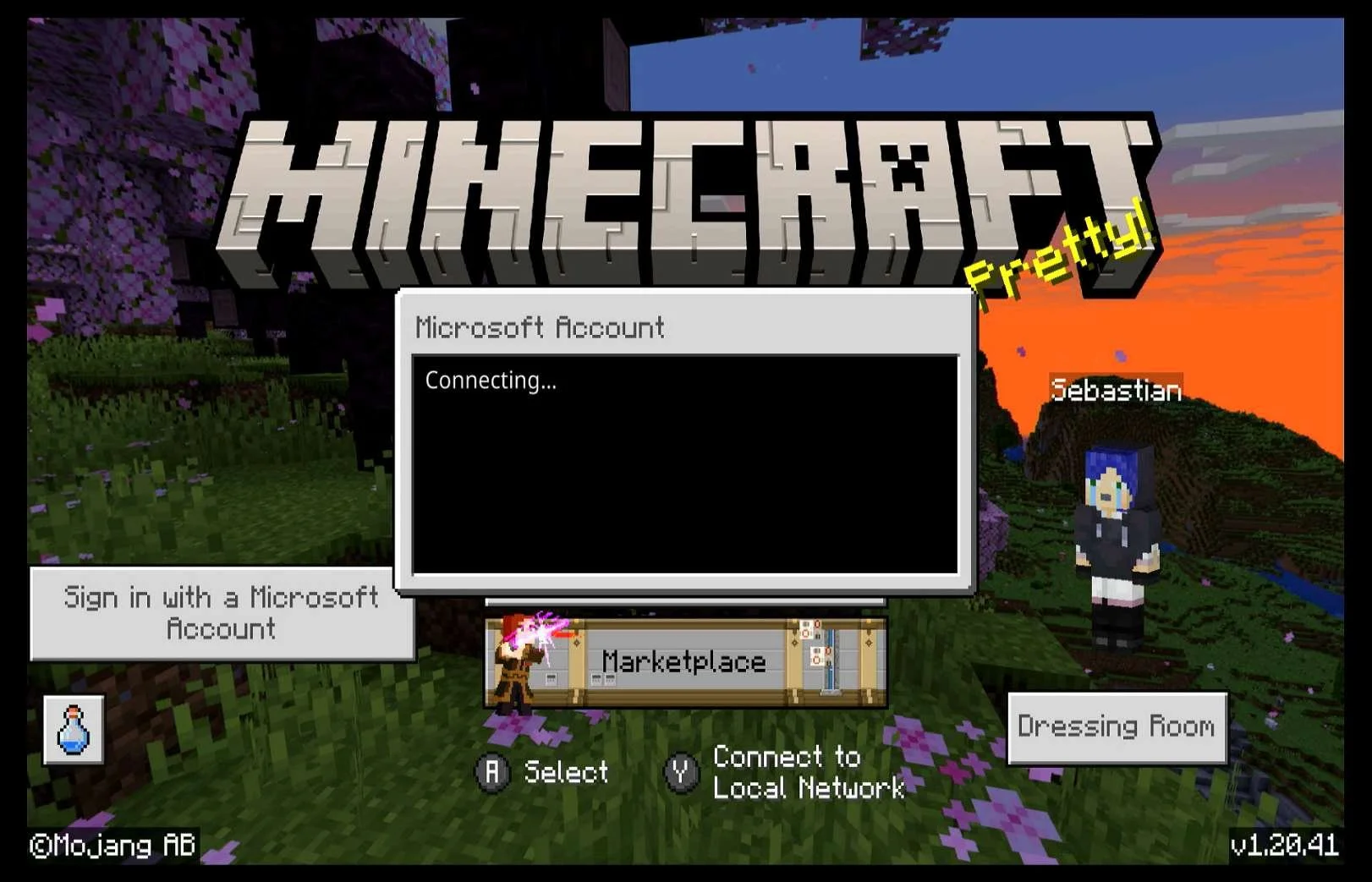
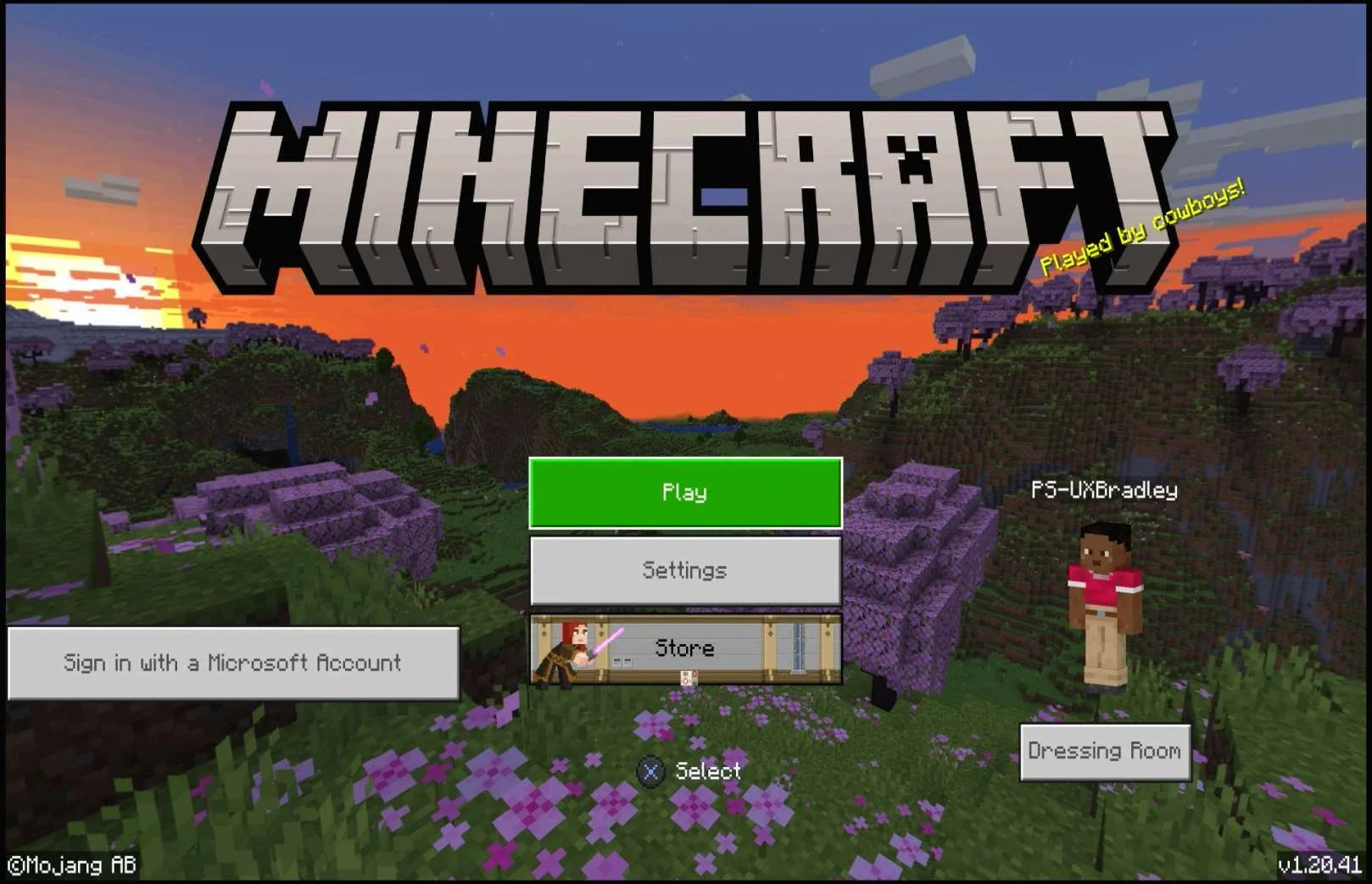
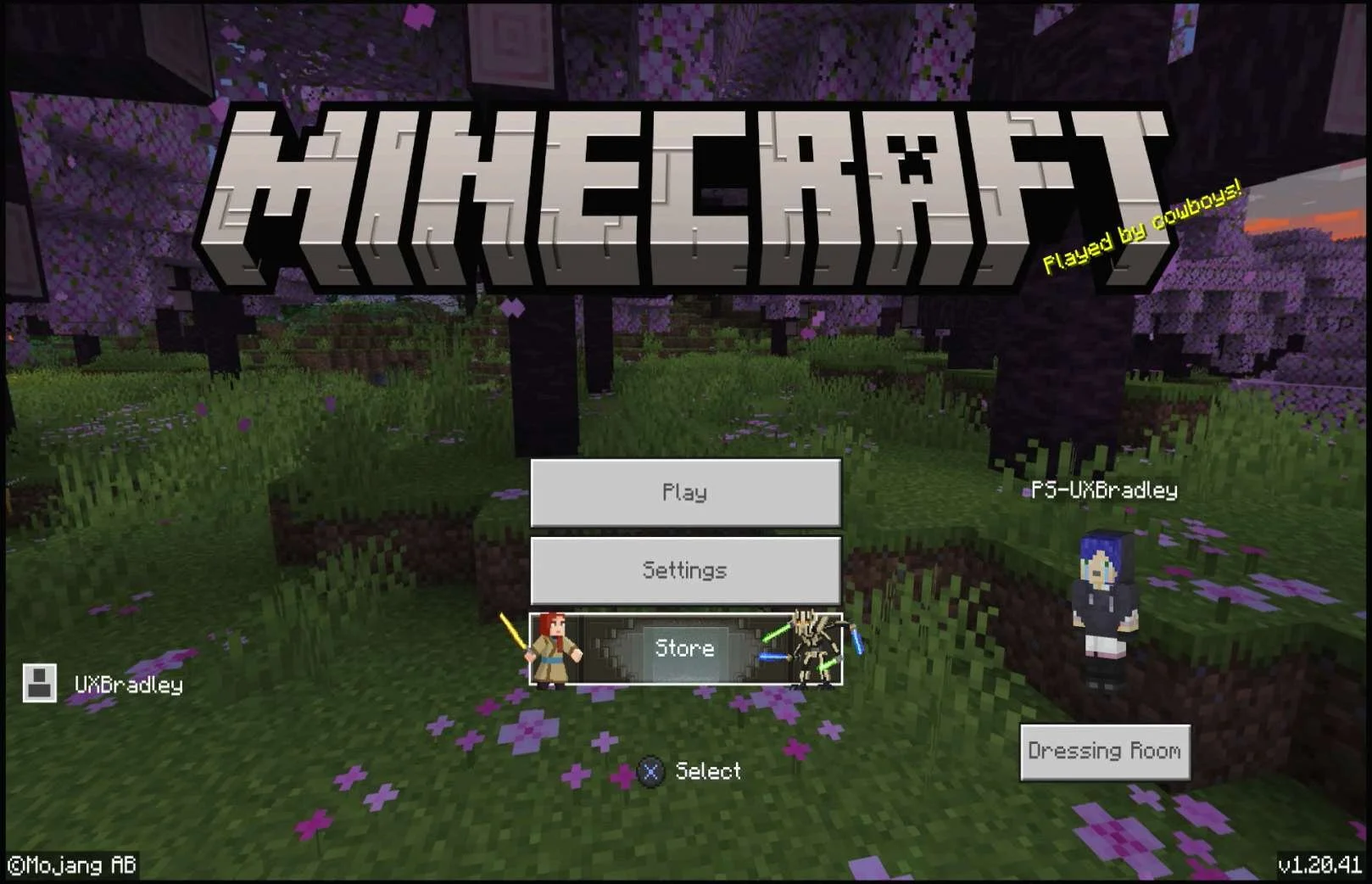
Main Menu ("Maybe later" selection):
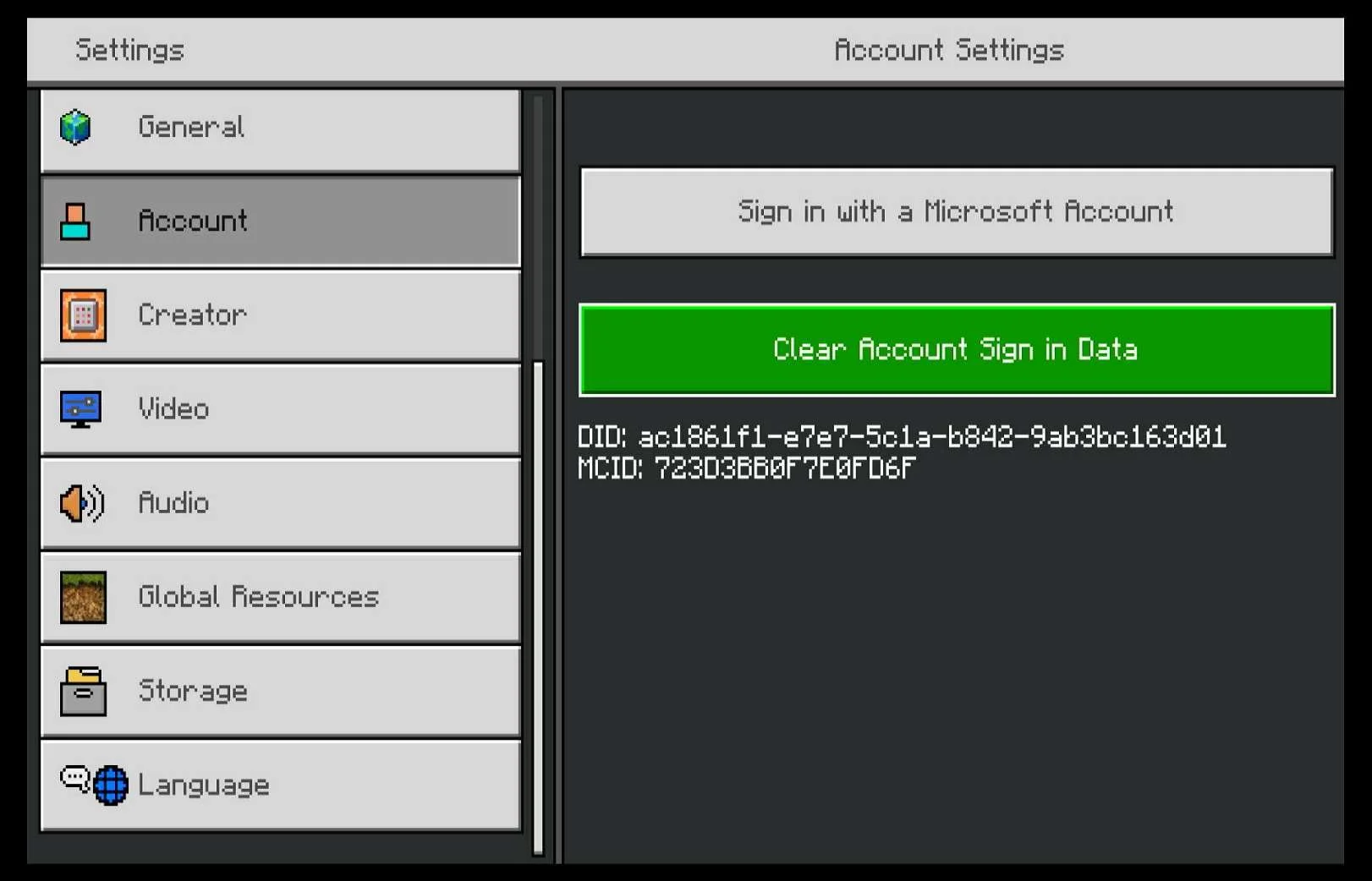
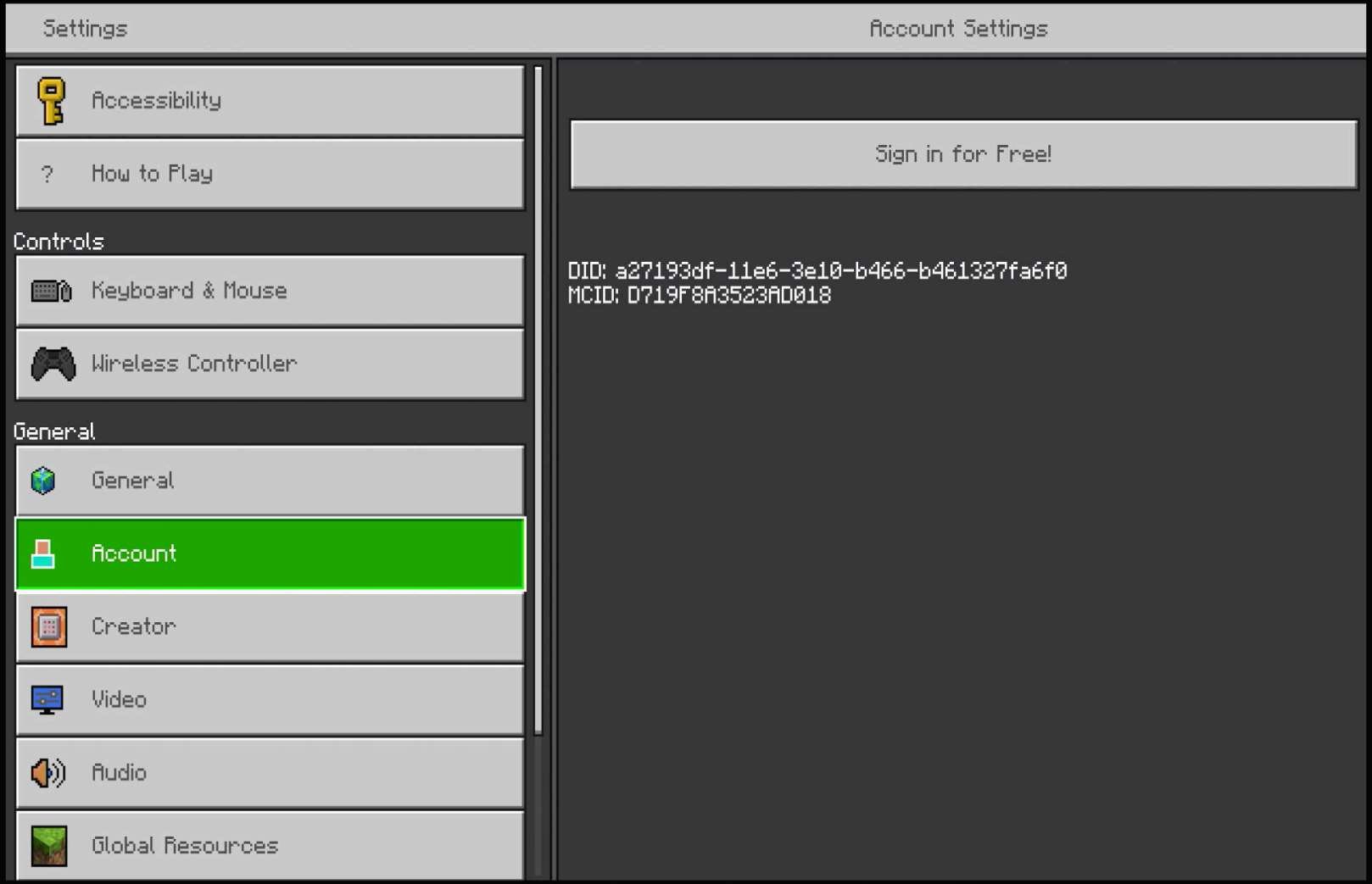
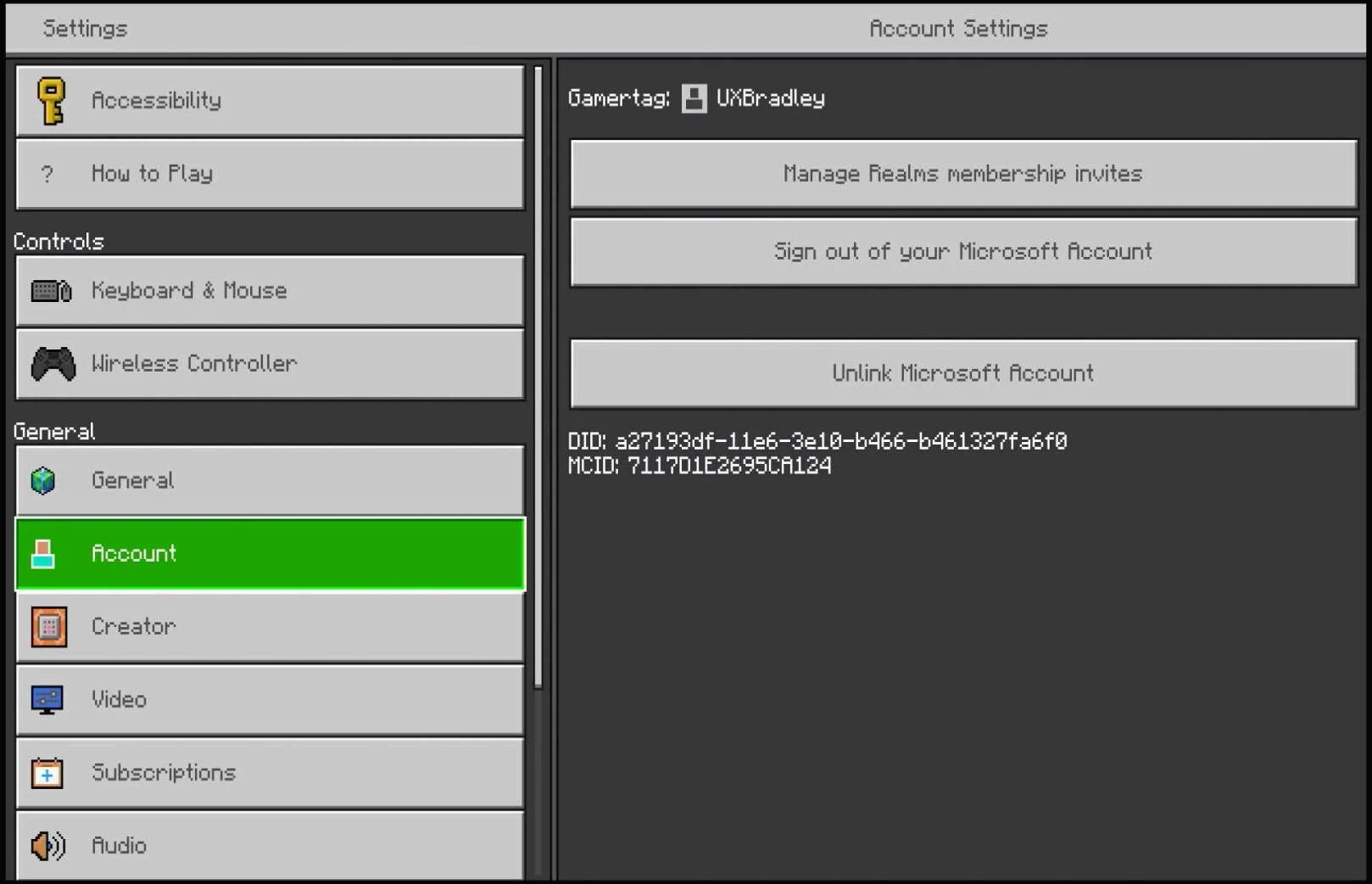
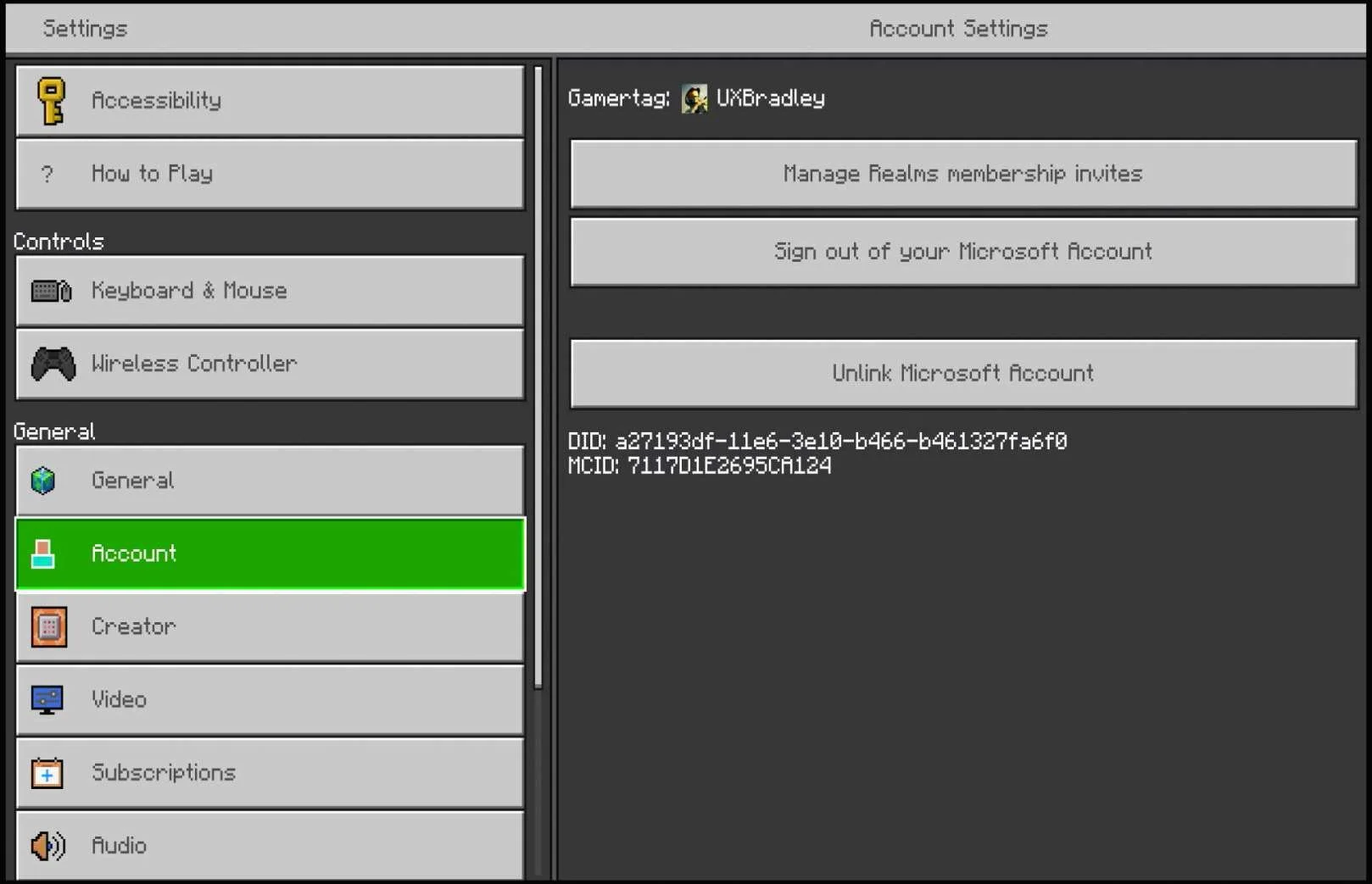
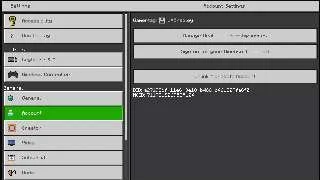
Settings → Account:
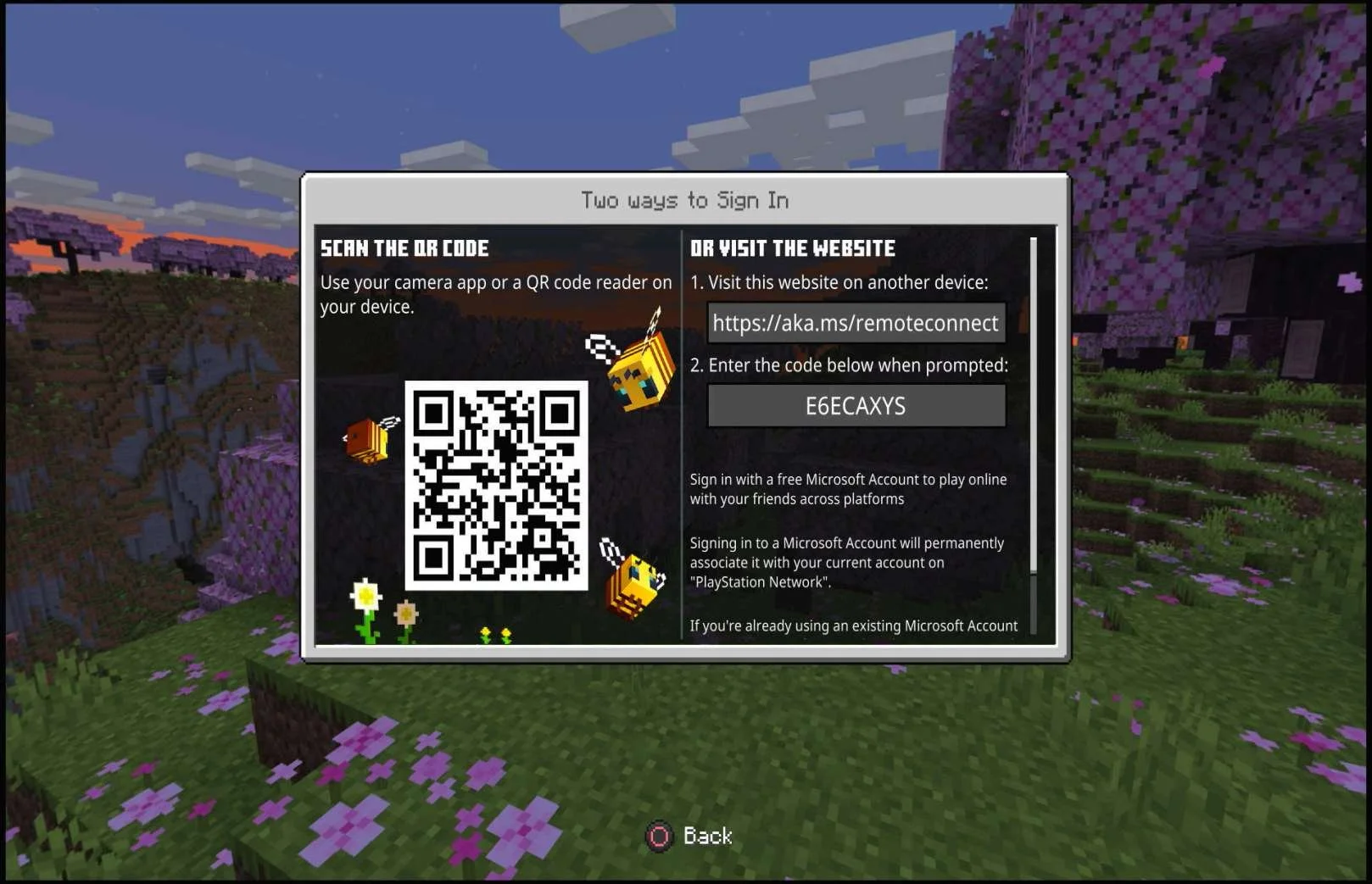
QR & URL screen ("Sign in now" selection or Main Menu → "Sign in with a Microsoft account" selection):
| Playstation 5 as the 4th platform.At this point in the research:
Minecraft on Playstation 5:
|
Screenshots from web browser on 15 Nov 2023 :
|
|
Screenshots from Playstation 5 on 15 Nov 2023 :
|
|
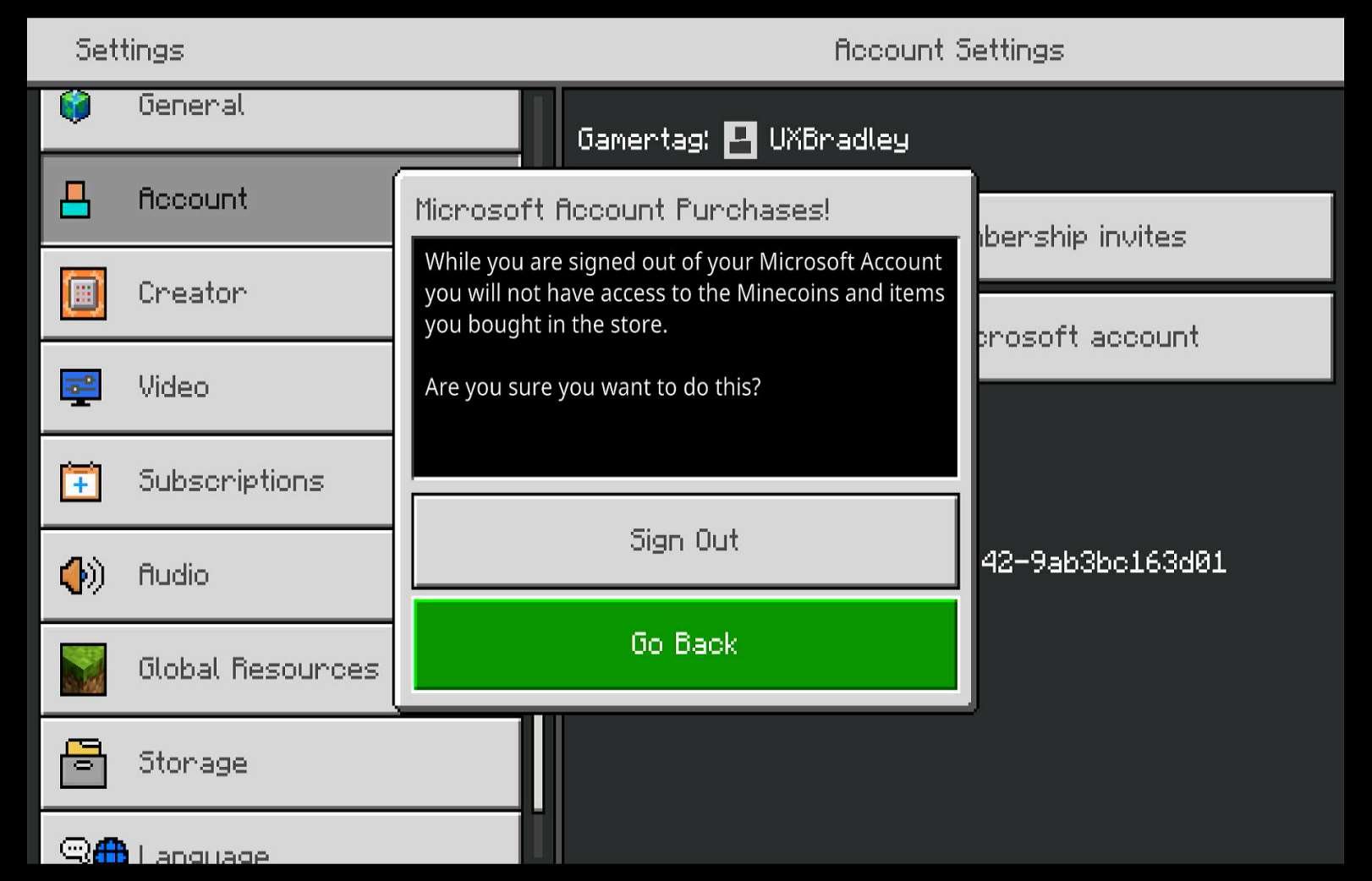
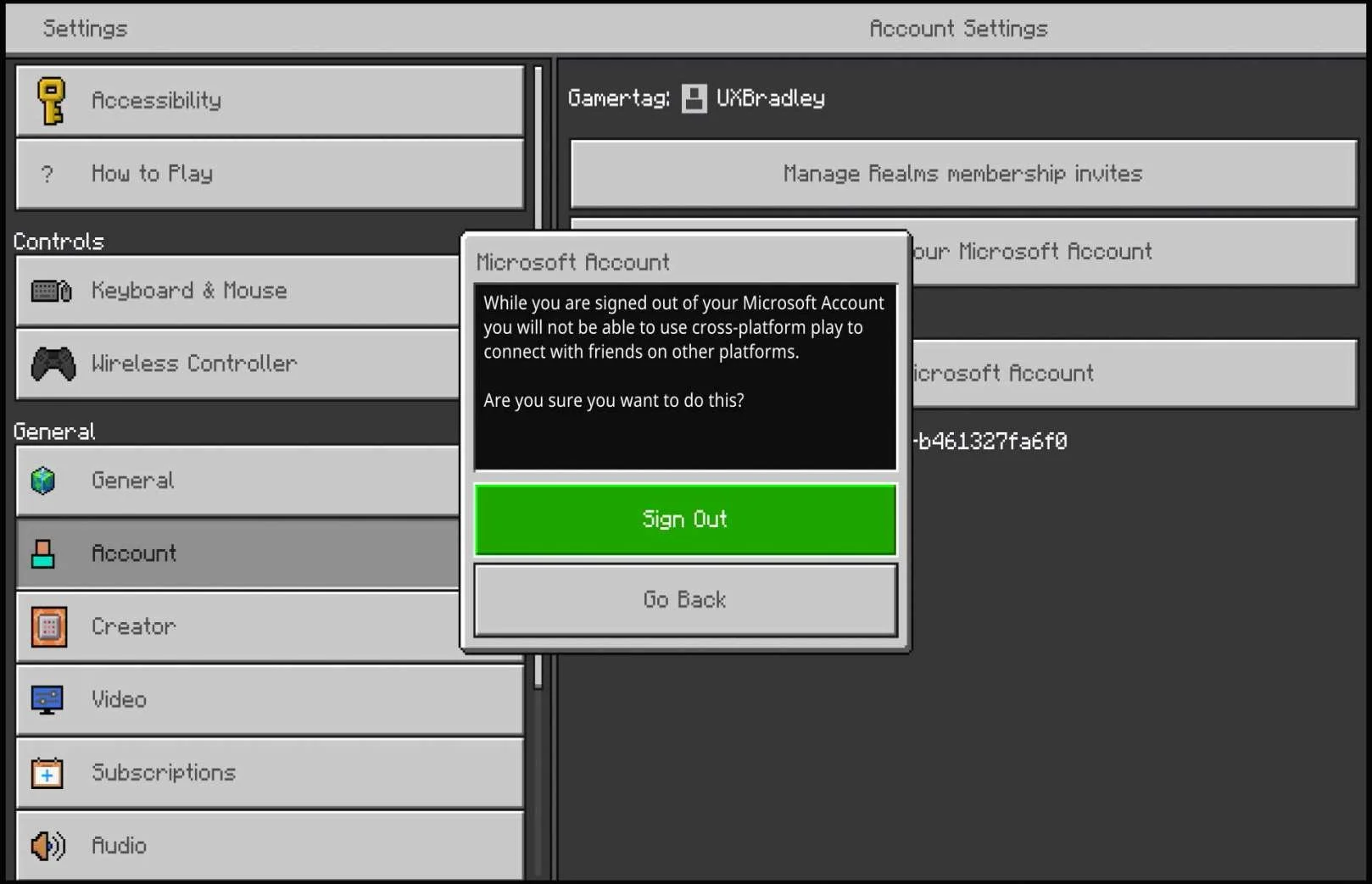
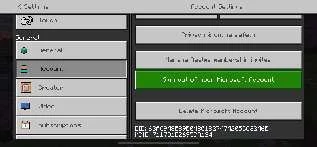
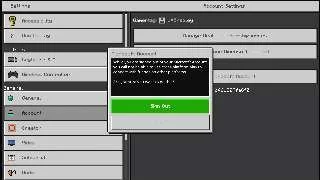
Screenshots from 16 Nov 2023 on Playstation 5: Selecting "Sign out of your Microsoft Account":
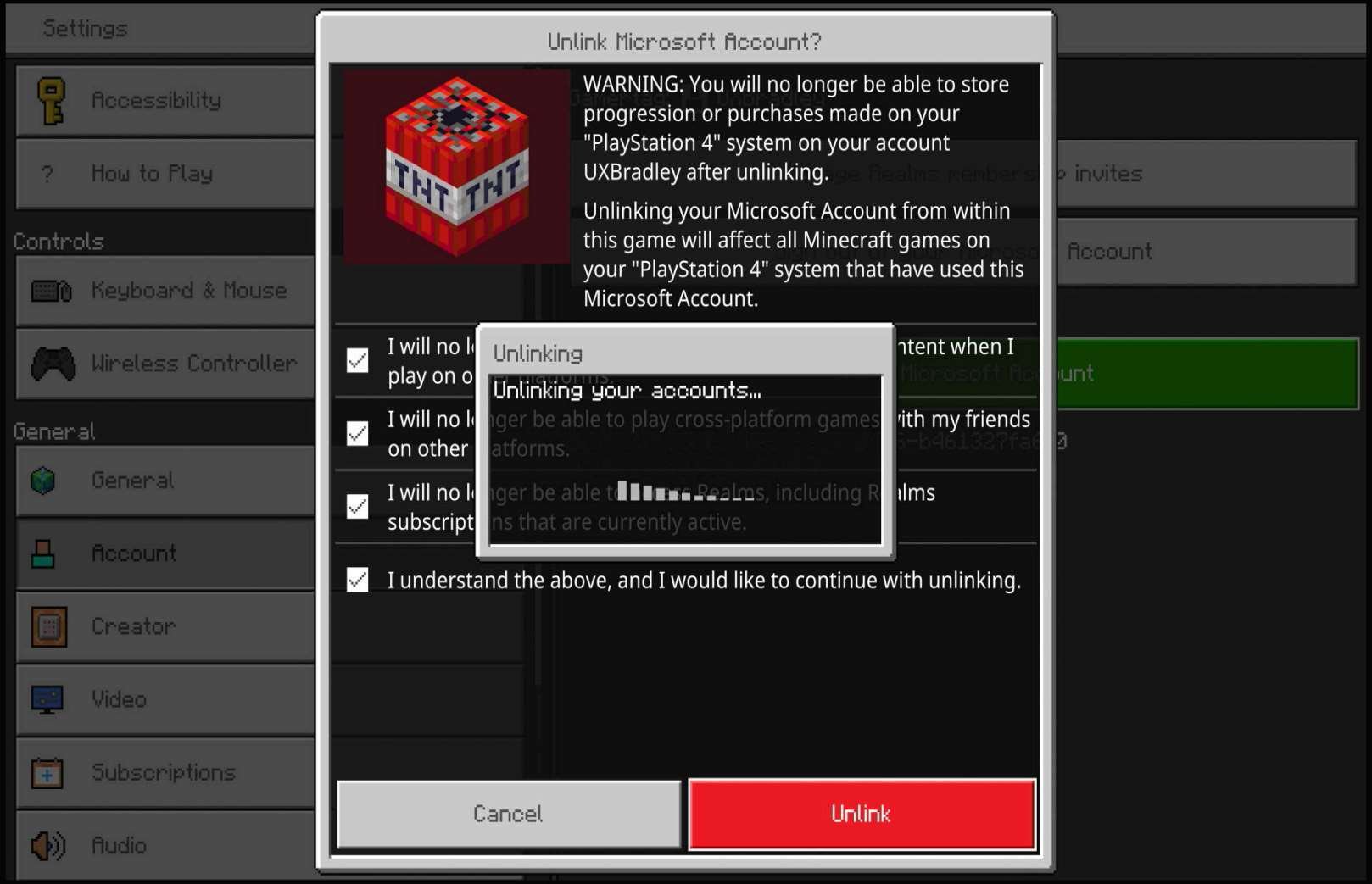
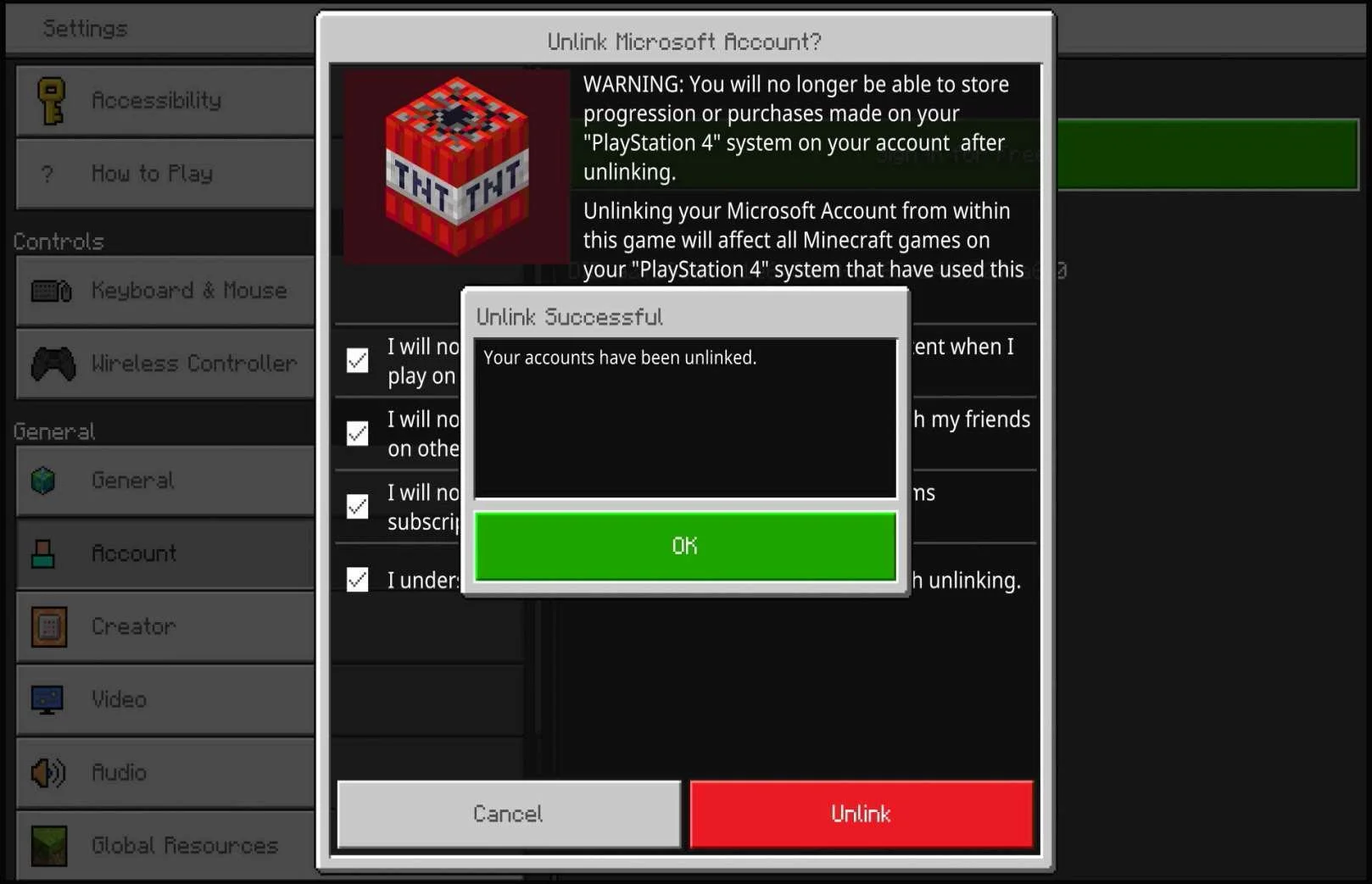
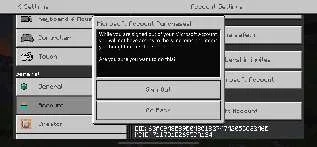
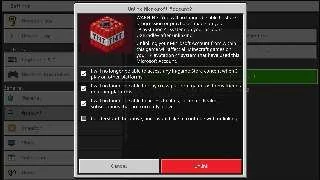
Selecting "Unlink your Microsoft Account":
When I tried to sign in with the other Microsoft Account:
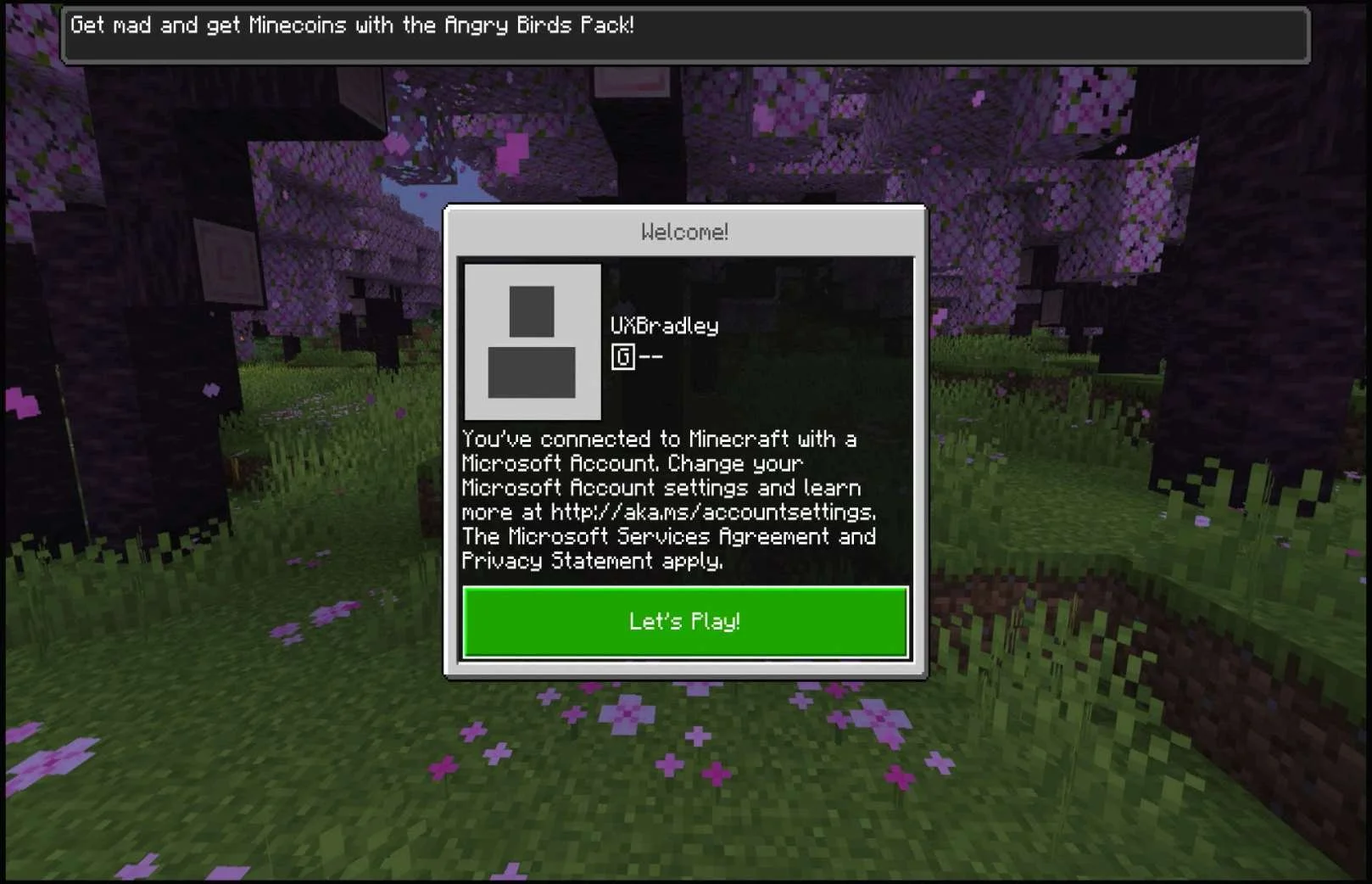
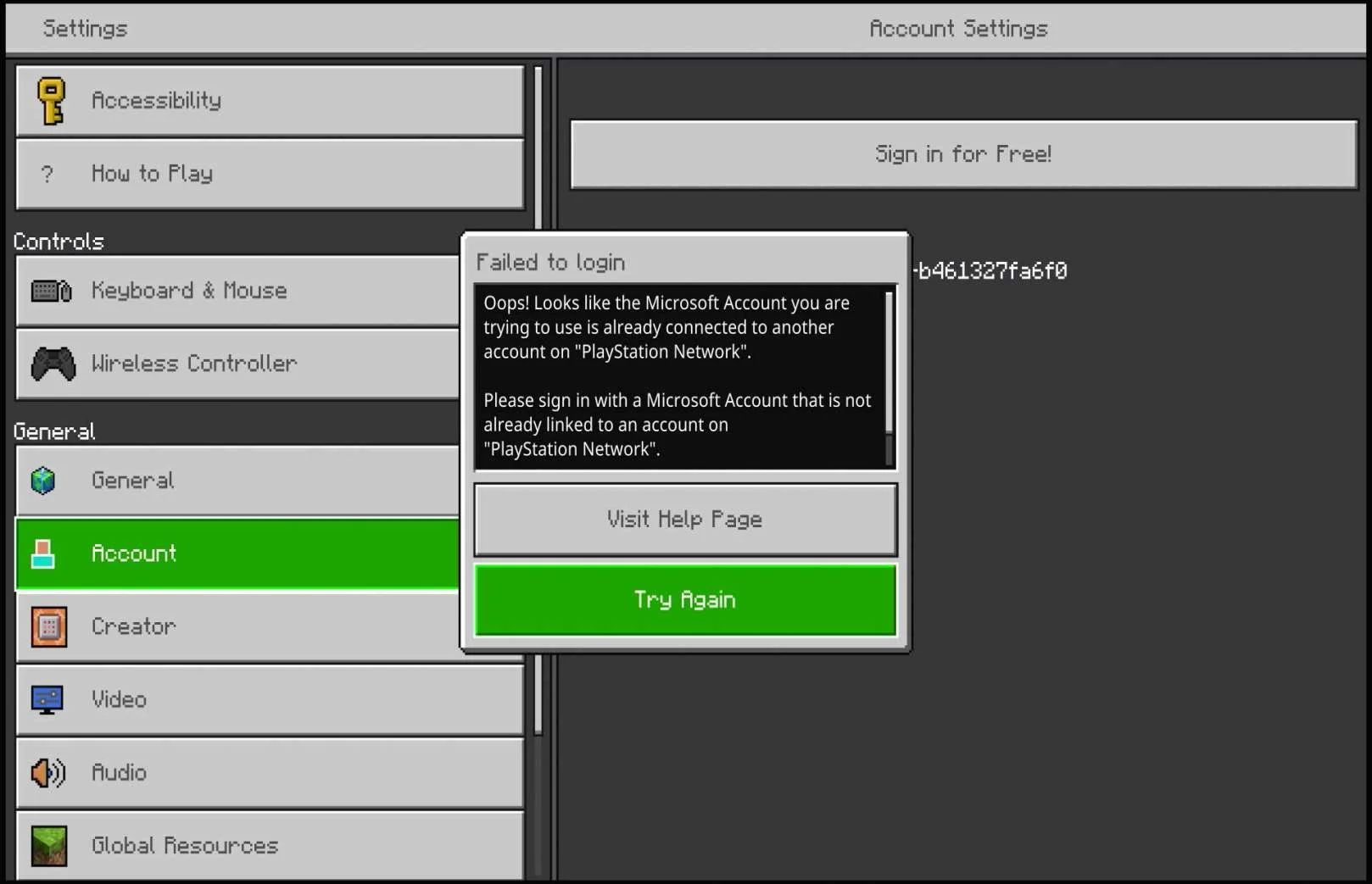
| IMPORTANTUpdated: Trying to switch which Microsoft Account is signed in / linked to the PS5 Minecraft version is not a good experience
When I tried to switch which Microsoft Account was signed in:
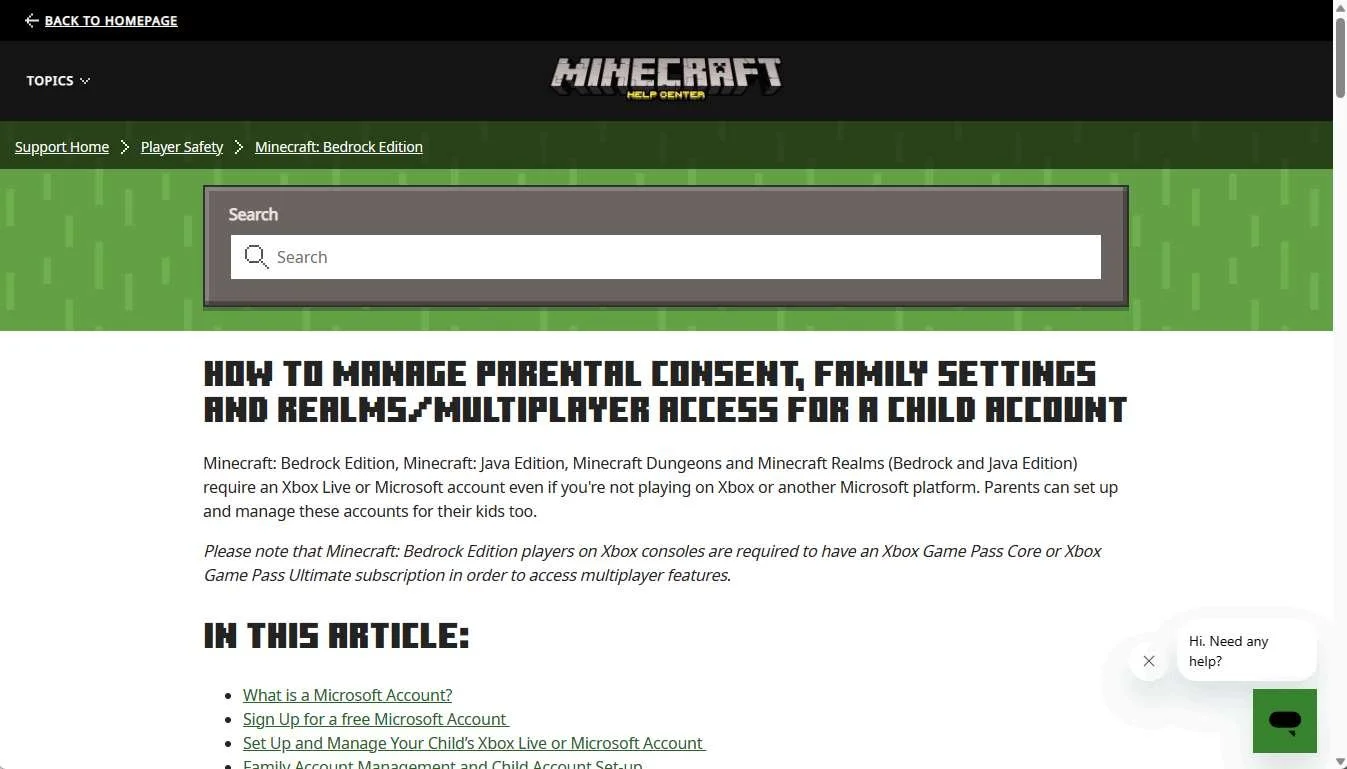
Apparently this is a known thing, outlined in the Minecraft Help site: Minecraft: Bedrock Edition for PlayStation® FAQ | Minecraft Help 16 Nov 2023 Screenshot from Minecraft help site:
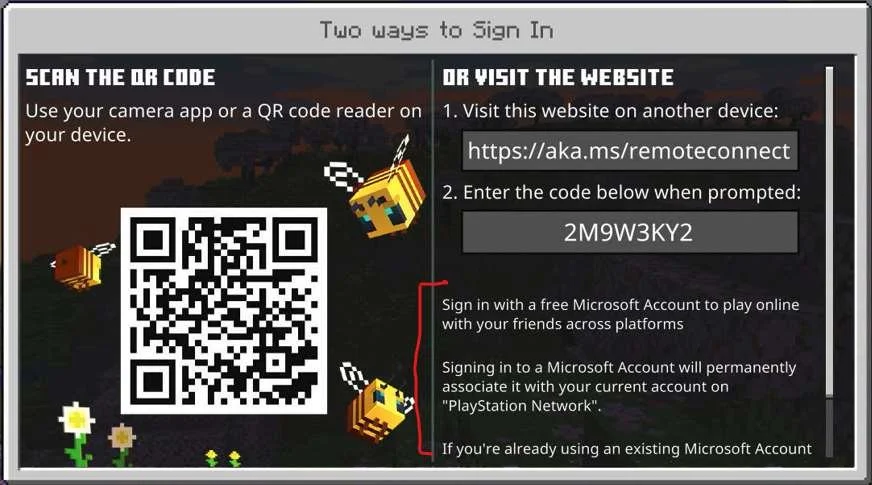
OK, apparently they DO warn you about this in the QR & URL screen when you go to sign into a Microsoft Account, but because I'd SEEN IT SO MANY TIMES while signing into the other platforms and because the text was so normal looking, I completely missed it. 15 Nov 2023 Cropped image from screenshot taken from Playstation 5:
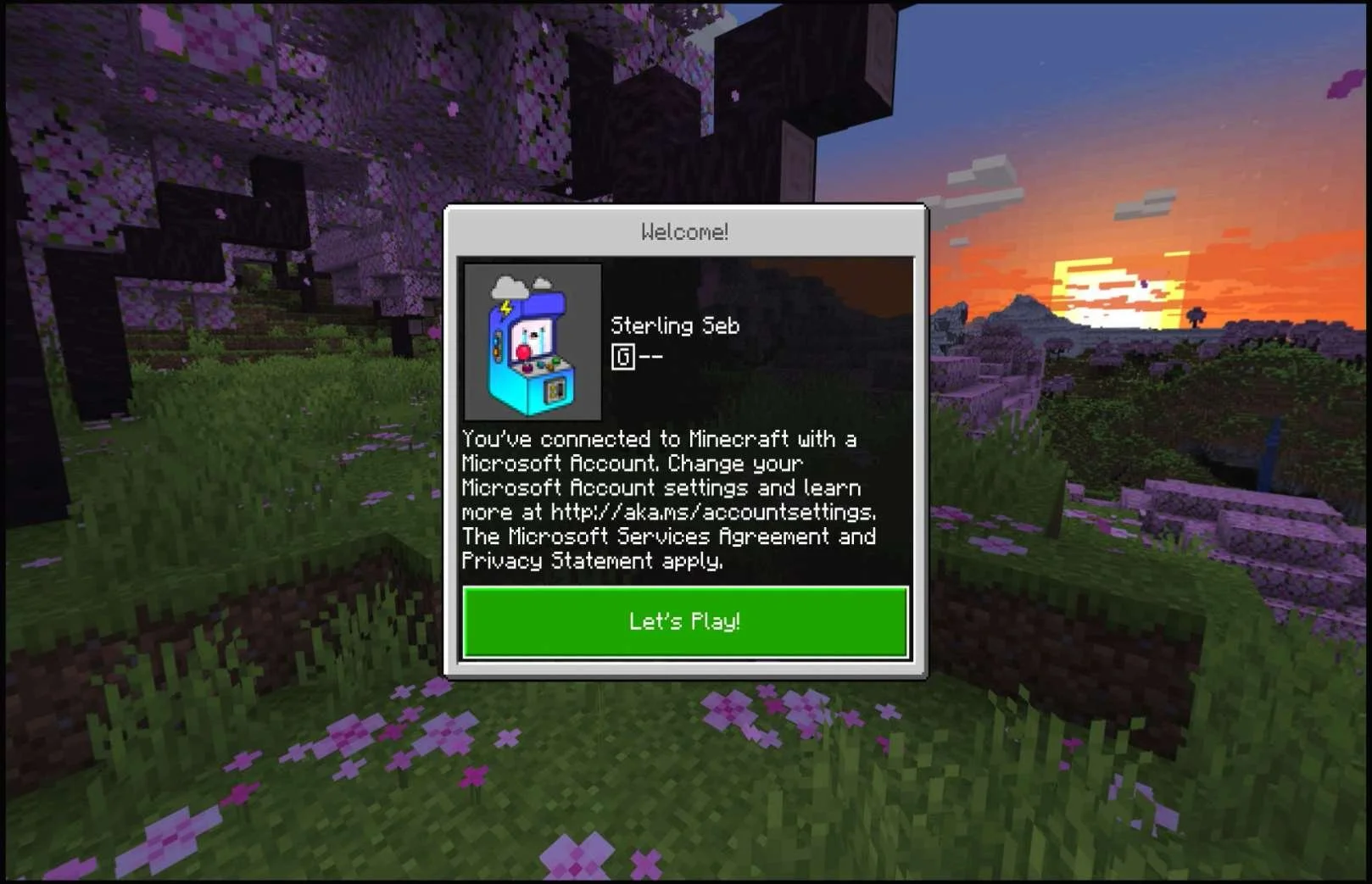
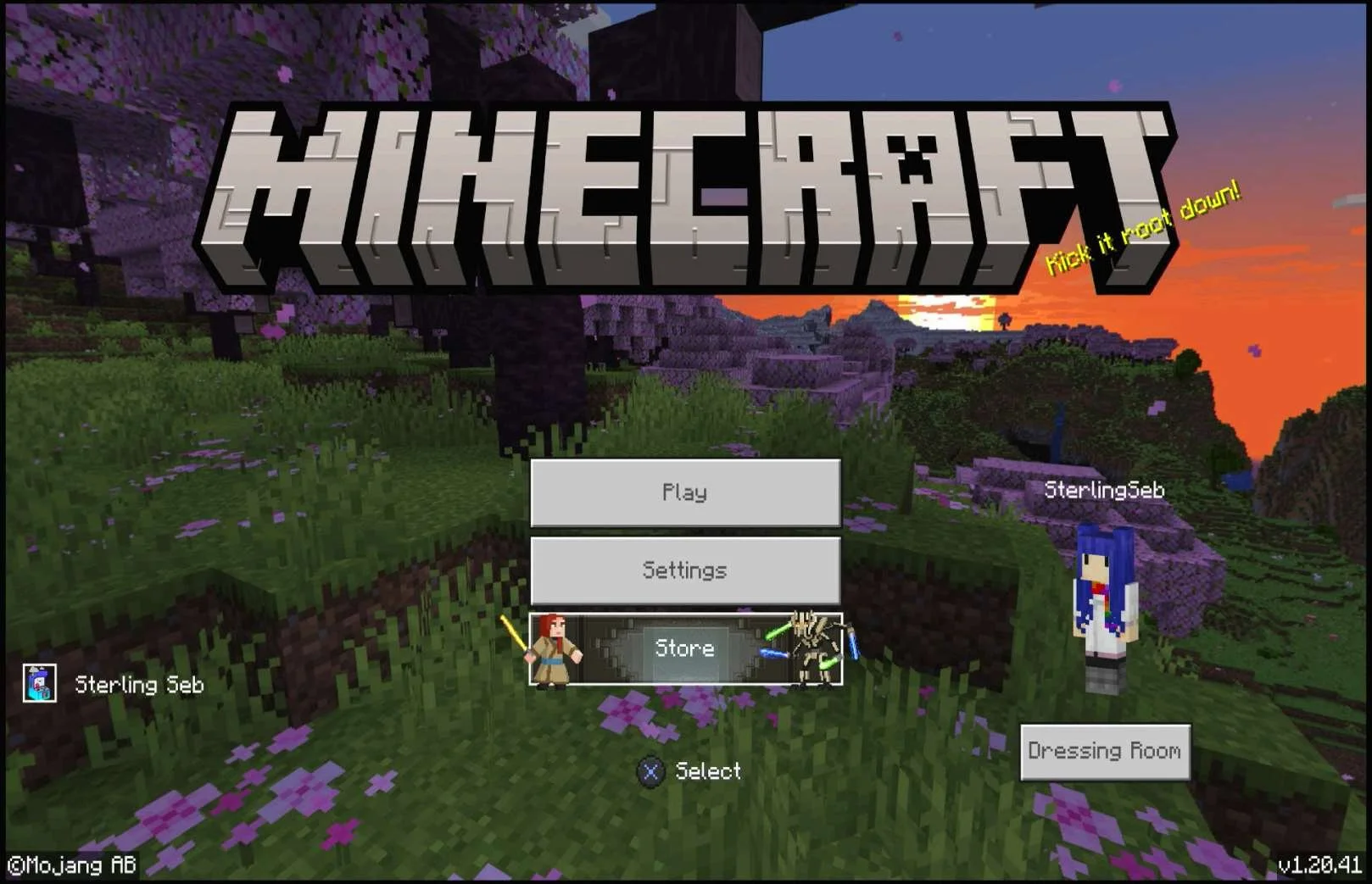
Judging by the amount of people posting on reddit, the Microsoft Community forums and other places on the internet, I'm going to hazard a guess that I'm not the only person who missed this text and had no idea what was happening. And looking at some of the responses in those threads just reinforces the idea that people completely missed the warning. I had to completely create a new Playstation 5 account in order to sign in to the other Microsoft Account (Sterling Seb) that I was trying to switch over to. After creating the new Playstation 5 account, I was able to then successfully sign into my other Microsoft Account (Sterling Seb) and see my XBOX profile (Sterling Seb) and the associated character / avatar. |

iOS (APPLE)
Media | Notes |
|---|---|
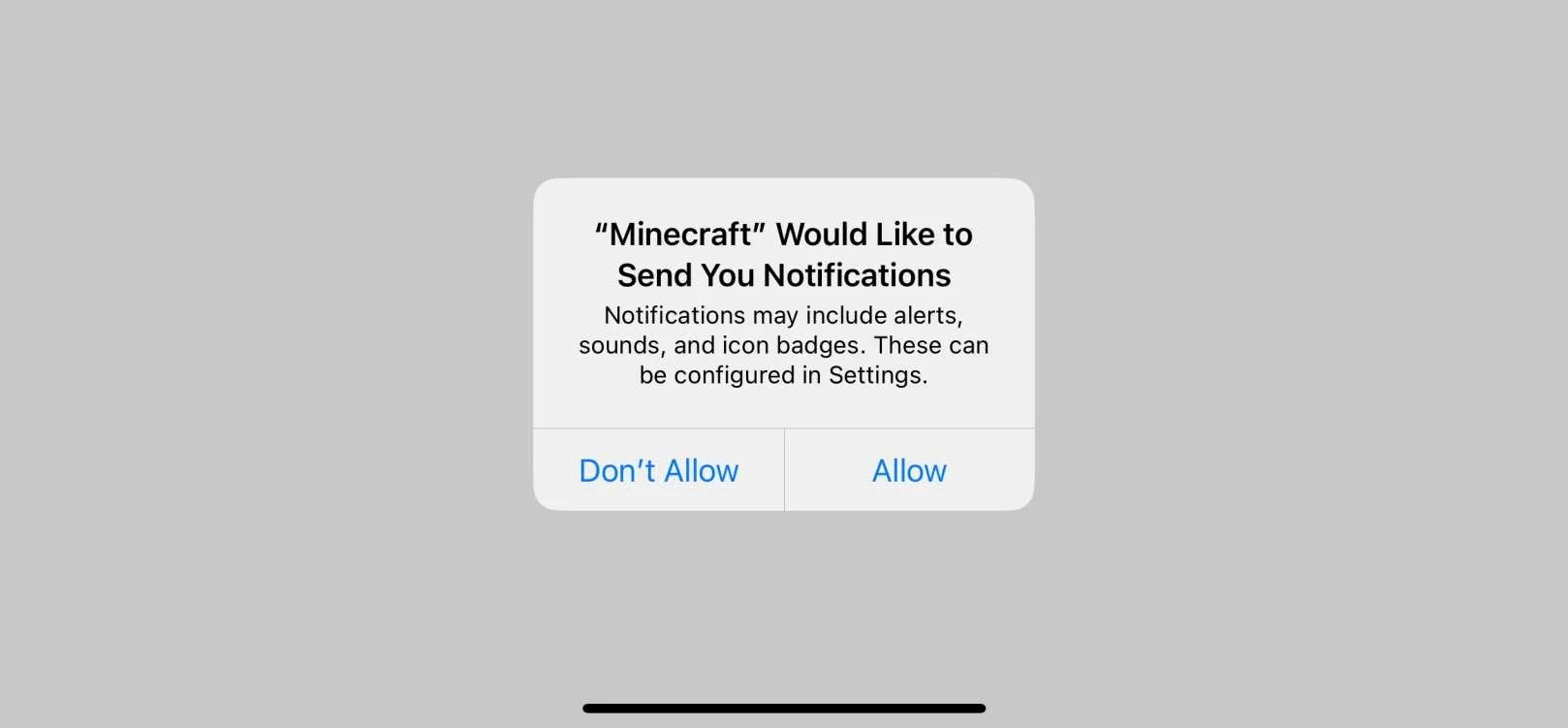
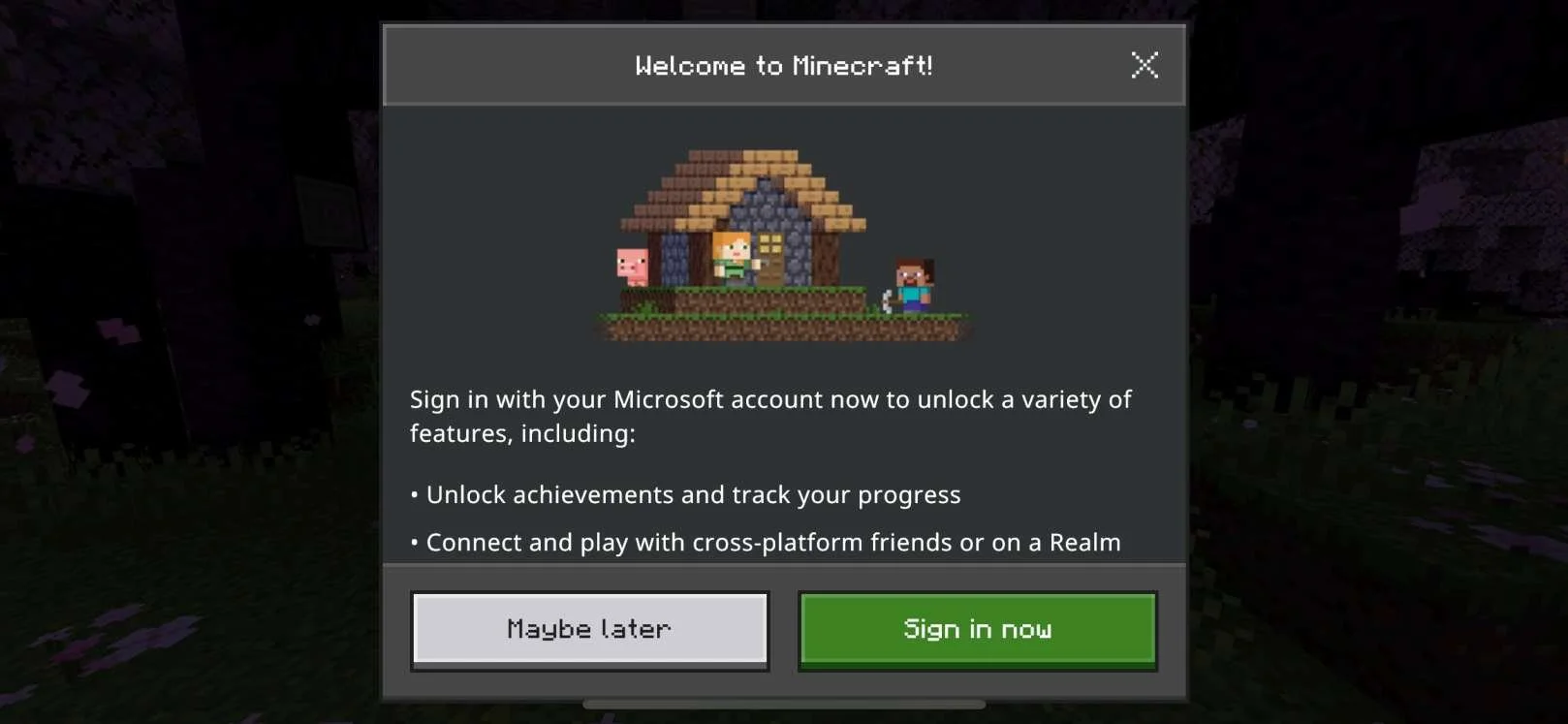
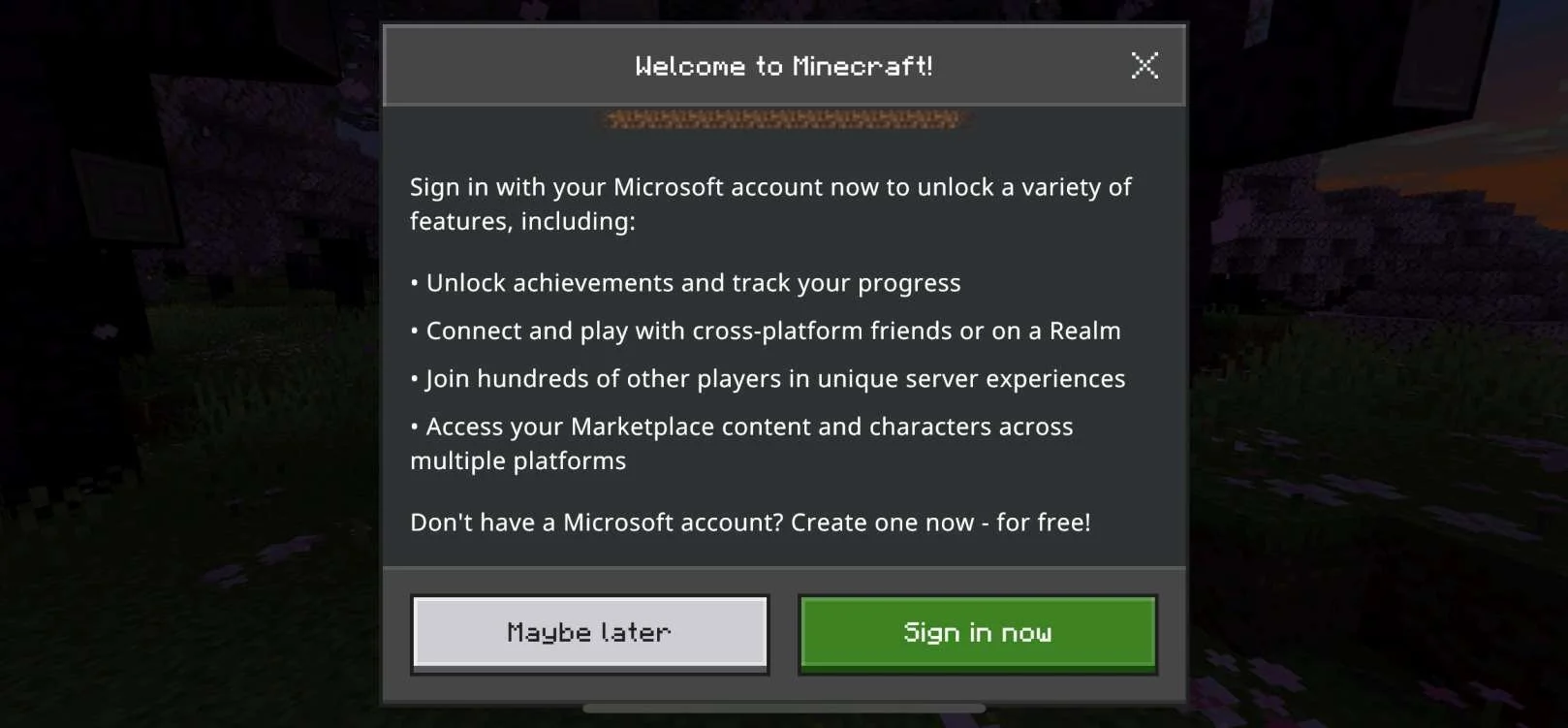
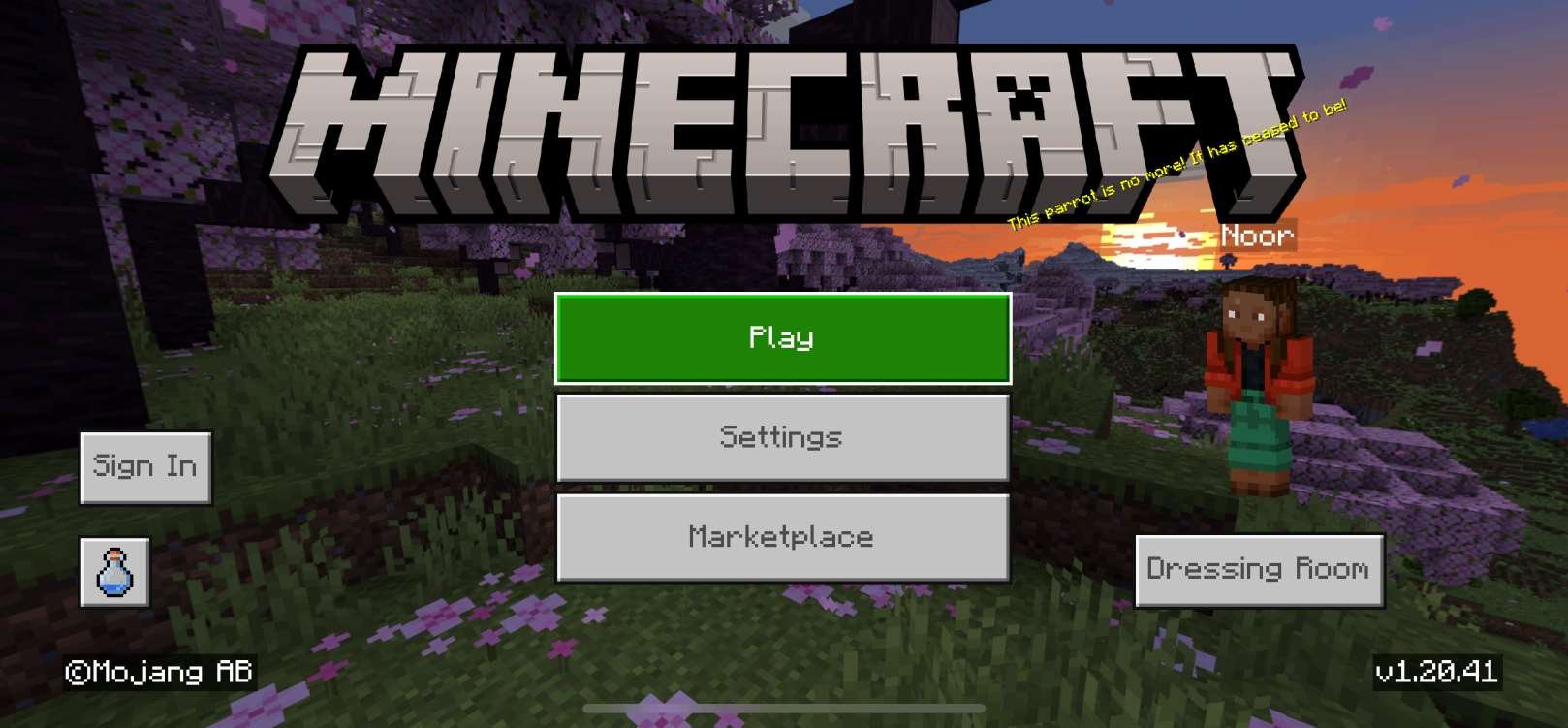
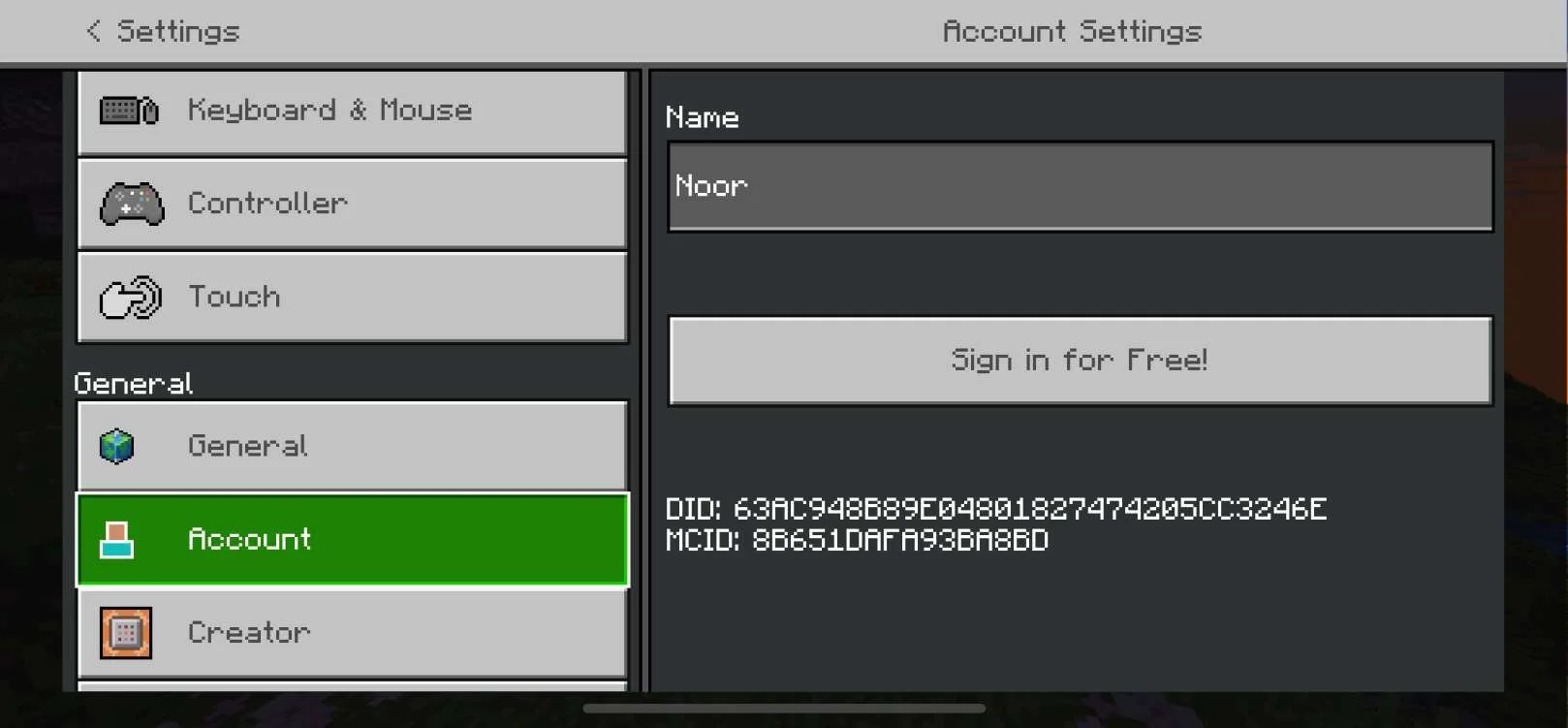
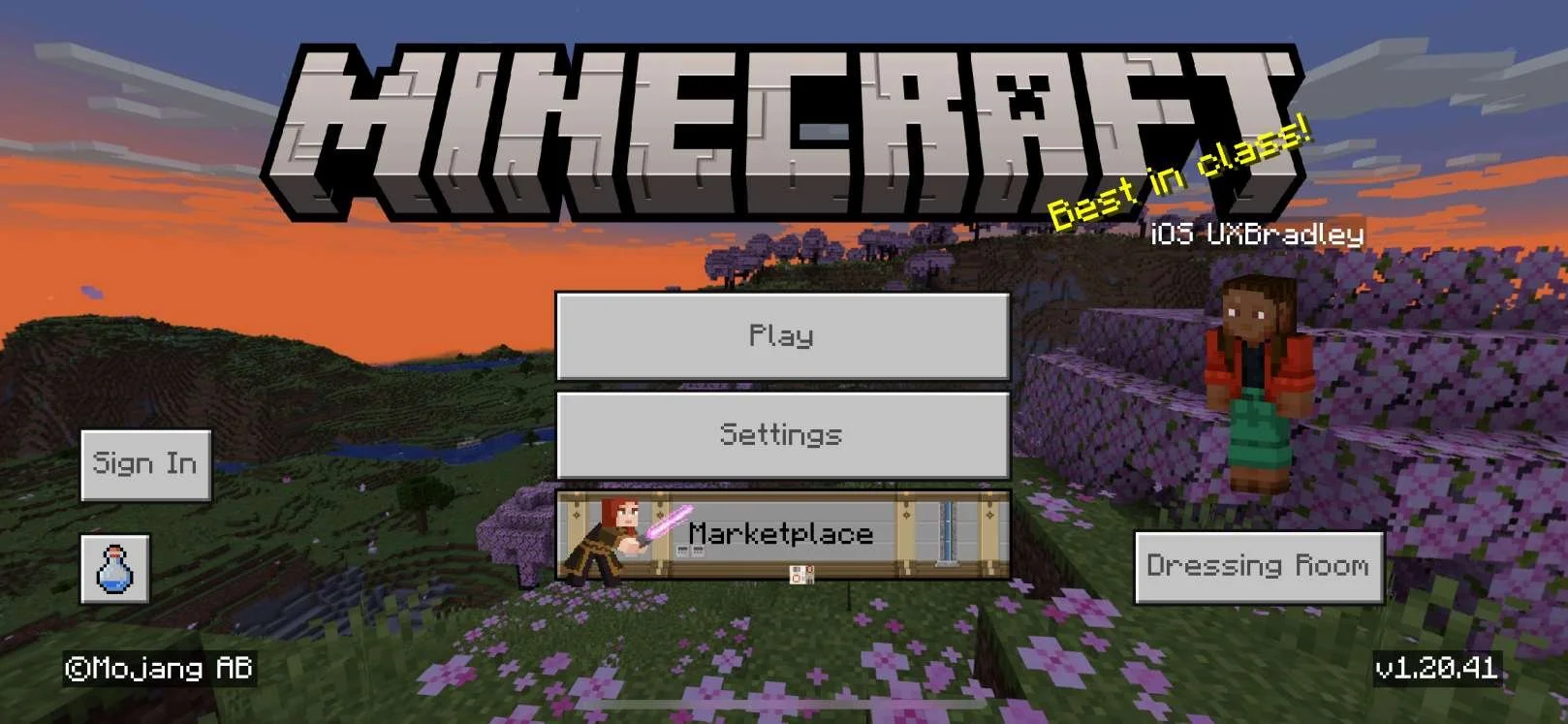
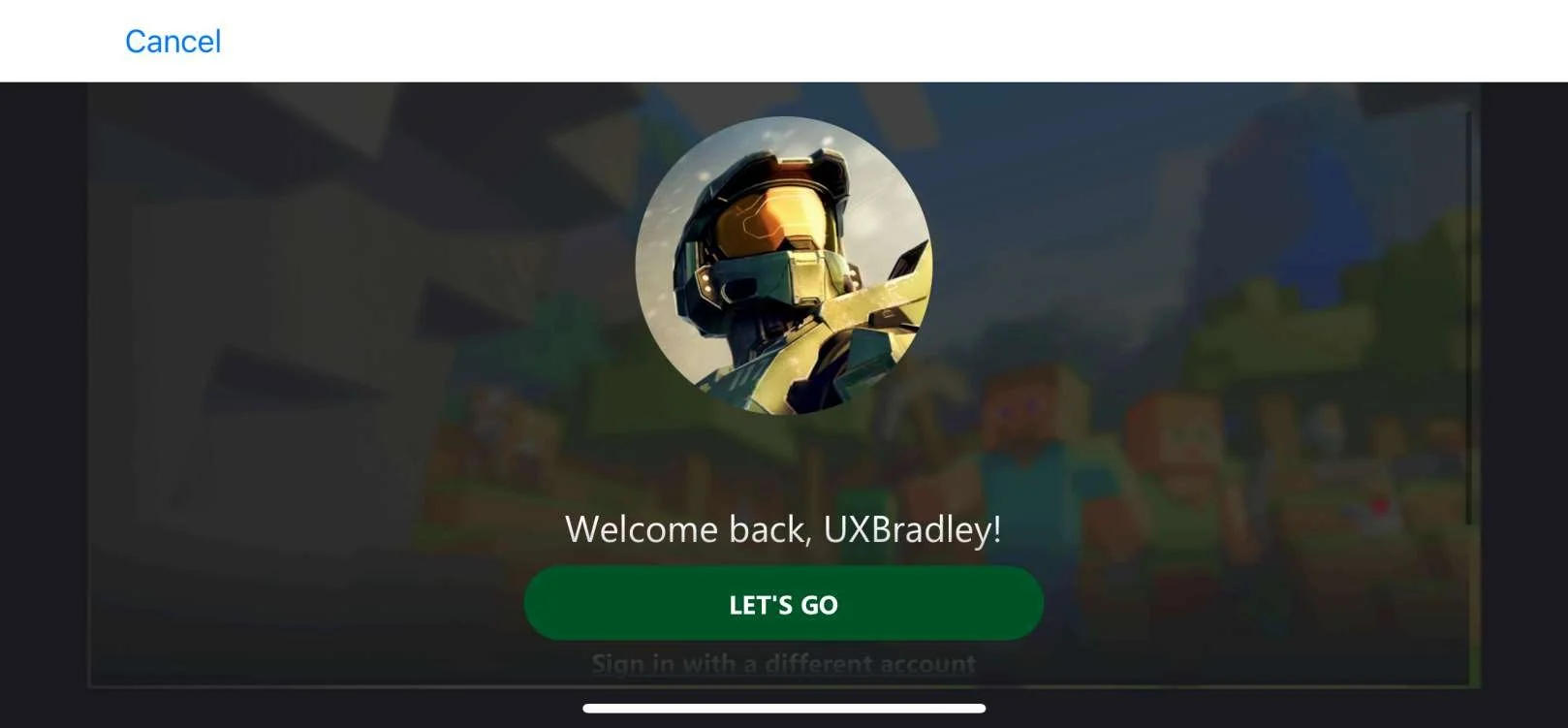
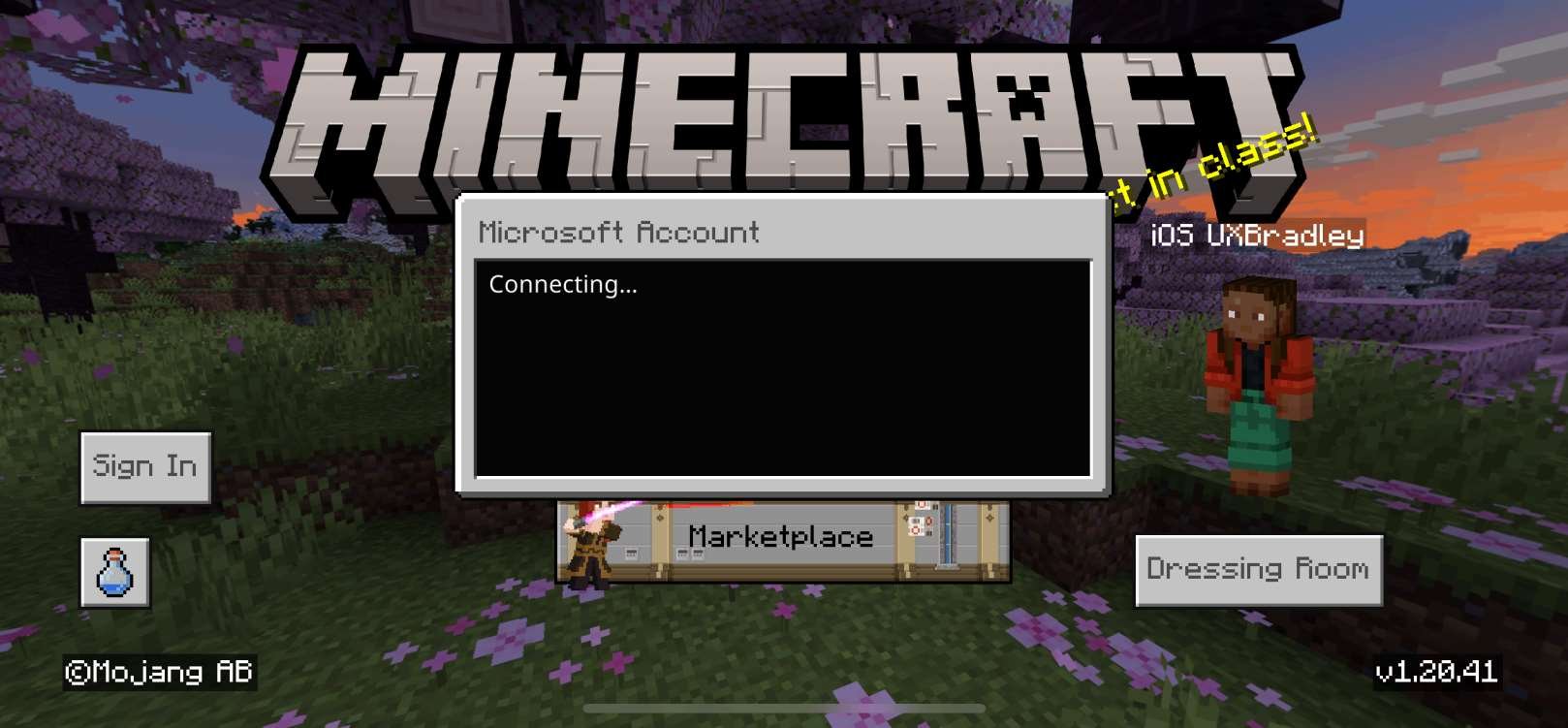
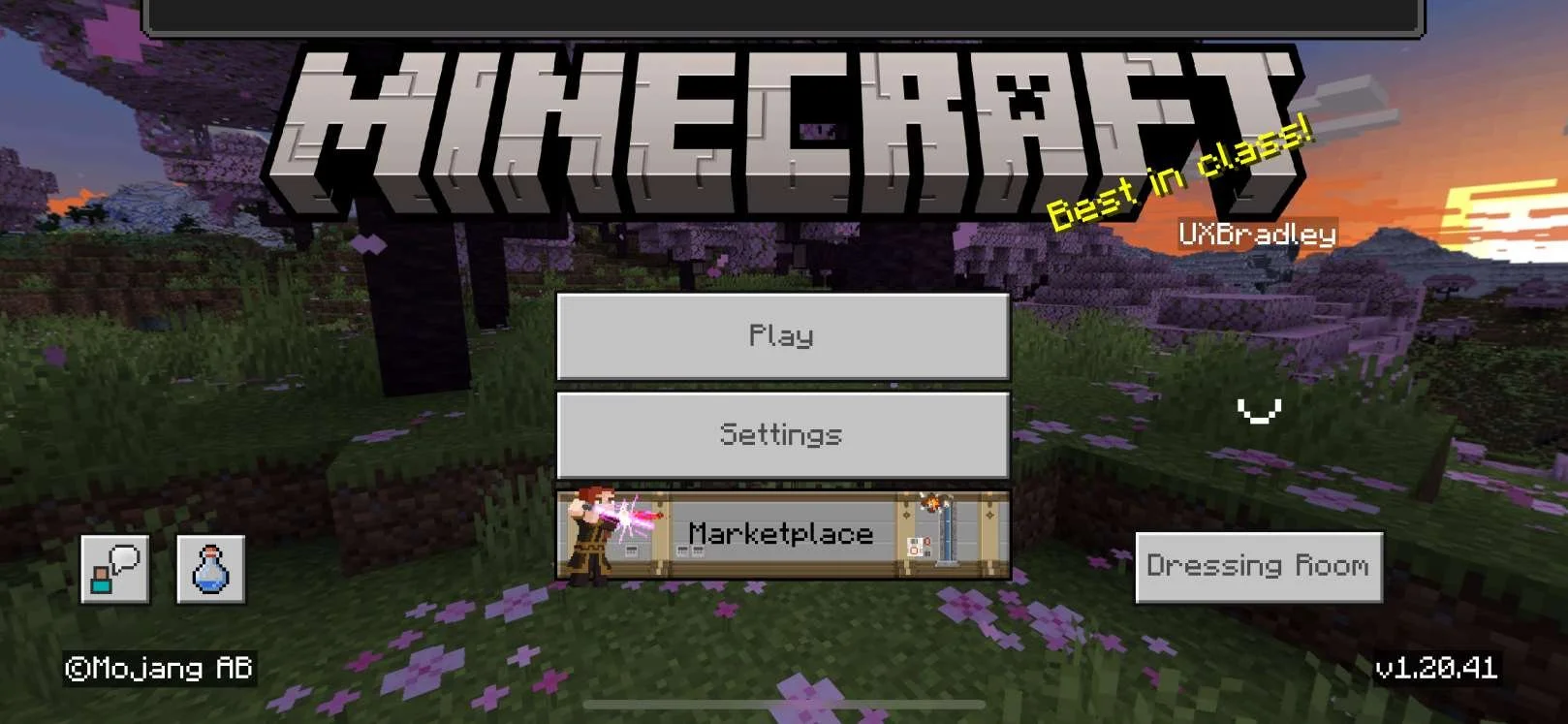
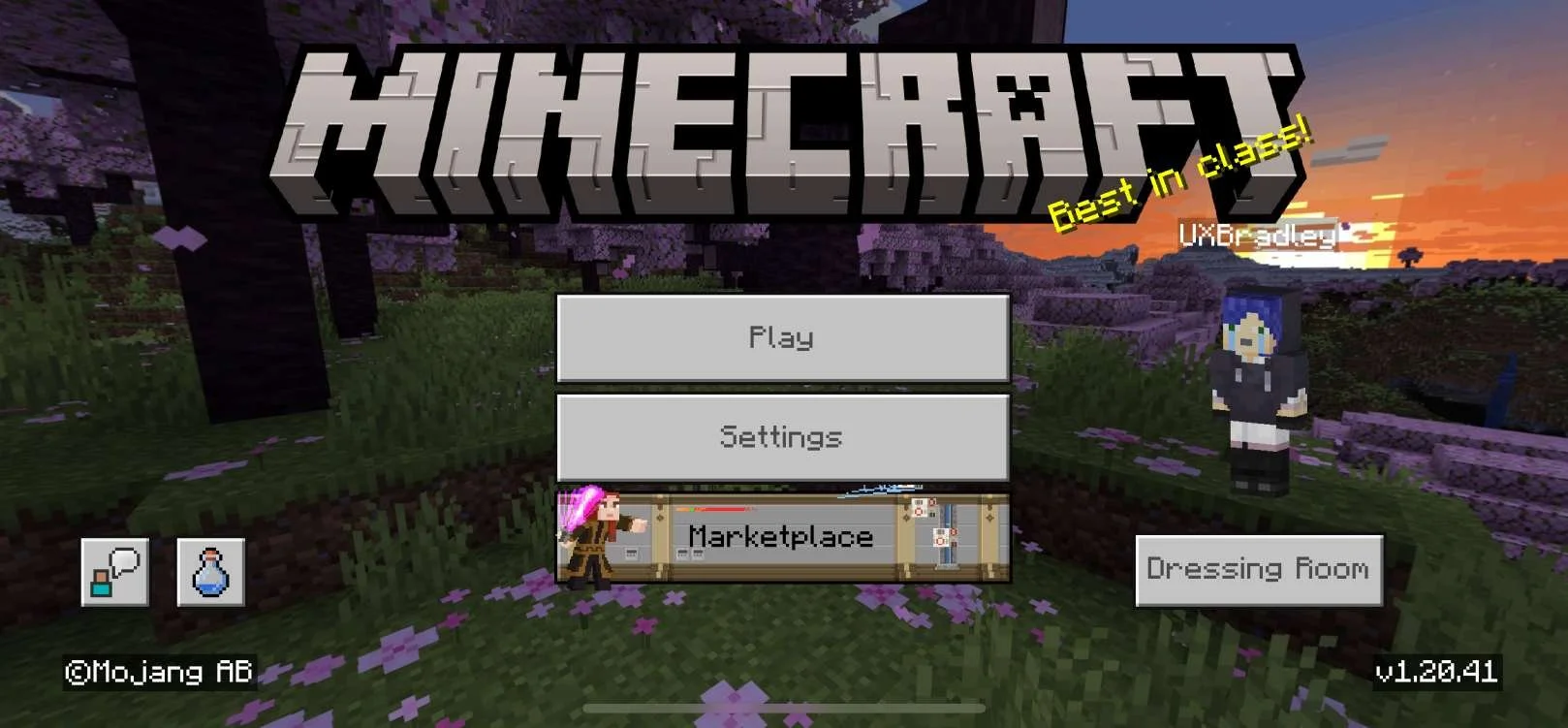
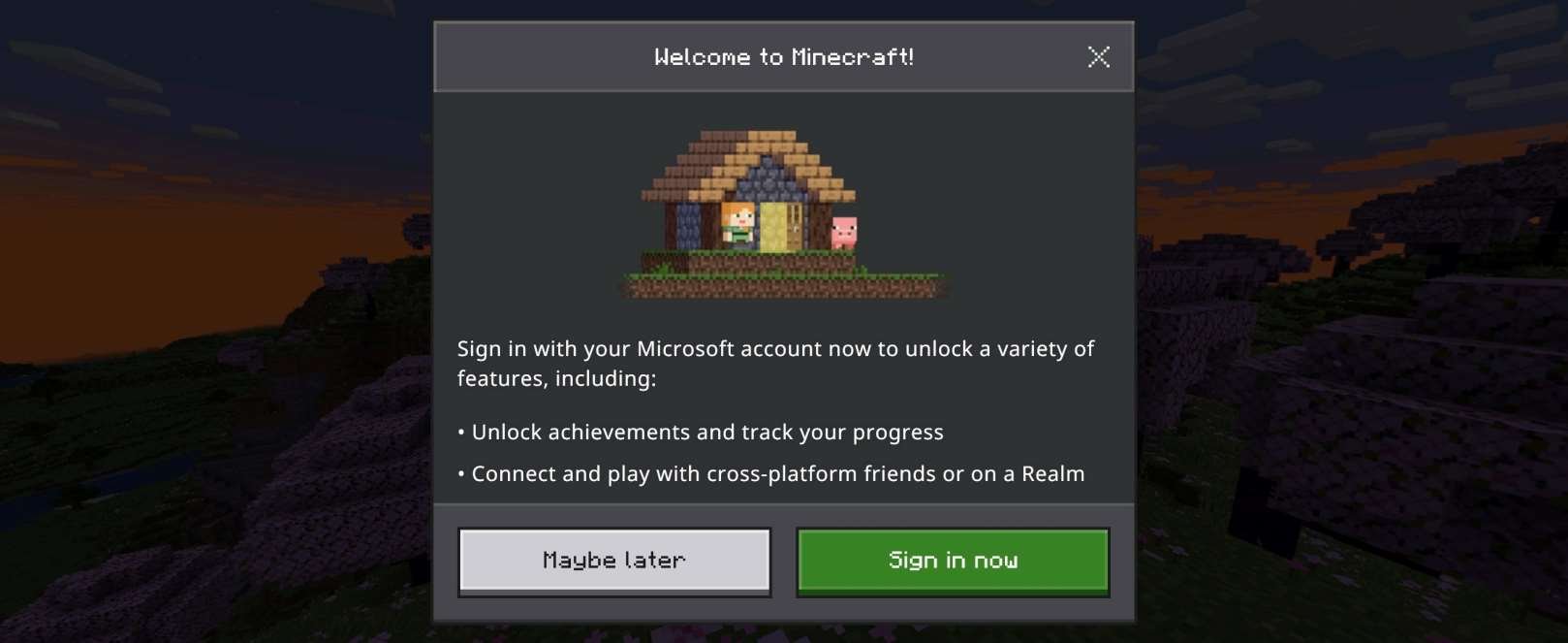
Screenshots from iOS (Apple) iPhone 14 | iOS Version 17.0.3 on 15 Nov 2023 :
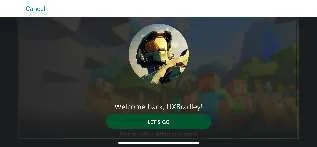
Selecting "Maybe Later" takes the player to the Main Screen:
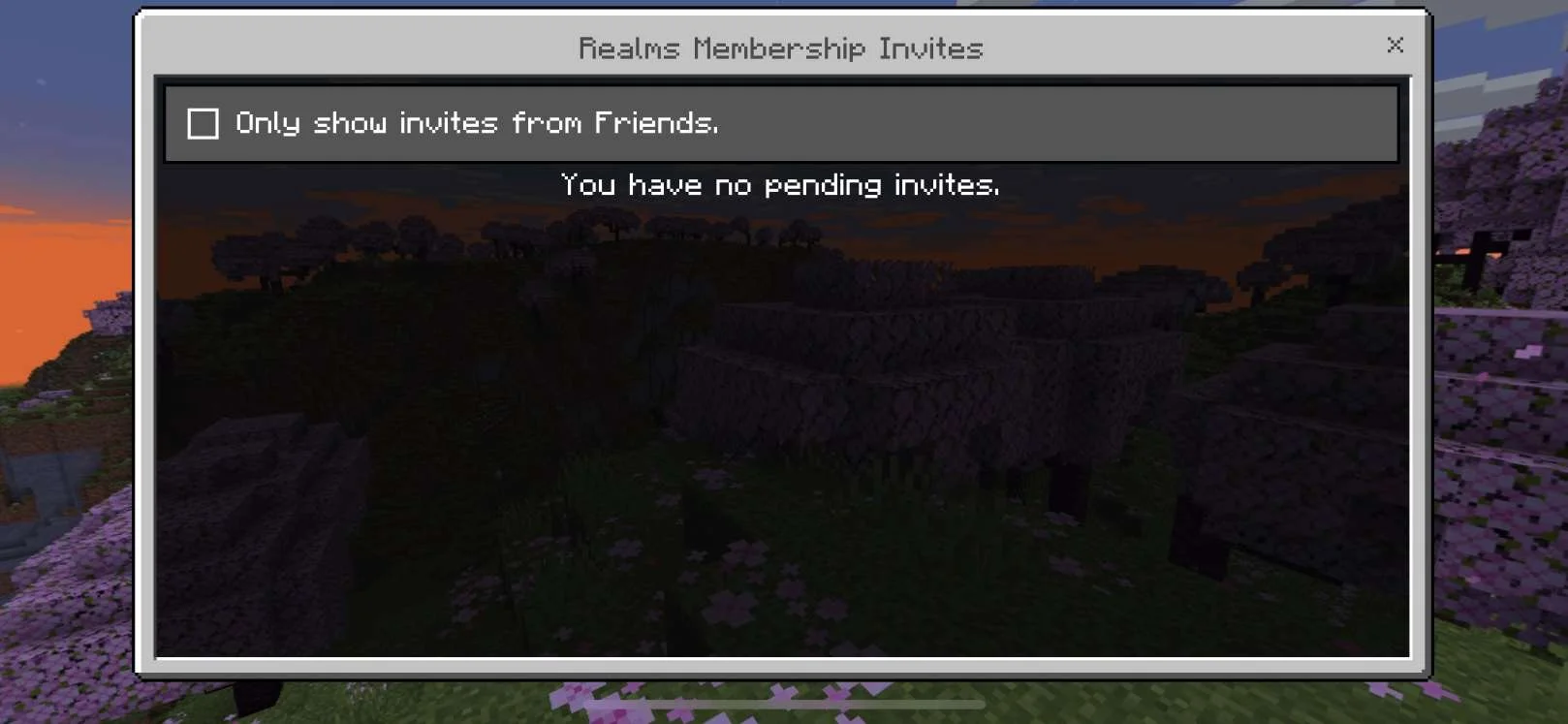
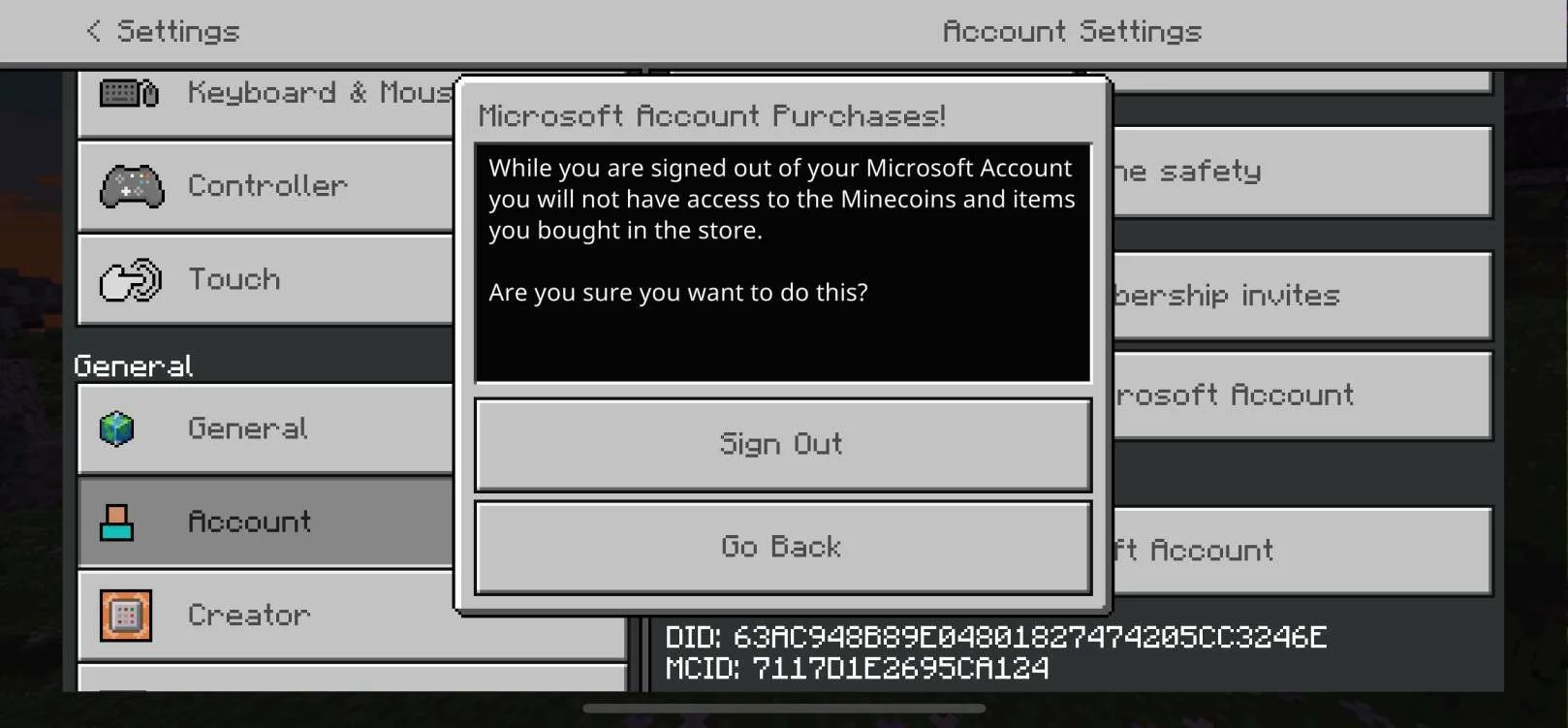
Settings → Account:
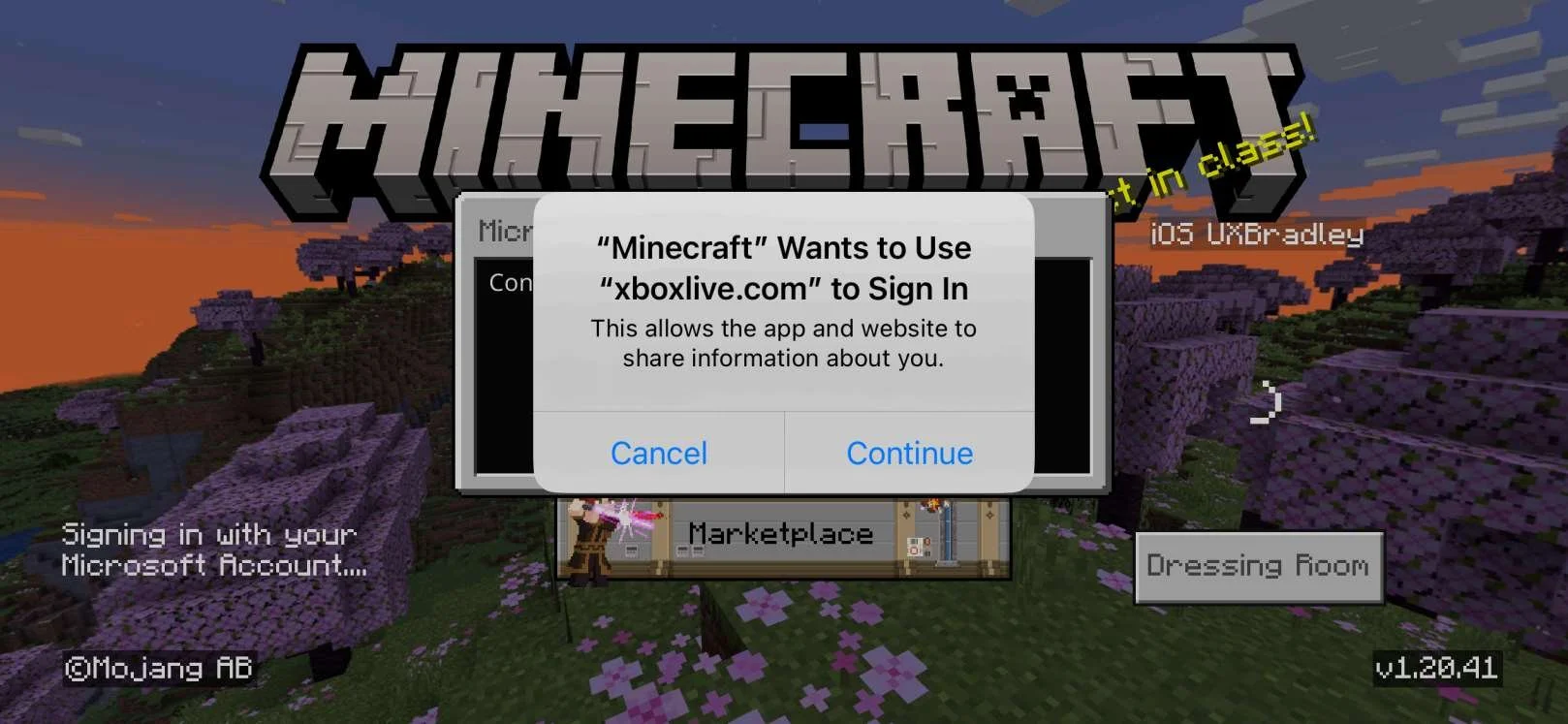
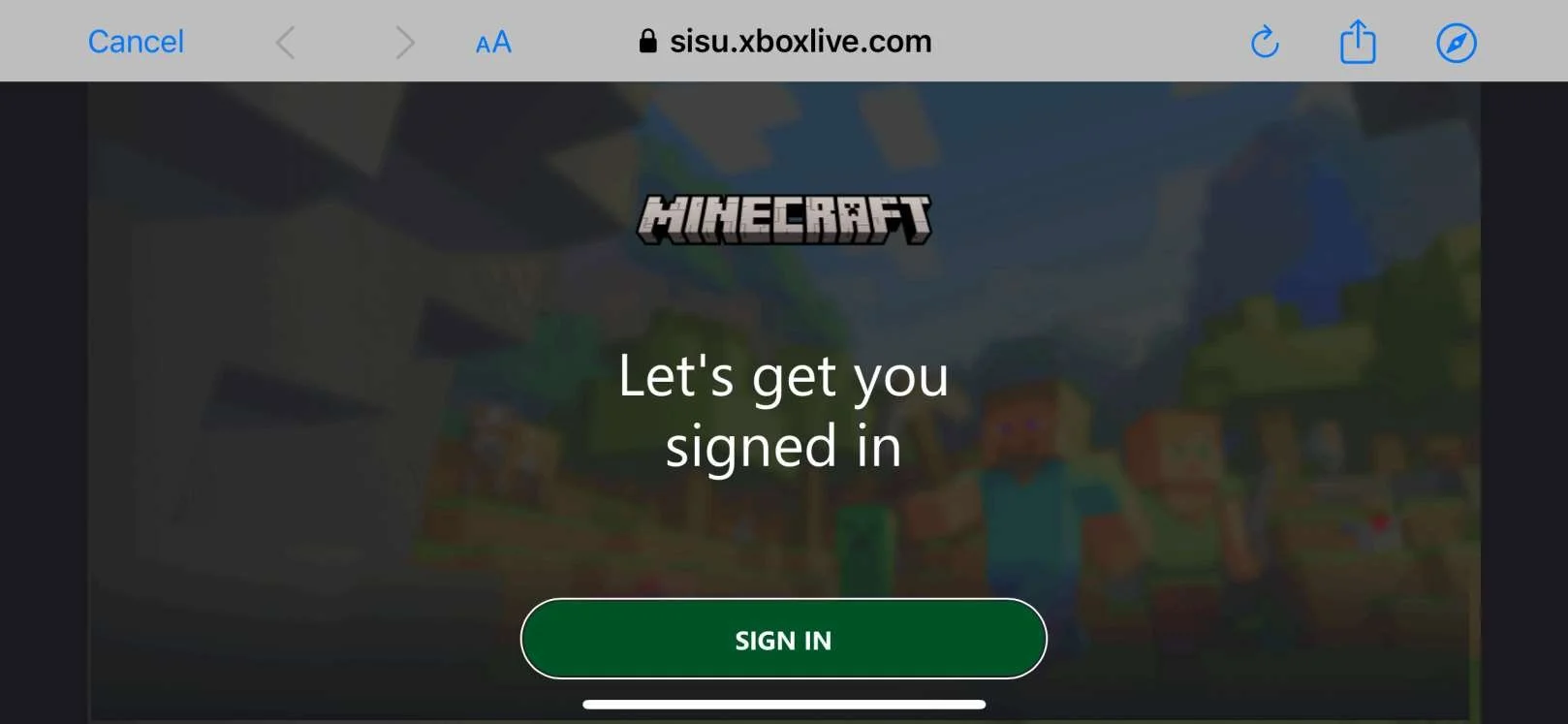
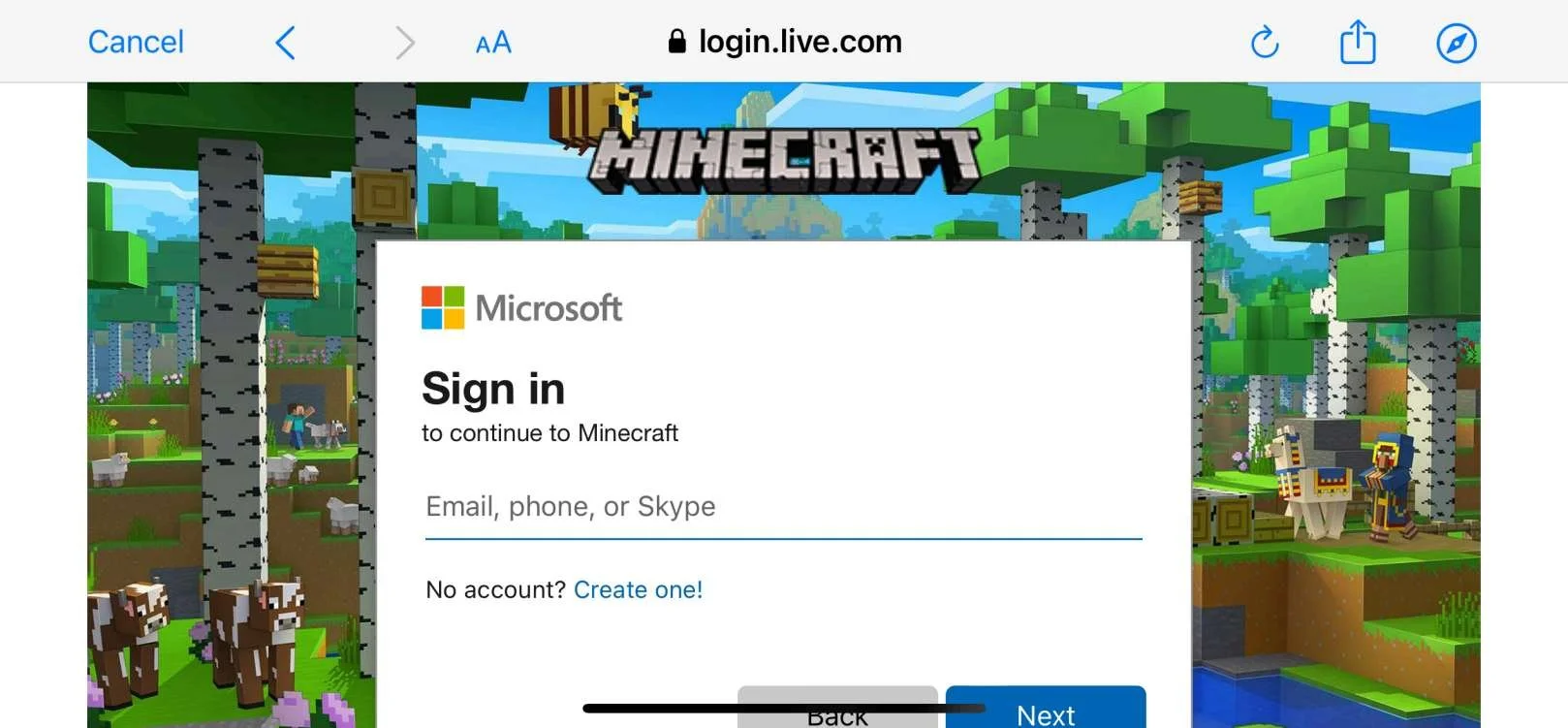
Selecting "Sign in now" from the Welcome message or "Sign In" button from the Main Menu:
In the web browser on the phone:
Transitioning back to the Minecraft app:
Settings → Account (After linking to XBOX Profile)
| iOS (Apple) as the 5th platformAt this point in the research:
Minecraft on iOS(Apple) iPhone:
|
ANDROID
Media | Notes |
|---|---|
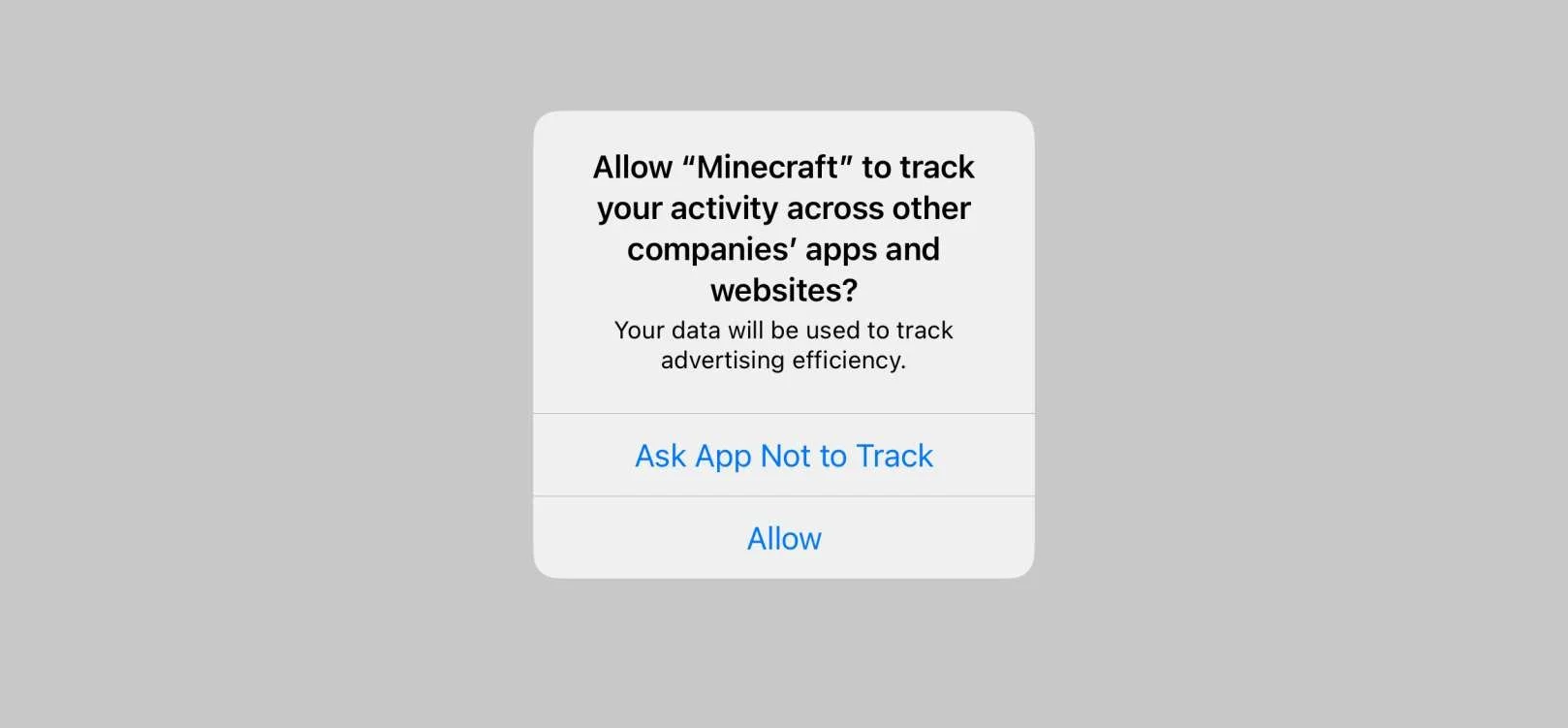
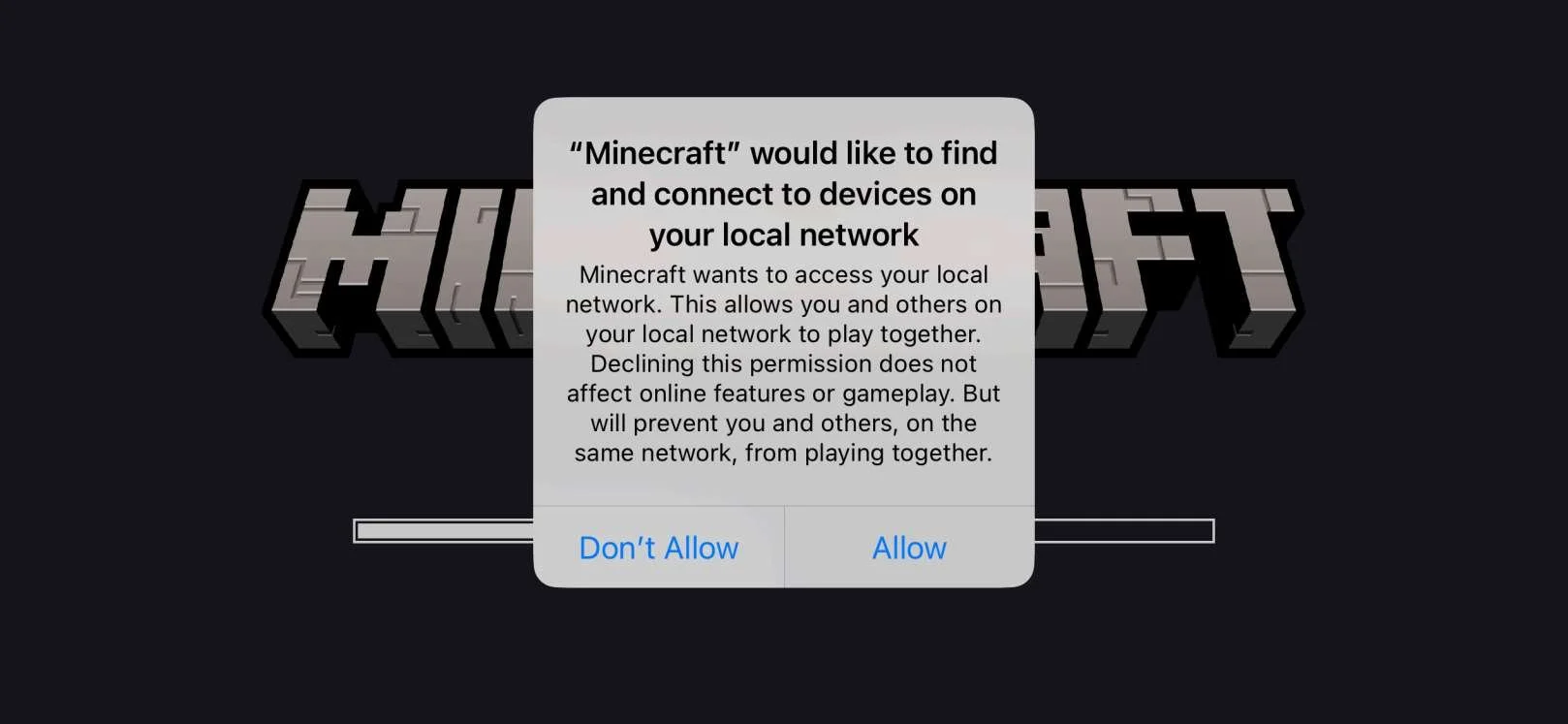
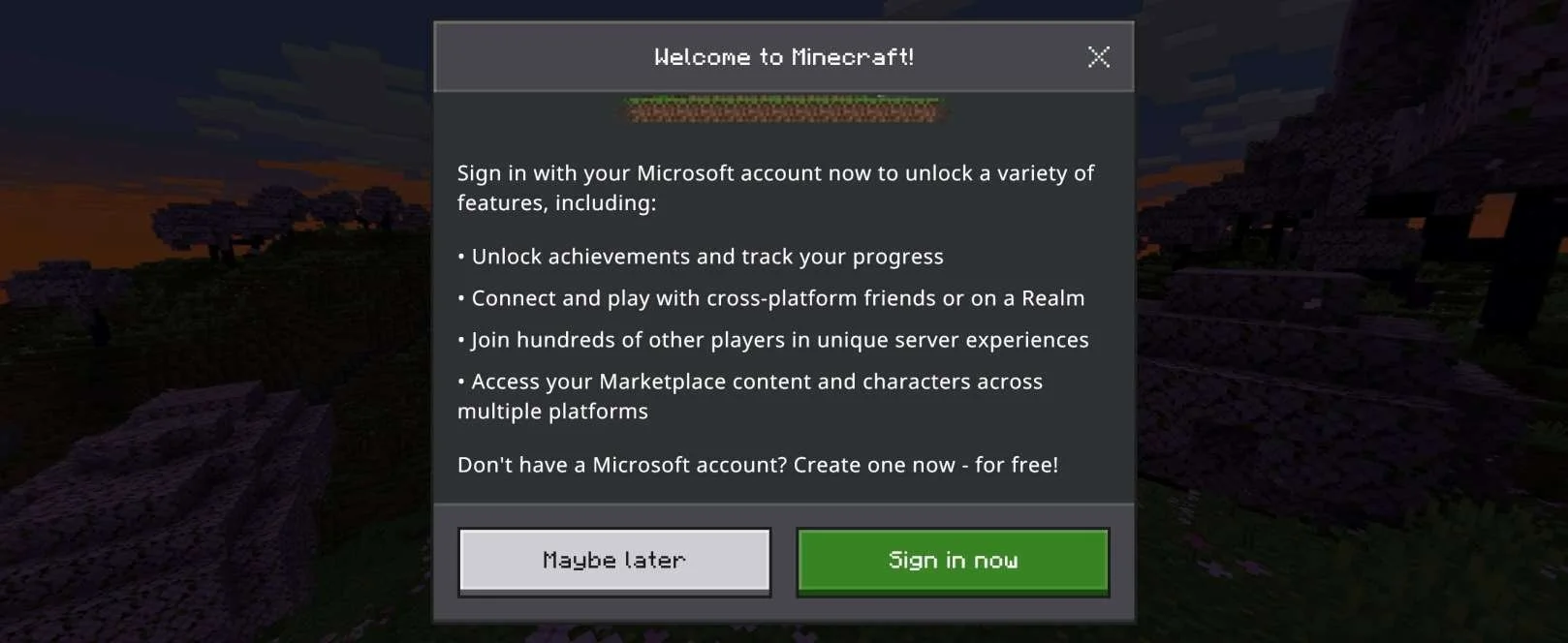
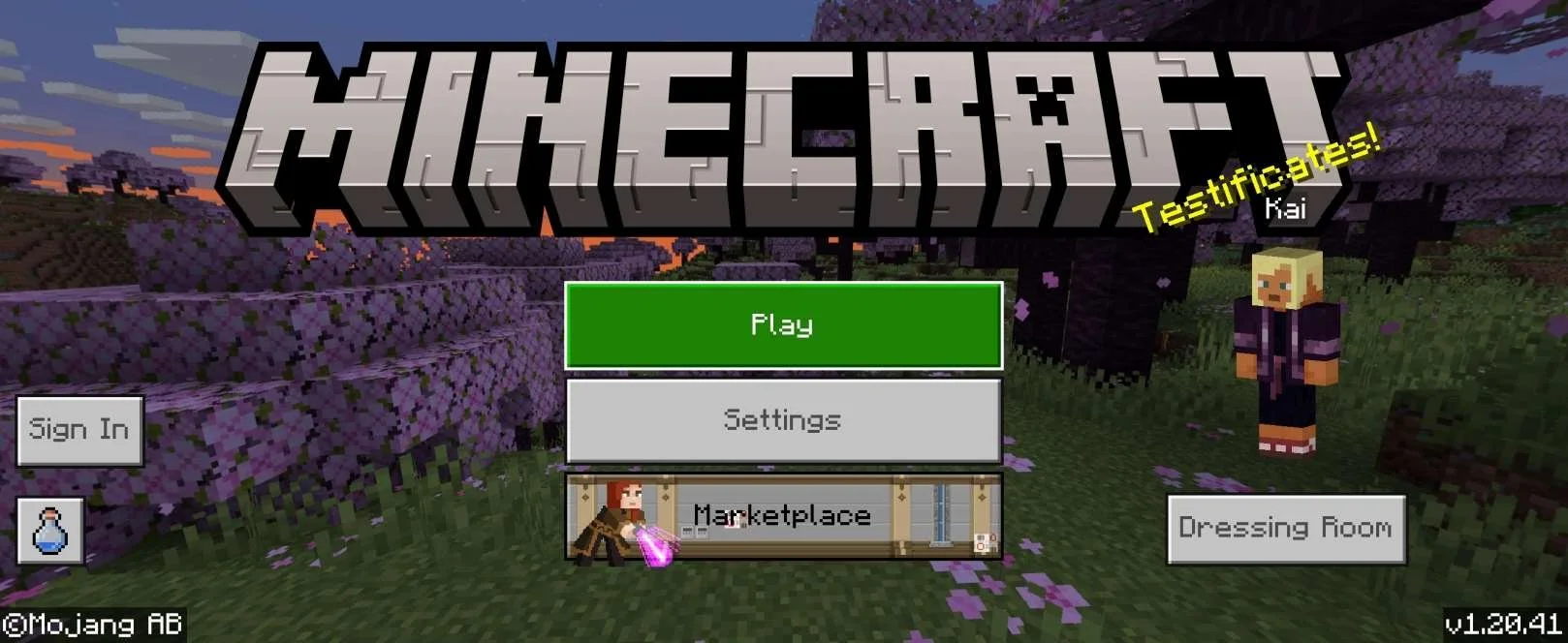
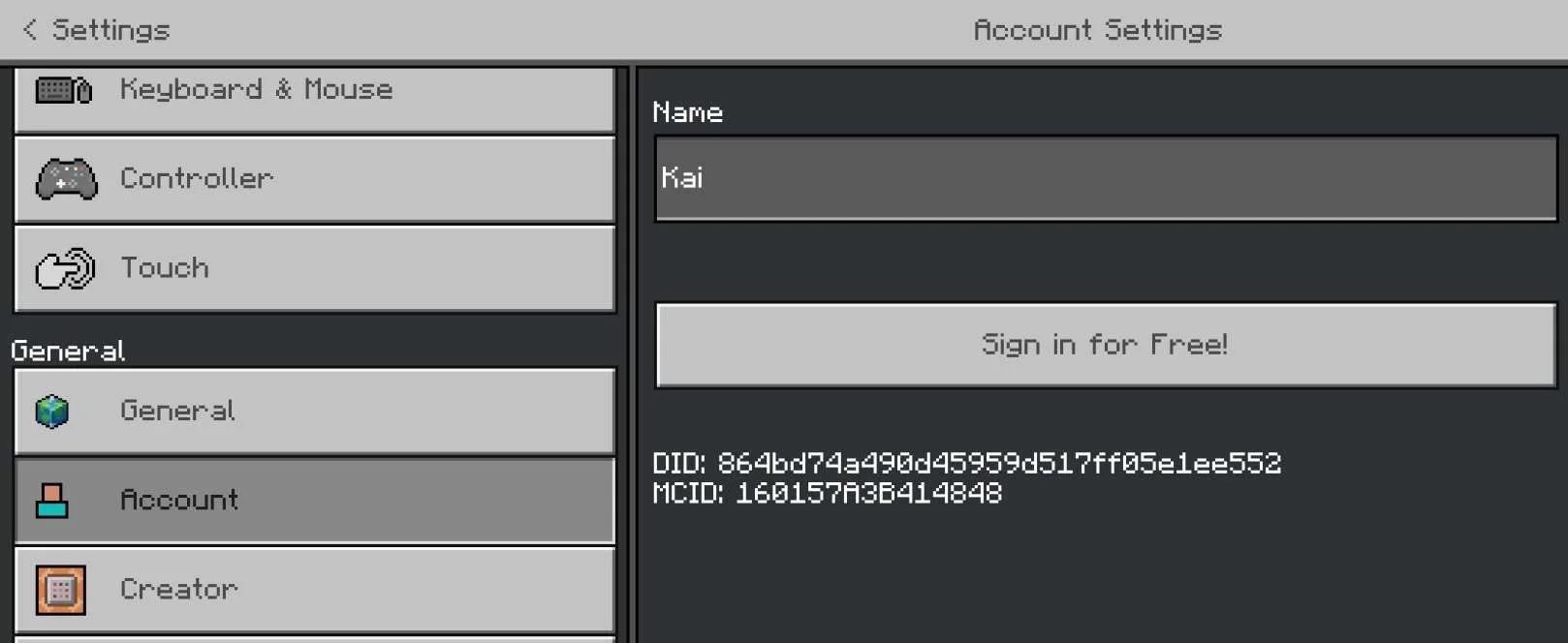
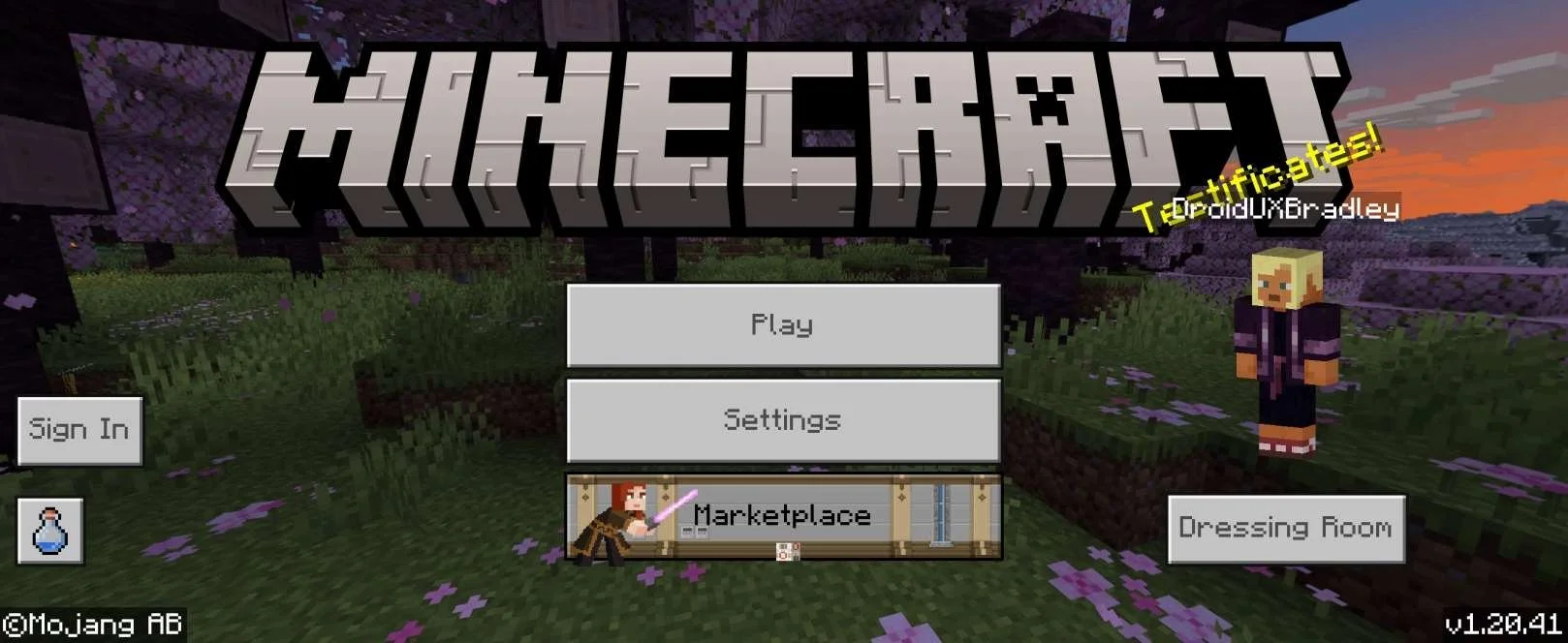
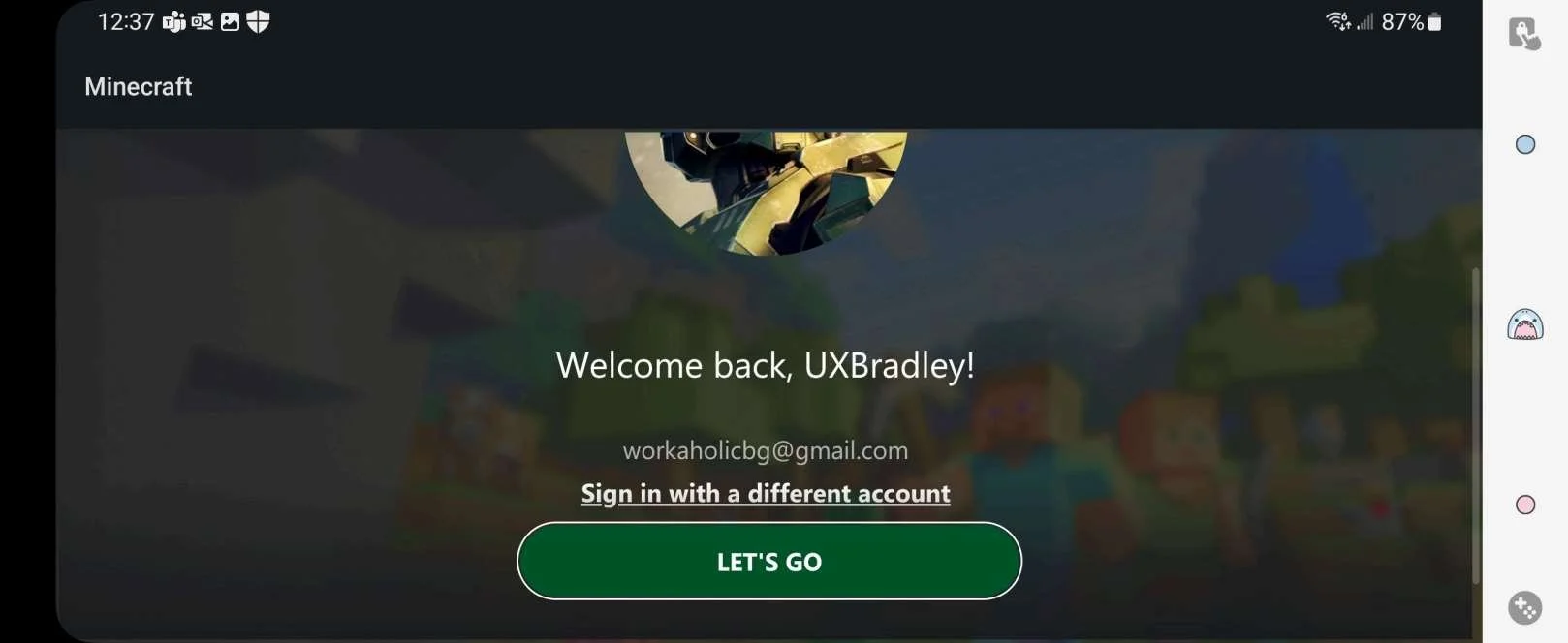
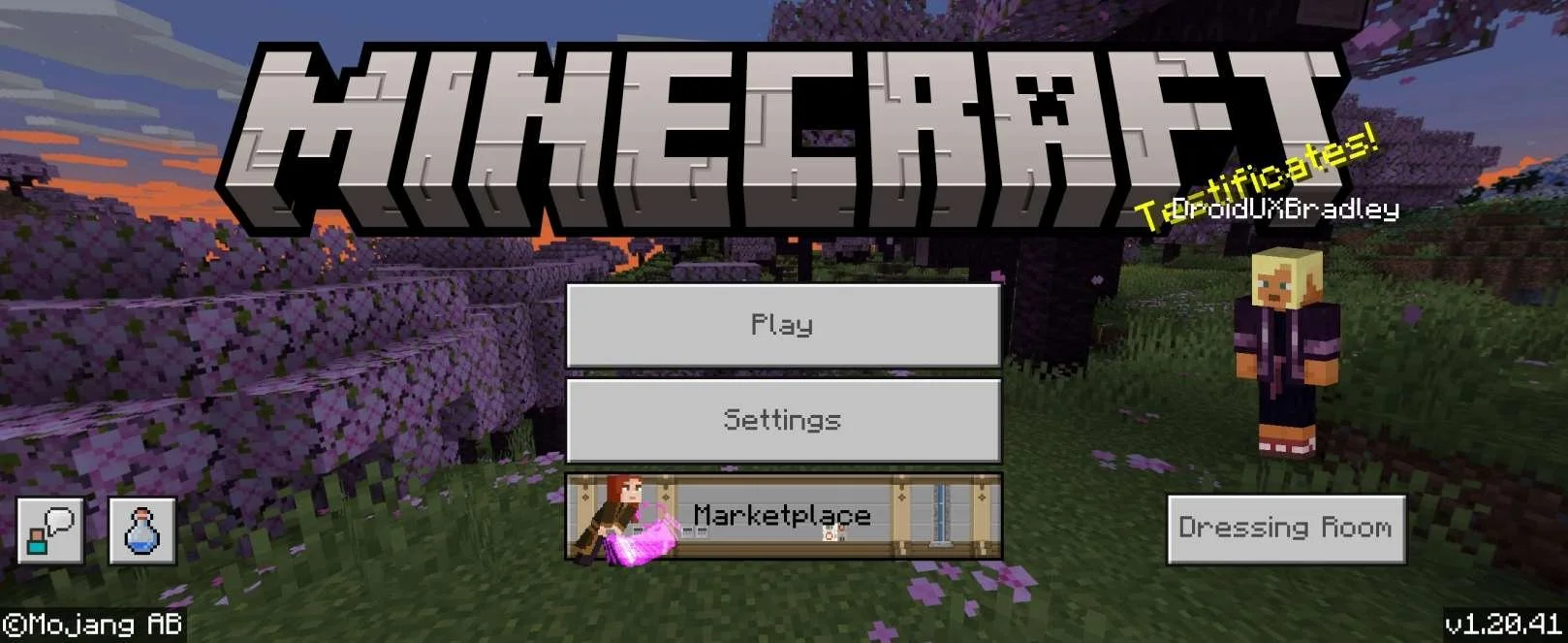
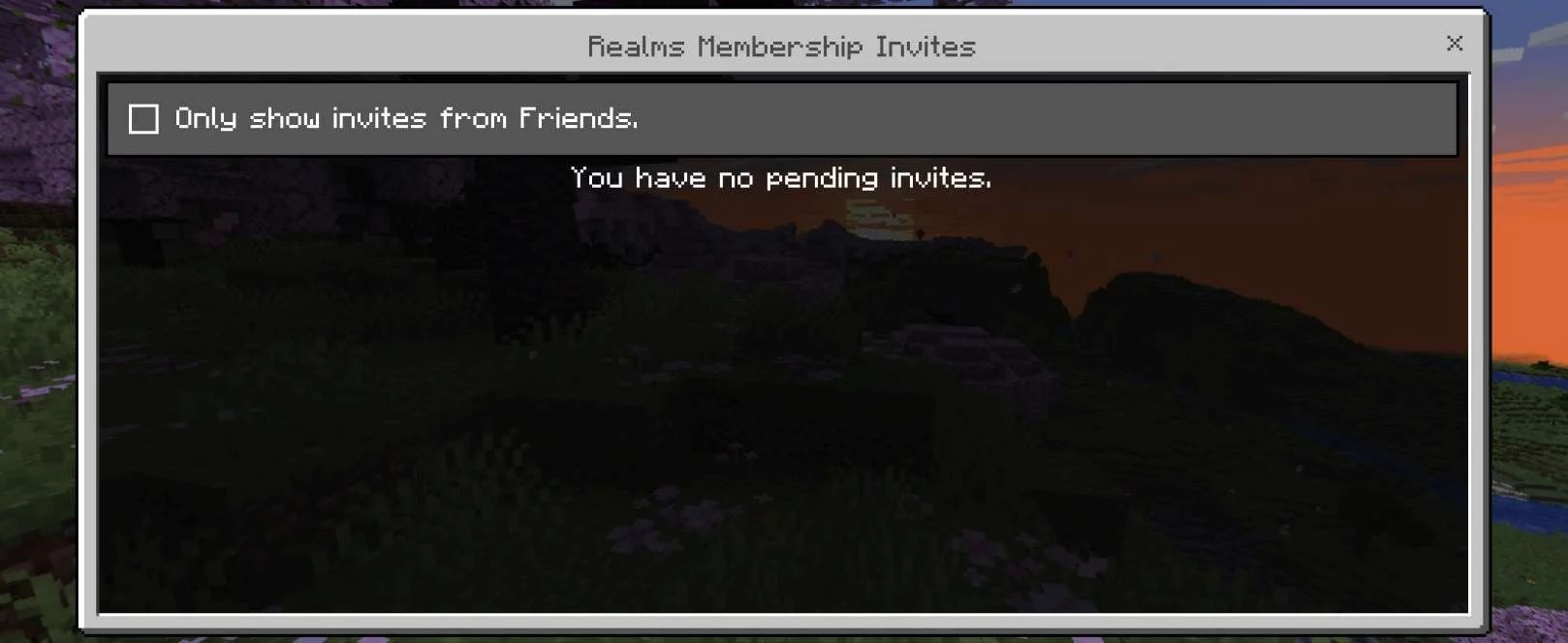
Screenshots from ANDROID phone | Samsung Galaxy Z Flip4 | Android Version 1315 Nov 2023:
Selecting "Maybe later":
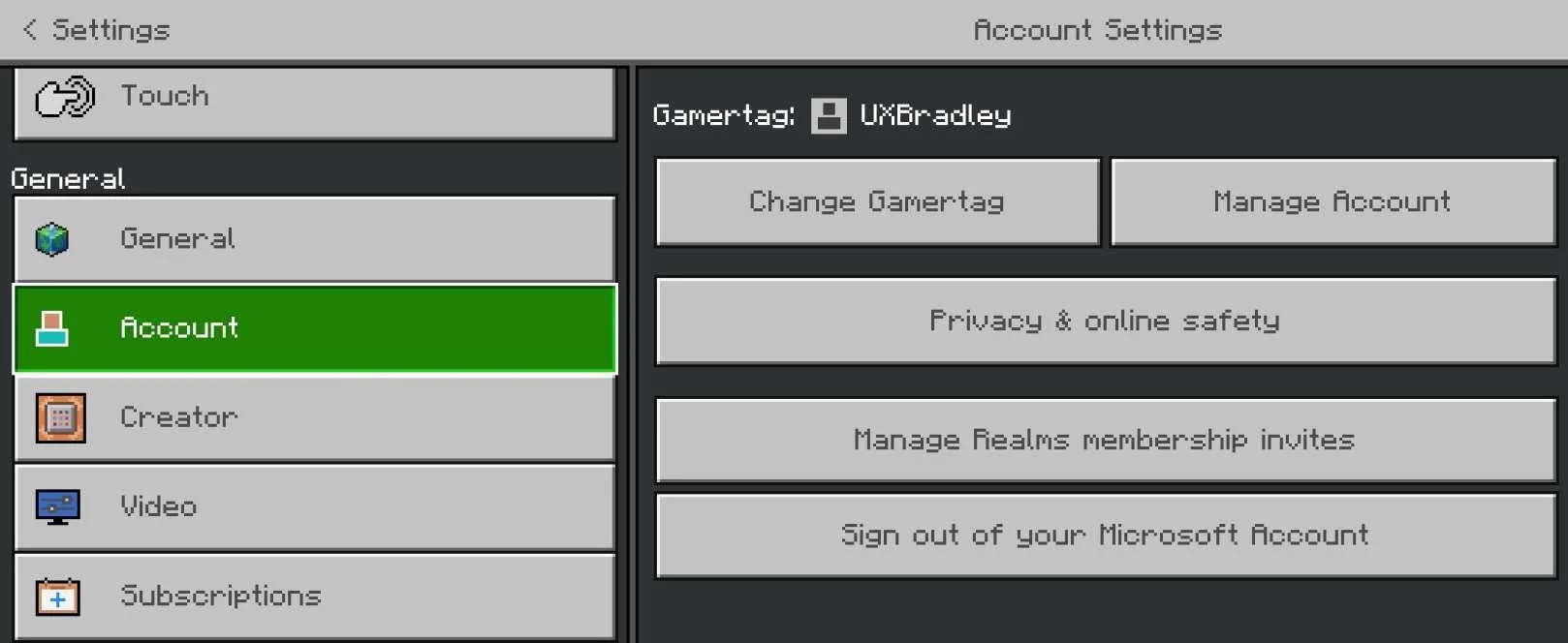
Settings → Account:
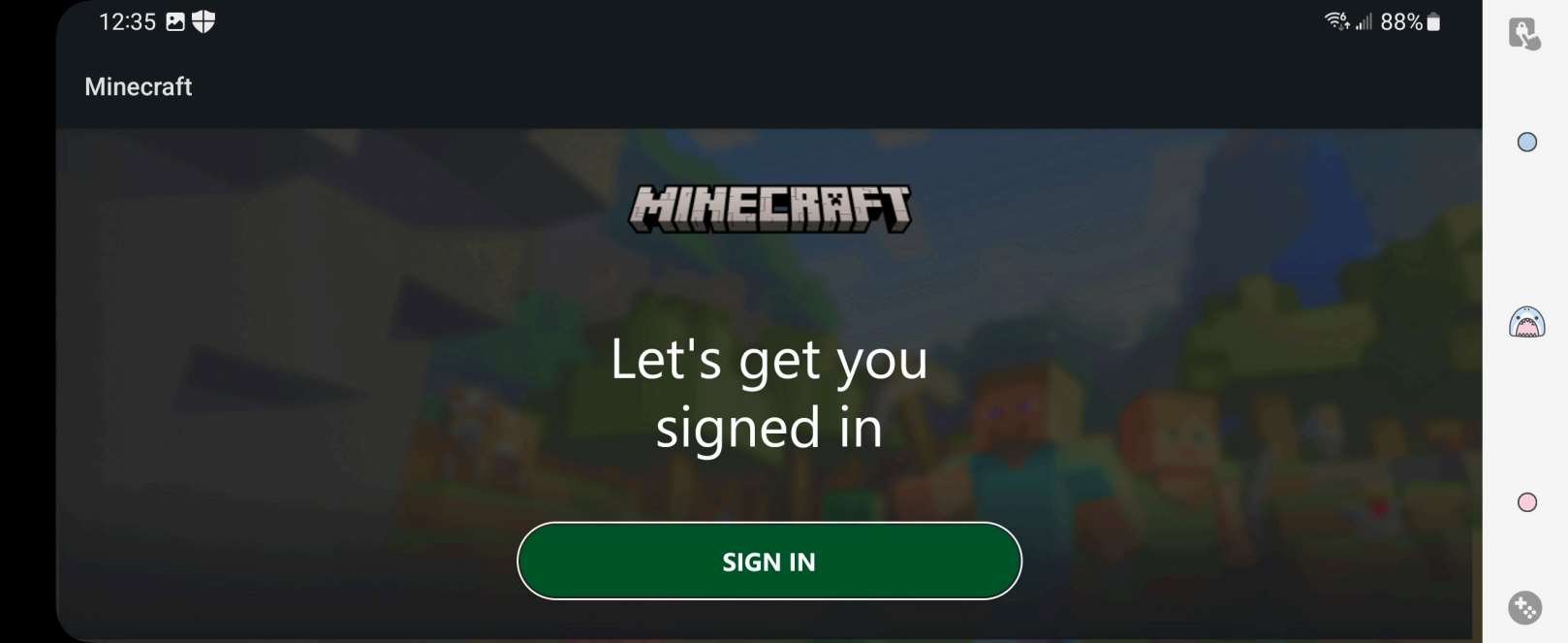
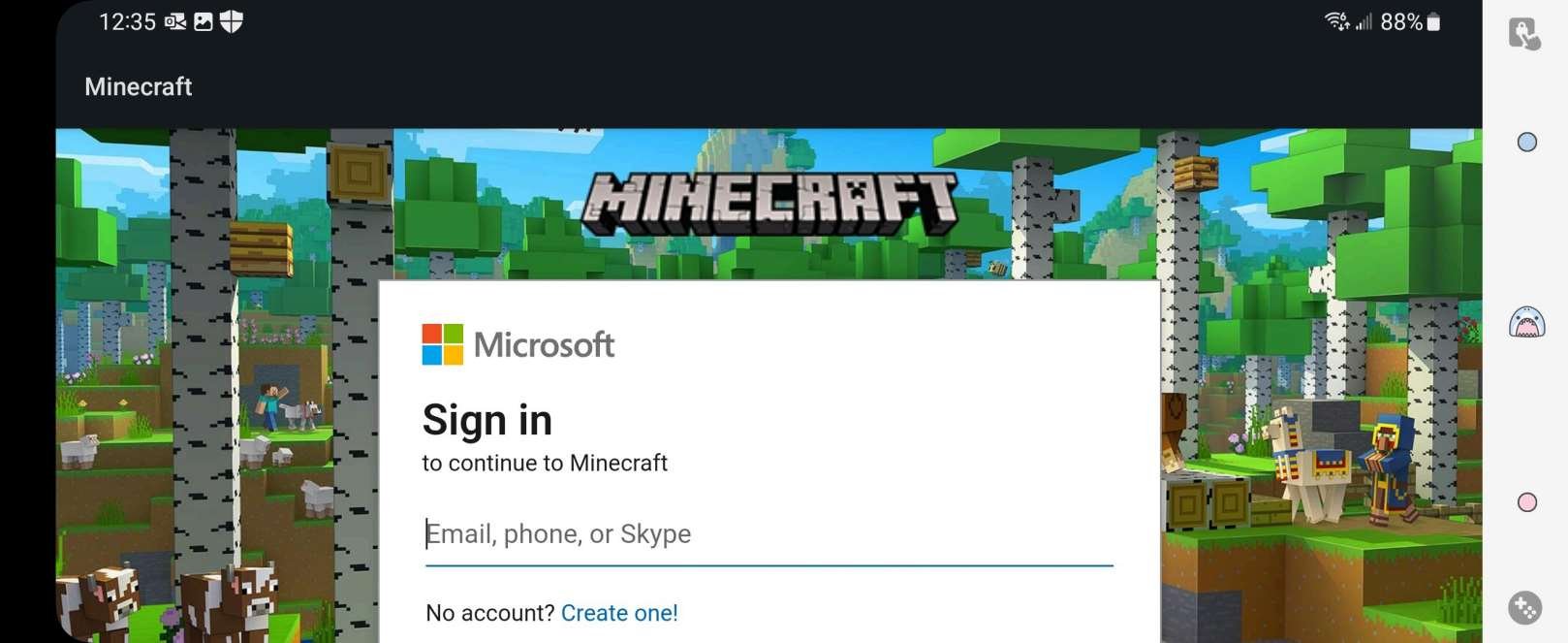
Selecting "Sign in now" from the welcome screen or "Sign In" from the Main Menu automatically opens to this page in the web browser:
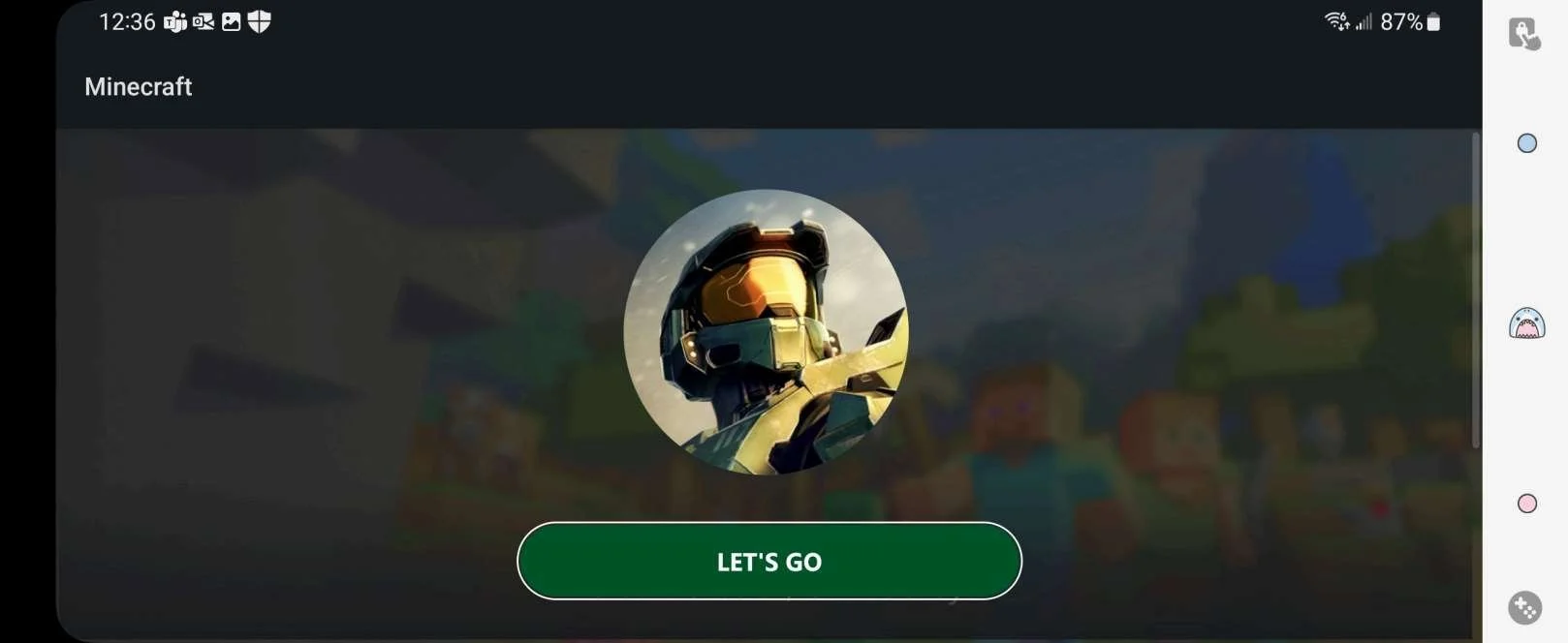
Returning to the Android Minecraft app after signing in:
Settings → Account:
| ANDROID as the 6th platformAt this point in the research:
Minecraft on ANDROID phone | Samsung Galaxy Z Flip4 | Android Version 13:
|
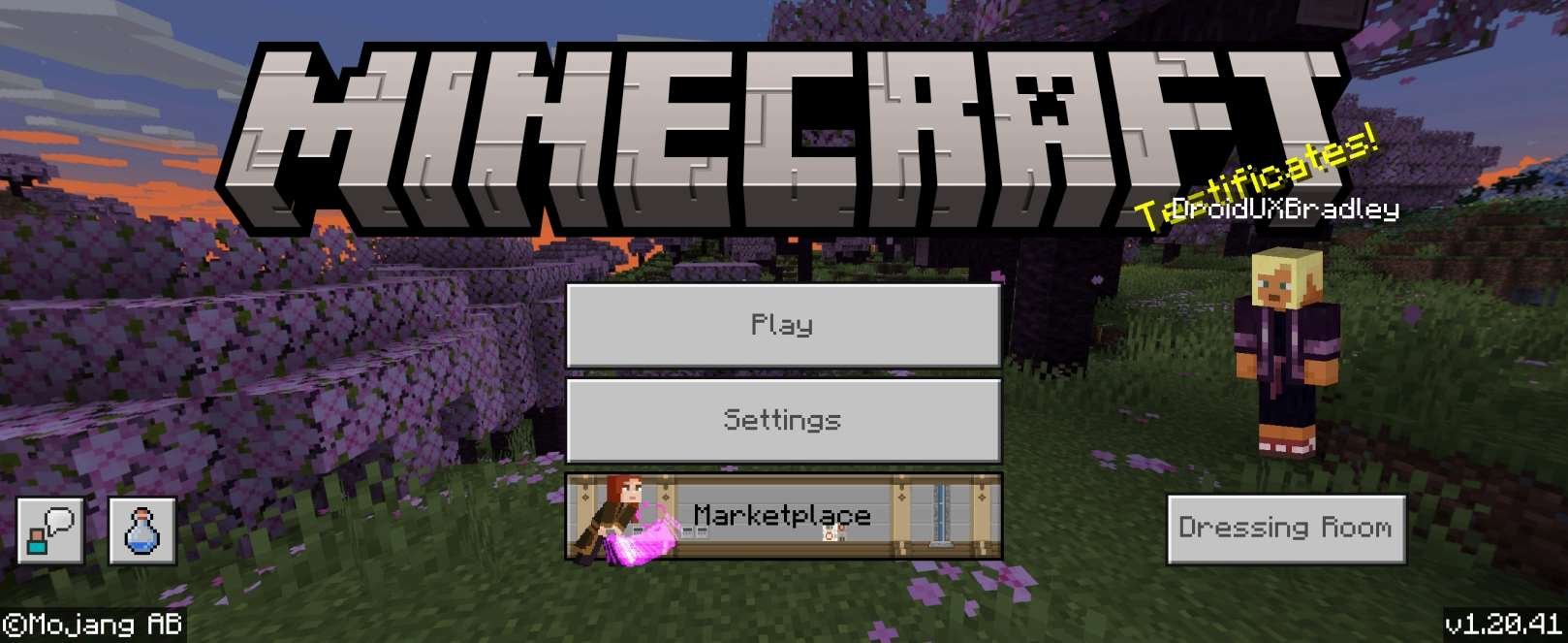
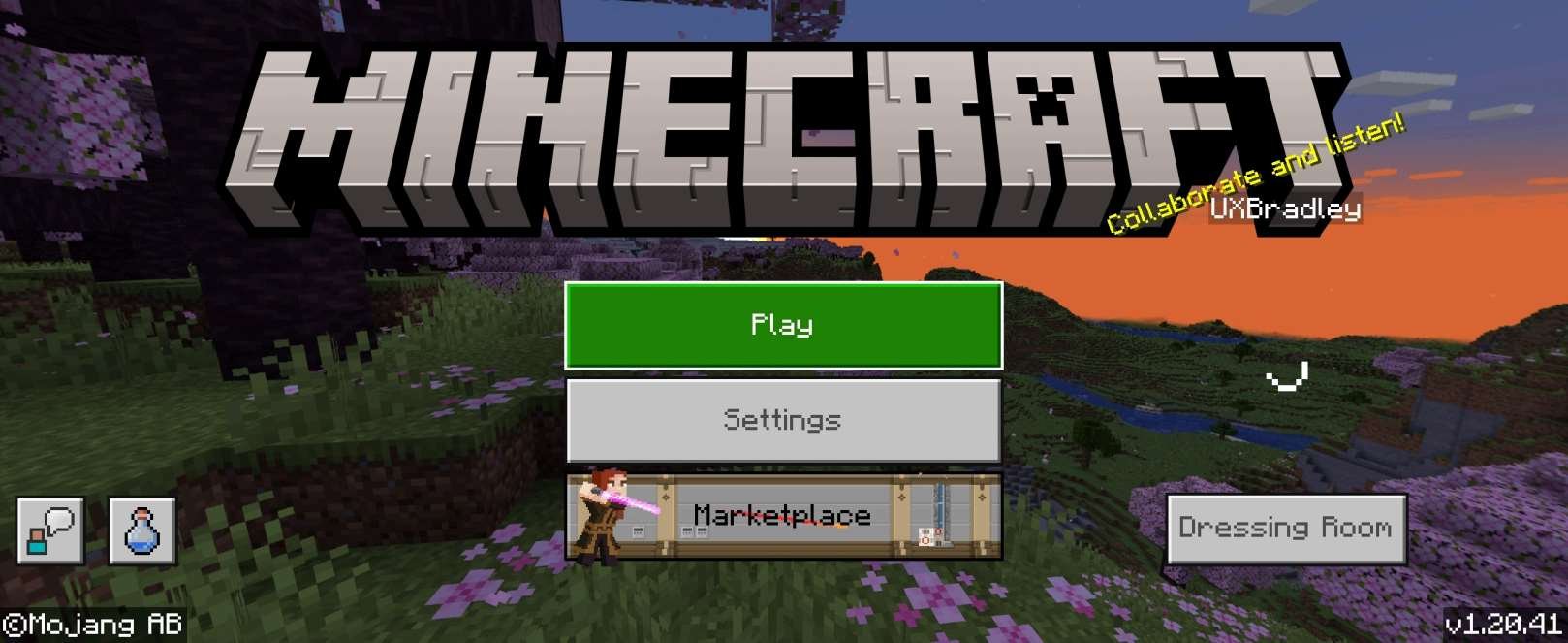
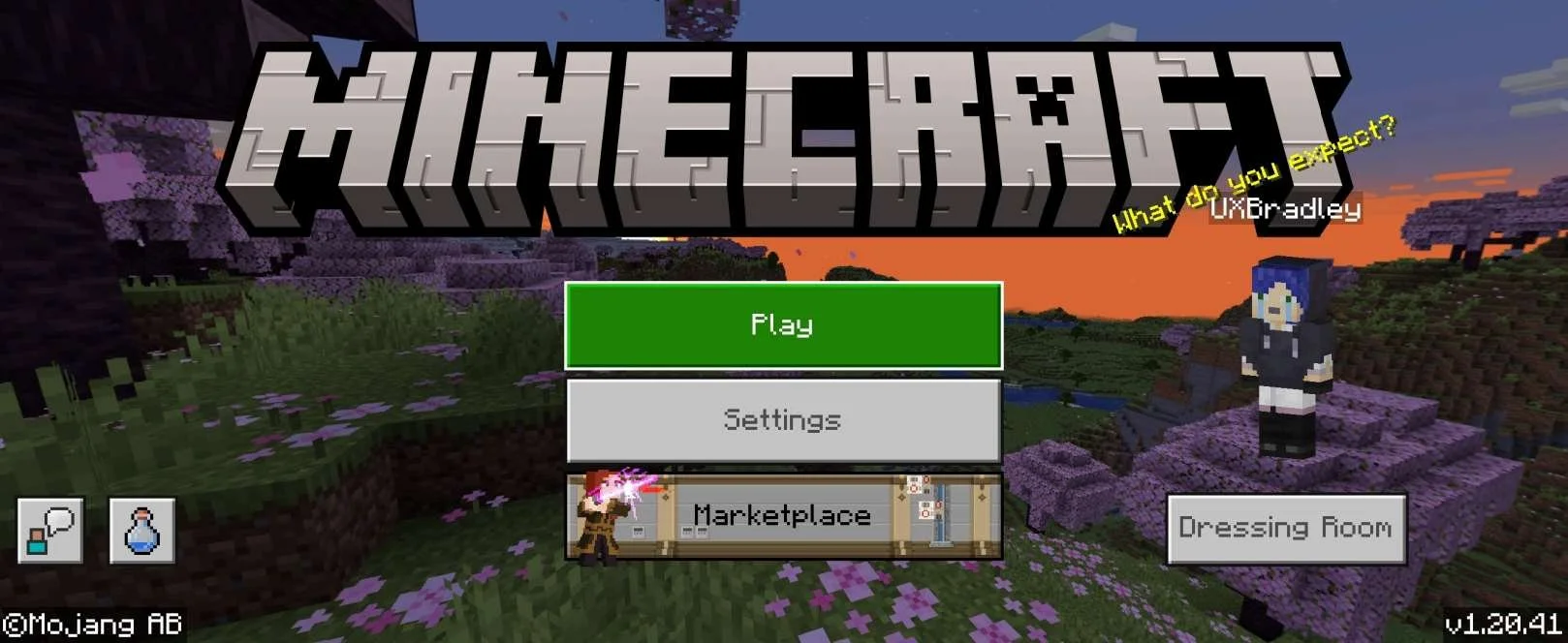
Relaunching Android Minecraft app (after already having signed in and linked Microsoft Account):
On different relaunches (after already having signed in and linked Microsoft Account and seen the correct XBOX profile name and character / avatar displayed previously):
|
|
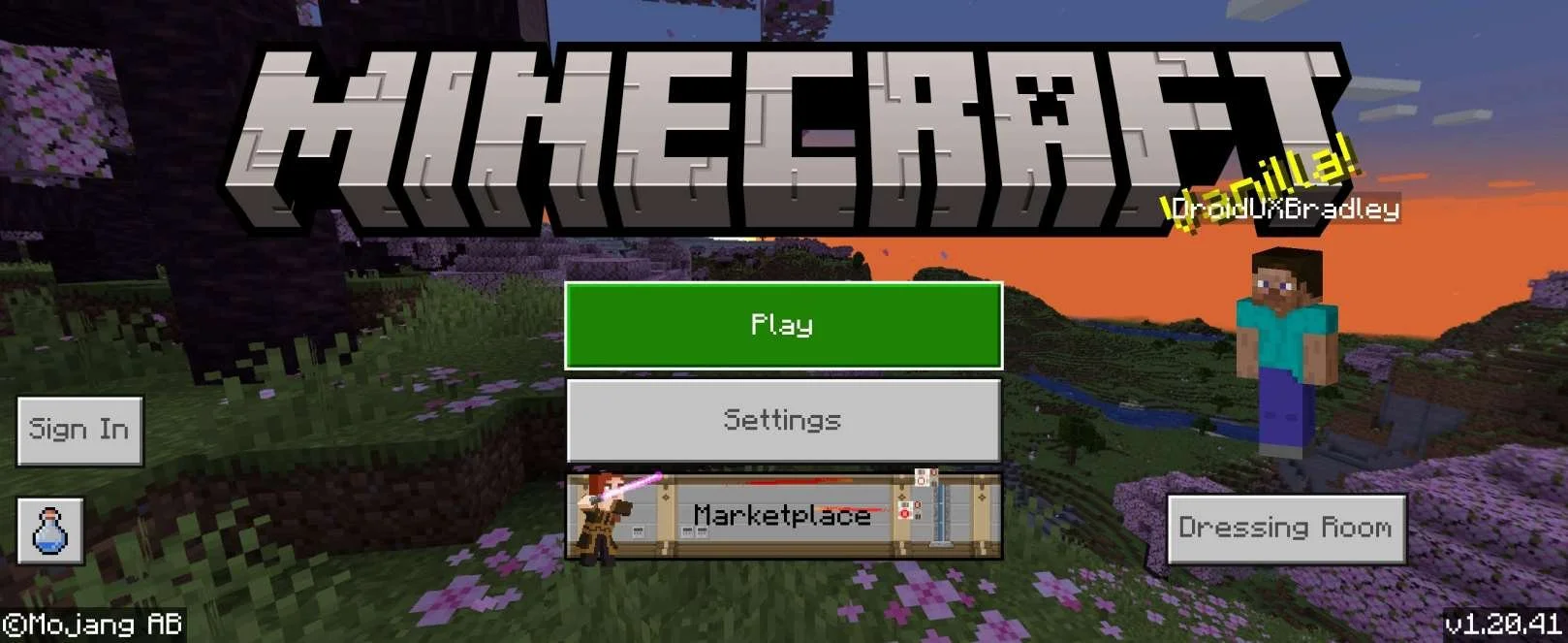
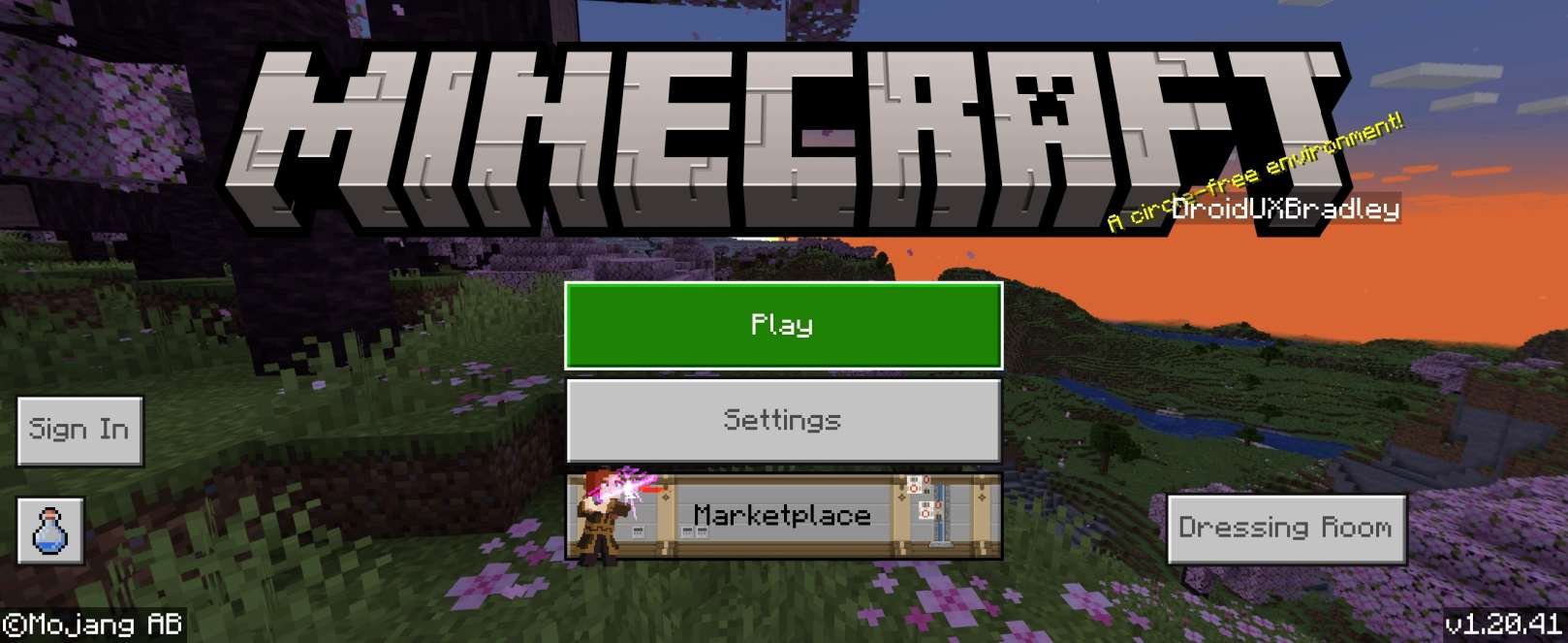
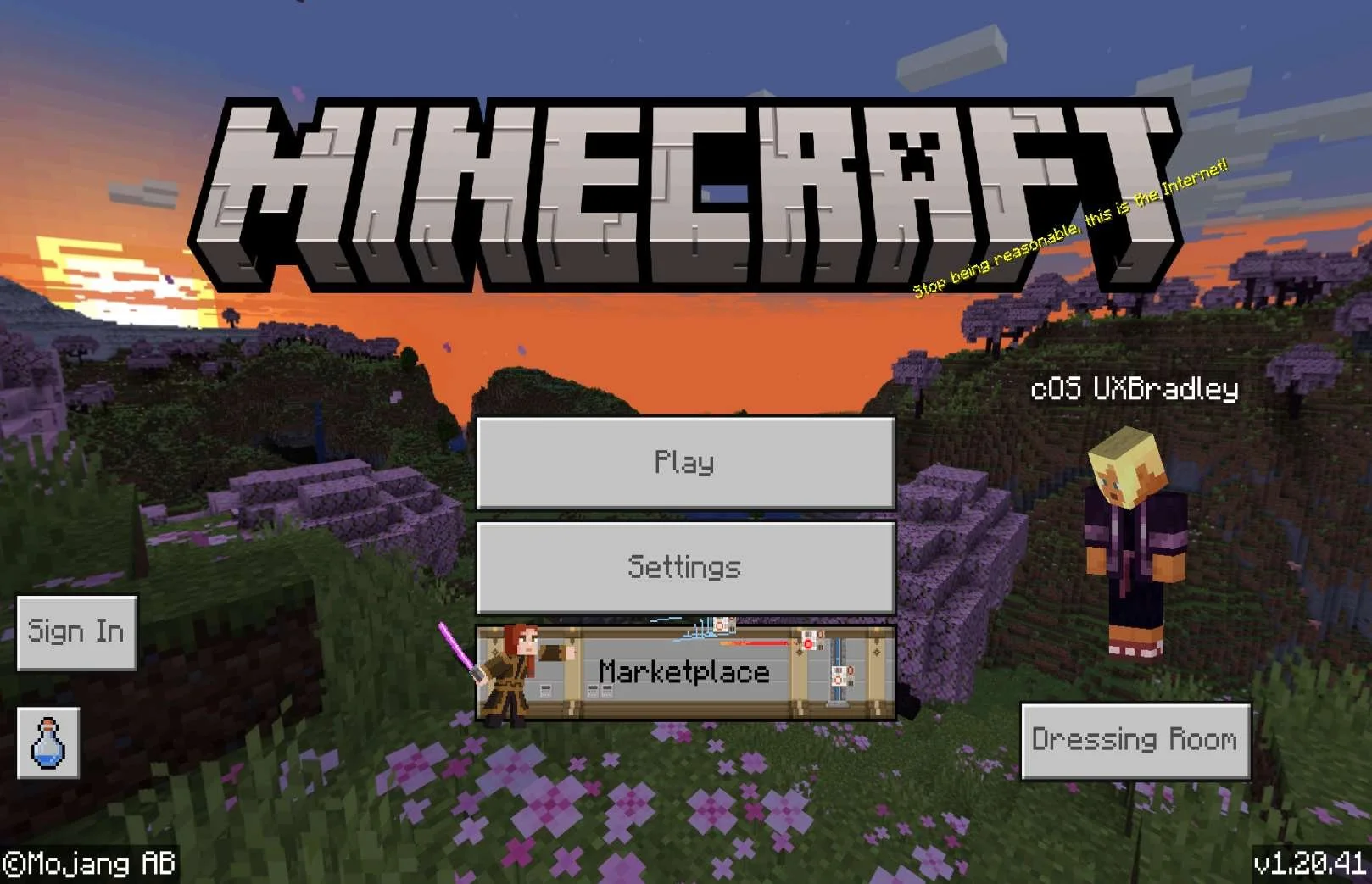
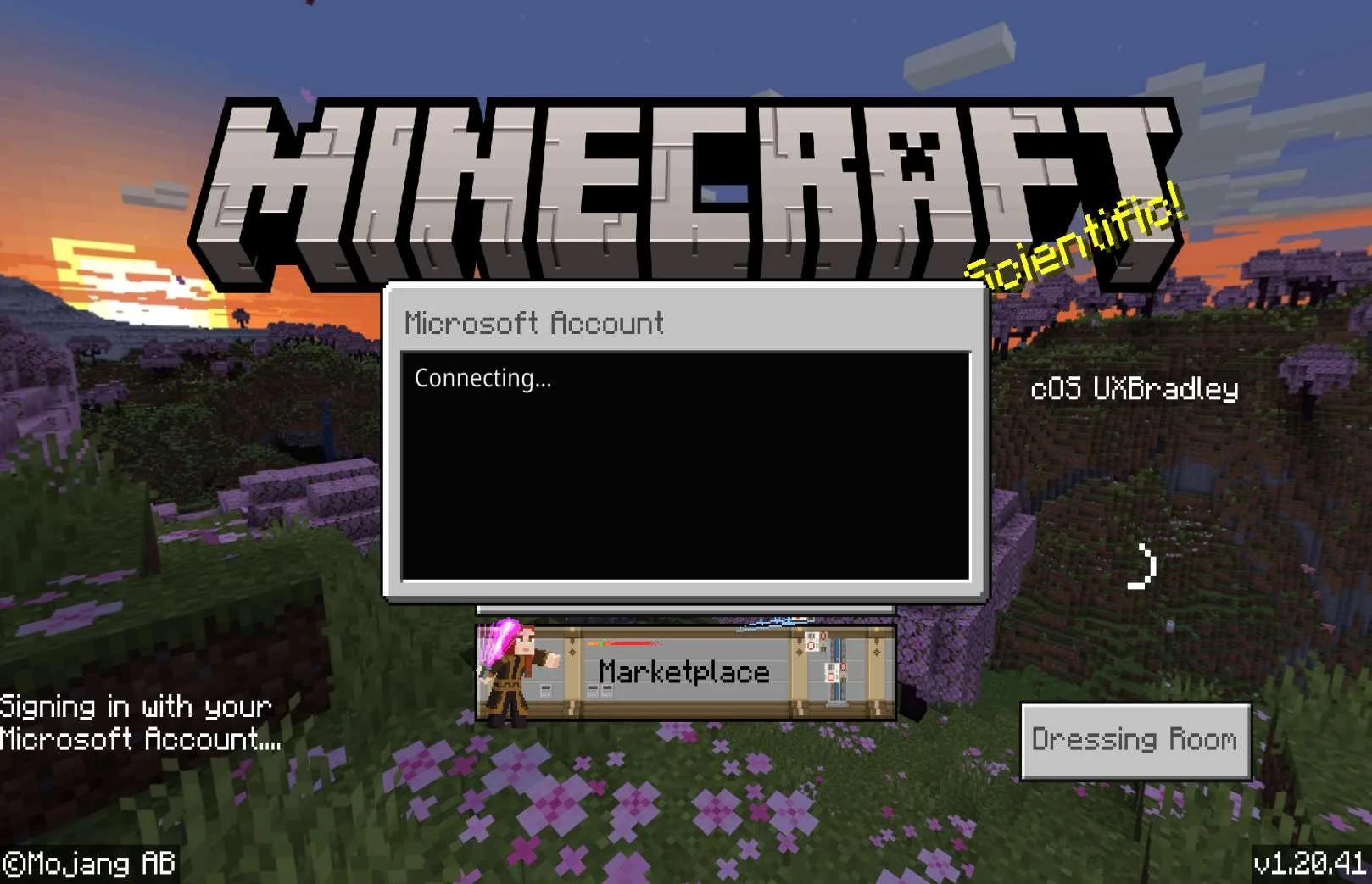
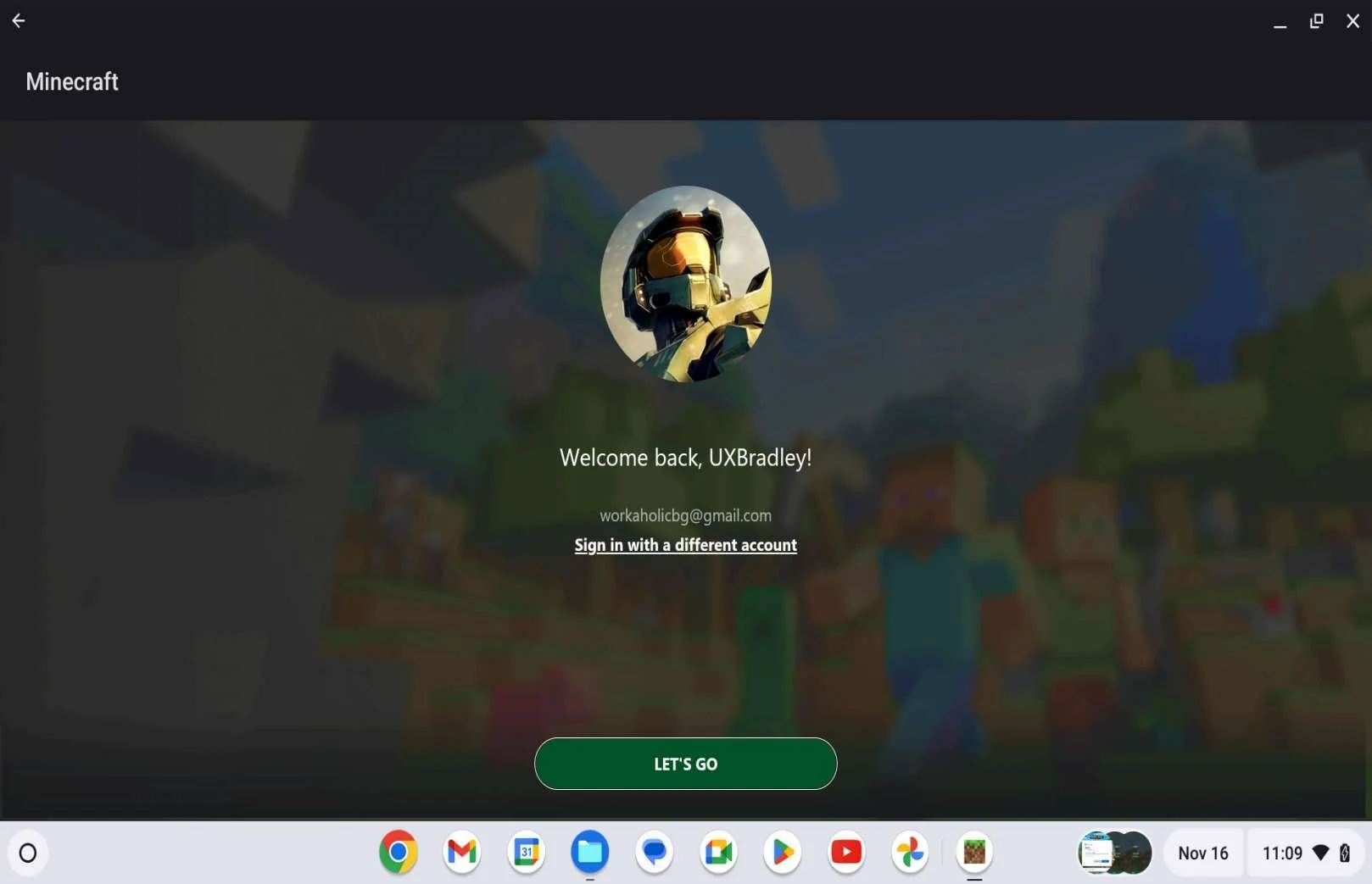
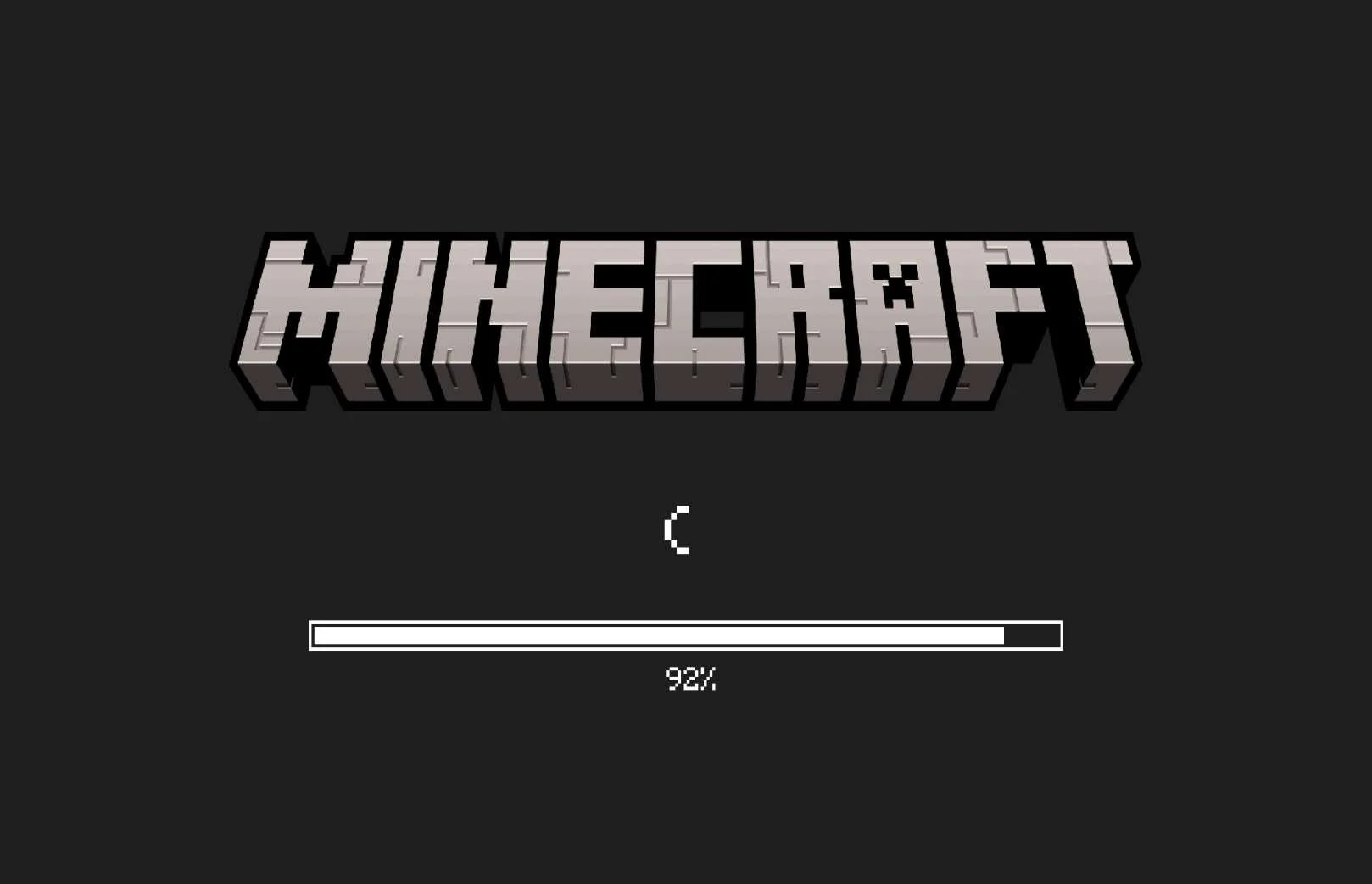
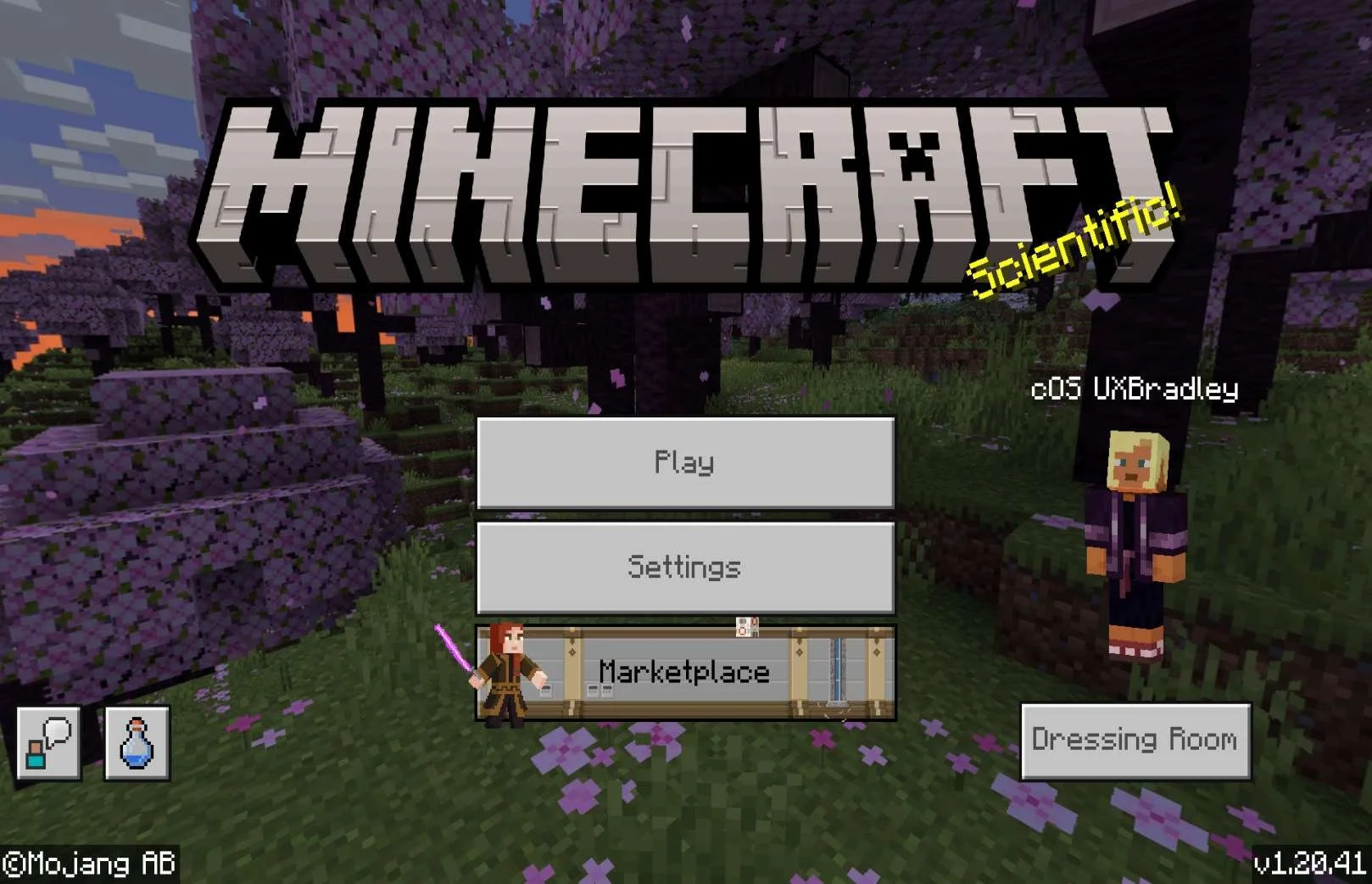
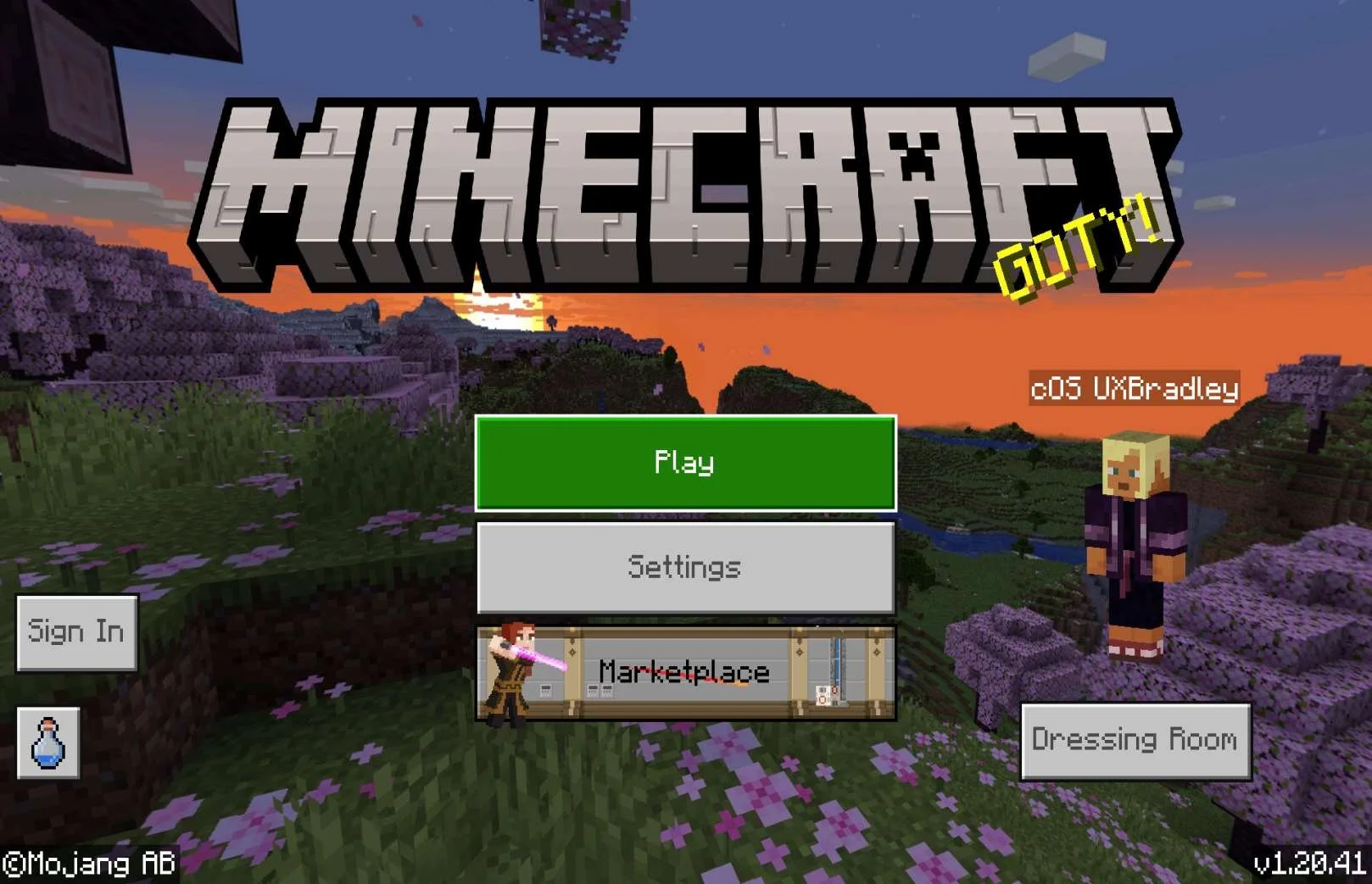
CHROMEBOOK
Media | Notes |
|---|---|
Screenshots from Chromebook 15 Nov 2023 :
Selecting "Maybe later":
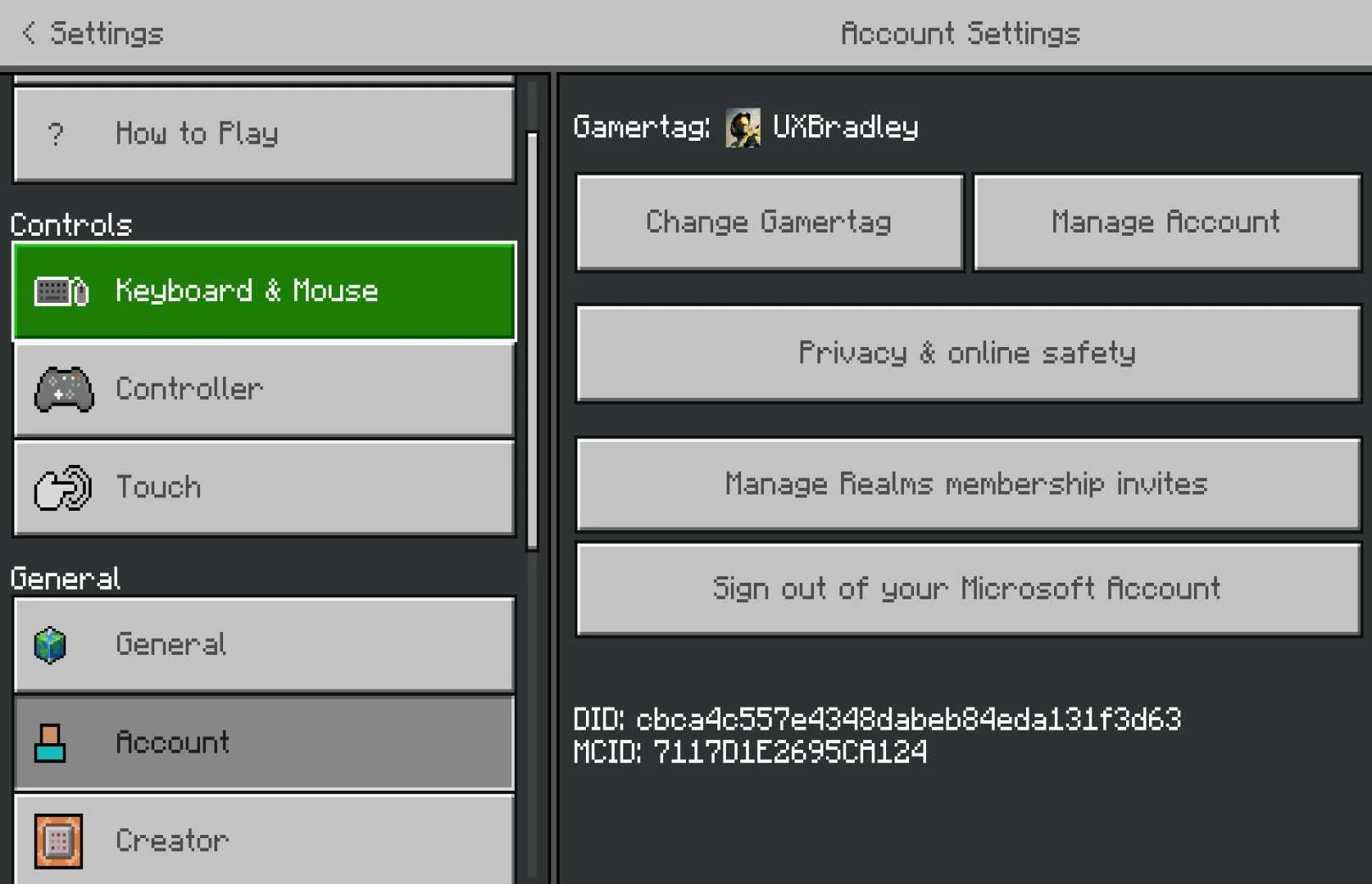
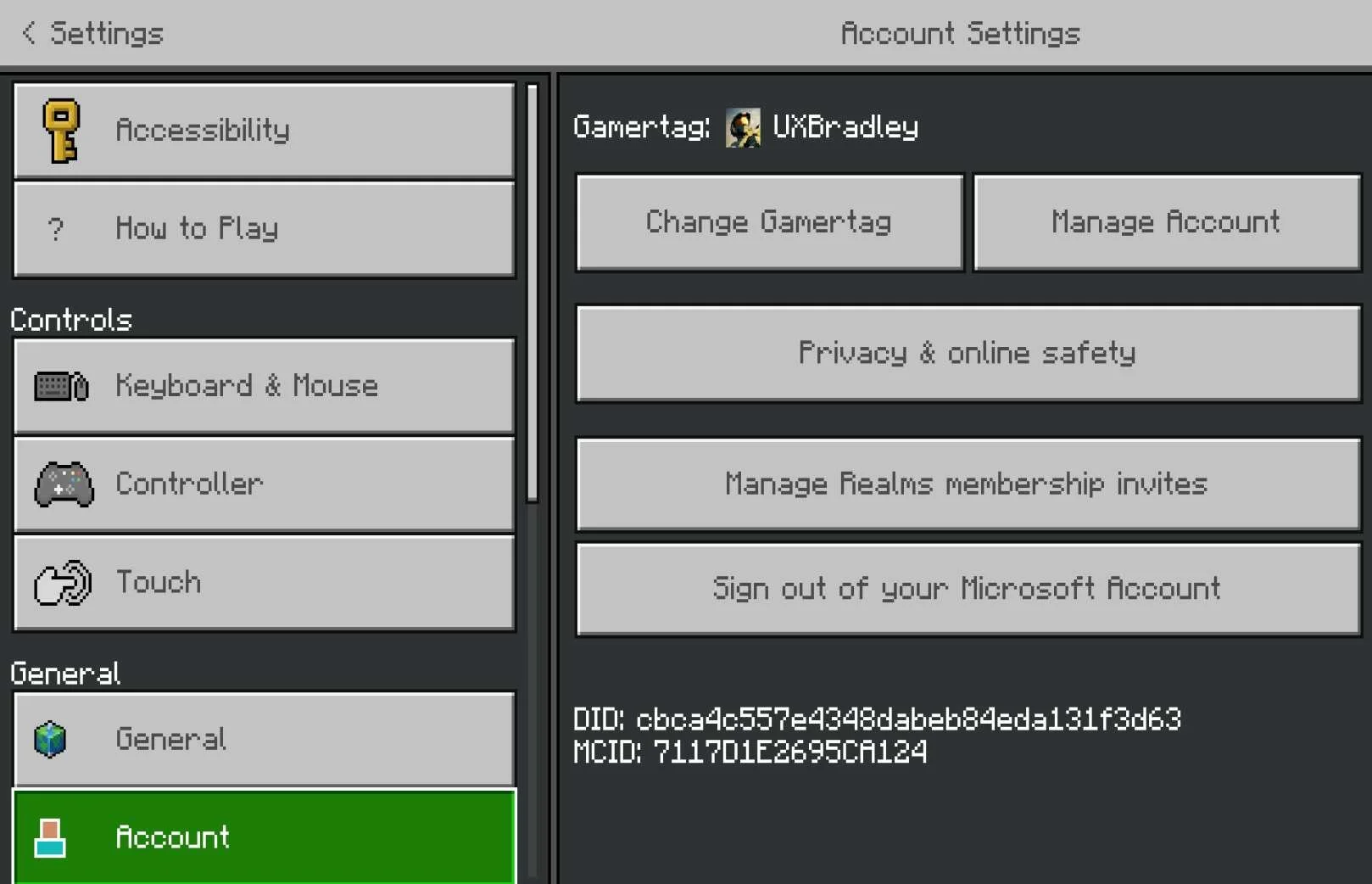
Settings → Account
| Chromebook as the 7th platformAt this point in the research:
Minecraft on Lenovo Chromebook | Google ChromeOS Version 119.0.6045.158:
NOTE: I got interrupted here and had to close out of the game on the Chromebook. This lead to discovery about the default character / avatar / account name that I did not encounter before this (see next two rows in this column) |
|
|
Settings → Account (post relaunching the game):
|
|
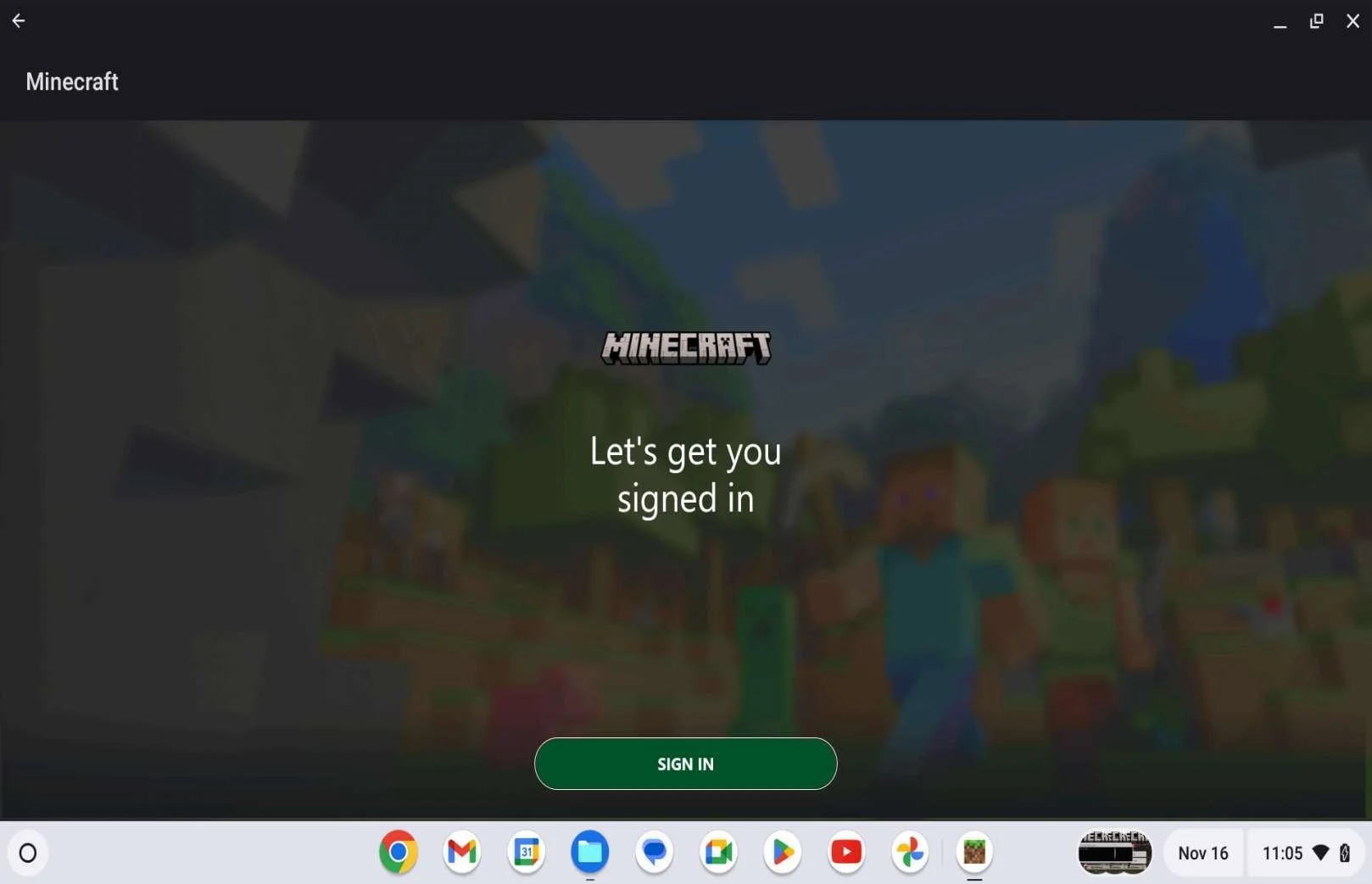
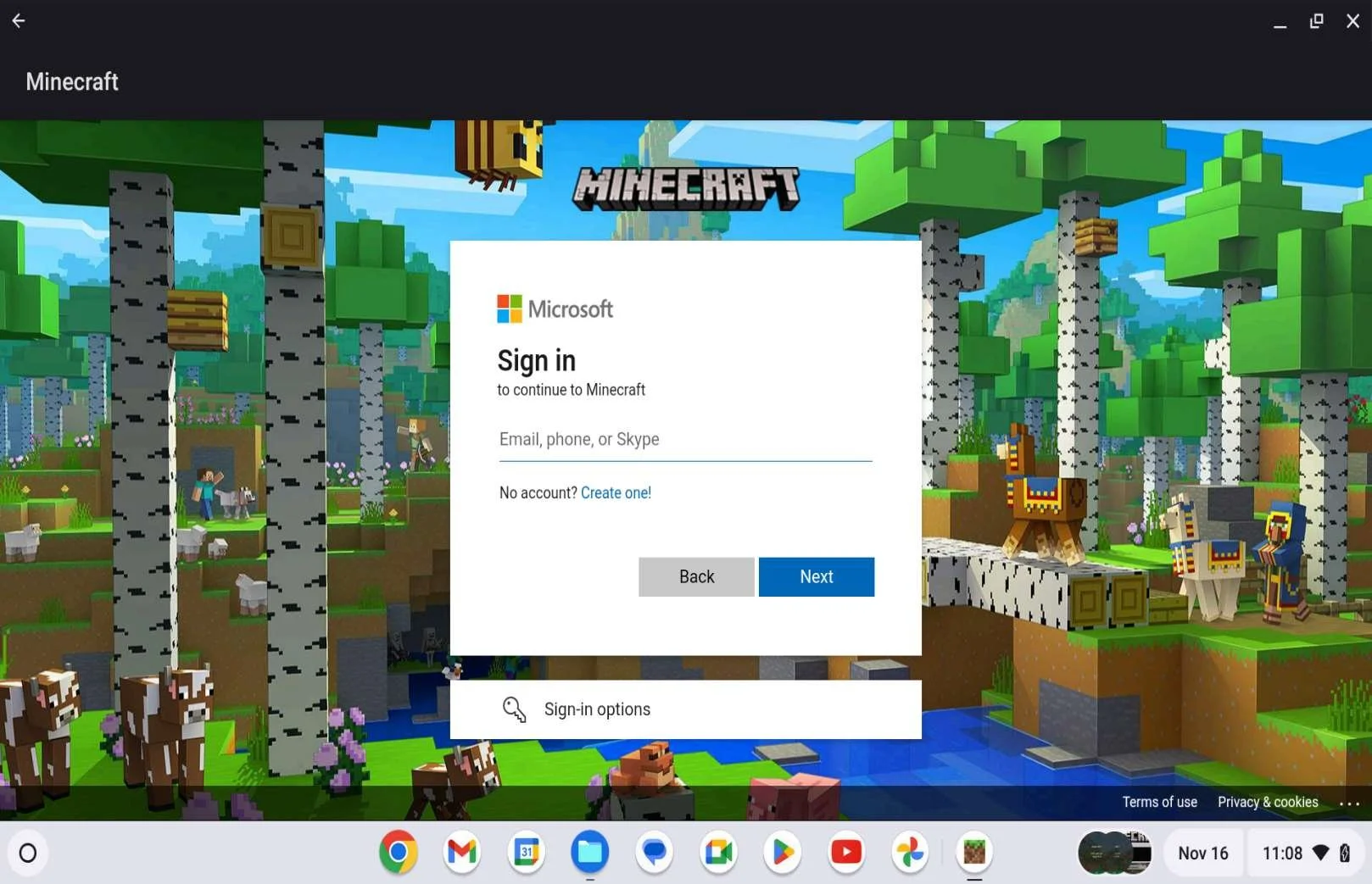
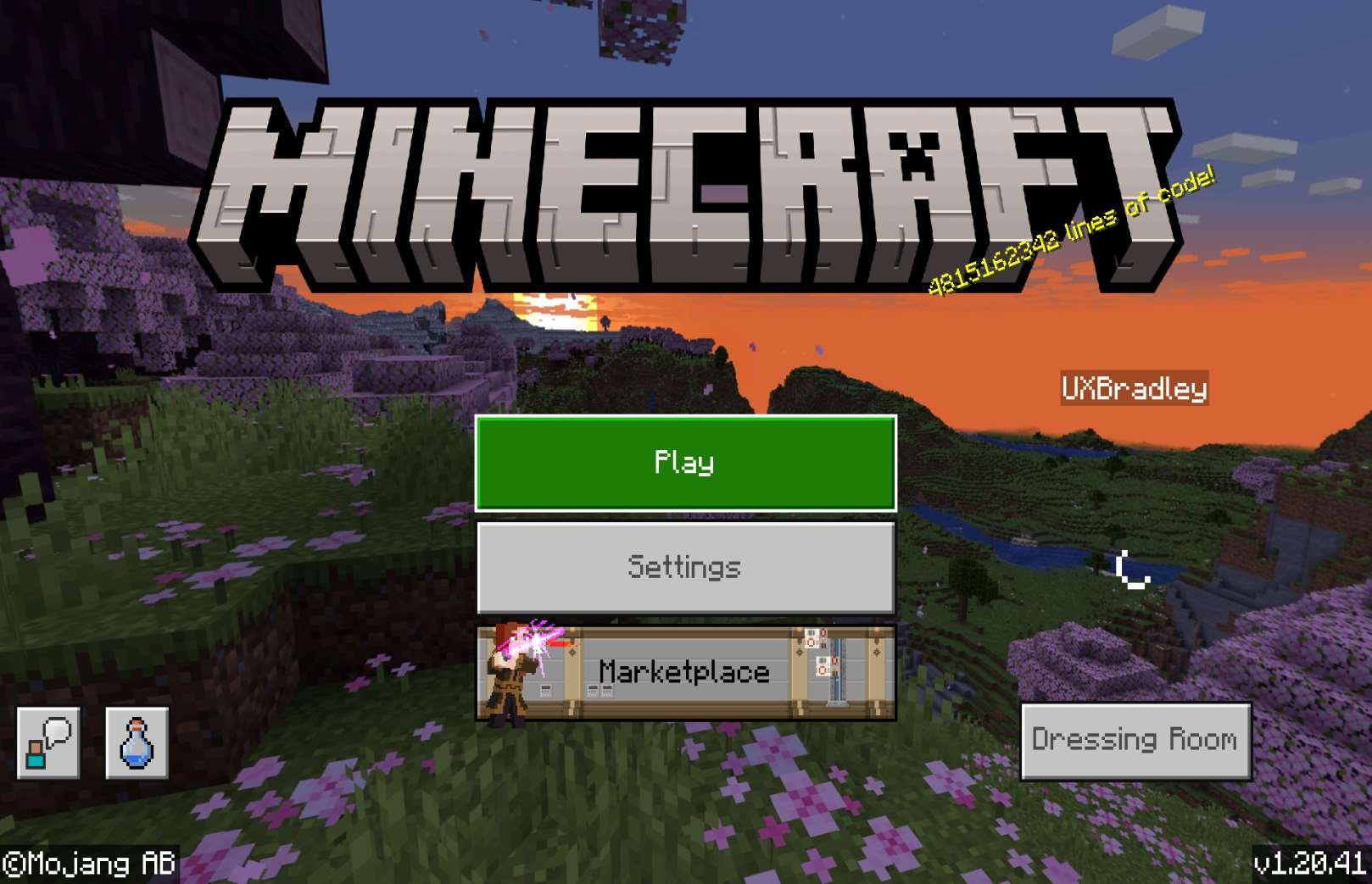
Screenshots from Chromebook 16 Nov 2023, selecting "Sign In" from the Main Menu or "Sign in now" from the Welcome message:
In the web browser:
|
|
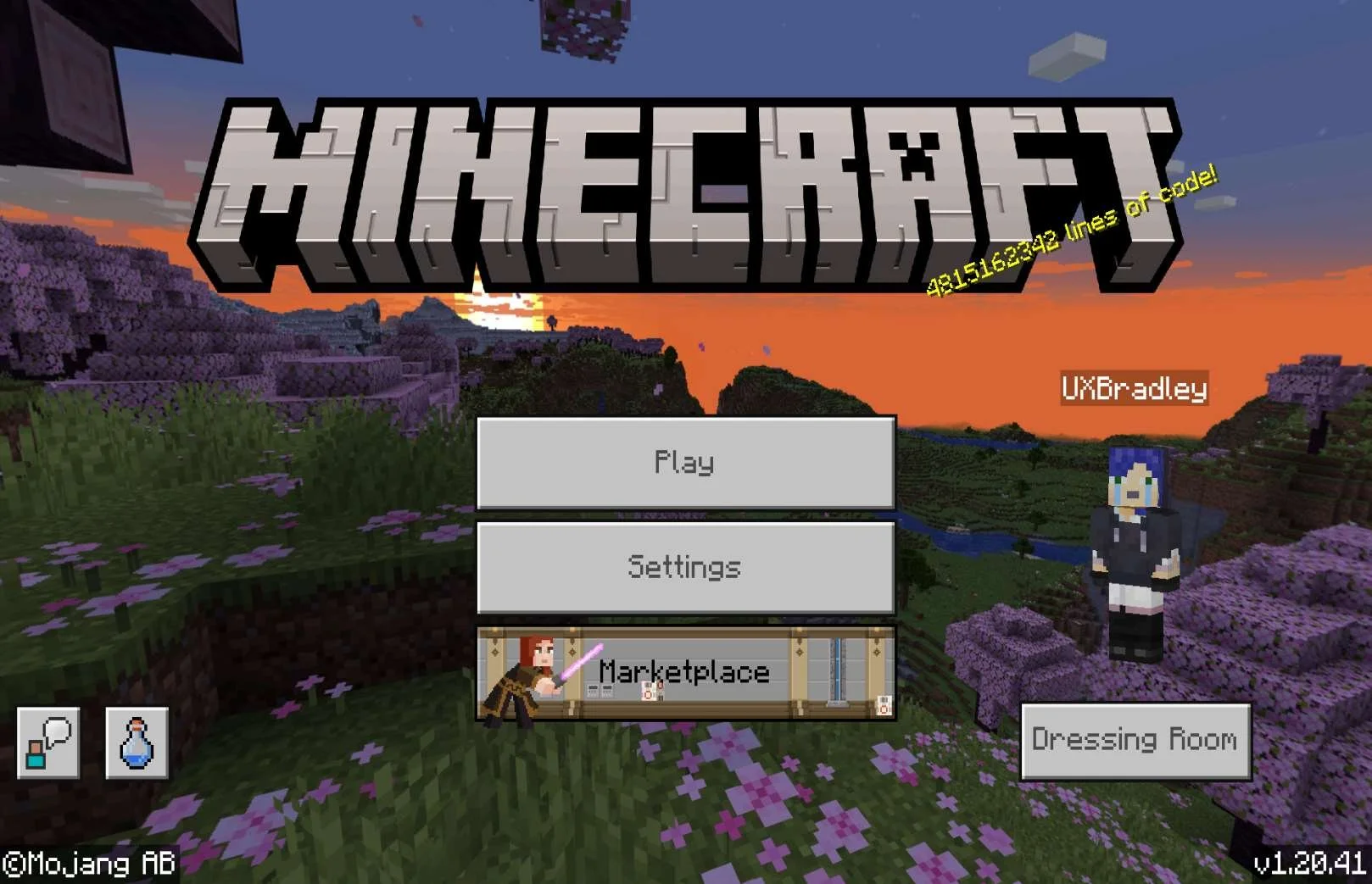
Returning to the Chromebook Minecraft app:
Closed and reopened the Chromebook Minecraft app:
Closed and reopened the Minecraft app a second time:
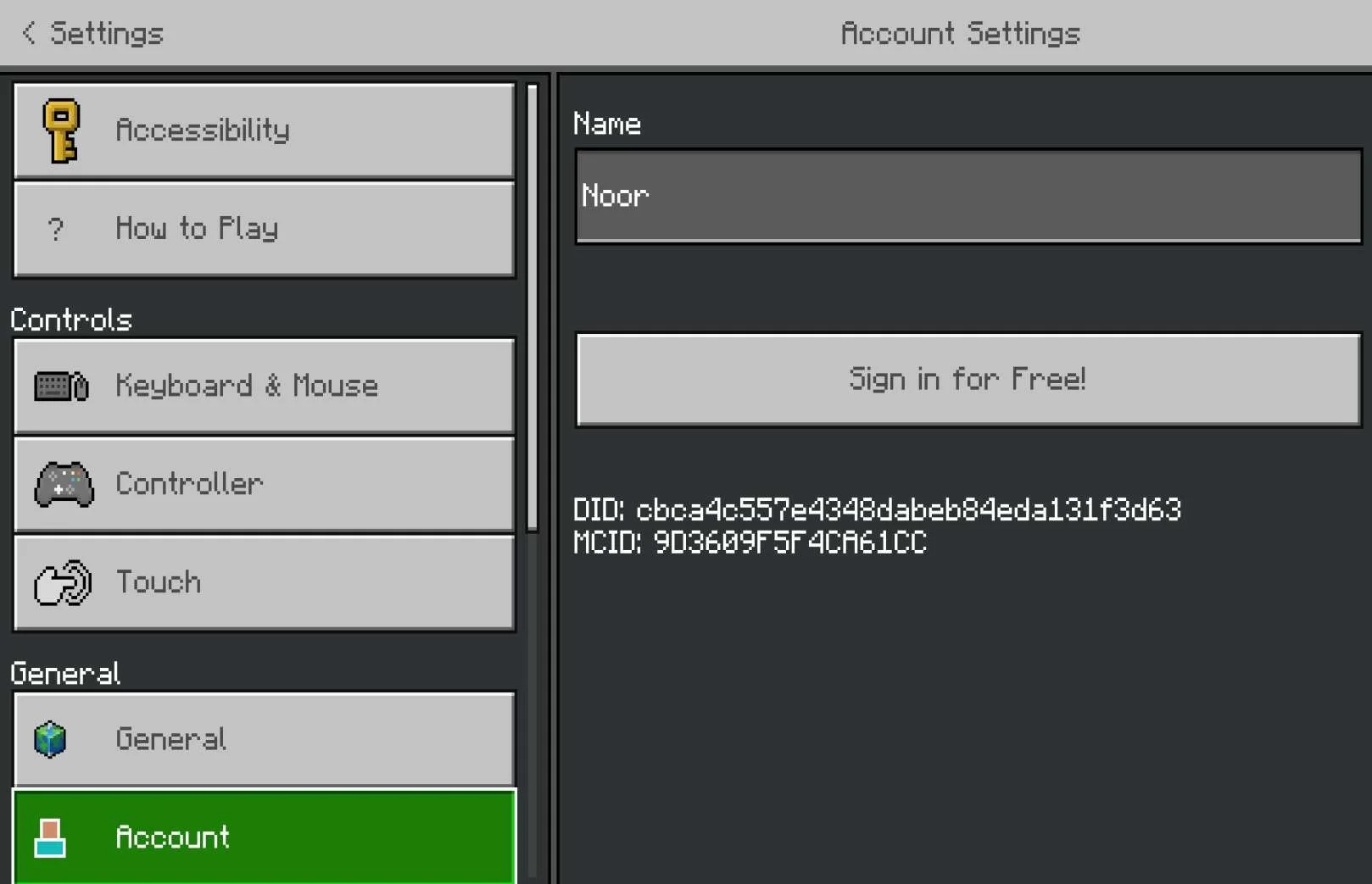
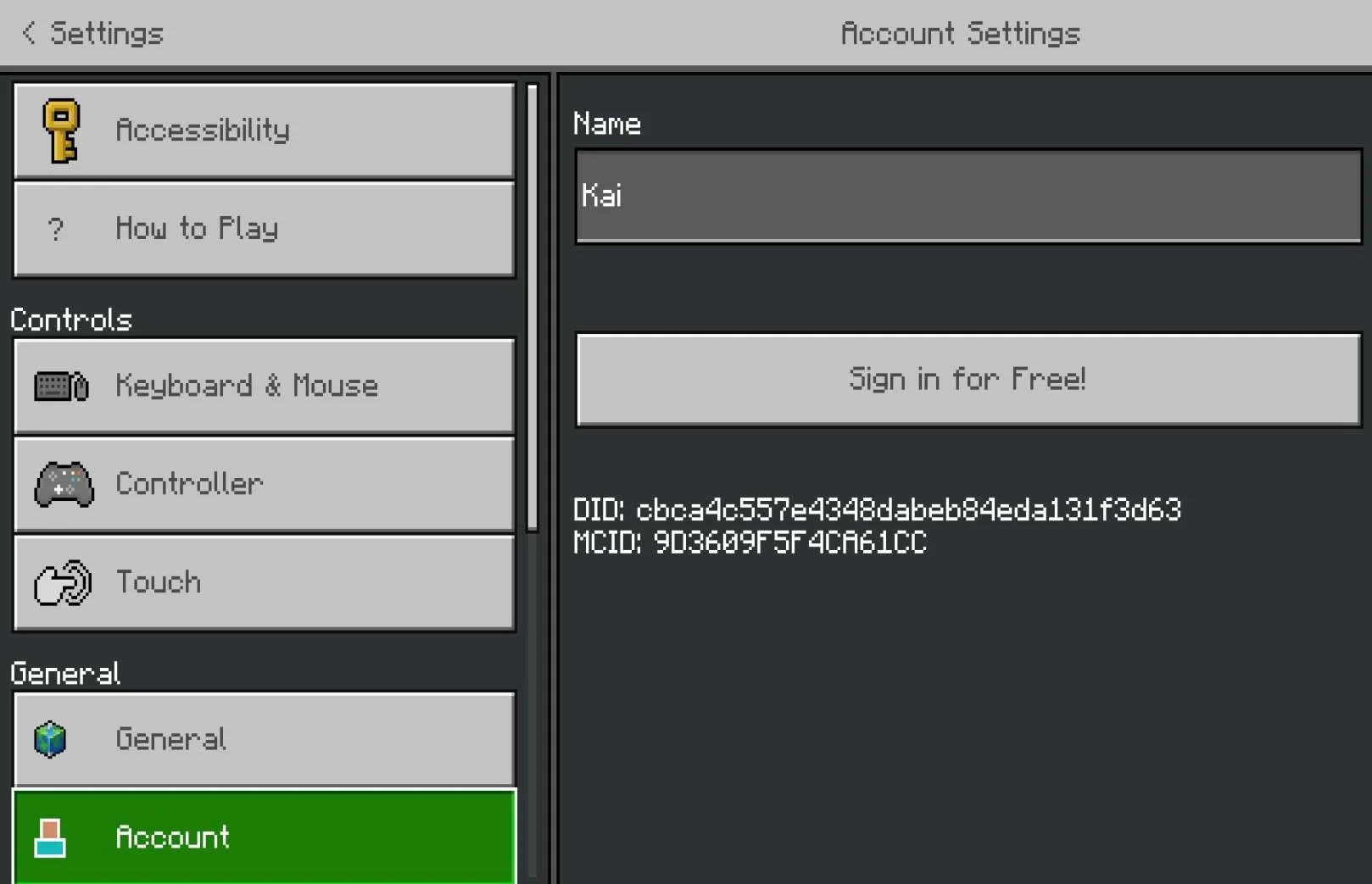
Settings → Account
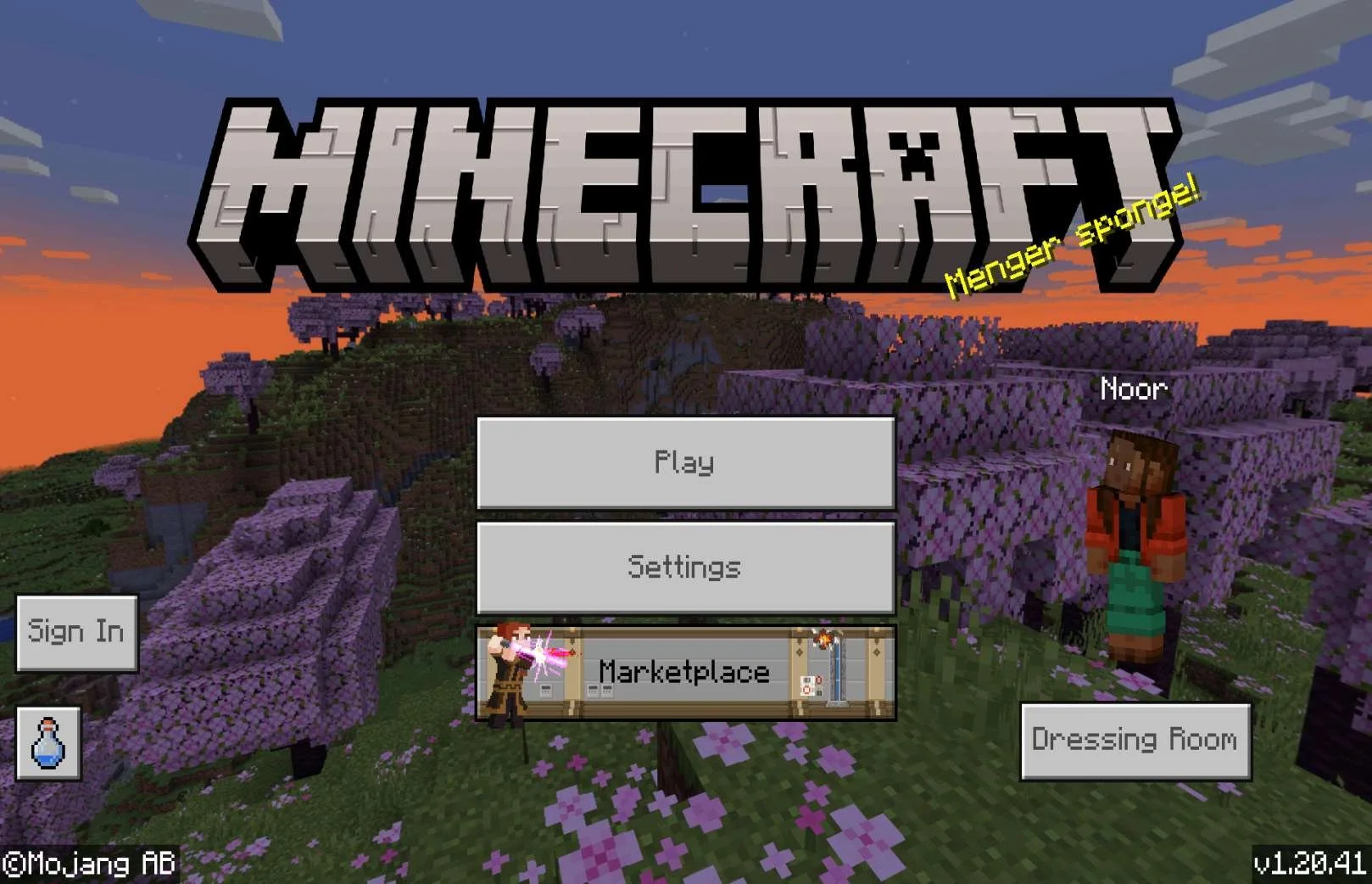
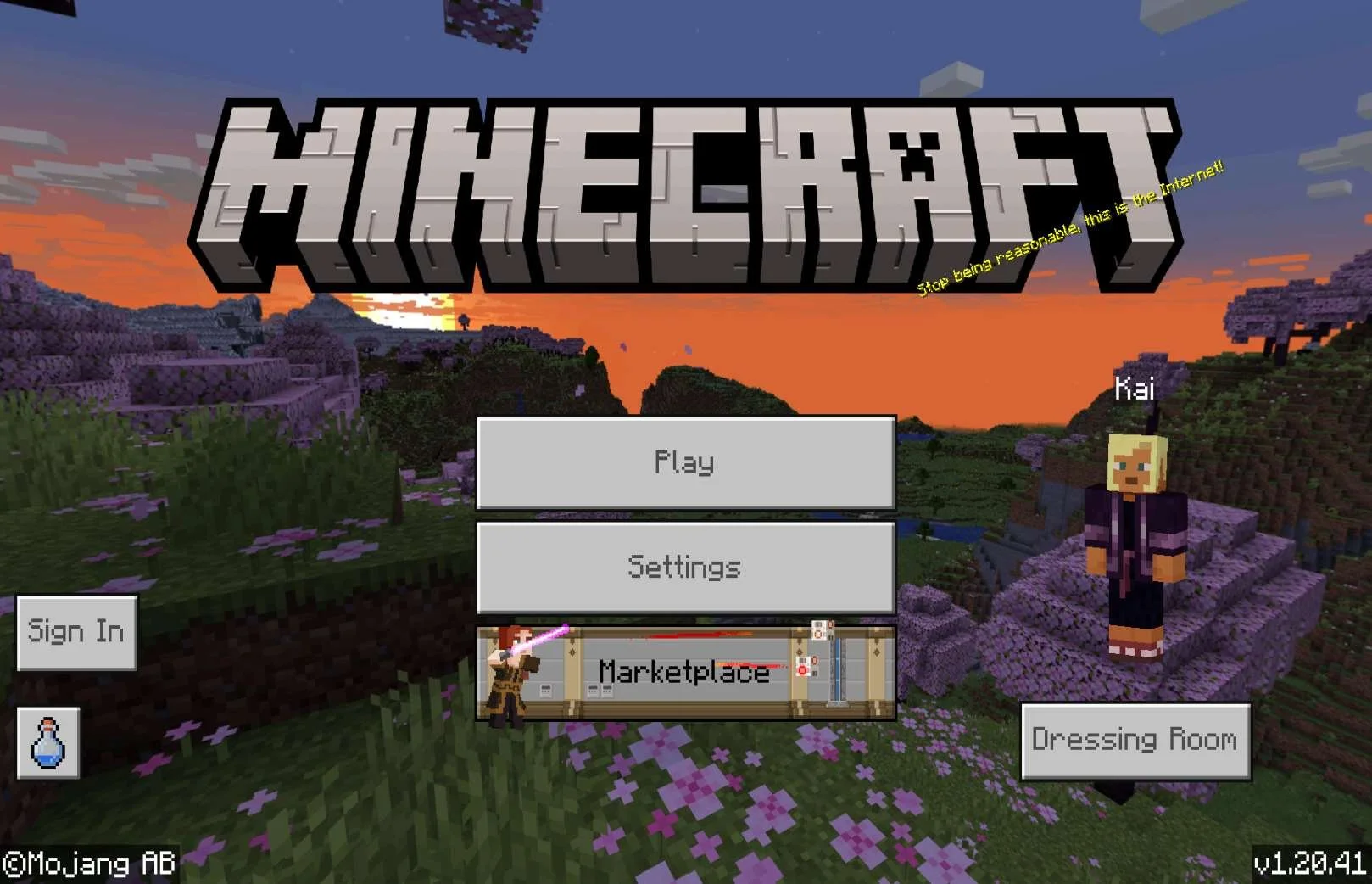
|
Closed and reopened the Chromebook Minecraft app:
Closed and reopened the Chromebook Minecraft app a second time:
|
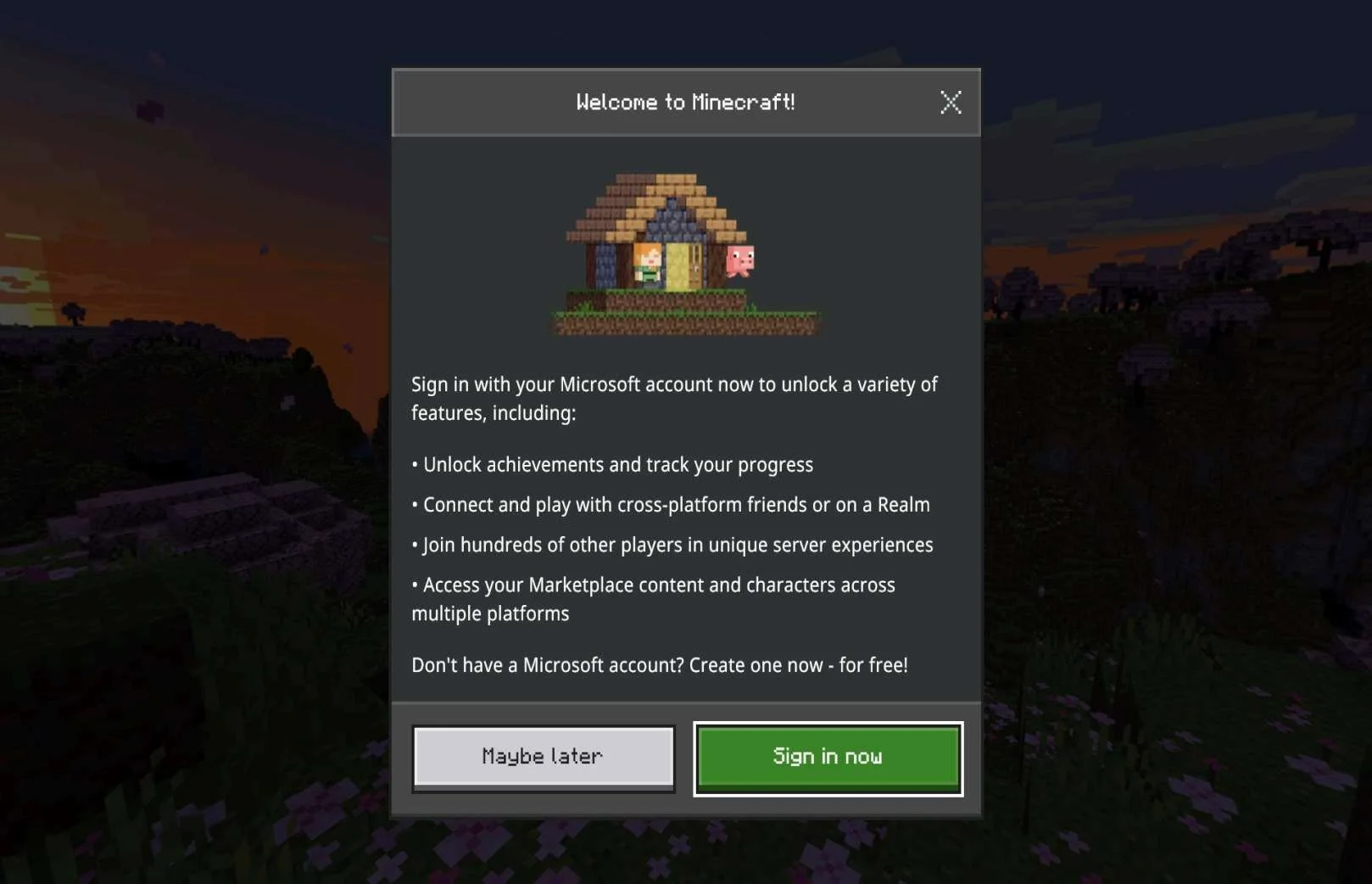
NON XBOX PLATFORM FIRST
Media | Notes |
|---|---|
Screenshots from 13 Nov 2023 on Nintendo Switch + Web Browser:
After relaunching the game:
| Nintendo Switch as the 1st platformAt this point in the research:
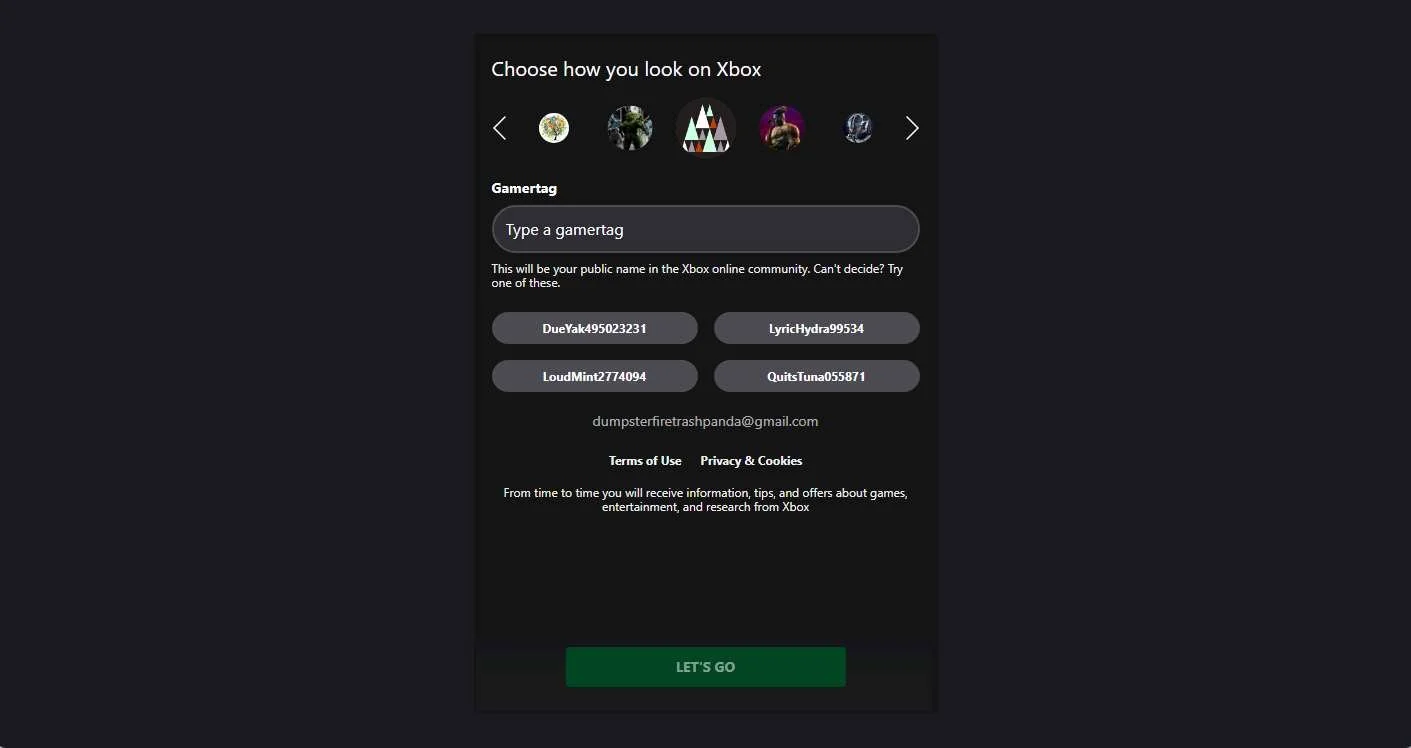
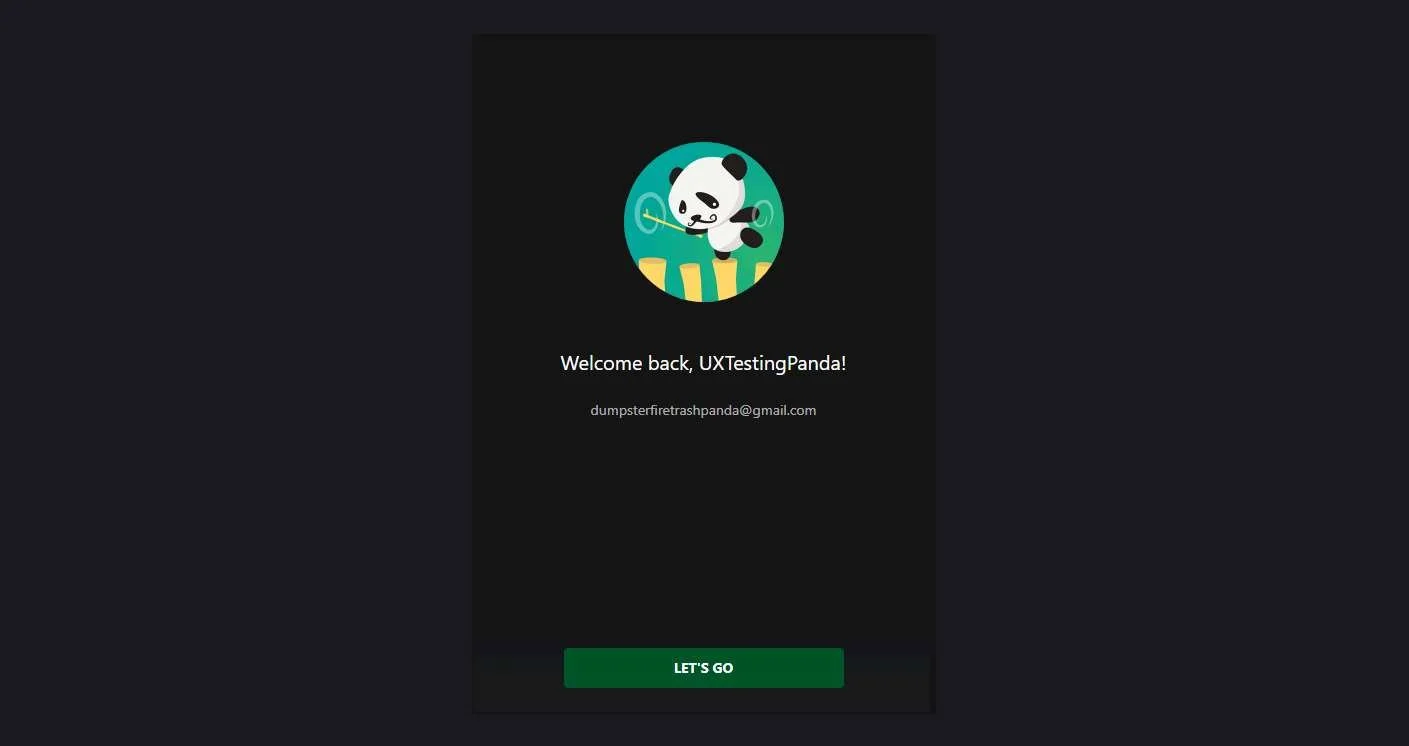
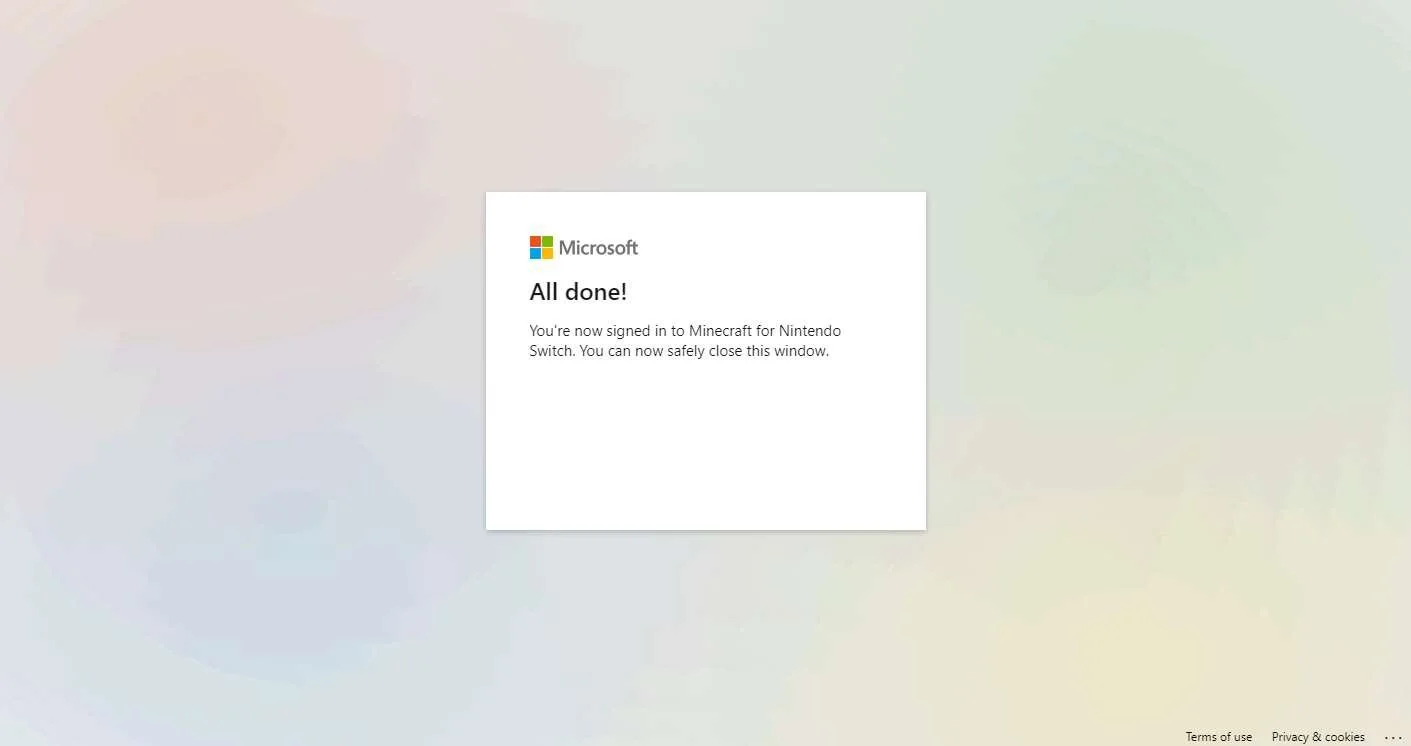
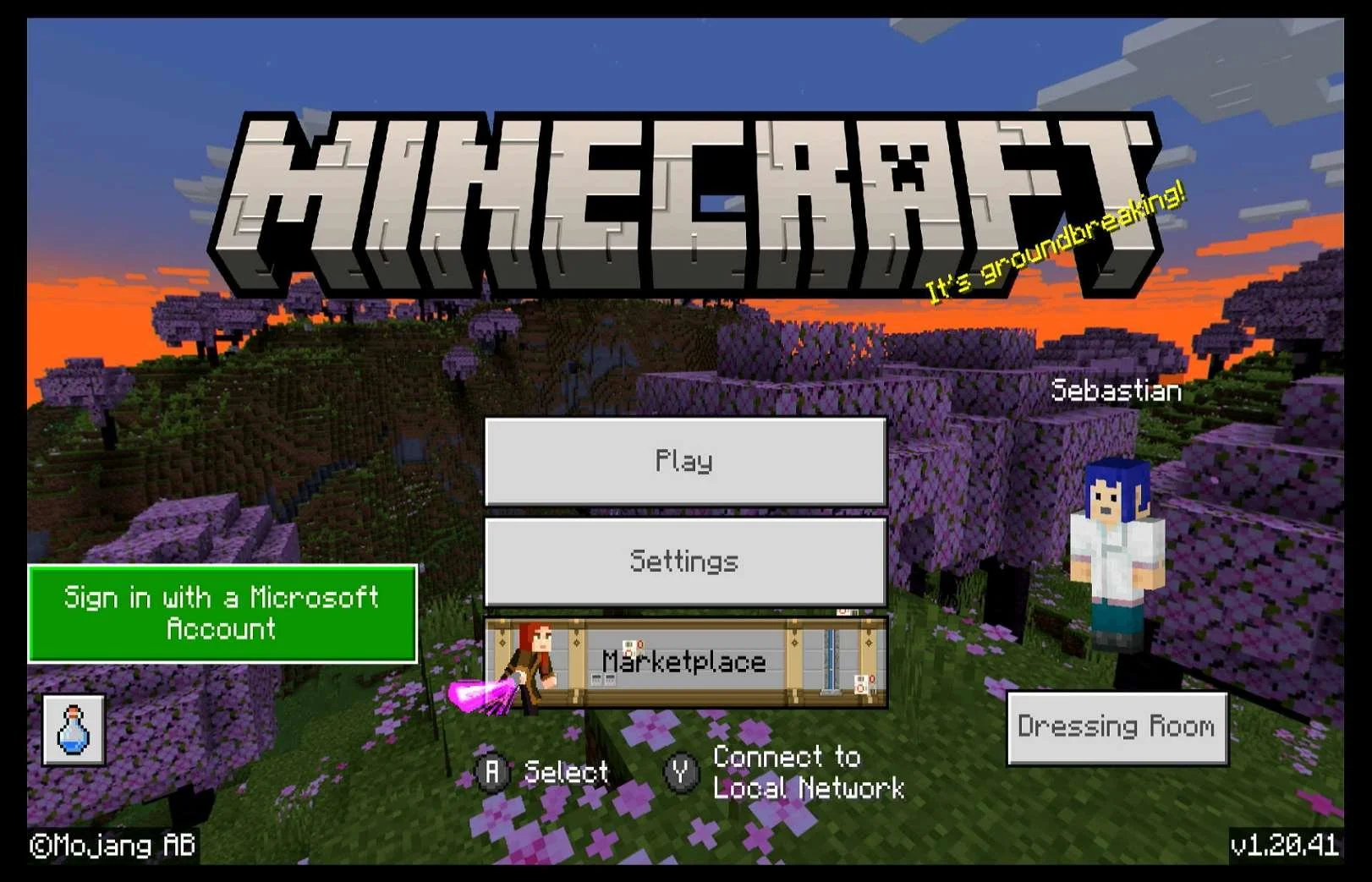
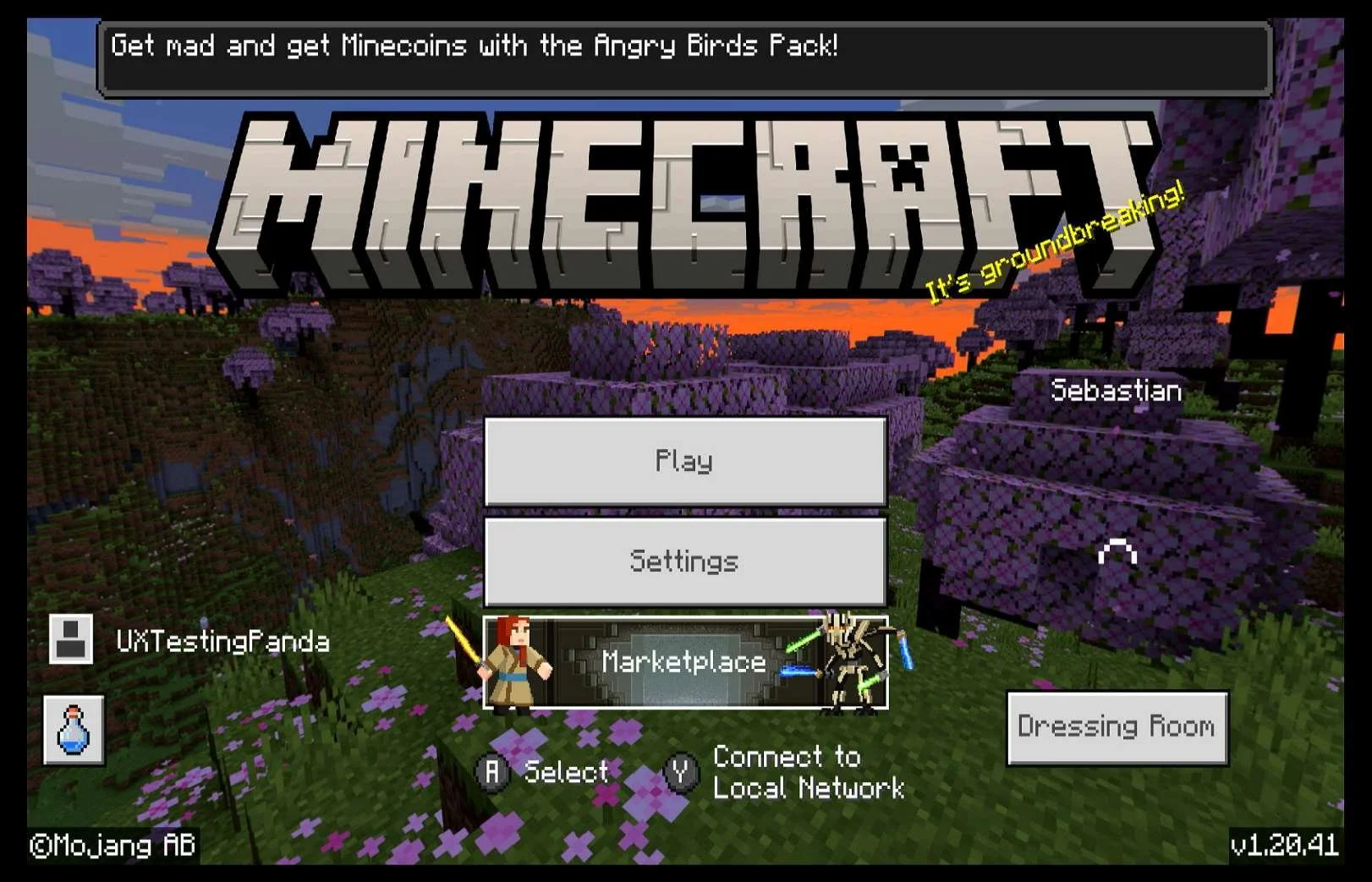
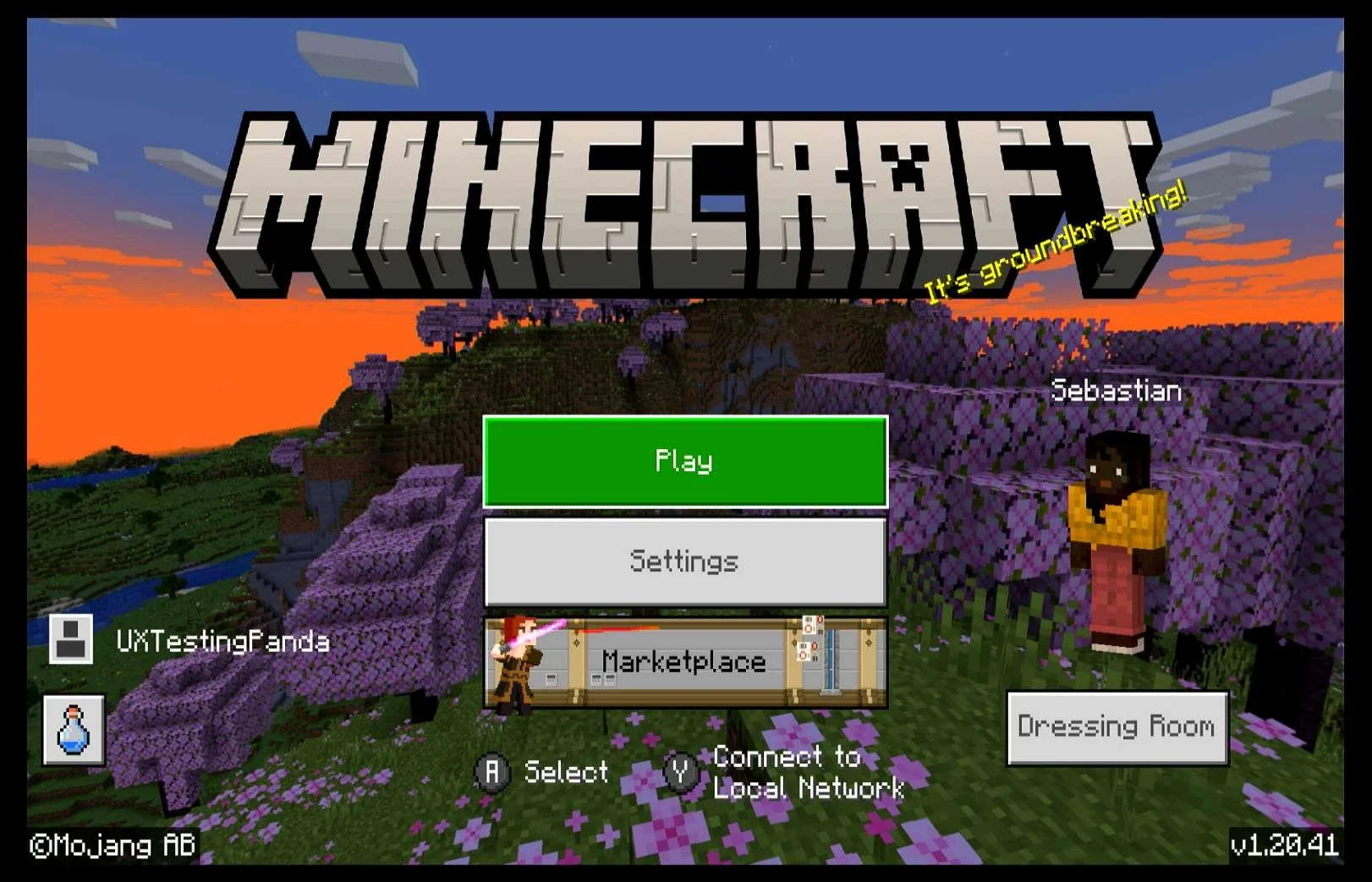
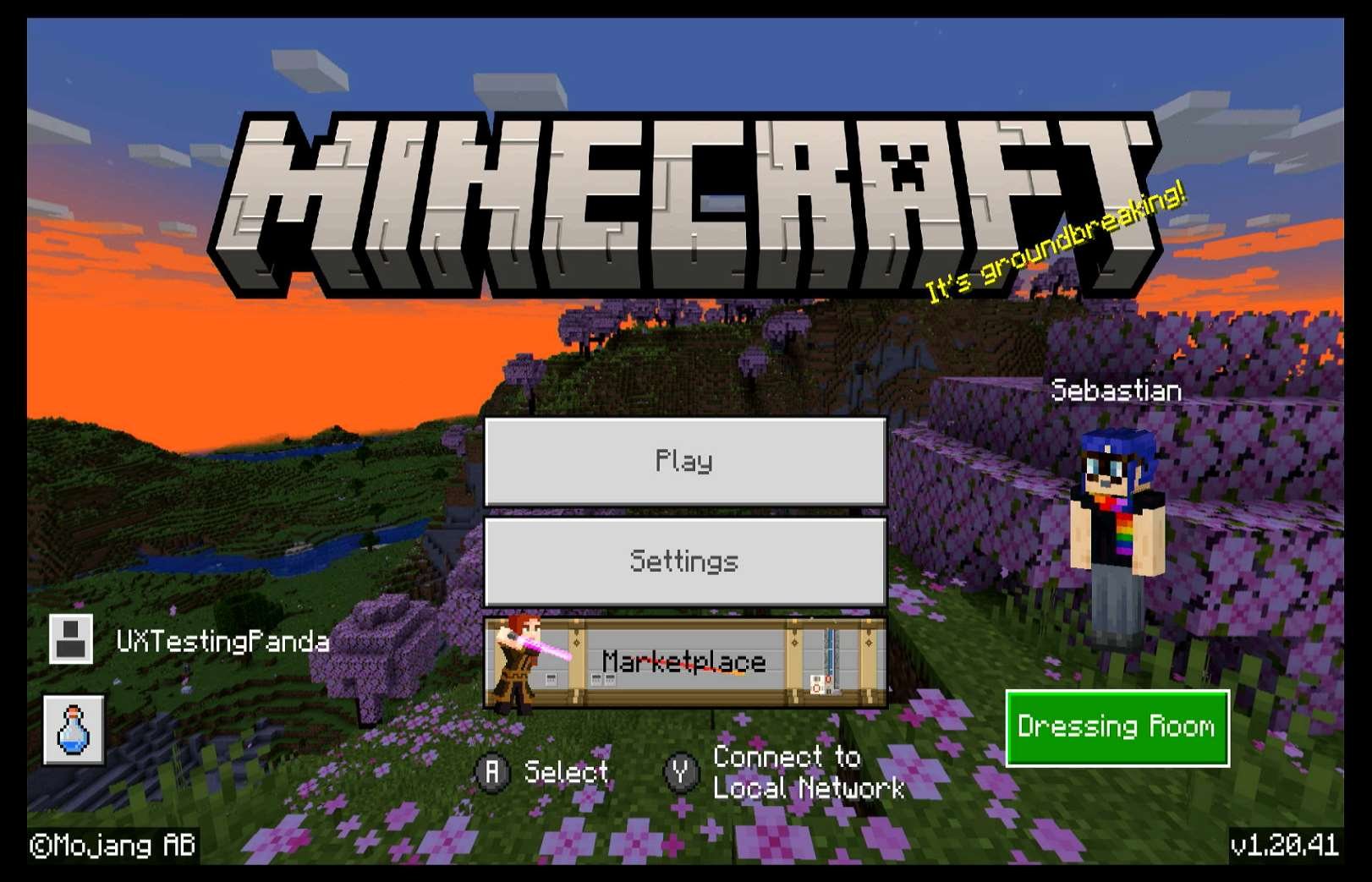
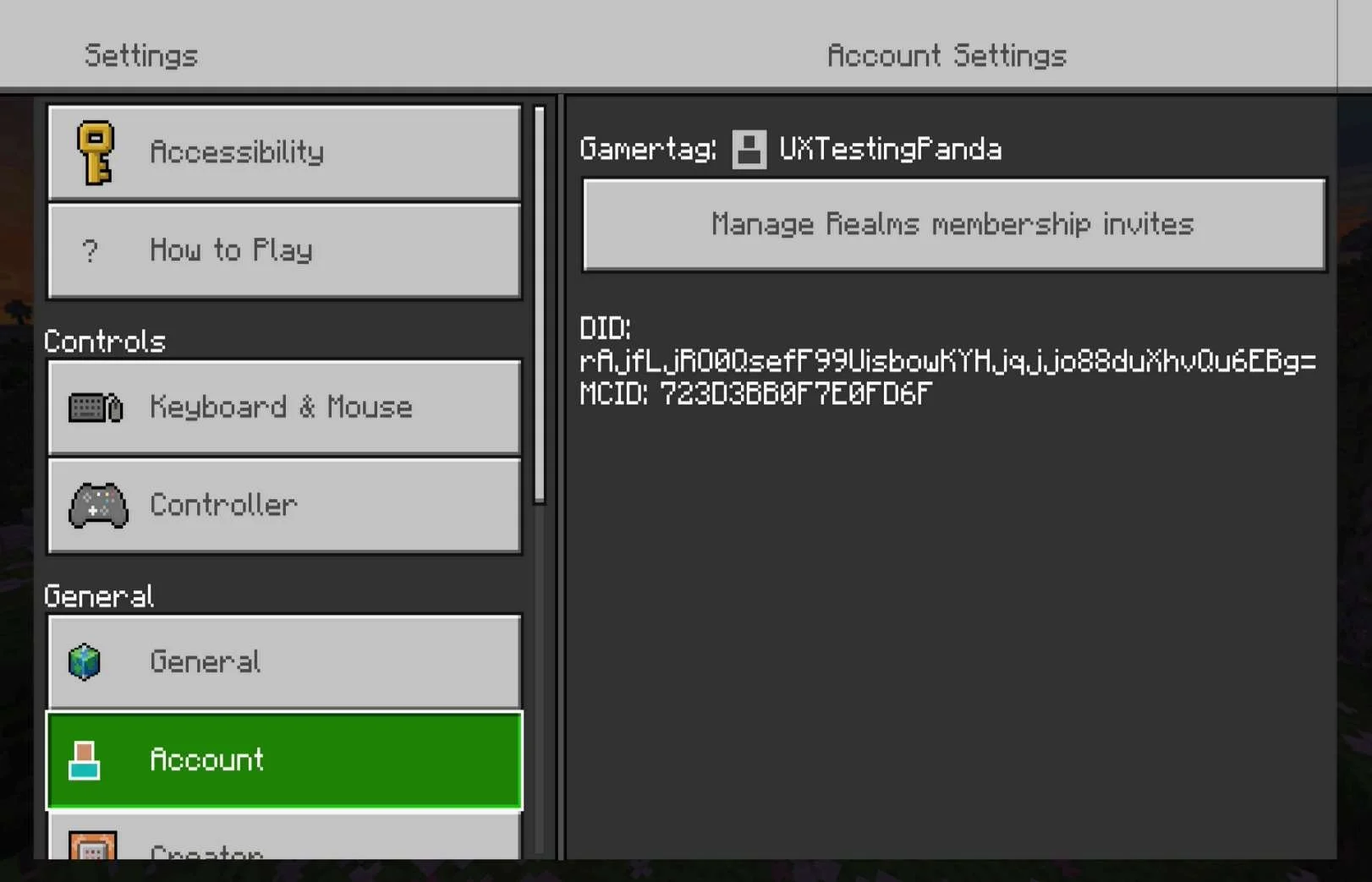
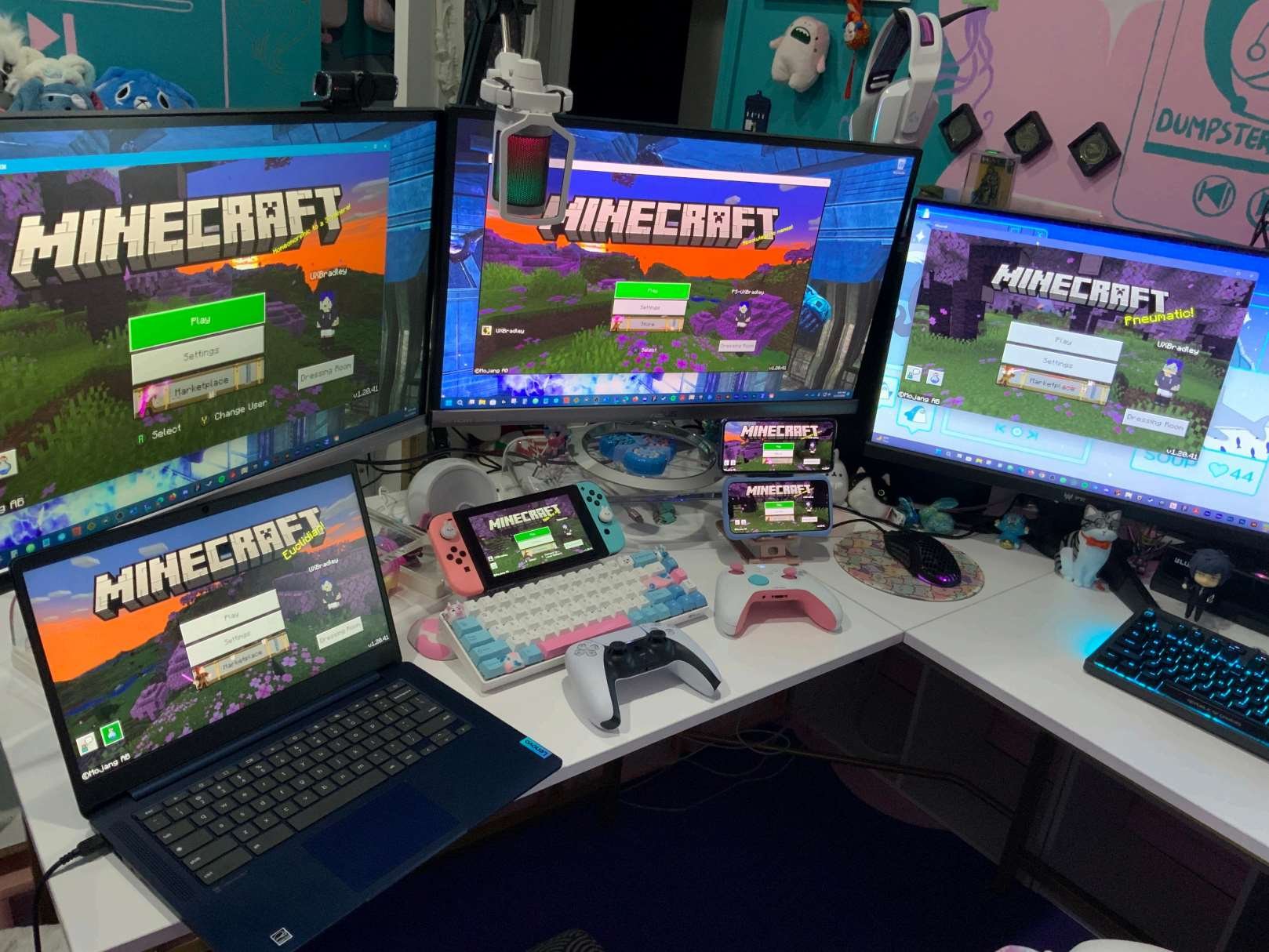
I wanted to know what the player experience is when the player's first platform isn't XBOX. In this scenario, I am looking into the experience when the player first starts Minecraft on Nintendo Switch, creates a new Microsoft account and then links the accounts.
After relaunching:
|
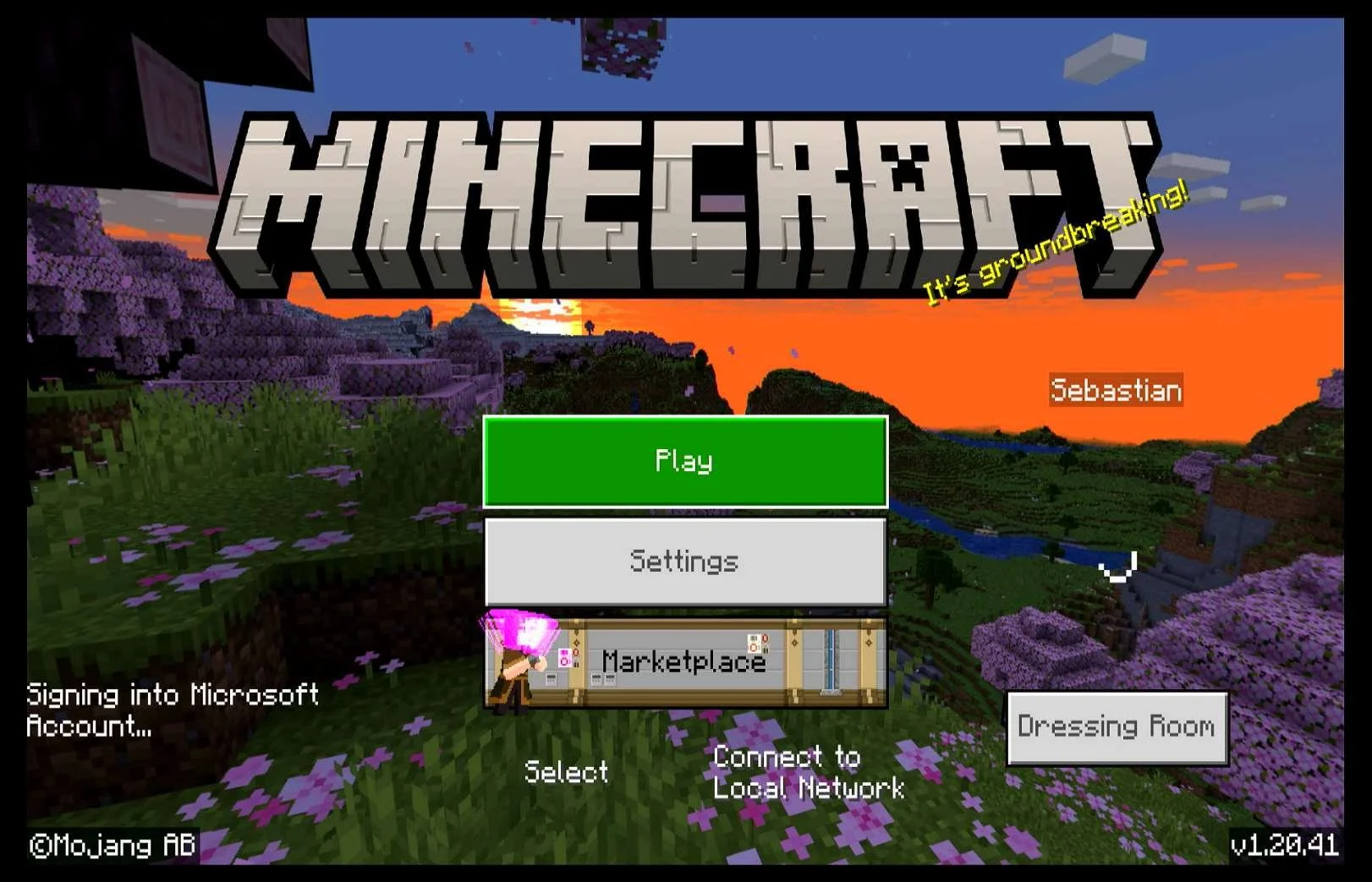
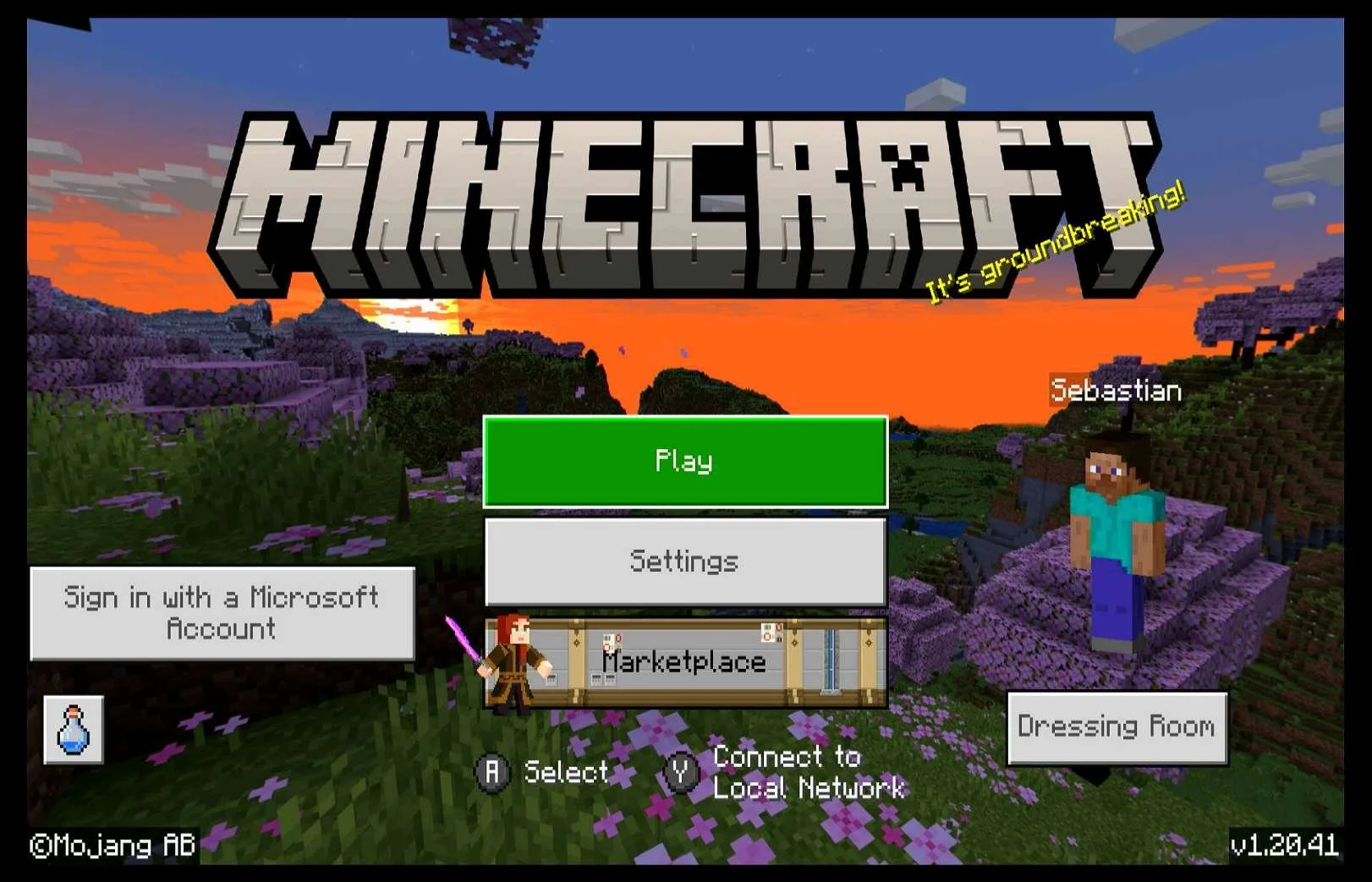
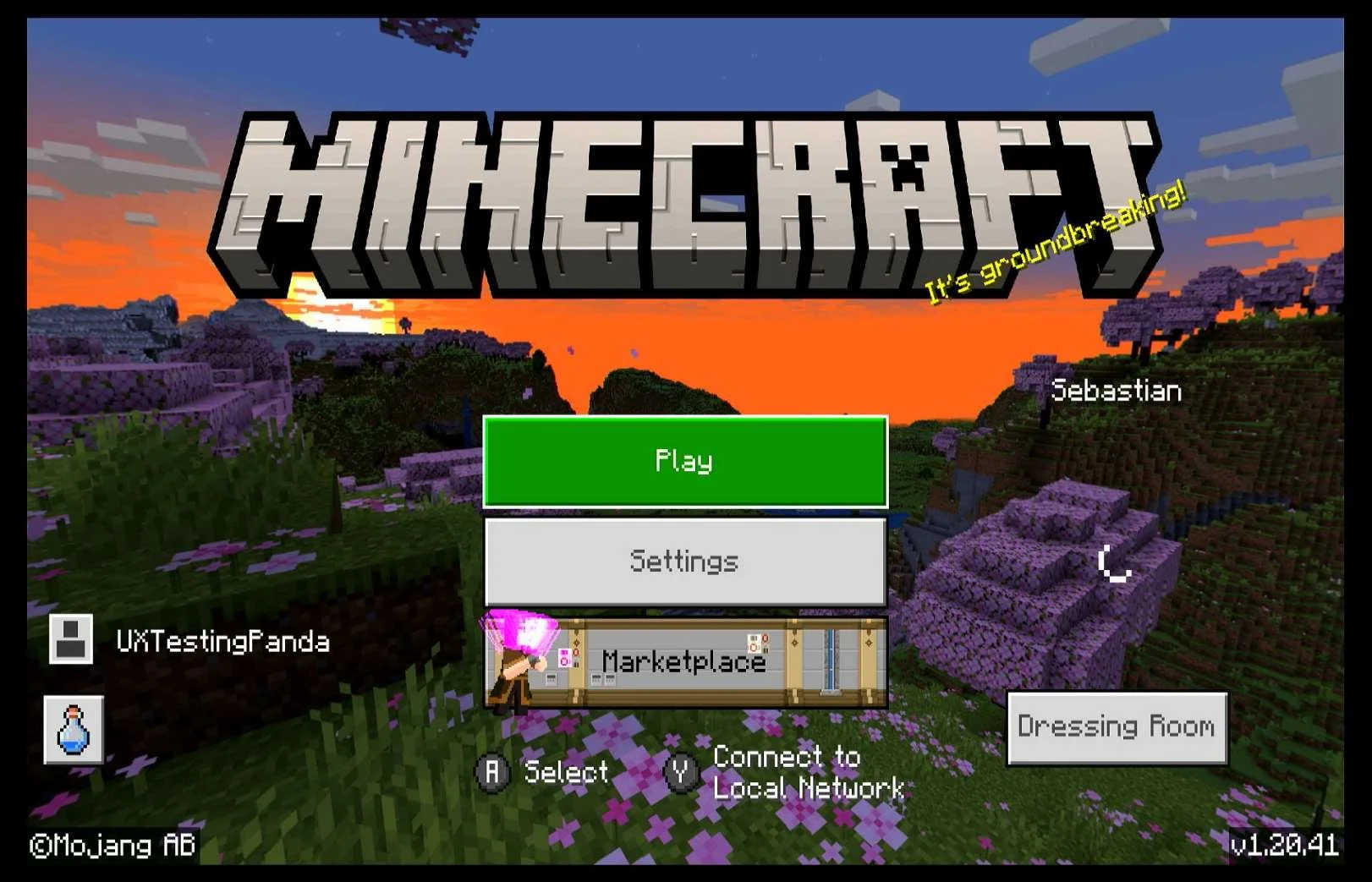
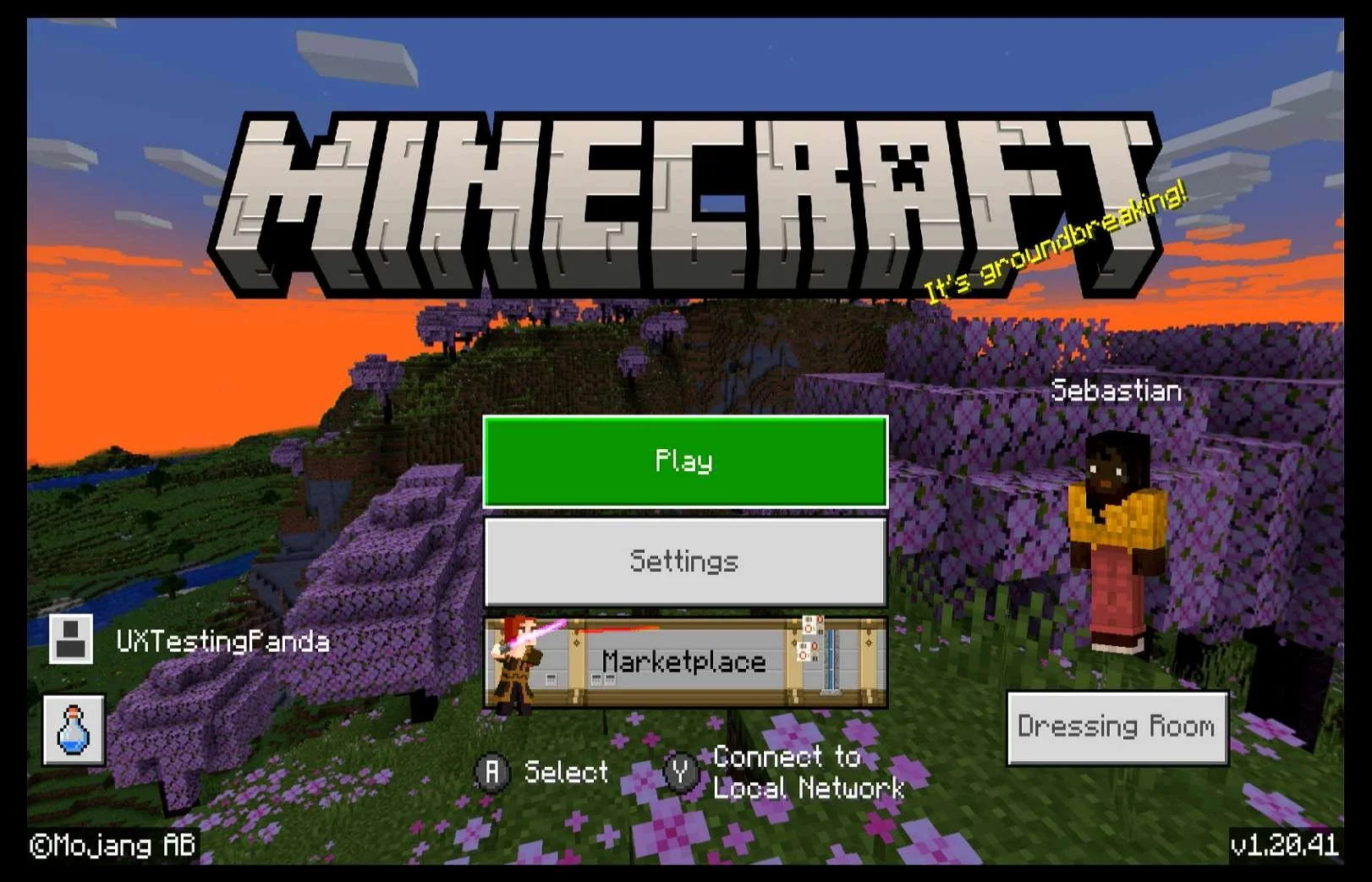
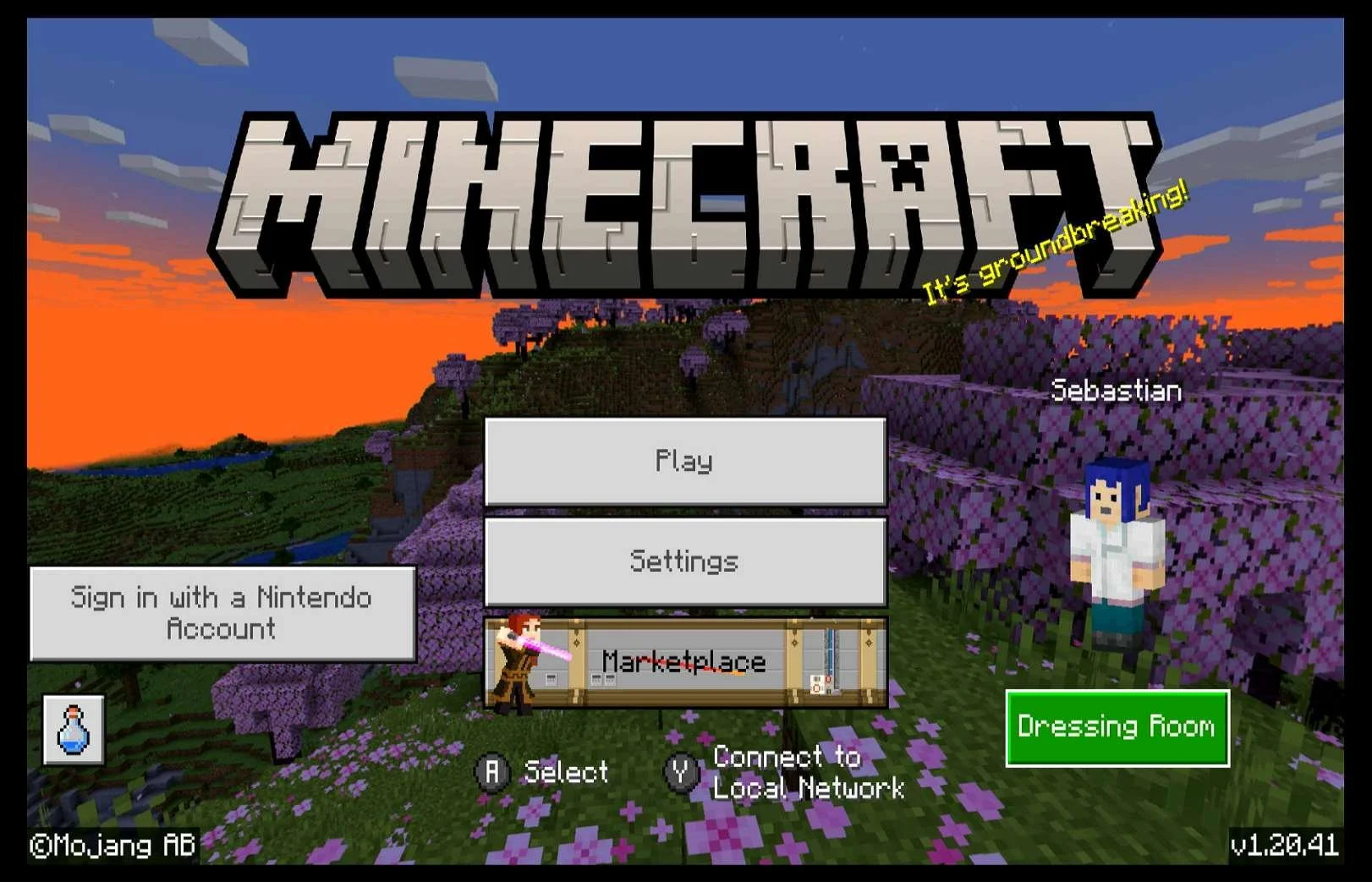
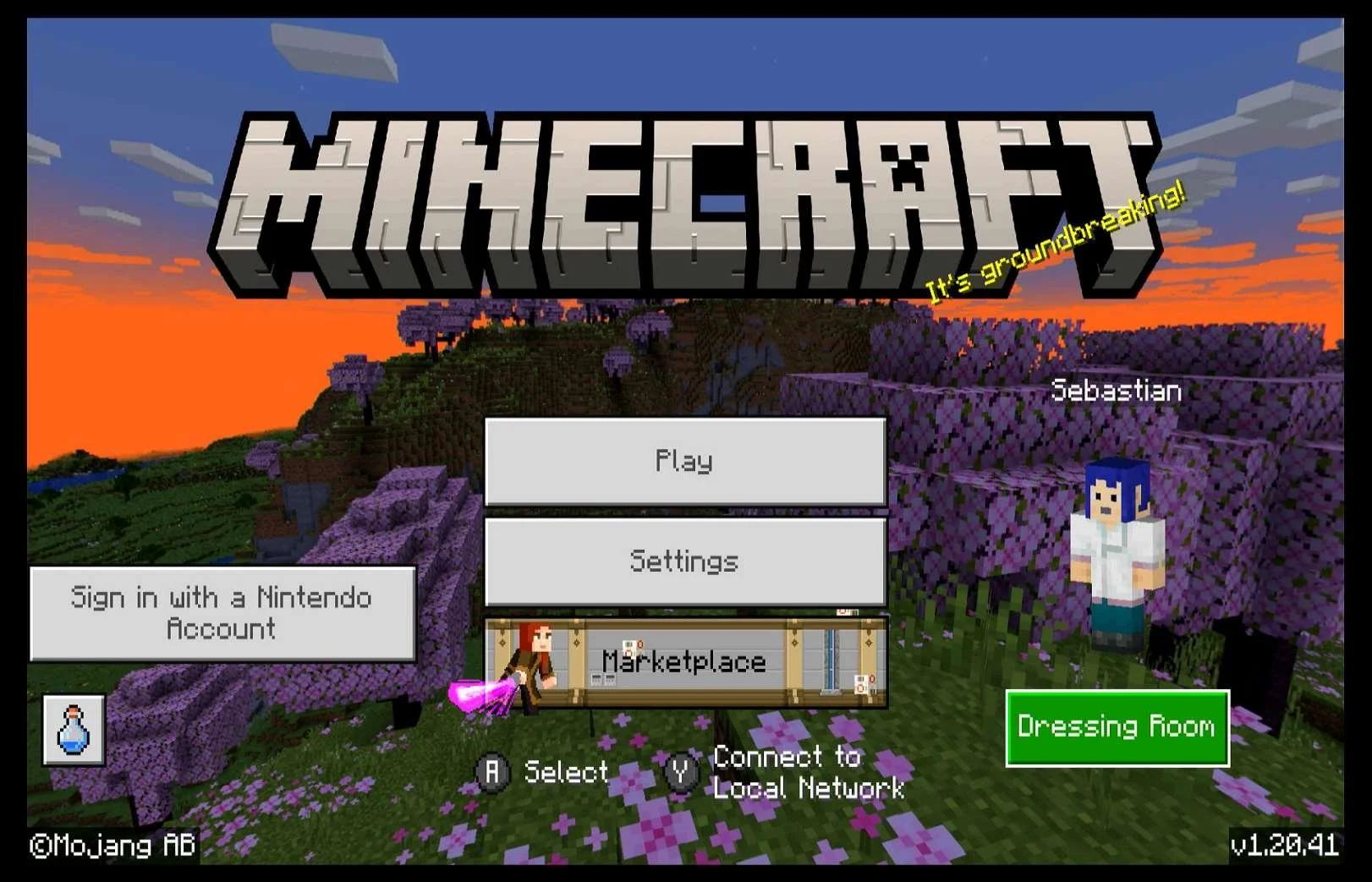
Screenshots from 14 Nov 2023 on Nintendo Switch: (I don't know how the Sign in with a Nintendo Account button appeared)
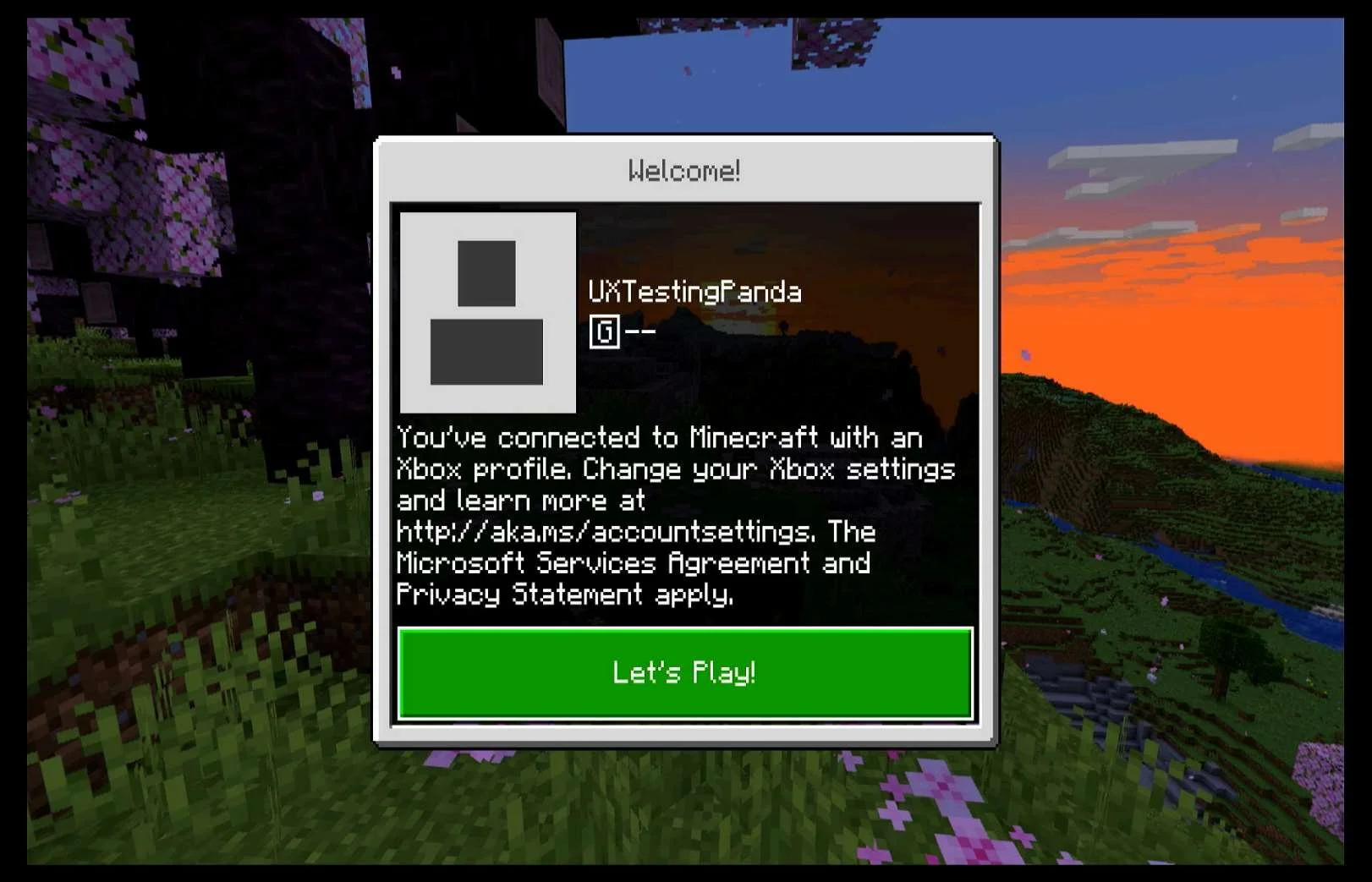
| XBOX as the 2nd platform.At this point in the research:
Minecraft on XBOX Series S:
|
Screenshots from 14 Nov 2023 on Nintendo Switch:
|
|
Screenshots from 14 Nov 2023 on XBOX Series S:
|
|
ALL PLATFORMS LINKED
Media | Notes |
|---|---|
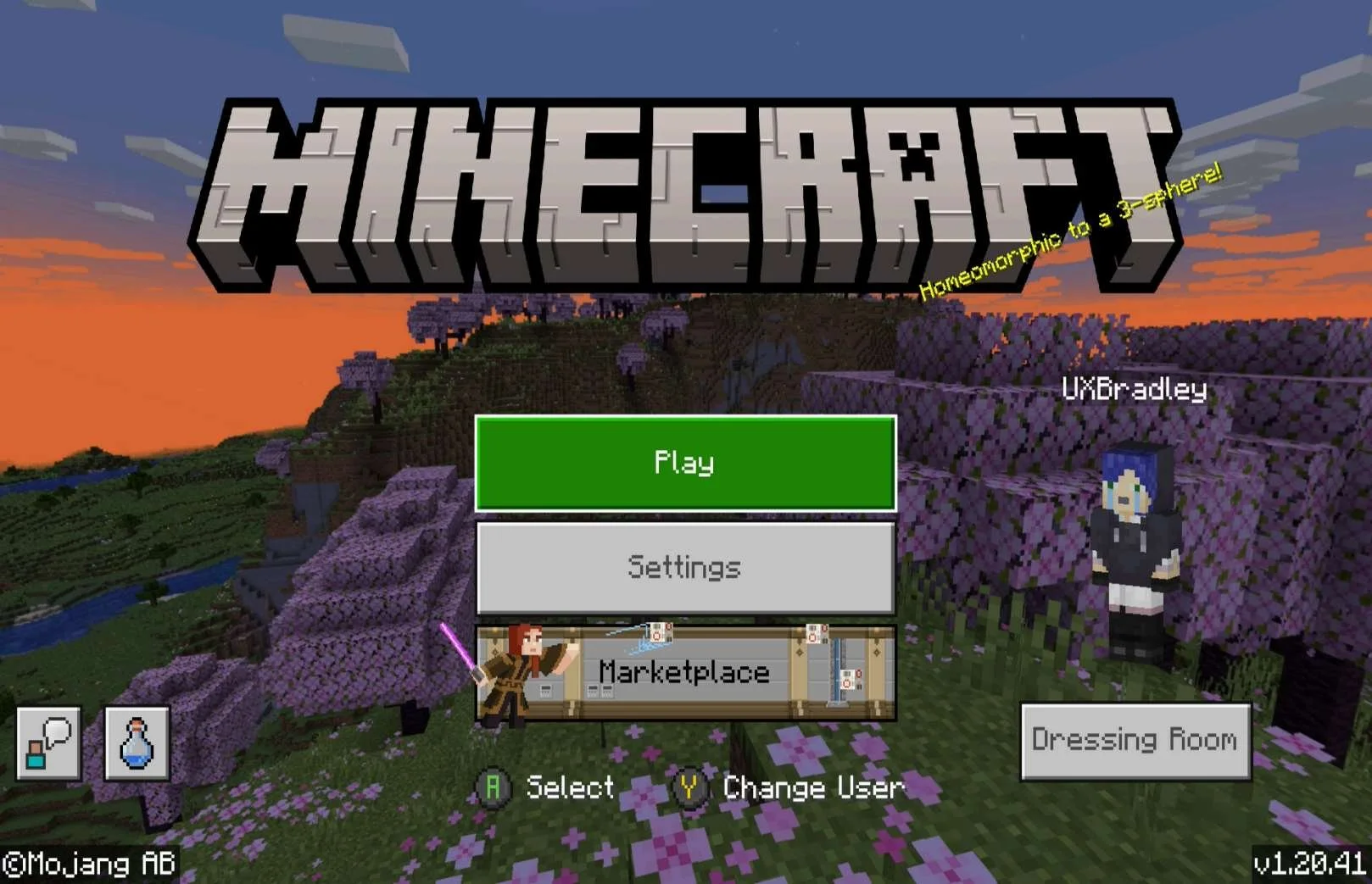
Photo from 17 Nov 2023 :
Checking to see if any Platform can see other Platforms linked: Screenshot from 17 Nov 2023 on XBOX:
Playstation 5:
PC Minecraft for Windows:
Chromebook:
Nintendo Switch:
Android:
iOS (Apple):
| All Platforms Linked & Signed In to the same Microsoft AccountAt this point in the research:
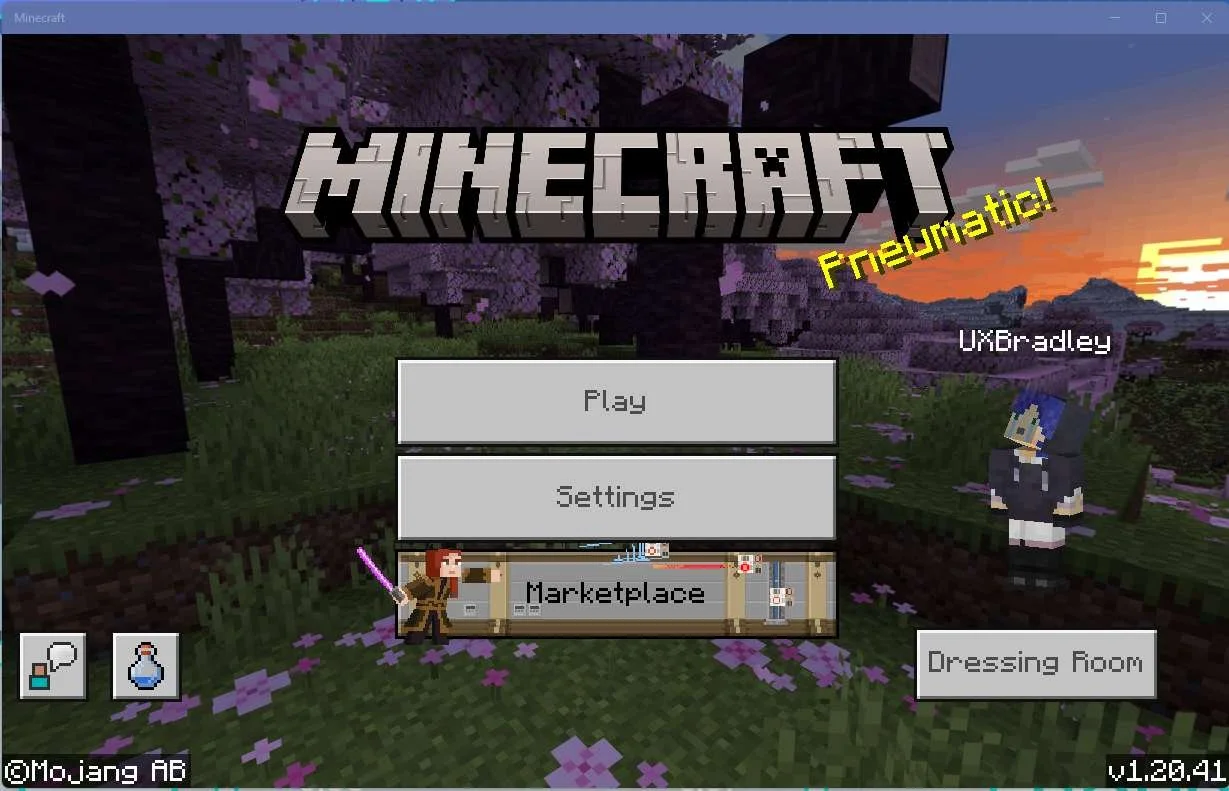
Simultaneously Signed In to Main Menu:
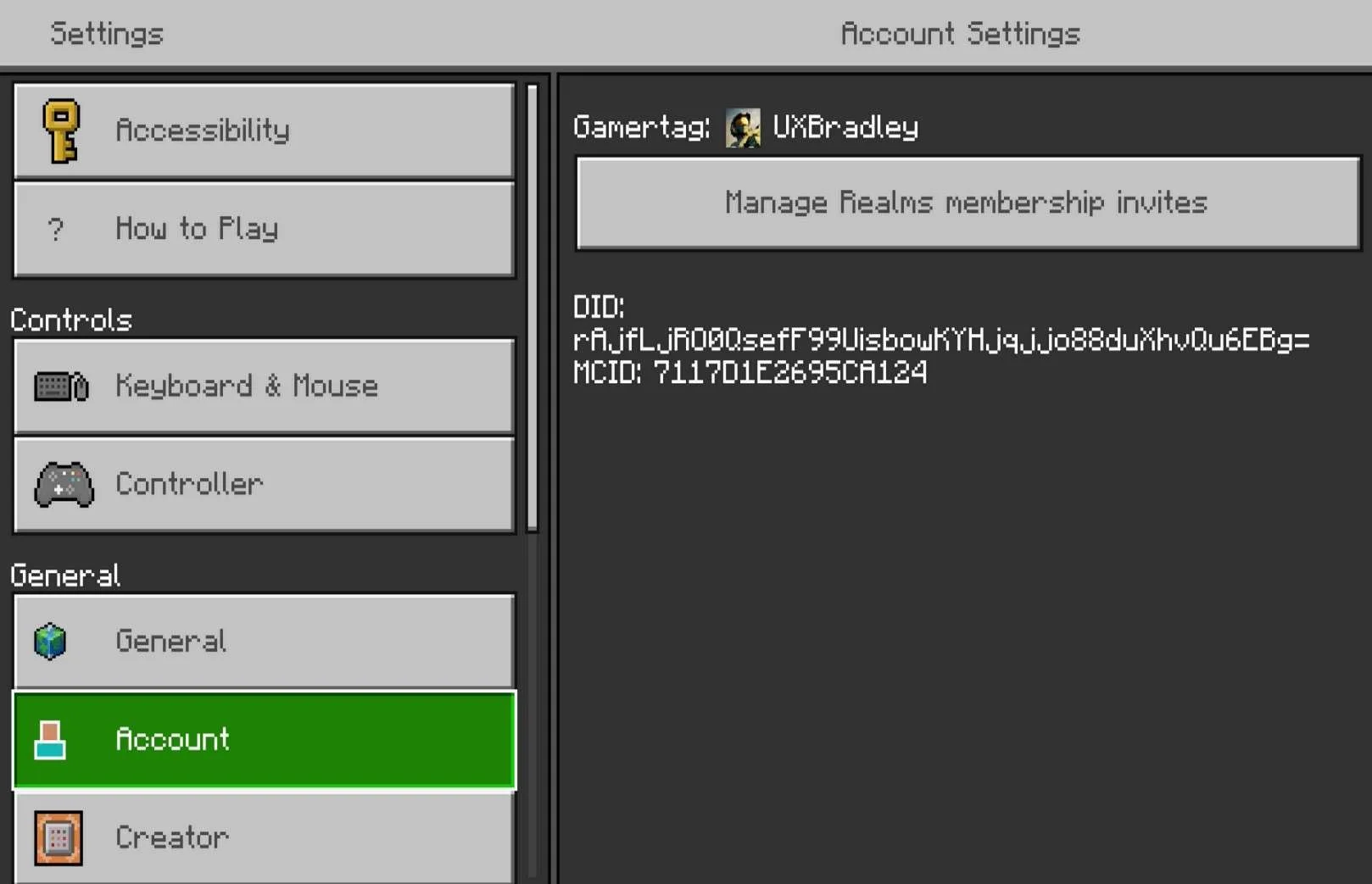
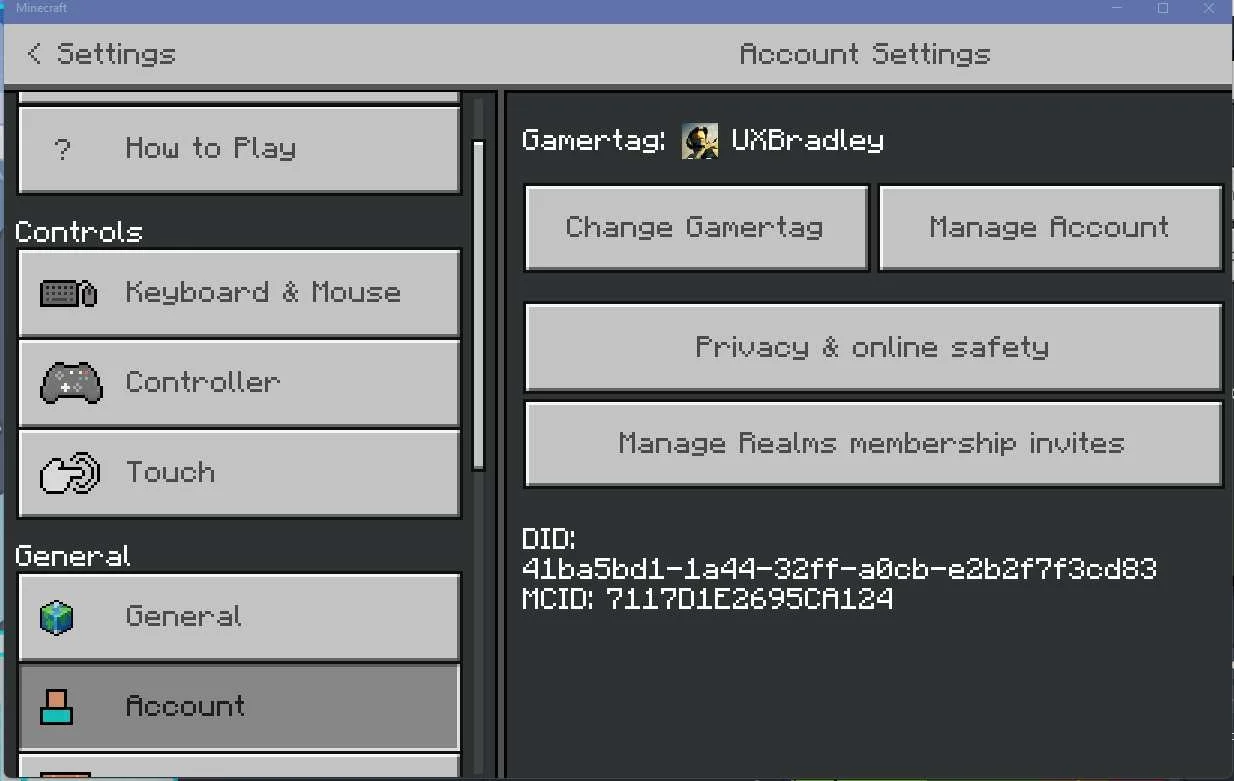
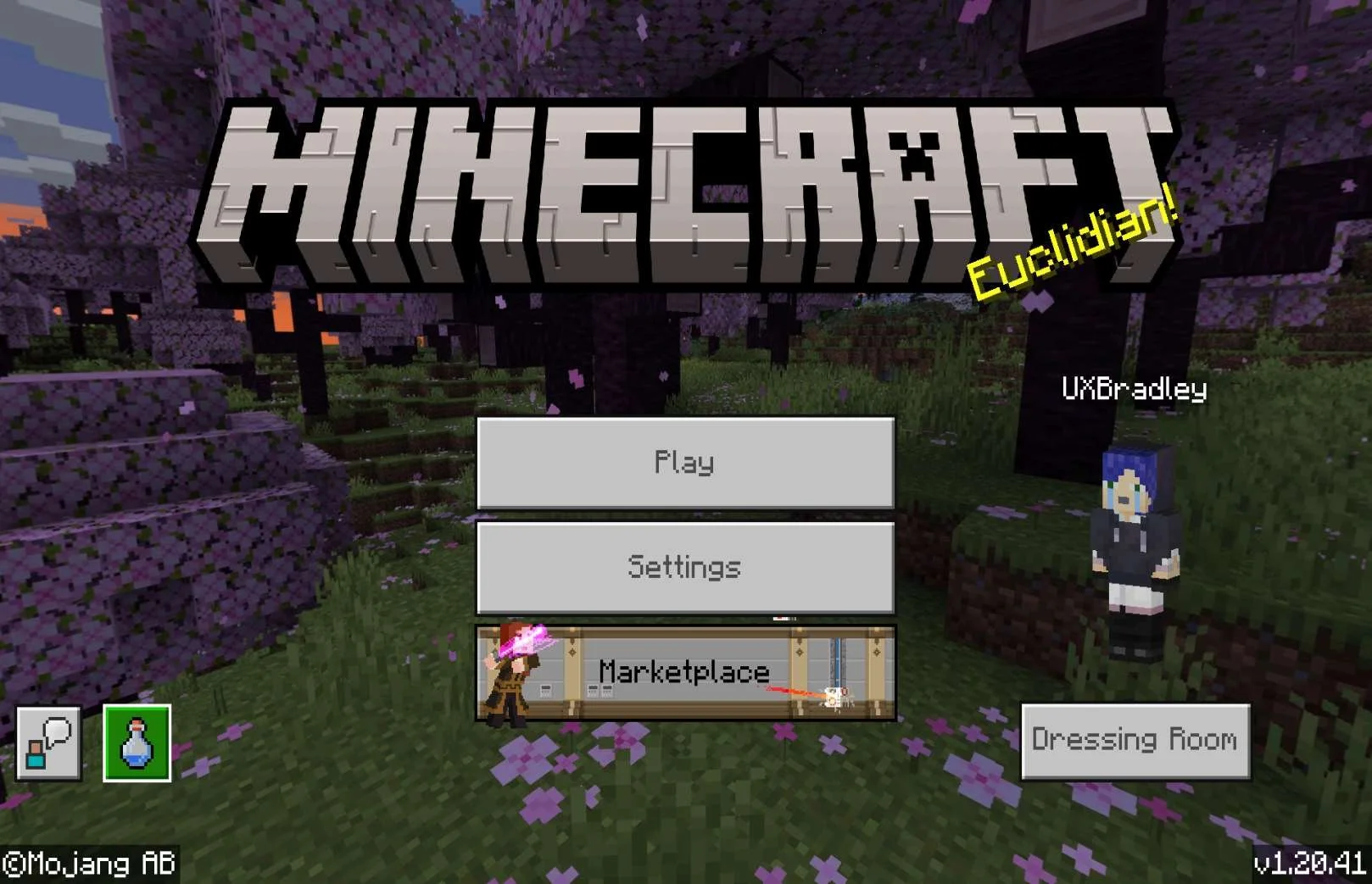
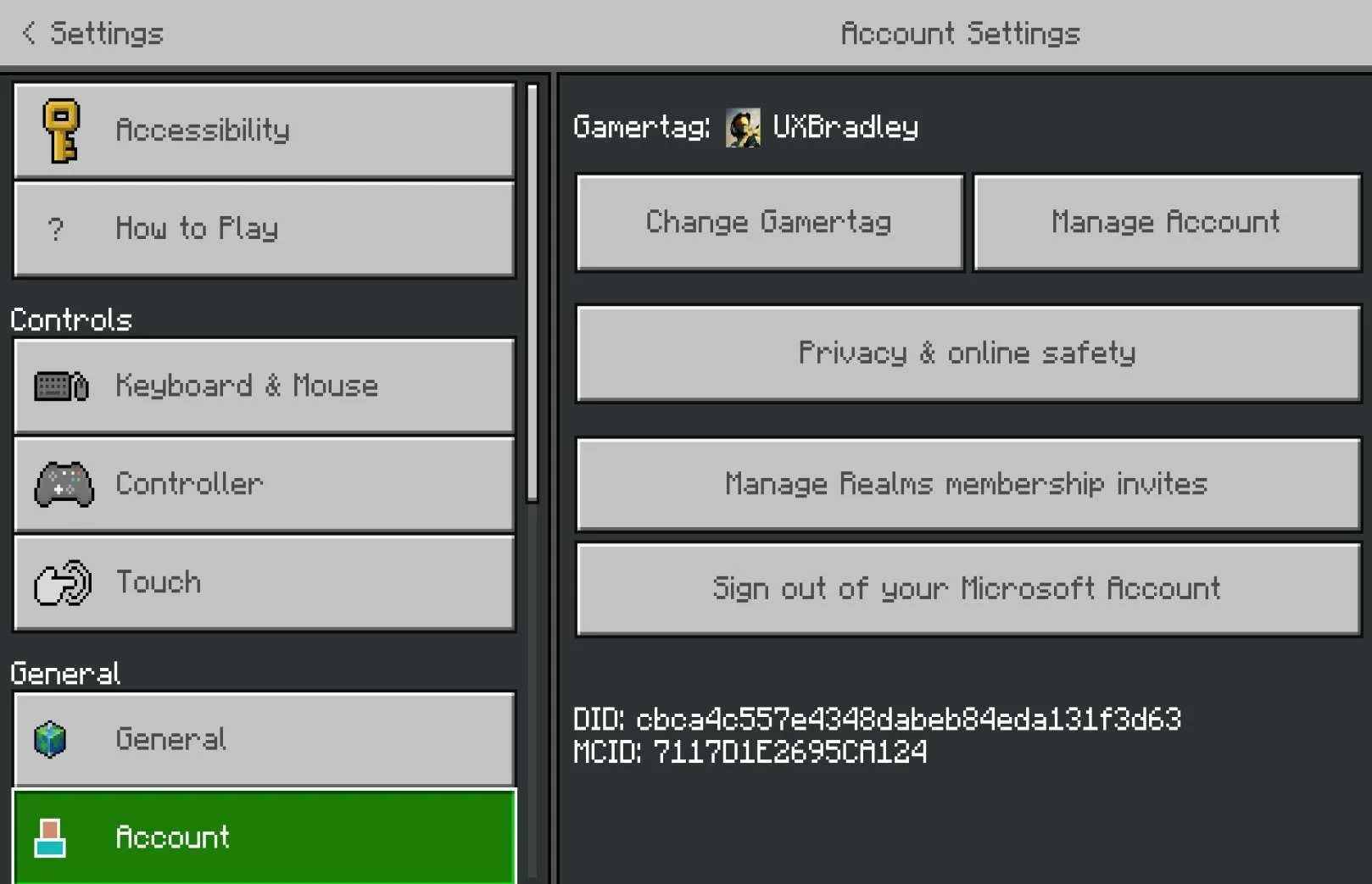
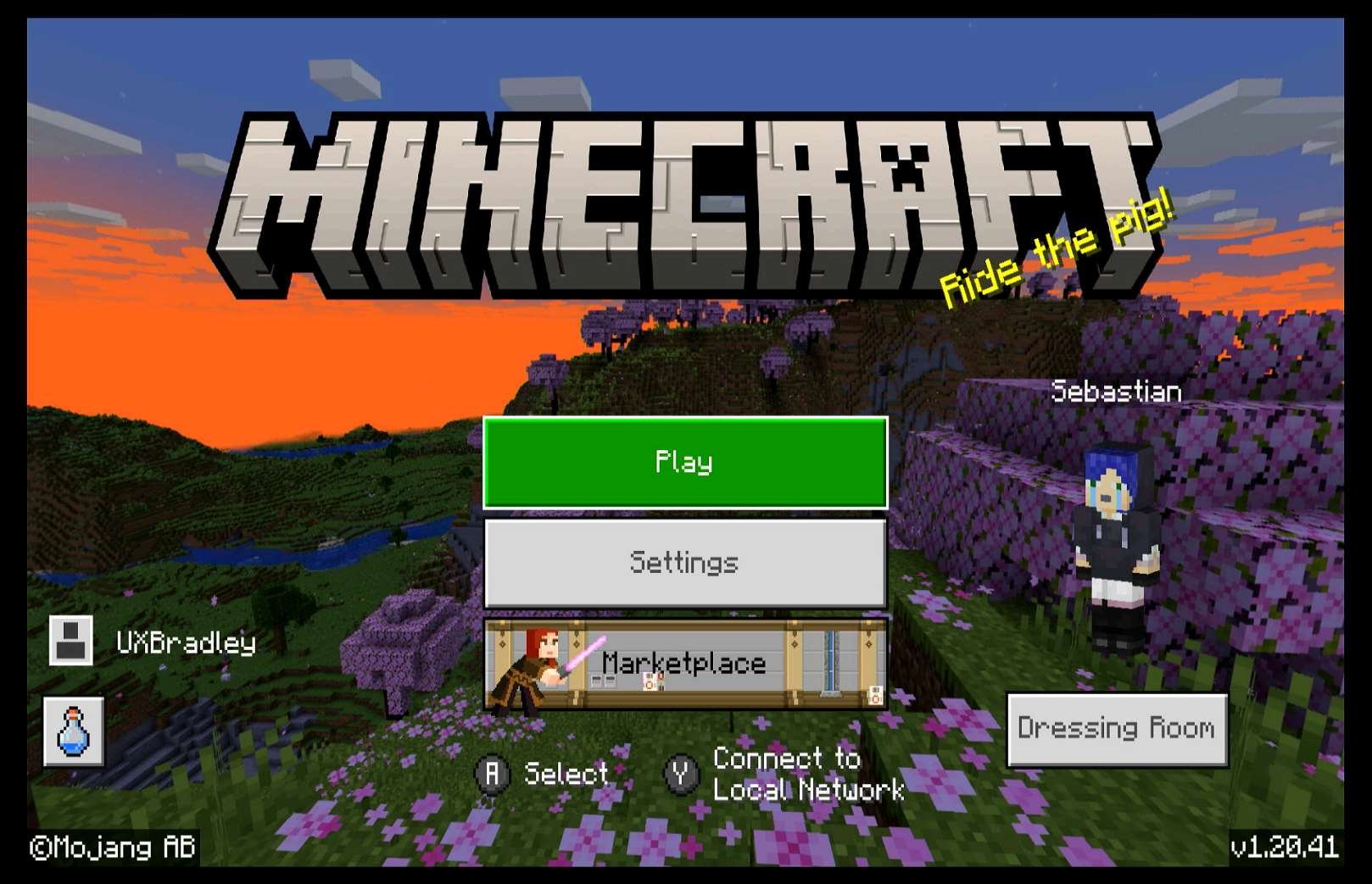
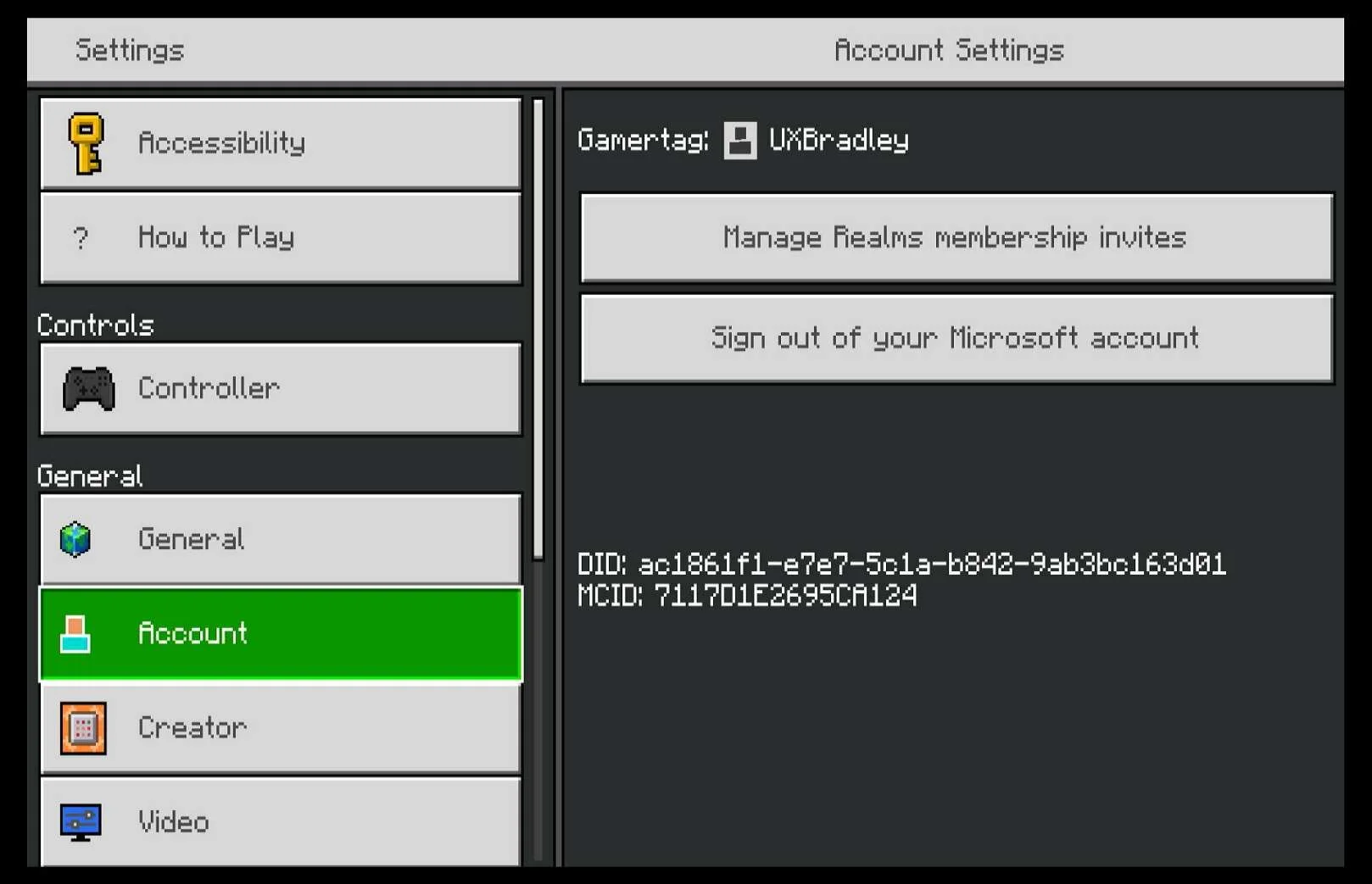
I checked to see if there was any indication that any of the Platforms could see that I had linked other platforms to my Microsoft Account / XBOX Profile (UXBradley):
There's supposed to be a way to see it on the Microsoft Site: How to find out which microsoft account my mojang account has been - Microsoft Community But I can't seem to access the "Privacy" page because it won't let me past the verification step (I don't know what's going on with the verification thing so I can't confirm the accuracy of the steps in that link above) |
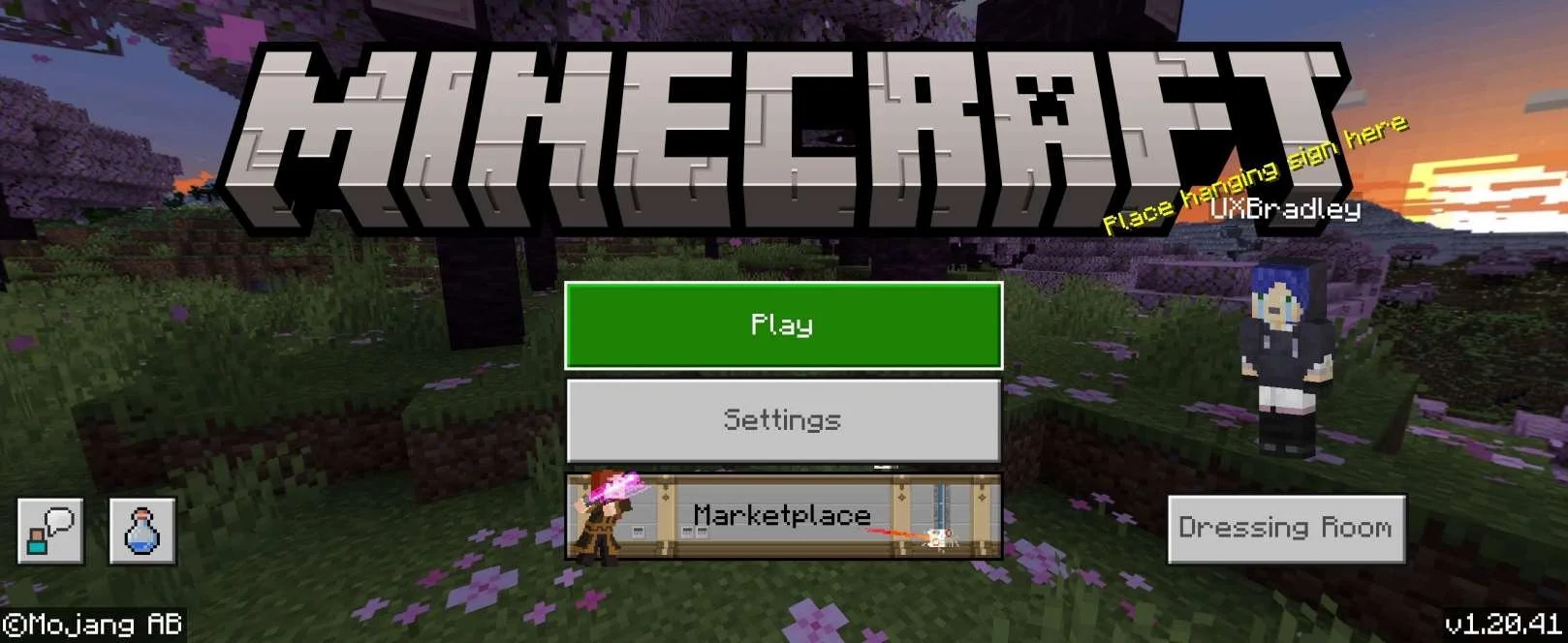
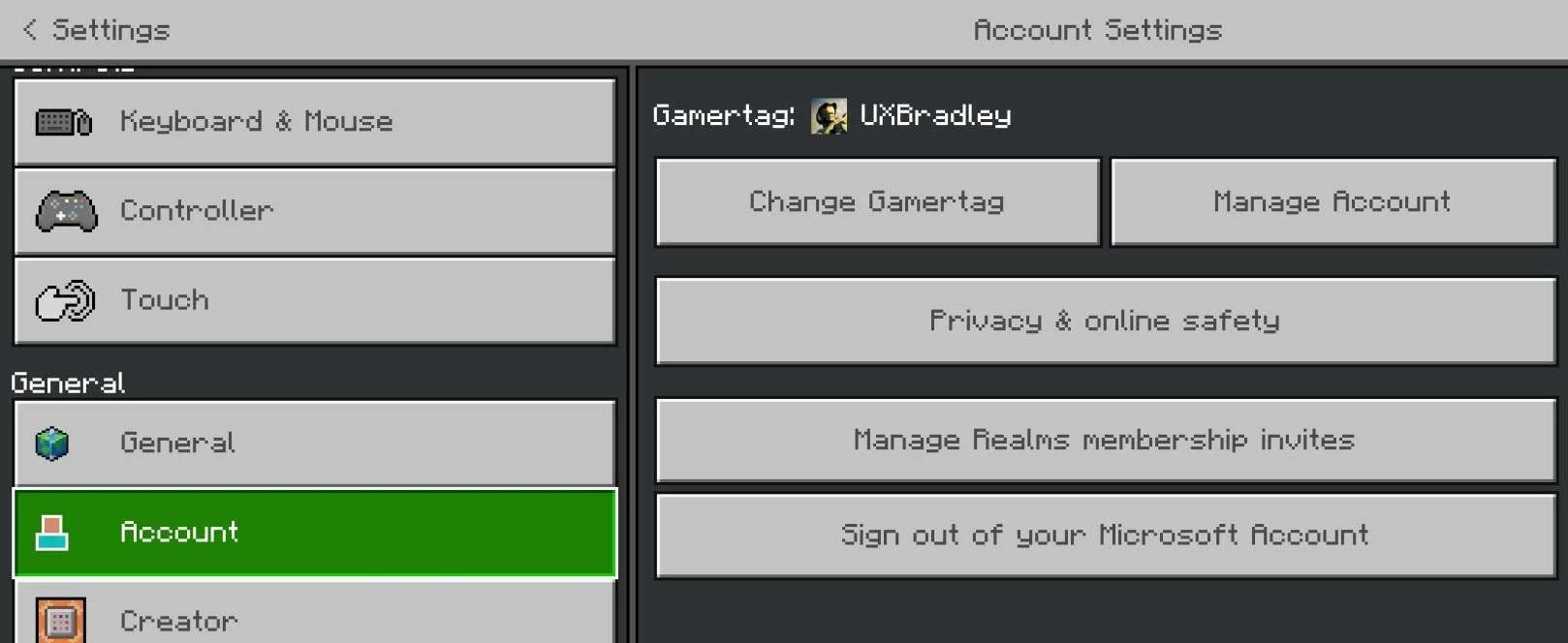
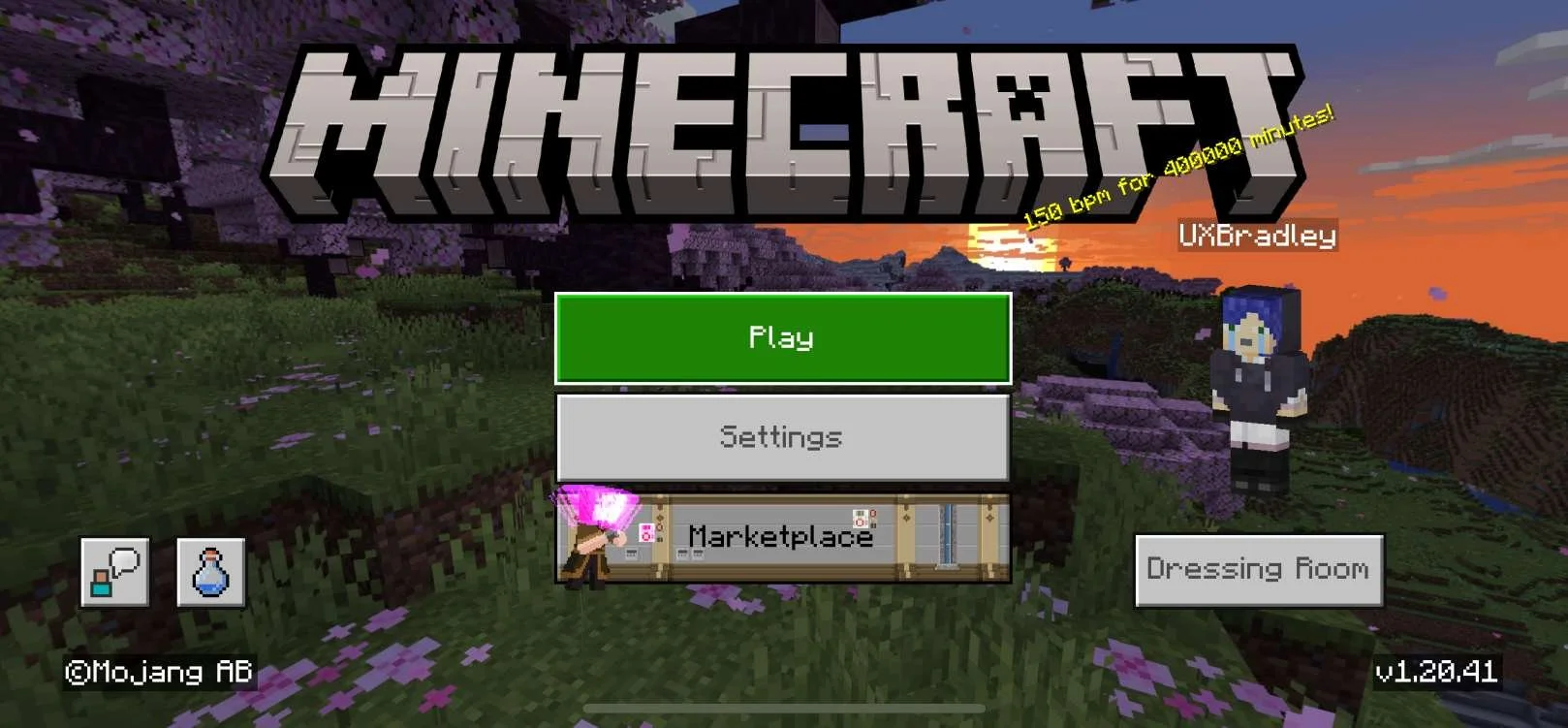
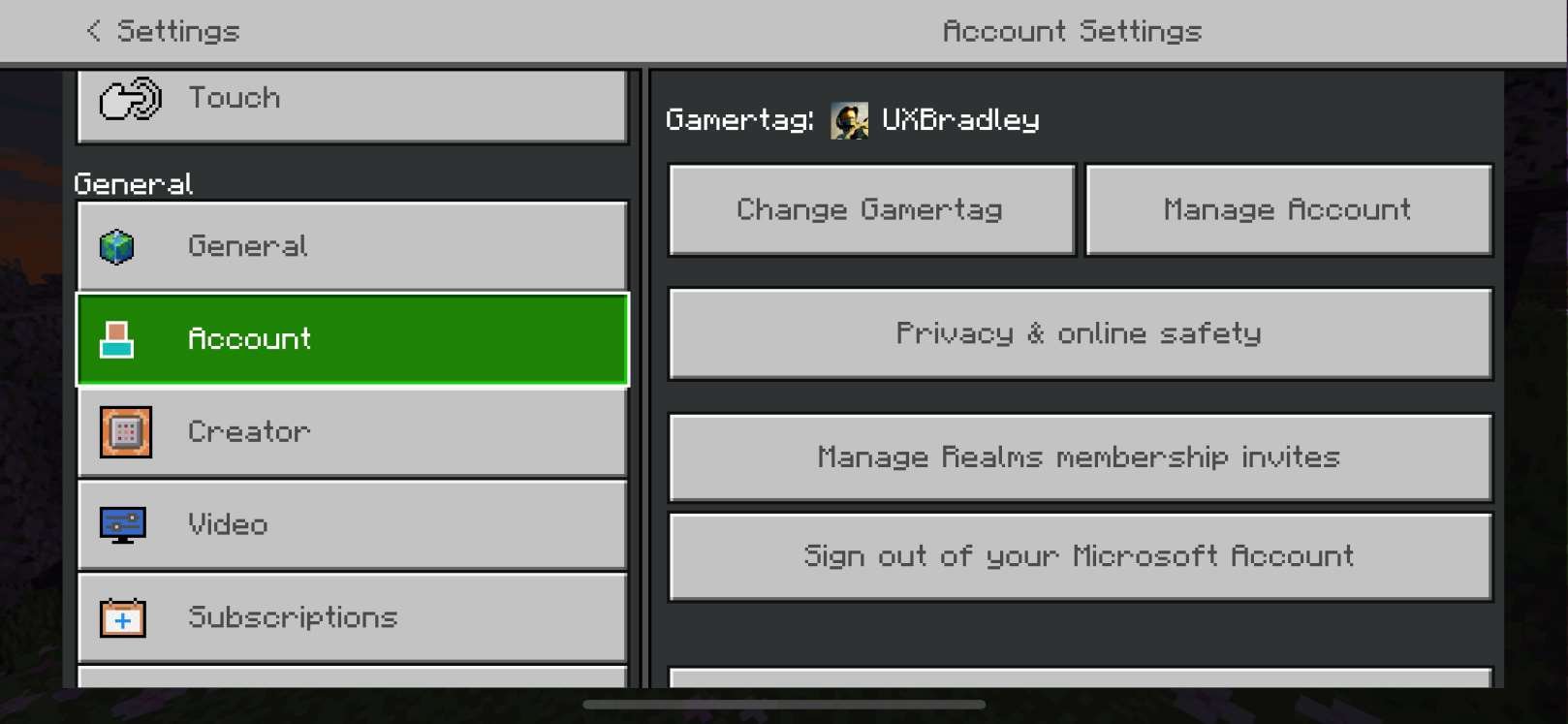
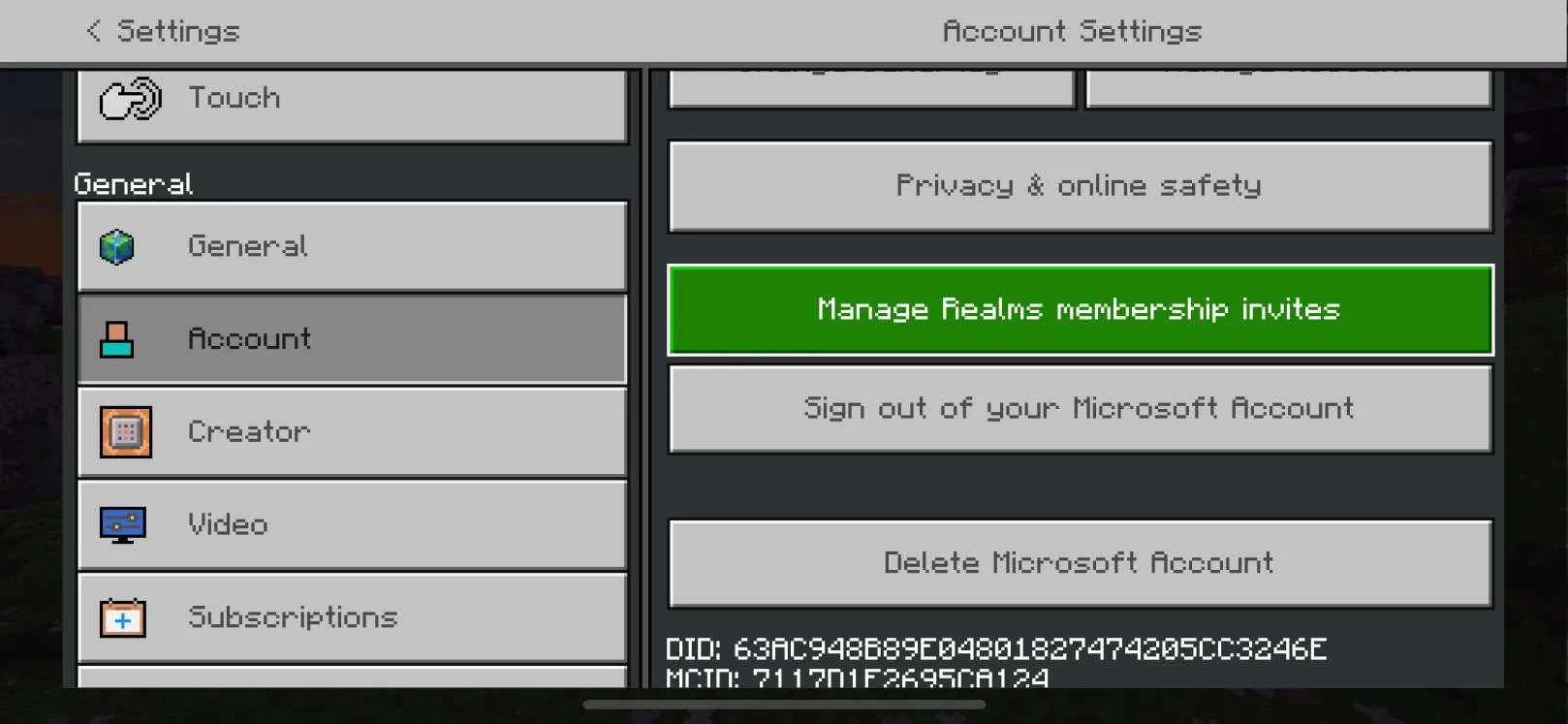
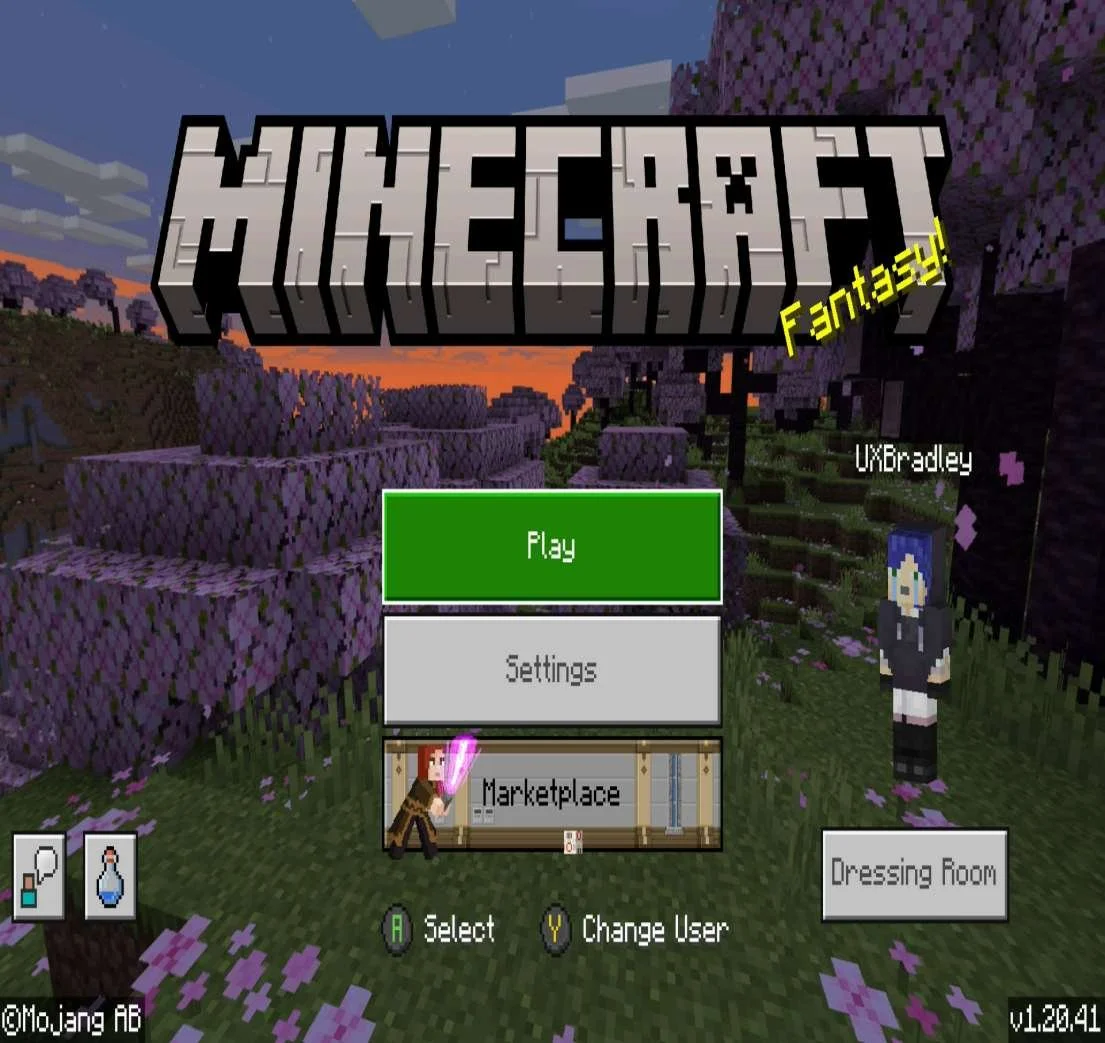
USER FLOW DIFFERENCES
NOTE This only captures user flow differences within the Sign In + Account Linking steps and only takes into account the primary input device supported for the platform (Example: Controller on XBOX)
Media (Screenshots from 17 Nov 2023 ) | Notes | ||||||||||||||||||||||||||||||||||||||||||||||||||||||||||||||||||||||||||||||||||||||||||||||||||||||||||||||||||||||||||||||||||||||||||||||||||||||||
|---|---|---|---|---|---|---|---|---|---|---|---|---|---|---|---|---|---|---|---|---|---|---|---|---|---|---|---|---|---|---|---|---|---|---|---|---|---|---|---|---|---|---|---|---|---|---|---|---|---|---|---|---|---|---|---|---|---|---|---|---|---|---|---|---|---|---|---|---|---|---|---|---|---|---|---|---|---|---|---|---|---|---|---|---|---|---|---|---|---|---|---|---|---|---|---|---|---|---|---|---|---|---|---|---|---|---|---|---|---|---|---|---|---|---|---|---|---|---|---|---|---|---|---|---|---|---|---|---|---|---|---|---|---|---|---|---|---|---|---|---|---|---|---|---|---|---|---|---|---|---|---|---|---|
XBOX:
Playstation 5:
PC Minecraft for Windows:
Chromebook:
Nintendo Switch:
Android:
iOS (Apple):
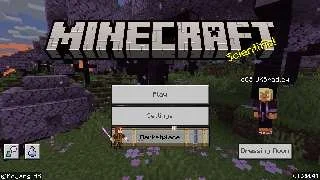
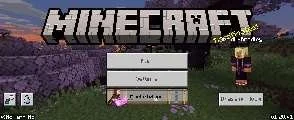
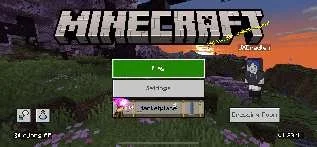
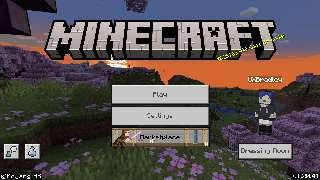
| Main Menu (Signed in to Microsoft Account State)All platforms have the following options on the Main Menu with no variation:
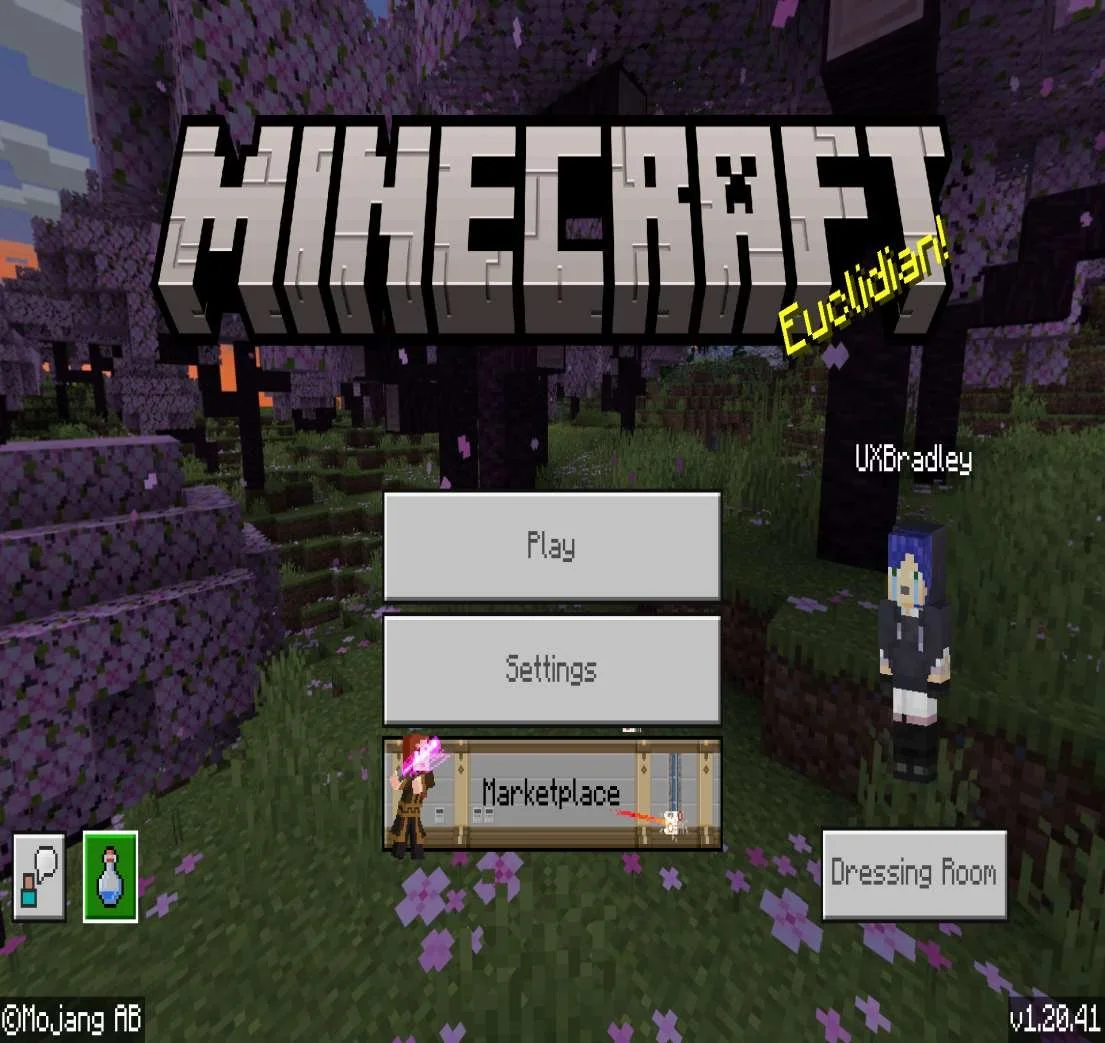
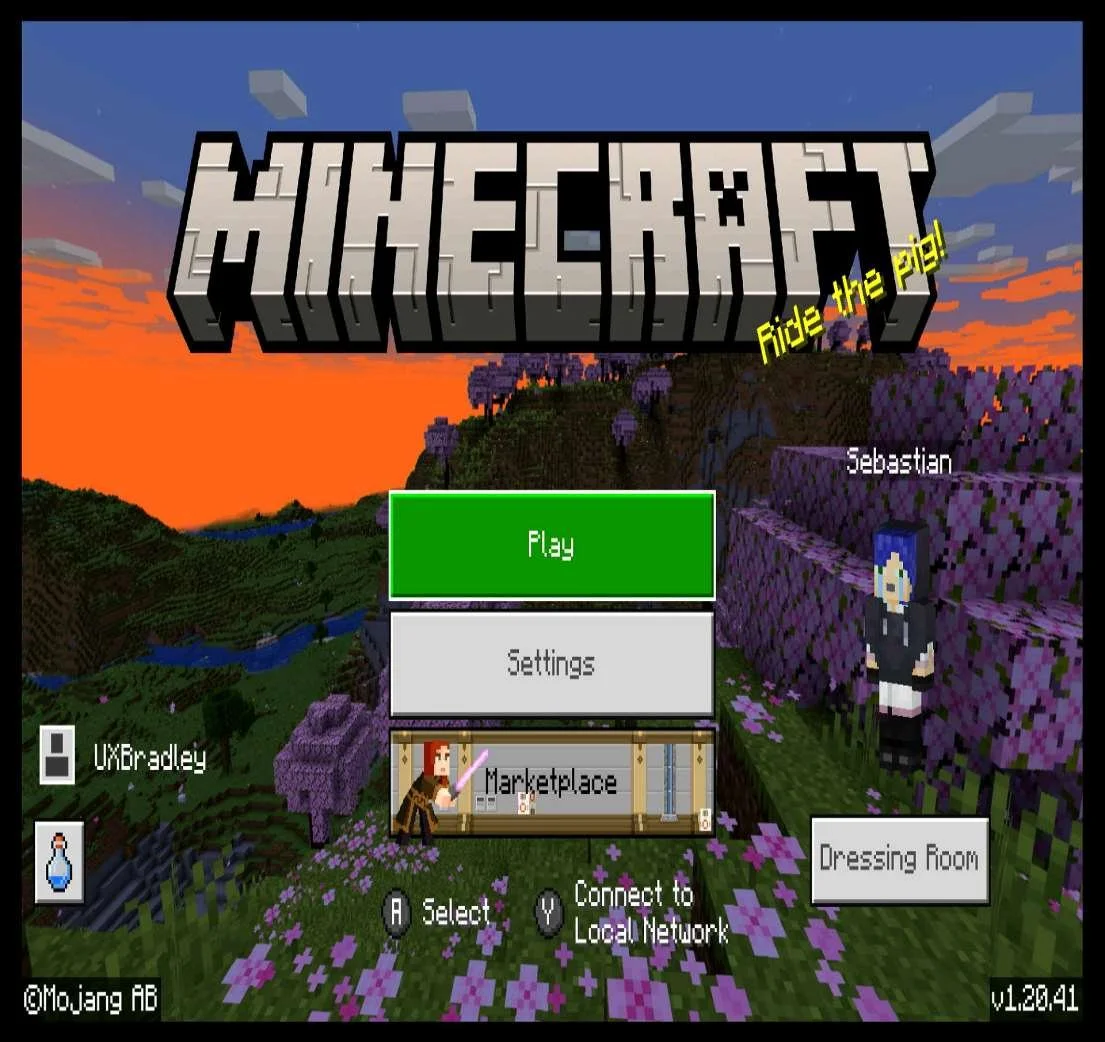
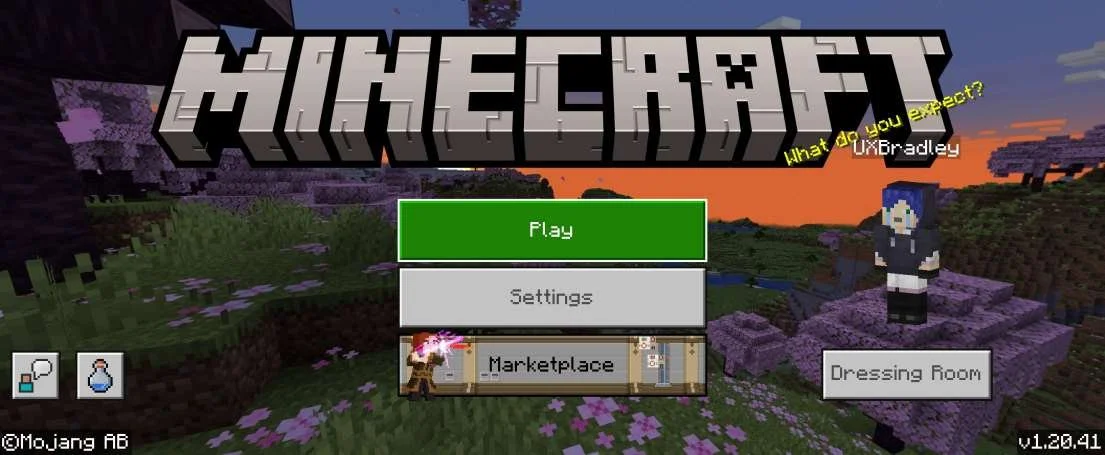
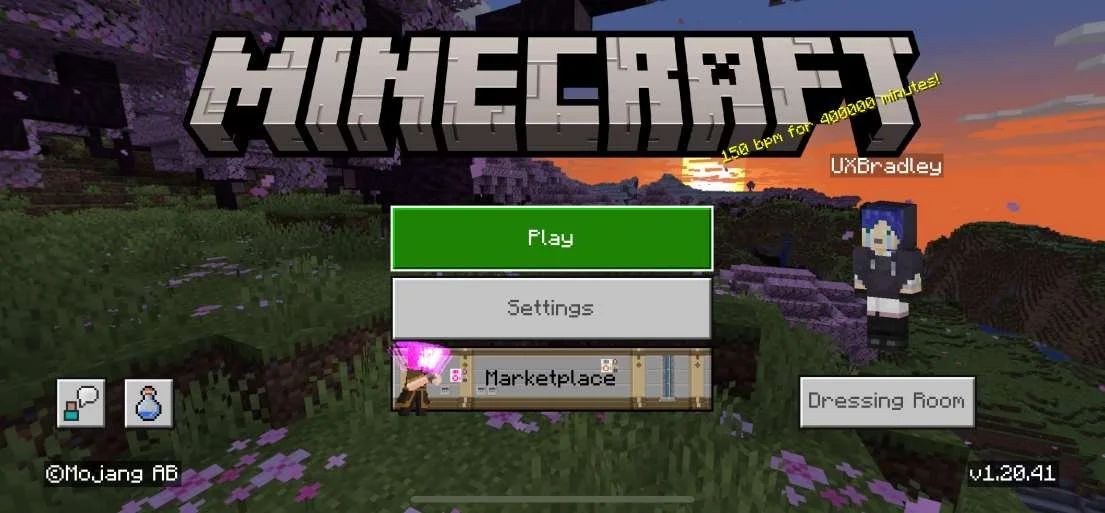
Capturing the differences in the Main Menu across platforms:
| ||||||||||||||||||||||||||||||||||||||||||||||||||||||||||||||||||||||||||||||||||||||||||||||||||||||||||||||||||||||||||||||||||||||||||||||||||||||||
XBOX: Doesn't have a state where the player is not signed in to their Microsoft Account Playstation 5:
PC Minecraft for Windows: Doesn't have a state where the player is not signed in to their Microsoft Account Chromebook:
Nintendo Switch:
Android:
iOS (Apple):
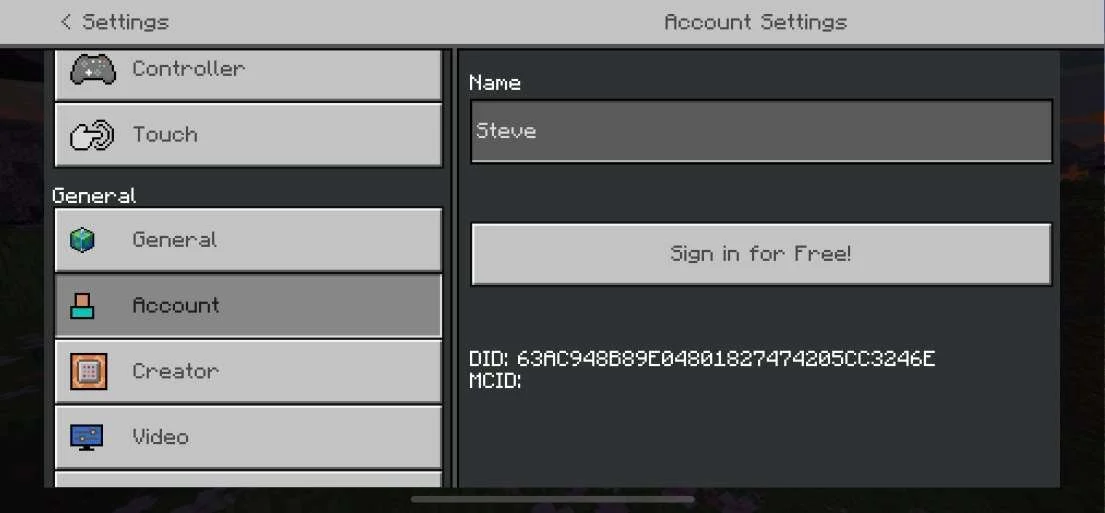
| Settings → Account (Not Signed In)All platforms have the following options in Settings → Account across platforms with no variation when the player has not Signed In to their Microsoft Account:
Capturing the differences in the Settings → Account across platforms when the player has not Signed In to their Microsoft Account:
| ||||||||||||||||||||||||||||||||||||||||||||||||||||||||||||||||||||||||||||||||||||||||||||||||||||||||||||||||||||||||||||||||||||||||||||||||||||||||
XBOX:
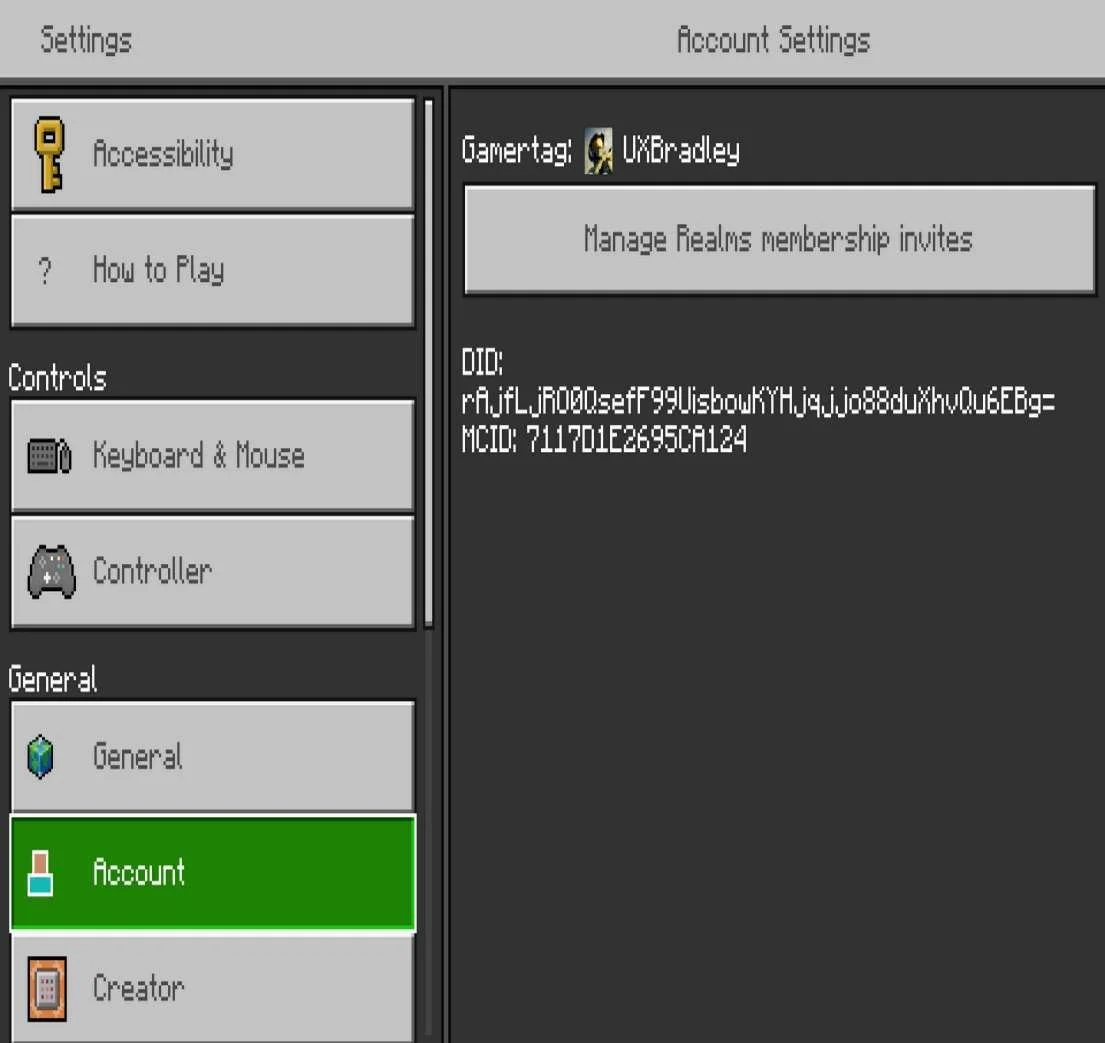
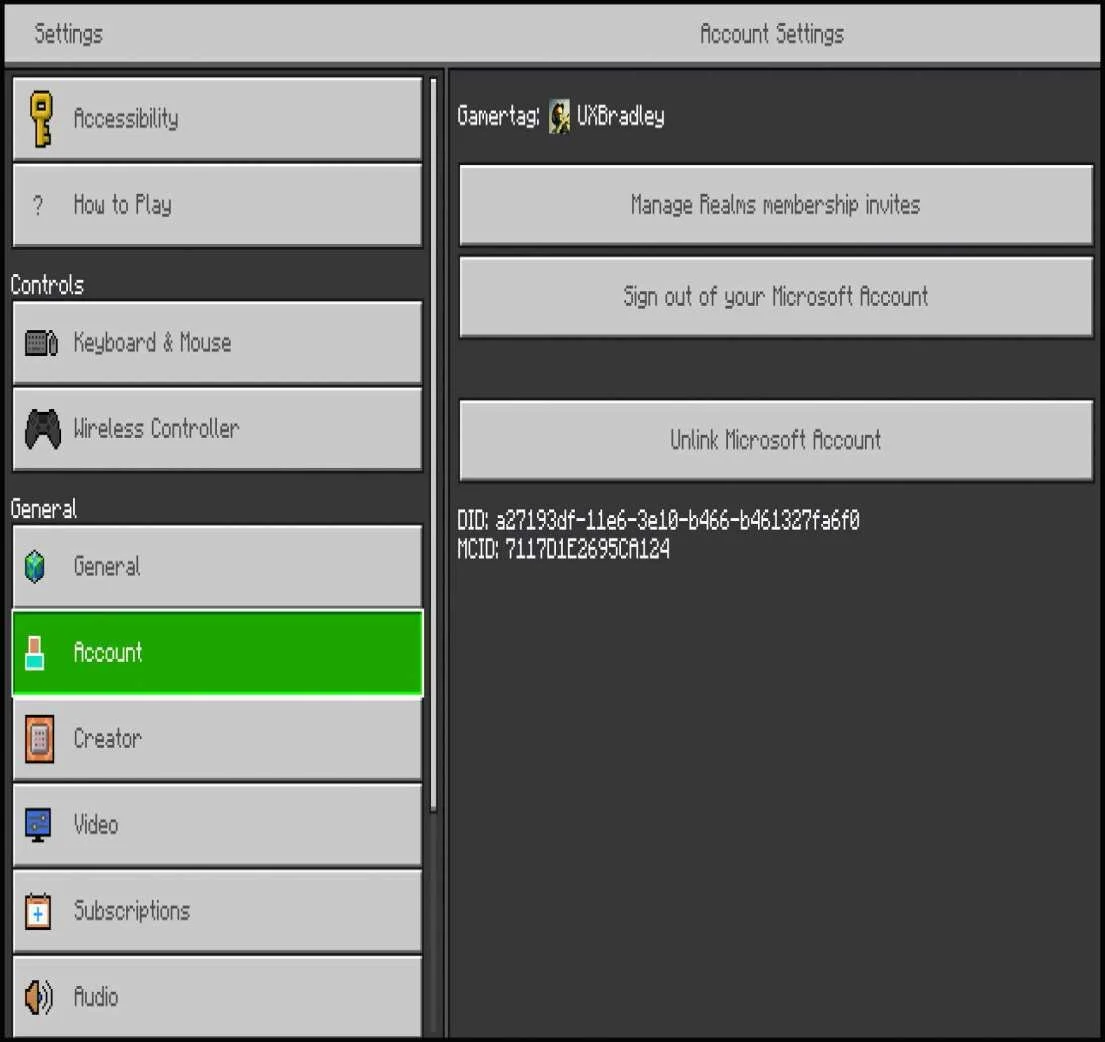
Playstation 5:
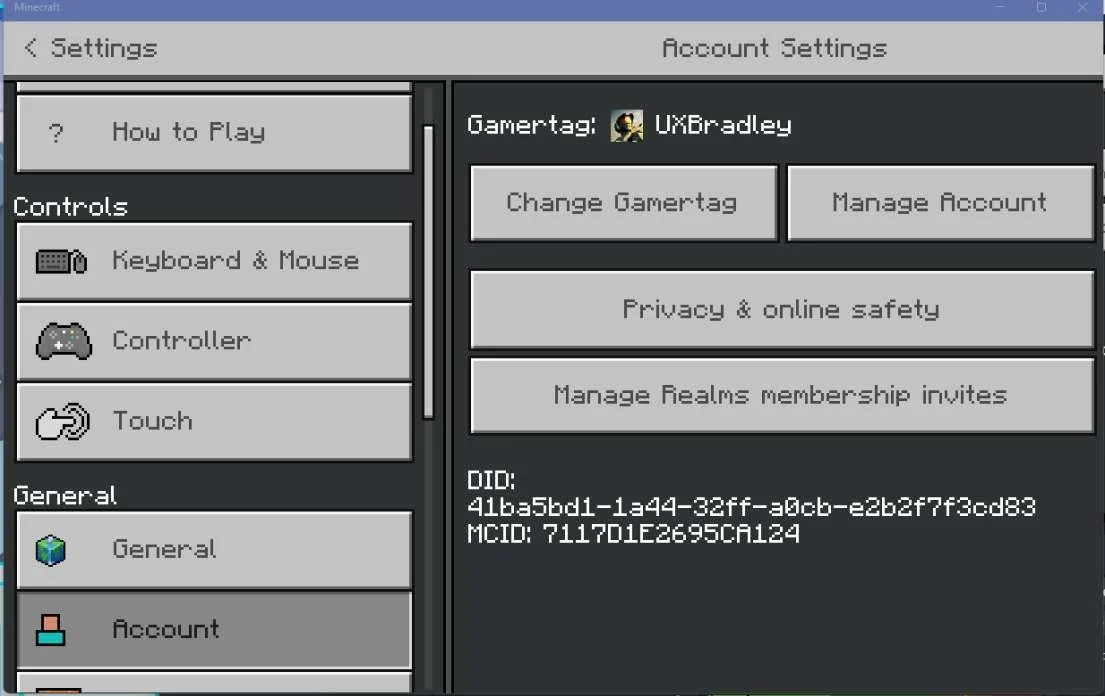
PC Minecraft for Windows:
Chromebook:
Nintendo Switch:
Android:
iOS (Apple):
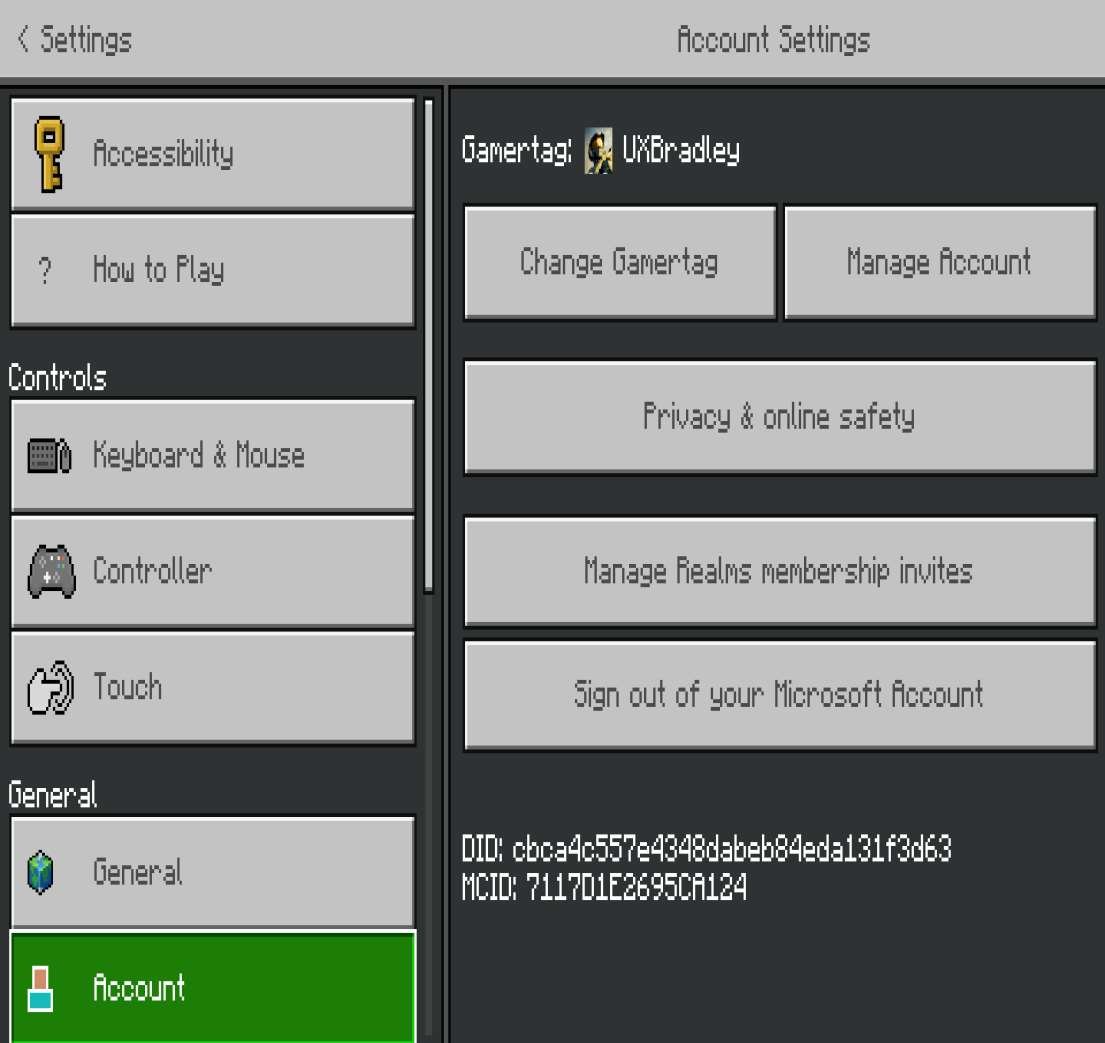
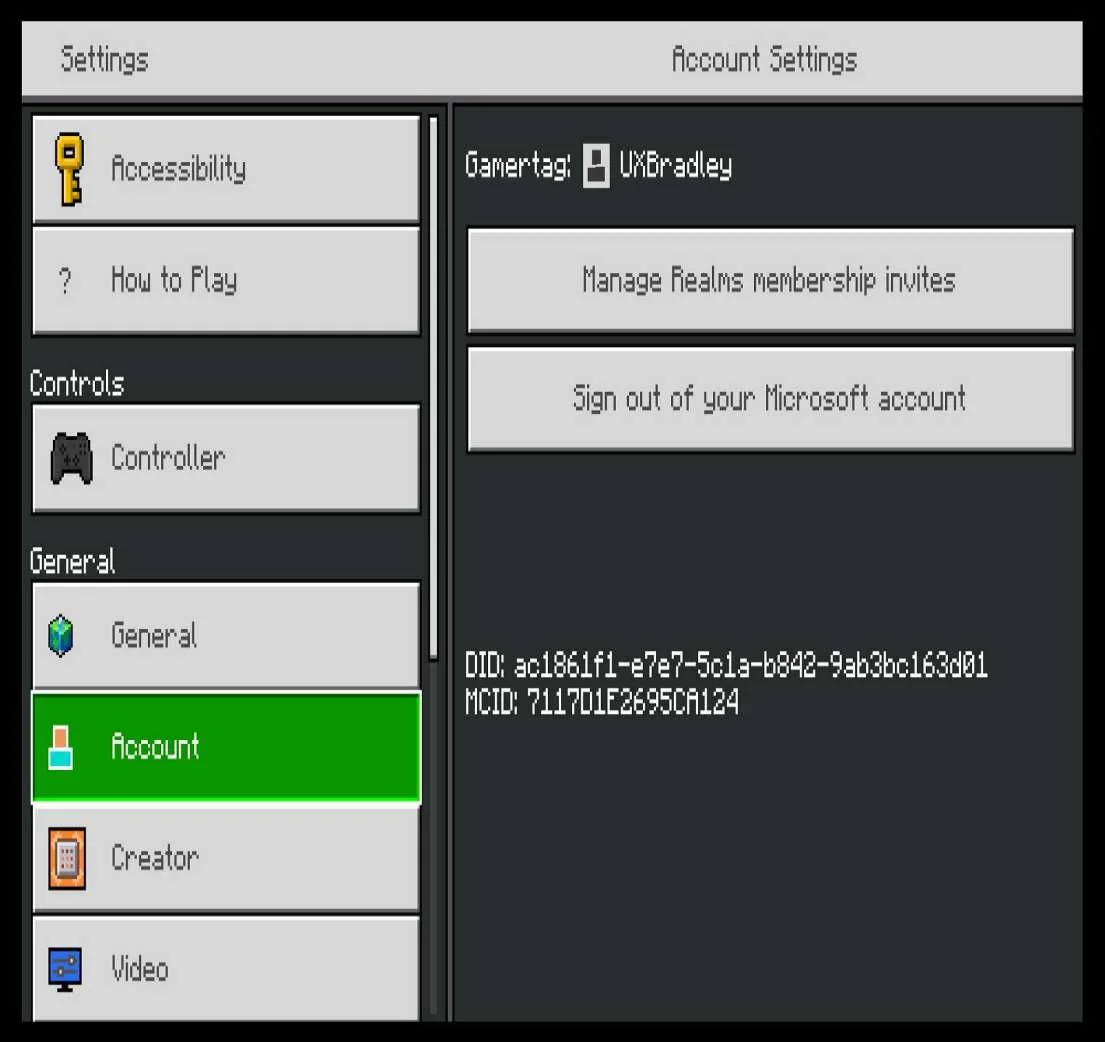
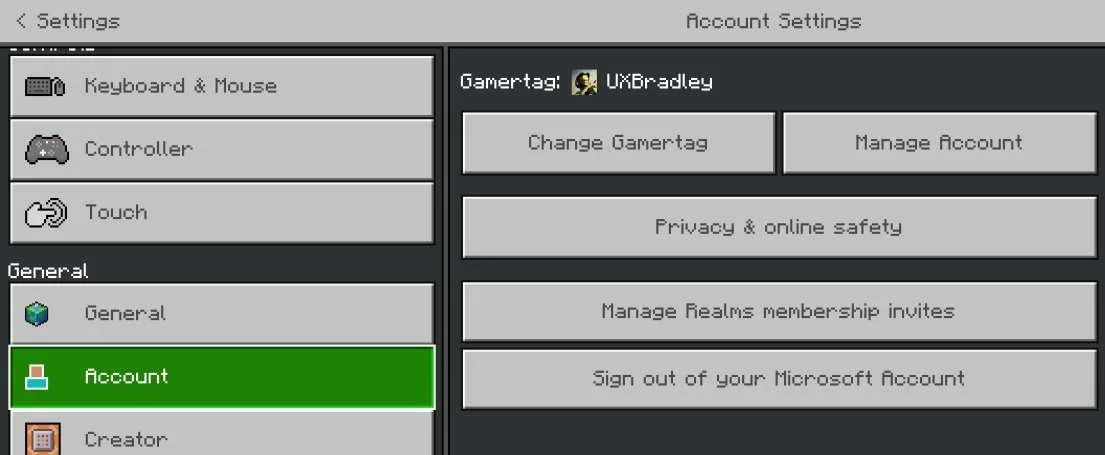
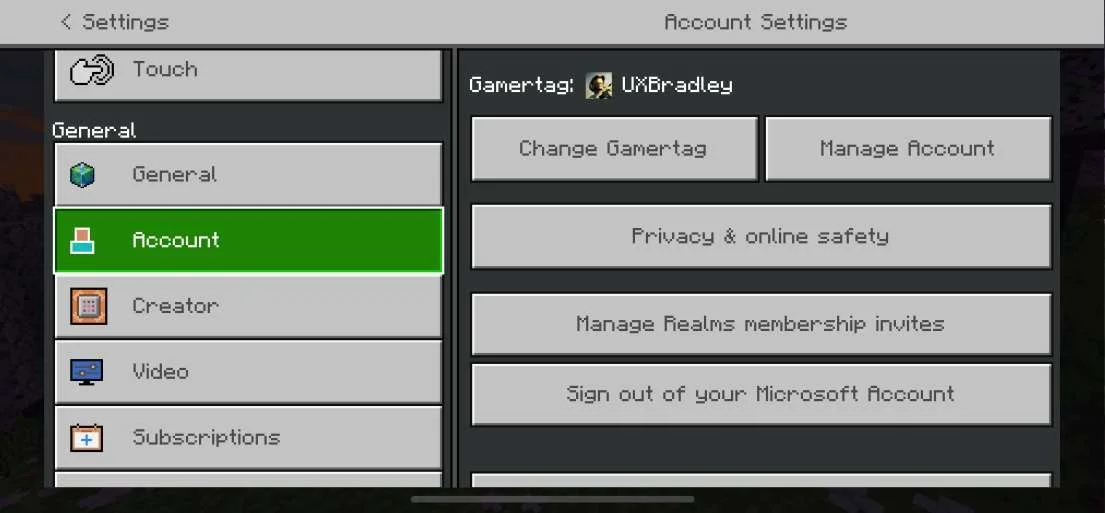
| Settings → Account (Microsoft Account Signed In)All platforms have the following options in Settings → Account across platforms with no variation when the player is Signed In to their Microsoft Account:
Capturing the differences in the Settings → Account across platforms when the player is Signed In to their Microsoft Account:
| ||||||||||||||||||||||||||||||||||||||||||||||||||||||||||||||||||||||||||||||||||||||||||||||||||||||||||||||||||||||||||||||||||||||||||||||||||||||||
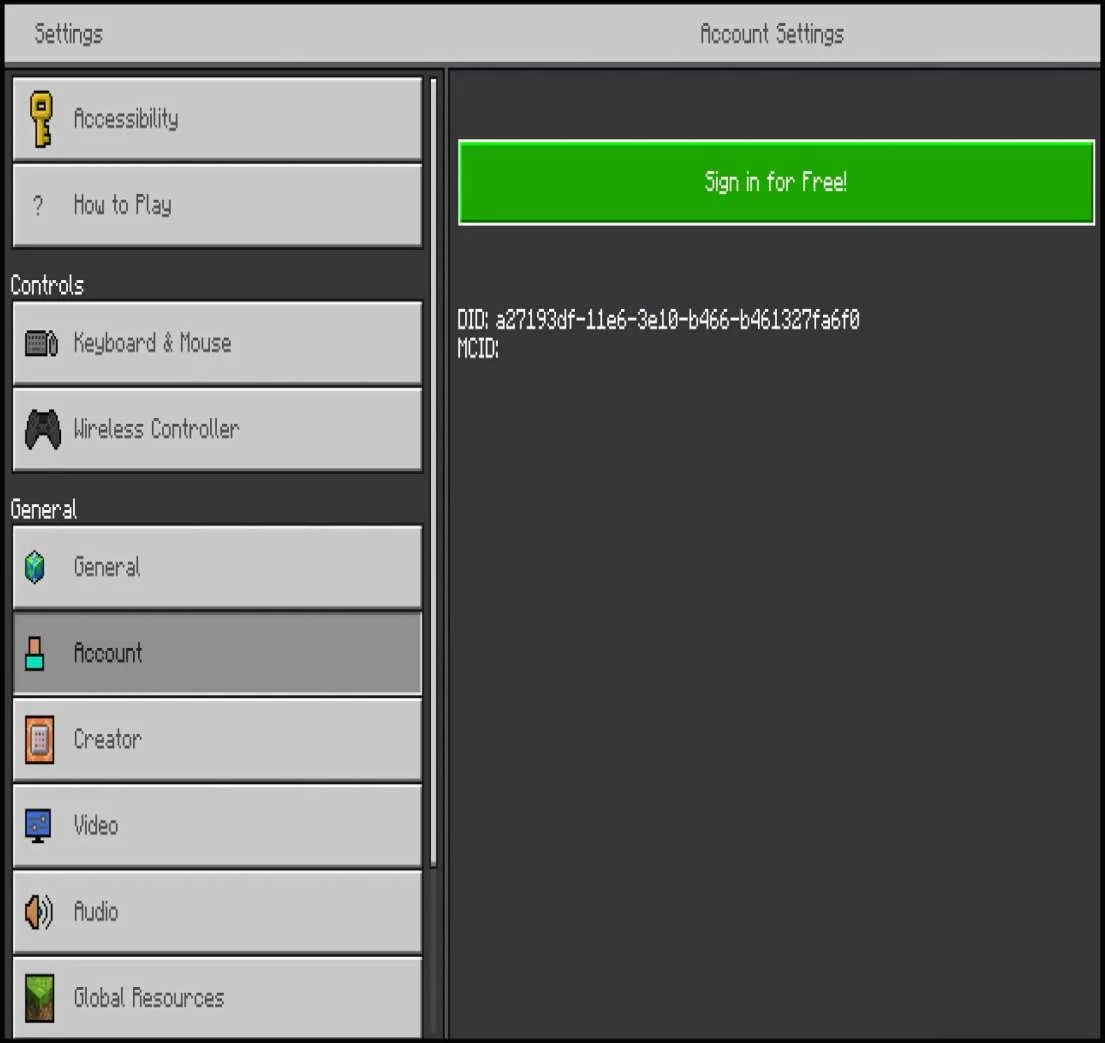
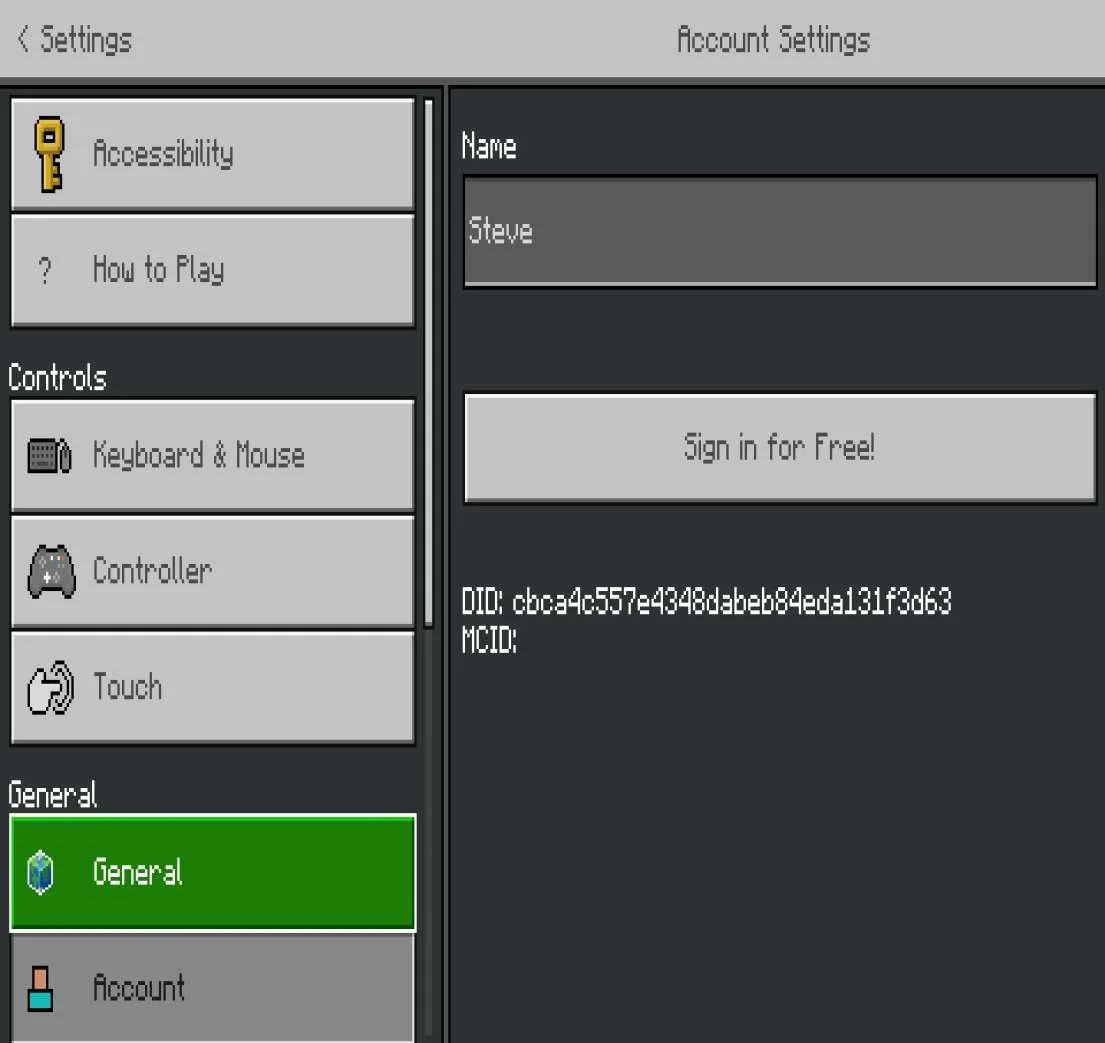
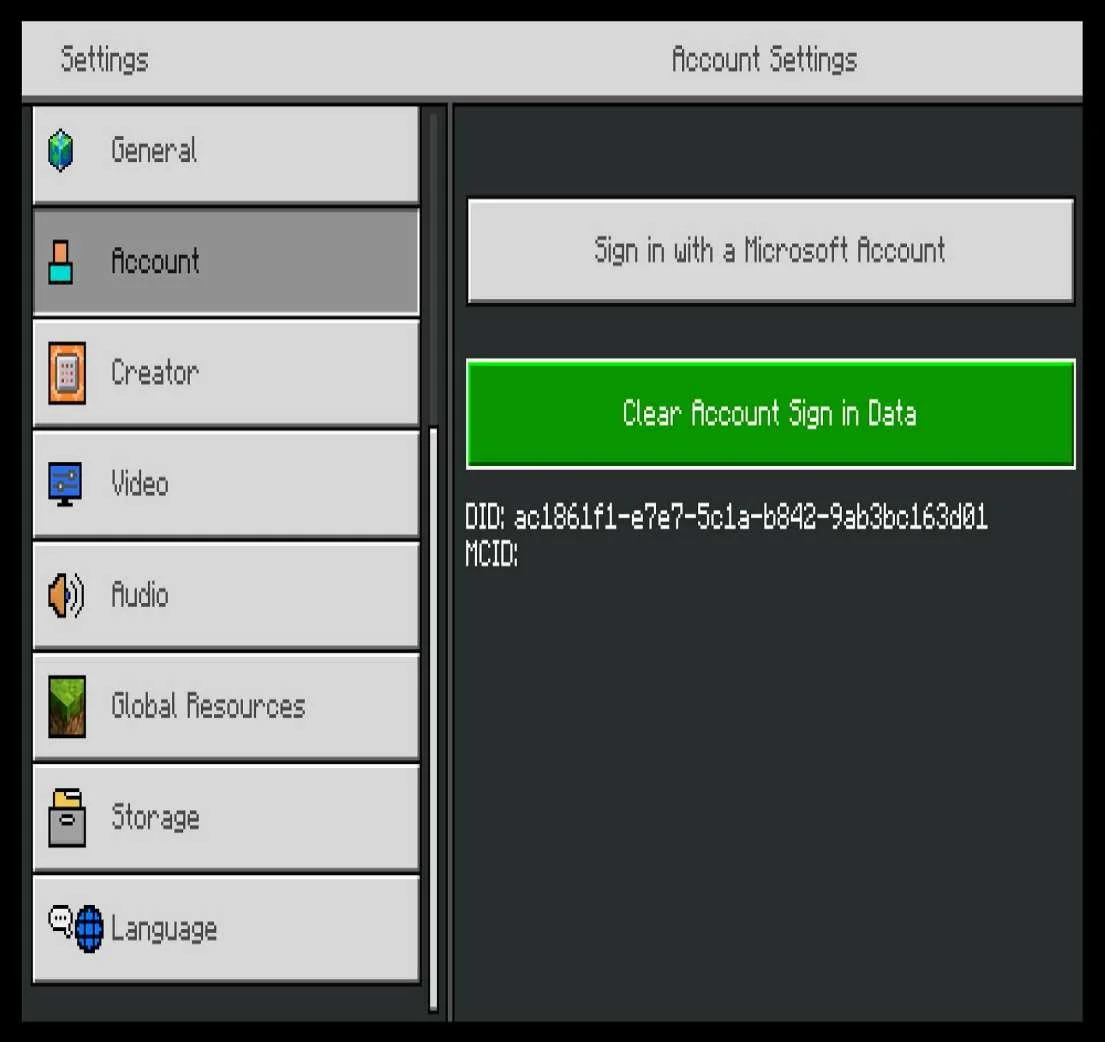
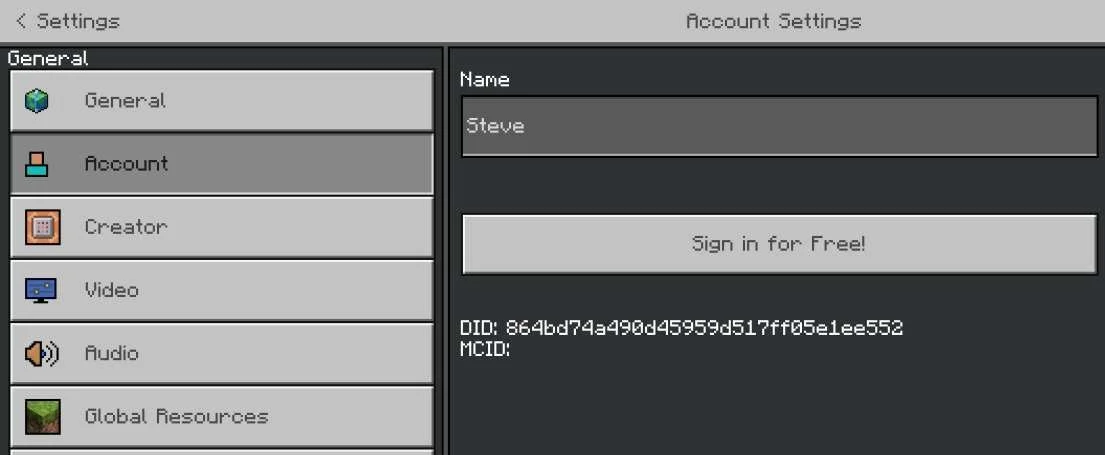
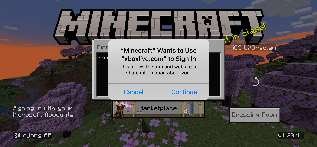
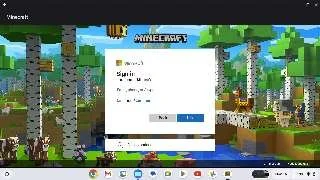
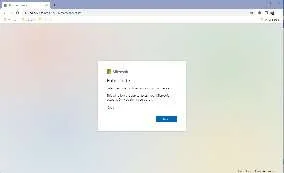
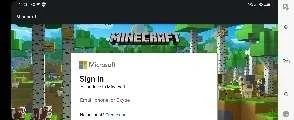
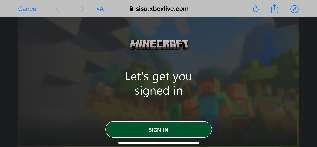
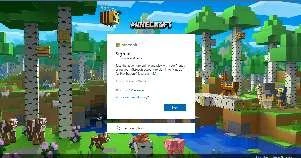
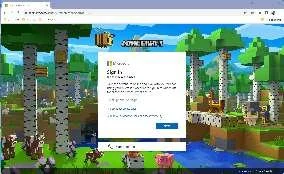
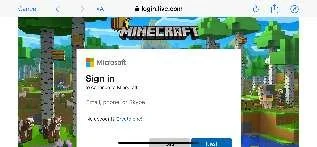
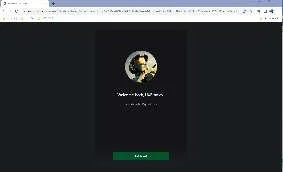
User Flow: Microsoft Account Sign InNOTE XBOX and PC Minecraft for Windows are excluded from the Microsoft Account Sign In userflow comparison because they are already signed into the Microsoft Account.
--- Comparing the Microsoft Account Sign In userflow across platforms:
| |||||||||||||||||||||||||||||||||||||||||||||||||||||||||||||||||||||||||||||||||||||||||||||||||||||||||||||||||||||||||||||||||||||||||||||||||||||||||
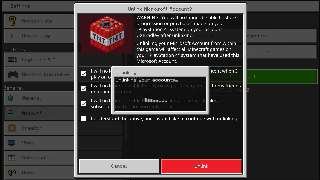
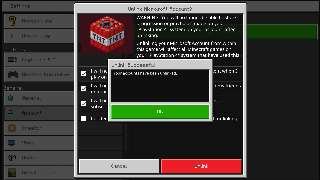
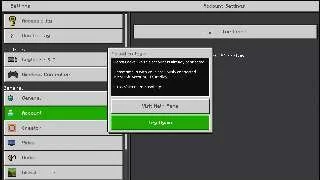
User Flow: Microsoft Account Sign OutNOTE XBOX and PC Minecraft for Windows are excluded from the Microsoft Account Sign Out userflow comparison because they can not be signed out of the Microsoft Account. --- Comparing the Microsoft Account Sign Out userflow across platforms:
| |||||||||||||||||||||||||||||||||||||||||||||||||||||||||||||||||||||||||||||||||||||||||||||||||||||||||||||||||||||||||||||||||||||||||||||||||||||||||
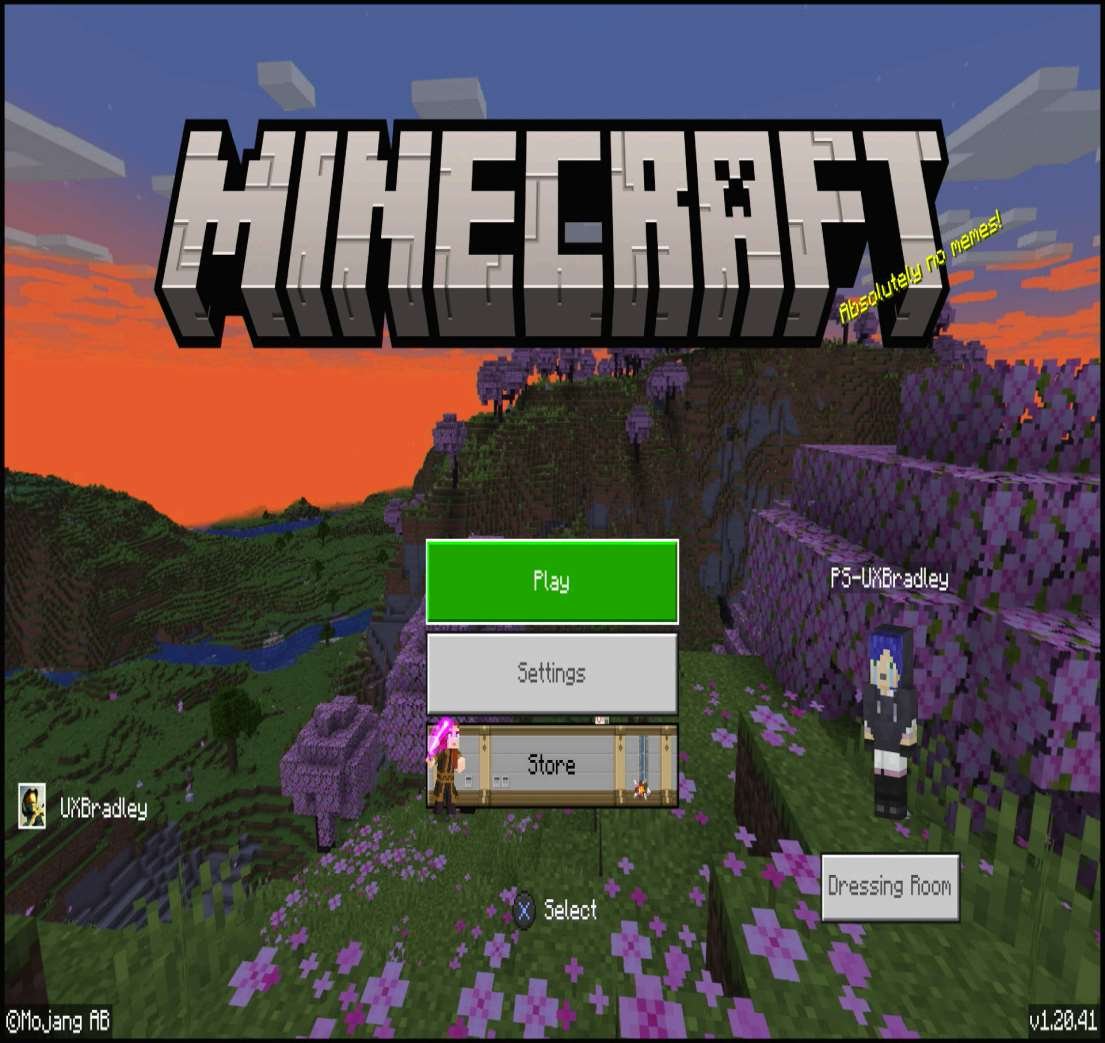
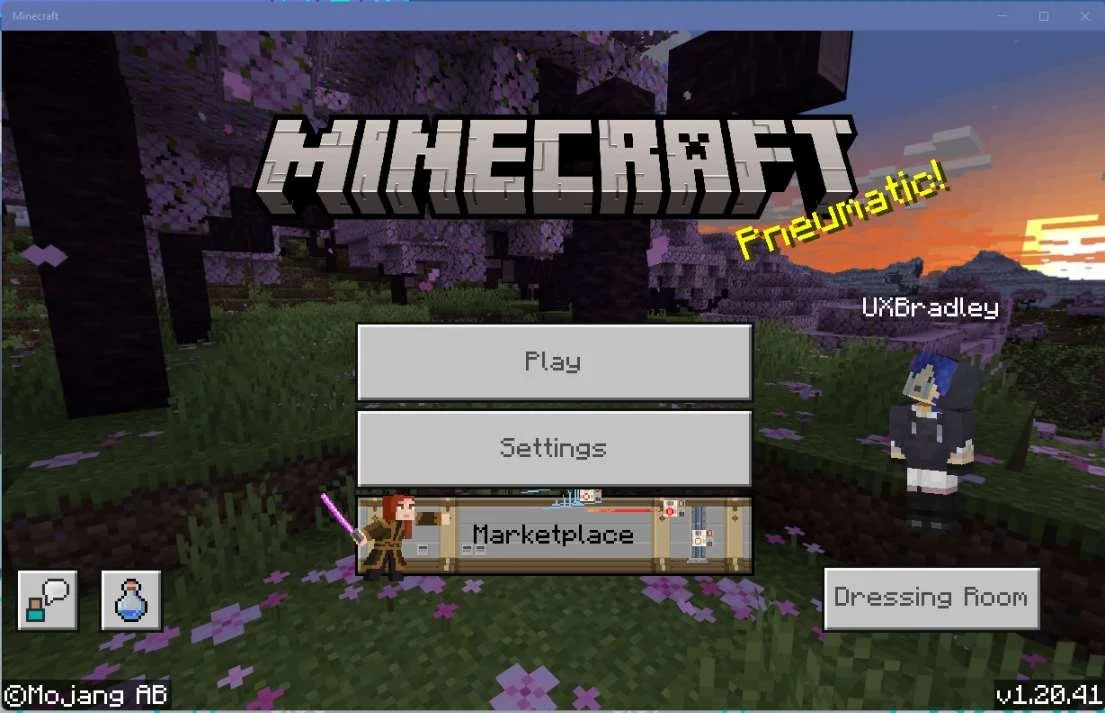





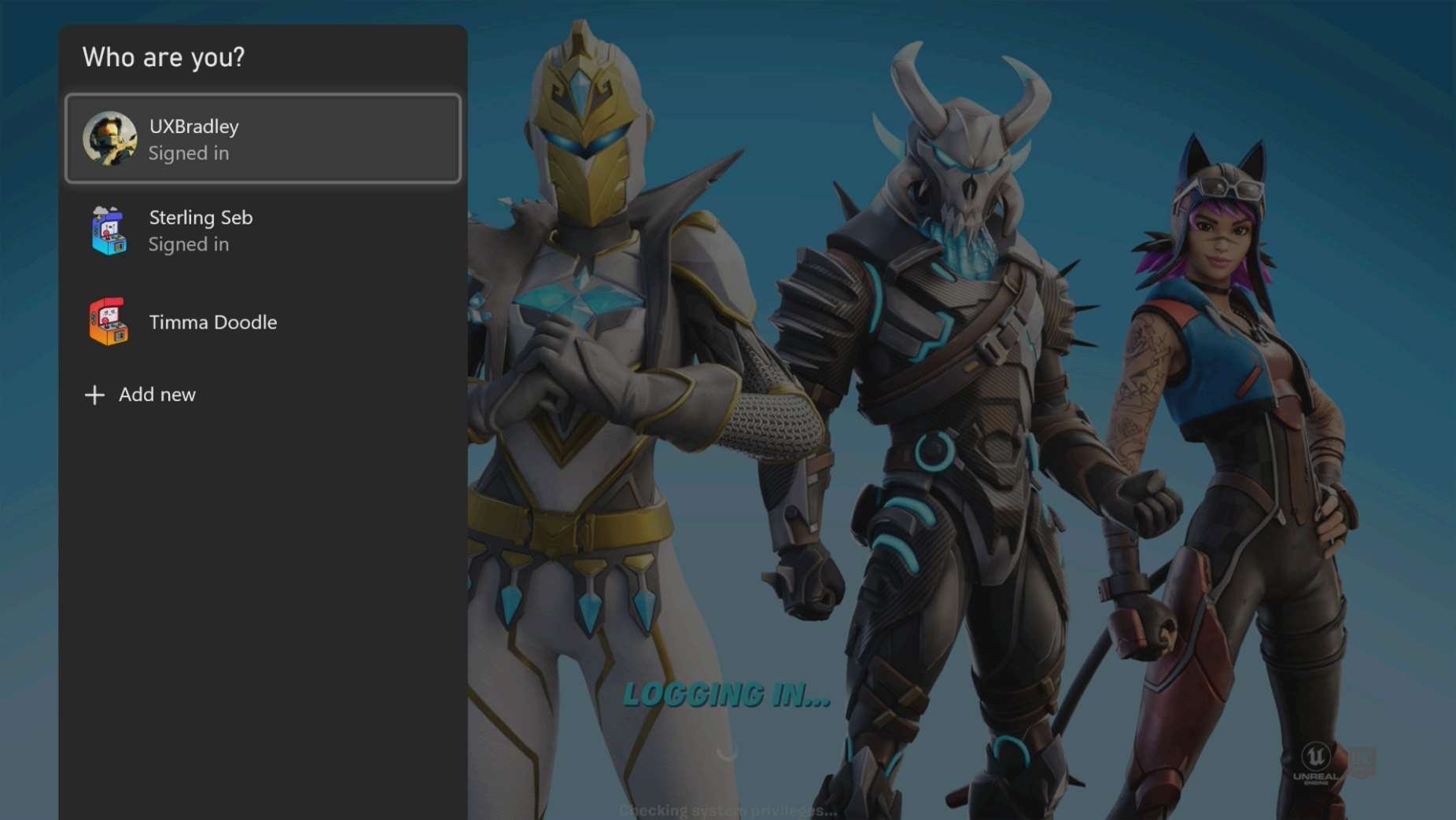
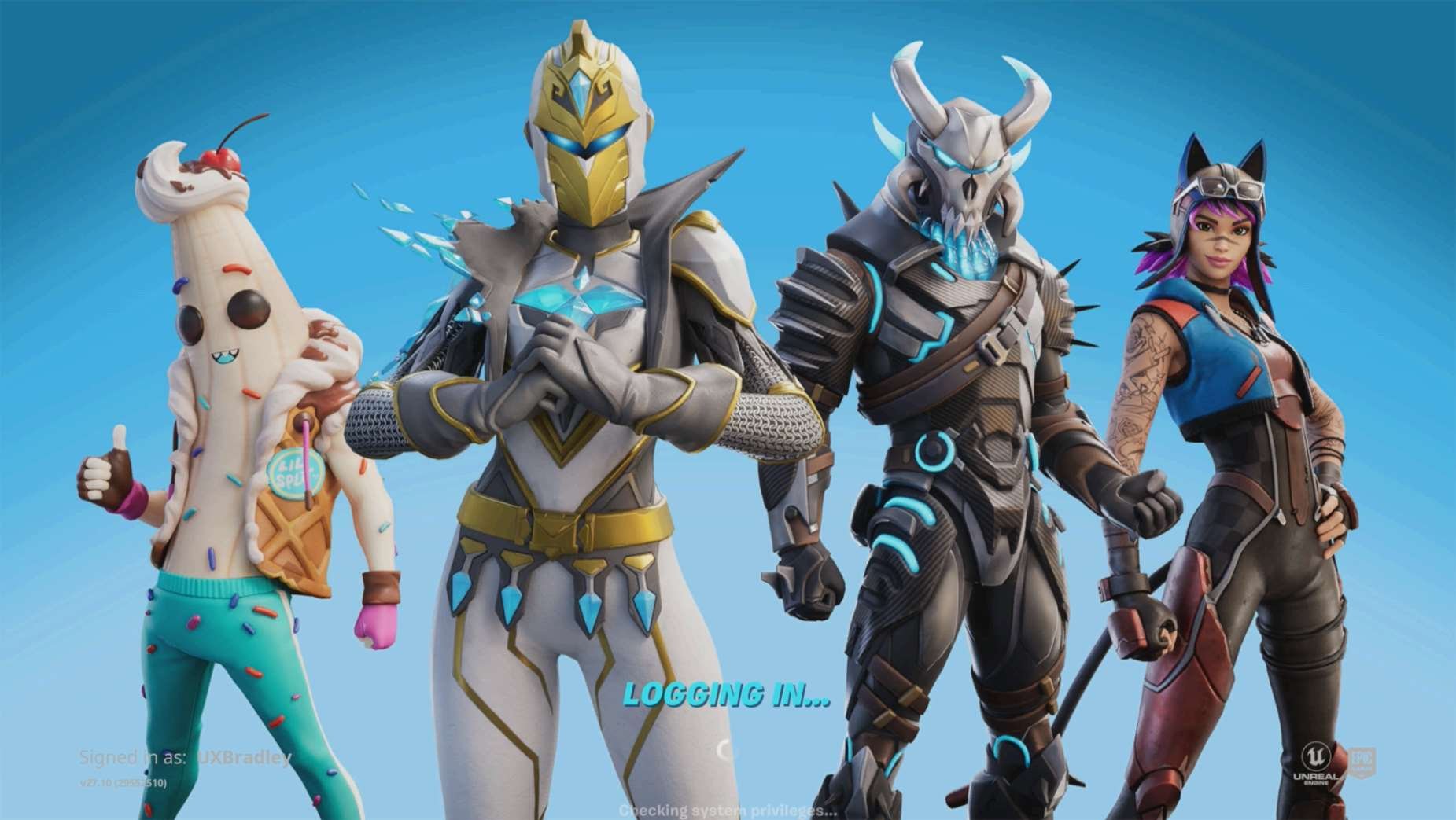
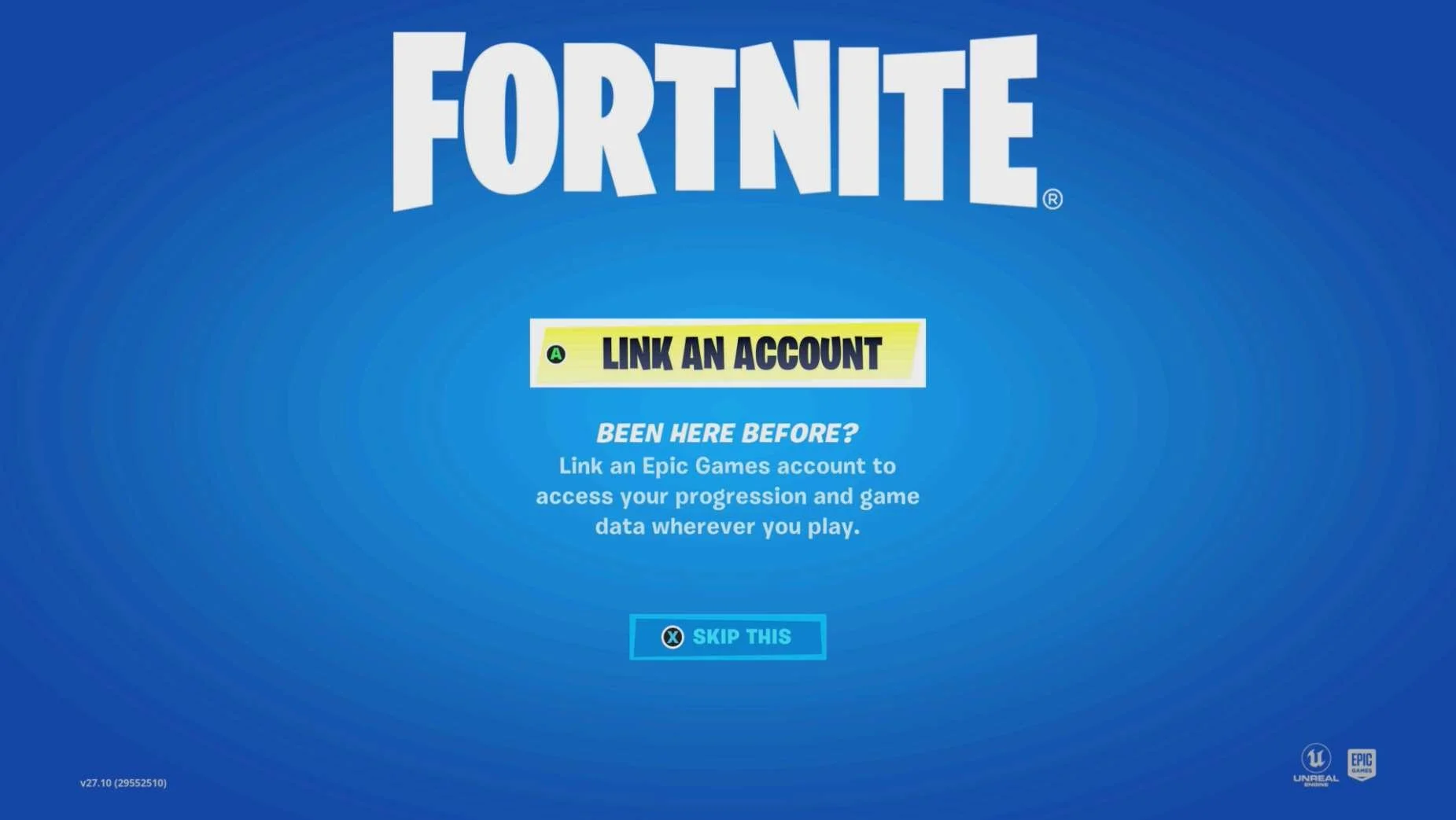
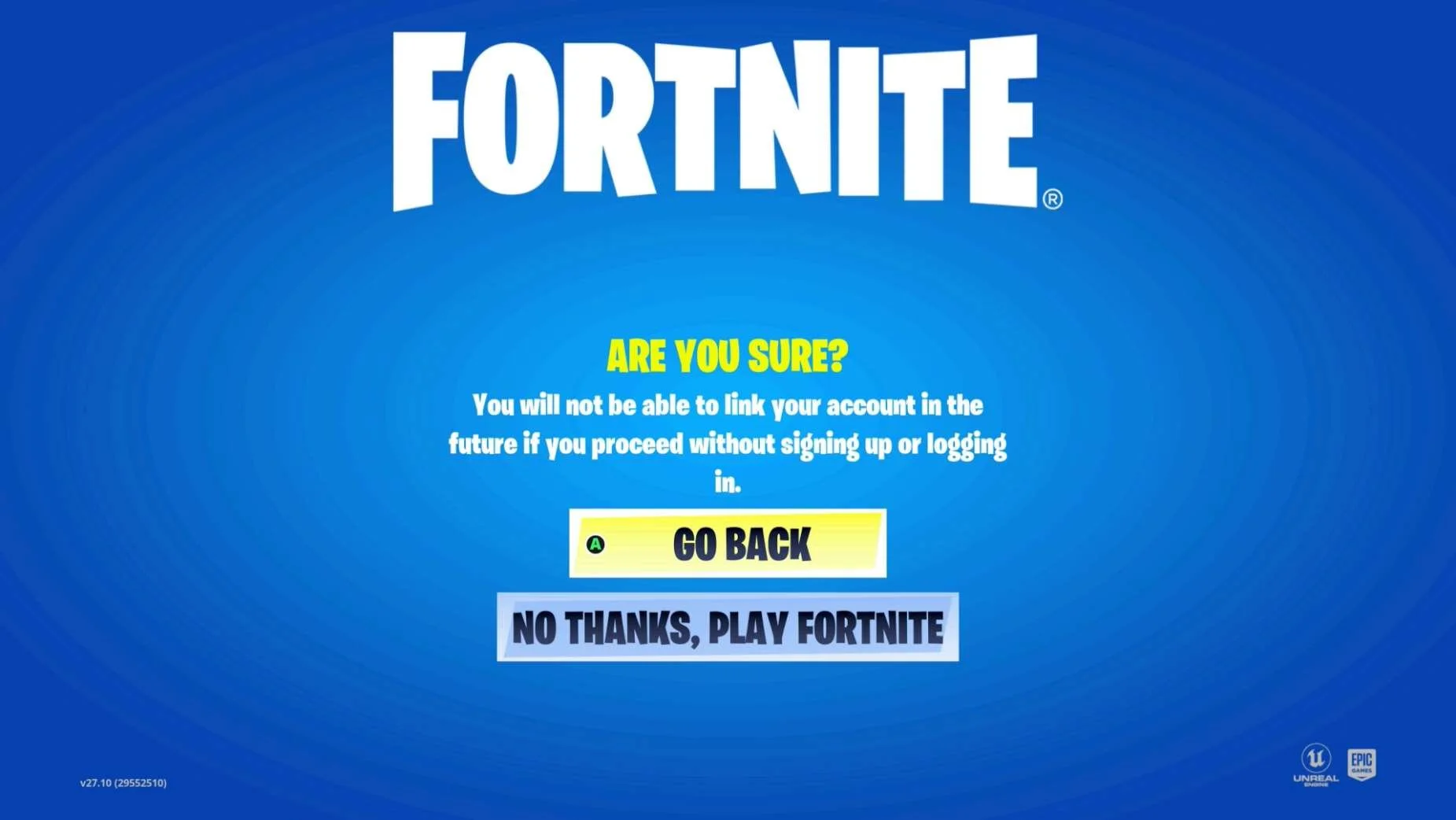
Fortnite
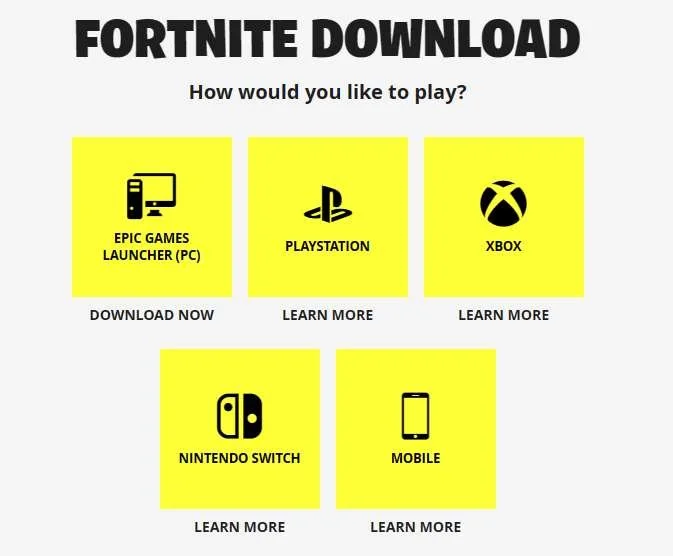
Screenshot from 17 Nov 2023 from: Fortnite Download | All the Ways to Play Fortnite
As of 17 Nov 2023 Fortnite is available on the following platforms and is Free to Play:
- INCLUDED IN RESEARCH (WINDOWS) | PC EPIC GAMES Launcher: Direct Download from Fortnite Download | All the Ways to Play Fortnite
- INCLUDED IN RESEARCH (Series S) | XBOX (One & Series X|S): Get Fortnite | Xbox
- INCLUDED IN RESEARCH (PS5) | Playstation 4 & 5: Fortnite (playstation.com)
- INCLUDED IN RESEARCH | Nintendo Switch: Fortnite for Nintendo Switch - Nintendo Official Site
- "Mobile": Fortnite Mobile | How to Play Fortnite on Mobile Devices
Highlights
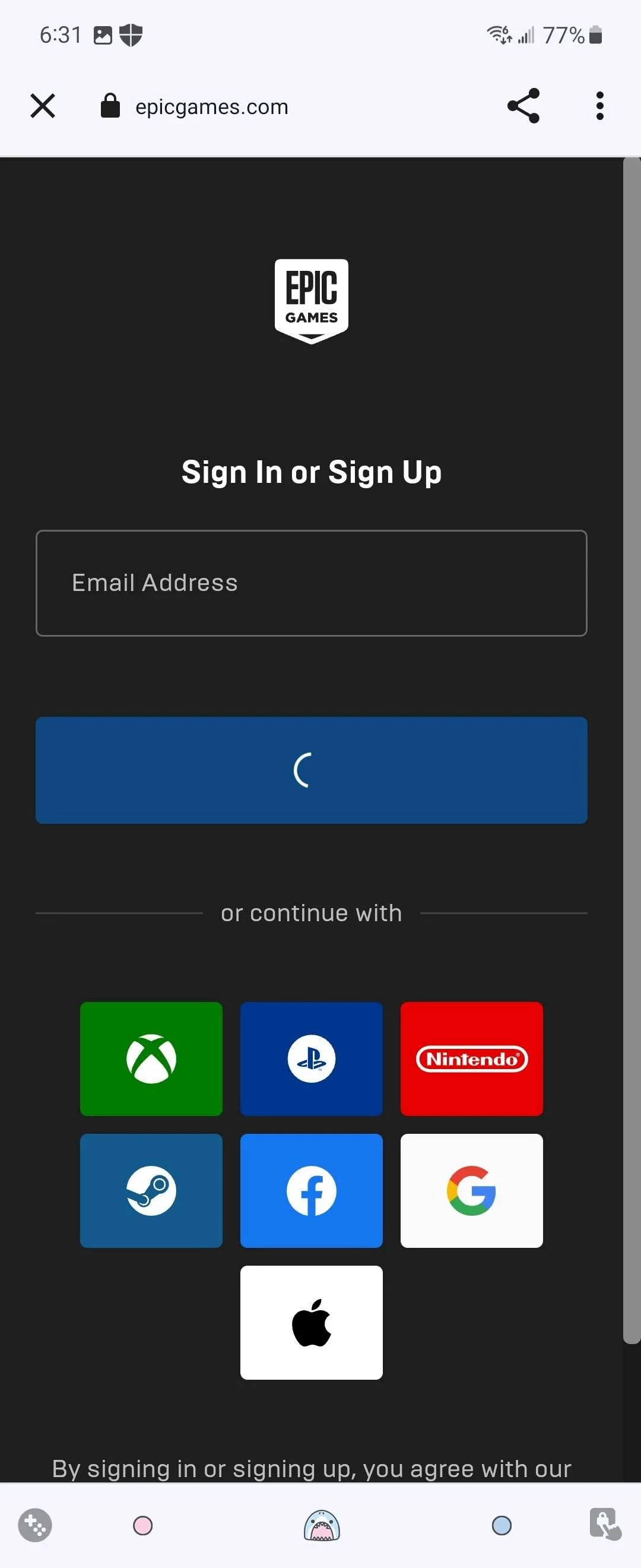
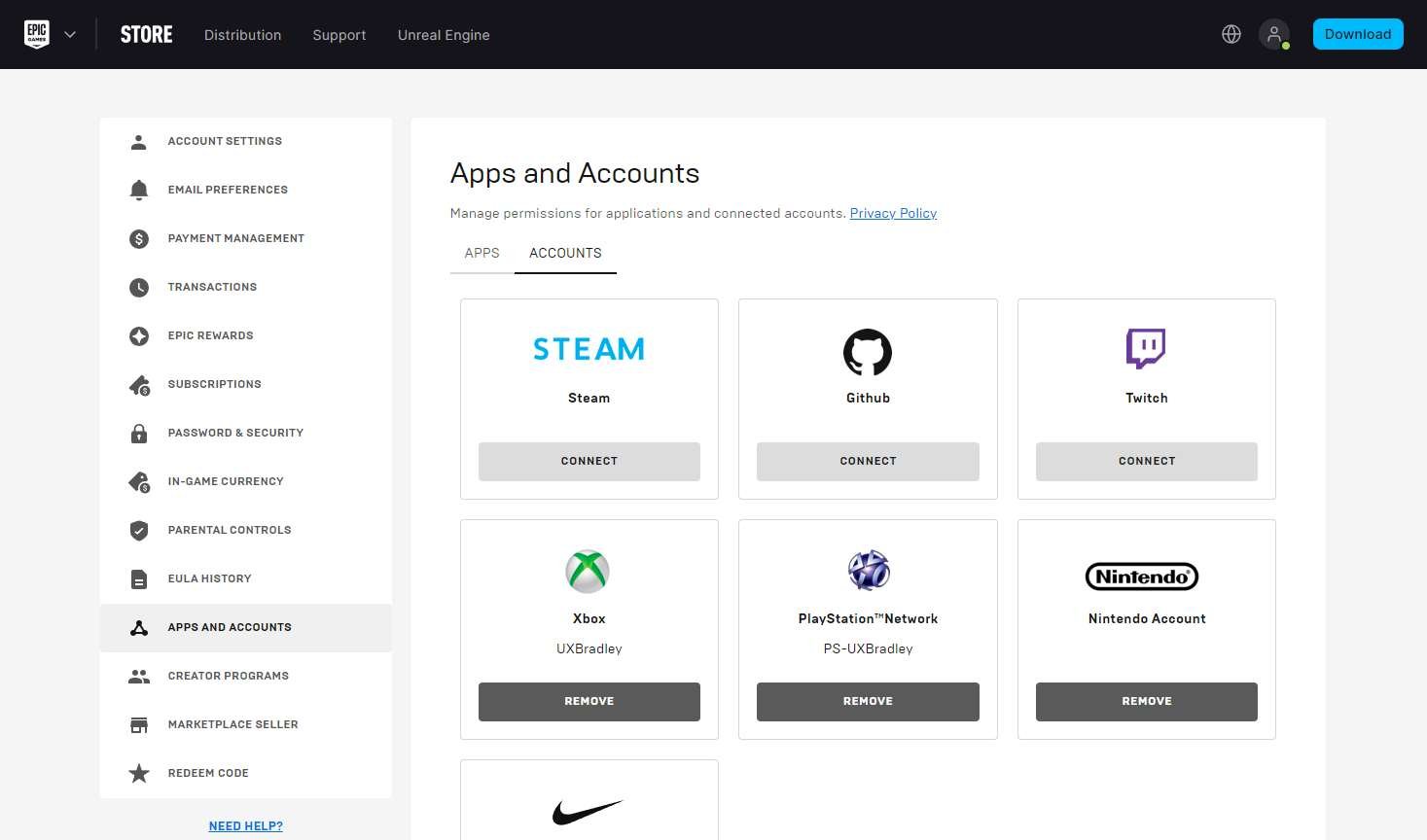
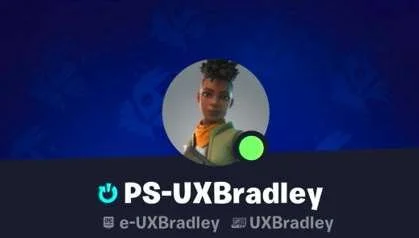
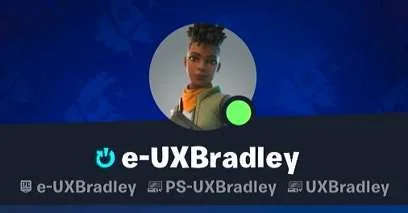
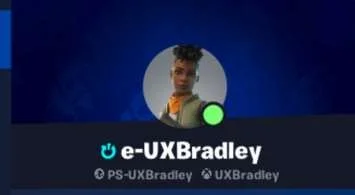
- There is a central location for players to go (the Epic Games website) if they want to see which accounts are linked and to manage the linked accounts
- Players can see some of their linked platform accounts displayed within the game
- Players have different options for logging into the Epic Games website (other platforms, social accounts)
Lowlights
- Players are allowed to skip the account linking step but there are no warnings that this can prevent them from linking their platform account in the future
- There is a lack of proper warnings and error messages to let the player know what went wrong or how they can fix it – if they can fix it
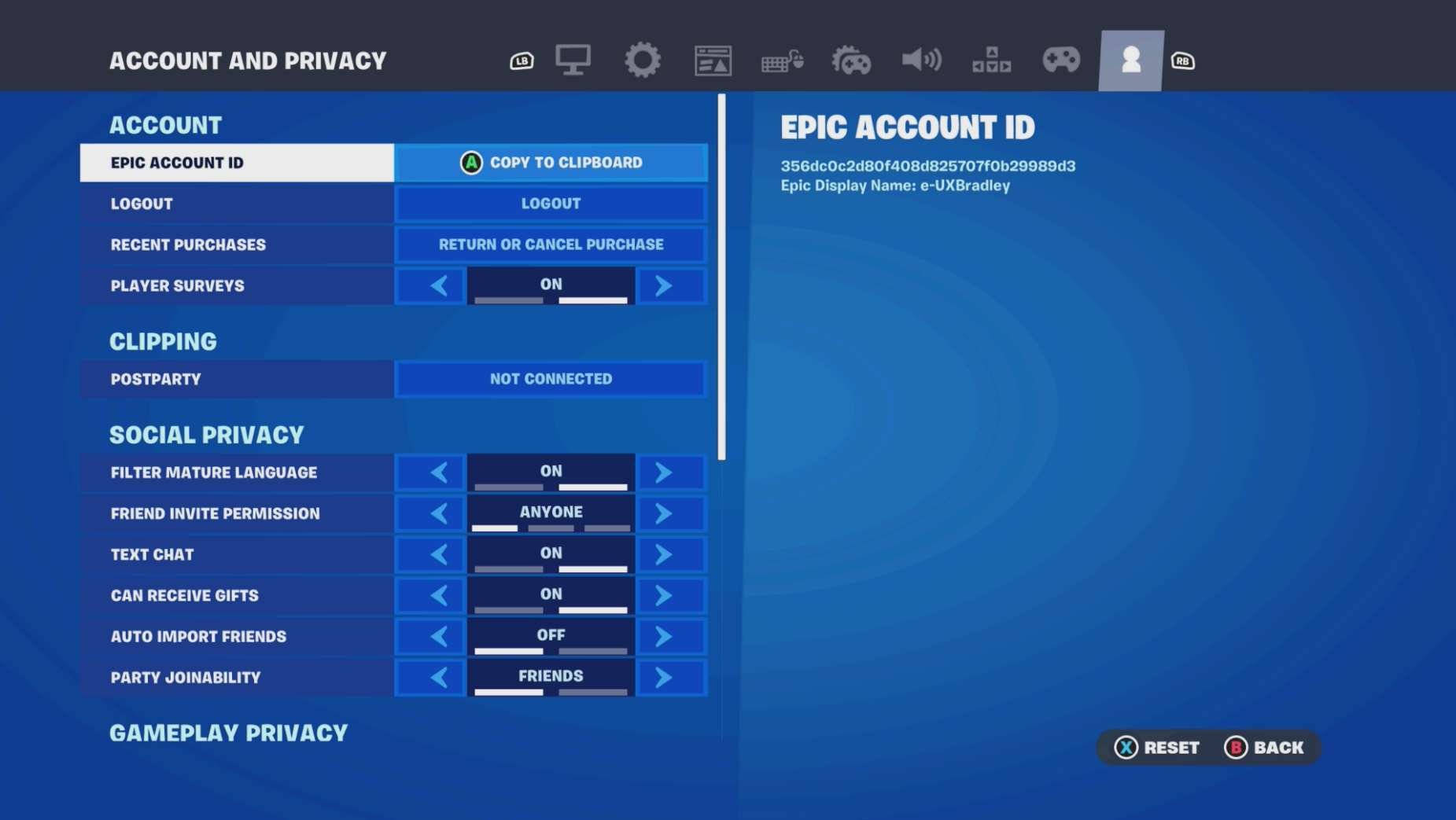
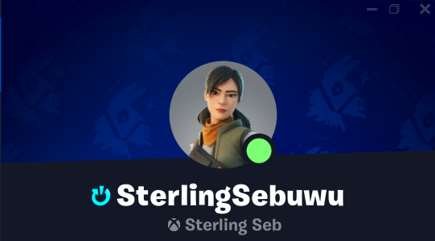
- The way that linked accounts are displayed within the game is inconsistent (some show the platform account name, some show the Epic Games account name in place of the platform account name)
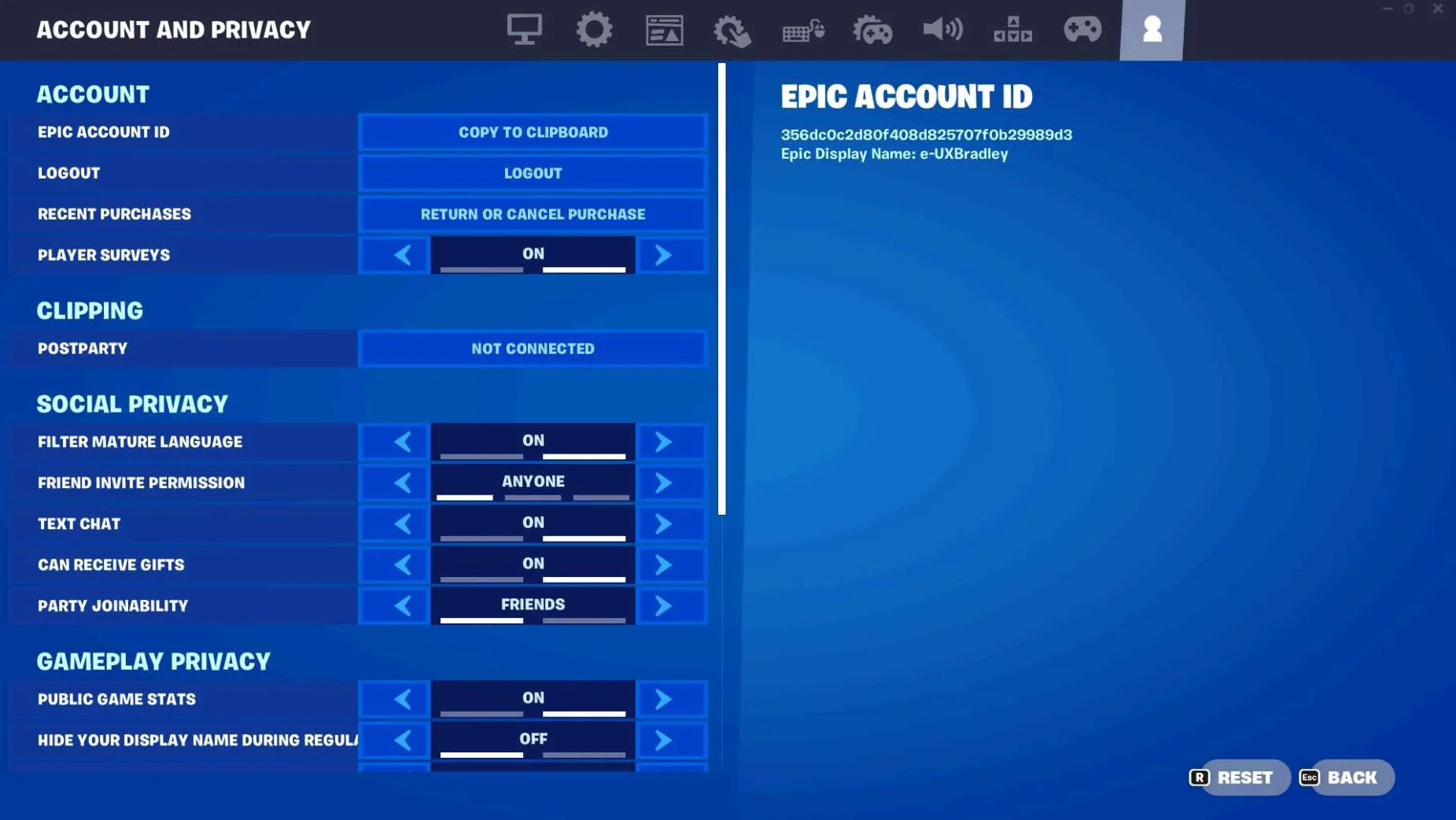
- 30 Nov 2023 update: I completely missed the fact that there's a "LOGOUT" button in the Settings. I didn't see it when I was doing this initial investigation and only saw it later on when I was working on the Sharing Across Platforms part of the Cross-Platform research. It's not clear what you're logging out from (my assumption is that it's from the EPIC account) Does this mean that it's unlinking the accounts?
PC (WINDOWS)
Media | Notes |
|---|---|
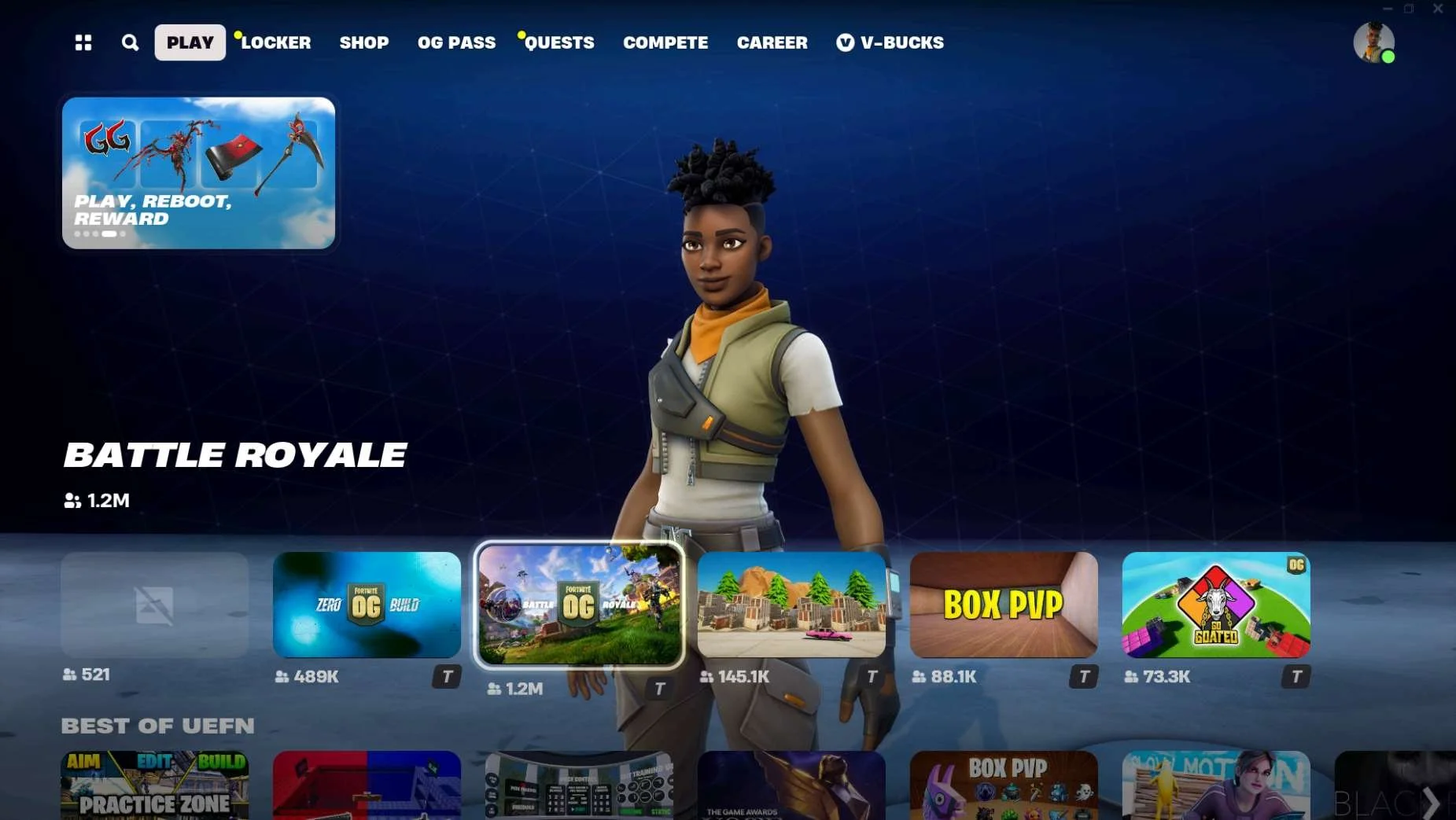
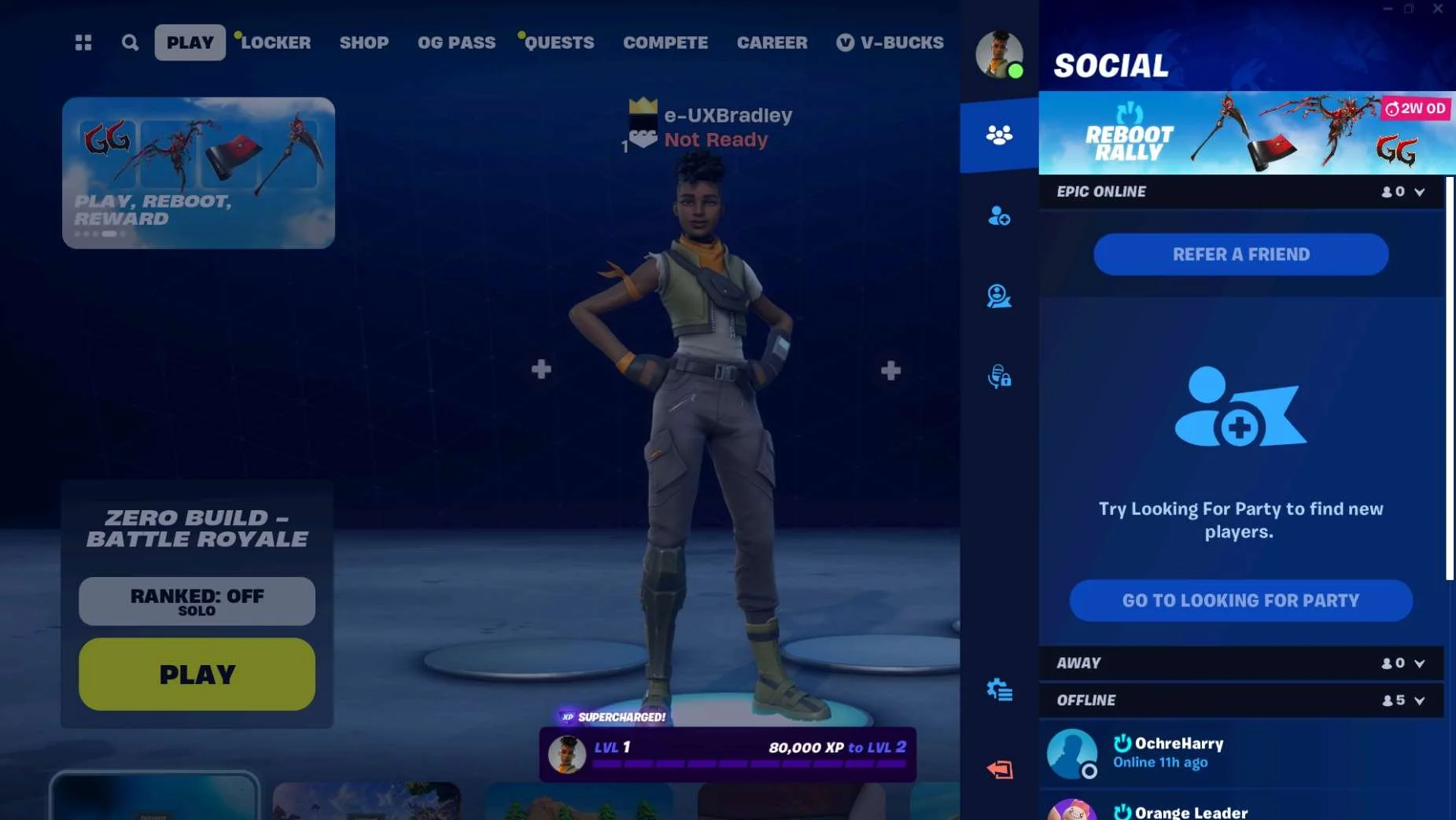
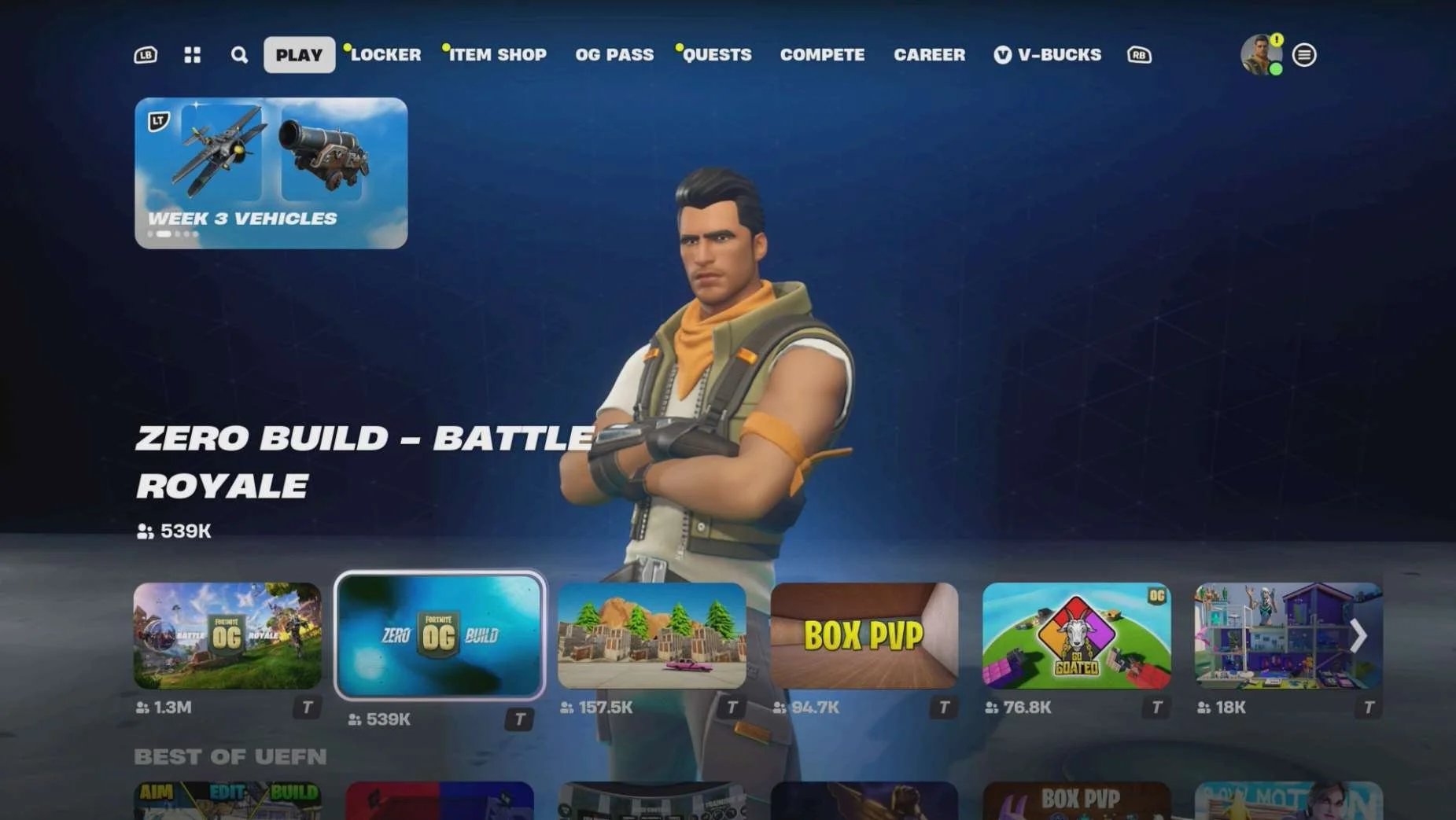
Screenshot from 17 Nov 2023 on PC (Windows) Epic Games Launcher: Main Menu:
Main Menu → Mode Selected
Social Panel:
Settings → Account:
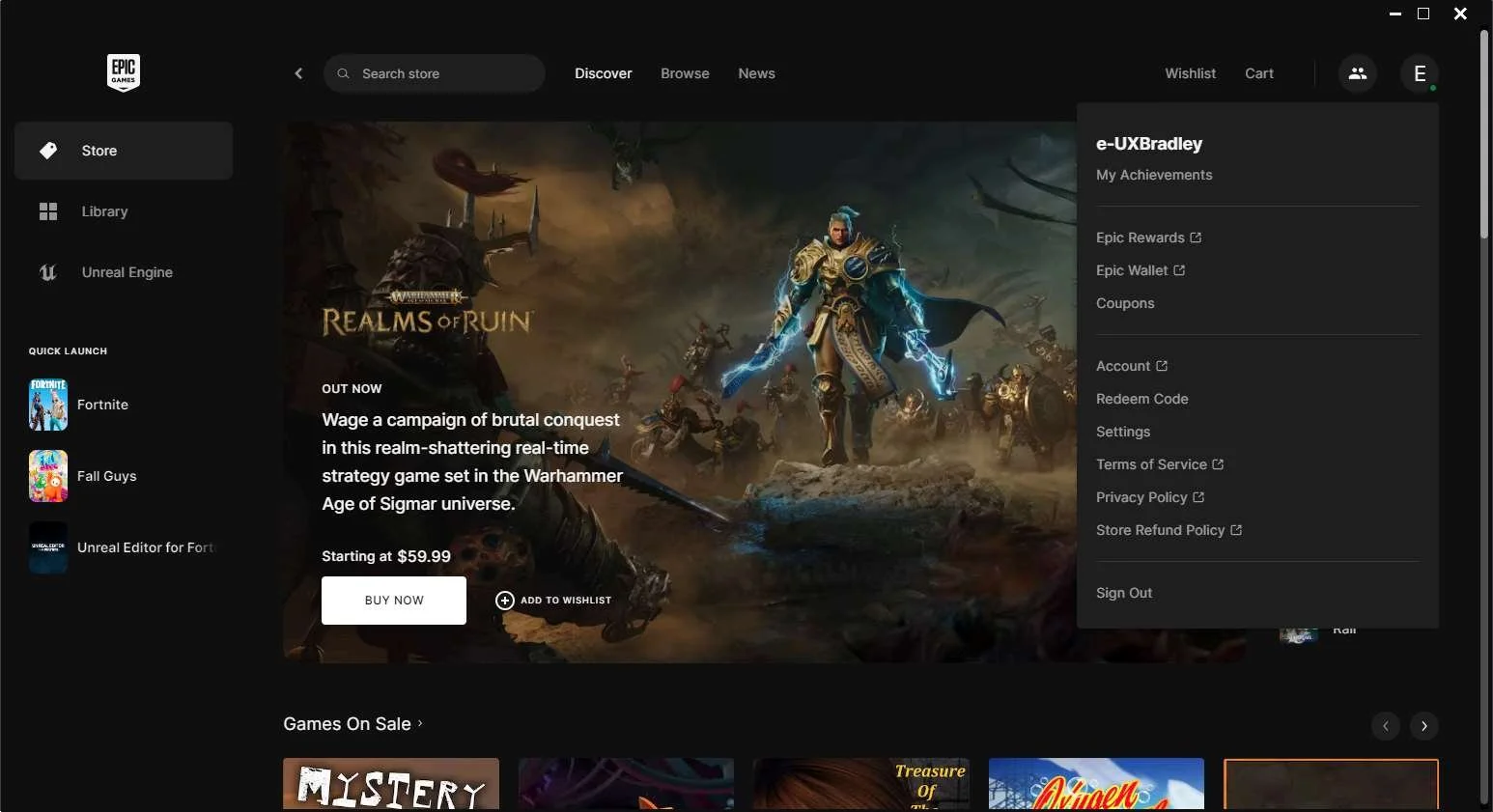
Epic Launcher Dropdown Menu:
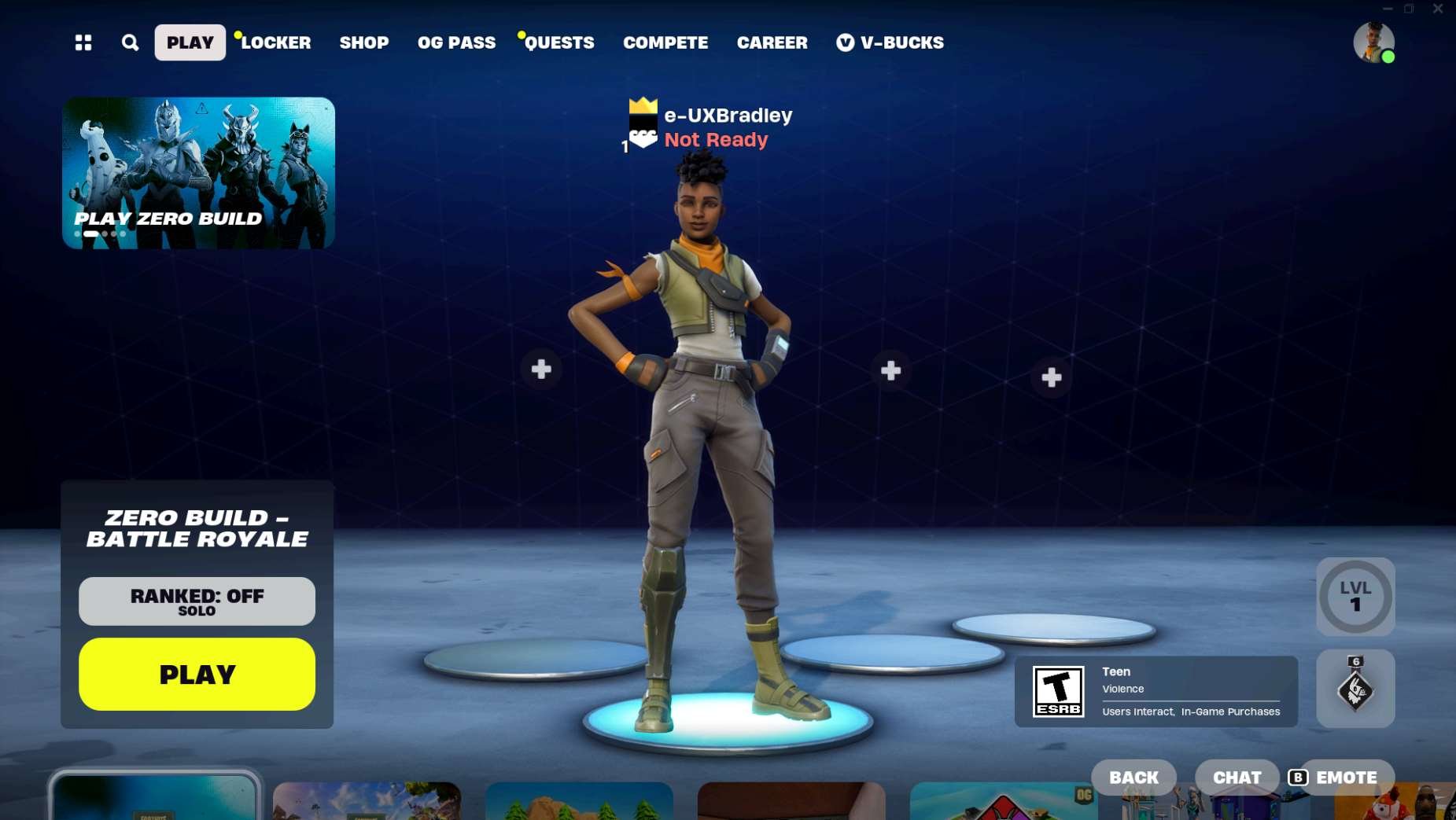
| PC (WINDOWS) Epic Games Launcher as the 1st platformAt this point in the research:
Fortnite on PC (WINDOWS) Epic Games Launcher:
NOTE You can not initiate account linking from inside the game on this platform. |
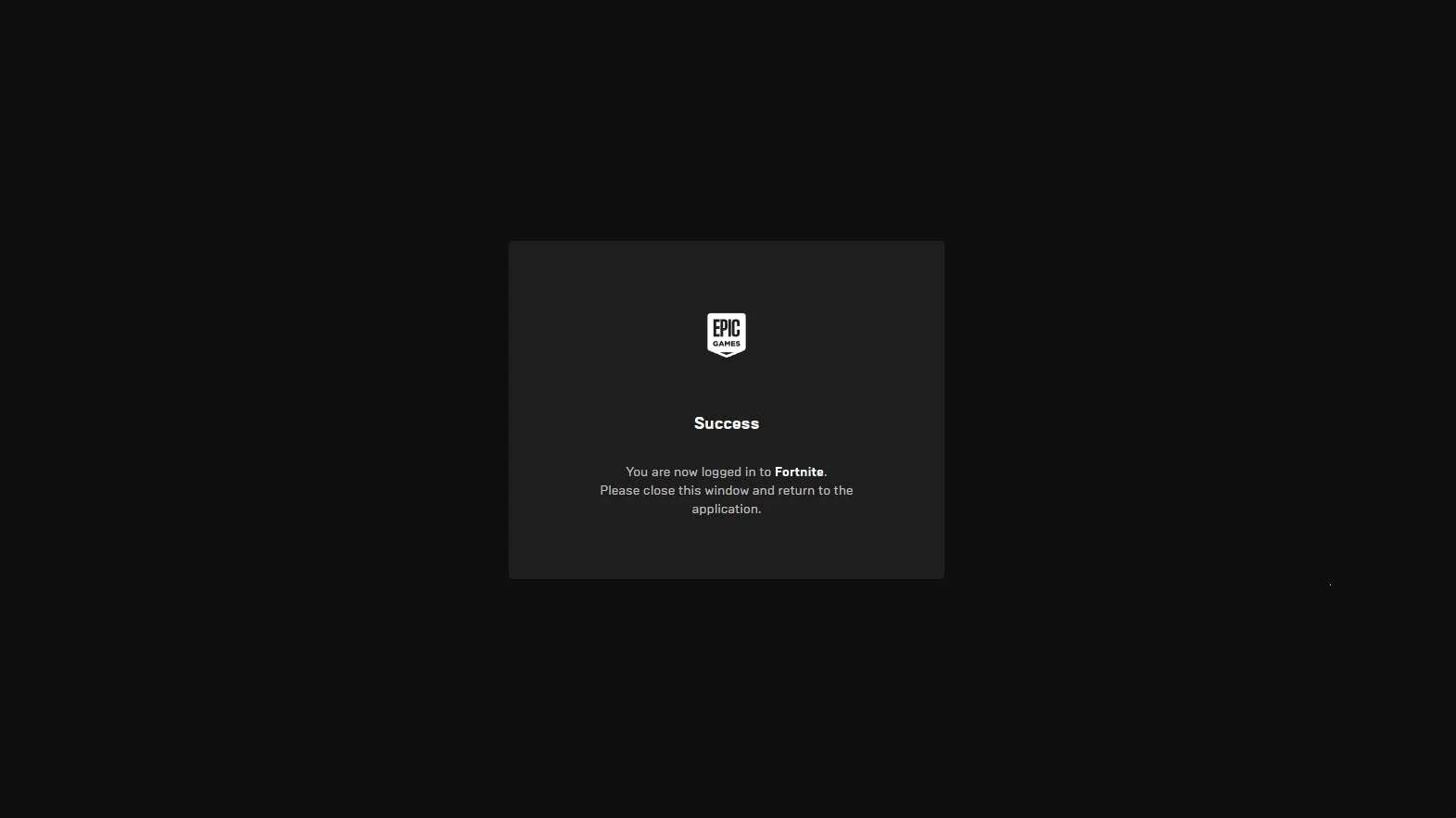
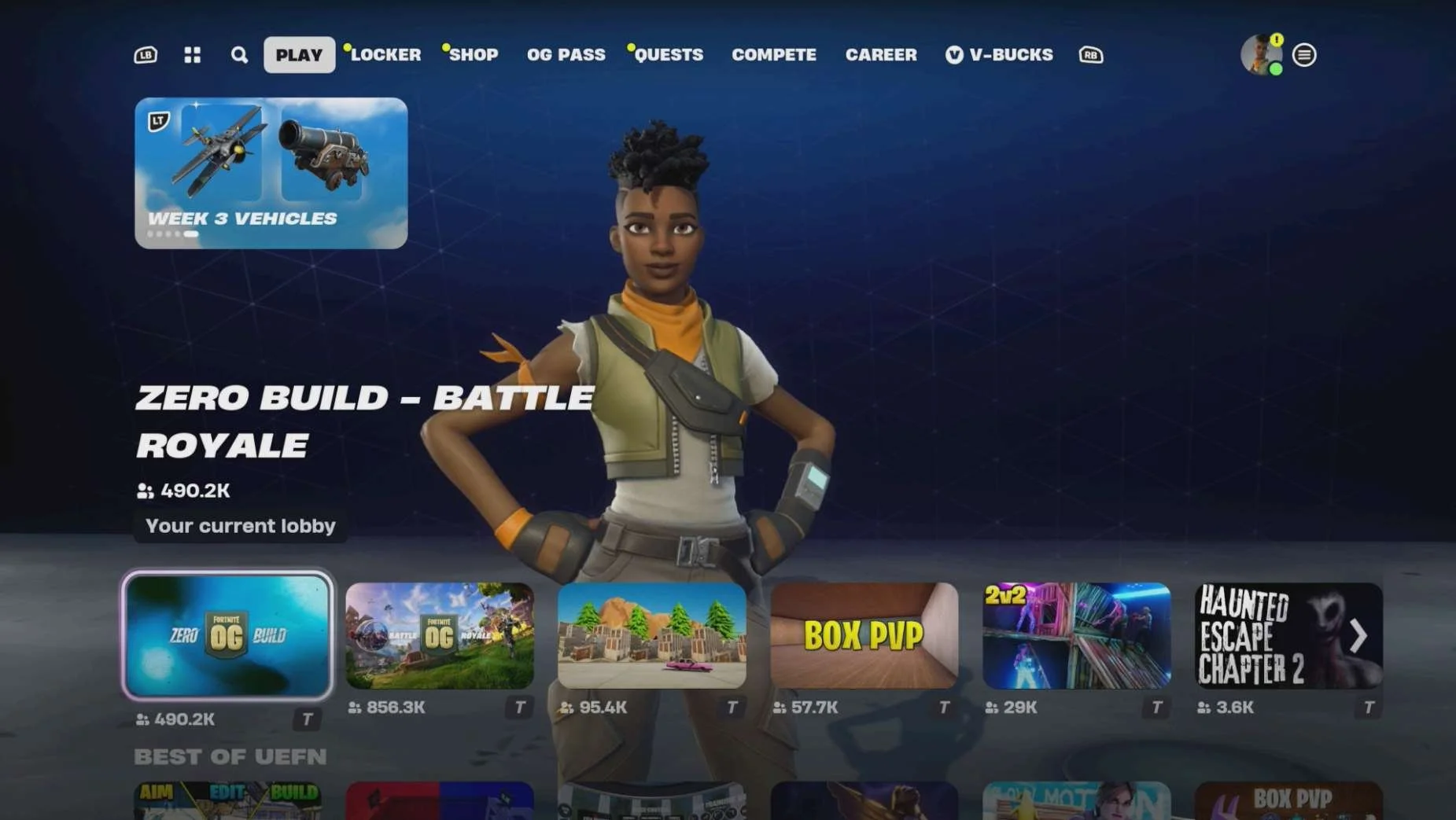
XBOX
Media | Notes |
|---|---|
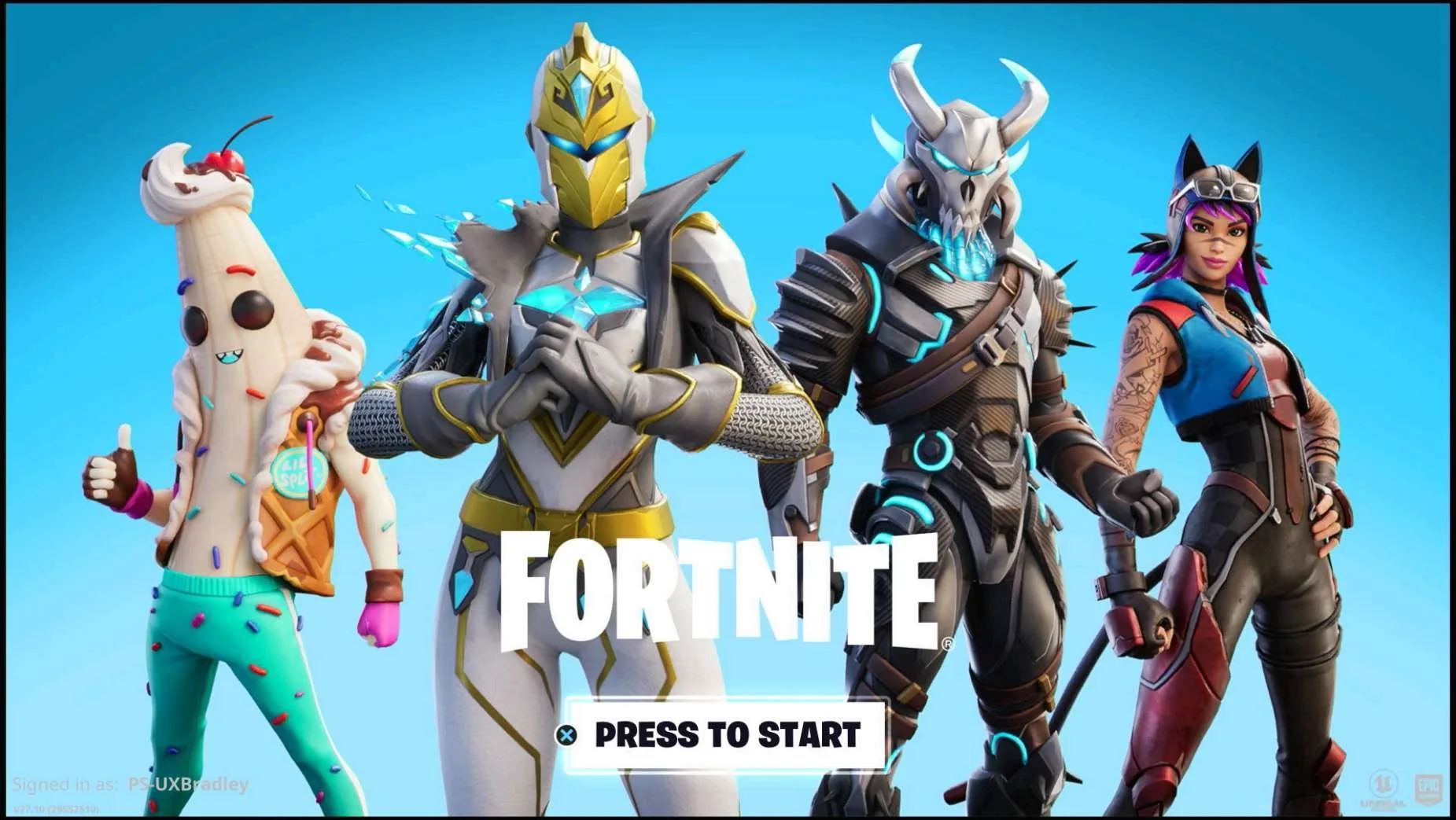
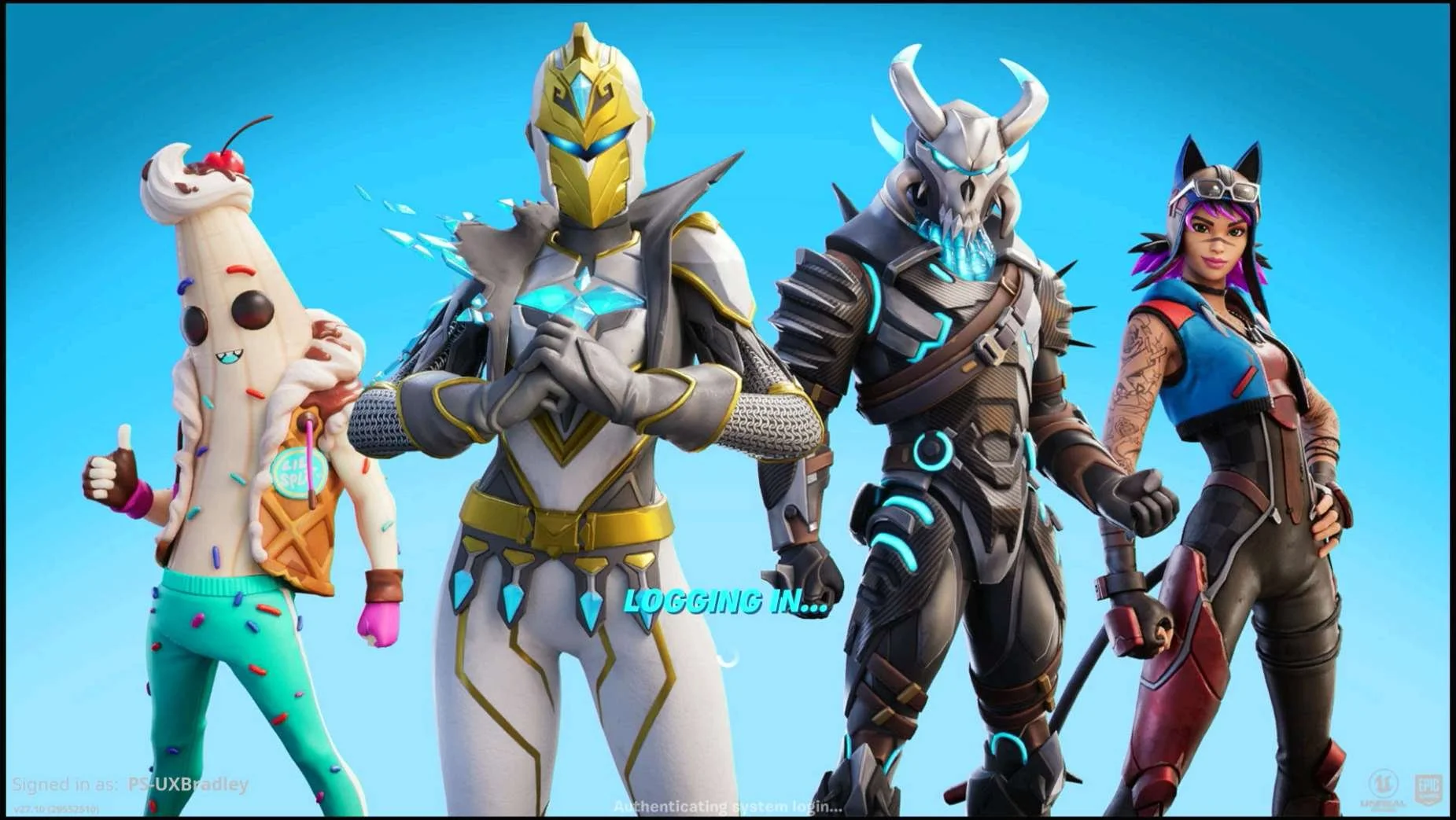
Screenshot from 17 Nov 2023 on XBOX (Series S):
Selecting "SKIP THIS":
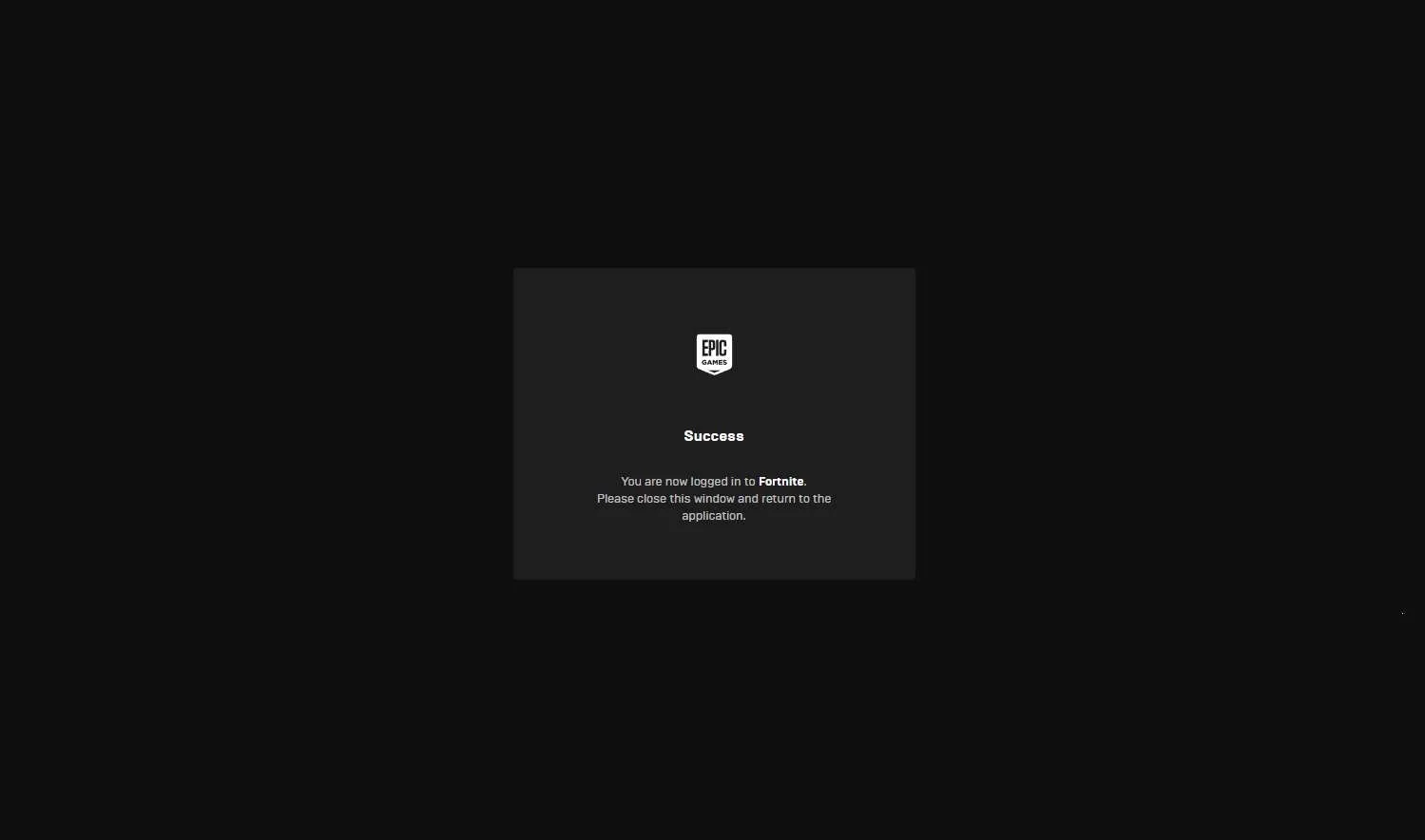
Screenshots from 19 Nov 2023 Selecting "LINK AN ACCOUNT":
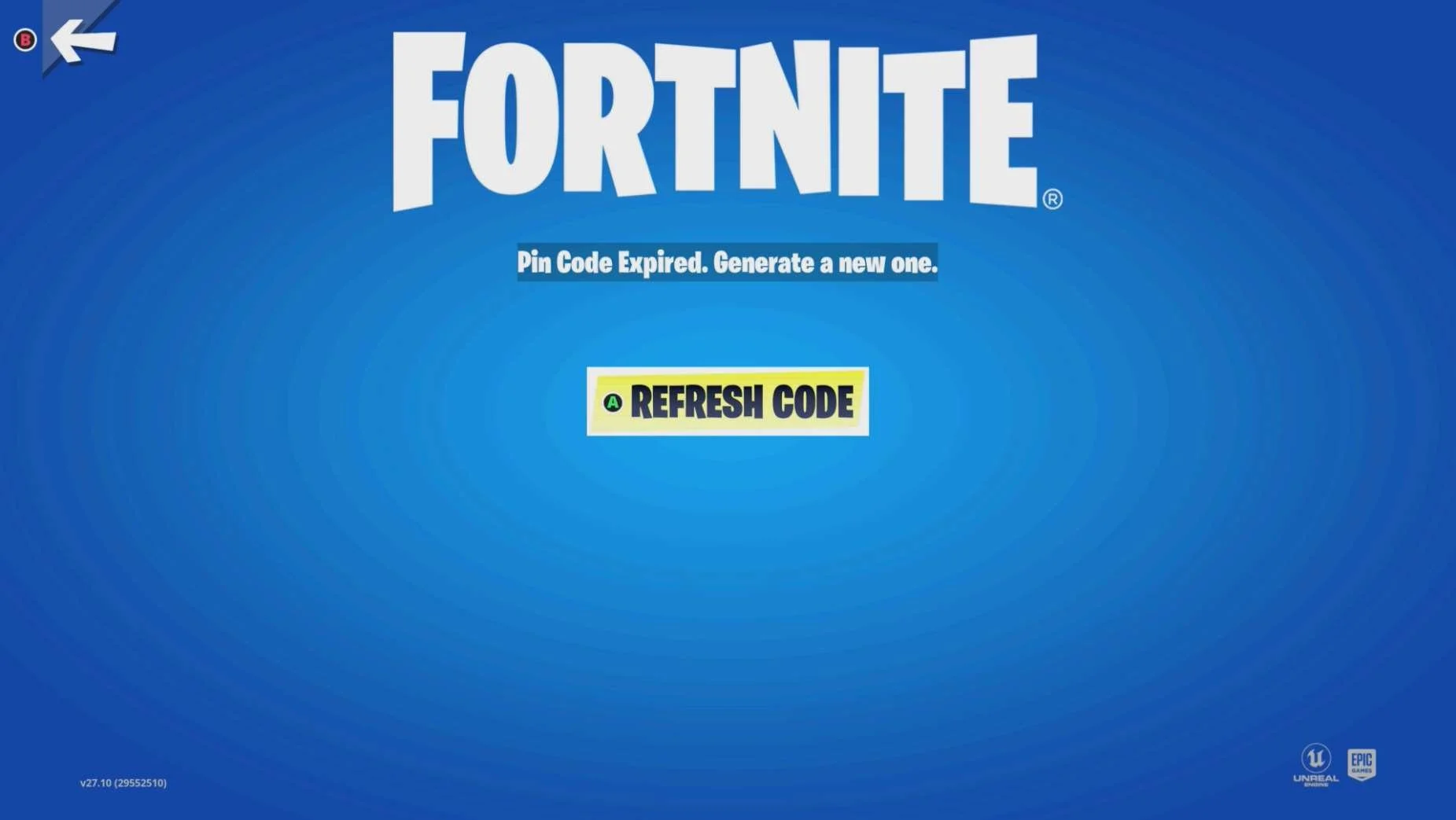
If the Code Expires (countdown reaches 0):
| XBOX as the 2nd platformAt this point in the research:
Fortnite on XBOX Series S:
|
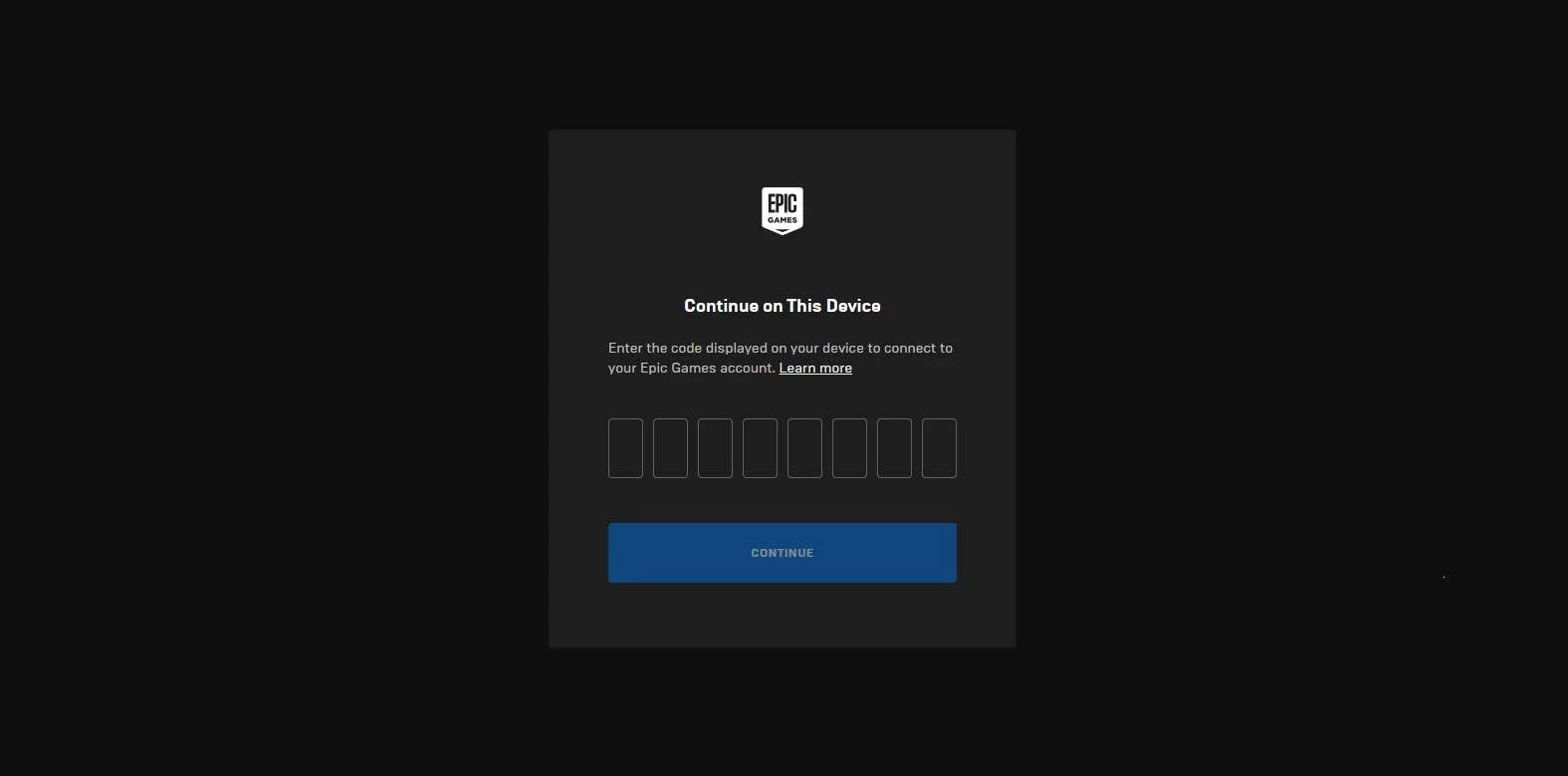
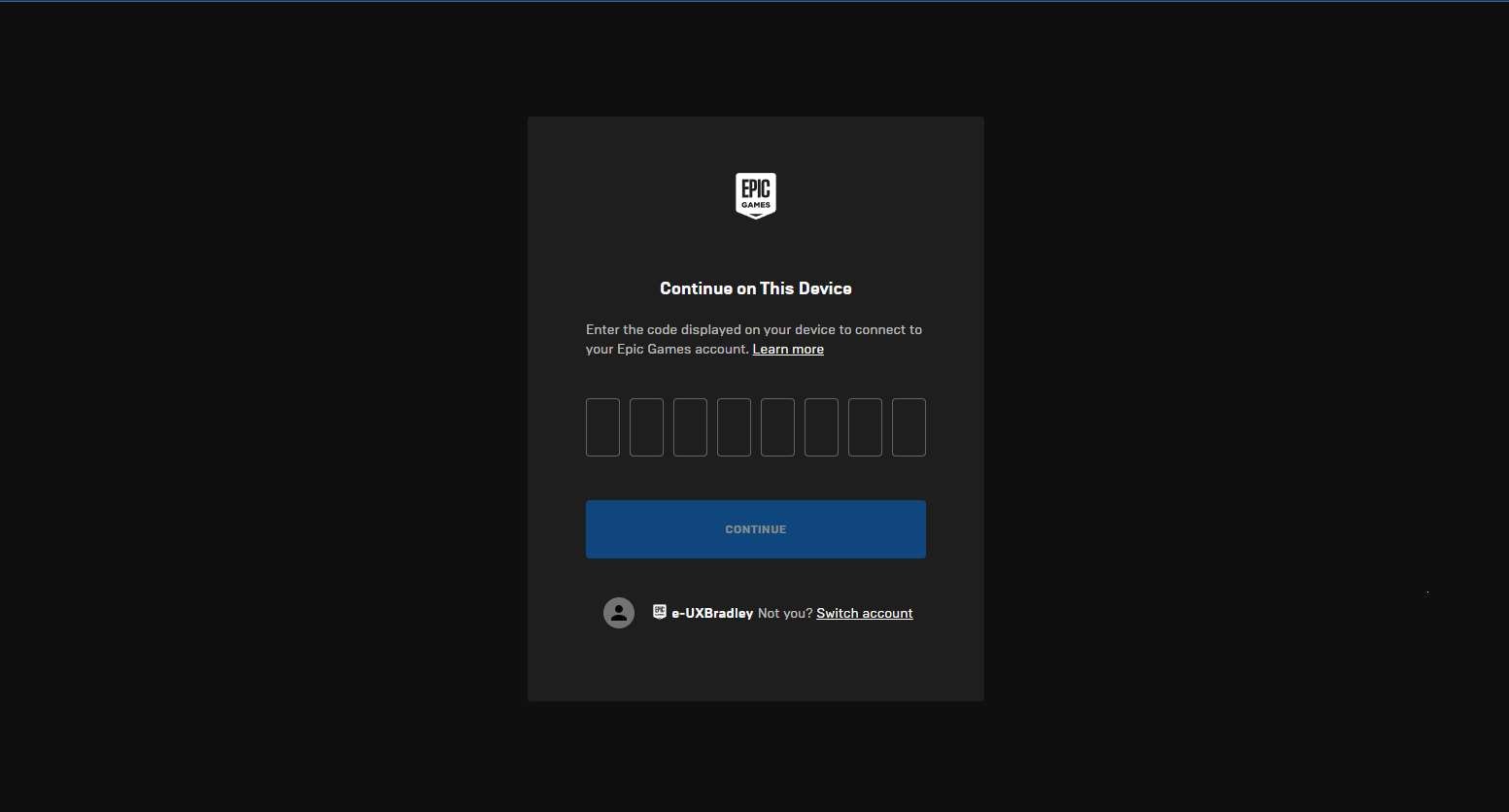
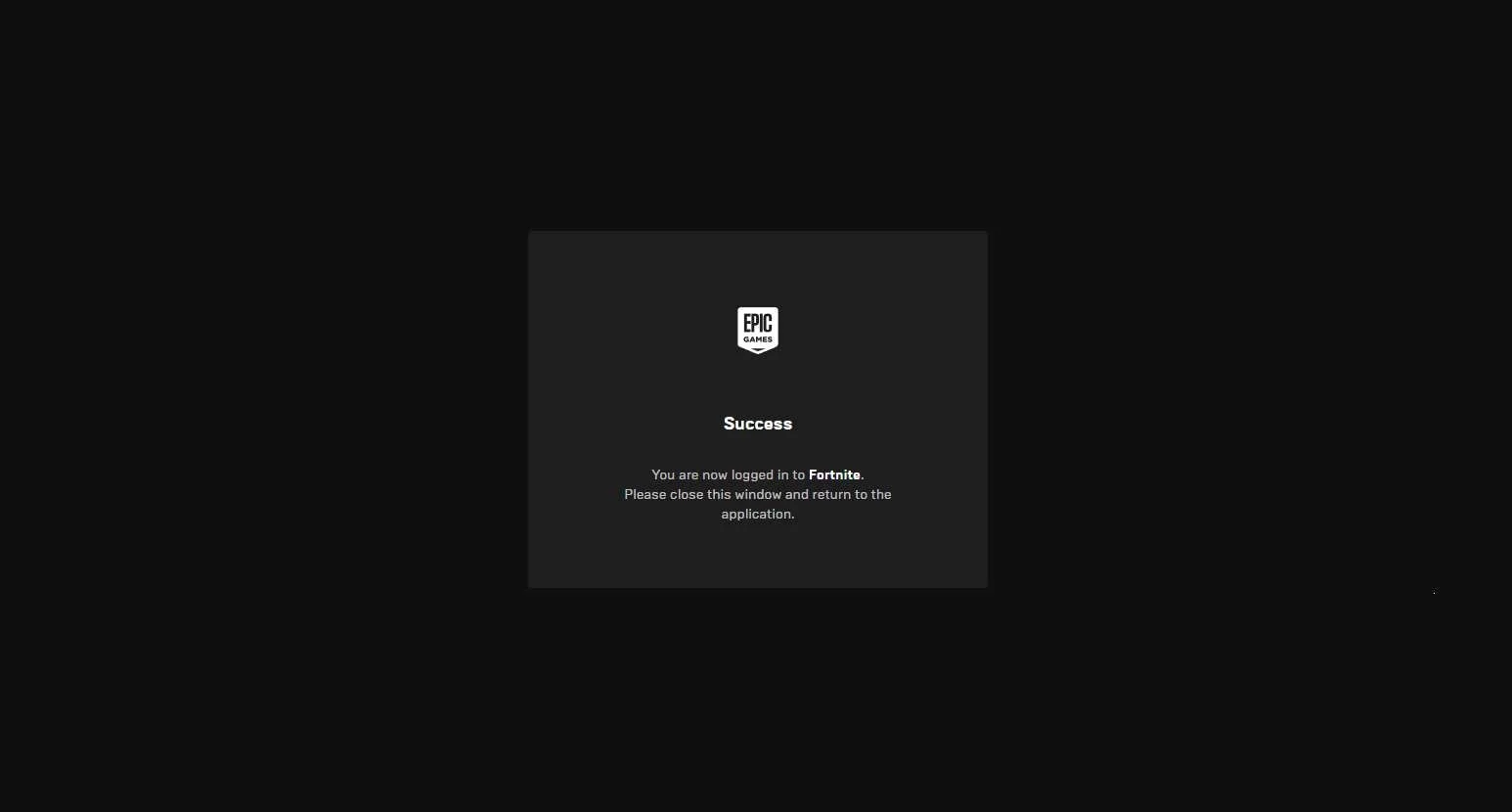
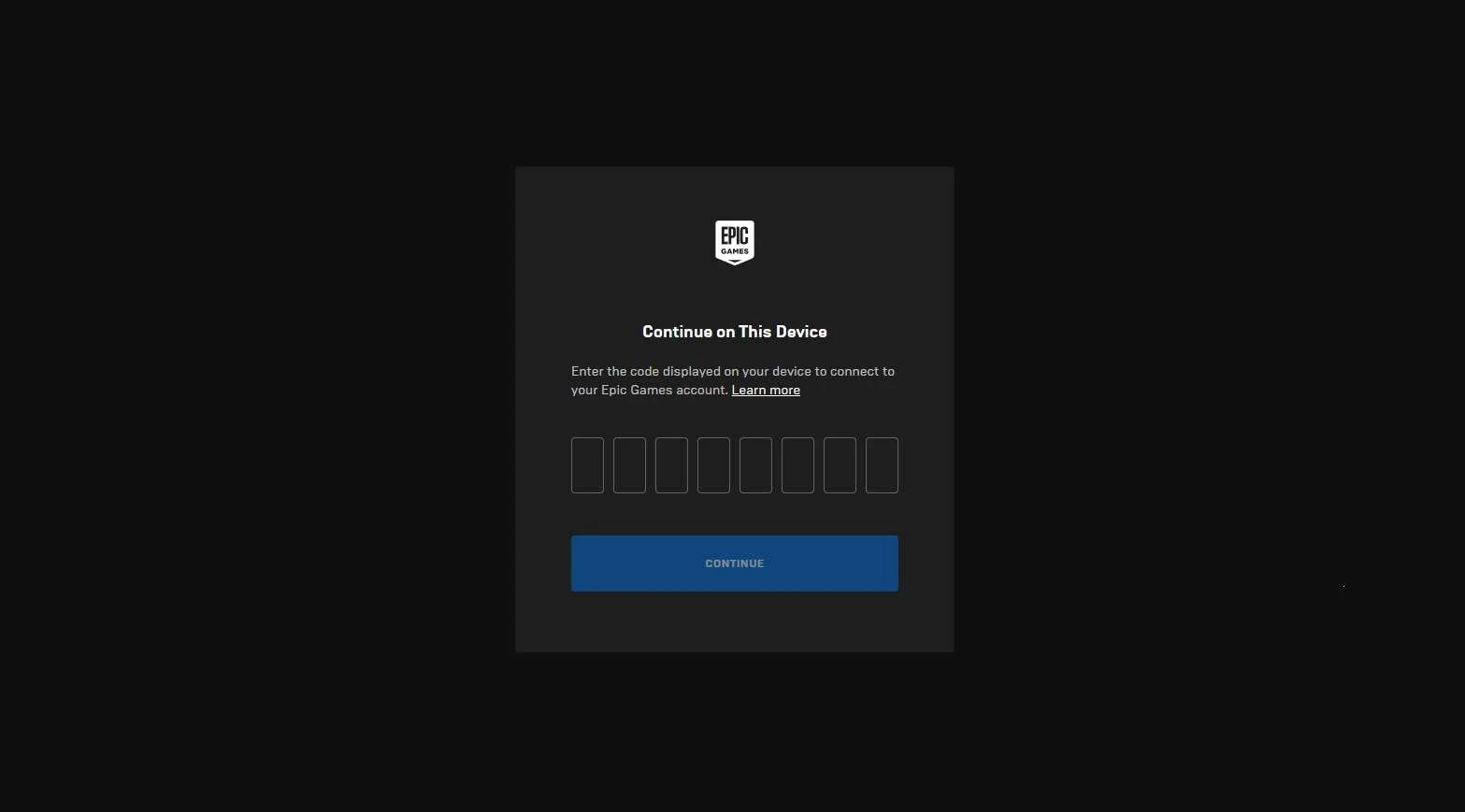
Screenshots from 19 Nov 2023 from in a web browser:
| The player has to manually open a web browser on a different device:
|
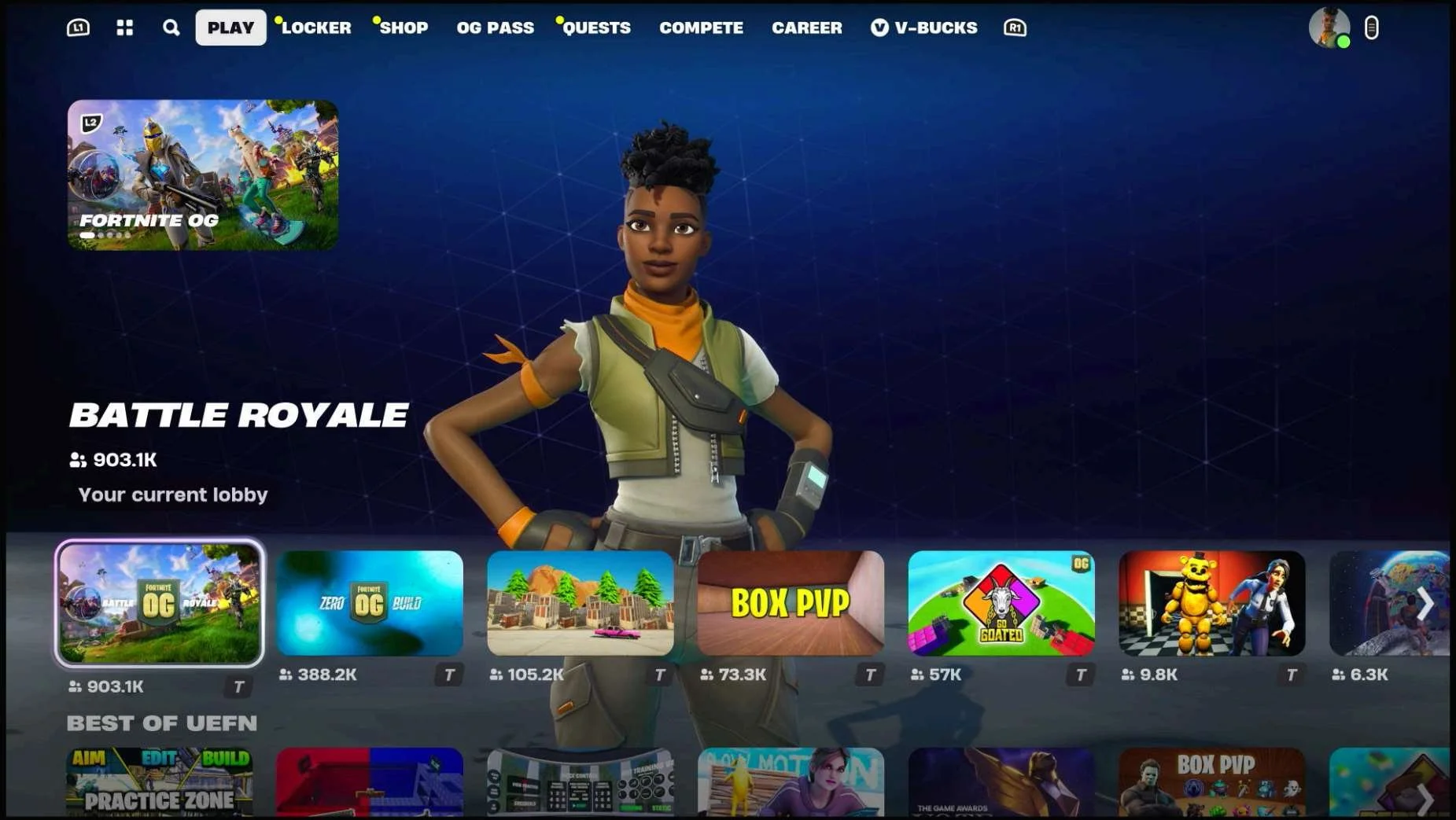
Screenshots from 19 Nov 2023 on XBOX Returning to the Main Menu:
Main Menu → Mode Selected:
Main Menu → Mode Selected → Social Panel (Default View):
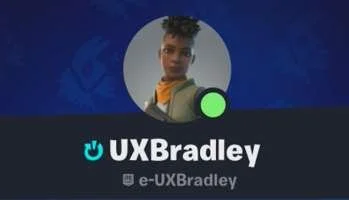
Main Menu → Mode Selected → Social Panel → Profile:
Settings → Account
|
|
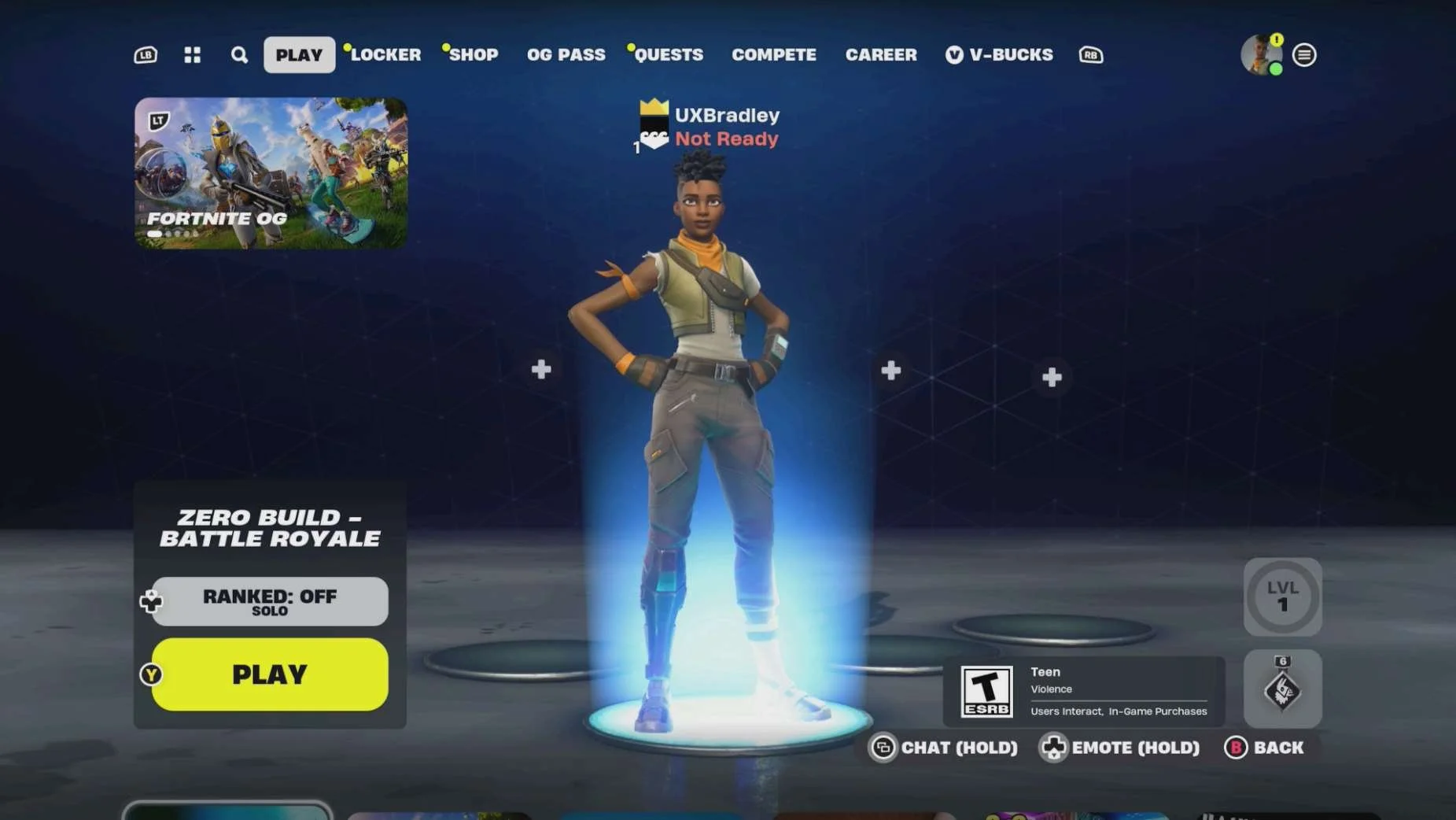
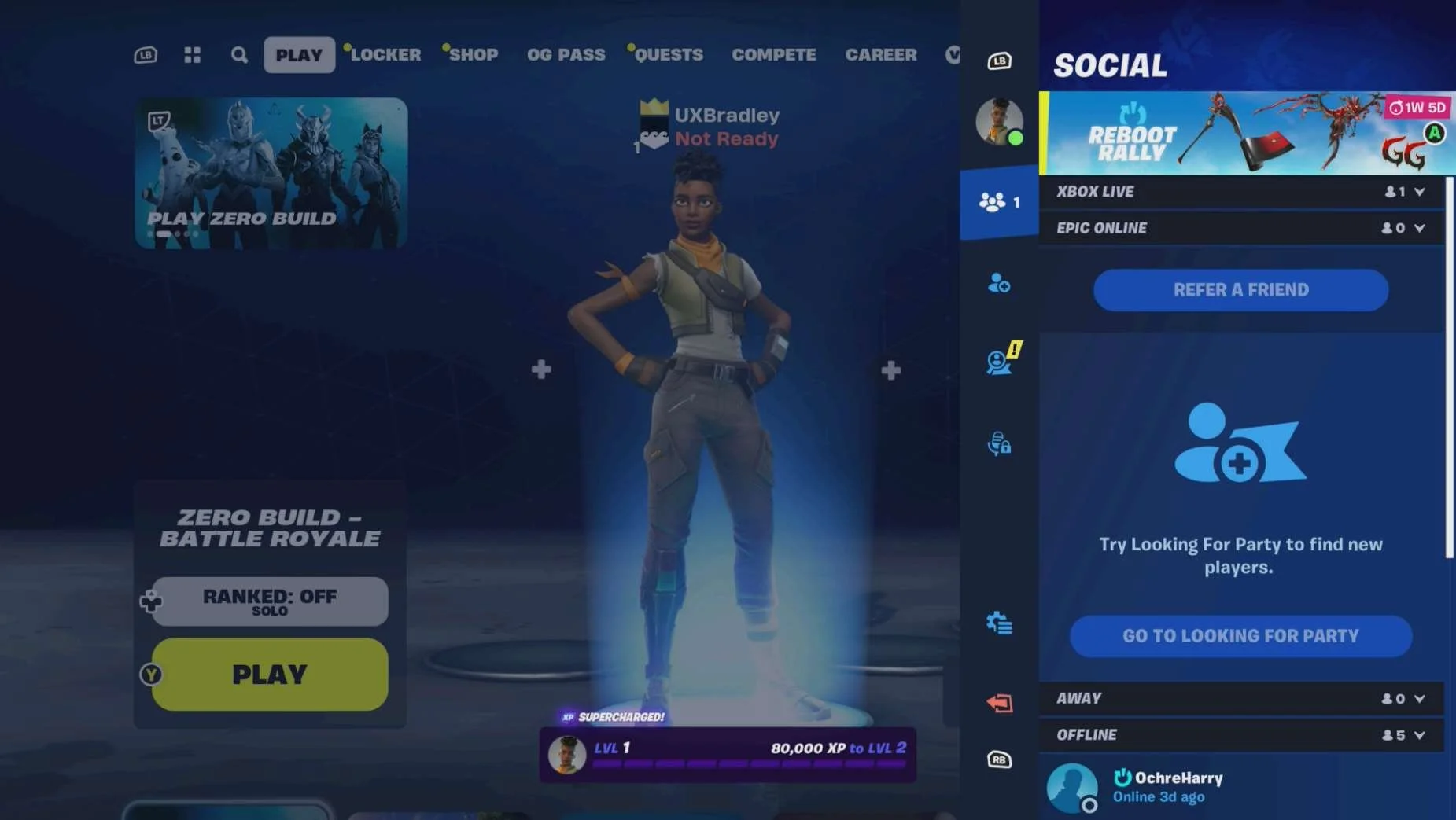
PLAYSTATION 5
Media | Notes |
|---|---|
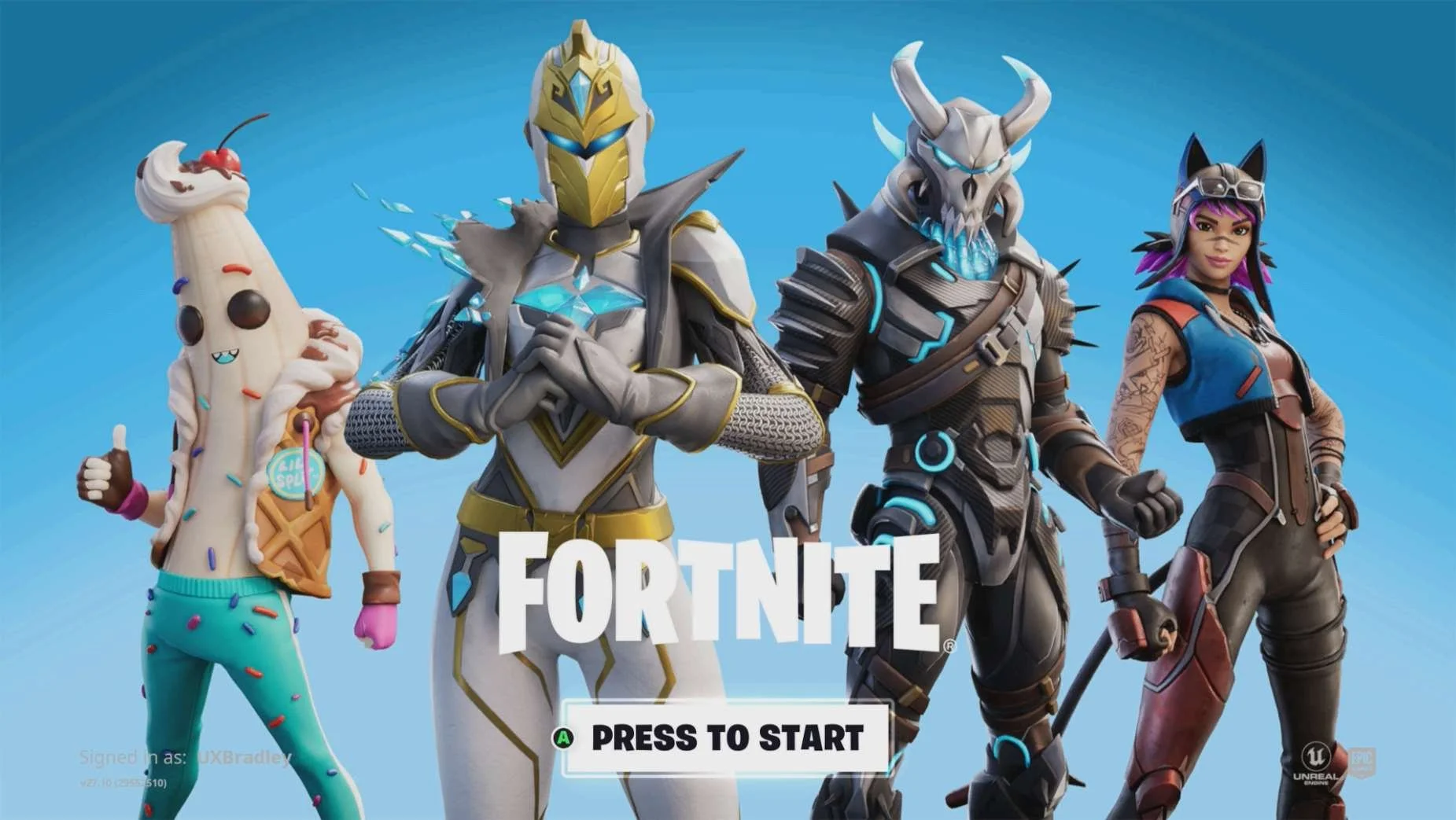
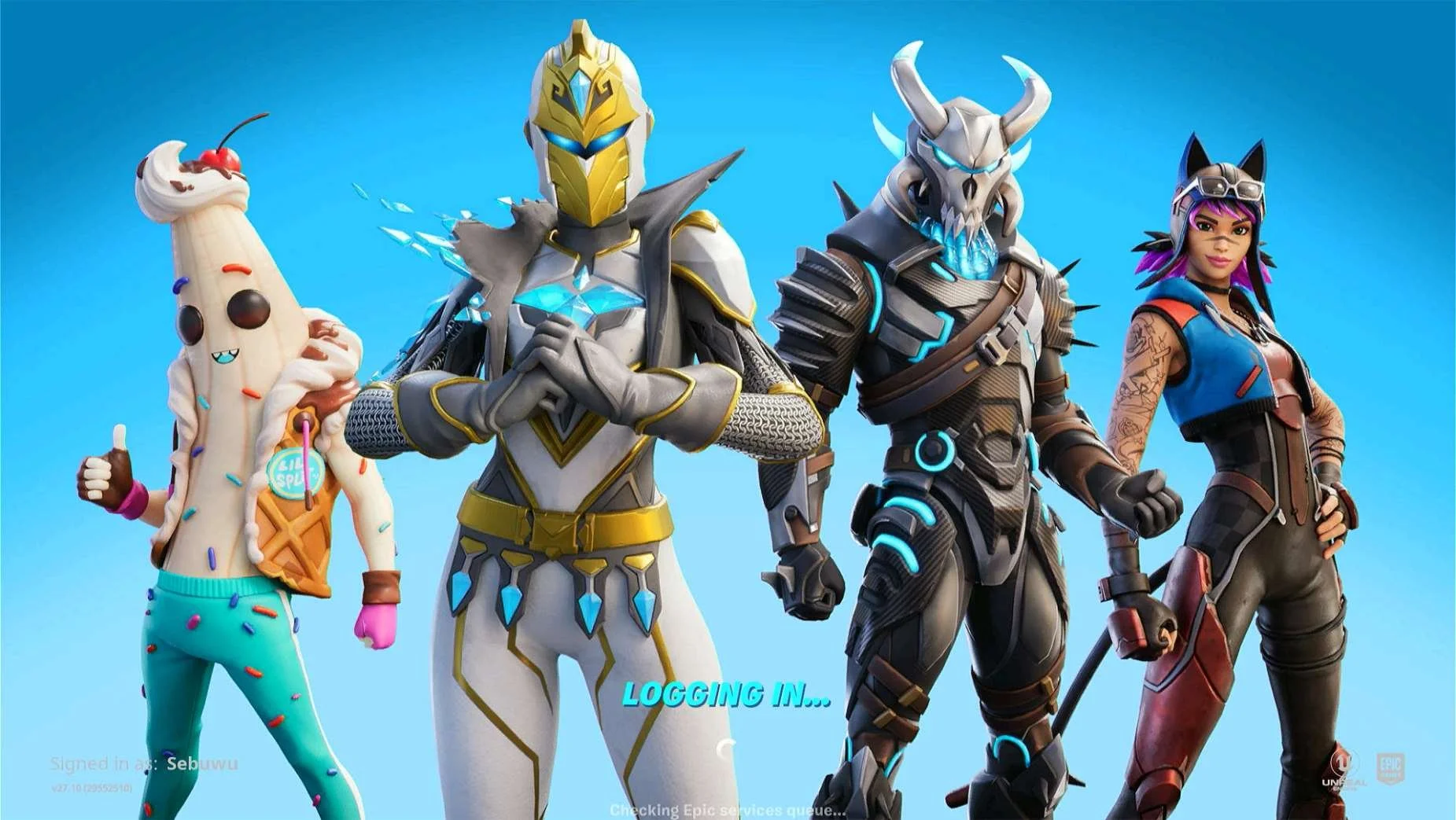
Screenshot from 17 Nov 2023 on Playstation 5:
Selecting "SKIP THIS":
Selecting "LINK AN ACCOUNT":
| Playstation 5 as the 3rd platform.At this point in the research:
Fortnite on Playstation 5:
|
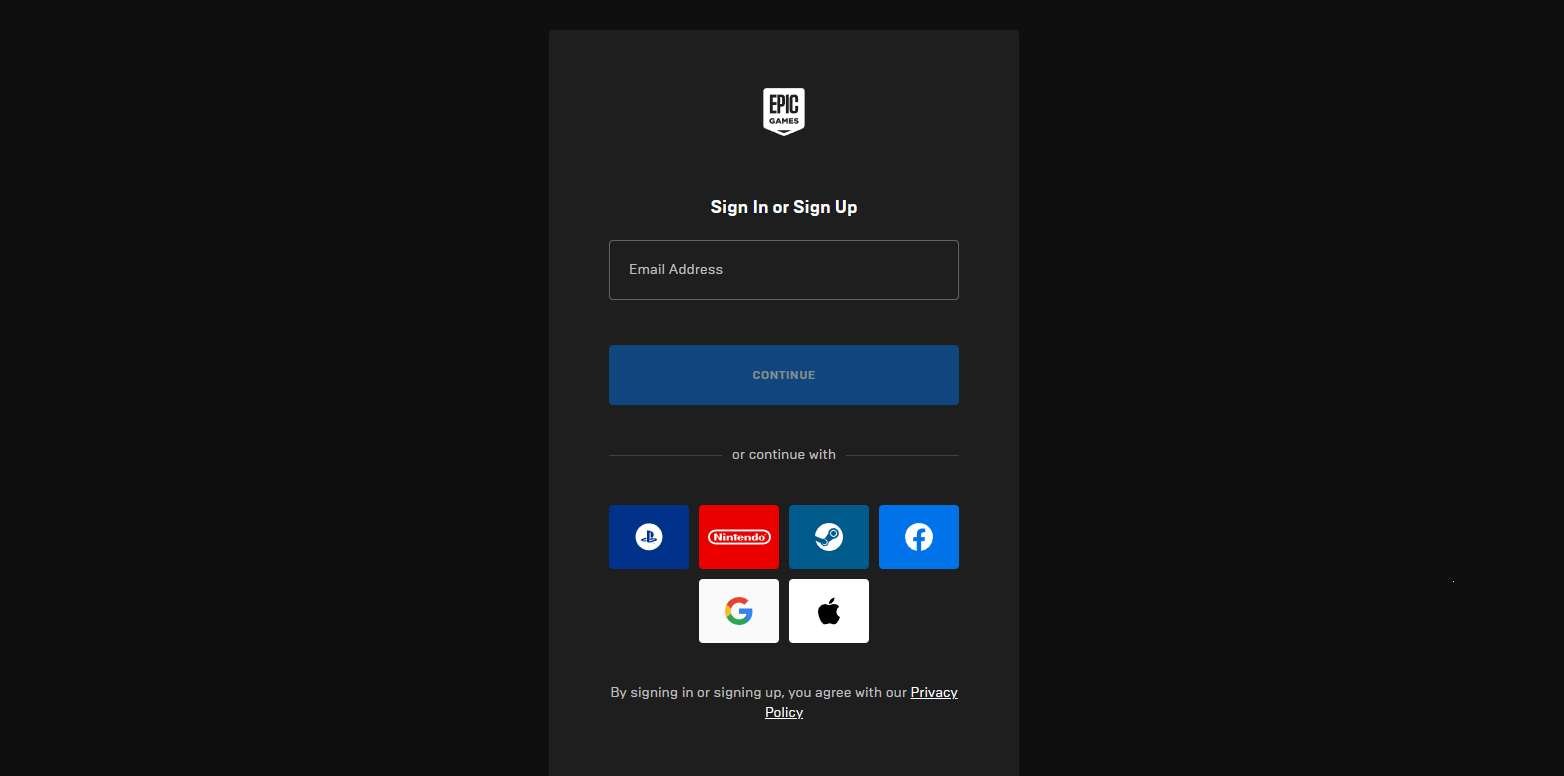
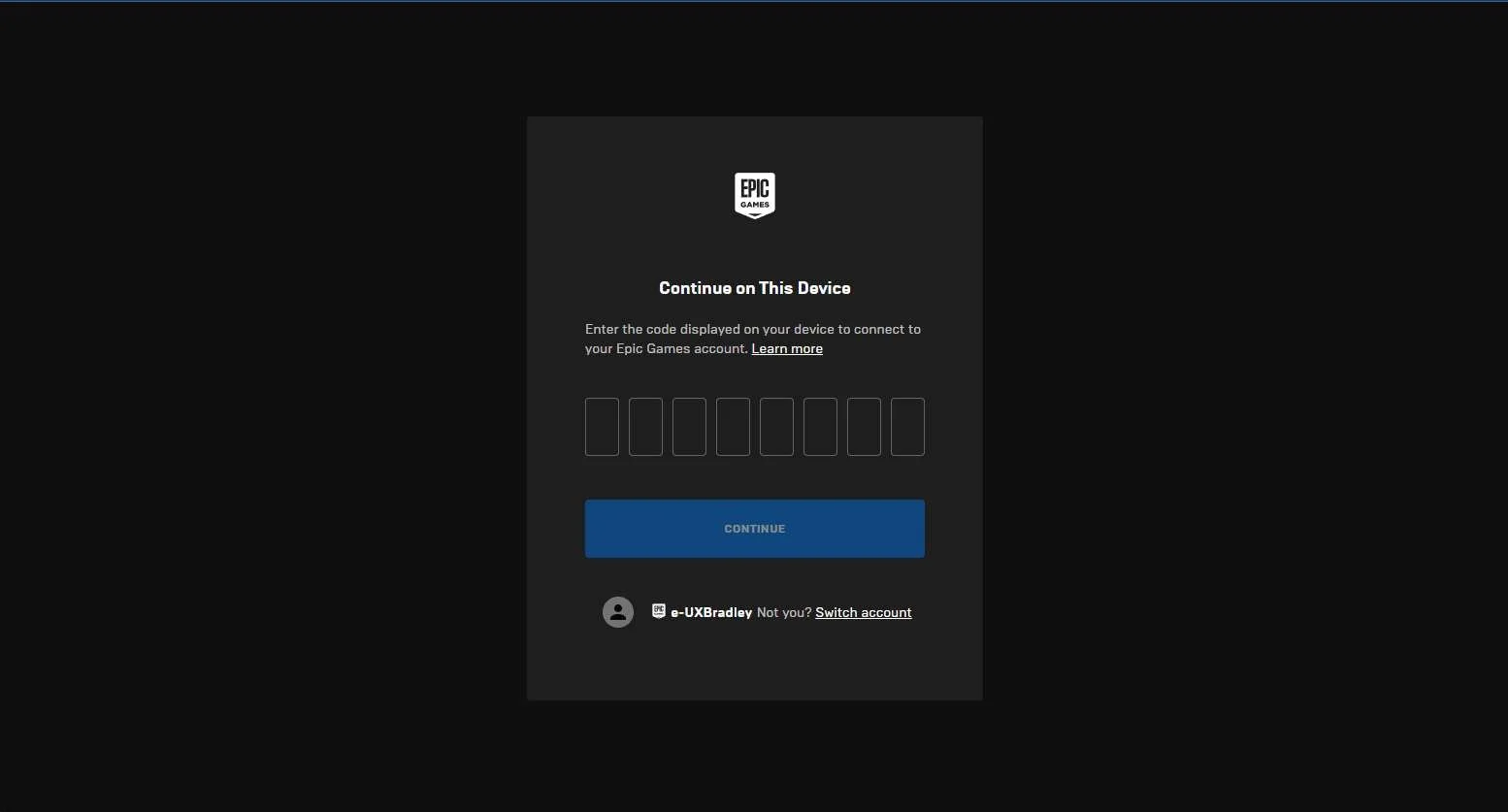
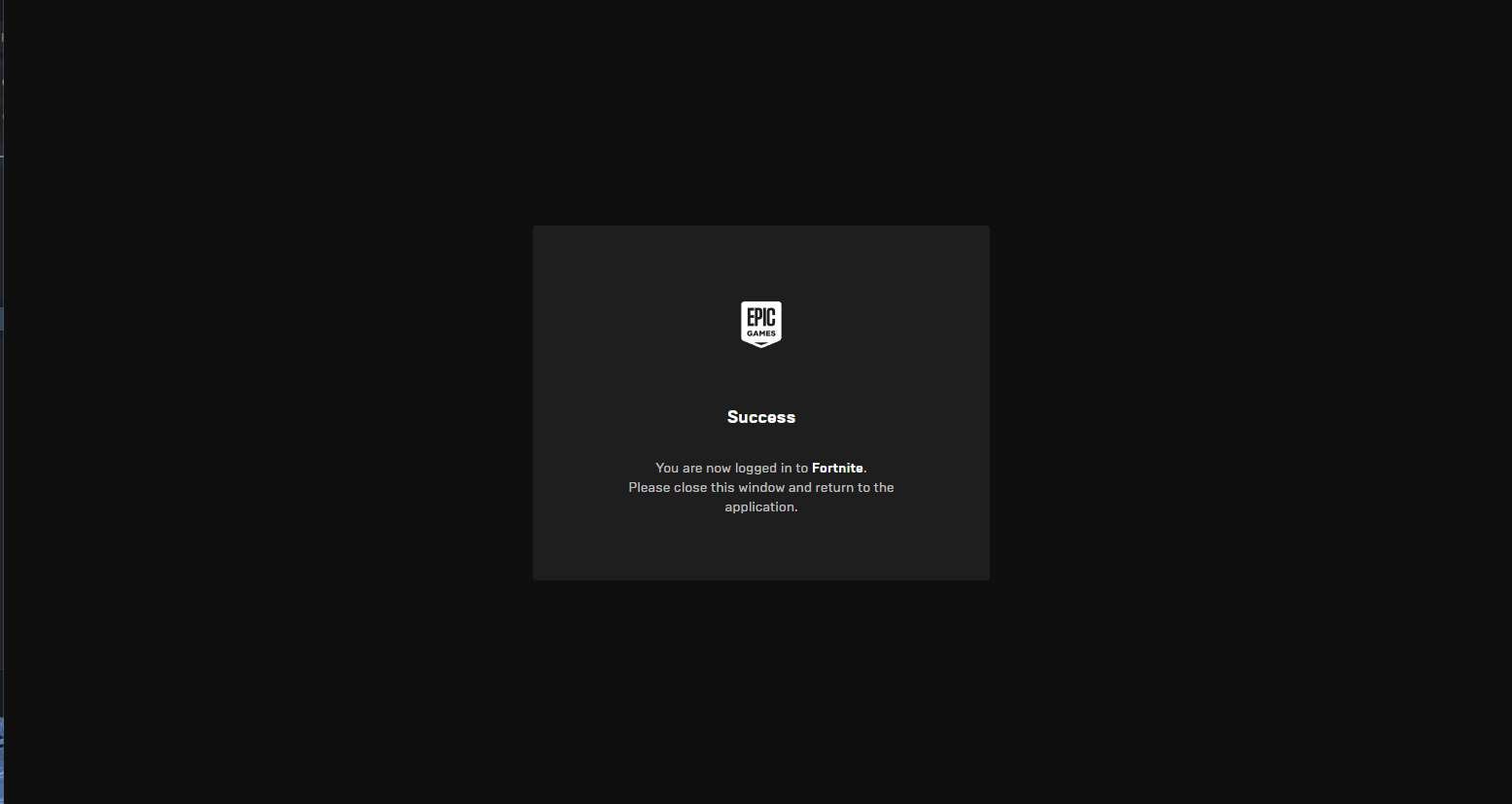
Screenshot from 20 Nov 2023 in a web browser If the player is signed in to their Epic Account when they go to the pin code page:
If the player is not signed in to their Epic Account when they go to the pin code page:
| The player has to manually open a web browser on a different device:
|
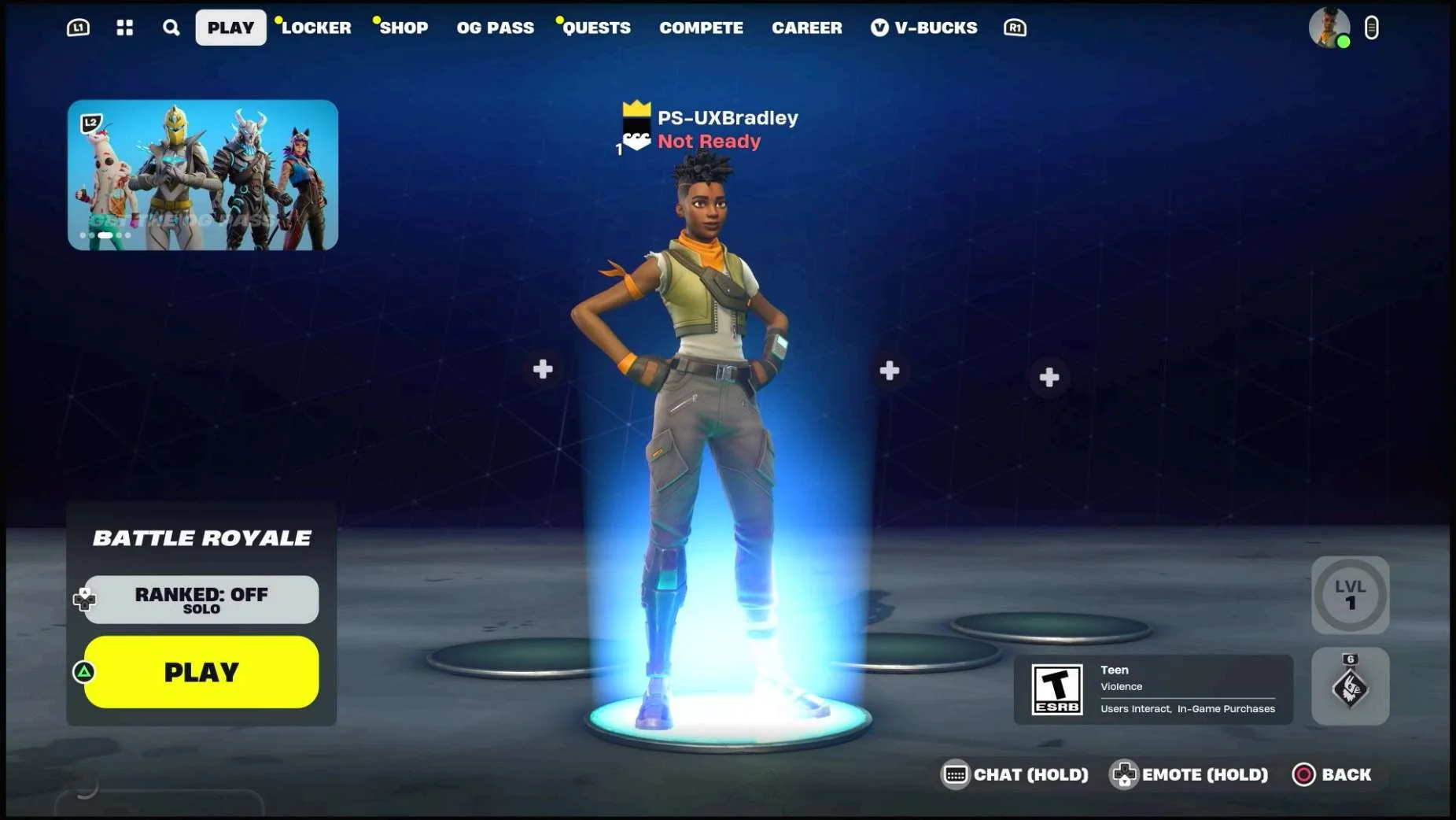
Screenshots from 20 Nov 2023 on Playstation 5 Returning to the Main Menu:
Main Menu → Mode Selected:
Main Menu → Mode Selected → Social Panel (default view):
Main Menu → Mode Selected → Social Panel → Profile:
Settings → Account:
|
|
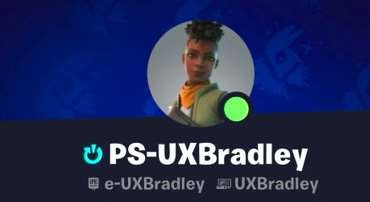
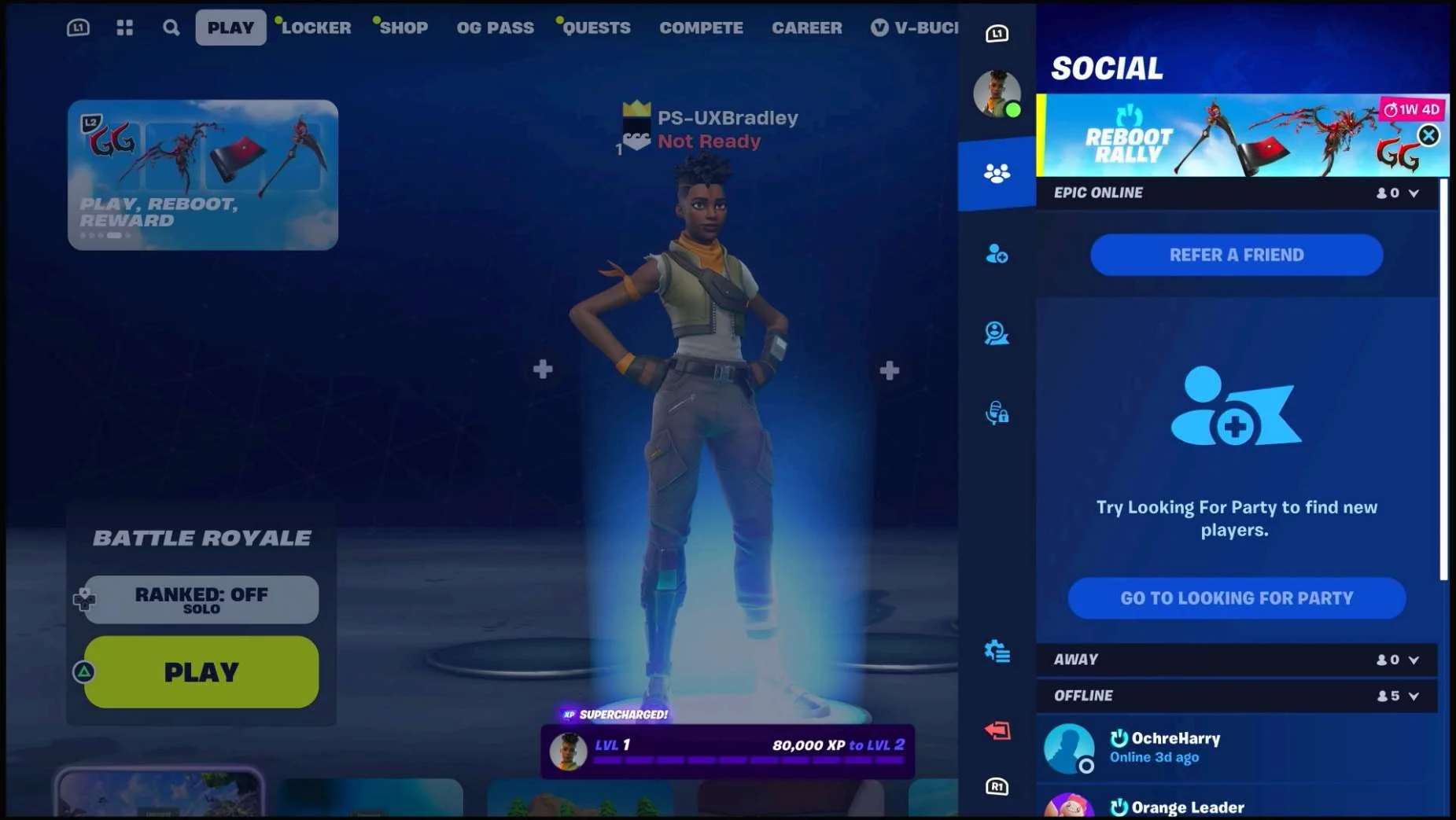
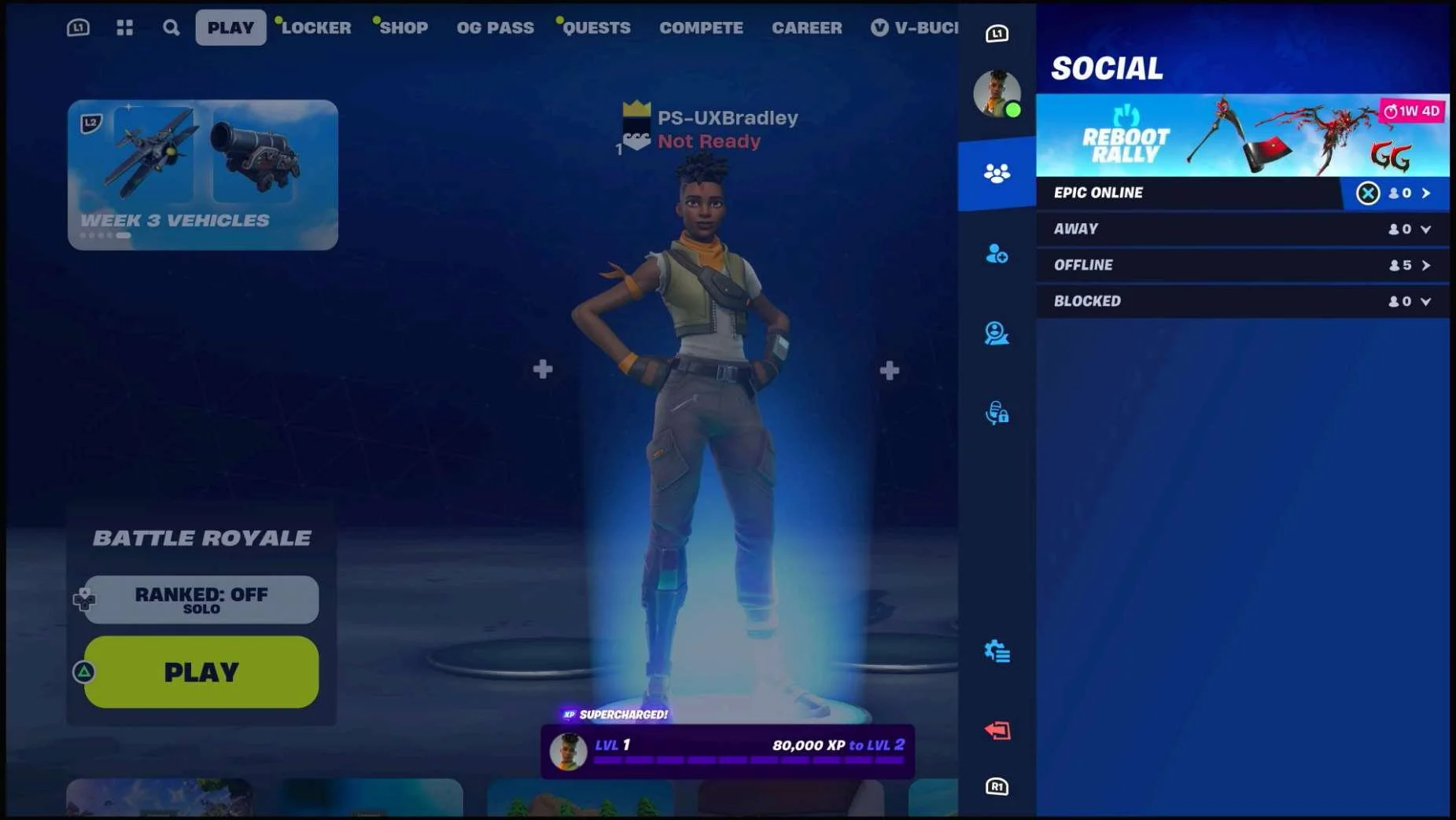
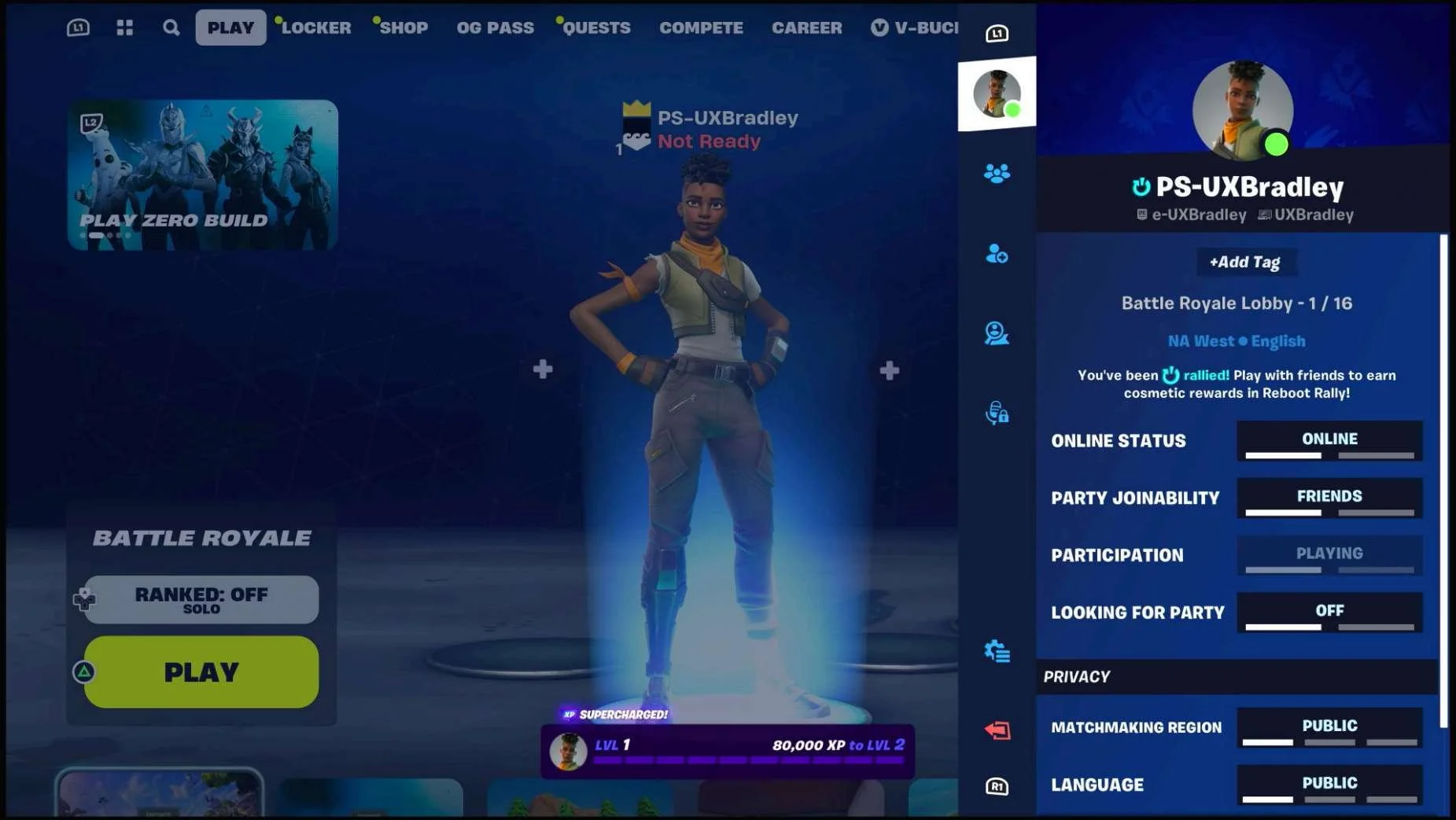
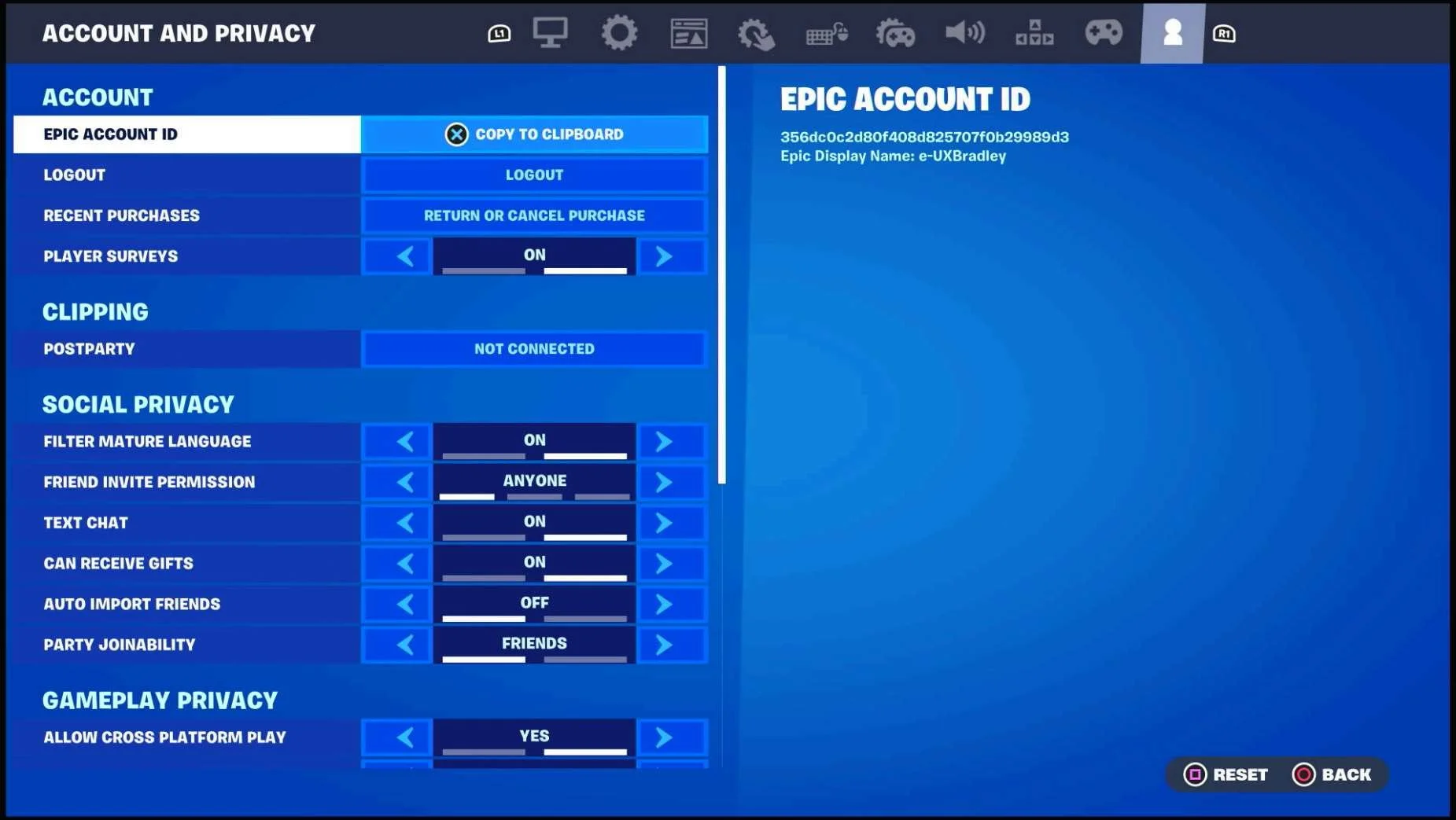
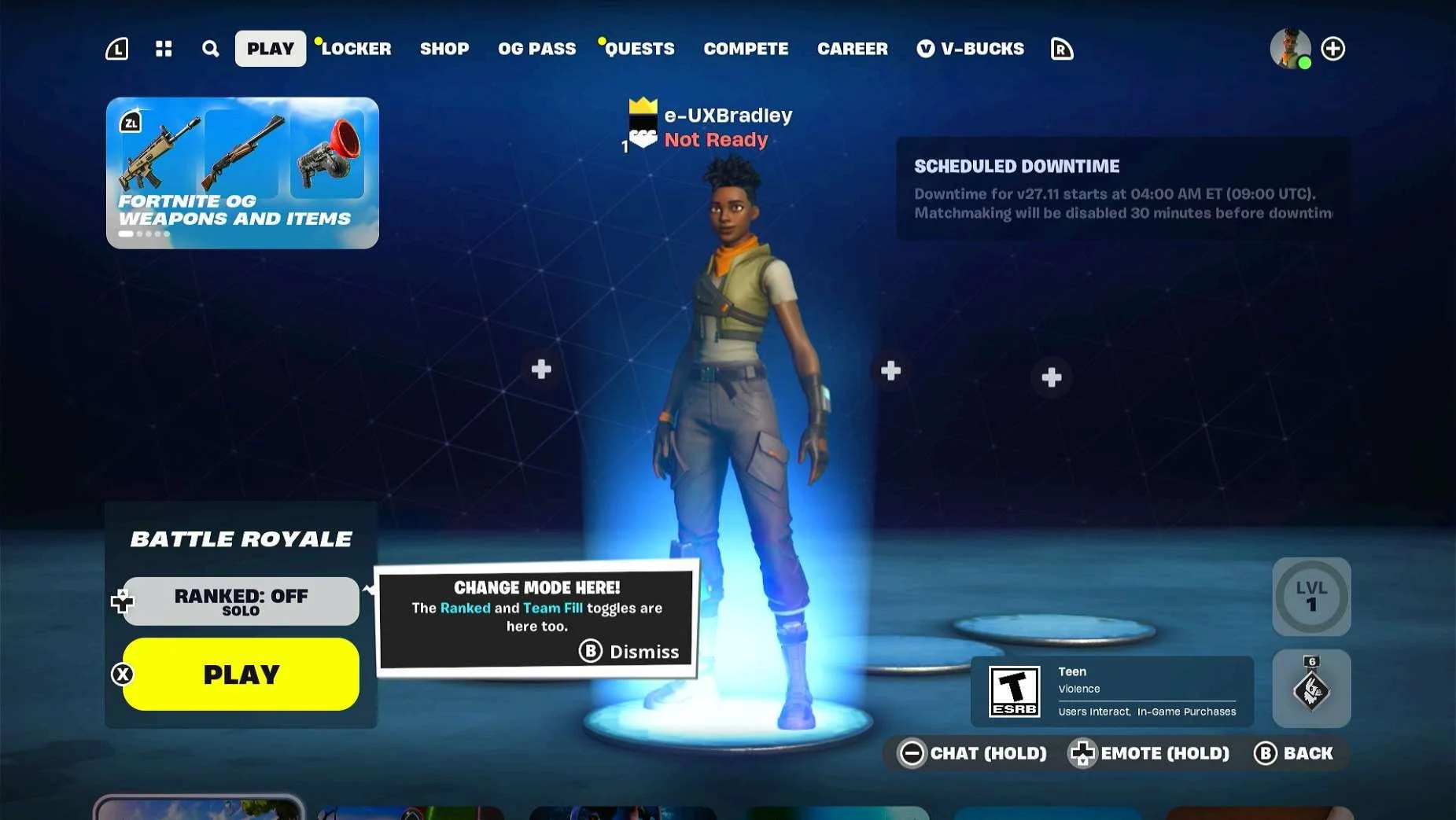
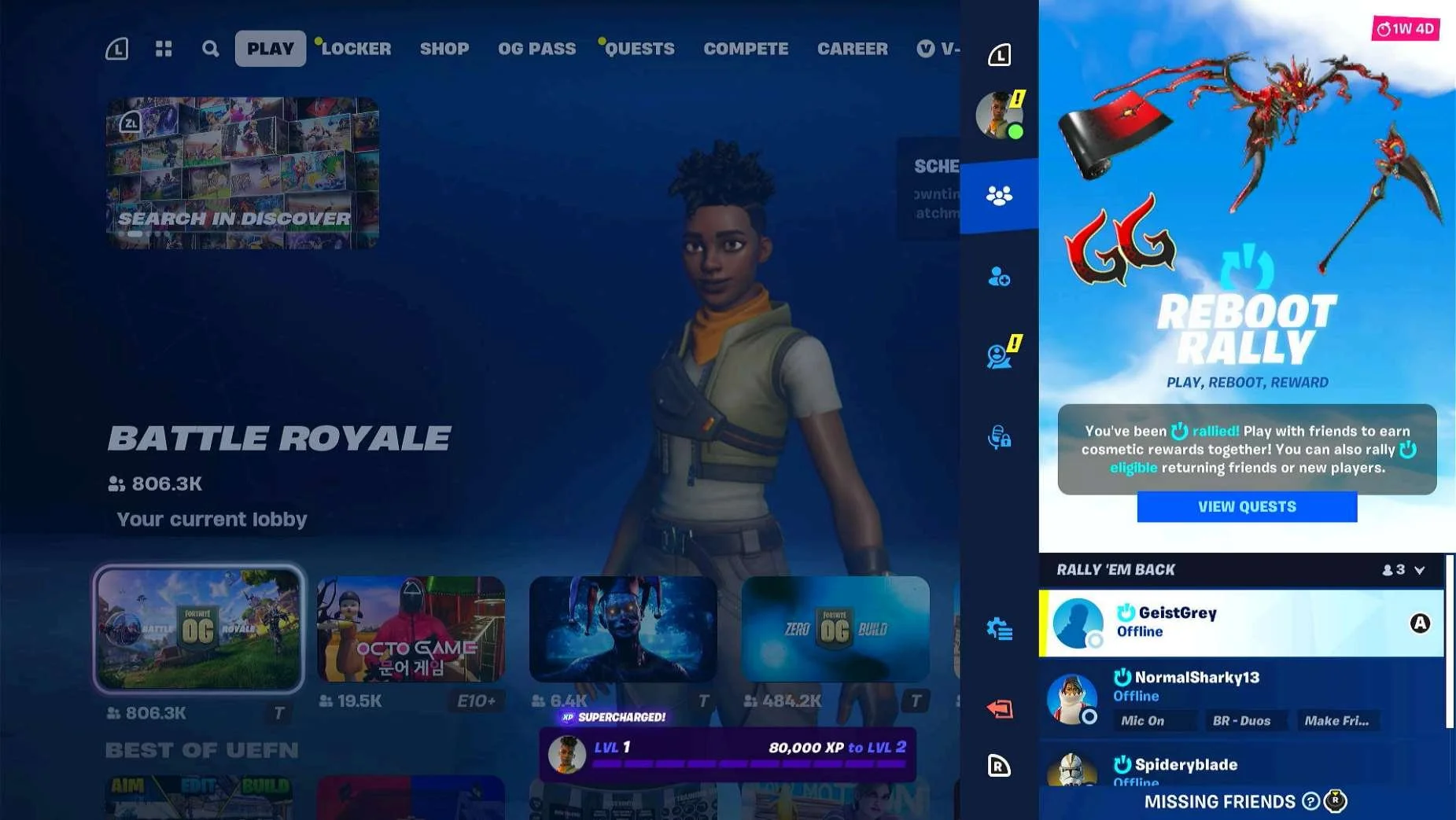

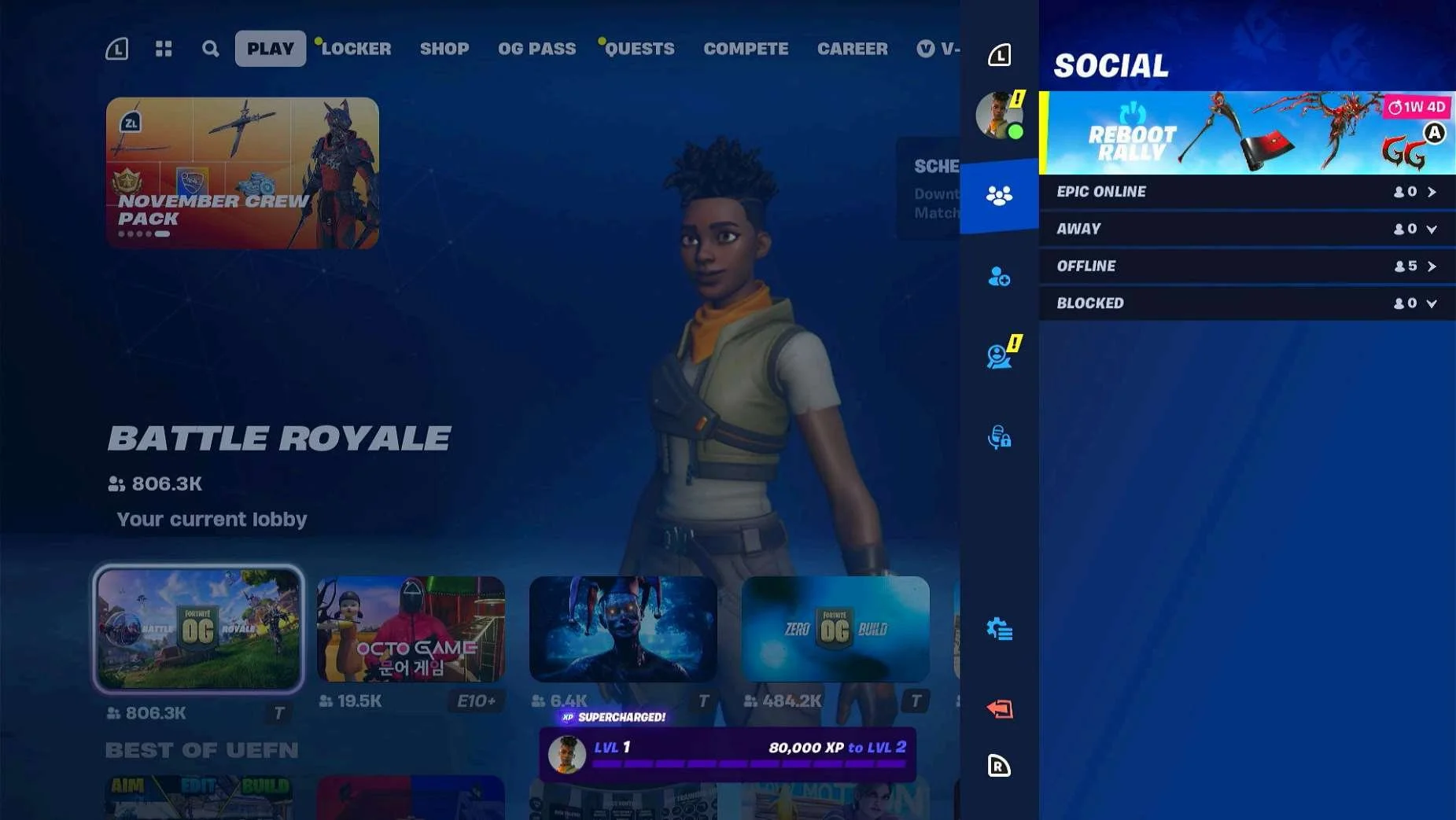 (will double check this at a later point in this research)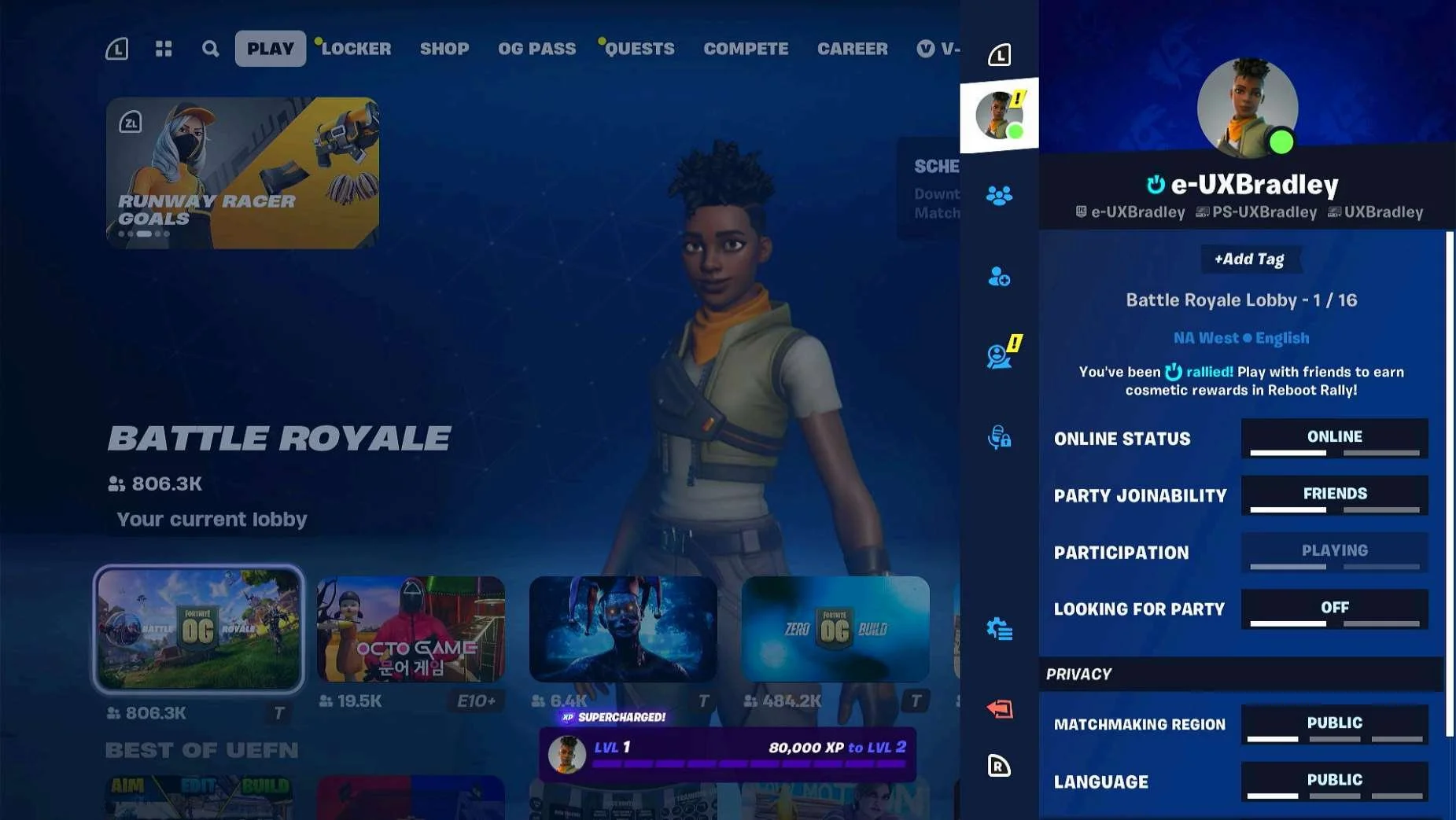
NINTENDO SWITCH
Media | Notes |
|---|---|
Screenshot from 20 Nov 2023 on Nintendo Switch:
Selecting "SKIP THIS":
Selecting "LINK AN ACCOUNT":
| Nintendo Switch as the 4th platform.At this point in the research:
Fortnite on Nintendo Switch:
|
Screenshot from 20 Nov 2023 in a web browser:
| The player has to manually open a web browser on a different device:
|
Screenshots from 20 Nov 2023 on Nintendo Switch Returning to the Main Menu:
Main Menu → Mode Selected:
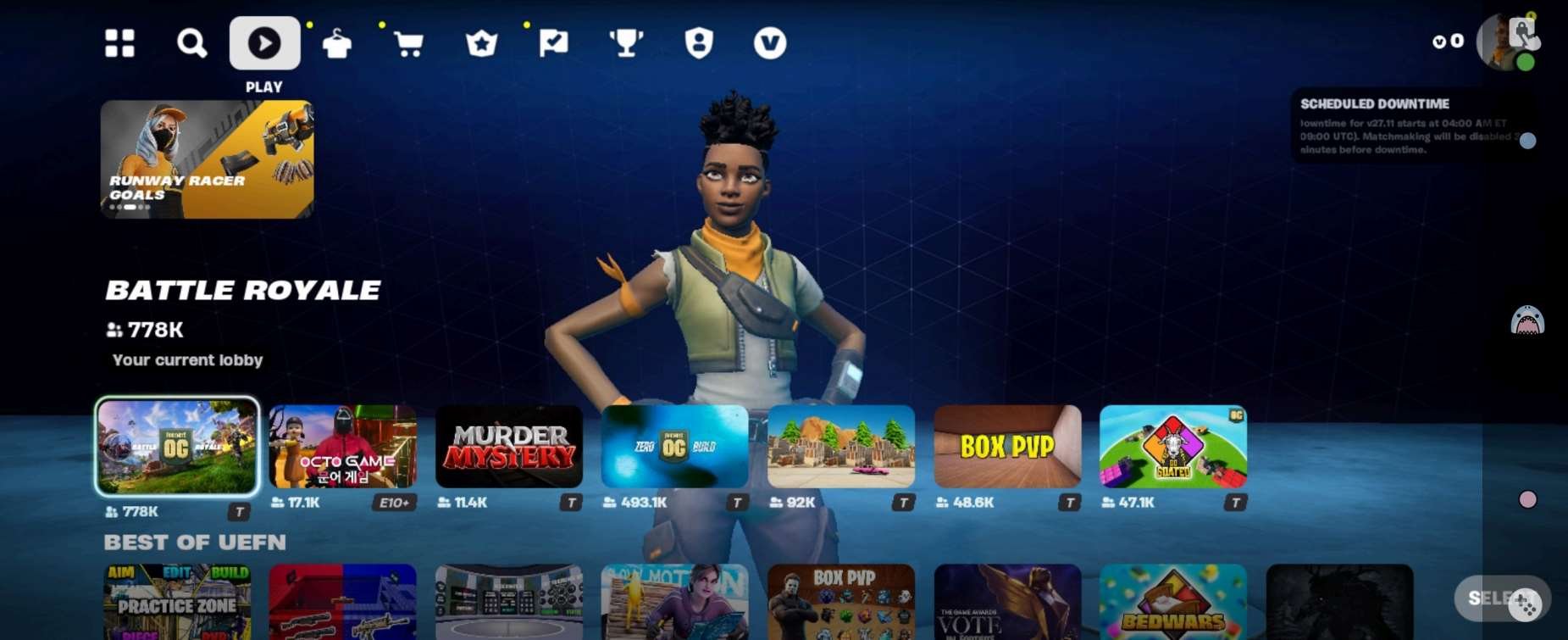
Main Menu → Social Panel (Default View):
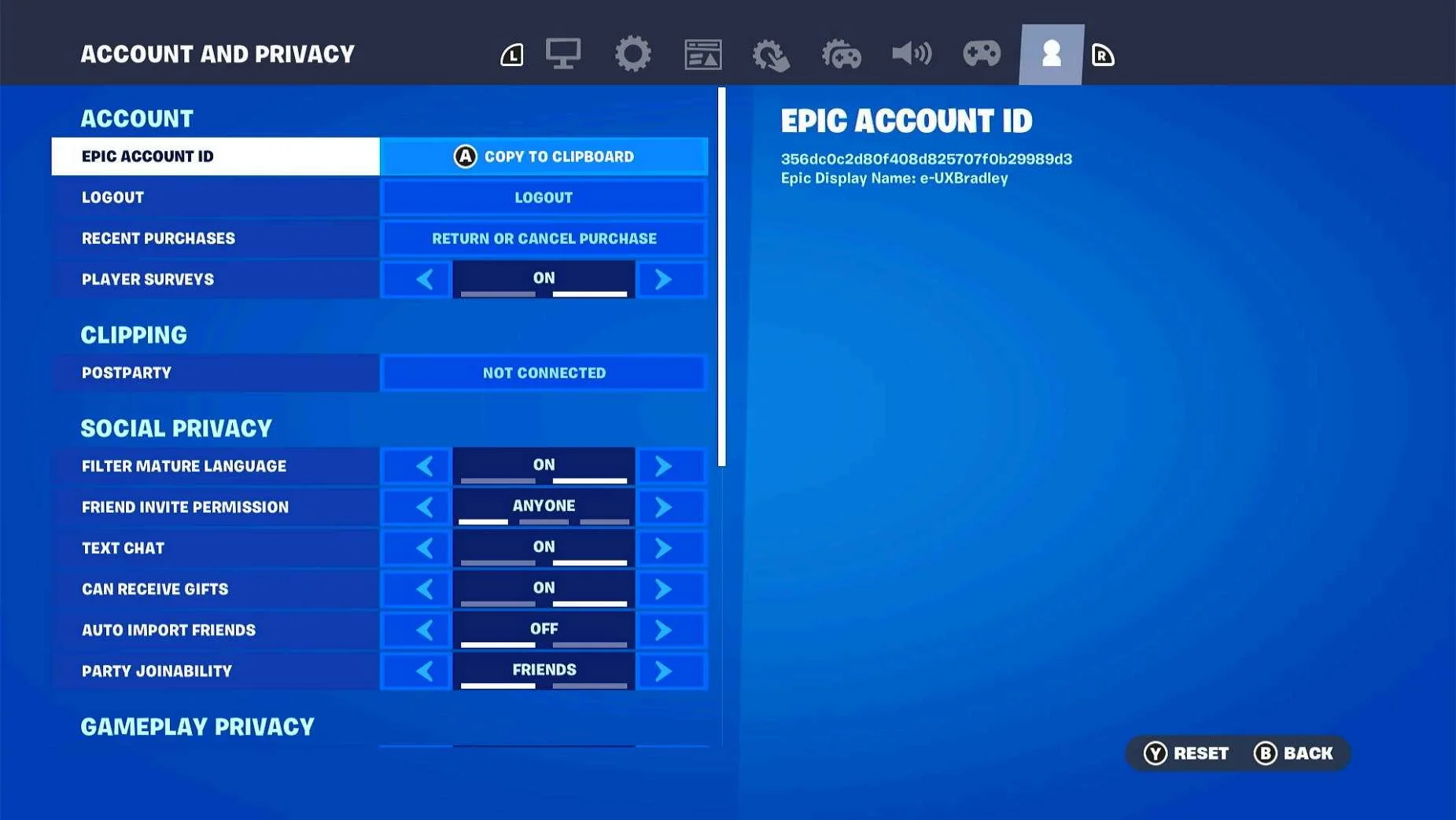
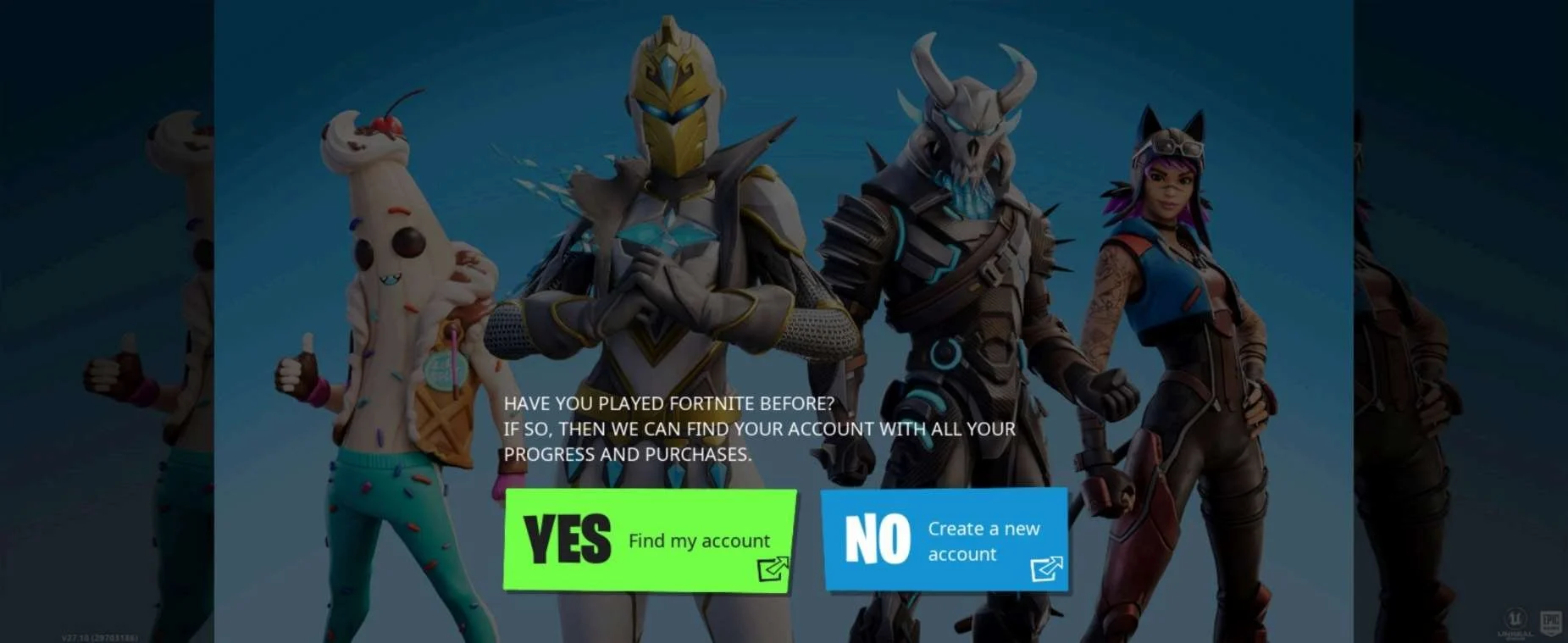
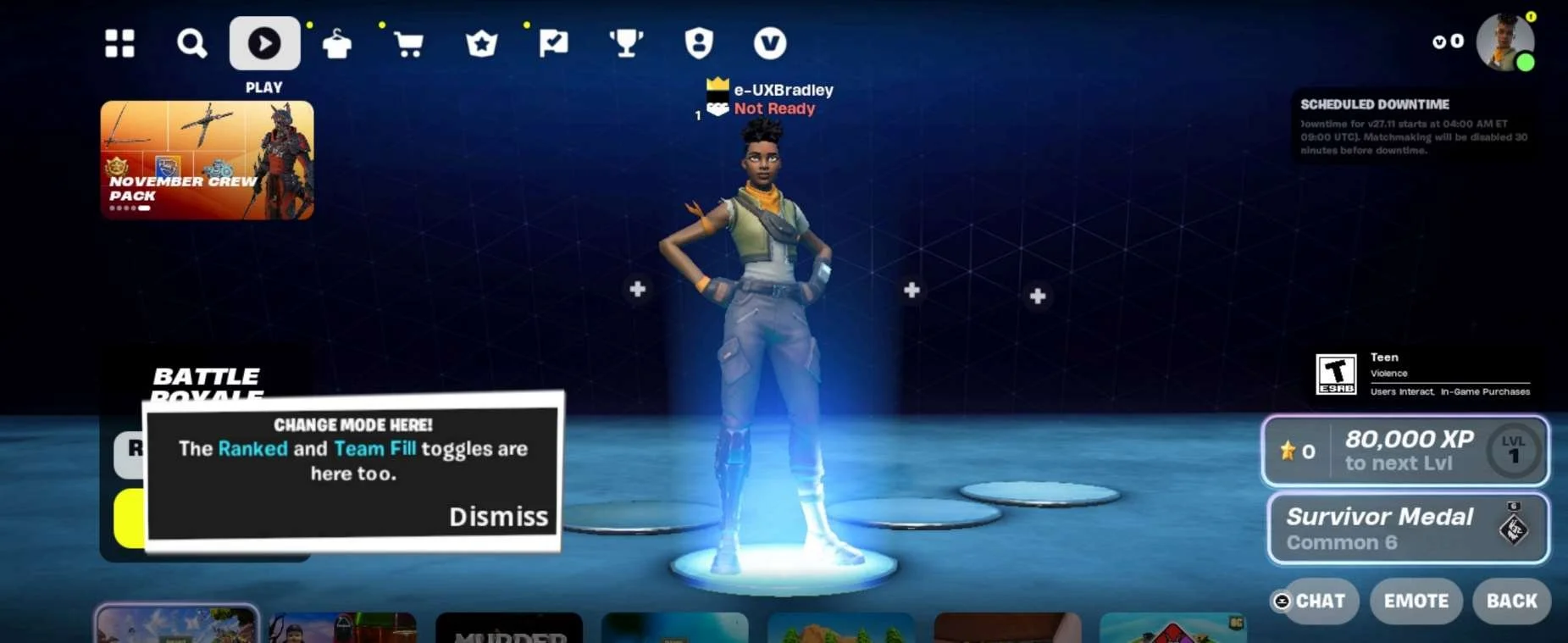
Social Panel → Profile:
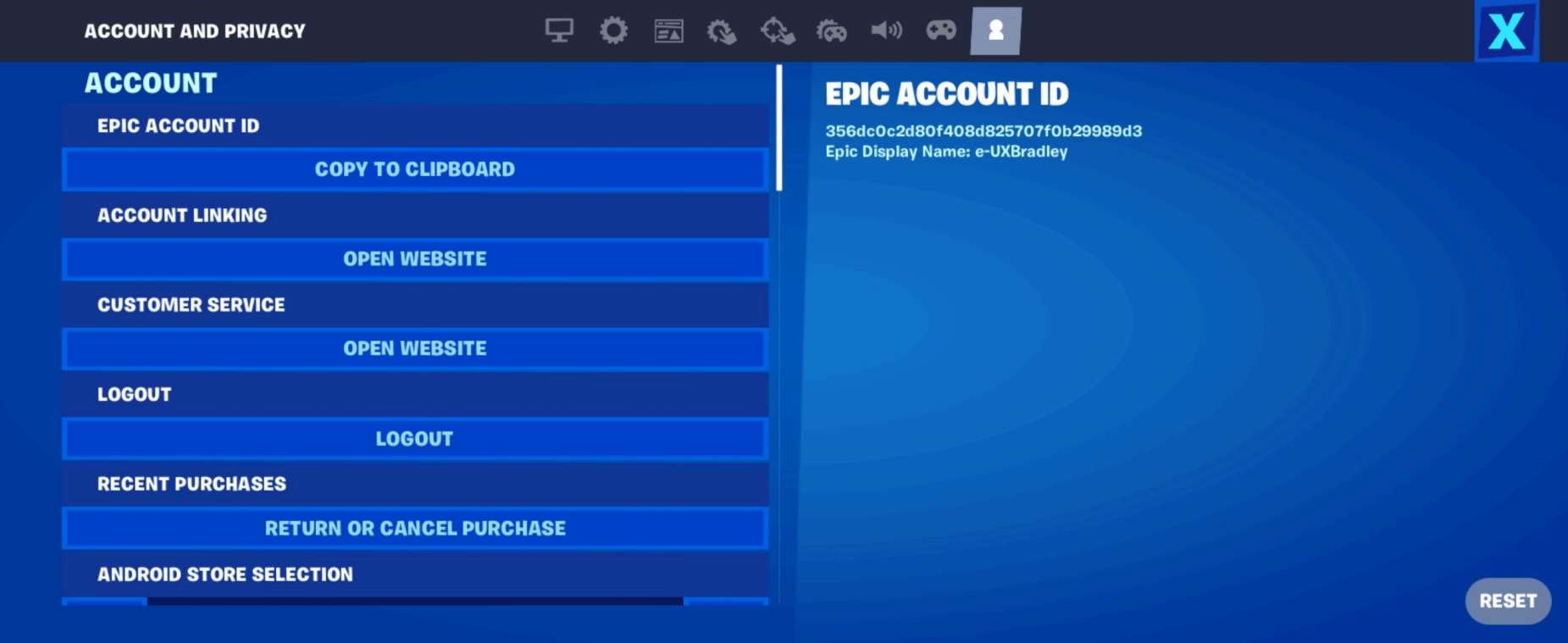
Settings → Account:
|
|

ANDROID
Media | Notes |
|---|---|
Screenshot from 20 Nov 2023 on Android phone
Automatically opens the web browser on the phone to:
| ANROID Phone as the 5th platform.At this point in the research:
Fortnite on Android phone:
NOTE There does not seem to be a way to skip account linking / signing in on ANDROID phone. |
Completing Sign In automatically returns the player to the game:
Main Menu:
Main Menu → Mode Selected:
Main Menu → Mode Selected → Social Panel (Default View, lists collapsed):
Settings → Account:
|
|
SELECTING "SKIP THIS" IN "LINK AN ACCOUNT" SCREEN
Media | Notes |
|---|---|
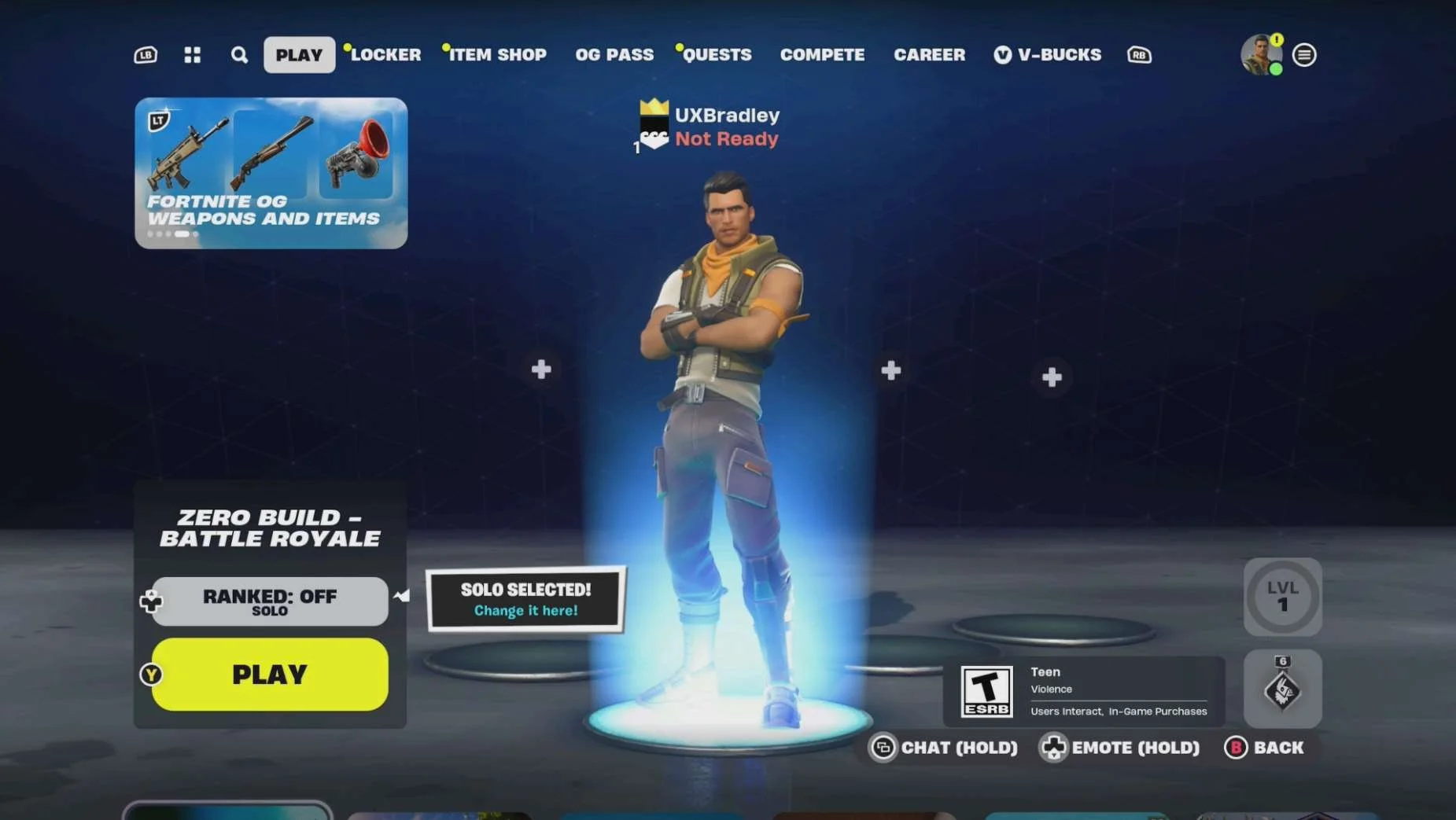
Screenshots from XBOX on 17 Nov 2023 :
Main Menu:
Main Menu → Mode Selected:
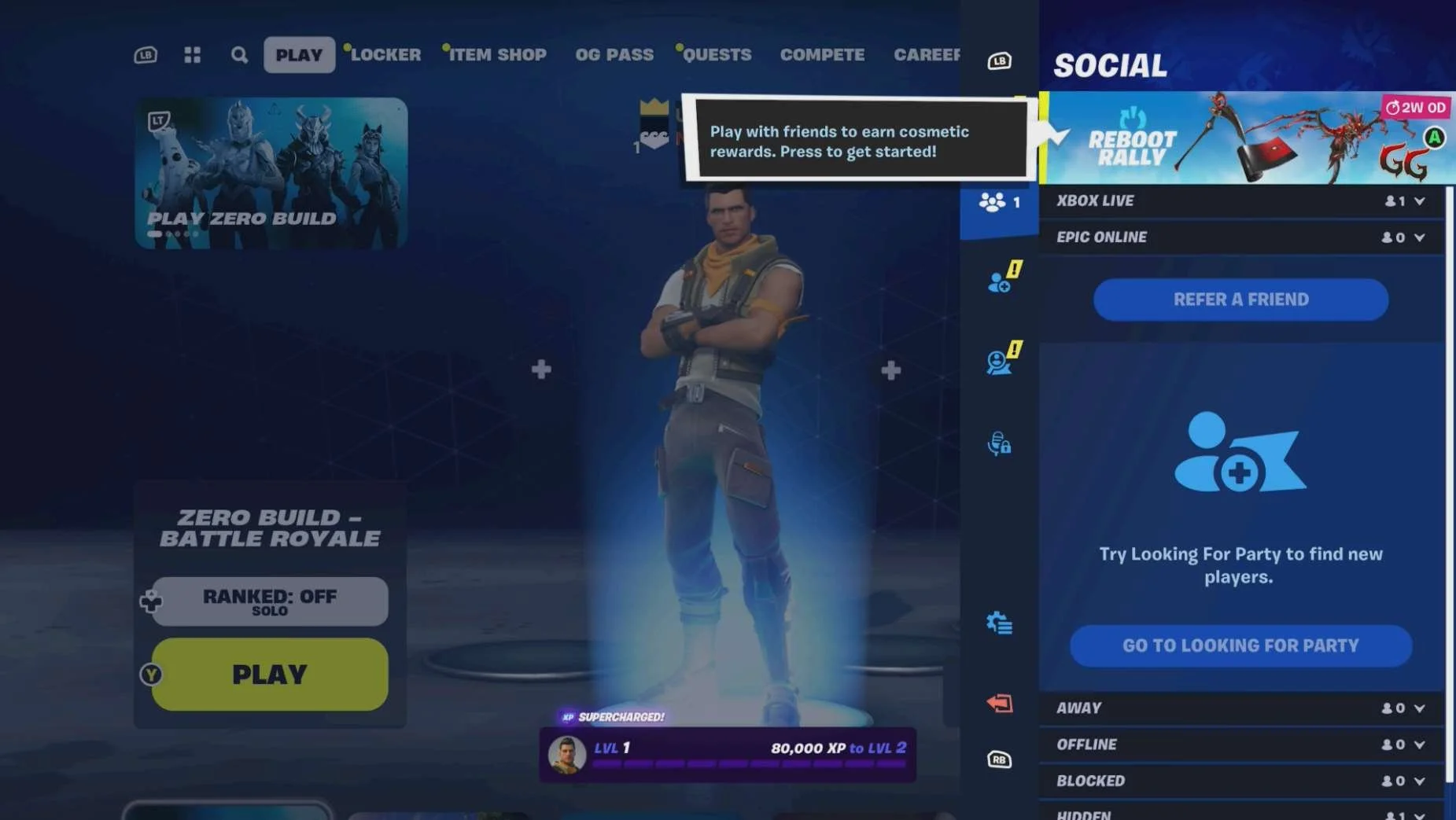
Main Menu → Mode Selected → Social Panel:
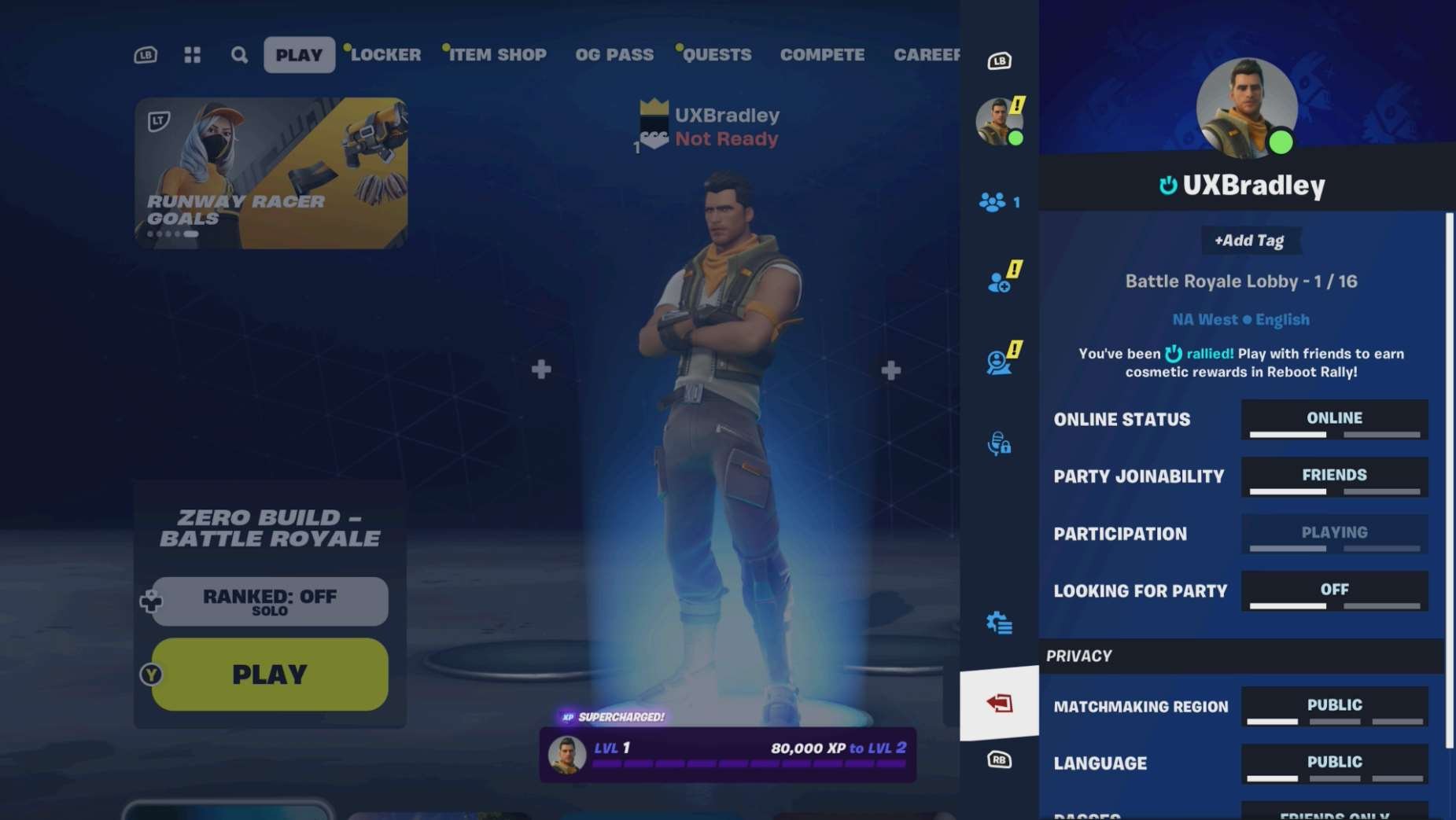
Social Panel → Profile:
Settings → Account
| When the player skips Account Linking within a gameThis section captures the result of when the player chooses "SKIP THIS" in the "LINK AN ACCOUNT" screen and then proceeds with "NO THANKS, PLAY FORTNITE". This is the same exact flow and result across multiple platforms, so I am only showing the XBOX version here to demonstrate the example. The platforms that have the same exact flow are:
IMPORTANT Once the player selects "NO THANKS, PLAY FORTNITE":
NOTE Once the account linking is skipped during the "LINK AN ACCOUNT" step, there is no longer a way for the player to link accounts from within the game. |
Screenshot from 22 Nov 2023 on XBOX:
Social Panel → Profile:
From in the web browser:
The workaround:
Back to XBOX:
| Player skipped account linking during "LINK AN ACCOUNT" step within the game then tried to link accounts later through Epic Games websiteDuring the earlier steps in the research I discovered that if the player skips account linking during the "LINK AN ACCOUNT" step, it causes the following issues:
This is the same for all platforms so I am only capturing the XBOX flow here to demonstrate the player experience in this scenario. Skipped Account Linking on XBOX:
In the Epic Games website:
After I did a lot of searching on Google, I found quite a few people who ran into this issue and eventually found a workaround that someone suggested buried in the comments of a reddit post. The workaround (this works sometimes):
|
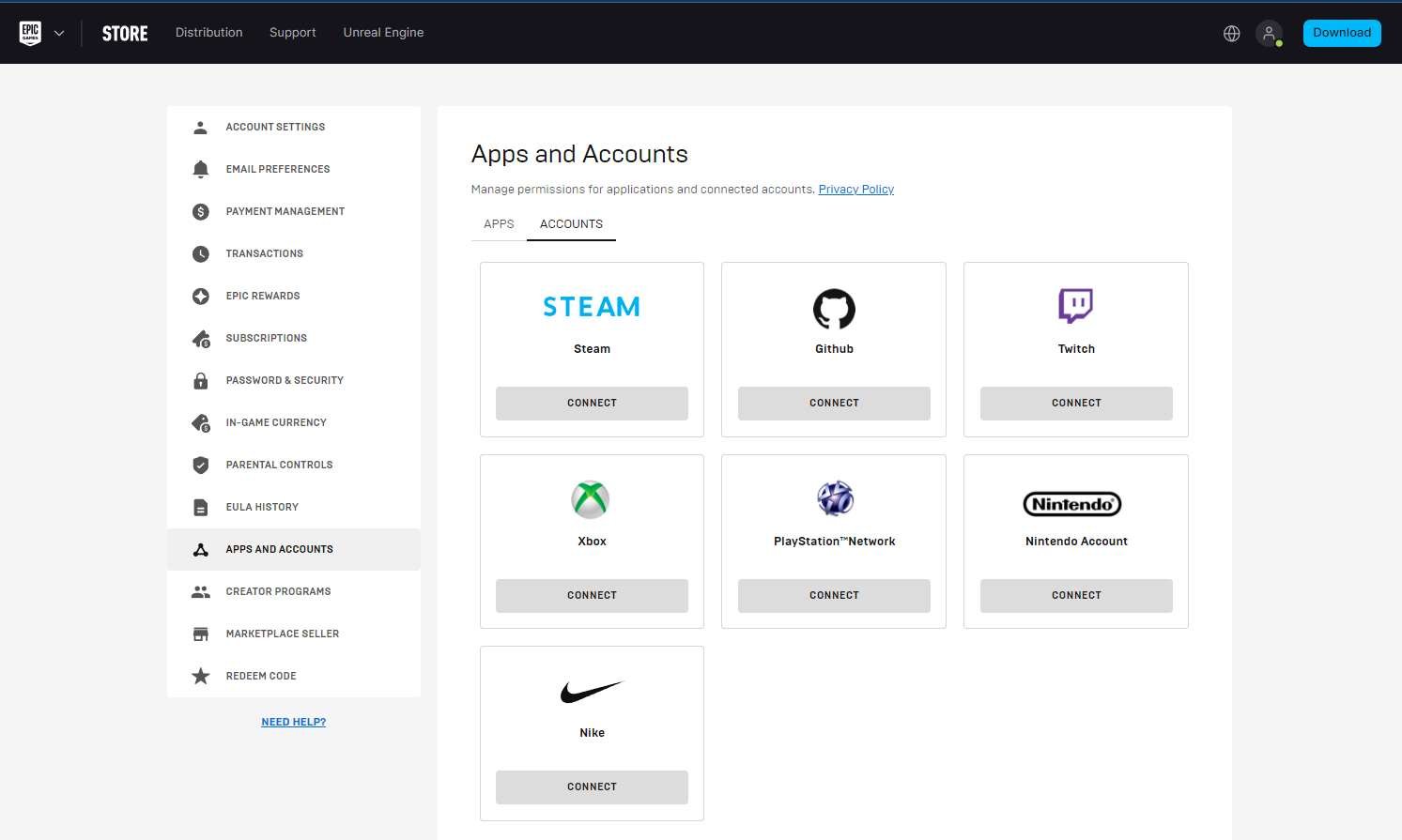
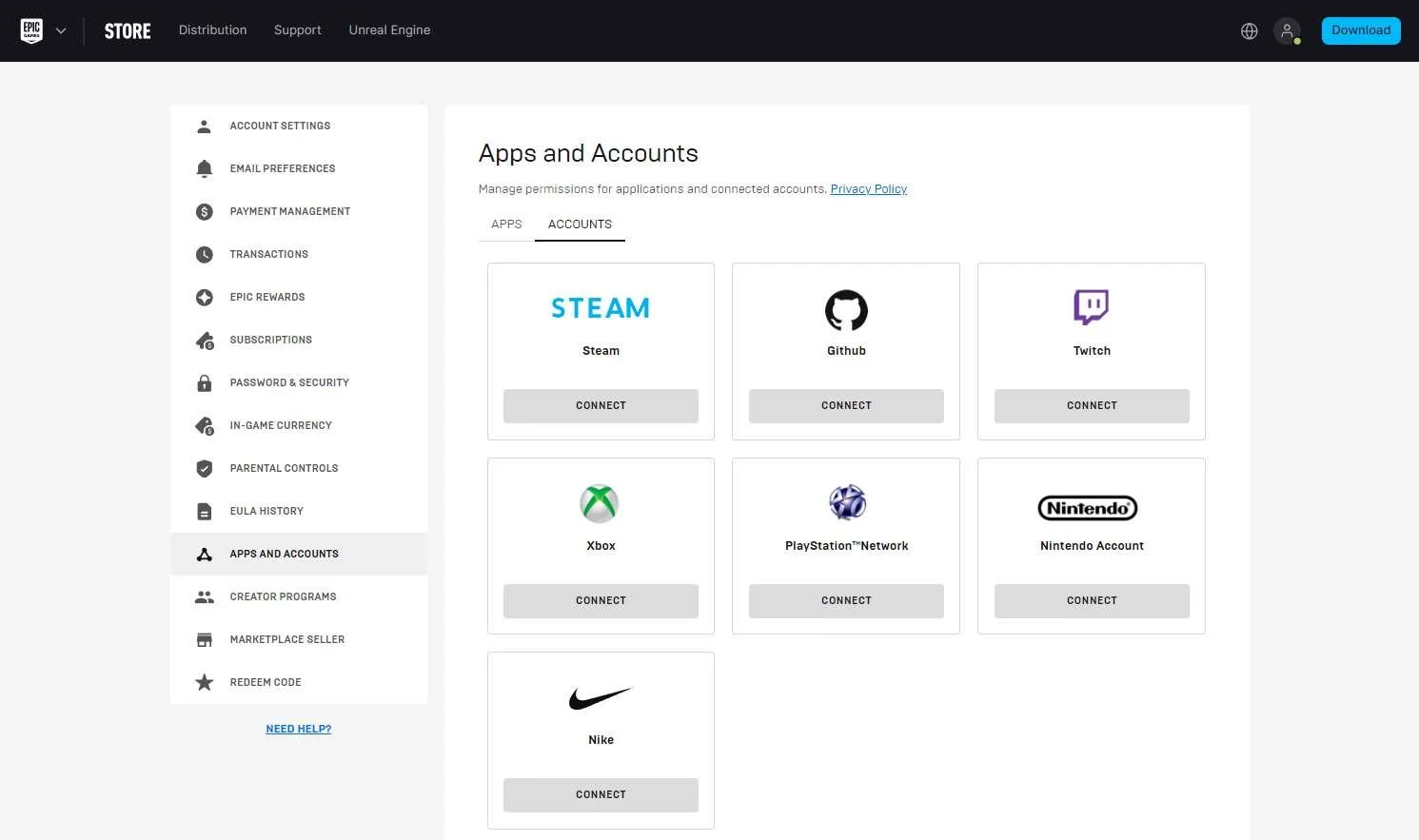
EPICGAMES.COM → ACCOUNT → APPS & ACCOUNTS
Media | Notes |
|---|---|
Screenshot from 20 Nov 2023 in web browser:
XBOX Social Panel → Profile:
Playstation Social Panel → Profile:
Nintendo Social Panel → Profile:
ANDROID phone Social Panel → Profile:
| All accounts are linked through "LINK AN ACCOUNT" step in first launch flow for each platform.At this point in the research:
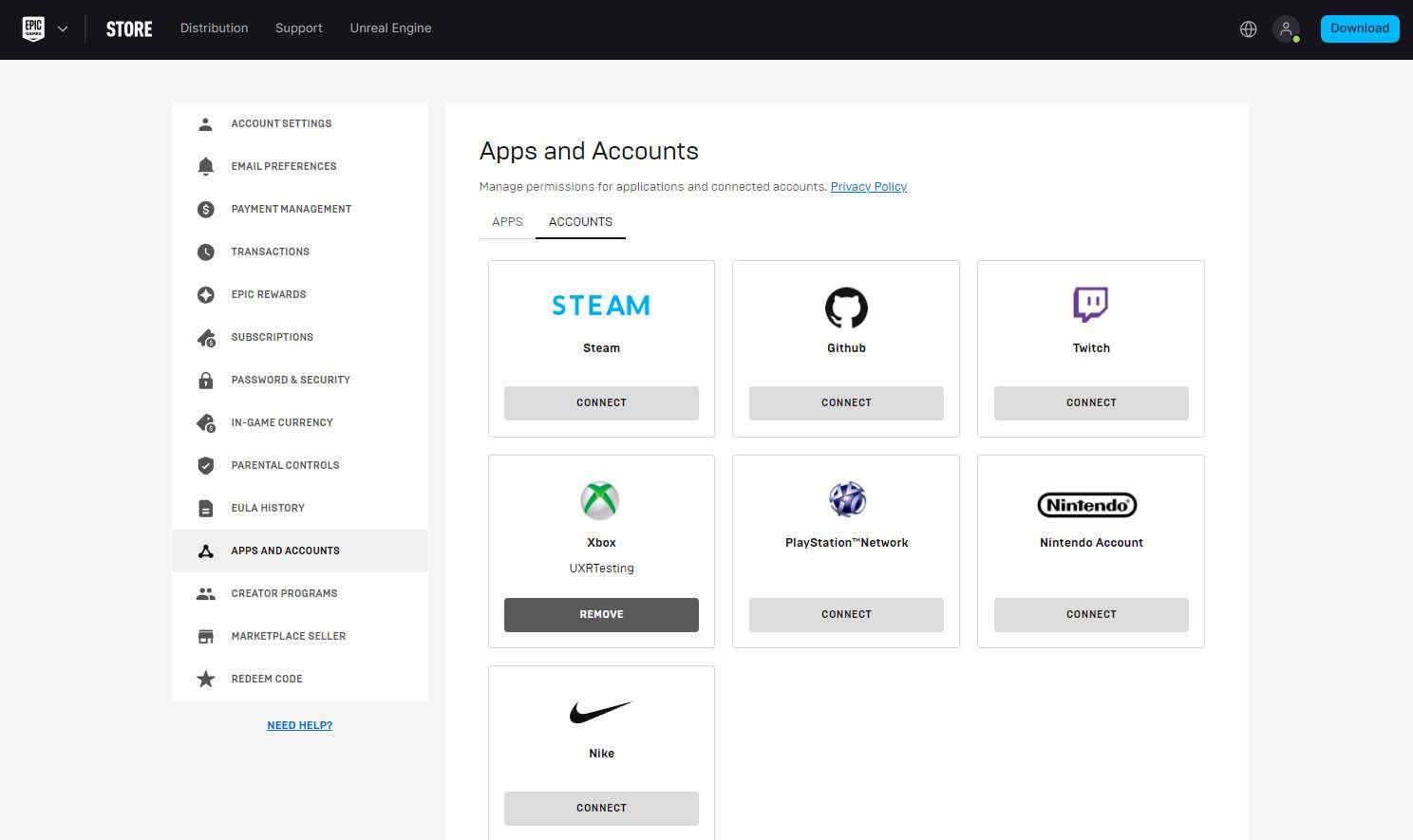
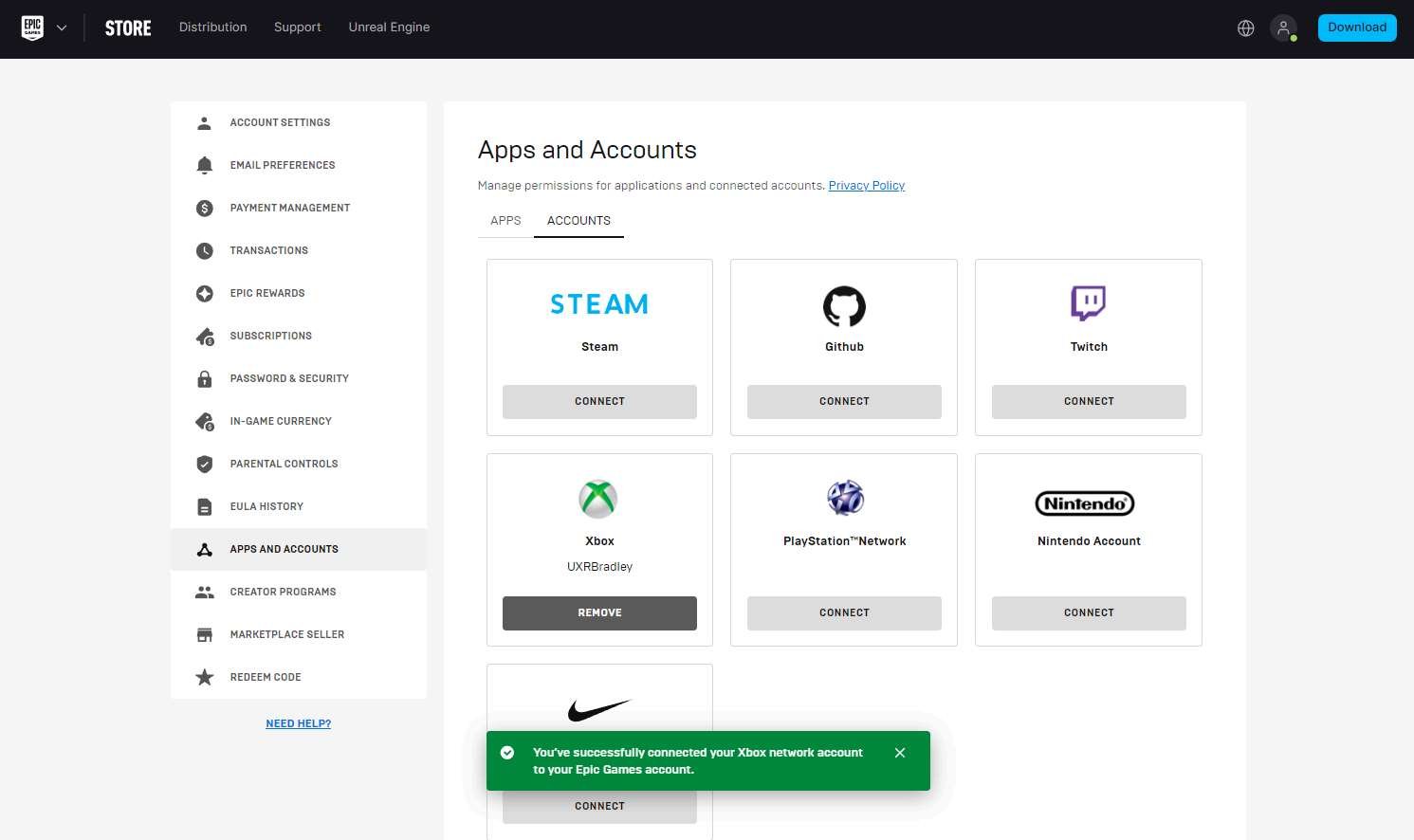
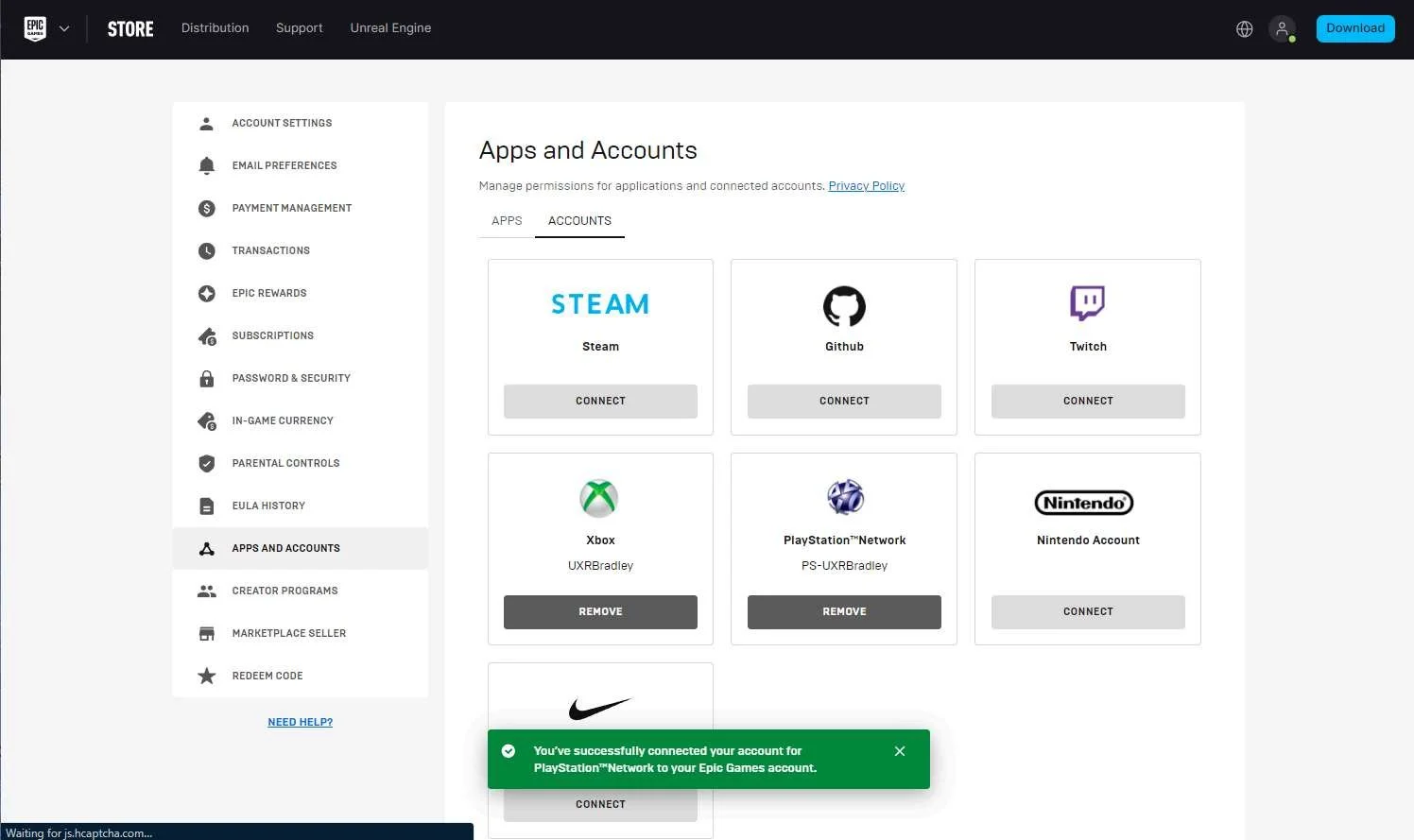
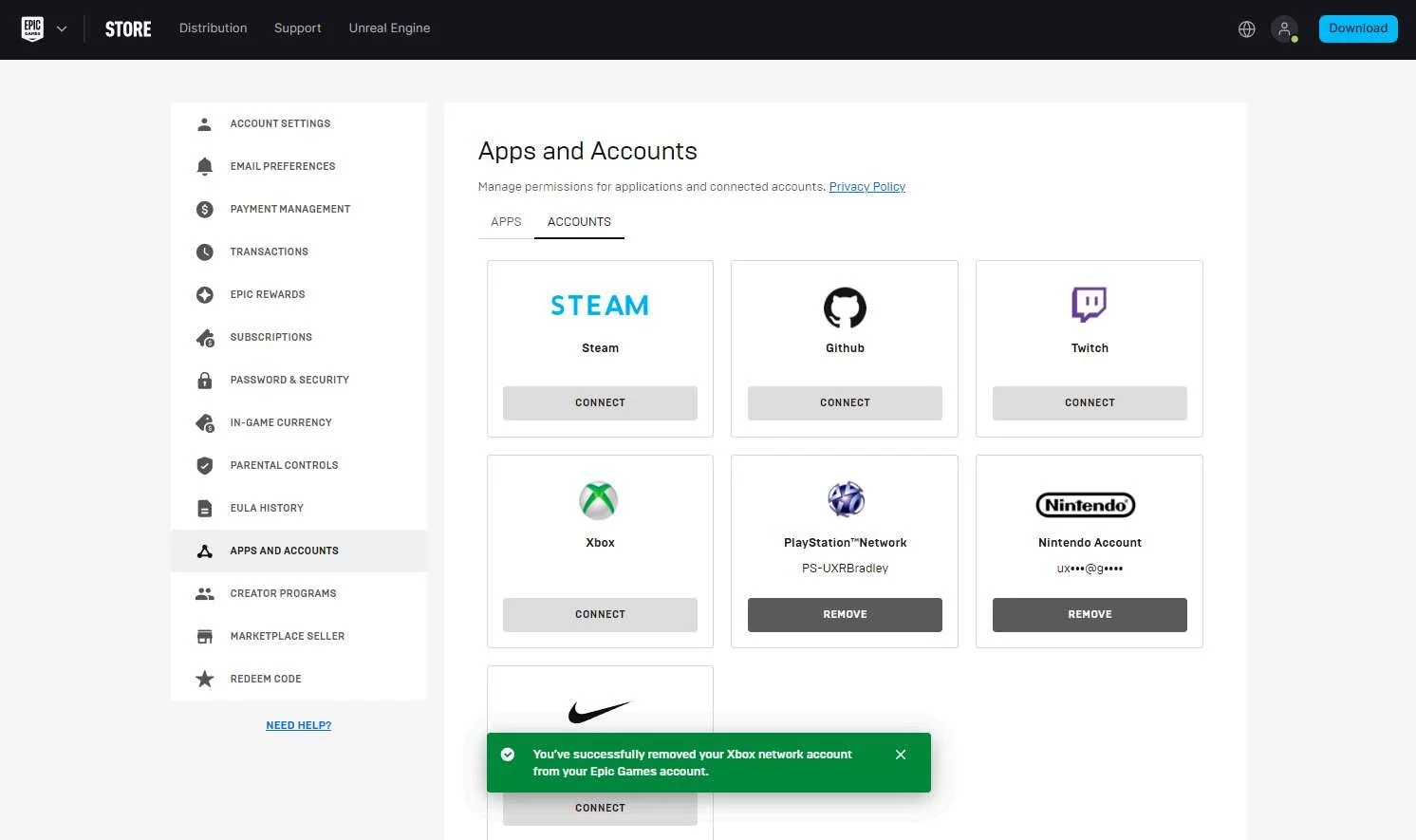
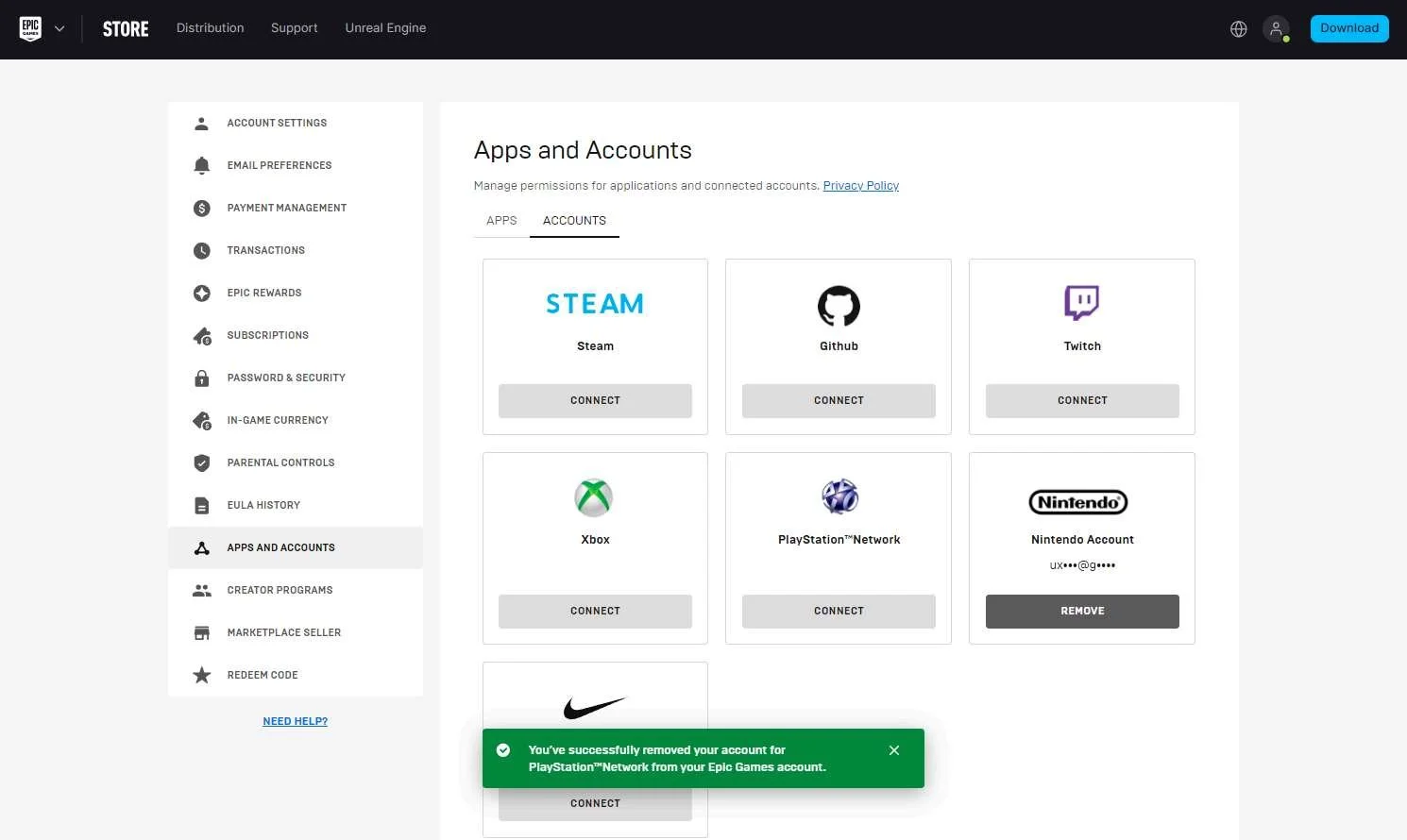
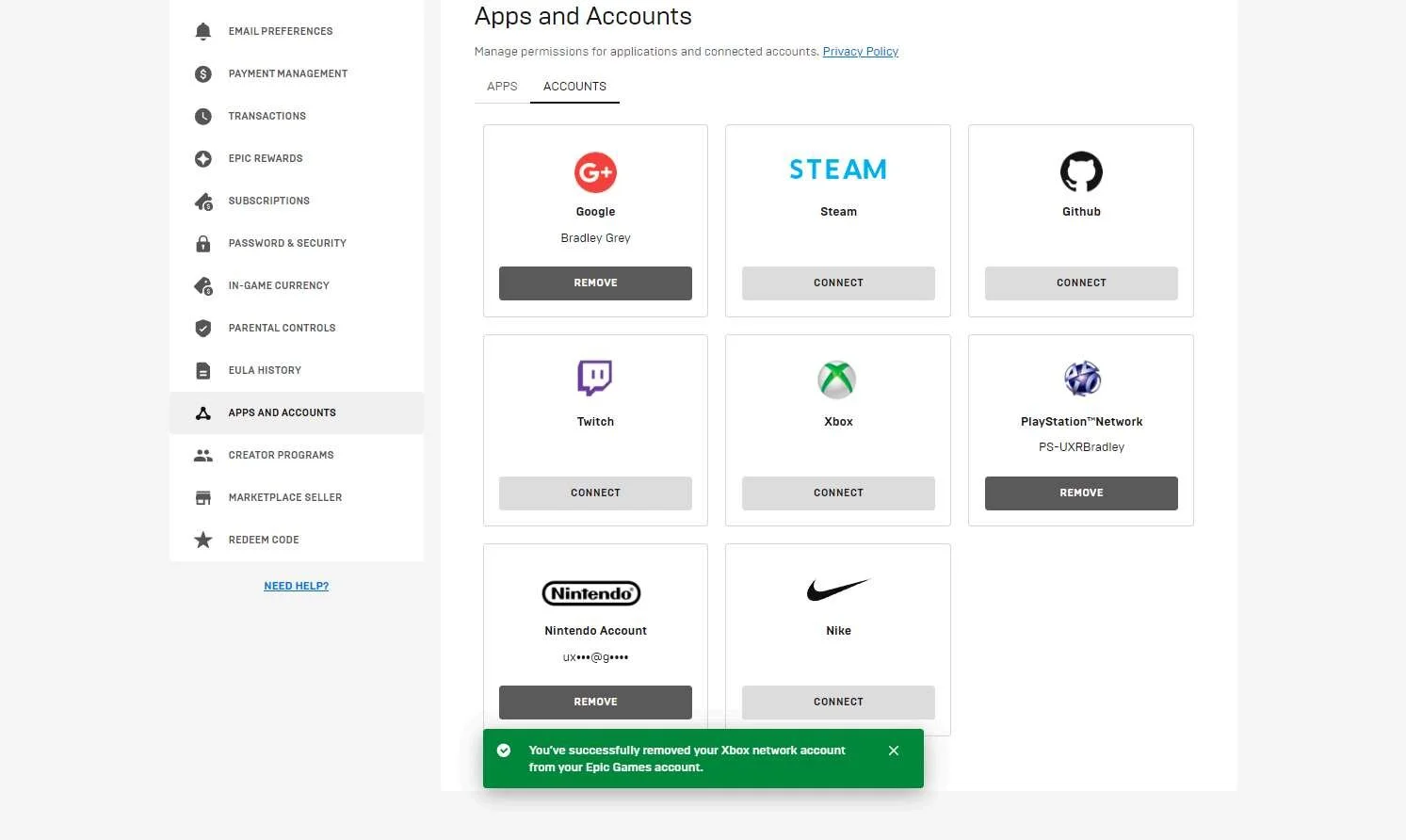
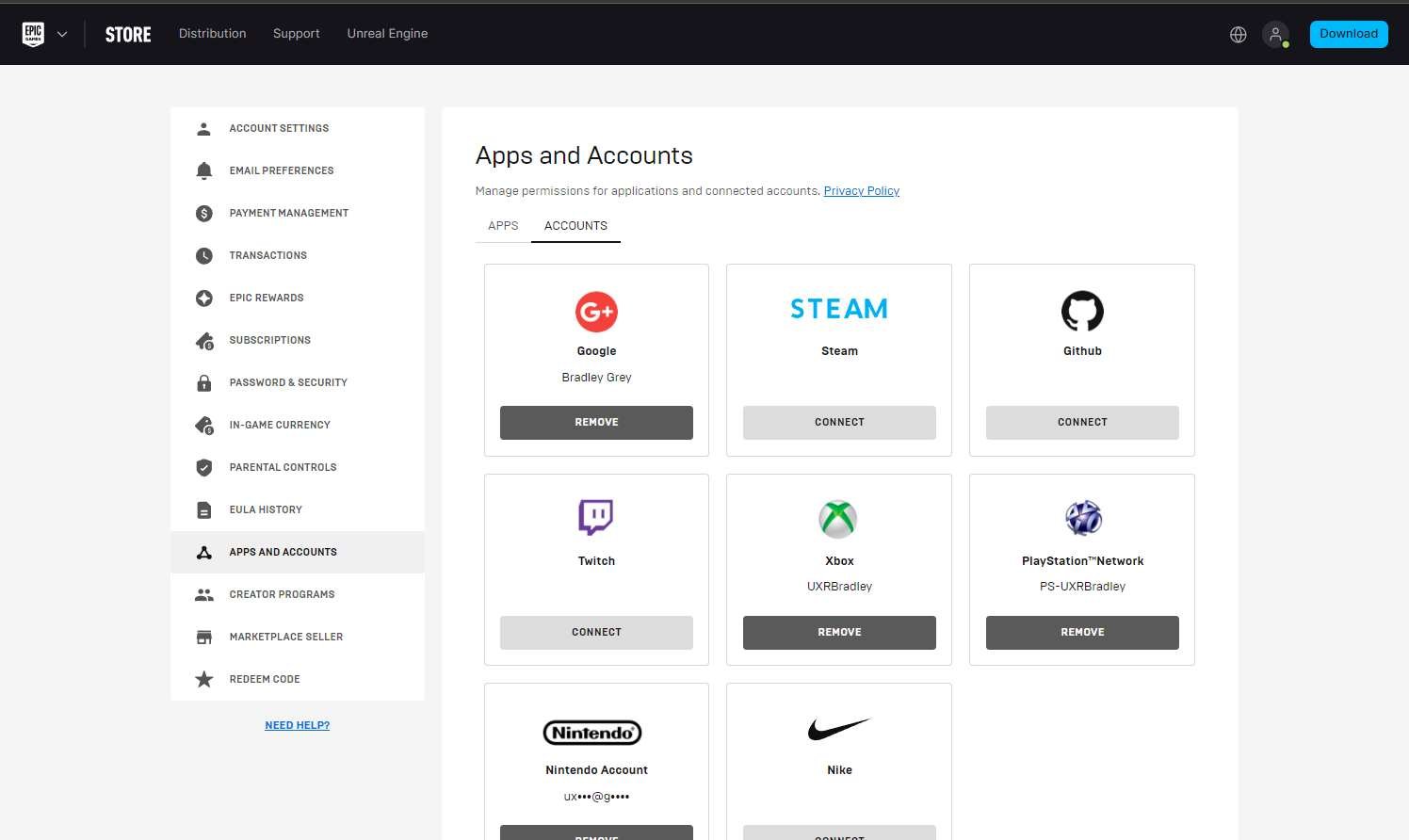
Aside from seeing that all the accounts are linked on the Social Panel → Profile screen within the game on each platform, the player can also go to the Epic Games website (https://www.epicgames.com). Once they go to Account → Apps & Accounts, the player will be able to see all of the connected accounts on this page and have the option to "REMOVE" or unlink each account they have linked. |
Screenshots from 22 Nov 2023 in web browser:
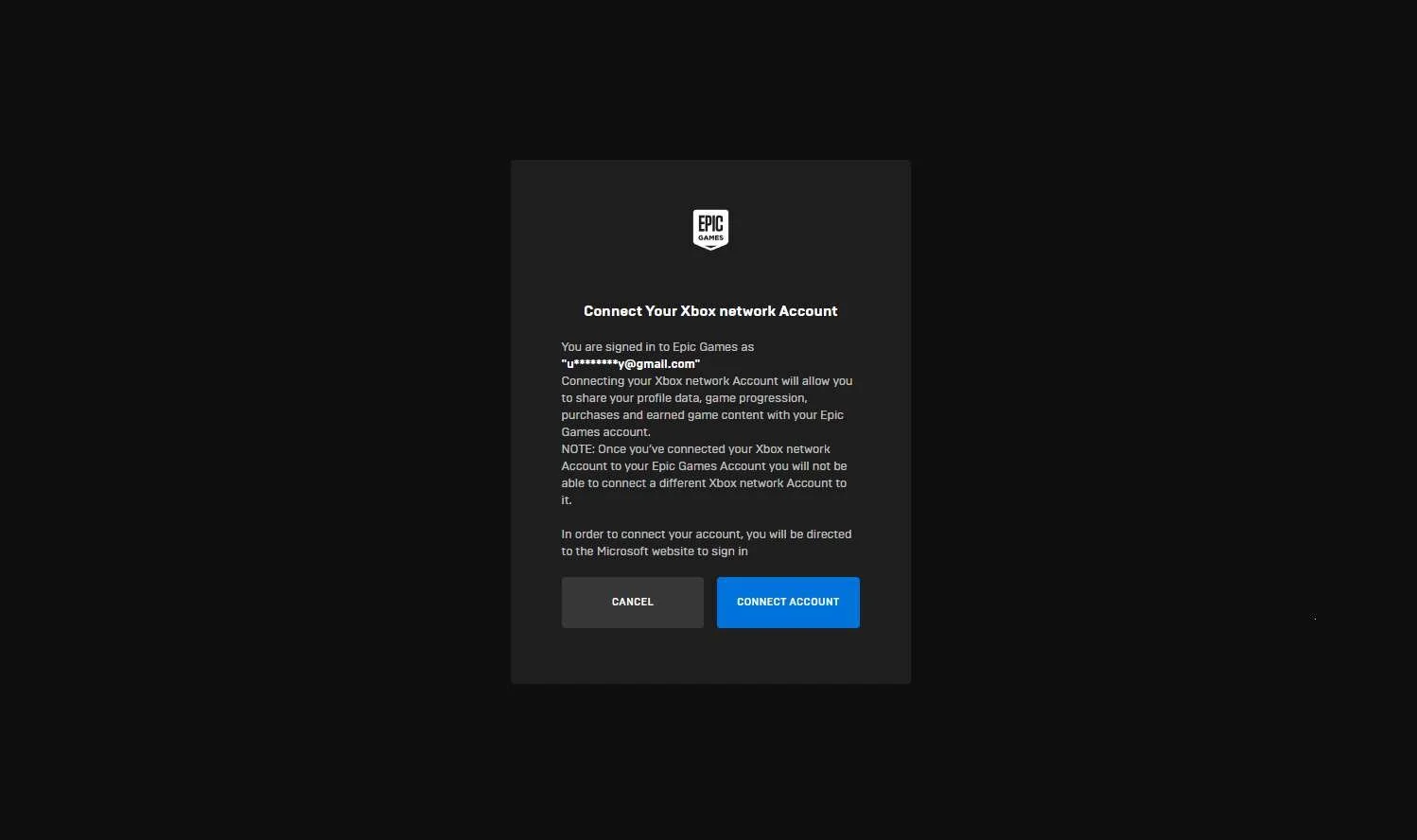
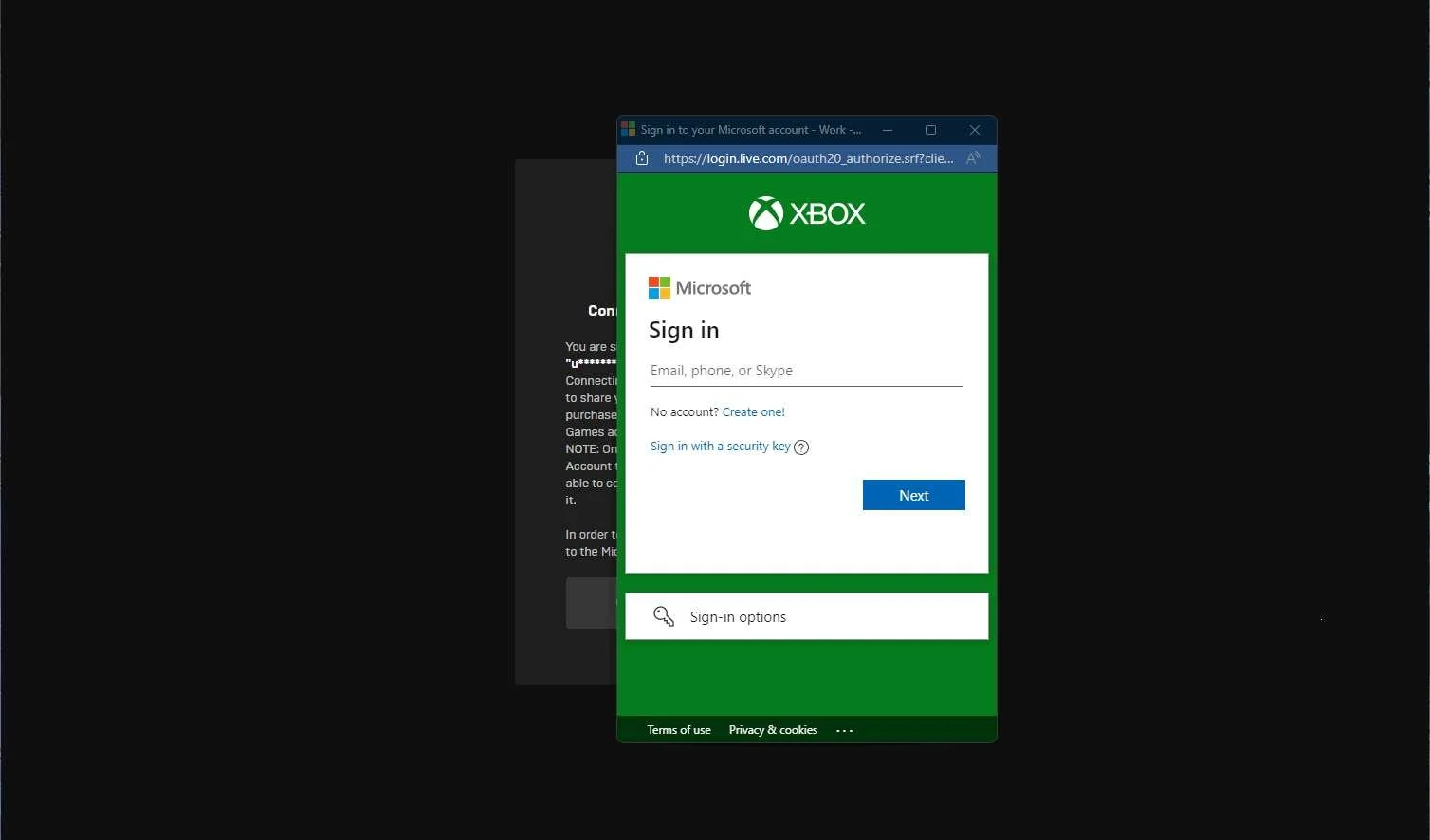
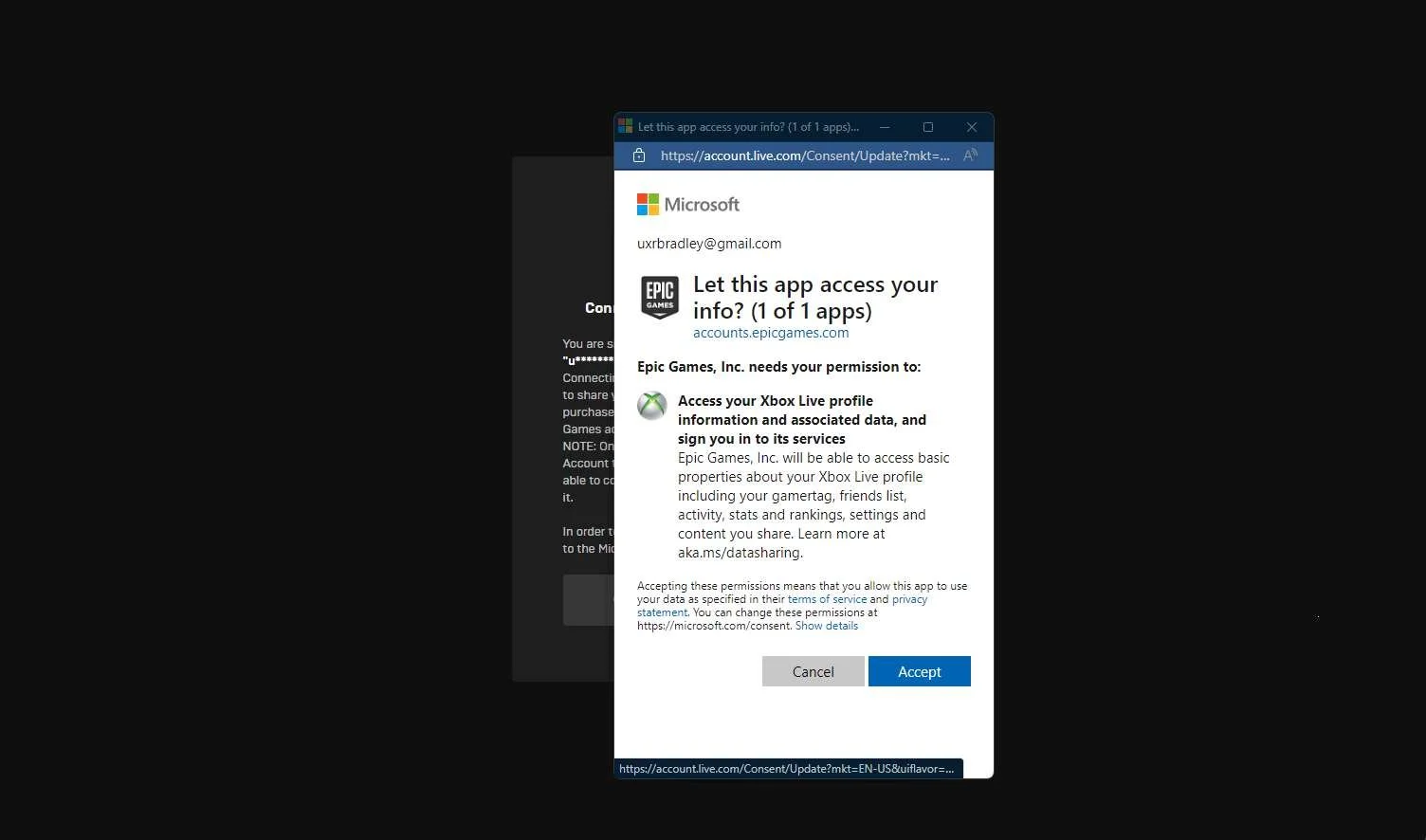
Selecting "Connect" for the XBOX account:
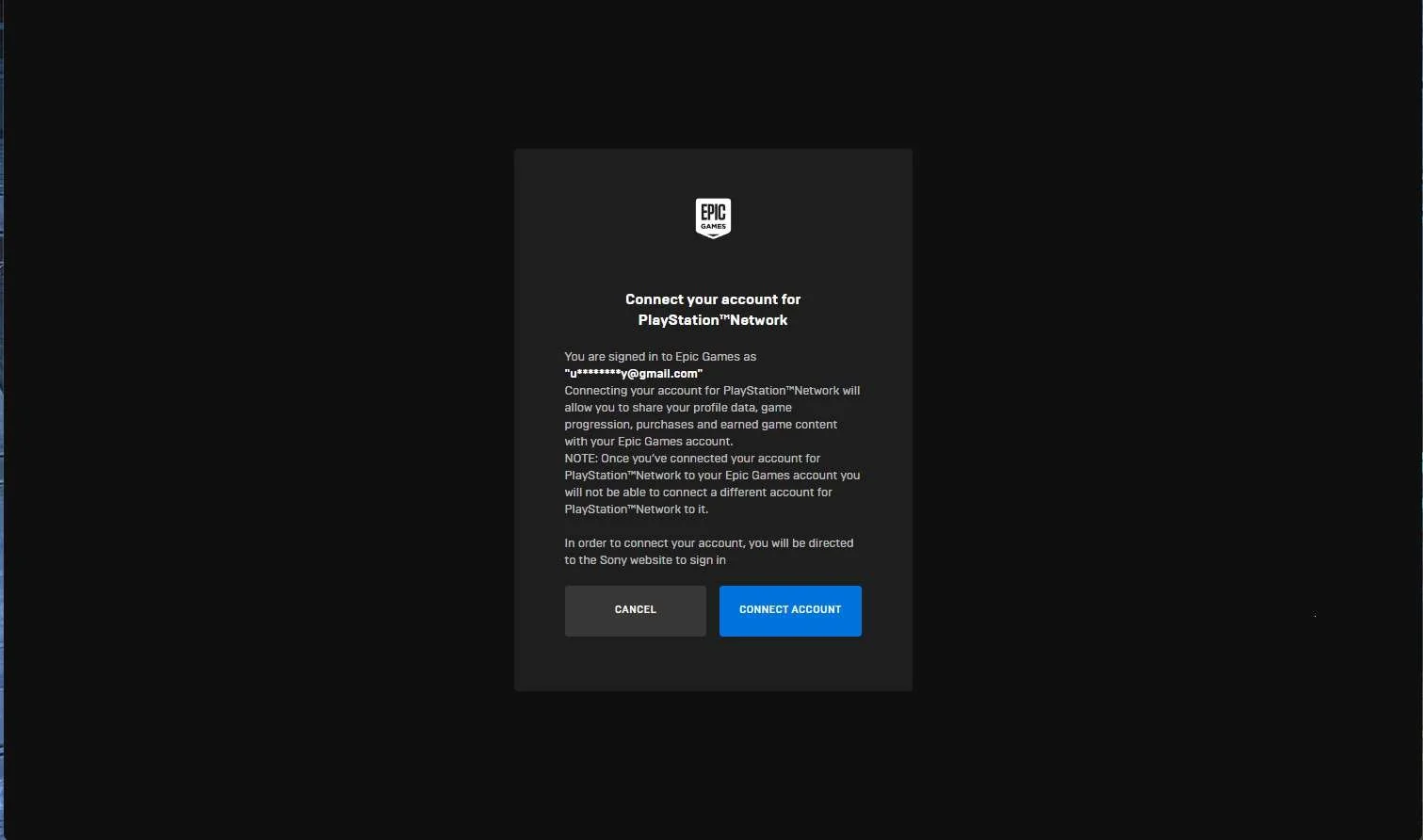
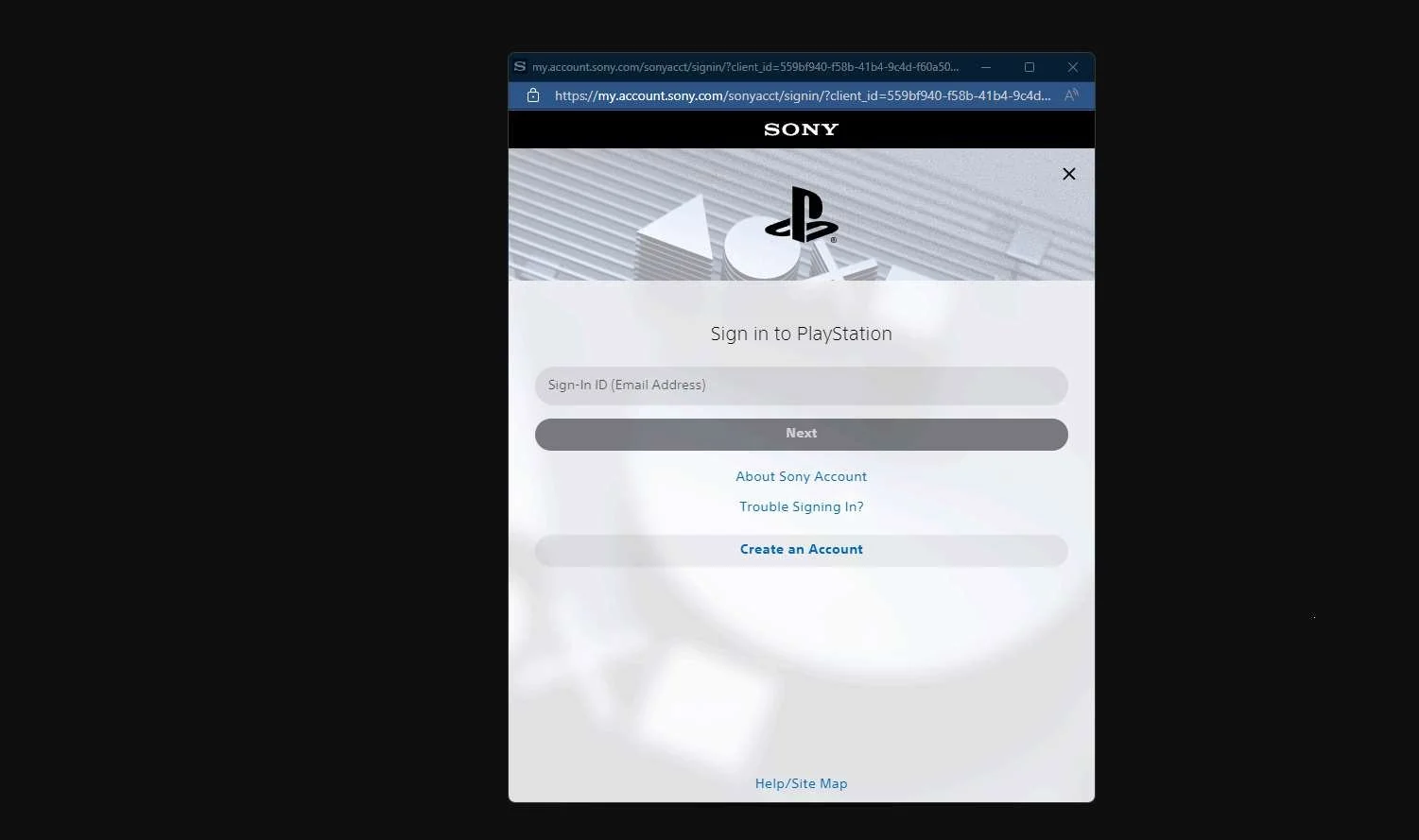
Selecting "CONNECT" for the Playstation account:
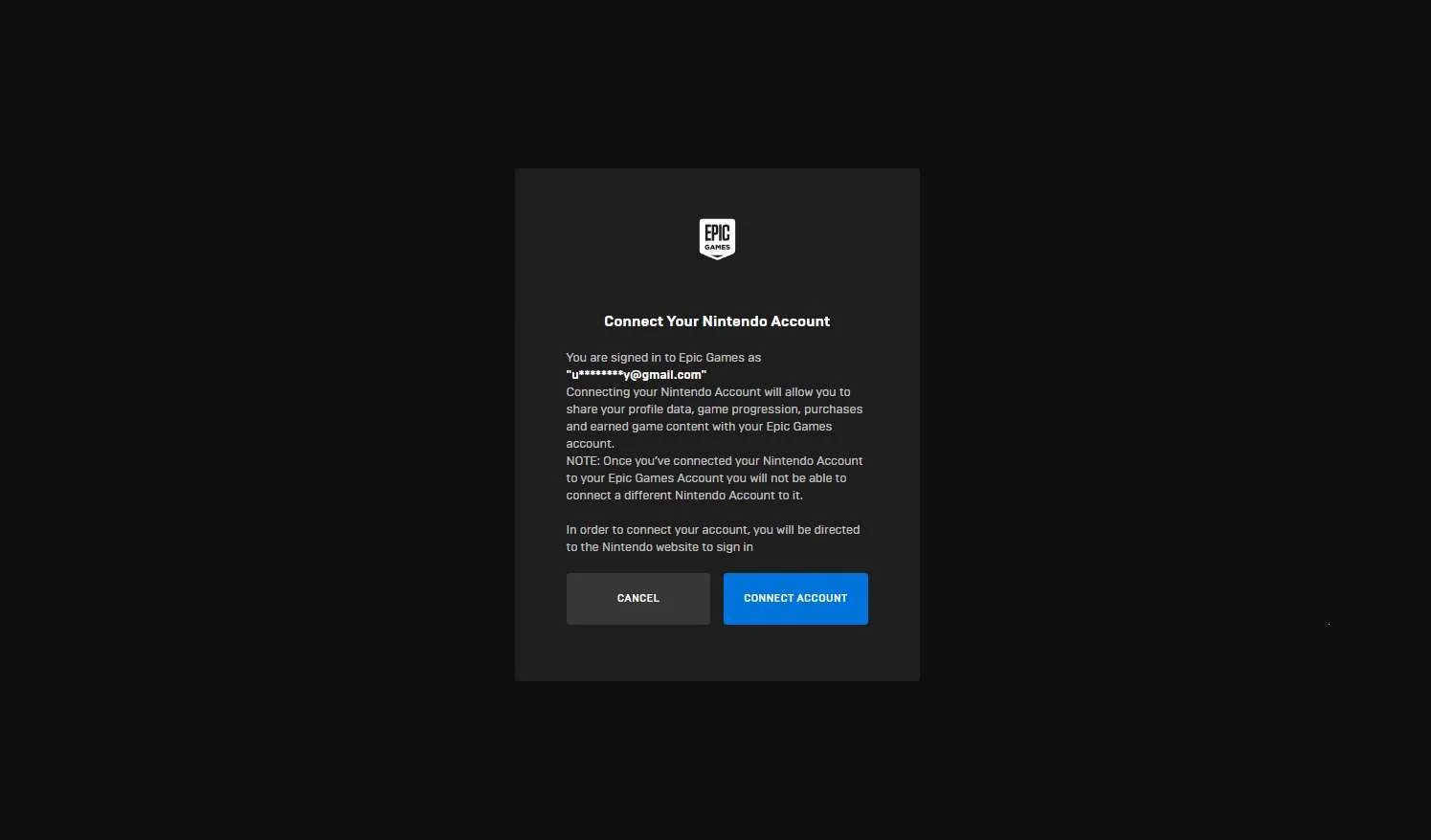
Selecting "CONNECT" for the Nintendo account:
Returning to XBOX:
Social Panel → Profile:
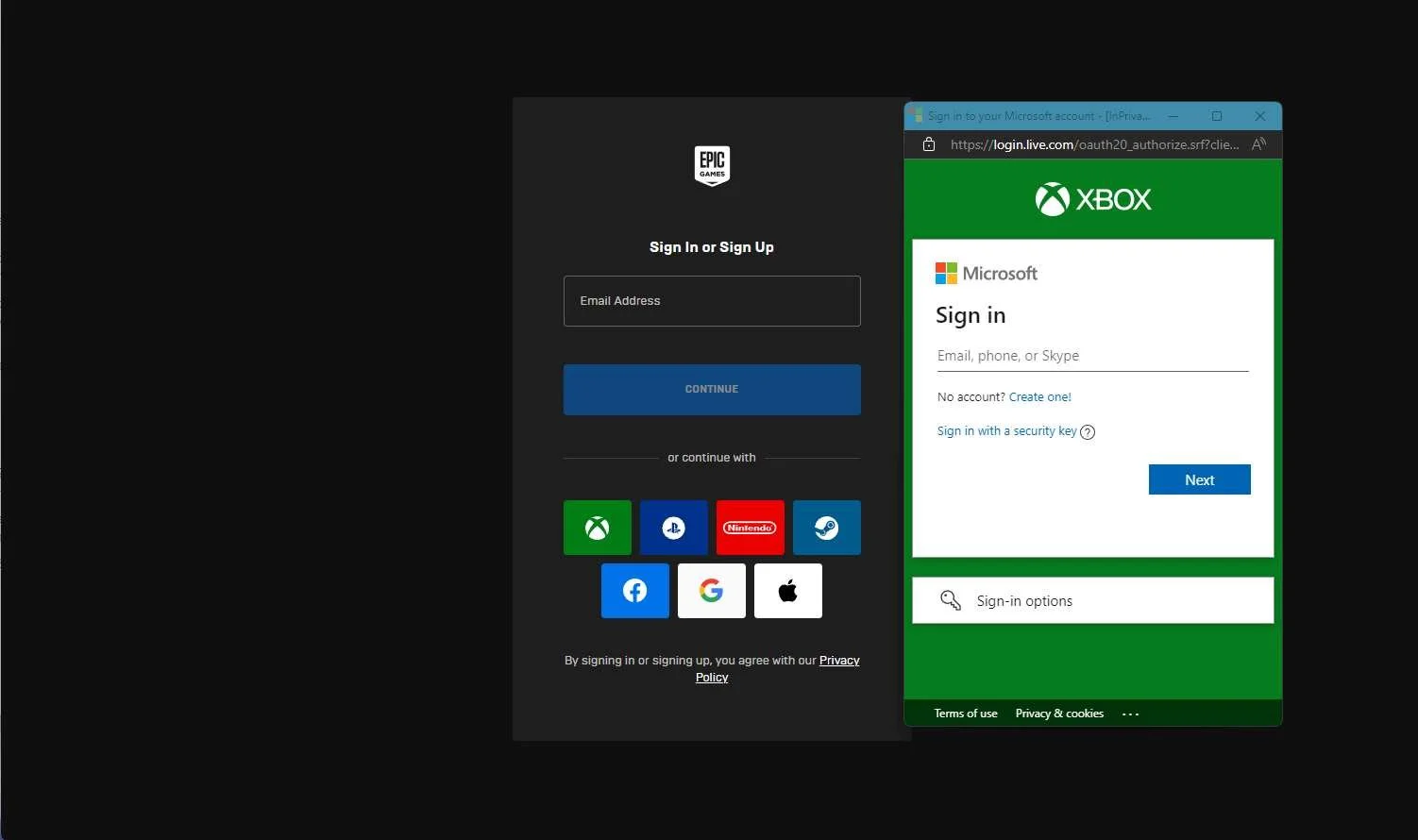
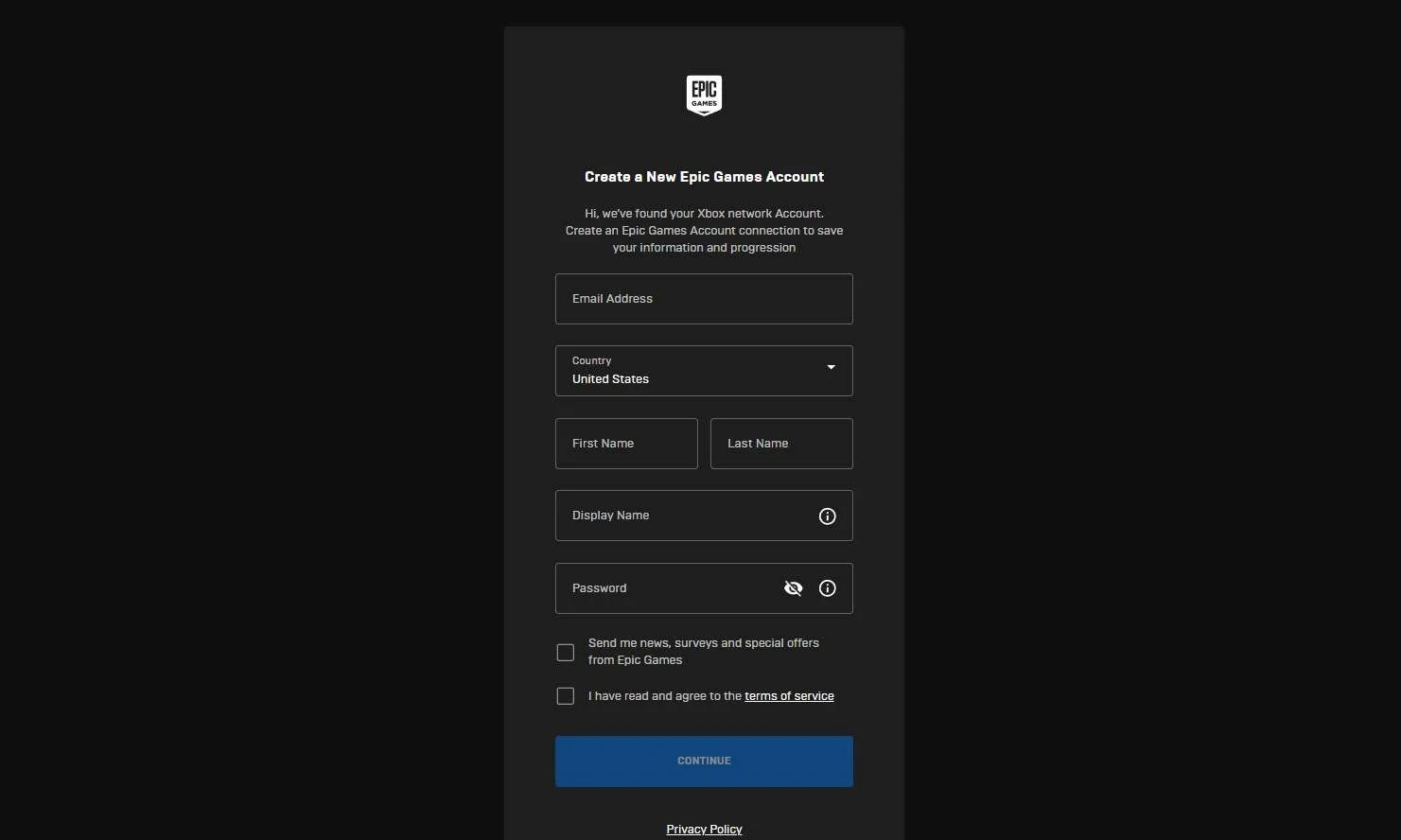
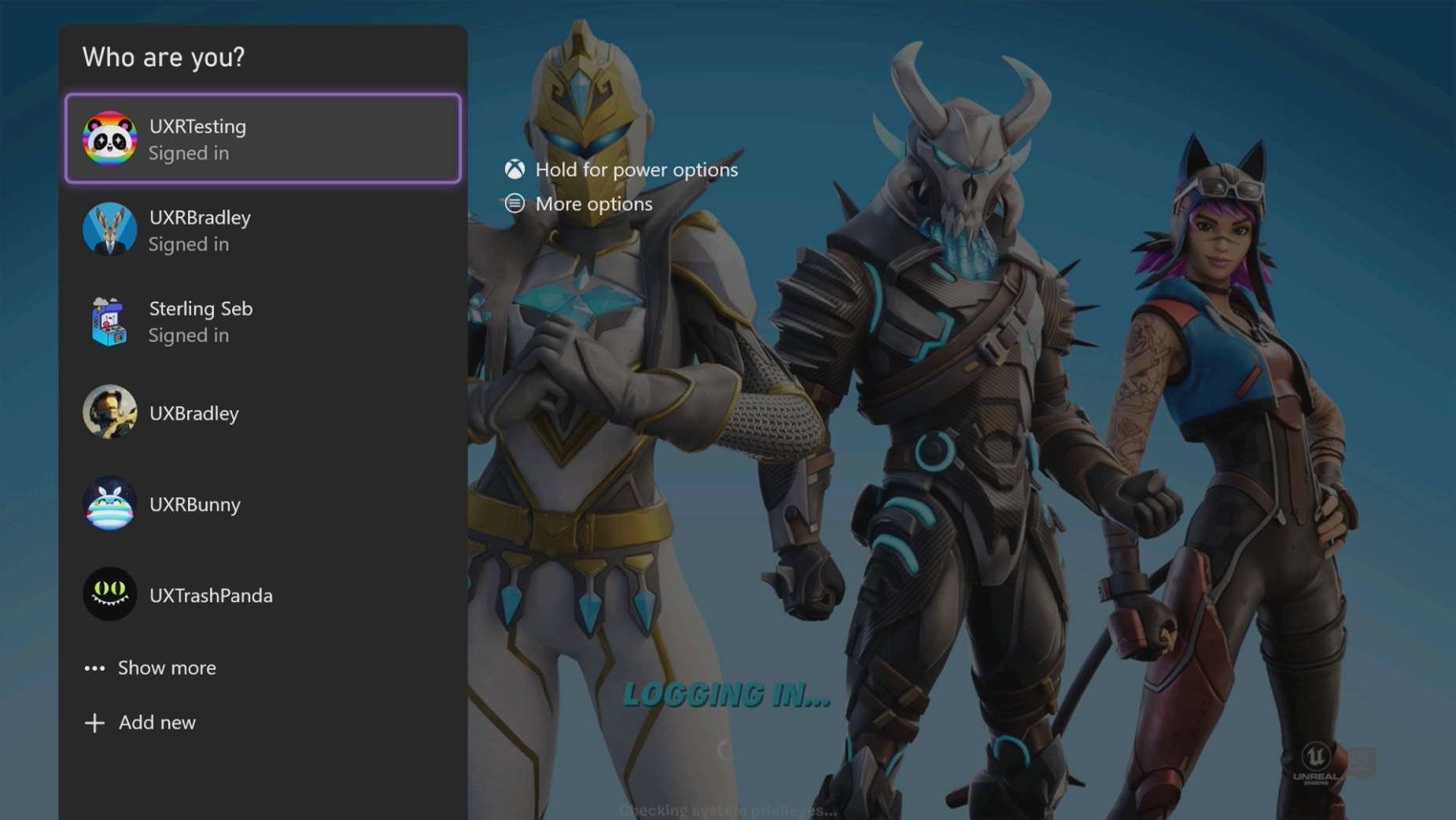
| Player can start account linking at the Epic Games website before launching the games on any platform.IMPORTANT At this point in the research:
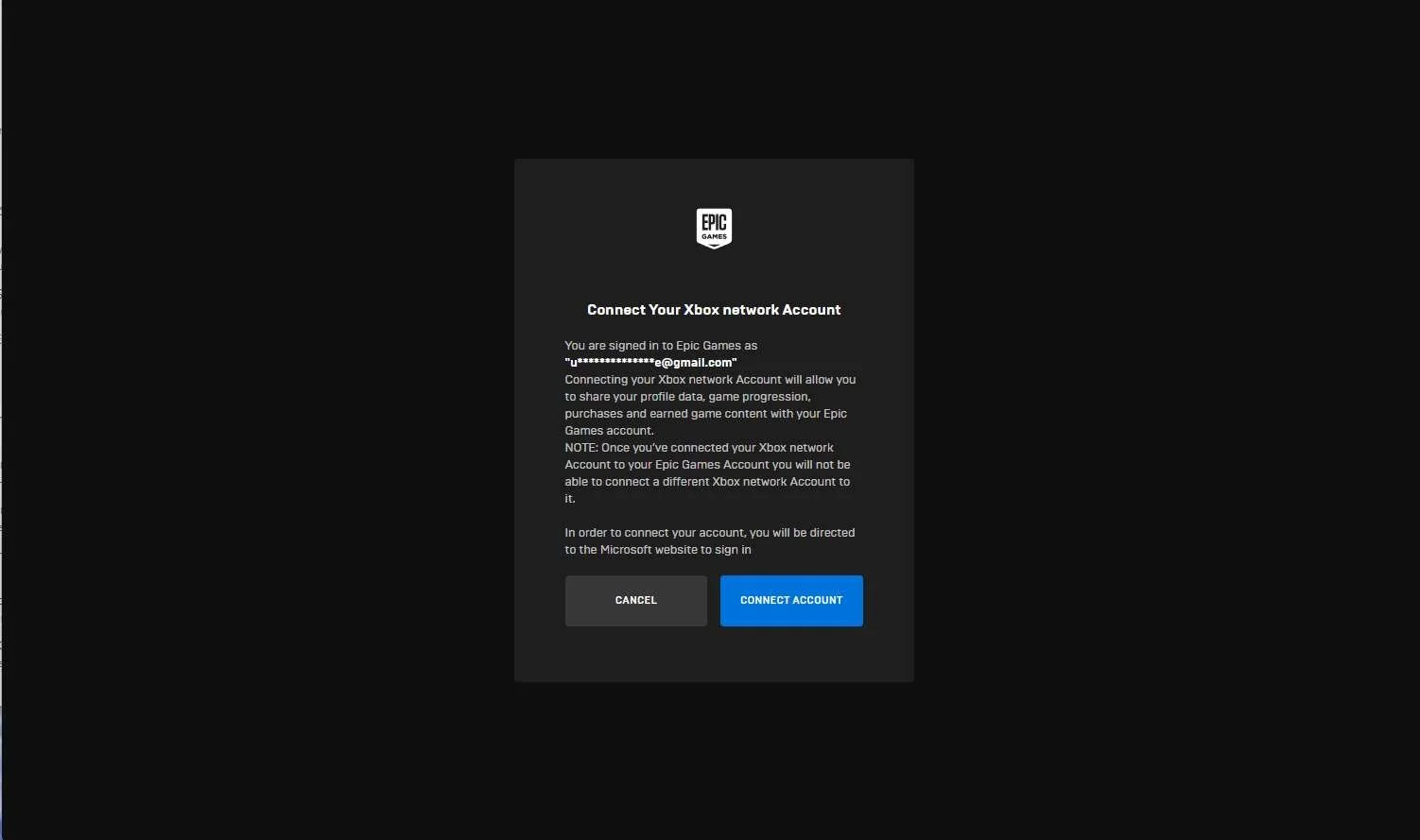
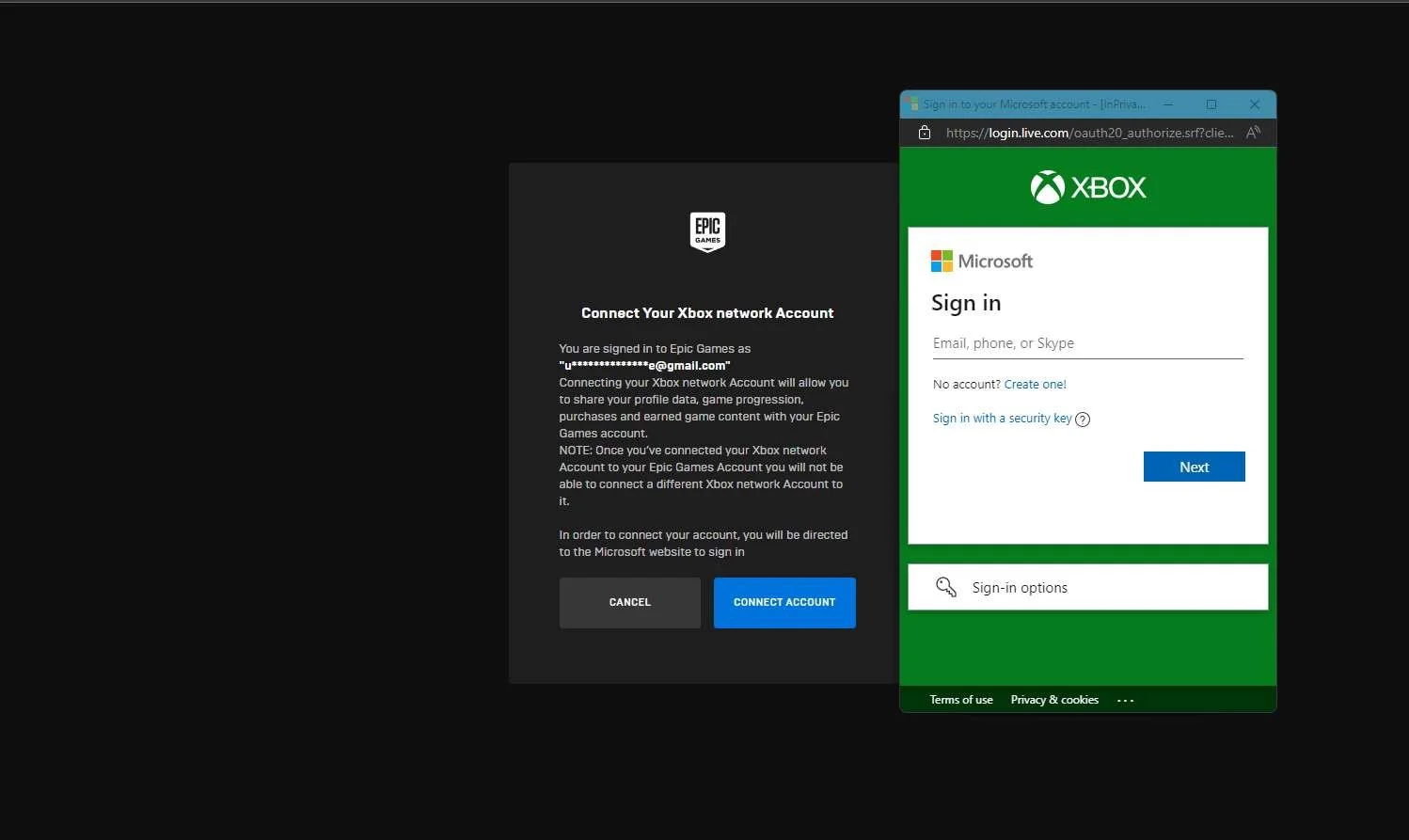
Note that I created a set of new accounts for this point of the UX research so these account names will be different than the ones seen in earlier research steps. If the player wants to link their accounts before they open any of the games on any of the platforms, they can go to the Epic Games websites (https://www.epicgames.com) where the player can sign in to their Epic Games account. From there they can go to Account → Apps & Accounts and begin linking their accounts. Linking XBOX profile on Epic Games website:
Linking Playstation account on Epic Games website:
Linking Nintendo account on Epic Games website:
Returning to the Platform and launching the game:
|
Screenshot from 22 Nov 2023 in web browser Selecting "REMOVE" XBOX account:
Selecting "REMOVE" Playstation account:
Selecting "REMOVE" Nintendo account:
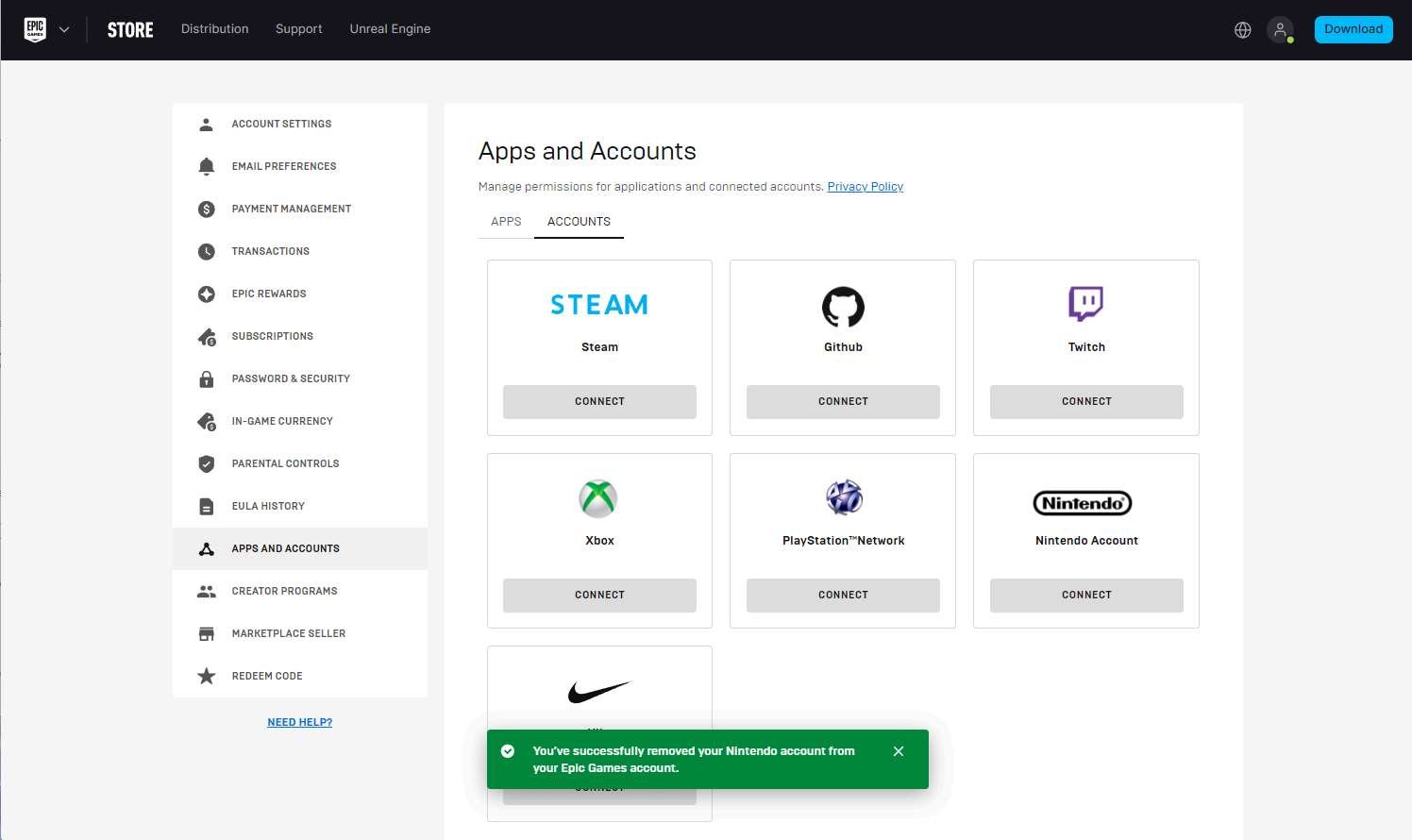
| Removing or unlinking accounts can only happen on the Epic Games account websiteIMPORTANT If the player wants to unlink their accounts, it is only possible to do this on the Epic Games website in Account → Apps and Accounts. The player can't unlink accounts from within any game platform. At this point in the research:
I am using the UXRBradley set of accounts to demonstrate the unlinking / removing accounts since the flow and experience are the same whether the player linked their accounts during the "LINK AN ACCOUNT" step in the first launch flow on each platform or if they linked all their accounts through the epic games website. Unlinking XBOX account on Epic Games website:
Unlinking Playstation account on Epic Games website:
Unlinking Nintendo account on Epic Games website:
|
Screenshot from 22 Nov 2023 on XBOX:
| On next launch in platforms where accounts were unlinked, "LINK AN ACCOUNT" flow returnsI am only showing the XBOX flow here as I checked on the other platforms (Playstation, Nintendo) and the flow is the same.
|
Screenshot from 22 Nov 2023 on XBOX:
In the web browser:
XBOX Social Panel → Profile:
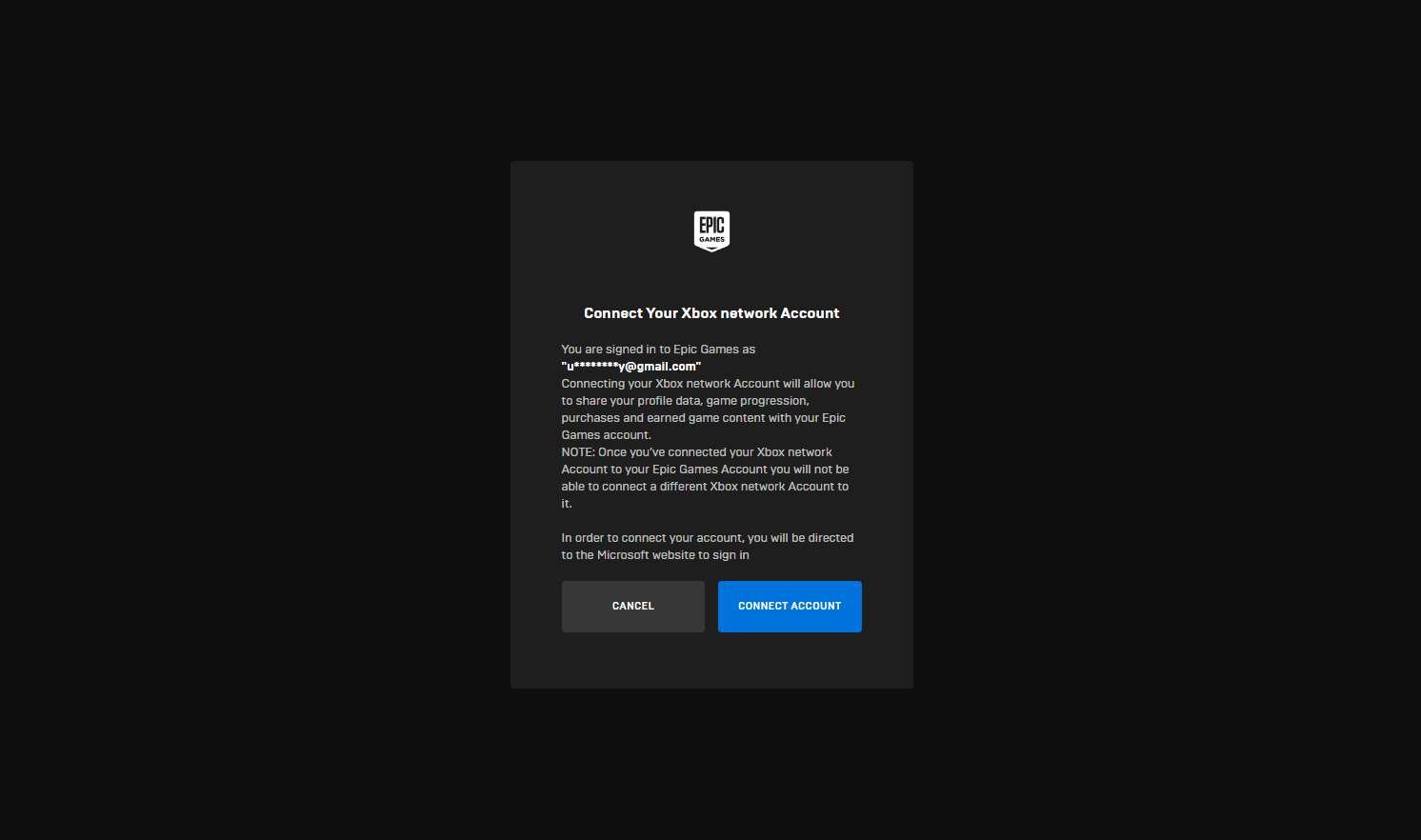
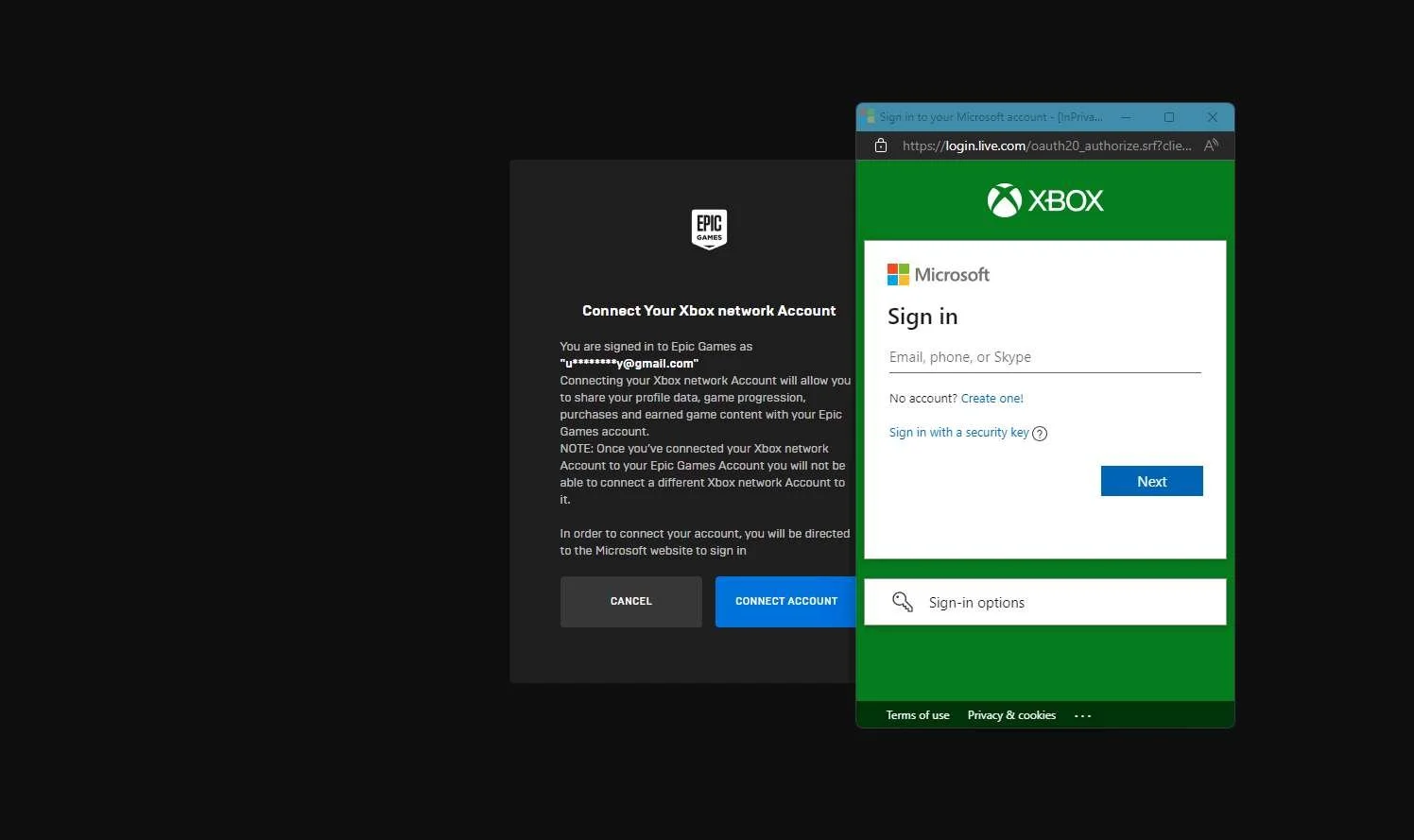
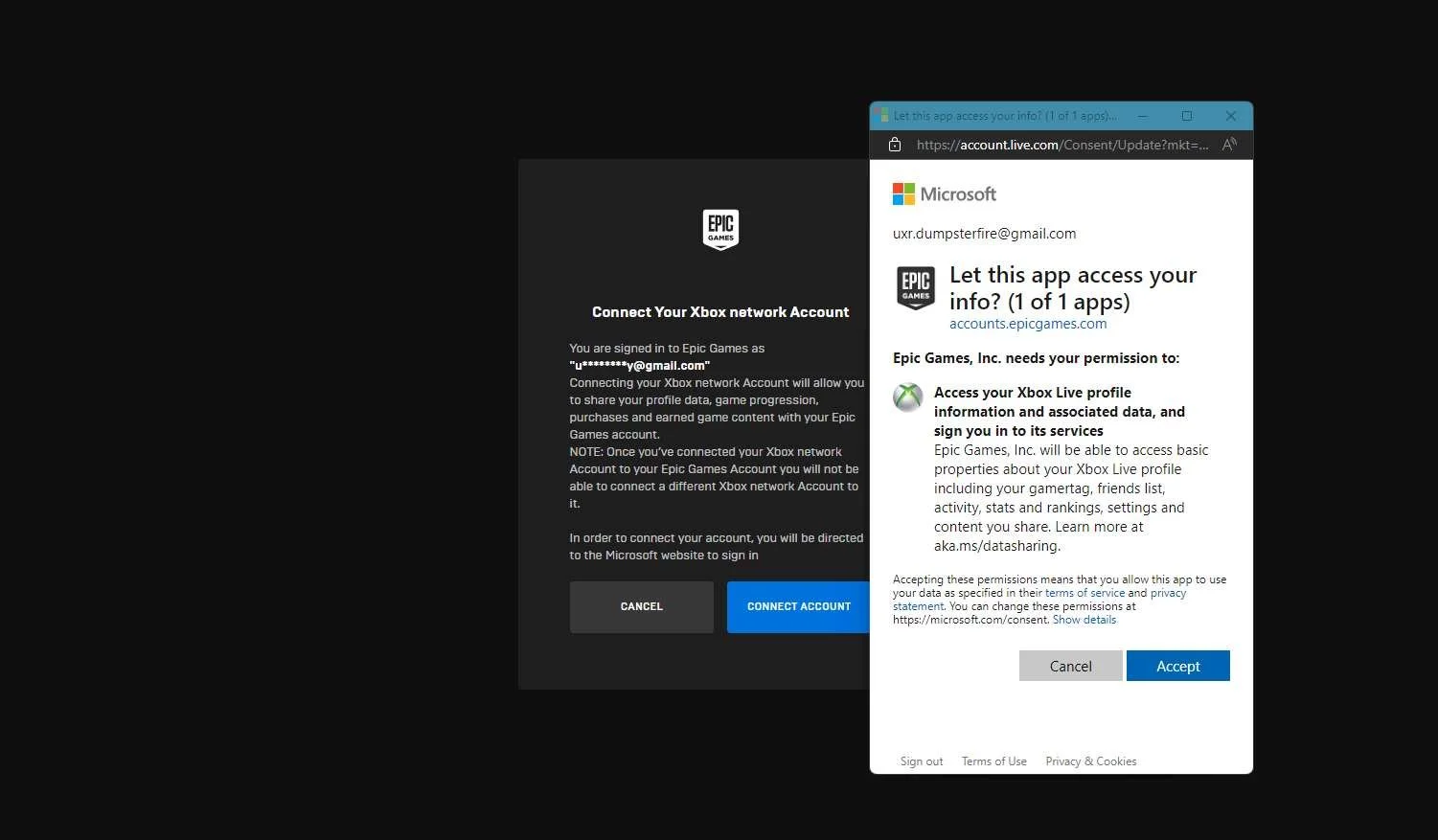
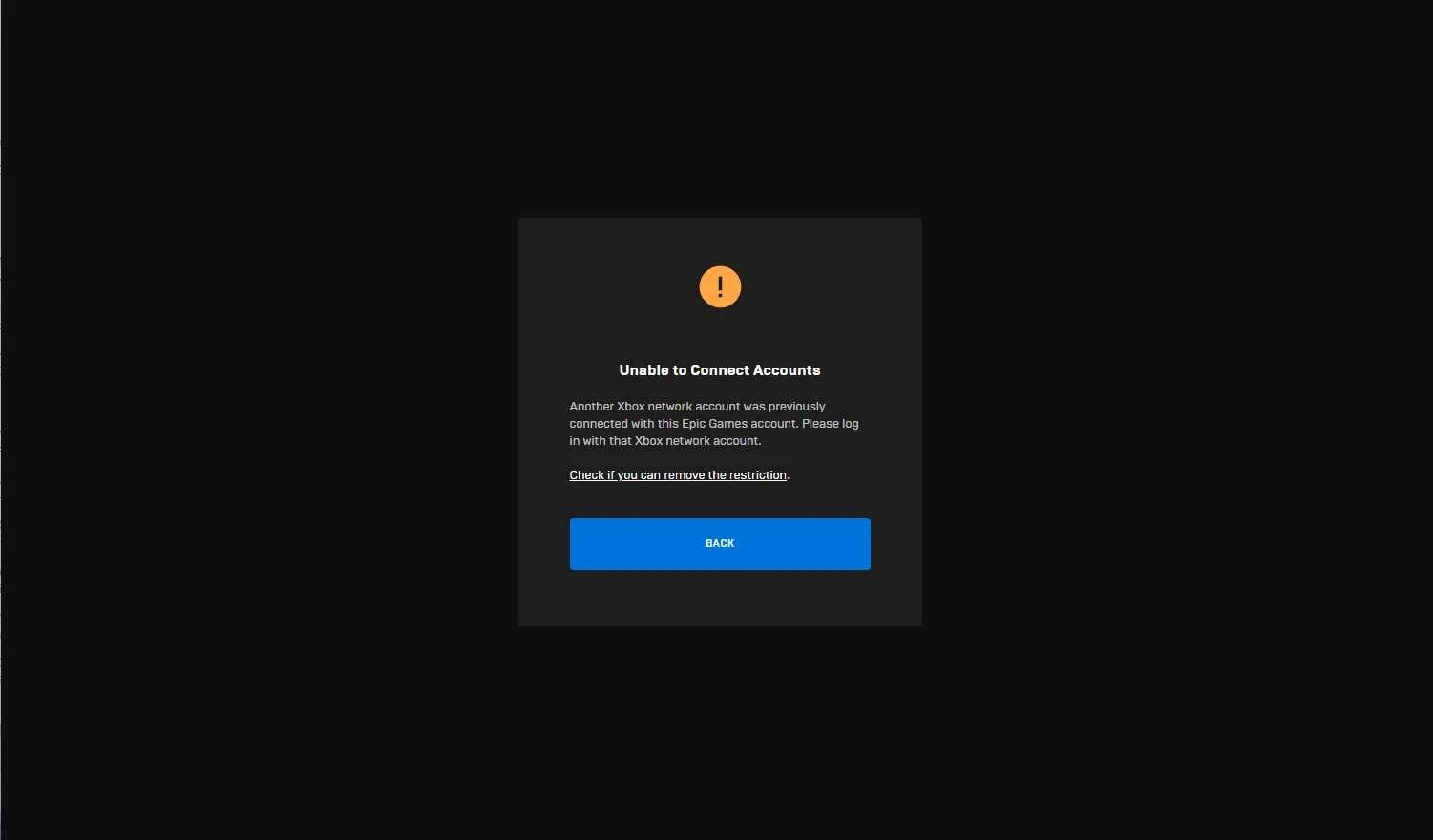
| Can the player remove / unlink one platform account and link a different one using the "LINK AN ACCOUNT" flowThere is a warning in the remove account flow in the Epic Games website for unlinking any of the platform accounts that were connected, but I wanted to double check. Attempting to link a different EPIC GAMES account through the "LINK AN ACCOUNT" flow on XBOX:
|
Screenshot from 22 Nov 2023 in web browser:
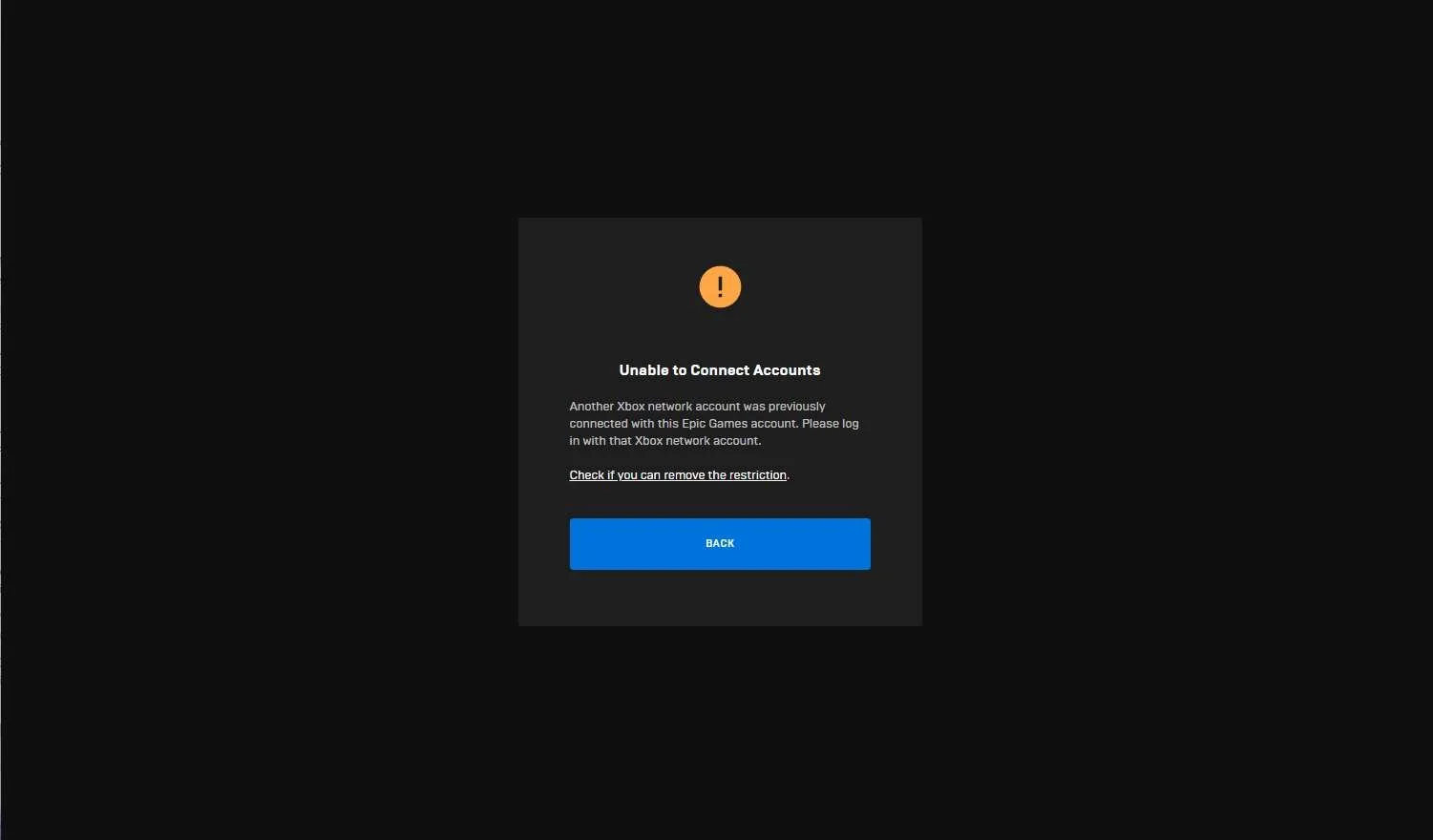
| Can the player remove / unlink one platform account and link a different one using the Epic Games websiteThere is a warning in the remove account flow in the Epic Games website for unlinking any of the platform accounts that were connected, but I wanted to double check. Attempting to link a different XBOX profile through the Epic Games website:
IMPORTANT The player can not link a different XBOX profile using the Epic Games website |
Screenshot from 22 Nov 2023 from EPIC Launcher version of Fortnite:
Nintendo Switch Social Panel → Profile:
| Linking accounts across platforms links them for ALL games that use Epic Games account sign inAt this point in the research:
NOTE Any game that uses Epic Account cross platform account linking will automatically be linked even if the player has never downloaded or launched the game before. (Example from above, player was playing Fall Guys and then downloaded Fortnite and the accounts are already linked) |
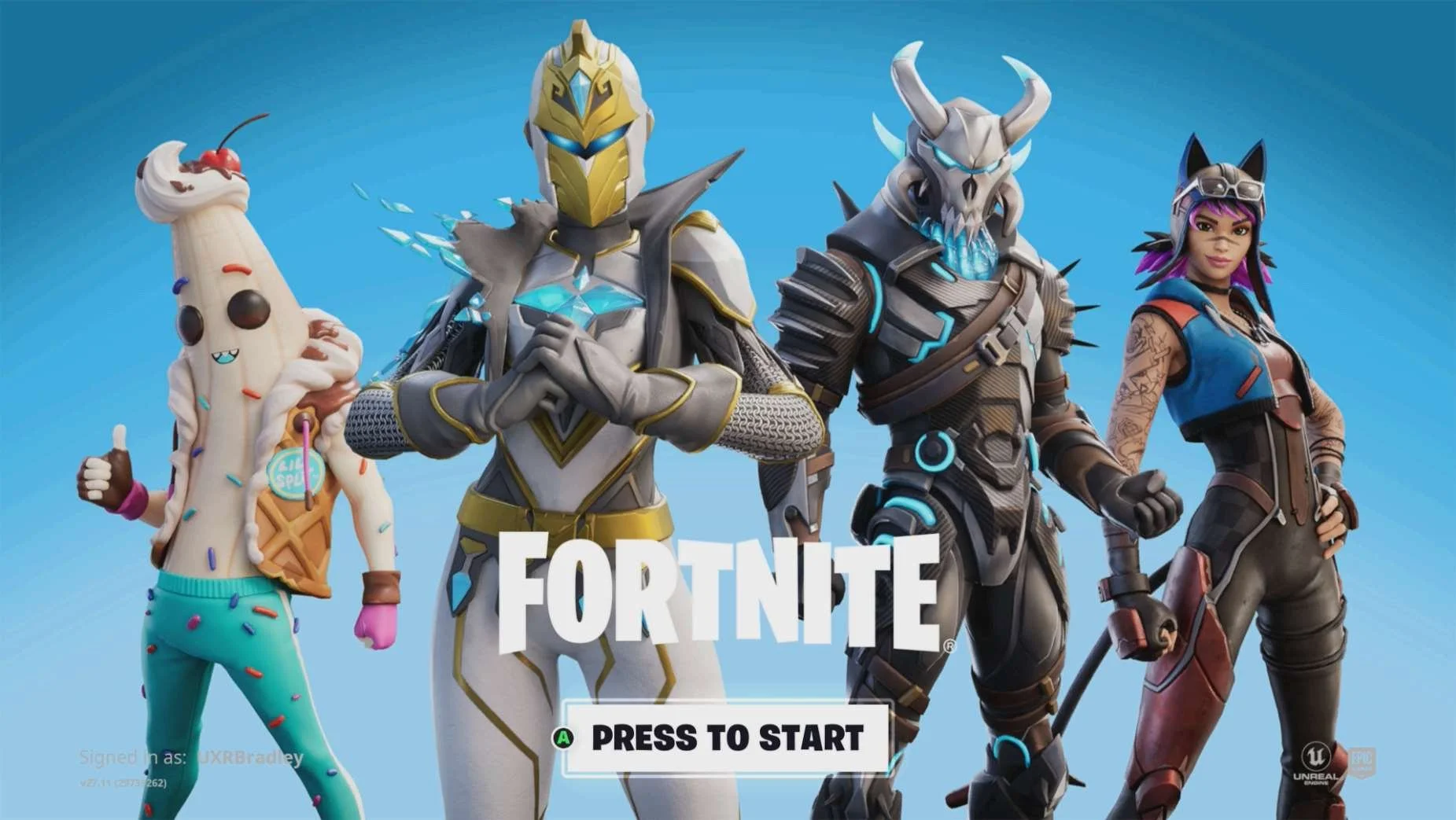
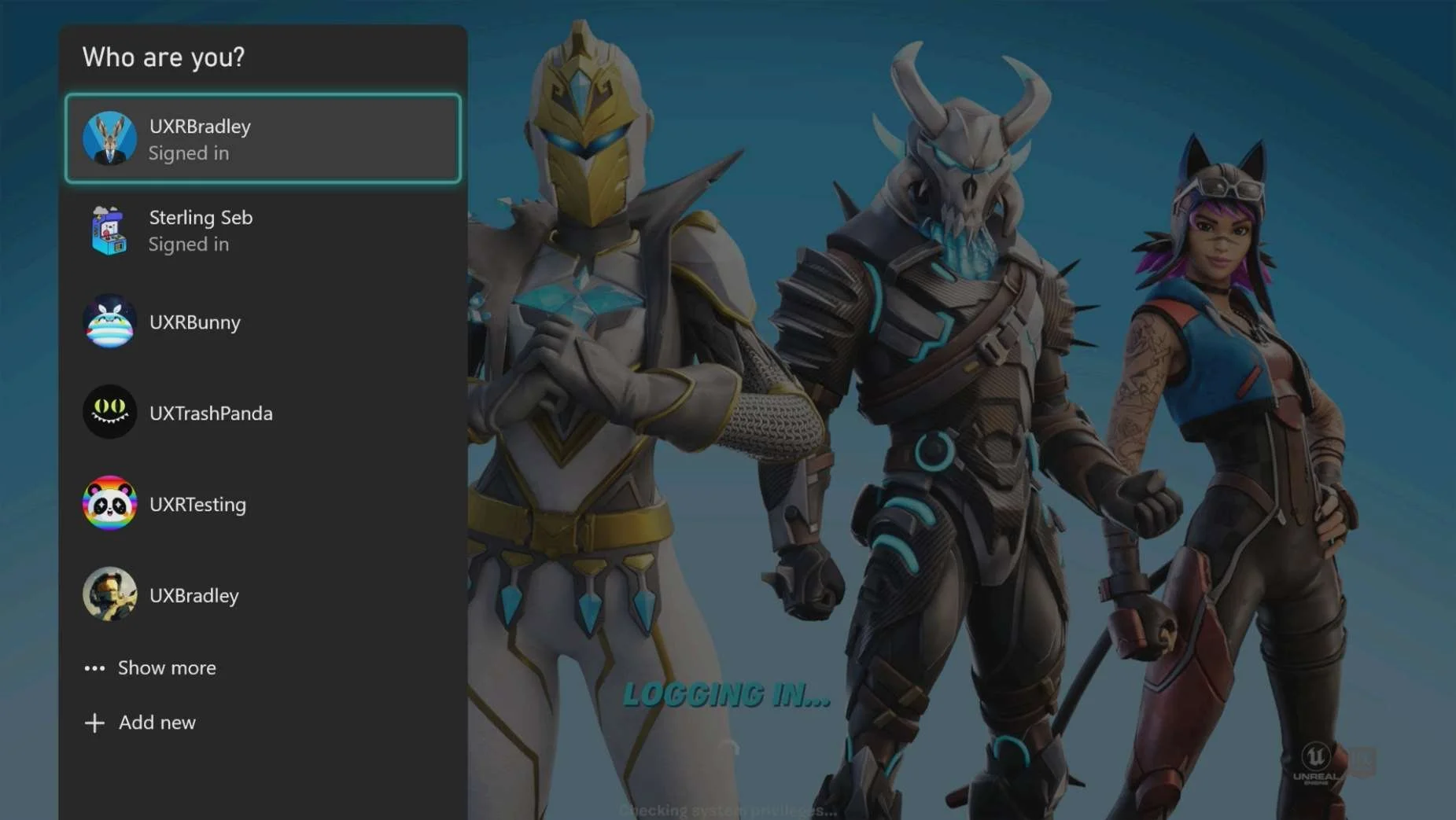
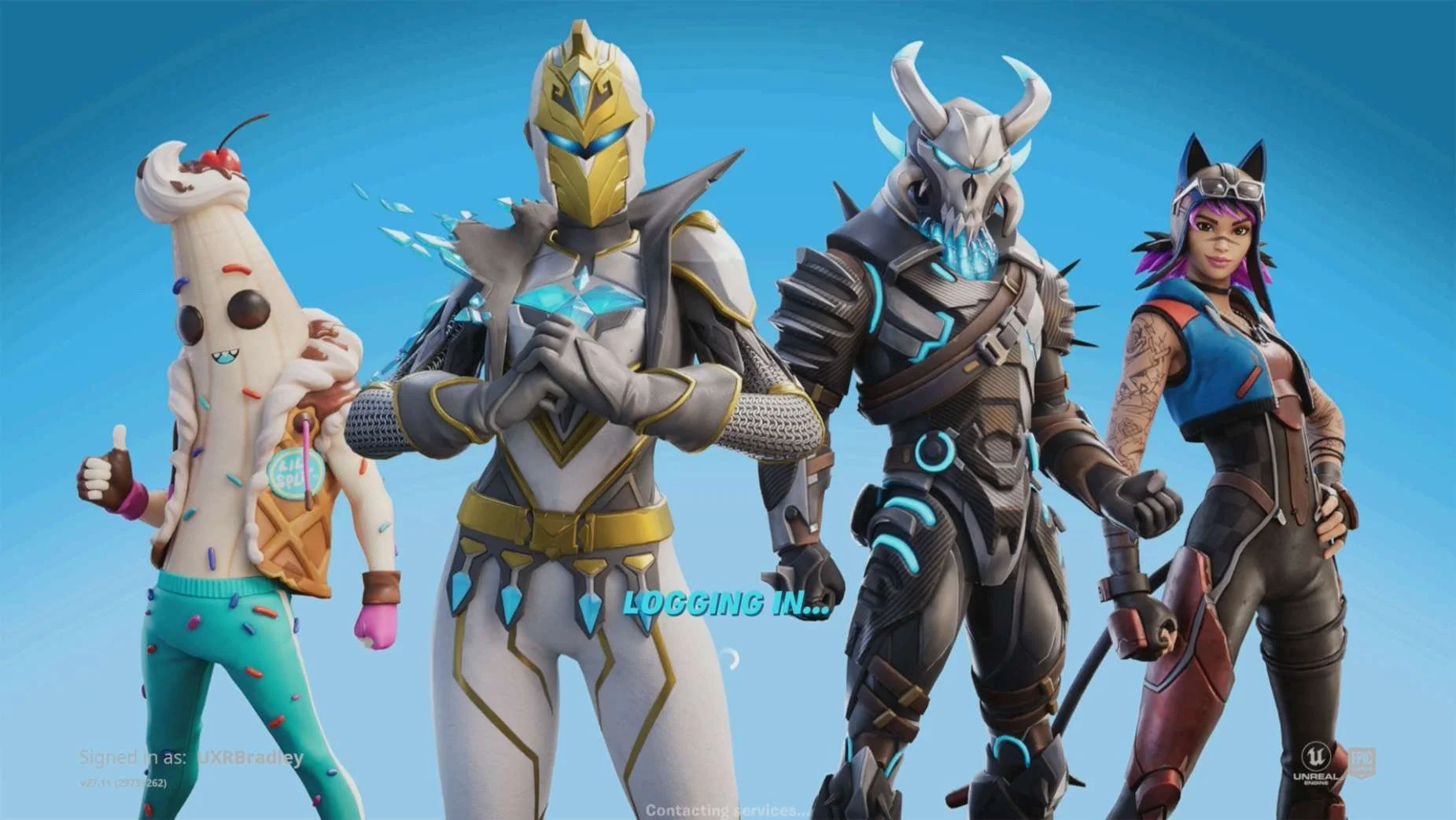
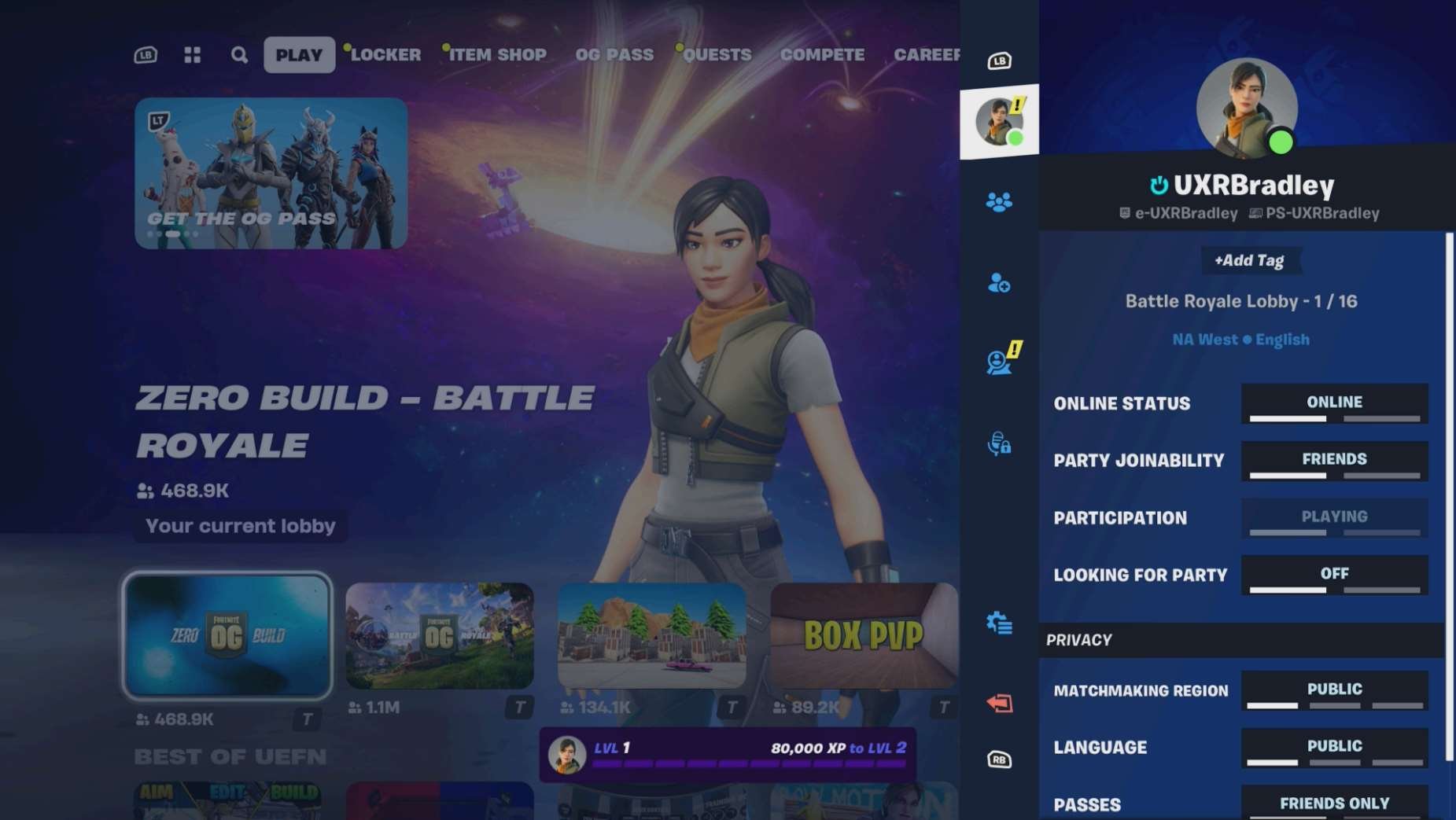

LINKING USING ALTERNATE SIGN IN
Media | Notes |
|---|---|
Screenshot from 22 Nov 2023 in web browser:
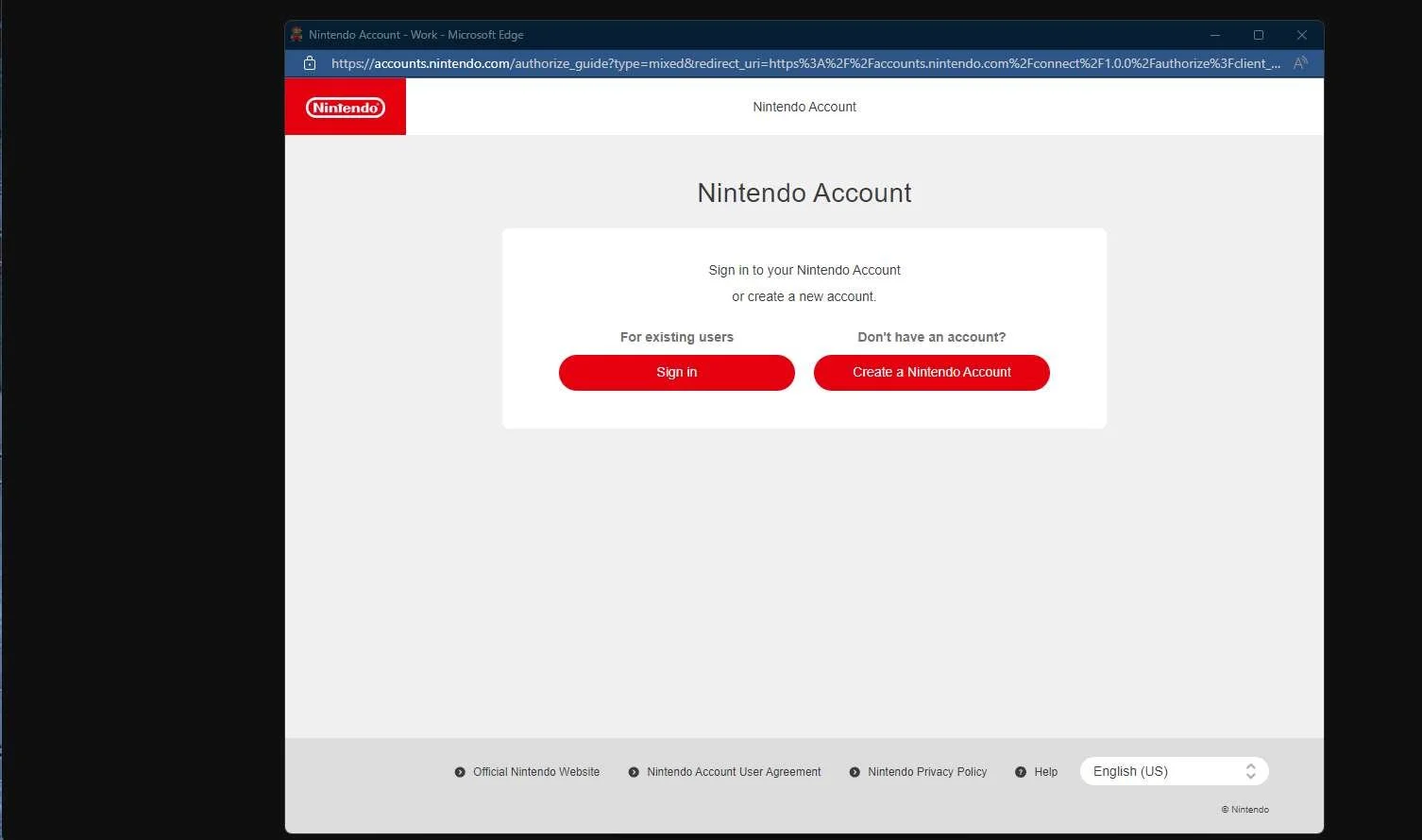
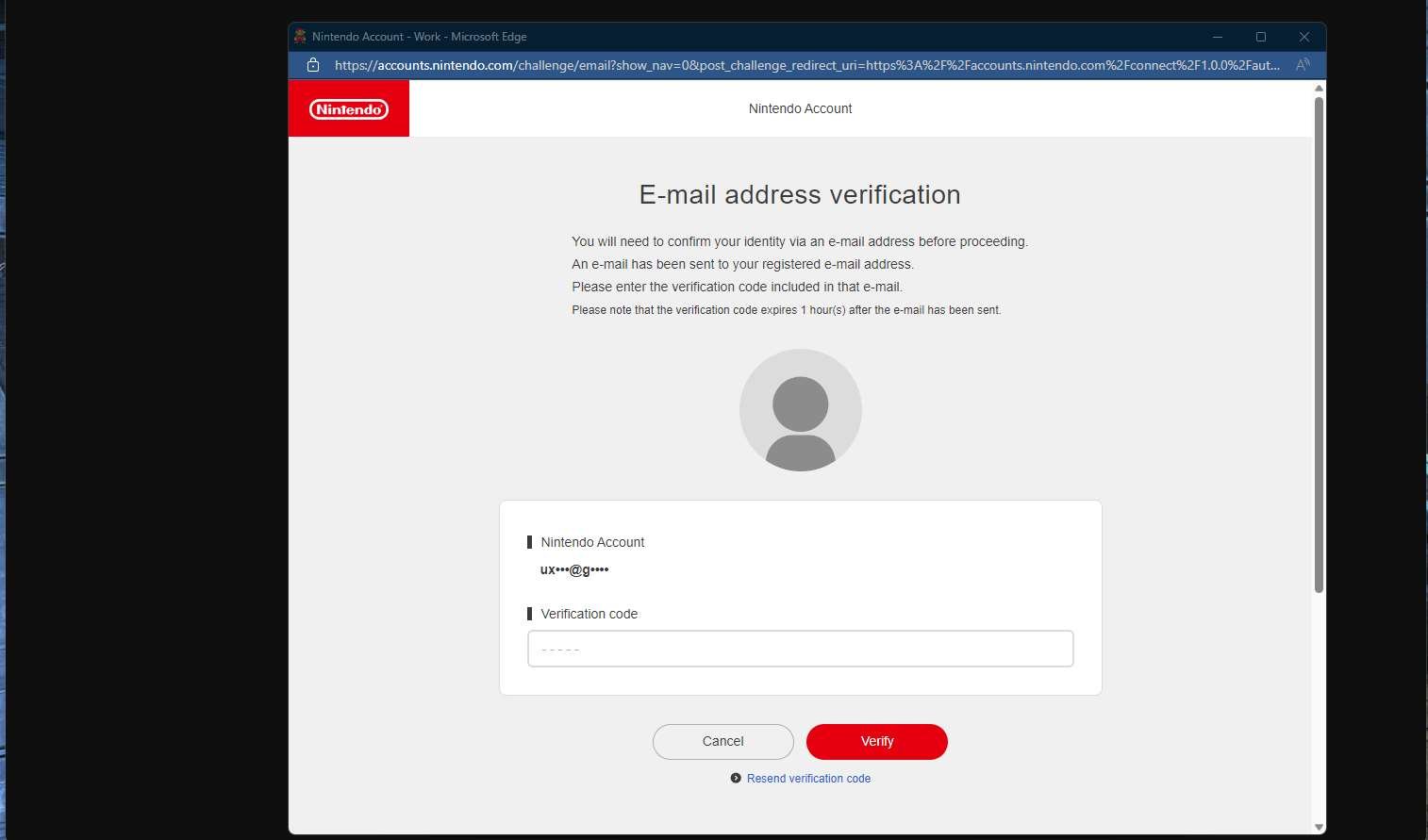
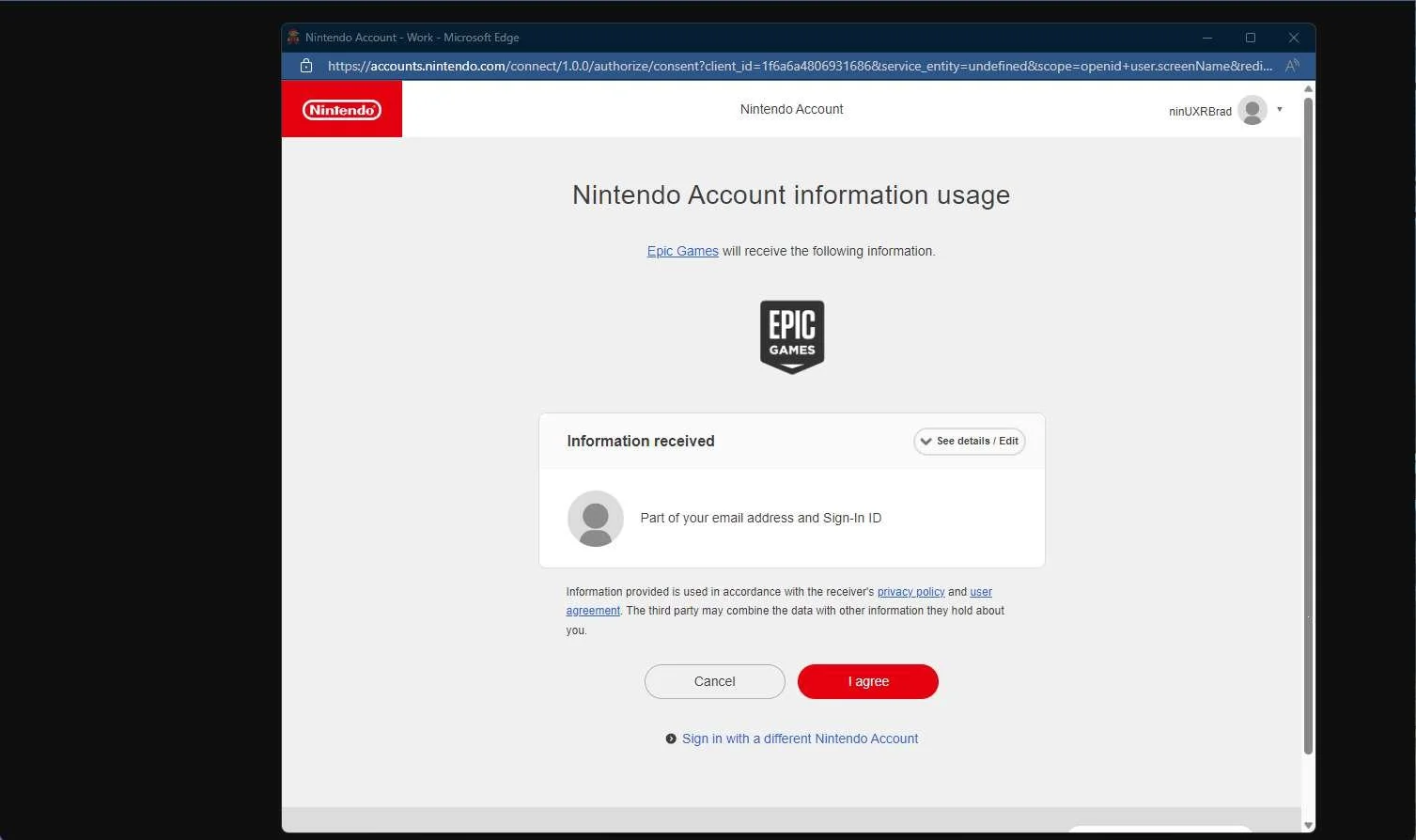
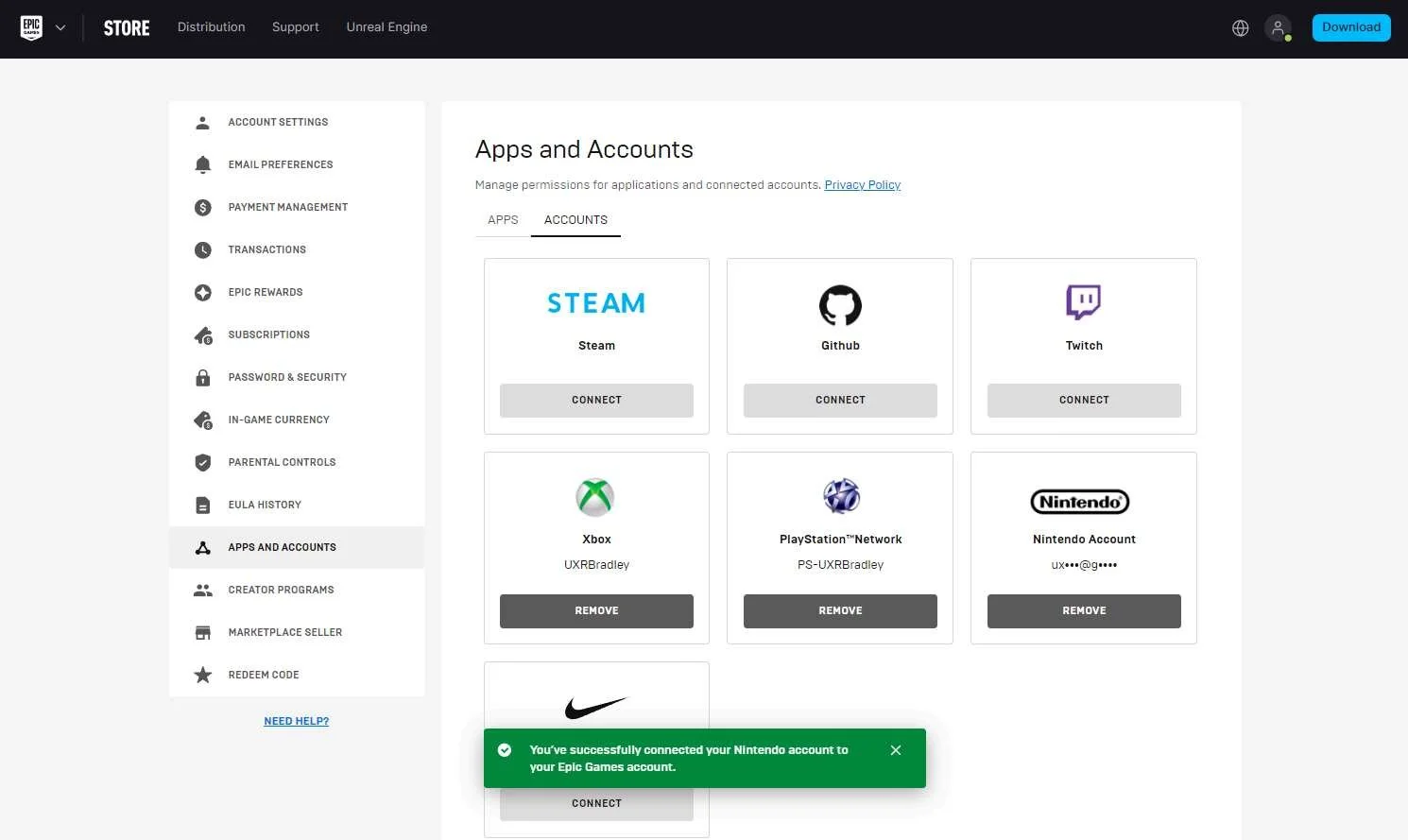
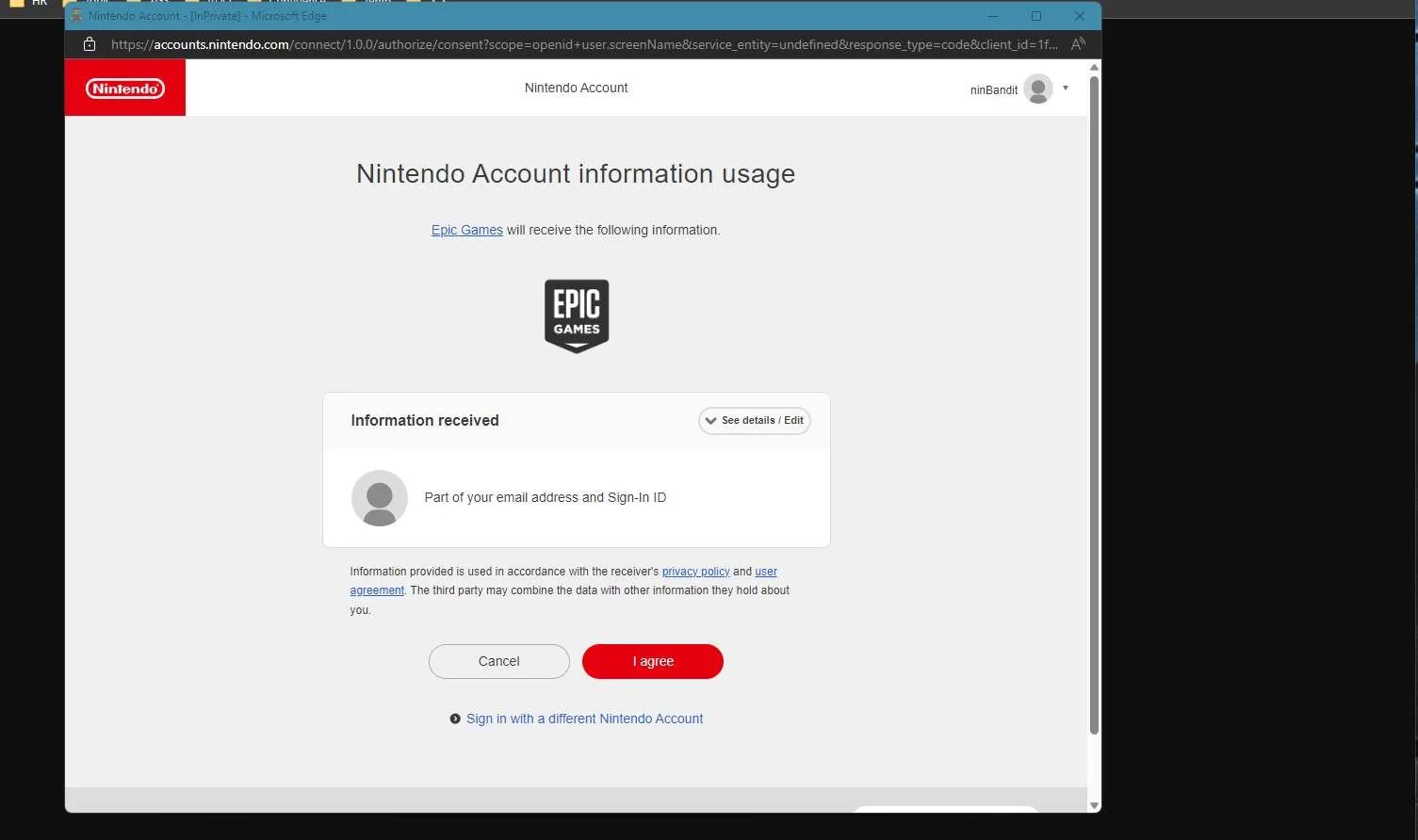
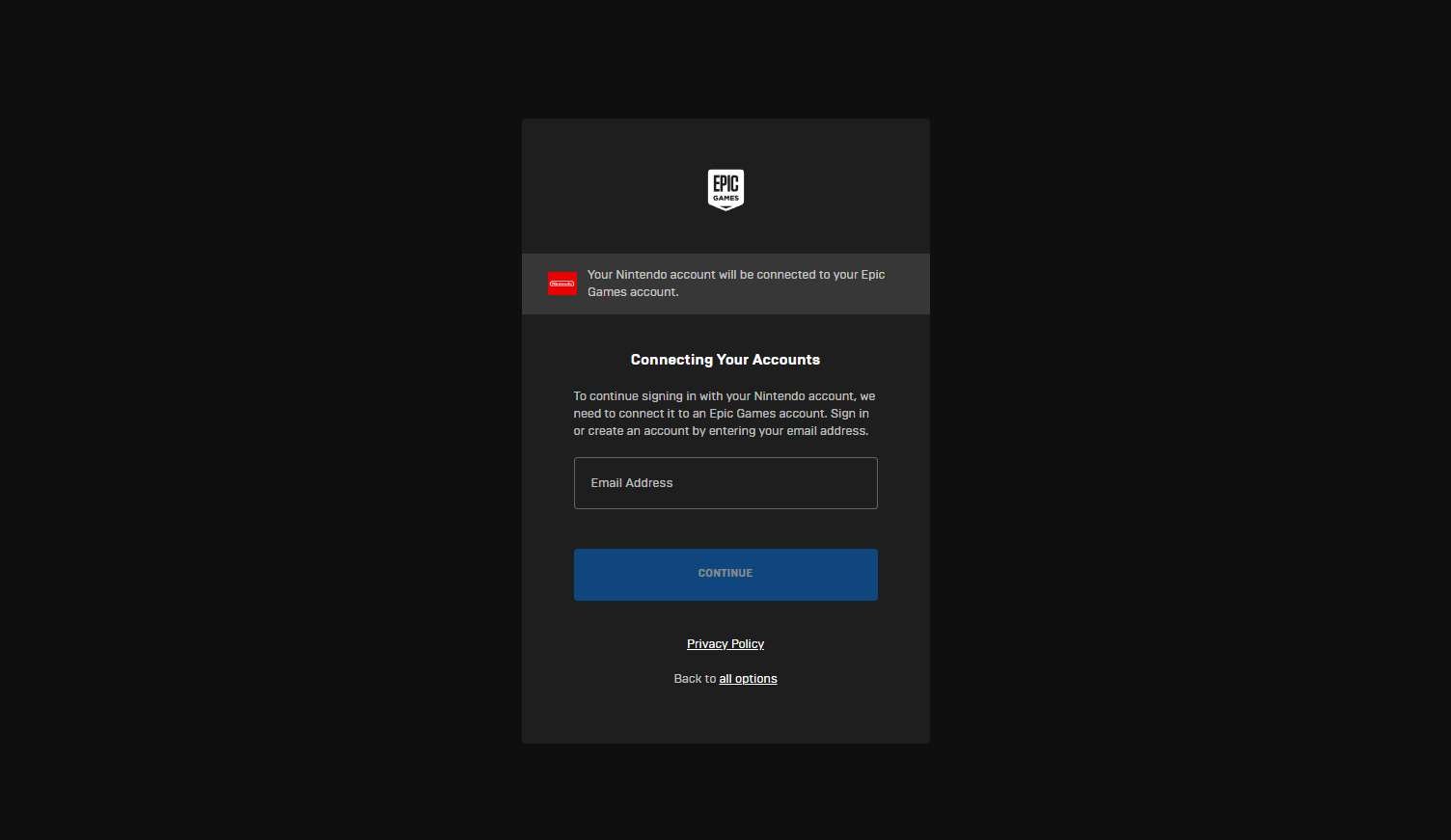
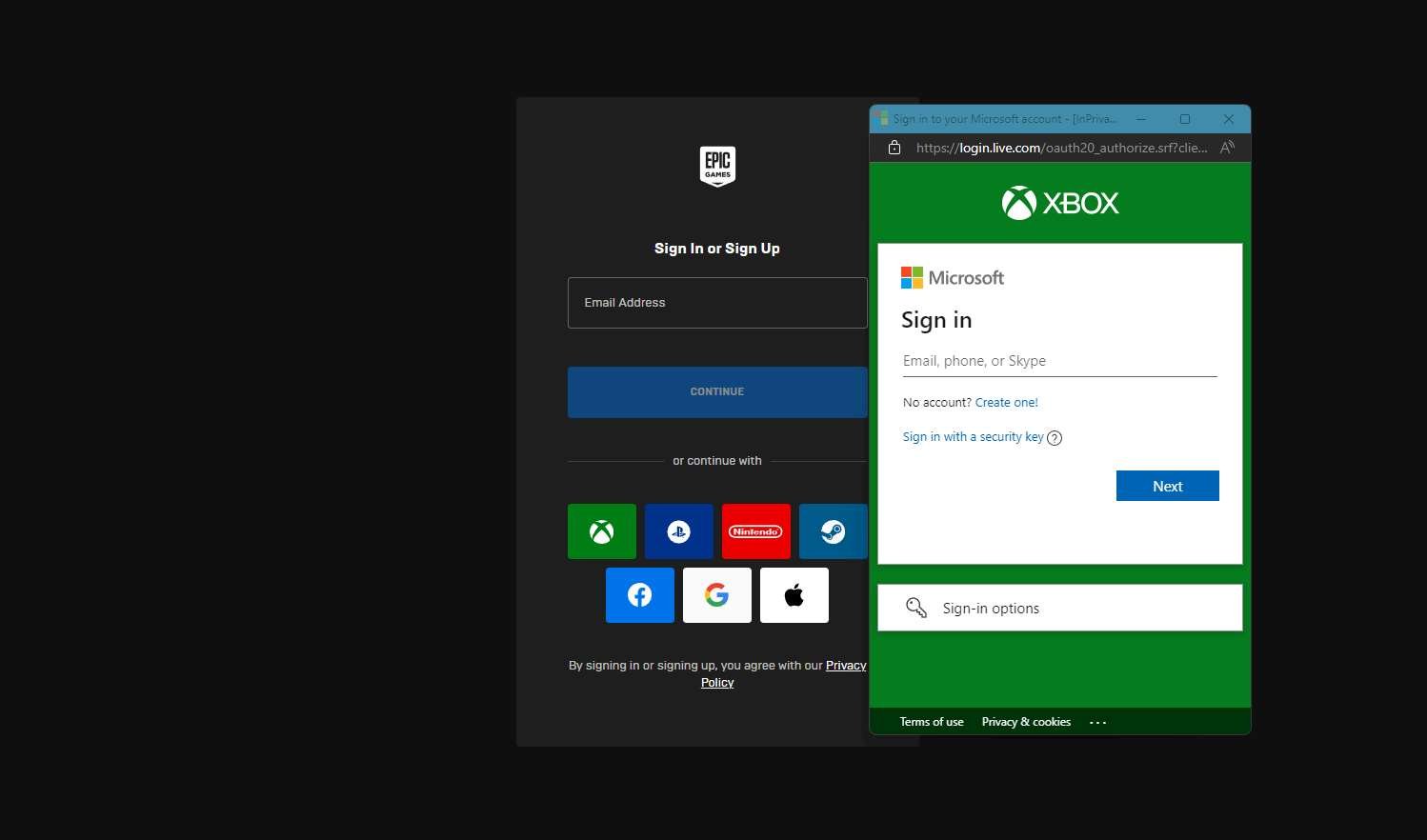
| Signing into Epic Games website with a platform account that is not already linked to Epic GamesSigning in with a Nintendo account into the Epic Games website:
|
Screenshots from 22 Nov 2023 in web browser:
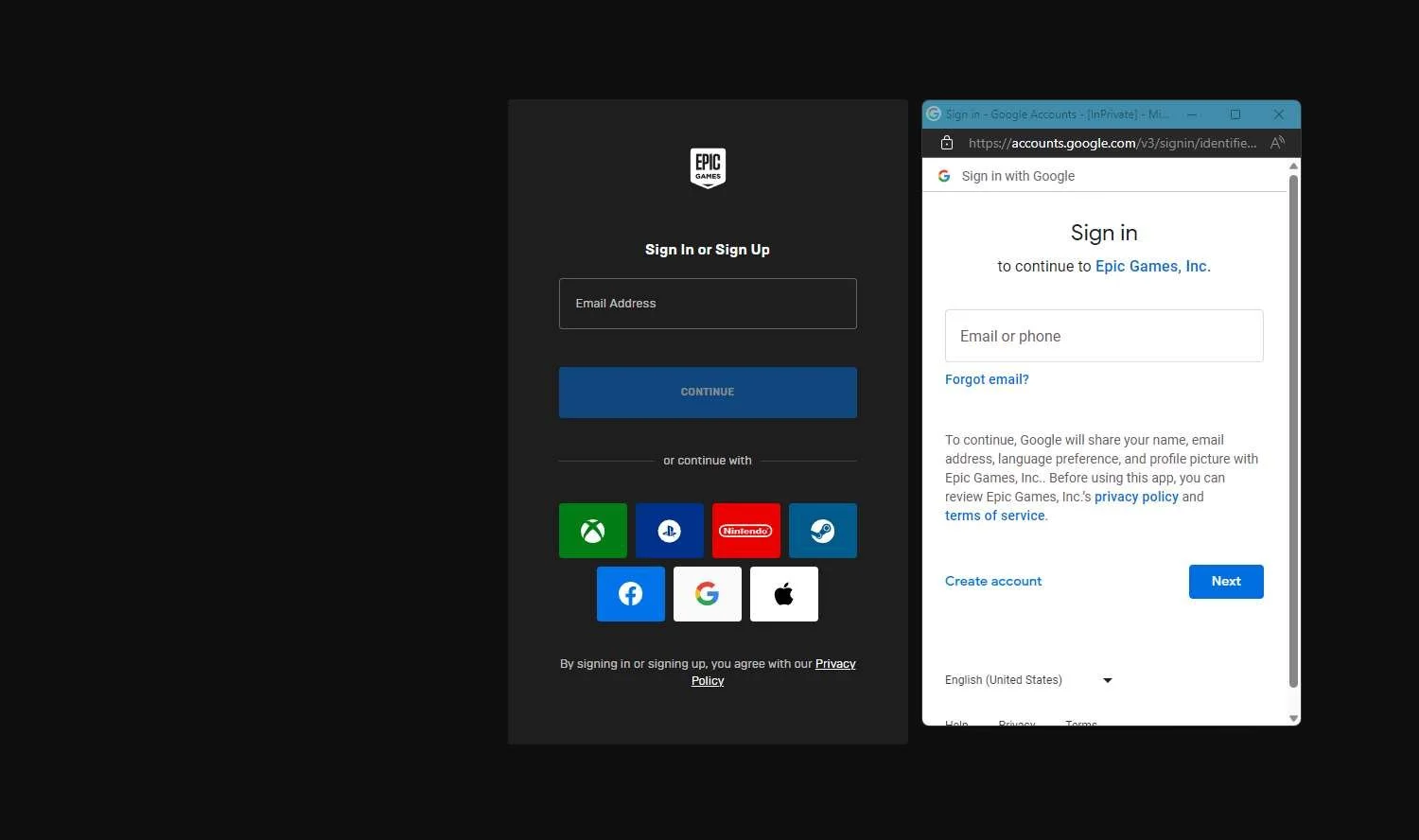
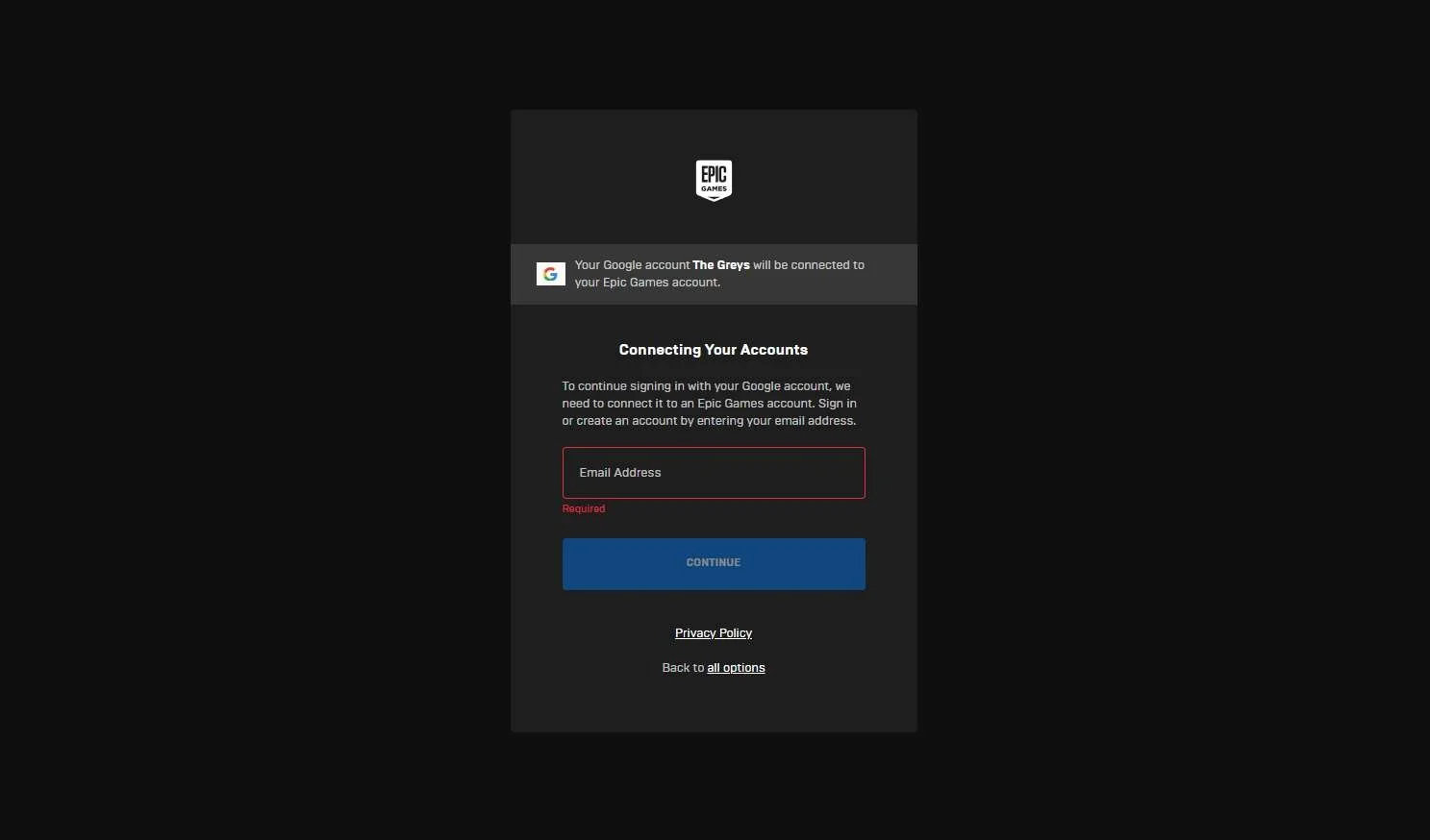
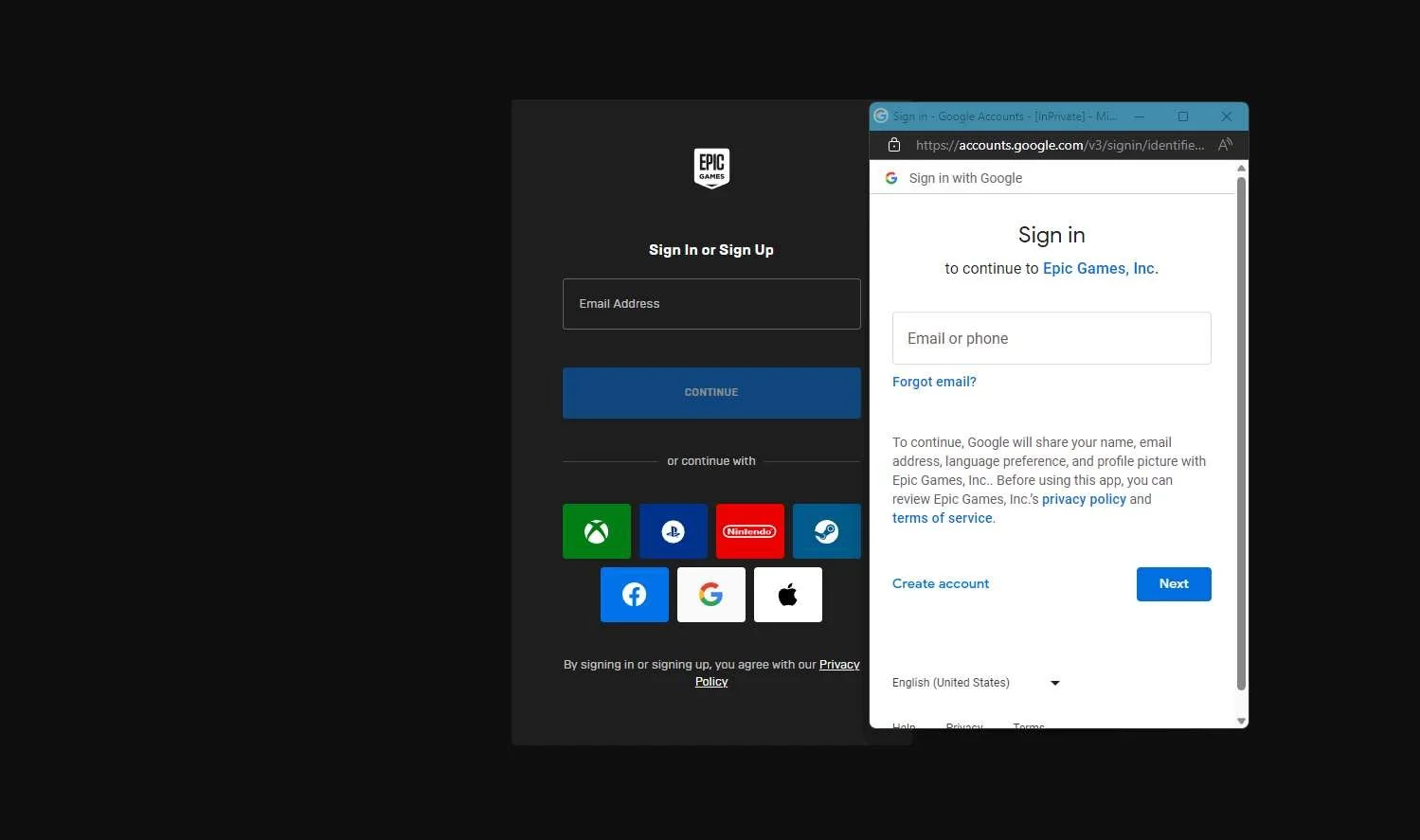
| Signing into Epic Games website with a social account that is not already linked to Epic GamesSigning in with a Gmail account into the Epic Games website:
|
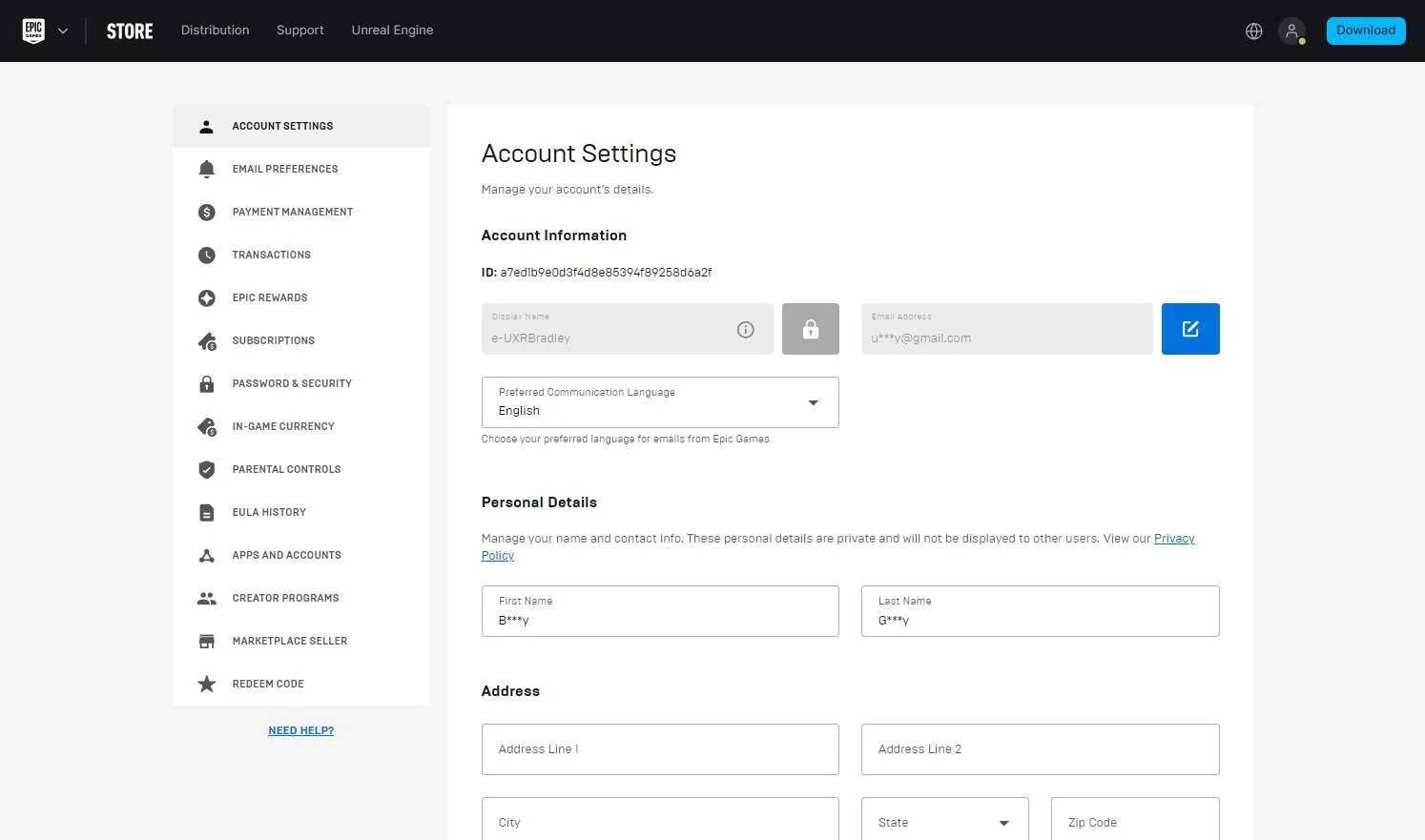
Screenshot from 22 Nov 2023 in the web browser Singing in with XBOX profile on Epic Games website:
Account page:
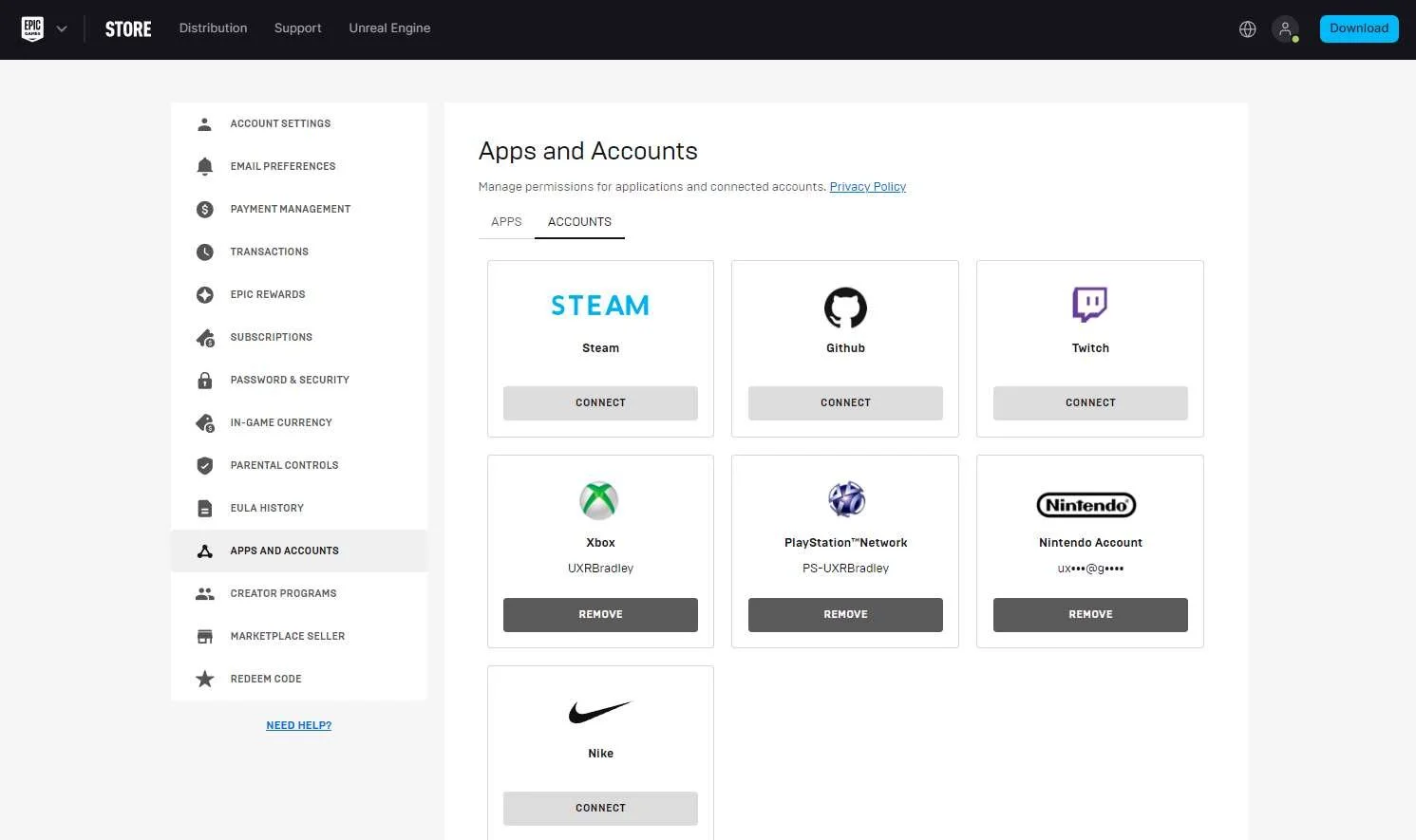
Account → Apps and Accounts:
| If the player logs in to the Epic Games website with an alternate platform account that's already linkedAt this point in the research:
I am using the UXRBradley set of accounts to demonstrate what happens if the player logs into the Epic Games site with a platform account that is already linked to their Epic Games account. I am only capturing the XBOX account flow because I have checked and the Playstation and Nintendo flows are the same. Signing into the Epic Games website with XBOX profile that is already connected to the Epic Games account:
|
Screenshot from 22 Nov 2023 in the web browser:
Account → Apps and Accounts:
| If the player logs in to the Epic Games website with an alternate social account using an email that is already linkedAt this point in the research:
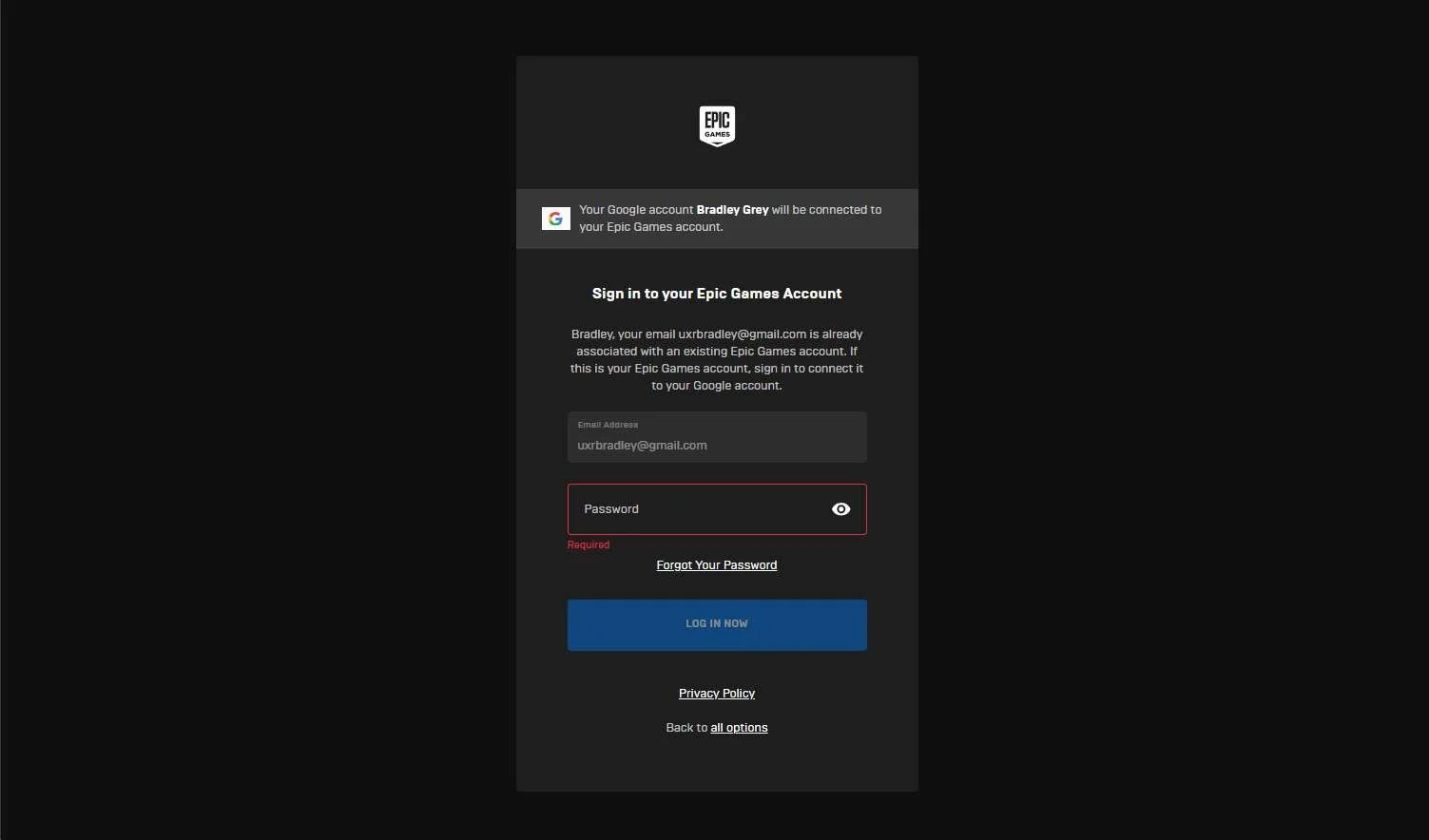
I am using the UXRBradley set of accounts to demonstrate what happens if the player logs into the Epic Games site with a social media account. In this scenario it's the Google account attached to the gmail address that I used to make my Epic Games account. Signing into the Epic Games website with the Google account attached to the email address that I used to make my Epic Games account:
|

Diablo IV
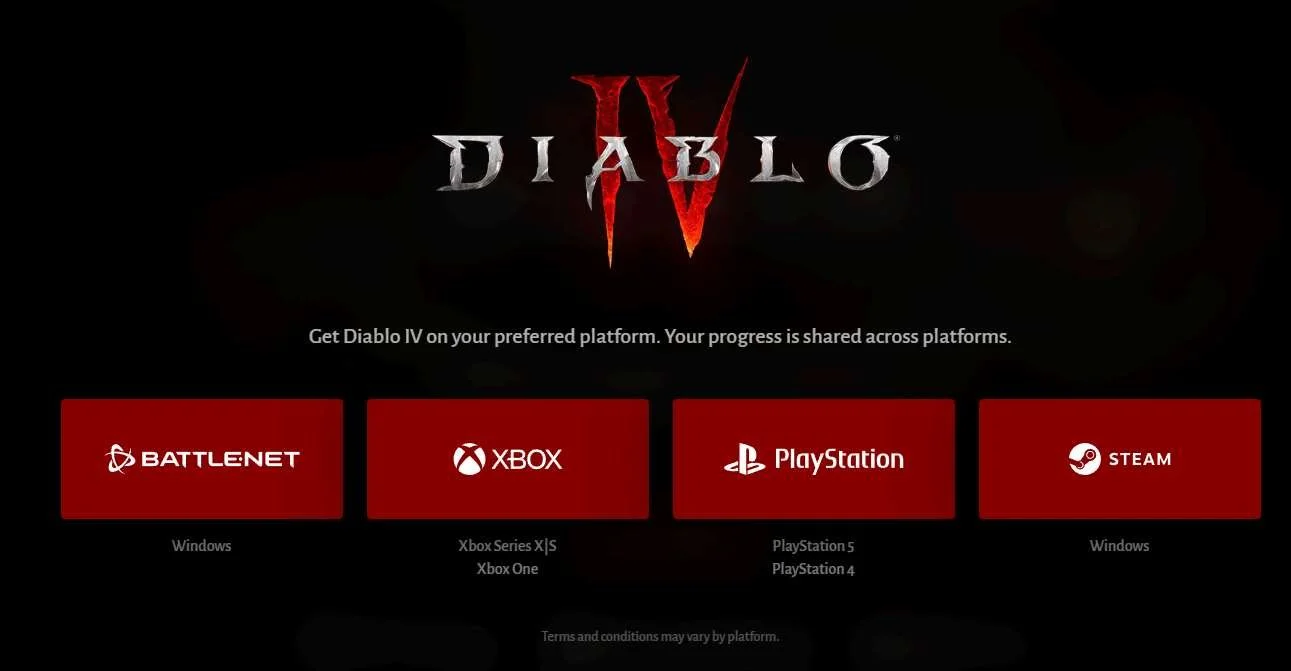
Screenshot from 17 Nov 2023 from: Diablo IV (blizzard.com)
As of 17 Nov 2023 Diablo IV is available on the following platforms purchased individually (prices shown are the standard game and are rounded up to the nearest whole dollar):
- PC STEAM: Diablo® IV on Steam (steampowered.com) (~$70) | NOT INCLUDED IN RESEARCH
- INCLUDED IN RESEARCH (WINDOWS) | PC BATTLE.NET: https://www.battle.net/shop/checkout/buy/1068098 (~$70)
- INCLUDED IN RESEARCH (PS5) | Playstation 4 & 5: Diablo® IV - Standard Edition (playstation.com) (~$70)
- INCLUDED IN RESEARCH (Series S) | XBOX (One & Series X|S) : Diablo® IV | Xbox (~$70)
NOTE Does not include the costs associated with subscriptions needed to partake in multiplayer features. (Example: Playstation Plus needed for some cross-play features)
Highlights
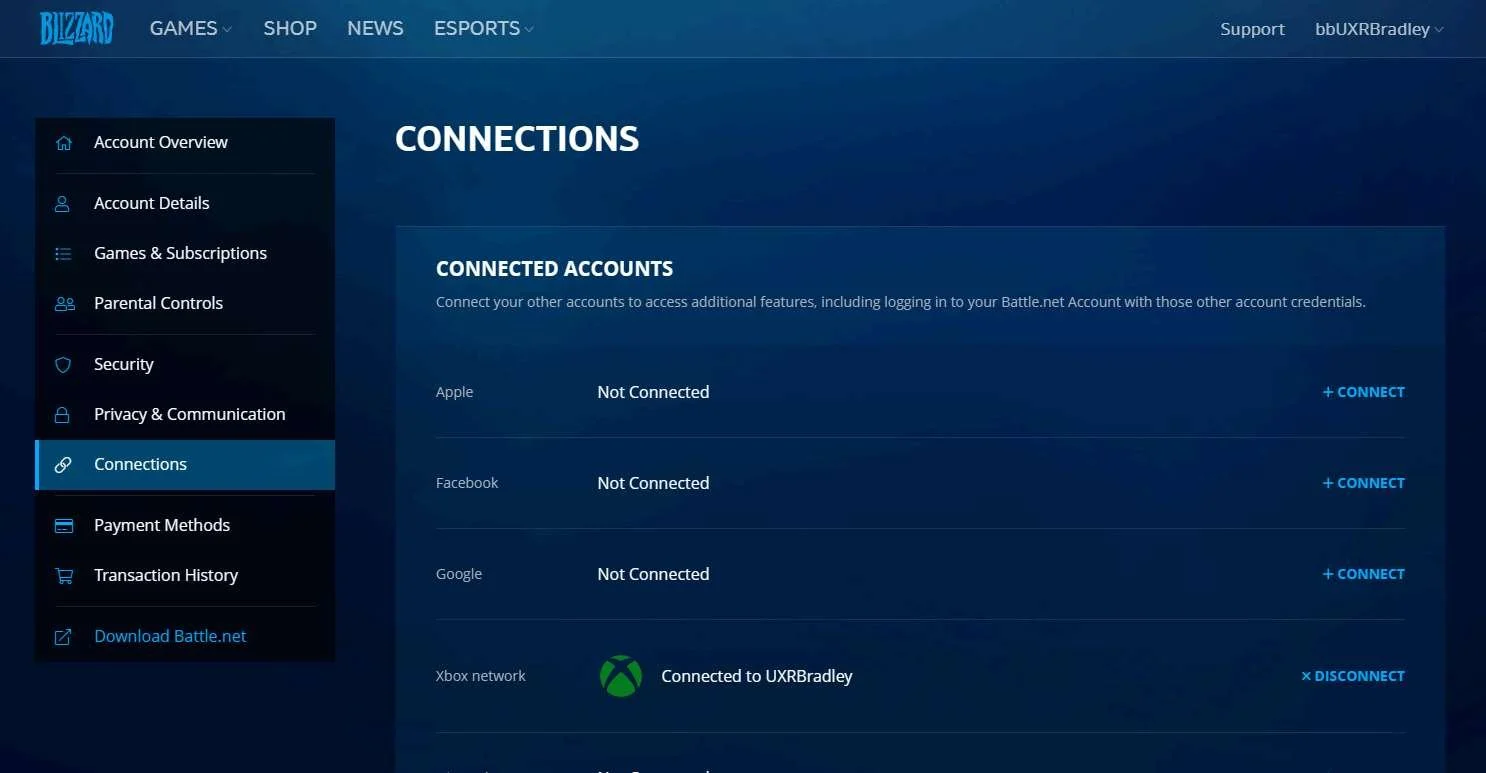
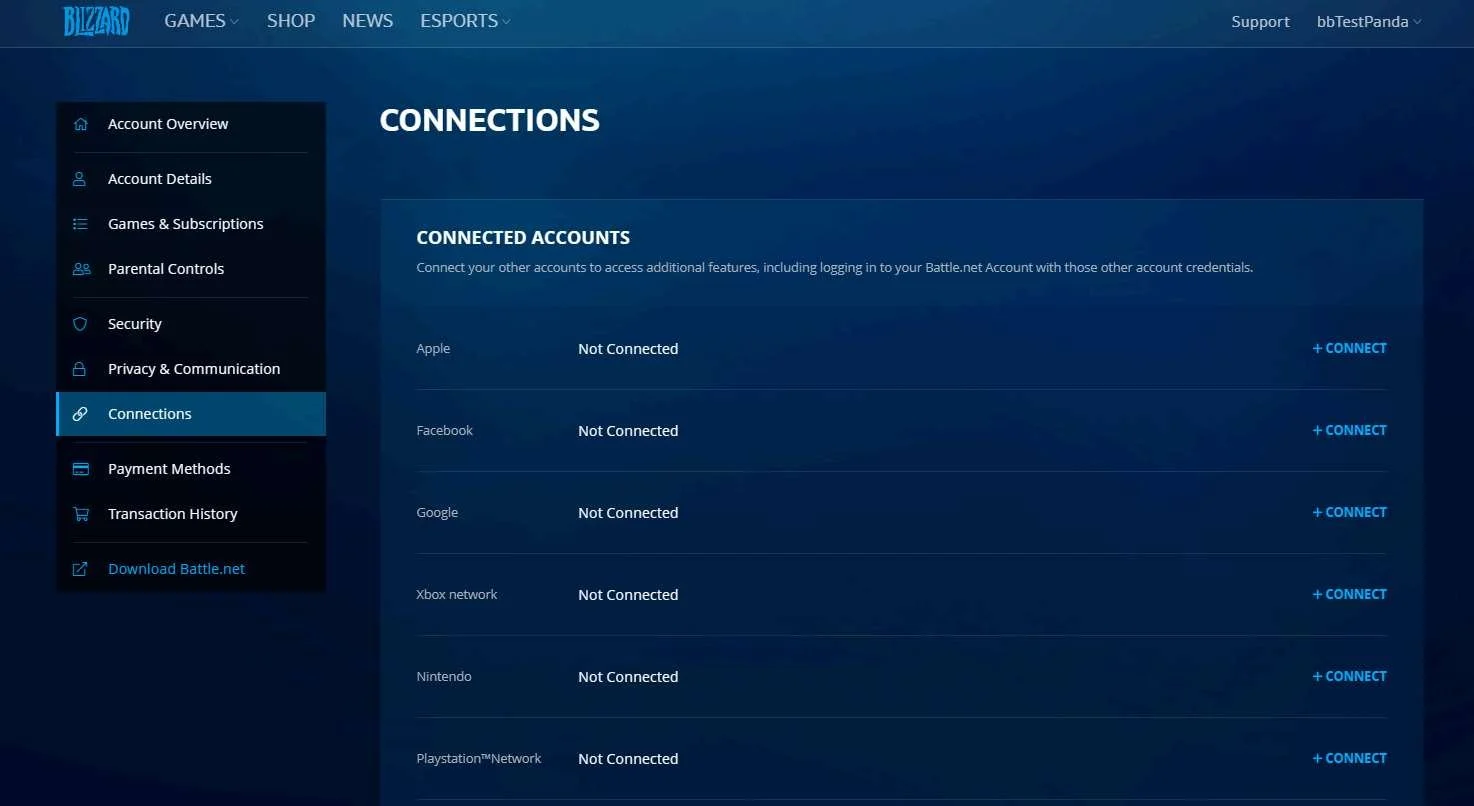
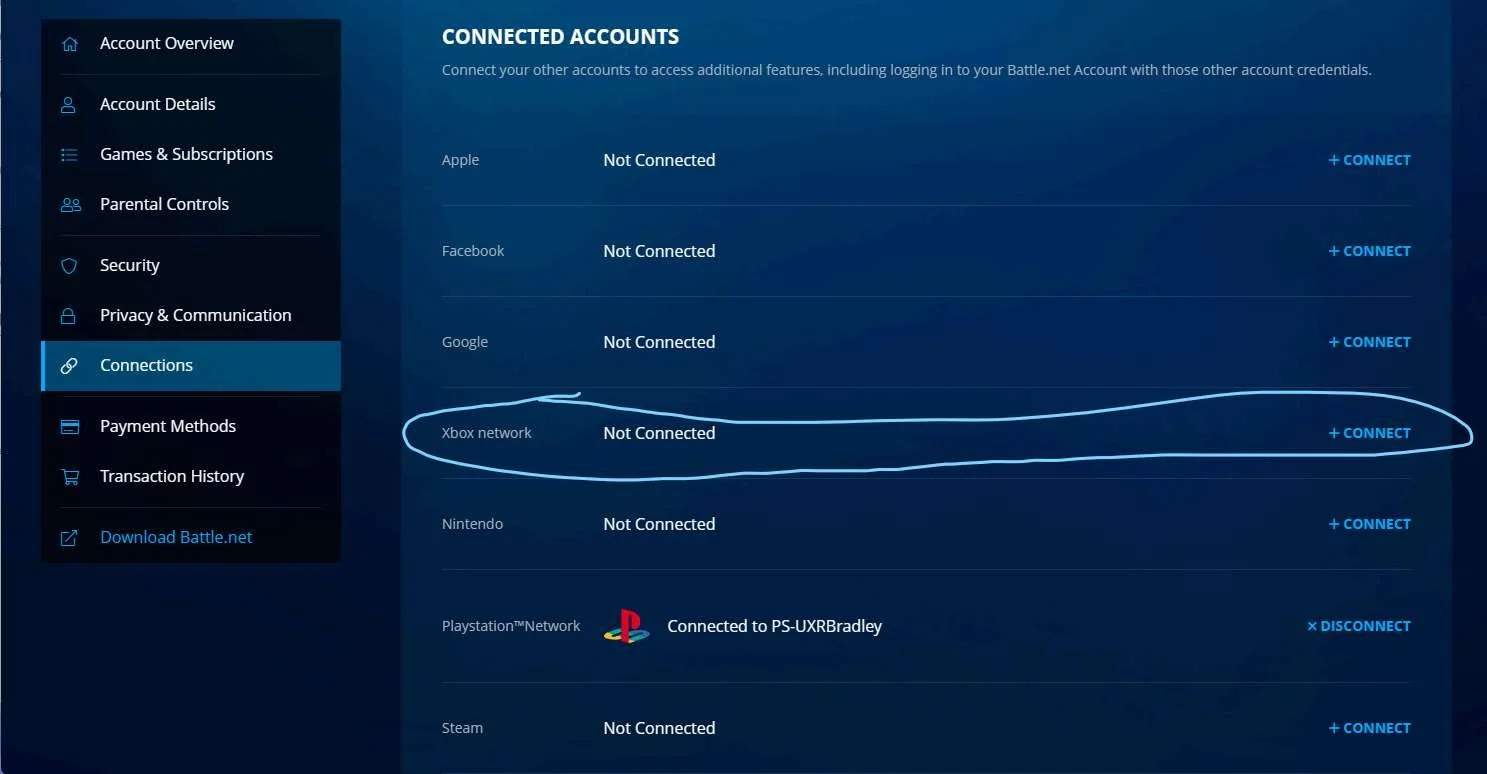
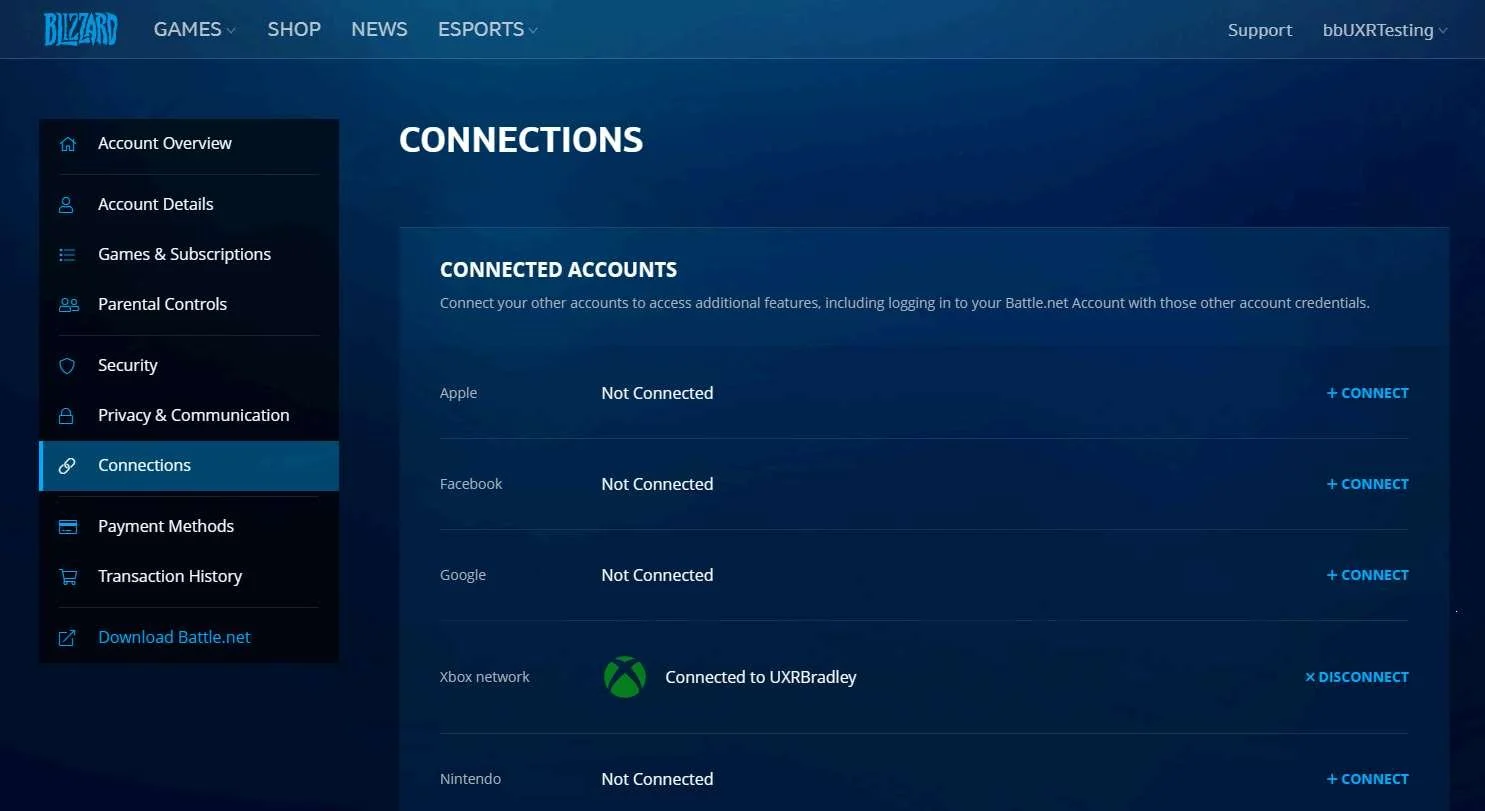
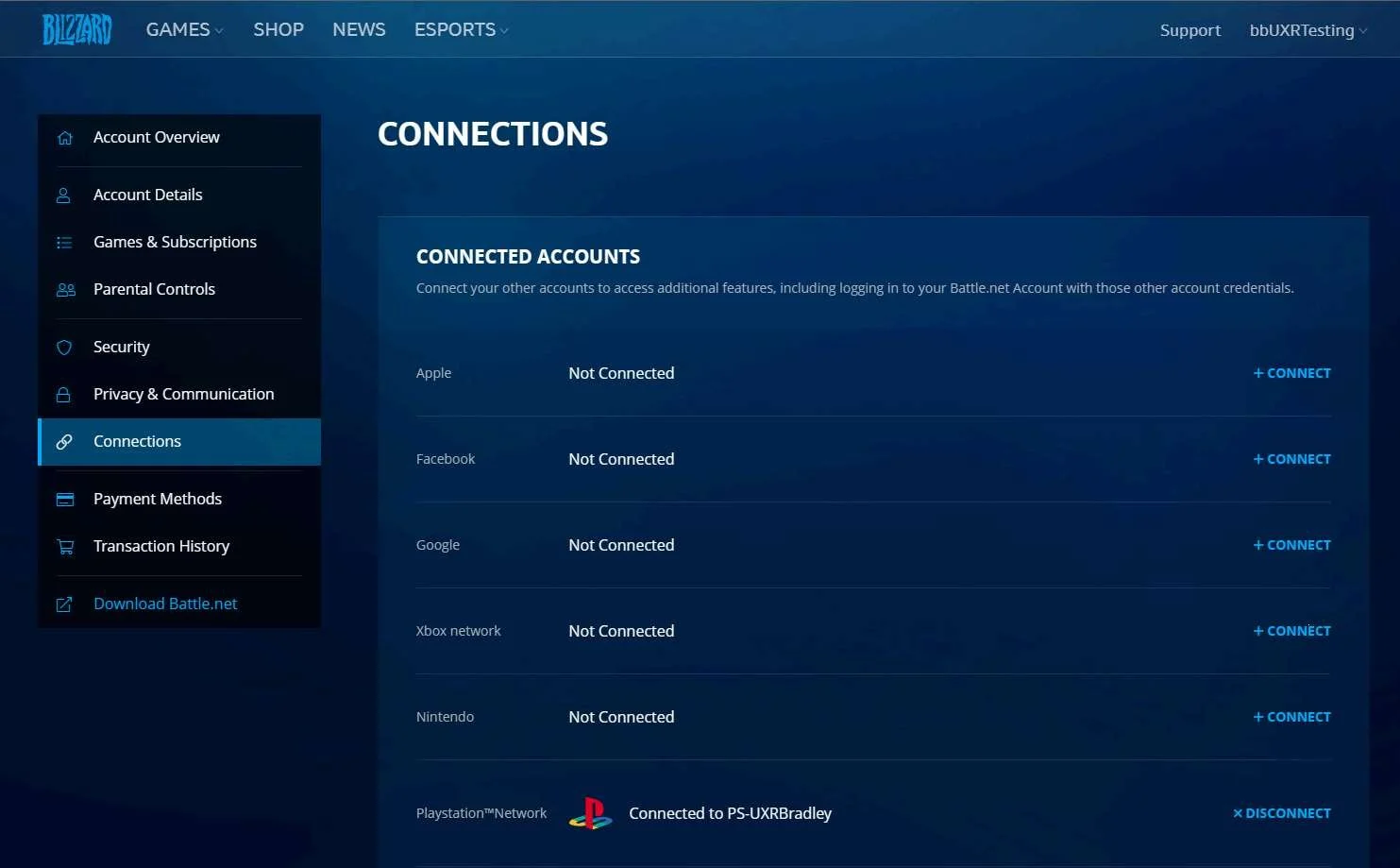
- There's one place to go to see all of the linked accounts (Battle.Net)
- The account linking step / message is very obvious
- The account linking steps clearly display which accounts are being linked
Lowlights
- The player can not skip account linking, it is not an optional step
- If the player doesn't have a character created already it's not obvious that the accounts linked at all
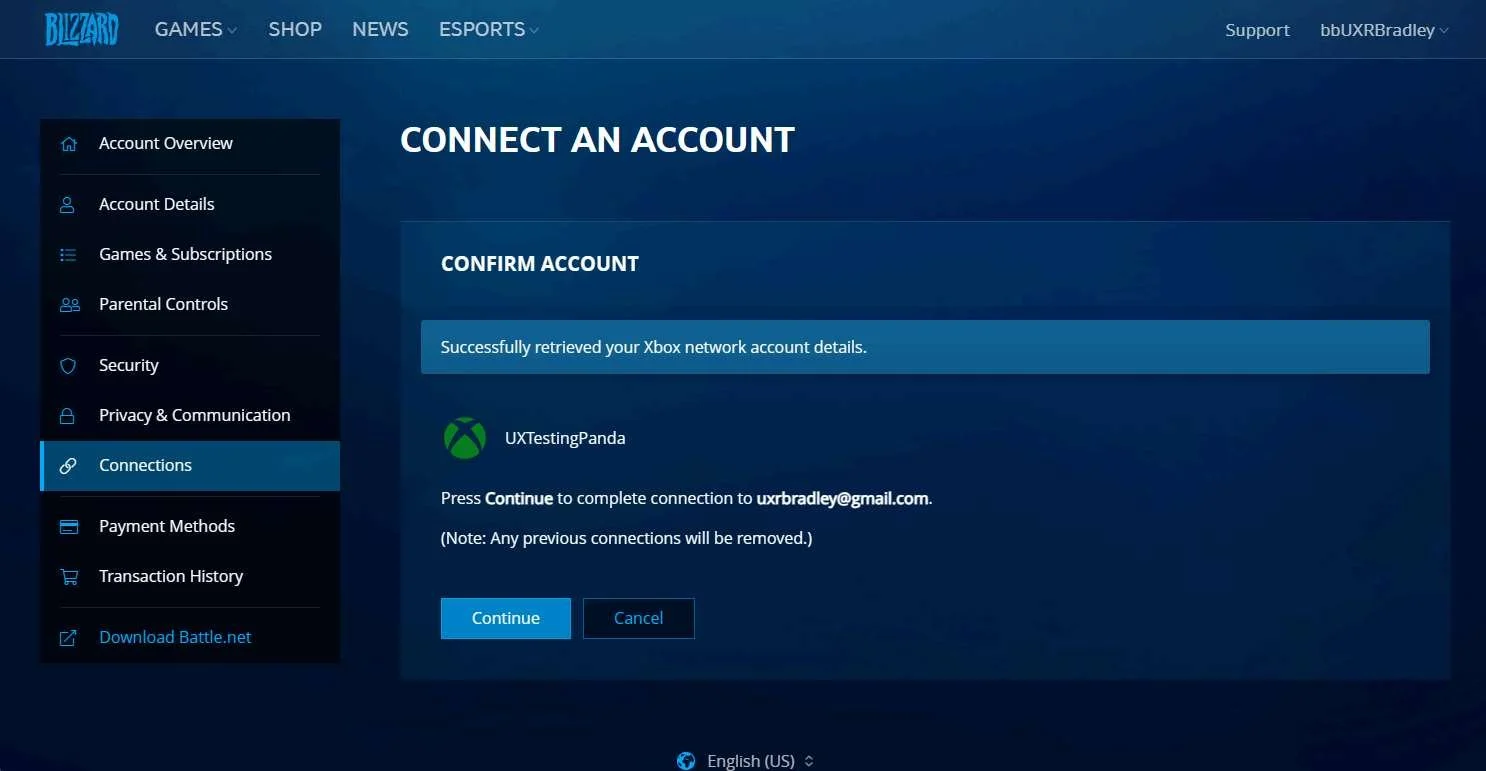
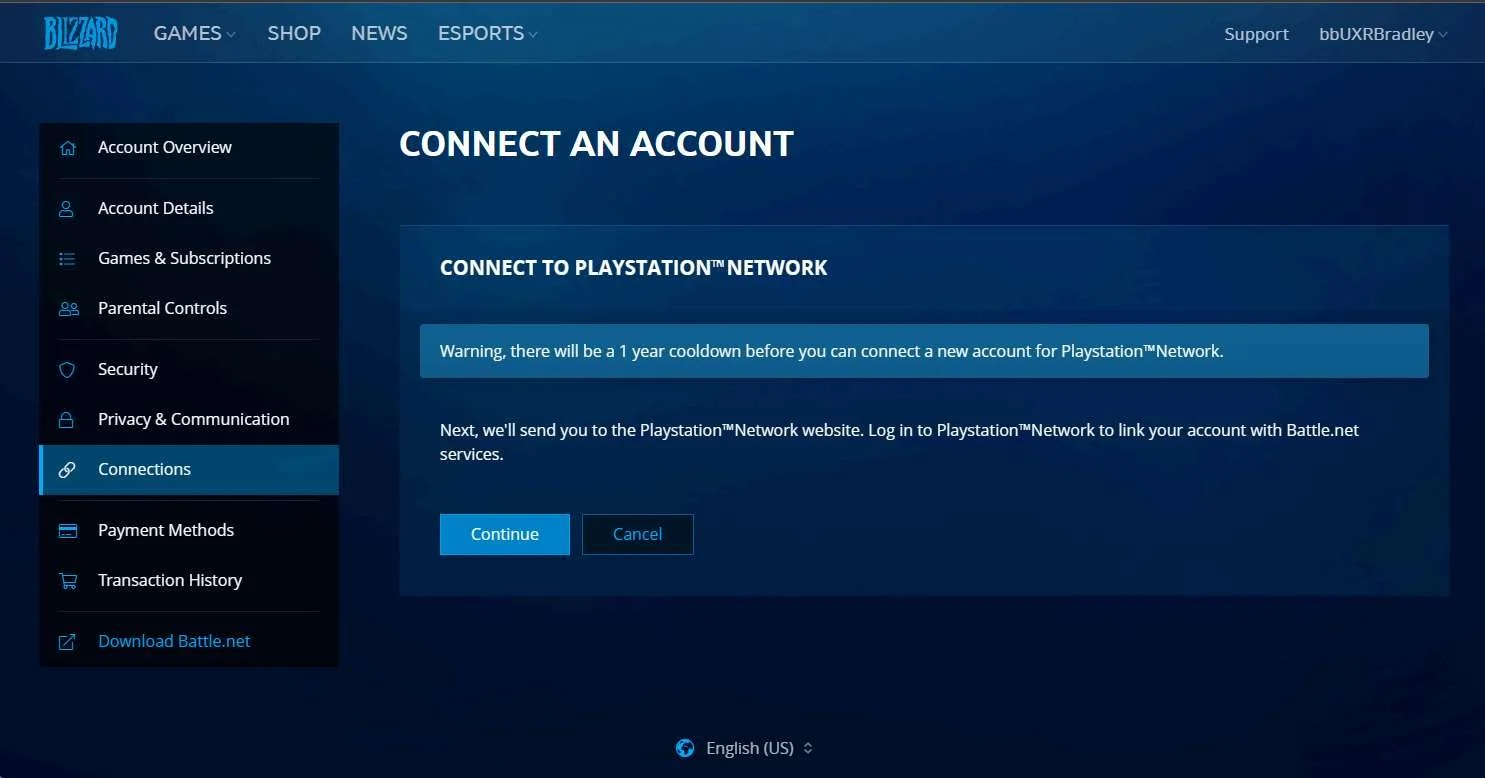
- The player can not change which platform account they have linked to their Battle.Net account through the Battle.Net website for a year
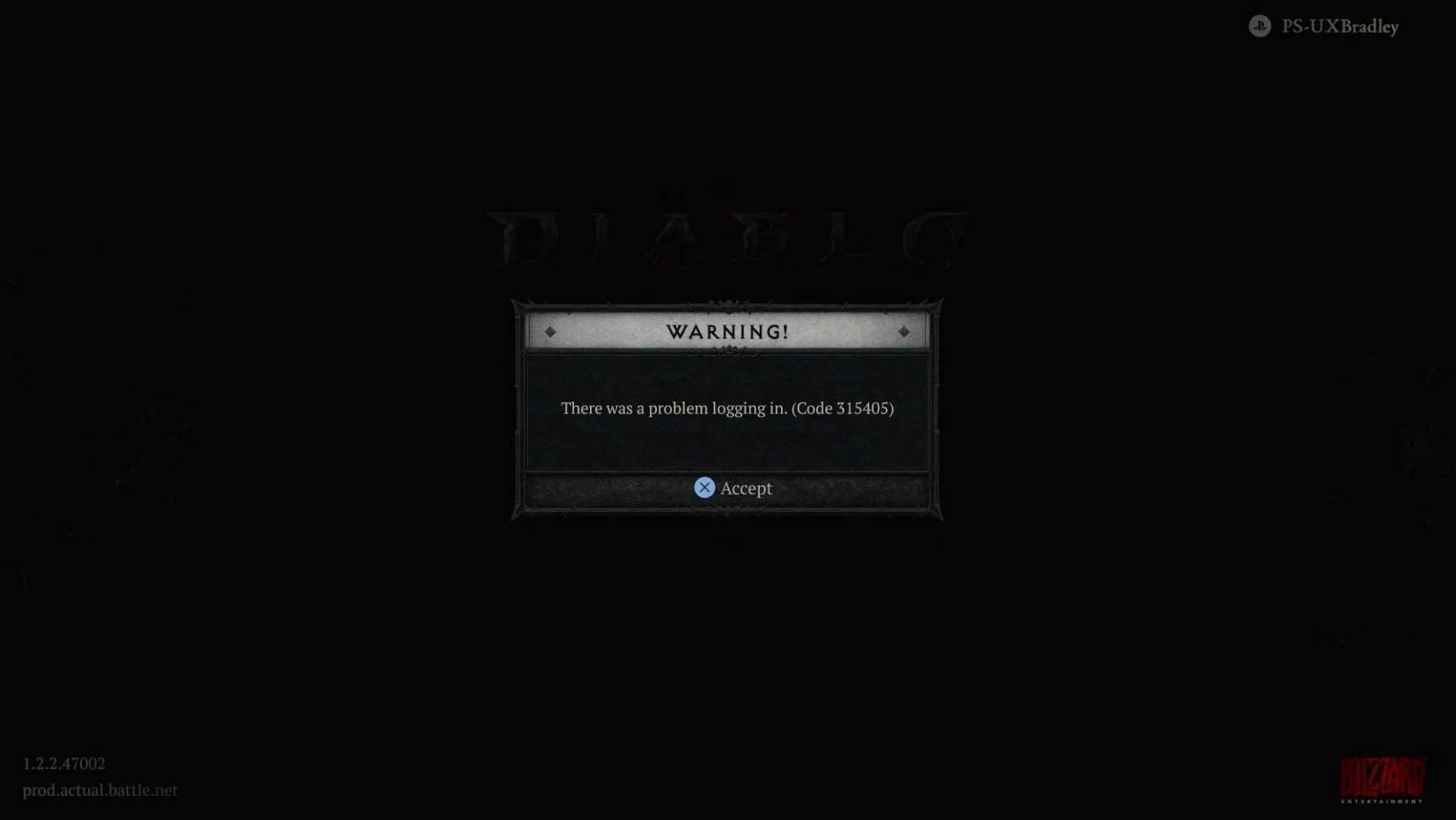
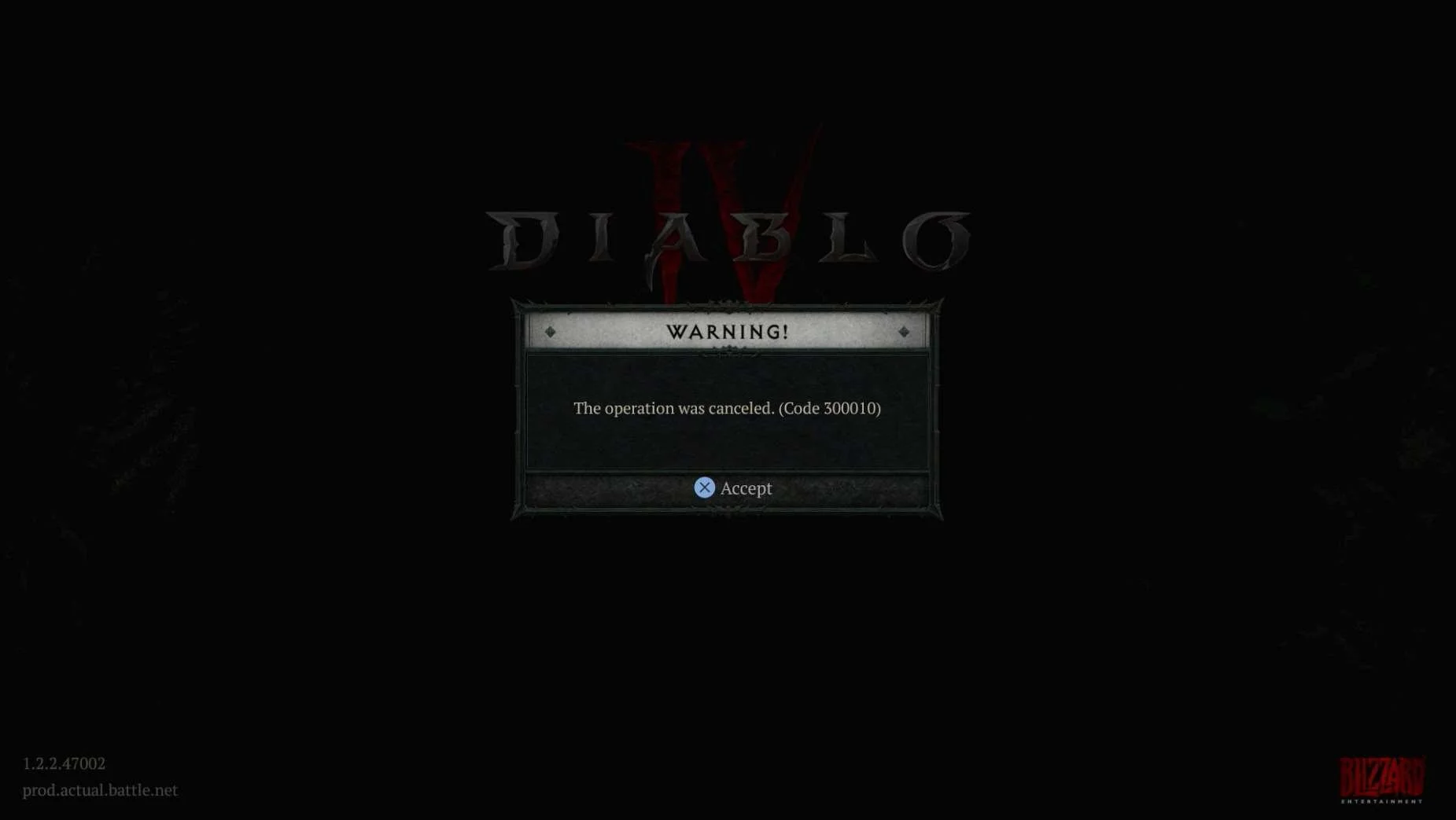
- Some of the error messages are vague and do not clearly explain that there WAS an error, what the error was or how the player can fix it – if it can even be fixed
XBOX
Media | Notes |
|---|---|
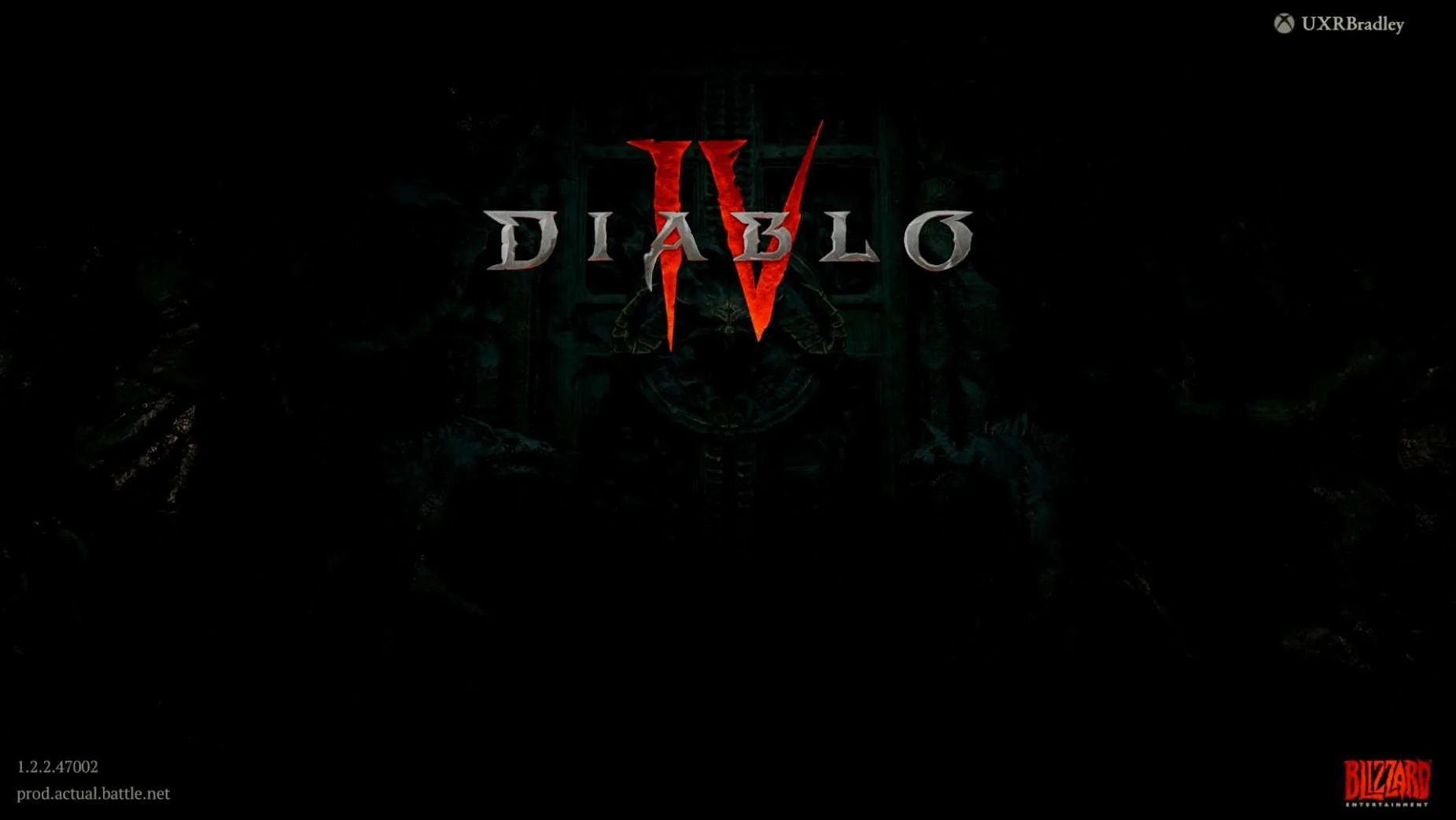
Screenshot from 22 Nov 2023 on XBOX Series S:
In a web browser:
Returning to the XBOX:
Settings → Connect:
| XBOX Series S as the 1st platformAt this point in the research:
Diablo IV on the XBOX Series S:
NOTE Once linked there is no way for the player to unlink accounts from within the game. |
Screenshots from 23 Nov 2023 on XBOX:
I pressed "B" on the controller here to try and go back to Diablo IV and accidentally landed on this page:
| Use controller instead
|
Screenshots from 23 Nov 2023 on XBOX:
| No option to skip linking accounts
IMPORTANT Linking accounts is not optional and the player will not be able to proceed into the game if they do not complete the account linking step. |
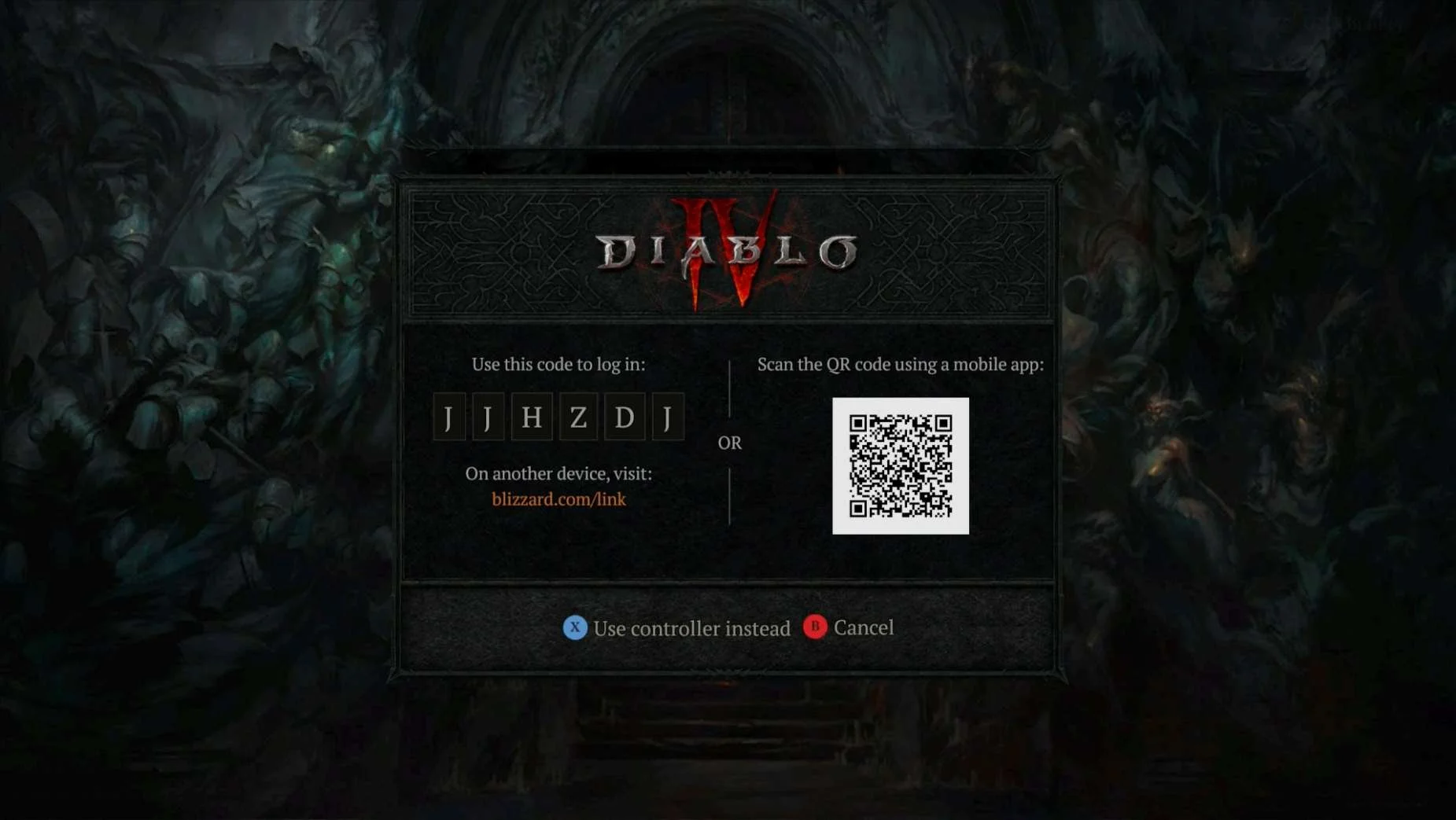
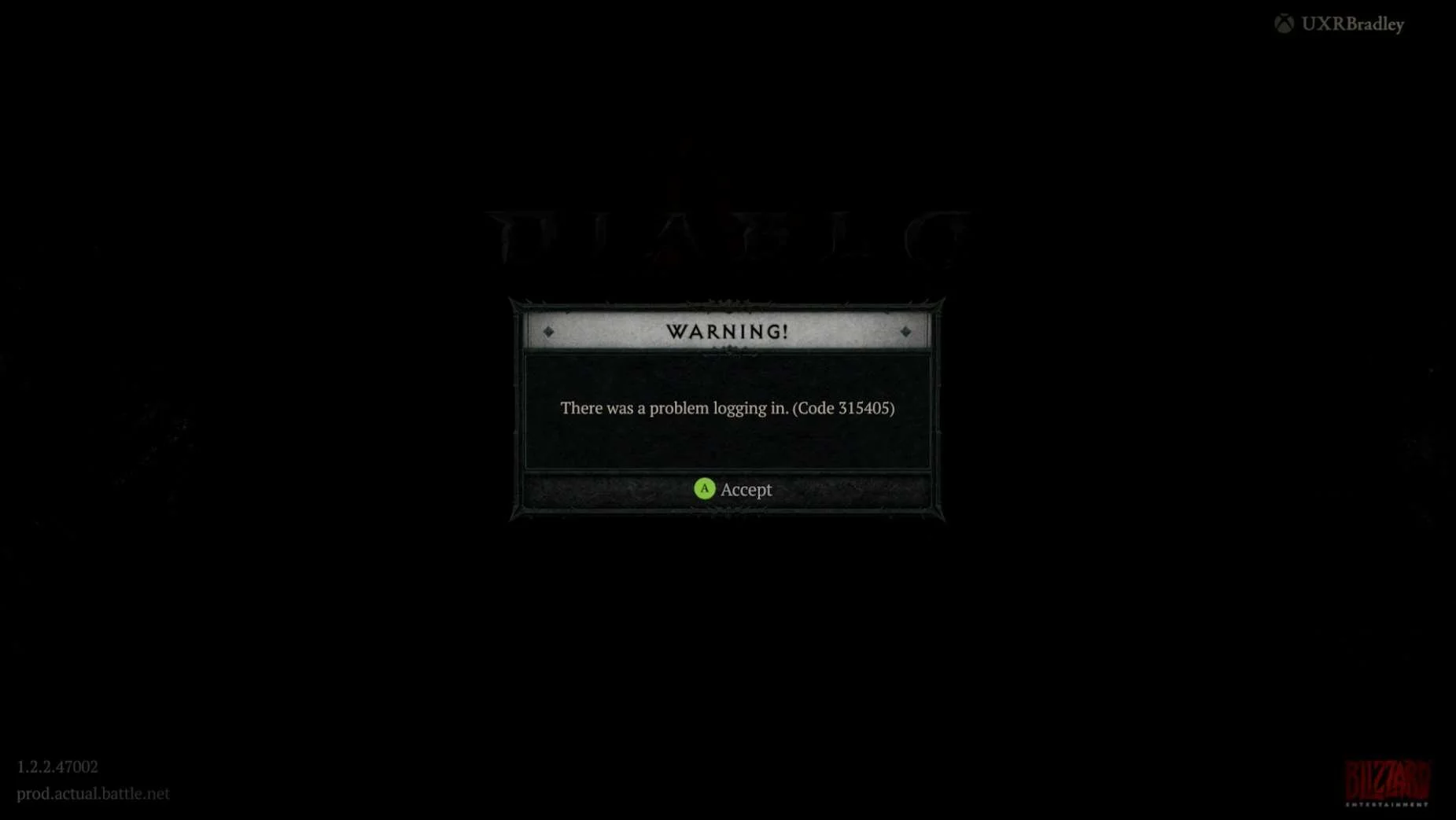
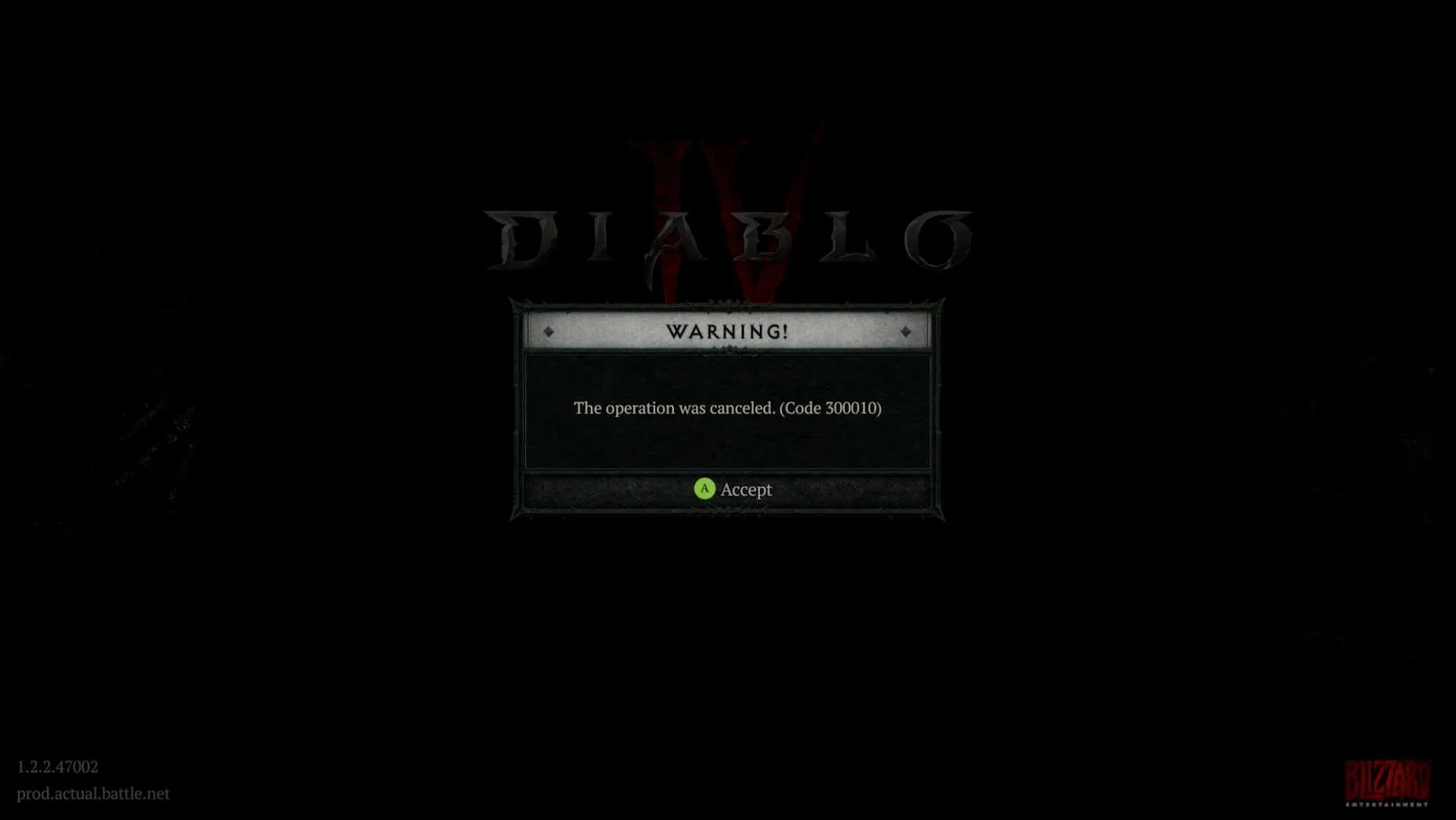
PC (WINDOWS)
Media | Notes |
|---|---|
Screenshot from 22 Nov 2023 on PC (WINDOWS) Battle.Net:
| PC (WINDOWS) Battle.Net as the 2nd platformAt this point in the research:
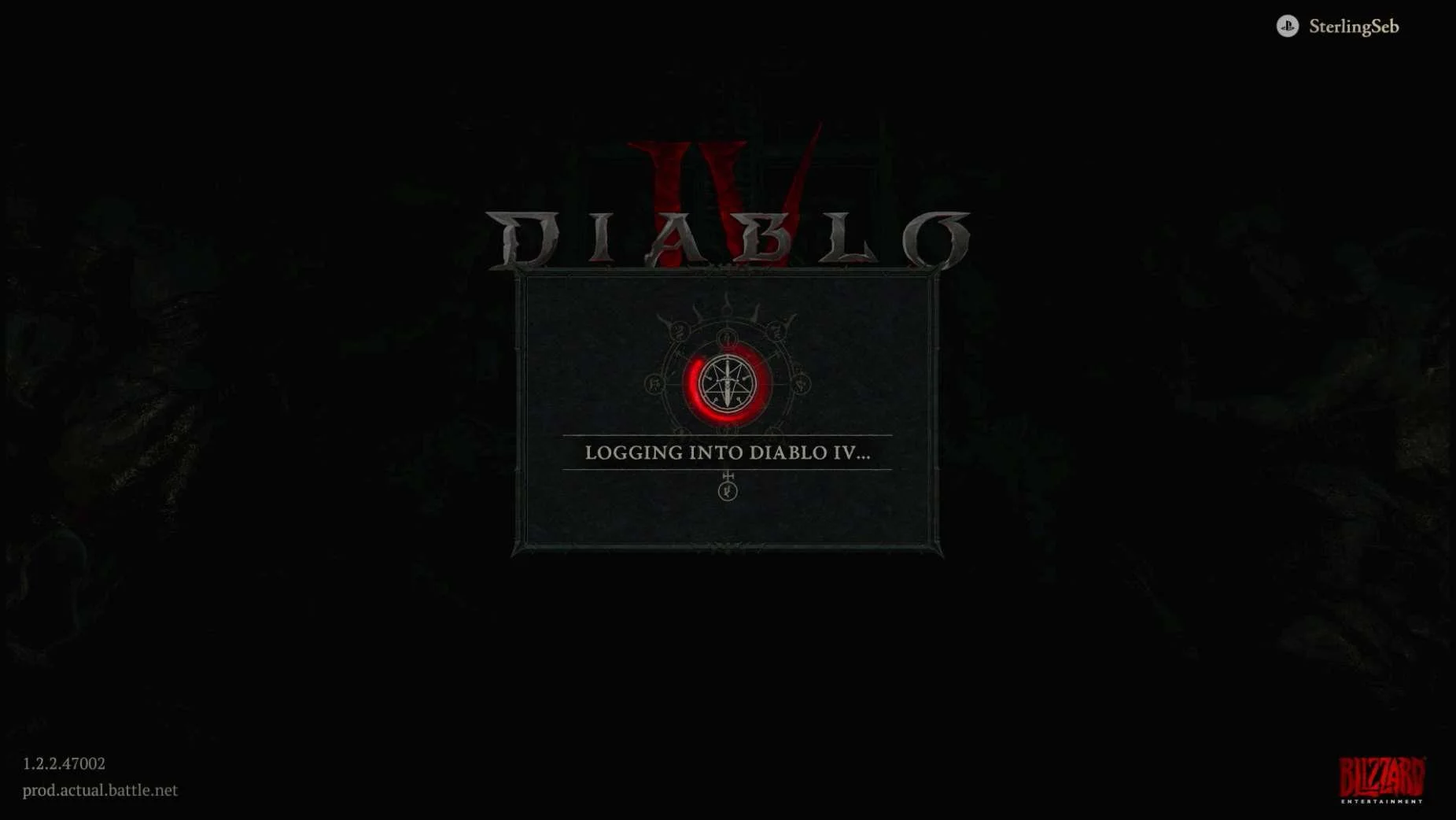
Diablo IV on PC (WINDOWS) through Battle.Net:
NOTE There is no way for the player to unlink accounts from within the game. There is also no way to see that the accounts are linked outside of seeing shared content (in this case, the character pulled over from XBOX) Assumption: There is probably also no way to initiate account linking from within the PC (WINDOWS) Battle.Net version of Diablo IV since this uses the Battle.Net account. |
PLAYSTATION 5
Media | Notes |
|---|---|
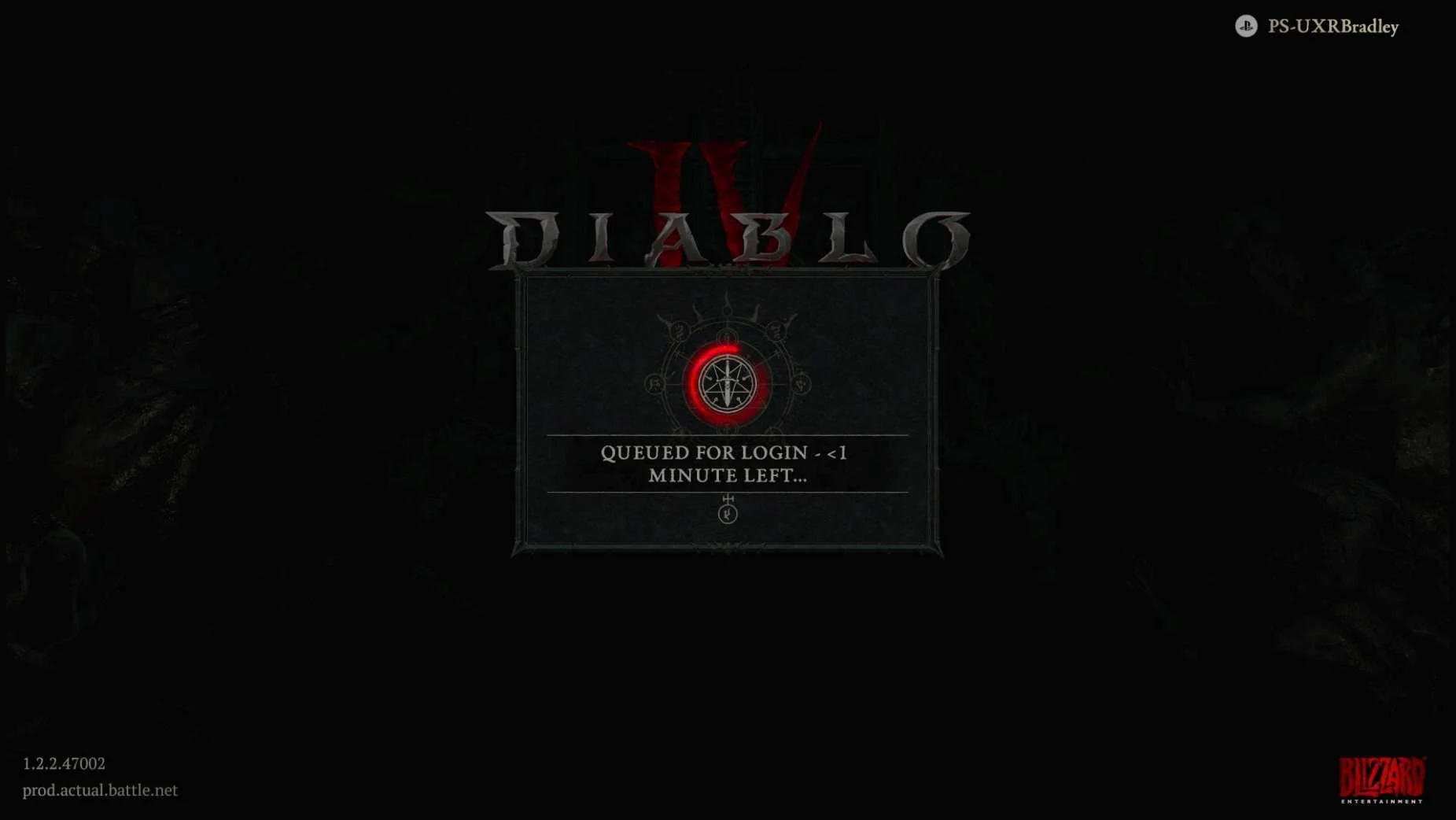
Screenshots from 23 Nov 2023 on Playstation 5:
In the web browser:
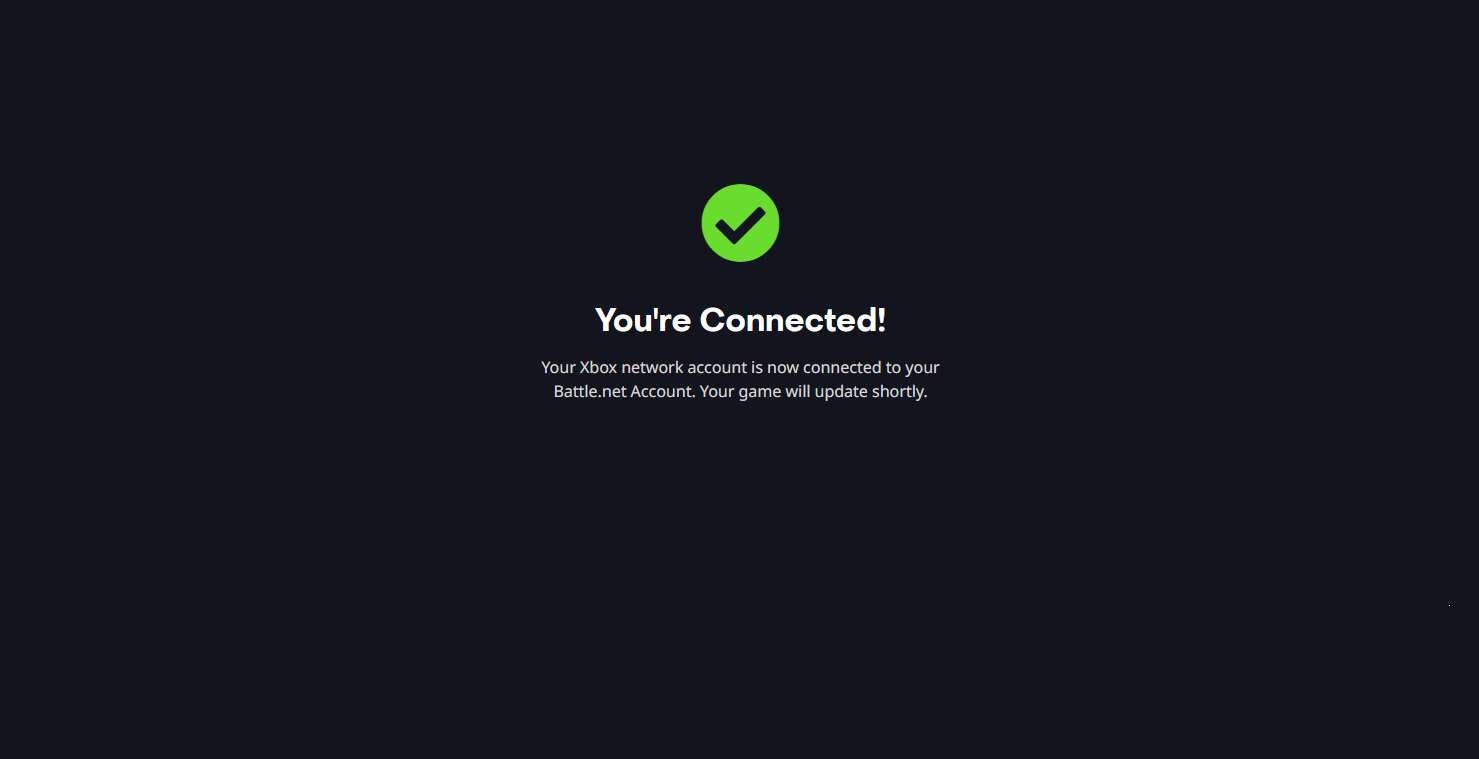
Returning to Playstation:
| Playstation 5 as the 3rd platform.At this point in the research:
Diablo IV on Playstation 5:
|
Screenshots from 23 Nov 2023 on Playstation 5:
| Use Wireless Controller Instead
|
Screenshots from 23 Nov 2023 on Playstation 5:
| No option to skip linking accounts
IMPORTANT Linking accounts is not optional and the player will not be able to proceed into the game if they do not complete the account linking step. |
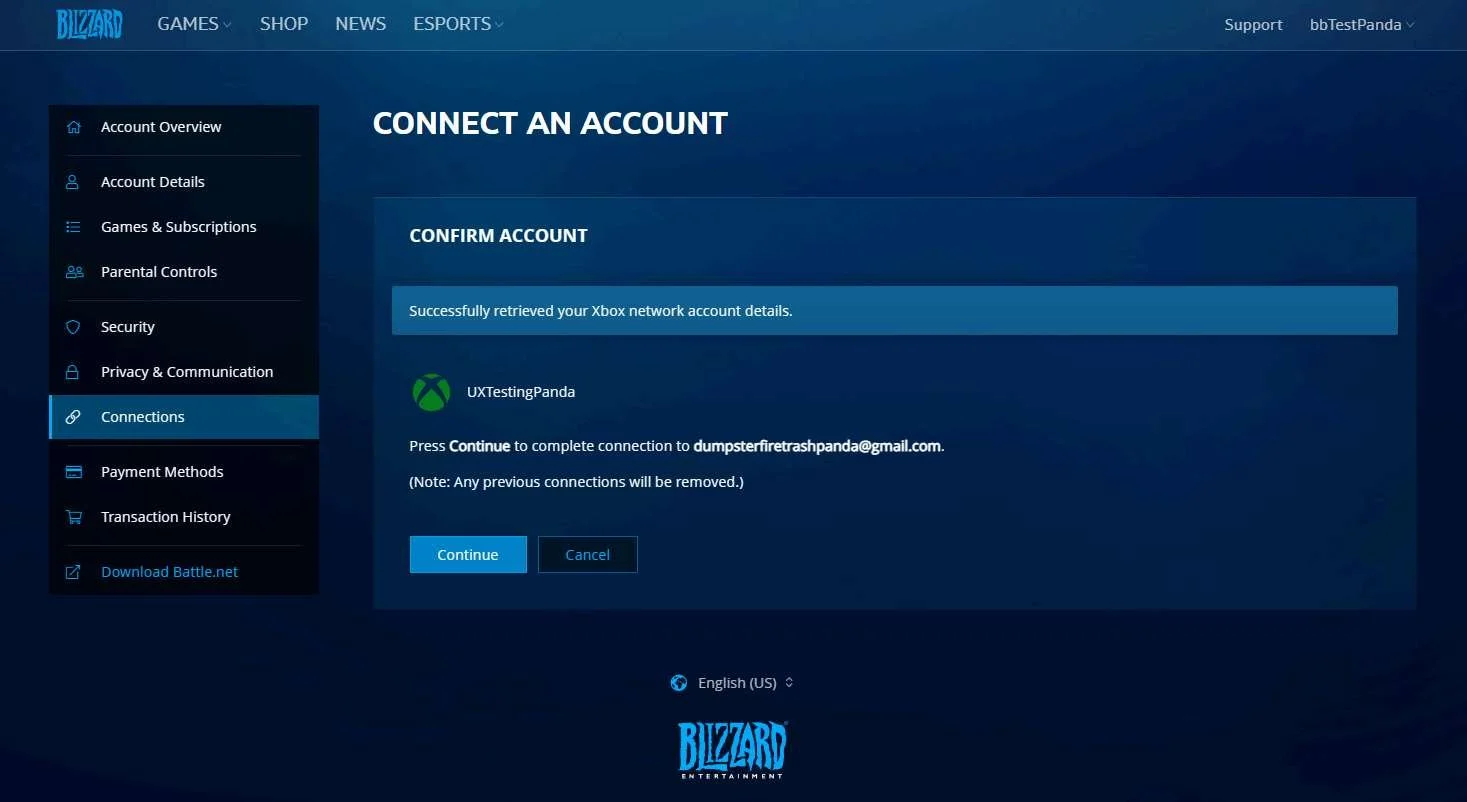
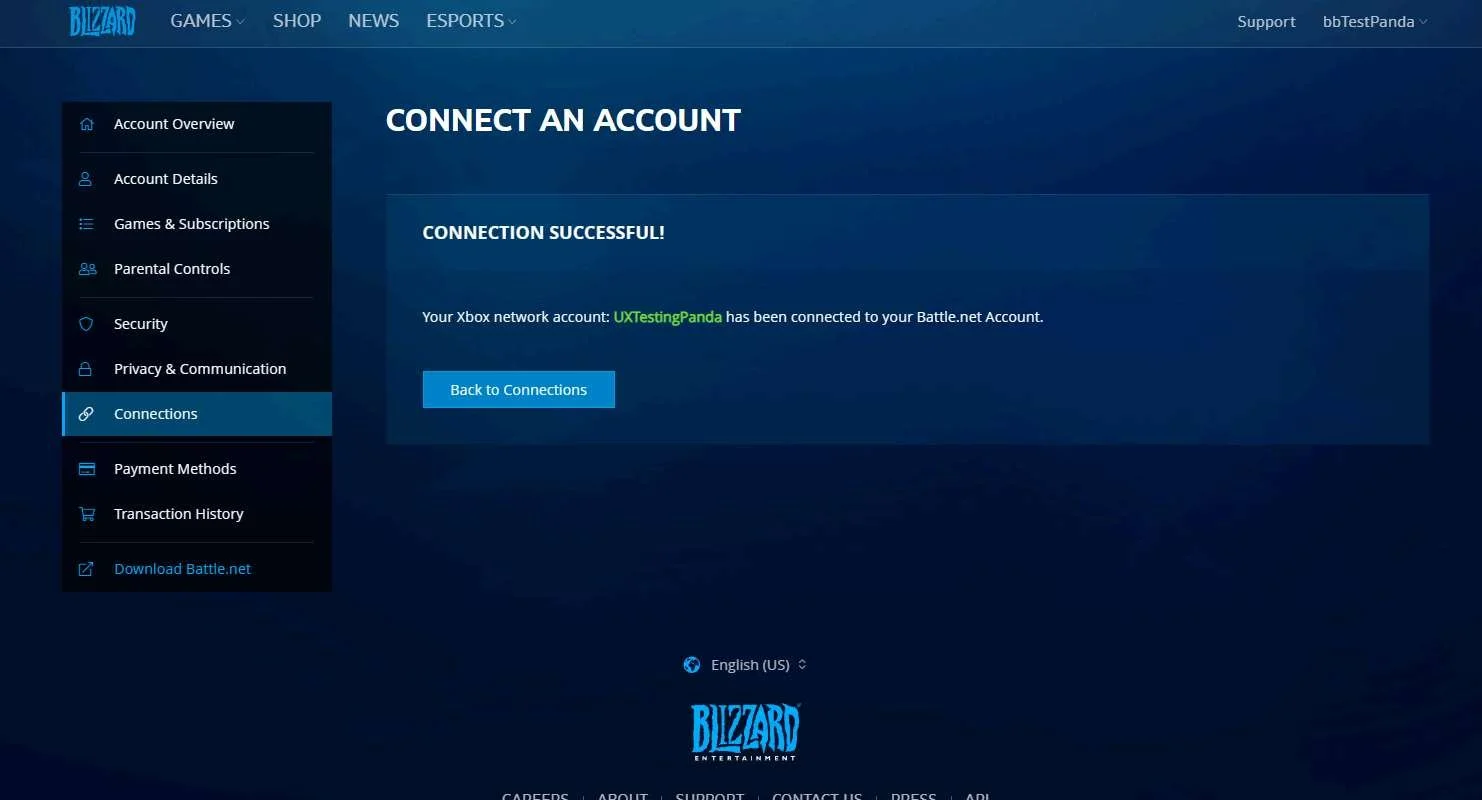
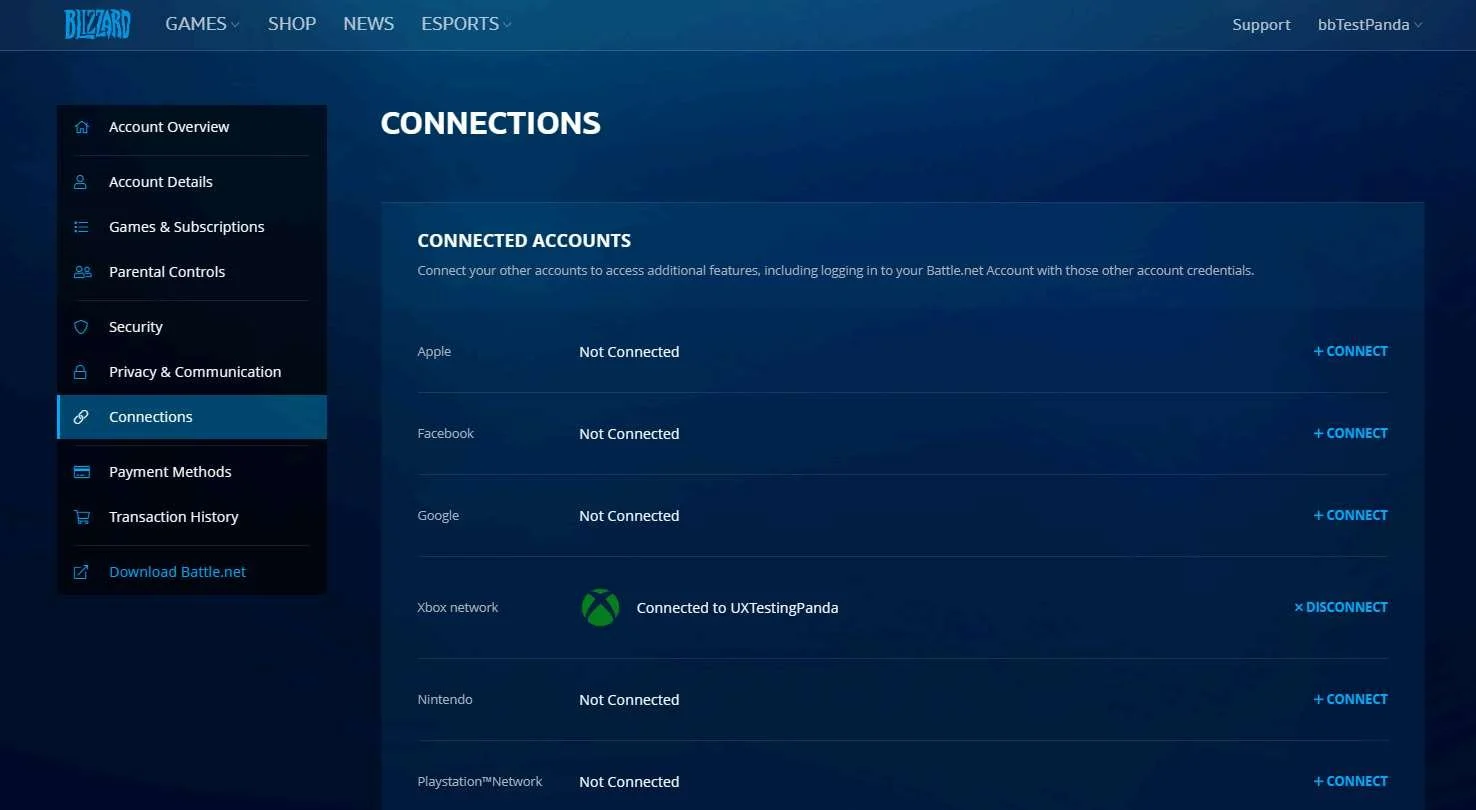
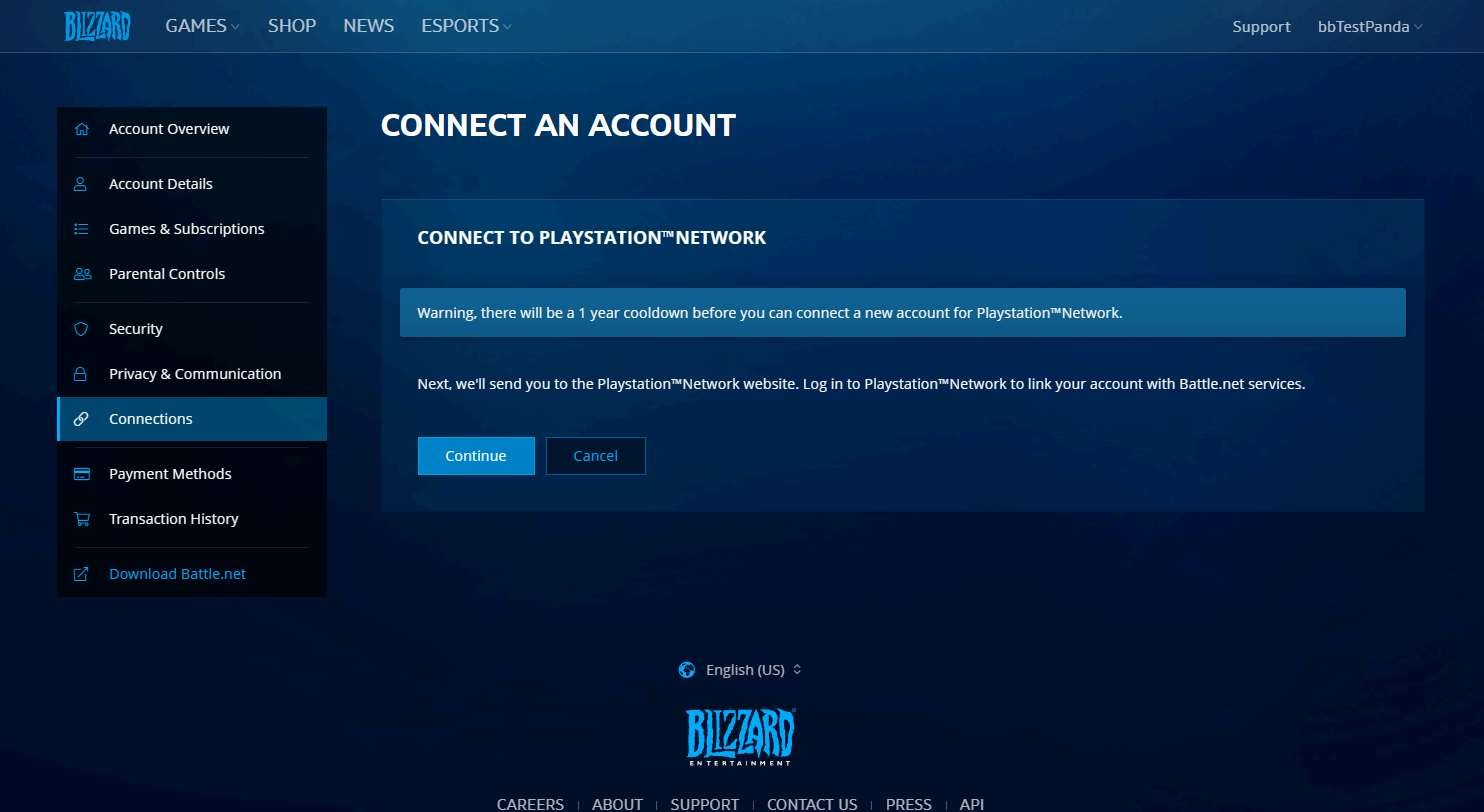
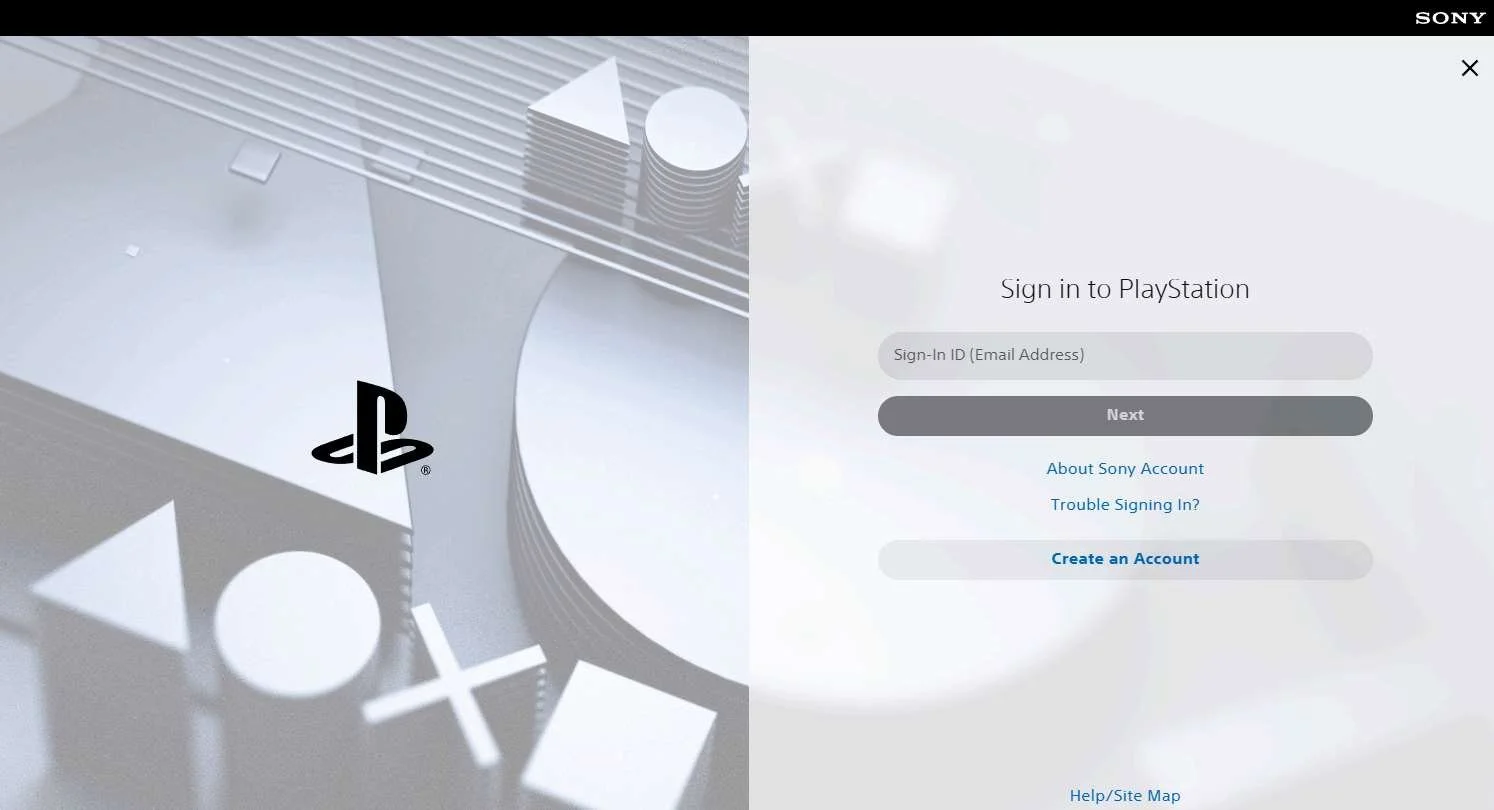
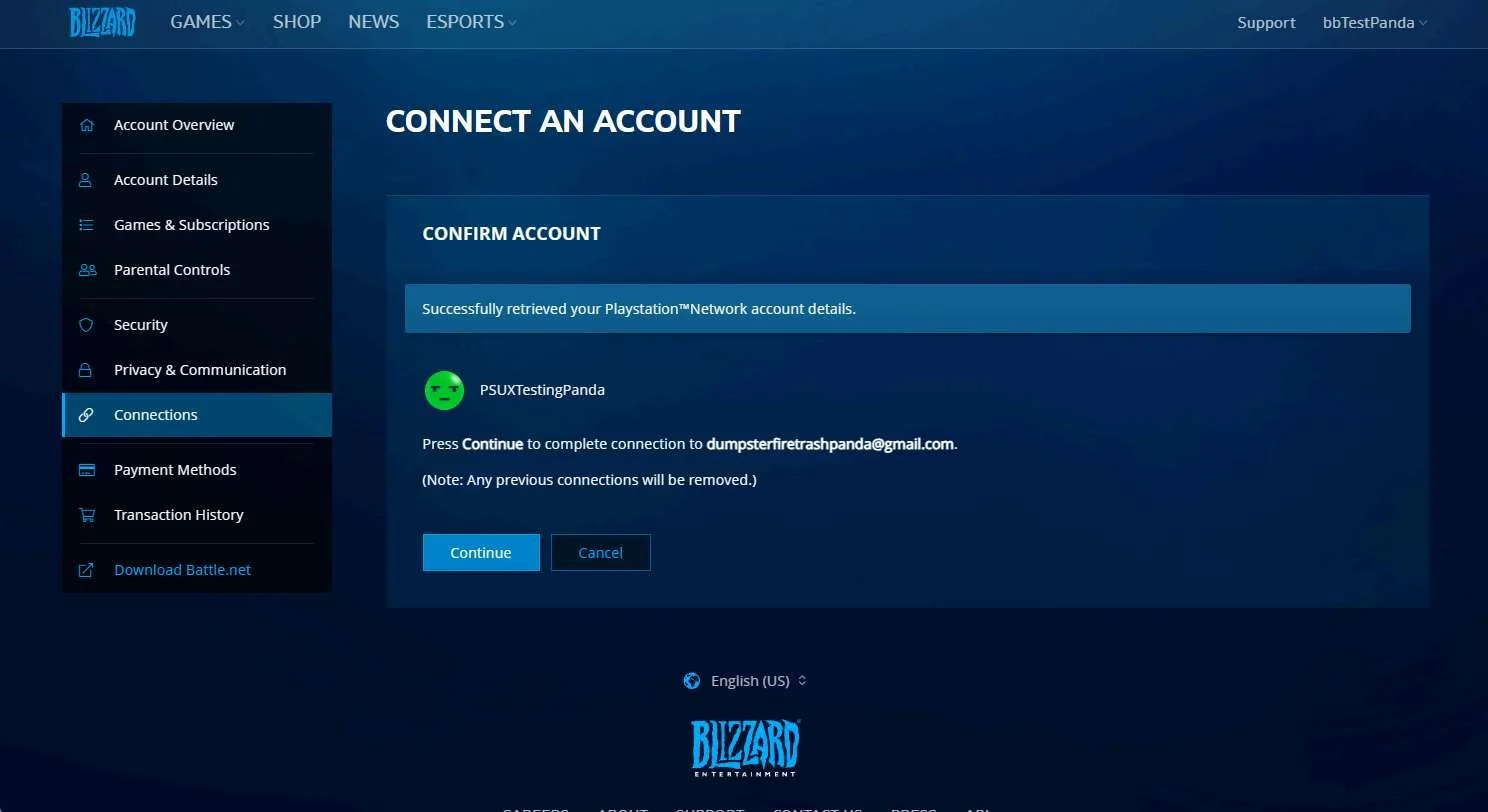
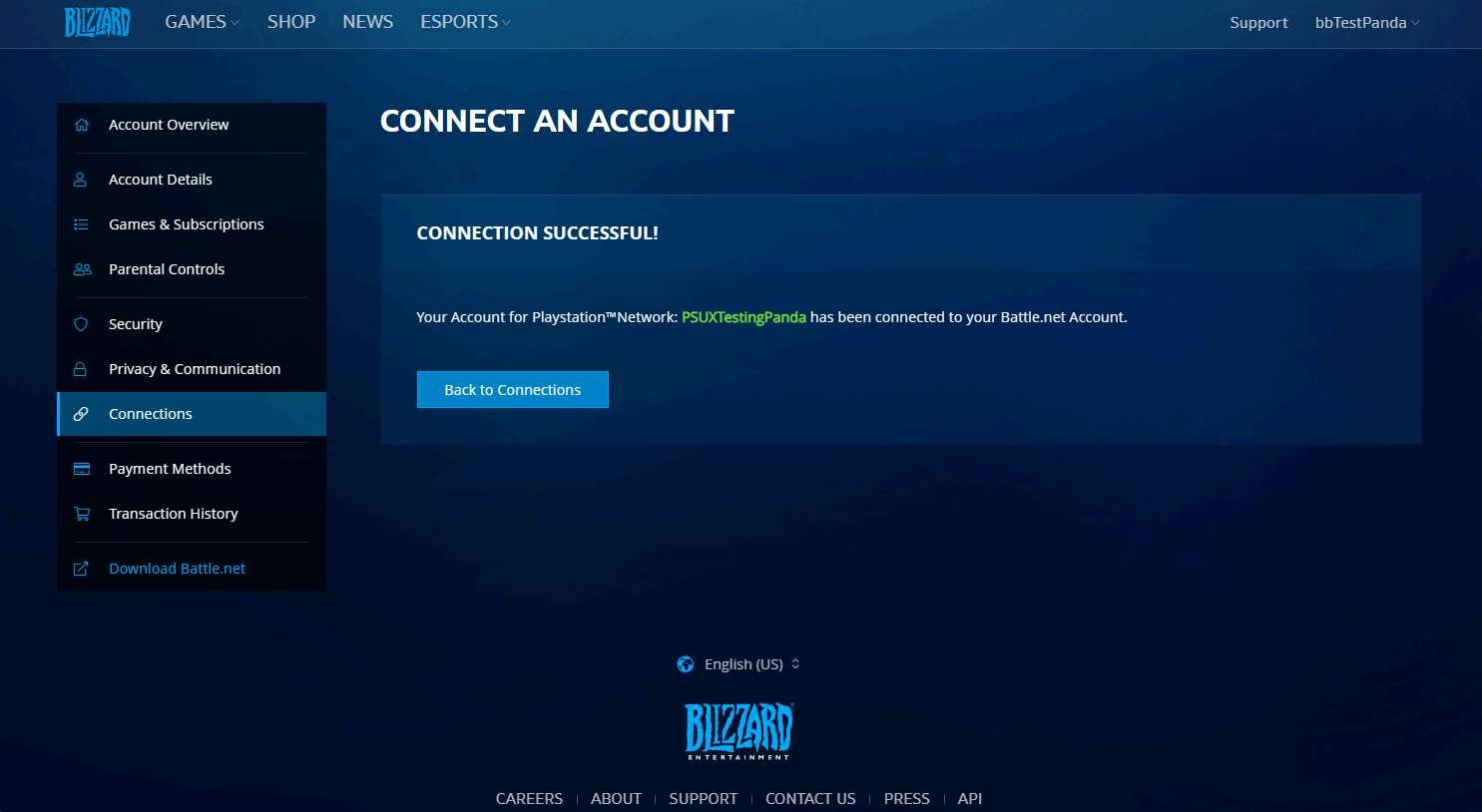
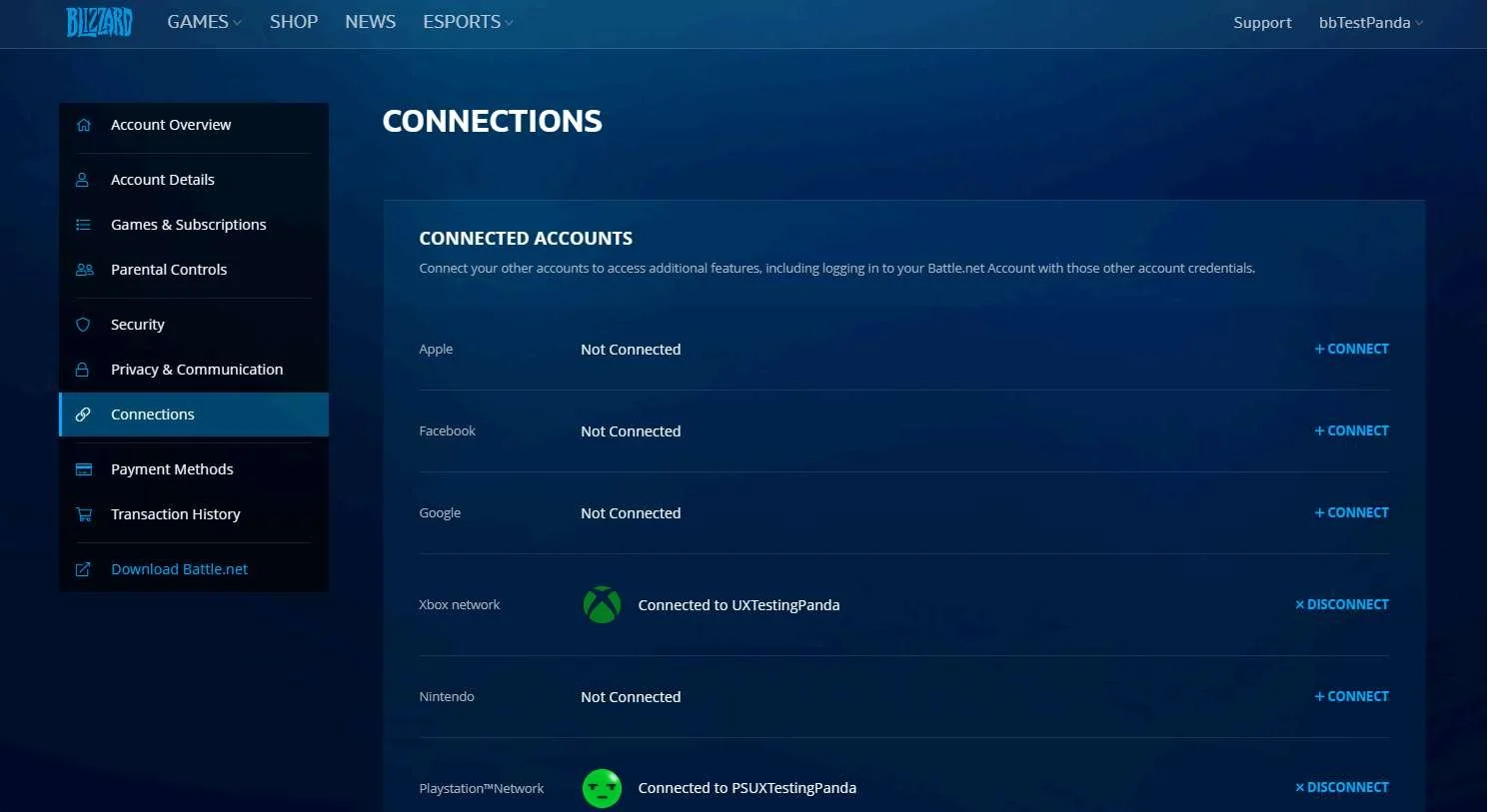
BATTLE.NET → ACCOUNT SETTINGS → CONNECTIONS
Media | Notes |
|---|---|
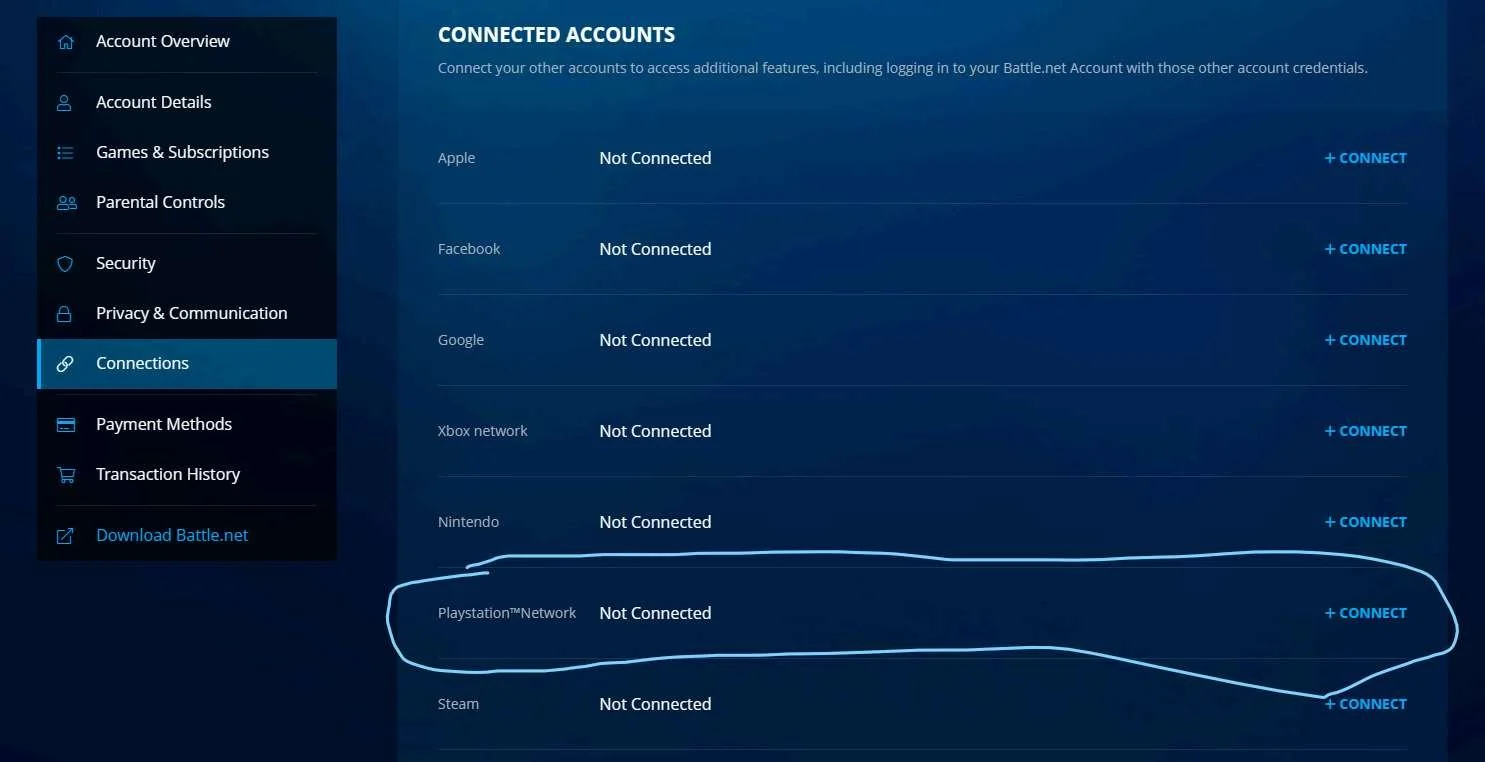
Screenshots from 23 Nov 2023 in a web browser:
| Accounts LinkedAt this point in the research:
I switched to a different set of gaming accounts here so that I don't mess up the linked accounts I still need for other parts of the cross-platform UX Research. From within the Battle.Net website:
|
Screenshots from 23 Nov 2023 in a web browser:
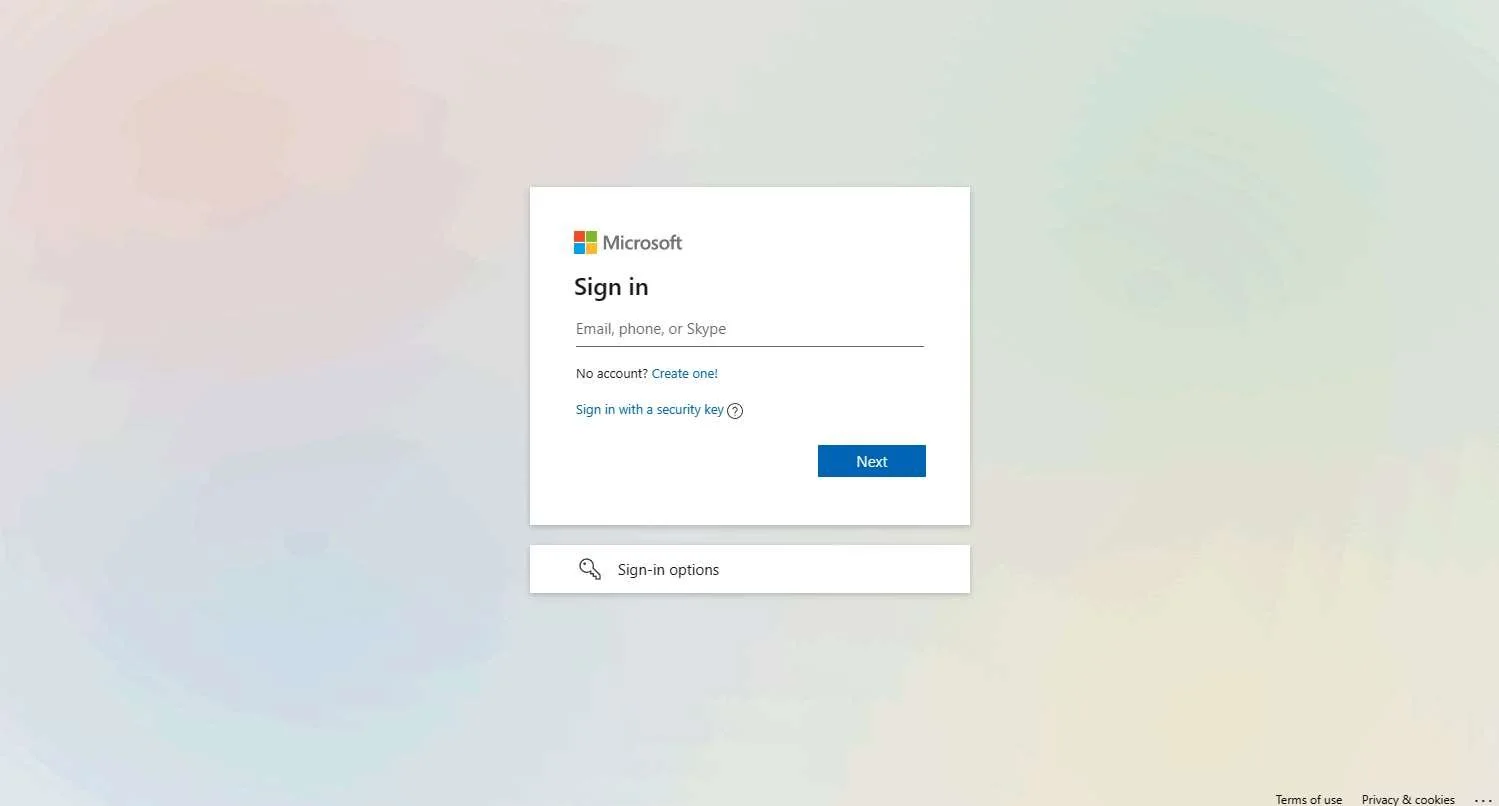
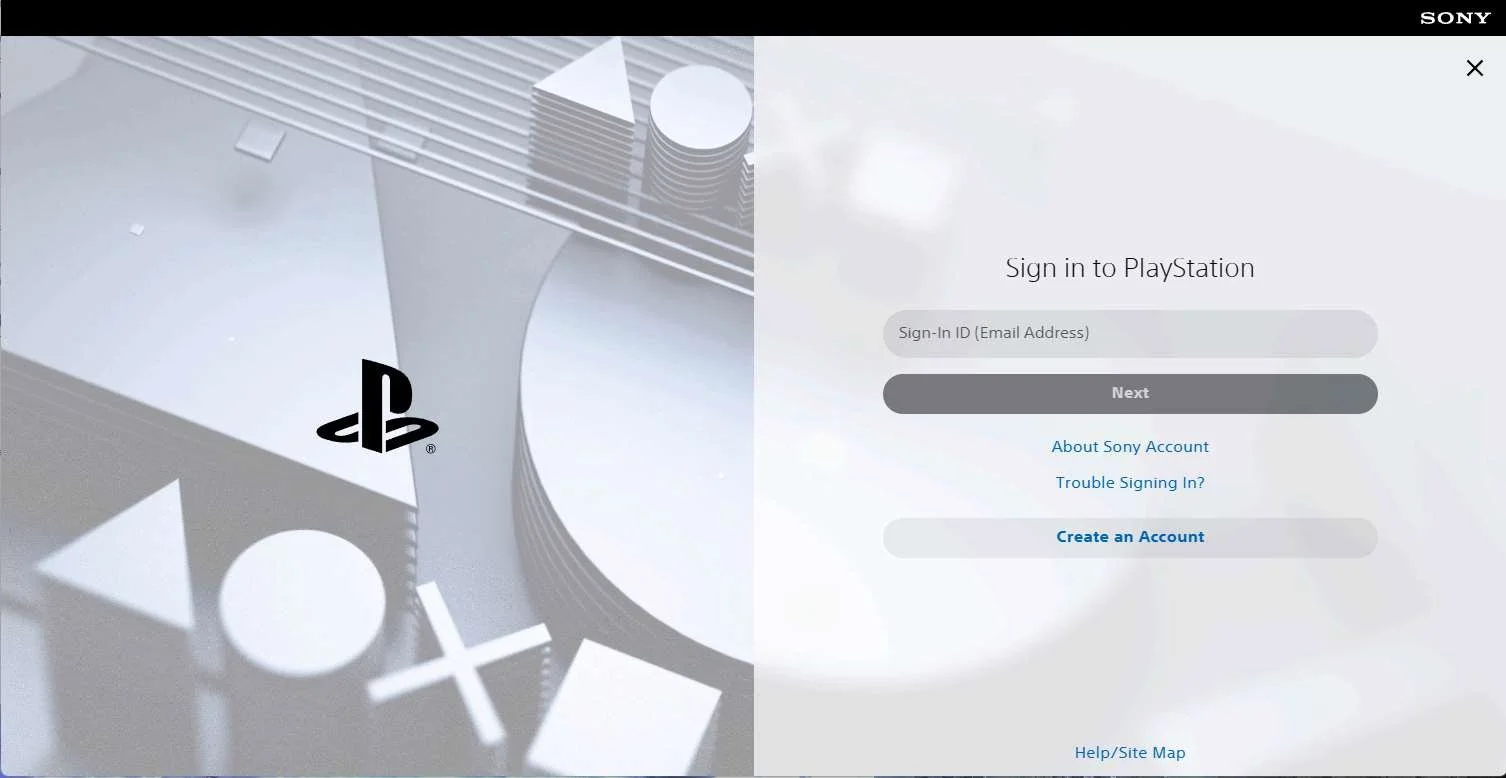
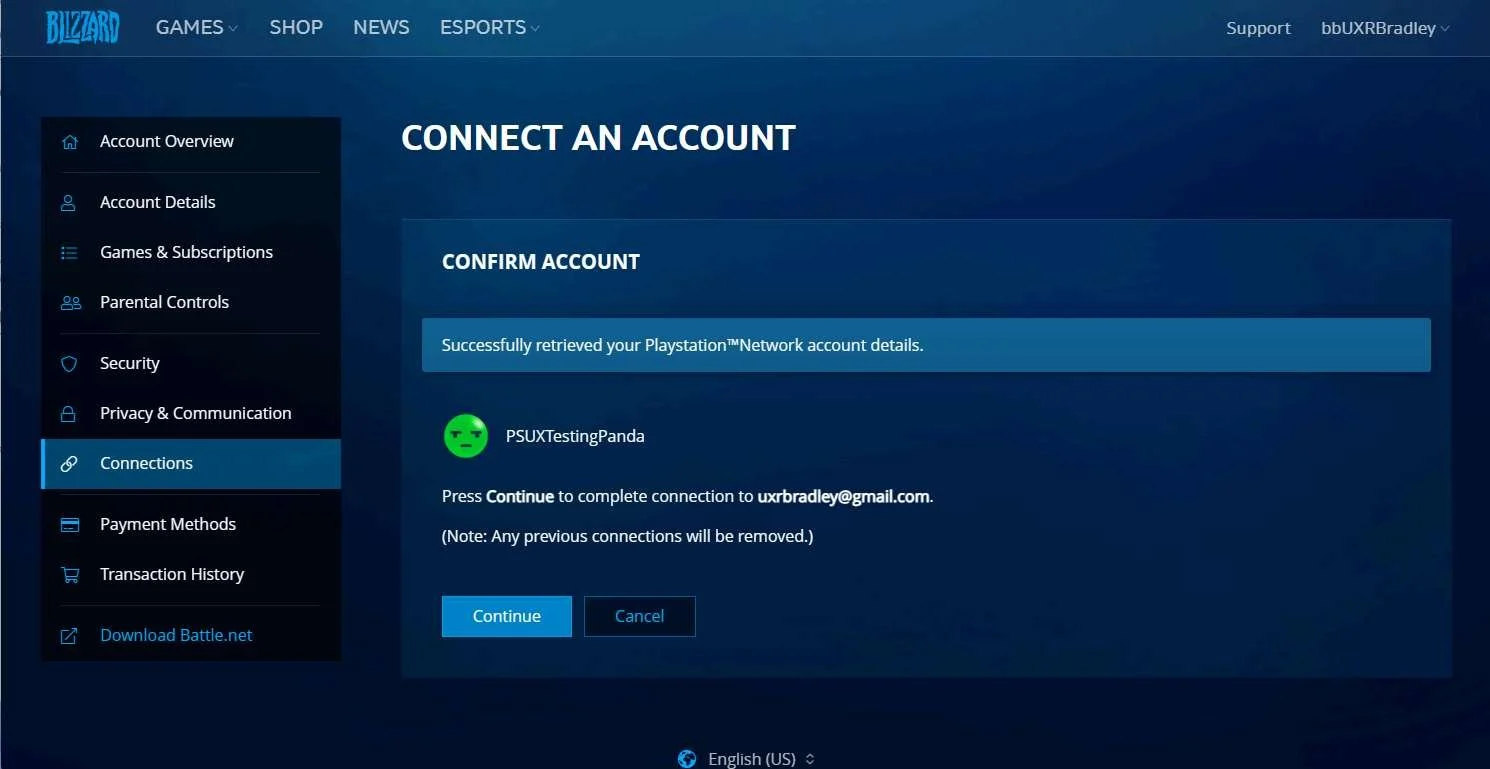
Linking Playstation account:
| Linking accounts through Battle.Net website before launching any games on any platforms for the first timeAt this point in the research:
Linking the XBOX profile (UXTestingPanda) through the Battle.Net website before launching the game for the first time on XBOX:
Linking the Playstation account (PSUXTestingPanda) through the Battle.Net website before launching the game for the first time on Playstation:
|
Screenshots from 23 Nov 2023 in a web browser:
Next launch of the game on XBOX:
Unlinking Playstation account in Battle.Net website:
Next launch of the game on Playstation:
| Unlinking accountsAt this point in the research:
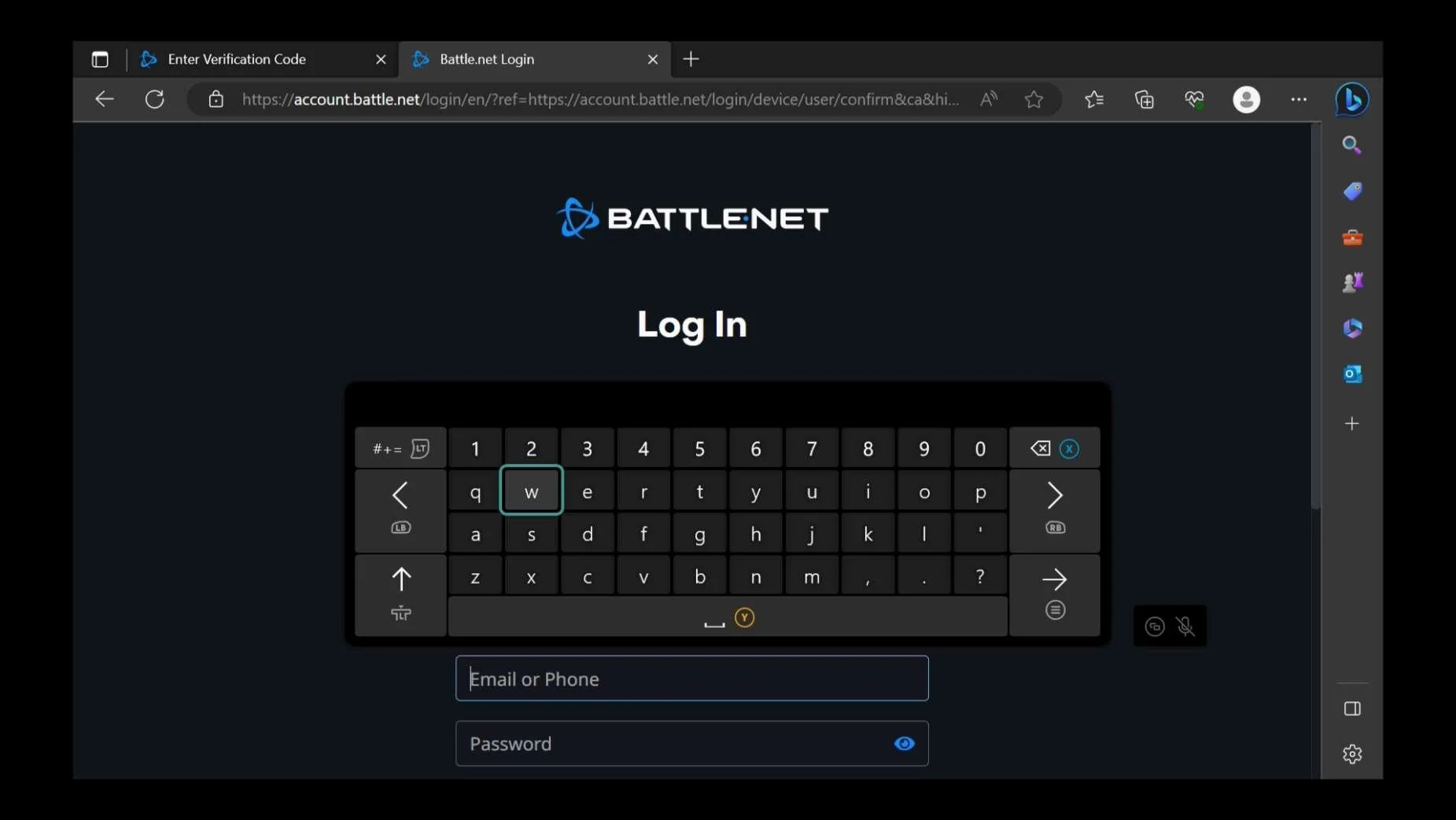
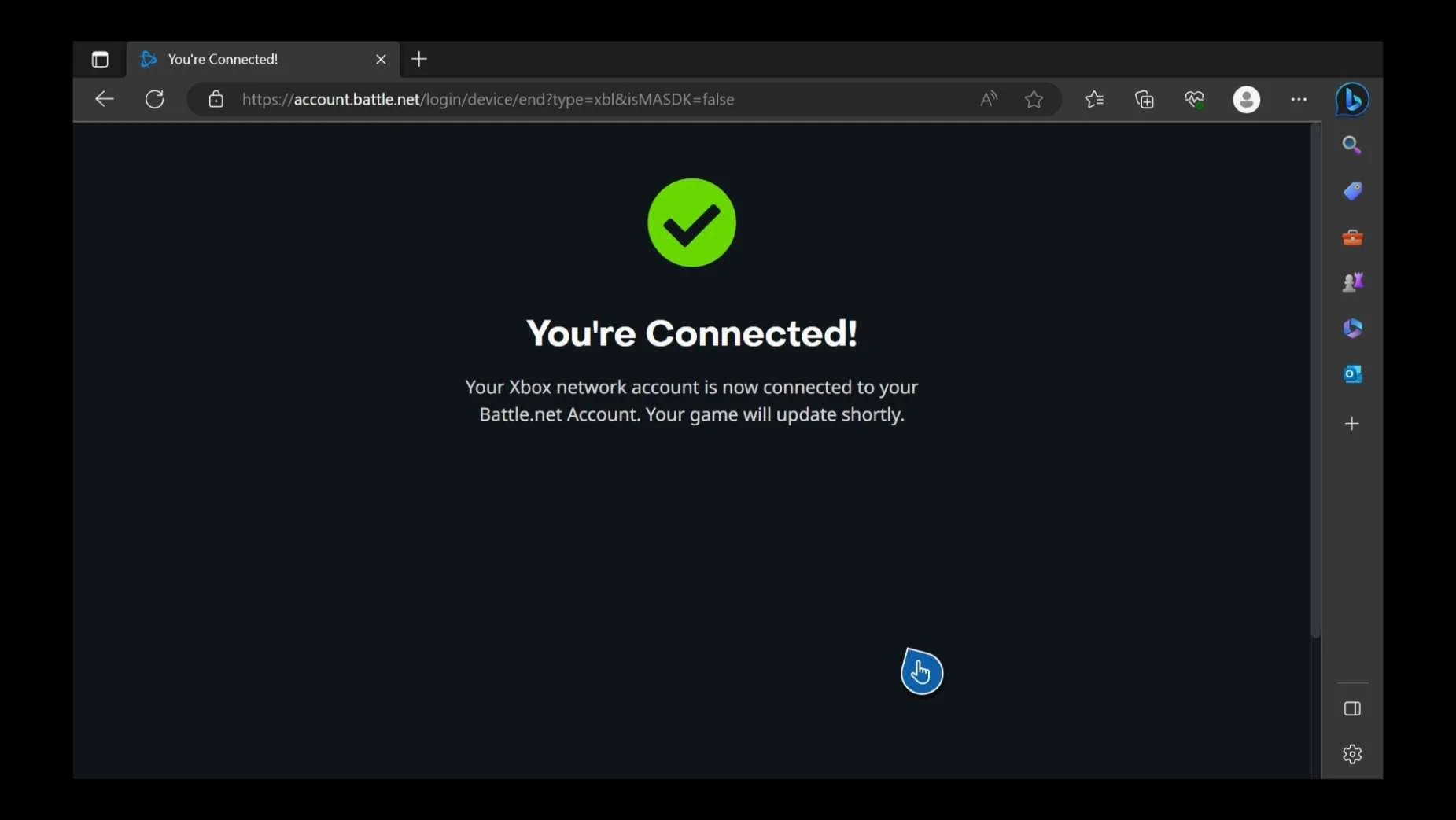
Unlinking XBOX profile (UXRBradley) from Battle.Net account (bbUXRBradley):
Unlinking Playstation account (PSUXRBradley) from Battle.Net account (bbUXRBradley):
|
Screenshots from 23 Nov 2023 from Battle.Net website:
Attempting to link a different Playstation account:
| Can the player unlink a platform account and link a different platform account from Battle.Net websiteAt this point in the research:
Attempting to link a different XBOX profile from within Battle.Net website:
Attempting to link a different Playstation account from within Battle.Net website:
IMPORTANT The player can not link to a different platform account from the Battle.Net website after they have unlinked their platform account. |
Screenshot from 23 Nov 2023 on XBOX:
In a web browser:
Battle.Net → Account Settings → Connections:
On Playstation:
In a web browser:
Battle.Net → Account Settings → Connectons:
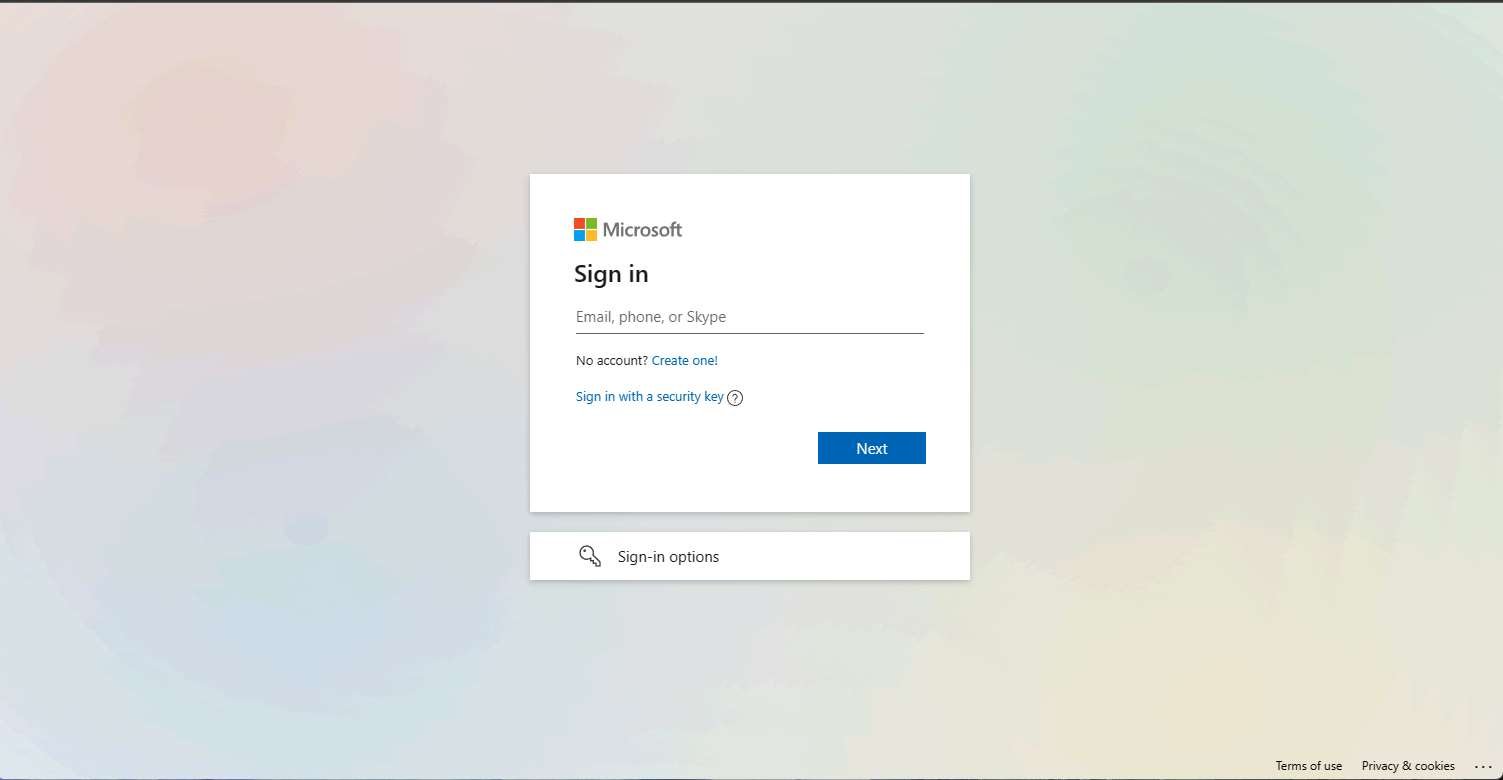
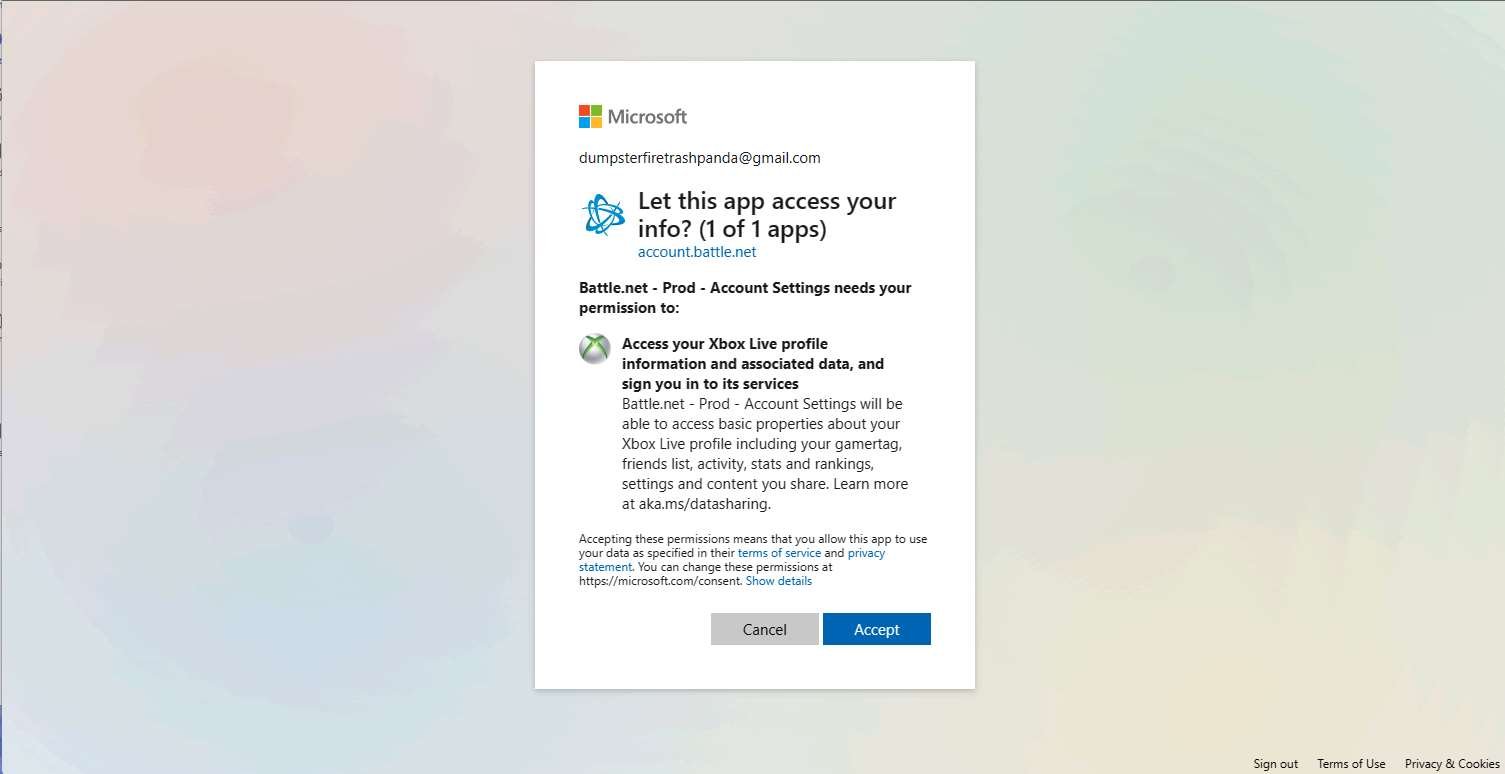
| Can the player unlink a platform account and link a different Battle.Net account from the account linking step within the gameAt this point in the research:
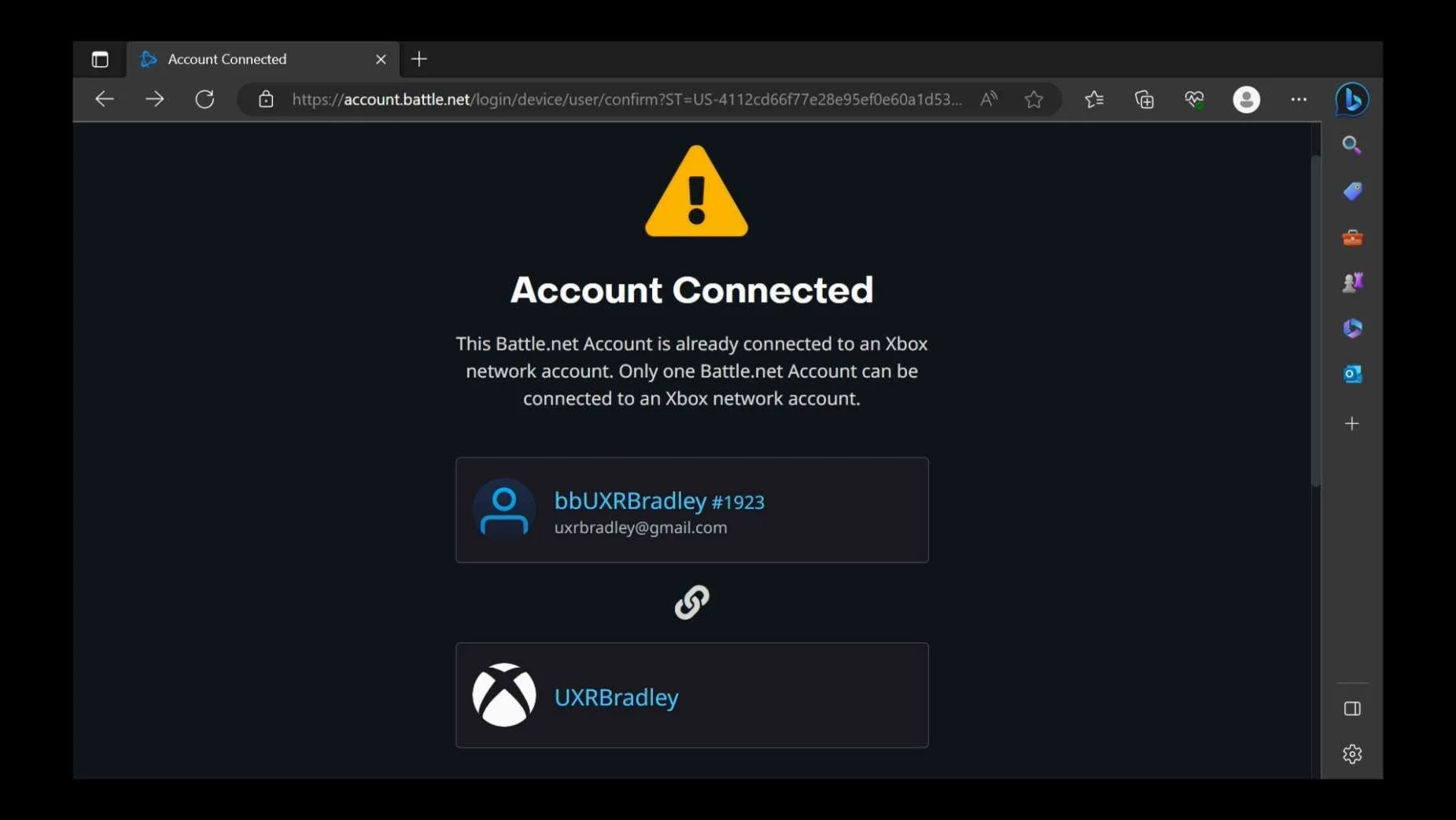
Attempting to link to a different Battle.Net account on XBOX:
Attempting to link to a different Battle.Net account on Playstation:
|

Borderlands 3
As of 17 Nov 2023 Borderlands 3 is available on the following platforms purchased individually (prices shown are the standard game and are rounded up to the nearest whole dollar):
- INCLUDED IN RESEARCH (Windows) | PC STEAM: Borderlands 3 on Steam (steampowered.com) (~$60)
- PC EPIC LAUNCHER: Borderlands 3 | Download BL3 for PC and Mac – Epic Games Store (~$60) | NOT INCLUDED IN RESEARCH
- INCLUDED IN RESEARCH (PS5) | Playstation 4 & 5: Borderlands 3 PS4™ & PS5™ (playstation.com) (~$60)
- INCLUDED IN RESEARCH (Series S) | XBOX (One & Series X|S) : Buy Borderlands 3 | Xbox (~$60)
NOTE Does not include the costs associated with subscriptions needed to partake in multiplayer features. (Example: Playstation Plus needed to access social features)
Highlights
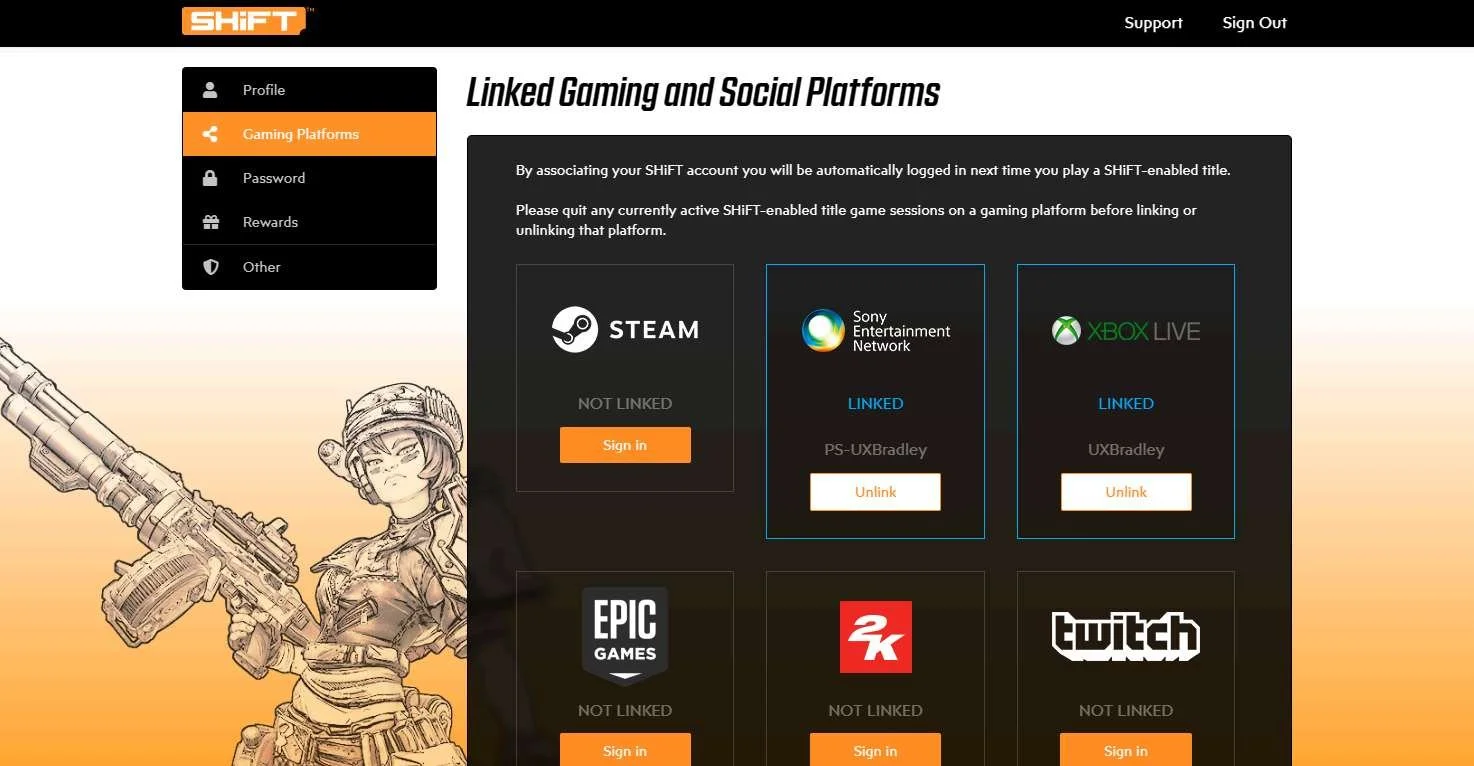
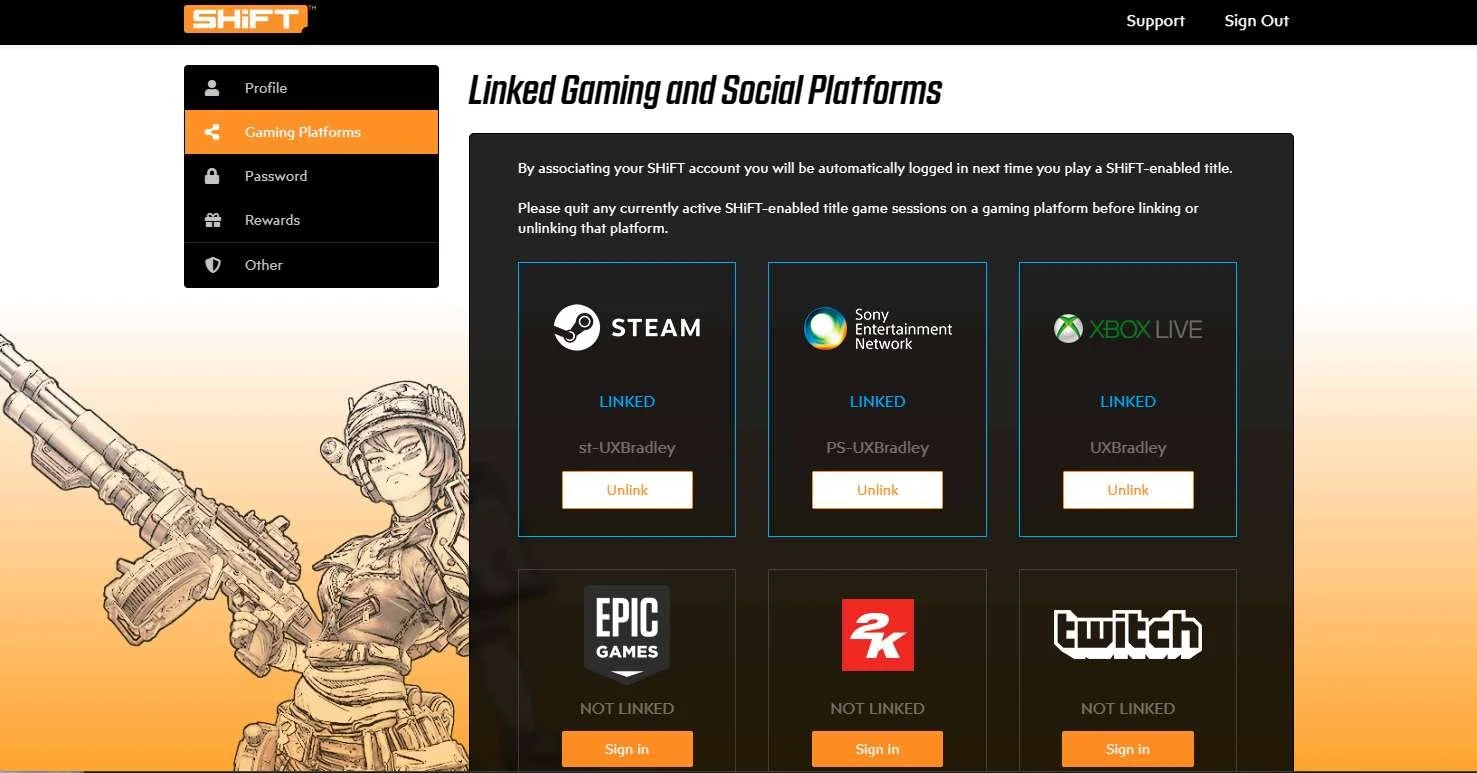
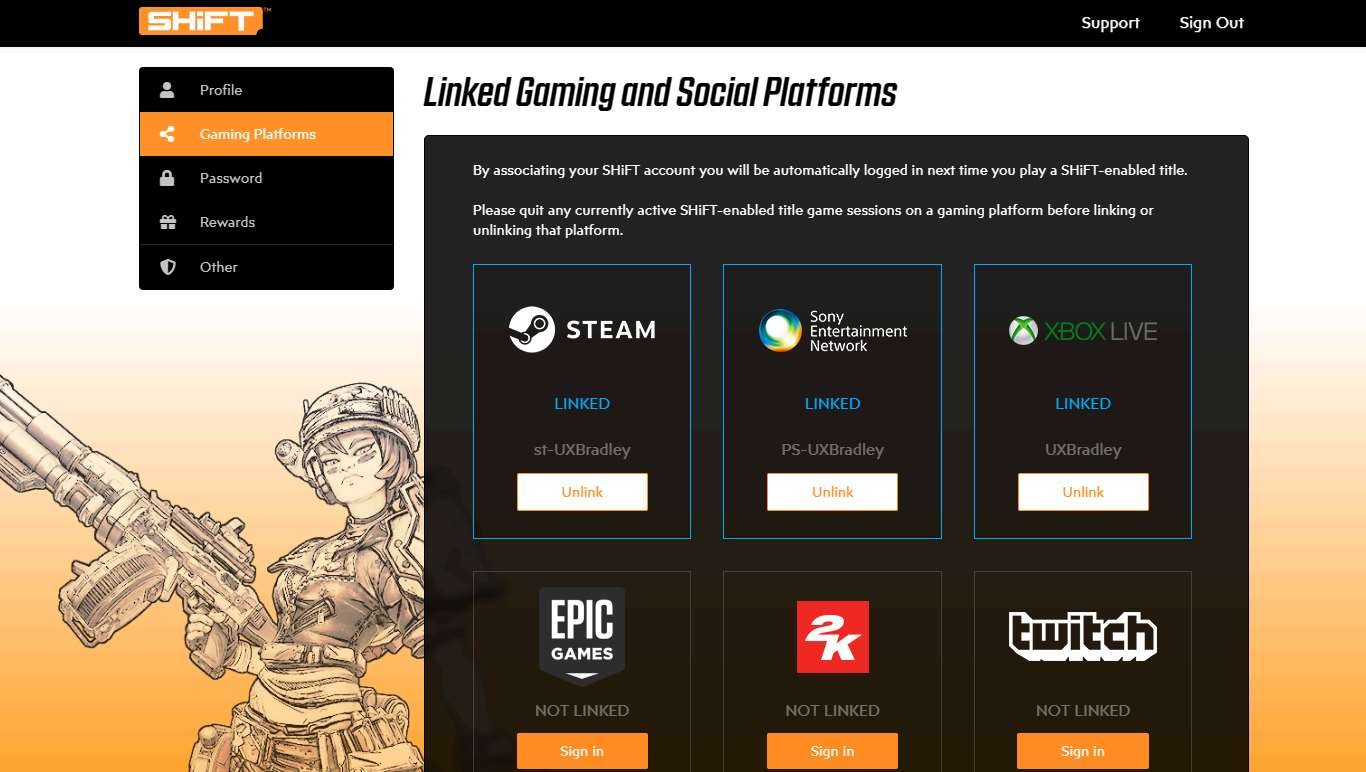
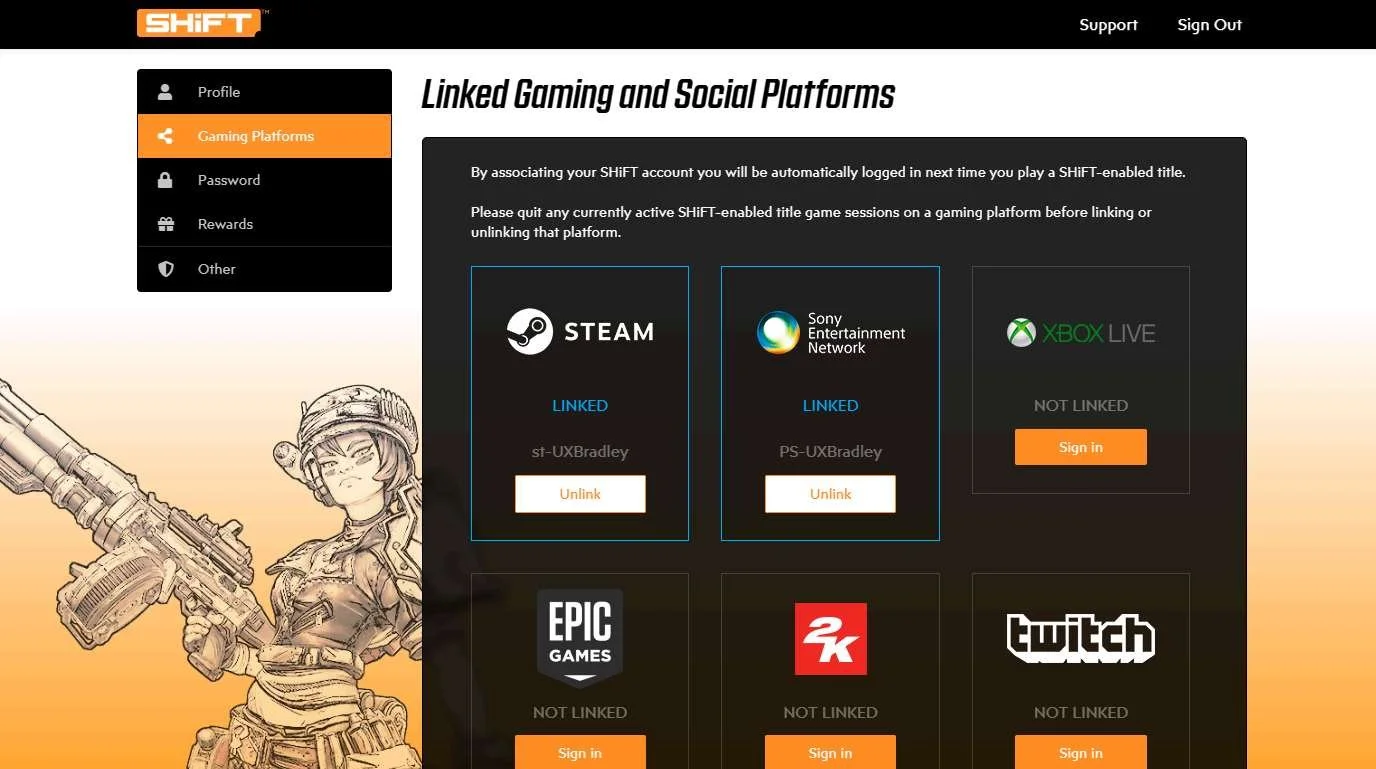
- The SHiFT website allows the player to link / unlink platform accounts with very little restrictions / limitations
Lowlights
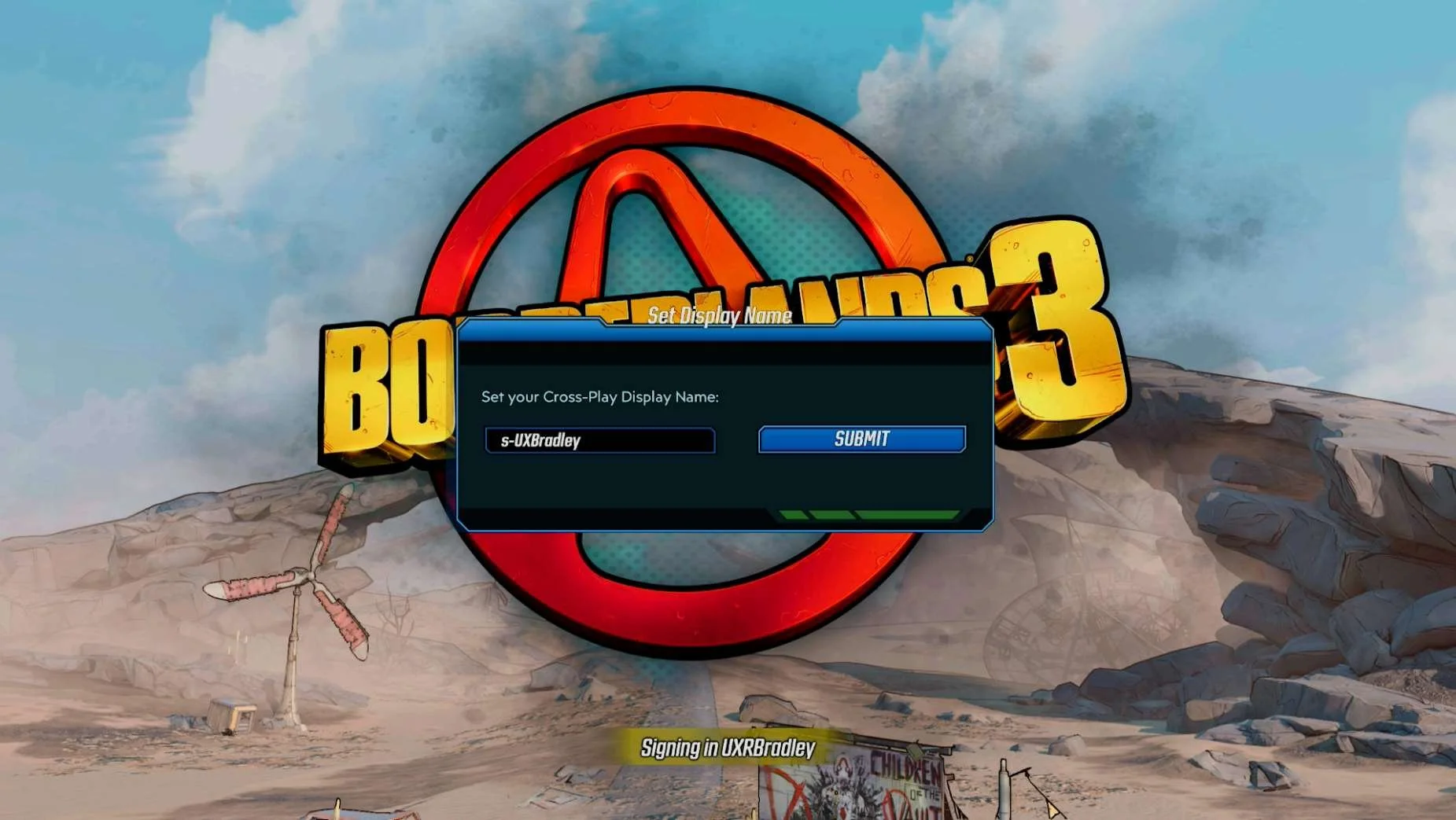
- The SHiFT matchmaking VERSUS account linking was confusing because it appeared as if the SHiFT matchmaking messages were related to account linking, but they weren't
- Account linking is kind of hidden
- The SHiFT site is not super easy to find (such as people knowing to go to EpicGames.com or Battle.Net as examples)
XBOX
Media | Notes |
|---|---|
Screenshots from 23 Nov 2023 on XBOX Series S:
Main Menu → Social:
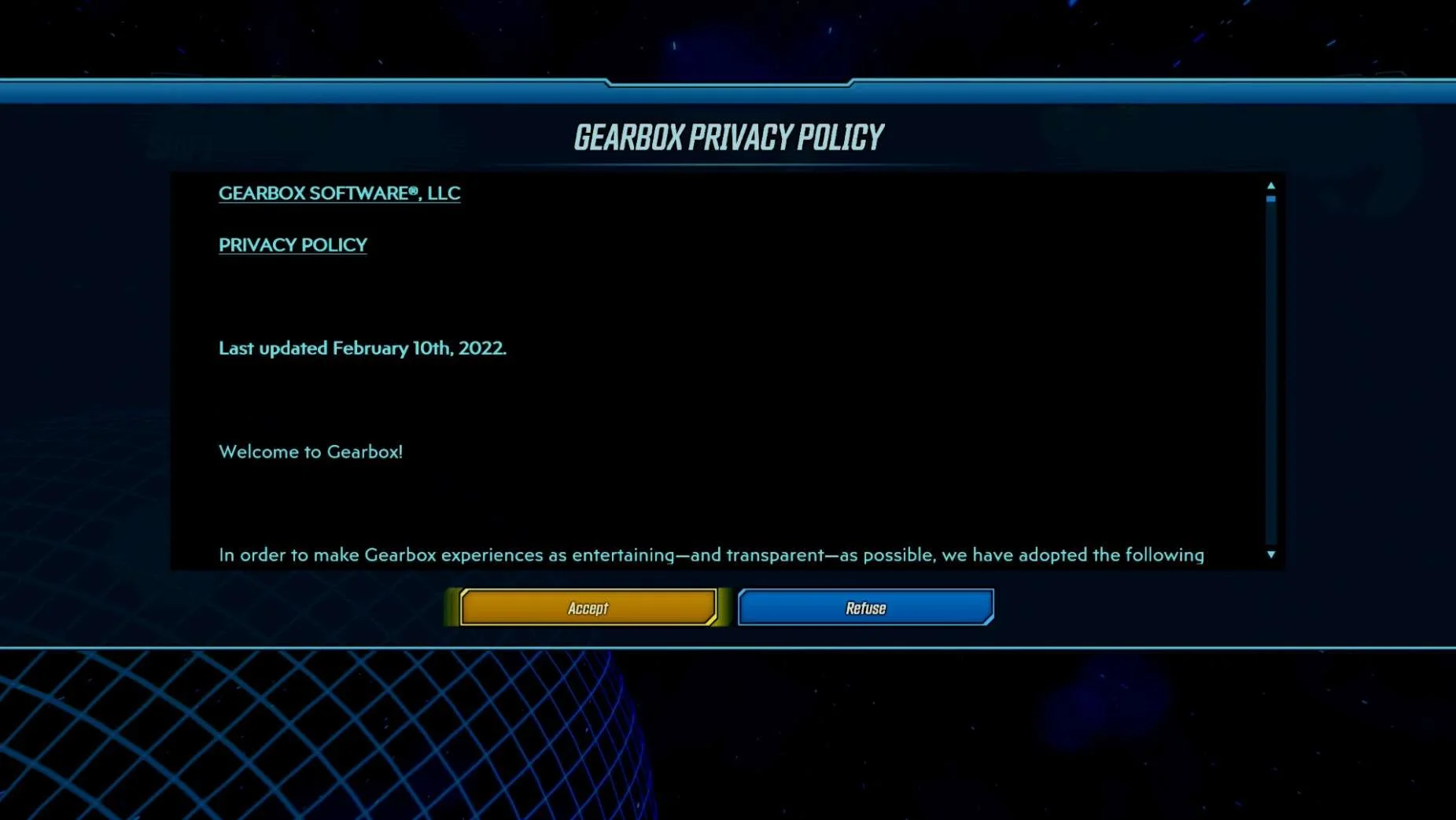
Main Menu → Social → SHiFT (first visit):
| XBOX Series S as the 1st platformAt this point in the research:
Borderlands 3 on XBOX:
|
Video from 23 Nov 2023 on XBOX: | Social → SHiFT Glitching out
|
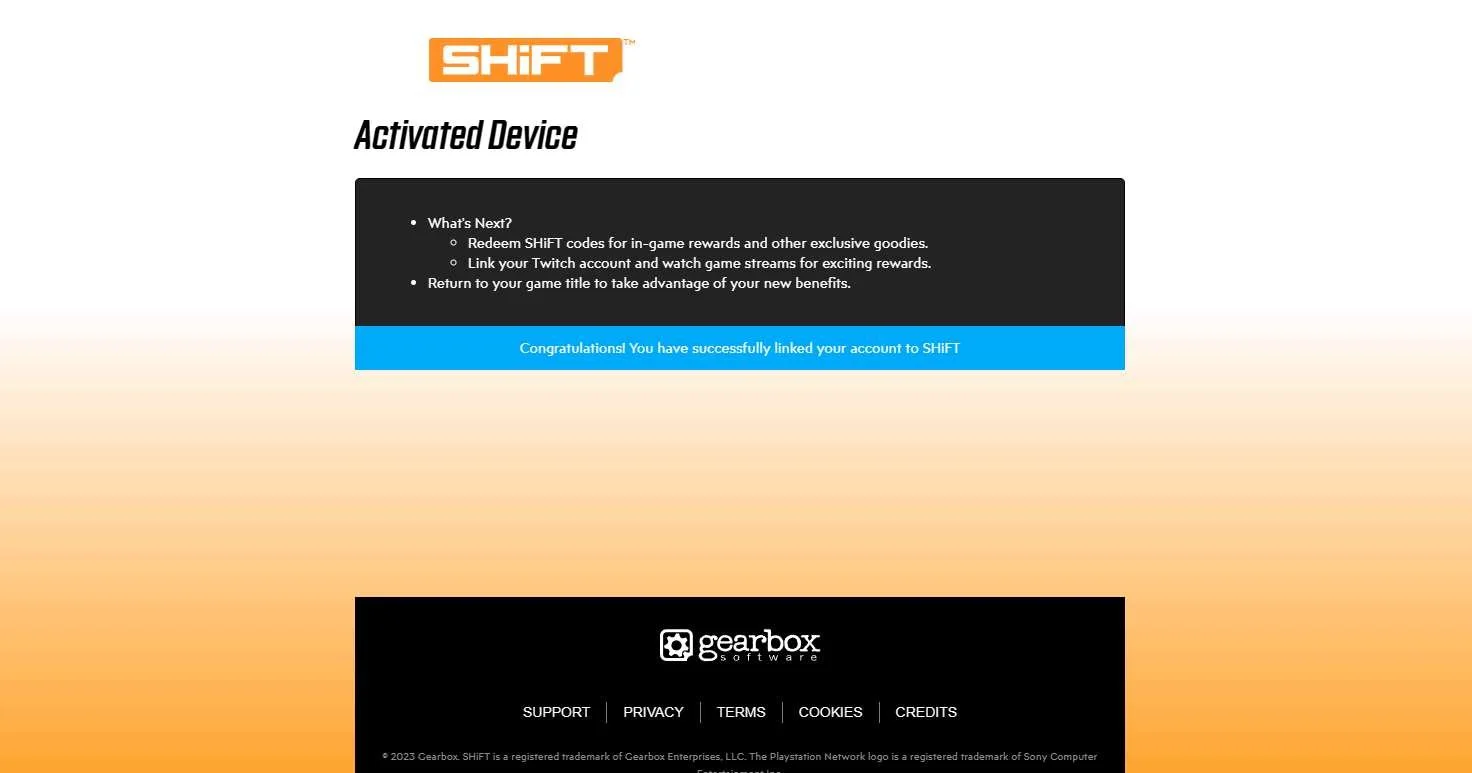
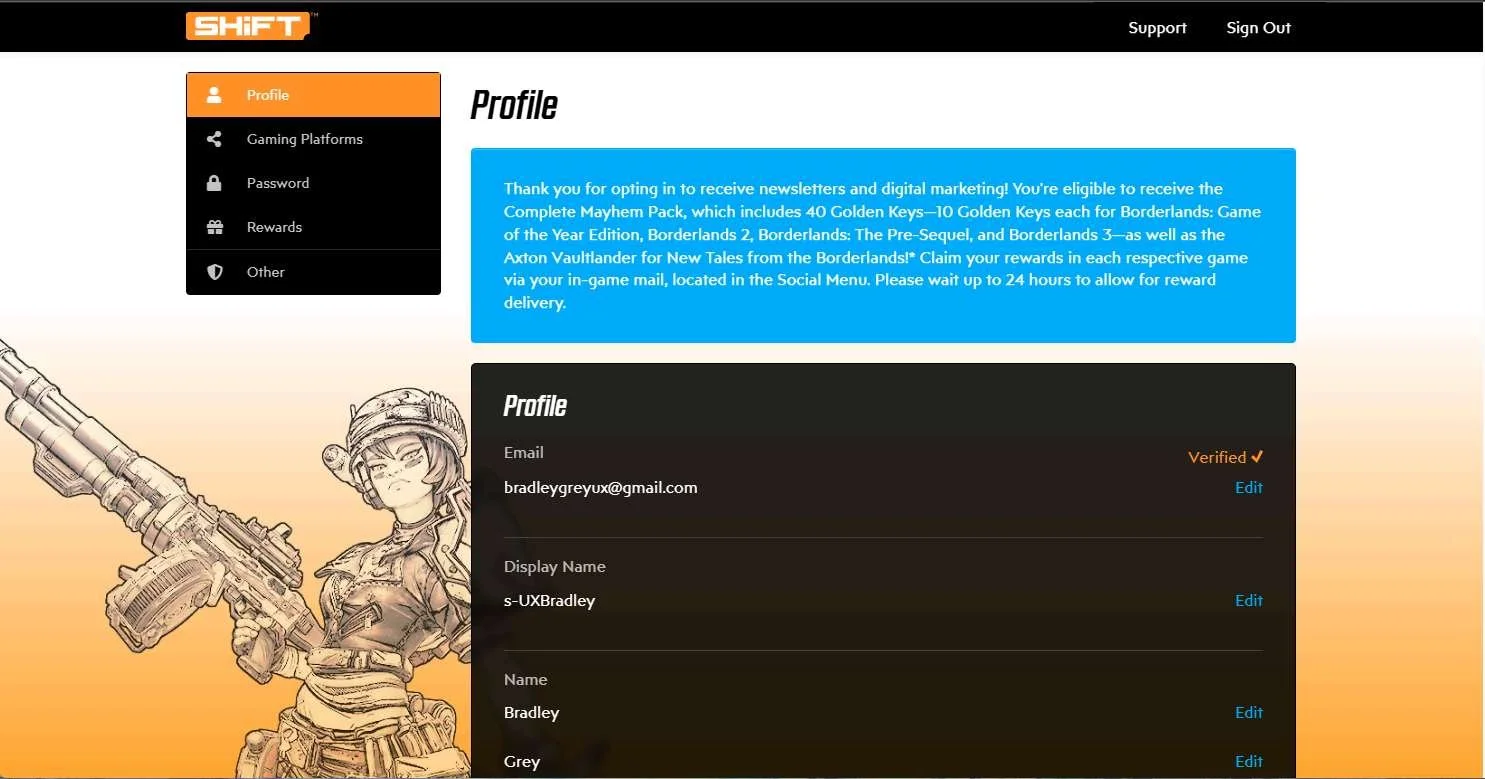
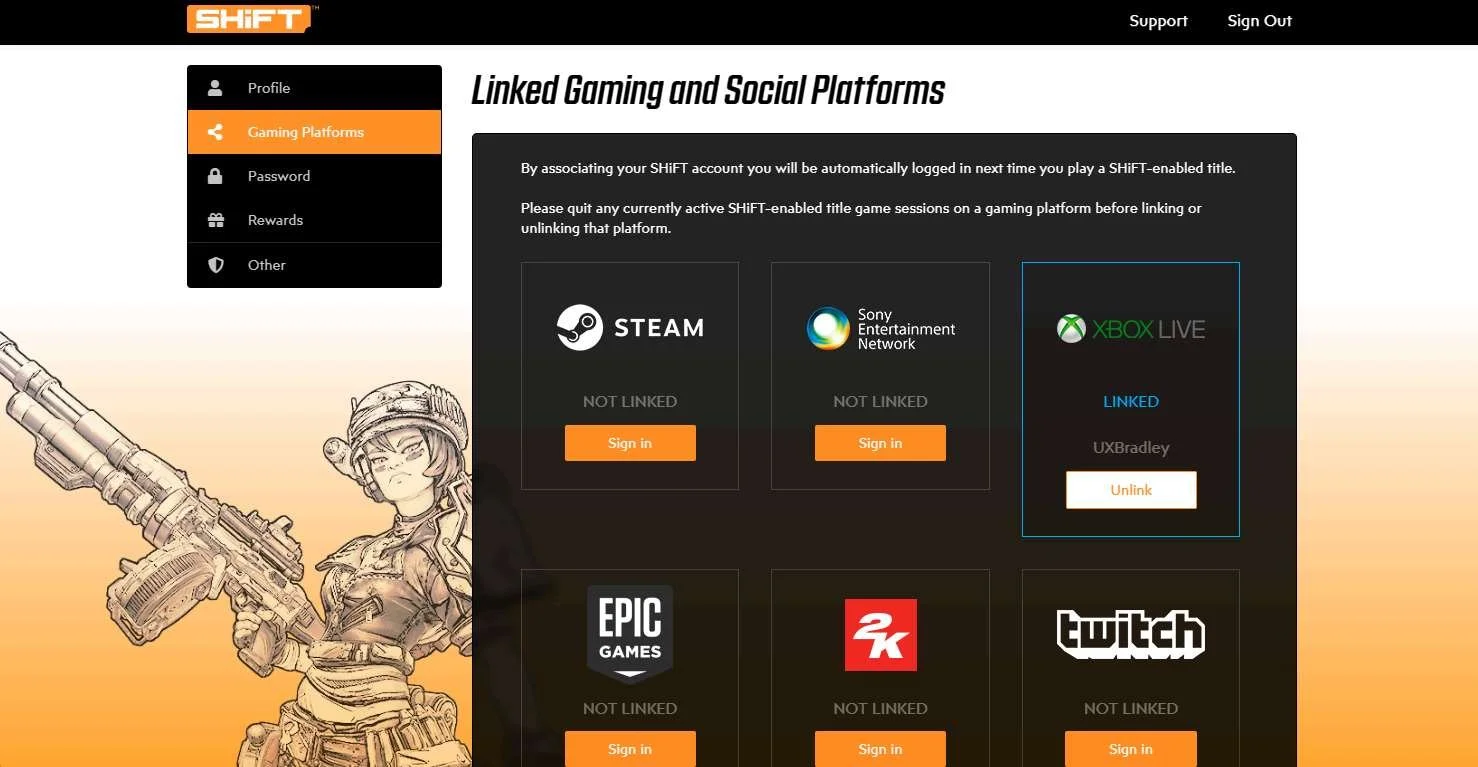
Screenshots from 23 Nov 2023 on XBOX:
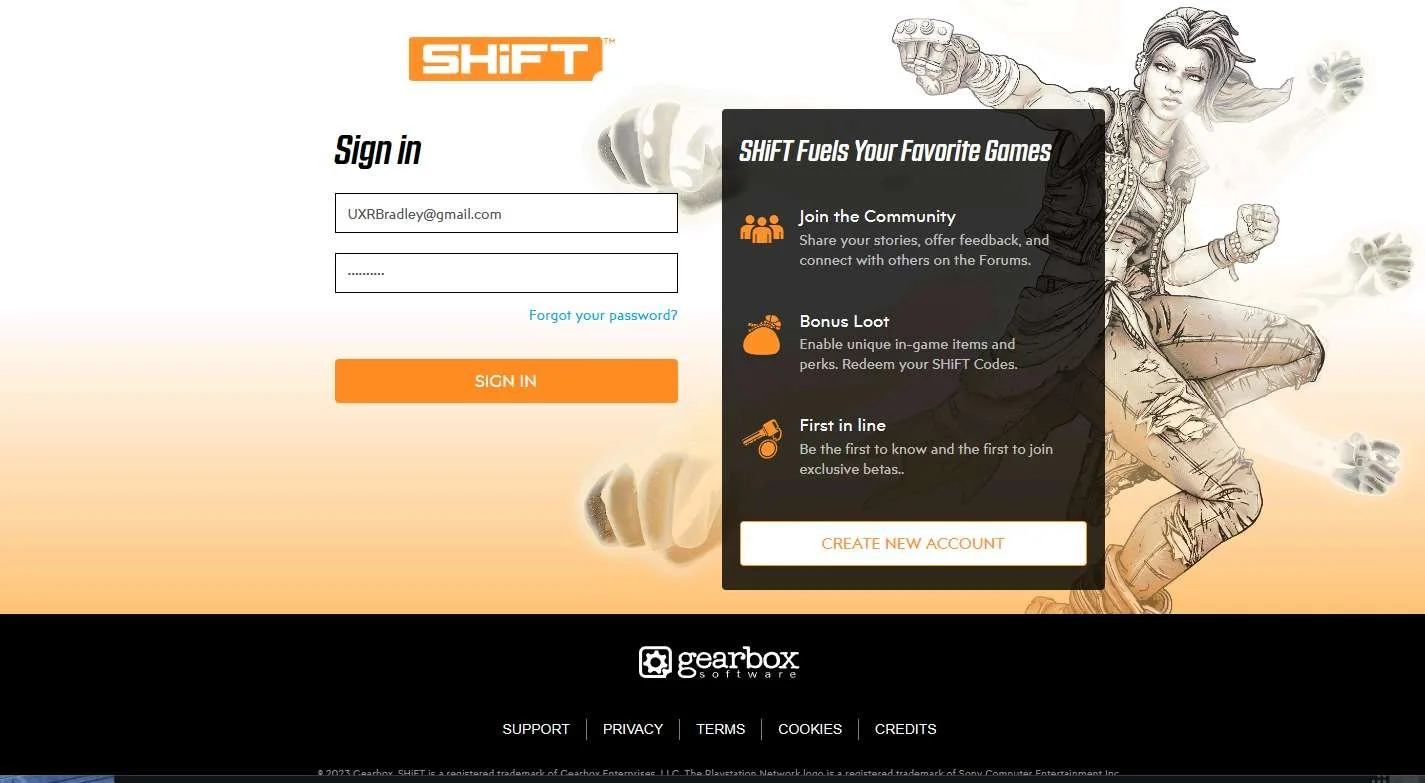
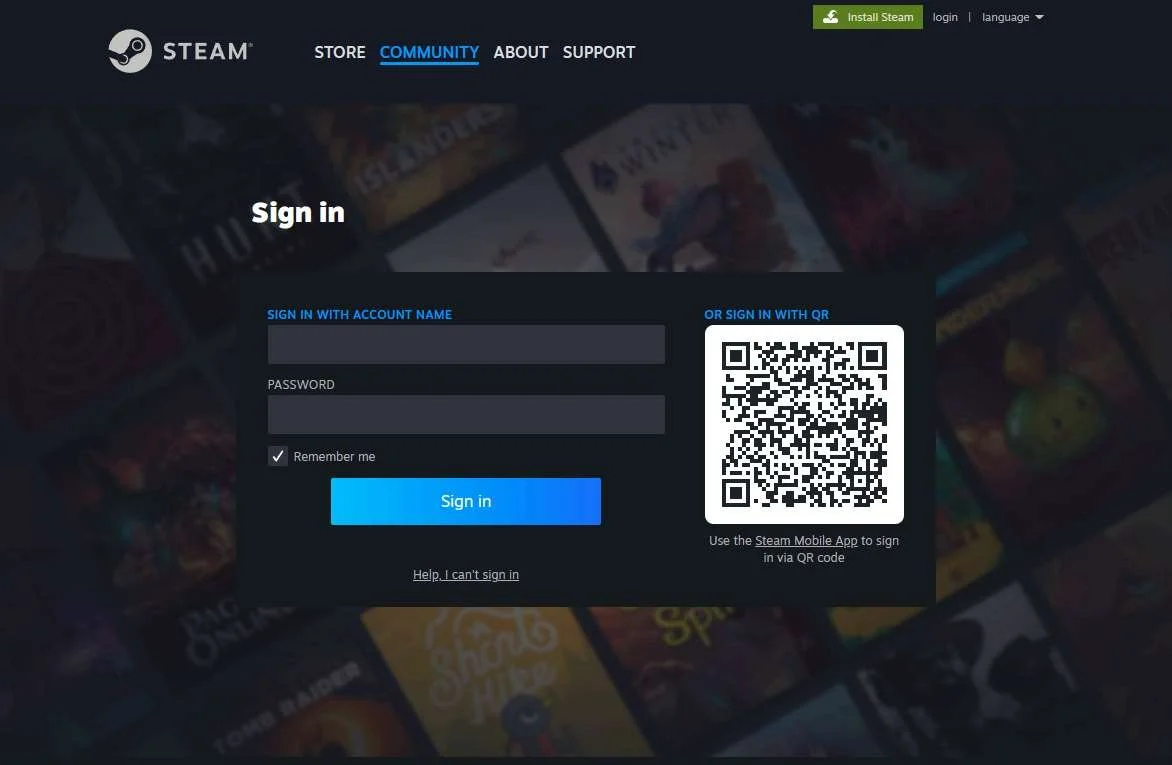
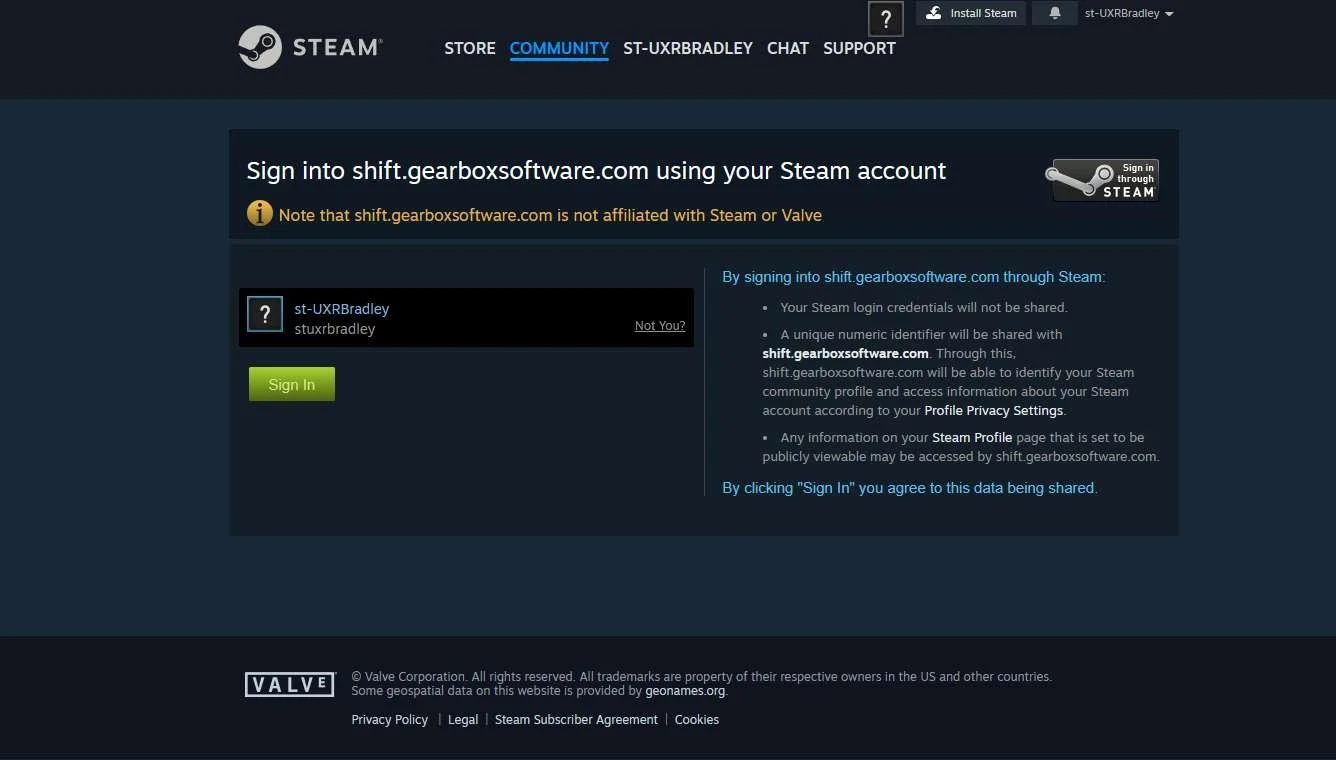
In a web browser:
Clicking on SHiFT logo:
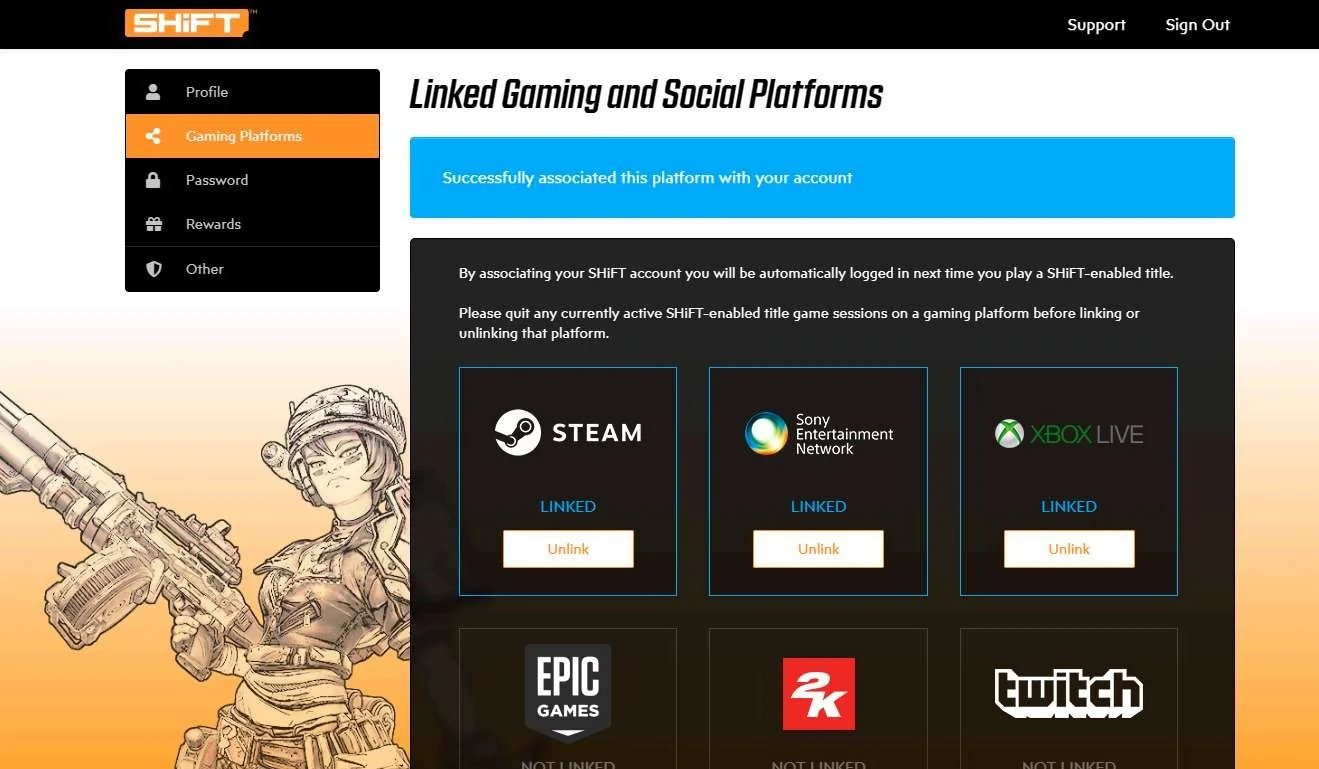
Clicking on "Gaming Platforms":
Returning to XBOX:
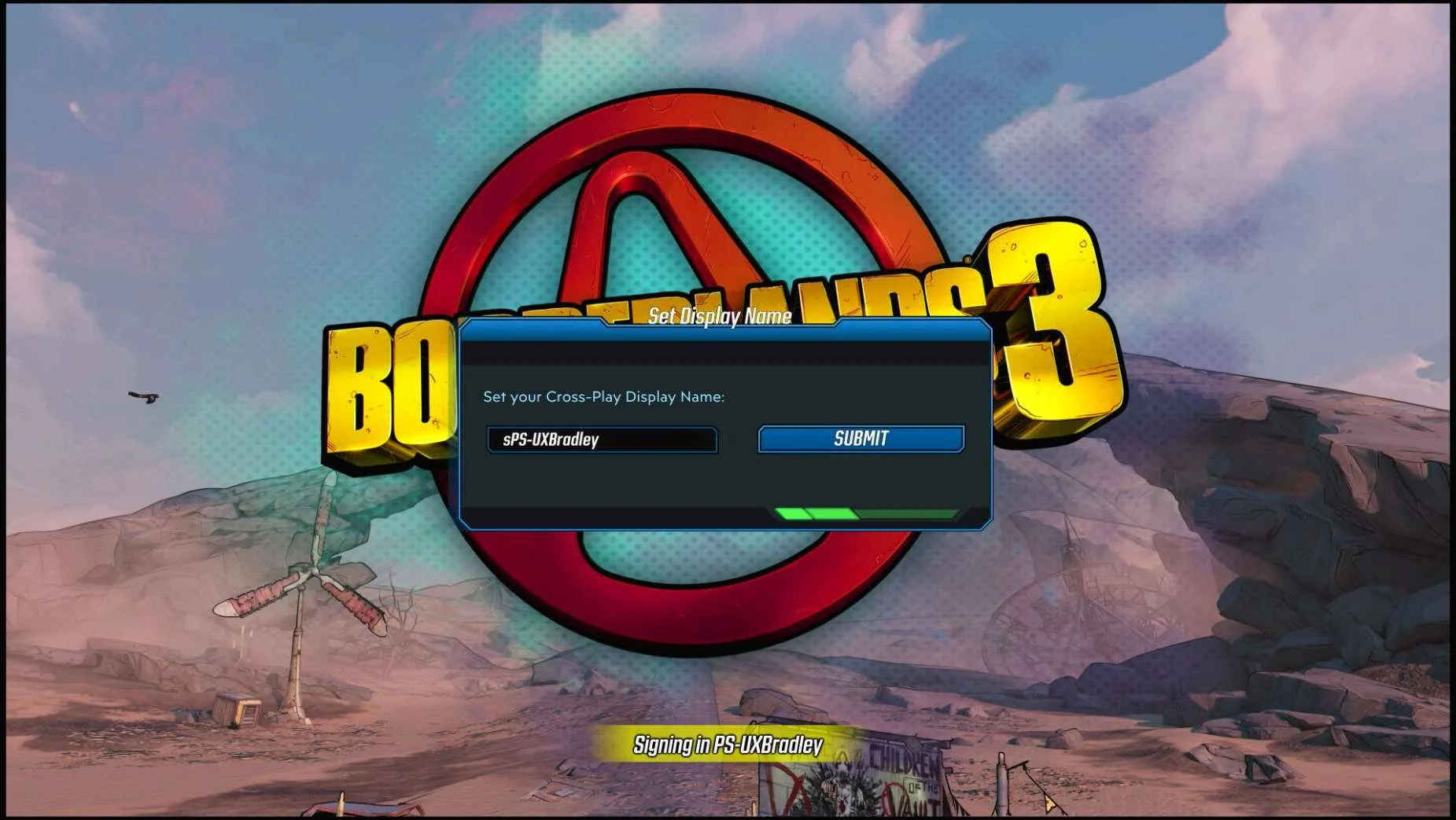
| Linking the platform account through instructions in Main Menu → Social → SHiFTAt this point in the research:
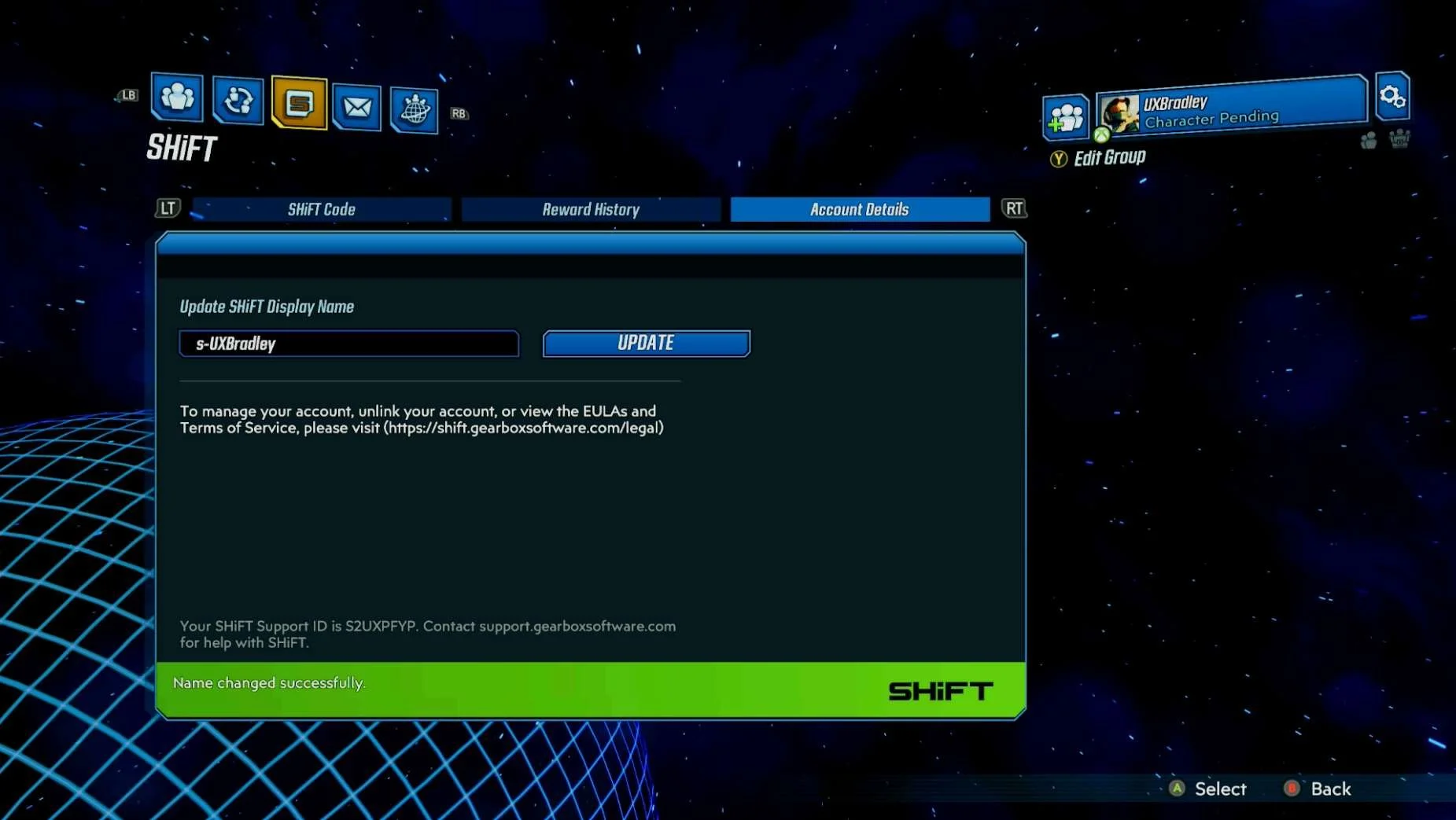
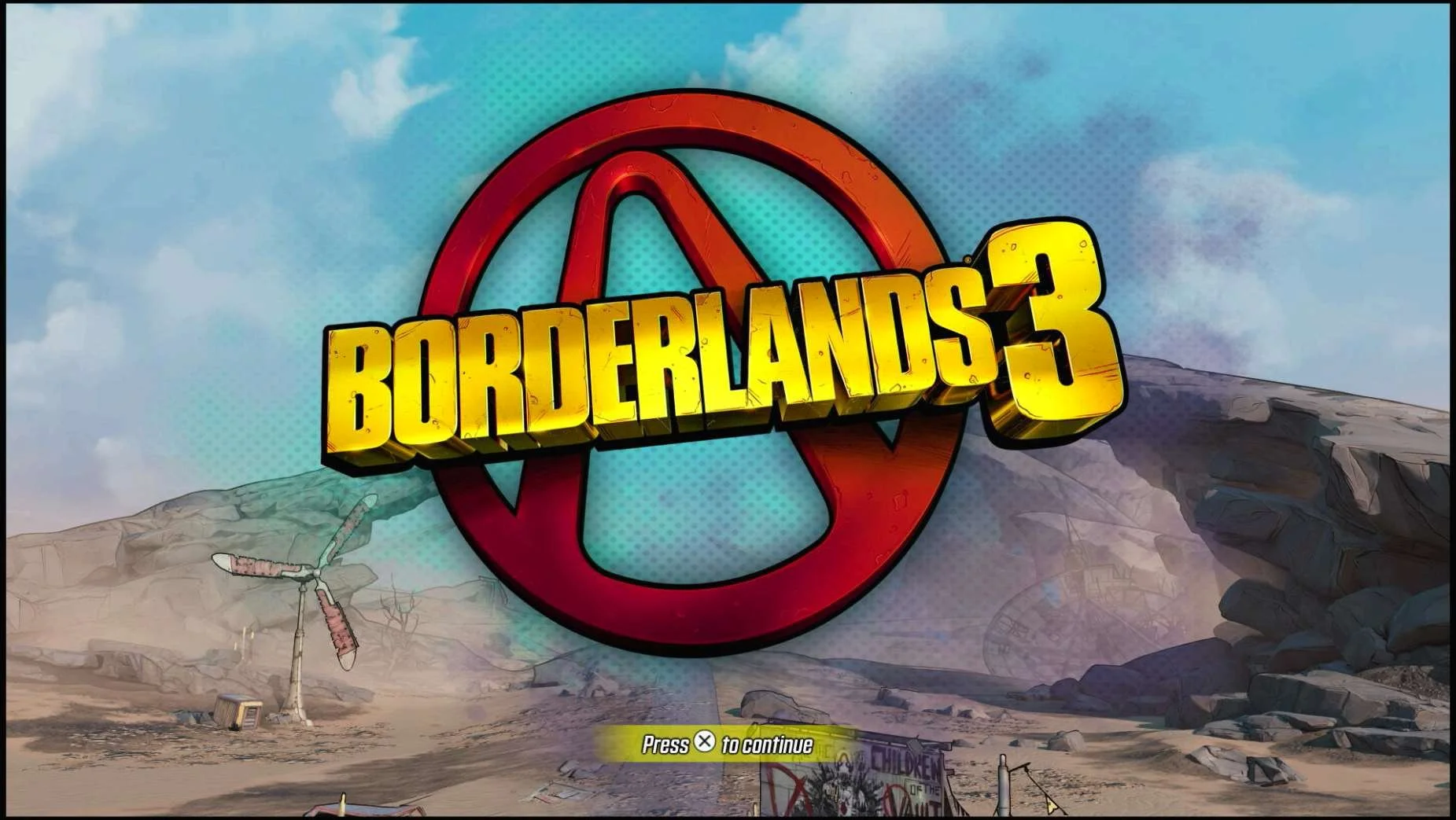
Linking XBOX profile (UXBradley) to SHiFT account (s-UXBradley):
|
PLAYSTATION 5
Media | Notes |
|---|---|
Screenshots from 23 Nov 2023 on Playstation 5:
| Playstation 5 as the 2nd platformAt this point in the research:
Borderlands 3 on Playstation:
|
Main Menu → Social:
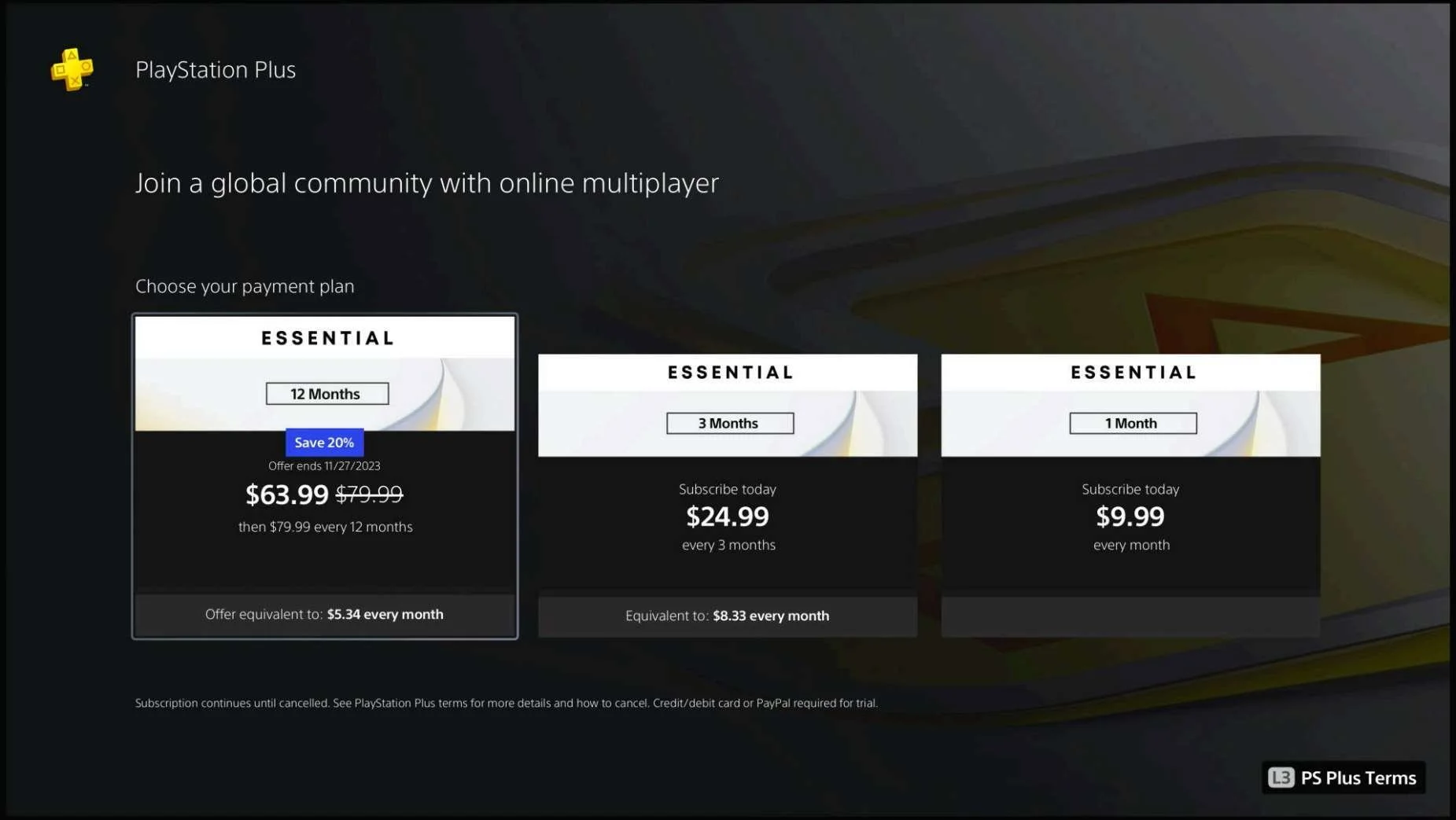
| Social Features blocked due to not having Playstation PlusAll of the Social Features in Borderlands 3 on Playstation 5 are blocked without having Playstation Plus. If the player selects "GO ONLINE" it takes them to the upsell screen for the Playstation Plus plans. |
Screenshots from 23 Nov 2023 on Playstation:
In the web browser:
Clicking on SHiFT Logo → "Gaming Platforms":
Returning to Playstation:
| Linking the platform account through instructions in Main Menu → Social → SHiFT after paying for Playstation PlusAt this point in the research:
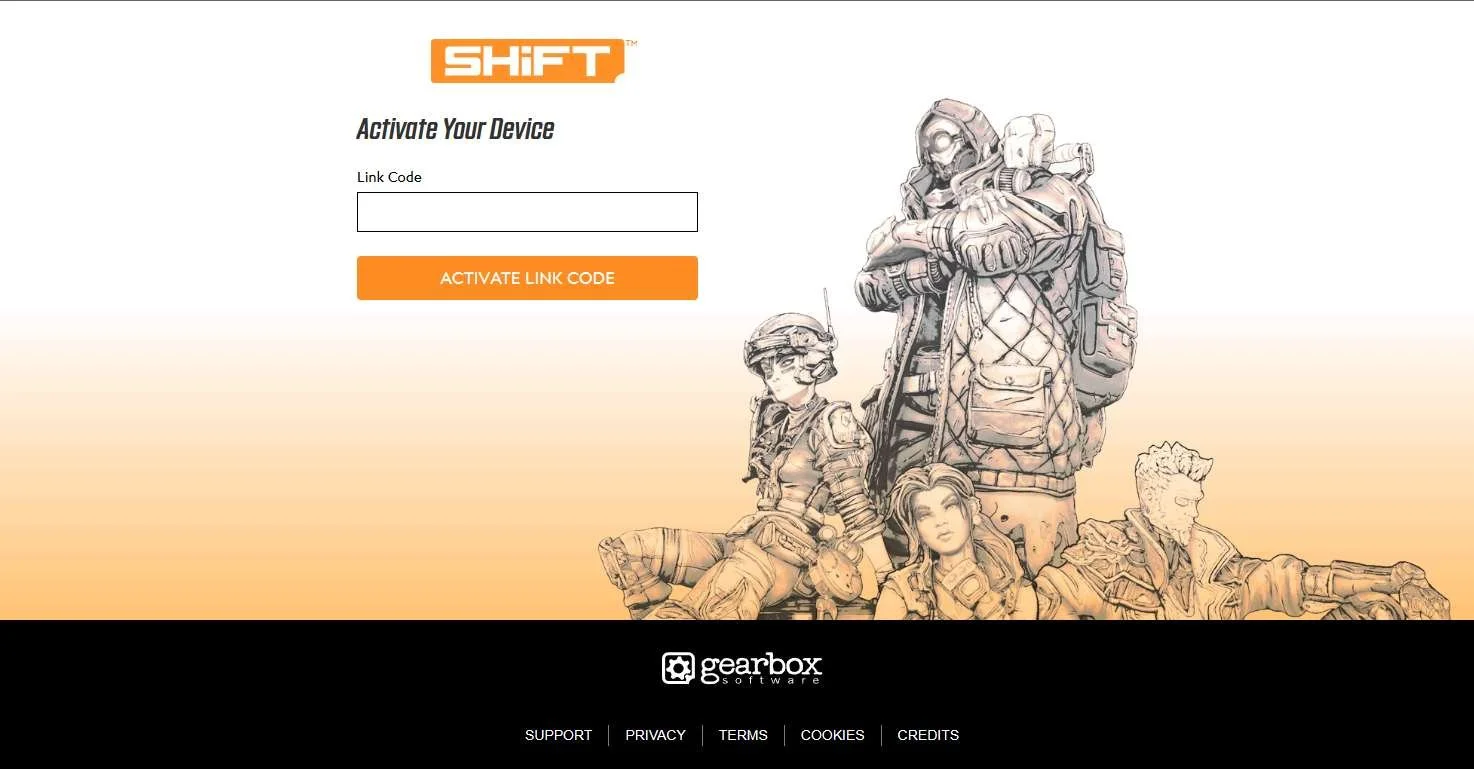
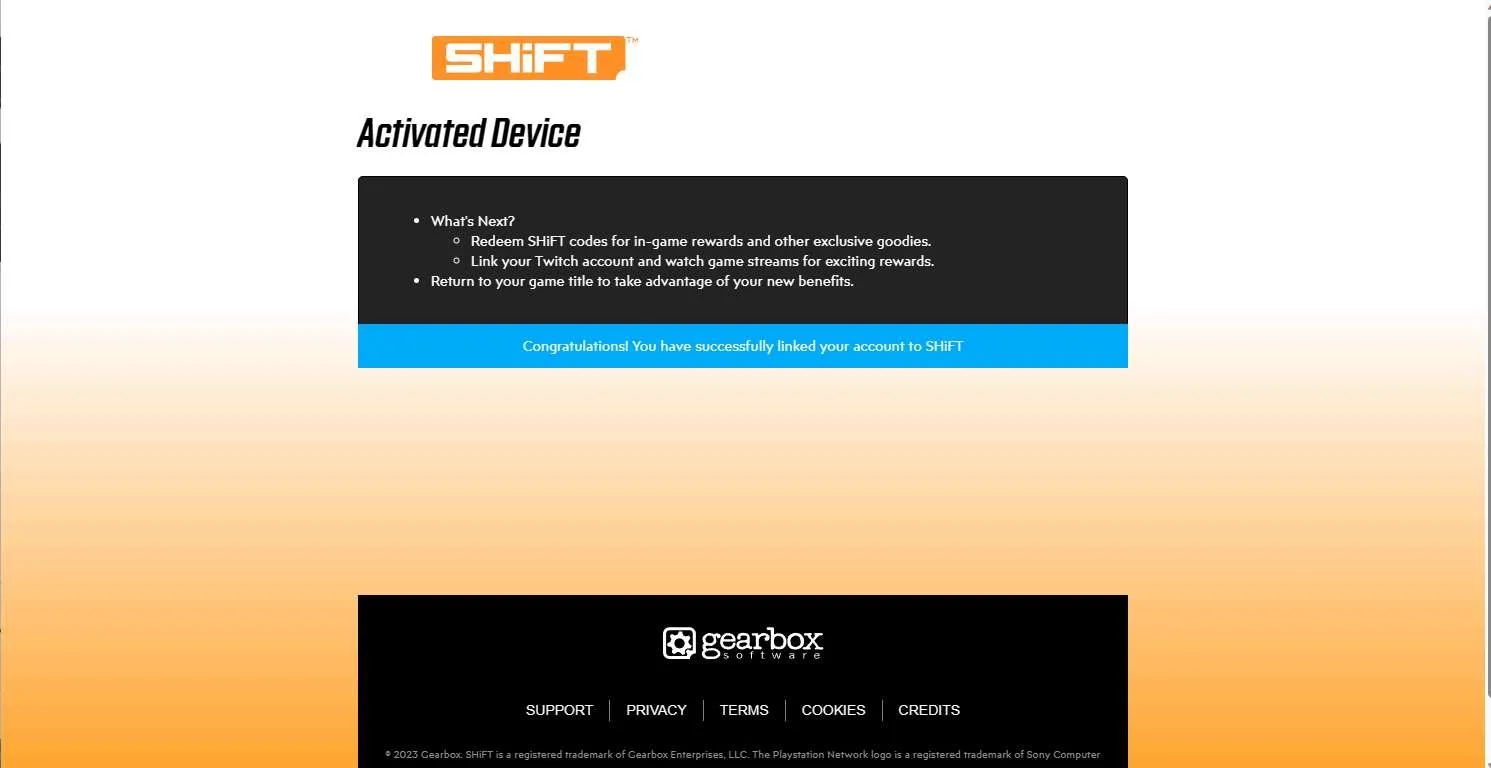
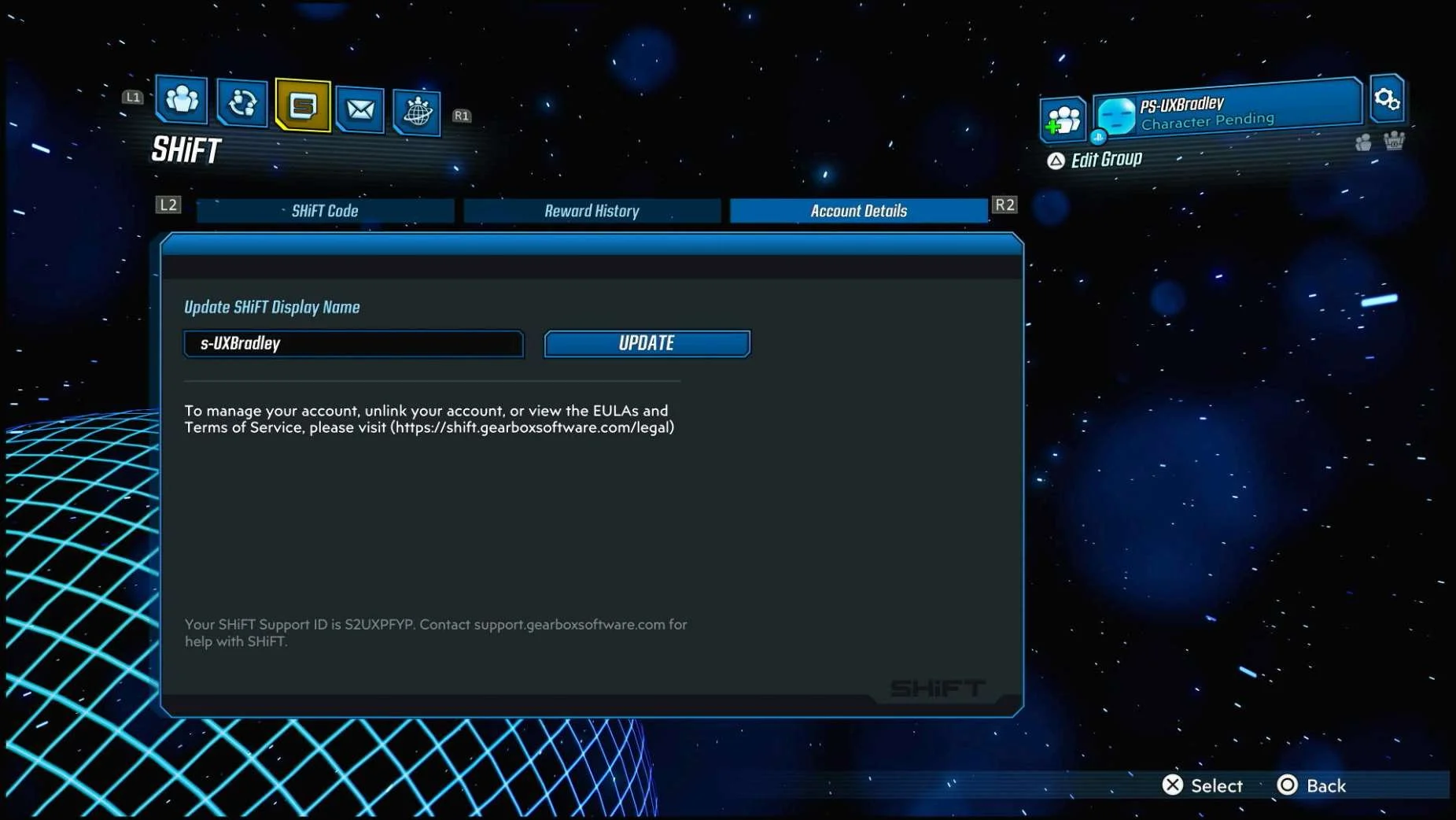
Linking Playstation account (PS-UXBradley) to SHiFT account (s-UXBradley):
|
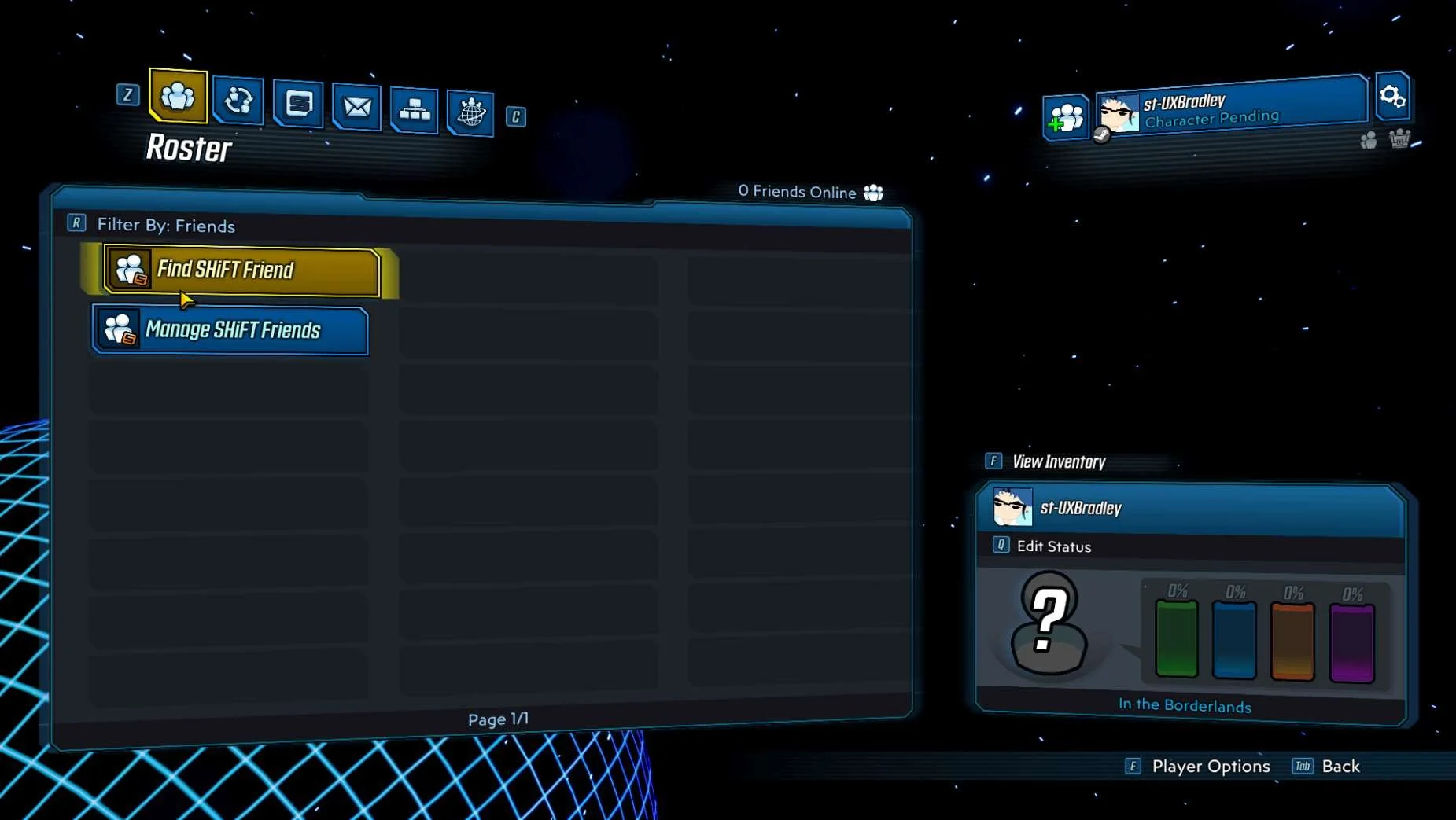
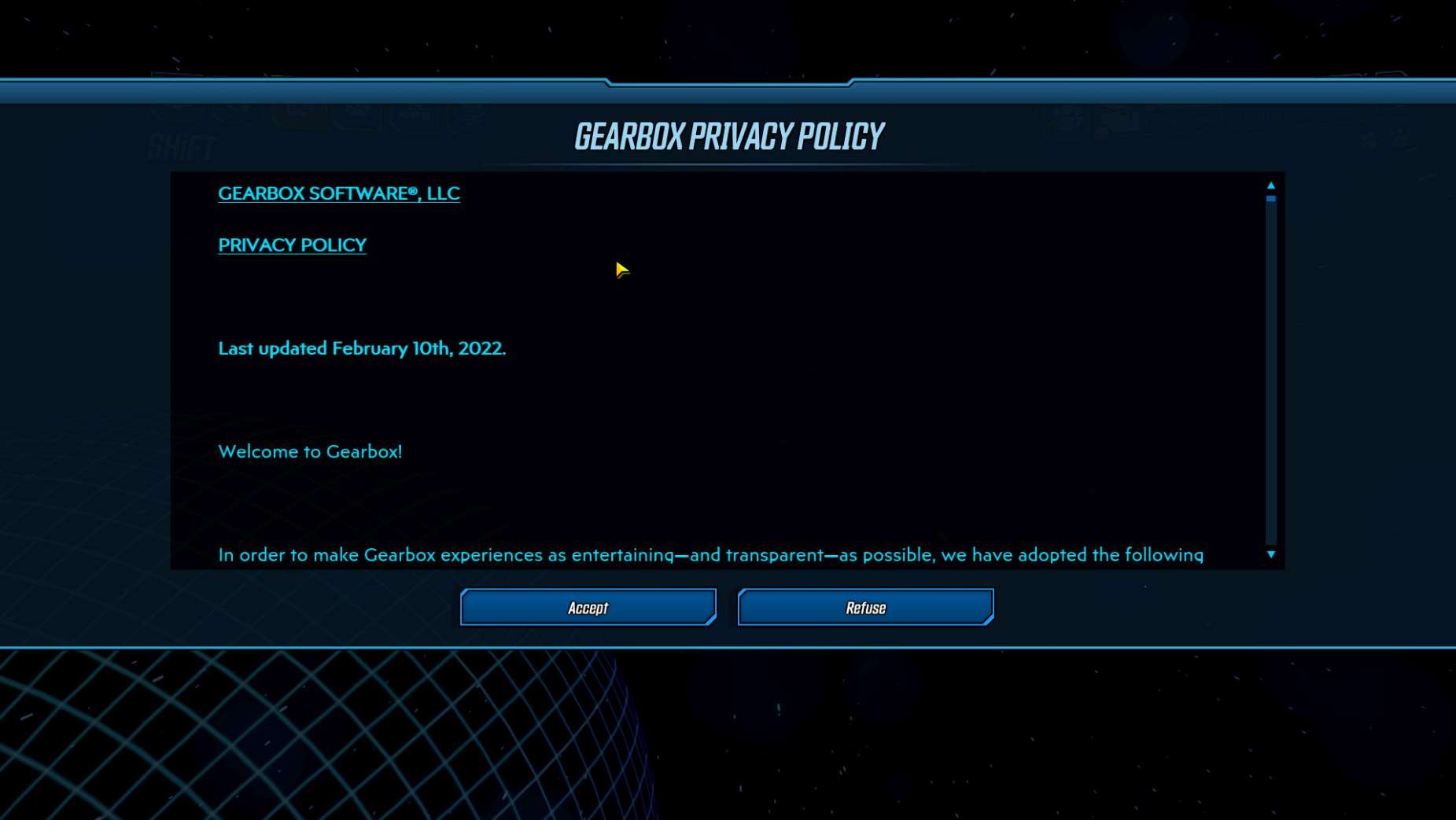
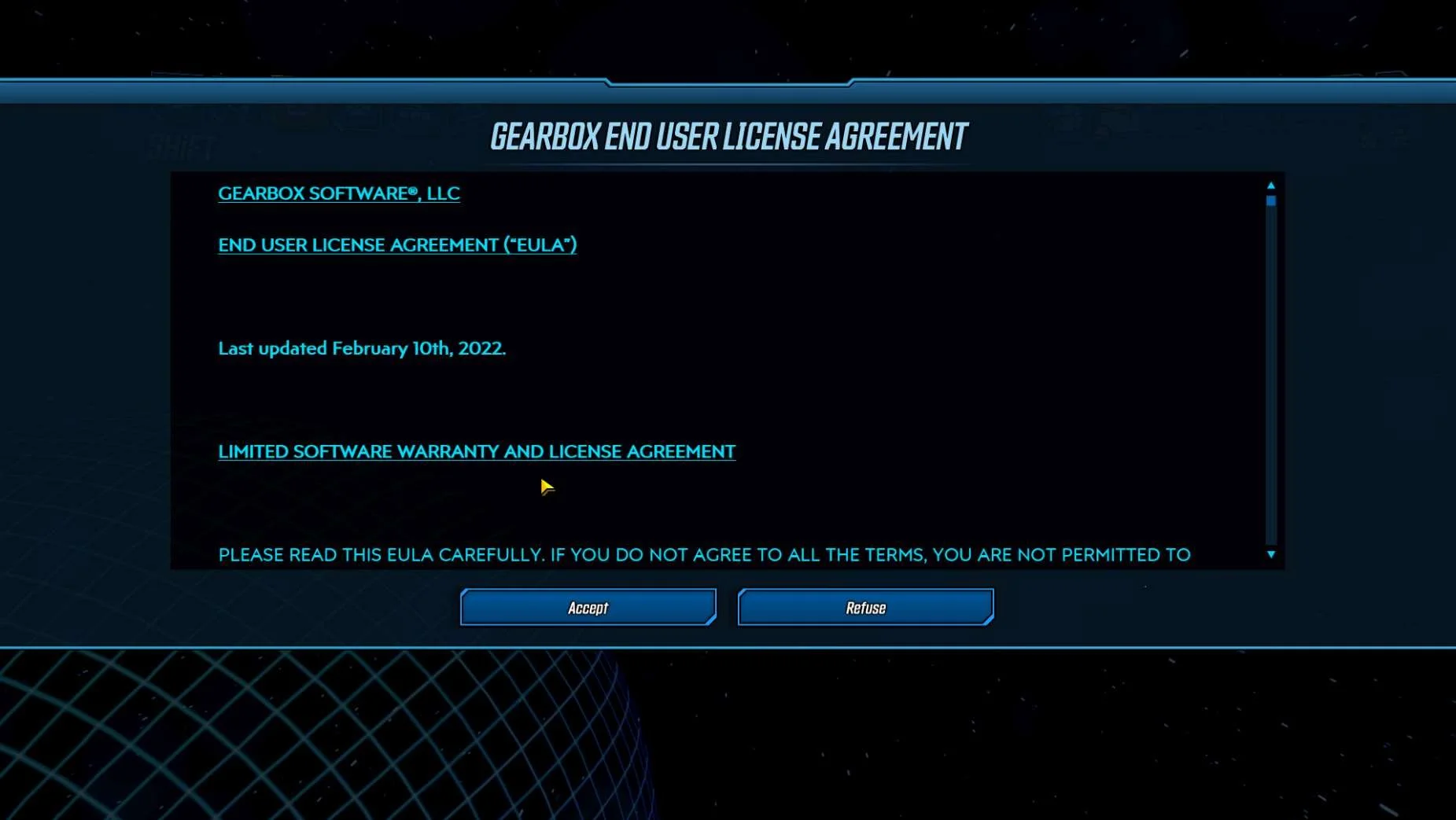
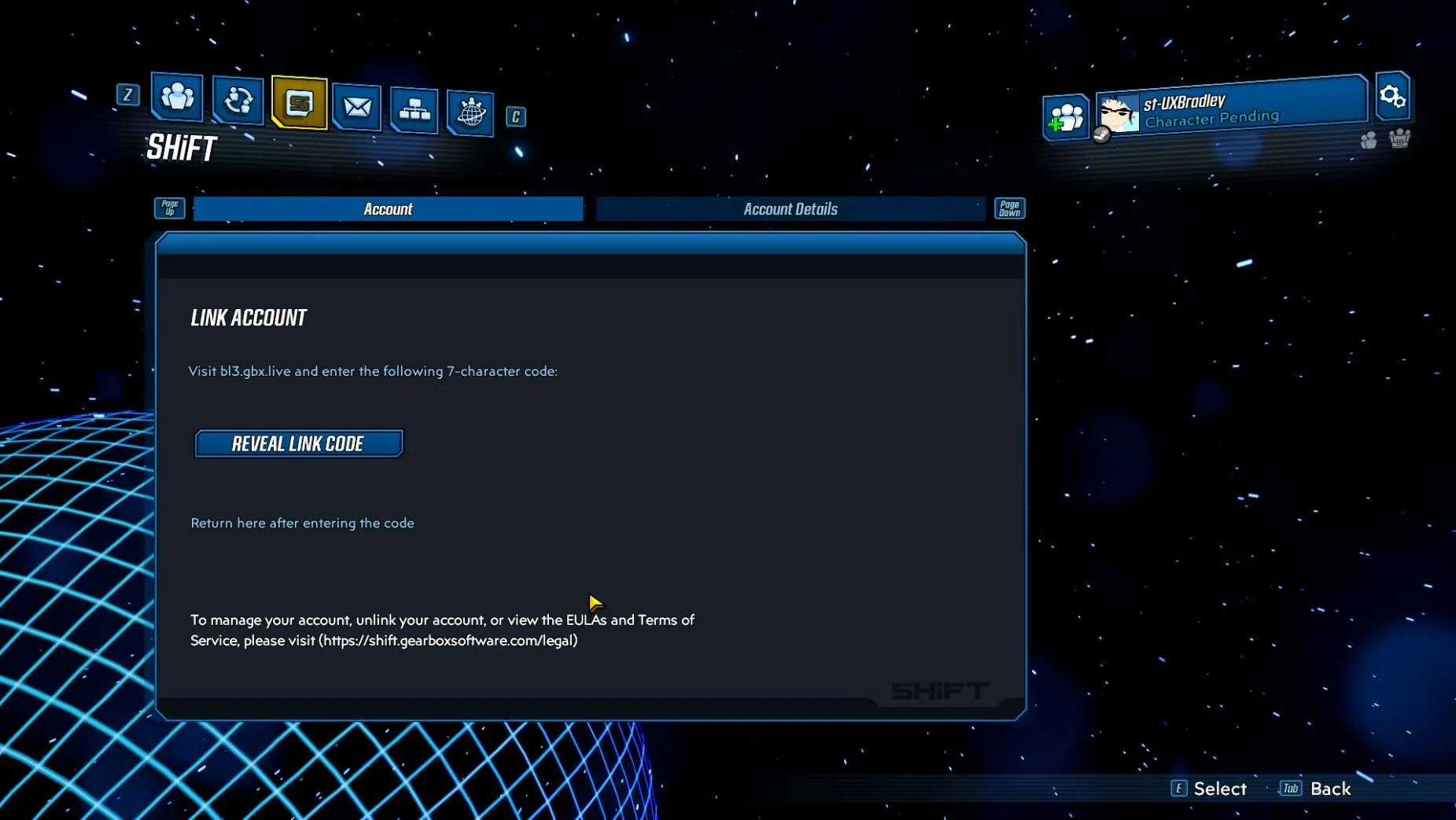
PC (WINDOWS)
Media | Notes |
|---|---|
Screenshot from 23 Nov 2023 on PC (WINDOWS) STEAM:
Main Menu → Social:
Main Menu → Social → SHiFT (first visit):
| PC (WINDOWS) STEAM as the 3rd platformAt this point in the research:
Borderlands 3 on PC (WINDOWS) STEAM:
|
Screenshots from 23 Nov 2023 on STEAM:
In a web browser:
Returning to STEAM:
| Linking the platform account through instructions in Main Menu → Social → SHiFTAt this point in the research:
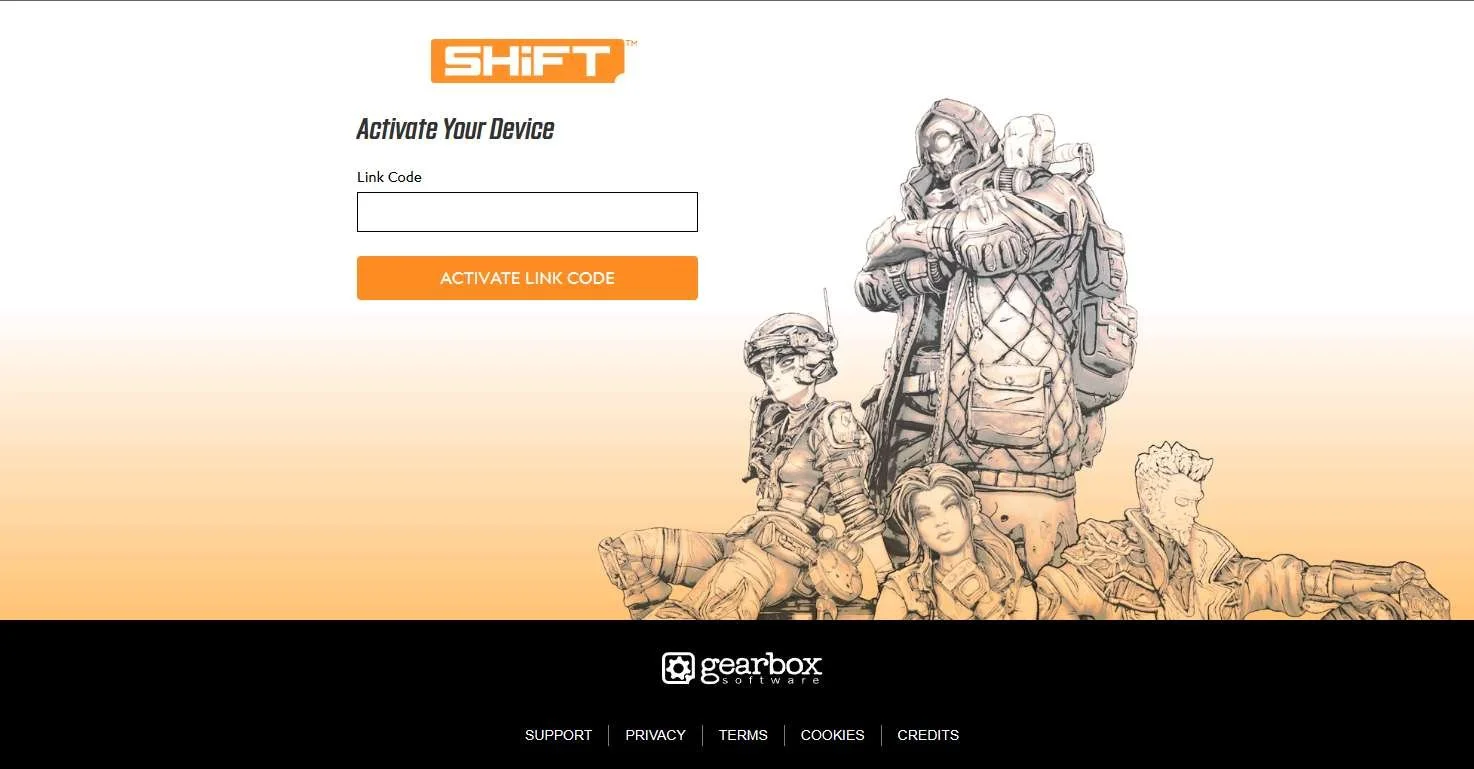
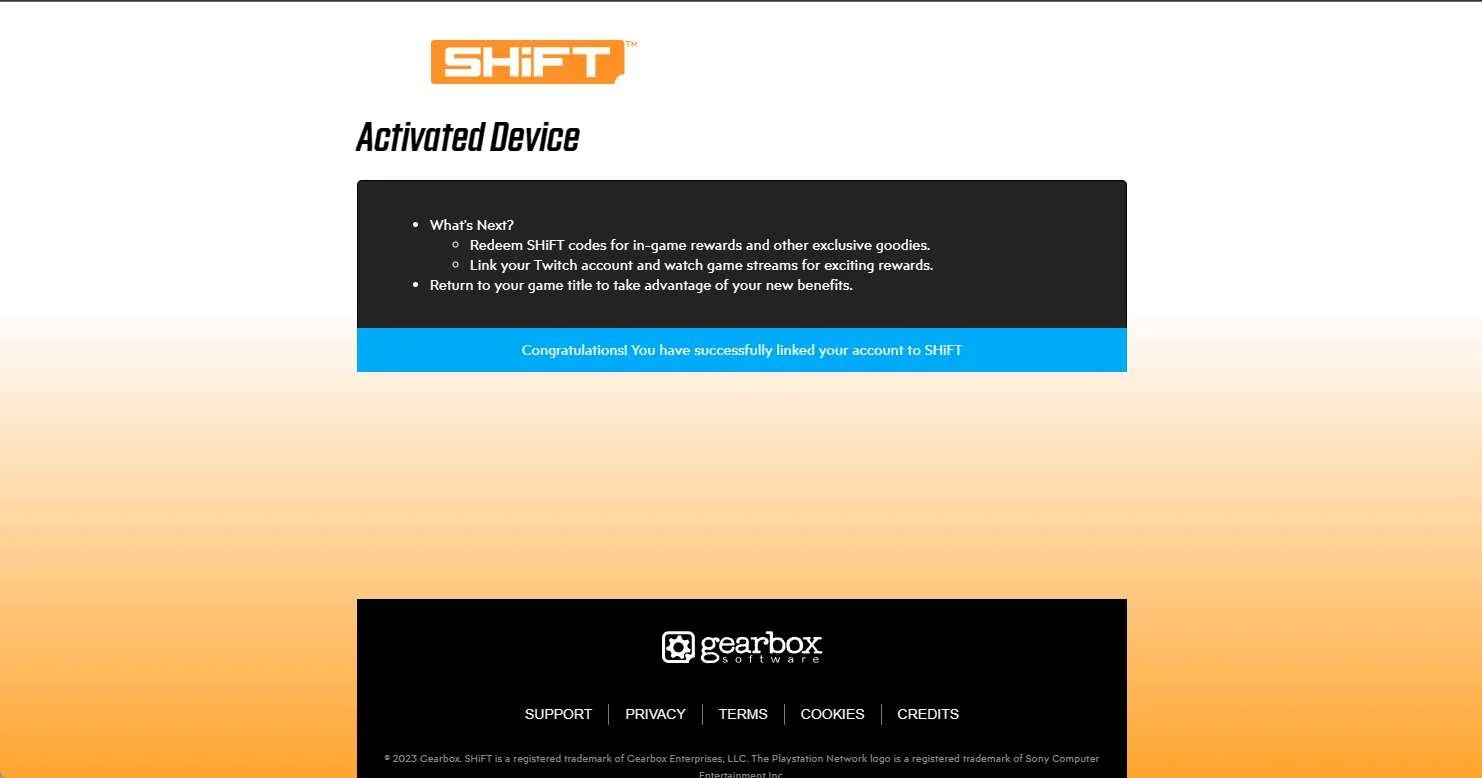
Linking STEAM account (st-UXBradley) to SHiFT account (s-UXBradley):
|
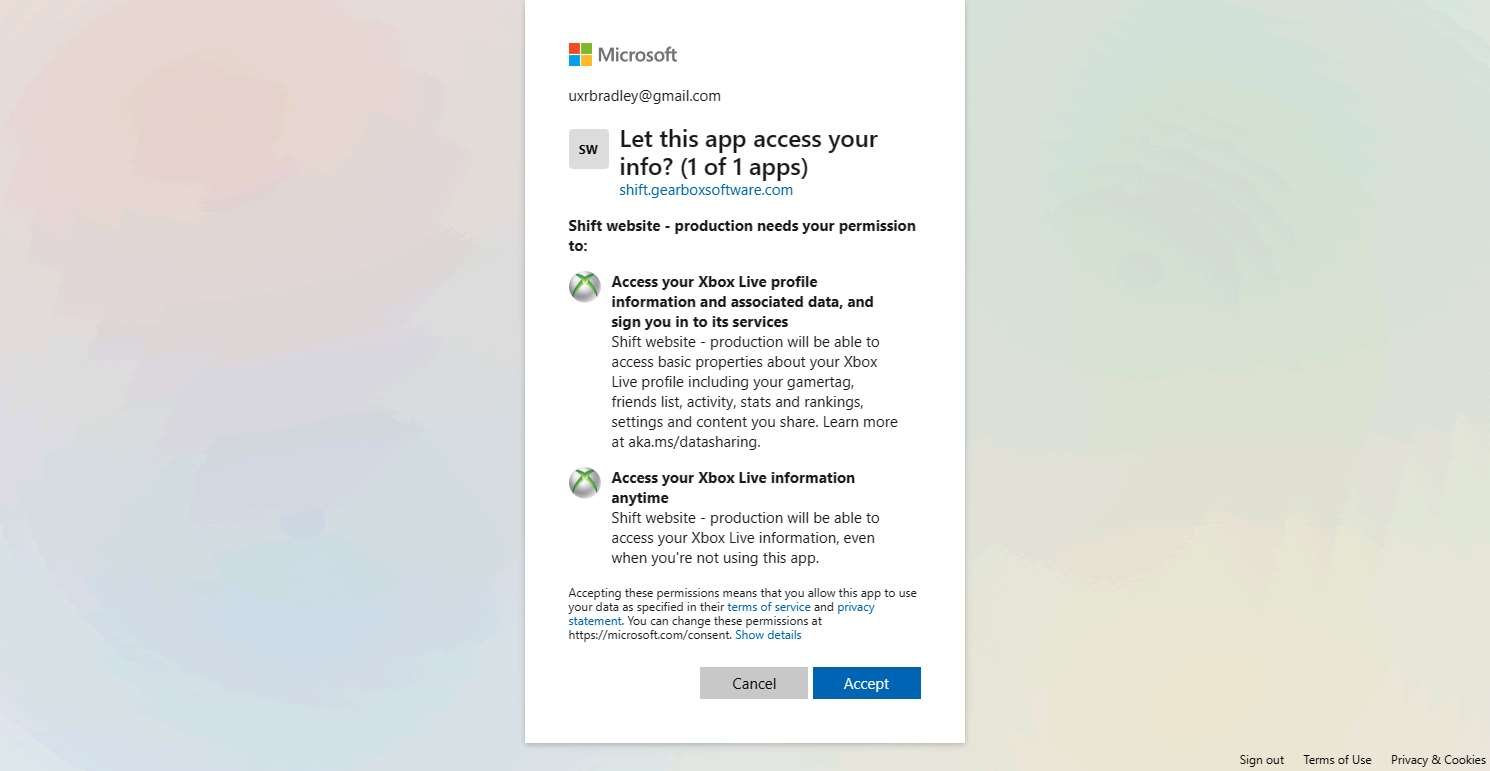
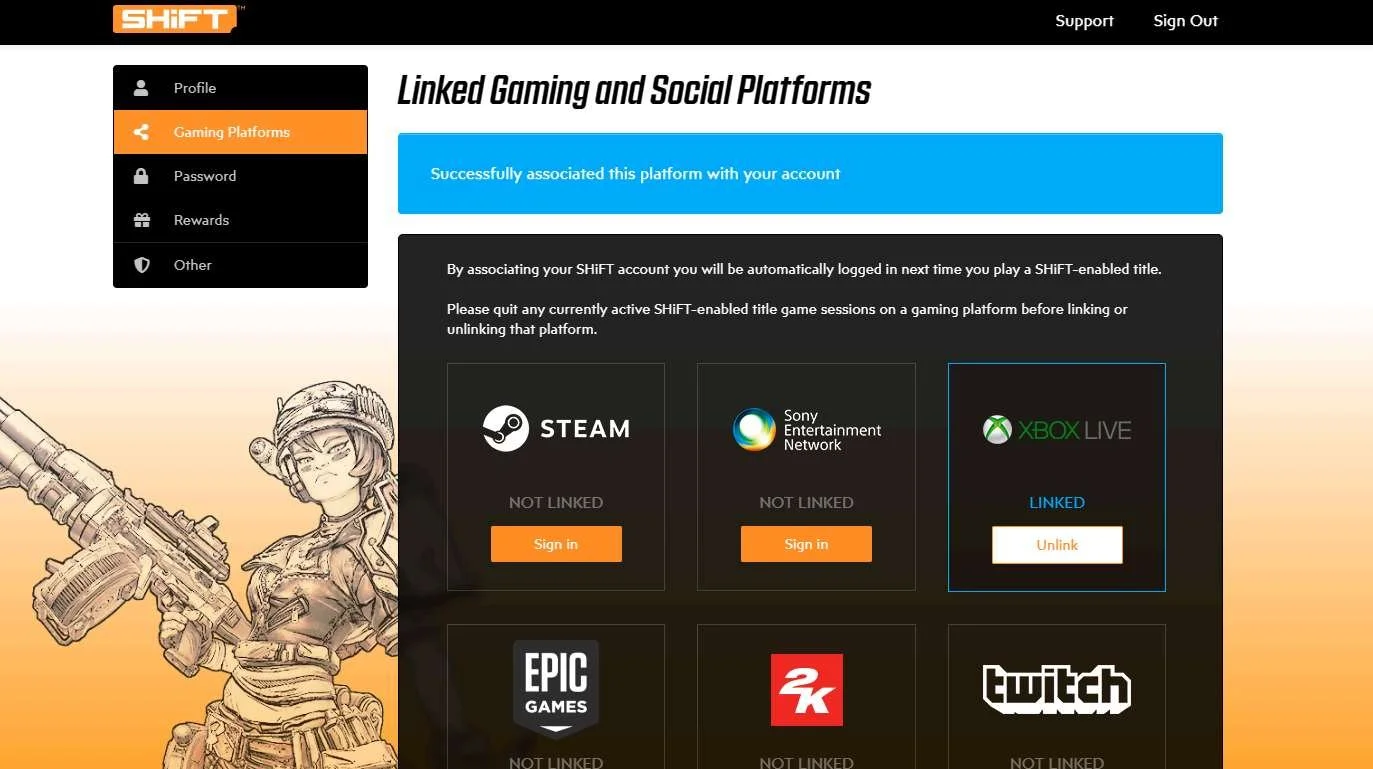
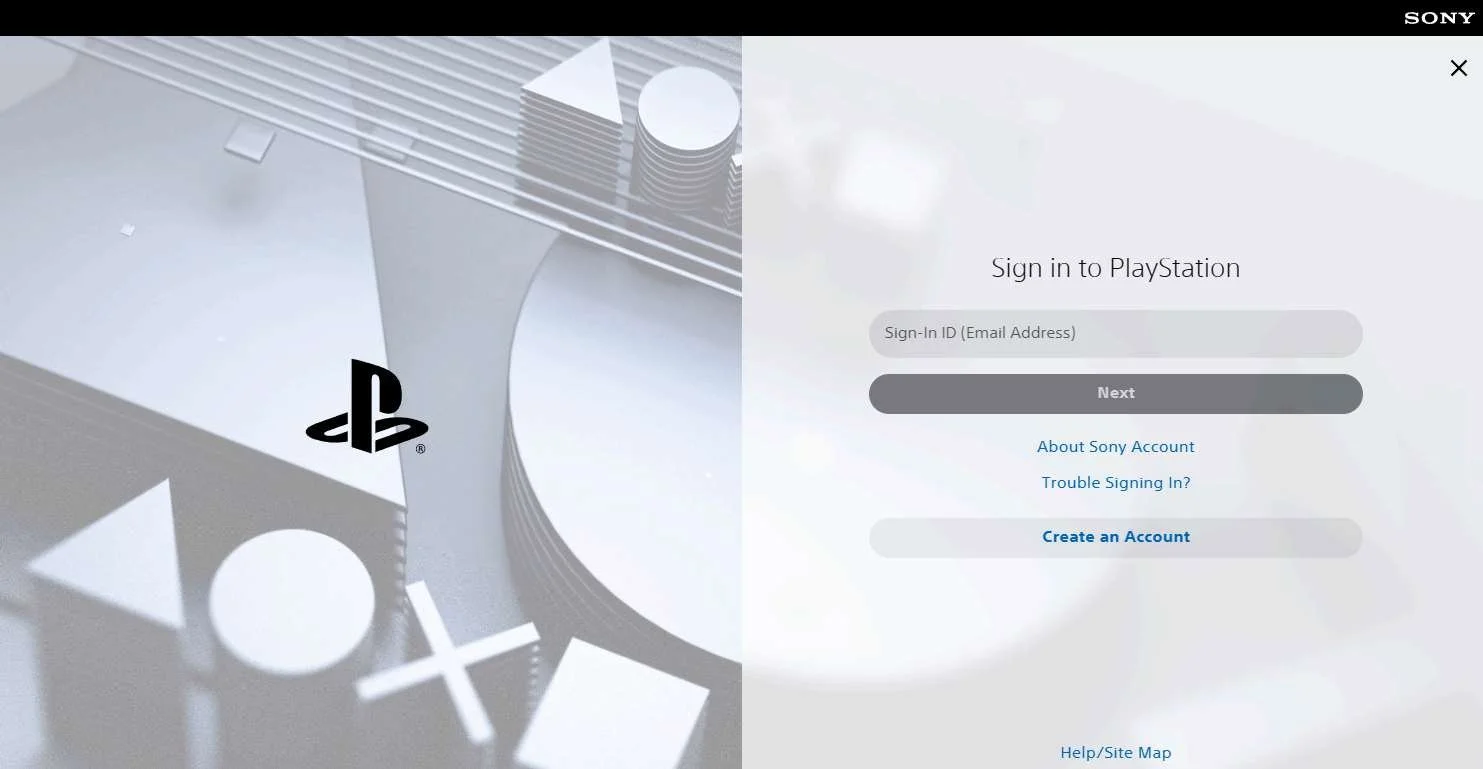
SHiFT WEBSITE ACCOUNT LINKING
Media | Notes |
|---|---|
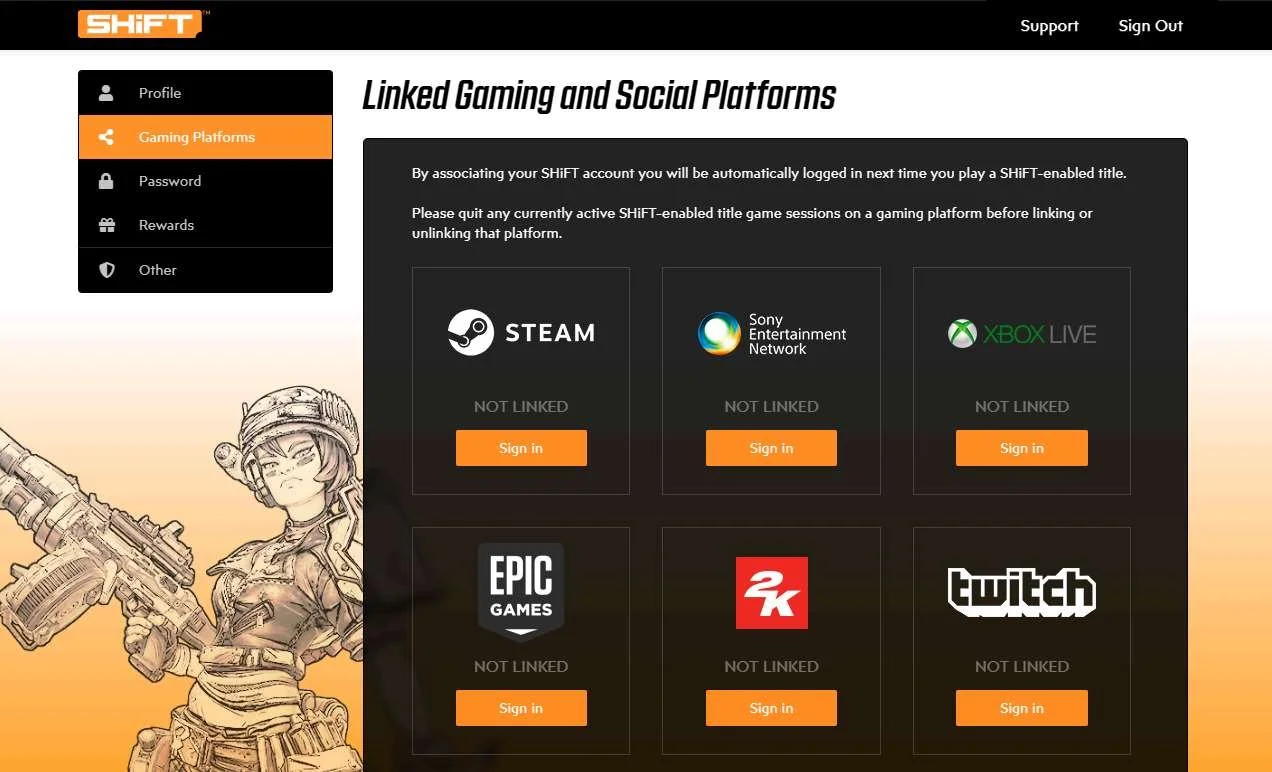
Screenshots from 23 Nov 2023 in a web browser:
| Accounts LinkedAt this point in the research:
From within the gearbox website:
|
Screenshots from 23 Nov 2023 in a web browser:
| Unlinking accountsAt this point in the research:
Unlinking accounts from within gearbox website:
|
Screenshot from 23 Nov 2023 on XBOX:
In the web browser:
| Can a player link a platform account to a different SHiFT accountAt this point in the research:
Attempting to link a different SHiFT account to platform account through account linking flow within the game:
NOTE The player is able to link their platform account to another SHiFT account. There doesn't seem to be any limitations enforced here. |
Screenshots from 23 Nov 2023 in a web browser:
Playstation account linking:
STEAM account linking:
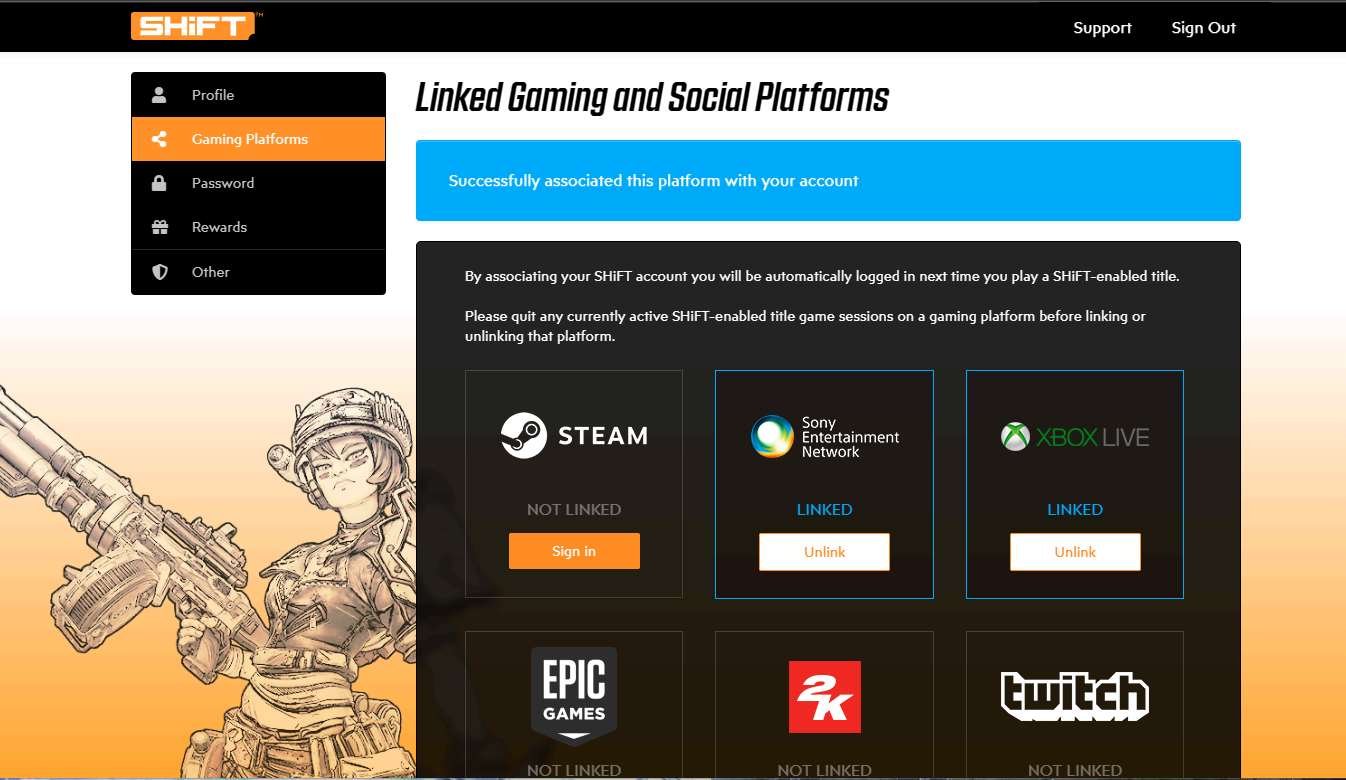
| Linking platform accounts through gearbox websiteLink a XBOX Profile through the gearbox website:
Link a Playstation account through the gearbox website:
Link a STEAM account through the gearbox website:
NOTE The player is able to link / unlink different accounts here. There doesn't seem to be any limitation enforced through gearbox website. |
Screenshots from 23 Nov 2023 on XBOX:
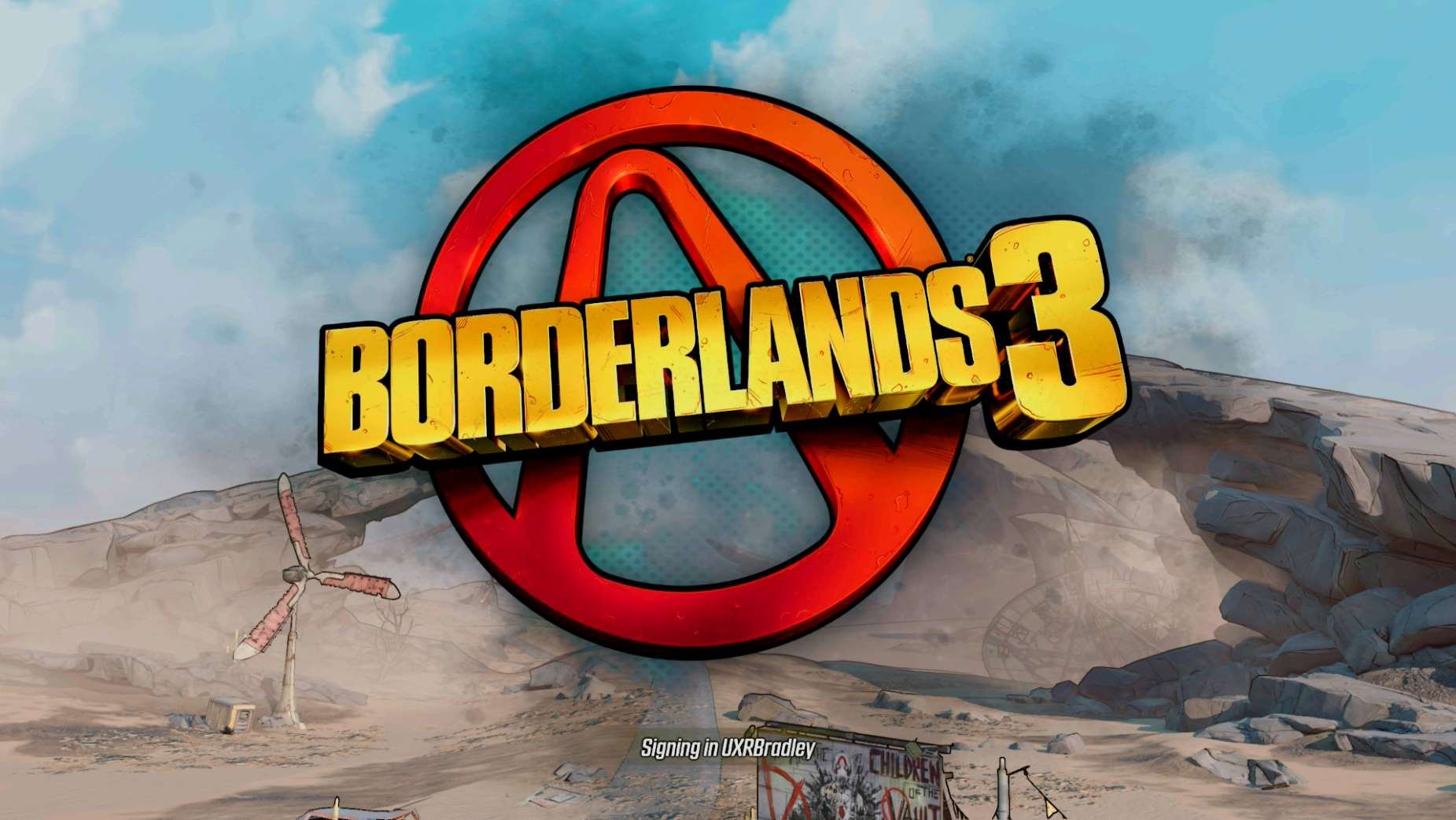
| Launching Borderlands 3 for the first time after platform account is already linked through gearbox websiteLaunching Borderlands 3 for the first time as XBOX profile UXRBradley, newly linked to SHiFT account s-UXBradley through the gearbox webiste:
|

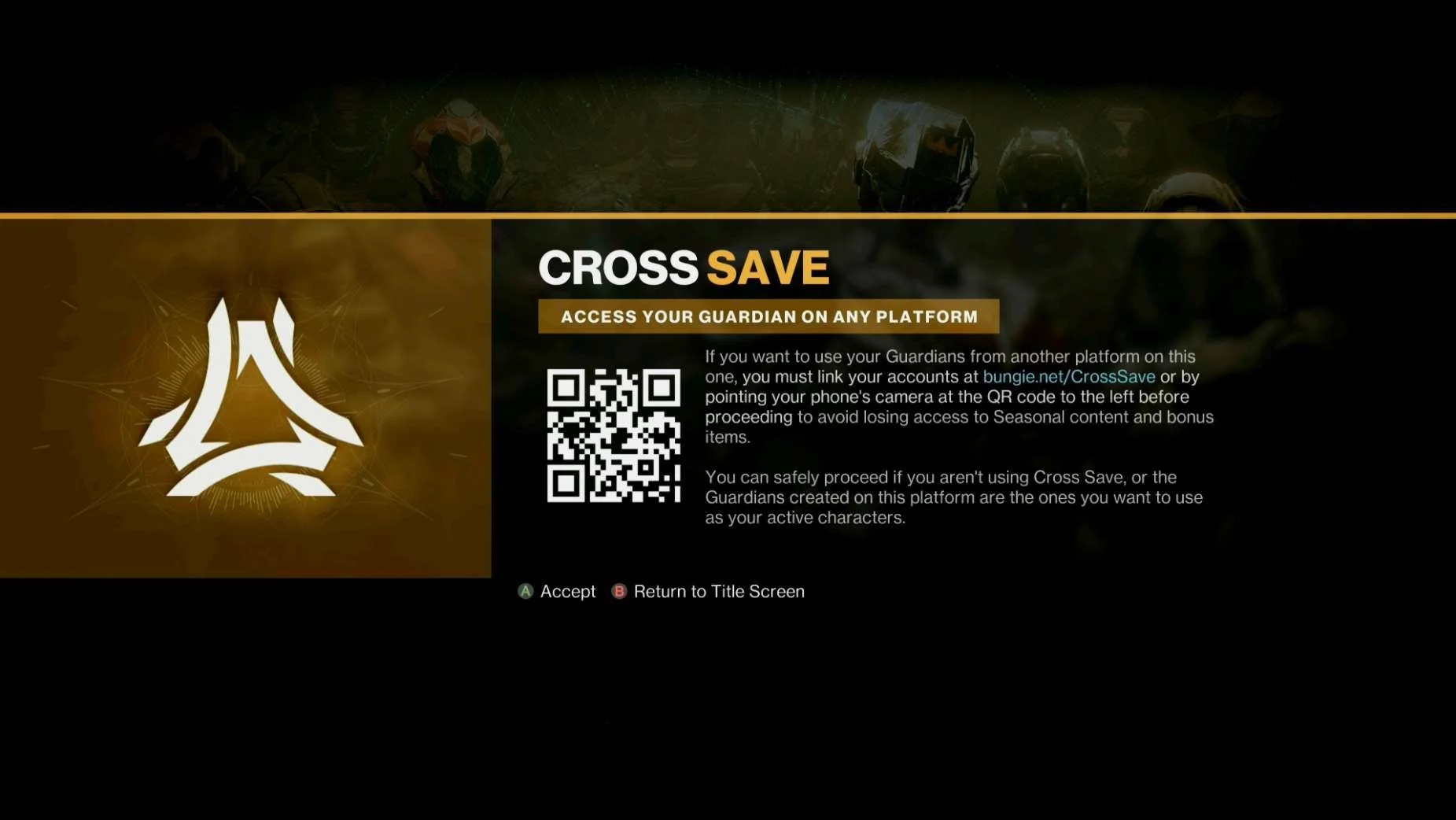
Destiny 2
Screenshot from 17 Nov 2023 from: Destiny 2: Play For Free | Bungie.net
As of 17 Nov 2023 Destiny 2 is available on the following platforms and is Free to Play:
- INCLUDED IN RESEARCH (WINDOWS) | PC STEAM: Destiny 2 on Steam (steampowered.com)
- INCLUDED IN RESEARCH (WINDOWS) | PC EPIC LAUNCHER: Destiny 2 | Download and Play for Free - Epic Games Store
- INCLUDED IN RESEARCH (PS5) | Playstation 4 & 5: Destiny 2 PS4™ & PS5™ (playstation.com)
- INCLUDED IN RESEARCH (Series S) | XBOX (One & Series X|S) : Get Destiny 2 | Xbox
Highlights
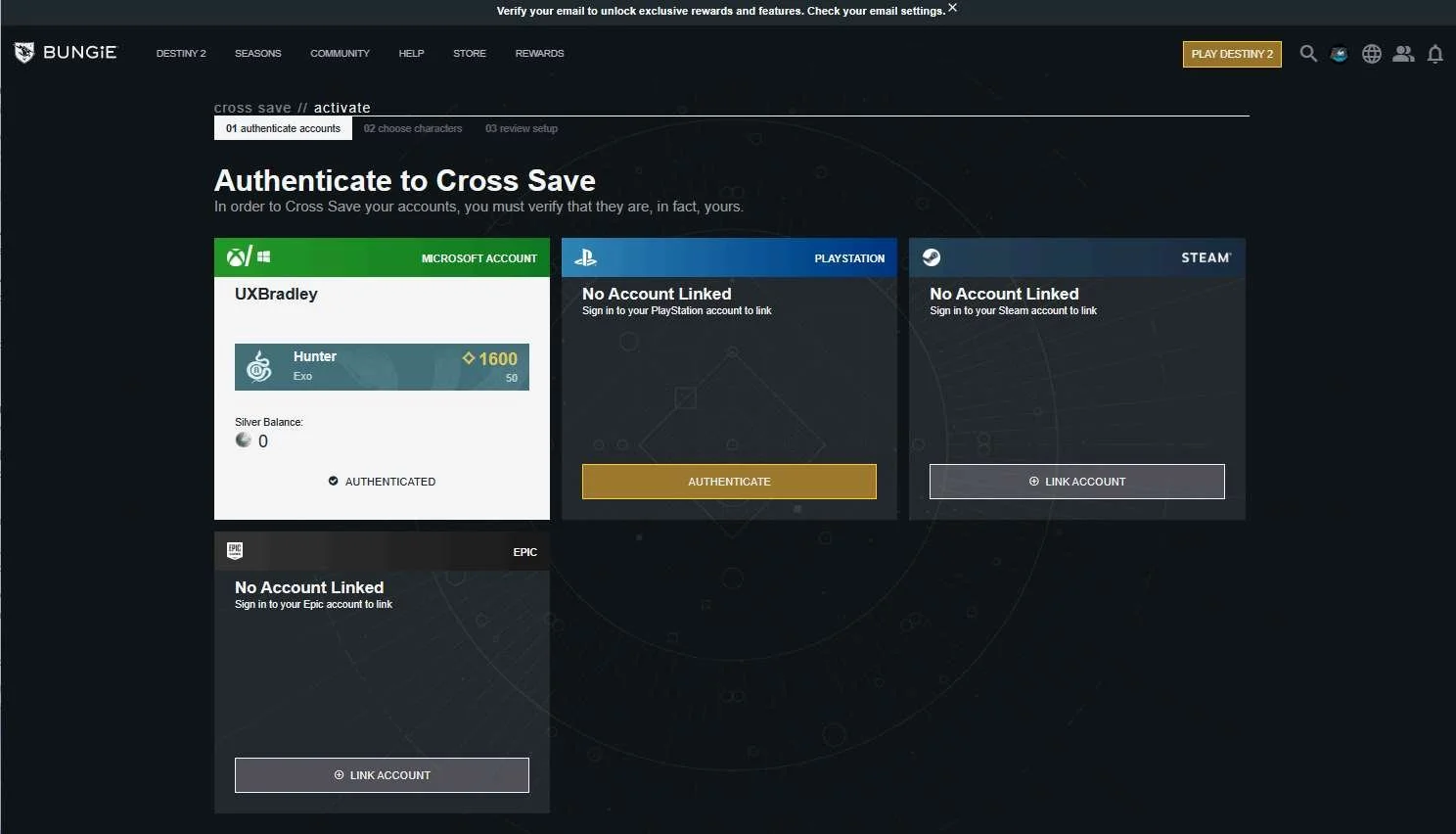
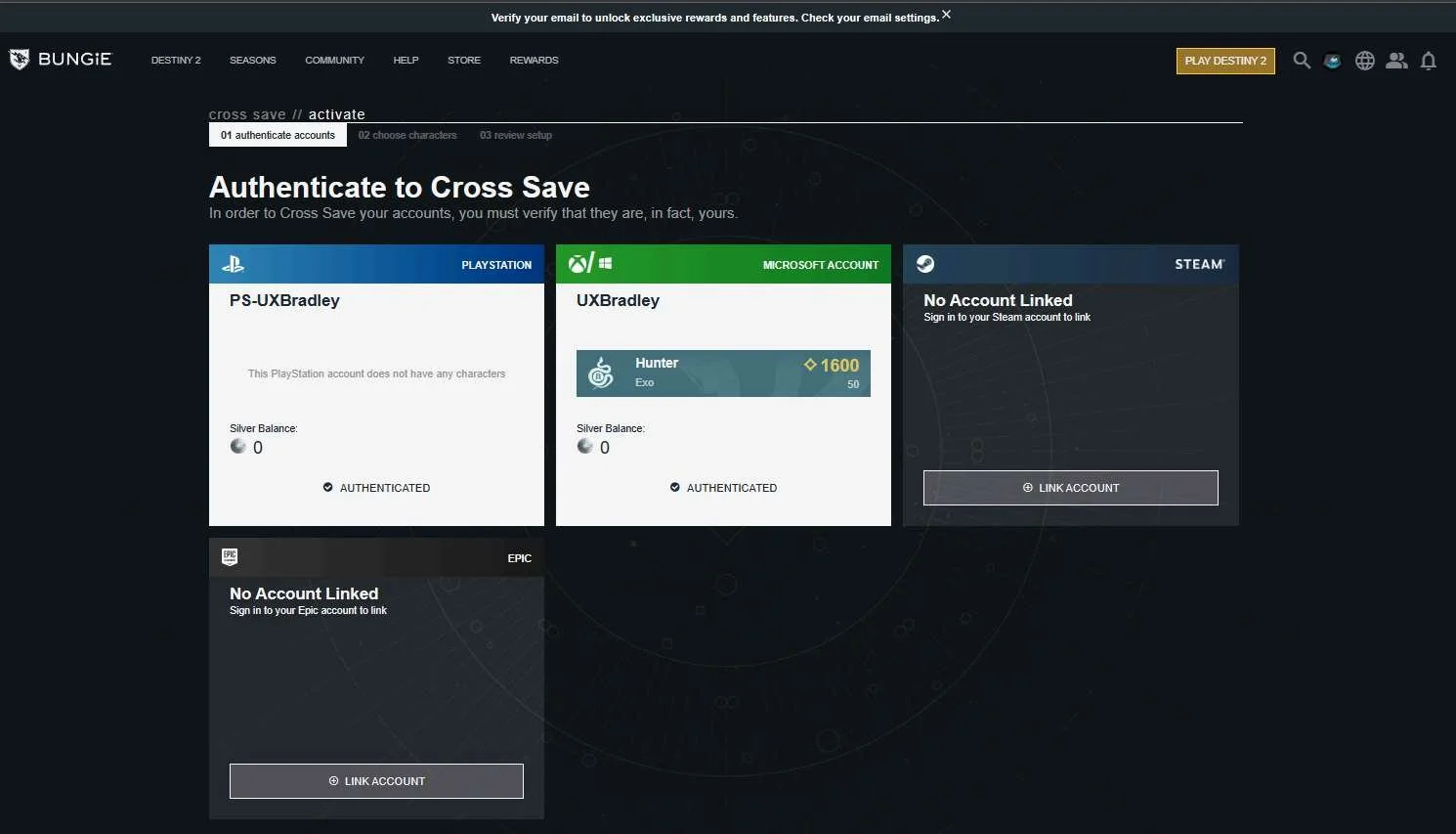
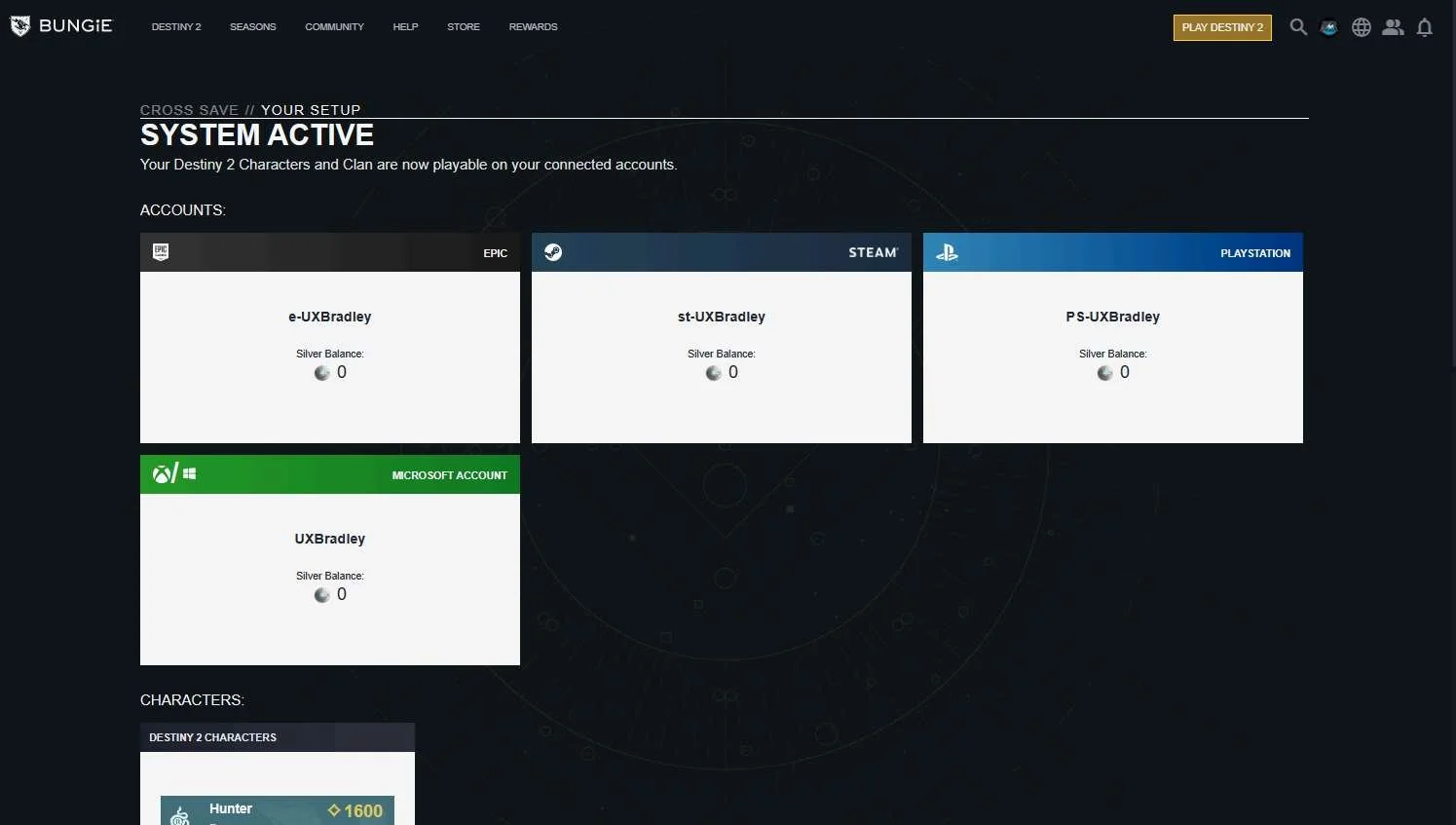
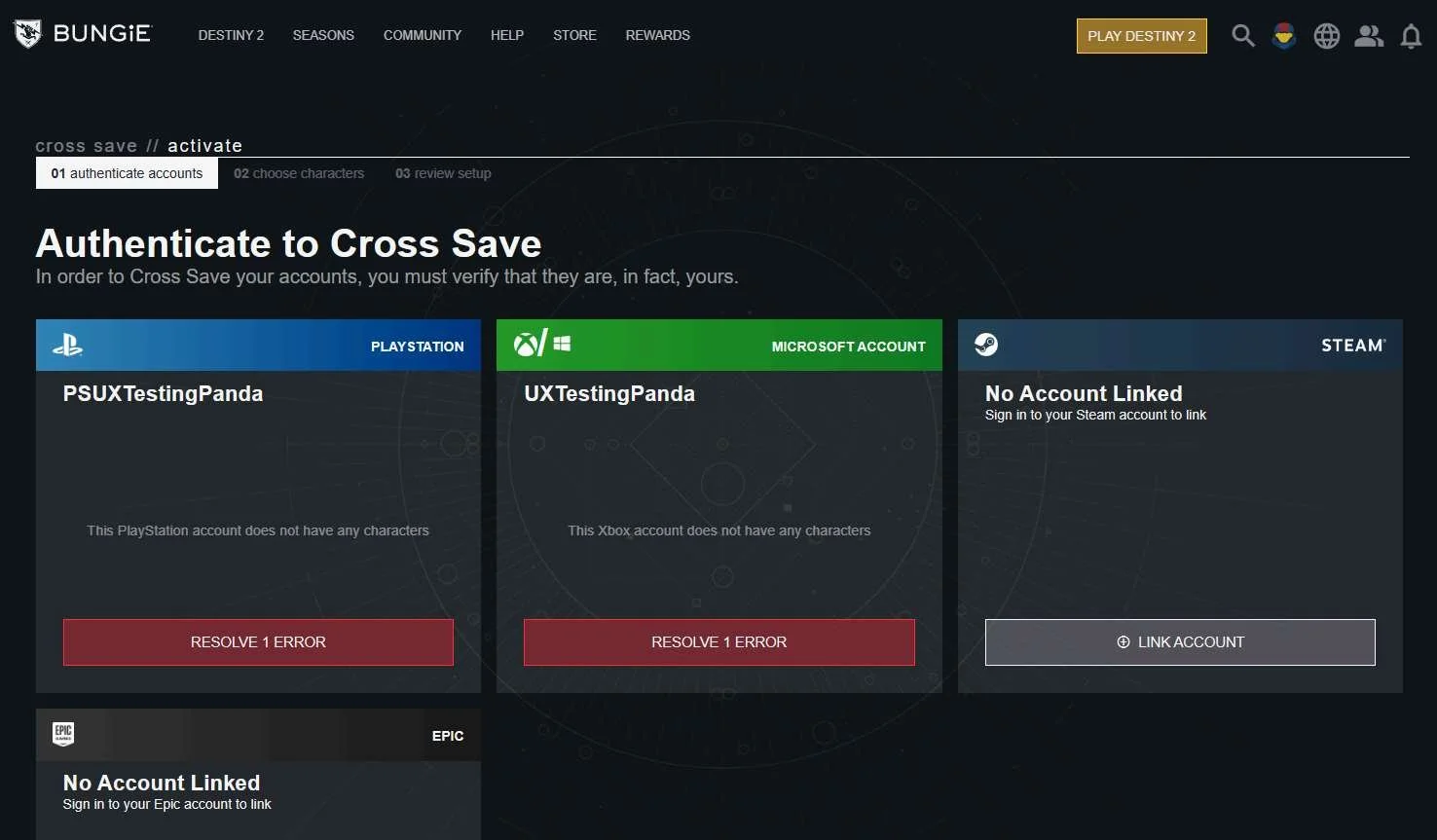
- Players are directed to one place to link all of their accounts
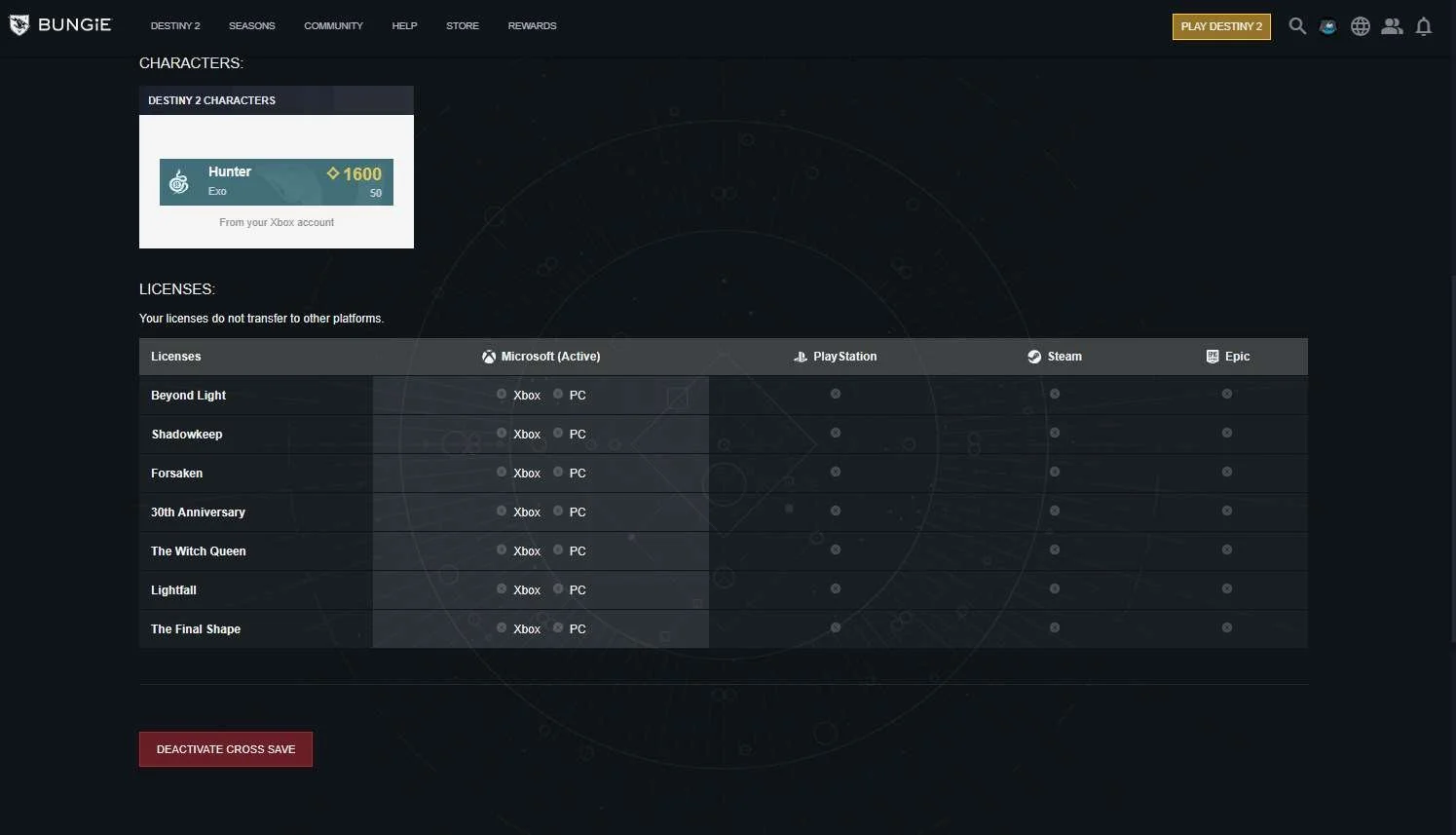
- There is a lot of information available to the player at the same page / website as the account linking to answer account linking questions
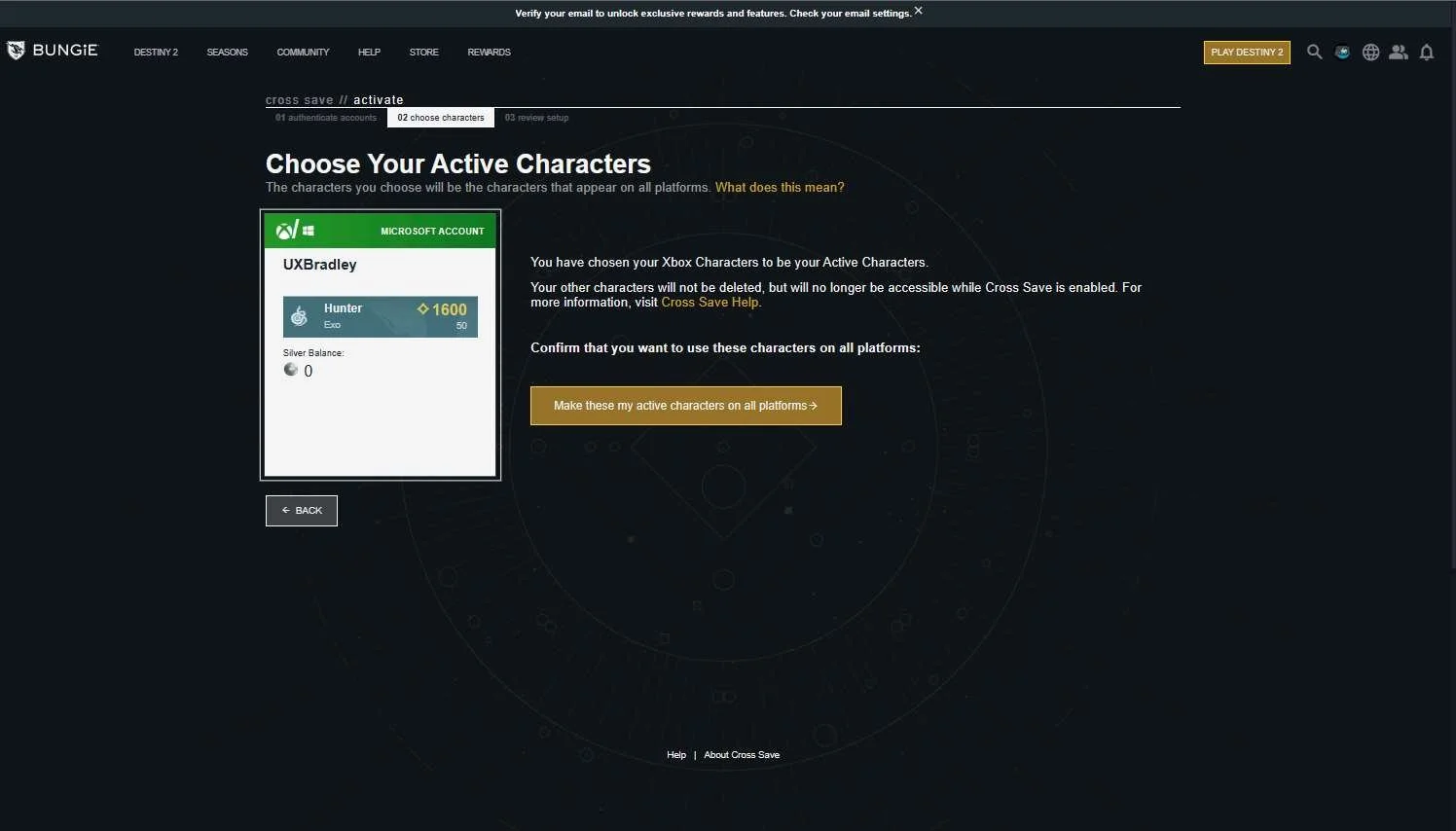
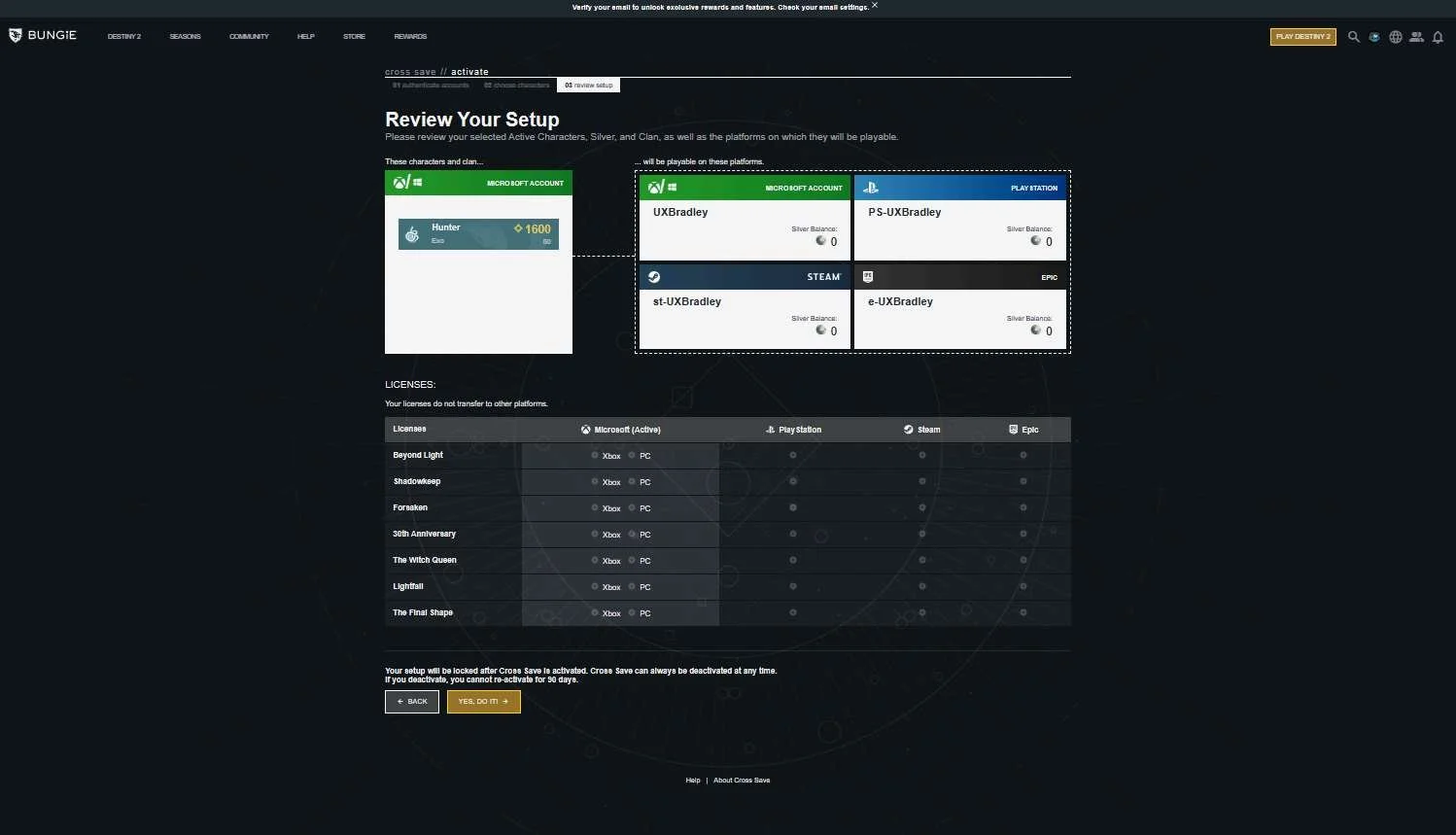
- The account linking process is pretty straight forward and there is plenty of guidance and explanation along the way
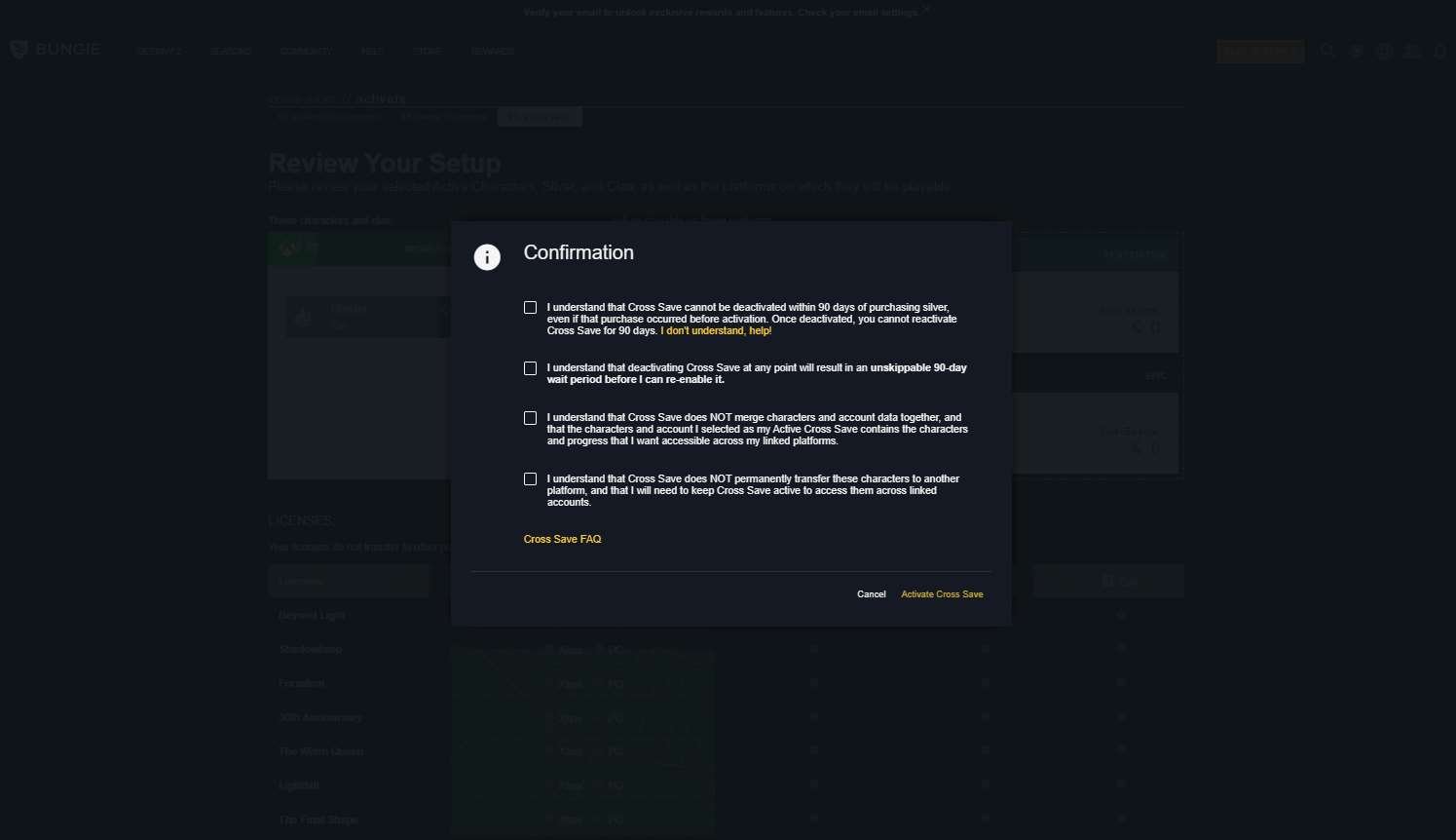
- There are very clear warnings throughout the linking process
Lowlights
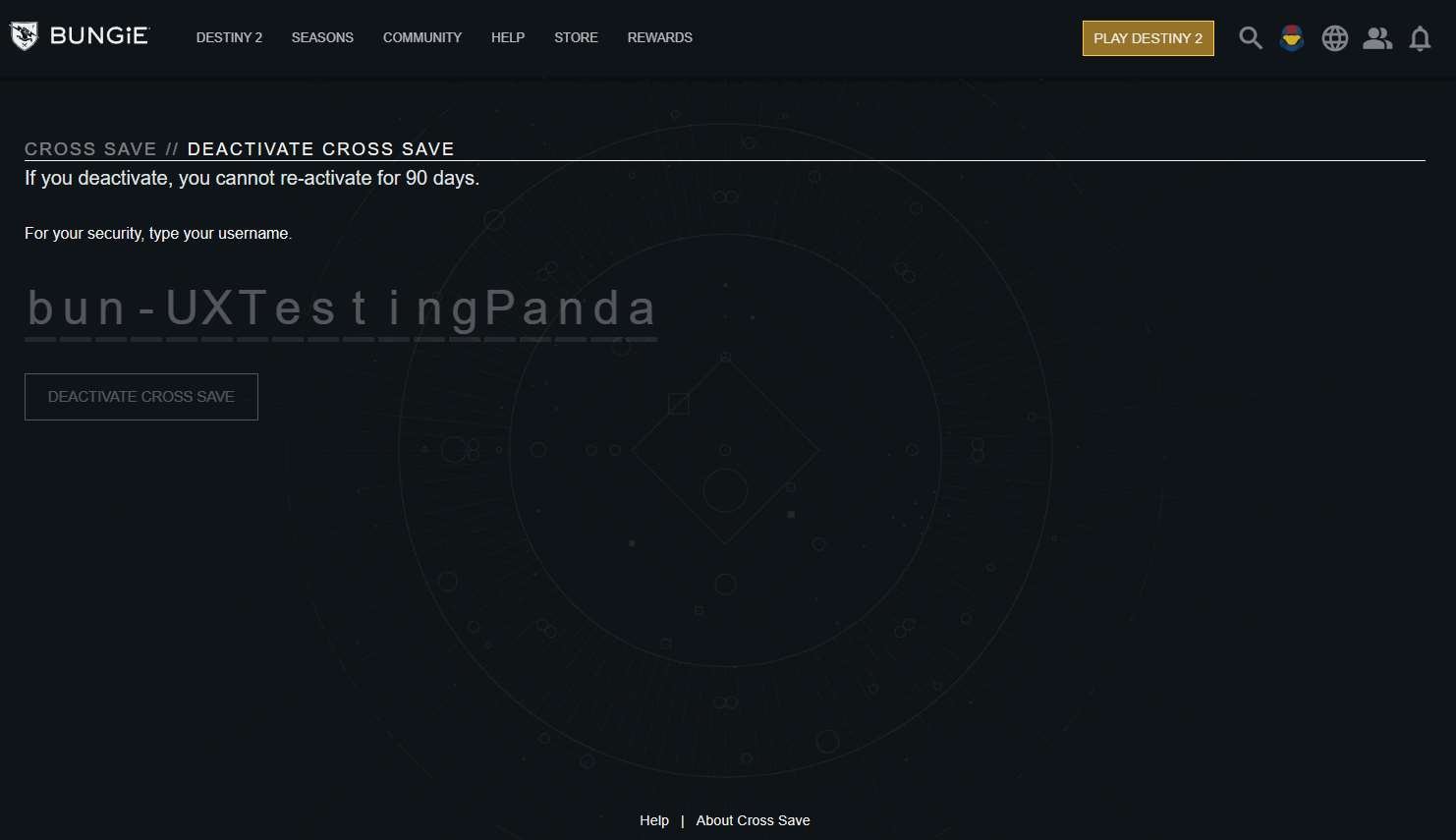
- Players have to wait 90 days to re-link accounts if they have just unlinked them
- Once the player dismisses the CrossSave message they do not see it again
CROSS SAVE MESSAGE
Media | Notes |
|---|---|
Screenshots from 23 Nov 2023 On XBOX Series S:
On Playstation 5:
On PC (WINDOWS) Epic Launcher:
On PC (WINDOWS) STEAM:
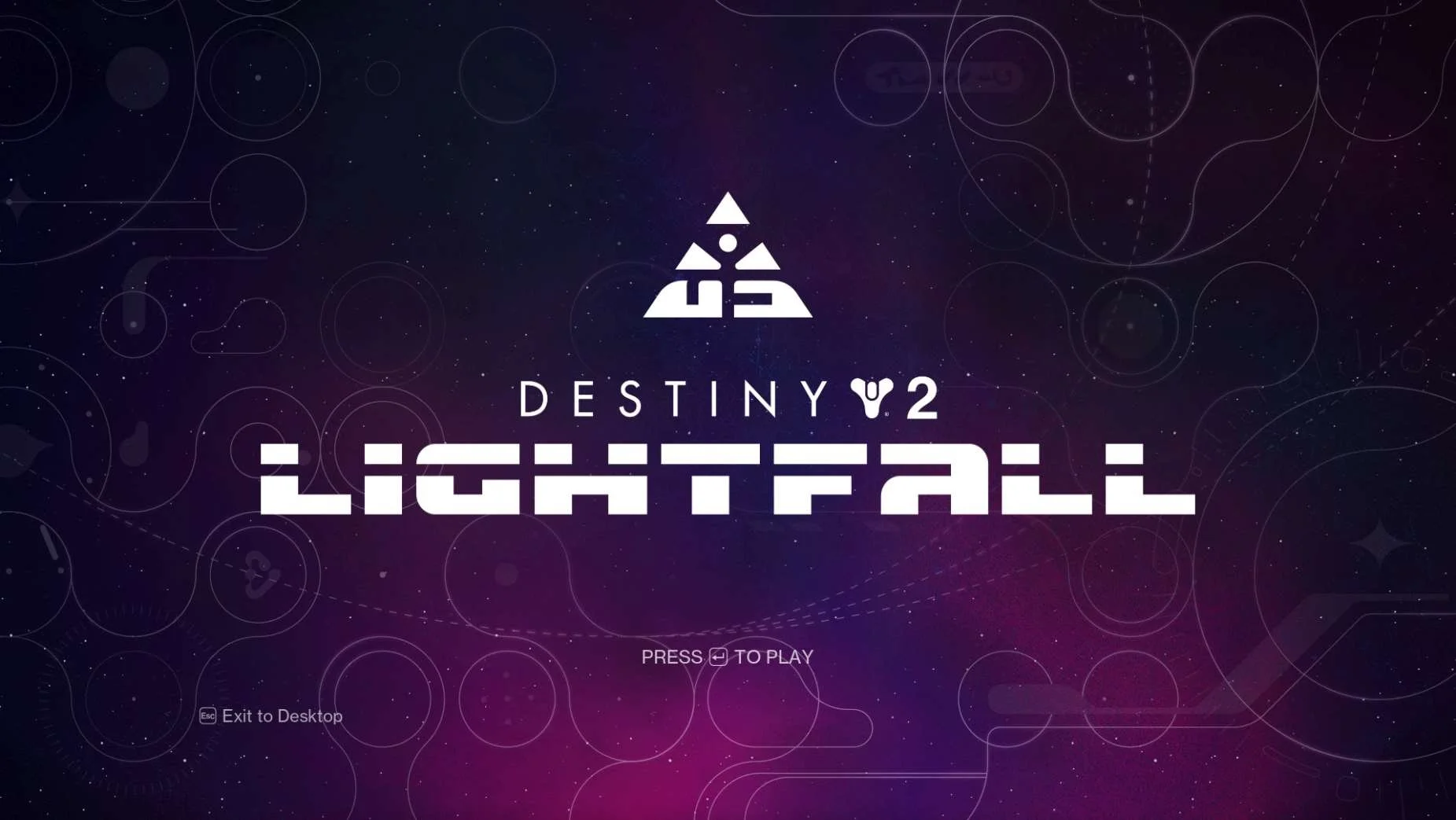
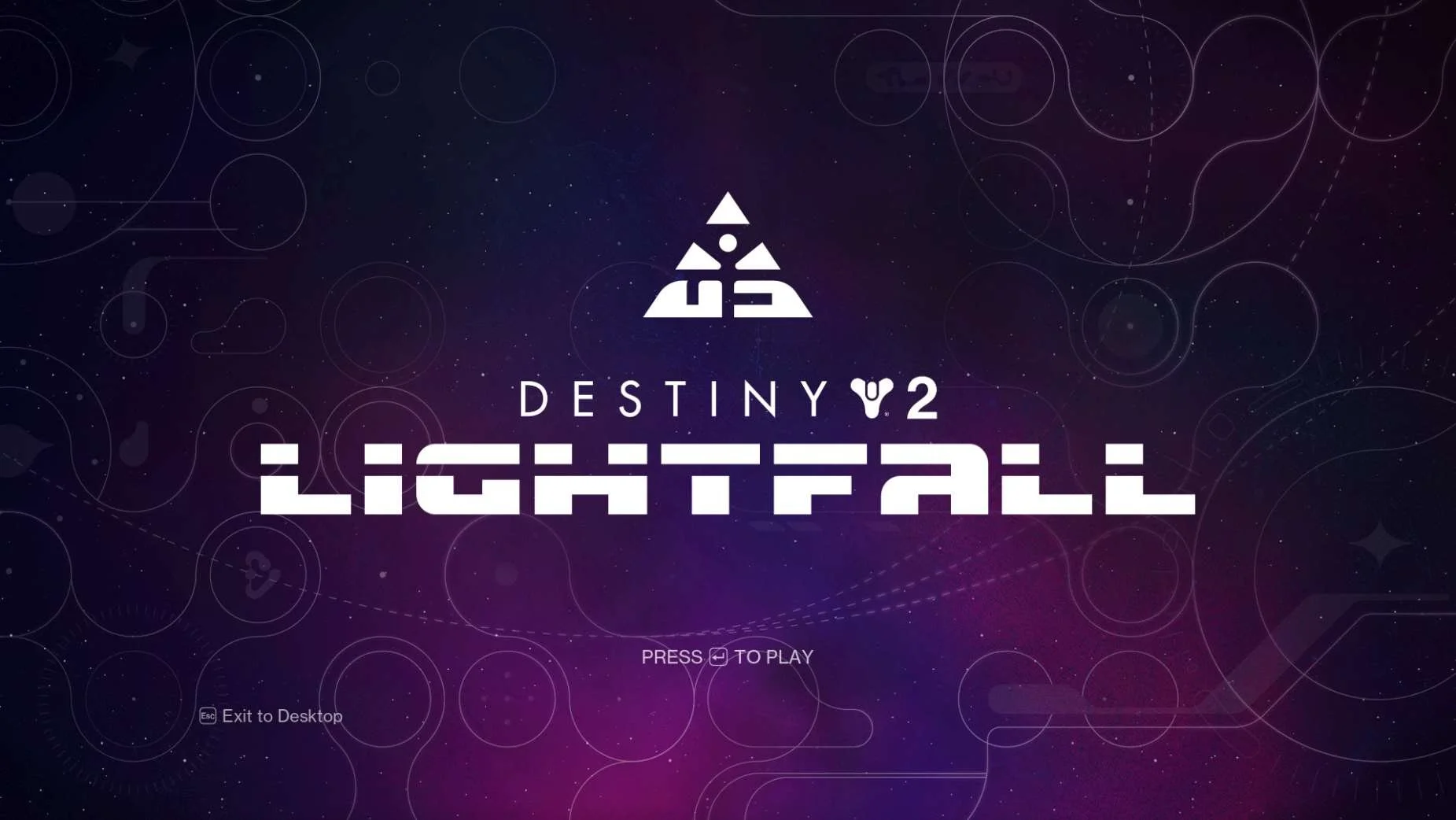
| Destiny 2 starts with a CrossSave message across all platformsAt this point in the research:
Upon first launch on every platform:
NOTE There is no account linking that happens within the game in any platform. Players are directed to visit a website in web browser outside of the platform. |
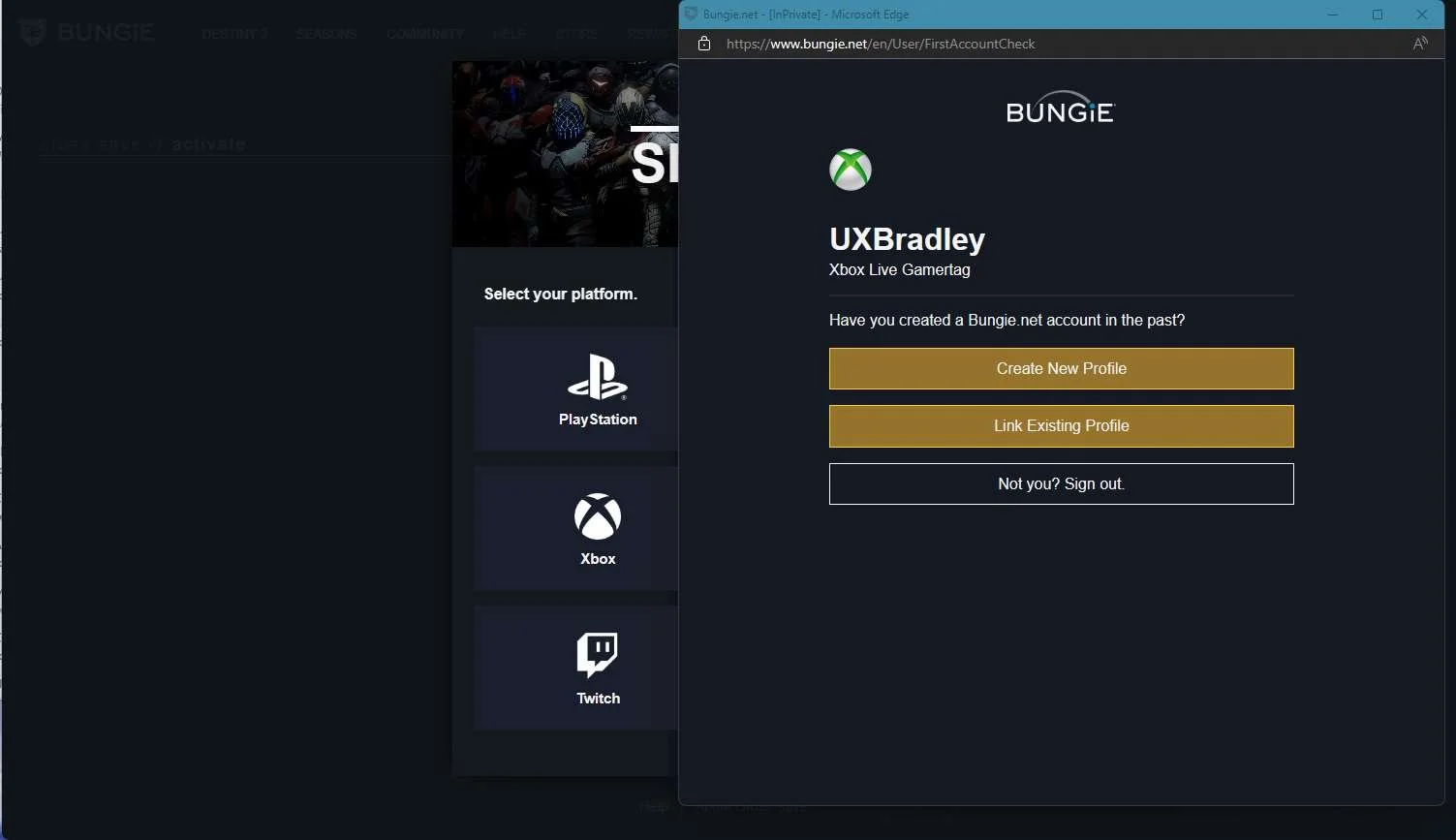
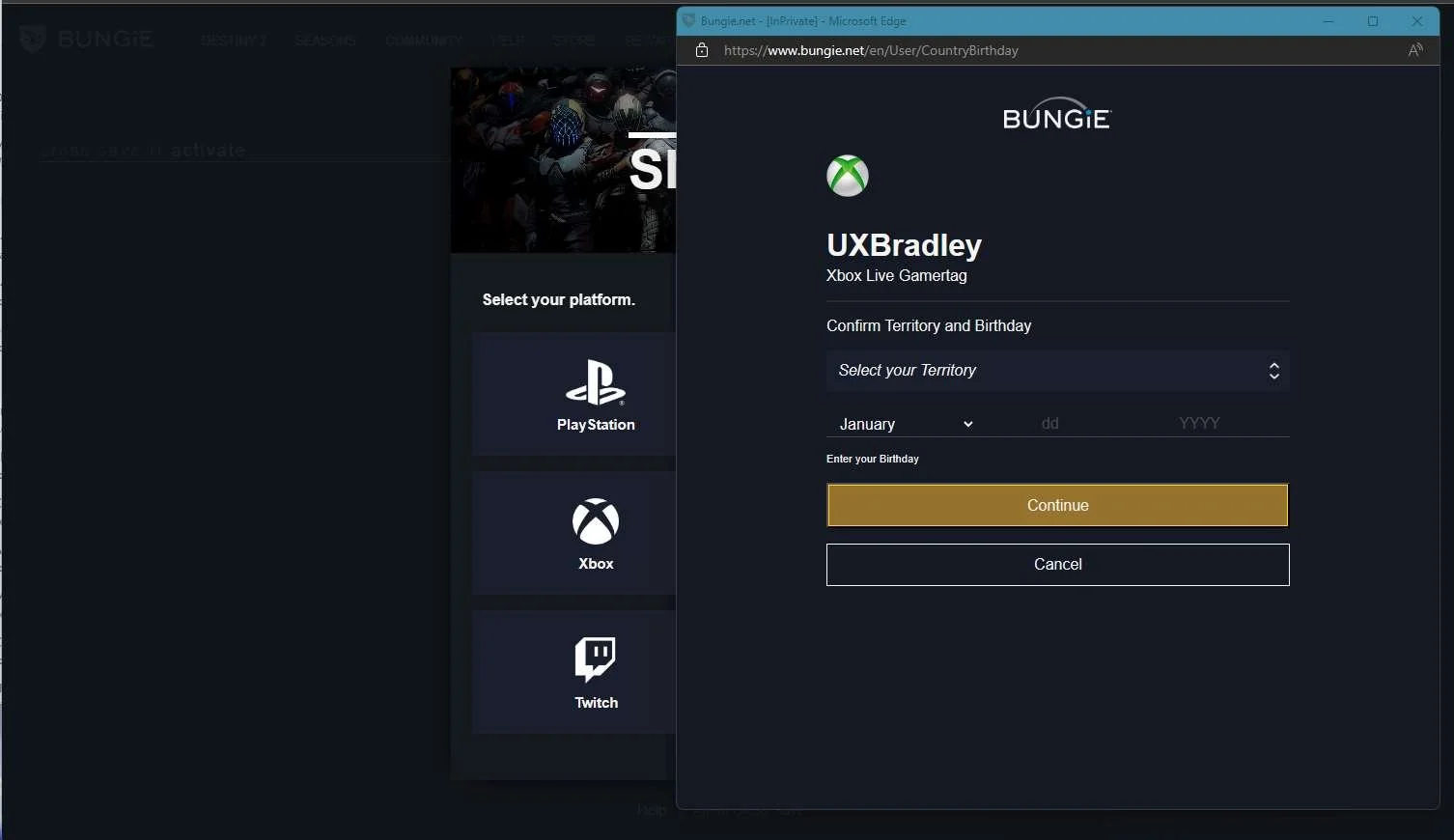
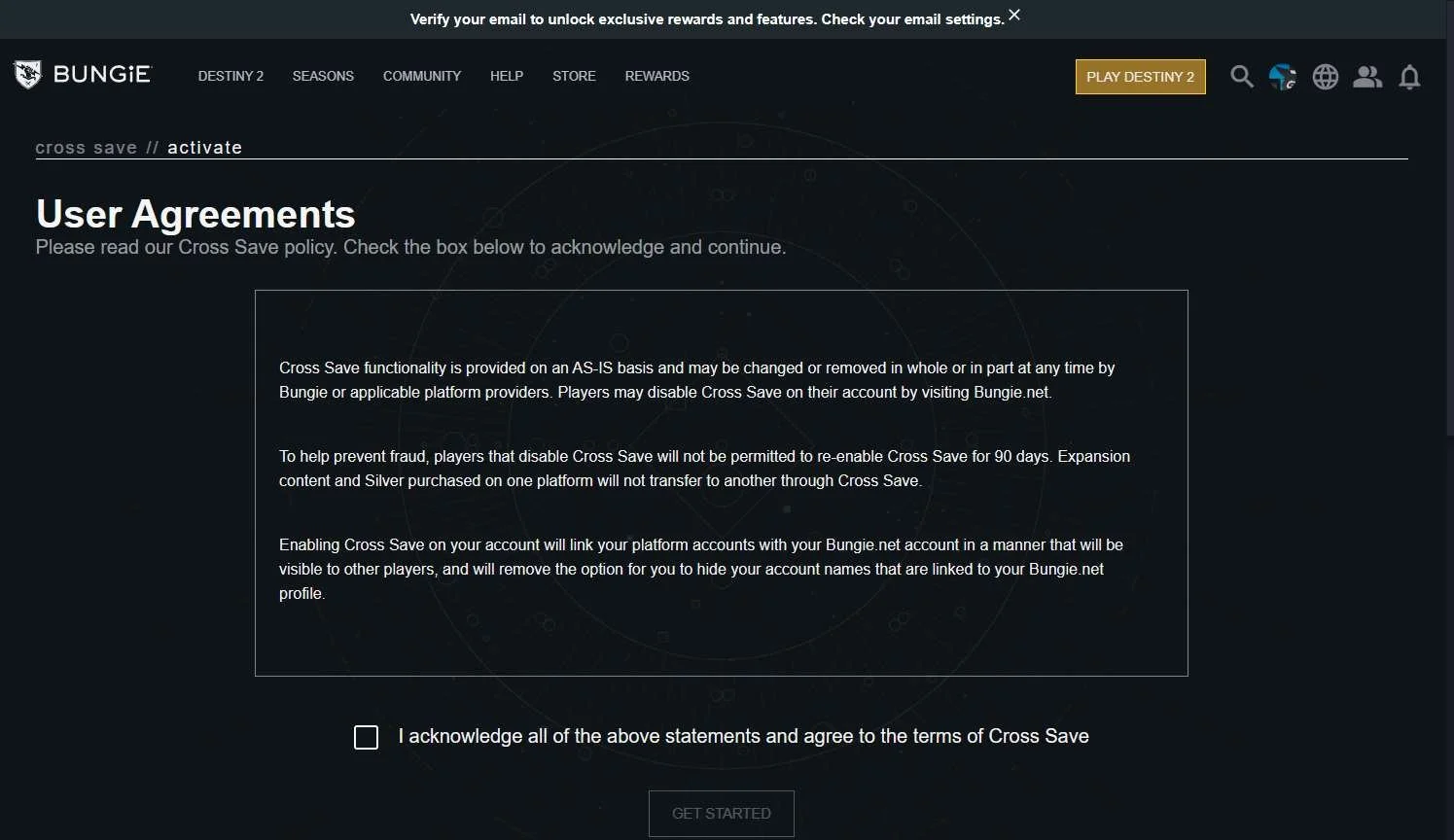
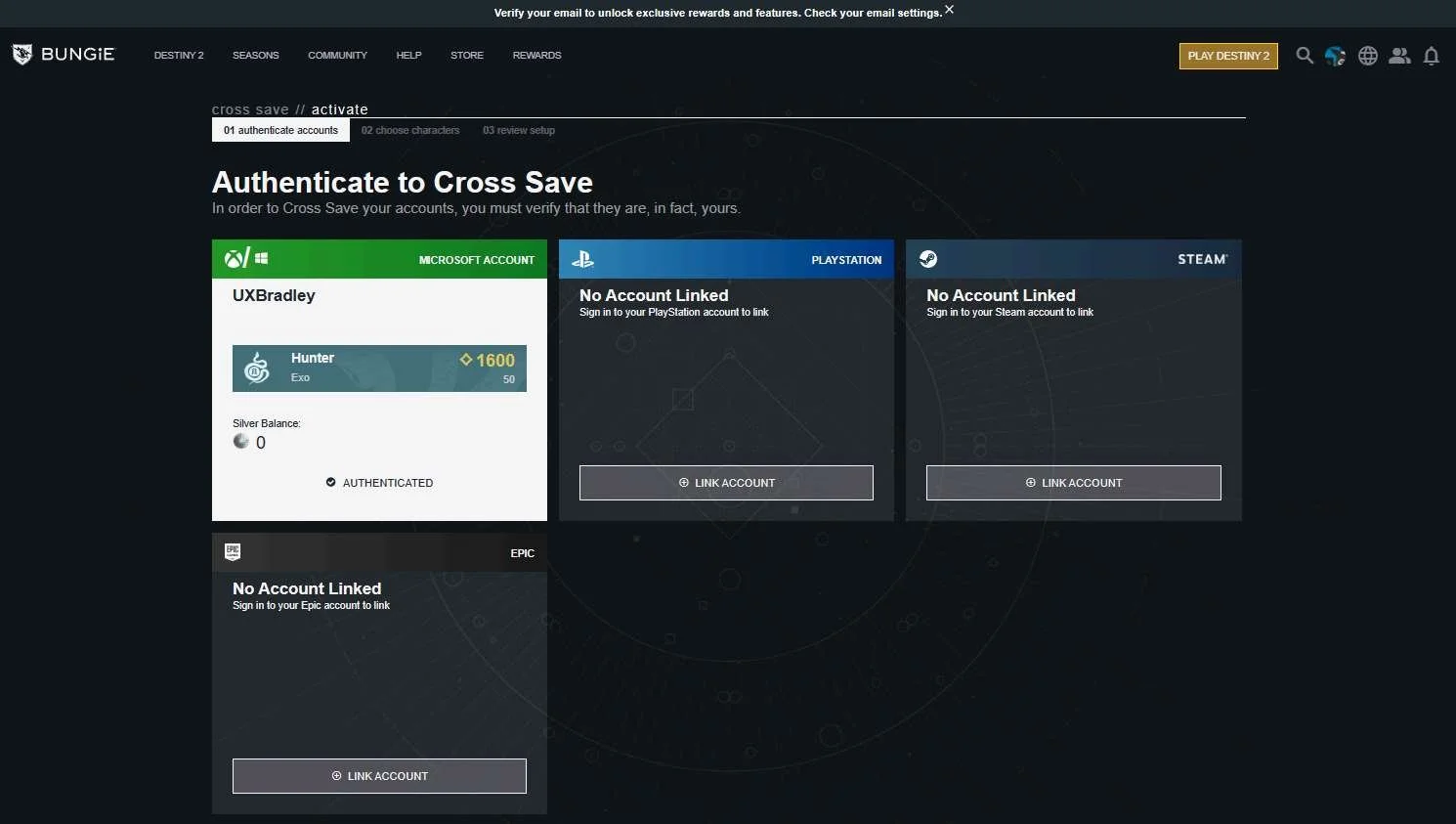
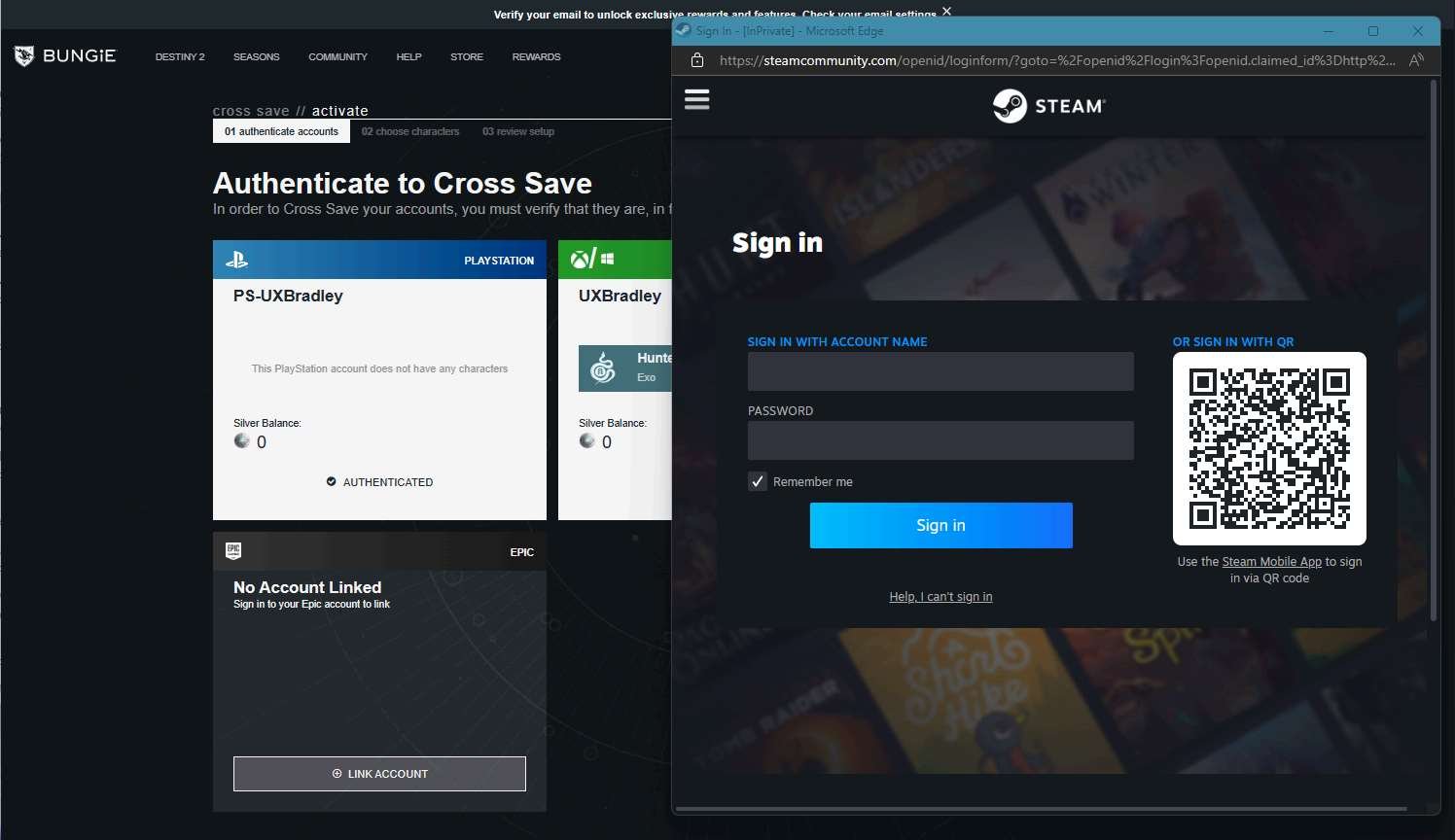
BUNGIE.NET/CROSSSAVE
Media | Notes |
|---|---|
Screenshot from 23 Nov 2023 in a web browser:
| Linking accounts at the bungie.net/CrossSave websiteAt this point in the research:
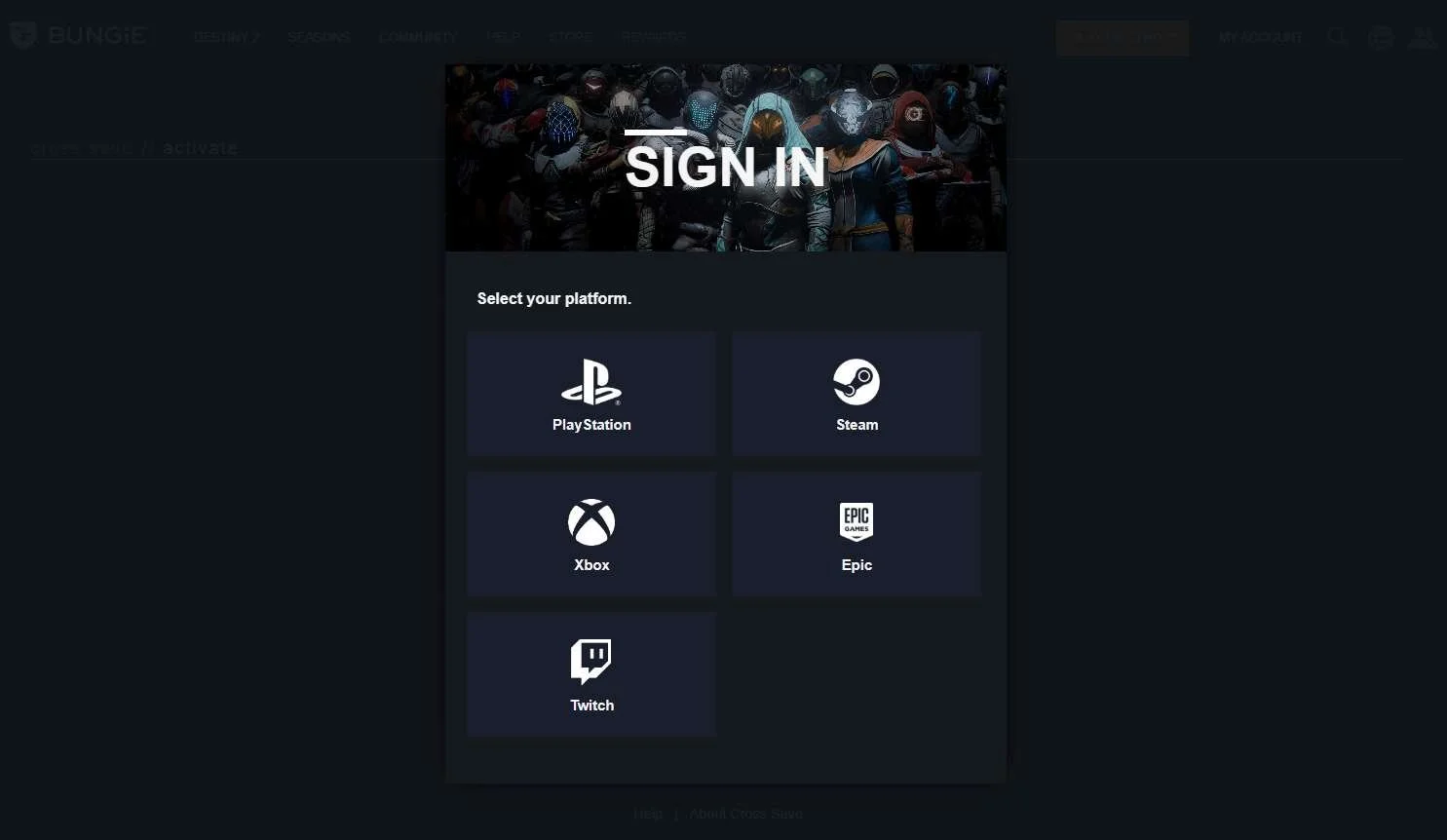
Signing into the bungie.net/CrossSave website:
|
Screenshots from 23 Nov 2023 in a web browser:
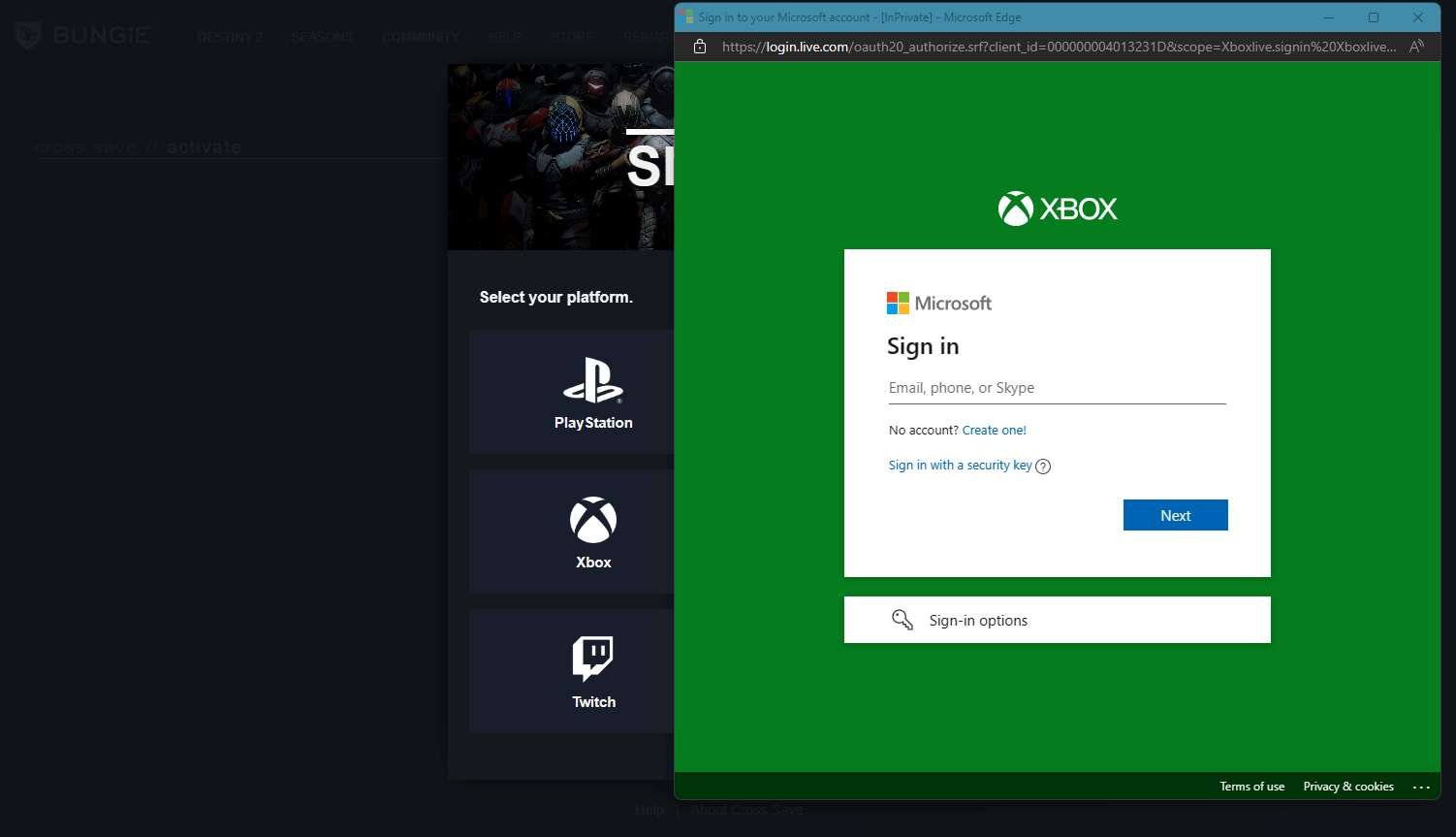
| XBOX as the 1st platformAt this point in the research:
Linking XBOX as the first platform:
|
| Playstation as the 2nd platform
|
| PC (WINDOWS) STEAM as the 3rd platform
|
| PC (WINDOWS) Epic Launcher as the 4th platform
|
| Completing CrossSave activation
|
Screenshots from 23 Nov 2023 in a web browser:
| Deactivating Cross Save
IMPORTANT If a player wants to unlink their accounts, it will cause a 90 day cool down before they will be able to link accounts on those platforms again. |
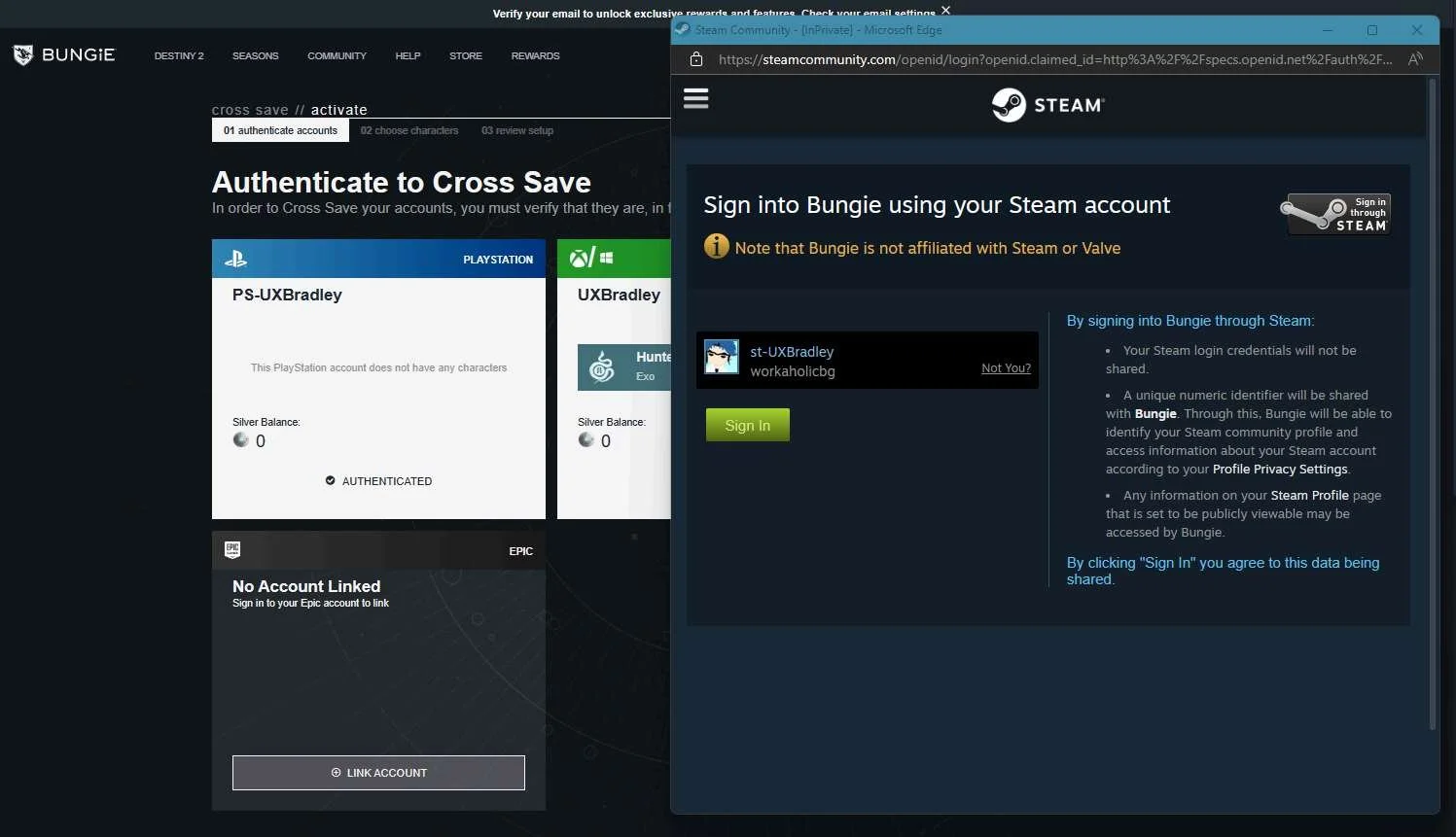
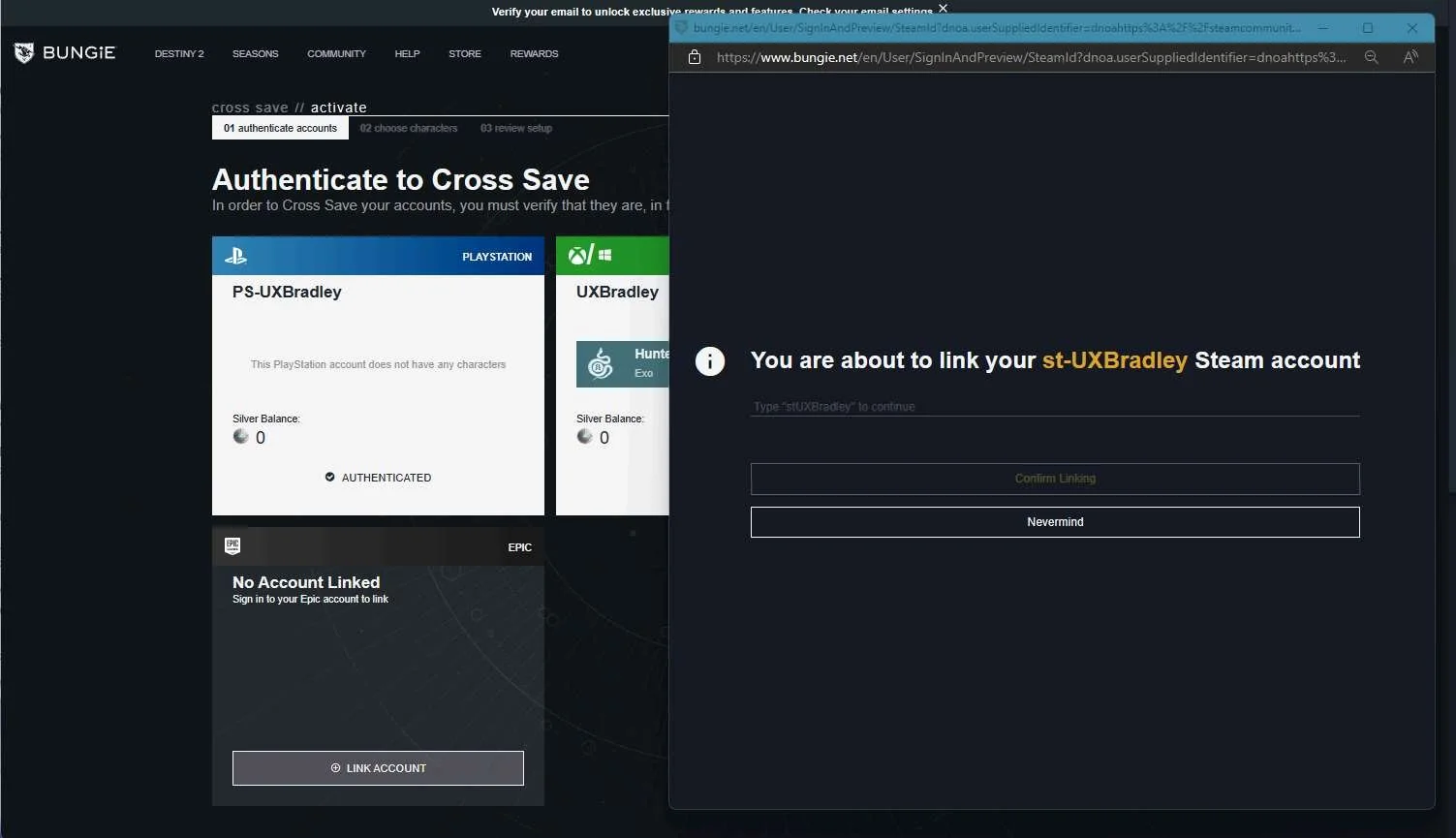
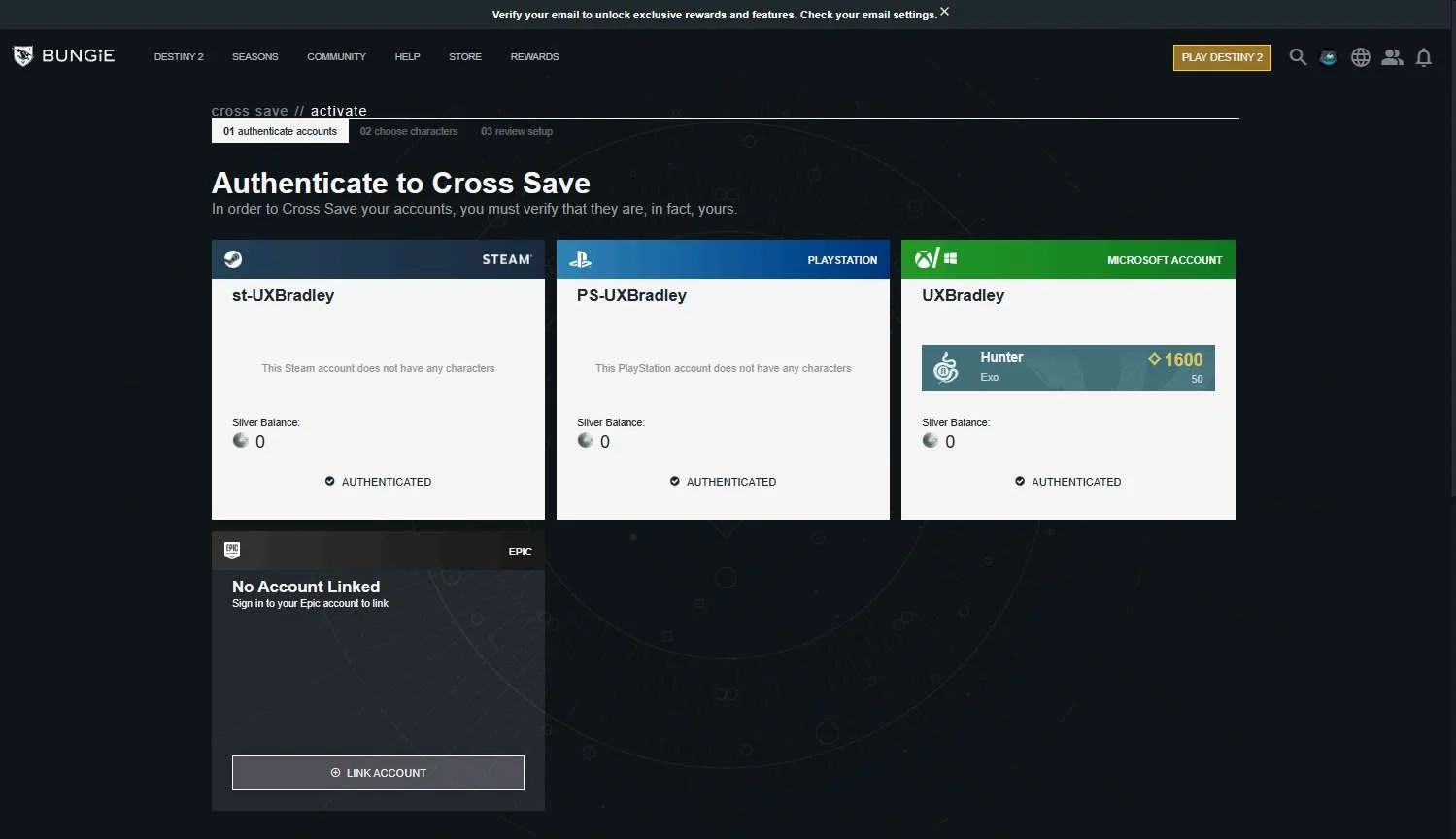


Genshin Impact
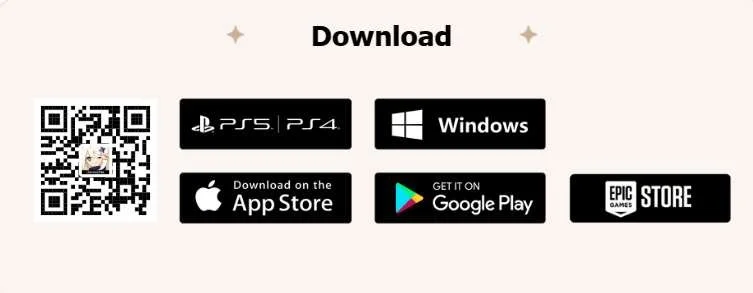
Screenshot from 17 Nov 2023 from: Genshin Impact – Step Into a Vast Magical World of Adventure (hoyoverse.com)
As of 17 Nov 2023 Genshin Impact is available on the following platforms and is Free to Play:
- INCLUDED IN RESEARCH (WINDOWS) | PC Genshin Client: Direct Download from Genshin Impact – Step Into a Vast Magical World of Adventure (hoyoverse.com)
- INCLUDED IN RESEARCH (WINDOWS) | PC EPIC LAUNCHER: Genshin Impact | Download and Play for Free - Epic Games Store
- INCLUDED IN RESEARCH (PS5) | Playstation 4 & 5: Genshin Impact - PS4 & PS5 games | PlayStation (US)
- INCLUDED IN RESEARCH | iOS (Apple): Genshin Impact on the App Store (apple.com)
- INCLUDED IN RESEARCH | Android: Genshin Impact - Apps on Google Play
Highlights
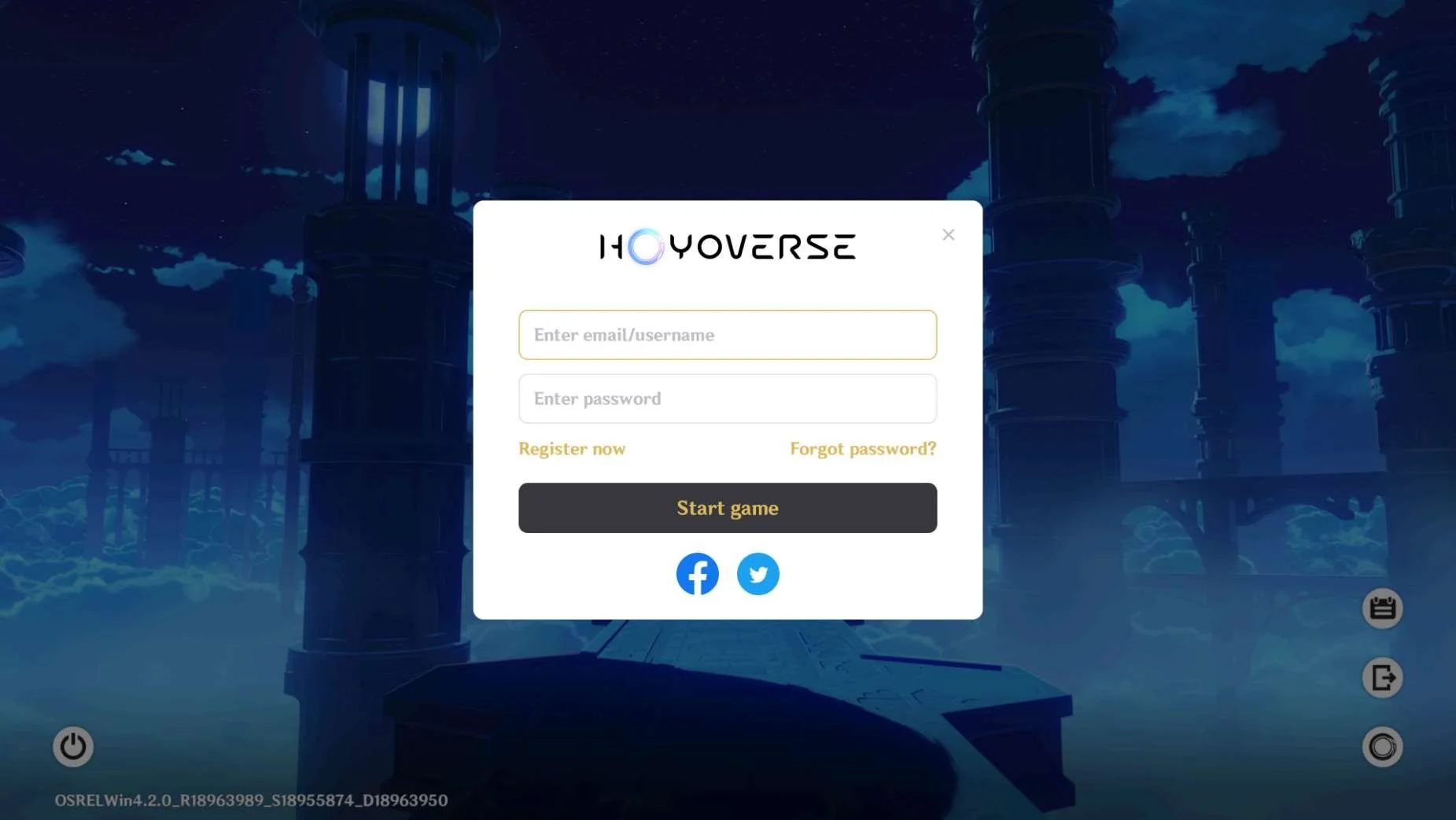
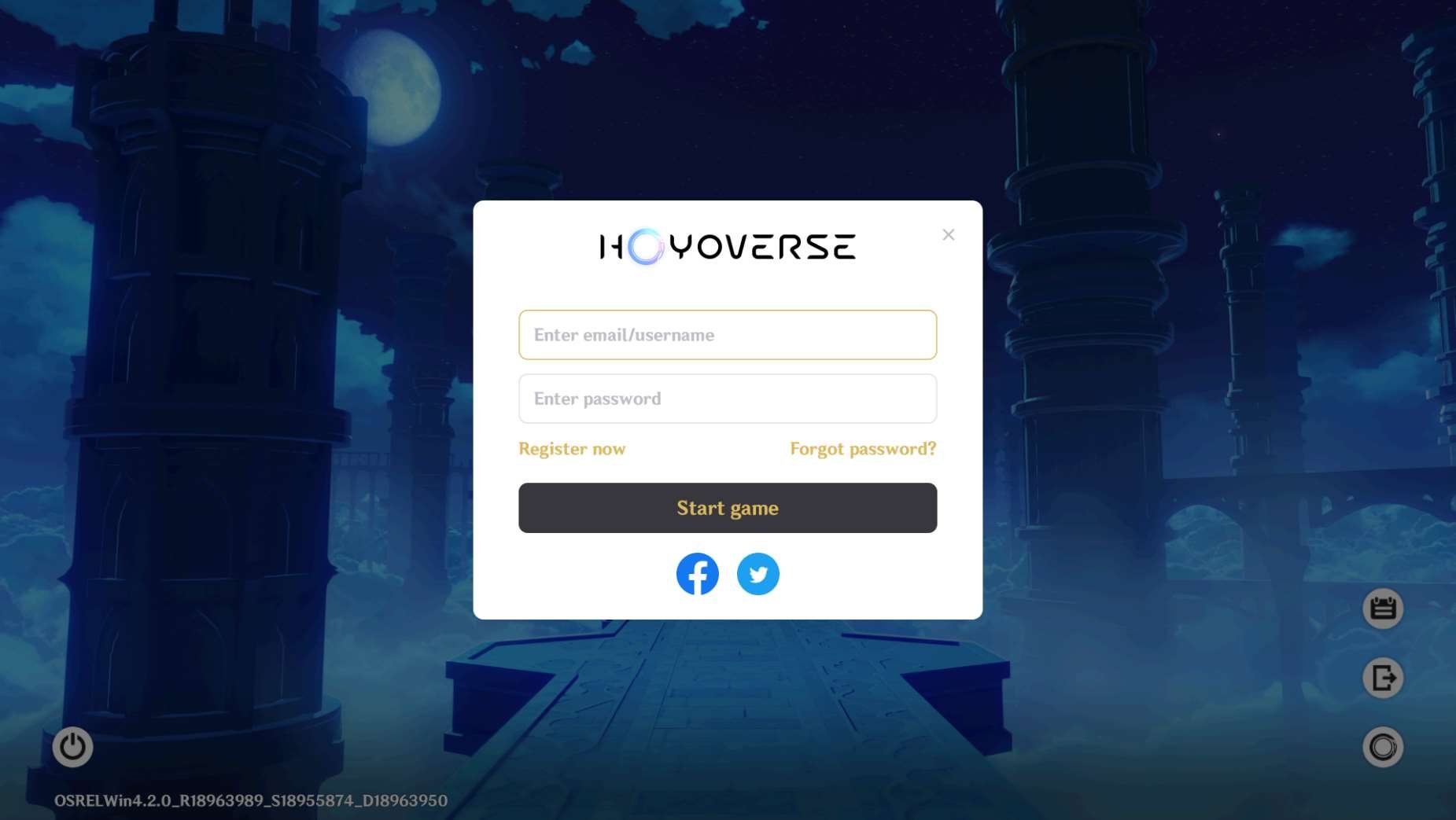
- Genshin Impact feels very seamless across platforms because the player is signing into the same account using the same sign in flow across the majority of the platforms
- The sign in flow is very easy and low effort
- Players are able to sign in with social media accounts (facebook, twitter most consistently across platforms)
Lowlights
- Players can not sign out of their Hoyoverse account on Playstation 5
- Players can not unlink their Playstation account with their Hoyoverse account once it's linked
HOYOVERSE SIGN IN
Media | Notes |
|---|---|
Screenshots from 23 Nov 2023 on PC (WINDOWS) Genshin Client:
PC (WINDOWS) Epic Launcher: iOS (Apple): Android: Log Out: | Almost every platform uses Hoyoverse sign in
|


PLAYSTATION 5
Media | Notes |
|---|---|
Screenshots from 23 Nov 2023 on Playstation 5: | Playstation 5 is the only platform that asks for the player to link their platform account with their Hoyoverse account
|
Screenshot from 23 Nov 2023 from https://genshin.hoyoverse.com/en/news/detail/103969: | Can not log out or unlink Hoyoverse account from Playstation 5IMPORTANT
|
Change Log
ID | Date | Author | Description |
|---|---|---|---|
| 2 | 23 Nov 2023 | @bradleygrey | Research was completed. |
| 1 | 10 Nov 2023 | @bradleygrey | Started the research. |